
NOVALITH Mobile SaaS Onboarding Screen
A premium Japanese mobile onboarding screen for a fictional data analytics SaaS, useful for landing page or app concept mockups.
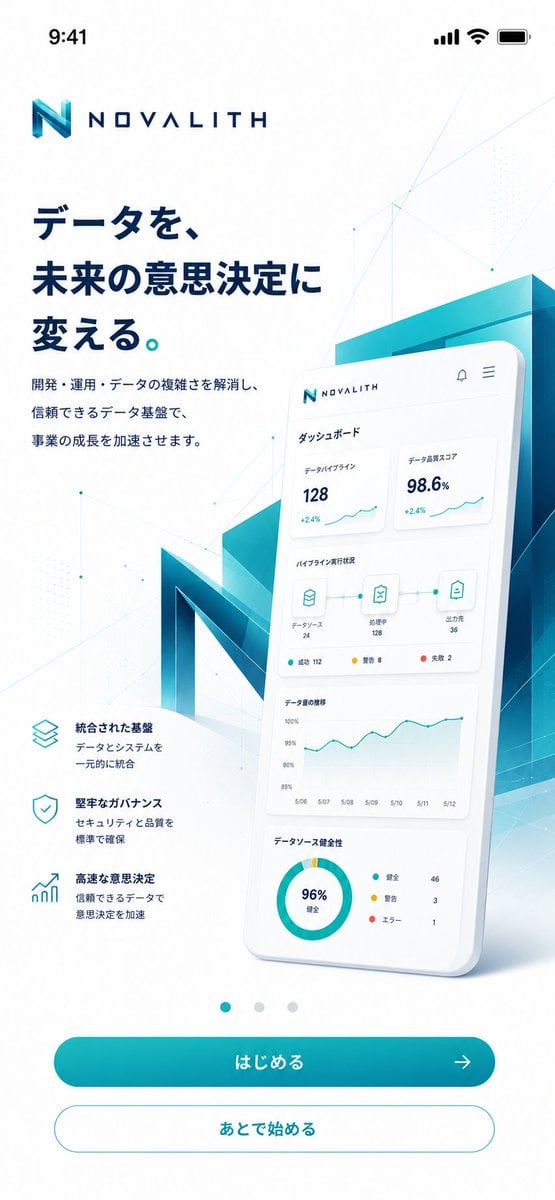
- Prompt included
- Model and format preset
- Free template
The prompt behind this image
Copy the exact prompt behind NOVALITH Mobile SaaS Onboarding Screen, or open it in the studio and make it yours.
Goal: Create a polished mobile onboarding/top screen for a fictional B2B data platform named {argument name="brand name" default="NOVALITH"}, in a premium Japanese SaaS visual style. Canvas: Vertical smartphone screenshot, 9:16 aspect ratio, white background, iOS status bar at the top showing 9:41 with signal, Wi-Fi, and battery icons. Use generous margins and a clean app-advertising composition. Layout: Place the NOVALITH logo near the top left, with a geometric turquoise-blue “N” mark and wide-spaced navy wordmark. Below it, set a large bold Japanese headline in dark navy: {argument name="headline text" default="データを、未来の意思決定に変える。"}. Under the headline, add a smaller two-line Japanese description: {argument name="body text" default="開発・運用・データの複雑さを解消し、信頼できるデータ基盤で、事業の成長を加速させます。"}. On the lower left, show exactly 3 feature blurbs with thin cyan outline icons: 1) stacked layers icon, title “統合された基盤”, description “データとシステムを一元的に統合”; 2) shield check icon, title “堅牢なガバナンス”, description “セキュリティと品質を標準で確保”; 3) rising bar chart icon, title “高速な意思決定”, description “信頼できるデータで意思決定を加速”. Hero visual: On the right half, create a large glossy 3D smartphone card tilted slightly backward, overlapping a translucent teal-blue architectural block and a giant faceted 3D letter N behind it. The phone screen shows a Japanese dashboard UI with exactly 4 dashboard sections: 1) top metric cards, with “データパイプライン 128 +2.4%” and “データ品質スコア 98.6% +2.4%”; 2) pipeline status row with three connected icons labeled “データソース 24”, “処理中 128”, and “出力先 36”, plus small status dots; 3) line chart titled “データ量の推移” with dates from 5/06 to 5/12; 4) donut chart titled “データソース健全性” showing “96% 健全” and a legend with “健全 46”, “警告 3”, “エラー 1”. Keep the dashboard text small but believable and neatly aligned. Bottom navigation and actions: Center exactly 3 small carousel dots above the buttons; the first dot is teal and active, the other two are pale gray. Add exactly 2 rounded buttons at the bottom: a filled teal gradient primary button labeled {argument name="primary button label" default="はじめる"} with a right arrow icon, and a white secondary button with teal outline labeled {argument name="secondary button label" default="あとで始める"}. Visual style: Futuristic enterprise data analytics, crisp vector UI mixed with soft 3D glassmorphism. Palette is white, deep navy, cyan, teal, and aqua gradients. Add subtle polygon network lines, tiny nodes, faint dotted patterns, and light geometric overlays across the background. Use soft shadows, clean Japanese typography, high contrast, and a premium App Store marketing feel. Avoid clutter, avoid extra buttons, avoid extra feature items, and do not add watermarks.
How to use NOVALITH Mobile SaaS Onboarding Screen in 3 steps
- 1Upload ImagePNG, JPG or paste
Add your photo
Upload the photo the template builds on. The prompt, model and format are already set.
- 2…a portrait of your subject in softgolden-hour light, 85mm…
Personalize
Edit the subject and creative details for your destination.
- 3Generate
Generate
Press Generate — your image is created in PicX Studio, so you can compare it with the original and refine one variable at a time.
More like this
Templates with the same subject, style or setup. Open one to see its prompt.
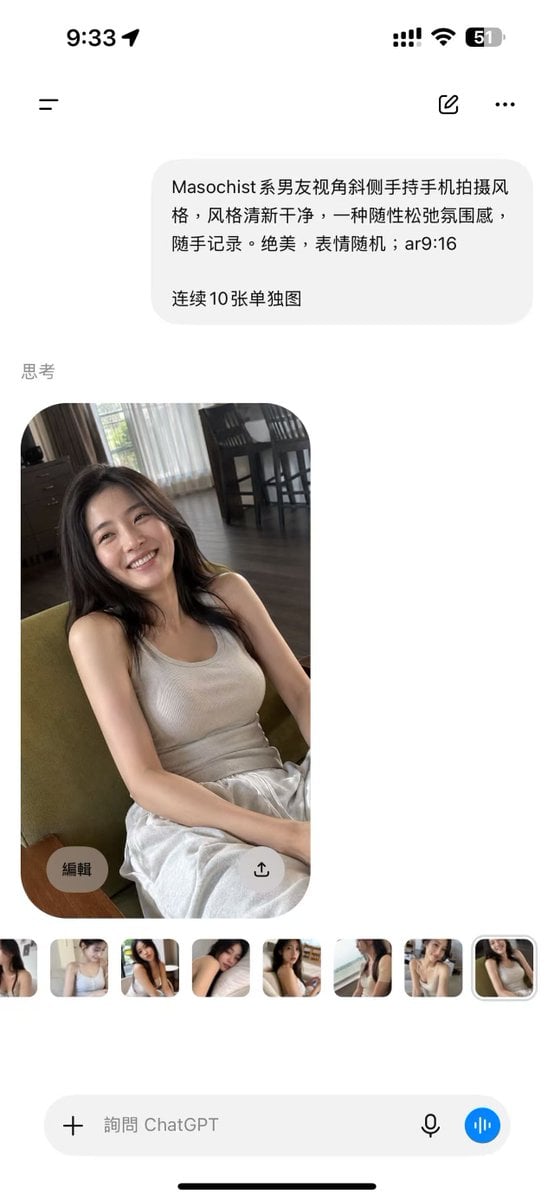
ChatGPT Mobile Photo Carousel Screenshot
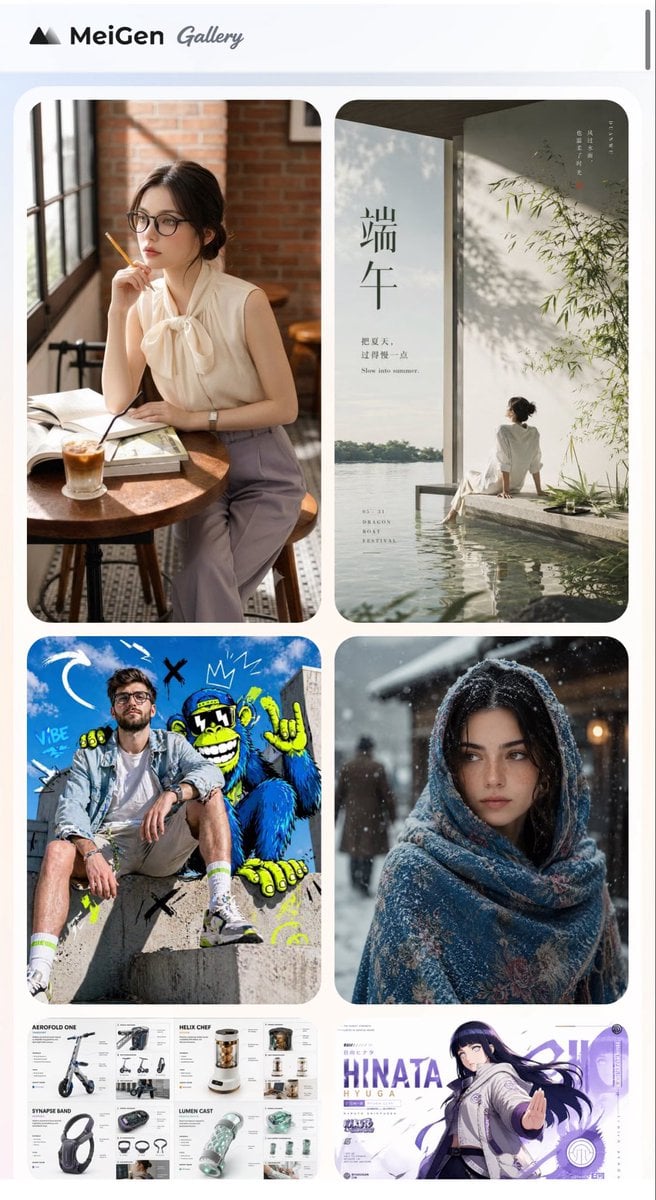
MeiGen AI Gallery Mobile Screenshot
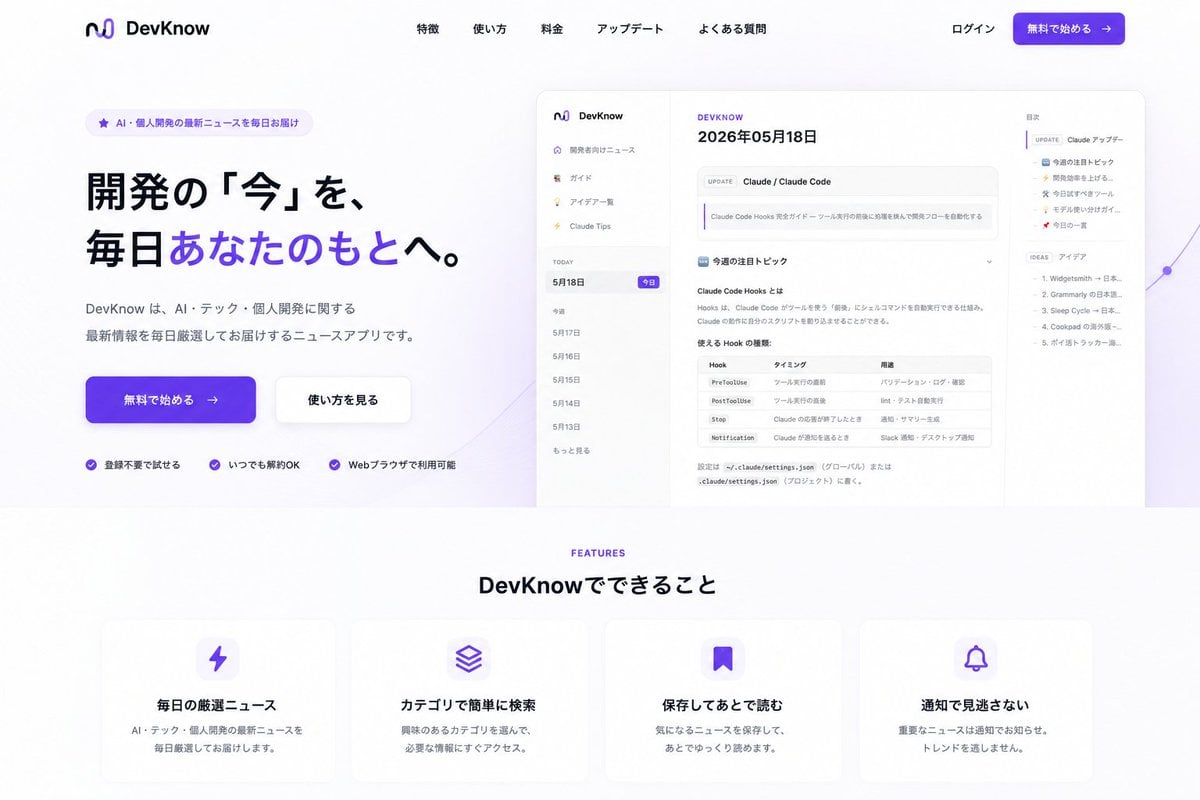
NOVALITH SaaS Landing Page Hero
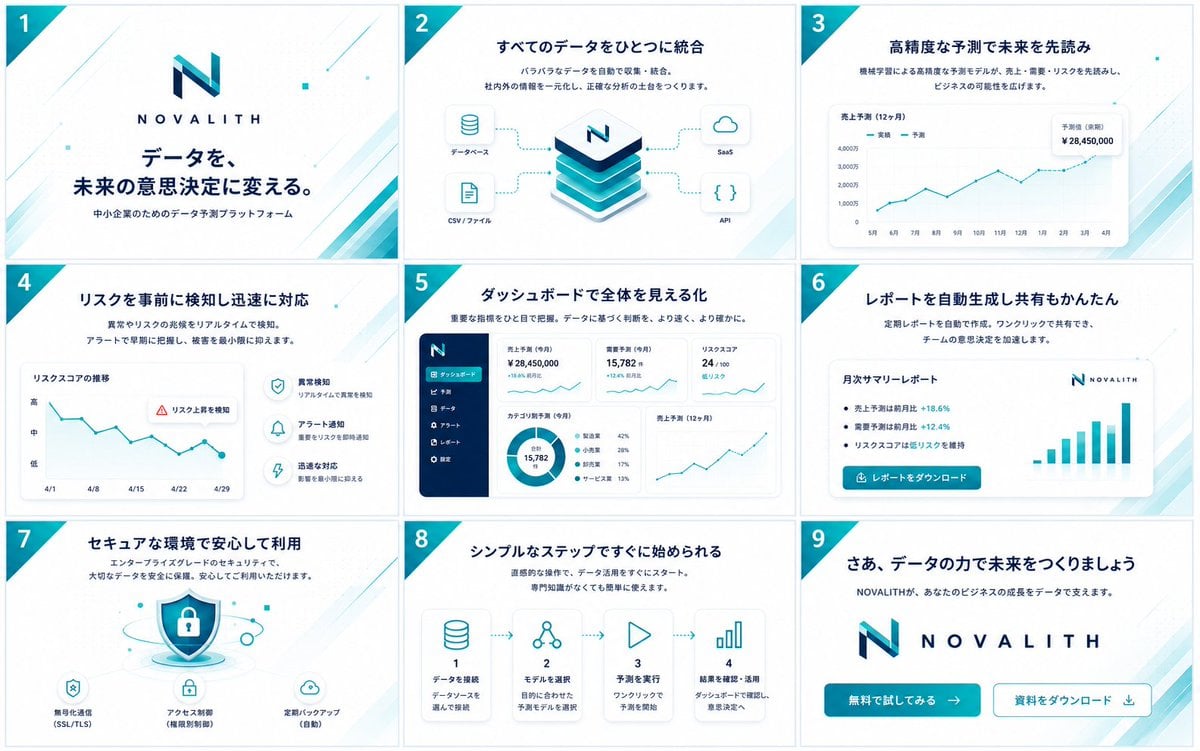
NOVALITH SaaS Pitch Deck Grid
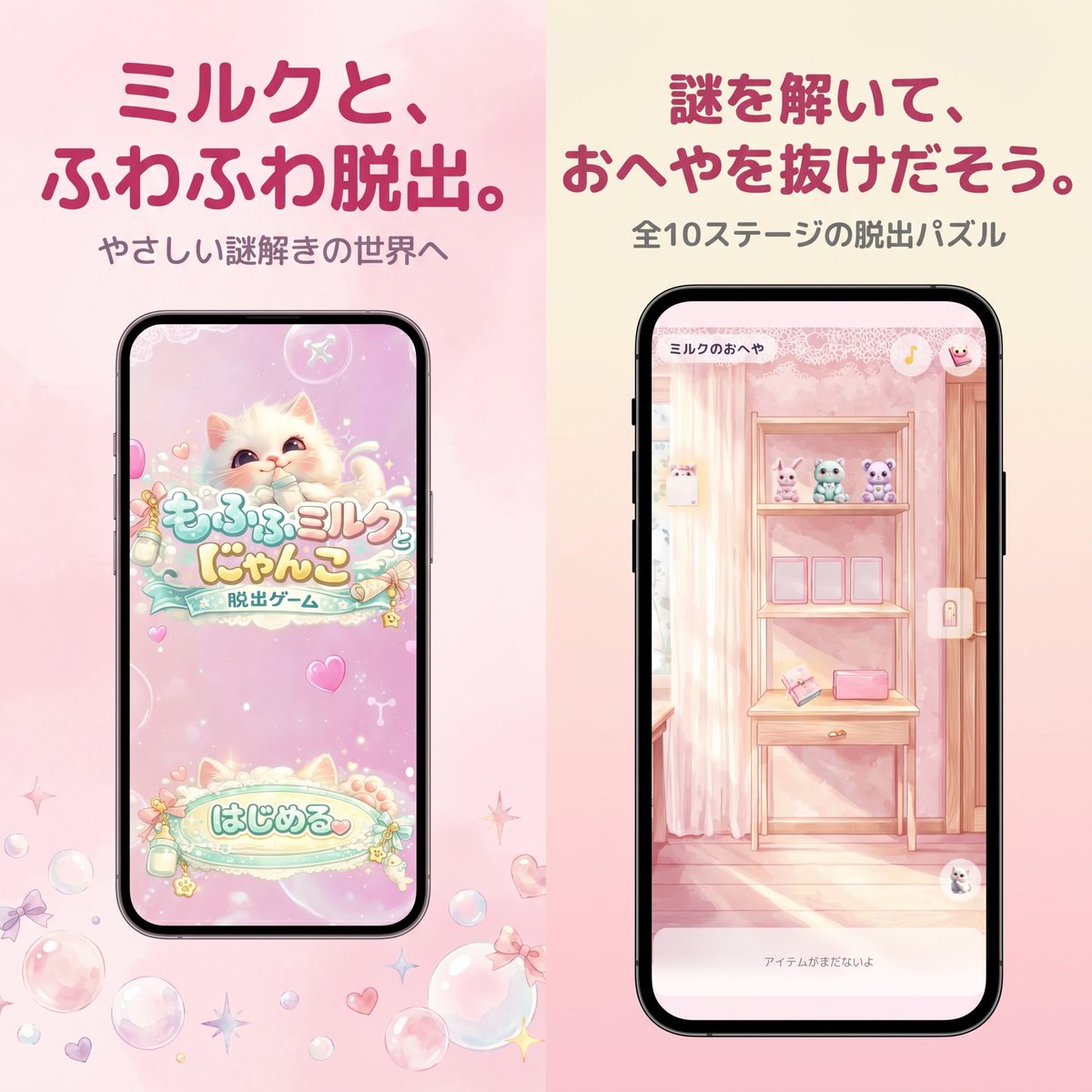
Pastel Japanese Mobile Game Store Screenshot
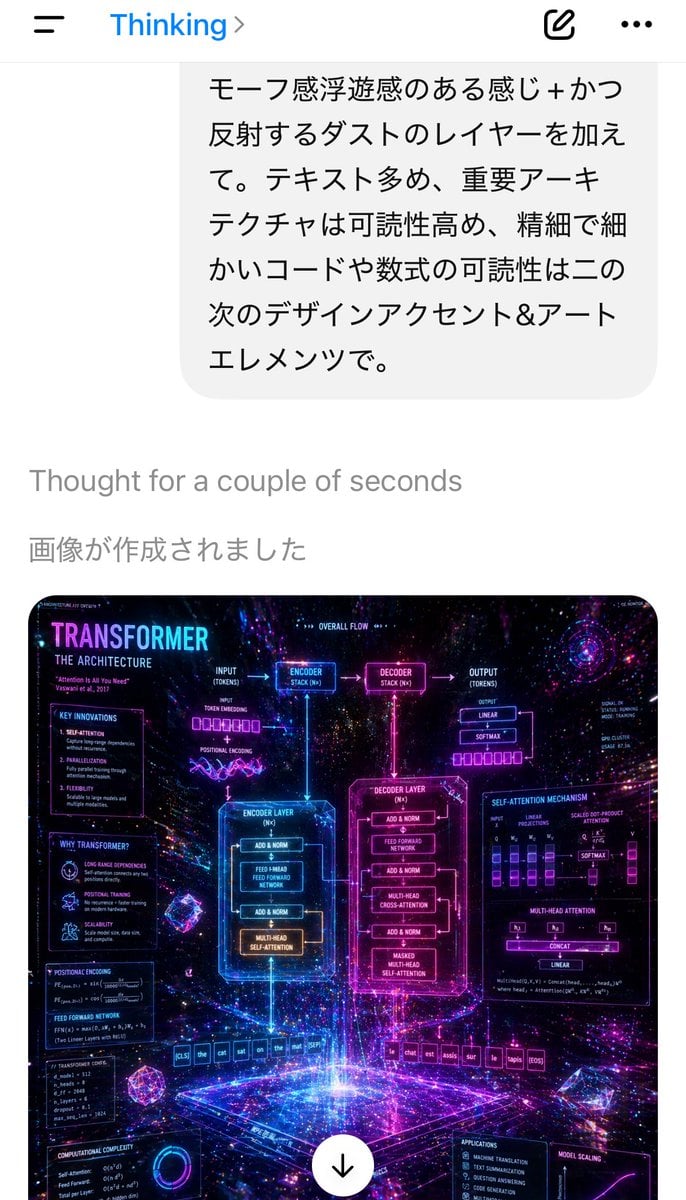
Mobile AI Chat Screenshot with Transformer Poster

Mobile App UI Screenshots

Gothic Japanese Mobile Homepage
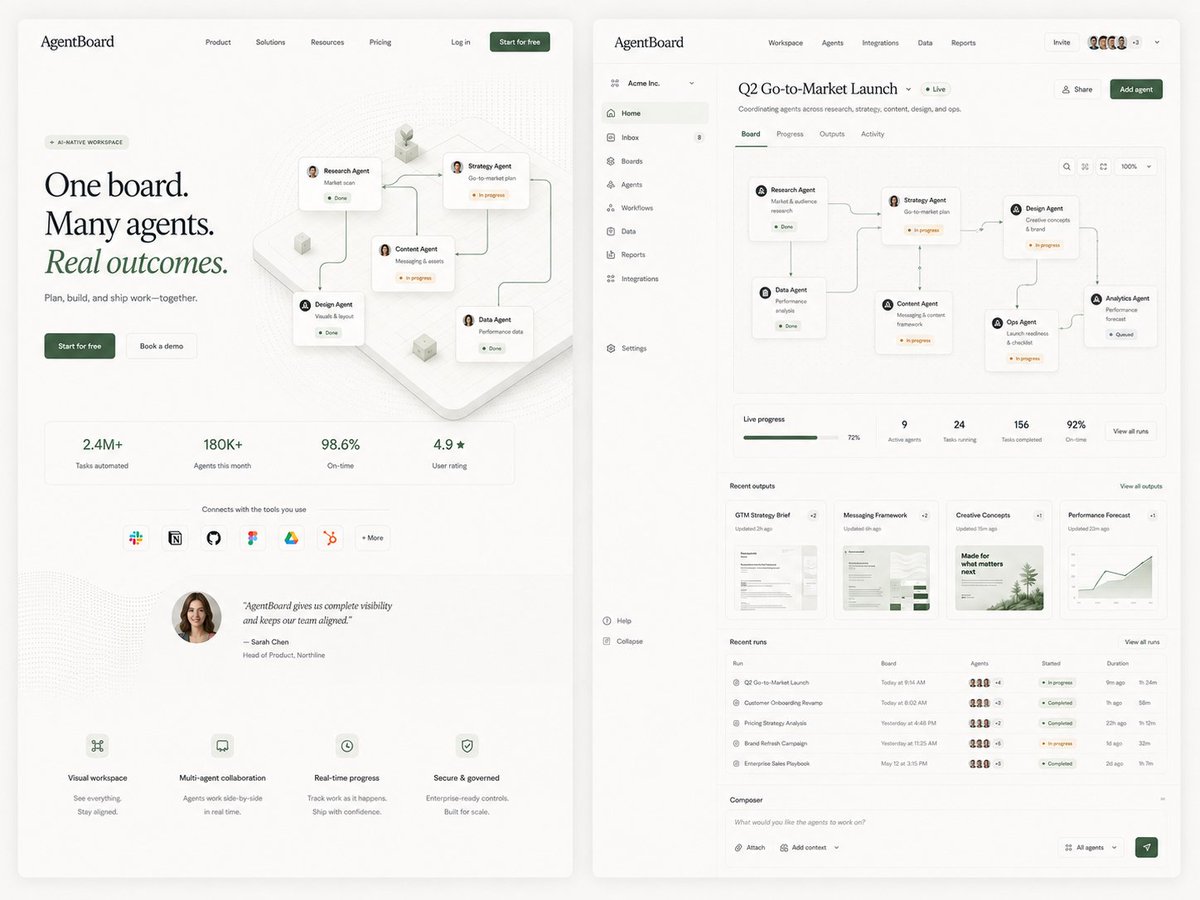
AgentBoard SaaS Landing and Dashboard UI
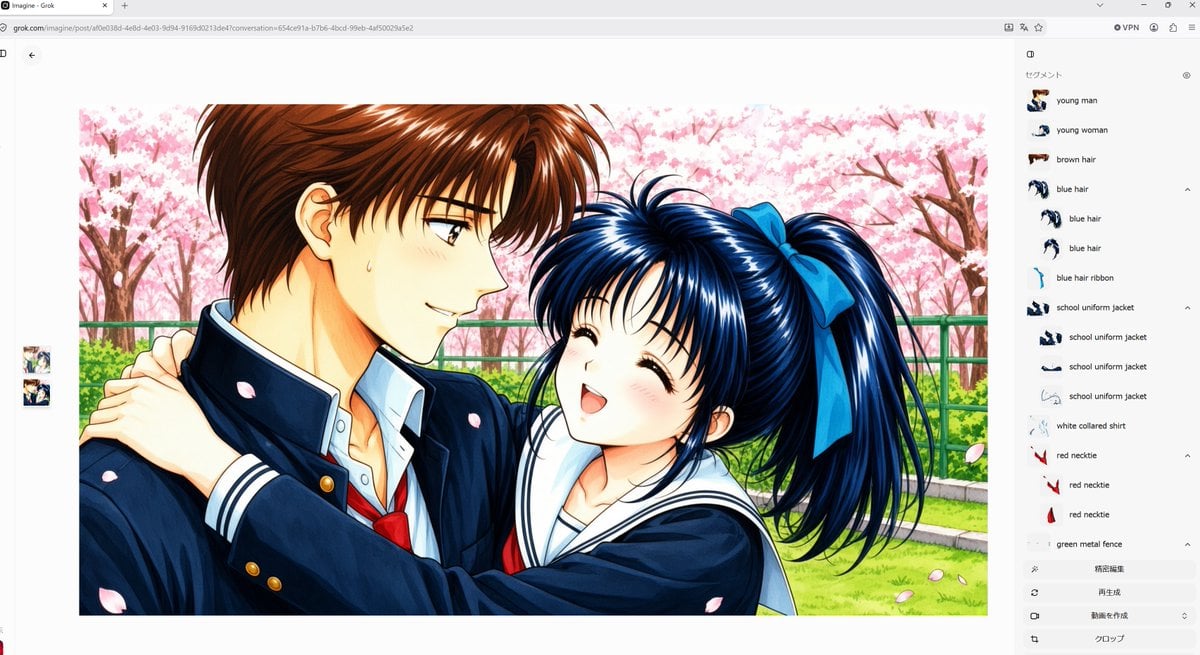
Anime Couple Segmentation UI Screenshot
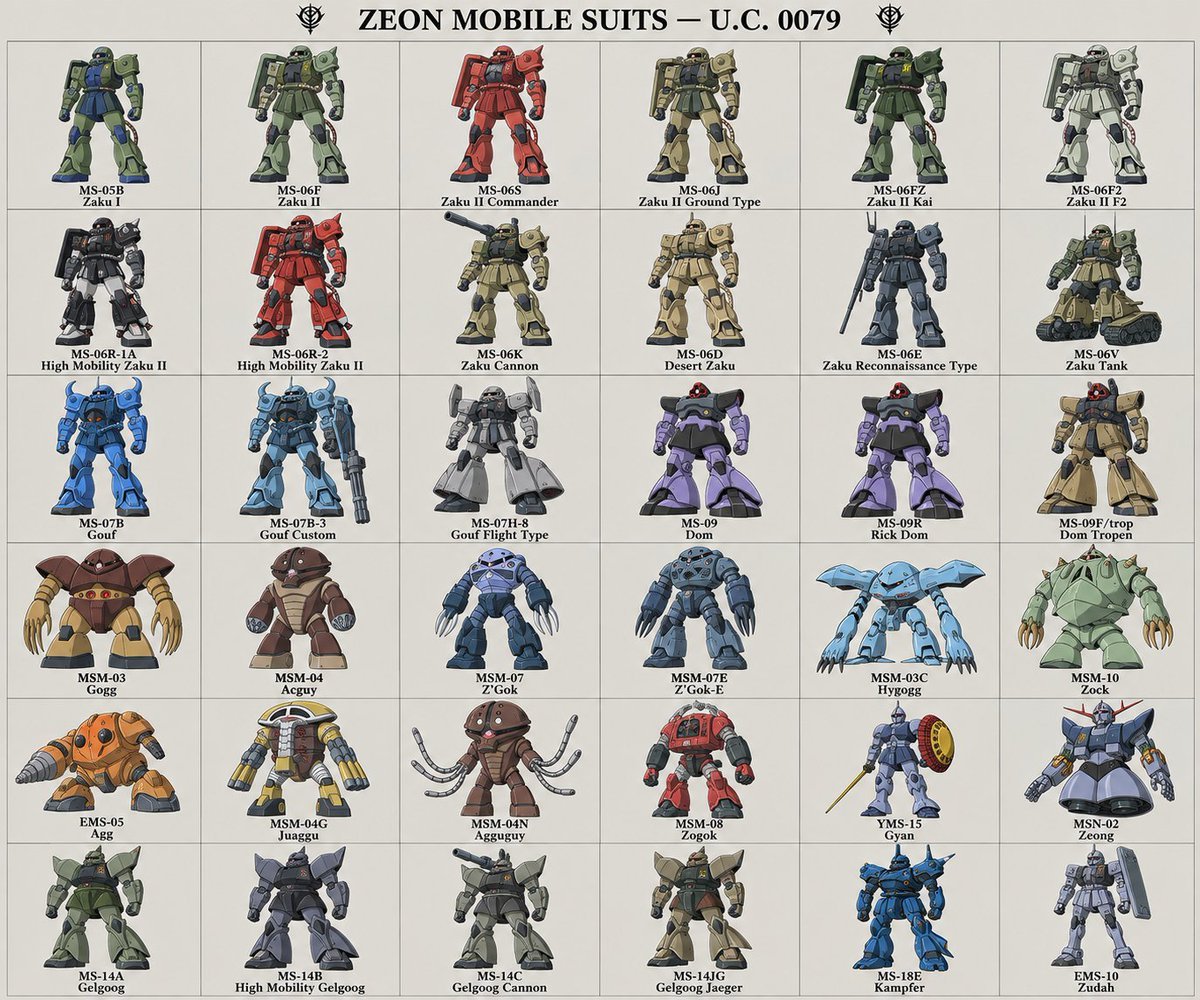
Zeon Mobile Suit Illustrations

Ergonomic Office Chair E-commerce Mobile Detail Page
Make it yours
NOVALITH Mobile SaaS Onboarding Screen works as-is. These are the safest ways to change it without losing the look.
Change one field
Copy a single group, rewrite it, and generate again so you can see what that field is doing.
Keep the frame, change the subject
Hold the composition and light of NOVALITH Mobile SaaS Onboarding Screen, then swap wardrobe, props or the person for a new take.
| If the result… | Why | Fix |
|---|---|---|
| The result drifts from the preview | Too many fields changed at once. | Reuse NOVALITH Mobile SaaS Onboarding Screen as-is first, then change one group — subject, light, or setting. |
| The model over-stylizes the scene | The prose prompt leaves finish and camera underspecified. | Add one camera or lighting sentence and stay on GPT Image 2. |
More GPT Image 2 templates
Other prompts made for GPT Image 2.

Six VTuber Japanese Logo Sheet

Realistic Portrait of Woman and Deer

The Vista Modular Condo Poster

AI Model Routing Comparison Infographic

2.5D Anime Art Board

Isometric Productivity Desk Scene

New York Double Exposure Poster

Four-Panel AI Landscape Comparison

Japanese Tatami Lifestyle Magazine Cover

NESCAFÉ Coffee Map Poster
More image prompts
Fresh picks from across the catalog.
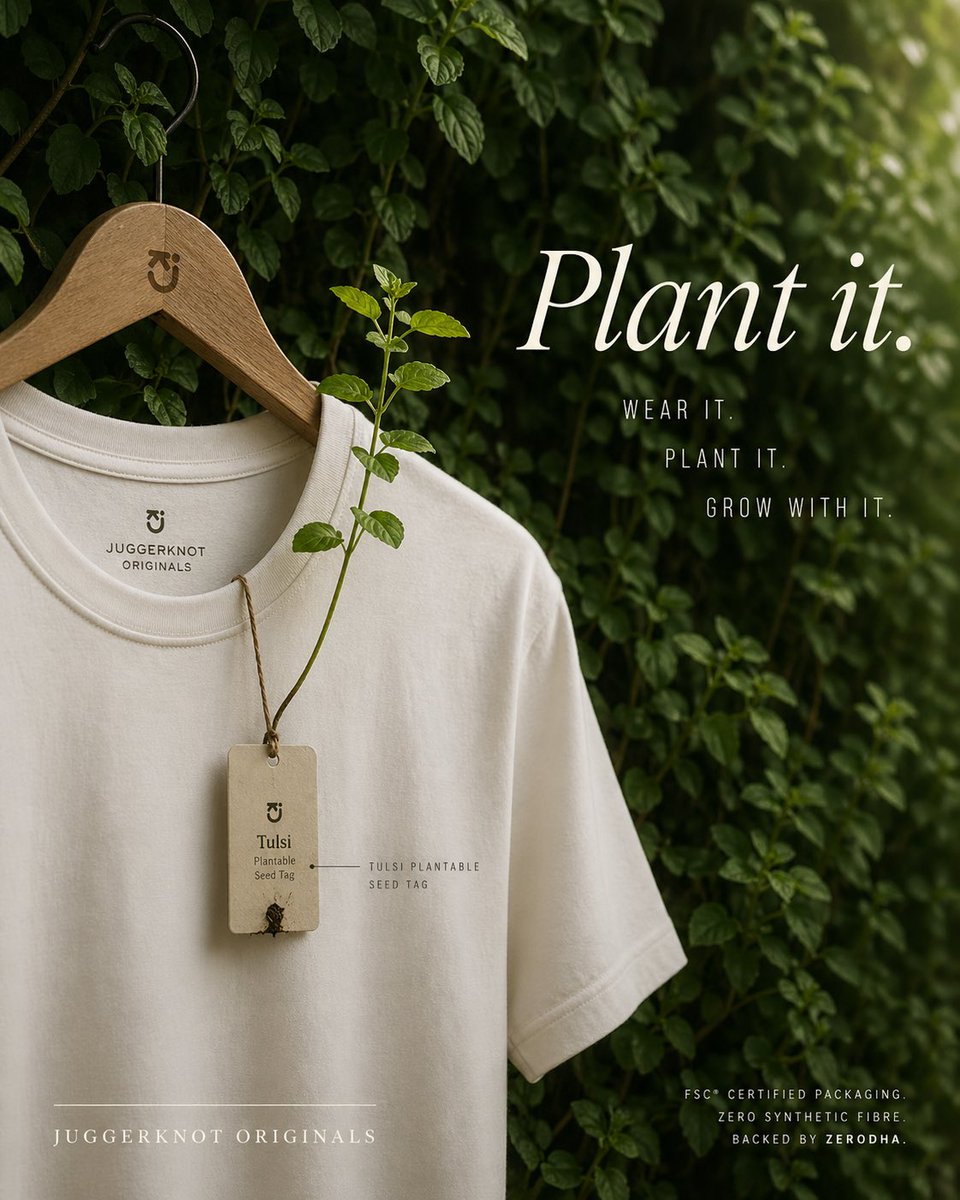
Sustainable T-Shirt Plantable Tag Ad
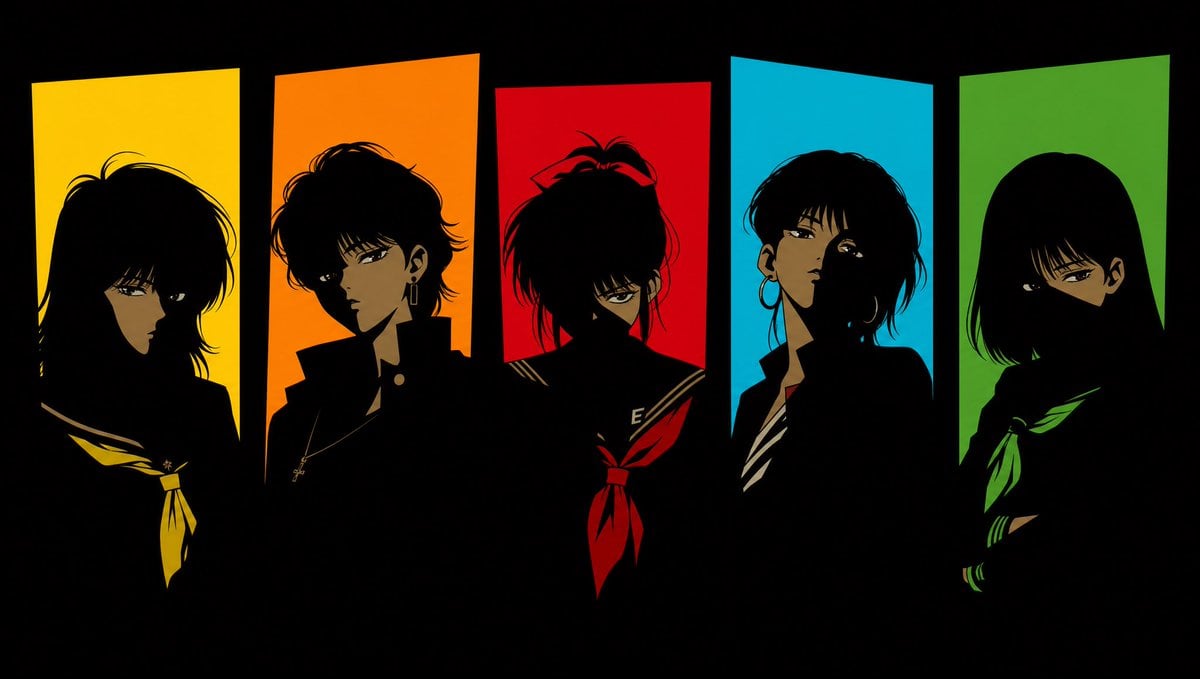
Five 1980s Delinquent Anime Girls

Golden Hour Portrait of a Smiling Young Woman

Gpt2 Product Marketing Japanese Chinese Food Delivery Flyer

Conceptual Cinematic Art Made Entirely of Water Droplets
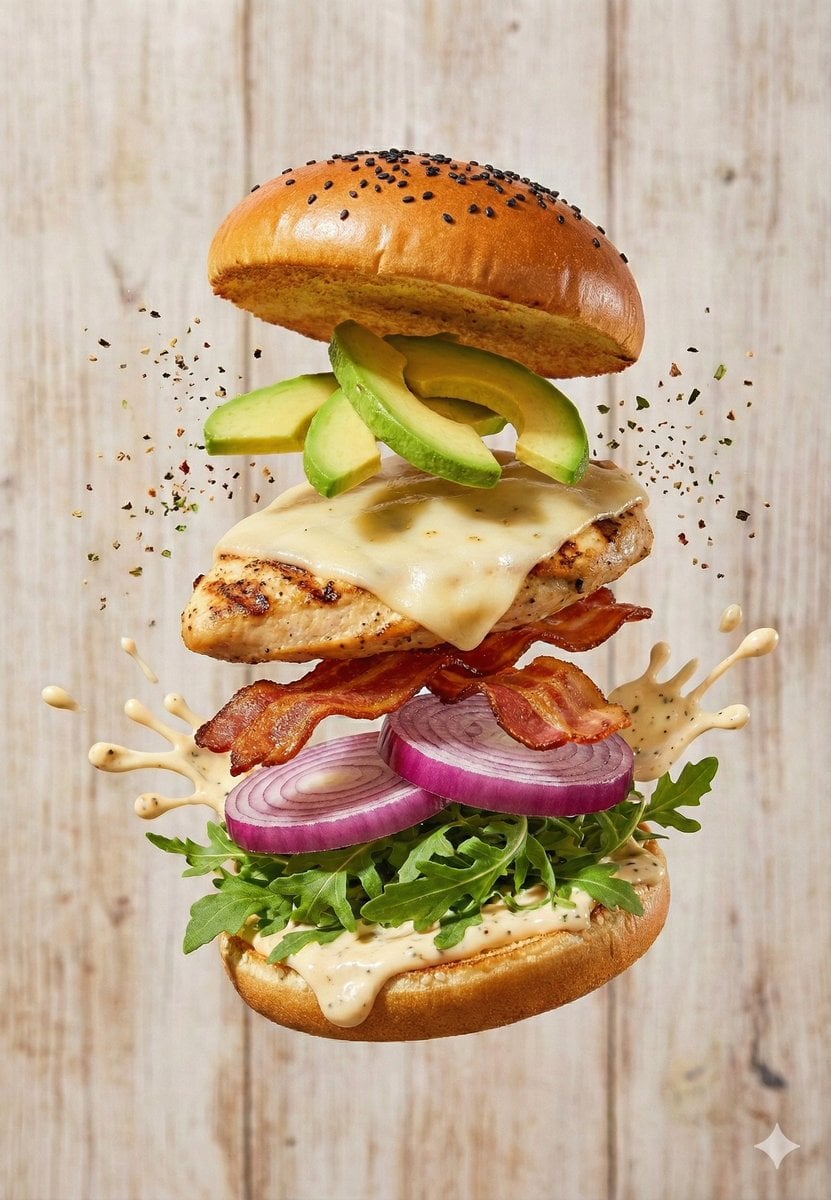
Floating Gourmet Burger Commercial Shot

Macro Shot of Strawberries Falling into Milk

Prompt: Turn the uploaded image into a highly auth

Surreal Visual Metaphor Template
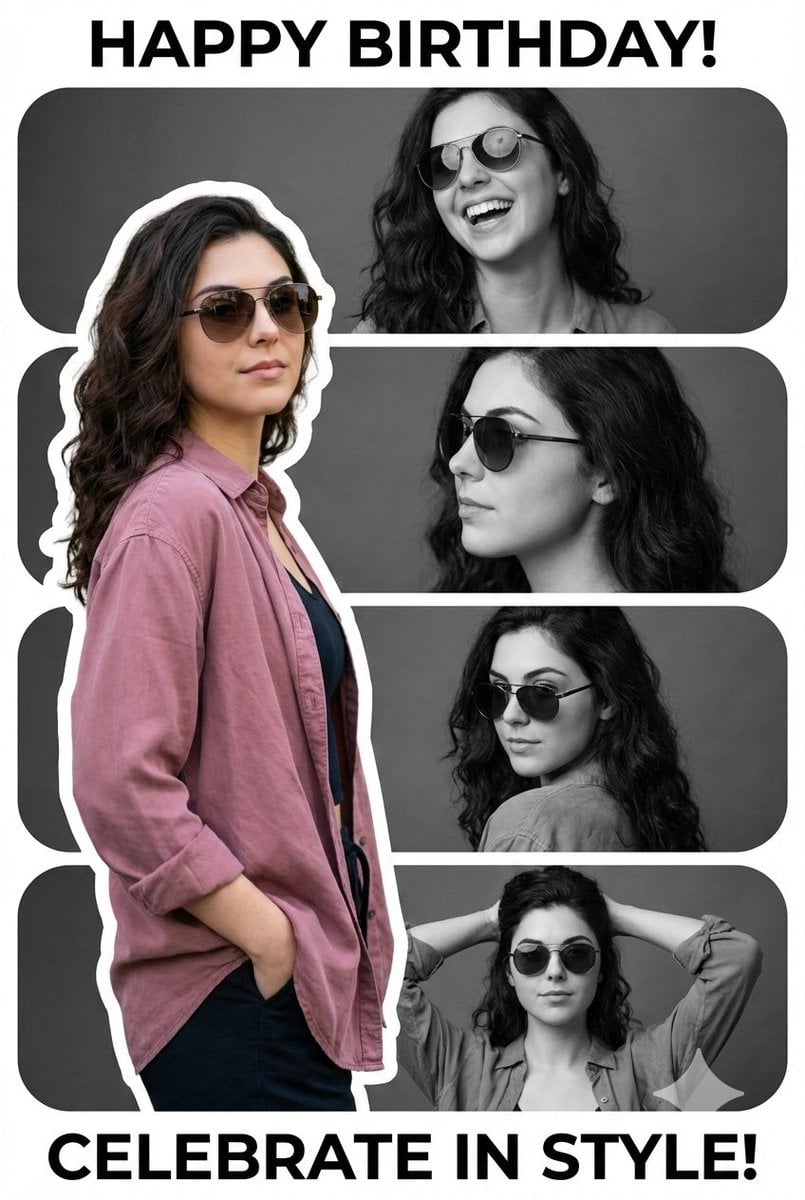
Vertical Birthday Poster Collage with Cinematic Monochrome Photos
Browse template categories
NOVALITH Mobile SaaS Onboarding Screen questions
How do I use the NOVALITH Mobile SaaS Onboarding Screen template?
Add your photo if the template asks for one, edit the prompt if you like — the template's model and format are already selected — and press Generate. Your version opens in PicX Studio.
Can I customize the NOVALITH Mobile SaaS Onboarding Screen template?
Yes. You can change the subject, setting, lighting, mood, format, and available model controls before creating your image.
Is the NOVALITH Mobile SaaS Onboarding Screen template free?
Opening and editing this template is free. Generating uses credits, shown on the Generate button when you are signed in.
Which AI model should I use?
Start with GPT Image 2, which is the model associated with this template. You can compare another compatible model for a different finish.
Looking for something else? Browse all templates.

Your photo, any look
Thousands of ready templates for every top image and video model, from one credit balance.