
AgentBoard SaaS Landing and Dashboard UI
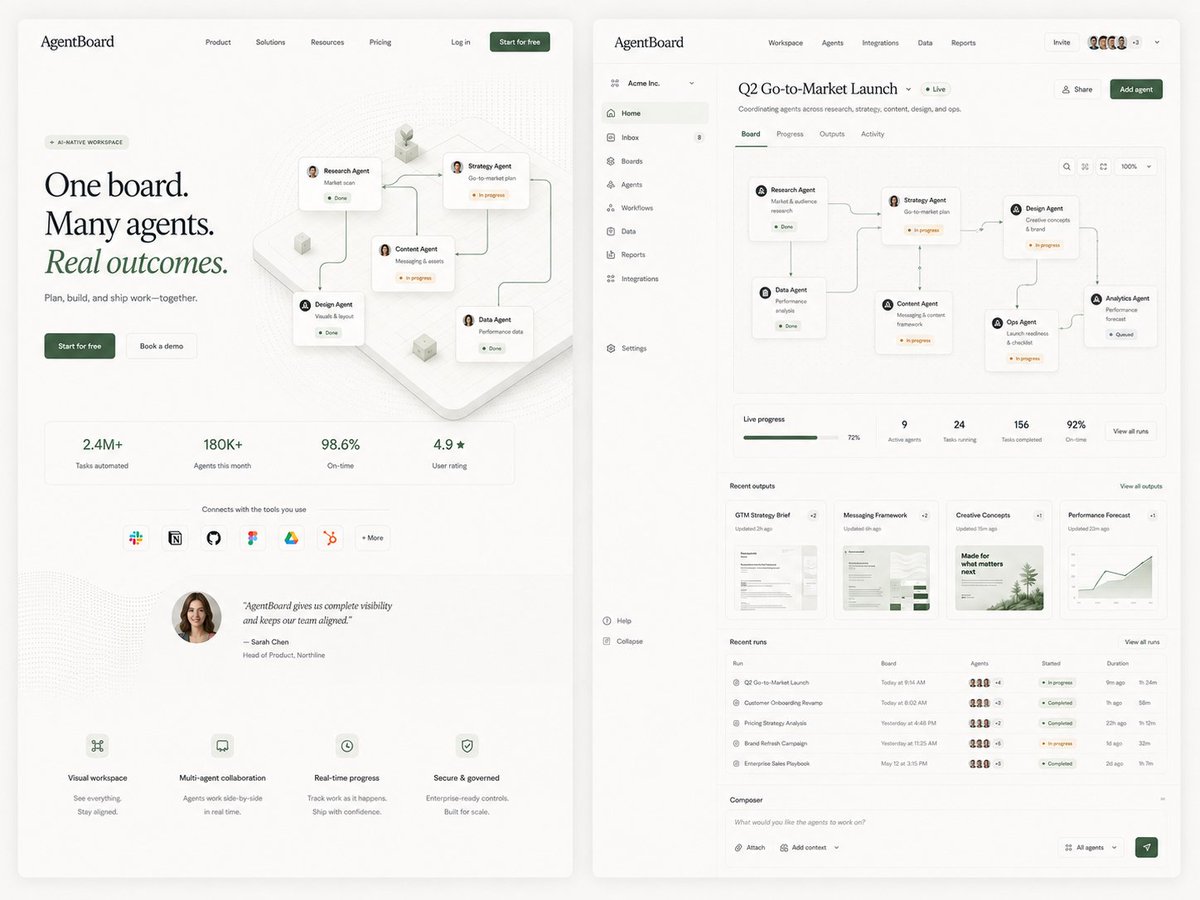
Generates a refined side-by-side SaaS landing page and dashboard mockup for an AI agent workspace, useful for product design exploration.
- Prompt included
- Model and format preset
- Free template
The prompt behind this image
Copy the exact prompt behind AgentBoard SaaS Landing and Dashboard UI, or open it in the studio and make it yours.
Goal: Create a polished editorial SaaS product exploration image for an AI agent collaboration platform called {argument name="product name" default="AgentBoard"}, showing two large web UI screens side by side on a warm off-white background: a marketing landing page on the left and the product dashboard on the right. Use refined startup design, soft shadows, rounded cards, thin gray dividers, lots of whitespace, muted forest-green accents, black serif display typography for the landing headline, and small clean sans-serif UI text. Canvas: Wide 4:3 composition, approximately 1200×900. Place two tall browser-like panels with rounded corners and subtle drop shadows, separated by a narrow gutter. Background is light cream with faint grain and very soft vignette. Left screen, marketing landing page: Top navigation bar with the logo text “AgentBoard” at top left, 4 centered nav links labeled Product, Solutions, Resources, Pricing, then Log in and a dark green “Start for free” button on the right. Hero area has a small pill label “AI-NATIVE WORKSPACE”, a large three-line headline reading “One board. Many agents. Real outcomes.” with “Real outcomes.” italic and green, supporting line “Plan, build, and ship work—together.”, and 2 CTA buttons: dark green “Start for free” and light outlined “Book a demo”. To the right of the hero text, show an isometric workflow board with exactly 5 connected agent cards: Research Agent, Strategy Agent, Content Agent, Design Agent, and Data Agent, linked by curved connector lines with small status chips such as Done and In progress. Below, include exactly 4 metric tiles: “2.4M+ Tasks automated”, “180K+ Agents this month”, “98.6% On-time”, and “4.9★ User rating”. Under the metrics, include a row labeled “Connects with the tools you use” with exactly 7 integration icons/buttons: Slack, Notion, GitHub, Figma, Google Drive, HubSpot, and “+ More”. Add a testimonial block with a circular female headshot and the quote “AgentBoard gives us complete visibility and keeps our team aligned.” credited to Sarah Chen, Head of Product, Northline. At the bottom, include exactly 4 feature blurbs with tiny line icons: Visual workspace, Multi-agent collaboration, Real-time progress, and Secure & governed. Right screen, product dashboard: Create a dense but elegant web app interface. Top app bar shows “AgentBoard” on the left, main tabs Workspace, Agents, Integrations, Data, Reports, plus an Invite button, a row of 5 small user avatars, a “+3” badge, and a dropdown chevron. Left sidebar for workspace “Acme Inc.” with exactly 11 navigation items: Home, Inbox with an 8 badge, Boards, Agents, Workflows, Data, Reports, Integrations, Settings, Help, and Collapse. Main page title reads {argument name="dashboard title" default="Q2 Go-to-Market Launch"} with a green “Live” pill and subtitle “Coordinating agents across research, strategy, content, design, and ops.” Include Share and dark green Add agent buttons. Dashboard content: Below the title, show exactly 4 tabs: Board, Progress, Outputs, Activity, with Board active. The main board canvas contains exactly 6 connected workflow cards arranged left-to-right with curved connector lines: Research Agent “Market & audience research” Done; Data Agent “Performance analysis” Done; Strategy Agent “Go-to-market plan” In progress; Content Agent “Messaging & content framework” In progress; Design Agent “Creative concepts & brand” In progress; Ops Agent “Launch readiness & checklist” In progress; Analytics Agent “Performance forecast” Queued. Include small board controls at top right: search icon, layout icon, fit icon, zoom “100%”, and dropdown. Under the board, add a KPI strip with exactly 5 items: Live progress 72% with green progress bar, 9 Active agents, 24 Tasks running, 156 Tasks completed, and 92% On-time, plus a “View all runs” button. Add a Recent outputs section with exactly 4 document cards: GTM Strategy Brief, Messaging Framework, Creative Concepts, and Performance Forecast, each with a small preview thumbnail and update time. Add a Recent runs table with exactly 5 rows: Q2 Go-to-Market Launch, Customer Onboarding Revamp, Pricing Strategy Analysis, Brand Refresh Campaign, and Enterprise Sales Playbook; include tiny agent avatar clusters, colored status pills, started times, and durations. At the bottom, include a Composer input bar with placeholder “What would you like the agents to work on?”, buttons for Attach and Add context, an “All agents” dropdown, and a green send button. Visual style: Premium minimal product mockup, realistic UI proportions, crisp vector-like rendering, tiny legible interface text where possible, subtle dotted background texture, pale beige cards, green status indicators, fine connector lines, modern editorial SaaS aesthetic suitable for a product-design exploration tweet. Constraints: Use exactly 2 main screens, exactly 5 agent cards on the landing hero, exactly 4 metric tiles, exactly 7 integration icons, exactly 4 bottom feature blurbs, exactly 11 sidebar items, exactly 4 dashboard tabs, exactly 6 workflow agent cards on the dashboard board plus the queued Analytics card as the seventh endpoint, exactly 5 KPI items, exactly 4 output cards, and exactly 5 table rows. Do not add extra panels, watermarks, browser chrome, or decorative text beyond the described UI.
How to use AgentBoard SaaS Landing and Dashboard UI in 3 steps
- 1Upload ImagePNG, JPG or paste
Add your photo
Upload the photo the template builds on. The prompt, model and format are already set.
- 2…a portrait of your subject in softgolden-hour light, 85mm…
Personalize
Edit the subject and creative details for your destination.
- 3Generate
Generate
Press Generate — your image is created in PicX Studio, so you can compare it with the original and refine one variable at a time.
More like this
Templates with the same subject, style or setup. Open one to see its prompt.

SaaS AI Dashboard Landing Page
Atlas GTM SaaS Hero Landing Page
NOVALITH SaaS Landing Page Hero
Fitness SaaS Landing Page UI

Miniature Man on Car Dashboard
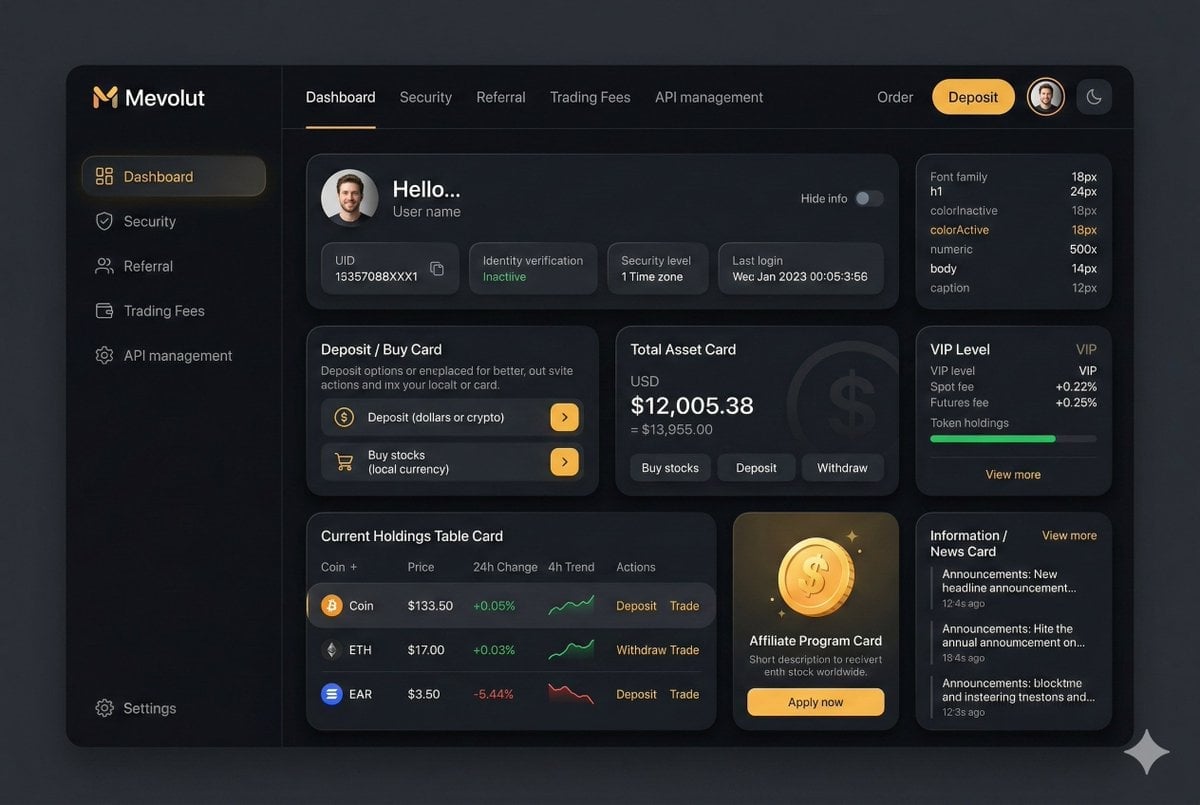
Fintech Crypto Dashboard UI Design
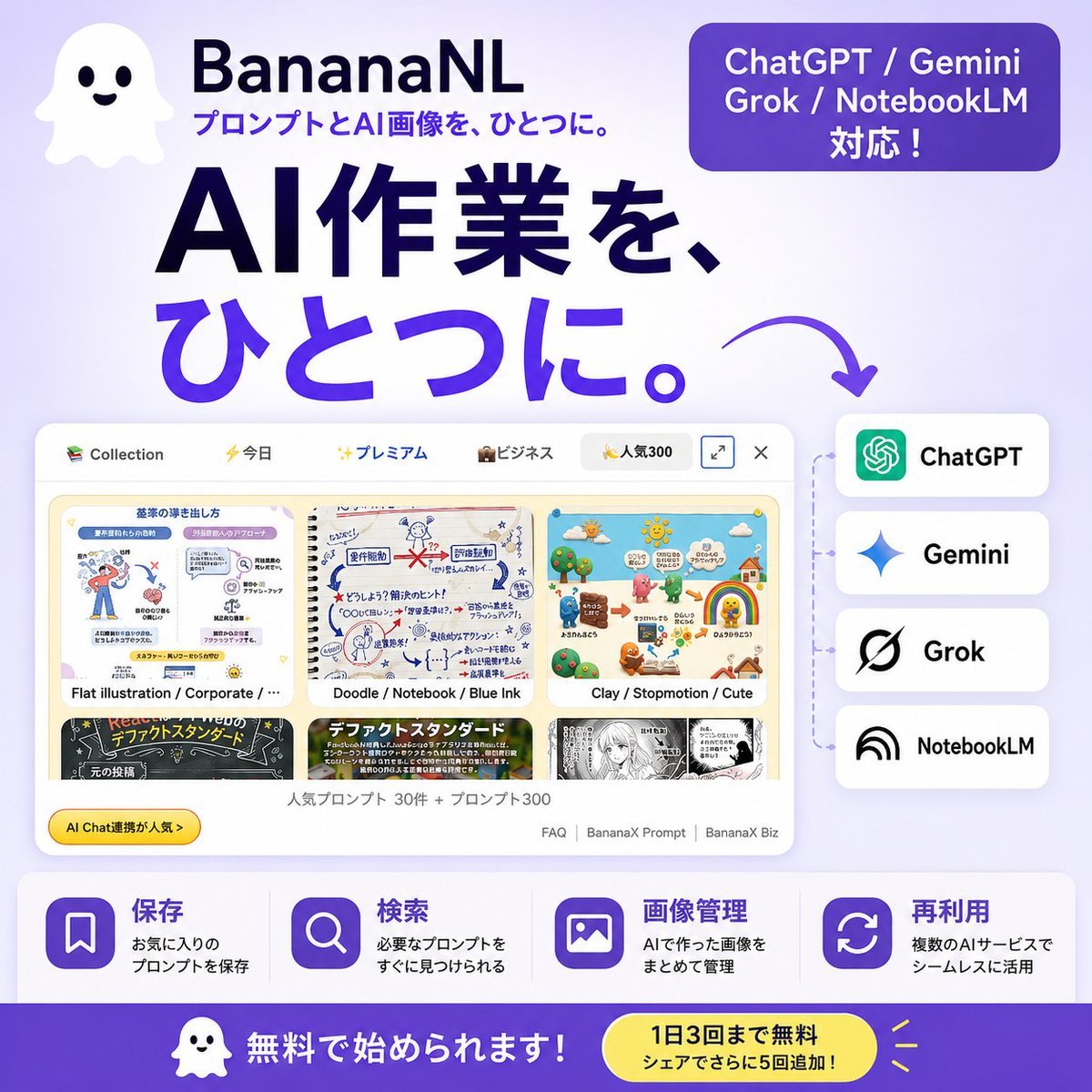
Japanese SaaS AI Prompt Manager Ad

Neon Japanese AI IDE Landing Poster
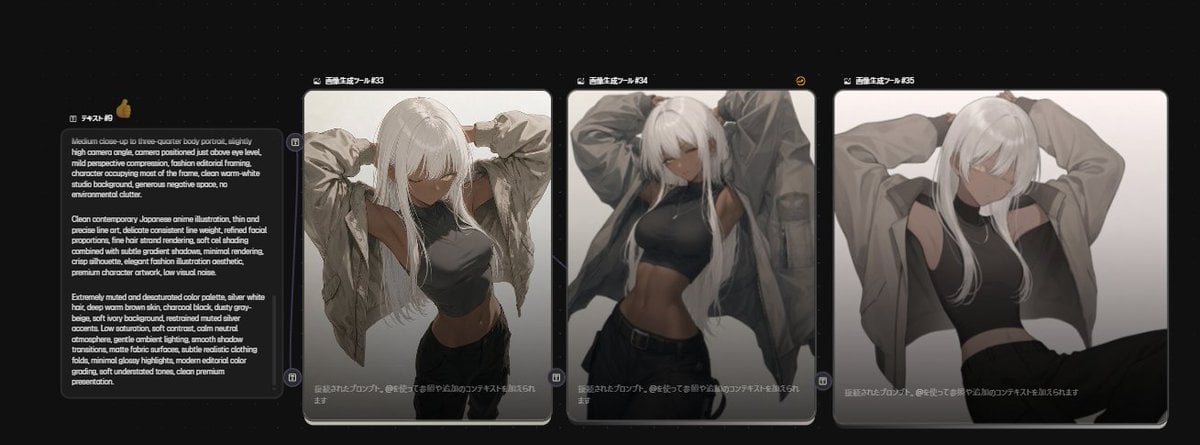
Anime Model Comparison Dashboard

Cute AI Doodle Generator Landing Page
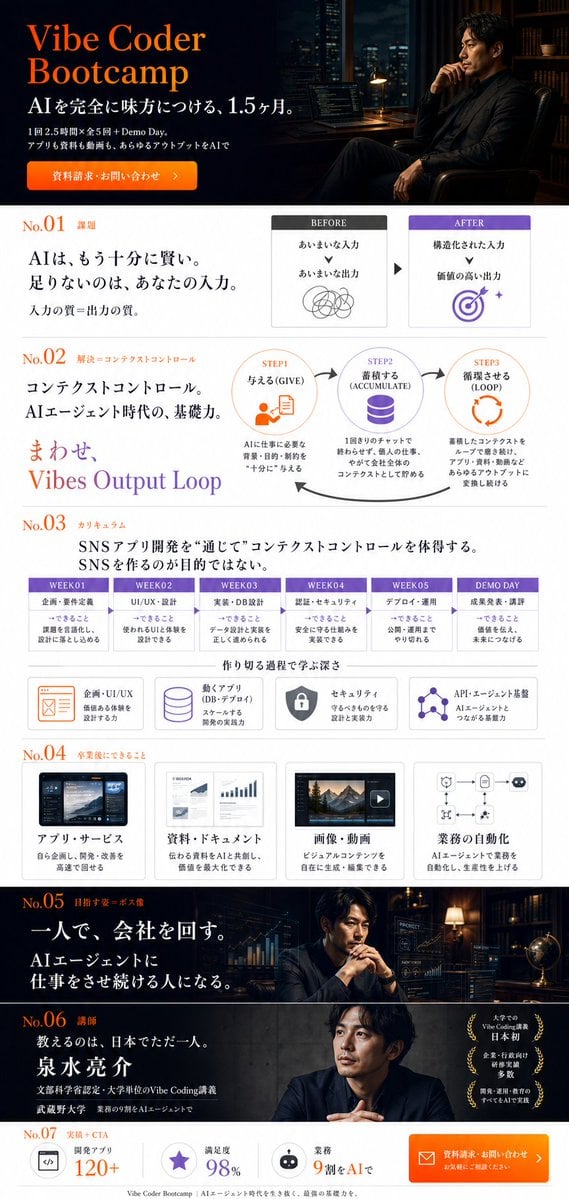
Vibe Coder Bootcamp Landing Page
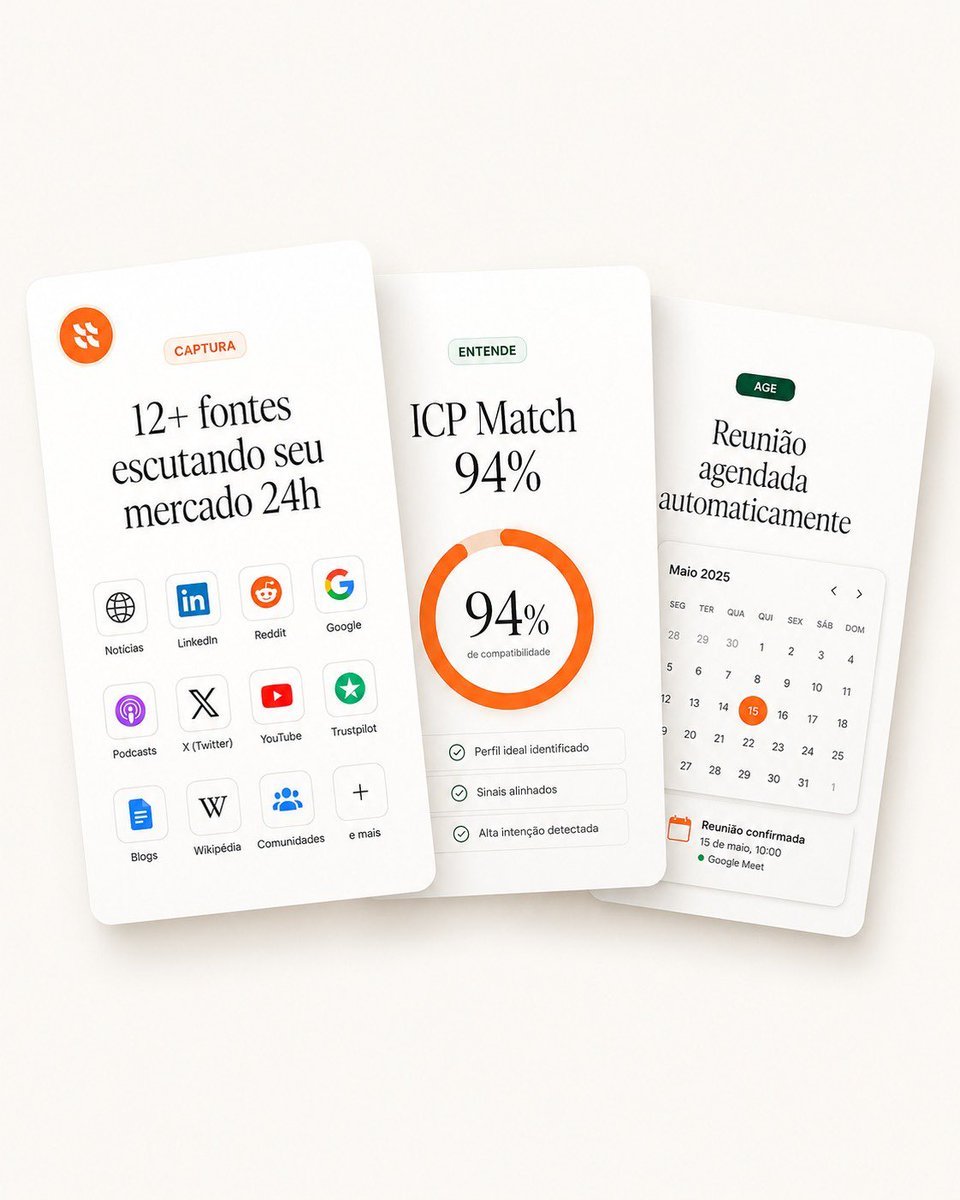
Overlapping SaaS Feature Cards
Make it yours
AgentBoard SaaS Landing and Dashboard UI works as-is. These are the safest ways to change it without losing the look.
Change one field
Copy a single group, rewrite it, and generate again so you can see what that field is doing.
Keep the frame, change the subject
Hold the composition and light of AgentBoard SaaS Landing and Dashboard UI, then swap wardrobe, props or the person for a new take.
| If the result… | Why | Fix |
|---|---|---|
| The result drifts from the preview | Too many fields changed at once. | Reuse AgentBoard SaaS Landing and Dashboard UI as-is first, then change one group — subject, light, or setting. |
| The model over-stylizes the scene | The prose prompt leaves finish and camera underspecified. | Add one camera or lighting sentence and stay on GPT Image 2. |
More GPT Image 2 templates
Other prompts made for GPT Image 2.

Six VTuber Japanese Logo Sheet

Realistic Portrait of Woman and Deer

The Vista Modular Condo Poster

AI Model Routing Comparison Infographic

2.5D Anime Art Board

Isometric Productivity Desk Scene

New York Double Exposure Poster

Four-Panel AI Landscape Comparison

Japanese Tatami Lifestyle Magazine Cover

NESCAFÉ Coffee Map Poster
More image prompts
Fresh picks from across the catalog.
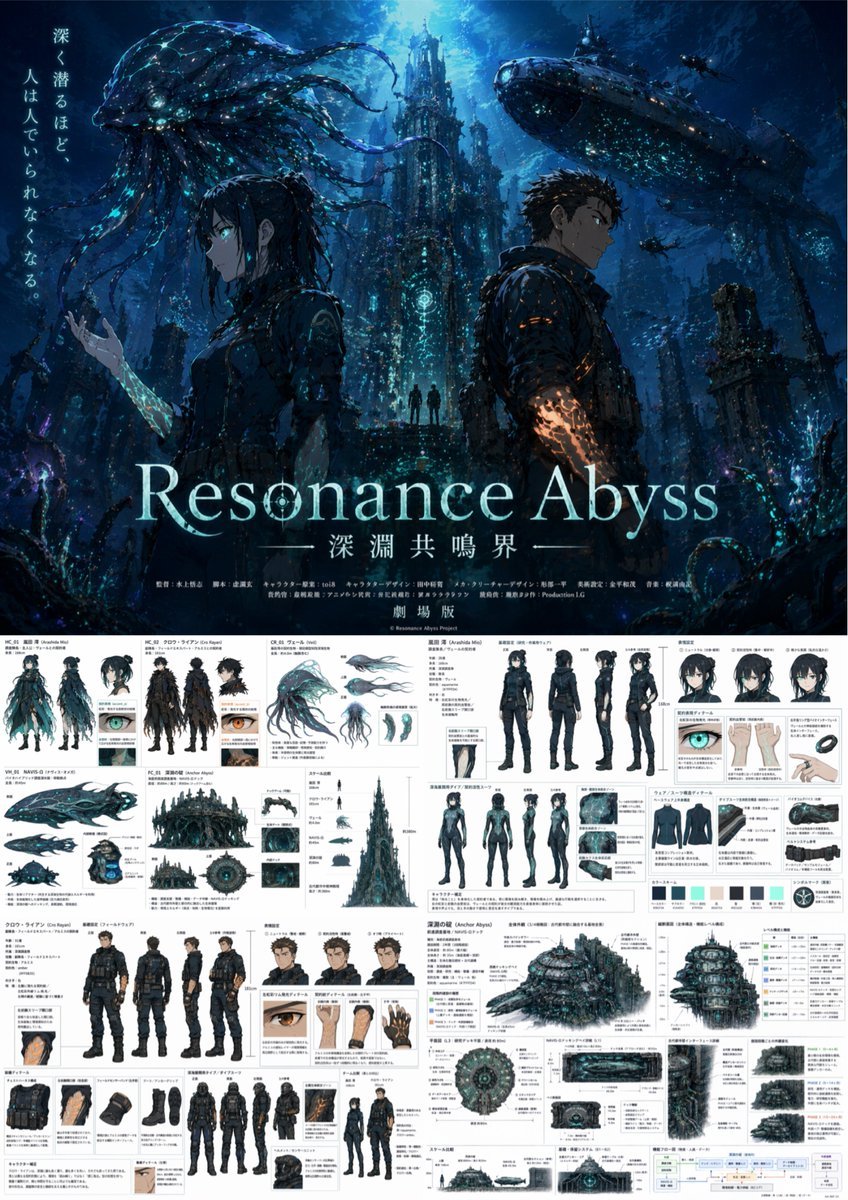
Anime Poster & Concept Art Sheet

Pop-Up Book Diorama Generator Prompt

Cinematic Chiaroscuro Portrait Prompt in JSON Format
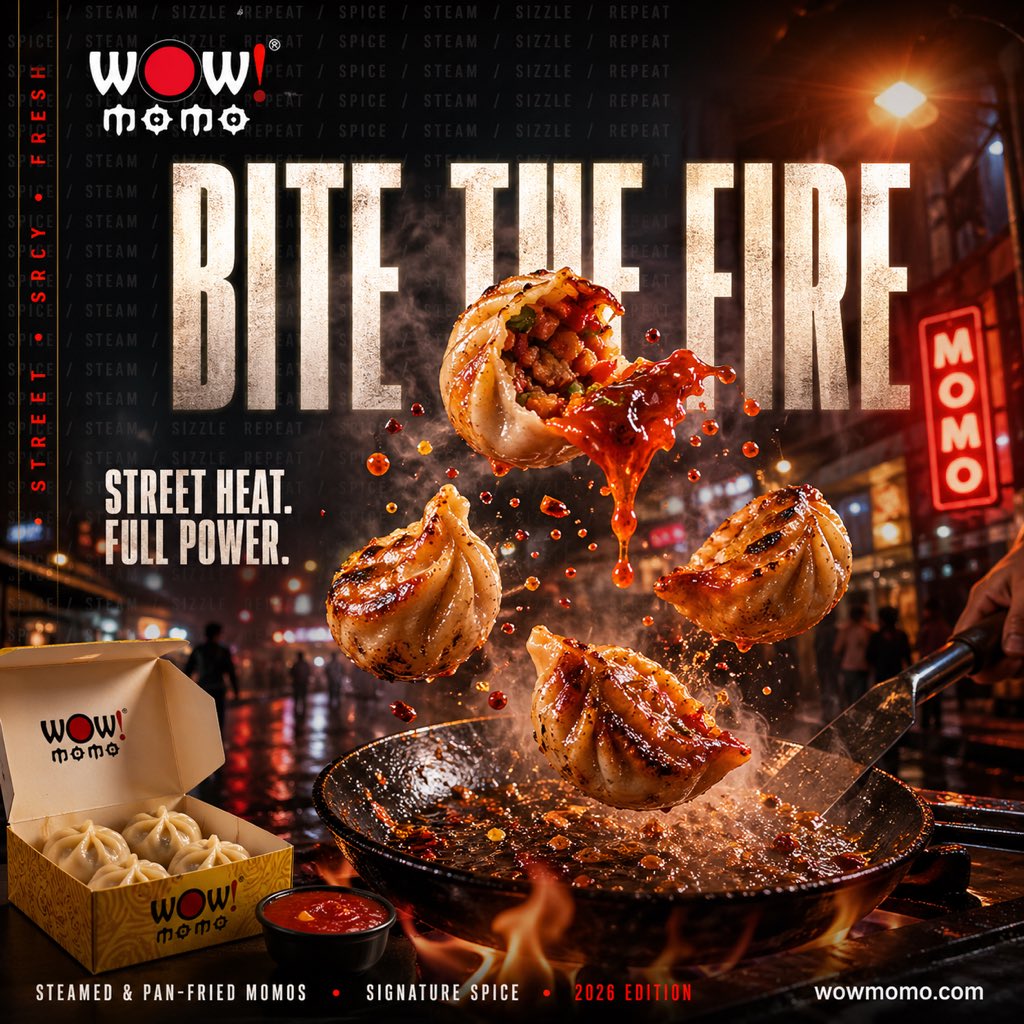
Cinematic Fiery Momo Street Food Ad
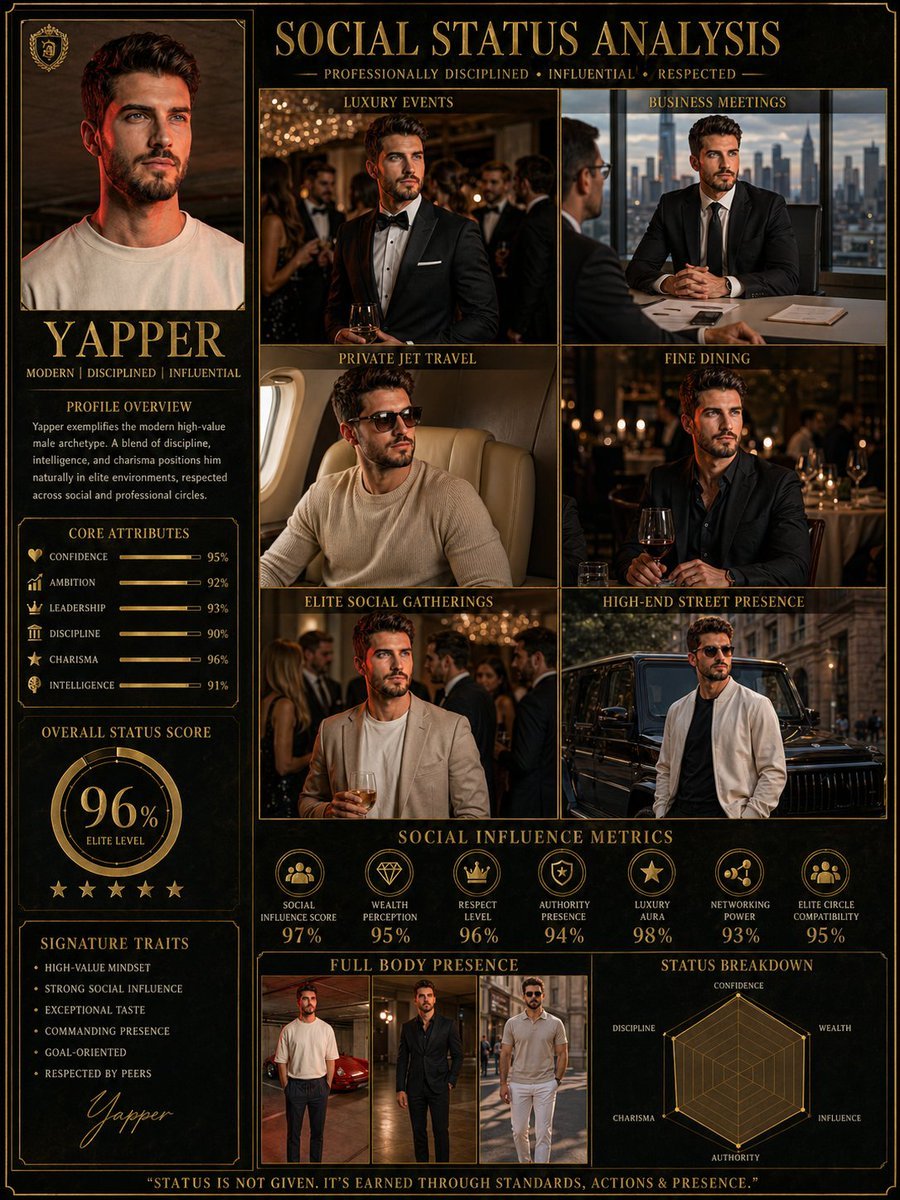
Social Status Analysis poster prompt
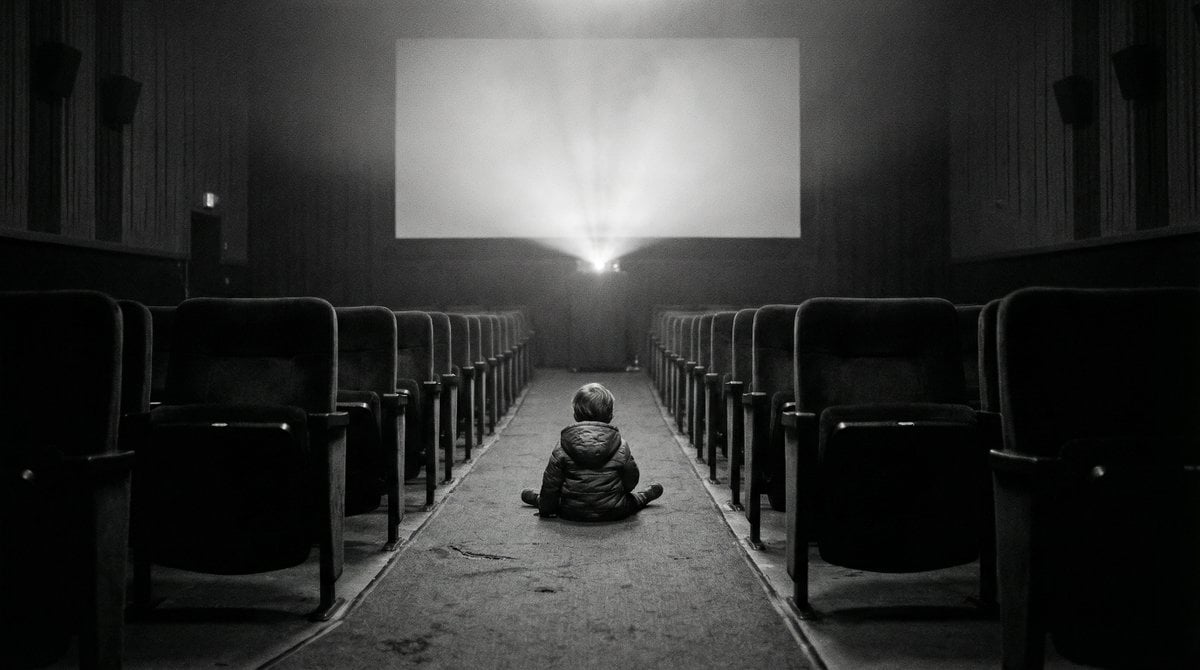
Black and White Documentary Photo of Child in Cinema

Miniature Diorama Prompt (Tilt-Shift)
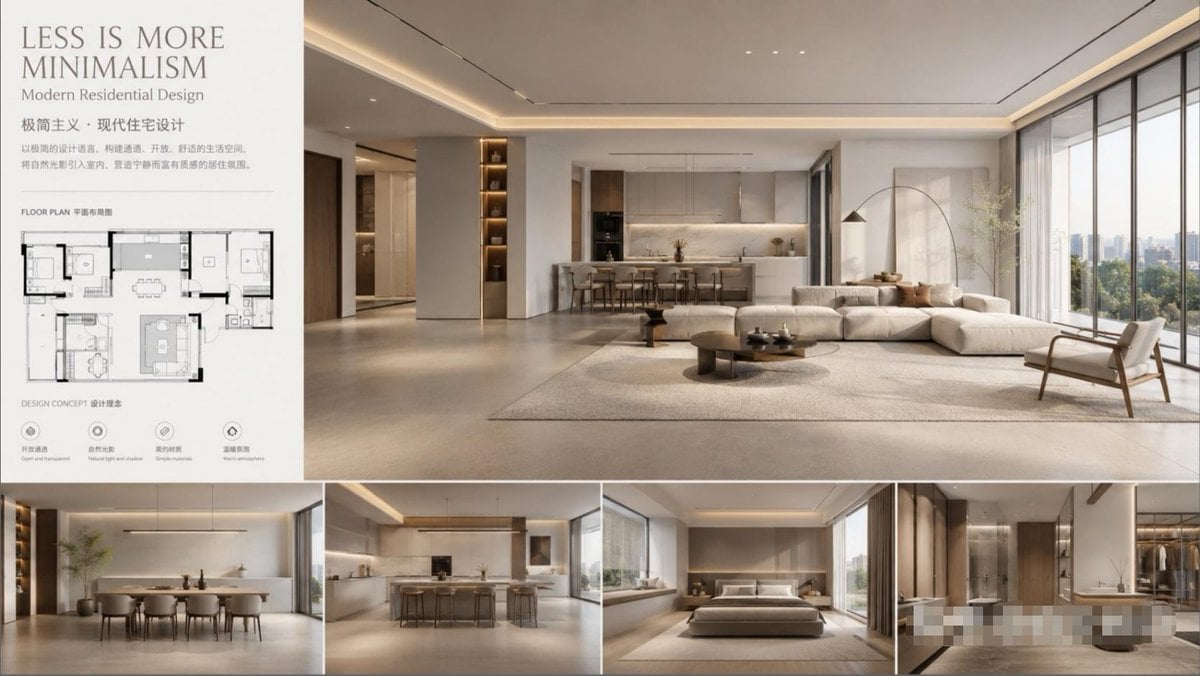
Modern Minimalist Interior Design Showcase

Aesthetic Bedroom Portrait of a Woman
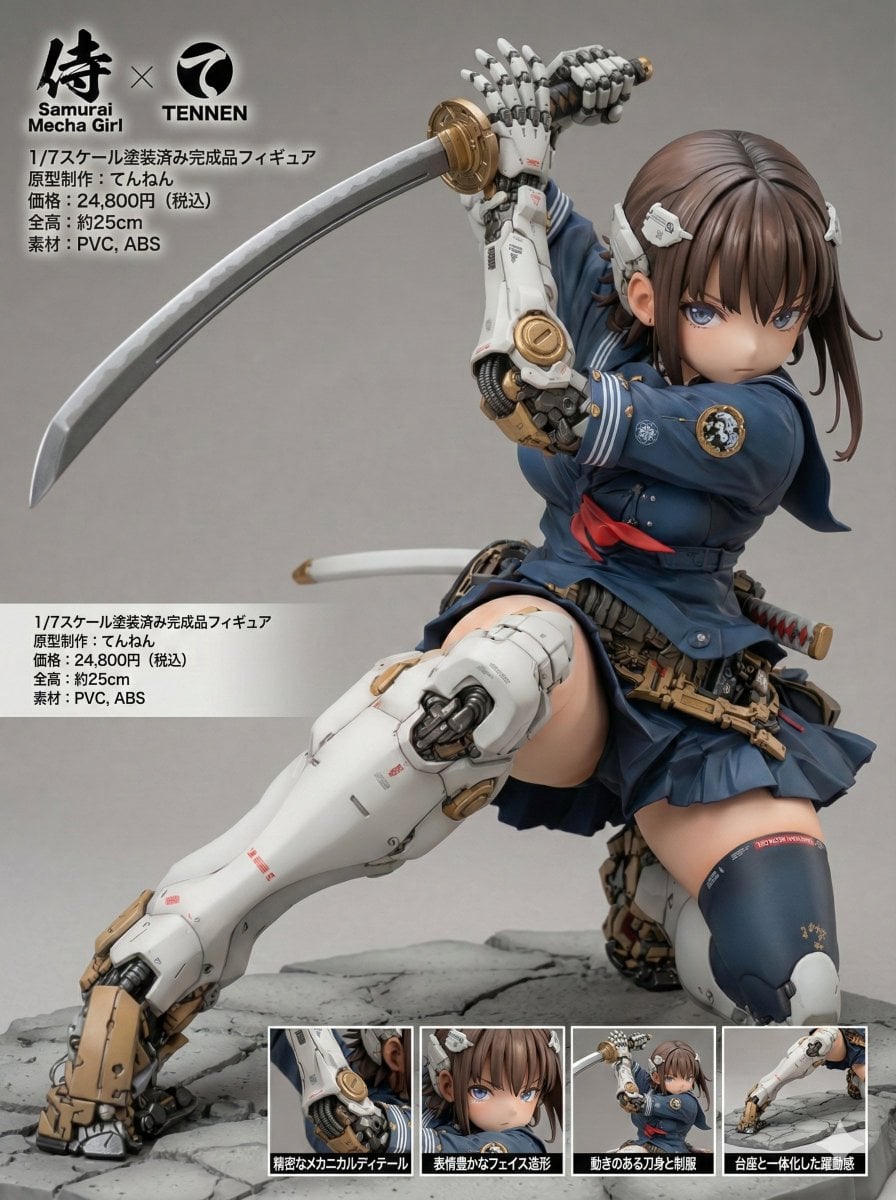
Multilingual Figure Product Introduction Layout Prompt for Nano Banana Pro
Browse template categories
AgentBoard SaaS Landing and Dashboard UI questions
How do I use the AgentBoard SaaS Landing and Dashboard UI template?
Add your photo if the template asks for one, edit the prompt if you like — the template's model and format are already selected — and press Generate. Your version opens in PicX Studio.
Can I customize the AgentBoard SaaS Landing and Dashboard UI template?
Yes. You can change the subject, setting, lighting, mood, format, and available model controls before creating your image.
Is the AgentBoard SaaS Landing and Dashboard UI template free?
Opening and editing this template is free. Generating uses credits, shown on the Generate button when you are signed in.
Which AI model should I use?
Start with GPT Image 2, which is the model associated with this template. You can compare another compatible model for a different finish.
Looking for something else? Browse all templates.

Your photo, any look
Thousands of ready templates for every top image and video model, from one credit balance.