
Anime Poster & Concept Art Sheet
Generates a split-layout image featuring a cinematic anime poster on top and a highly detailed, multi-panel character and world-building reference sheet below.
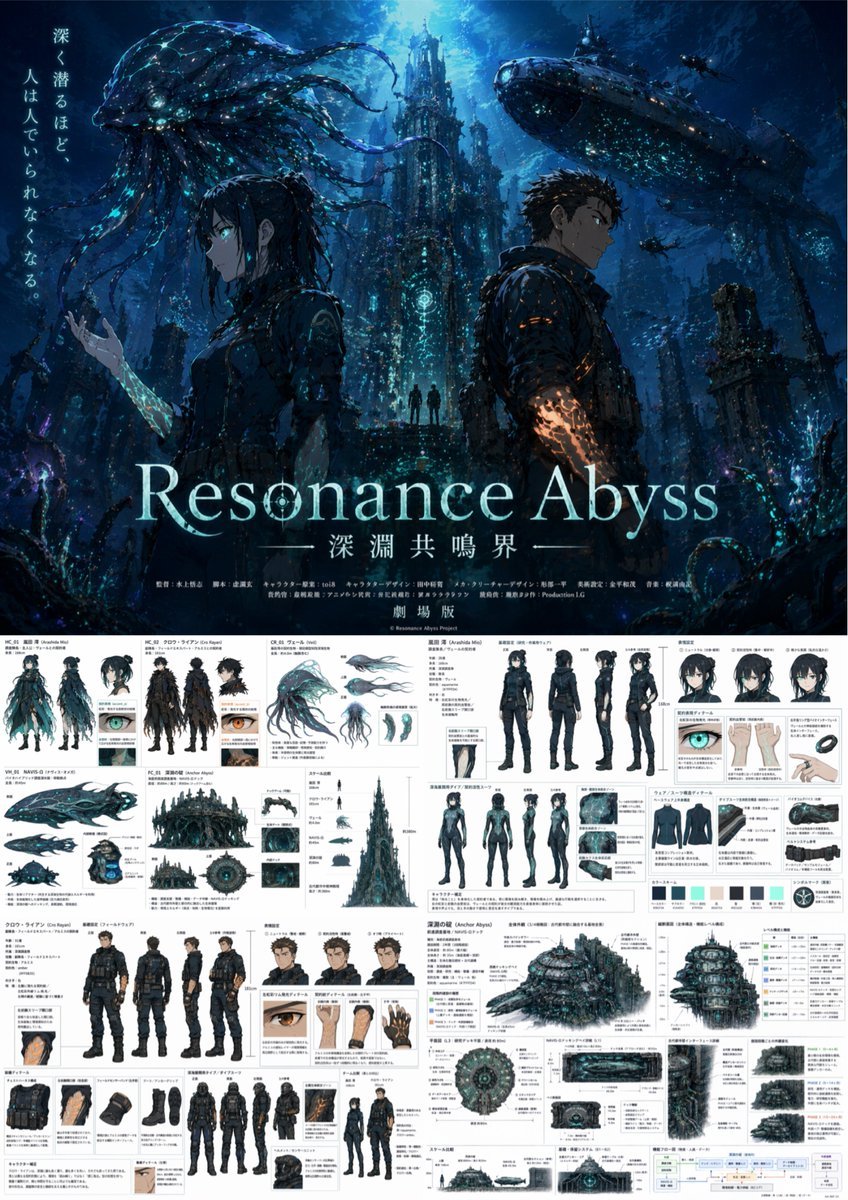
- Prompt included
- Model and format preset
- Free template
The prompt behind this image
Copy the exact prompt behind Anime Poster & Concept Art Sheet, or open it in the studio and make it yours.
- Type
- anime theatrical poster and comprehensive production design reference sheet
- Overall Theme
- {argument name="setting theme" default="dark underwater sci-fi abyss"}
- Layout › Top Half
- cinematic key visual poster
- Layout › Bottom Half
- dense multi-panel production design document
- Poster Section › Characters › 0 › Description
- young woman in profile, dark hair
- Poster Section › Characters › 0 › Special Feature
- arm glowing with {argument name="female glow color" default="cyan"} markings
- Poster Section › Characters › 1 › Description
- young man in profile, short dark hair
- Poster Section › Characters › 1 › Special Feature
- arm glowing with {argument name="male glow color" default="orange"} markings
- Poster Section › Background
- towering gothic underwater structures, giant bioluminescent jellyfish creature, massive submarine
- Poster Section › Typography › Tagline
- {argument name="tagline" default="深く潜るほど、人は人でいられなくなる。"}
- Poster Section › Typography › Main Title
- {argument name="main title" default="Resonance Abyss"}
- Poster Section › Typography › Subtitle
- 深淵共鳴界
- Poster Section › Typography › Footer
- fake anime staff credits and 劇場版
- Reference Sheet Section › Grid Layout
- dense architectural and character design grid with Japanese annotations
- Reference Sheet Section › Panels › 0 › Subject
- Female Character Design
- Reference Sheet Section › Panels › 0 › Elements › 0 › Type
- standard outfit turnaround
- Reference Sheet Section › Panels › 0 › Elements › 0 › Count
- 4
- Reference Sheet Section › Panels › 0 › Elements › 0 › Poses
- front, back, side, 3/4
- Reference Sheet Section › Panels › 0 › Elements › 1 › Type
- facial expressions
- Reference Sheet Section › Panels › 0 › Elements › 1 › Count
- 3
- Reference Sheet Section › Panels › 0 › Elements › 2 › Type
- diving suit turnaround
- Reference Sheet Section › Panels › 0 › Elements › 2 › Count
- 4
- Reference Sheet Section › Panels › 0 › Elements › 2 › Poses
- front, back, side, 3/4
- Reference Sheet Section › Panels › 0 › Elements › 3 › Type
- suit detail close-ups
Raw JSON
{
  "type": "anime theatrical poster and comprehensive production design reference sheet",
  "overall_theme": "{argument name=\"setting theme\" default=\"dark underwater sci-fi abyss\"}",
  "layout": {
    "top_half": "cinematic key visual poster",
    "bottom_half": "dense multi-panel production design document"
  },
  "poster_section": {
    "characters": [
      {
        "description": "young woman in profile, dark hair",
        "special_feature": "arm glowing with {argument name=\"female glow color\" default=\"cyan\"} markings"
      },
      {
        "description": "young man in profile, short dark hair",
        "special_feature": "arm glowing with {argument name=\"male glow color\" default=\"orange\"} markings"
      }
    ],
    "background": "towering gothic underwater structures, giant bioluminescent jellyfish creature, massive submarine",
    "typography": {
      "tagline": "{argument name=\"tagline\" default=\"深く潜るほど、人は人でいられなくなる。\"}",
      "main_title": "{argument name=\"main title\" default=\"Resonance Abyss\"}",
      "subtitle": "深淵共鳴界",
      "footer": "fake anime staff credits and 劇場版"
    }
  },
  "reference_sheet_section": {
    "grid_layout": "dense architectural and character design grid with Japanese annotations",
    "panels": [
      {
        "subject": "Female Character Design",
        "elements": [
          {"type": "standard outfit turnaround", "count": 4, "poses": ["front", "back", "side", "3/4"]},
          {"type": "facial expressions", "count": 3},
          {"type": "diving suit turnaround", "count": 4, "poses": ["front", "back", "side", "3/4"]},
          {"type": "suit detail close-ups", "count": 3},
          {"type": "color palette swatches", "count": 6}
        ]
      },
      {
        "subject": "Male Character Design",
        "elements": [
          {"type": "standard outfit turnaround", "count": 4, "poses": ["front", "back", "side", "3/4"]},
          {"type": "facial expressions", "count": 3},
          {"type": "diving suit turnaround", "count": 4, "poses": ["front", "back", "side", "3/4"]},
          {"type": "gear detail close-ups", "count": 4}
        ]
      },
      {
        "subject": "Creature and Mecha Design",
        "elements": [
          {"type": "jellyfish creature views", "count": 4},
          {"type": "submarine views", "count": 3}
        ]
      },
      {
        "subject": "Environment and World Building",
        "elements": [
          {"type": "domed underwater base exterior views", "count": 3},
          {"type": "scale comparison chart", "count": 1},
          {"type": "cross-section interior panels", "count": 3},
          {"type": "UI interface mockups", "count": 2},
          {"type": "system flowchart", "count": 1}
        ]
      }
    ]
  }
}How to use Anime Poster & Concept Art Sheet in 3 steps
- 1Upload ImagePNG, JPG or paste
Add your photo
Upload the photo the template builds on. The prompt, model and format are already set.
- 2…a portrait of your subject in softgolden-hour light, 85mm…
Personalize
Edit the subject and creative details for your destination.
- 3Generate
Generate
Press Generate — your image is created in PicX Studio, so you can compare it with the original and refine one variable at a time.
More like this
Templates with the same subject, style or setup. Open one to see its prompt.

Captain Tsubasa Anime World Cup Poster

Futuristic Anime Tactical Concept Sheet

Anime Character Charm Analysis Sheet

Gpt2 Youtube Thumbnail Anime Music Bootcamp Promo Poster
High-Fashion Character Concept Art Sheet

Japan Travel Brochure Poster

Retro Manga StackChan Concept Sheet

Anime Lantern Girl Character Sheet

Nice Day Anime Poster

Mental Peace Sheet Music Poster

Anime Character Sheet Reference Prompt

Cel 2D Finale Fireworks
Make it yours
Anime Poster & Concept Art Sheet works as-is. These are the safest ways to change it without losing the look.
Swap the setting
Keep the rest of the prompt and replace the location block. The current setting is “towering gothic underwater structures, giant bioluminescent jellyfish creature, ”.
Change one field
Copy a single group, rewrite it, and generate again so you can see what that field is doing.
Keep the frame, change the subject
Hold the composition and light of Anime Poster & Concept Art Sheet, then swap wardrobe, props or the person for a new take.
| If the result… | Why | Fix |
|---|---|---|
| The result drifts from the preview | Too many fields changed at once. | Reuse Anime Poster & Concept Art Sheet as-is first, then change one group — subject, light, or setting. |
| GPT Image 2 ignores part of the JSON | Some models flatten or skip nested keys. | Keep the same values and paste them as a short paragraph instead. |
More GPT Image 2 templates
Other prompts made for GPT Image 2.

Six VTuber Japanese Logo Sheet

Realistic Portrait of Woman and Deer

The Vista Modular Condo Poster

AI Model Routing Comparison Infographic

2.5D Anime Art Board

Isometric Productivity Desk Scene

New York Double Exposure Poster

Four-Panel AI Landscape Comparison

Japanese Tatami Lifestyle Magazine Cover

NESCAFÉ Coffee Map Poster
More image prompts
Fresh picks from across the catalog.
Anonymous Concert Doodle
Surreal Wind, Sand and Stars Book World
Watercolor Sea Otter Coding
Cinematic Beach Portrait at Golden Hour
Dynamic Football Victory Poster
High-End Fashion Editorial Close-up (Creed Aventus)

Conceptual Dual Mood Symbolic Portrait
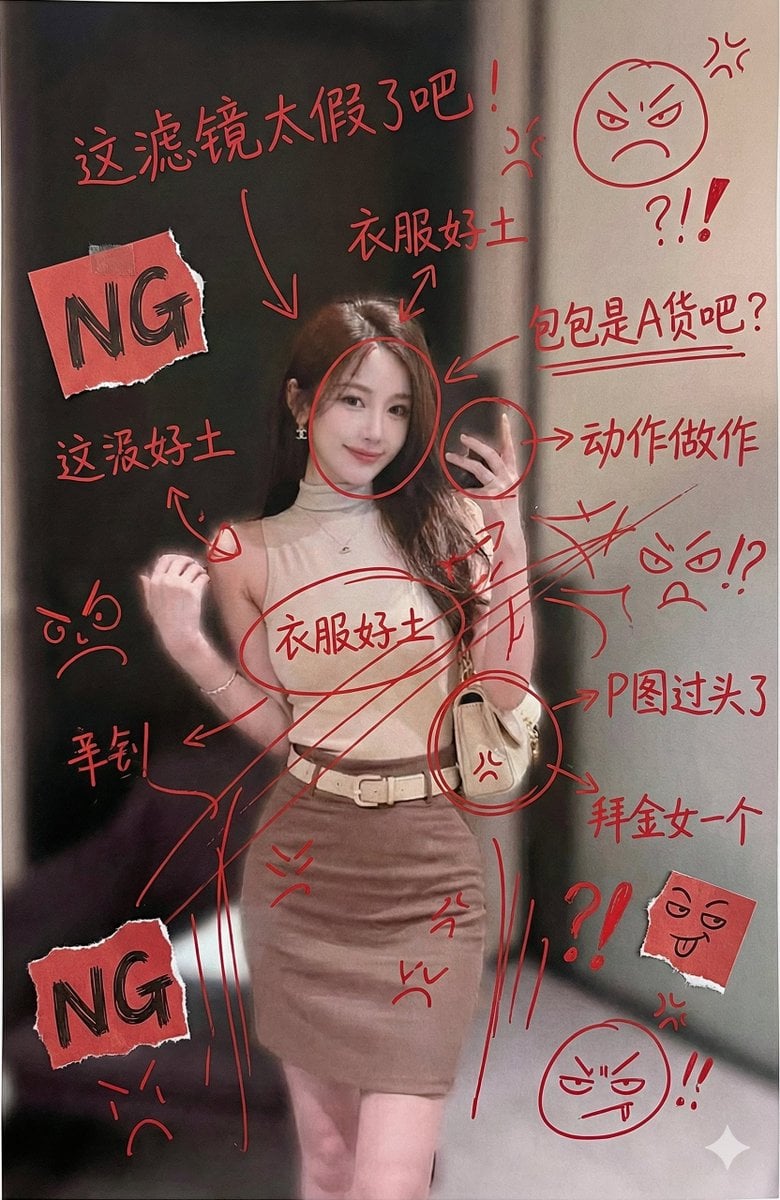
Image Generation with Handwritten Chinese Annotations and Trolling
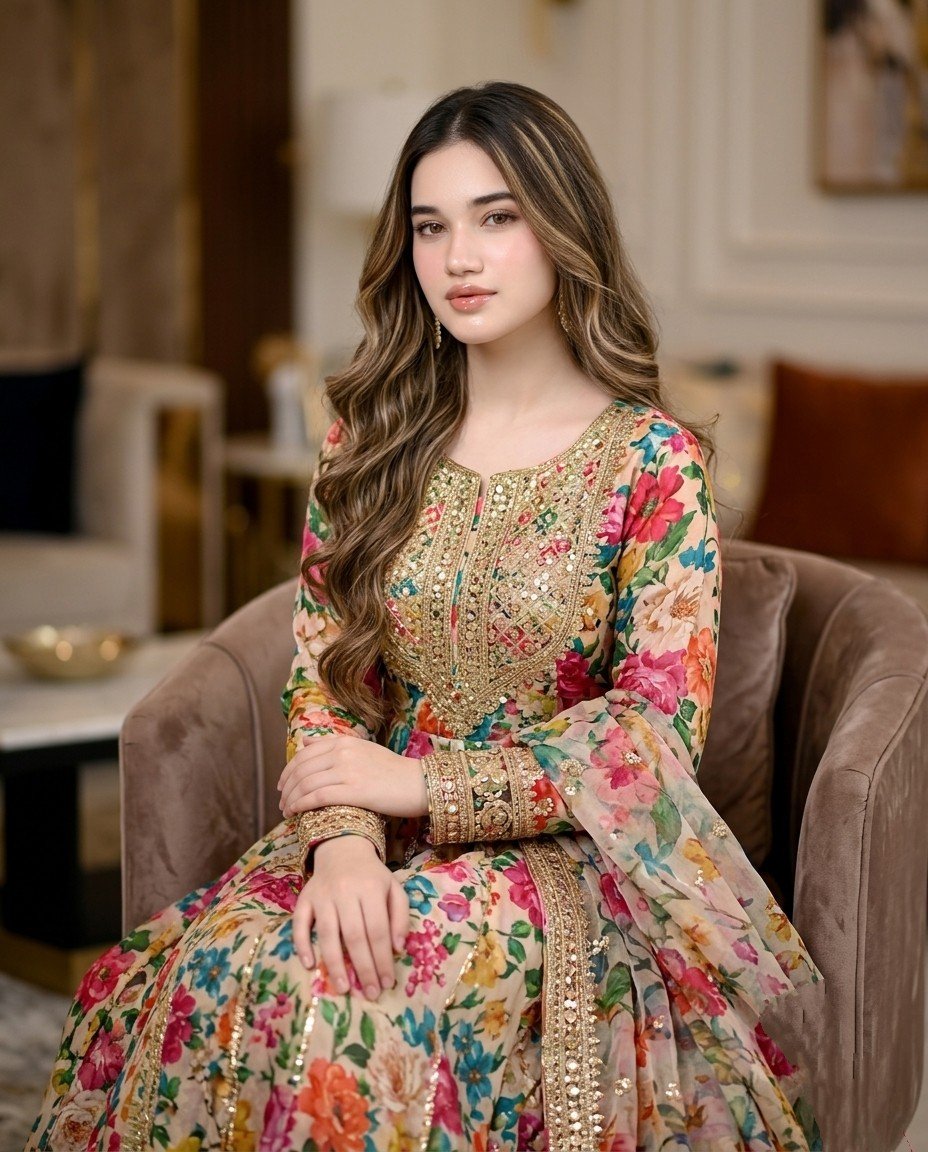
Pakistani Designer Fashion Portrait
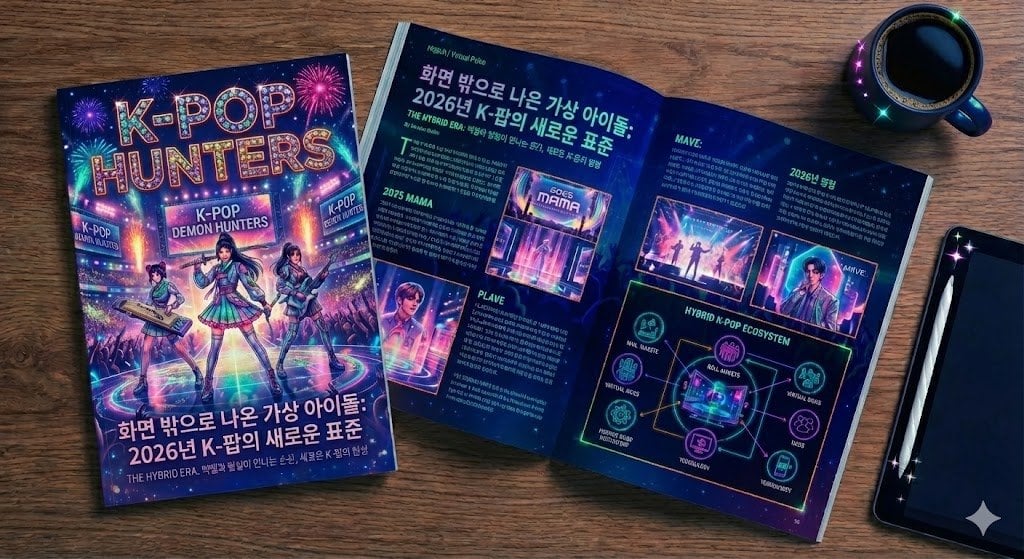
Feature Article Generation Prompt for K-Pop Magazine
Browse template categories
Anime Poster & Concept Art Sheet questions
How do I use the Anime Poster & Concept Art Sheet template?
Add your photo if the template asks for one, edit the prompt if you like — the template's model and format are already selected — and press Generate. Your version opens in PicX Studio.
Can I customize the Anime Poster & Concept Art Sheet template?
Yes. You can change the subject, setting, lighting, mood, format, and available model controls before creating your image.
Is the Anime Poster & Concept Art Sheet template free?
Opening and editing this template is free. Generating uses credits, shown on the Generate button when you are signed in.
Which AI model should I use?
Start with GPT Image 2, which is the model associated with this template. You can compare another compatible model for a different finish.
Looking for something else? Browse all templates.

Your photo, any look
Thousands of ready templates for every top image and video model, from one credit balance.