
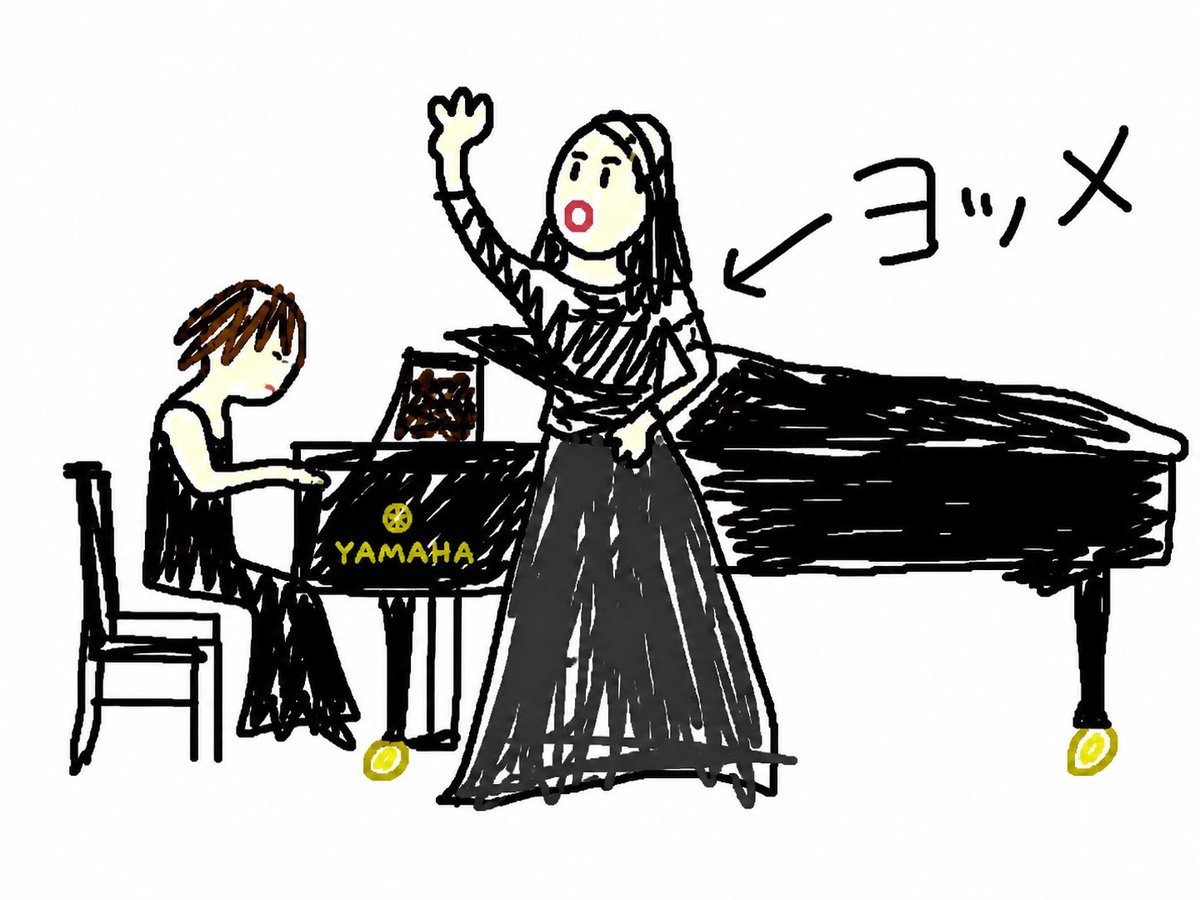
Anonymous Concert Doodle
Generates a humorous childlike doodle of a singer and pianist at a Yamaha grand piano, useful for anonymizing a concert memory.
- Prompt included
- Model and format preset
- Premium template
The prompt behind this image
Copy the exact prompt behind Anonymous Concert Doodle, or open it in the studio and make it yours.
Create a deliberately crude, childlike digital doodle on a plain white background, as if drawn quickly with thick black marker and rough scribbled fills. Show a small concert scene with exactly 2 people: on the left, a seated pianist with short brown hair, pale skin, black sleeveless outfit, sitting on a simple black chair and playing a glossy black grand piano; in the center-right, a female singer standing beside the piano, wearing a striped black-and-white top and a long dark gray skirt, one arm raised high in a waving or triumphant pose. The singer’s face is anonymized with a square pixelated blur block. The grand piano is large and extends to the right, heavily scribbled in black, with the yellow Yamaha tuning-fork logo and the word “YAMAHA” visible on the side; include exactly 2 small yellow caster wheels under the piano. Add one handwritten Japanese annotation, {argument name="annotation text" default="ヨッメ"}, in large black characters near the upper right, with a black arrow pointing toward the singer. Use an intentionally messy amateur style with uneven proportions, shaky outlines, visible scribble strokes, minimal color palette of black, white, brown, gray, pale skin tones, red cheek accent, and yellow logo details, like a privacy-protecting humorous sketch of a live music concert.
How to use Anonymous Concert Doodle in 3 steps
- 1Upload ImagePNG, JPG or paste
Add your photo
Upload the photo the template builds on. The prompt, model and format are already set.
- 2…a portrait of your subject in softgolden-hour light, 85mm…
Personalize
Edit the subject and creative details for your destination.
- 3Generate
Generate
Press Generate — your image is created in PicX Studio, so you can compare it with the original and refine one variable at a time.
More like this
Templates with the same subject, style or setup. Open one to see its prompt.

Real Illustration Split Portrait Transition

Hand-Drawn Doodle Grid Poster
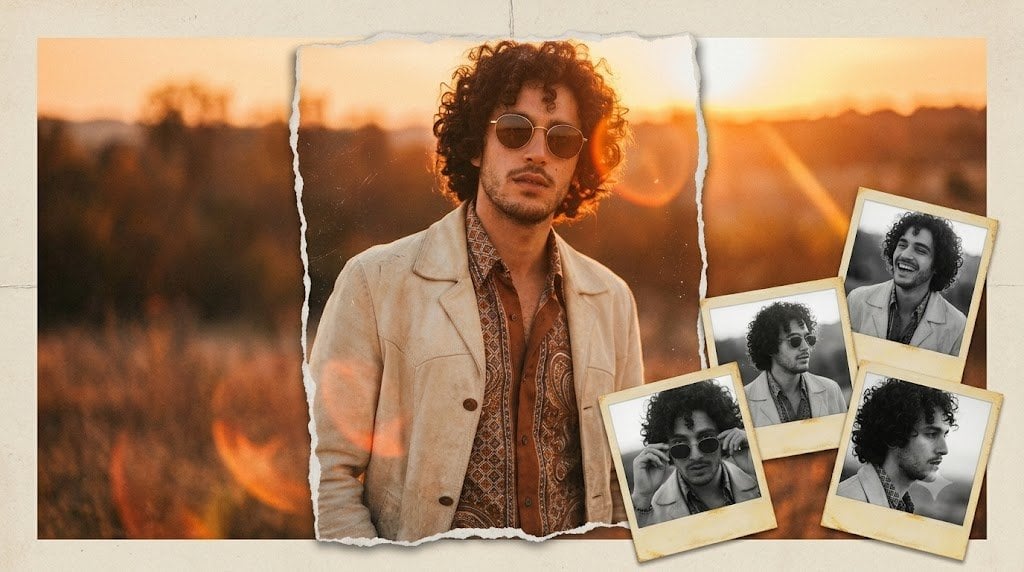
Vintage Anonymous Portrait Collage
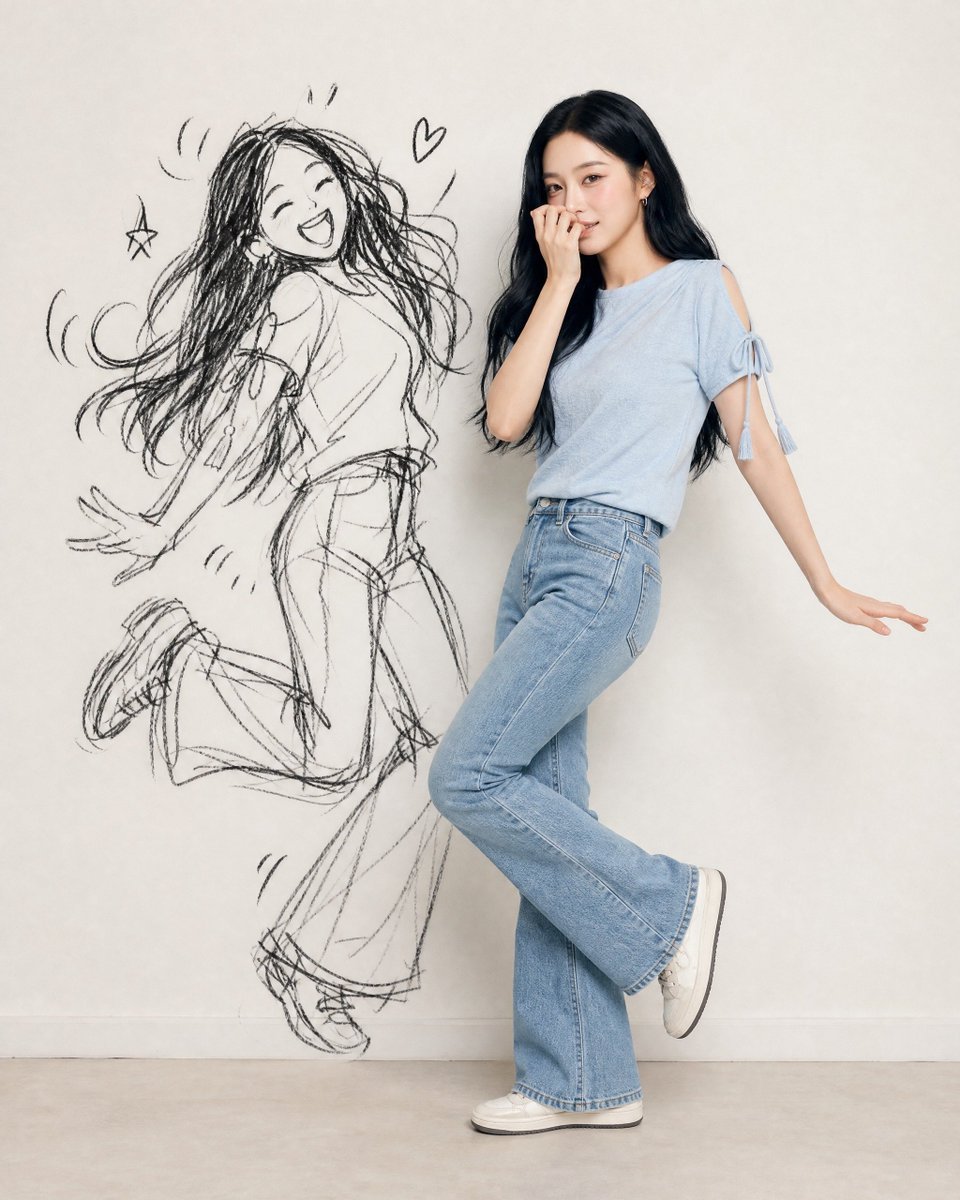
Ink-Twin Doodle Stylization

Pastel Anime Idol Concert Finale
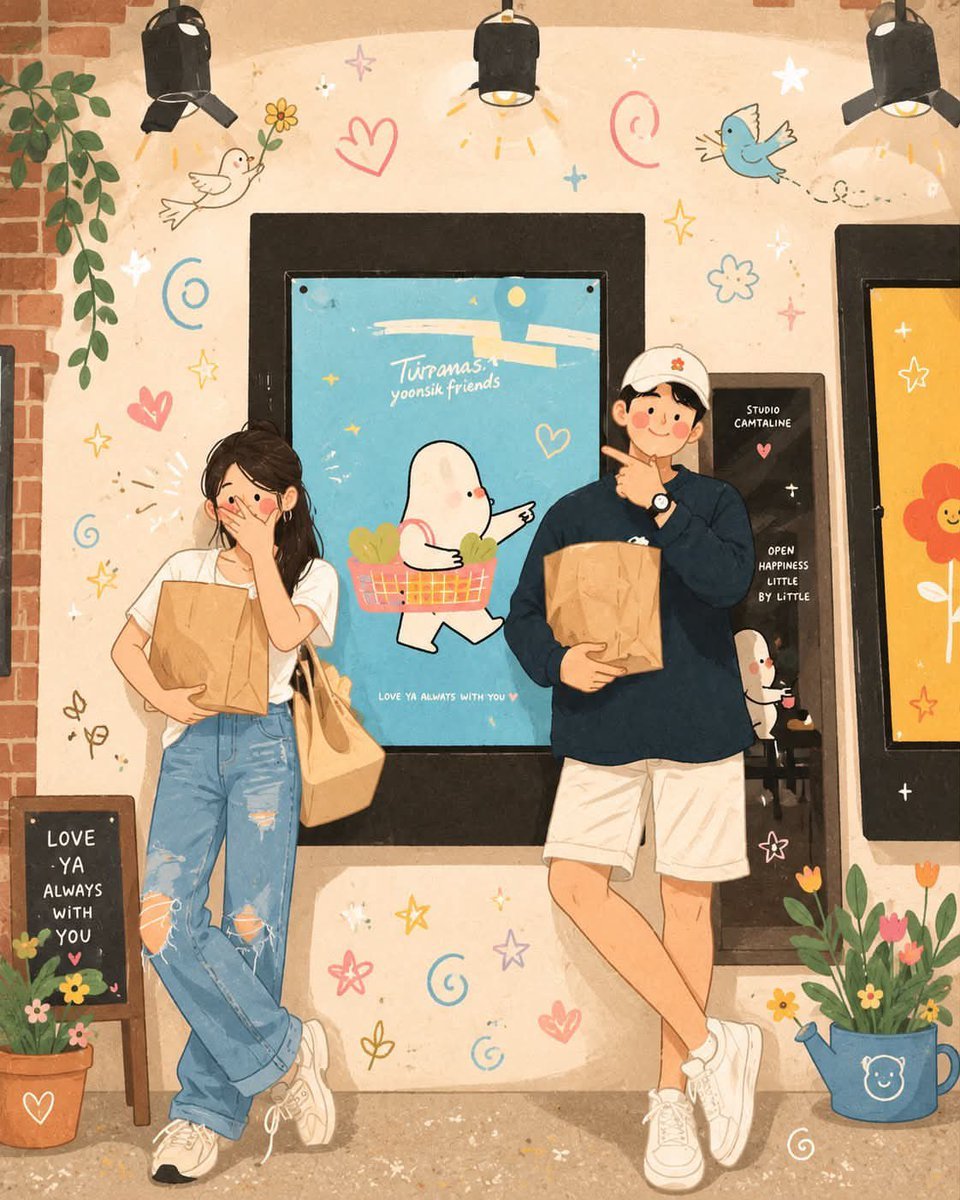
Korean-Inspired Whimsical Doodle Art
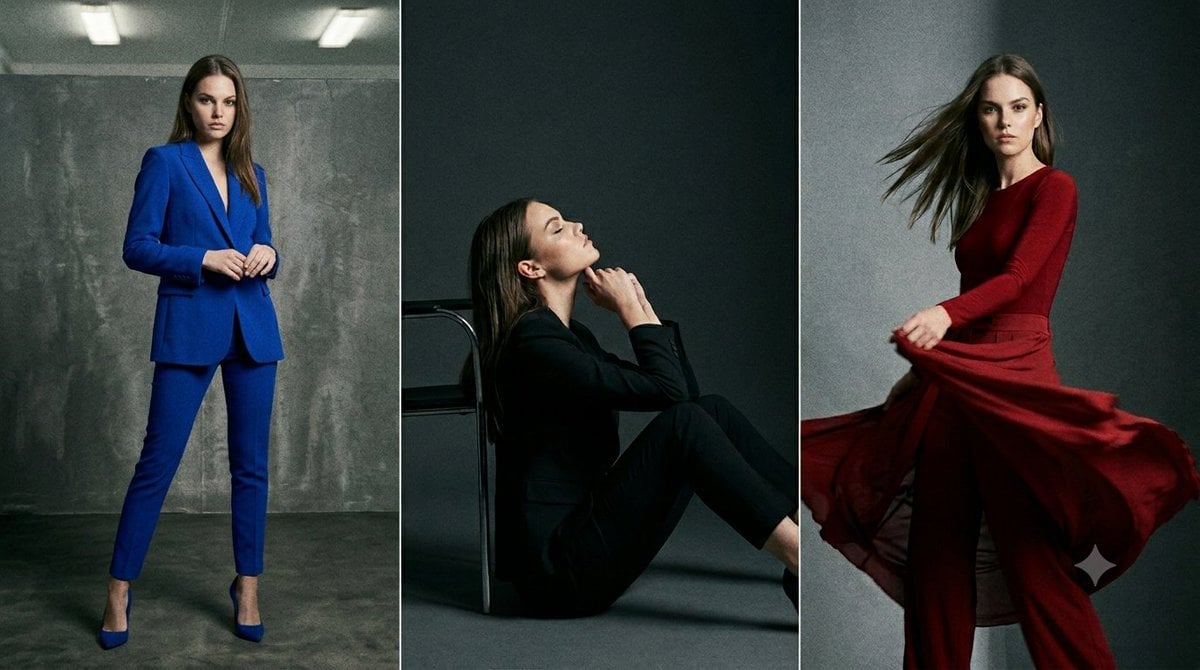
Anonymous Fashion Editorial Triptych
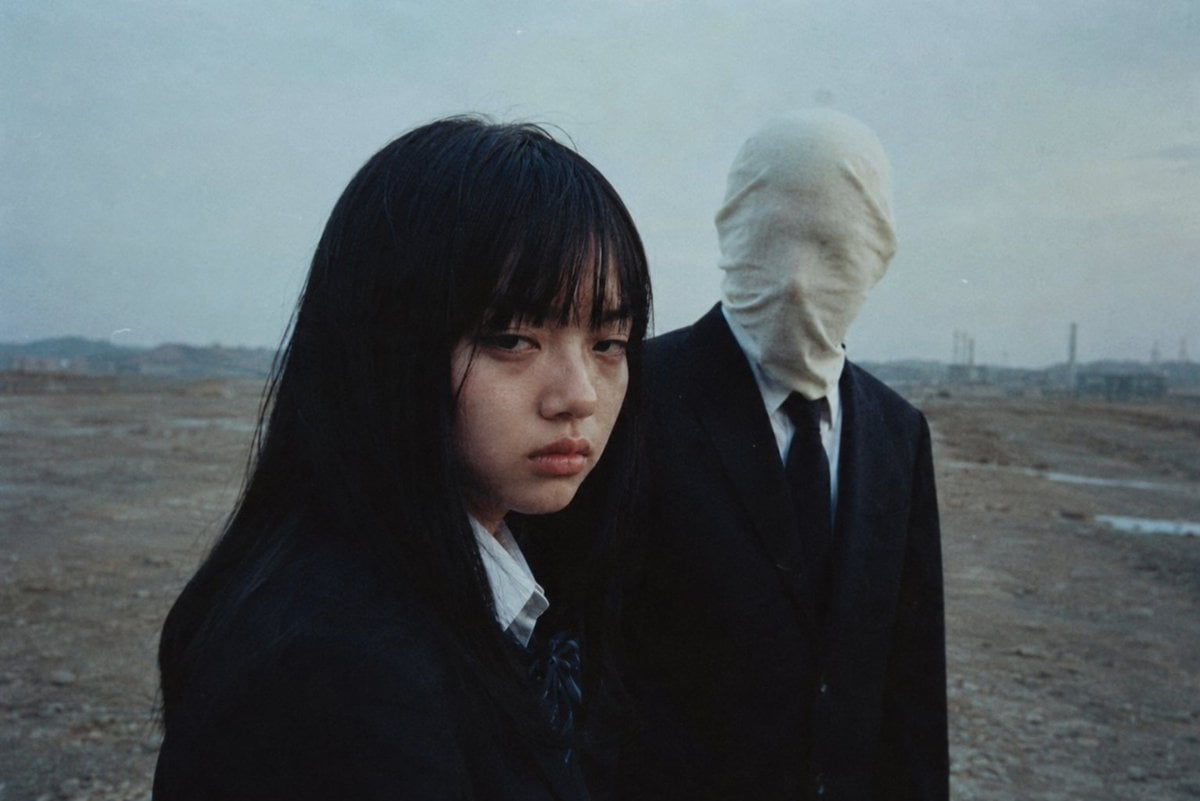
Anonymous Figures in Industrial Wasteland
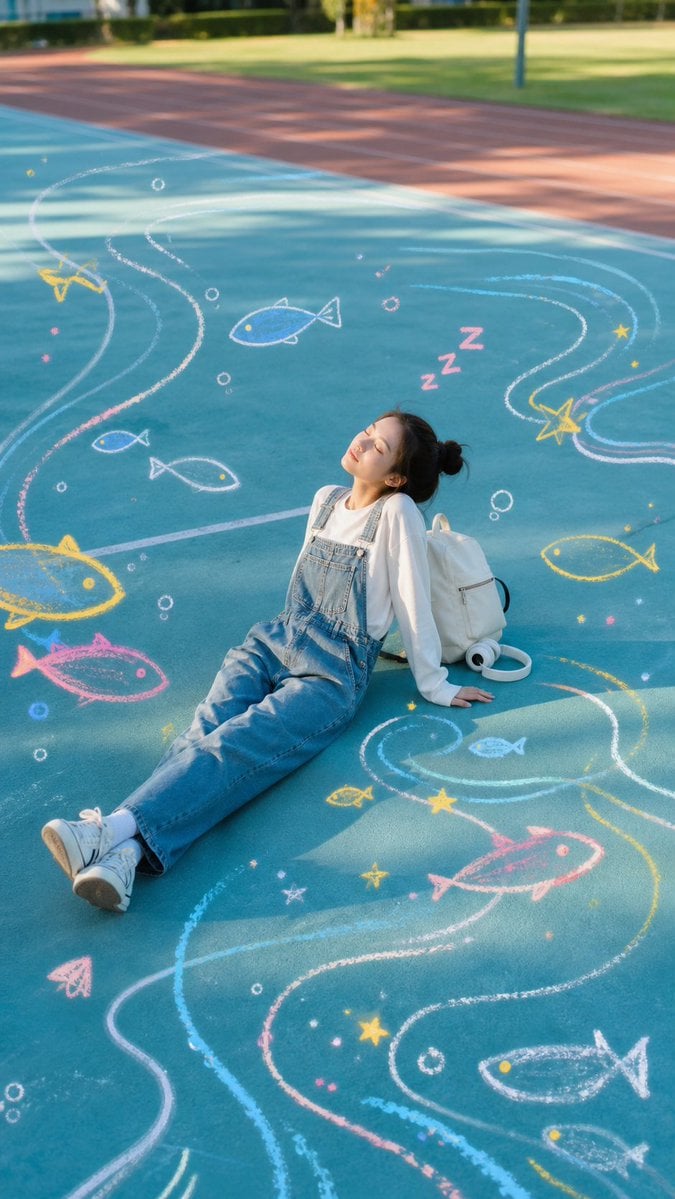
Sleeping Girl on Chalk Doodle Court
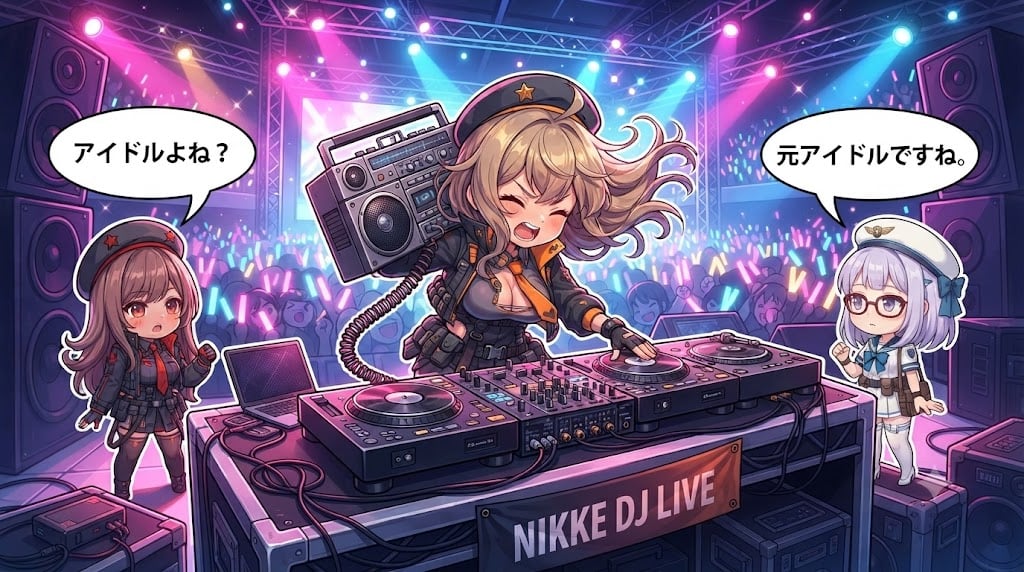
Chibi Anime DJ Live Concert
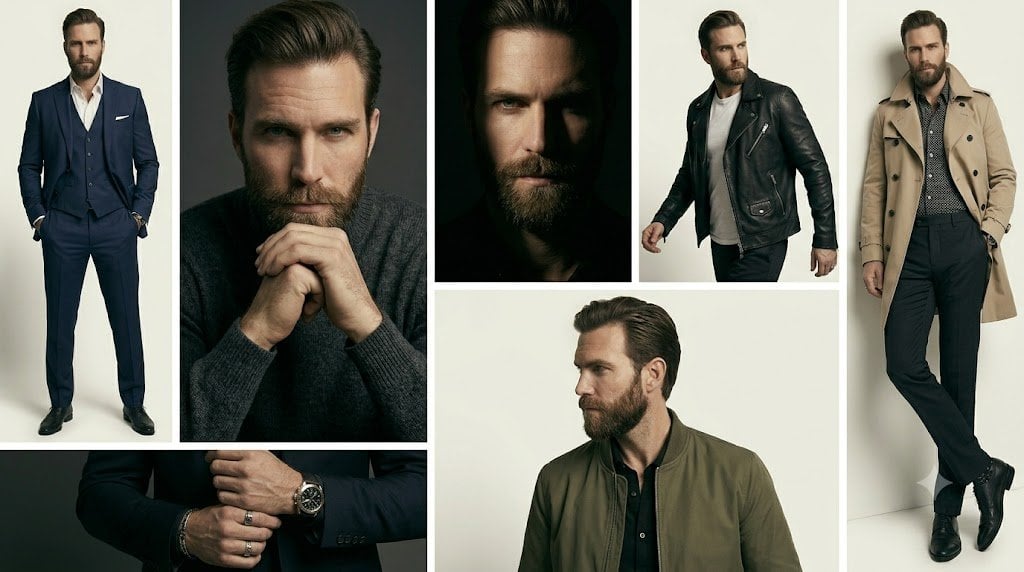
Anonymous Menswear Editorial Collage
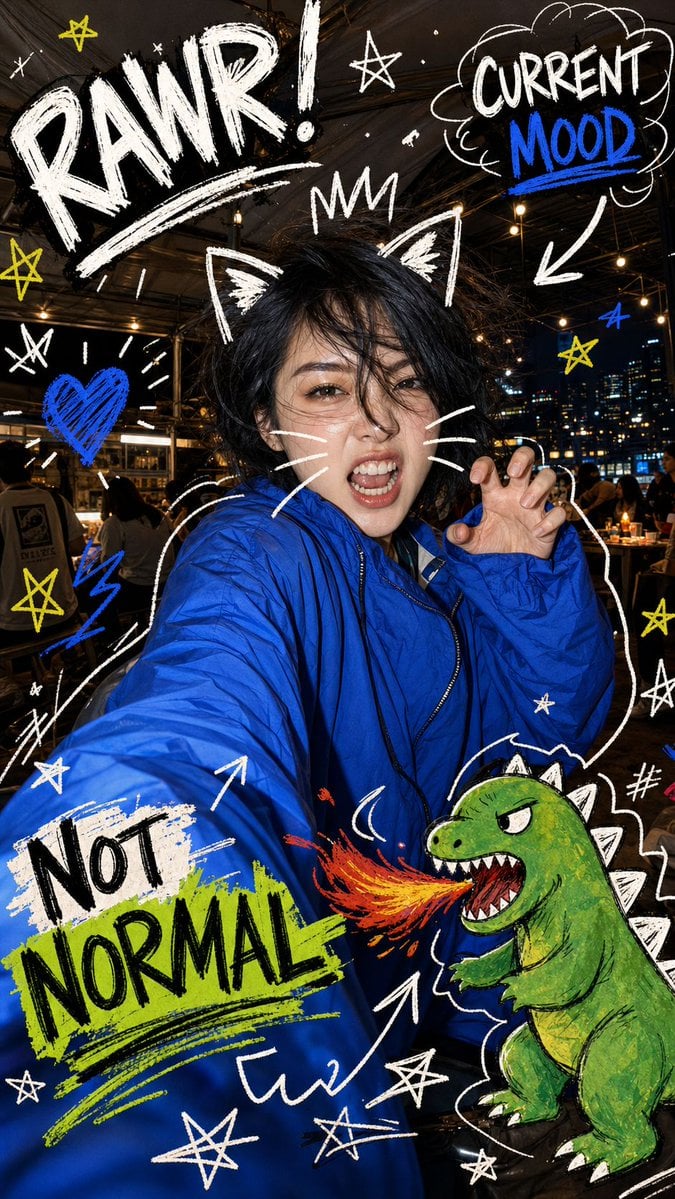
Nighttime Doodle Flash Selfie
Make it yours
Anonymous Concert Doodle works as-is. These are the safest ways to change it without losing the look.
Change one field
Copy a single group, rewrite it, and generate again so you can see what that field is doing.
Keep the frame, change the subject
Hold the composition and light of Anonymous Concert Doodle, then swap wardrobe, props or the person for a new take.
| If the result… | Why | Fix |
|---|---|---|
| The result drifts from the preview | Too many fields changed at once. | Reuse Anonymous Concert Doodle as-is first, then change one group — subject, light, or setting. |
| The model over-stylizes the scene | The prose prompt leaves finish and camera underspecified. | Add one camera or lighting sentence and stay on GPT Image 2. |
More GPT Image 2 templates
Other prompts made for GPT Image 2.

Six VTuber Japanese Logo Sheet

Realistic Portrait of Woman and Deer

The Vista Modular Condo Poster

AI Model Routing Comparison Infographic

2.5D Anime Art Board

Isometric Productivity Desk Scene

New York Double Exposure Poster

Four-Panel AI Landscape Comparison

Japanese Tatami Lifestyle Magazine Cover

NESCAFÉ Coffee Map Poster
More image prompts
Fresh picks from across the catalog.
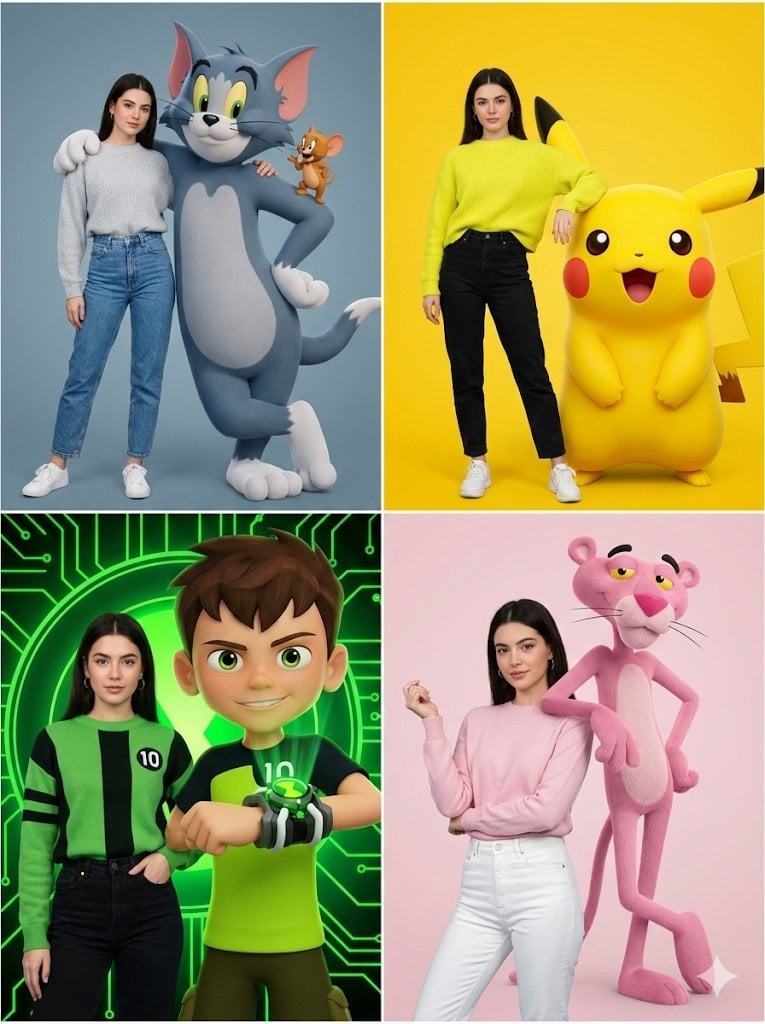
Hyper-realistic Childhood Cartoon Fashion Shoot

Editorial Caricature Illustration of a Man
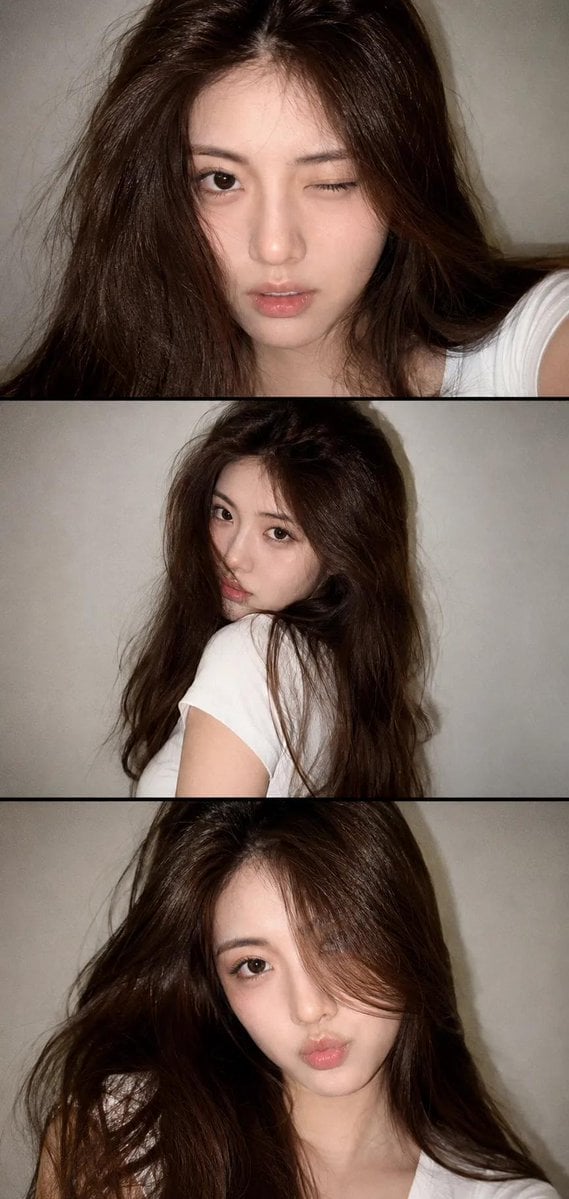
Vintage Style Selfie Collage
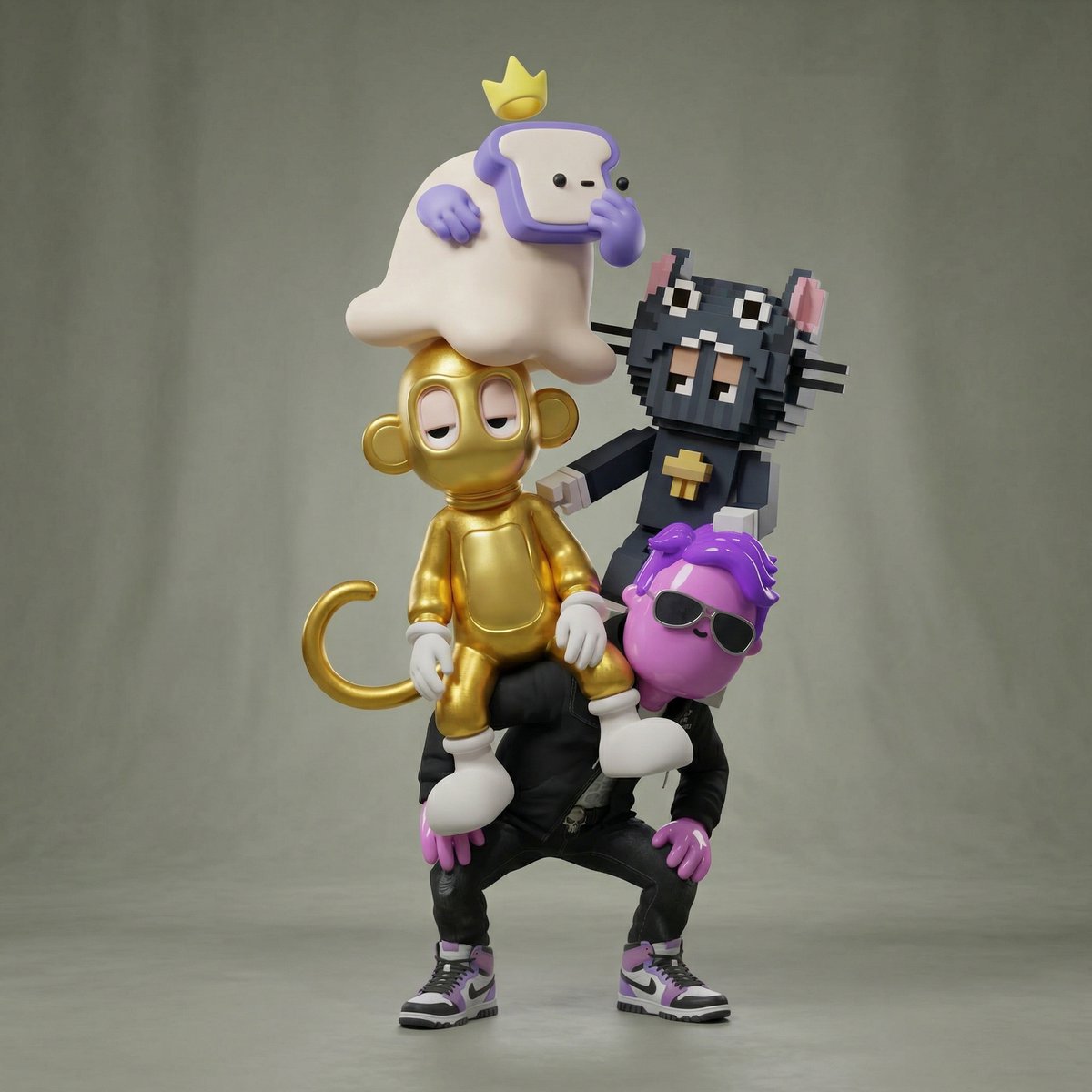
Awkward Stacked NFT Family Portrait
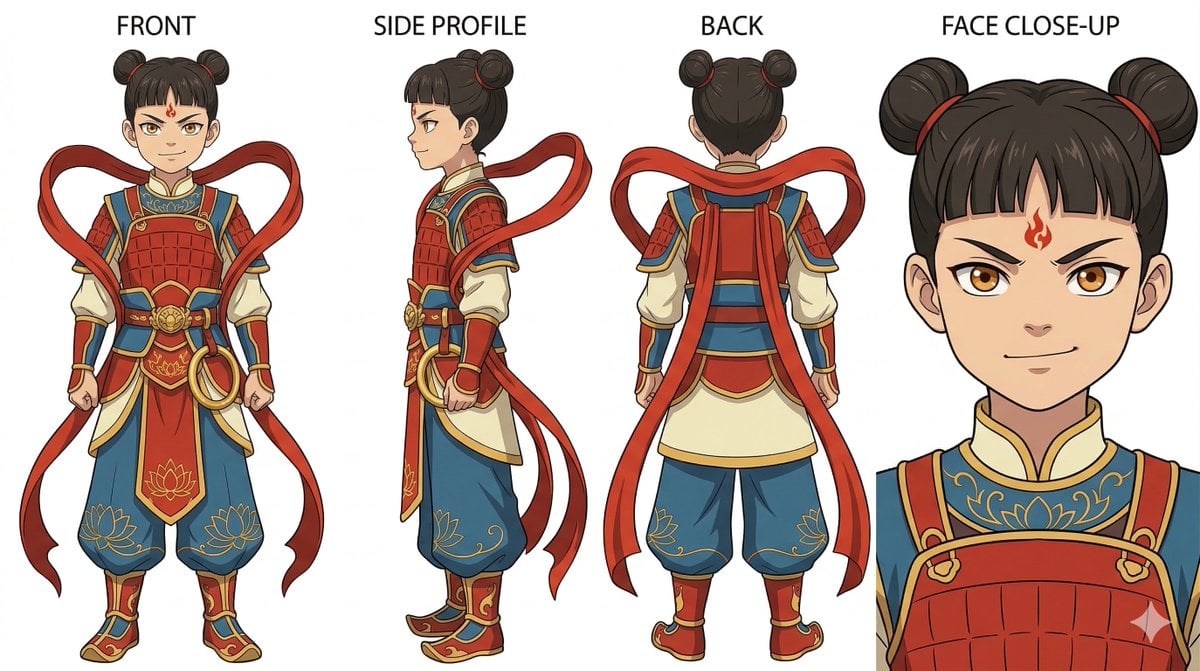
Ghibli Nezha Character Turnaround
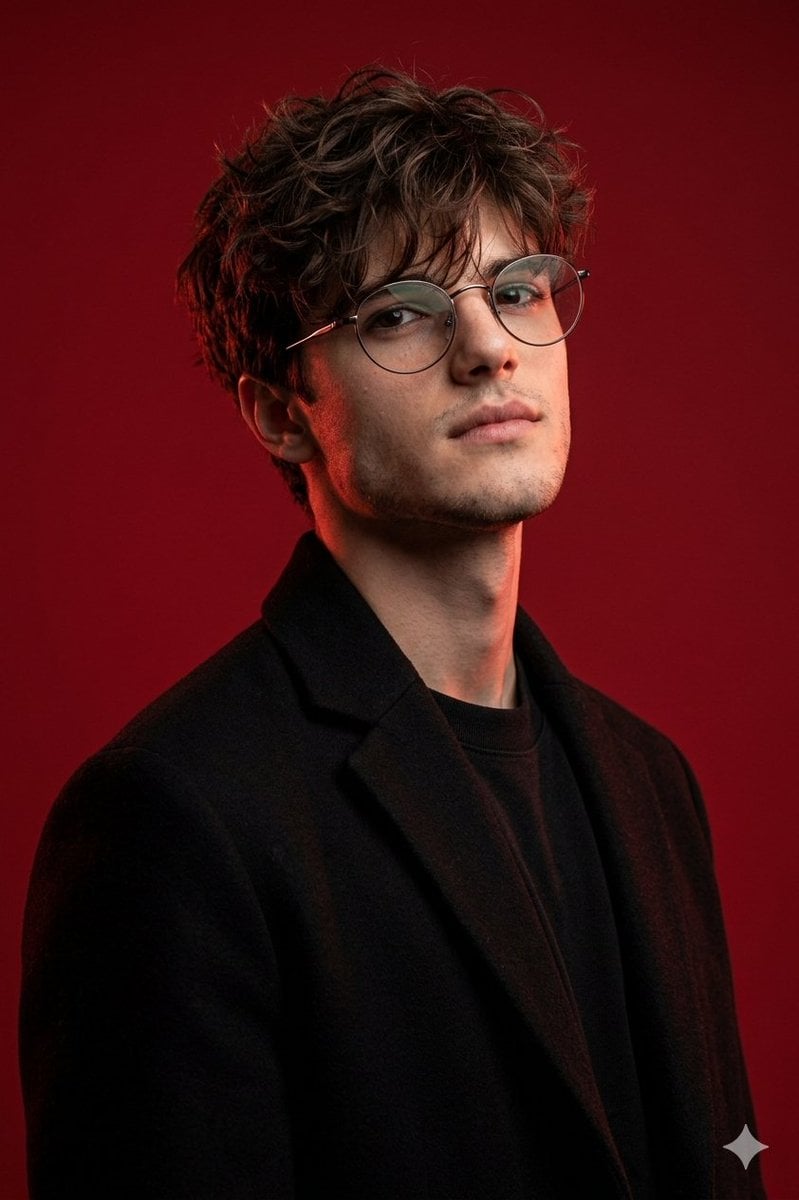
Brutal Studio Red Backdrop Portrait
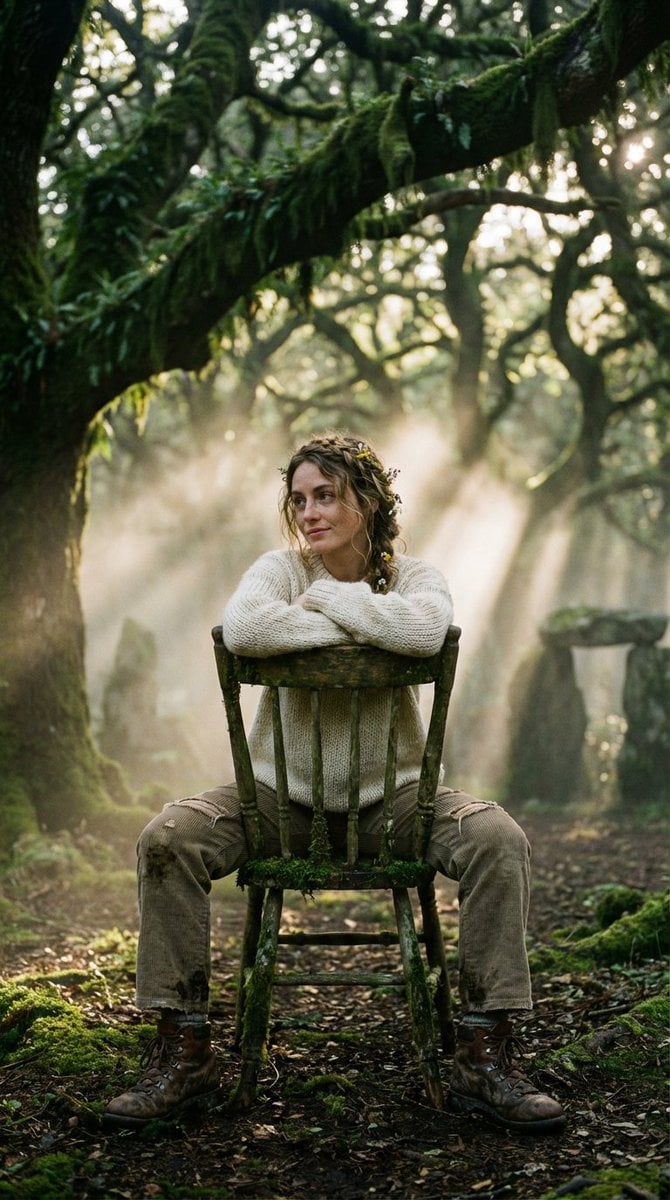
Bohemian Forest Portrait (Analog Film Style)
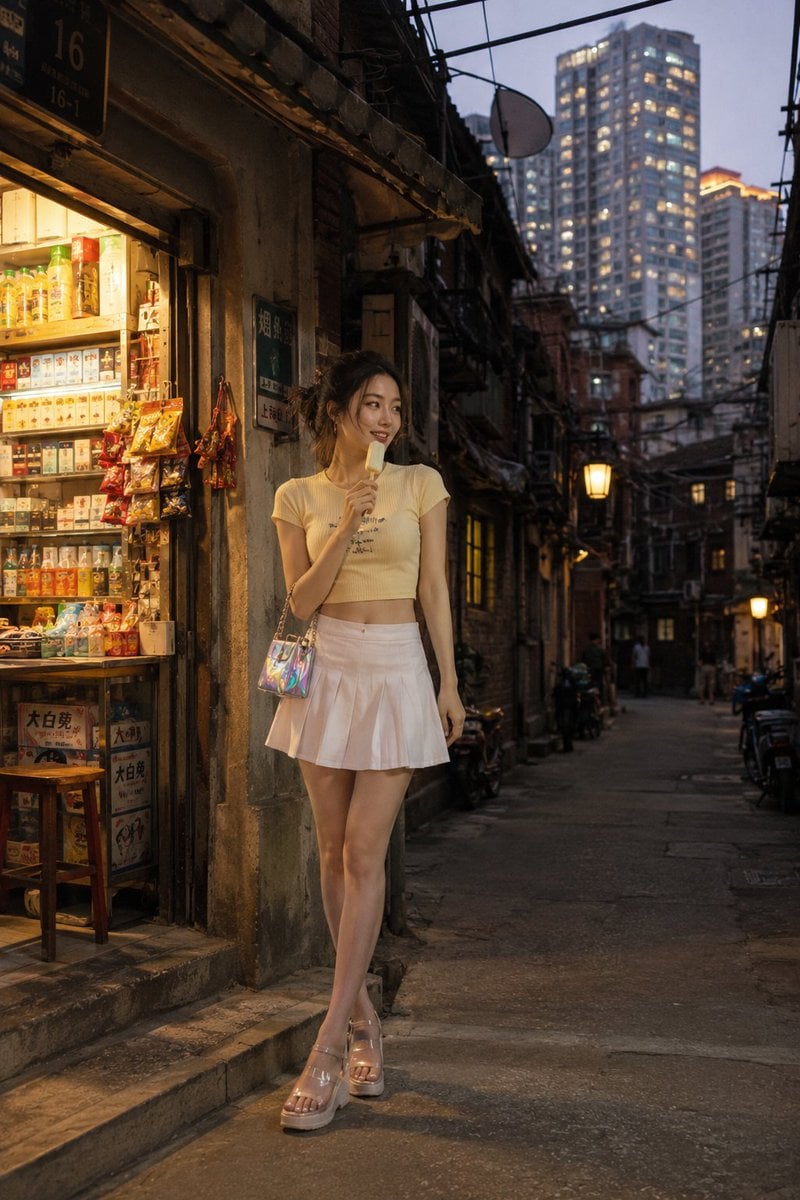
Shanghai Longtang Street Candid
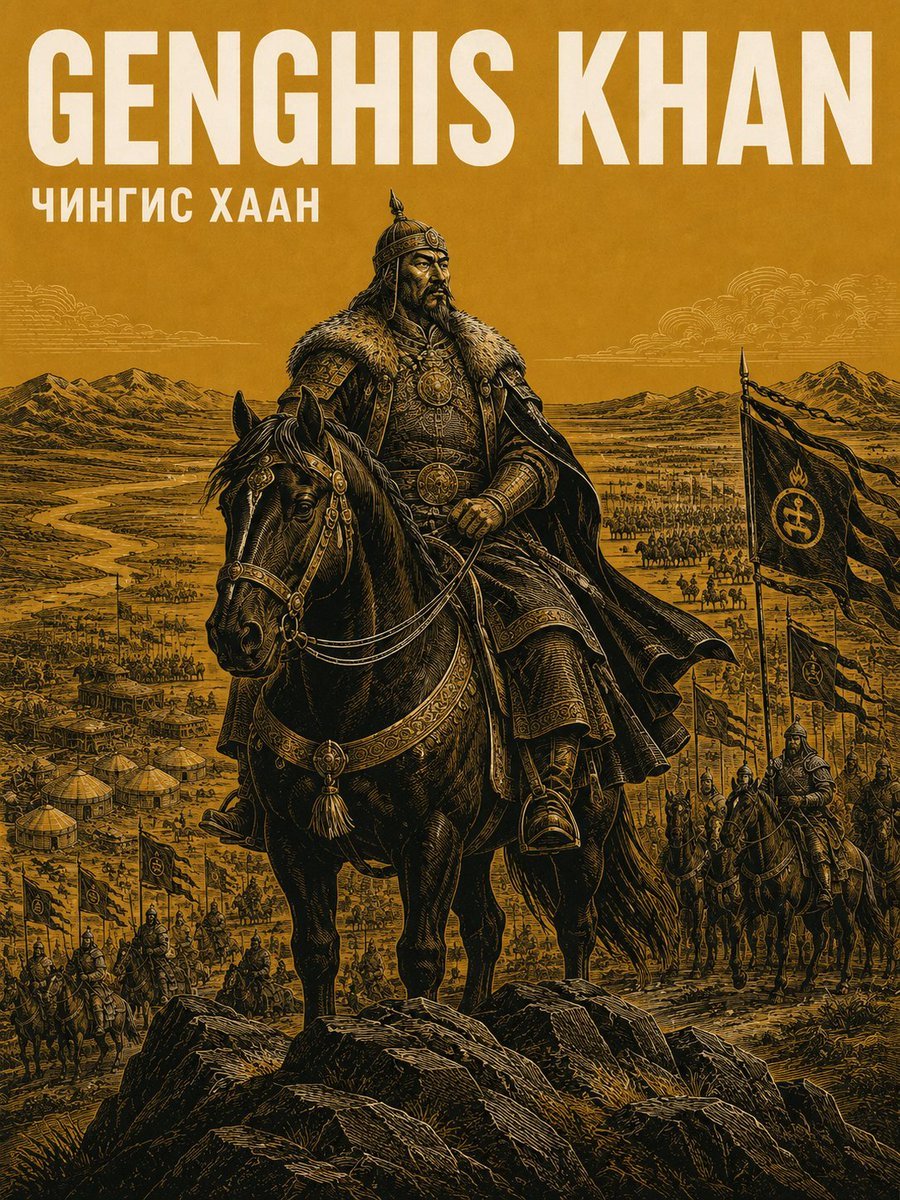
Alexander the Great Historical Poster
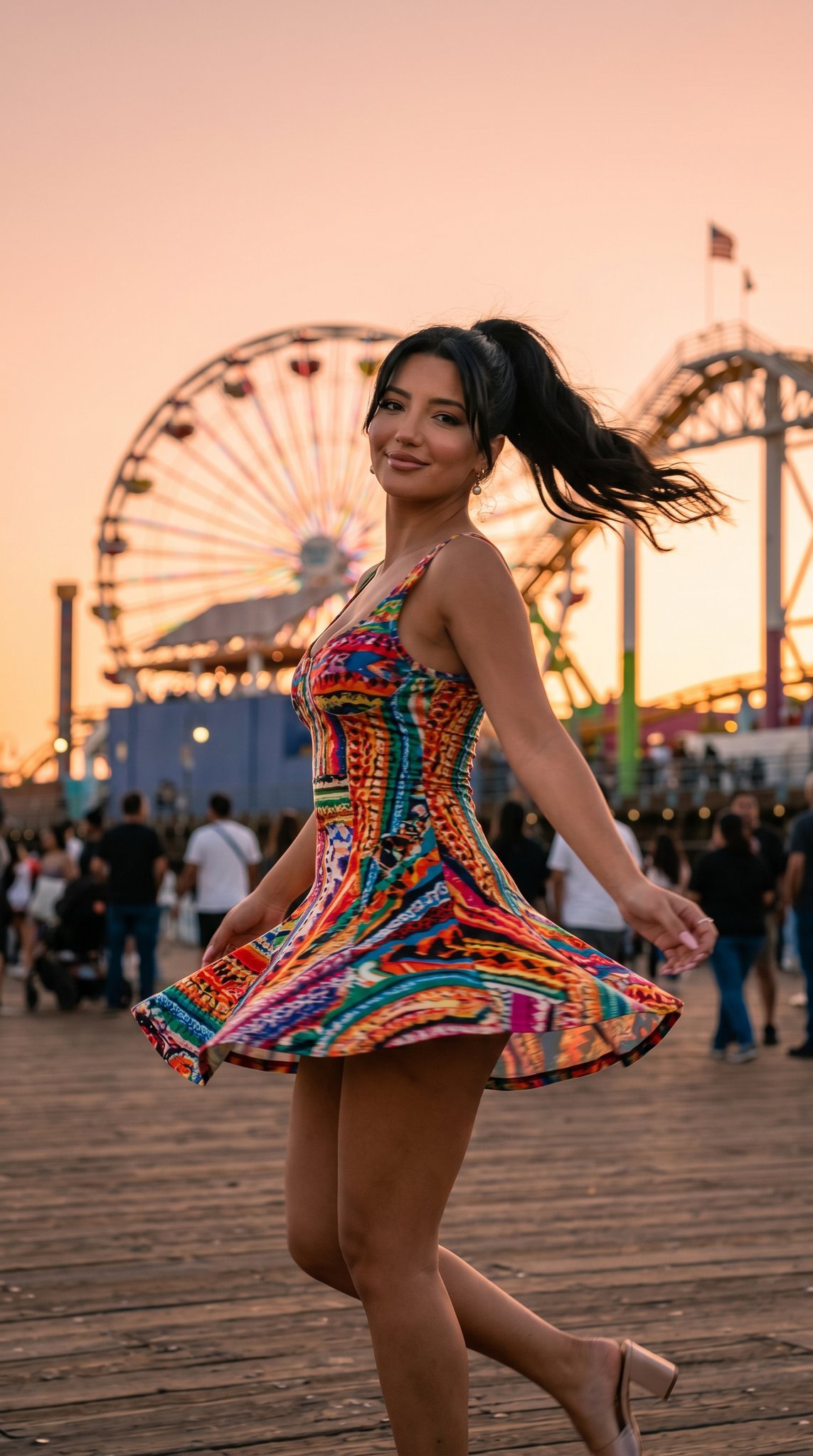
05 Santa Monica Pier — California Series
Browse template categories
Anonymous Concert Doodle questions
How do I use the Anonymous Concert Doodle template?
Add your photo if the template asks for one, edit the prompt if you like — the template's model and format are already selected — and press Generate. Your version opens in PicX Studio.
Can I customize the Anonymous Concert Doodle template?
Yes. You can change the subject, setting, lighting, mood, format, and available model controls before creating your image.
Is the Anonymous Concert Doodle template free?
Opening and editing this template is free. Generating uses credits, shown on the Generate button when you are signed in.
Which AI model should I use?
Start with GPT Image 2, which is the model associated with this template. You can compare another compatible model for a different finish.
Looking for something else? Browse all templates.

Your photo, any look
Thousands of ready templates for every top image and video model, from one credit balance.