
Overlapping SaaS Feature Cards
A polished landing-page hero mockup with three overlapping SaaS feature cards for capture, match scoring, and automated scheduling.
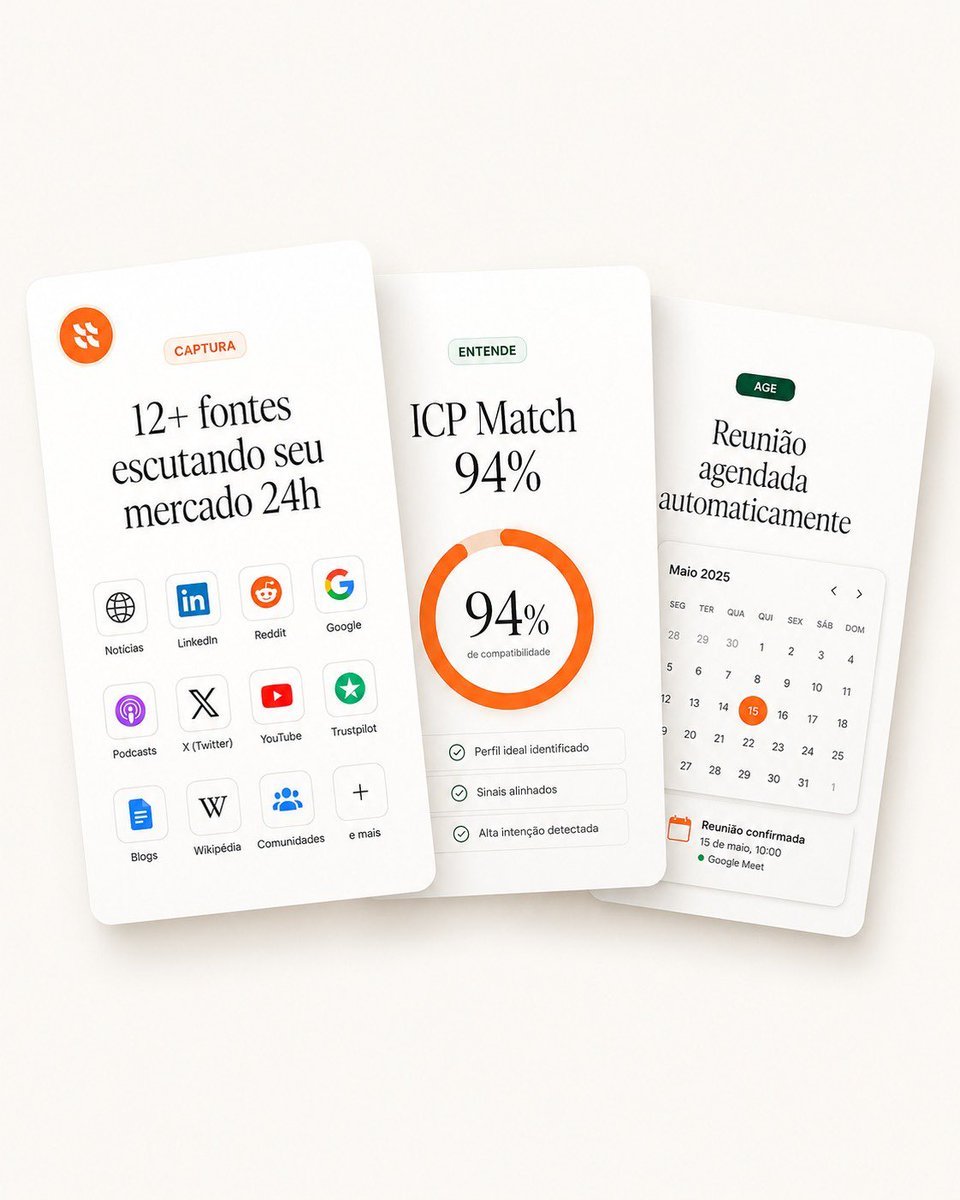
- Prompt included
- Model and format preset
- Free template
The prompt behind this image
Copy the exact prompt behind Overlapping SaaS Feature Cards, or open it in the studio and make it yours.
Goal: Create a clean landing-page hero visual showing three overlapping white SaaS feature cards for a sales intelligence / lead monitoring product, in a premium minimal Figma-style mockup. Canvas: Square 1:1 composition, warm off-white background with very soft beige gradient, subtle vignette, realistic soft shadows under cards. Cards are tall rounded rectangles with slight perspective tilt and depth, floating in the center. Use elegant editorial serif typography for large headings and small sans-serif labels. Layout: Arrange exactly 3 vertical cards, overlapping horizontally. The left card is in front and tilted slightly counterclockwise, the middle card is centered and nearly upright, the right card sits behind and tilted slightly clockwise. Keep generous whitespace and rounded corners. Card 1, left card — capture sources: At the top left place a small orange circular logo icon with abstract white marks. Near the top center place a pale peach pill label reading “CAPTURA”. Large headline in Portuguese: “{argument name="left card headline" default="12+ fontes escutando seu mercado 24h"}”. Below it, show exactly 12 small rounded source tiles in a 3-column by 4-row grid, each with an icon and label. The 12 labels are: “Notícias”, “LinkedIn”, “Reddit”, “Google”, “Podcasts”, “X (Twitter)”, “YouTube”, “Trustpilot”, “Blogs”, “Wikipédia”, “Comunidades”, “e mais”. Use recognizable simplified icons: globe, LinkedIn logo, Reddit alien, Google G, podcast glyph, X logo, YouTube play button, green trust star, document/blog icon, W, group/community dots, plus sign. Card 2, center card — match score: Place a pale green pill label reading “ENTENDE”. Main headline text: “{argument name="match headline" default="ICP Match 94%"}”. Center a thick circular donut progress ring in bright orange, almost complete, with pale peach remainder. Inside the ring, display “{argument name="match percentage" default="94%"}” in large serif type and a tiny subtitle “de compatibilidade”. Below the ring place exactly 3 thin rounded checklist rows with small green check icons and the labels: “Perfil ideal identificado”, “Sinais alinhados”, “Alta intenção detectada”. Card 3, right card — action scheduling: Place a dark green pill label reading “AGE”. Large headline in Portuguese: “{argument name="right card headline" default="Reunião agendada automaticamente"}”. Below it, include a compact calendar widget headed “Maio 2025” with weekday labels in Portuguese: “SEG”, “TER”, “QUA”, “QUI”, “SEX”, “SÁB”, “DOM”. Show a monthly grid of dates with the 15 highlighted by an orange circle. Add small left and right chevrons near the calendar header. At the bottom, include a confirmation block with an orange calendar icon and the text “Reunião confirmada”, “15 de maio, 10:00”, and a green dot followed by “Google Meet”. Visual style: High-end SaaS landing page aesthetic, soft 3D paper cards, off-white surfaces, thin pale gray dividers, muted green and orange accent colors, subtle shadows, crisp vector UI icons, refined typography, realistic but clean product mockup. Constraints: Use exactly 3 cards, exactly 12 source tiles on the left card, exactly 3 checklist rows on the middle card, and one calendar widget on the right card. Keep all text legible, no people, no extra logos beyond the specified source icons, no watermark, no browser chrome.
How to use Overlapping SaaS Feature Cards in 3 steps
- 1Upload ImagePNG, JPG or paste
Add your photo
Upload the photo the template builds on. The prompt, model and format are already set.
- 2…a portrait of your subject in softgolden-hour light, 85mm…
Personalize
Edit the subject and creative details for your destination.
- 3Generate
Generate
Press Generate — your image is created in PicX Studio, so you can compare it with the original and refine one variable at a time.
More like this
Templates with the same subject, style or setup. Open one to see its prompt.












Make it yours
Overlapping SaaS Feature Cards works as-is. These are the safest ways to change it without losing the look.
Change one field
Copy a single group, rewrite it, and generate again so you can see what that field is doing.
Keep the frame, change the subject
Hold the composition and light of Overlapping SaaS Feature Cards, then swap wardrobe, props or the person for a new take.
| If the result… | Why | Fix |
|---|---|---|
| The result drifts from the preview | Too many fields changed at once. | Reuse Overlapping SaaS Feature Cards as-is first, then change one group — subject, light, or setting. |
| The model over-stylizes the scene | The prose prompt leaves finish and camera underspecified. | Add one camera or lighting sentence and stay on GPT Image 2. |
More GPT Image 2 templates
Other prompts made for GPT Image 2.

Six VTuber Japanese Logo Sheet

Realistic Portrait of Woman and Deer

The Vista Modular Condo Poster

AI Model Routing Comparison Infographic

2.5D Anime Art Board

Isometric Productivity Desk Scene

New York Double Exposure Poster

Four-Panel AI Landscape Comparison

Japanese Tatami Lifestyle Magazine Cover

NESCAFÉ Coffee Map Poster
More image prompts
Fresh picks from across the catalog.

Ant Warrior Macro Photography
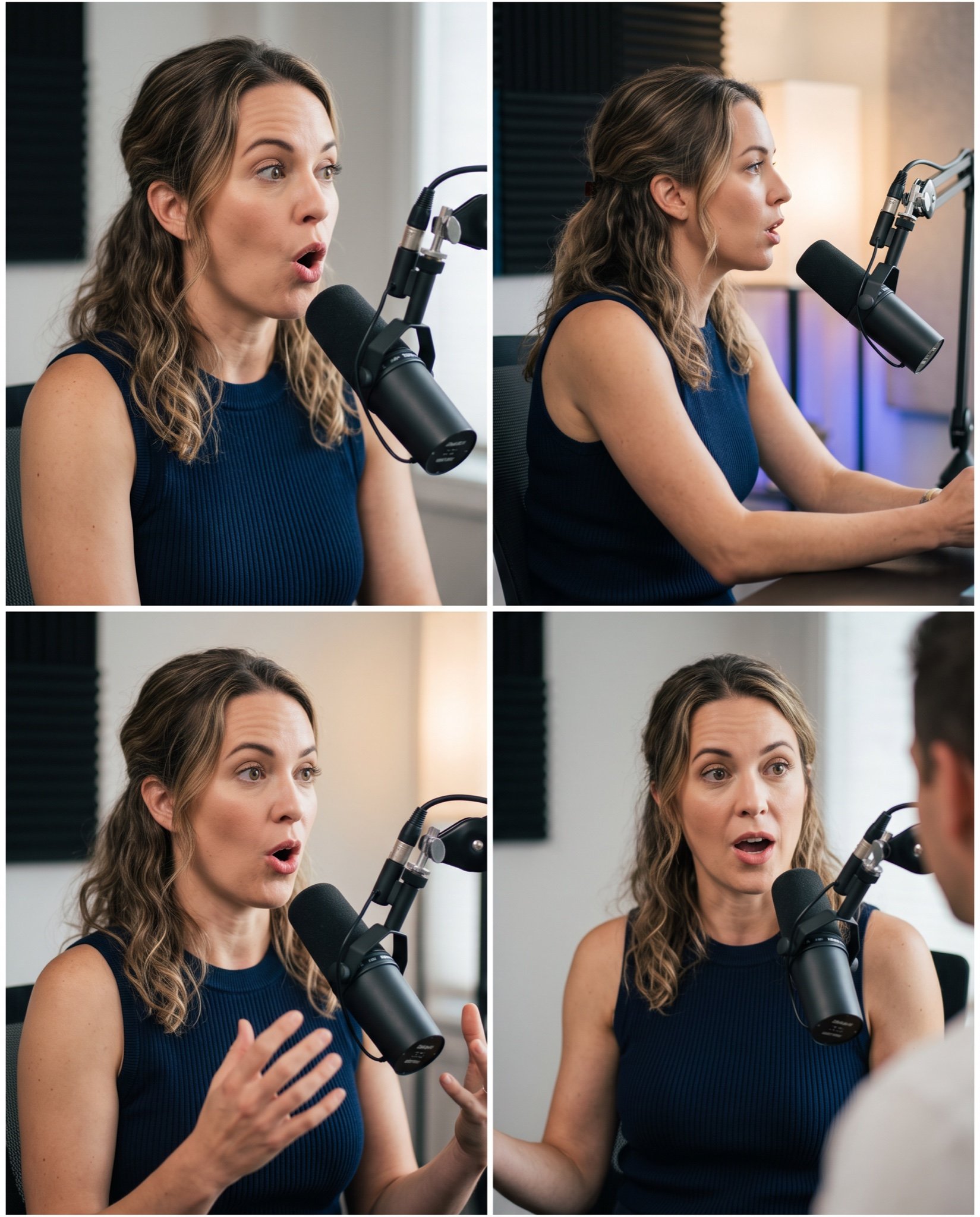
Mahira Khan 2x2 Collage Podcast Interview Prompt

Split-Screen Cinematic Shot for Time Travel Comparison

Delicate Line Art and Watercolor Glaze

Cinematic TV Still Prompt

Double Exposure Fashion Portrait

Editorial Fashion Portrait with Wolf-Cut Hairstyle Prompt
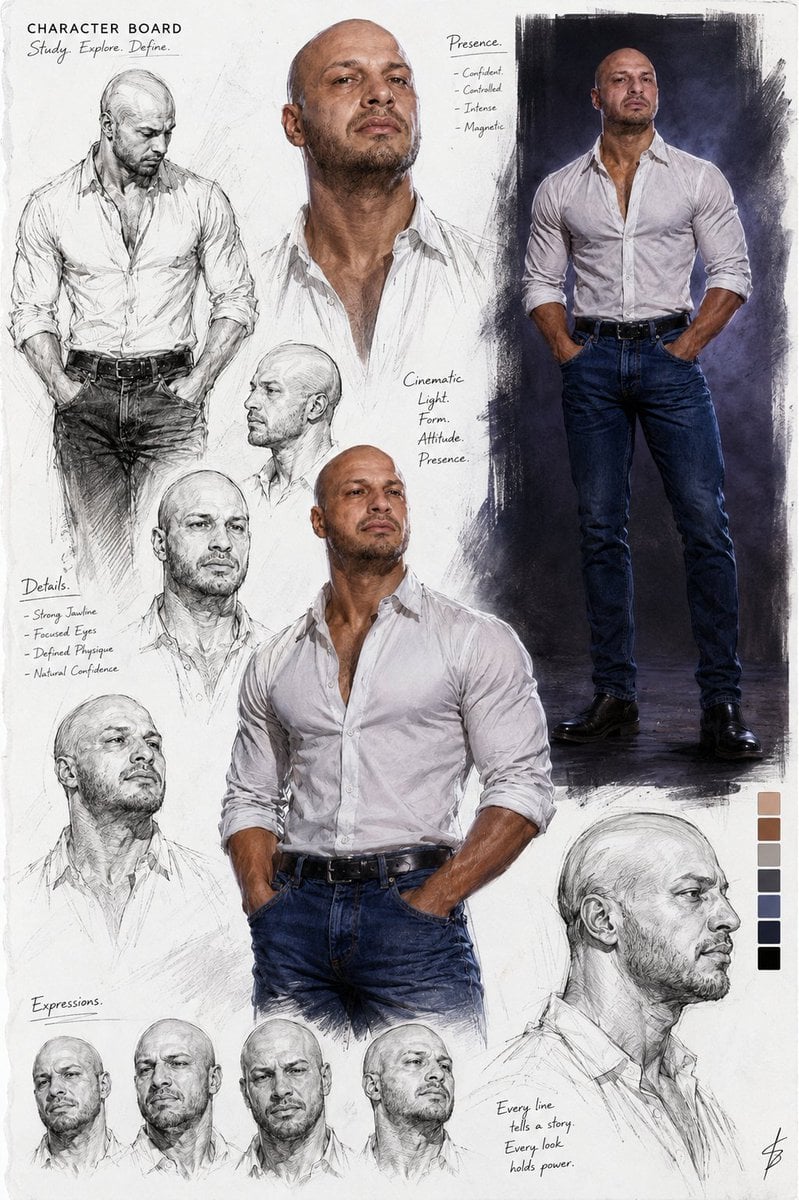
Cinematic Male Character Concept Board
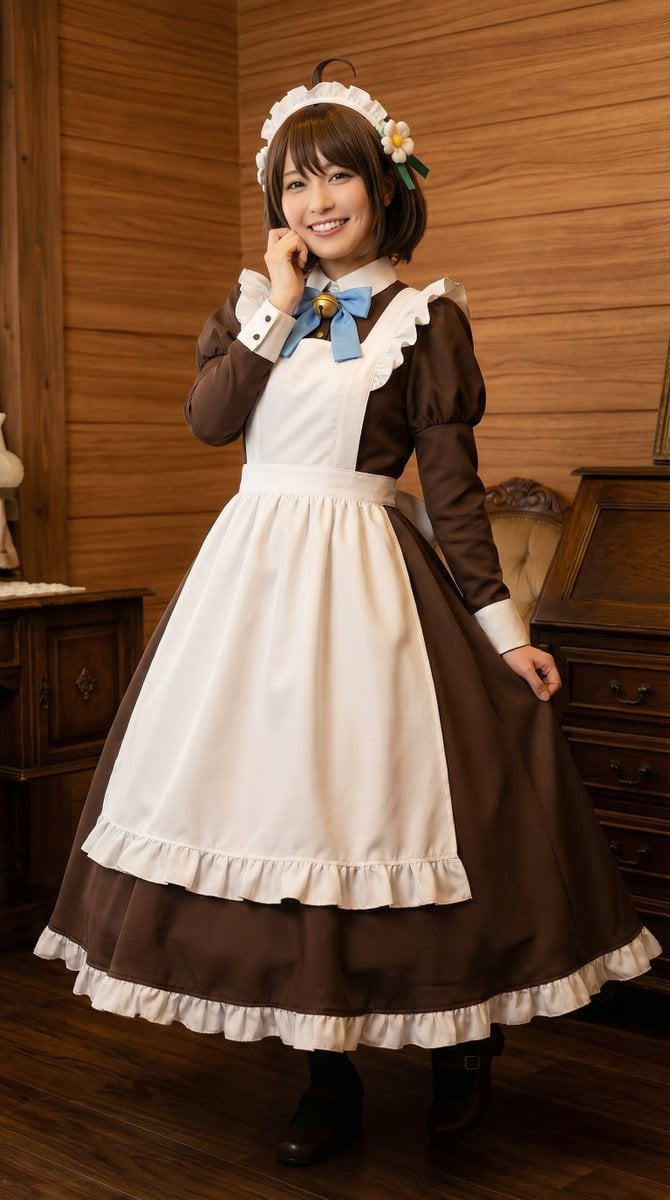
Cosplayer-Style Japanese Woman Image Generation Prompt
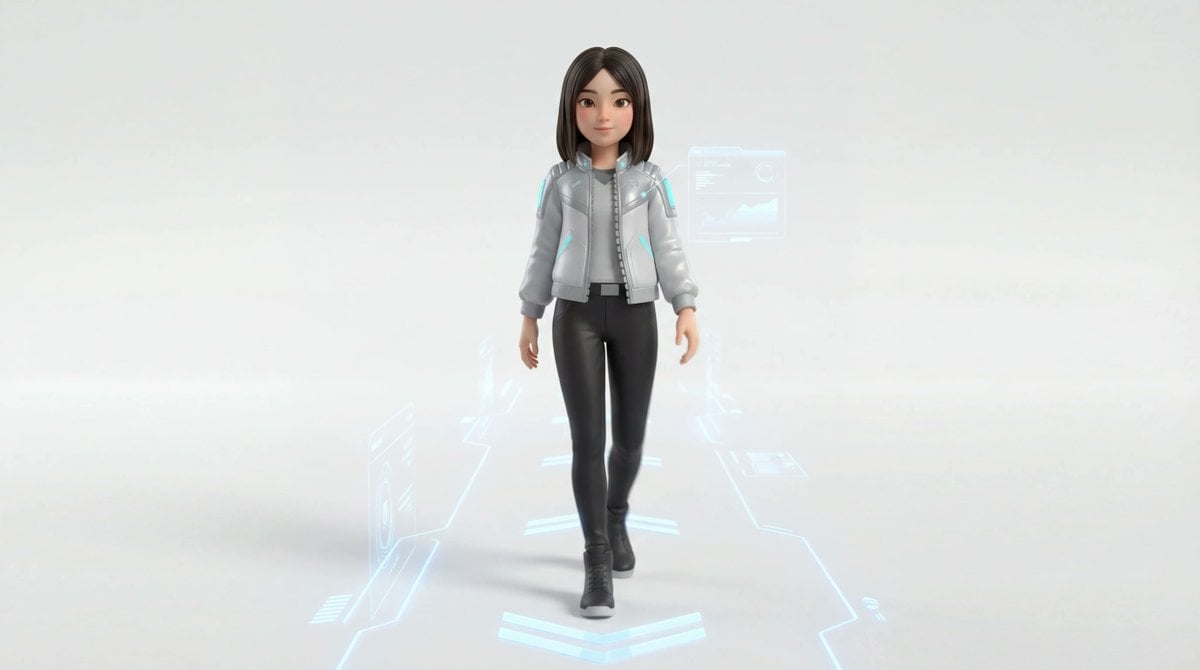
Medium Shot of Character Interacting with Floating Interface
Browse template categories
Overlapping SaaS Feature Cards questions
How do I use the Overlapping SaaS Feature Cards template?
Add your photo if the template asks for one, edit the prompt if you like — the template's model and format are already selected — and press Generate. Your version opens in PicX Studio.
Can I customize the Overlapping SaaS Feature Cards template?
Yes. You can change the subject, setting, lighting, mood, format, and available model controls before creating your image.
Is the Overlapping SaaS Feature Cards template free?
Opening and editing this template is free. Generating uses credits, shown on the Generate button when you are signed in.
Which AI model should I use?
Start with GPT Image 2, which is the model associated with this template. You can compare another compatible model for a different finish.
Looking for something else? Browse all templates.

Your photo, any look
Thousands of ready templates for every top image and video model, from one credit balance.