
NOVALITH SaaS Landing Page Hero
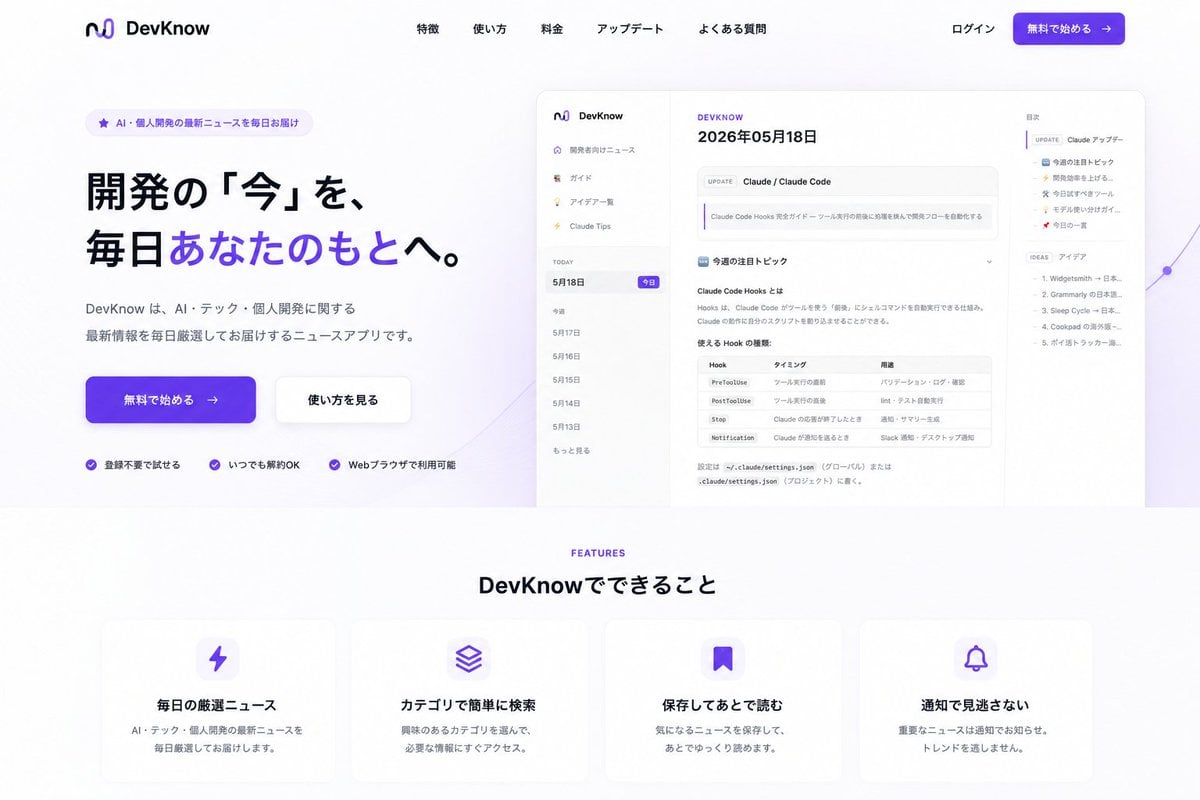
Generates a polished Japanese SaaS landing page from an existing app screenshot, with hero CTA, product mockup, navigation, and feature cards.
- Prompt included
- Model and format preset
- Free template
The prompt behind this image
Copy the exact prompt behind NOVALITH SaaS Landing Page Hero, or open it in the studio and make it yours.
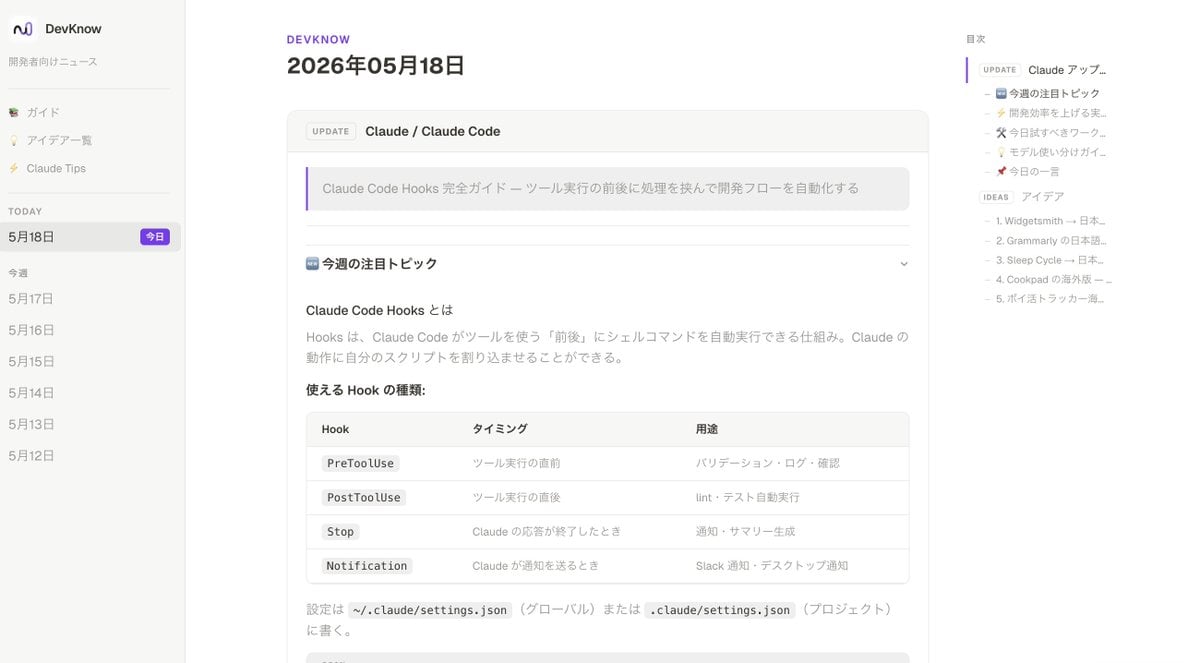
Using REFERENCE_0 as the product UI screenshot, turn it into a polished Japanese SaaS landing page for {argument name="product name" default="DevKnow"}. Keep the app screenshot recognizable but place it inside a large rounded browser/mockup preview on the right side of the hero section, slightly scaled down with soft shadow and a subtle purple abstract line/gradient accent behind it. Layout: Create a clean desktop landing page with a white background and purple brand accents. Add a top navigation bar with the existing logo/name on the left, five centered menu links labeled 「特徴」, 「使い方」, 「料金」, 「アップデート」, 「よくある質問」, and on the right 「ログイン」 plus a purple CTA button labeled 「無料で始める →」. Hero section: On the left, add a small rounded badge reading 「AI・個人開発の最新ニュースを毎日お届け」. Add a large bold Japanese headline: {argument name="hero headline" default="開発の「今」を、毎日あなたのもとへ。"} with the phrase 「あなたのもとへ」 highlighted in purple. Below it, add supporting copy: {argument name="hero description" default="DevKnow は、AI・テック・個人開発に関する最新情報を毎日厳選してお届けするニュースアプリです。"}. Add two hero buttons: a primary purple 「無料で始める →」 button and a secondary white 「使い方を見る」 button. Under the buttons, add exactly 3 trust points with small purple check icons: 「登録不要で始める」, 「いつでも解約OK」, 「Webブラウザで利用可能」. Features section: Beneath the hero, add a centered section label “FEATURES” in purple and the heading 「DevKnow でできること」. Create exactly 4 rounded feature cards in one row with soft shadows and purple icons: 1) lightning icon, title 「毎日の厳選ニュース」, description 「AI・テック・個人開発の最新ニュースを毎日厳選してお届けします。」; 2) stacked layers icon, title 「カテゴリで簡単に検索」, description 「興味のあるカテゴリを選んで、必要な情報にすぐアクセス。」; 3) bookmark icon, title 「保存してあとで読む」, description 「気になるニュースを保存して、あとでゆっくり読めます。」; 4) bell icon, title 「通知で見逃さない」, description 「重要なニュースは通知でお知らせ。トレンドを逃しません。」 Style constraints: Make it look like a modern production-ready landing page, not a raw app screenshot. Use spacious margins, rounded corners, subtle shadows, purple gradient buttons, crisp Japanese typography, and remove any clutter outside the composed landing page. Keep the reference app UI content visible but secondary to the landing page design.
Reference images included
NOVALITH SaaS Landing Page Hero needs input media to work. They load alongside the prompt when you open it in the studio.
How to use NOVALITH SaaS Landing Page Hero in 3 steps
- 1Upload ImagePNG, JPG or paste
Add your photo
Upload the photo the template builds on. The prompt, model and format are already set.
- 2…a portrait of your subject in softgolden-hour light, 85mm…
Personalize
Edit the subject and creative details for your destination.
- 3Generate
Generate
Press Generate — your image is created in PicX Studio, so you can compare it with the original and refine one variable at a time.
More like this
Templates with the same subject, style or setup. Open one to see its prompt.

Atlas GTM SaaS Hero Landing Page

SaaS AI Dashboard Landing Page

Mintpage AI Landing Page Hero
Fitness SaaS Landing Page UI
AgentBoard SaaS Landing and Dashboard UI
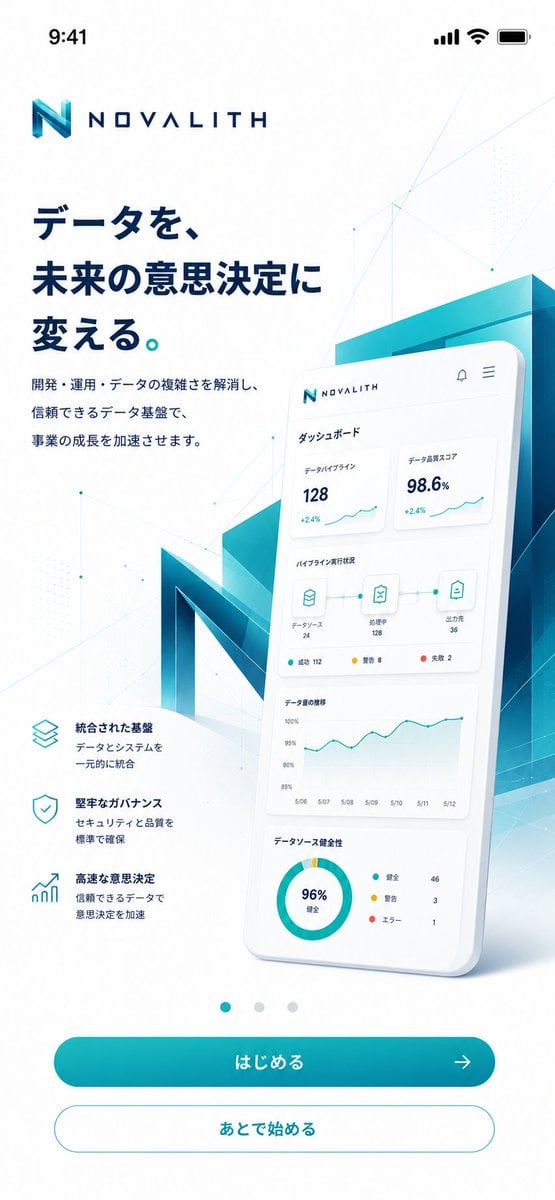
NOVALITH Mobile SaaS Onboarding Screen
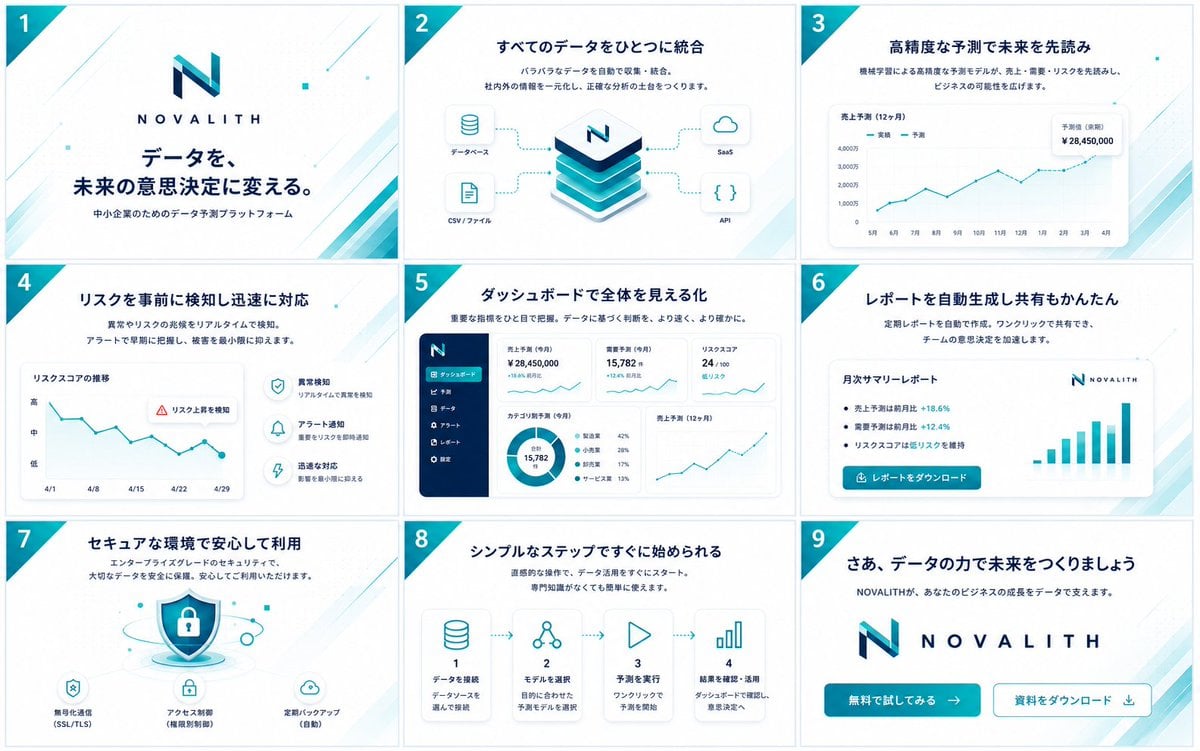
NOVALITH SaaS Pitch Deck Grid
Cyberpunk Flash Sale Landing Hero
Gothic Anime Superhero Landing
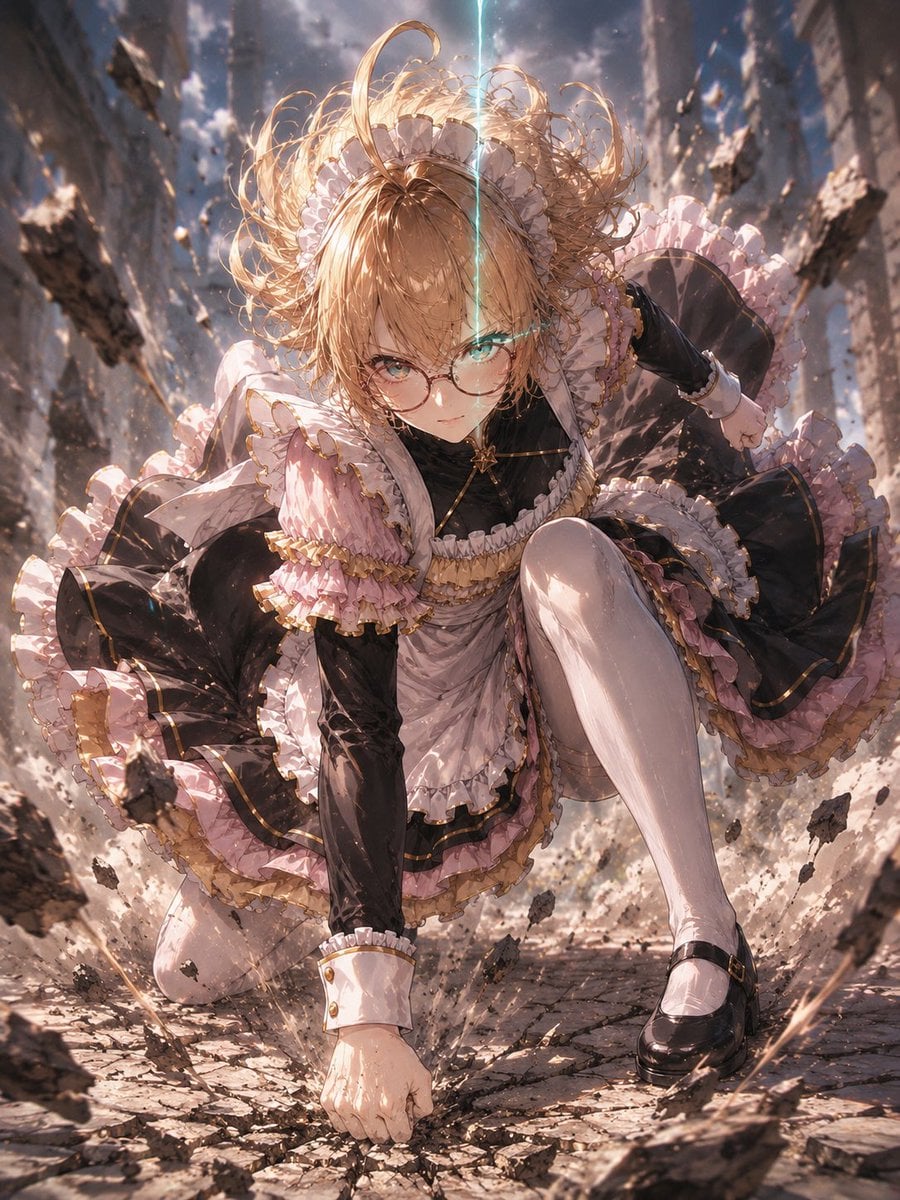
Gothic Maid Superhero Landing

Japanese Accounting SaaS Hero Banner
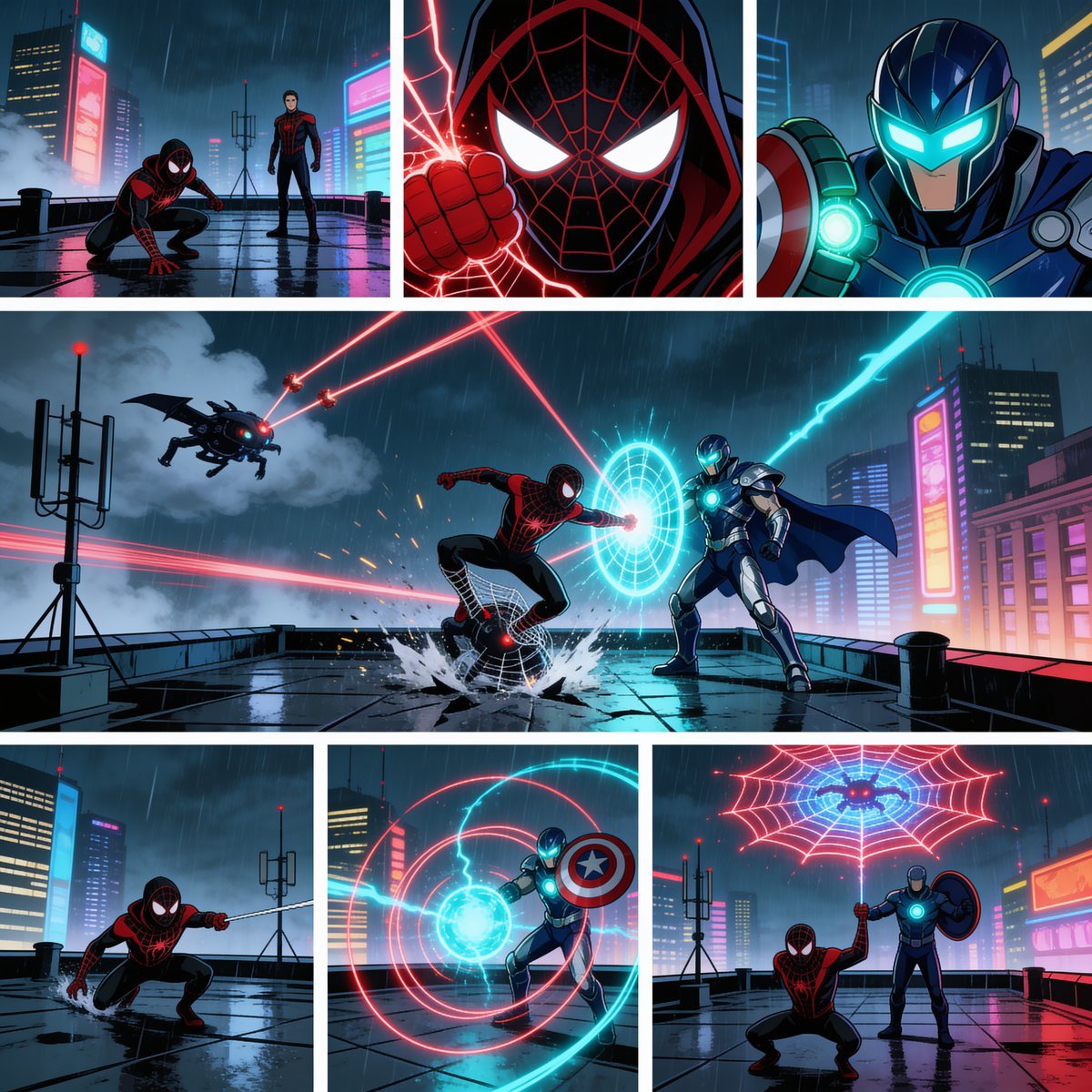
Rainy Cyberpunk Superhero Comic Page
Make it yours
NOVALITH SaaS Landing Page Hero works as-is. These are the safest ways to change it without losing the look.
Change one field
Copy a single group, rewrite it, and generate again so you can see what that field is doing.
Keep the frame, change the subject
Hold the composition and light of NOVALITH SaaS Landing Page Hero, then swap wardrobe, props or the person for a new take.
| If the result… | Why | Fix |
|---|---|---|
| The result drifts from the preview | Too many fields changed at once. | Reuse NOVALITH SaaS Landing Page Hero as-is first, then change one group — subject, light, or setting. |
| The model over-stylizes the scene | The prose prompt leaves finish and camera underspecified. | Add one camera or lighting sentence and stay on GPT Image 2. |
More GPT Image 2 templates
Other prompts made for GPT Image 2.

Six VTuber Japanese Logo Sheet

Realistic Portrait of Woman and Deer

The Vista Modular Condo Poster

AI Model Routing Comparison Infographic

2.5D Anime Art Board

Isometric Productivity Desk Scene

New York Double Exposure Poster

Four-Panel AI Landscape Comparison

Japanese Tatami Lifestyle Magazine Cover

NESCAFÉ Coffee Map Poster
More image prompts
Fresh picks from across the catalog.
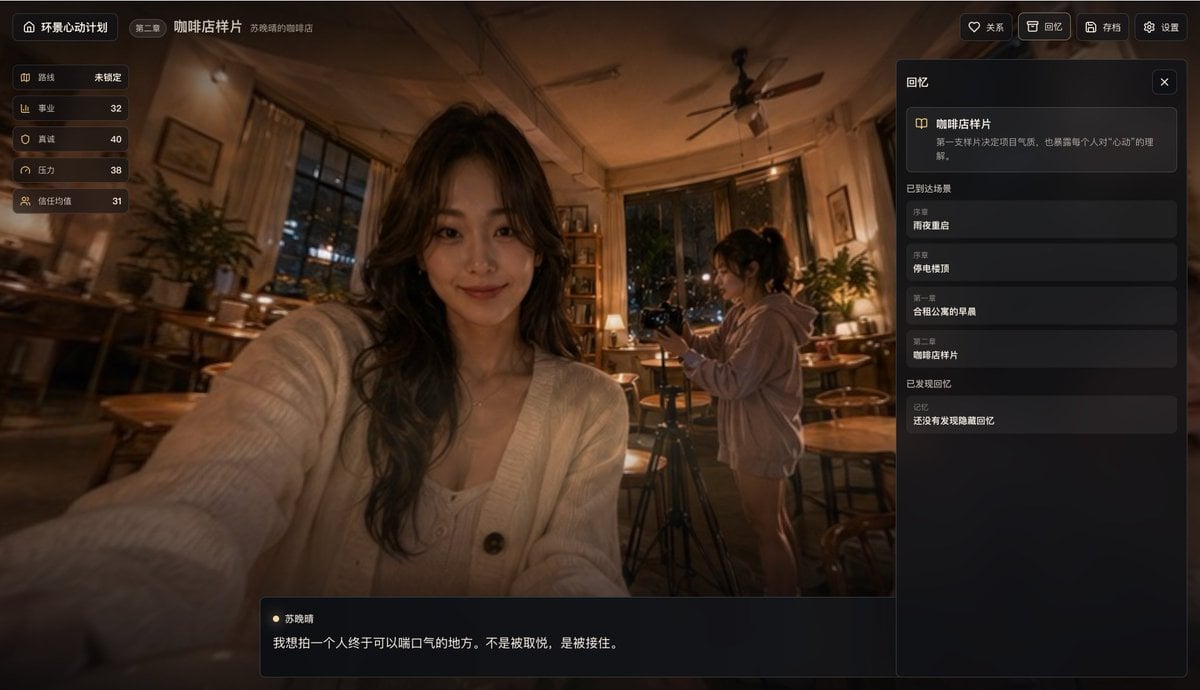
Cinematic Coffee Shop VN UI Mockup

Dreamy Pastel Fantasy Pagoda
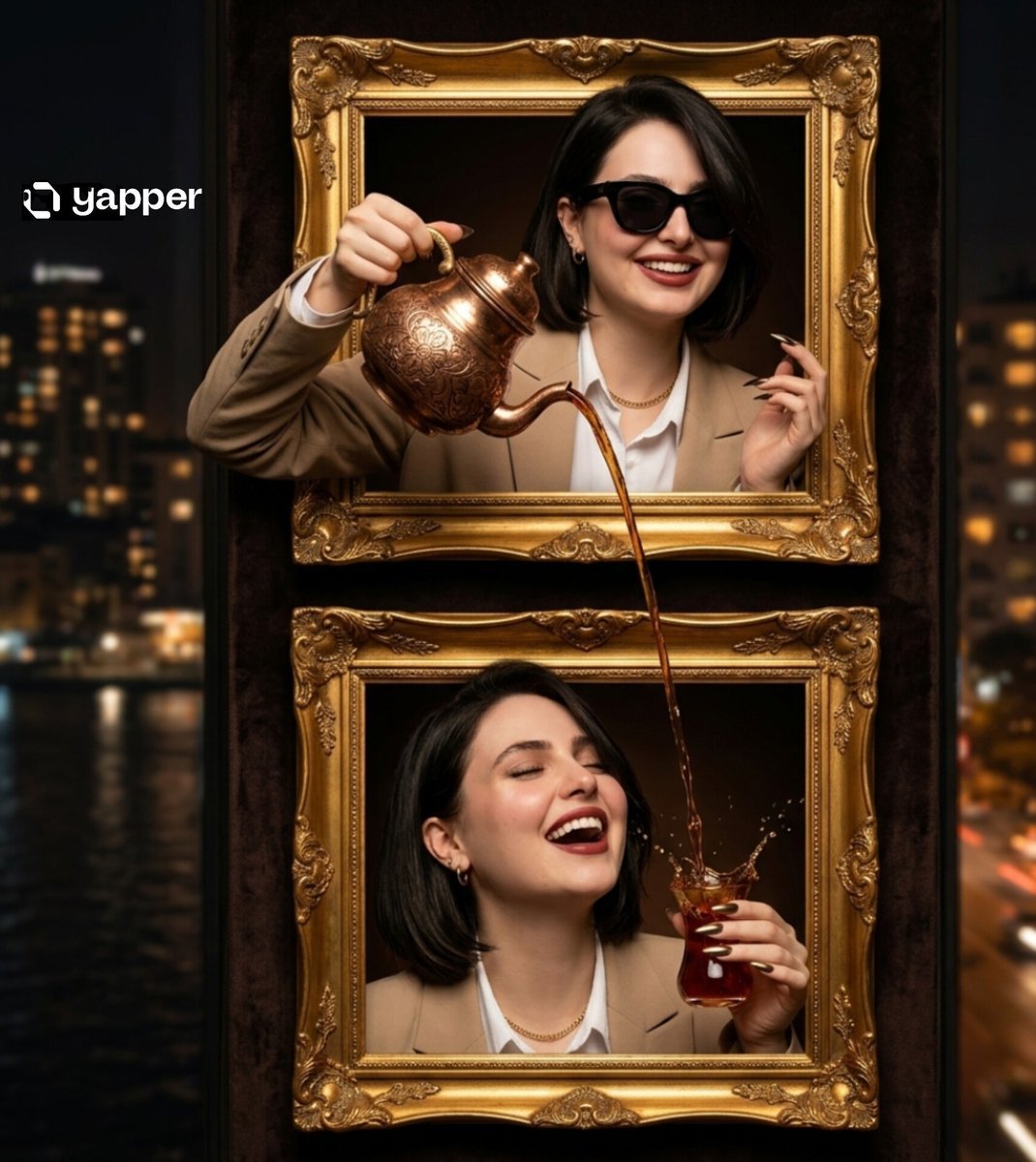
Surreal Two-Frame Tea Pouring Illusion

Cinematic Desert Portrait Leaning on Car Hood
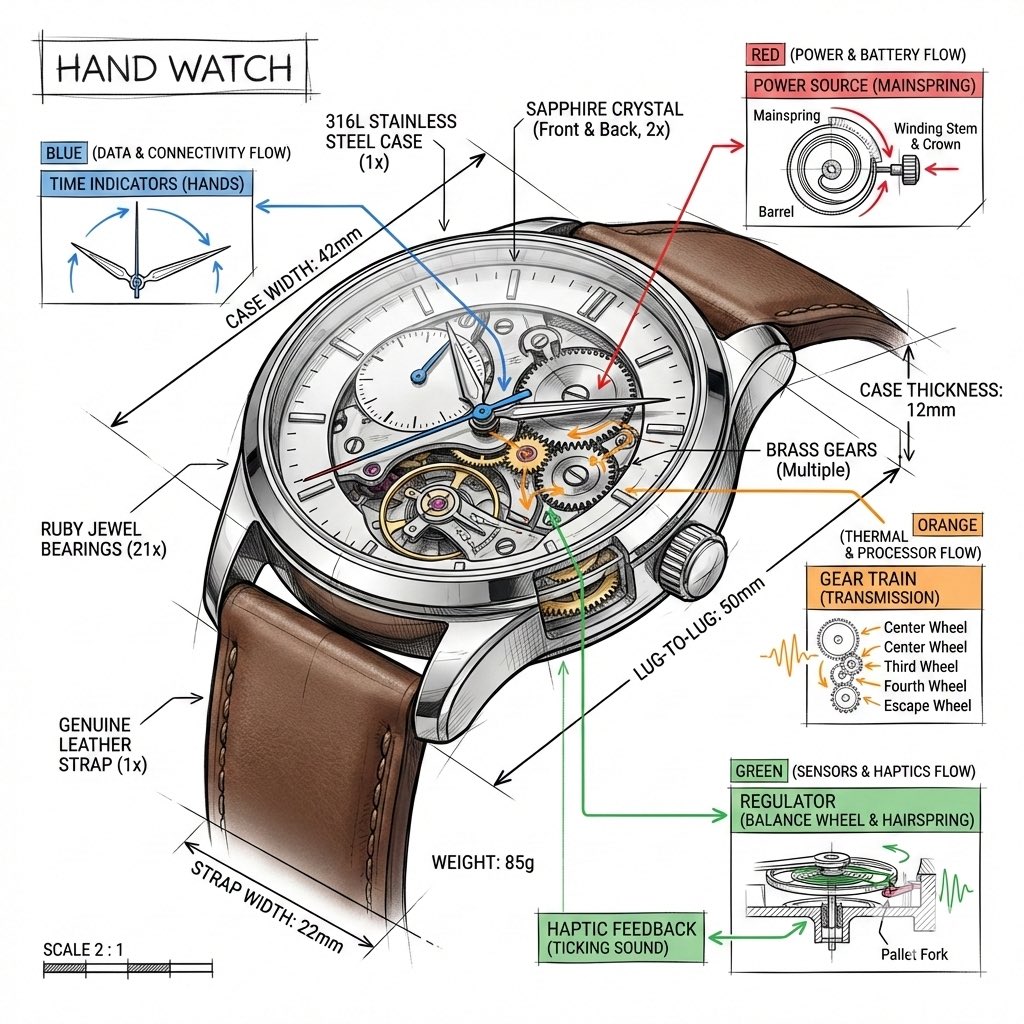
Technical Infographic Template for Objects

Mixed Media Studio Portrait with Vector Graphics Overlay
Nostalgic 16-Photo Couple Grid
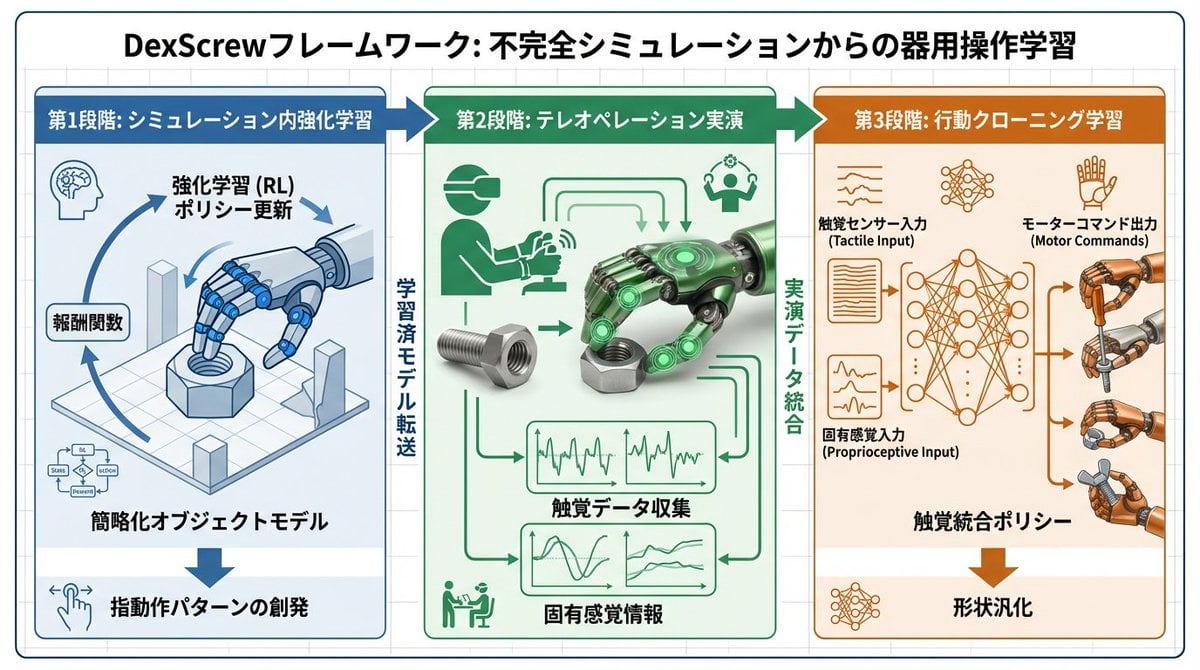
Accurate Academic Diagram Generation Prompt
Looking Back Portrait
Hand-Drawn Annotated Food Diary Style
Browse template categories
NOVALITH SaaS Landing Page Hero questions
How do I use the NOVALITH SaaS Landing Page Hero template?
Add your photo if the template asks for one, edit the prompt if you like — the template's model and format are already selected — and press Generate. Your version opens in PicX Studio.
Can I customize the NOVALITH SaaS Landing Page Hero template?
Yes. You can change the subject, setting, lighting, mood, format, and available model controls before creating your image.
Is the NOVALITH SaaS Landing Page Hero template free?
Opening and editing this template is free. Generating uses credits, shown on the Generate button when you are signed in.
Which AI model should I use?
Start with GPT Image 2, which is the model associated with this template. You can compare another compatible model for a different finish.
Looking for something else? Browse all templates.

Your photo, any look
Thousands of ready templates for every top image and video model, from one credit balance.