
Gothic Maid Superhero Landing
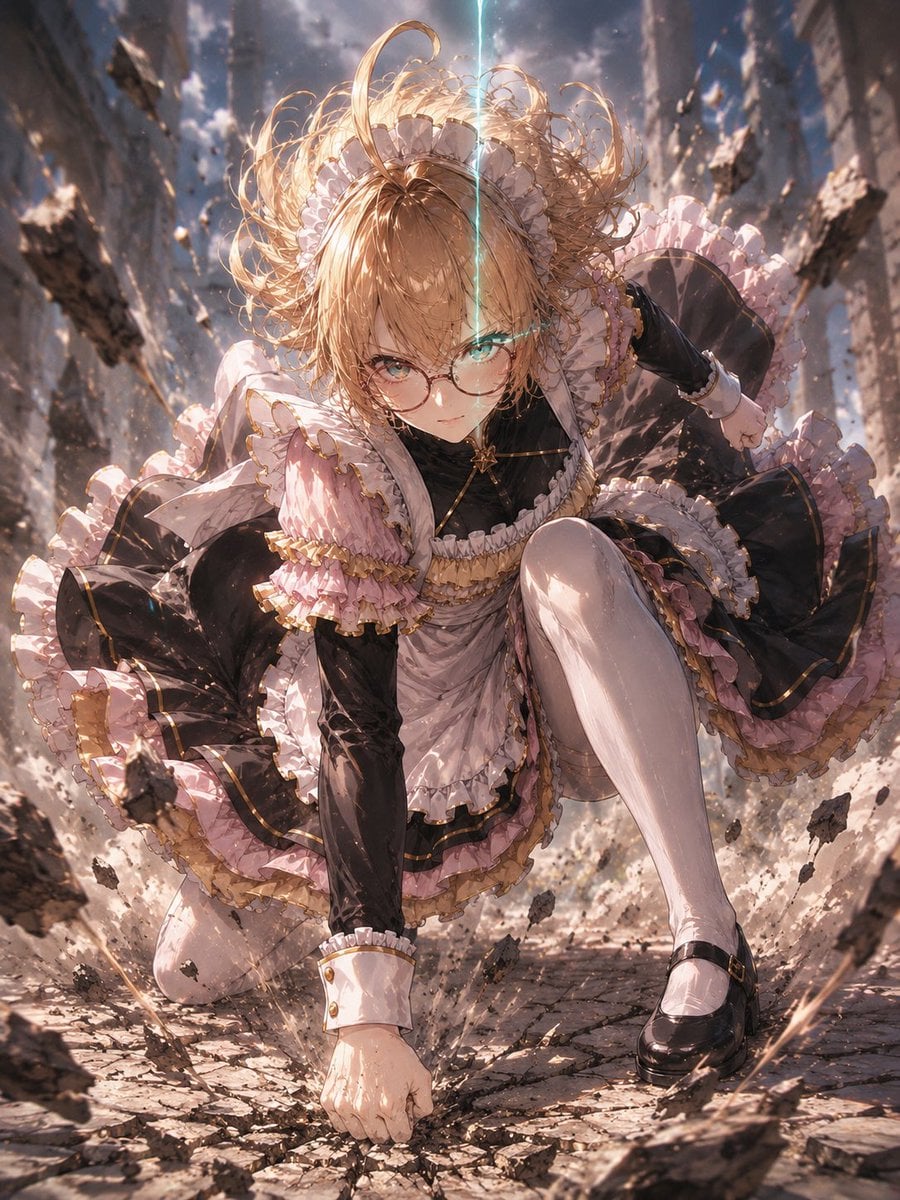
Generates a cinematic anime gothic-lolita maid character crashing into a ruined city street in a superhero landing pose.
- Prompt included
- Model and format preset
- Free template
The prompt behind this image
Copy the exact prompt behind Gothic Maid Superhero Landing, or open it in the studio and make it yours.
Create a dramatic vertical anime illustration of {argument name="character name" default="Noel"}, a blonde gothic-lolita maid heroine performing a superhero landing in the middle of a ruined city street. She is crouched low with one fist smashed into cracked pavement, one knee forward, the other leg bent back, body leaning toward the viewer in a powerful dynamic perspective. Her face is deliberately obscured by a centered opaque tan square censor block, while her long curly {argument name="hair color" default="golden blonde"} hair explodes upward and outward from the impact, decorated with a frilly white maid headpiece. She wears an elaborate {argument name="outfit colors" default="black, pale pink, white, and gold"} frilled maid dress with layered ruffles, puffed sleeves, gold trim, a black bodice, pink-and-white apron details, white thigh-high stockings, glossy black Mary Jane shoes, and white cuffs with gold buttons. The environment is a cinematic disaster scene: tall shattered buildings forming a narrow urban canyon, broken stone slabs, dust clouds, debris and chunks of asphalt suspended in the air, impact cracks radiating from her fist, and a thin vertical blue-white energy beam descending from the sky behind her head. Use extreme low-angle perspective, intense motion, wind-swept fabric, flying rubble, volumetric sunlight breaking through smoke, high-detail anime rendering, sharp linework, glossy highlights, ornate costume details, dramatic backlighting, and a sense of explosive impact. Aspect ratio 3:4, full-body composition, no text.
How to use Gothic Maid Superhero Landing in 3 steps
- 1Upload ImagePNG, JPG or paste
Add your photo
Upload the photo the template builds on. The prompt, model and format are already set.
- 2…a portrait of your subject in softgolden-hour light, 85mm…
Personalize
Edit the subject and creative details for your destination.
- 3Generate
Generate
Press Generate — your image is created in PicX Studio, so you can compare it with the original and refine one variable at a time.
More like this
Templates with the same subject, style or setup. Open one to see its prompt.
Gothic Anime Superhero Landing
Franchise Hero Stylized Poster Blueprint
Victory Aura Superhero Neon Poster
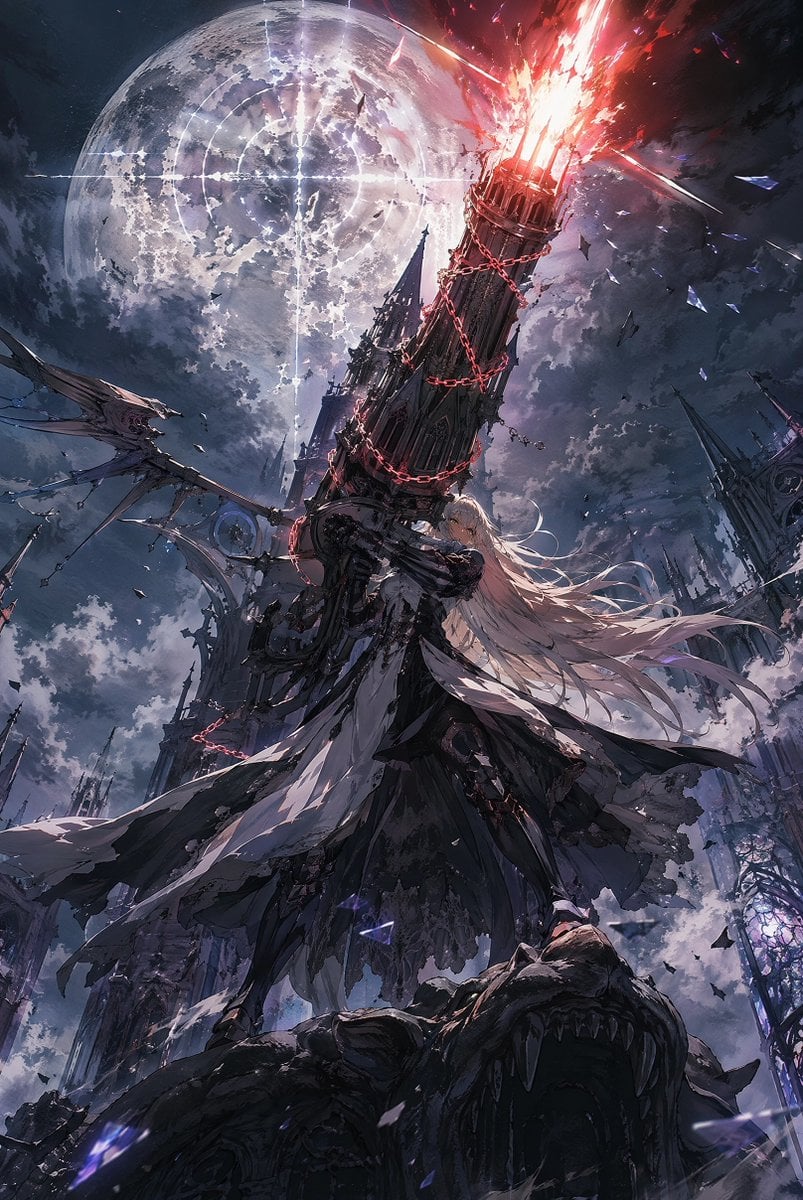
Moonlit Gothic Cannon Maiden

Gothic Japanese Mobile Homepage

Burning Gothic Flood Escape
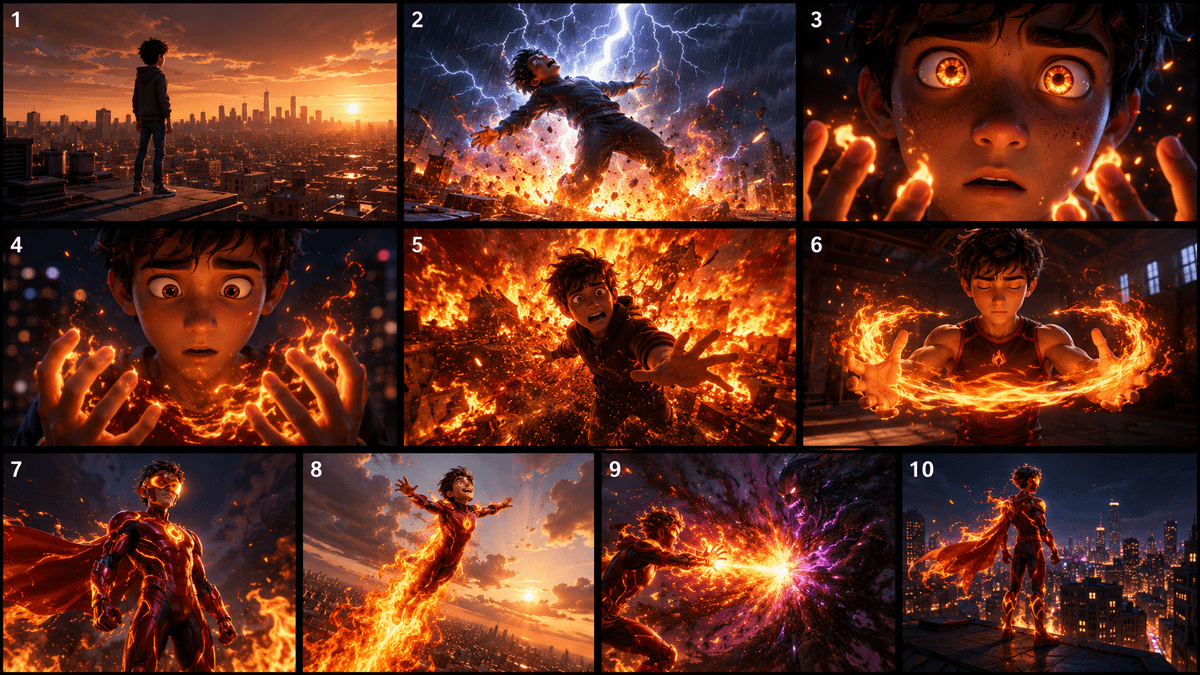
Pixar Style Superhero Storyboard
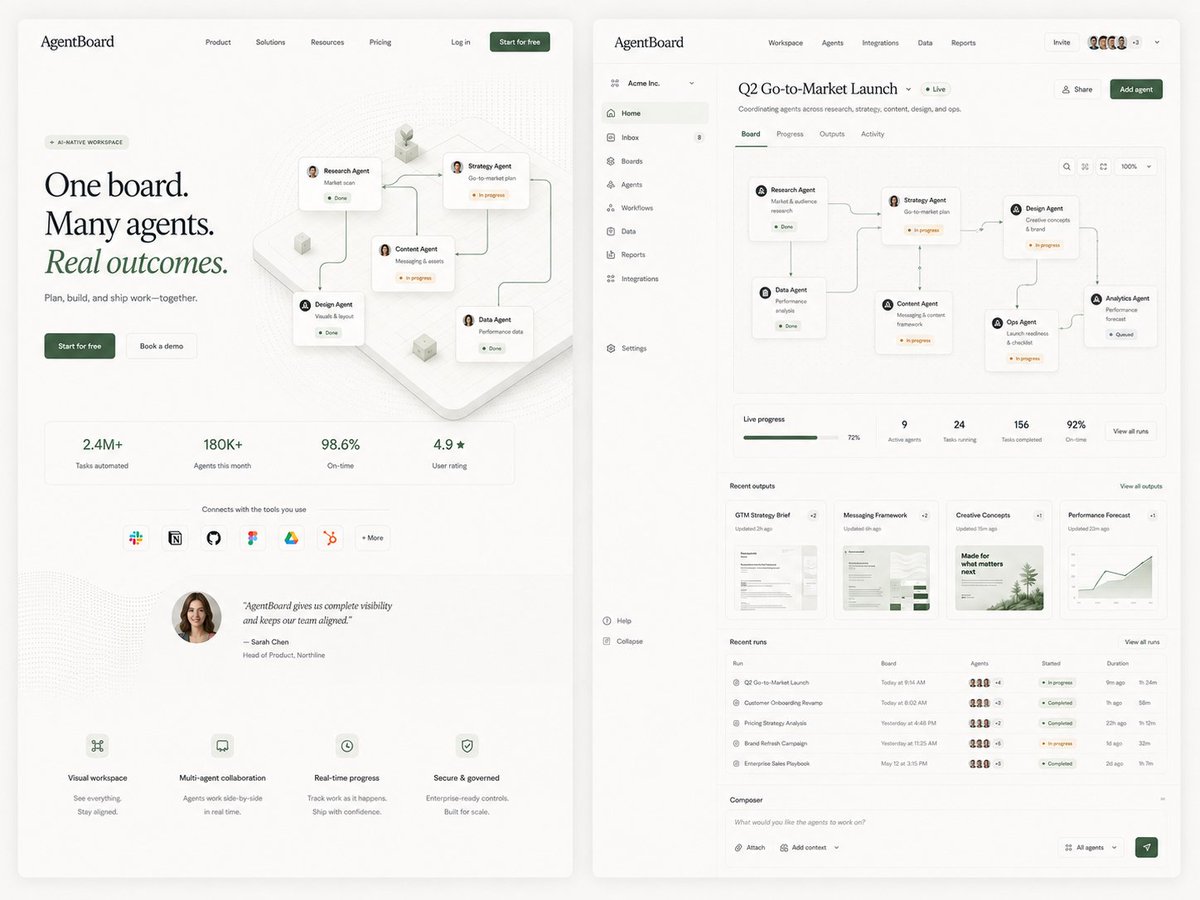
AgentBoard SaaS Landing and Dashboard UI

Anime Elf Maid Turnaround Sheet
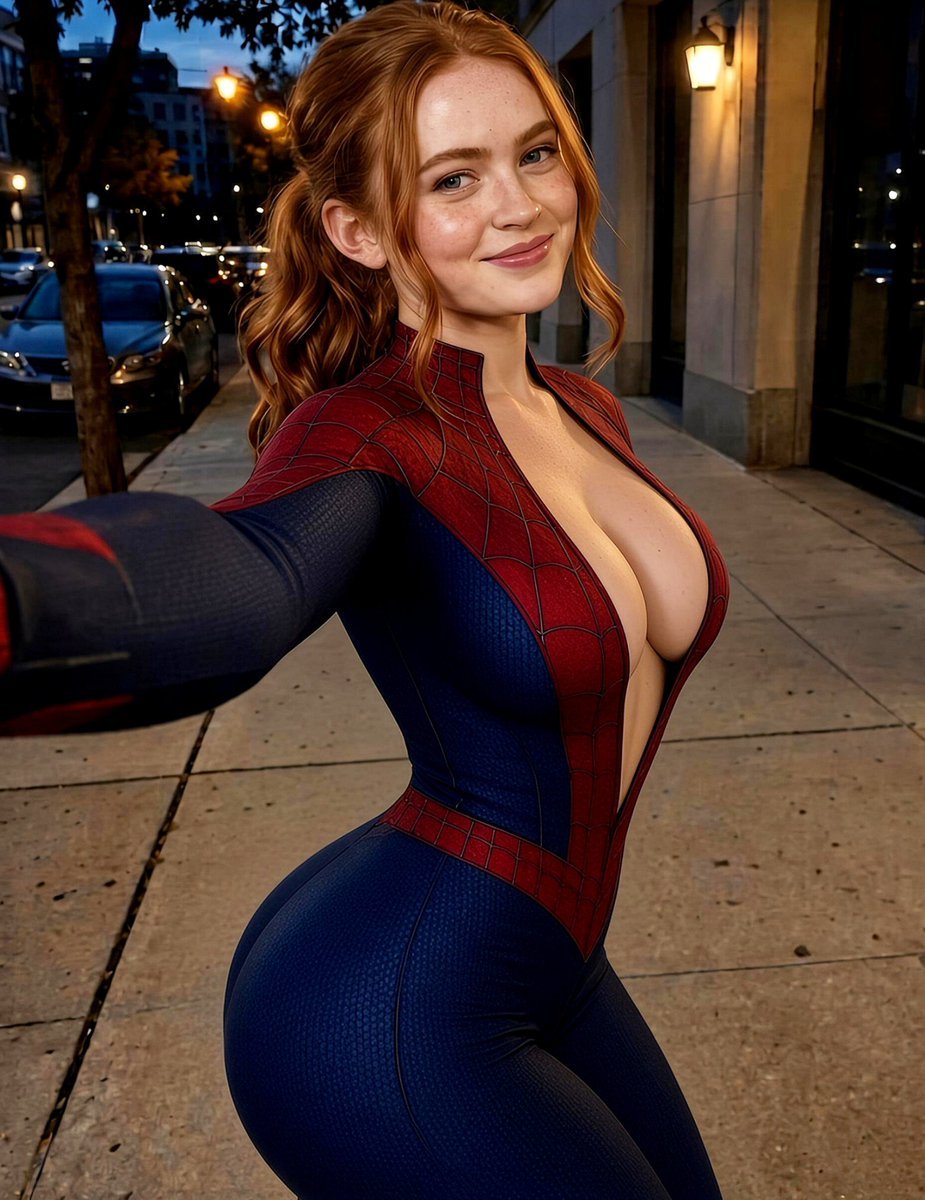
Urban Selfie Superhero Fashion
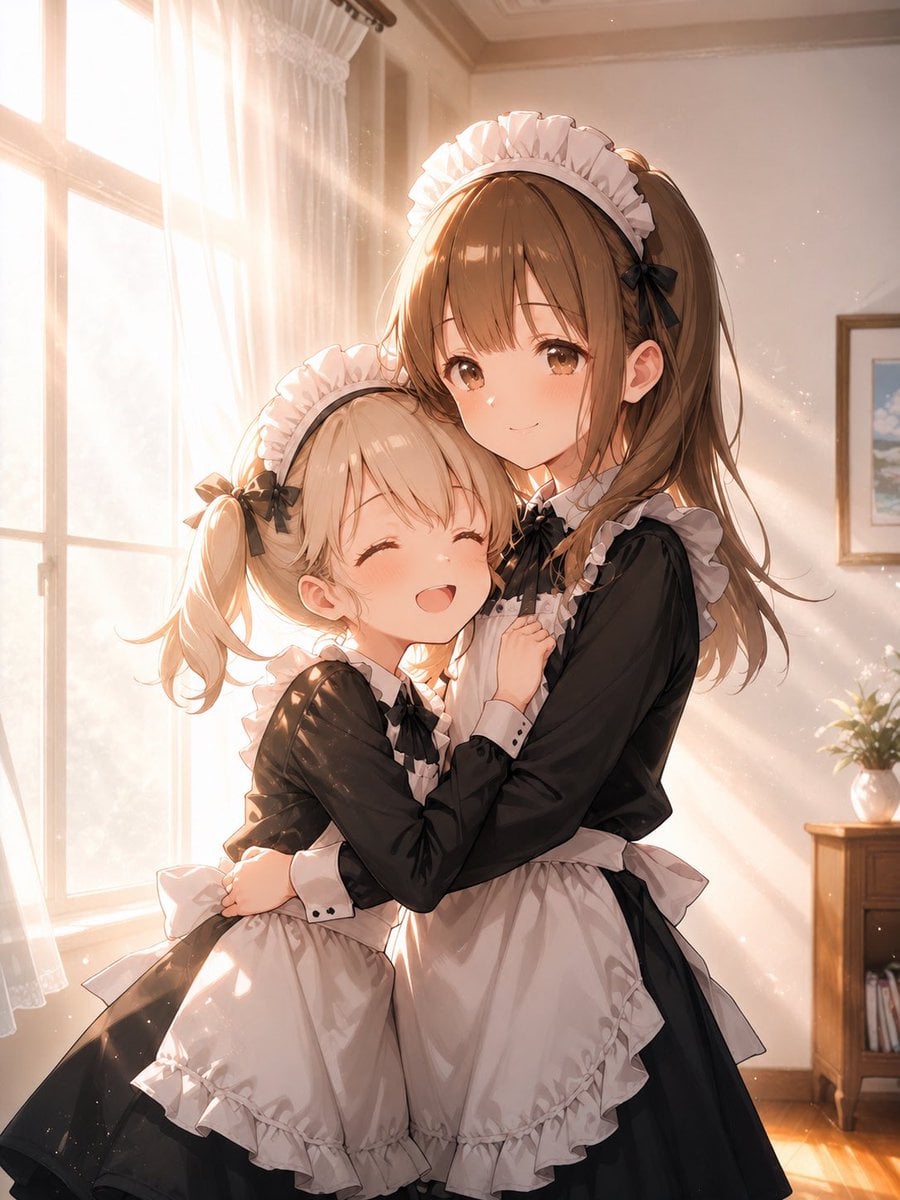
Sunlit Maid Sisters Hug
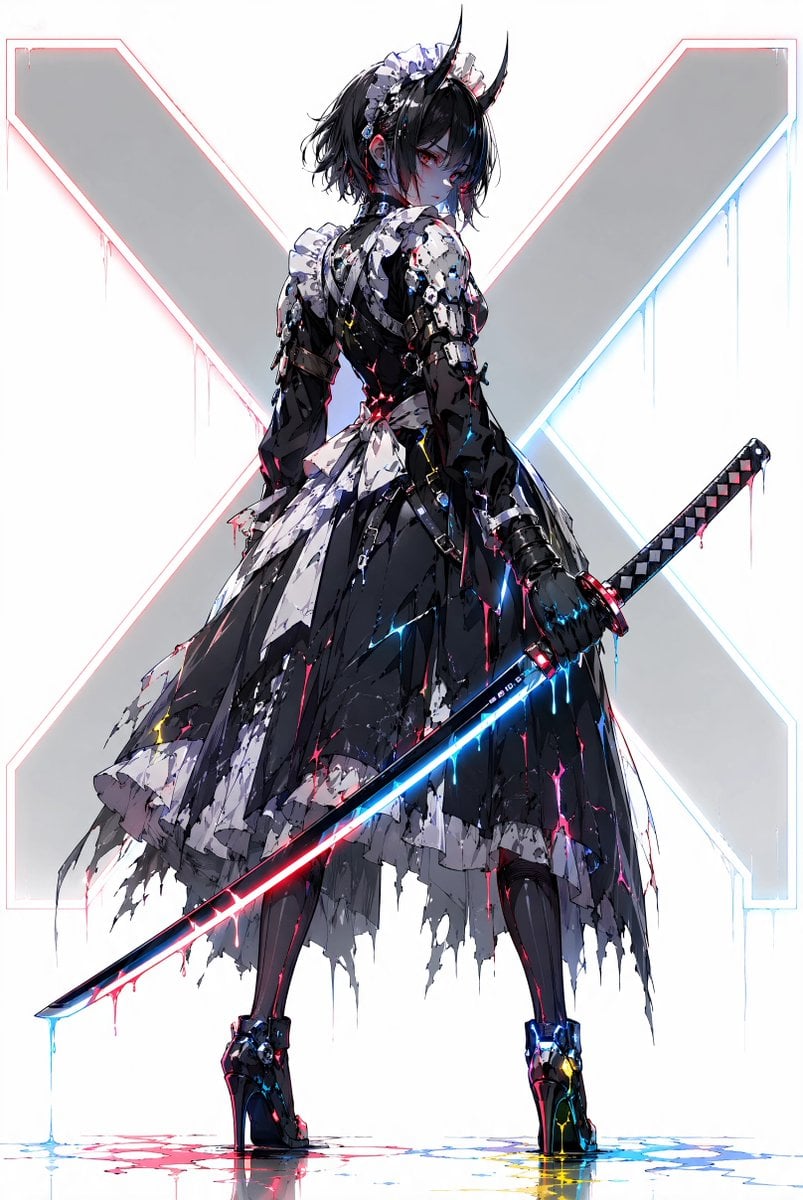
Cyber Demon Maid Katana
Make it yours
Gothic Maid Superhero Landing works as-is. These are the safest ways to change it without losing the look.
Change one field
Copy a single group, rewrite it, and generate again so you can see what that field is doing.
Keep the frame, change the subject
Hold the composition and light of Gothic Maid Superhero Landing, then swap wardrobe, props or the person for a new take.
| If the result… | Why | Fix |
|---|---|---|
| The result drifts from the preview | Too many fields changed at once. | Reuse Gothic Maid Superhero Landing as-is first, then change one group — subject, light, or setting. |
| The model over-stylizes the scene | The prose prompt leaves finish and camera underspecified. | Add one camera or lighting sentence and stay on GPT Image 2. |
More GPT Image 2 templates
Other prompts made for GPT Image 2.

Six VTuber Japanese Logo Sheet

Realistic Portrait of Woman and Deer

The Vista Modular Condo Poster

AI Model Routing Comparison Infographic

2.5D Anime Art Board

Isometric Productivity Desk Scene

New York Double Exposure Poster

Four-Panel AI Landscape Comparison

Japanese Tatami Lifestyle Magazine Cover

NESCAFÉ Coffee Map Poster
More image prompts
Fresh picks from across the catalog.
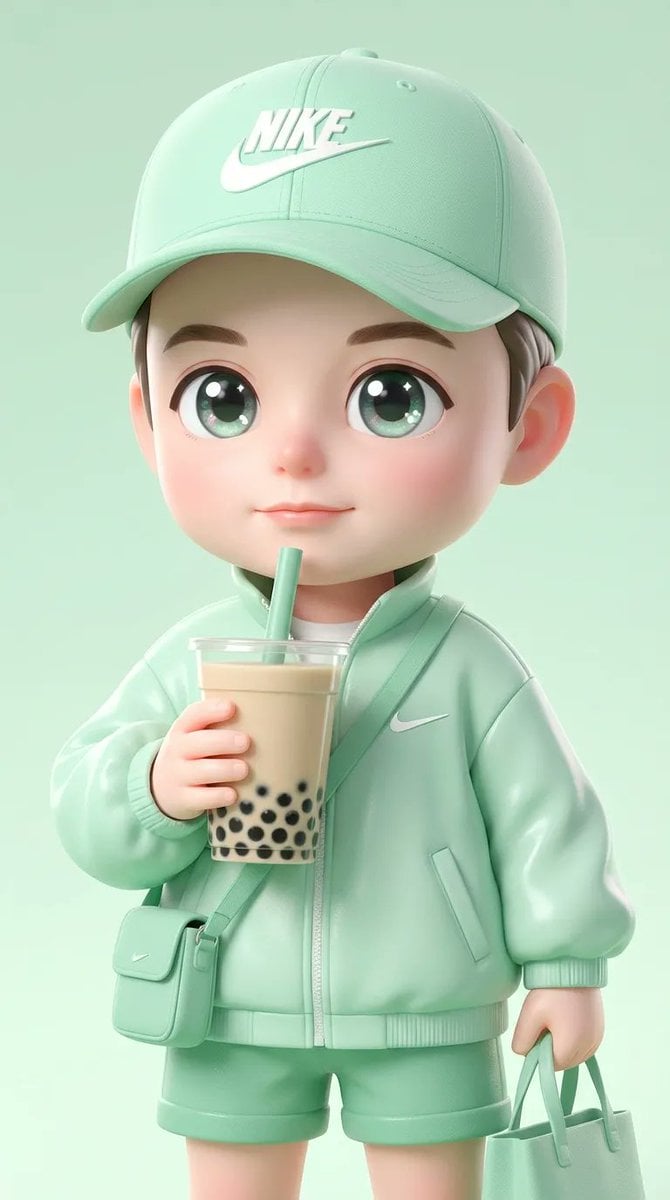
Ultra-Cute Chibi Character Prompt
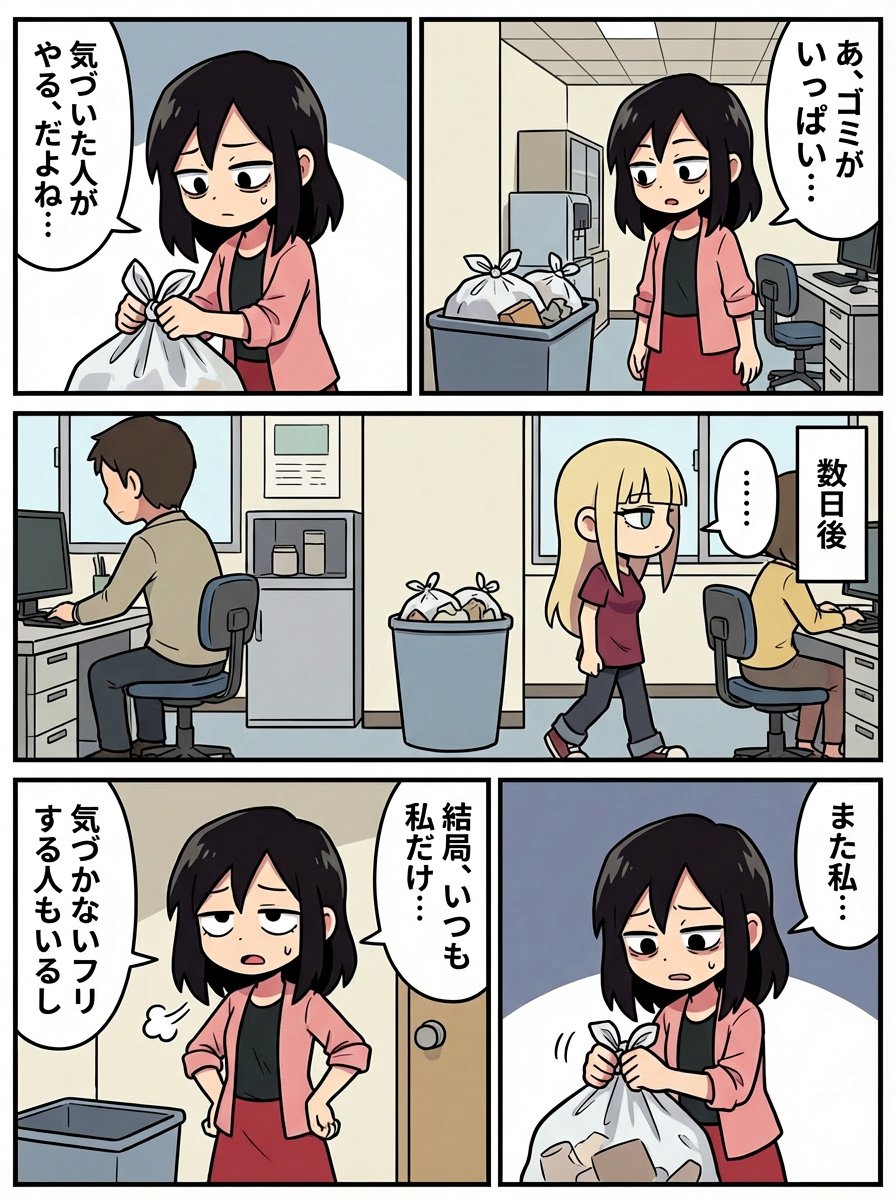
Japanese Text Prompt about Workplace Atmosphere
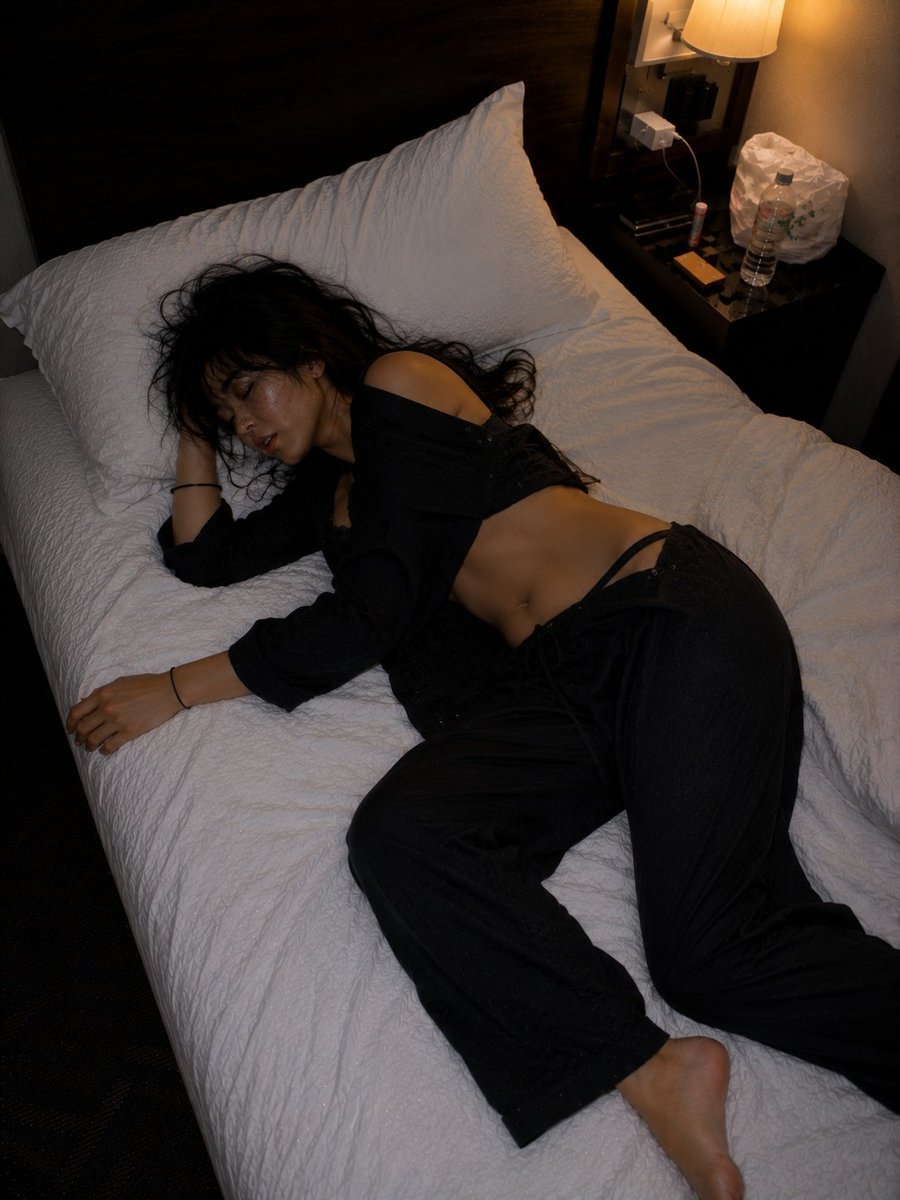
Late Night Hotel Exhausted Traveler
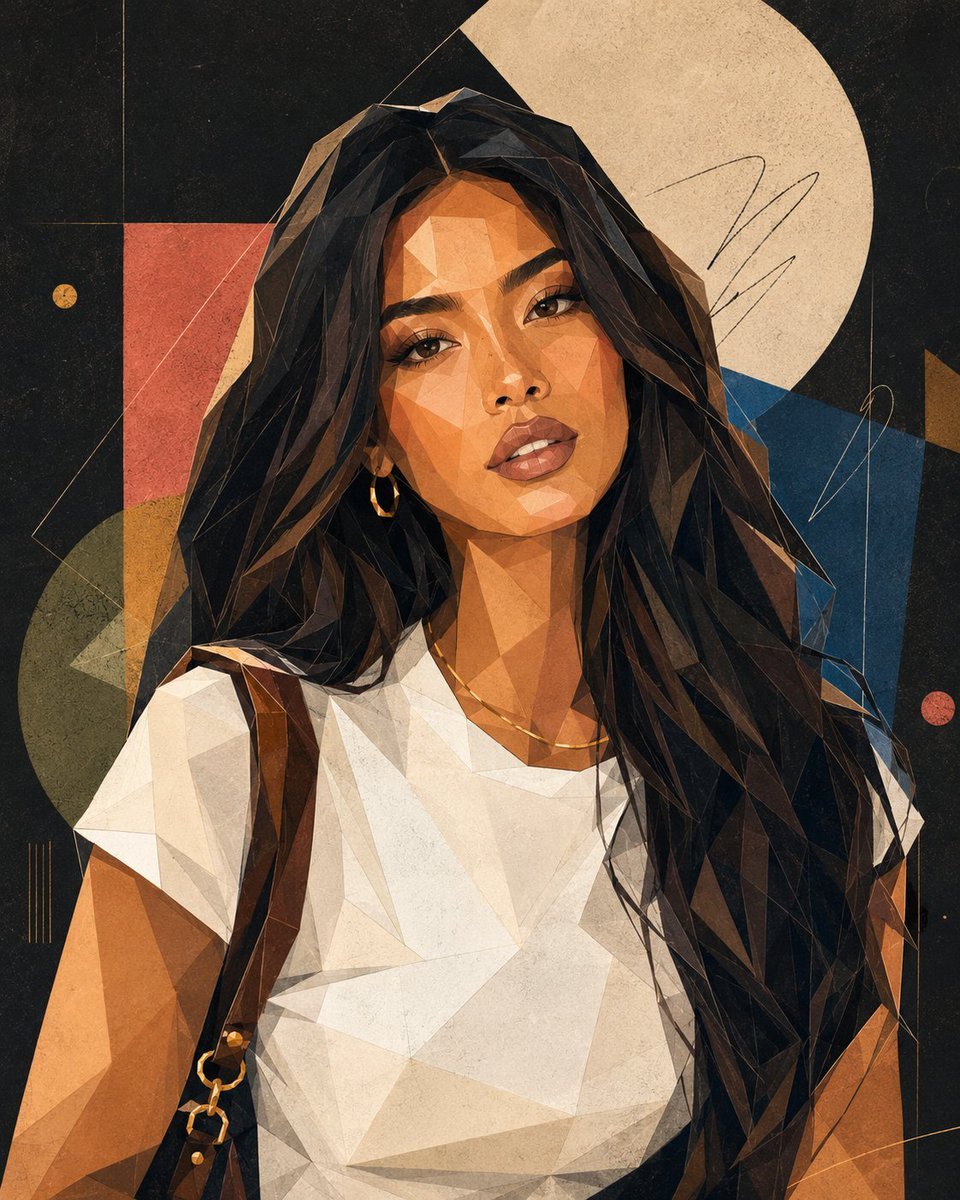
Modern Geometric Polygon Portrait
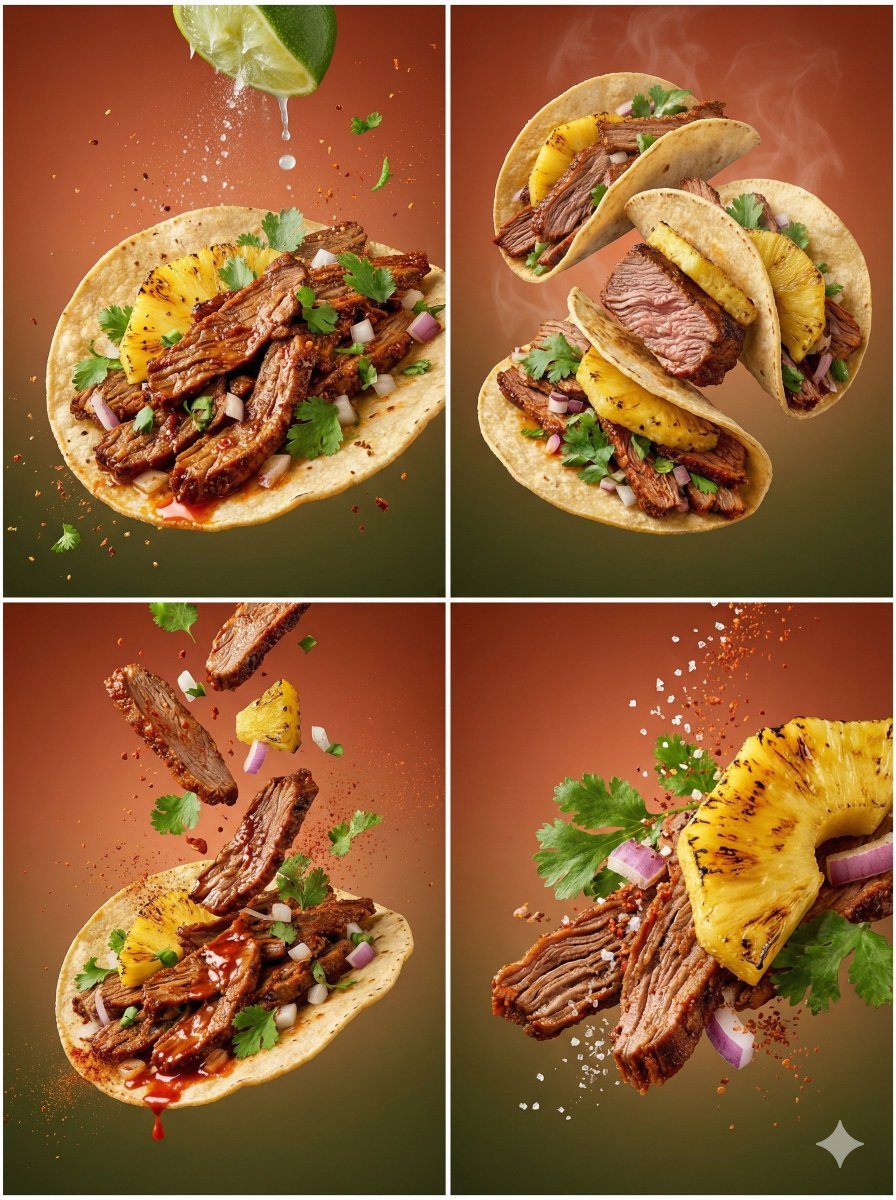
Cinematic Country Food Photography Prompt Template
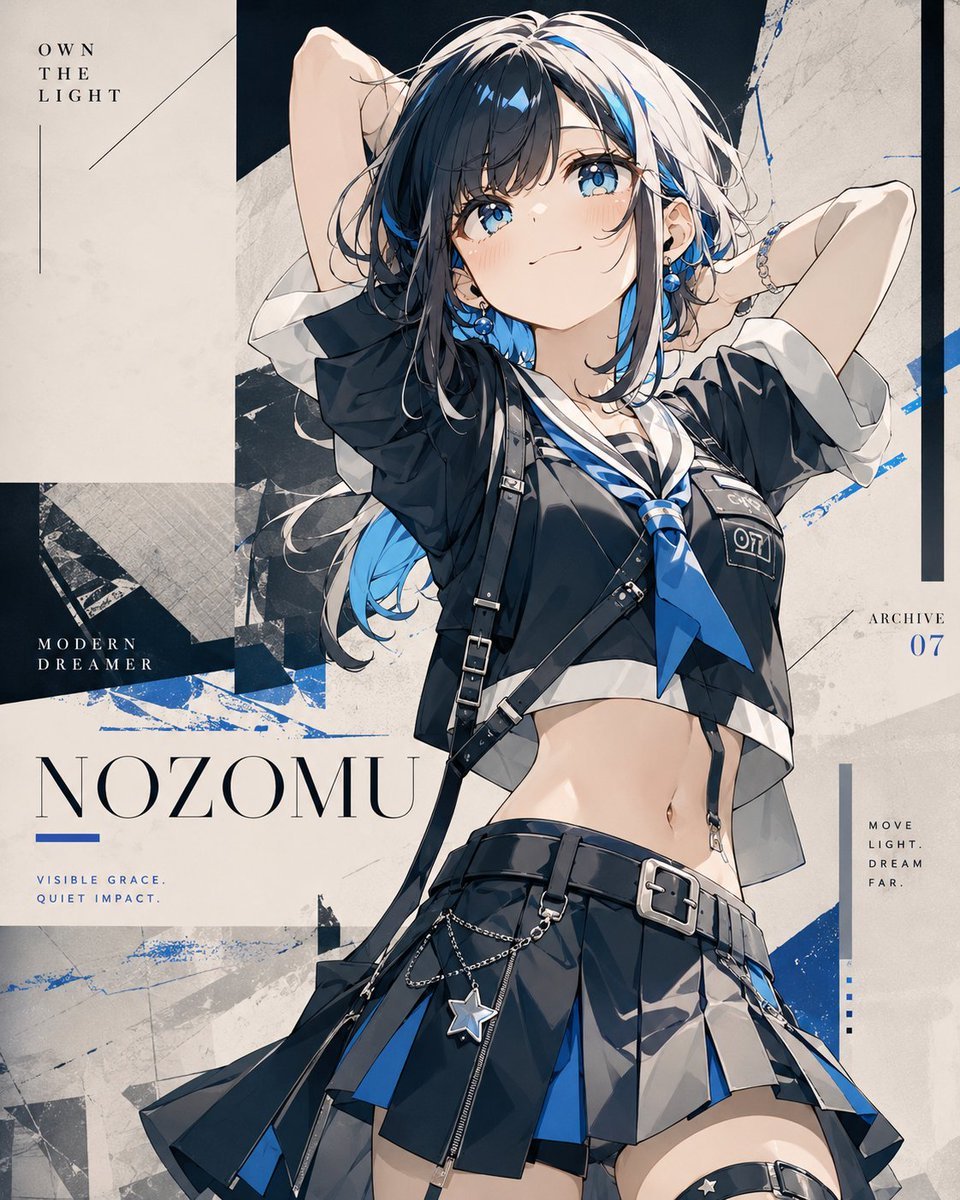
Anime Fashion Poster Nozomu
Golden Hour Portrait in Satin Slip Dress
Formal Japanese ID Photo Portrait
Neon Geometric Confetti Abstract
Cyberpunk Character Redesign
Browse template categories
Gothic Maid Superhero Landing questions
How do I use the Gothic Maid Superhero Landing template?
Add your photo if the template asks for one, edit the prompt if you like — the template's model and format are already selected — and press Generate. Your version opens in PicX Studio.
Can I customize the Gothic Maid Superhero Landing template?
Yes. You can change the subject, setting, lighting, mood, format, and available model controls before creating your image.
Is the Gothic Maid Superhero Landing template free?
Opening and editing this template is free. Generating uses credits, shown on the Generate button when you are signed in.
Which AI model should I use?
Start with GPT Image 2, which is the model associated with this template. You can compare another compatible model for a different finish.
Looking for something else? Browse all templates.

Your photo, any look
Thousands of ready templates for every top image and video model, from one credit balance.