
Urban Selfie Superhero Fashion
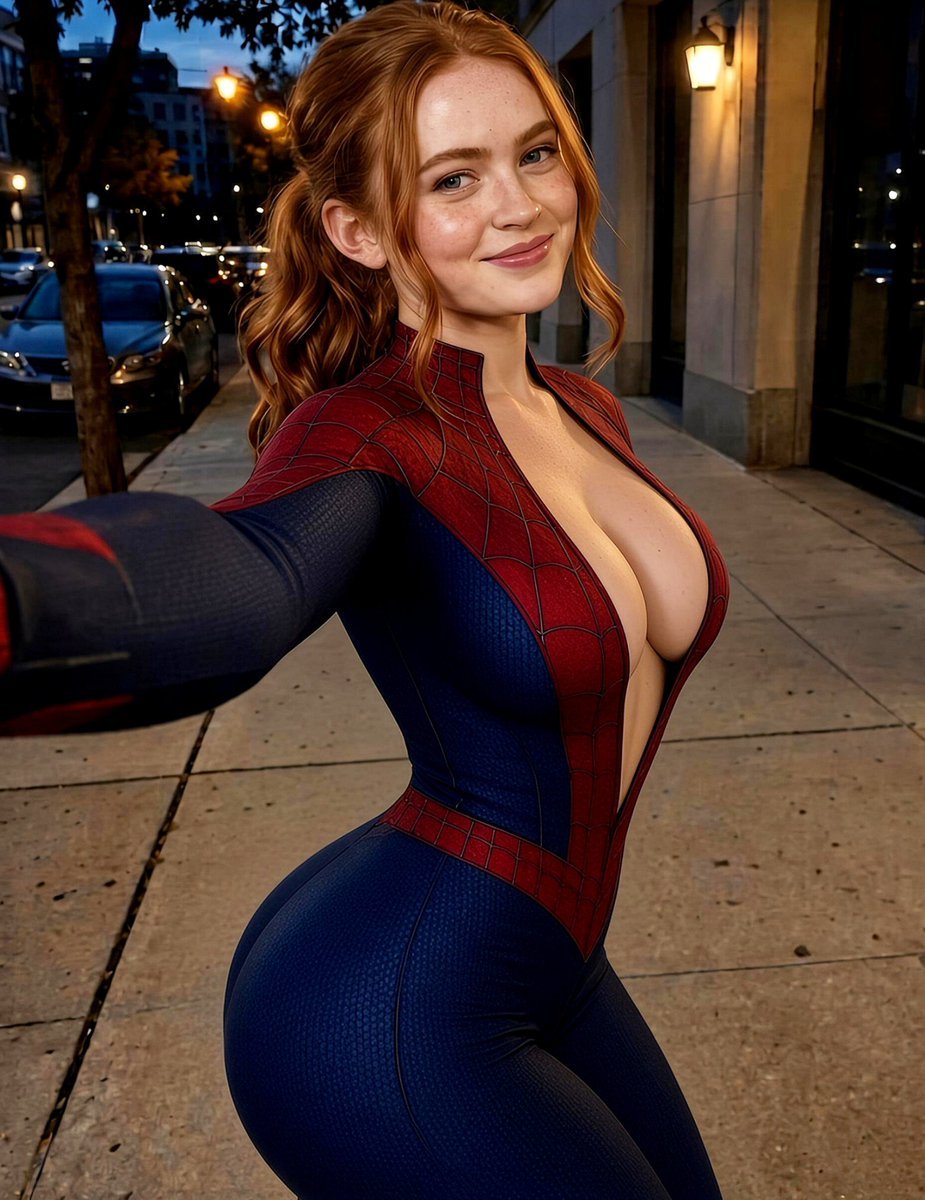
A unique urban portrait prompt combining the casual aesthetic of a selfie with stylized superhero costume elements.
- Prompt included
- Model and format preset
- Premium template
The prompt behind this image
Copy the exact prompt behind Urban Selfie Superhero Fashion, or open it in the studio and make it yours.
Create a photorealistic urban portrait of a young woman taking a casual selfie outdoors on a city sidewalk during the evening. She has {argument name="hair" default="long dark brown hair"} styled in a loose ponytail with soft natural strands around her face. Her complexion is warm and natural with realistic skin texture, subtle facial details, and soft highlights from nearby street lighting. She has expressive eyes, neatly shaped eyebrows, and a gentle confident smile with a relaxed and friendly expression. Her head is slightly tilted toward the camera, creating an authentic candid selfie composition. The subject is standing on a city street with one arm extended naturally toward the camera as if capturing a selfie. Her posture is relaxed and confident, with a natural stance and realistic body proportions. Maintain accurate anatomy, natural hands, and an everyday lifestyle photography feel. She is wearing a {argument name="outfit" default="fitted superhero-inspired red and blue full-body athletic suit"} with a textured fabric pattern, subtle web-like surface details, and a stylized spider emblem on the front area. The costume should appear as a fictional fantasy outfit with realistic stitching, fabric texture, and professional costume design. Add minimal accessories and keep the overall appearance clean, modern, and polished. The {argument name="environment" default="environment is a lively urban neighborhood street"} with sidewalks, parked cars, trees, apartment buildings, storefront walls, and warm street lamps in the background. The scene should feel like a real city evening with natural surroundings and realistic architectural details. Include soft reflections from nearby lights and a slightly blurred background to emphasize the subject. Use warm evening lighting with a mix of fading natural twilight and golden street illumination. Create soft highlights on the face and costume, gentle shadows for depth, and realistic ambient city light. The background should have subtle bokeh from streetlights and distant buildings while maintaining a believable outdoor atmosphere. Photograph the scene with an 85mm portrait lens at approximately f/1.8, using a close selfie-style perspective with natural depth of field. Keep the subject's face and eyes sharply focused while allowing the background to softly blur. Use realistic camera optics, detailed hair strands, natural skin texture, accurate fabric rendering, high dynamic range, and professional editorial photography quality. Apply a cinematic color grade with balanced reds and blues, warm skin tones, soft contrast, realistic saturation, and smooth highlight transitions. The final image should look like a high-quality cinematic street portrait with authentic lighting, realistic detail, and a natural photographic style
How to use Urban Selfie Superhero Fashion in 3 steps
- 1
Open
The prompt is already in the box next to the preview, with the template's model and format selected.
- 2…a portrait of your subject in softgolden-hour light, 85mm…
Personalize
Edit the subject and creative details for your destination.
- 3Generate
Generate
Press Generate — your image is created in PicX Studio, so you can compare it with the original and refine one variable at a time.
More like this
Templates with the same subject, style or setup. Open one to see its prompt.

Avant-Garde Asian Fashion Model

Pop Art Summer Fruit Fashion Illustration
High Fashion Editorial Portrait
Urban Cinematic Golden Hour Portrait
Modern Luxury Lakeside Fashion
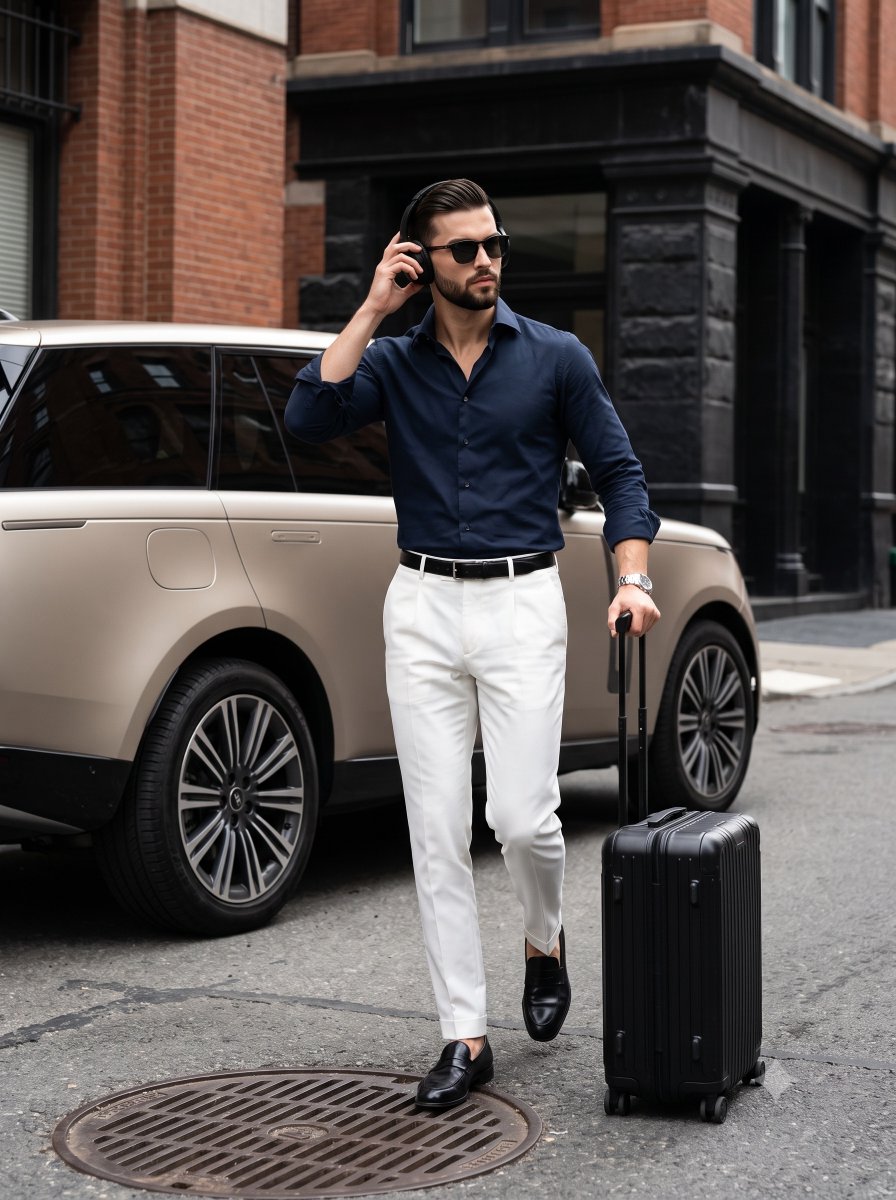
Urban Menswear Lifestyle Editorial
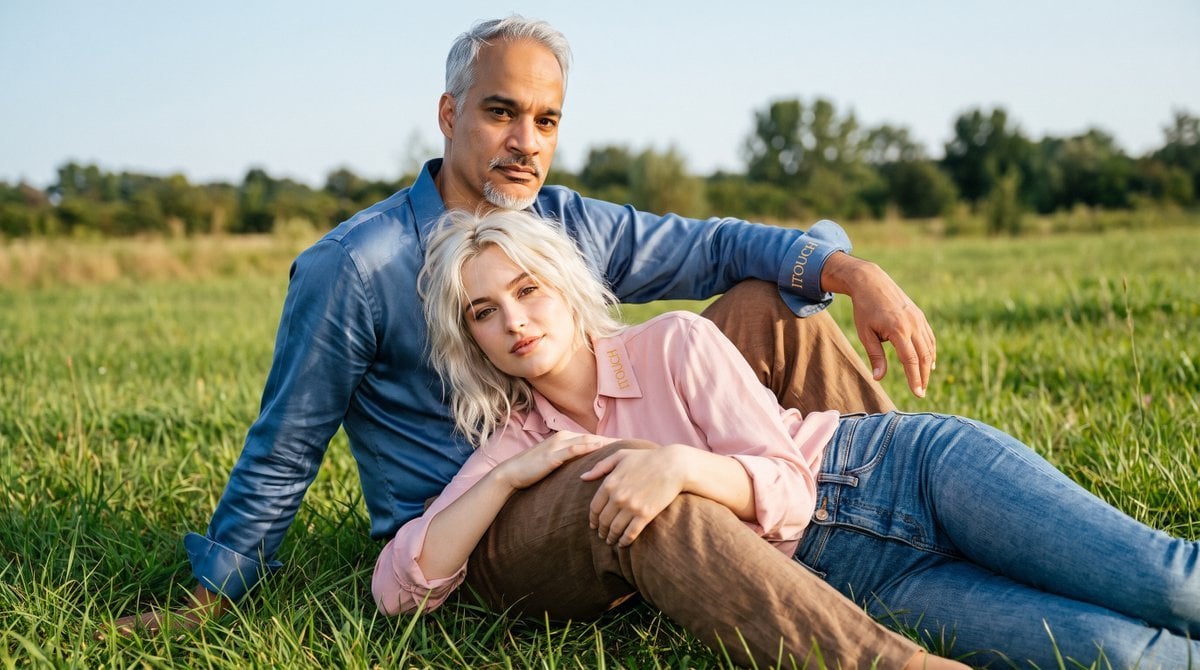
Cinematic Amateur Fashion Editorial
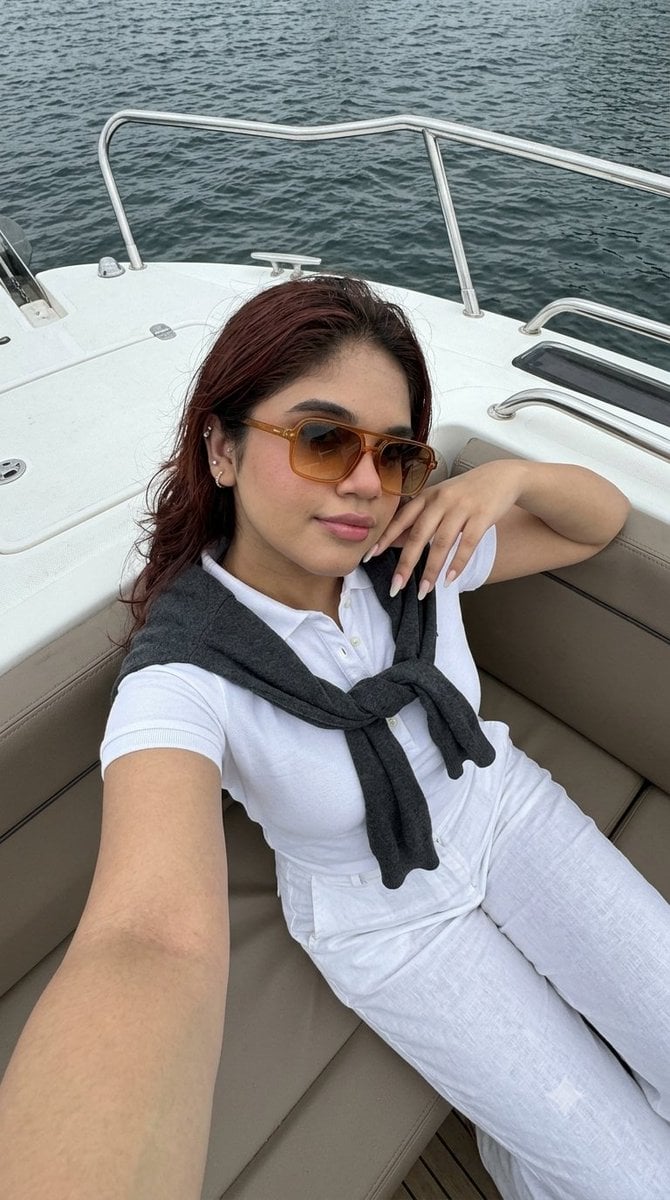
Smartphone Selfie on Motorboat

80s College Gate

1988 Mall Style

80s Polka Dot Saree

Creative Character in Pink Office
Make it yours
Urban Selfie Superhero Fashion works as-is. These are the safest ways to change it without losing the look.
Change one field
Copy a single group, rewrite it, and generate again so you can see what that field is doing.
Keep the frame, change the subject
Hold the composition and light of Urban Selfie Superhero Fashion, then swap wardrobe, props or the person for a new take.
| If the result… | Why | Fix |
|---|---|---|
| The result drifts from the preview | Too many fields changed at once. | Reuse Urban Selfie Superhero Fashion as-is first, then change one group — subject, light, or setting. |
| The model over-stylizes the scene | The prose prompt leaves finish and camera underspecified. | Add one camera or lighting sentence and stay on Gemini 3 Pro Image Preview. |
More Gemini 3 Pro Image Preview templates
Other prompts made for Gemini 3 Pro Image Preview.

Cinematic Urban Night Billboard Portrait

Ultra-Realistic iPhone Selfie with Motion Blur

Cinematic Mirror Reflection Portrait

Elegant Men's Twilight Editorial

Coastal Freedom Sunset Portrait

Ergonomic Office Chair E-commerce Mobile Detail Page

Macro Guitar Fret Dressing

Cinematic Black and White Studio Portrait

1980s Retro Salon Portrait

Felt Frog Diorama Beach
More image prompts
Fresh picks from across the catalog.
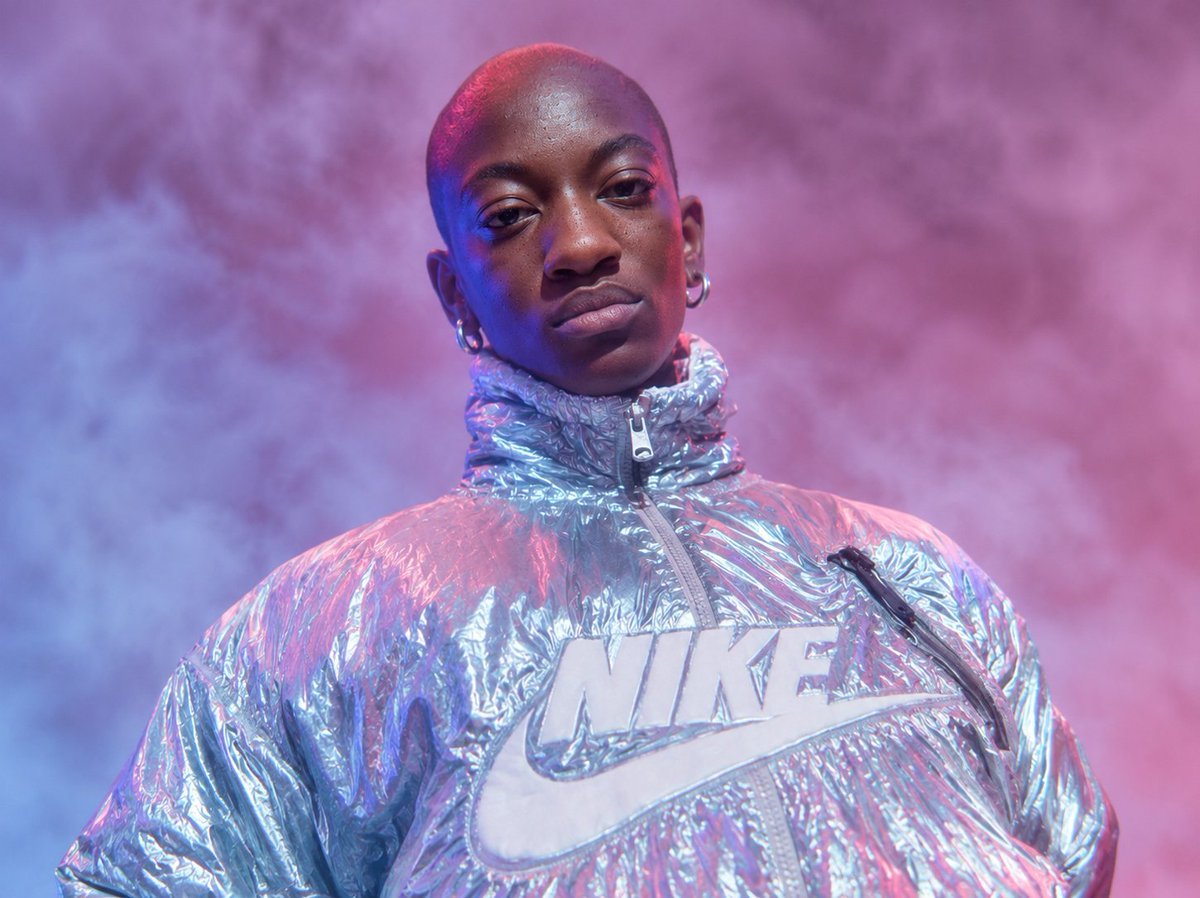
Neon Holographic Streetwear Portrait
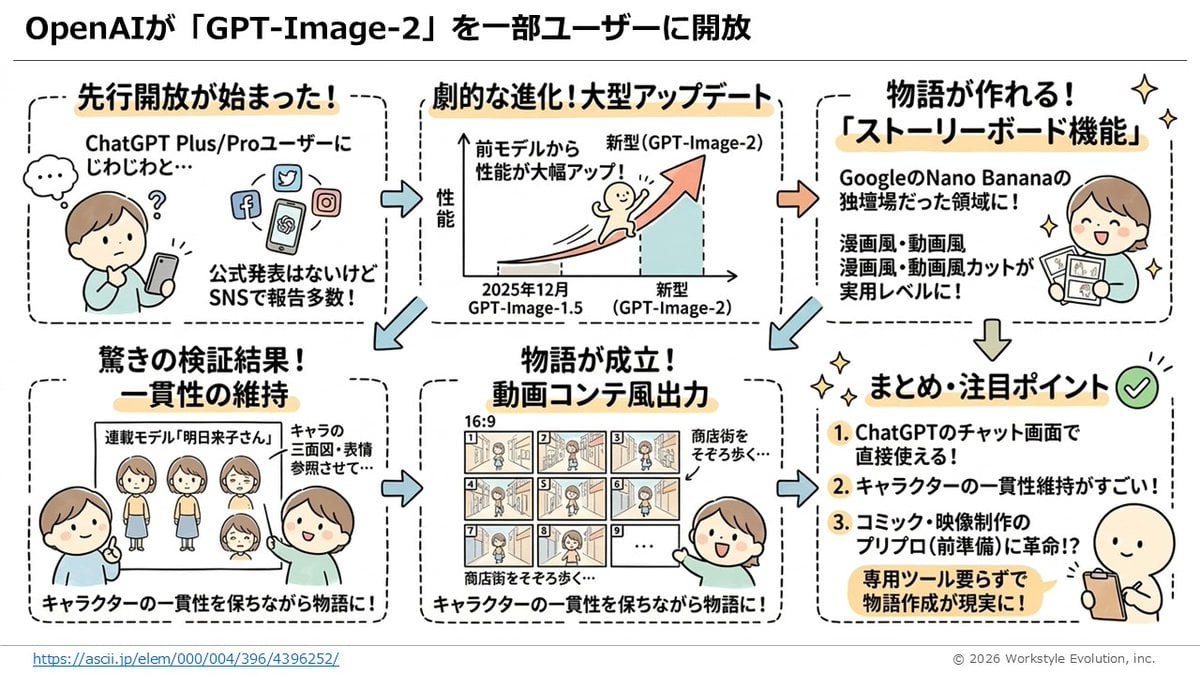
Storyboard Grid Generator
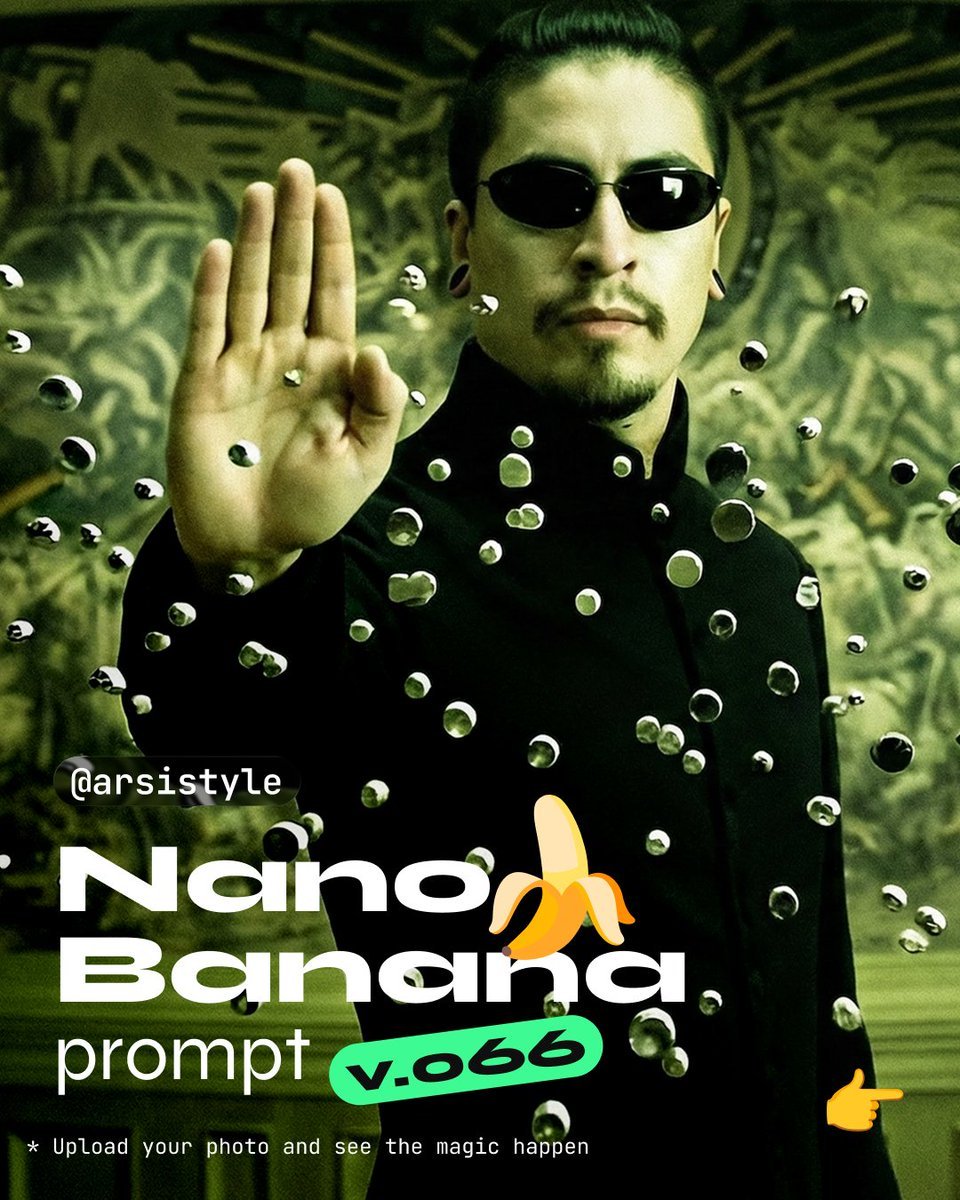
Cinematic Action Shot with Suspended Projectiles
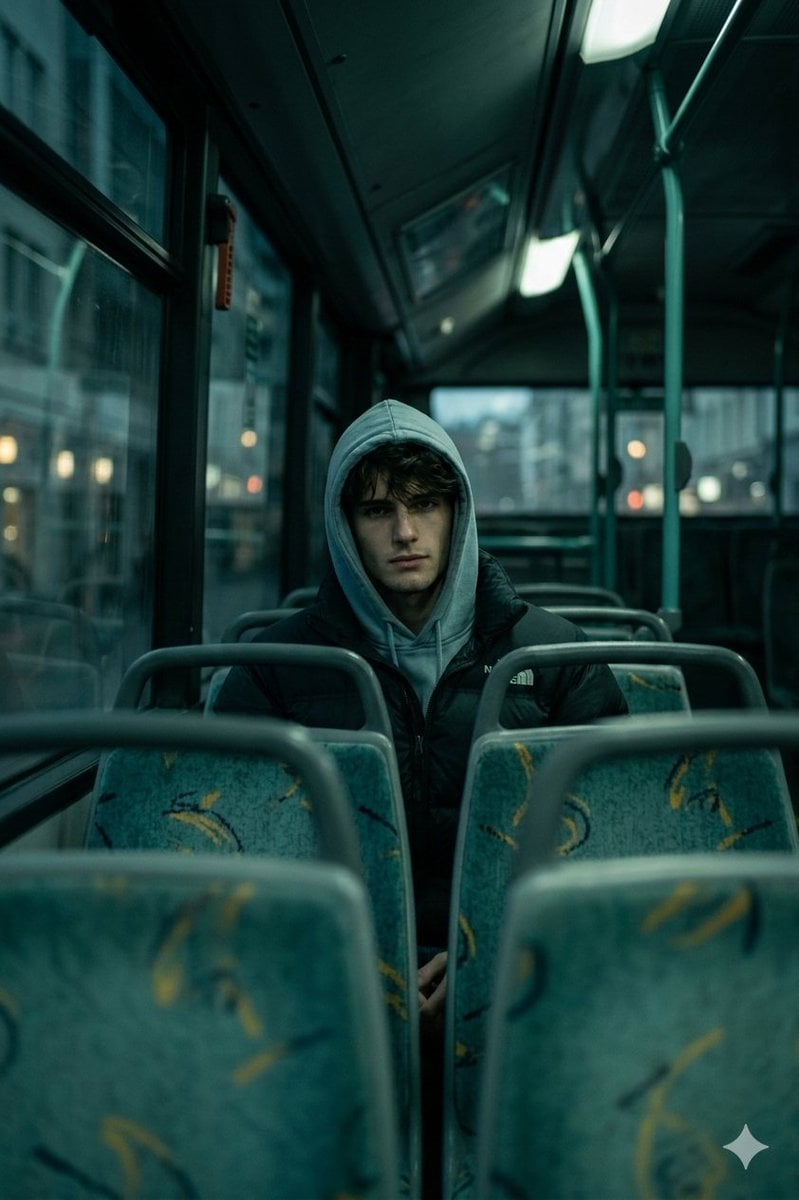
Cinematic Interior Shot of a Man on a Dimly Lit Bus

Luxury Dream Home Real Estate Flyer
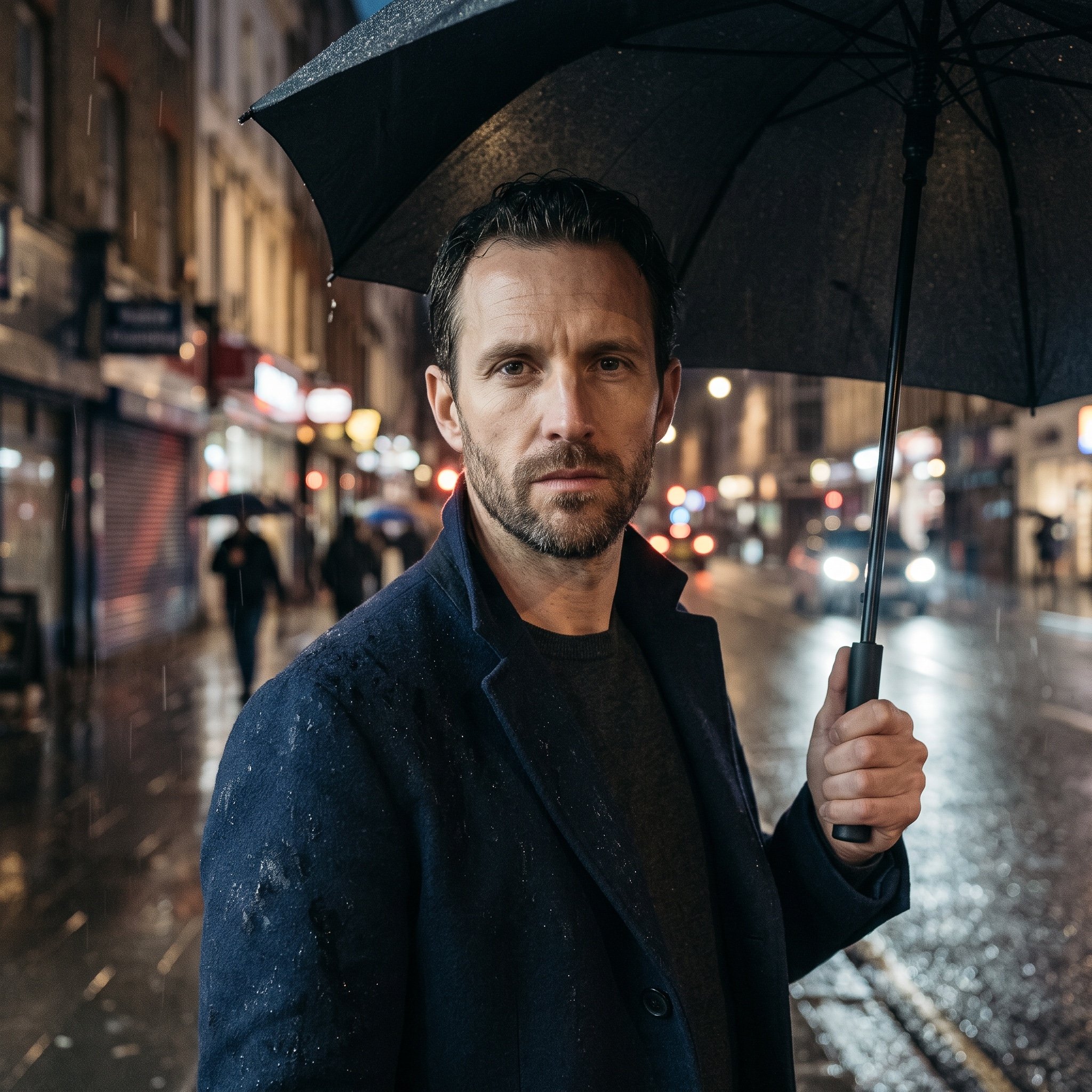
Cinematic Rainy Night Street Portrait of a Confident Man
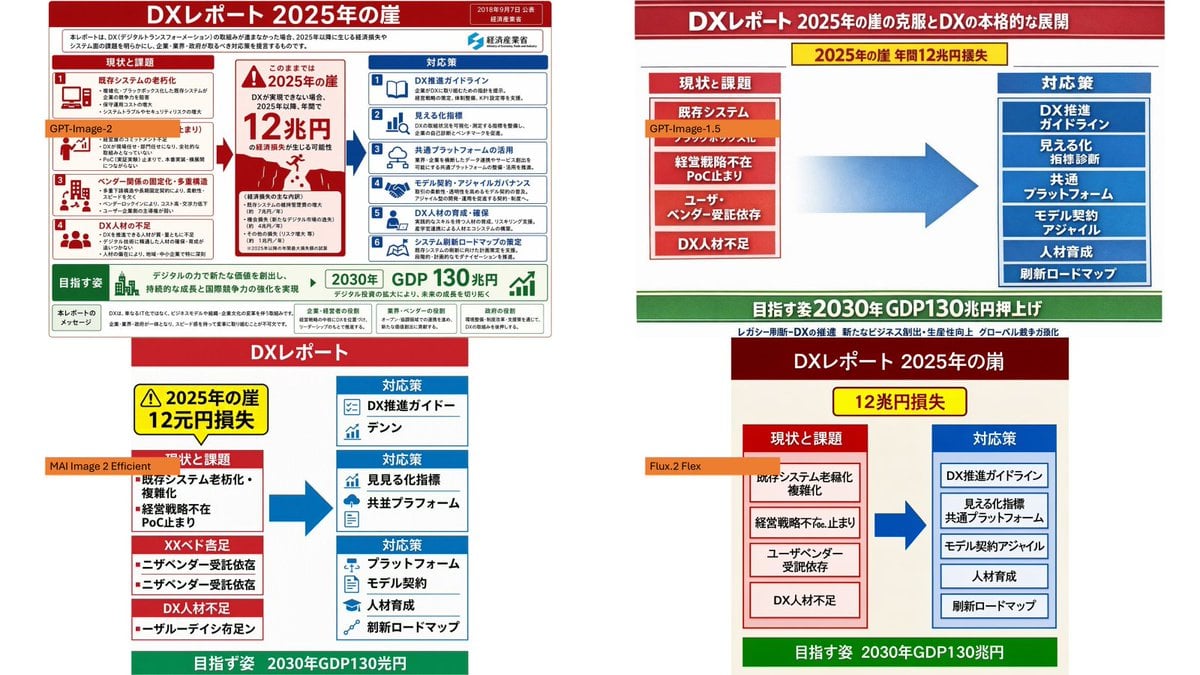
Four-Panel DX Report Model Comparison
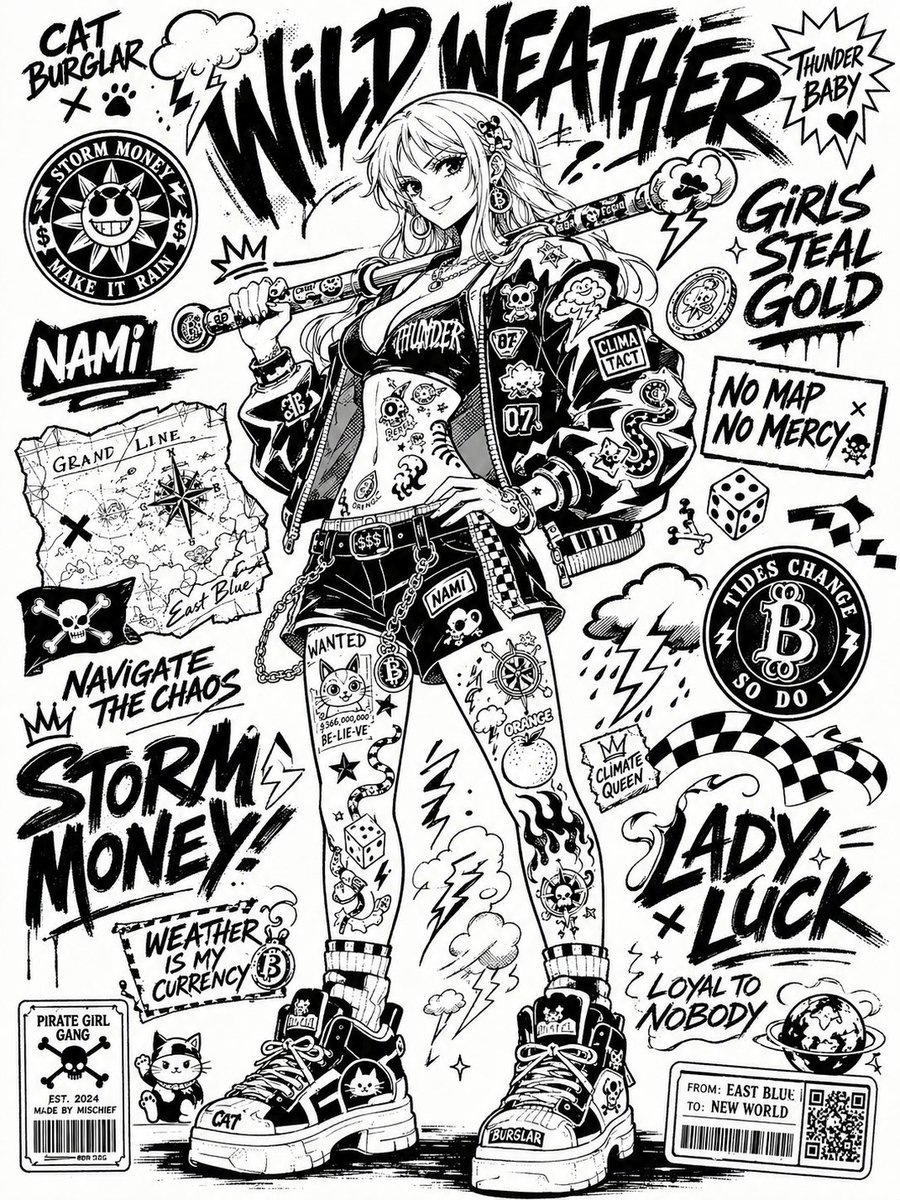
Black and White Sticker Bomb Street Poster
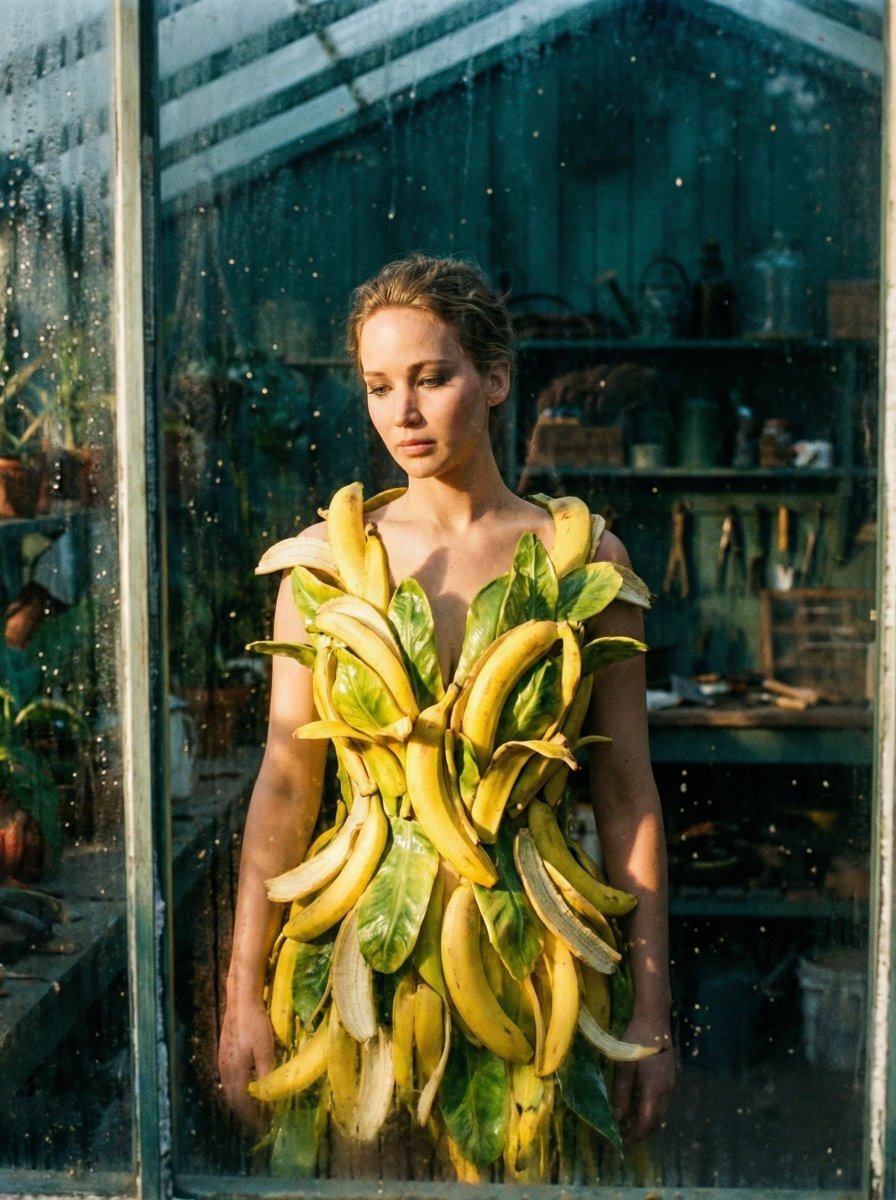
Tropical Melancholy Laboratory Surreal Portrait
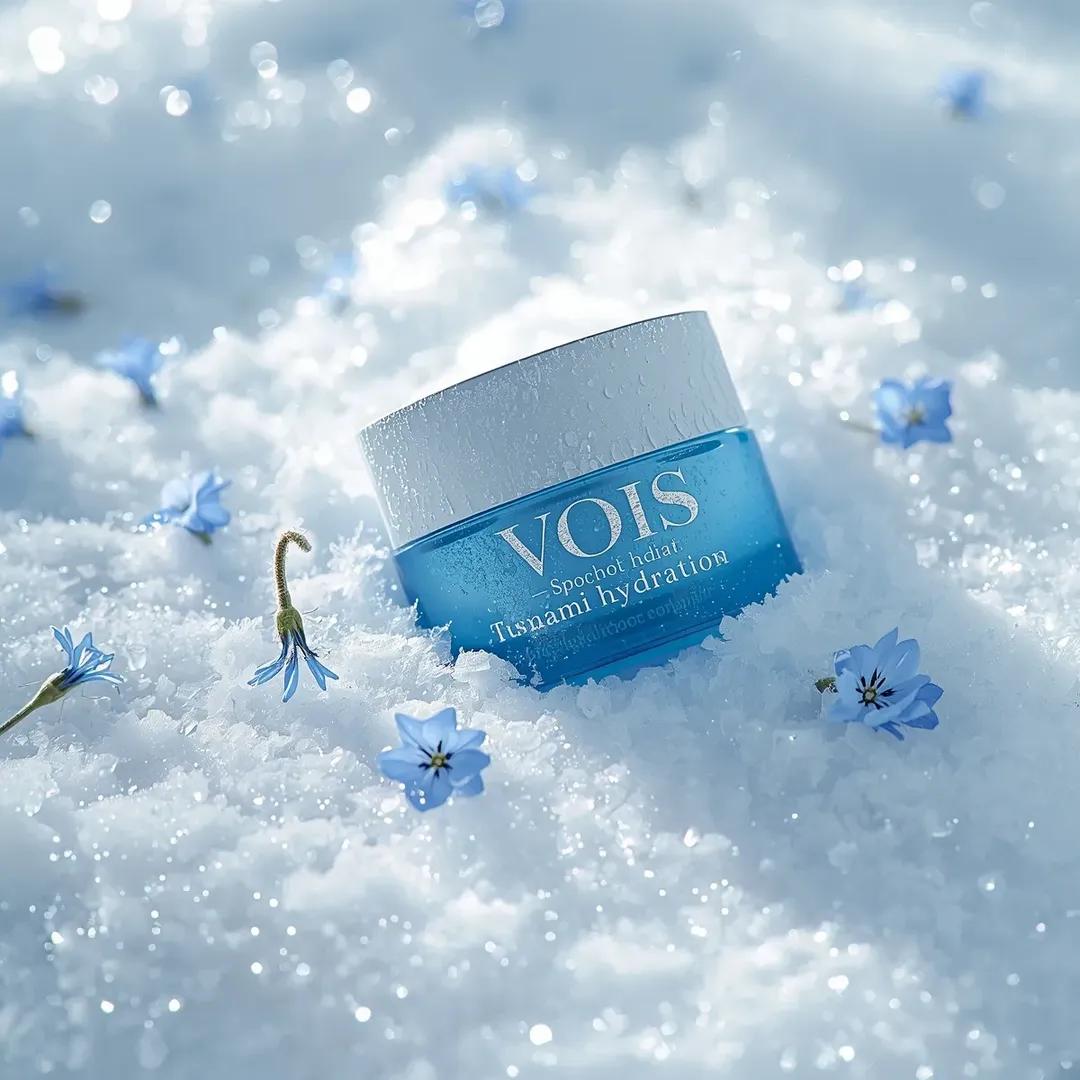
Photorealistic Skincare Product Photography Prompt for Nano Banana Pro
Browse template categories
Urban Selfie Superhero Fashion questions
How do I use the Urban Selfie Superhero Fashion template?
Add your photo if the template asks for one, edit the prompt if you like — the template's model and format are already selected — and press Generate. Your version opens in PicX Studio.
Can I customize the Urban Selfie Superhero Fashion template?
Yes. You can change the subject, setting, lighting, mood, format, and available model controls before creating your image.
Is the Urban Selfie Superhero Fashion template free?
Opening and editing this template is free. Generating uses credits, shown on the Generate button when you are signed in.
Which AI model should I use?
Start with Gemini 3 Pro Image Preview, which is the model associated with this template. You can compare another compatible model for a different finish.
Looking for something else? Browse all templates.

Your photo, any look
Thousands of ready templates for every top image and video model, from one credit balance.