
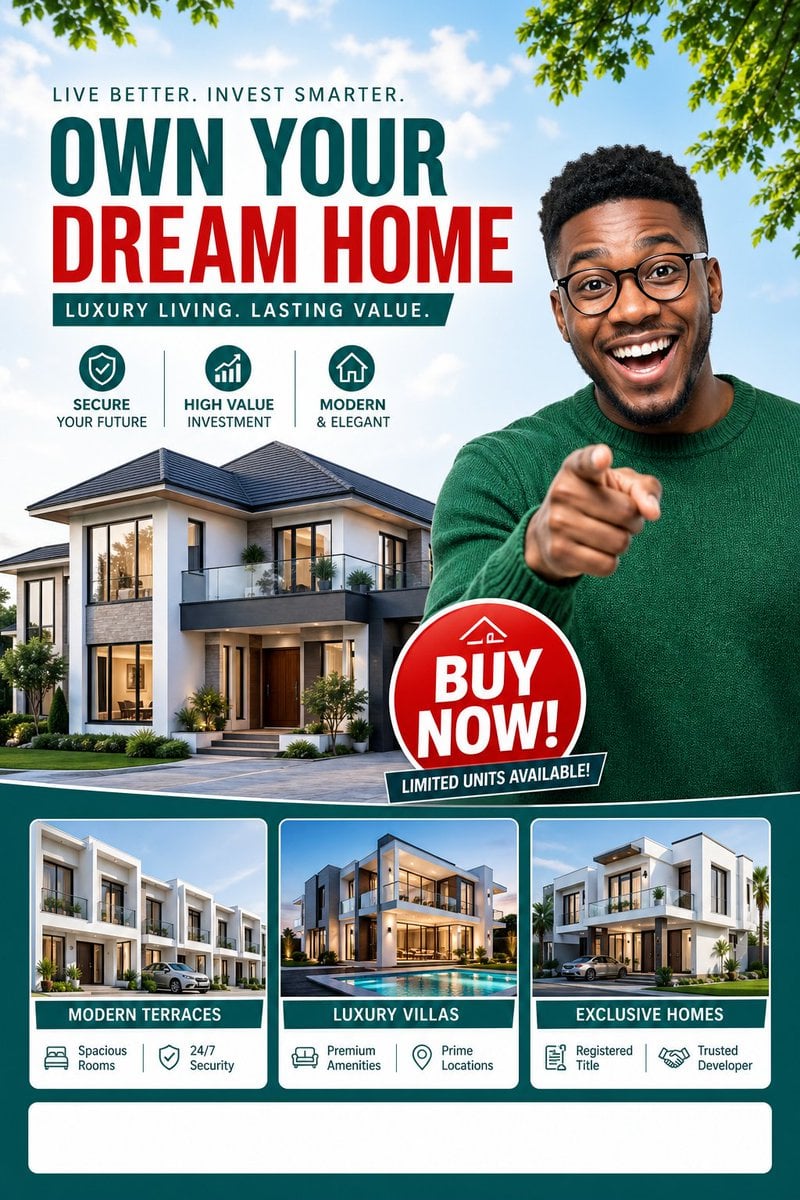
Luxury Dream Home Real Estate Flyer
A bold vertical real-estate ad poster promoting luxury homes and property investment, ideal for social media marketing or sales flyers.
- Prompt included
- Model and format preset
- Free template
The prompt behind this image
Copy the exact prompt behind Luxury Dream Home Real Estate Flyer, or open it in the studio and make it yours.
Create a polished vertical real-estate promotional flyer in a clean, modern social-media ad style, 4:5 poster composition. Use a bright daytime outdoor theme with a pale blue sky, soft clouds, and leafy green tree branches framing the top left and top right corners. The layout should feel like a premium property investment advertisement with bold typography, glossy marketing design, and a teal, red, white, and gray color palette. At the upper left, place a small uppercase headline reading {argument name="headline text" default="LIVE BETTER. INVEST SMARTER."}. Directly below it, add a very large stacked main headline: {argument name="main headline line 1" default="OWN YOUR"} in deep teal and {argument name="main headline line 2" default="DREAM HOME"} in vivid red, using a bold condensed sans-serif font. Beneath that, add a teal ribbon banner with white uppercase text reading {argument name="tagline text" default="LUXURY LIVING. LASTING VALUE."}. Under the tagline, show exactly 3 circular feature icons arranged horizontally with thin vertical separators between them: a shield icon with the caption "SECURE YOUR FUTURE", a rising bar-chart icon with the caption "HIGH VALUE INVESTMENT", and a house icon with the caption "MODERN & ELEGANT". In the middle left and lower center, feature a large photorealistic contemporary luxury house with 2 stories, white and gray exterior walls, black trim, large glass windows, a balcony, landscaped shrubs, and a paved driveway, shown from a front three-quarter angle. On the right side, place a waist-up adult Black man in a green knit sweater, facing forward and pointing directly at the viewer with an assertive sales-poster pose; his body overlaps the house and extends into the foreground. Near his lower torso, add a glossy red circular badge with a slight 3D effect containing large white uppercase text {argument name="callout text" default="BUY NOW!"}, and attach a small dark teal angled banner across its bottom edge reading "LIMITED UNITS AVAILABLE!". Across the bottom, create a dark teal panel containing exactly 3 rounded rectangular property cards with white borders and equal spacing. Card 1 should show a row of modern townhouses and the label "MODERN TERRACES"; beneath it place exactly 2 small features: "Spacious Rooms" and "24/7 Security". Card 2 should show a luxury villa with a pool and the label "LUXURY VILLAS"; beneath it place exactly 2 small features: "Premium Amenities" and "Prime Locations". Card 3 should show a detached upscale modern home and the label "EXCLUSIVE HOMES"; beneath it place exactly 2 small features: "Registered Title" and "Trusted Developer". At the very bottom, include one large empty white rounded rectangle spanning most of the width as a placeholder area for contact details or footer information. Make the overall image crisp, high-contrast, commercial, aspirational, and professionally designed like a premium real-estate marketing poster.
How to use Luxury Dream Home Real Estate Flyer in 3 steps
- 1Upload ImagePNG, JPG or paste
Add your photo
Upload the photo the template builds on. The prompt, model and format are already set.
- 2…a portrait of your subject in softgolden-hour light, 85mm…
Personalize
Edit the subject and creative details for your destination.
- 3Generate
Generate
Press Generate — your image is created in PicX Studio, so you can compare it with the original and refine one variable at a time.
More like this
Templates with the same subject, style or setup. Open one to see its prompt.
Luxury Real Estate Flyer Layout
Luxury Real Estate Sales Poster
Luxury Garden Villa Real Estate Poster

Ethereal Dream Editorial Through Fabric Portrait
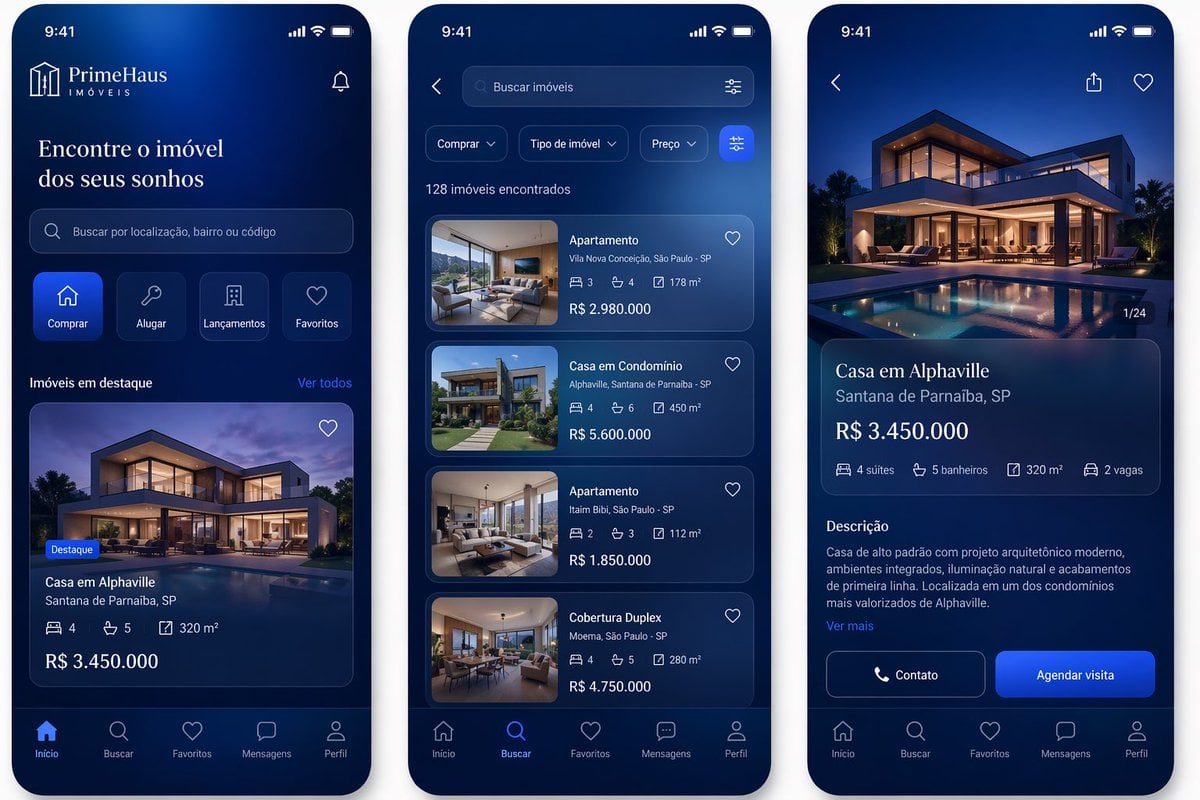
Luxury Real Estate App UI Mockup
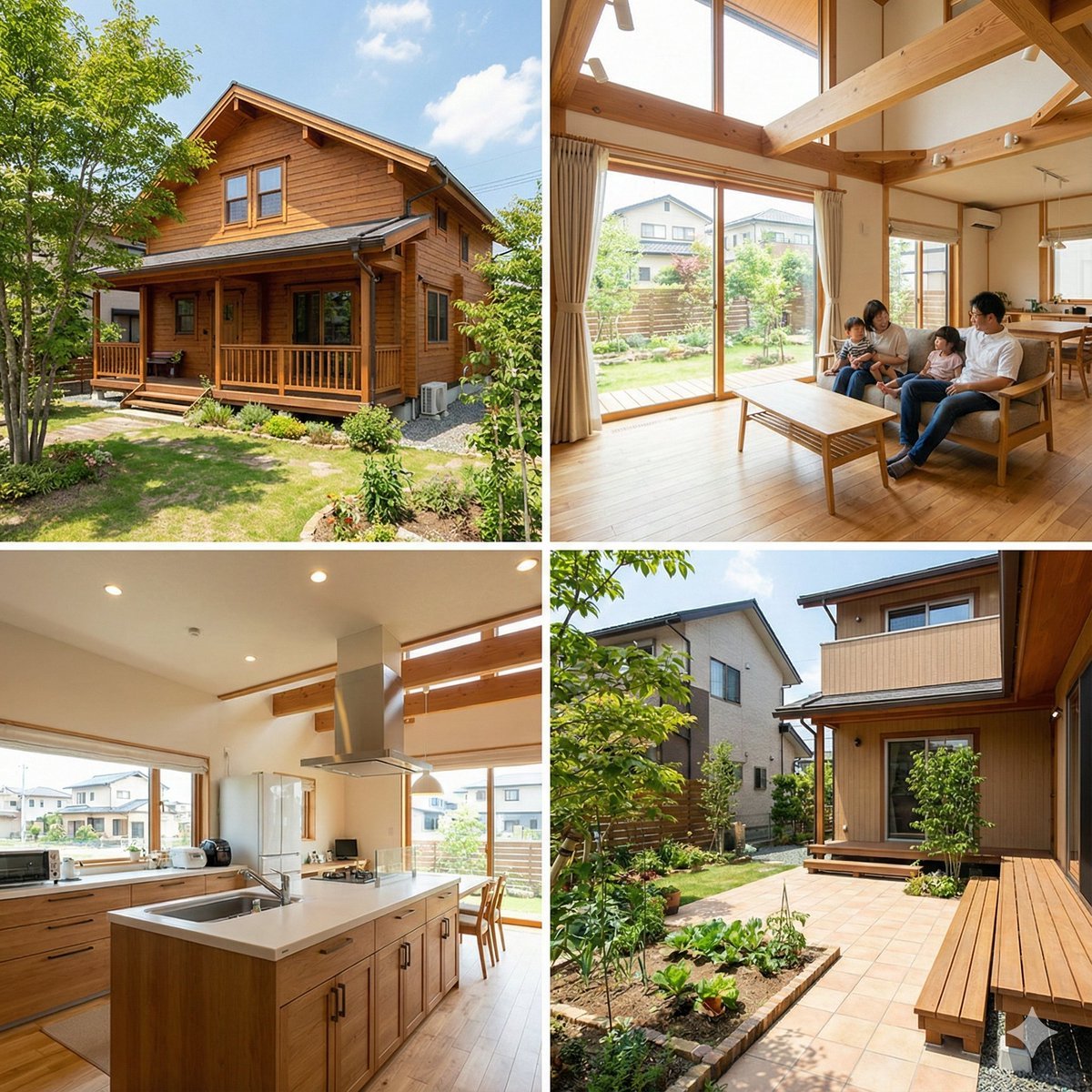
Generating Real Estate Flyers with Nano Banana Pro

Sunday Afternoon, 1988
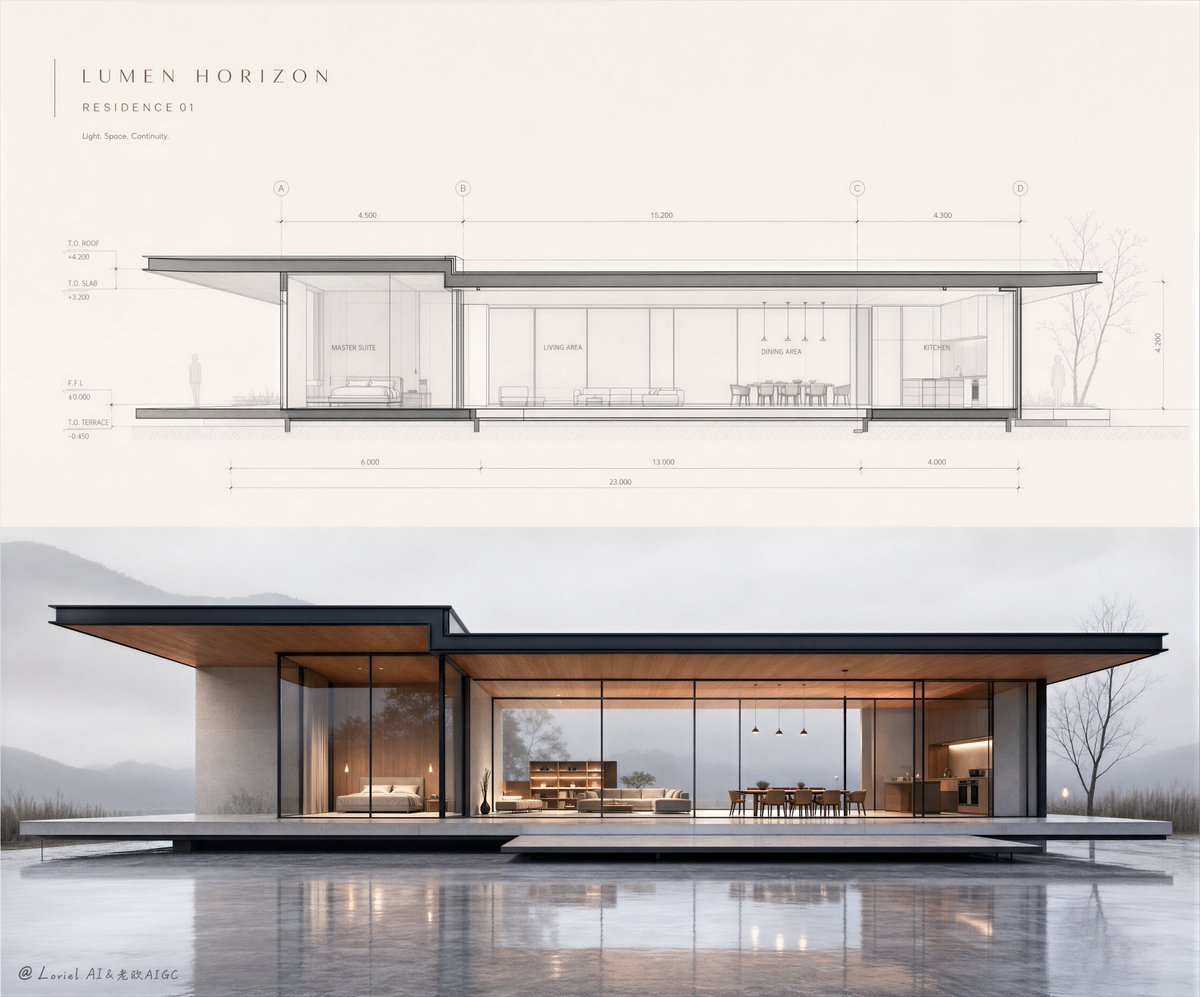
Minimalist Real Estate Sales Poster
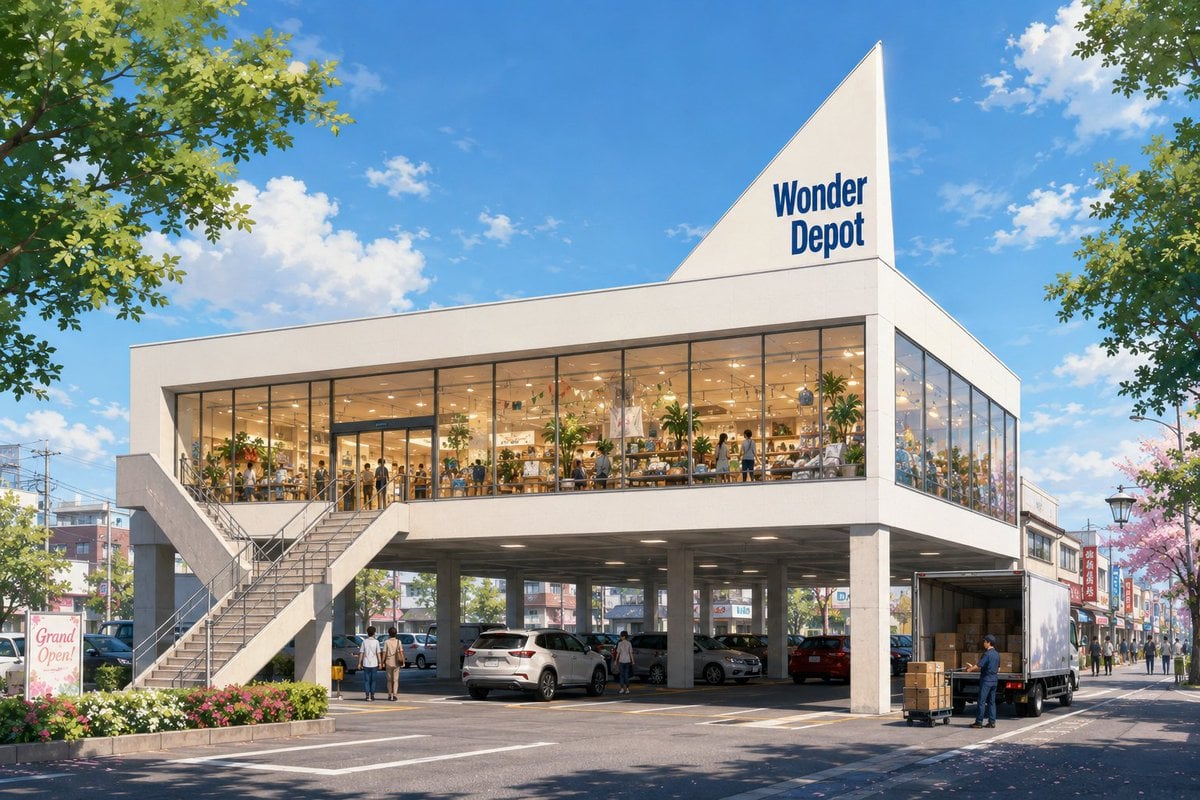
Vacant Property Real Estate Visualization
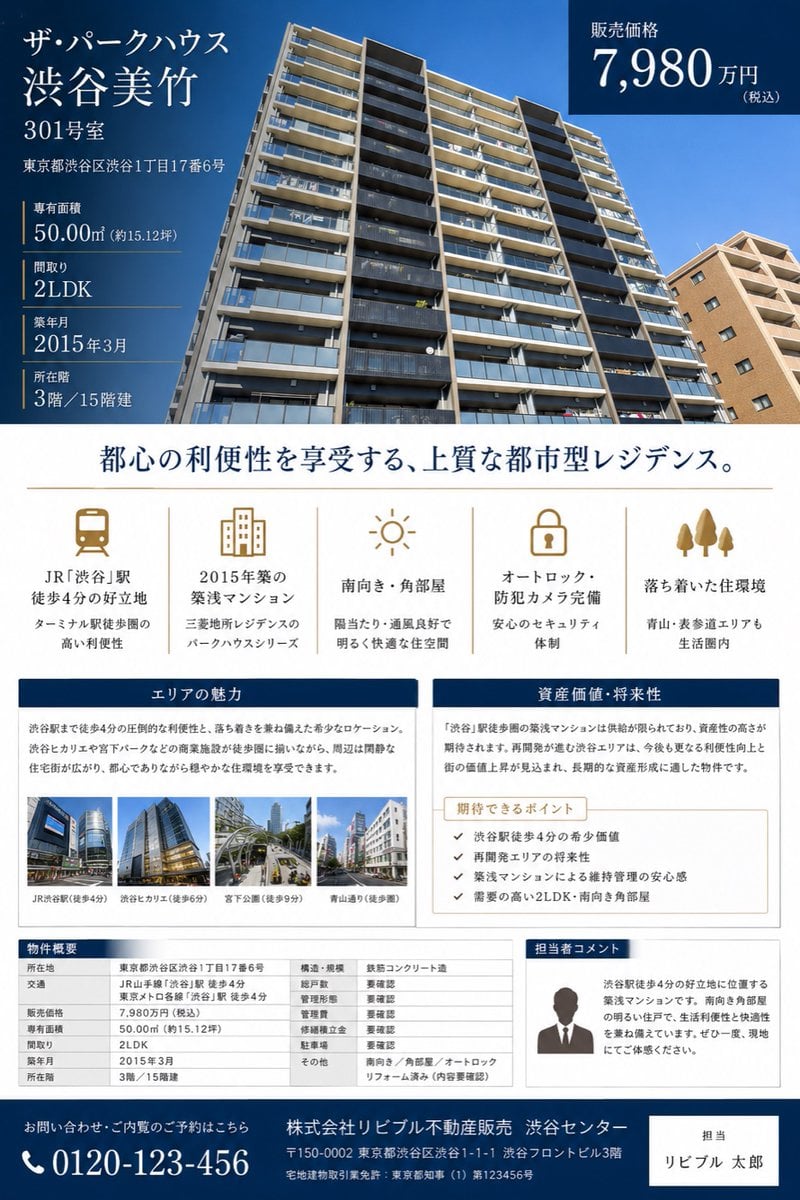
Japanese Luxury Condo Sales Flyer
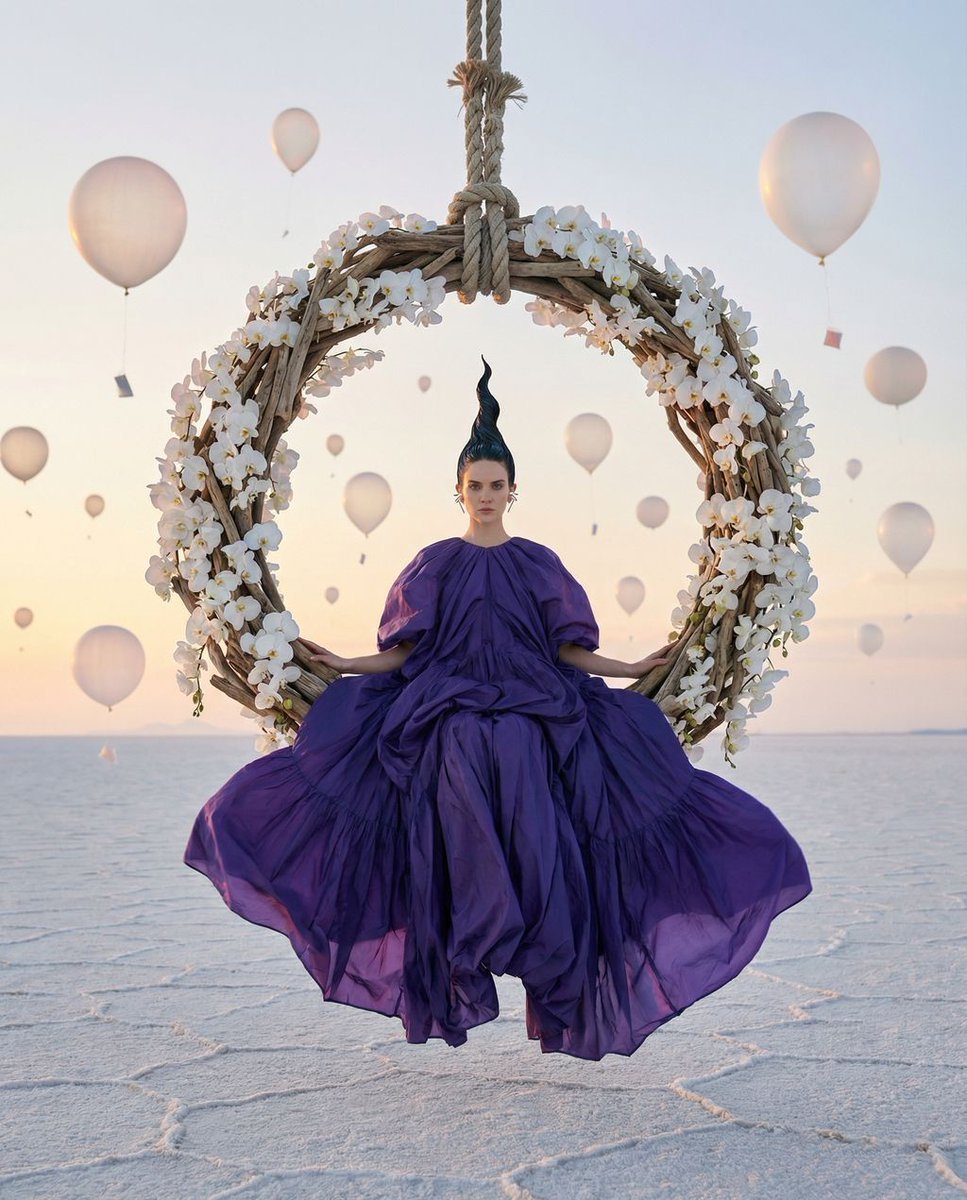
Violet Dreams Surreal Fashion Editorial

Sealing Wax Letter Desk
Make it yours
Luxury Dream Home Real Estate Flyer works as-is. These are the safest ways to change it without losing the look.
Change one field
Copy a single group, rewrite it, and generate again so you can see what that field is doing.
Keep the frame, change the subject
Hold the composition and light of Luxury Dream Home Real Estate Flyer, then swap wardrobe, props or the person for a new take.
| If the result… | Why | Fix |
|---|---|---|
| The result drifts from the preview | Too many fields changed at once. | Reuse Luxury Dream Home Real Estate Flyer as-is first, then change one group — subject, light, or setting. |
| The model over-stylizes the scene | The prose prompt leaves finish and camera underspecified. | Add one camera or lighting sentence and stay on GPT Image 2. |
More GPT Image 2 templates
Other prompts made for GPT Image 2.

Six VTuber Japanese Logo Sheet

Realistic Portrait of Woman and Deer

The Vista Modular Condo Poster

AI Model Routing Comparison Infographic

2.5D Anime Art Board

Isometric Productivity Desk Scene

New York Double Exposure Poster

Four-Panel AI Landscape Comparison

Japanese Tatami Lifestyle Magazine Cover

NESCAFÉ Coffee Map Poster
More image prompts
Fresh picks from across the catalog.

Character Stepping Out of a Sketchbook (Surreal Photo)

Gen-Z Music Doodle Poster

untitled
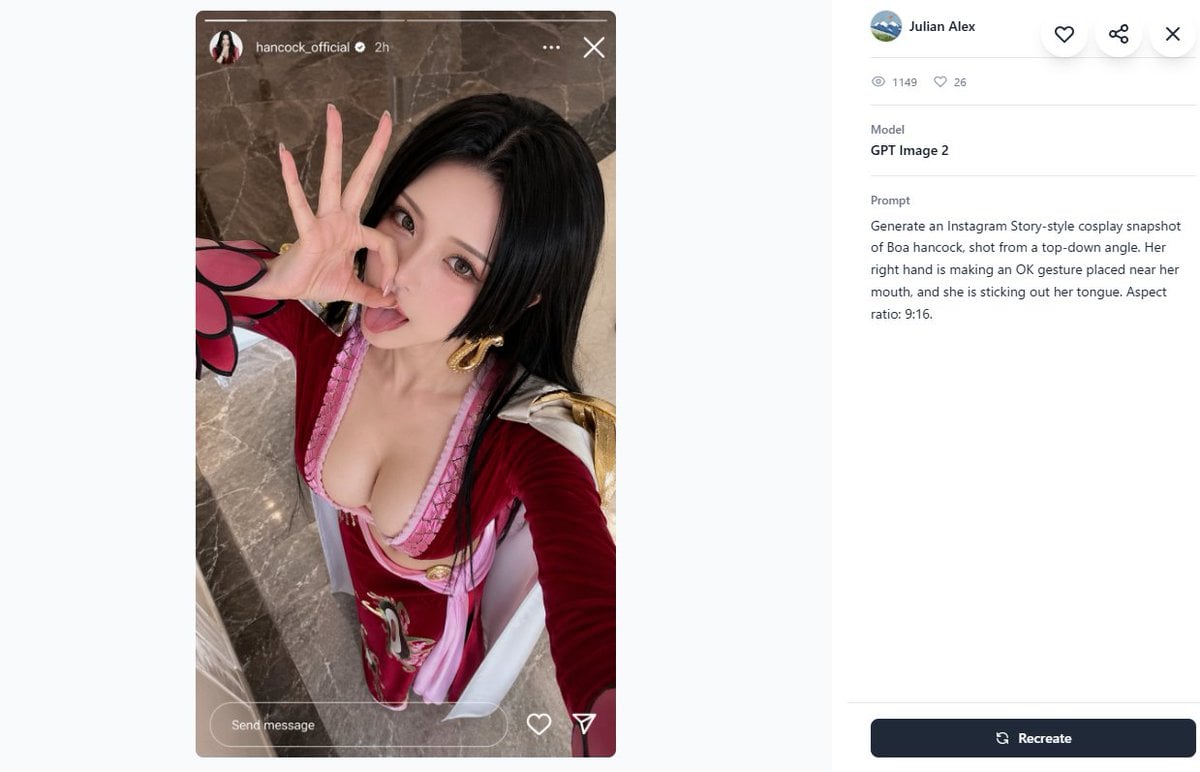
Cosplay Prompt Gallery Screenshot

Dancer Character - Four View Reference Sheet
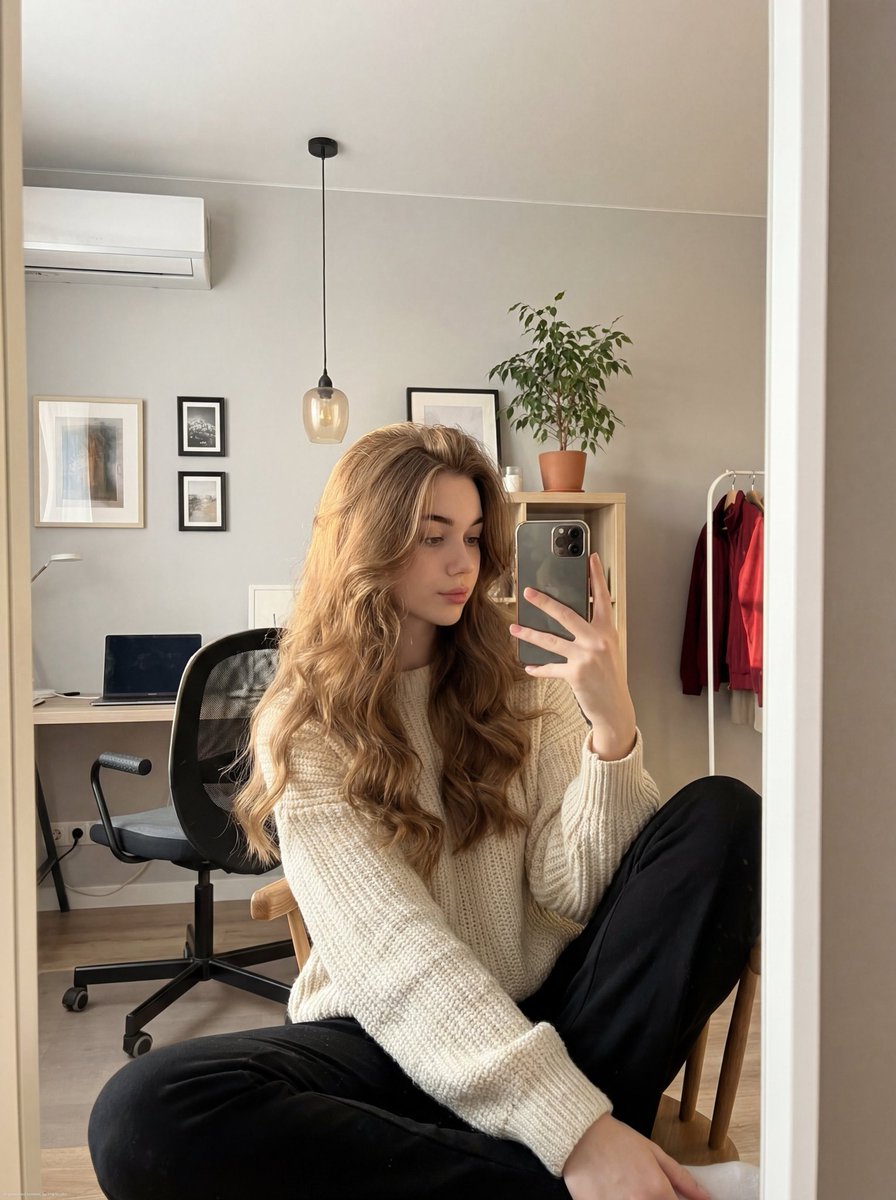
Realistic mirror selfie of a young woman in a cozy cream sweater
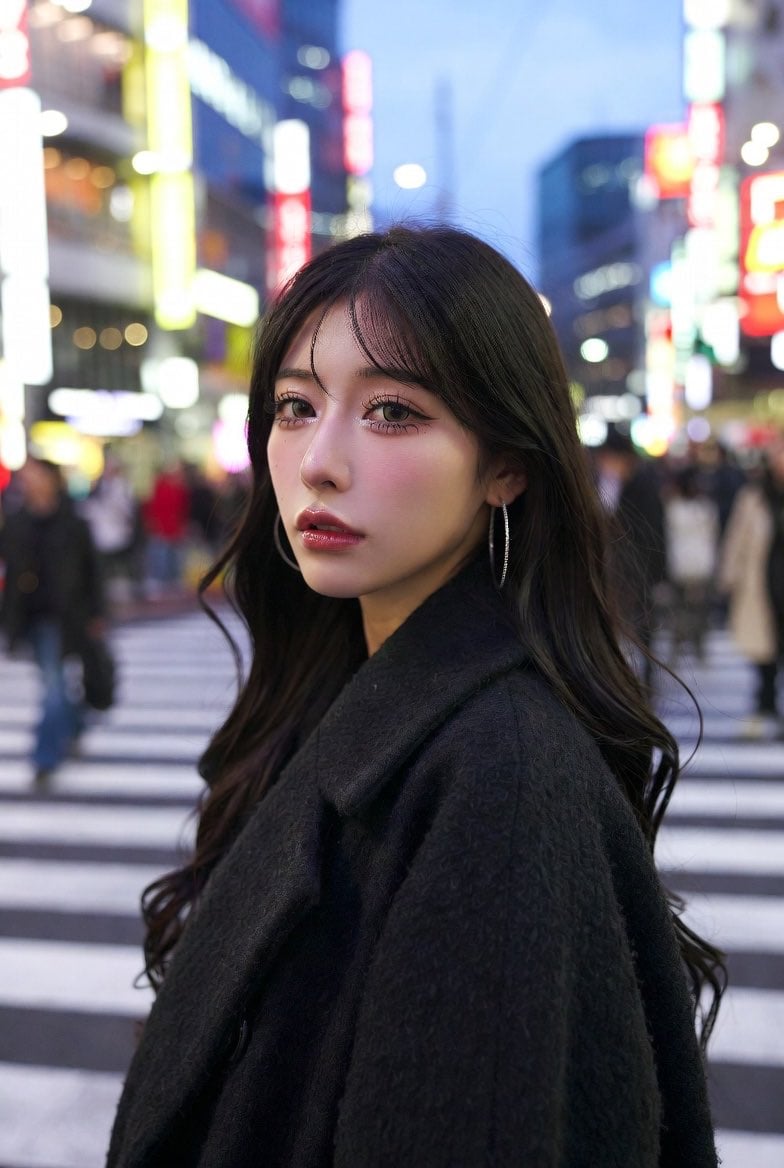
Neon City Portrait With Face Block
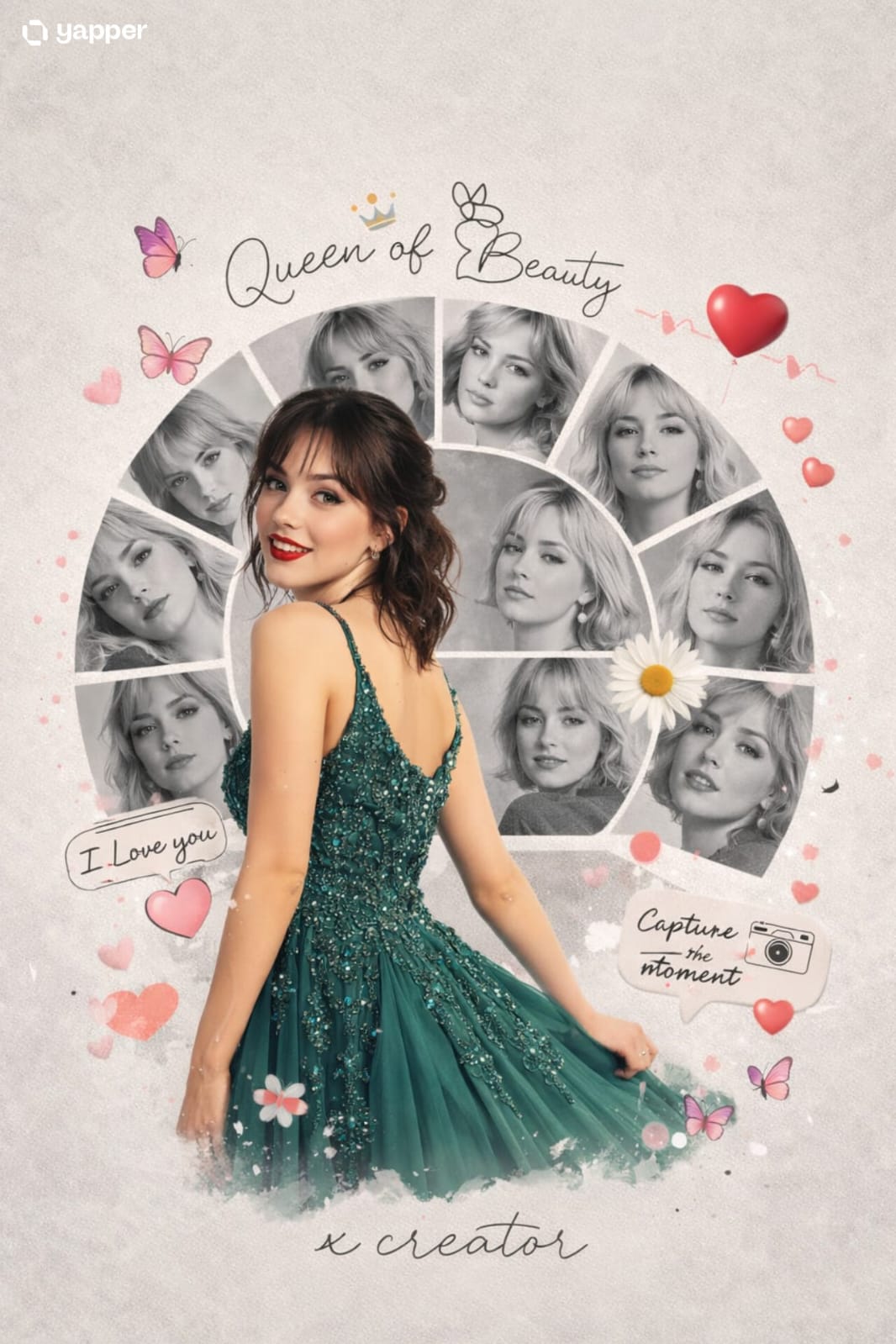
Vacation Style Portrait By the Marina

8K Cinematic Fantasy Portrait of Woman and Horse

Candid TV Announcer Family Moment
Featured in prompt roundups
Hand-picked collections that include this template.
Browse template categories
Luxury Dream Home Real Estate Flyer questions
How do I use the Luxury Dream Home Real Estate Flyer template?
Add your photo if the template asks for one, edit the prompt if you like — the template's model and format are already selected — and press Generate. Your version opens in PicX Studio.
Can I customize the Luxury Dream Home Real Estate Flyer template?
Yes. You can change the subject, setting, lighting, mood, format, and available model controls before creating your image.
Is the Luxury Dream Home Real Estate Flyer template free?
Opening and editing this template is free. Generating uses credits, shown on the Generate button when you are signed in.
Which AI model should I use?
Start with GPT Image 2, which is the model associated with this template. You can compare another compatible model for a different finish.
Looking for something else? Browse all templates.

Your photo, any look
Thousands of ready templates for every top image and video model, from one credit balance.