
Luxury Real Estate App UI Mockup
A polished three-screen mobile app concept for a premium real estate platform, ideal for showcasing app UI design, product marketing, or landing page visuals.
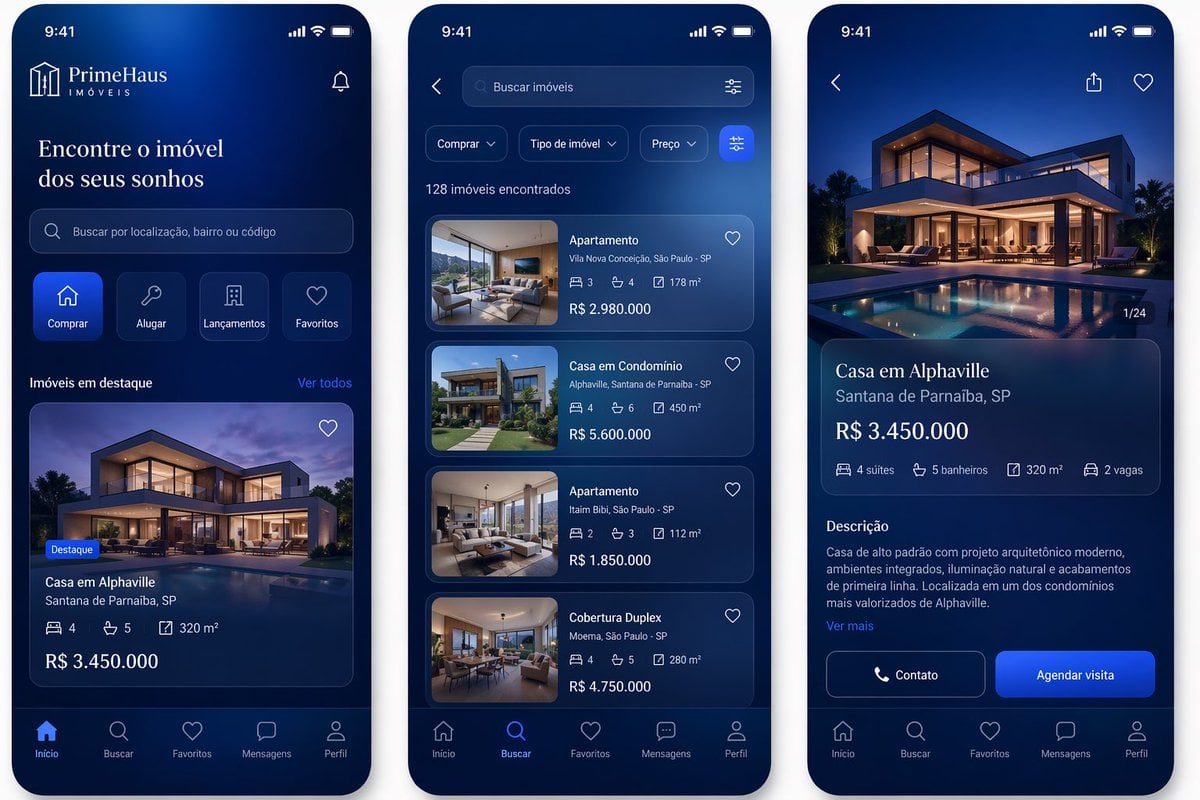
- Prompt included
- Model and format preset
- Free template
The prompt behind this image
Copy the exact prompt behind Luxury Real Estate App UI Mockup, or open it in the studio and make it yours.
- Type
- mobile real estate app showcase
- Style
- high-fidelity modern fintech-style UI mockup, premium luxury aesthetic, deep navy blue gradient backgrounds, glowing cobalt highlights, glassmorphism cards, subtle inner shadows, rounded corners, clean white sans-serif text, realistic iPhone-style device frames shown front-on
- Brand › Name
- {argument name="brand name" default="PrimeHaus"}
- Brand › Subtitle
- IMÓVEIS
- Layout › Canvas
- three smartphone screens side by side on a light neutral background
- Layout › Count
- 3
- Layout › Sections › 0 › Title
- home screen
- Layout › Sections › 0 › Position
- left
- Layout › Sections › 0 › Count
- 7
- Layout › Sections › 0 › Labels
- top brand header with notification icon, hero headline, search bar, 4 action shortcuts, featured properties heading with see-all link, featured property card, bottom tab bar
- Layout › Sections › 1 › Title
- search results screen
- Layout › Sections › 1 › Position
- center
- Layout › Sections › 1 › Count
- 6
- Layout › Sections › 1 › Labels
- top back button and search field, 3 filter chips plus filter button, results count text, 4 vertical property cards, favorite icons on cards, bottom tab bar
- Layout › Sections › 2 › Title
- property details screen
- Layout › Sections › 2 › Position
- right
- Layout › Sections › 2 › Count
- 6
- Layout › Sections › 2 › Labels
- top back share and favorite icons, large hero image, property info card, feature row, description block, 2 call-to-action buttons plus bottom tab bar
- Screens › Left › Time
- 9:41
- Screens › Left › Headline
- {argument name="headline text" default="Encontre o imóvel dos seus sonhos"}
- Screens › Left › Search Placeholder
- Buscar por localização, bairro ou código
- Screens › Left › Shortcut Buttons › Count
- 4
- Screens › Left › Shortcut Buttons › Labels
- Comprar, Alugar, Lançamentos, Favoritos
- Screens › Left › Section Title
- Imóveis em destaque
Raw JSON
{"type":"mobile real estate app showcase","style":"high-fidelity modern fintech-style UI mockup, premium luxury aesthetic, deep navy blue gradient backgrounds, glowing cobalt highlights, glassmorphism cards, subtle inner shadows, rounded corners, clean white sans-serif text, realistic iPhone-style device frames shown front-on","brand":{"name":"{argument name=\"brand name\" default=\"PrimeHaus\"}","subtitle":"IMÓVEIS"},"layout":{"canvas":"three smartphone screens side by side on a light neutral background","count":3,"sections":[{"title":"home screen","position":"left","count":7,"labels":["top brand header with notification icon","hero headline","search bar","4 action shortcuts","featured properties heading with see-all link","featured property card","bottom tab bar"]},{"title":"search results screen","position":"center","count":6,"labels":["top back button and search field","3 filter chips plus filter button","results count text","4 vertical property cards","favorite icons on cards","bottom tab bar"]},{"title":"property details screen","position":"right","count":6,"labels":["top back share and favorite icons","large hero image","property info card","feature row","description block","2 call-to-action buttons plus bottom tab bar"]}]},"screens":{"left":{"time":"9:41","headline":"{argument name=\"headline text\" default=\"Encontre o imóvel dos seus sonhos\"}","search_placeholder":"Buscar por localização, bairro ou código","shortcut_buttons":{"count":4,"labels":["Comprar","Alugar","Lançamentos","Favoritos"]},"section_title":"Imóveis em destaque","link_text":"Ver todos","featured_card":{"badge":"Destaque","title":"Casa em Alphaville","location":"Santana de Parnaíba, SP","features":{"count":3,"items":["4","5","320 m²"]},"price":"R$ 3.450.000"},"bottom_tabs":{"count":5,"labels":["Início","Buscar","Favoritos","Mensagens","Perfil"]}},"center":{"search_placeholder":"Buscar imóveis","filter_chips":{"count":3,"labels":["Comprar","Tipo de imóvel","Preço"]},"results_text":"128 imóveis encontrados","cards":{"count":4,"items":[{"title":"Apartamento","location":"Vila Nova Conceição, São Paulo - SP","features":["3","4","178 m²"],"price":"R$ 2.980.000"},{"title":"Casa em Condomínio","location":"Alphaville, Santana de Parnaíba - SP","features":["4","6","450 m²"],"price":"R$ 5.600.000"},{"title":"Apartamento","location":"Itaim Bibi, São Paulo - SP","features":["2","3","112 m²"],"price":"R$ 1.850.000"},{"title":"Cobertura Duplex","location":"Moema, São Paulo - SP","features":["4","5","280 m²"],"price":"R$ 4.750.000"}]},"bottom_tabs":{"count":5,"labels":["Início","Buscar","Favoritos","Mensagens","Perfil"]}},"right":{"image_counter":"1/24","title":"{argument name=\"property title\" default=\"Casa em Alphaville\"}","location":"Santana de Parnaíba, SP","price":"{argument name=\"price\" default=\"R$ 3.450.000\"}","features":{"count":4,"items":["4 suítes","5 banheiros","320 m²","2 vagas"]},"description_title":"Descrição","description":"{argument name=\"description text\" default=\"Casa de alto padrão com projeto arquitetônico moderno, ambientes integrados, iluminação natural e acabamentos de primeira linha. Localizada em um dos condomínios mais valorizados de Alphaville.\"}","more_link":"Ver mais","buttons":{"count":2,"labels":["Contato","Agendar visita"]},"bottom_tabs":{"count":5,"labels":["Início","Buscar","Favoritos","Mensagens","Perfil"]}}},"imagery":{"property_photo_style":"luxury contemporary mansion at dusk with warm interior lighting, expansive glass walls, angular architecture, landscaped yard, large reflective swimming pool, photorealistic real estate photography","card_thumbnails":{"count":5,"style":"high-end residential interiors and exteriors with consistent blue-toned color grading"}},"color_palette":{"primary":"deep navy","secondary":"royal blue","accent":"electric blue","text":"white and light gray"}}How to use Luxury Real Estate App UI Mockup in 3 steps
- 1Upload ImagePNG, JPG or paste
Add your photo
Upload the photo the template builds on. The prompt, model and format are already set.
- 2…a portrait of your subject in softgolden-hour light, 85mm…
Personalize
Edit the subject and creative details for your destination.
- 3Generate
Generate
Press Generate — your image is created in PicX Studio, so you can compare it with the original and refine one variable at a time.
More like this
Templates with the same subject, style or setup. Open one to see its prompt.
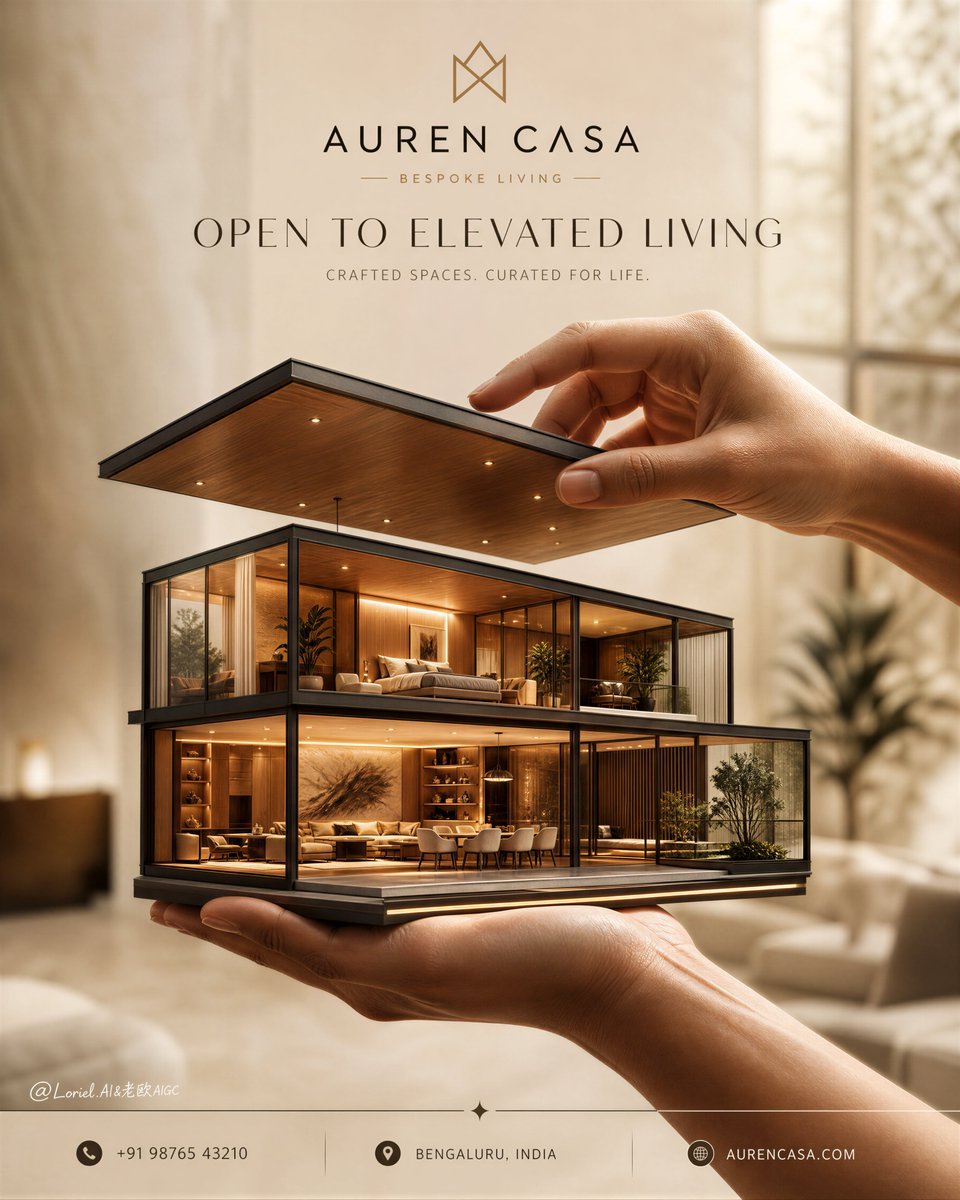
Luxury Real Estate Sales Poster
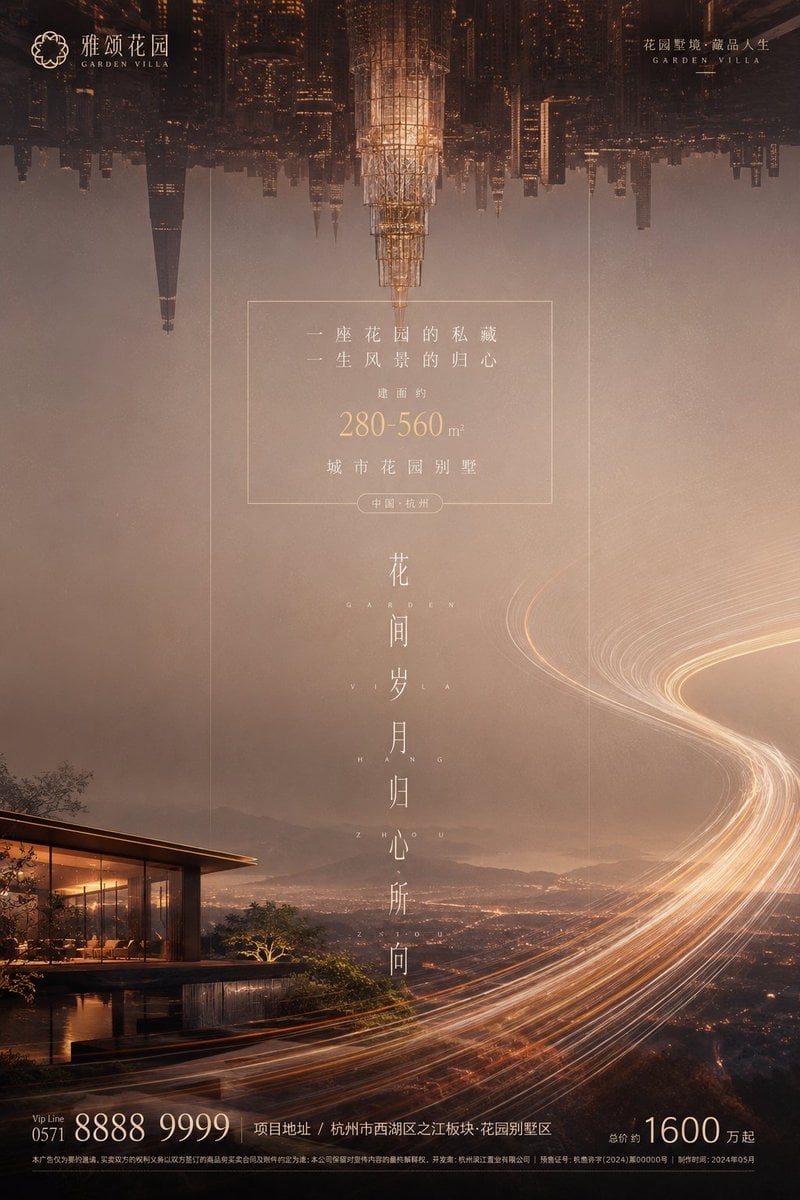
Luxury Garden Villa Real Estate Poster
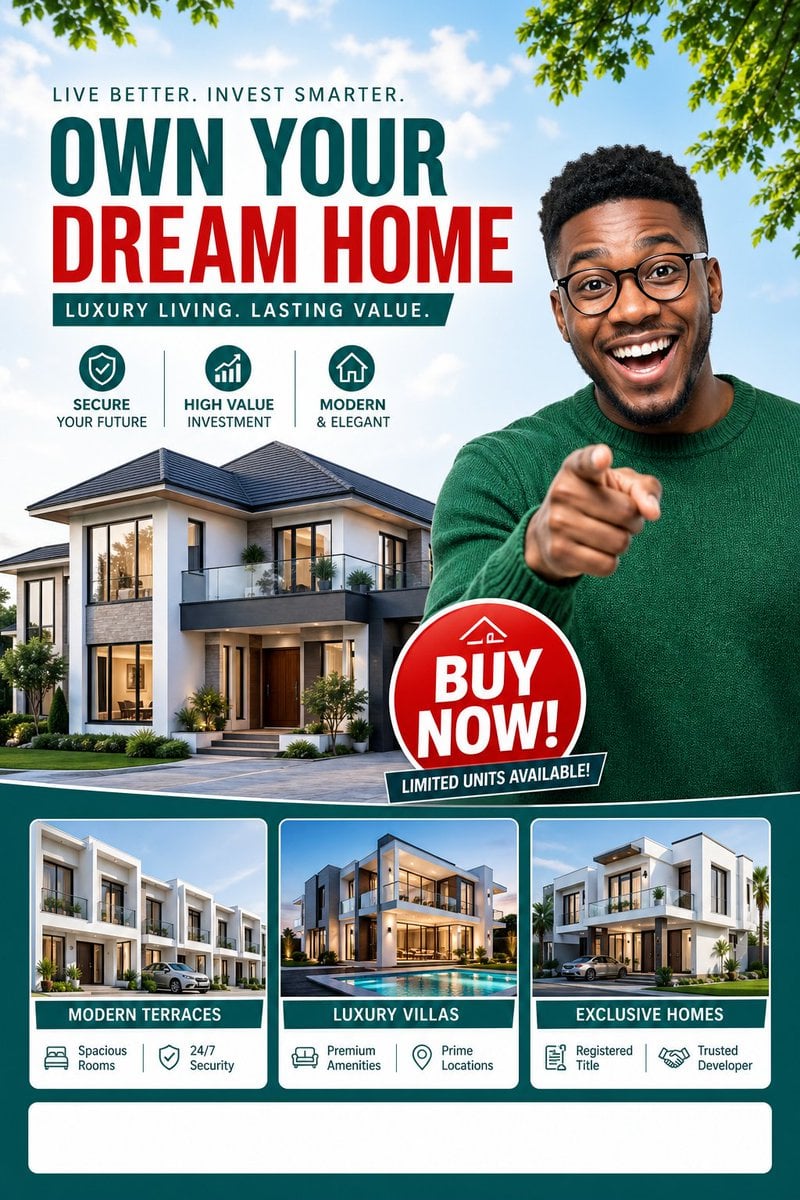
Luxury Dream Home Real Estate Flyer
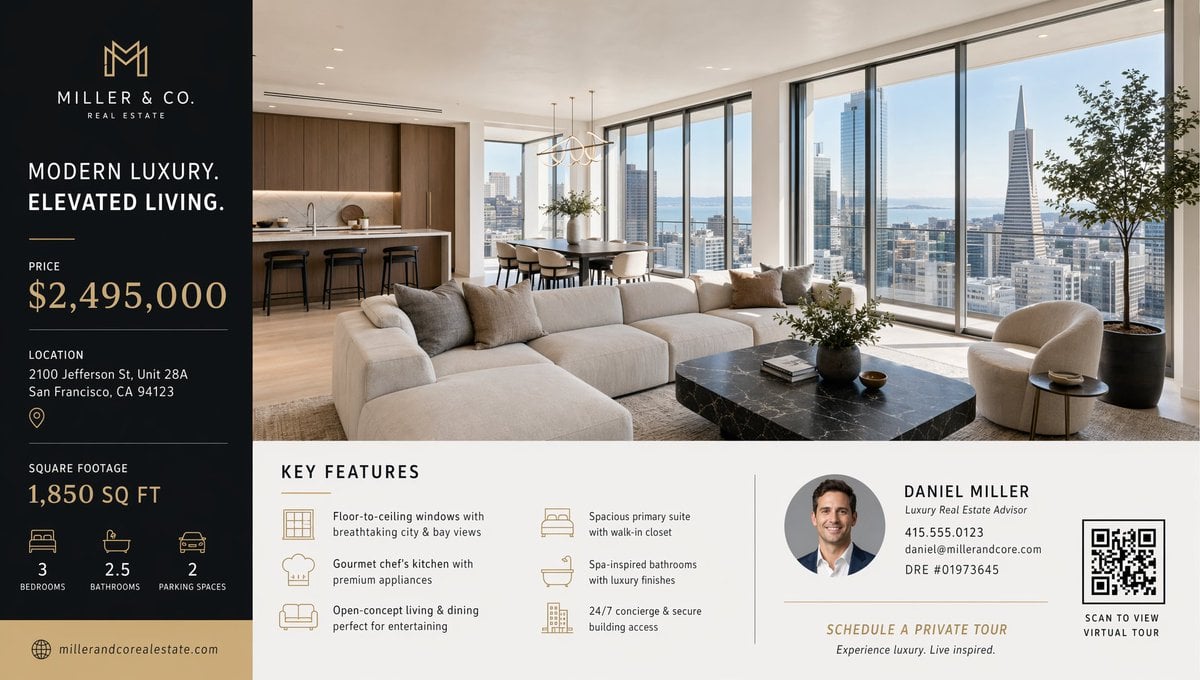
Luxury Real Estate Flyer Layout
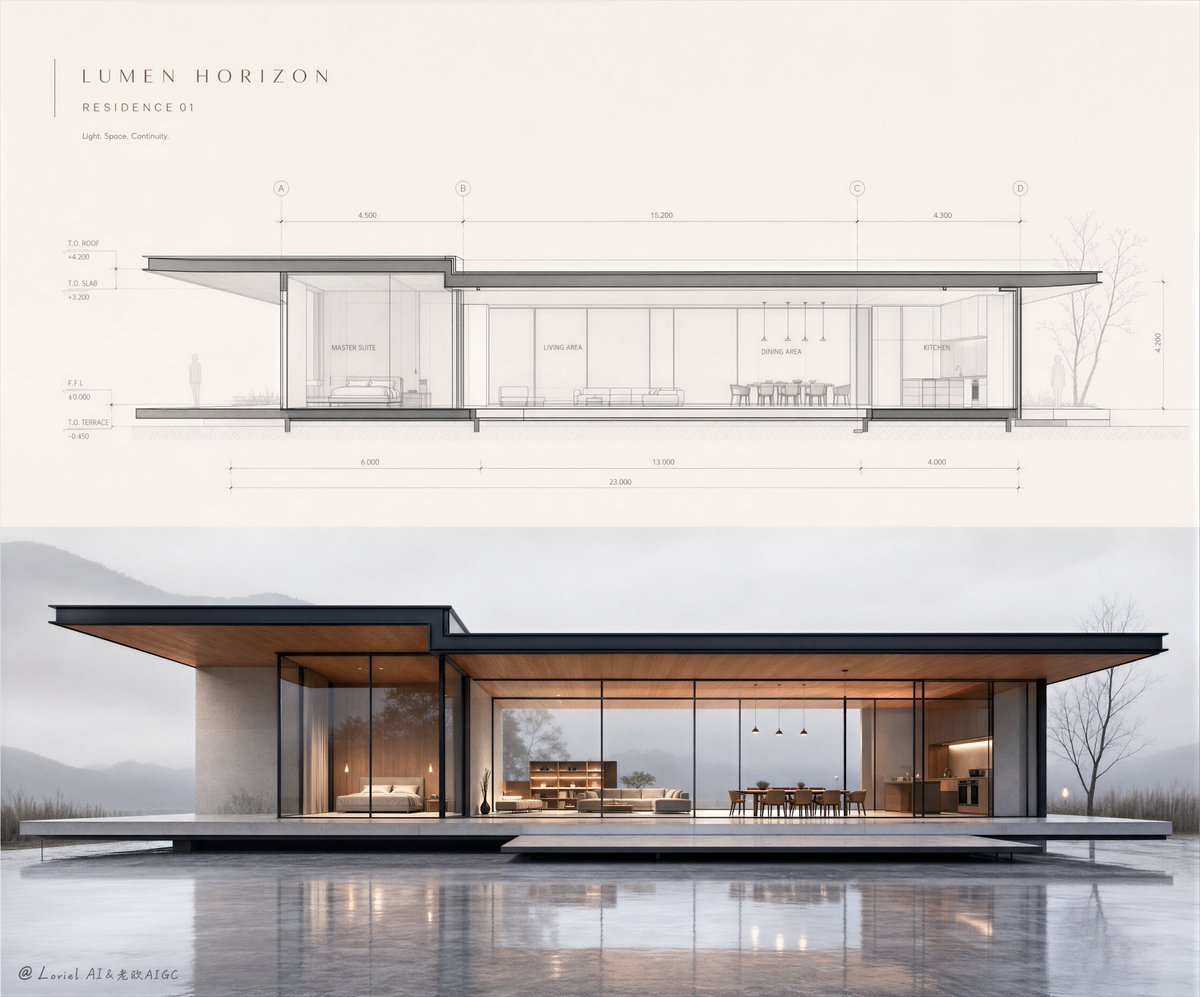
Minimalist Real Estate Sales Poster
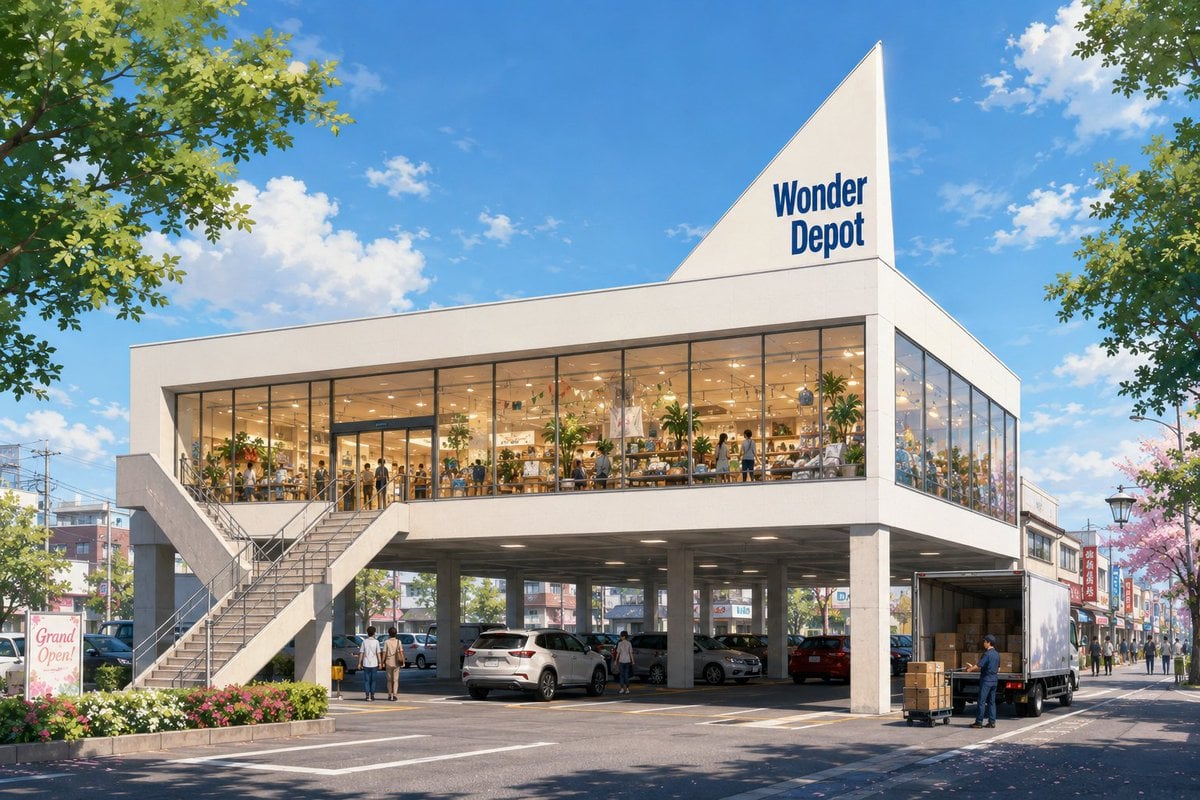
Vacant Property Real Estate Visualization

Lumen iOS Wellness App Mockup
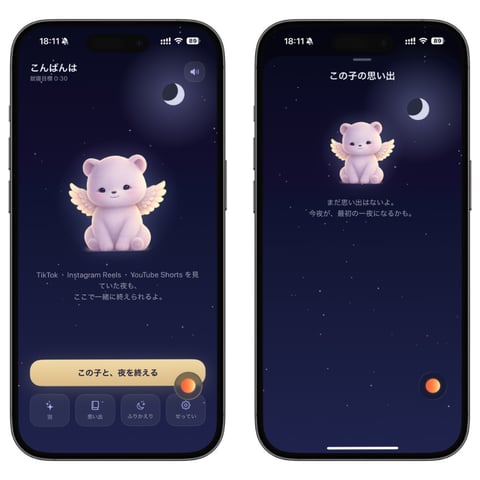
Bedtime Companion App Mockup

Sealing Wax Letter Desk

Ballroom Floor Reflections

Vintage Camera Leather Case

Hedge Maze Aerial Dawn
Make it yours
Luxury Real Estate App UI Mockup works as-is. These are the safest ways to change it without losing the look.
Swap the setting
Keep the rest of the prompt and replace the location block. The current setting is “Santana de Parnaíba, SP”.
Change one field
Copy a single group, rewrite it, and generate again so you can see what that field is doing.
Keep the frame, change the subject
Hold the composition and light of Luxury Real Estate App UI Mockup, then swap wardrobe, props or the person for a new take.
| If the result… | Why | Fix |
|---|---|---|
| The result drifts from the preview | Too many fields changed at once. | Reuse Luxury Real Estate App UI Mockup as-is first, then change one group — subject, light, or setting. |
| GPT Image 2 ignores part of the JSON | Some models flatten or skip nested keys. | Keep the same values and paste them as a short paragraph instead. |
More GPT Image 2 templates
Other prompts made for GPT Image 2.

Six VTuber Japanese Logo Sheet

Realistic Portrait of Woman and Deer

The Vista Modular Condo Poster

AI Model Routing Comparison Infographic

2.5D Anime Art Board

Isometric Productivity Desk Scene

New York Double Exposure Poster

Four-Panel AI Landscape Comparison

Japanese Tatami Lifestyle Magazine Cover

NESCAFÉ Coffee Map Poster
More image prompts
Fresh picks from across the catalog.

Paris Night Party Dance

High-Fashion Editorial Prompt for Stylish Man

Three-Panel South Asian Bride in Snowy Landscape

Black and White Portrait of Man by the Seashore

Dark Eastern Fantasy Zhao Ling'er Poster
Penrose Impossible Triangle Structure
Origami Furniture Editorial Poster

Chiaroscuro Cinematic Male Portrait

Japanese Plush Goods Ad Poster

Childlike Jazz Beat Crayon Lesson
Browse template categories
Luxury Real Estate App UI Mockup questions
How do I use the Luxury Real Estate App UI Mockup template?
Add your photo if the template asks for one, edit the prompt if you like — the template's model and format are already selected — and press Generate. Your version opens in PicX Studio.
Can I customize the Luxury Real Estate App UI Mockup template?
Yes. You can change the subject, setting, lighting, mood, format, and available model controls before creating your image.
Is the Luxury Real Estate App UI Mockup template free?
Opening and editing this template is free. Generating uses credits, shown on the Generate button when you are signed in.
Which AI model should I use?
Start with GPT Image 2, which is the model associated with this template. You can compare another compatible model for a different finish.
Looking for something else? Browse all templates.

Your photo, any look
Thousands of ready templates for every top image and video model, from one credit balance.