
Three-Panel South Asian Bride in Snowy Landscape
A descriptive prompt for a three-panel vertical portrait collage featuring a South Asian bride in a lavish white bridal lehenga and intricate jewelry.
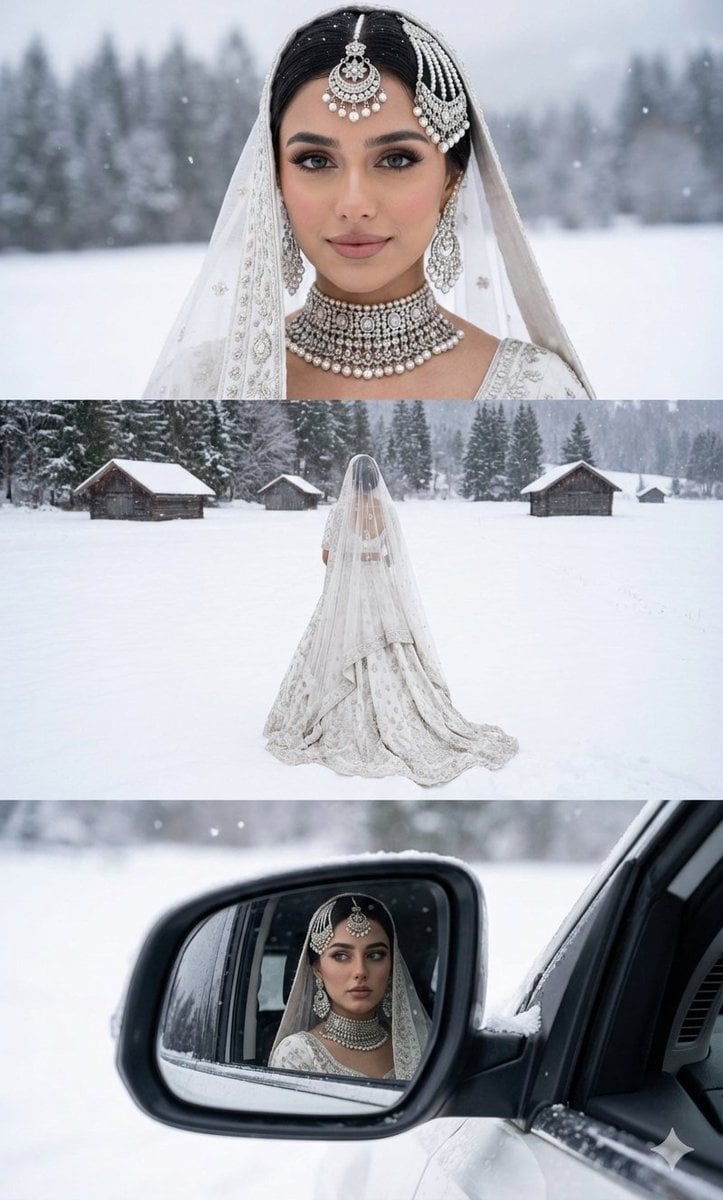
- Prompt included
- Model and format preset
- Free template
The prompt behind this image
Copy the exact prompt behind Three-Panel South Asian Bride in Snowy Landscape, or open it in the studio and make it yours.
A three-panel vertical portrait collage featuring a stunning South Asian bride in a lavish, heavily embroidered white bridal lehenga and delicate matching dupatta, adorned with intricate silver and pearl bridal jewelry (maang tikka, jhoomar, heavy choker necklace, and earrings). The scene is a serene, snow-covered landscape with gentle snowfall. Top Panel: Close-up headshot of the bride, looking directly at the camera with a soft, ethereal, and composed expression. Her face is perfectly framed by her veil and heavy jewelry. The background is a softly blurred snowy expanse (frozen lake/field) with visible snow-covered trees in the distance. Middle Panel: Full-body back shot, the bride stands facing away, showcasing the full grandeur of her flowing white bridal lehenga, which trails elegantly in the pristine snow. She is standing in a vast, open, snow-covered field with small, rustic wooden cabins visible in the far background among the pine trees. Gentle snowfall is occurring. Bottom Panel: Close-up of the side view mirror of a car. The mirror reflects the bride sitting inside the car, looking out with a thoughtful and slightly intense expression. The reflection clearly shows her face, jewelry, and white attire, framed by the car's mirror casing and the snowy landscape outside the car window. Ethereal, dreamy, and romantic wedding photography style, soft natural overcast lighting, Ultra-detailed, Photorealistic, High resolution, cool yet Inviting colour grading. Face reference must be strictly maintained for the woman's features.
How to use Three-Panel South Asian Bride in Snowy Landscape in 3 steps
- 1
Open
The prompt is already in the box next to the preview, with the template's model and format selected.
- 2…a portrait of your subject in softgolden-hour light, 85mm…
Personalize
Edit the subject and creative details for your destination.
- 3Generate
Generate
Press Generate — your image is created in PicX Studio, so you can compare it with the original and refine one variable at a time.
More like this
Templates with the same subject, style or setup. Open one to see its prompt.
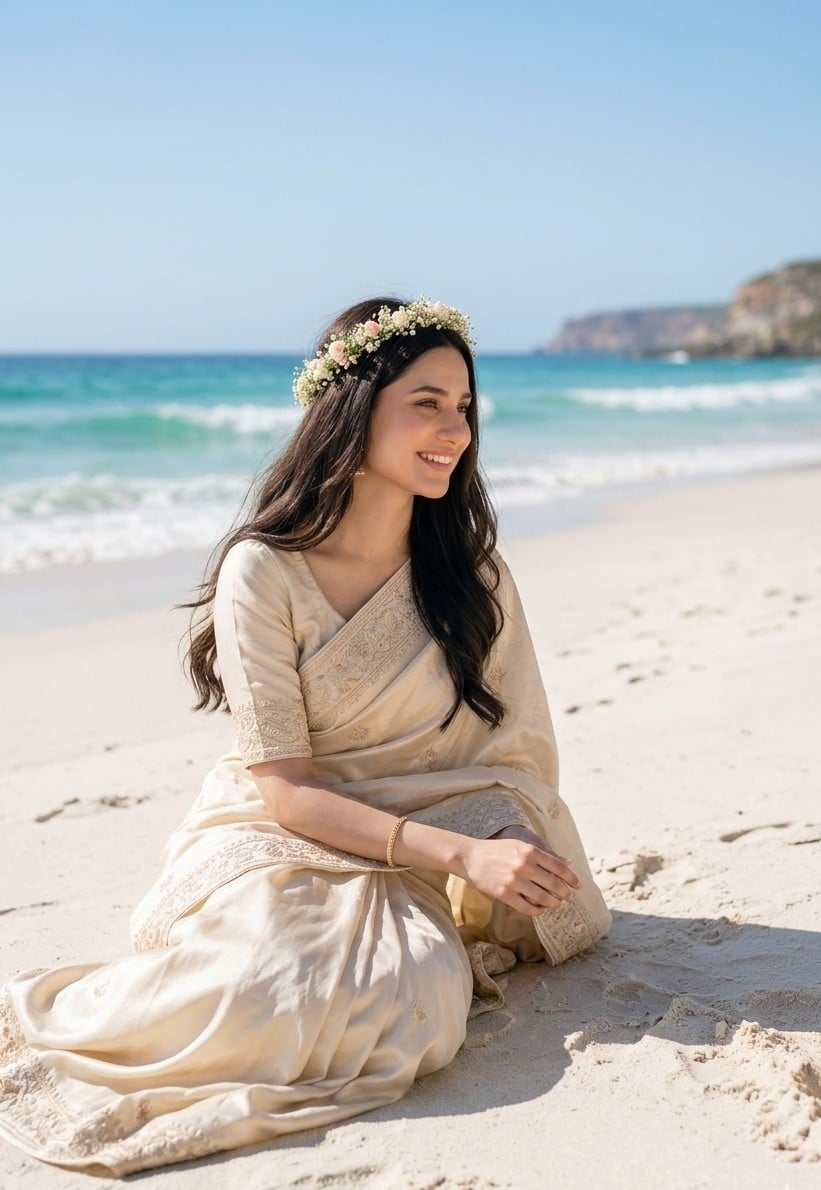
South Asian Bride on Beach
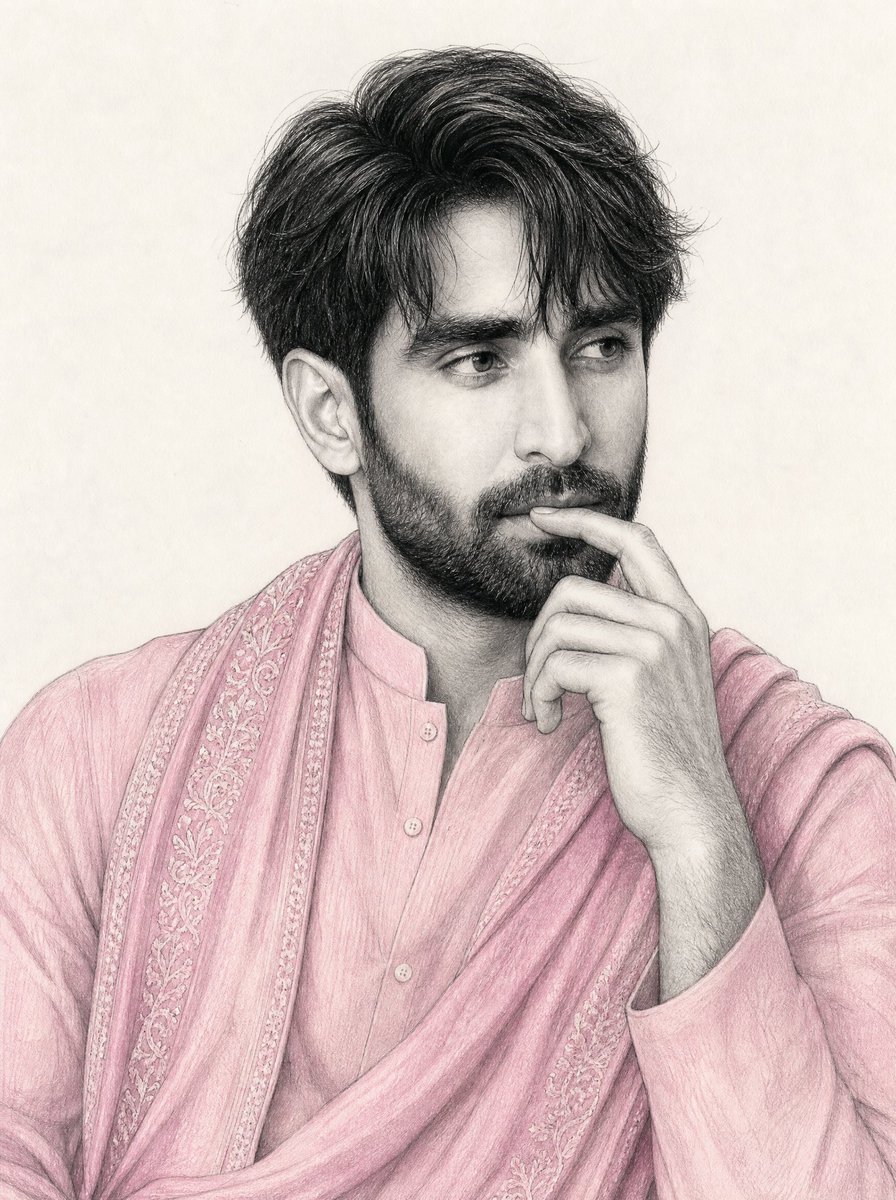
South Asian Man Graphite Drawing
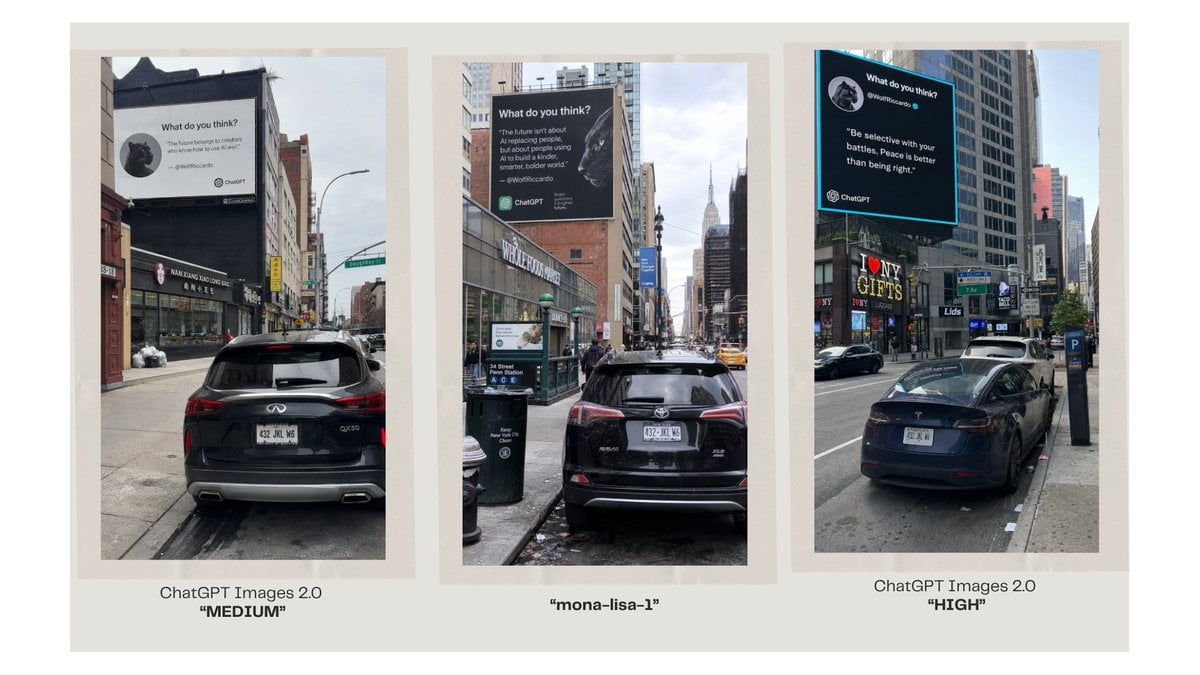
Three-Panel AI Billboard Comparison
South Asian Woman in Floral Traditional Attire

Teen Girl Alpine Lake Mountain View
Watercolor South Asian Groom Portrait

Four-Panel AI Landscape Comparison
Cinematic South Asian Lotus Portrait

Four-Panel AI Landscape Comparison

Mountain Lake Sunset Landscape
South Asian Woman in Garden Portrait
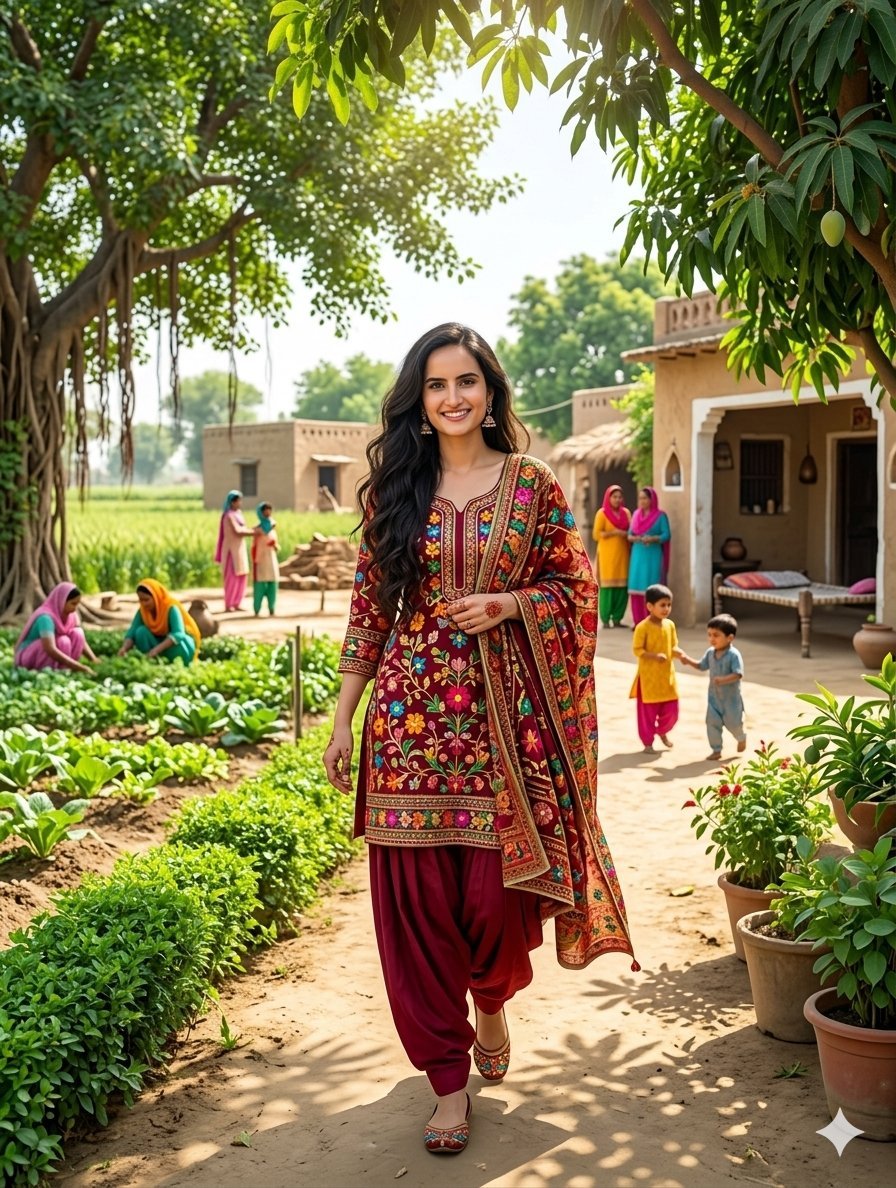
South Asian Woman in Rural Punjab
Make it yours
Three-Panel South Asian Bride in Snowy Landscape works as-is. These are the safest ways to change it without losing the look.
Change one field
Copy a single group, rewrite it, and generate again so you can see what that field is doing.
Keep the frame, change the subject
Hold the composition and light of Three-Panel South Asian Bride in Snowy Landscape, then swap wardrobe, props or the person for a new take.
| If the result… | Why | Fix |
|---|---|---|
| The result drifts from the preview | Too many fields changed at once. | Reuse Three-Panel South Asian Bride in Snowy Landscape as-is first, then change one group — subject, light, or setting. |
| The model over-stylizes the scene | The prose prompt leaves finish and camera underspecified. | Add one camera or lighting sentence and stay on Nano Banana 2. |
More Nano Banana 2 templates
Other prompts made for Nano Banana 2.

Photorealistic Leaf Shaped Like a Dragon

K-Pop Idol Portrait Grid for Rapid Selection

Poetic Rain Forest Portrait During Golden Hour

Urban Street Portrait with Cartoon Inner Self Duo

Candid Nighttime Photo with Cat Prompt

High-Concept 3D Diorama Generation Prompt

Cinematic Futuristic Studio Portrait Template

Skincare Editorial Photography Collage Prompt

Hyper-Realistic Commercial Product Photography (Splash Effect)

Hyper-Realistic Nightclub Portrait Prompt
More image prompts
Fresh picks from across the catalog.
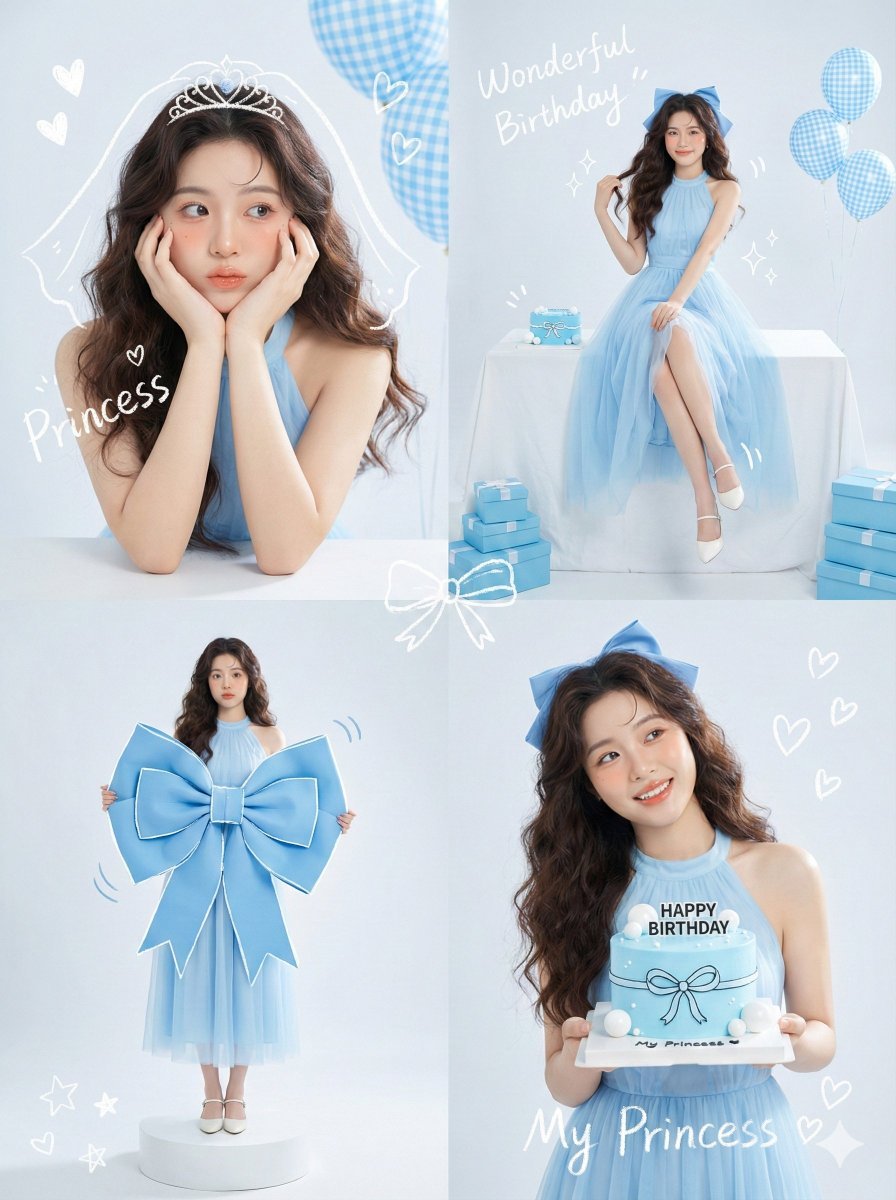
Korean Idol Birthday Collage with Doodles
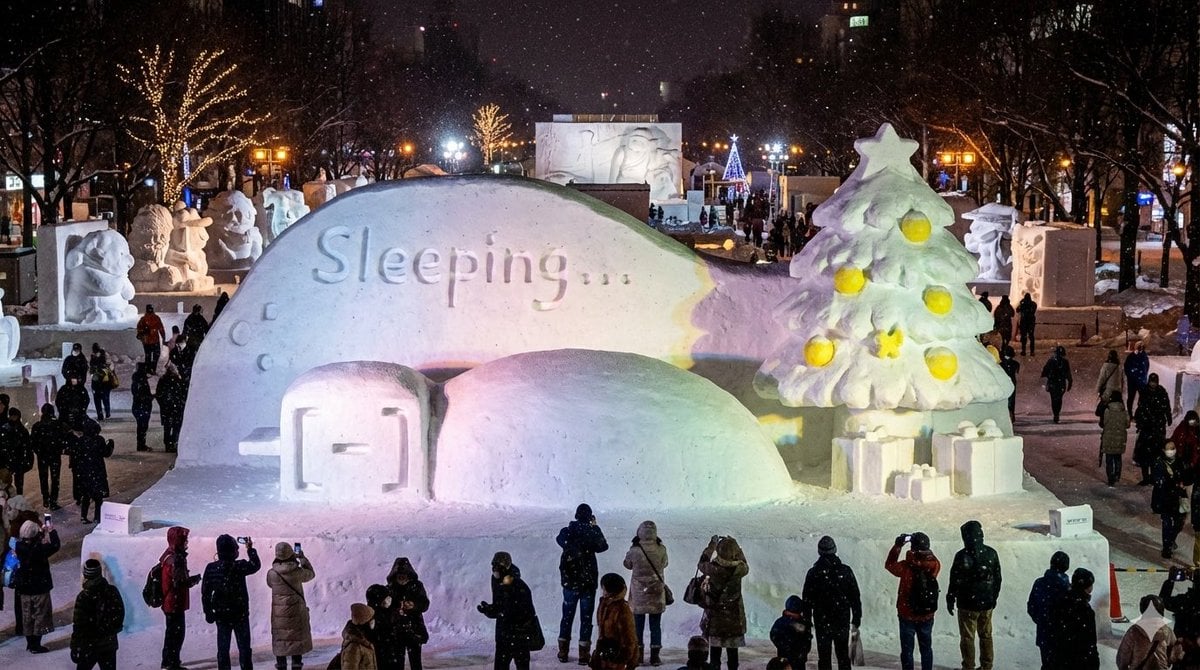
Snow Statue of Not Wanting to Leave the Futon

Nano Banana 2 Prompt Failure and Comparison

Rose Garden Anime Fashion Duo

10+ Page Manga Creation Prompt
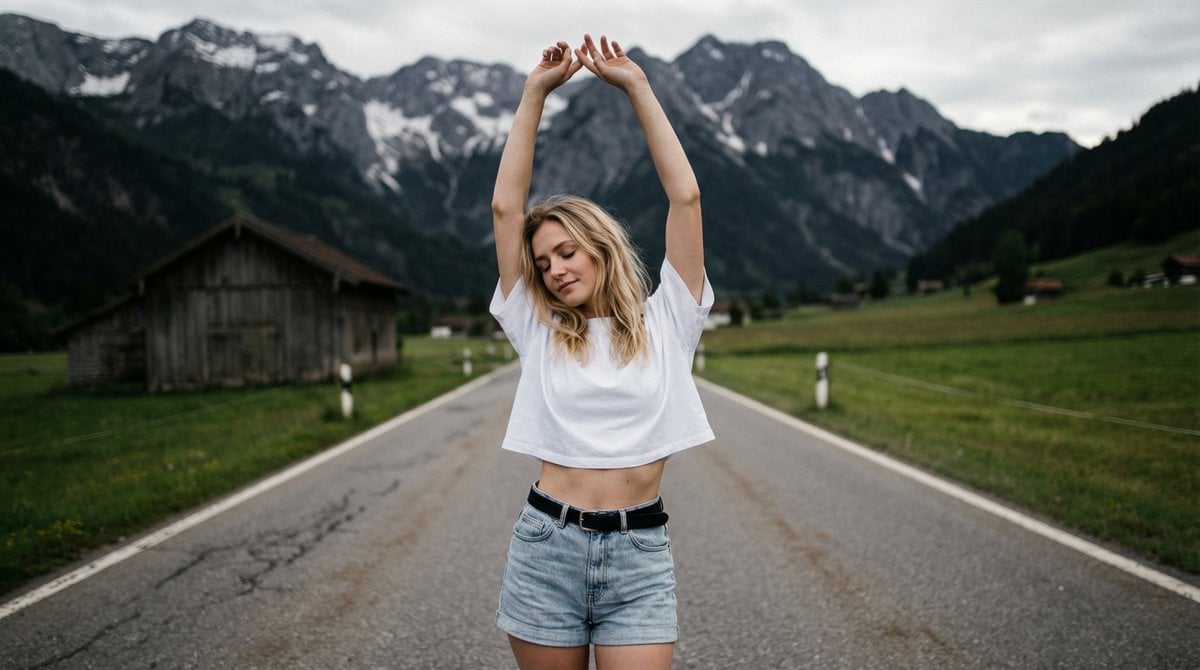
Surreal Double Exposure Portrait with Transparent Torso
Logo-Based Emoji Grid Generation
Grok Identity Lock Prompt for Saree Portrait
Realistic Professional Woman in Manga Page Layout
Cinematic Editorial Photograph Prompt (Stranger Things Cast)
Browse template categories
Three-Panel South Asian Bride in Snowy Landscape questions
How do I use the Three-Panel South Asian Bride in Snowy Landscape template?
Add your photo if the template asks for one, edit the prompt if you like — the template's model and format are already selected — and press Generate. Your version opens in PicX Studio.
Can I customize the Three-Panel South Asian Bride in Snowy Landscape template?
Yes. You can change the subject, setting, lighting, mood, format, and available model controls before creating your image.
Is the Three-Panel South Asian Bride in Snowy Landscape template free?
Opening and editing this template is free. Generating uses credits, shown on the Generate button when you are signed in.
Which AI model should I use?
Start with Nano Banana 2, which is the model associated with this template. You can compare another compatible model for a different finish.
Looking for something else? Browse all templates.

Your photo, any look
Thousands of ready templates for every top image and video model, from one credit balance.