
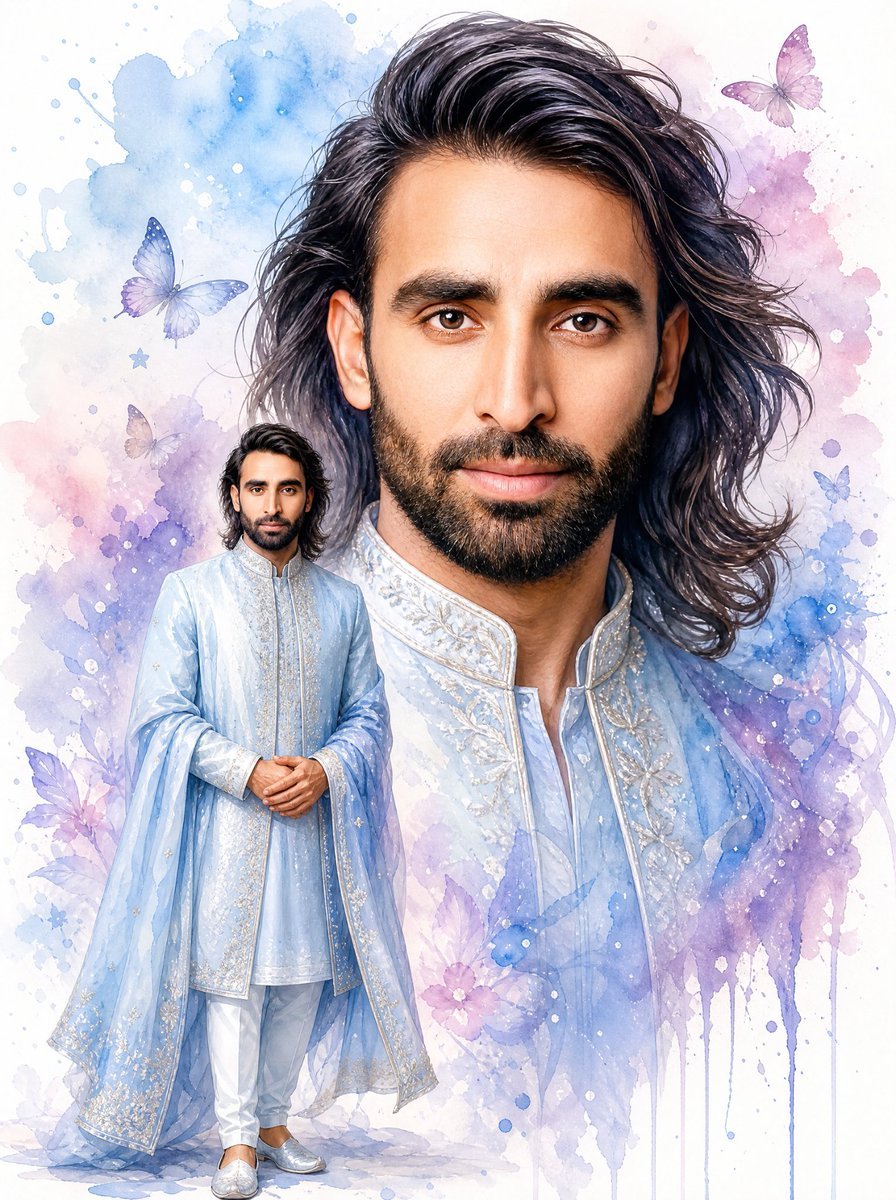
Watercolor South Asian Groom Portrait
Generates a dreamy watercolor portrait layout with a giant bust, smaller full-body groom figure, pastel splashes, and butterflies.
- Prompt included
- Model and format preset
- Free template
The prompt behind this image
Copy the exact prompt behind Watercolor South Asian Groom Portrait, or open it in the studio and make it yours.
Create a vertical watercolor fantasy portrait illustration of {argument name="portrait subject" default="a South Asian man"} on a clean white background. The composition contains exactly 2 depictions of the same man: one giant elegant bust portrait filling the upper and right side of the canvas, and one smaller full-body standing figure in the lower left foreground. The giant portrait should have voluminous shoulder-length wavy black hair swept back, visible ears, neck, and the top of an ornate pale blue traditional sherwani collar, but the central face is covered by a large plain warm-brown rectangular censor block with no facial features. The smaller full-body figure also has shoulder-length wavy black hair and a matching smaller warm-brown blurred/covered face, standing calmly with hands clasped in front. Dress him in {argument name="outfit color" default="pale icy blue"} formal South Asian wedding attire: a long embroidered sherwani, translucent flowing outer robe or dupatta-like coat, white slim trousers, and silver embroidered loafers. Add delicate silver-white floral embroidery along the collar, cuffs, front placket, robe borders, and shoes. Use a soft watercolor style with fine ink-like detail in the hair and clothing, translucent washes, gentle gradients, paint splatters, and vertical drips. The background should be an ethereal pastel watercolor cloud of blue, lavender, pink, and violet around the figure, with exactly 6 visible butterflies: one blue butterfly at upper left, one purple butterfly at upper right, one pale beige butterfly left of the small figure, one small blue butterfly on the right side, one lavender butterfly near the lower left, and one faint pink-purple butterfly near the lower center. Include small star and flower accents, white speckles, and splash marks. Keep the overall mood elegant, romantic, airy, and dreamy, with no typography, no border, and no watermark.
How to use Watercolor South Asian Groom Portrait in 3 steps
- 1Upload ImagePNG, JPG or paste
Add your photo
Upload the photo the template builds on. The prompt, model and format are already set.
- 2…a portrait of your subject in softgolden-hour light, 85mm…
Personalize
Edit the subject and creative details for your destination.
- 3Generate
Generate
Press Generate — your image is created in PicX Studio, so you can compare it with the original and refine one variable at a time.
More like this
Templates with the same subject, style or setup. Open one to see its prompt.
Cinematic South Asian Lotus Portrait
South Asian Woman in Garden Portrait
Cinematic South Asian Woman Portrait Collage
Professional South Asian Woman Portrait
South Asian Man Clone Portrait
Urban South Asian Fashion Portrait
Pensive South Asian Man Portrait
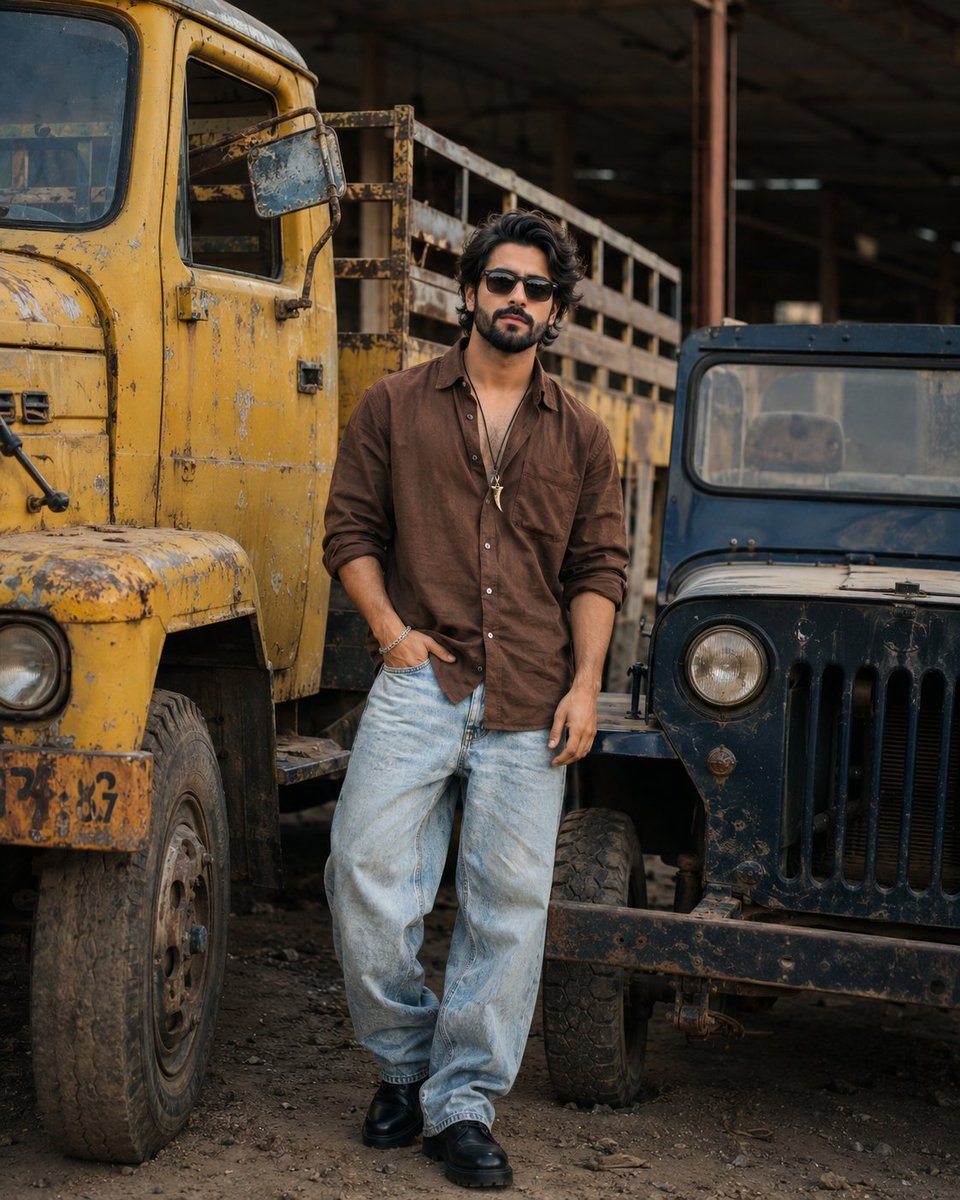
Industrial Fashion Portrait of South Asian Boy
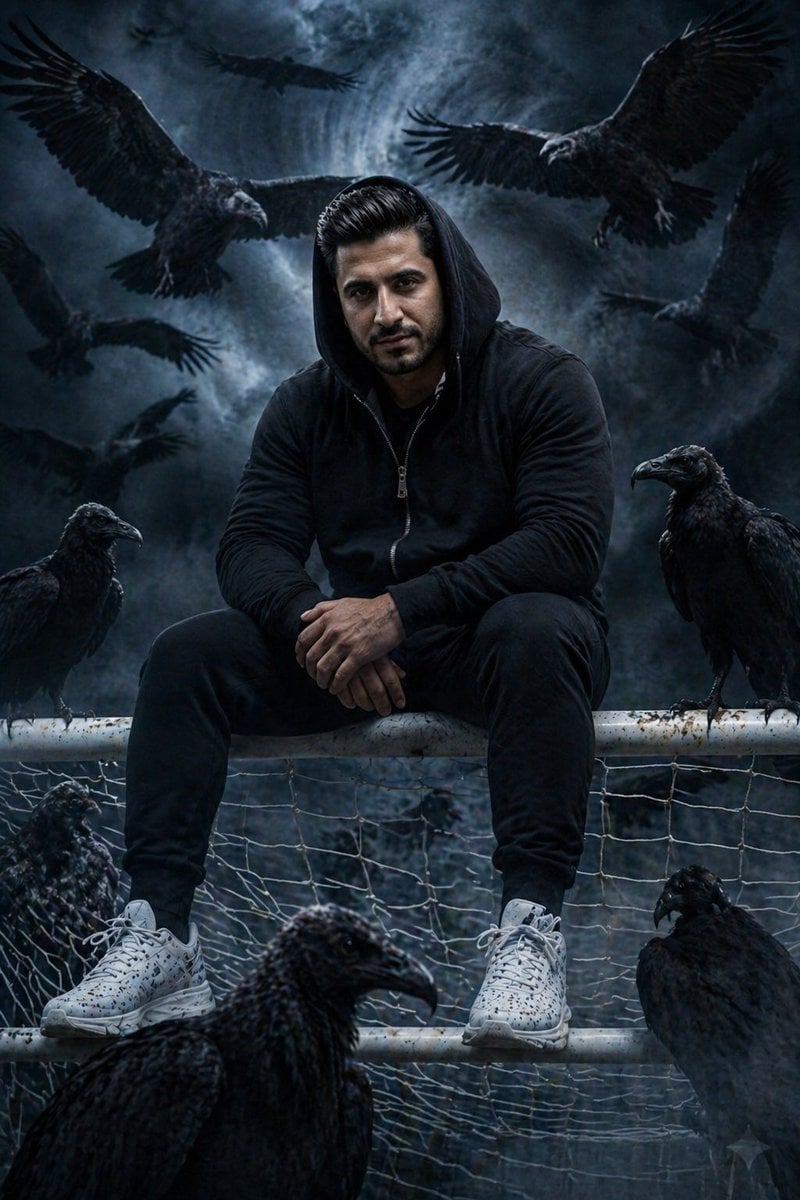
Cinematic South Asian Male Portrait with Vultures
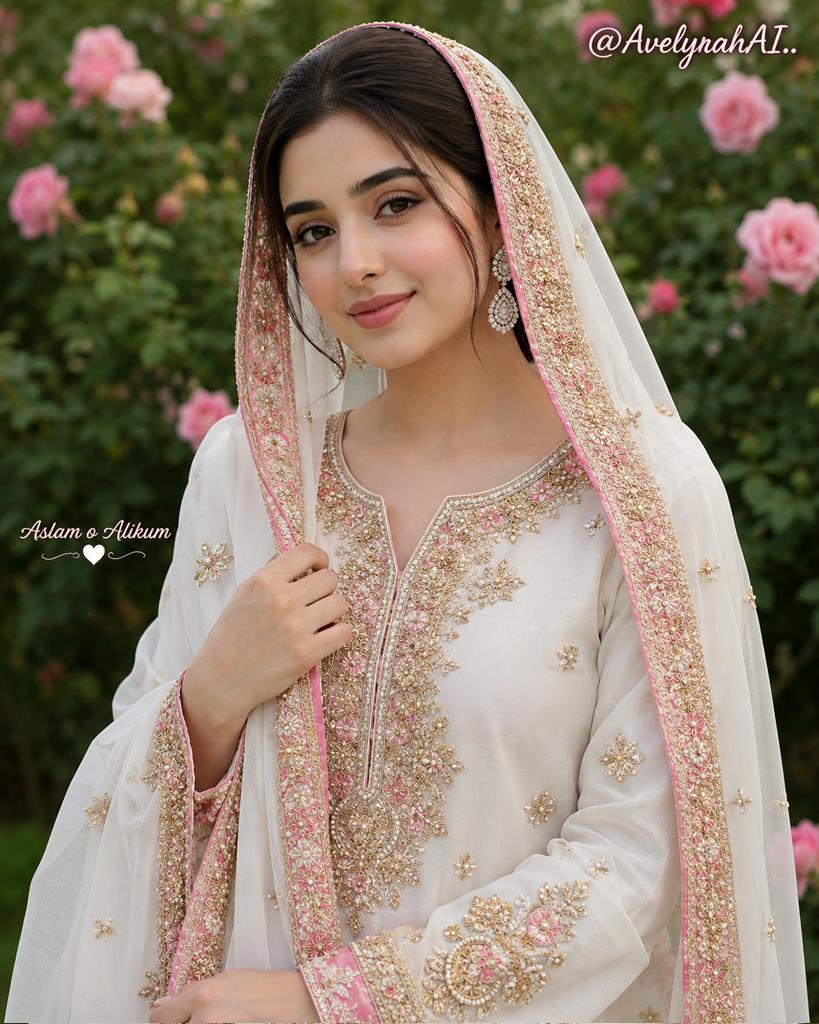
Traditional South Asian Portrait
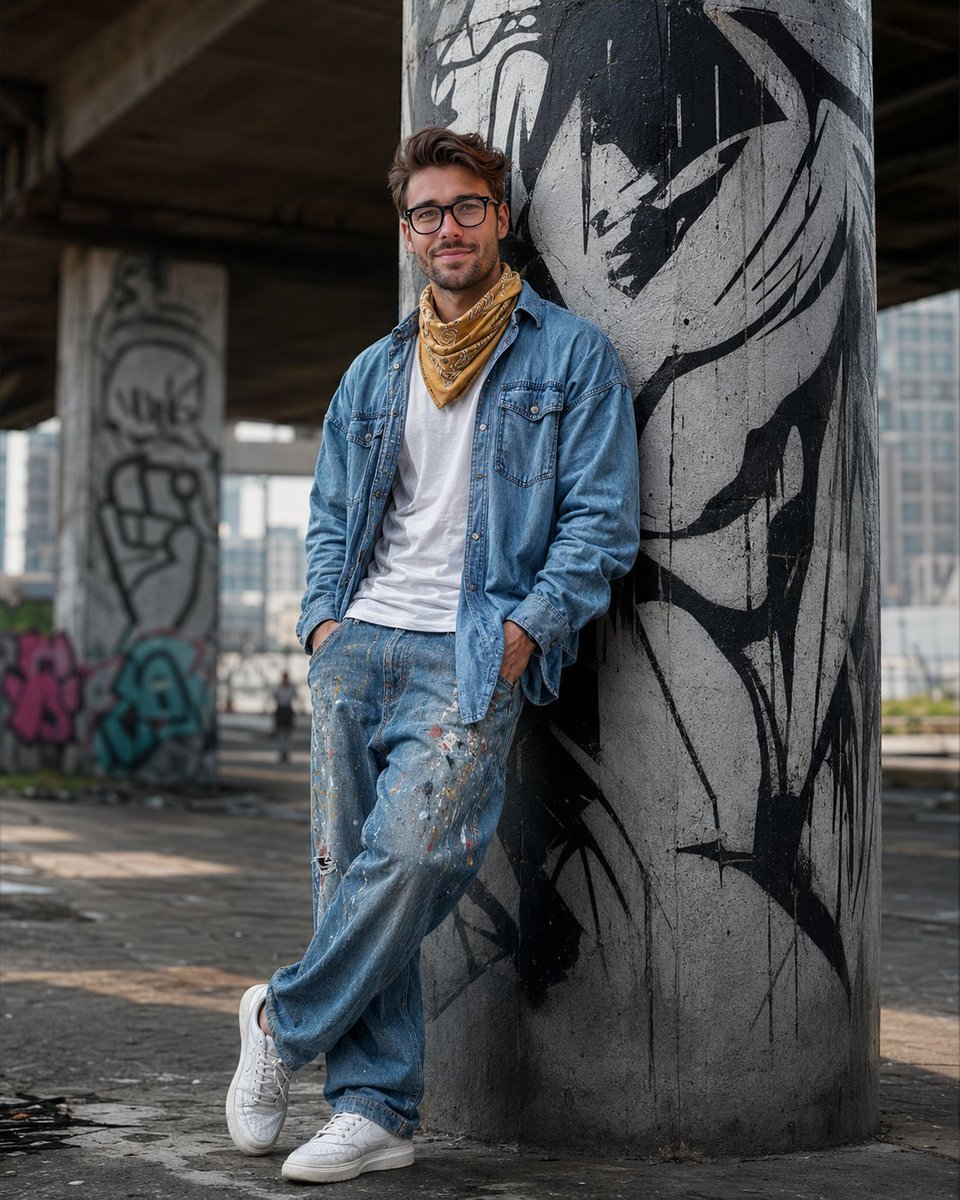
South Asian Streetwear Portrait
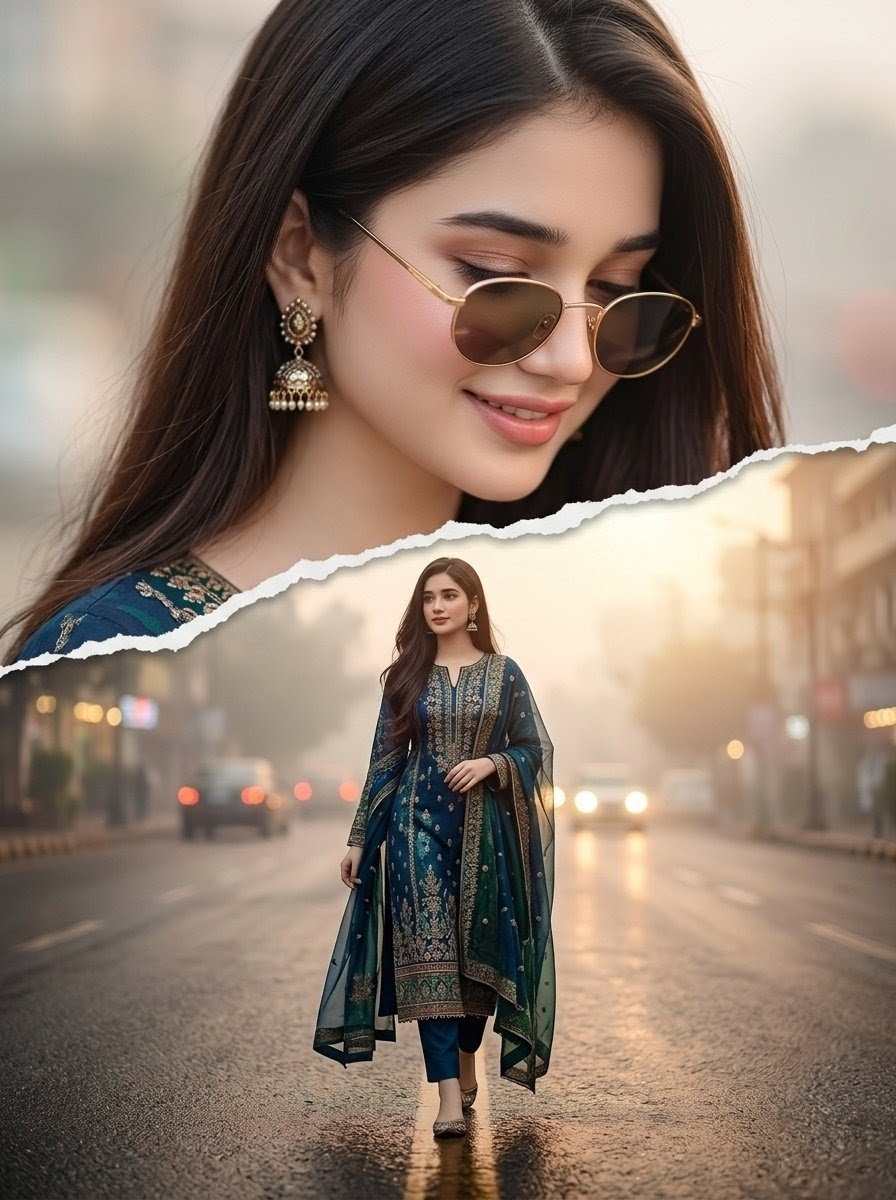
Cinematic Paper Tear South Asian Portrait
Make it yours
Watercolor South Asian Groom Portrait works as-is. These are the safest ways to change it without losing the look.
Change one field
Copy a single group, rewrite it, and generate again so you can see what that field is doing.
Keep the frame, change the subject
Hold the composition and light of Watercolor South Asian Groom Portrait, then swap wardrobe, props or the person for a new take.
| If the result… | Why | Fix |
|---|---|---|
| The result drifts from the preview | Too many fields changed at once. | Reuse Watercolor South Asian Groom Portrait as-is first, then change one group — subject, light, or setting. |
| The model over-stylizes the scene | The prose prompt leaves finish and camera underspecified. | Add one camera or lighting sentence and stay on GPT Image 2. |
More GPT Image 2 templates
Other prompts made for GPT Image 2.

Six VTuber Japanese Logo Sheet

Realistic Portrait of Woman and Deer

The Vista Modular Condo Poster

AI Model Routing Comparison Infographic

2.5D Anime Art Board

Isometric Productivity Desk Scene

New York Double Exposure Poster

Four-Panel AI Landscape Comparison

Japanese Tatami Lifestyle Magazine Cover

NESCAFÉ Coffee Map Poster
More image prompts
Fresh picks from across the catalog.
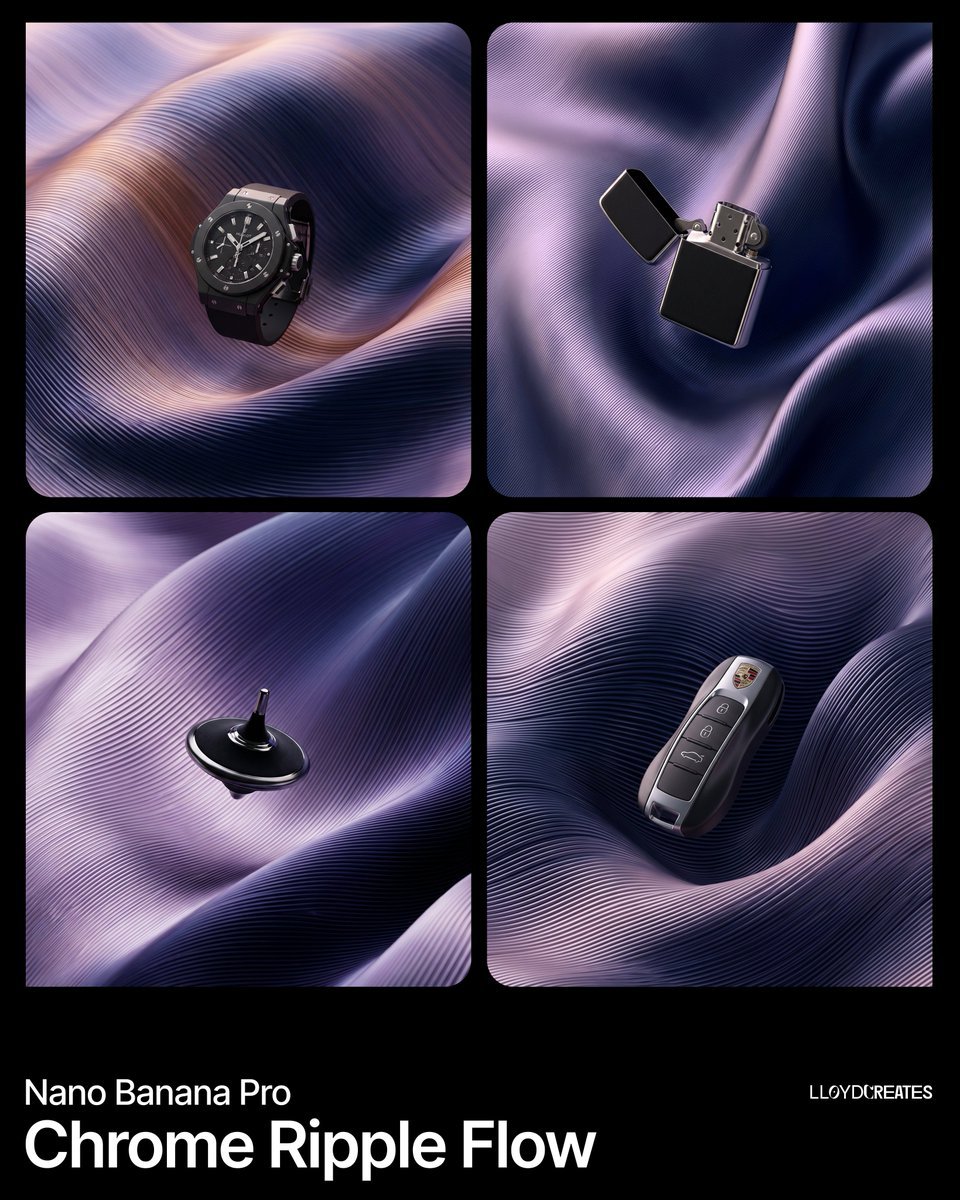
Chrome Ripple Flow Product Photography Prompt

GPT-Image2 E-Commerce Course Banner
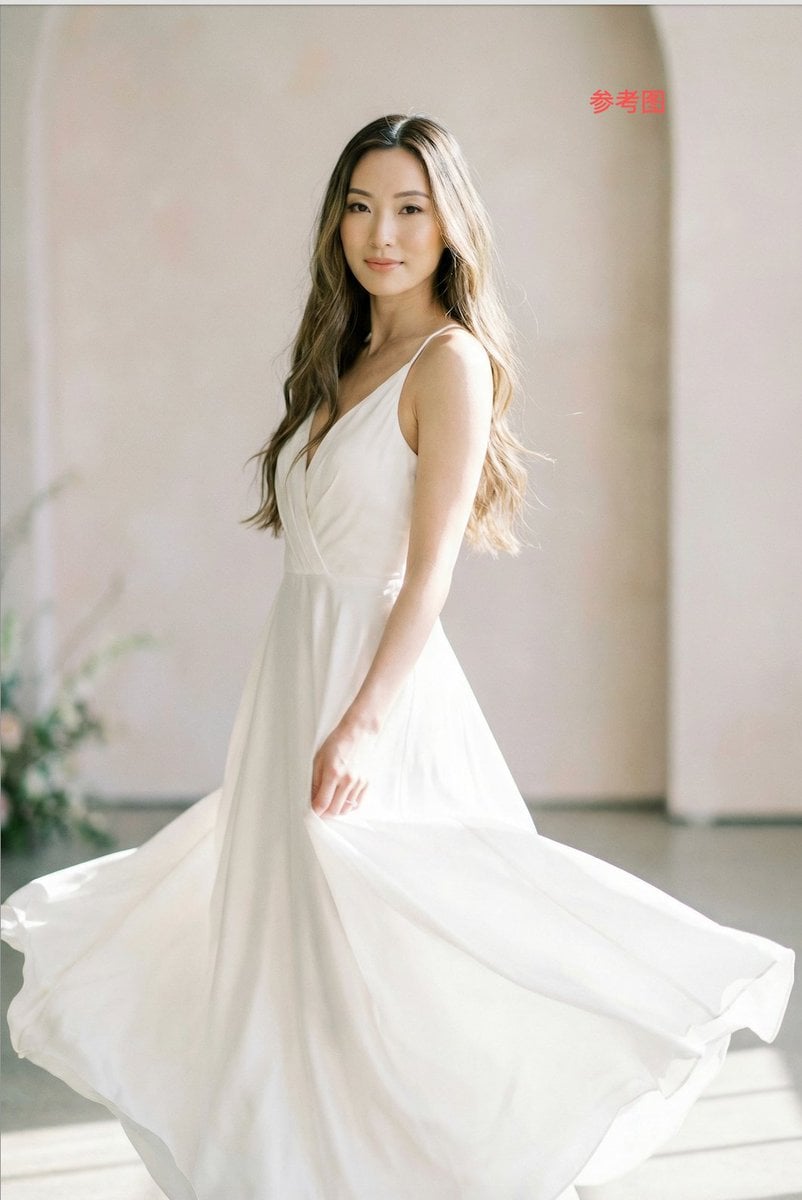
Subject Replacement in Reference Image
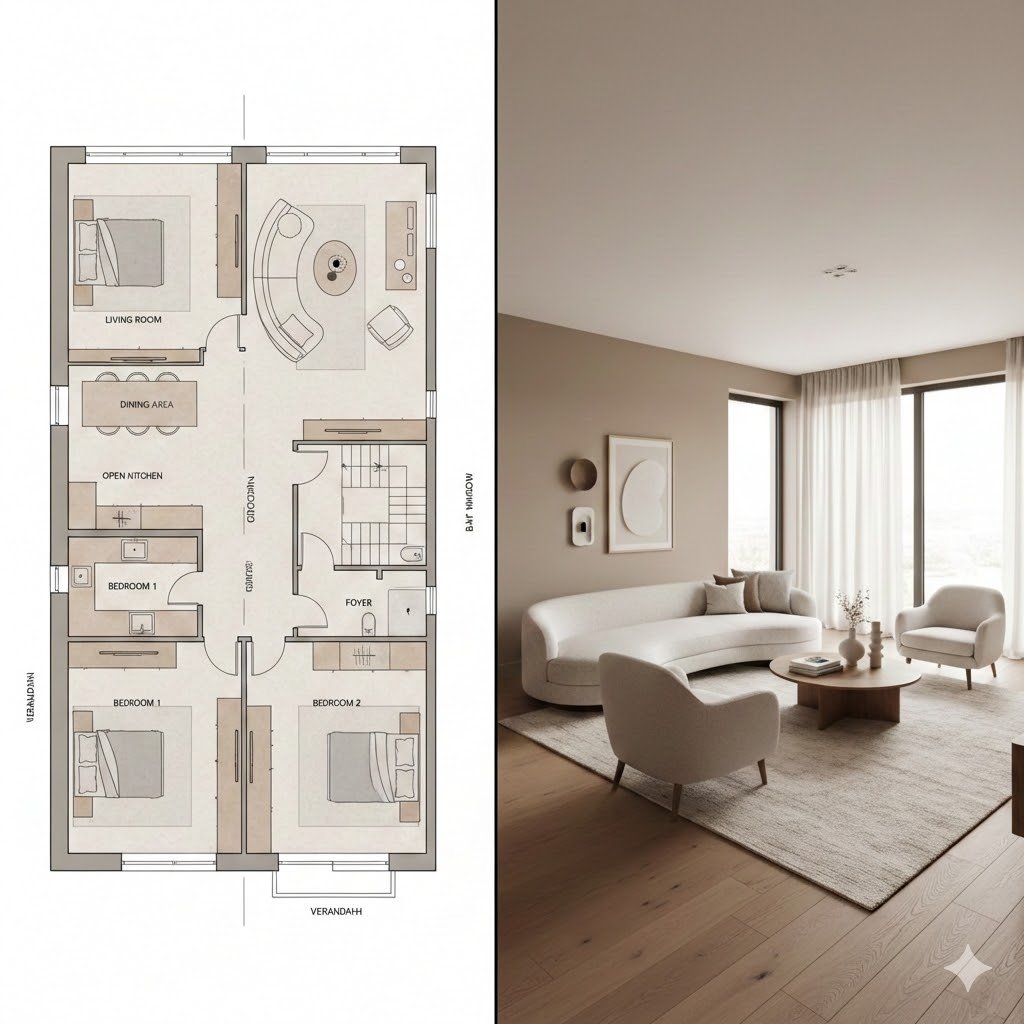
Prompt for Generating Architectural Floor Plan and Photorealistic Interior Comparison
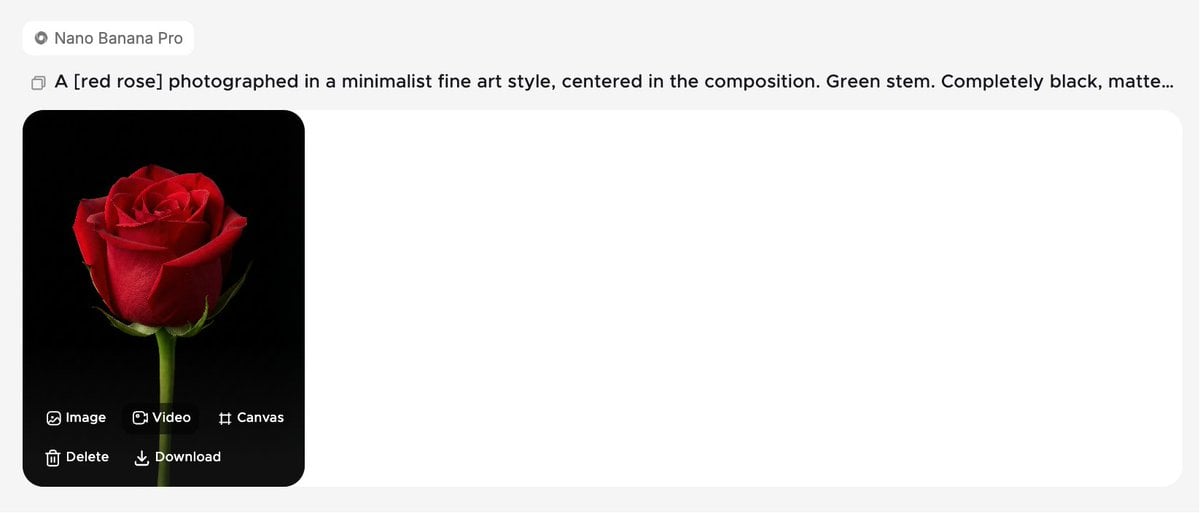
Minimalist Fine Art Flower Macro
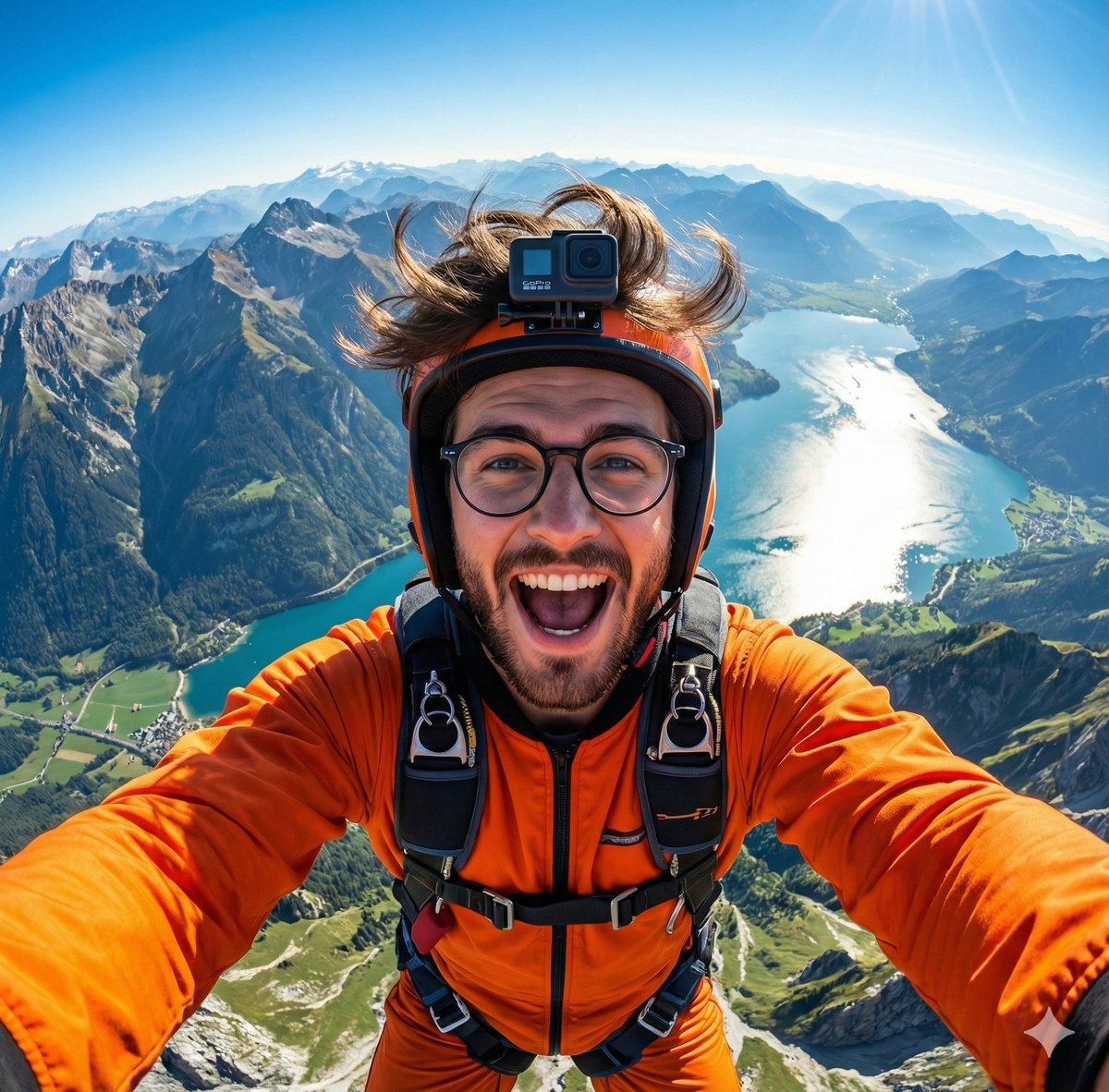
GoPro-style extreme sports selfie prompt
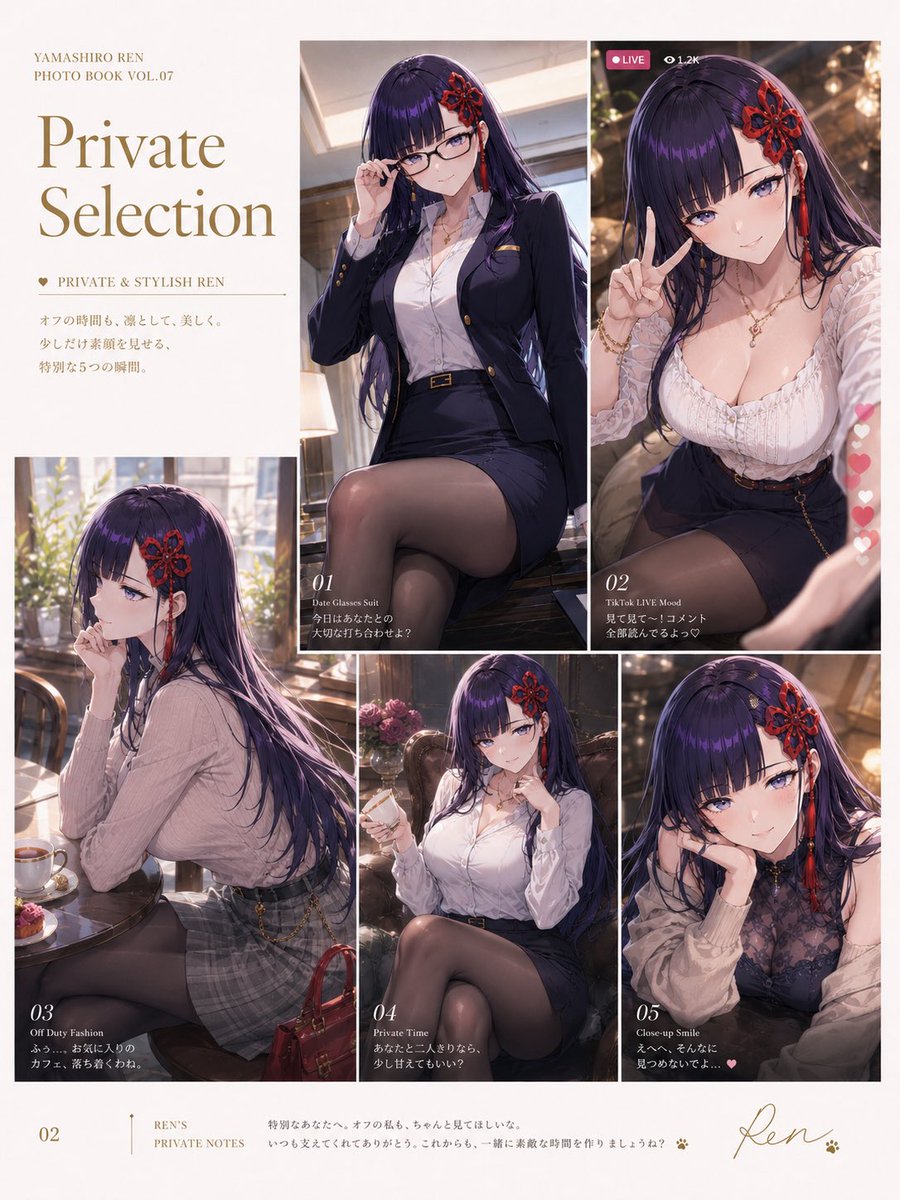
Private Selection Anime Photobook Page
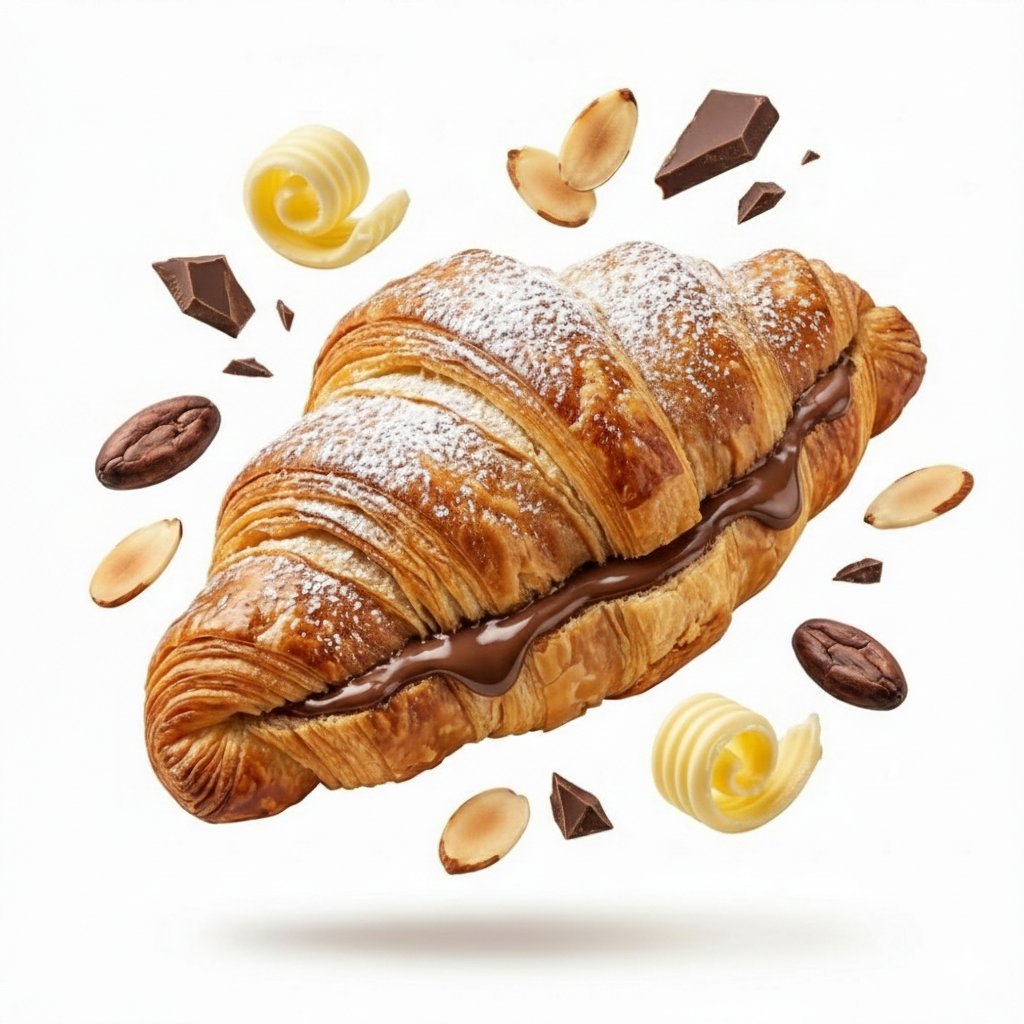
Minimalist Exploded View Commercial Food Photography
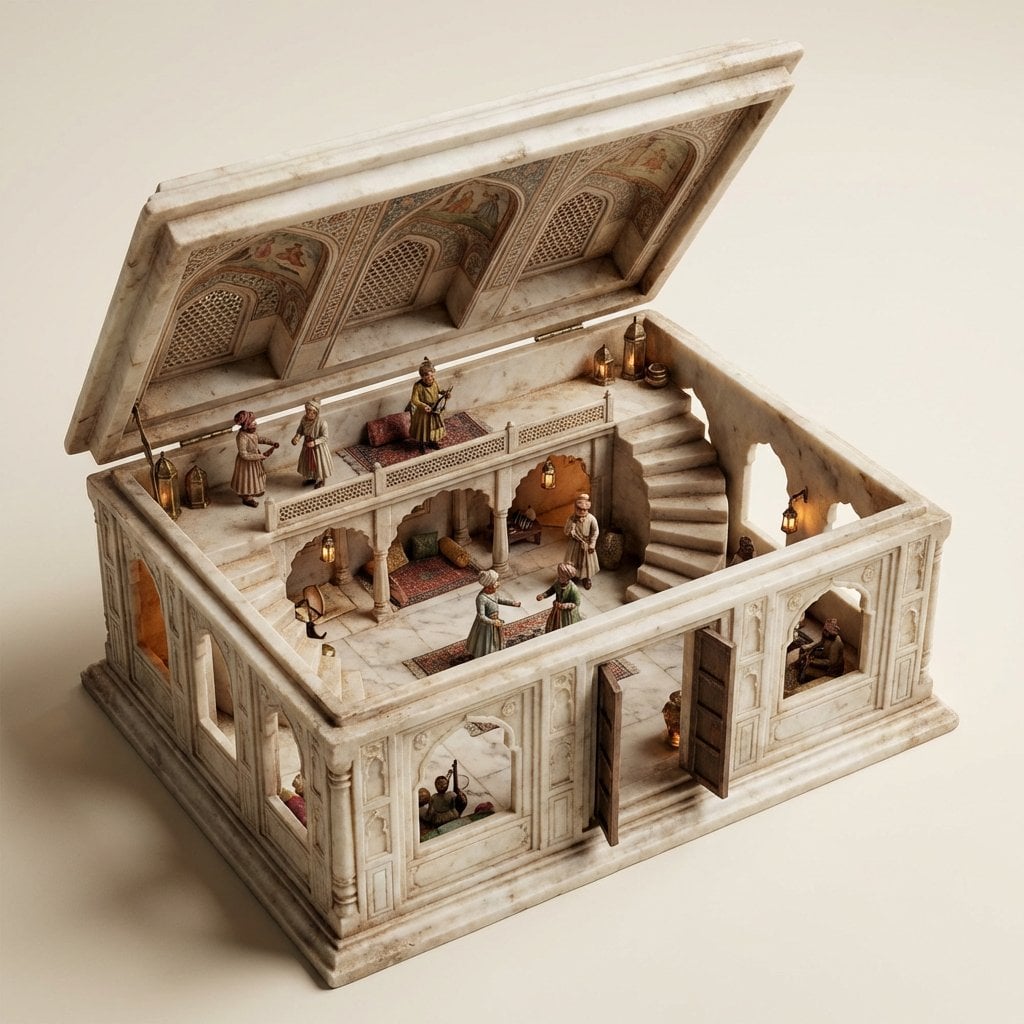
Ornate Box Diorama Master Prompt (Mughal Hall Interior)
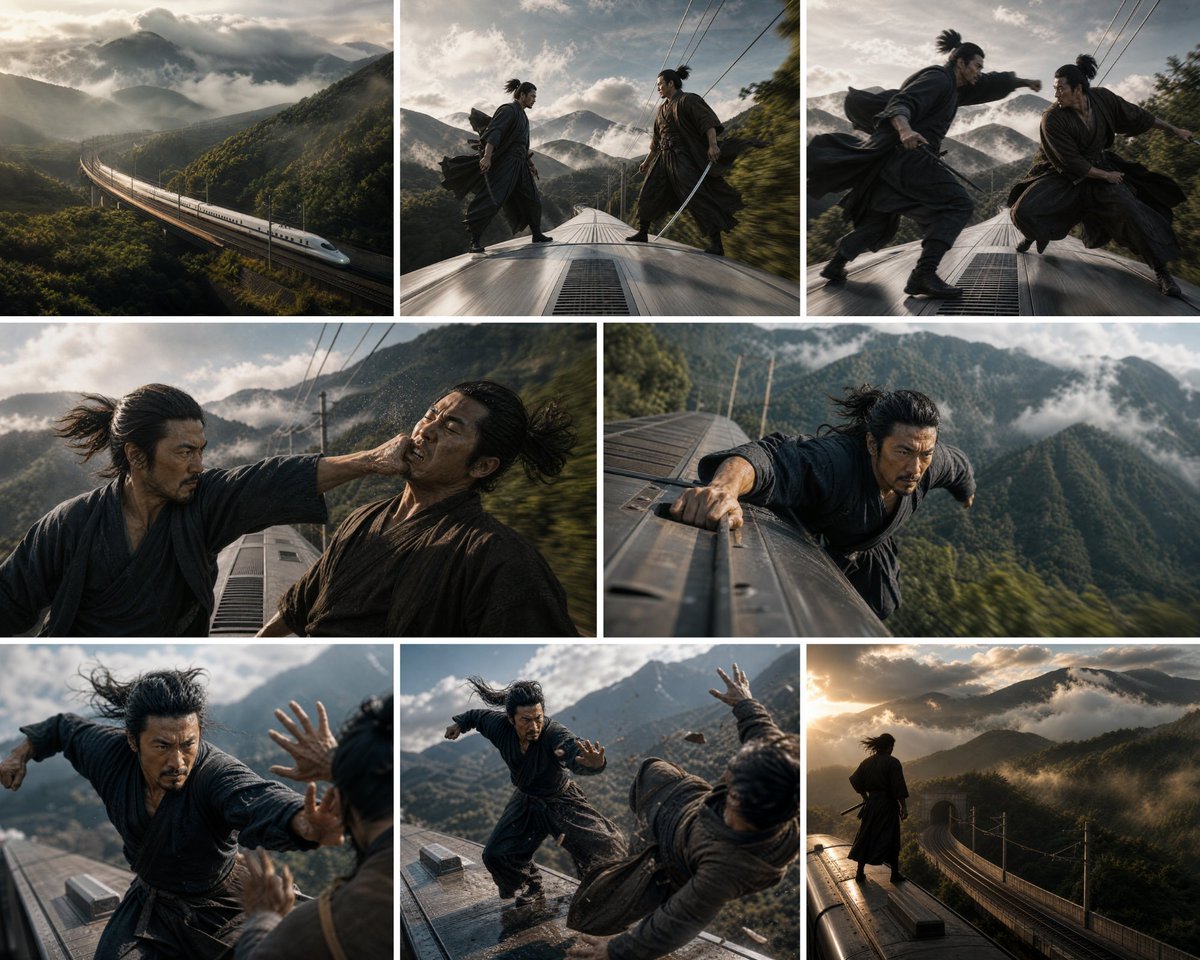
Bullet Train Rooftop Fight Storyboard
Browse template categories
Watercolor South Asian Groom Portrait questions
How do I use the Watercolor South Asian Groom Portrait template?
Add your photo if the template asks for one, edit the prompt if you like — the template's model and format are already selected — and press Generate. Your version opens in PicX Studio.
Can I customize the Watercolor South Asian Groom Portrait template?
Yes. You can change the subject, setting, lighting, mood, format, and available model controls before creating your image.
Is the Watercolor South Asian Groom Portrait template free?
Opening and editing this template is free. Generating uses credits, shown on the Generate button when you are signed in.
Which AI model should I use?
Start with GPT Image 2, which is the model associated with this template. You can compare another compatible model for a different finish.
Looking for something else? Browse all templates.

Your photo, any look
Thousands of ready templates for every top image and video model, from one credit balance.