
Cinematic Paper Tear South Asian Portrait
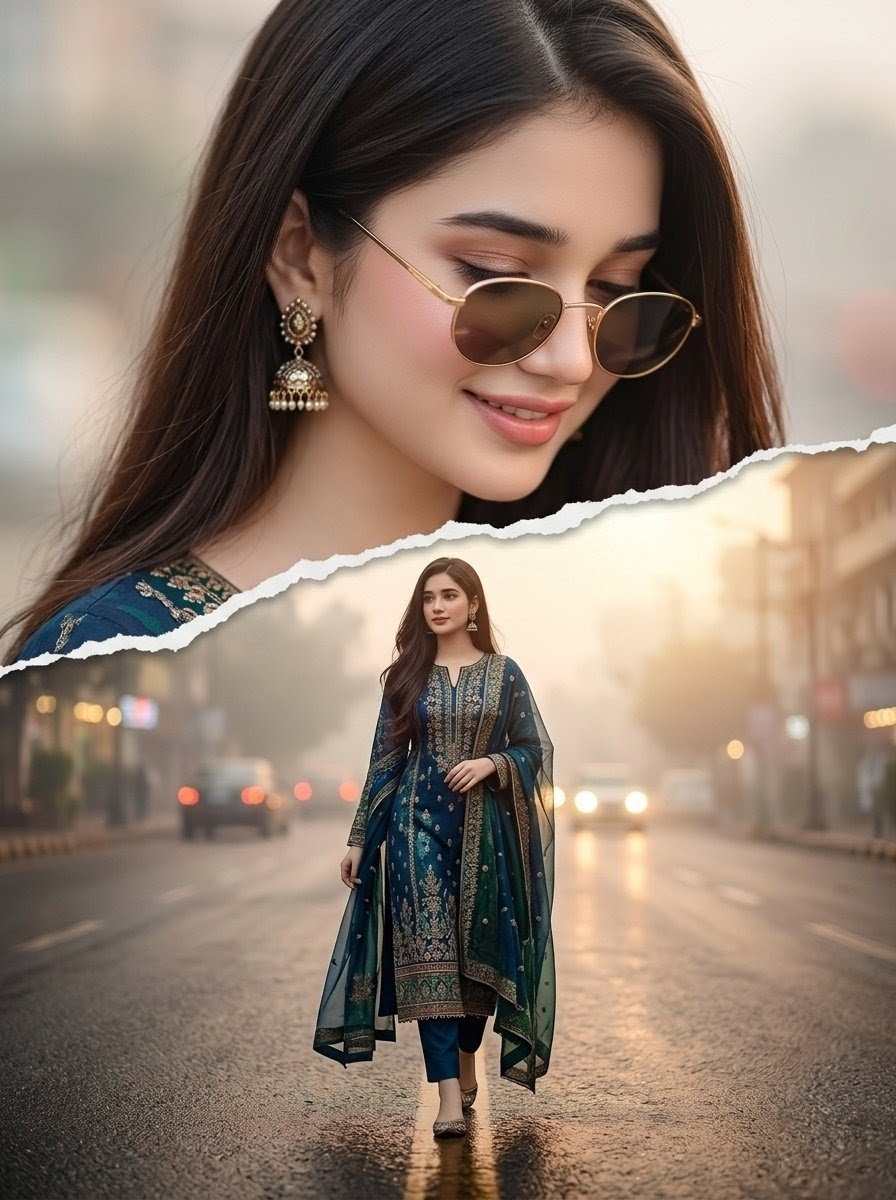
Generates a cinematic double-exposure torn-paper collage featuring a South Asian woman in traditional embroidered attire, ideal for fashion or portrait artwork.
- Prompt included
- Model and format preset
- Free template
The prompt behind this image
Copy the exact prompt behind Cinematic Paper Tear South Asian Portrait, or open it in the studio and make it yours.
Create a high-quality cinematic double-exposure paper-tear collage portrait of a beautiful young South Asian woman with {argument name="hair color" default="long silky dark brown hair"}, wearing an elegant {argument name="outfit" default="deep teal embroidered traditional salwar kameez with gold detailing, matching trousers, and a sheer teal dupatta"}. The image is a vertical 3:4 composition split by one jagged torn-paper horizontal edge running diagonally across the middle. The upper half shows a large ethereal close-up portrait filling the frame from shoulders upward, with the woman turned slightly downward and to the side, soft natural skin tone, glossy center-parted hair, ornate gold jhumka earrings, and a softly blurred neutral city background. The lower half shows the same woman as a full-body figure walking toward the camera in the center of a wet urban street at golden hour, with blurred cars, glowing headlights, misty buildings, and warm sunlight in the distance. Preserve realistic proportions, cinematic depth of field, moody warm lighting, reflective asphalt, subtle bokeh, and a refined fashion editorial look. Include exactly 2 depictions of the woman: 1 oversized close-up portrait in the upper torn-paper layer and 1 full-body walking figure in the lower street scene. No text, no watermark, no extra people, no cartoon styling.
How to use Cinematic Paper Tear South Asian Portrait in 3 steps
- 1Upload ImagePNG, JPG or paste
Add your photo
Upload the photo the template builds on. The prompt, model and format are already set.
- 2…a portrait of your subject in softgolden-hour light, 85mm…
Personalize
Edit the subject and creative details for your destination.
- 3Generate
Generate
Press Generate — your image is created in PicX Studio, so you can compare it with the original and refine one variable at a time.
More like this
Templates with the same subject, style or setup. Open one to see its prompt.
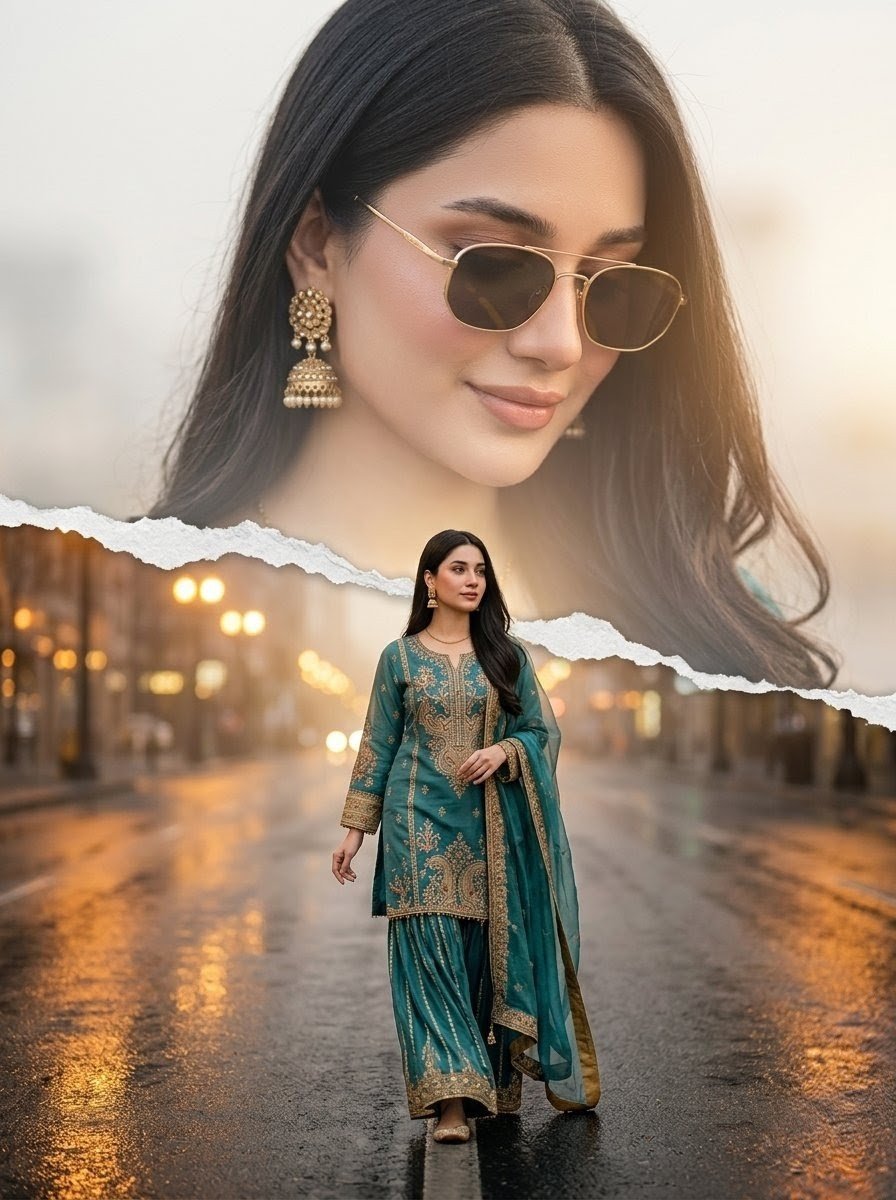
Cinematic Paper-Tear Double Exposure Portrait
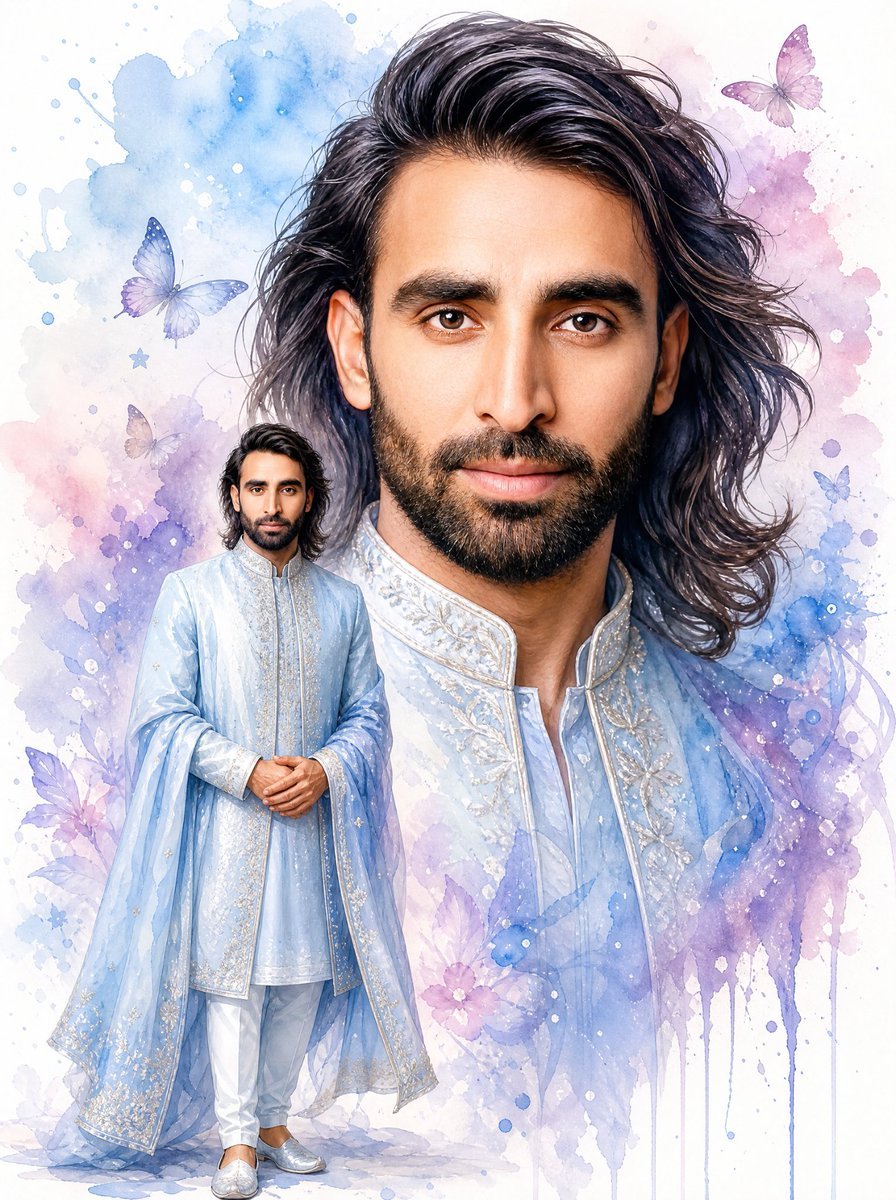
Watercolor South Asian Groom Portrait
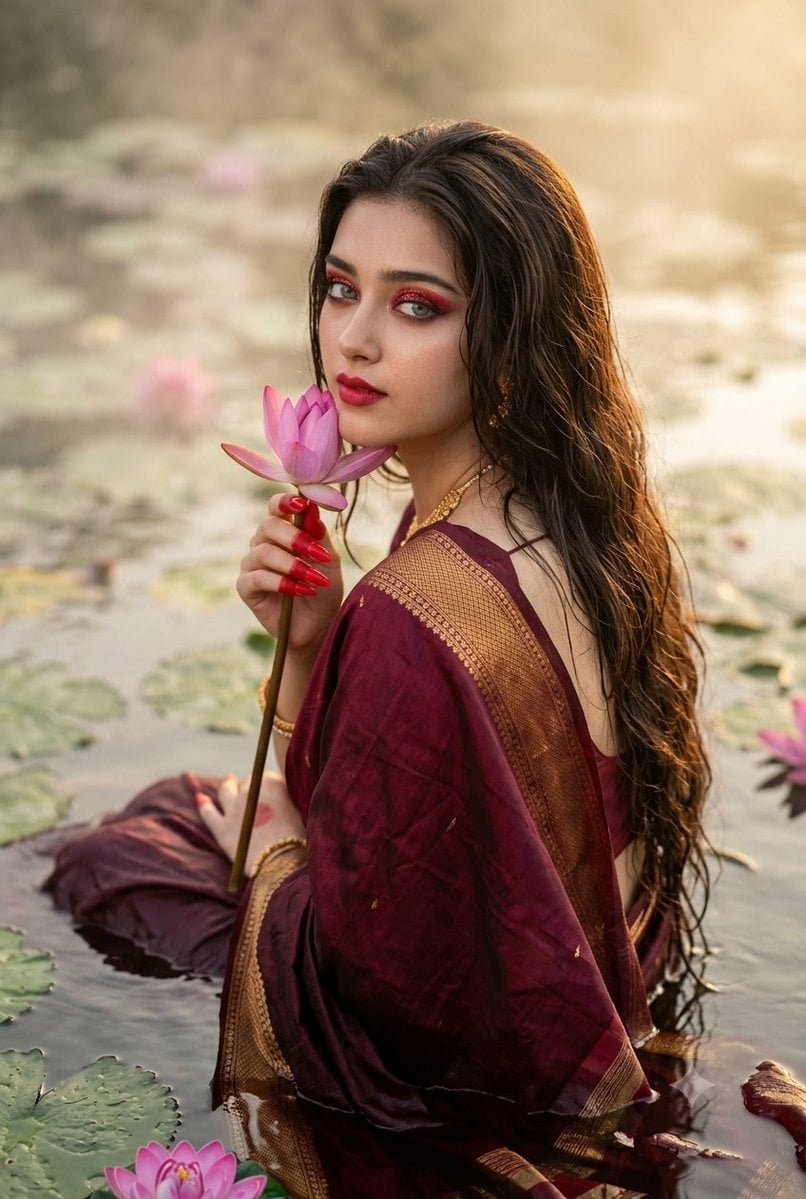
Cinematic South Asian Lotus Portrait
South Asian Woman in Garden Portrait
Cinematic South Asian Woman Portrait Collage

Professional South Asian Woman Portrait
South Asian Man Clone Portrait
Urban South Asian Fashion Portrait
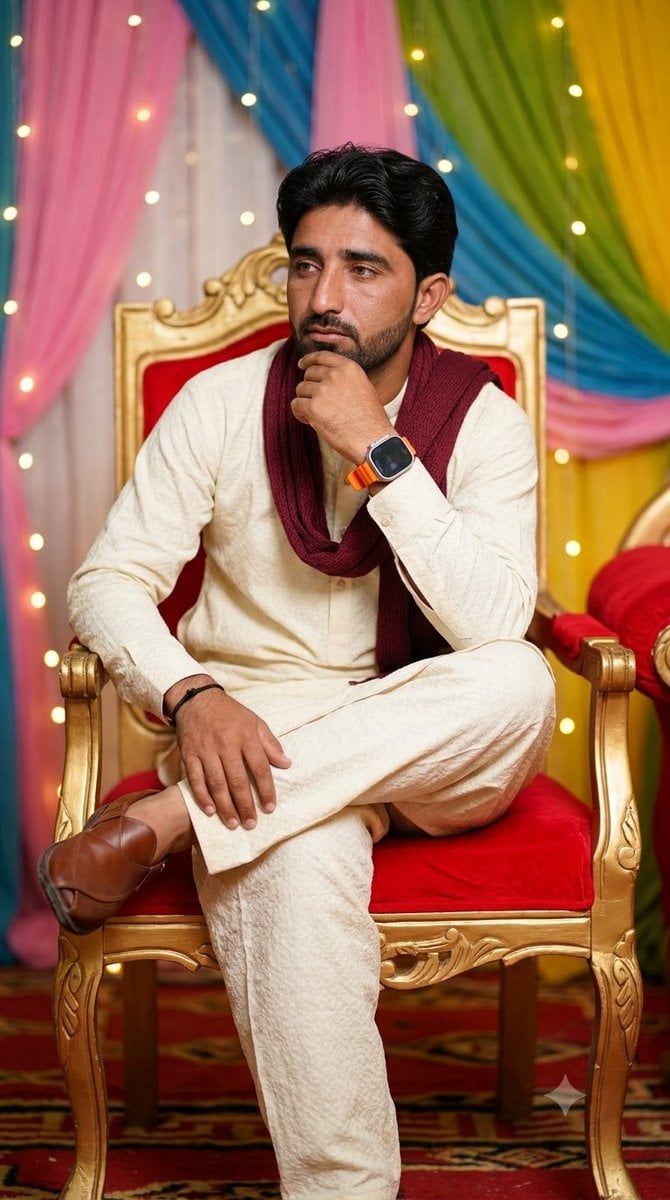
Pensive South Asian Man Portrait
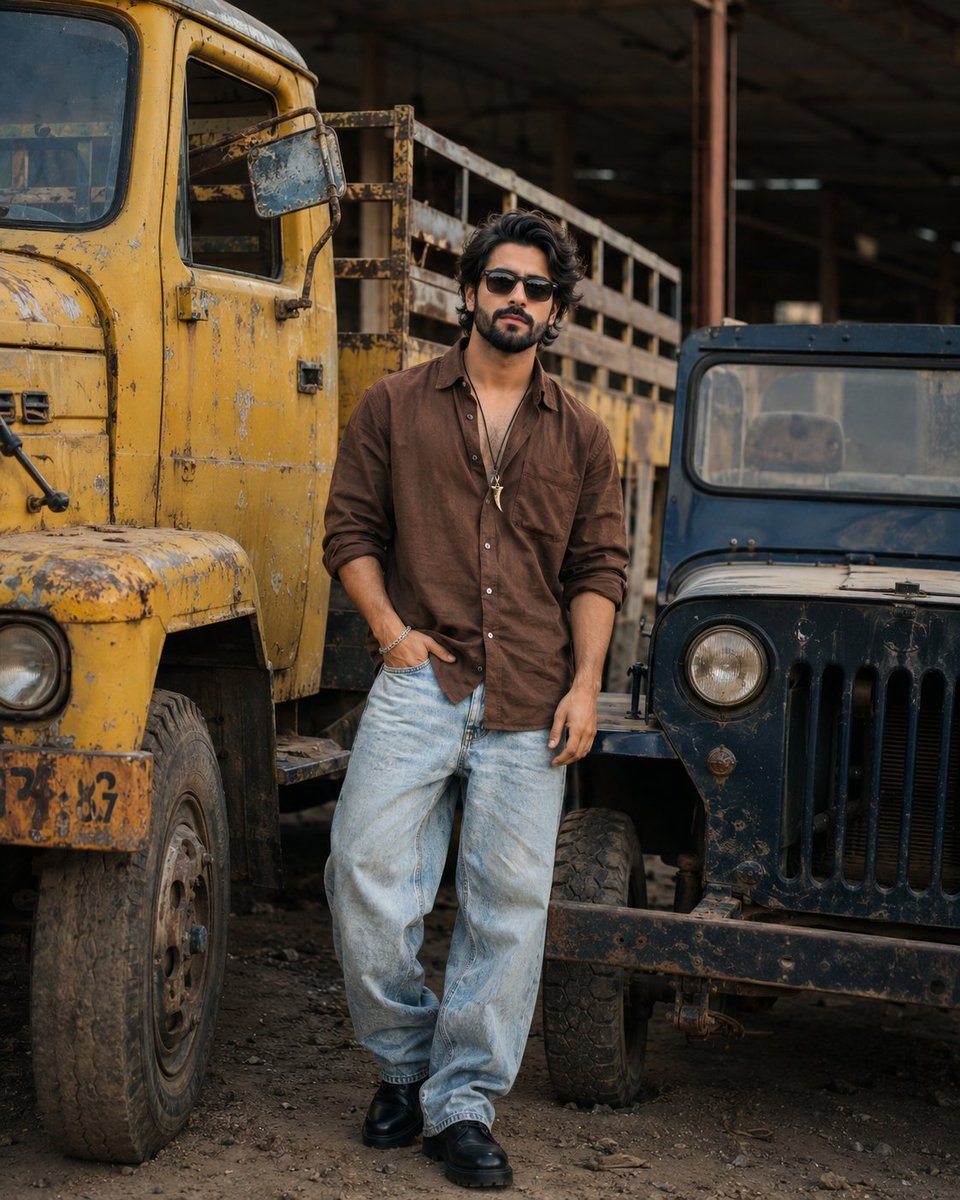
Industrial Fashion Portrait of South Asian Boy
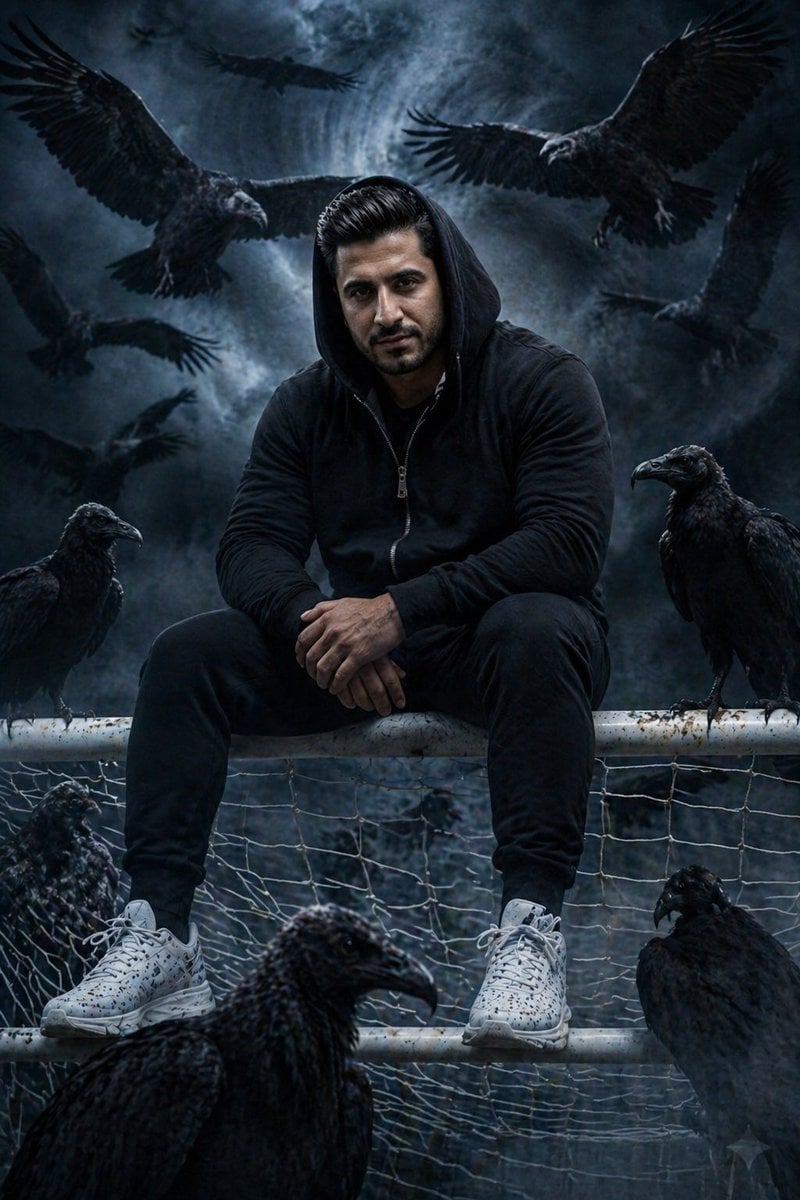
Cinematic South Asian Male Portrait with Vultures
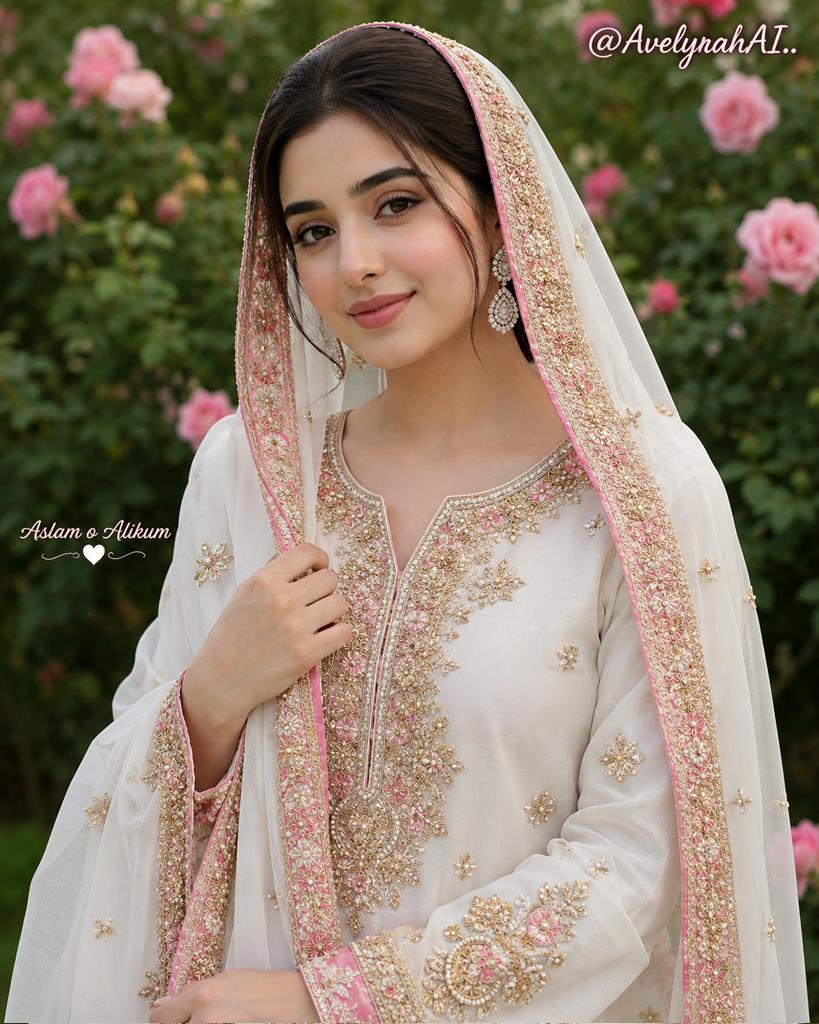
Traditional South Asian Portrait
Make it yours
Cinematic Paper Tear South Asian Portrait works as-is. These are the safest ways to change it without losing the look.
Change one field
Copy a single group, rewrite it, and generate again so you can see what that field is doing.
Keep the frame, change the subject
Hold the composition and light of Cinematic Paper Tear South Asian Portrait, then swap wardrobe, props or the person for a new take.
| If the result… | Why | Fix |
|---|---|---|
| The result drifts from the preview | Too many fields changed at once. | Reuse Cinematic Paper Tear South Asian Portrait as-is first, then change one group — subject, light, or setting. |
| The model over-stylizes the scene | The prose prompt leaves finish and camera underspecified. | Add one camera or lighting sentence and stay on GPT Image 2. |
More GPT Image 2 templates
Other prompts made for GPT Image 2.

Six VTuber Japanese Logo Sheet

Realistic Portrait of Woman and Deer

The Vista Modular Condo Poster

AI Model Routing Comparison Infographic

2.5D Anime Art Board

Isometric Productivity Desk Scene

New York Double Exposure Poster

Four-Panel AI Landscape Comparison

Japanese Tatami Lifestyle Magazine Cover

NESCAFÉ Coffee Map Poster
More image prompts
Fresh picks from across the catalog.
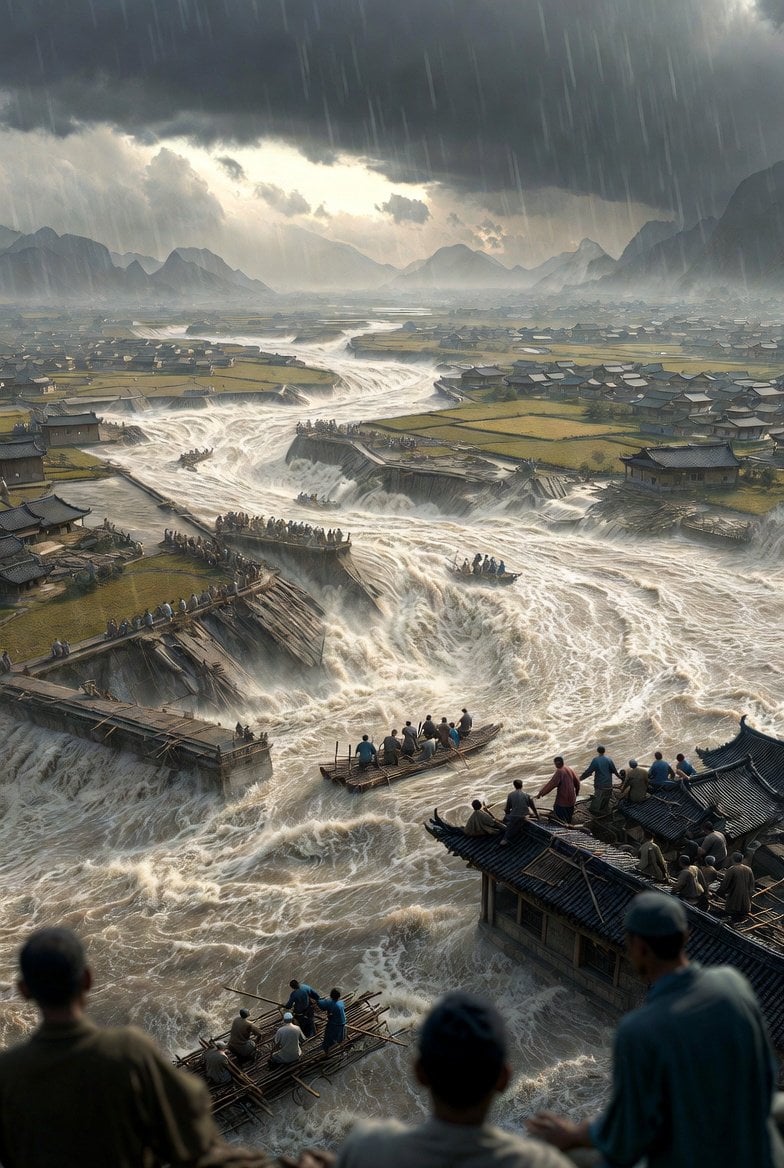
Historical Epic Scene: 1887 Yellow River Flood

Cinematic Portrait of a Blonde Athlete

Bureaucrat-style explanatory diagram (Kasumigaseki PowerPoint)
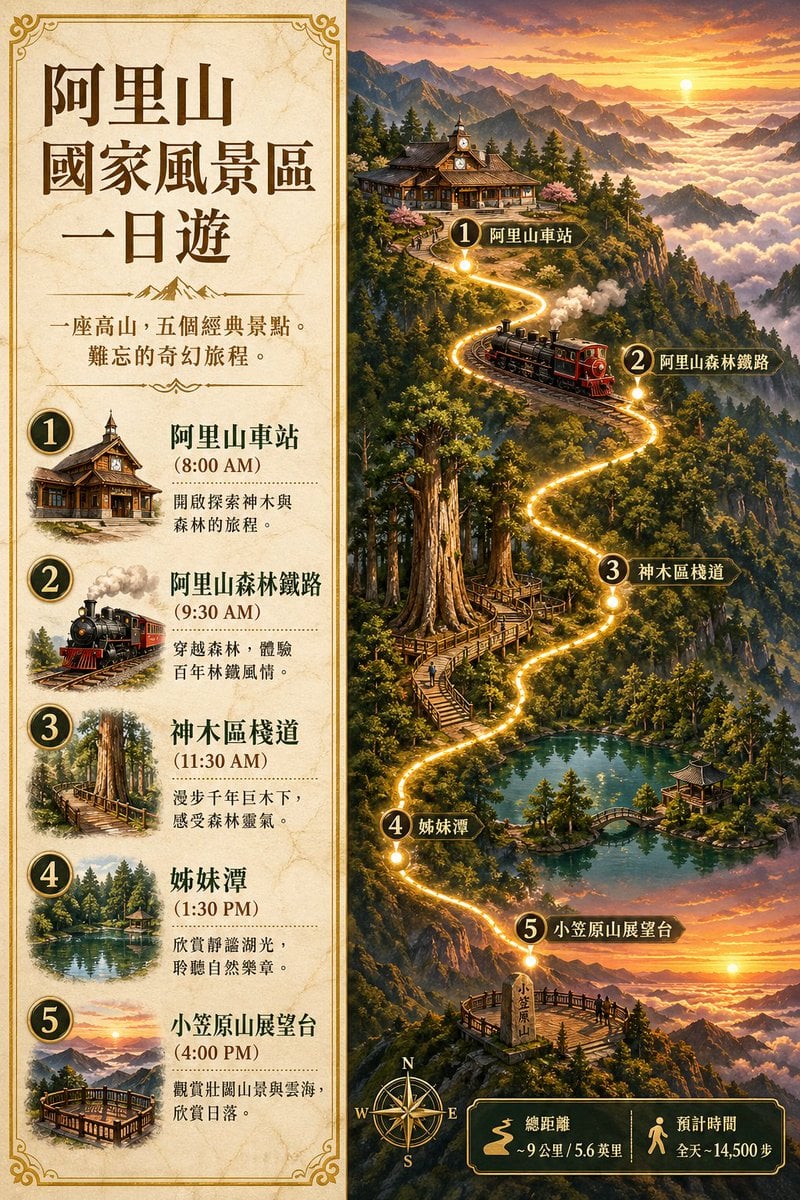
Alishan One-Day Travel Poster

Government results infographic from web sources
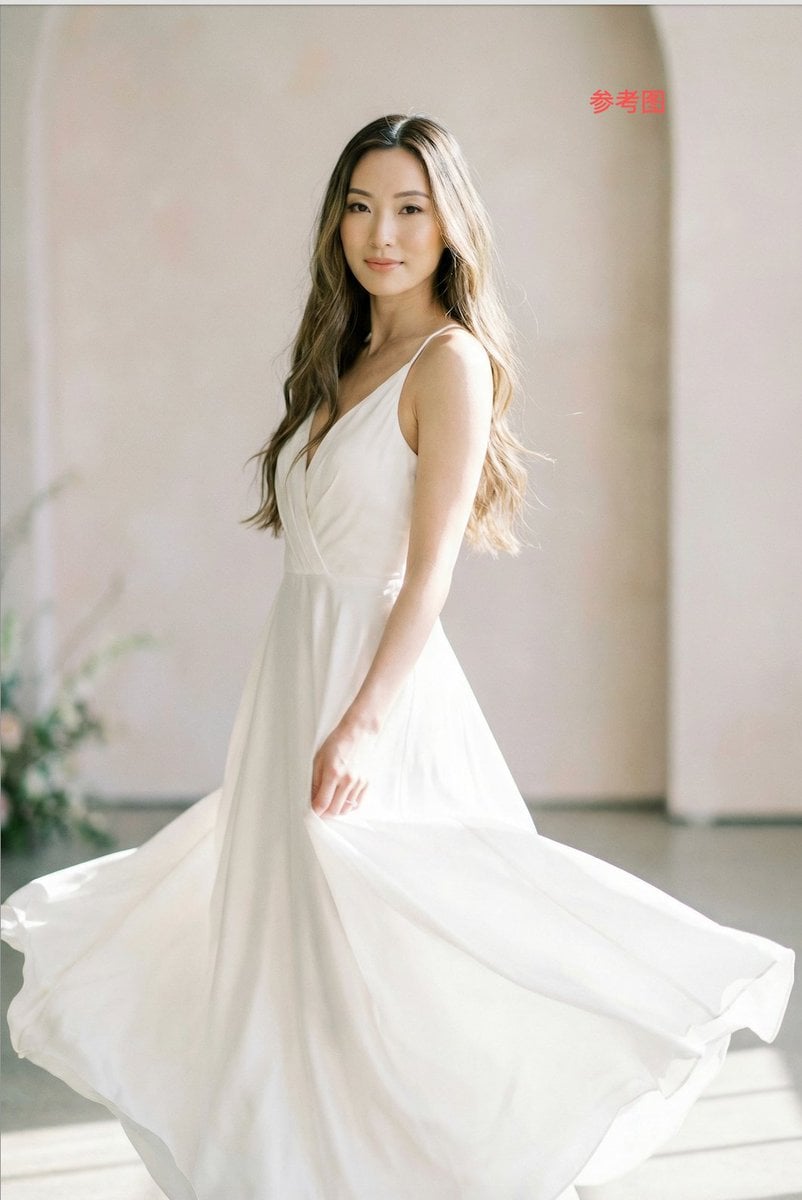
Subject Replacement in Reference Image
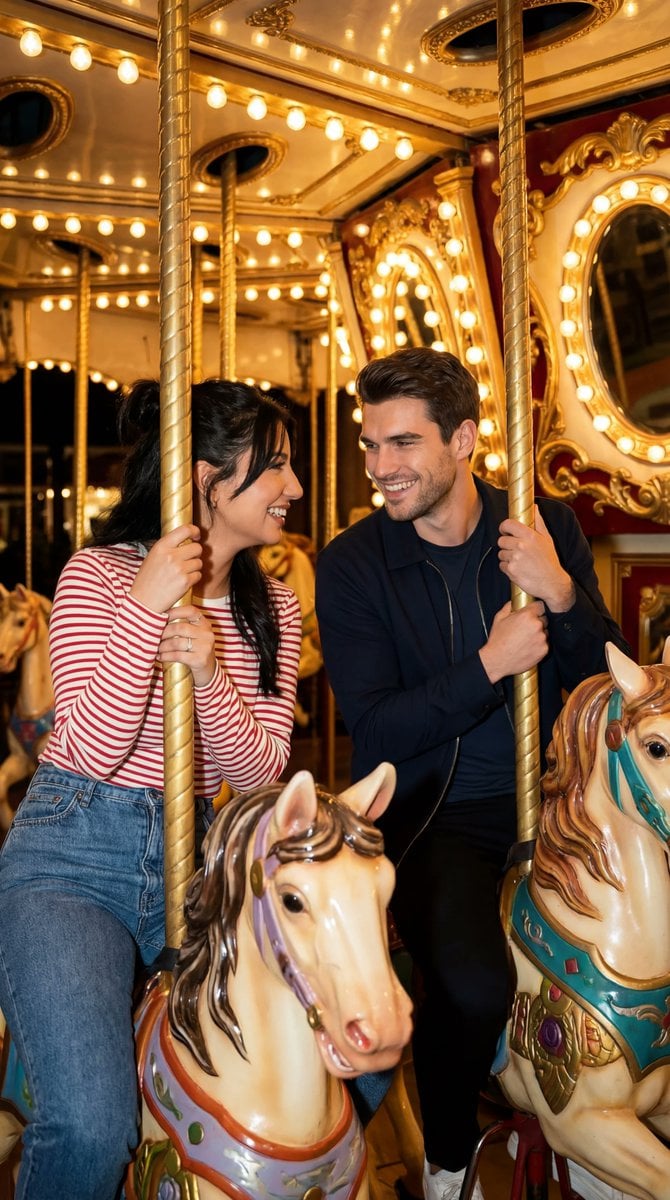
Cinematic Romcom Scene on a Carousel with Identity Lock
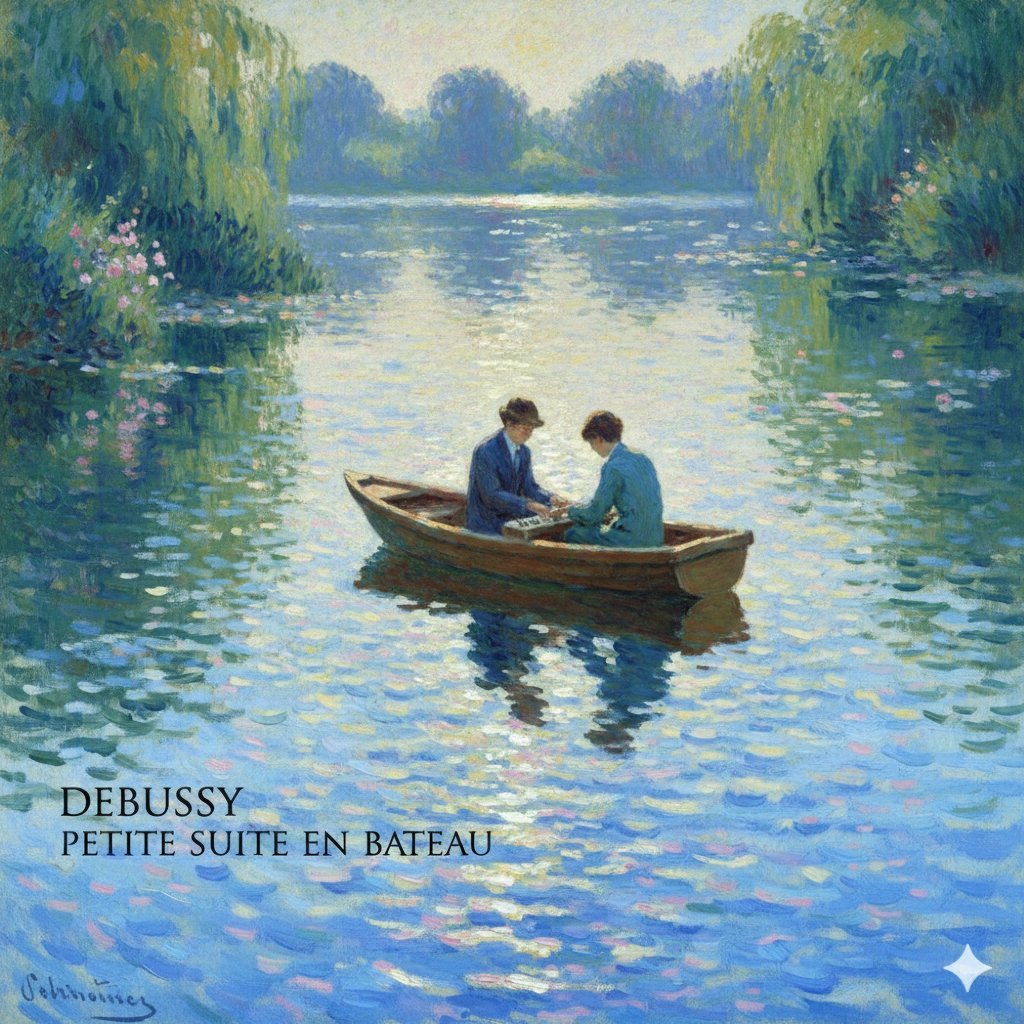
Generate Debussy's 'Petit Suite: En Bateau' in Monet's Style with Color Modification

Soft Watercolor Storybook Illustration
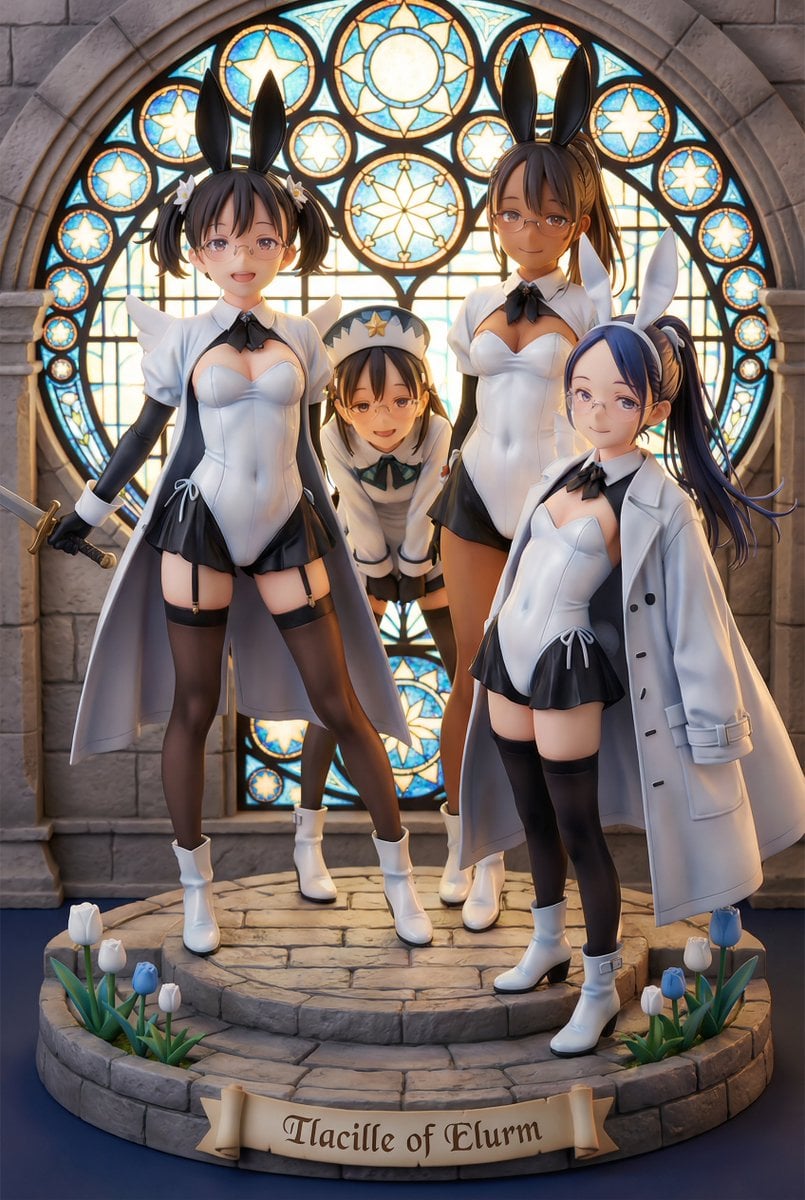
White Fairy Party Figurine Generation
Browse template categories
Cinematic Paper Tear South Asian Portrait questions
How do I use the Cinematic Paper Tear South Asian Portrait template?
Add your photo if the template asks for one, edit the prompt if you like — the template's model and format are already selected — and press Generate. Your version opens in PicX Studio.
Can I customize the Cinematic Paper Tear South Asian Portrait template?
Yes. You can change the subject, setting, lighting, mood, format, and available model controls before creating your image.
Is the Cinematic Paper Tear South Asian Portrait template free?
Opening and editing this template is free. Generating uses credits, shown on the Generate button when you are signed in.
Which AI model should I use?
Start with GPT Image 2, which is the model associated with this template. You can compare another compatible model for a different finish.
Looking for something else? Browse all templates.

Your photo, any look
Thousands of ready templates for every top image and video model, from one credit balance.