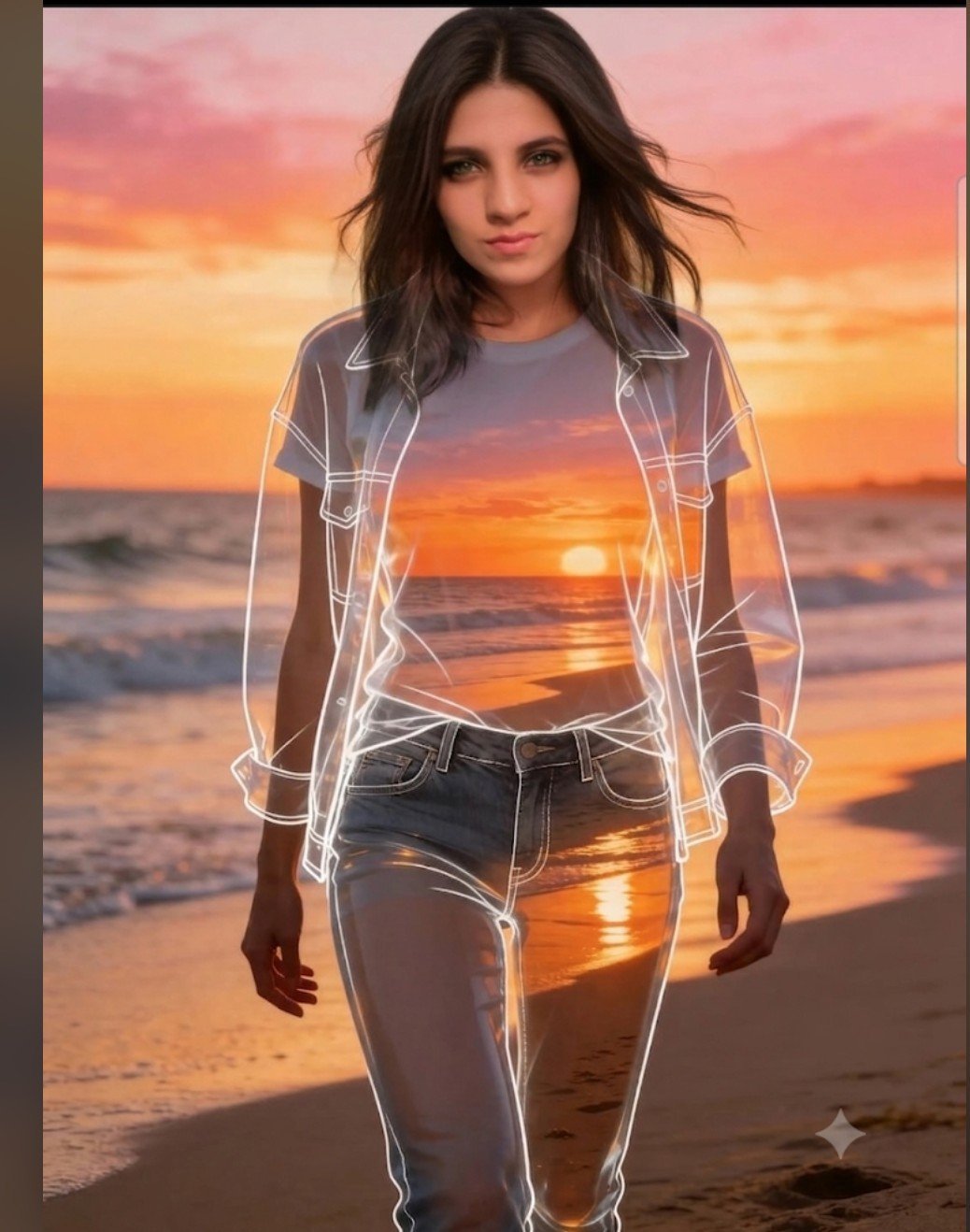
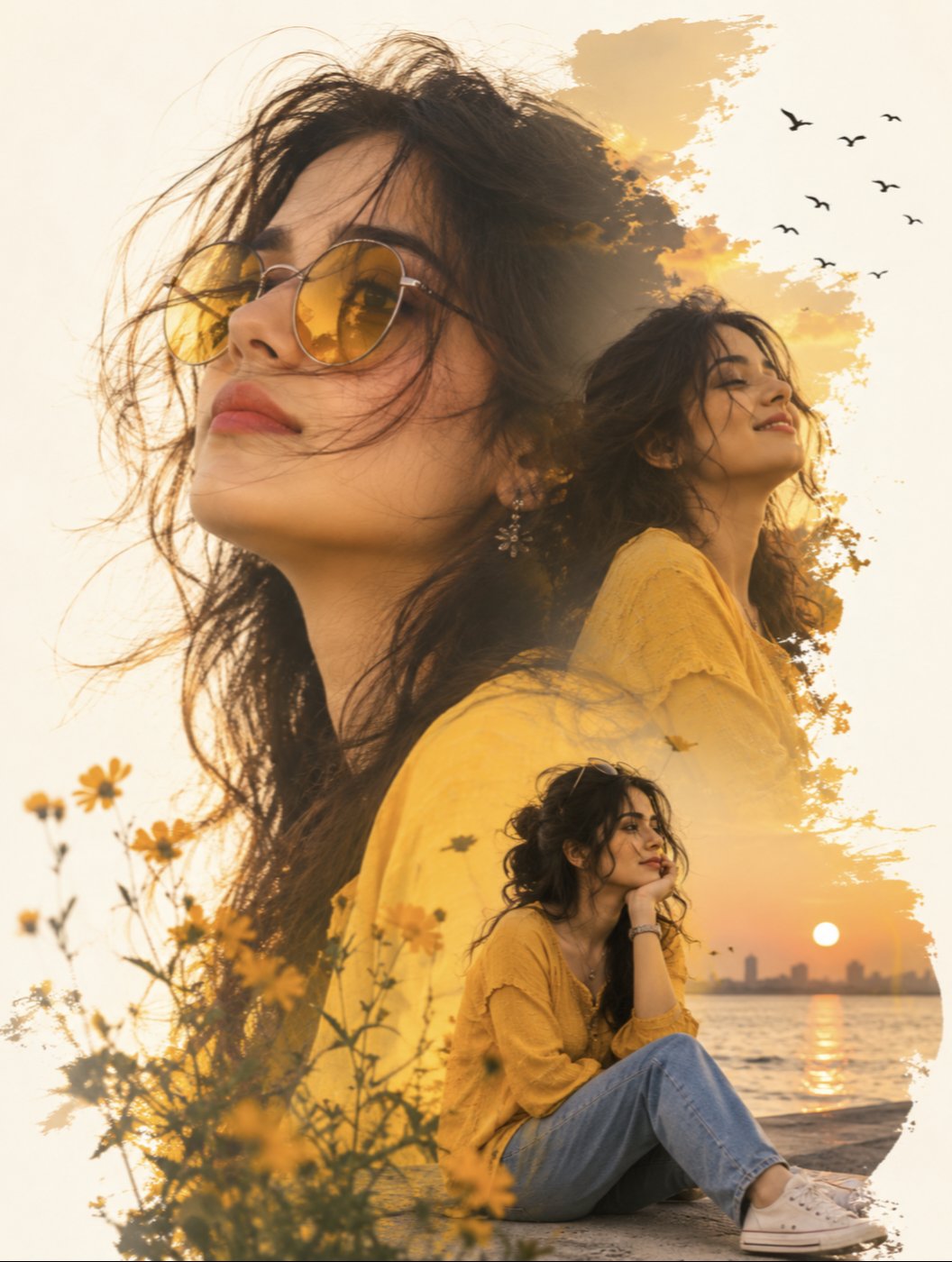
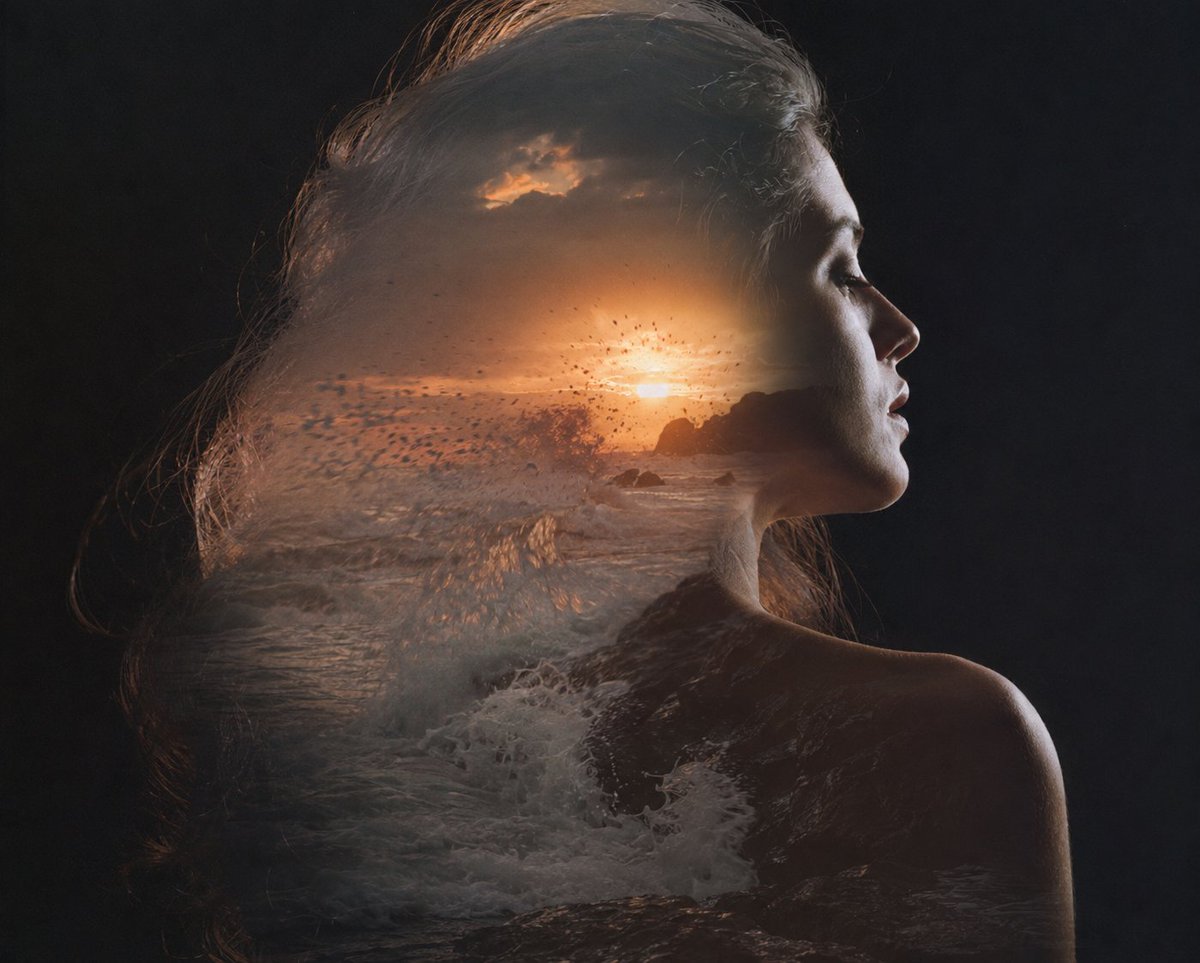
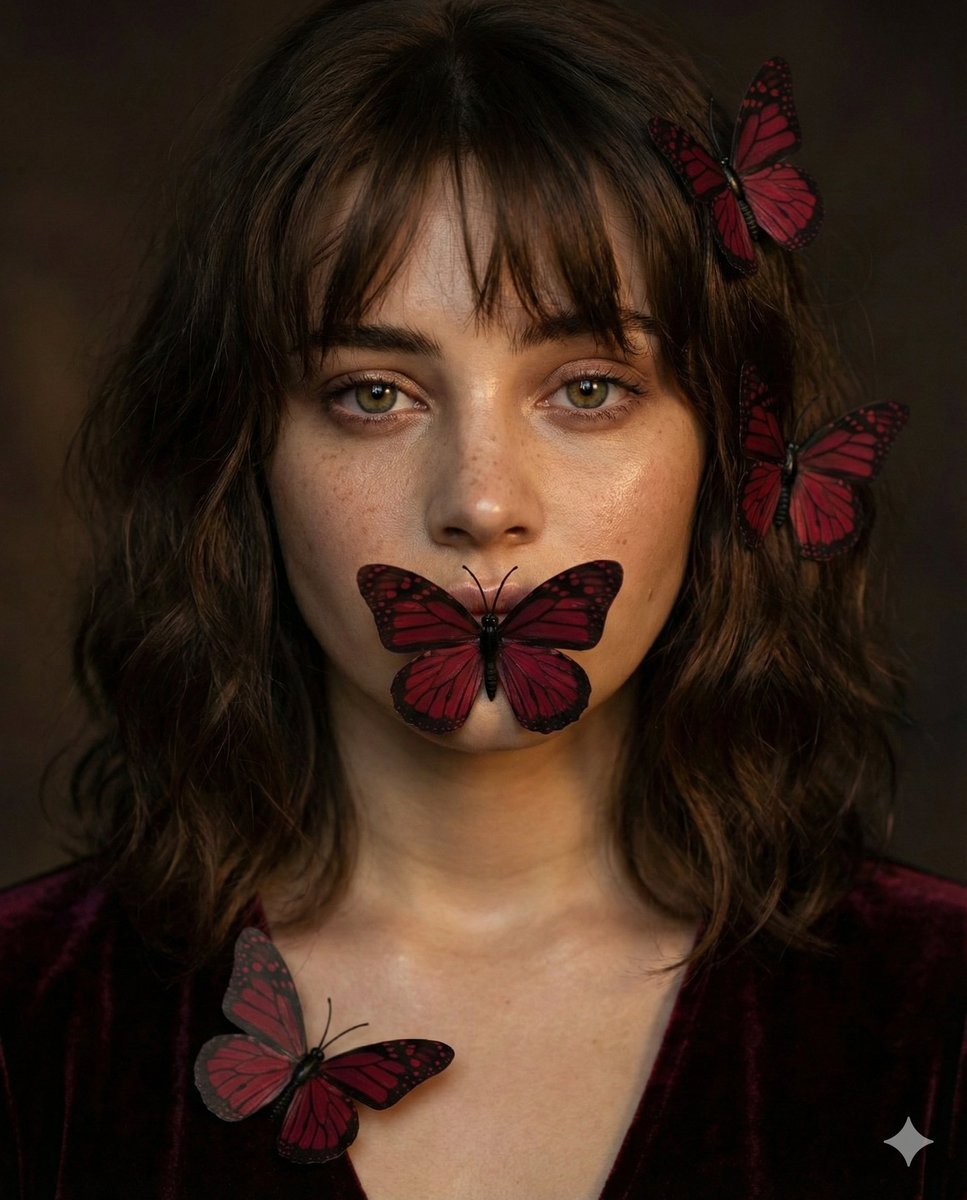
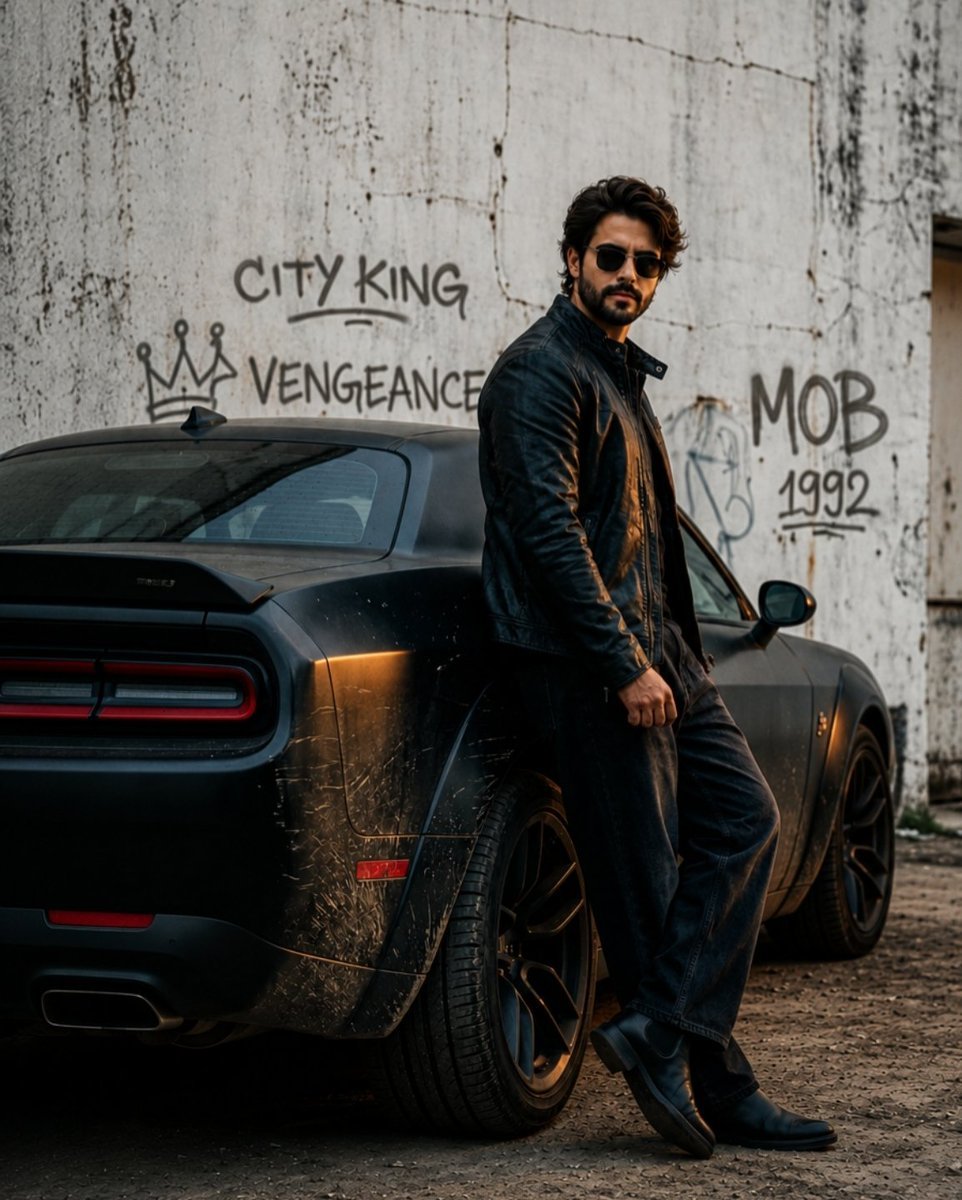
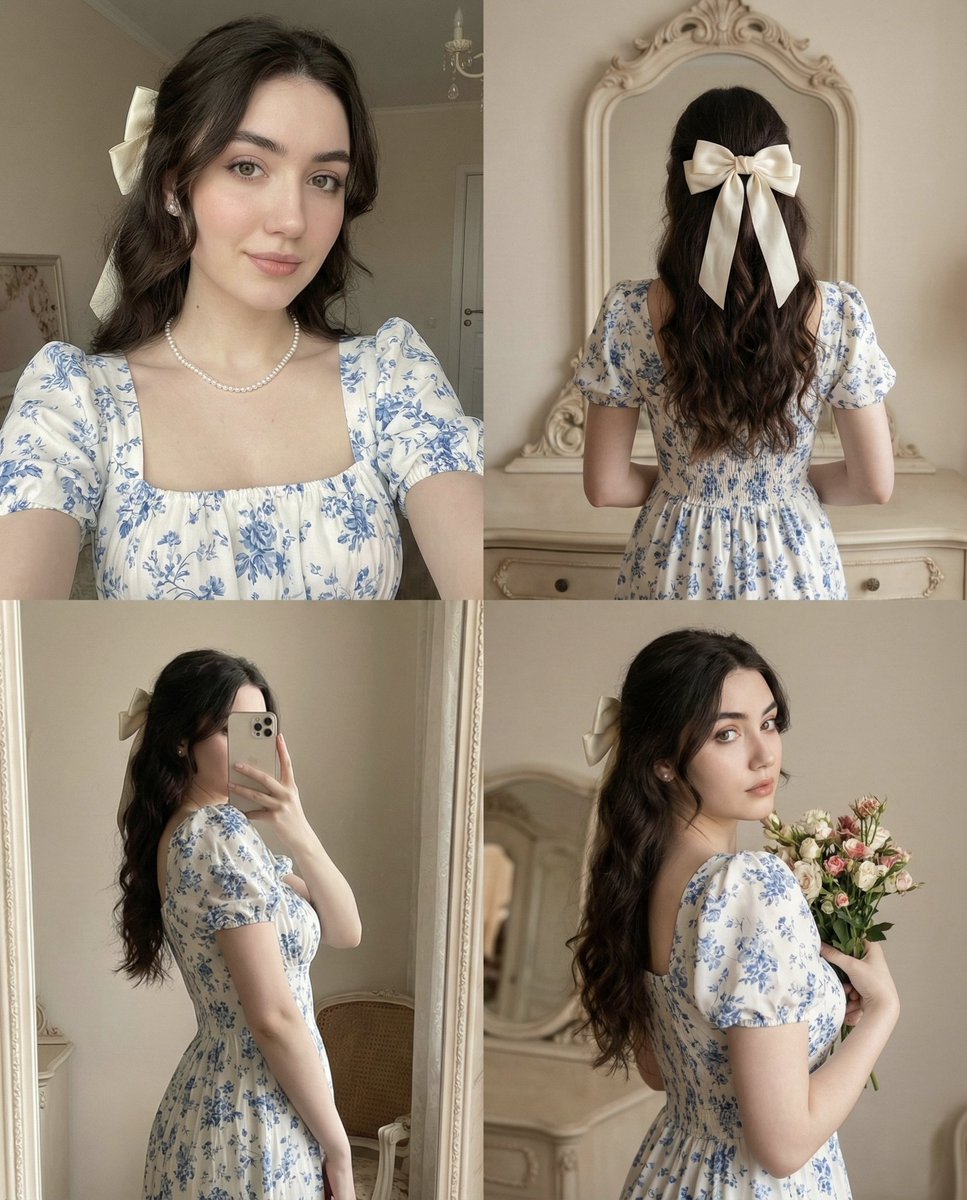
How do I use the Cinematic Paper-Tear Double Exposure Portrait template?
Edit the prompt in the box under the preview — the template's model and format are already selected — and press Generate. Your version appears right on this page.
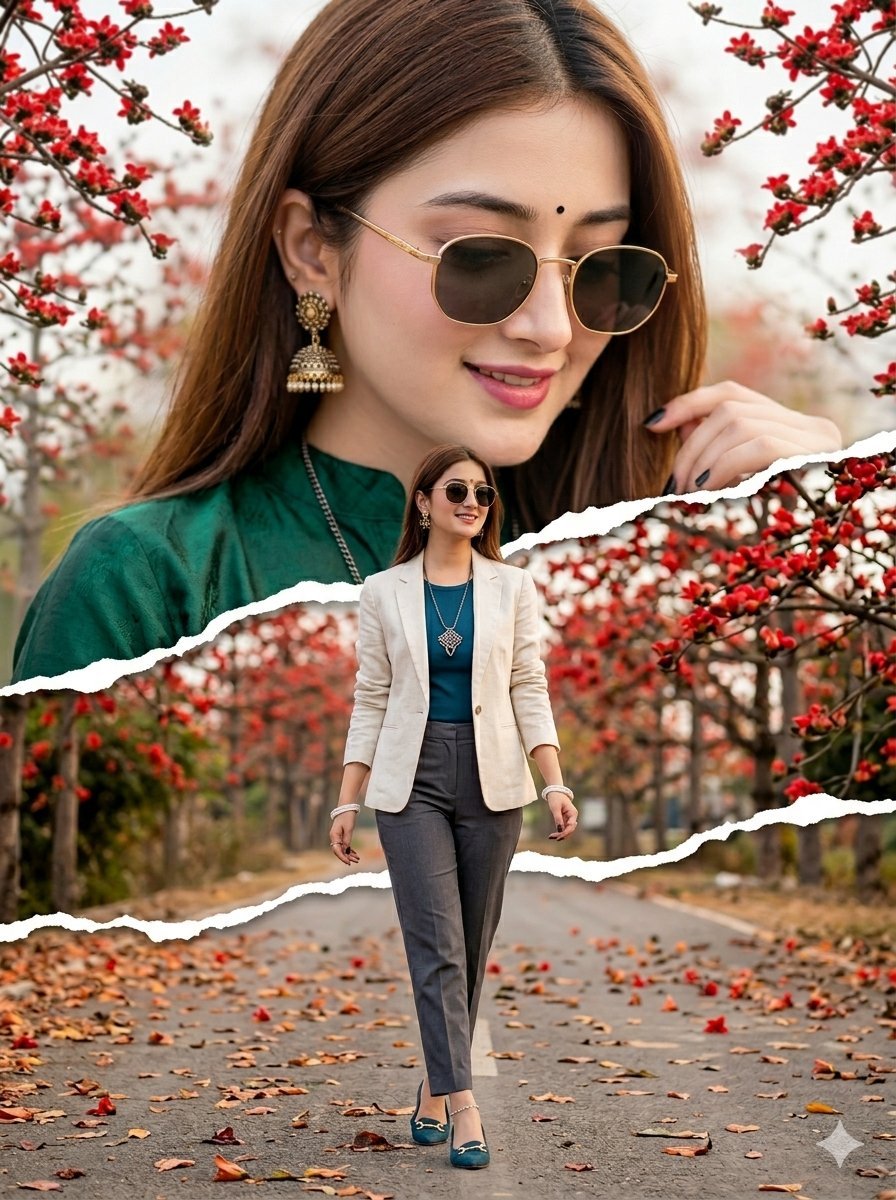
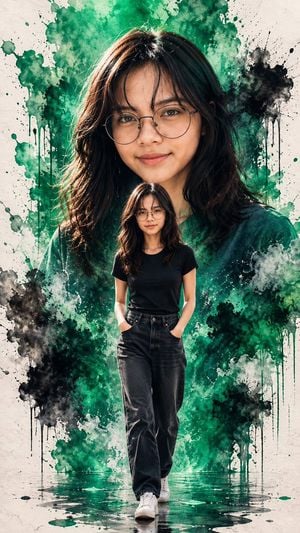
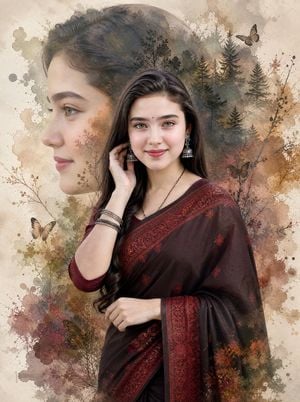
Creates a cinematic fashion collage with a giant ethereal portrait above a torn-paper transition and a full-body South Asian woman walking on a rainy city street.

This template uses your photo — add one with the + button.
Create a high-quality cinematic double-exposure paper-tear collage portrait of {argument name="character name" default="a beautiful young South Asian woman"}. Use a vertical 3:4 canvas. The upper two-thirds show a huge ethereal close-up portrait of the same woman, softly blended into a pale cloudy background, with long silky {argument name="hair color" default="black hair"} parted to one side, warm fair-to-medium skin tone, delicate features, and ornate gold jhumka earrings visible; make this portrait dreamy, softly focused, and backlit by warm sunset haze. Across the middle of the image place one horizontal torn white paper edge, ragged and realistic, separating the close-up portrait from the lower scene. In the lower half, show the same woman full body walking toward the camera on a rainy city street at dusk, centered in the frame, wearing {argument name="outfit" default="an elegant teal Pakistani embroidered designer suit with gold embroidery, matching wide trousers, and a sheer teal dupatta with gold border draped over one shoulder"}. The street should be wet and reflective, with warm golden bokeh lights, blurred buildings, soft mist, and cinematic depth of field. Her pose is graceful and confident, one hand lightly holding the dupatta, the other relaxed while walking. Use realistic photography, premium fashion editorial styling, soft warm highlights, teal-and-gold color harmony, shallow depth of field, dramatic atmosphere, and clean high-resolution detail. Keep exactly two depictions of the woman: one giant close-up portrait above and one smaller full-body figure below. No text, no watermark, no extra people, no distorted hands, no duplicate faces.
Create a high-quality cinematic double-exposure paper-tear collage portrait of {argument name="character name" default="a beautiful young South Asian woman"}. Use a vertical 3:4 canvas. The upper two-thirds show a huge ethereal close-up portrait of the same woman, softly blended into a pale cloudy background, with long silky {argument name="hair color" default="black hair"} parted to one side, warm fair-to-medium skin tone, delicate features, and ornate gold jhumka earrings visible; make this portrait dreamy, softly focused, and backlit by warm sunset haze. Across the middle of the image place one horizontal torn white paper edge, ragged and realistic, separating the close-up portrait from the lower scene. In the lower half, show the same woman full body walking toward the camera on a rainy city street at dusk, centered in the frame, wearing {argument name="outfit" default="an elegant teal Pakistani embroidered designer suit with gold embroidery, matching wide trousers, and a sheer teal dupatta with gold border draped over one shoulder"}. The street should be wet and reflective, with warm golden bokeh lights, blurred buildings, soft mist, and cinematic depth of field. Her pose is graceful and confident, one hand lightly holding the dupatta, the other relaxed while walking. Use realistic photography, premium fashion editorial styling, soft warm highlights, teal-and-gold color harmony, shallow depth of field, dramatic atmosphere, and clean high-resolution detail. Keep exactly two depictions of the woman: one giant close-up portrait above and one smaller full-body figure below. No text, no watermark, no extra people, no distorted hands, no duplicate faces.
Edit the prompt in the box under the preview — the template's model and format are already selected — and press Generate. Your version appears right on this page.
Yes. You can change the subject, setting, lighting, mood, format, and available model controls before creating your image.
Opening and editing this template is free. Generating uses credits, shown on the Generate button when you are signed in.
Start with GPT Image 2, which is the model associated with this template. You can compare another compatible model for a different finish.
Follow a topic to a crawlable collection of related PicX Studio templates.