How do I use the Double Exposure Paper Tear Collage template?
Choose the primary action to open PicX Studio with the available template settings. Review the model and format, personalize the creative direction, and generate when ready.
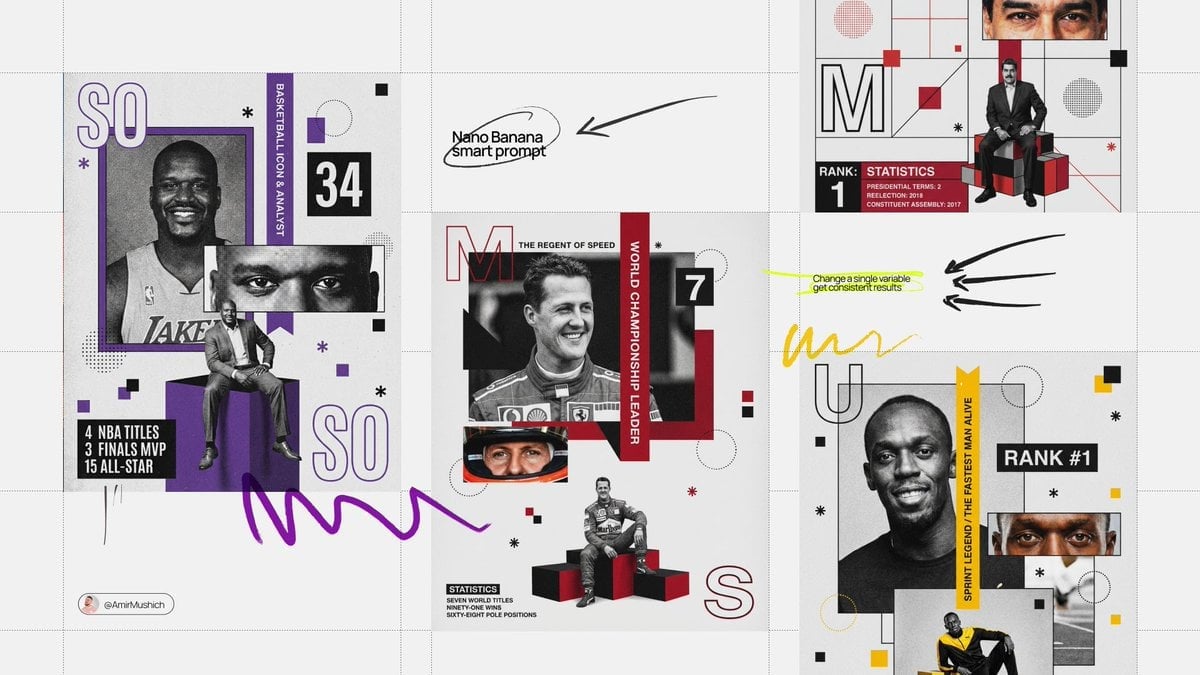
A complex cinematic prompt for a double exposure collage featuring a fashion model in a Burberry sweater, combining close-up and full-body shots with a paper-te

Create a high-quality cinematic double exposure and paper-tear collage. The background features a large, ethereal close-up portrait of a young woman with long dark hair, wearing stylish {argument name="accessory" default="gold-rimmed sunglasses"} and traditional jhumka earrings, looking downwards with a soft smile. A realistic white torn-paper edge creates a horizontal divide across the center of the photo. In the foreground, the same woman is shown in a full-body shot, walking gracefully on a road covered in fallen leaves. She is wearing a {argument name="outfit" default="pink Burberry knit cotton wool sweater"} with an embroidered logo, paired with white pants. Her styling includes small gold jhumkas, a black bindi, white flat sandals with a bow, black nail polish on her hands and feet, white bangles, a gold chain necklace with a flower locket, and anklets. The scene is surrounded by a vibrant {argument name="background" default="Bombax ceiba flower tree garden"}. Professional fashion photography aesthetic, trending Instagram edit style, 16k resolution, photorealistic --ar 3:4 --stylize 750
Choose the primary action to open PicX Studio with the available template settings. Review the model and format, personalize the creative direction, and generate when ready.
Yes. You can change the subject, setting, lighting, mood, format, and available model controls before creating your image.
This template is free to open and customize. Generation usage is shown in PicX Studio before you create.
Start with Nano Banana 2, which is the model associated with this template. You can compare another compatible model for a different finish.
Follow a topic to a crawlable collection of related PicX Studio templates.