
Night Drift Futuristic Sports Sedan
This prompt generates a cinematic realistic photo of a modified futuristic sedan drifting through a wet city street at night, ideal for automotive concept art and high-end car advertising visuals.
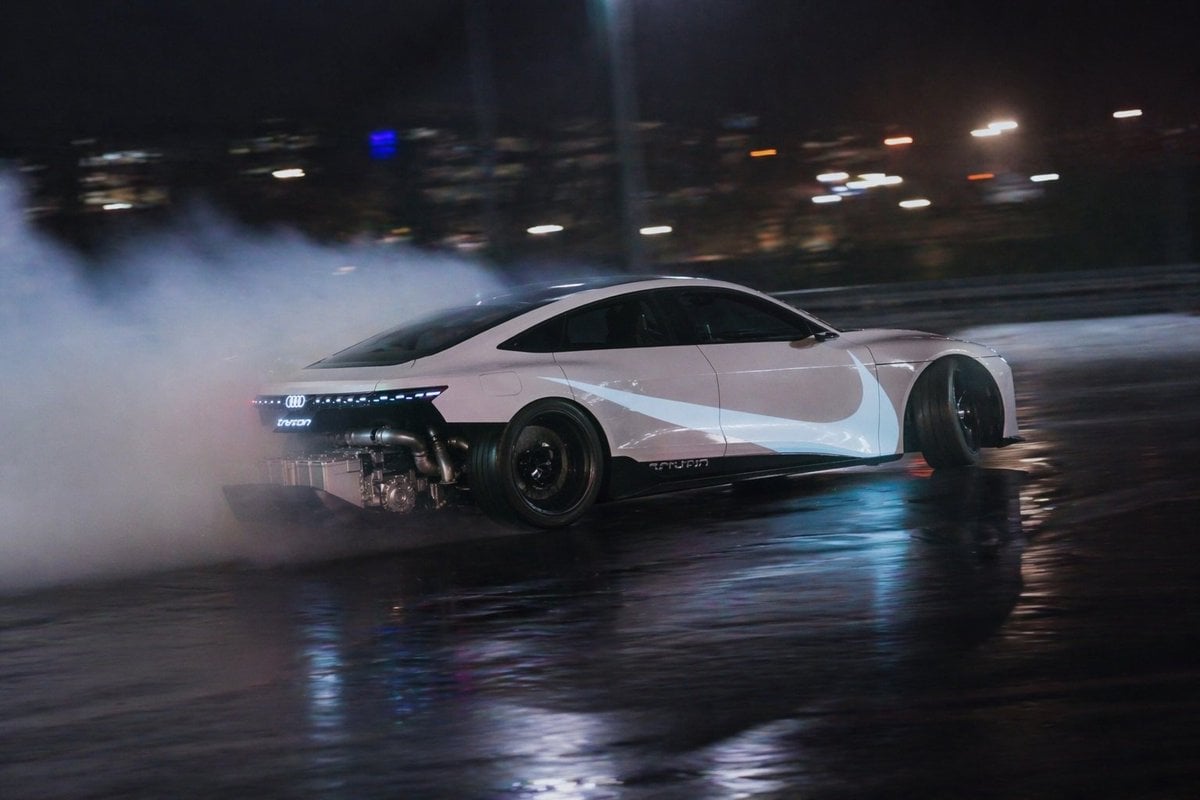
- Prompt included
- Model and format preset
- Free template
The prompt behind this image
Copy the exact prompt behind Night Drift Futuristic Sports Sedan, or open it in the studio and make it yours.
A cinematic night automotive action photo of a futuristic white electric sports sedan inspired by an Audi e-tron GT, captured in a fast side-tracking shot while it drifts hard across a wet city street. The car is shown in clean left-side profile with the front pointing to the right, low and aggressive stance, black roof, dark tinted windows, black wheels, and a continuous thin LED rear light bar glowing red. The rear bodywork is radically modified and partially removed, exposing metallic turbo-like piping and mechanical components behind the rear wheel area. Thick white tire smoke billows from the back of the car and fills the entire left side of the frame. The pavement is glossy from rain and reflects blue, white, and amber city lights. The background is very dark with soft bokeh from distant buildings and streetlights, plus faint vertical poles and barriers, all heavily motion-blurred to emphasize speed. Use a moody urban color palette of black, steel blue, cool white, and warm orange highlights, realistic photography, high detail, low-angle tracking perspective, long-lens panning shot, dramatic reflections, shallow depth of field, and intense motorsport energy.
How to use Night Drift Futuristic Sports Sedan in 3 steps
- 1Upload ImagePNG, JPG or paste
Add your photo
Upload the photo the template builds on. The prompt, model and format are already set.
- 2…a portrait of your subject in softgolden-hour light, 85mm…
Personalize
Edit the subject and creative details for your destination.
- 3Generate
Generate
Press Generate — your image is created in PicX Studio, so you can compare it with the original and refine one variable at a time.
More like this
Templates with the same subject, style or setup. Open one to see its prompt.

Night Sports Car Portrait — Cinematic Moody
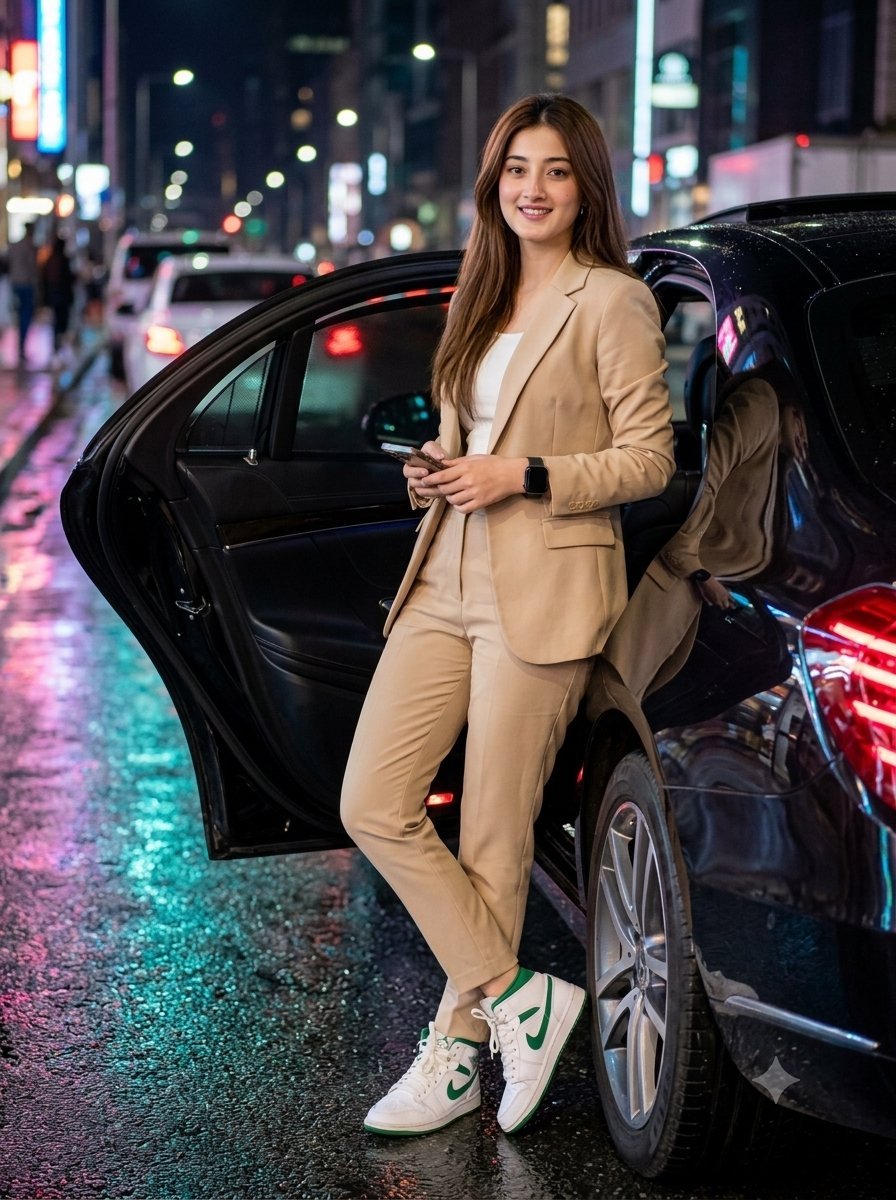
Elegant Woman with Luxury Sedan at Night

Futuristic Chrome Helmet Fashion Portrait

Futuristic Studio Neon Ring Minimalist Portrait

Subway Platform Quiet Introspective Portrait
Futuristic Chrome Helmet Fashion Portrait
Futuristic Studio Neon Ring Minimalist Portrait
Subway Platform Quiet Introspective Portrait

Black Liquid Cyberpunk Portrait Poster

Spider-Man Night Swing New York Cinematic

Legendary Player Fragmented Editorial Poster

Goalmaster Youth Sports Poster
Make it yours
Night Drift Futuristic Sports Sedan works as-is. These are the safest ways to change it without losing the look.
Change one field
Copy a single group, rewrite it, and generate again so you can see what that field is doing.
Keep the frame, change the subject
Hold the composition and light of Night Drift Futuristic Sports Sedan, then swap wardrobe, props or the person for a new take.
| If the result… | Why | Fix |
|---|---|---|
| The result drifts from the preview | Too many fields changed at once. | Reuse Night Drift Futuristic Sports Sedan as-is first, then change one group — subject, light, or setting. |
| The model over-stylizes the scene | The prose prompt leaves finish and camera underspecified. | Add one camera or lighting sentence and stay on GPT Image 2. |
More GPT Image 2 templates
Other prompts made for GPT Image 2.

Six VTuber Japanese Logo Sheet

Realistic Portrait of Woman and Deer

The Vista Modular Condo Poster

AI Model Routing Comparison Infographic

2.5D Anime Art Board

Isometric Productivity Desk Scene

New York Double Exposure Poster

Four-Panel AI Landscape Comparison

Japanese Tatami Lifestyle Magazine Cover

NESCAFÉ Coffee Map Poster
More image prompts
Fresh picks from across the catalog.
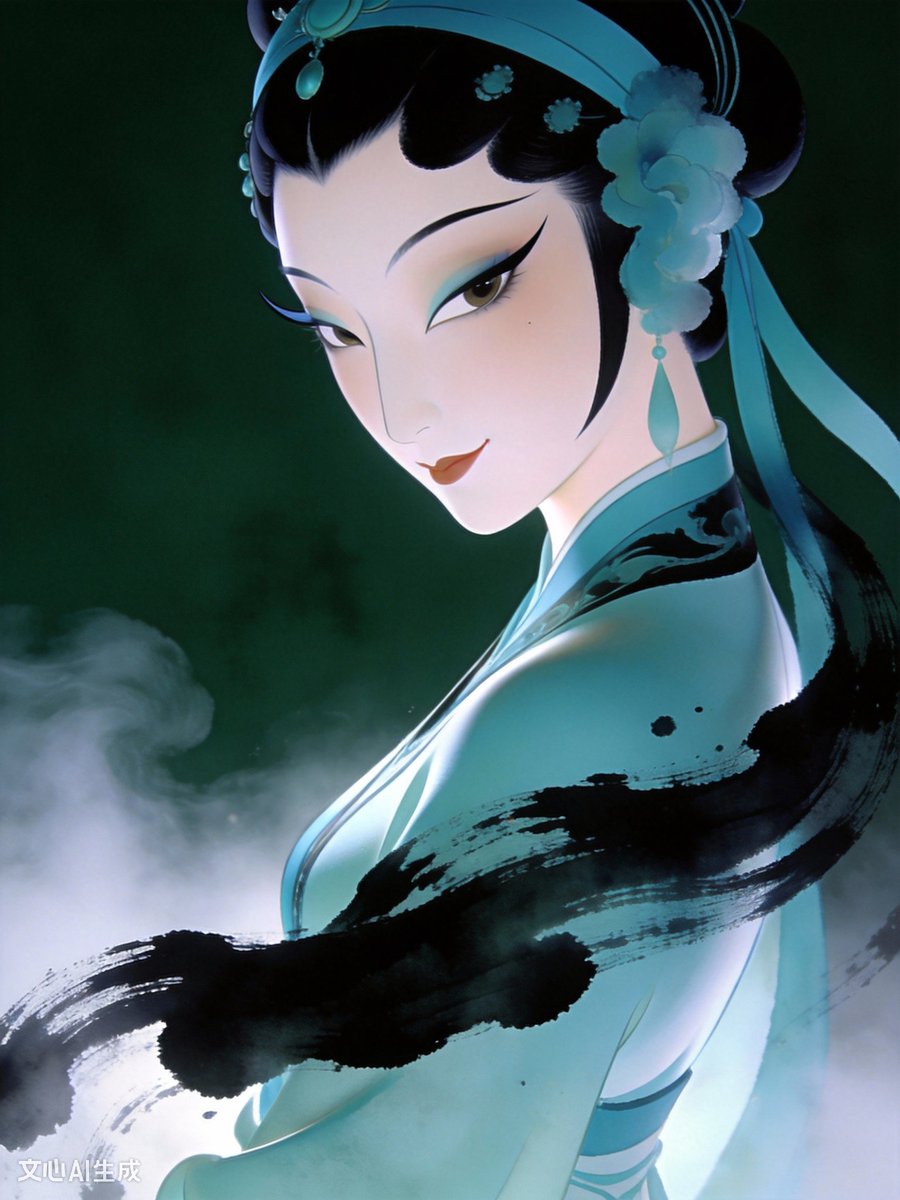
Surreal Oriental Aesthetic Prompt for Image Generation
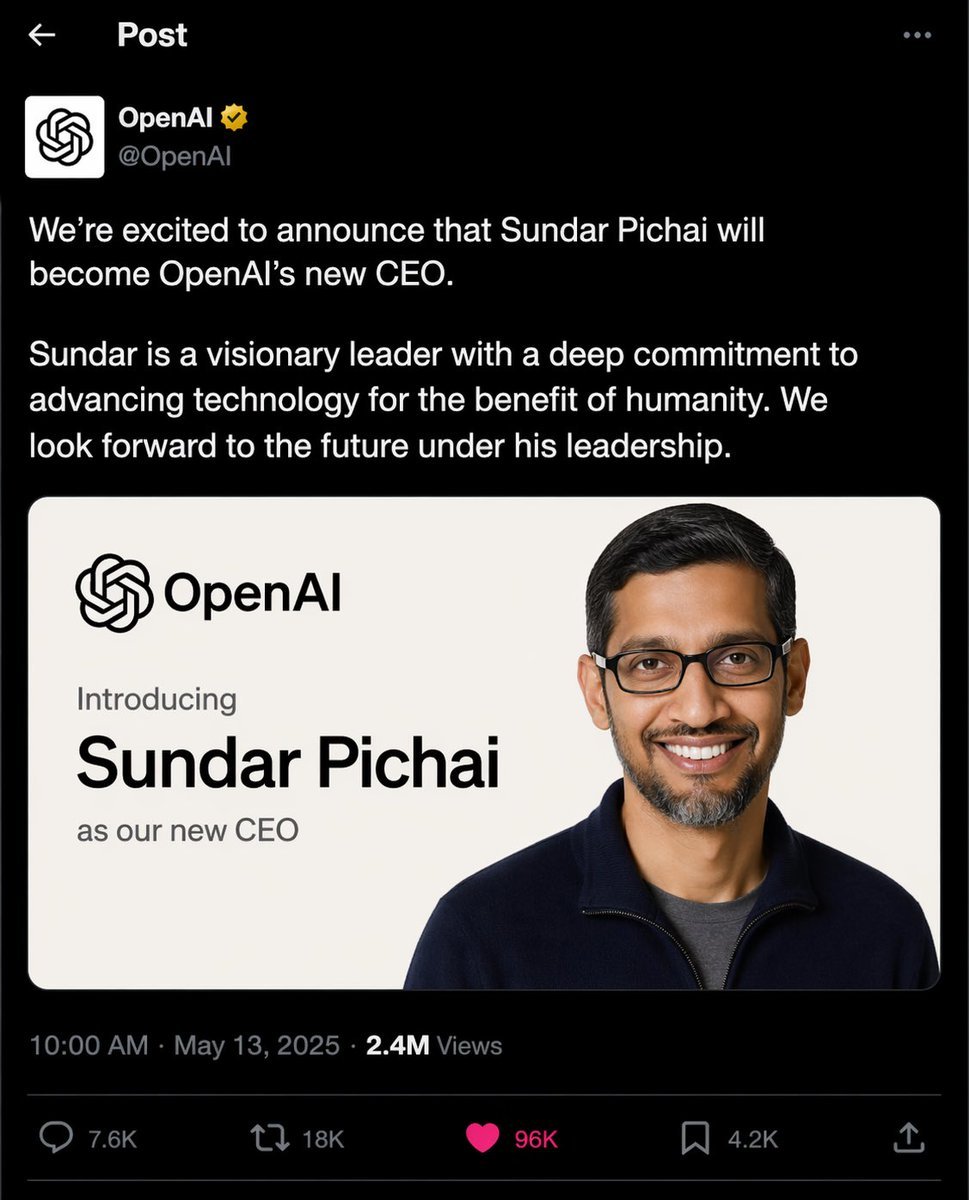
OpenAI CEO Announcement Mockup
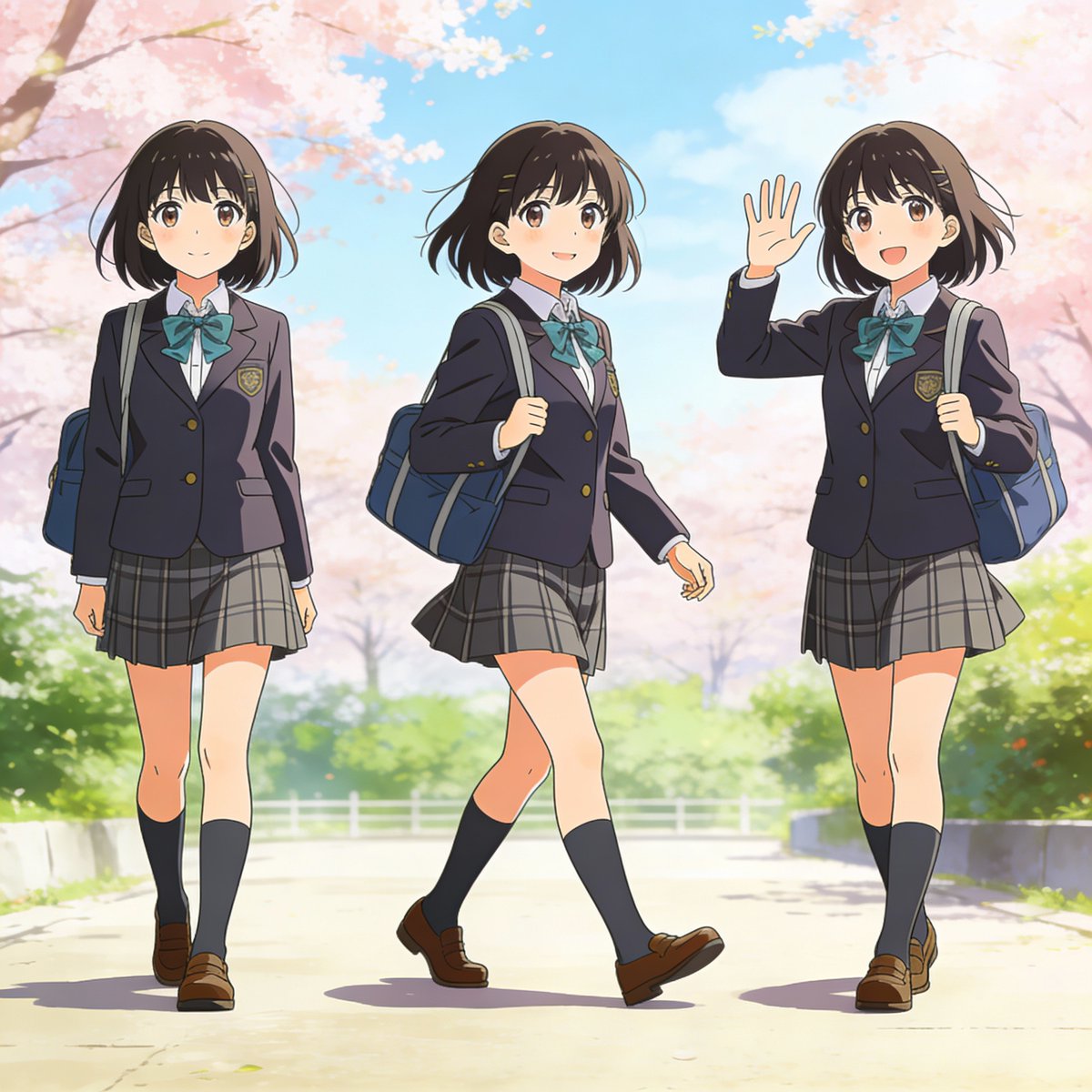
Three-pose anime girl consistency prompt
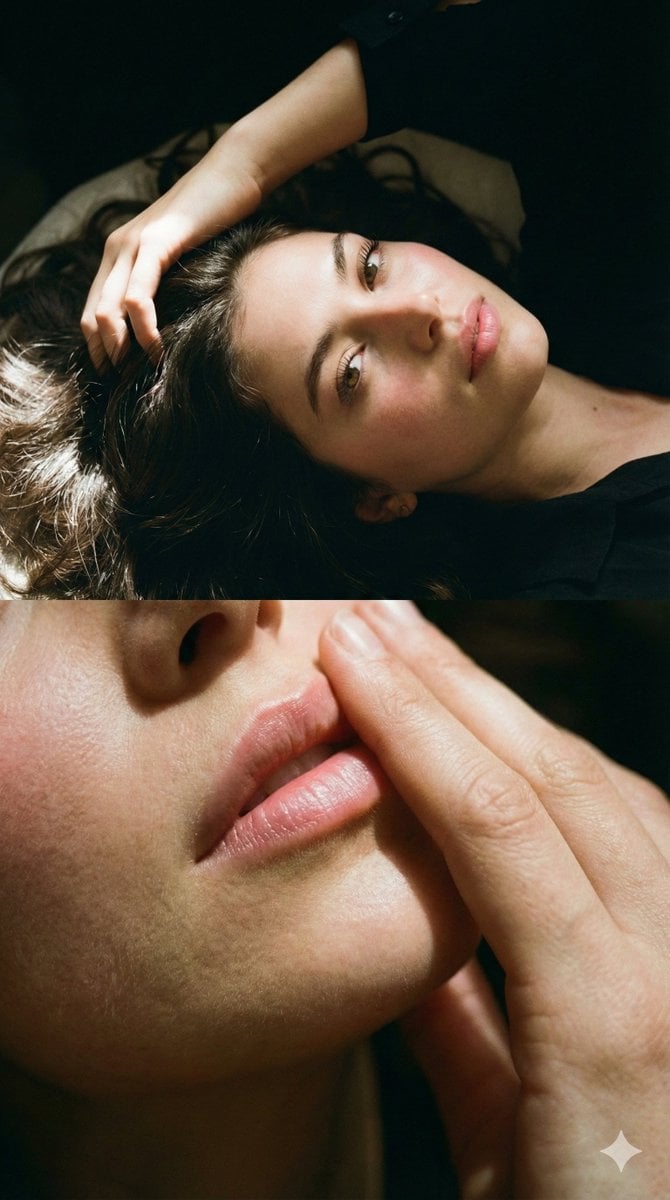
Two-Part Cinematic Portrait with Identity Lock
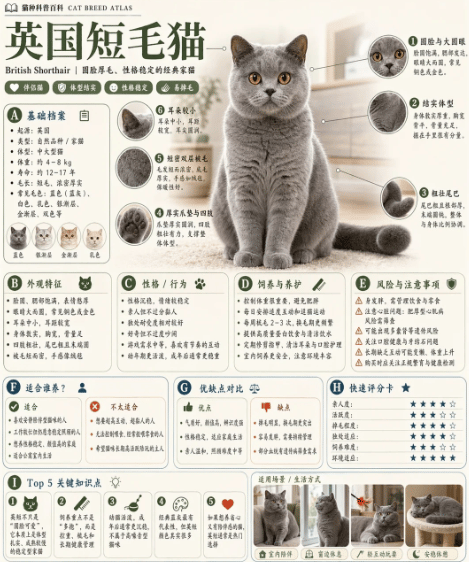
British Shorthair Encyclopedia Card
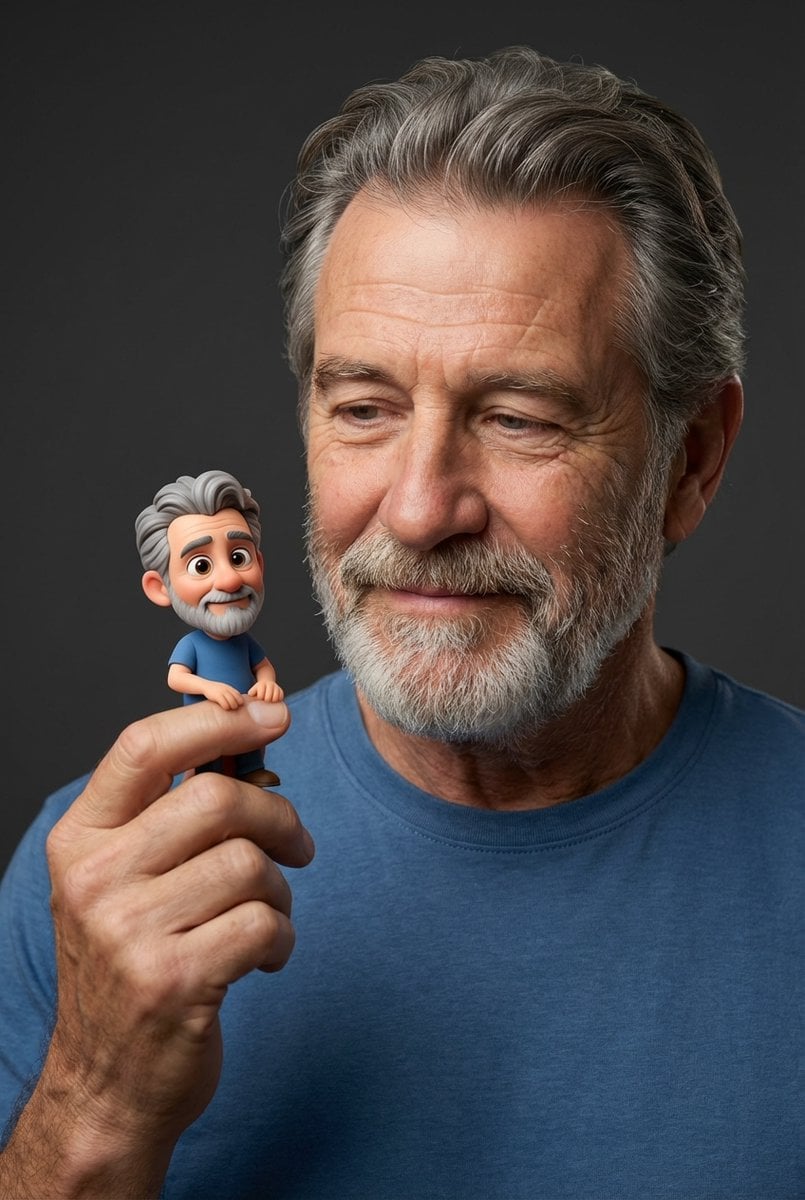
Photorealistic Portrait with Whimsical 3D Cartoon Clone Prompt
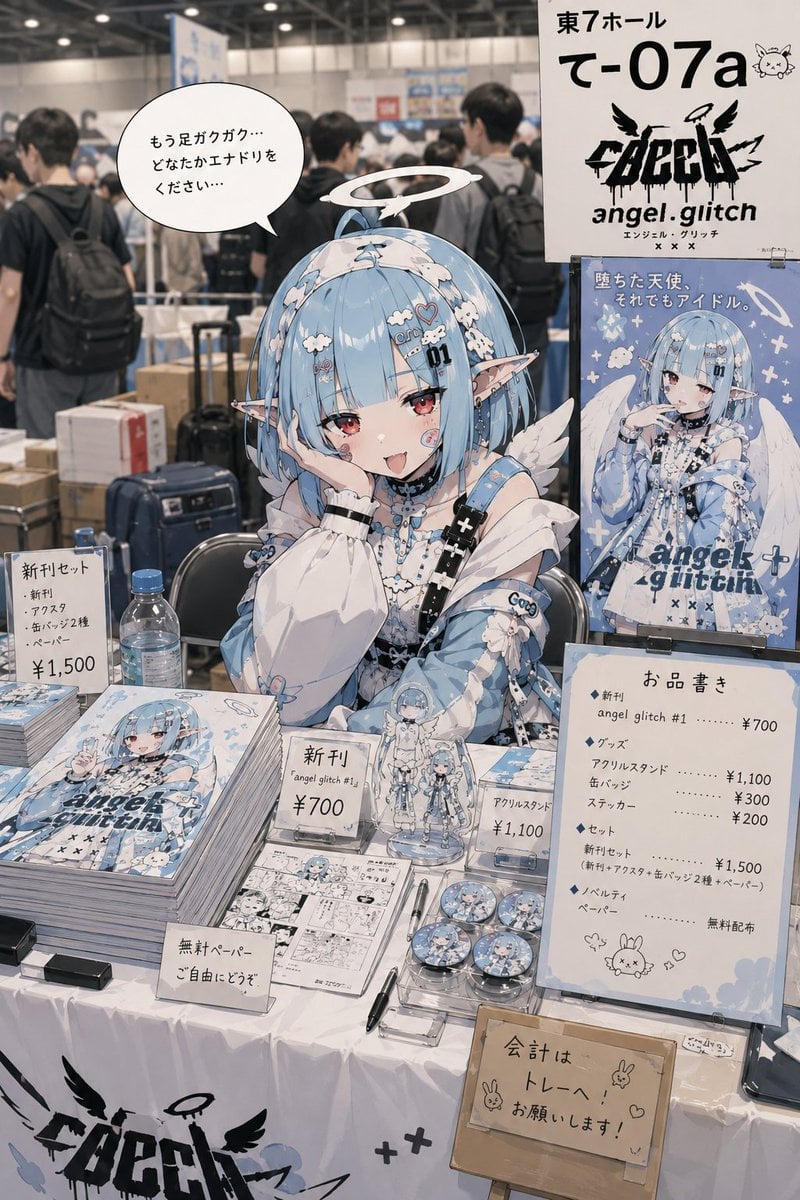
Realistic Comic Market Circle Illustration
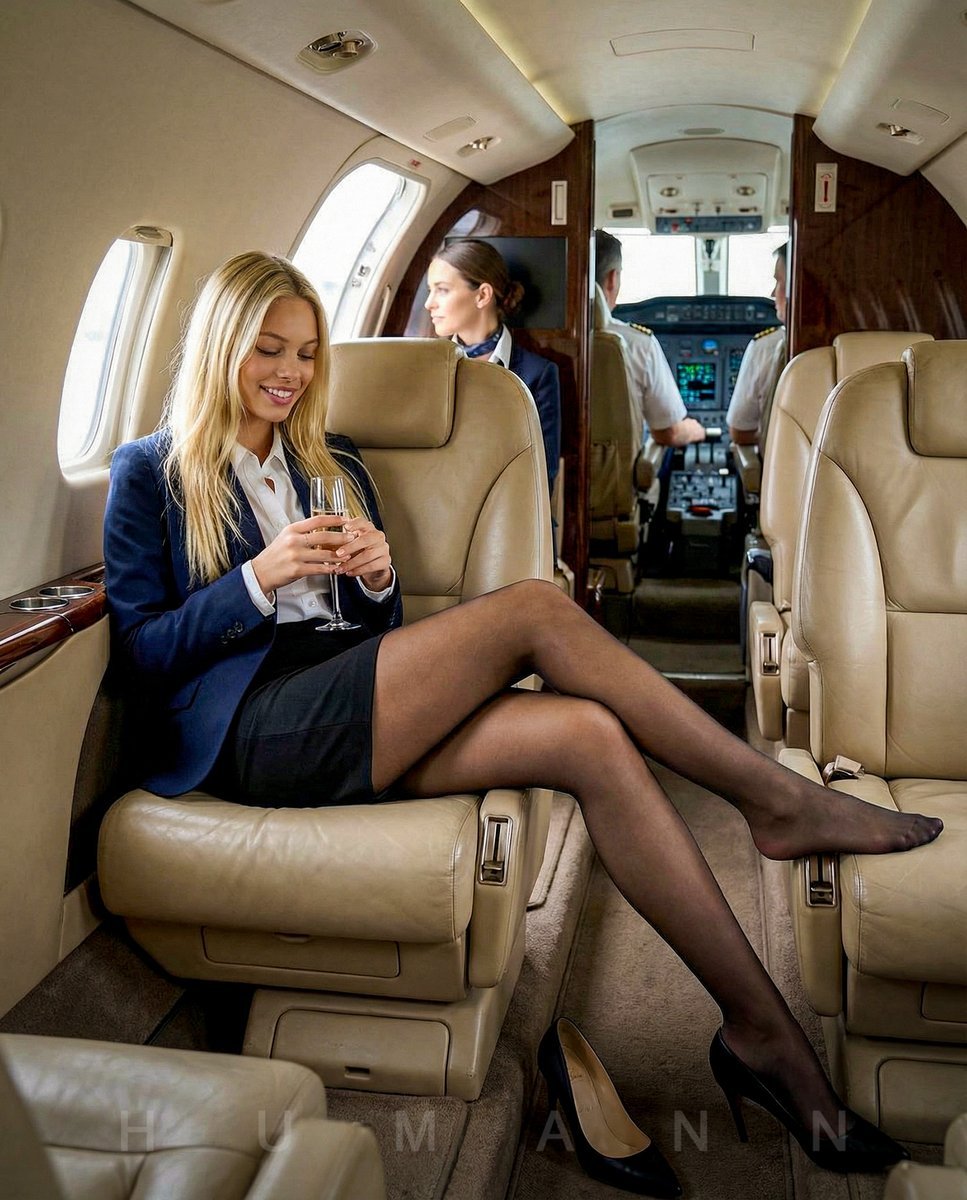
Editorial Portrait on a Private Jet
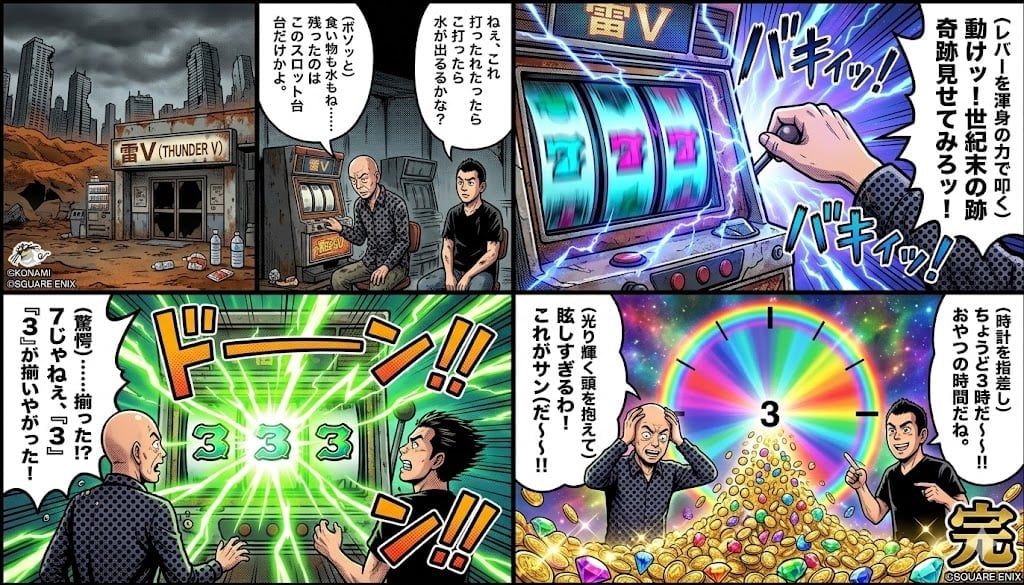
Four-Panel Manga: Viking Thunder V Century's End Version
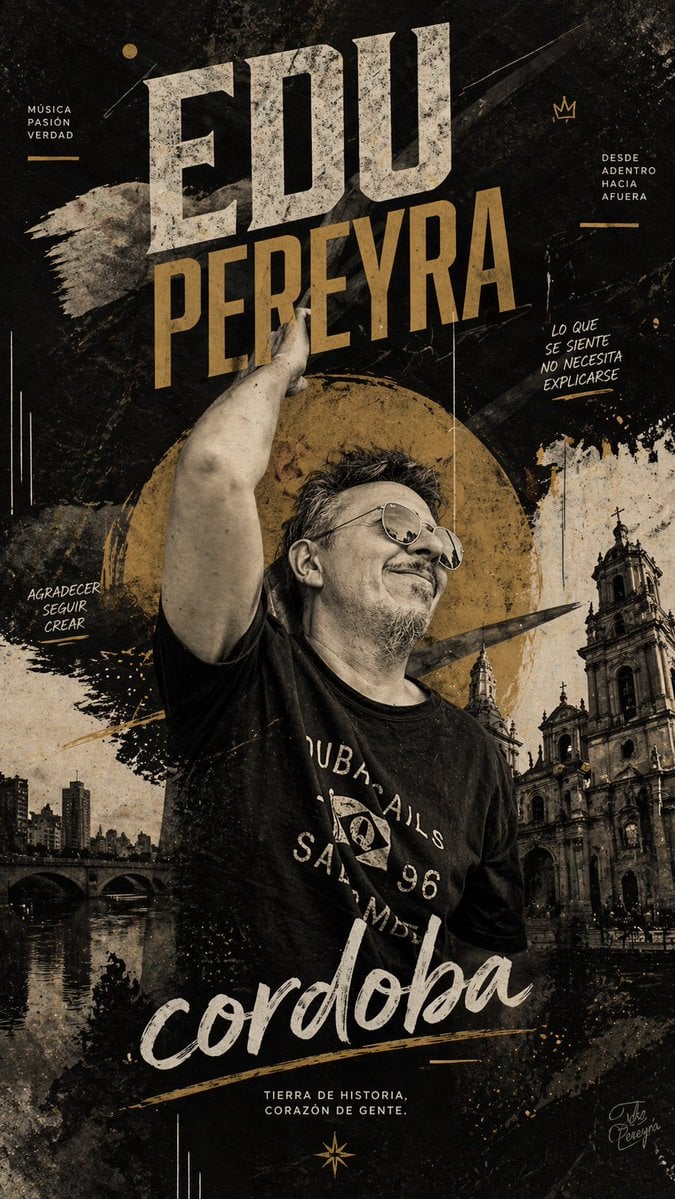
Gritty Córdoba Music Poster
Browse template categories
Night Drift Futuristic Sports Sedan questions
How do I use the Night Drift Futuristic Sports Sedan template?
Add your photo if the template asks for one, edit the prompt if you like — the template's model and format are already selected — and press Generate. Your version opens in PicX Studio.
Can I customize the Night Drift Futuristic Sports Sedan template?
Yes. You can change the subject, setting, lighting, mood, format, and available model controls before creating your image.
Is the Night Drift Futuristic Sports Sedan template free?
Opening and editing this template is free. Generating uses credits, shown on the Generate button when you are signed in.
Which AI model should I use?
Start with GPT Image 2, which is the model associated with this template. You can compare another compatible model for a different finish.
Looking for something else? Browse all templates.

Your photo, any look
Thousands of ready templates for every top image and video model, from one credit balance.