How do I use the Elegant Woman with Luxury Sedan at Night template?
Choose the primary action to open PicX Studio with the available template settings. Review the model and format, personalize the creative direction, and generate when ready.
An urban night scene prompt for a stylish portrait featuring a woman next to a luxury car, with emphasis on neon lighting and bokeh.
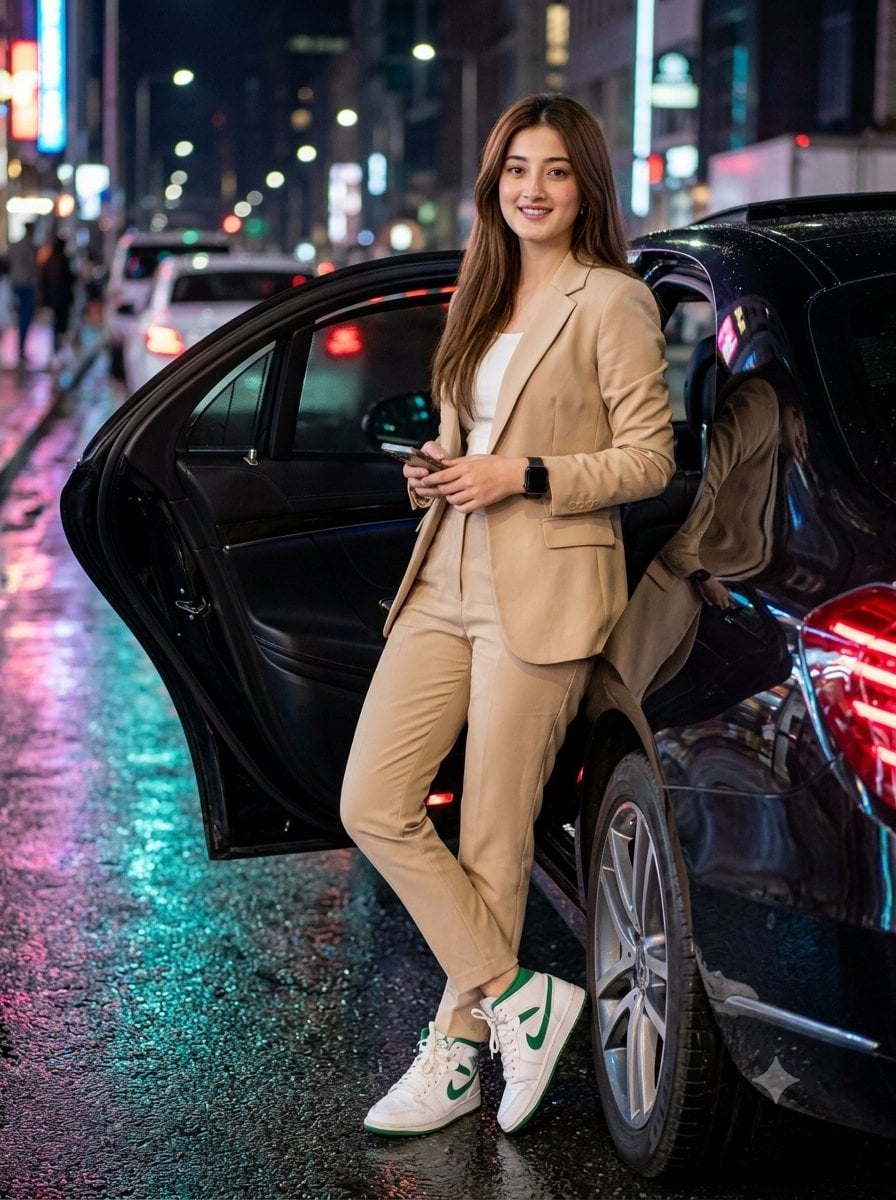
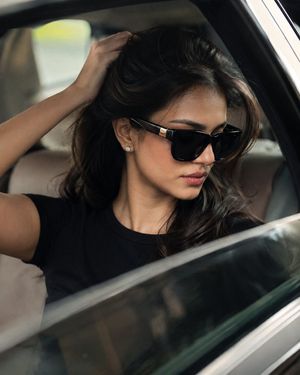
A stylish {argument name="subject" default="South Asian woman"} with long wavy hair, soft glam makeup, and round metal-frame glasses standing next to a {argument name="vehicle" default="black luxury sedan"} with the rear door open at night. She is leaning casually with her right hand resting on top of the open car door, left arm relaxed by her side, legs crossed at the ankle in a confident and elegant stance. Wearing a fitted beige luxury co-ord suit with a cropped blazer, wide-leg trousers, and a white inner top, paired with white high-top sneakers with soft green accents. Black smartwatch on left wrist. Urban night street scene with wet asphalt reflecting neon city lights, blurred traffic and buildings with cinematic bokeh in the background. Cool blue-teal cinematic color grading, shallow depth of field, photorealistic skin texture, soft feminine facial features, ultra-detailed, 8k, full body shot, eye-level angle, vertical composition, aspect ratio 3:4. Use uploaded reference face, preserve exact facial identity.
Choose the primary action to open PicX Studio with the available template settings. Review the model and format, personalize the creative direction, and generate when ready.
Yes. You can change the subject, setting, lighting, mood, format, and available model controls before creating your image.
This template is free to open and customize. Generation usage is shown in PicX Studio before you create.
Start with Nano Banana 2, which is the model associated with this template. You can compare another compatible model for a different finish.
Follow a topic to a crawlable collection of related PicX Studio templates.