
Tiny Self Motivational Collage
A cozy anime-style collage poster of one person and 12 tiny chibi life moments for personalized self-care or motivational artwork.

- Prompt included
- Model and format preset
- Free template
The prompt behind this image
Copy the exact prompt behind Tiny Self Motivational Collage, or open it in the studio and make it yours.
Goal: Create a whimsical vertical collage poster showing {argument name="character name" default="a young adult man"} surrounded by cute tiny chibi versions of himself in everyday life moments, like a motivational self-care memory board. The overall message is gentle, hopeful, and cozy: small responsibilities, dreams, family, rest, and perseverance. Canvas: Portrait 4:5 illustration, dense magical composition, no hard panel borders, all scenes blended together with glowing plants, bokeh lights, sparkles, warm sunbeams, and deep blue-green foliage. Use a cinematic anime / storybook digital painting style with glossy black hair, soft skin tones, oversized cute proportions, warm golden highlights, and dreamy depth of field. Main subject: In the center, place a larger bust portrait of {argument name="character name" default="a young adult man"} with {argument name="hair color" default="shiny black hair"}, wearing a blue overshirt over a white T-shirt, holding a white mug labeled with exactly three bullet points: “Focus”, “Plan”, “Execute”. Keep the face area simple and featureless/blank, as if left ready for personalization, while the hair, ears, neck, clothes, and hand are fully illustrated. Character count and scene list: Include exactly 13 depictions of the same person total: 1 large central adult portrait plus 12 cute tiny chibi scenes around him. The 12 chibi scenes are: 1) top left, brushing teeth at a small sink in a bright leafy bathroom corner; 2) top center, drinking chai near a window with the handwritten note “chai and hope”; 3) top right, standing near a “BUS STOP” sign with a backpack and a bus arriving behind him, with the note “Don’t stop until you’re proud”; 4) middle left, working at a laptop on a desk with the note “Work. Learn. Grow.”; 5) middle right, doing paperwork with calculator and bills, beside a checklist titled “Bills” containing “Rent”, “Electricity”, “Internet”, “EMI”, plus a sticky note “Pay on time”; 6) lower left, carrying groceries and a small lunchbox with the note “family first”; 7) lower-left center, writing in an open notebook next to a “GOALS” checklist with exactly five items: “Health”, “Financial Freedom”, “Travel”, “Help Others”, “Happiness”; 8) lower center, tangled in many charging cables while holding a phone, looking overwhelmed but cute; 9) lower right, sleepy on a green armchair wearing glasses, with the note “tired but trying”; 10) right lower-middle, sitting cross-legged with a warm drink, with the note “peace in small things”; 11) bottom left, looking over a balcony at a moonlit city skyline, with the note “small dreams, big heart”; 12) bottom right, sitting on a cozy couch with a small plush toy and the note “home is the destination”. Text and handwritten notes: Use casual handwritten black lettering on cream paper notes or directly in the glowing background. Also include the note “New day, new start” near the top left with a small sun doodle. Add tiny hearts near several notes. Keep all text legible and spelled exactly as specified. Visual details: The chibi figures should have rounded heads, glossy side-parted hair, small bodies, blue casual clothing, cute hands, and featureless/blank face areas for personalization. Surround everything with potted plants, vines, fairy lights, floating dust motes, star-like sparkles, cups, papers, books, lamps, and cozy home objects. Use a rich palette of teal, navy, emerald, warm amber, cream, and golden sunlight. Constraints: Do not add extra characters beyond the 13 specified depictions. Do not add extra checklist items. Avoid photorealism, harsh outlines, horror, cluttered unreadable text, logos except the simple laptop silhouette, and watermarks.
How to use Tiny Self Motivational Collage in 3 steps
- 1Upload ImagePNG, JPG or paste
Add your photo
Upload the photo the template builds on. The prompt, model and format are already set.
- 2…a portrait of your subject in softgolden-hour light, 85mm…
Personalize
Edit the subject and creative details for your destination.
- 3Generate
Generate
Press Generate — your image is created in PicX Studio, so you can compare it with the original and refine one variable at a time.
More like this
Templates with the same subject, style or setup. Open one to see its prompt.
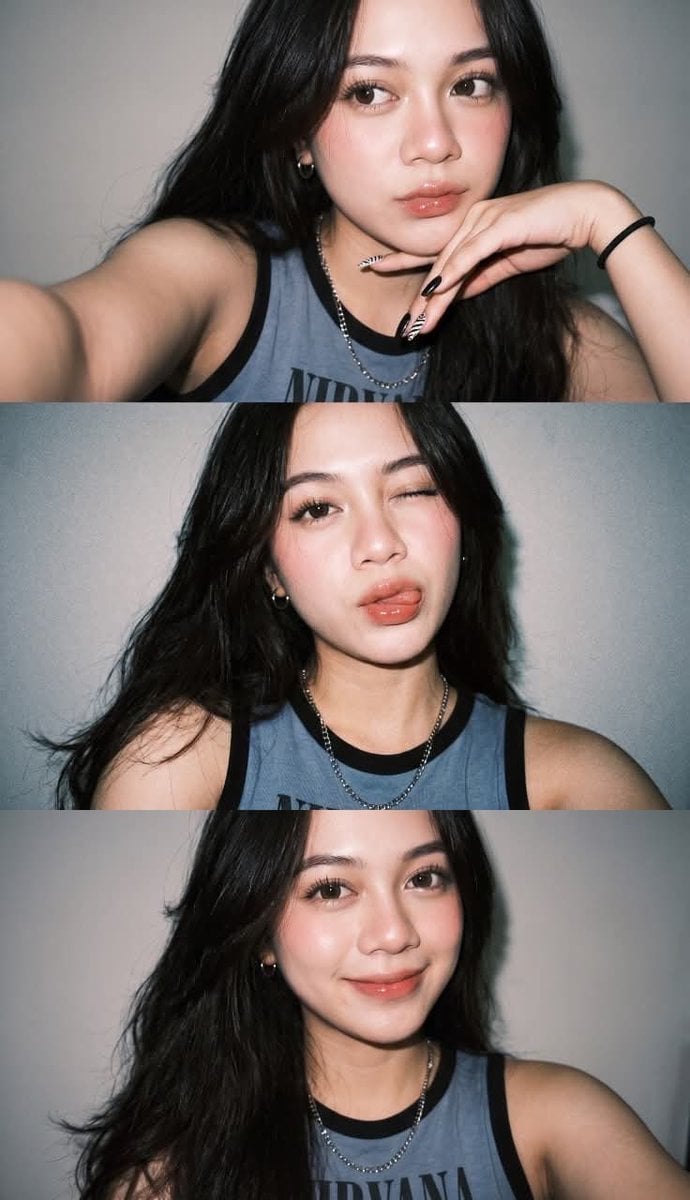
Gen Z Flash Selfie Triple Collage

Cinematic Future Self Motivational Poster

Paper Cut Finale Fireworks

Paper Cut Garden Maze

Paper Cut Rooftop Concert

Paper Cut Bicycle Coast

Paper Cut Castle Gate

Paper Cut Kitchen Chaos

Paper Cut Carnival Ride

Paper Cut Rainy Bus Stop

Paper Cut Space Dock

Paper Cut Cafe Morning
Make it yours
Tiny Self Motivational Collage works as-is. These are the safest ways to change it without losing the look.
Change one field
Copy a single group, rewrite it, and generate again so you can see what that field is doing.
Keep the frame, change the subject
Hold the composition and light of Tiny Self Motivational Collage, then swap wardrobe, props or the person for a new take.
| If the result… | Why | Fix |
|---|---|---|
| The result drifts from the preview | Too many fields changed at once. | Reuse Tiny Self Motivational Collage as-is first, then change one group — subject, light, or setting. |
| The model over-stylizes the scene | The prose prompt leaves finish and camera underspecified. | Add one camera or lighting sentence and stay on GPT Image 2. |
More GPT Image 2 templates
Other prompts made for GPT Image 2.

Six VTuber Japanese Logo Sheet

Realistic Portrait of Woman and Deer

The Vista Modular Condo Poster

AI Model Routing Comparison Infographic

2.5D Anime Art Board

Isometric Productivity Desk Scene

New York Double Exposure Poster

Four-Panel AI Landscape Comparison

Japanese Tatami Lifestyle Magazine Cover

NESCAFÉ Coffee Map Poster
More image prompts
Fresh picks from across the catalog.
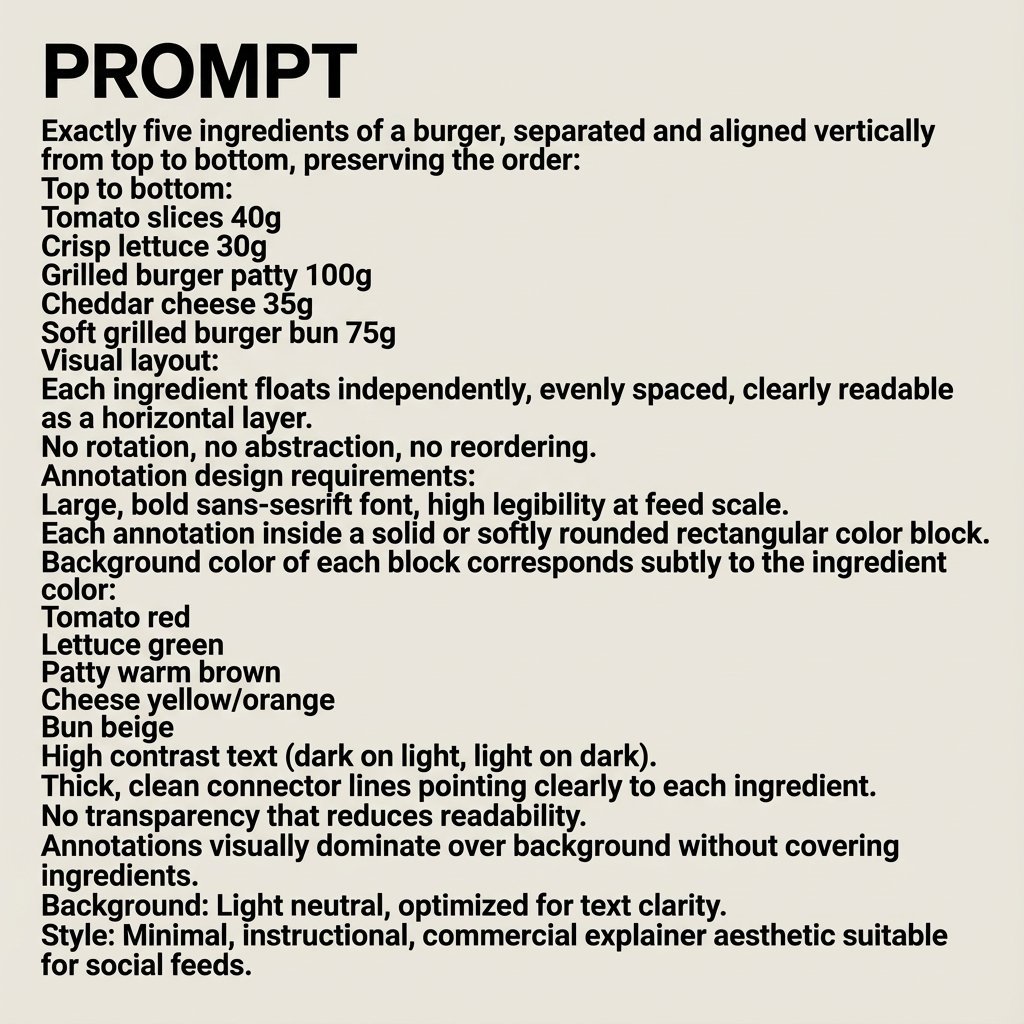
Nano Banana Pro Image Generation Prompt
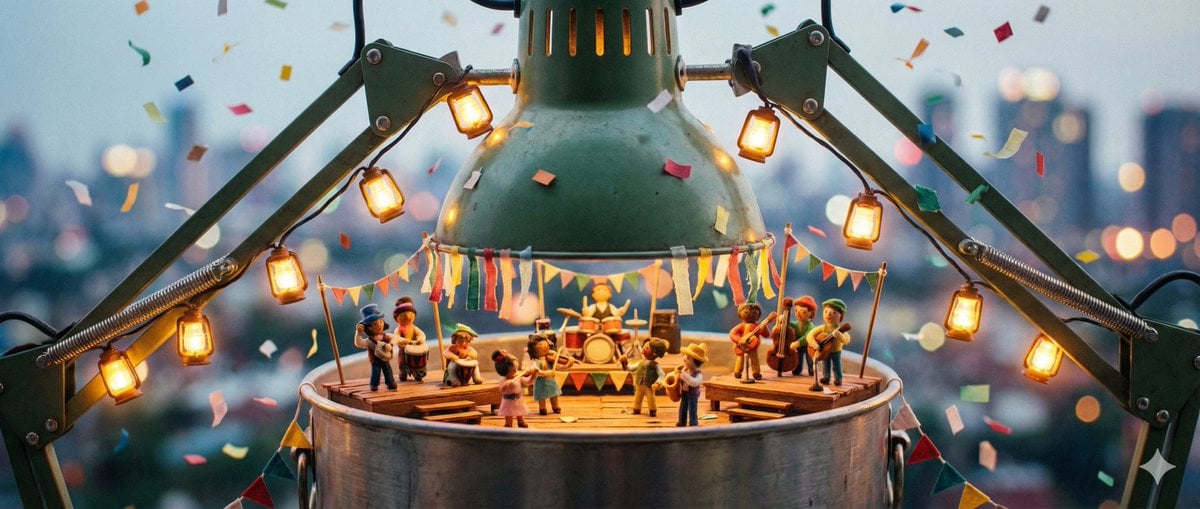
Tiny Characters Festival on Everyday Object Prompt
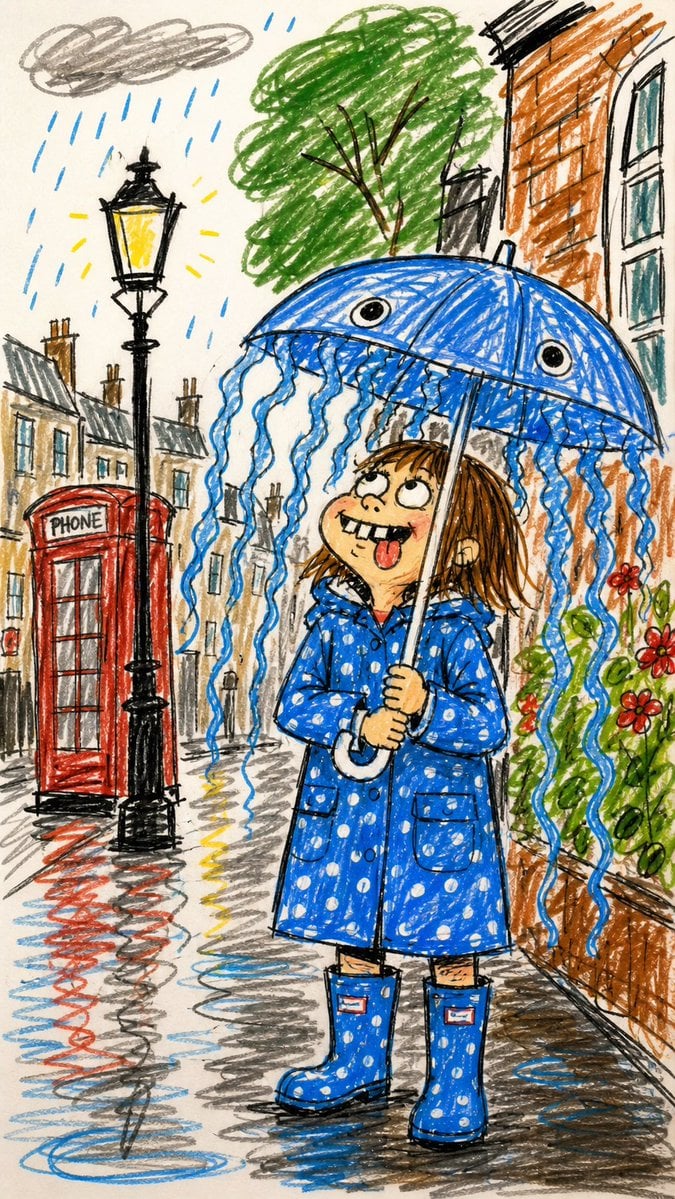
Funny Doodle Photo Transformation
Gym Fitness Editorial Portrait
Cinematic Fisheye Urban Portrait
Magnetic Iron Filings Logo Scene
Pixar Cat Desk Storyboard
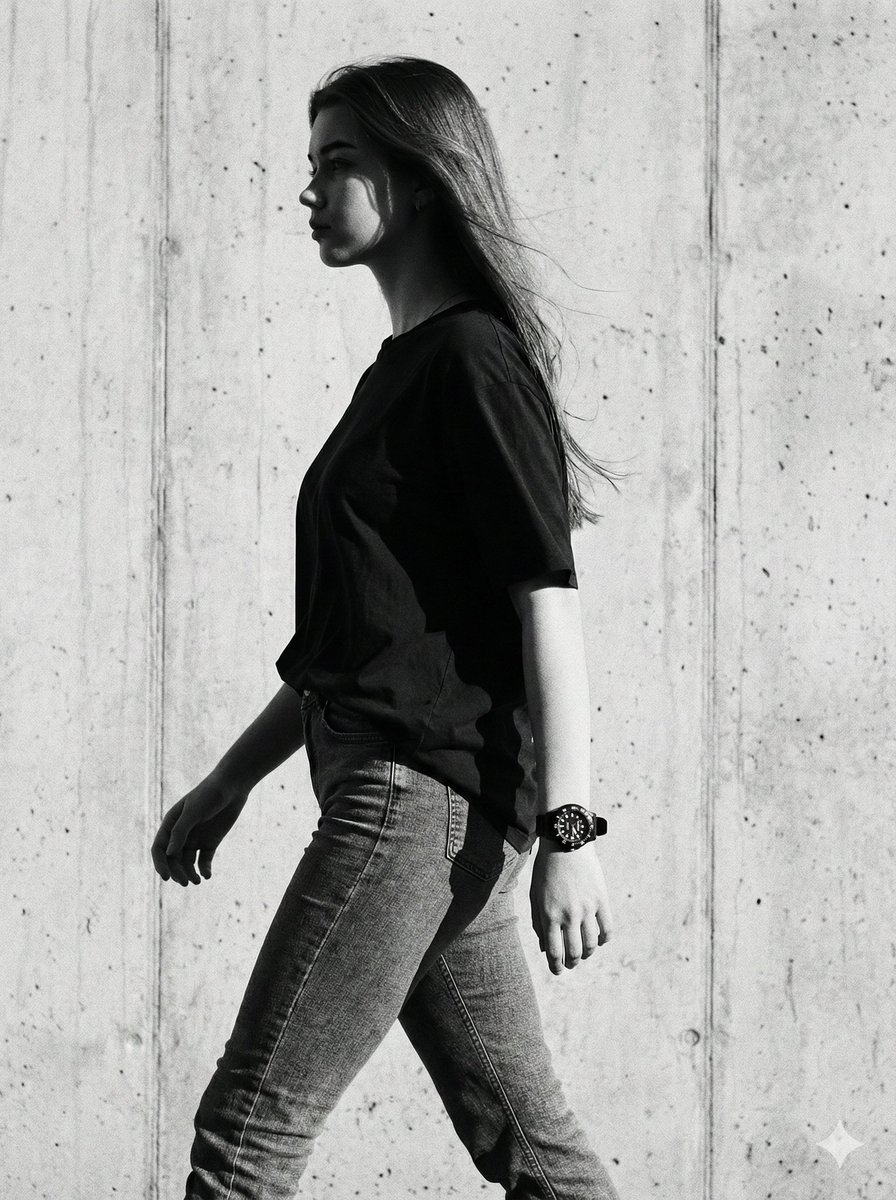
Cinematic Black-and-White High-Fashion Portrait
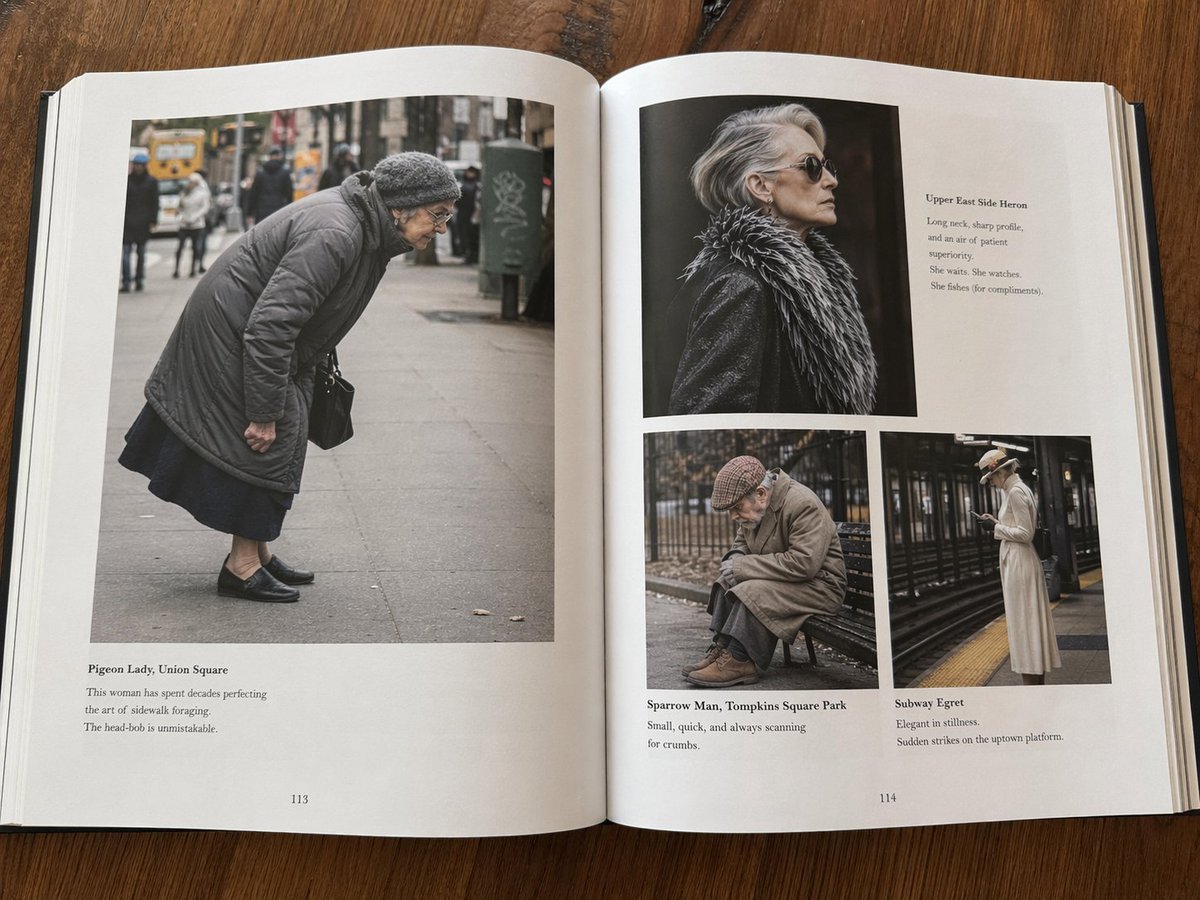
Fictional Book Page Excerpts

Signature Style Selection Sheet
Browse template categories
Tiny Self Motivational Collage questions
How do I use the Tiny Self Motivational Collage template?
Add your photo if the template asks for one, edit the prompt if you like — the template's model and format are already selected — and press Generate. Your version opens in PicX Studio.
Can I customize the Tiny Self Motivational Collage template?
Yes. You can change the subject, setting, lighting, mood, format, and available model controls before creating your image.
Is the Tiny Self Motivational Collage template free?
Opening and editing this template is free. Generating uses credits, shown on the Generate button when you are signed in.
Which AI model should I use?
Start with GPT Image 2, which is the model associated with this template. You can compare another compatible model for a different finish.
Looking for something else? Browse all templates.

Your photo, any look
Thousands of ready templates for every top image and video model, from one credit balance.