
Pixar Cat Desk Storyboard
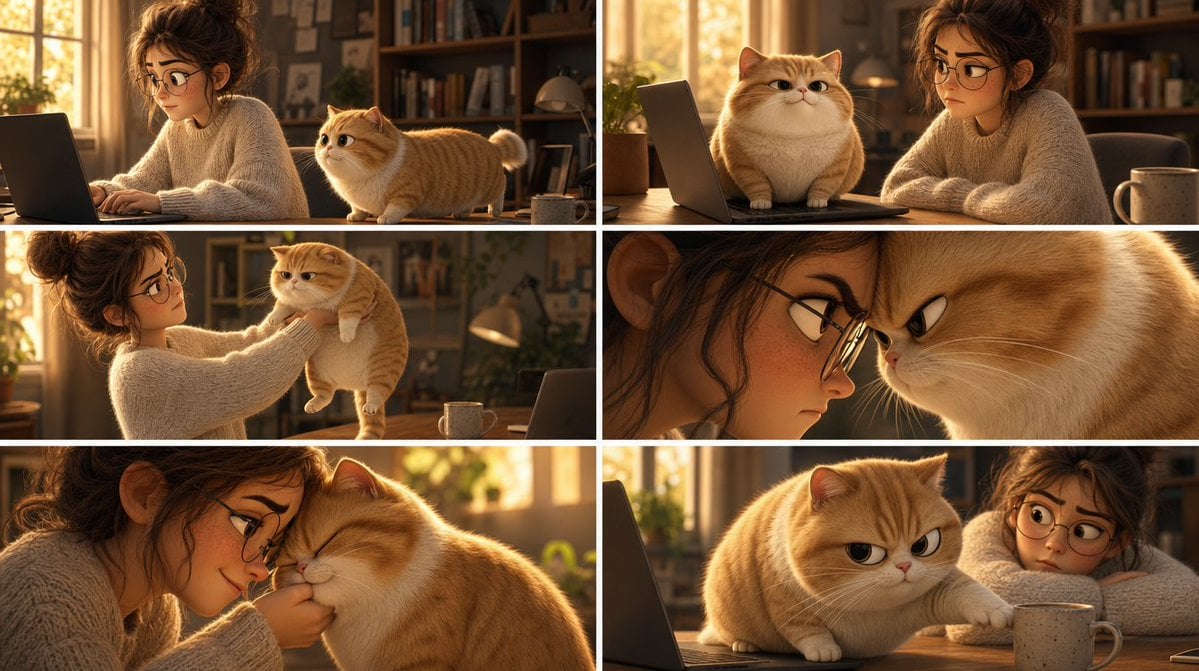
Creates a six-panel Pixar-style storyboard of a woman and a chubby orange cat causing cozy desk chaos in a sunlit home office.
- Prompt included
- Model and format preset
- Free template
The prompt behind this image
Copy the exact prompt behind Pixar Cat Desk Storyboard, or open it in the studio and make it yours.
Goal: Create a Pixar-style 3D animated storyboard sheet as one single image showing a warm, cozy home-office scene with a young woman and a chubby golden-orange cat interacting around a desk. Canvas: Wide cinematic storyboard sheet, approximately 16:9, divided into a clean 2x3 grid of exactly six separate film-still panels. Use thin white gutters between panels, no captions, no dialogue, no logos, no watermark. Visual style: High-quality Pixar-like 3D animation, soft rounded character design, expressive cat face, realistic fluffy fur, warm golden-hour lighting, shallow depth of field, cinematic composition, cozy domestic atmosphere, polished animation stills. The room has sunlit windows, bookshelves, plants, desk lamp, laptop, wooden desk, and a ceramic mug. Characters: A young adult woman with messy curly brown hair in a loose bun, wearing an oversized cream cable-knit sweater; her face is intentionally covered by a flat brown rectangular privacy block in every panel where it appears. A plump golden-orange British Shorthair-like cat with cream muzzle and belly, short legs, round face, folded-looking rounded ears, fluffy tail, and slightly grumpy but cute expressions. The cat is {argument name="cat color" default="golden-orange"}; the woman wears {argument name="sweater color" default="cream"}. Panel layout, exactly six panels: 1. Top-left panel: Side view of the woman typing on a laptop at the desk while the orange cat stands on the desktop beside her, looking toward her hands. Warm sunlight from the window behind them; bookshelves in the background. 2. Top-right panel: The cat sits proudly on the laptop keyboard in front of the screen, facing forward with a smug expression, while the woman sits beside it with arms folded or resting on the table. A mug is visible on the right. 3. Middle-left panel: The woman gently lifts the cat under its front legs from the desk, holding it up at chest height. The cat dangles with a displeased, stiff posture; laptop and mug remain on the desk. 4. Middle-right panel: Tight dramatic close-up composition split by the panel crop: the woman’s face area at left is mostly hidden by a large vertical brown privacy rectangle, and the cat’s face fills the right side in an extreme close-up with narrowed eyes and an annoyed expression. 5. Bottom-left panel: Intimate close-up of the woman leaning close to the cat, nuzzling or kissing its head while holding it near her face. The cat’s eyes are closed, soft and resigned; the woman’s face is again obscured by a brown rectangular block. 6. Bottom-right panel: The cat is back on the wooden desk near the laptop and mug, reaching one paw toward or onto the mug with a mischievous grumpy stare, while the woman is partly visible at the right with her face covered by a brown rectangle. Privacy blocks: Add exactly six flat opaque brown rectangular face-censor blocks: one on the woman’s face in each of the six panels, including one large vertical block in the middle-right close-up panel. Match the warm brown tone of the scene, with no blur or pixelation. Constraints: Maintain the exact 2x3 storyboard grid and exactly six panels; keep all panels visually consistent as the same room, same woman, same cat, same desk setup. Do not add text, speech bubbles, extra panels, subtitles, or visible brand marks. Make the cat’s expression the main emotional focus, progressing from curious to smug, annoyed, affectionate, and mischievous.
How to use Pixar Cat Desk Storyboard in 3 steps
- 1Upload ImagePNG, JPG or paste
Add your photo
Upload the photo the template builds on. The prompt, model and format are already set.
- 2…a portrait of your subject in softgolden-hour light, 85mm…
Personalize
Edit the subject and creative details for your destination.
- 3Generate
Generate
Press Generate — your image is created in PicX Studio, so you can compare it with the original and refine one variable at a time.
More like this
Templates with the same subject, style or setup. Open one to see its prompt.
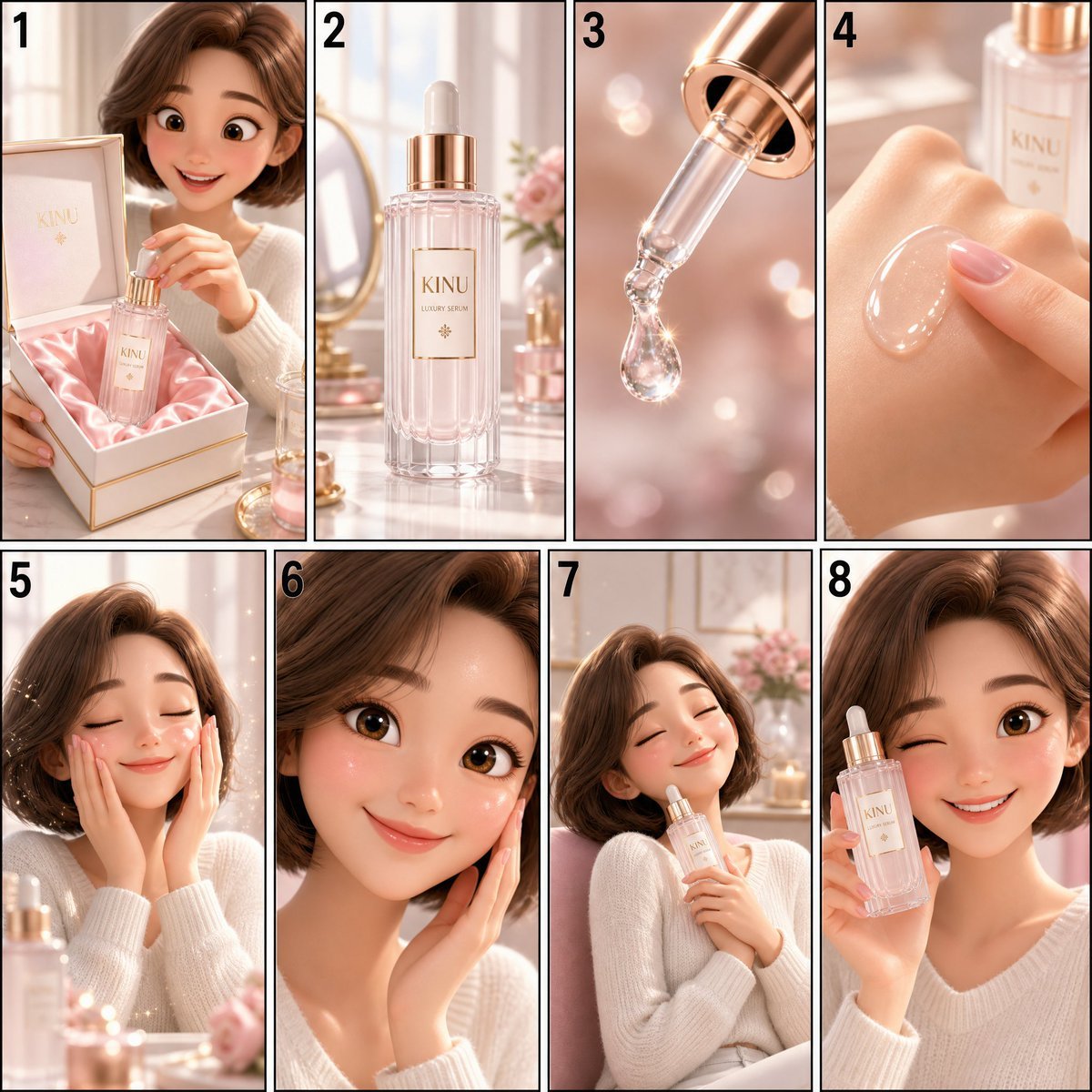
Pixar Style Cosmetic Storyboard

Felt & Knit 3D Character — Photo-Exact Face, Pixar-Quality Plush Figurine

Cat Photobomb Selfie — 0.5x Wide Angle Café Chaos

Surreal Cat Astronaut — Humanoid Face Freefall

CGI 3D Finale Fireworks

CGI 3D Garden Maze

CGI 3D Rooftop Concert

CGI 3D Bicycle Coast

CGI 3D Castle Gate

CGI 3D Kitchen Chaos

CGI 3D Carnival Ride

CGI 3D Rainy Bus Stop
Make it yours
Pixar Cat Desk Storyboard works as-is. These are the safest ways to change it without losing the look.
Change one field
Copy a single group, rewrite it, and generate again so you can see what that field is doing.
Keep the frame, change the subject
Hold the composition and light of Pixar Cat Desk Storyboard, then swap wardrobe, props or the person for a new take.
| If the result… | Why | Fix |
|---|---|---|
| The result drifts from the preview | Too many fields changed at once. | Reuse Pixar Cat Desk Storyboard as-is first, then change one group — subject, light, or setting. |
| The model over-stylizes the scene | The prose prompt leaves finish and camera underspecified. | Add one camera or lighting sentence and stay on GPT Image 2. |
More GPT Image 2 templates
Other prompts made for GPT Image 2.

Six VTuber Japanese Logo Sheet

Realistic Portrait of Woman and Deer

The Vista Modular Condo Poster

AI Model Routing Comparison Infographic

2.5D Anime Art Board

Isometric Productivity Desk Scene

New York Double Exposure Poster

Four-Panel AI Landscape Comparison

Japanese Tatami Lifestyle Magazine Cover

NESCAFÉ Coffee Map Poster
More image prompts
Fresh picks from across the catalog.
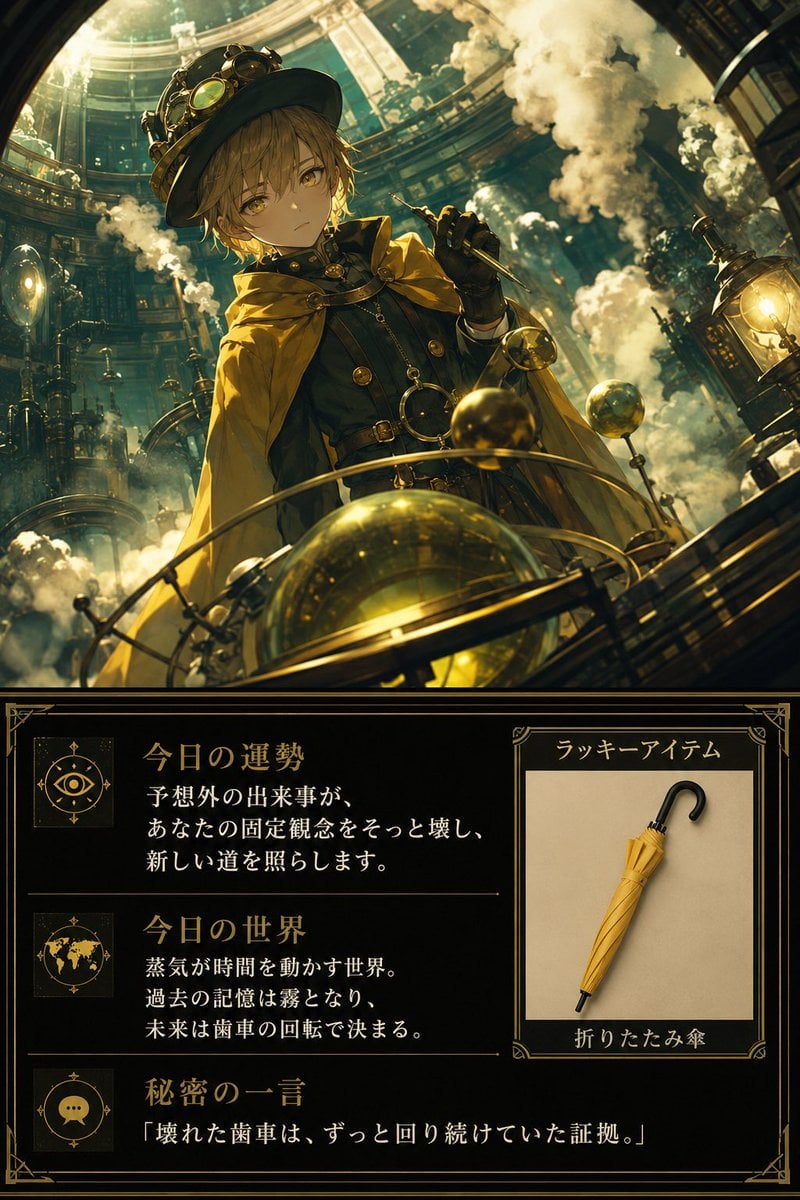
Steampunk Daily Fortune Card
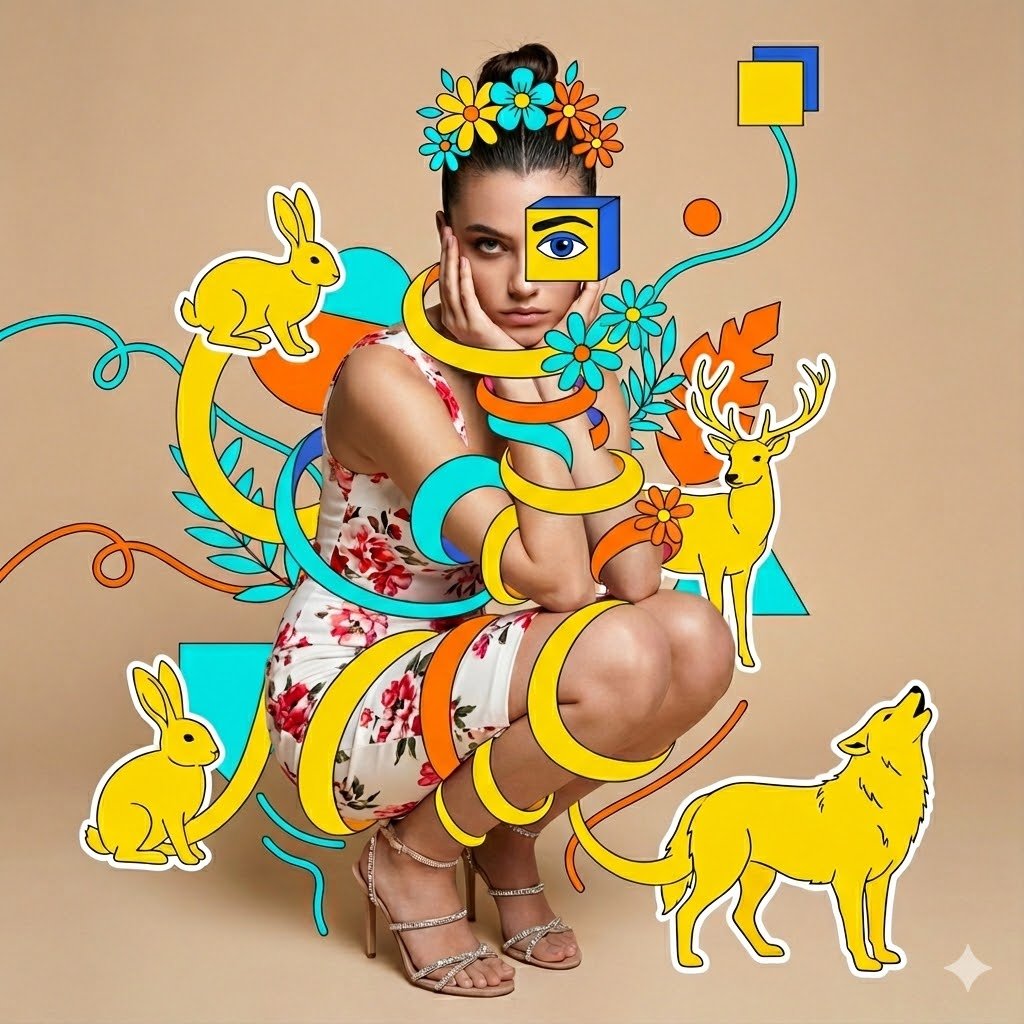
Surreal Mixed-Media Fashion Portrait Collage
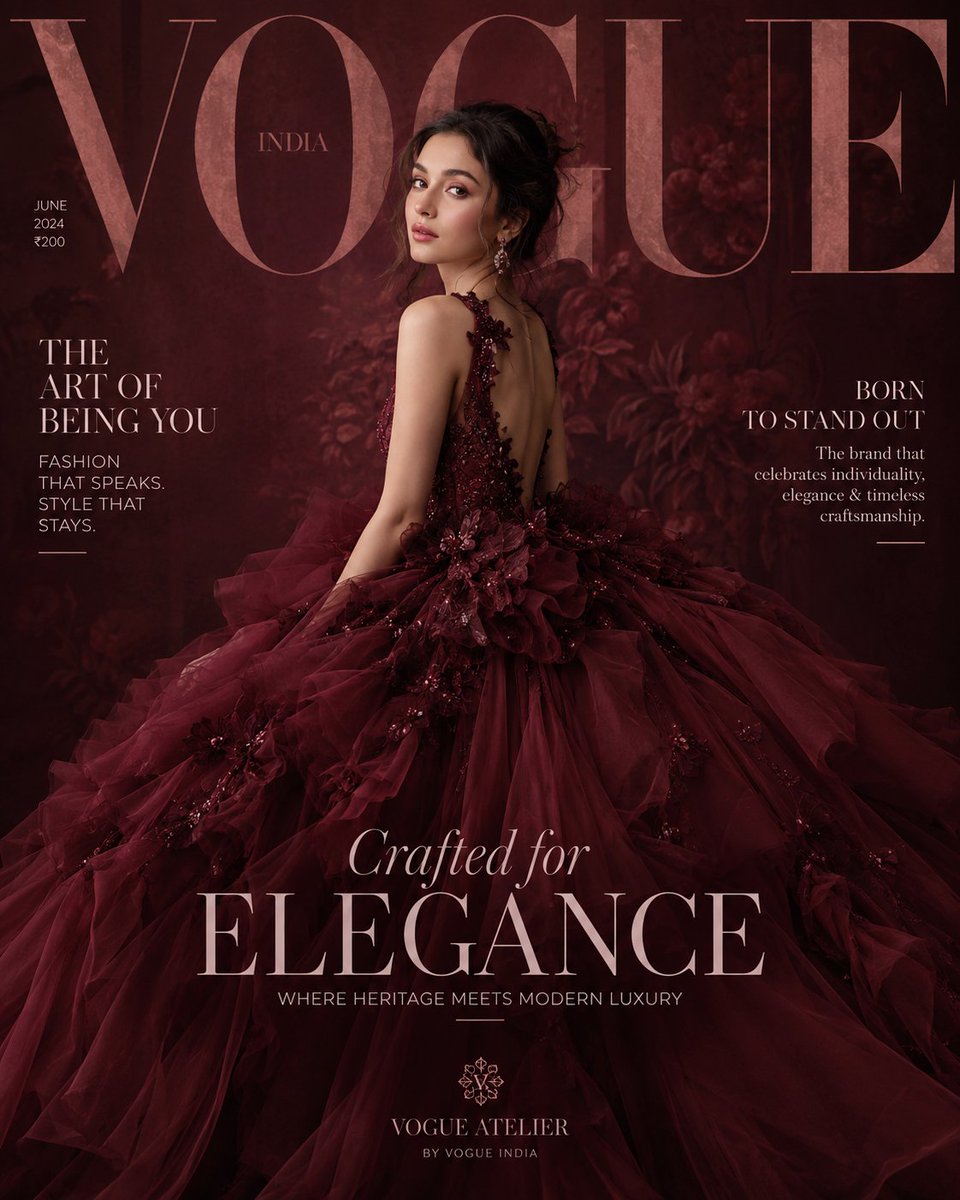
Maroon Dress Fashion Magazine Cover
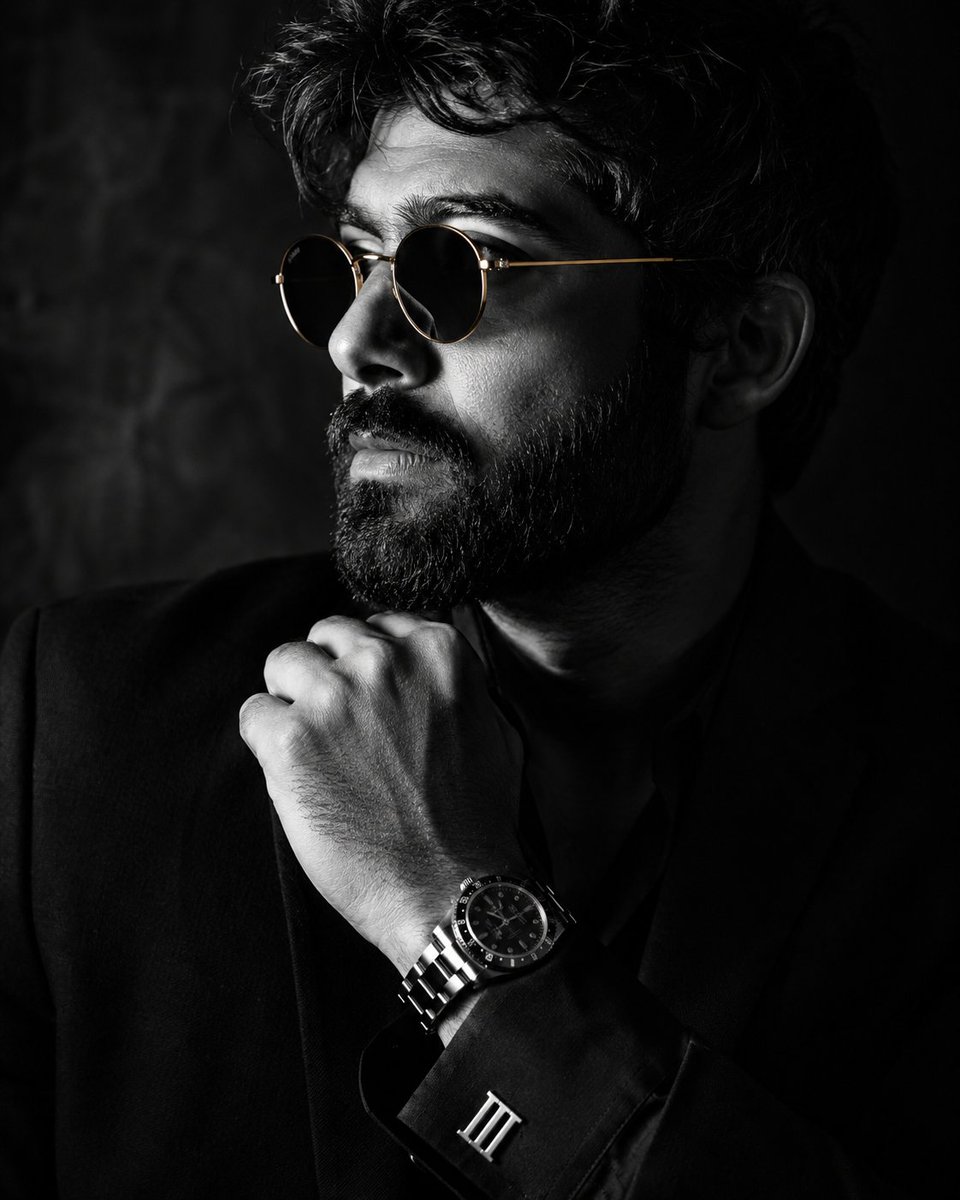
Monochrome Luxury Studio Portrait

Cyber-Horror YouTube Thumbnail Generator

19 Luxury Helicopter Travel — California Series
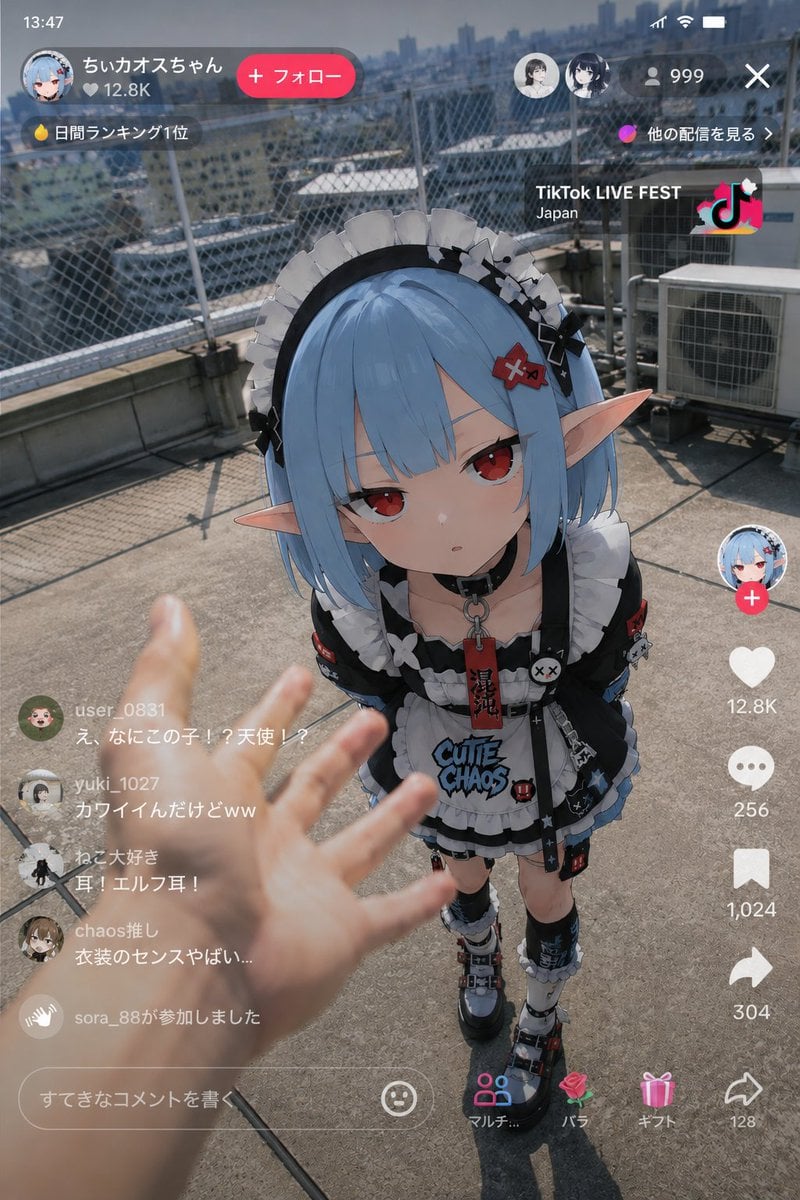
Anime Character Real-World Stream i2i
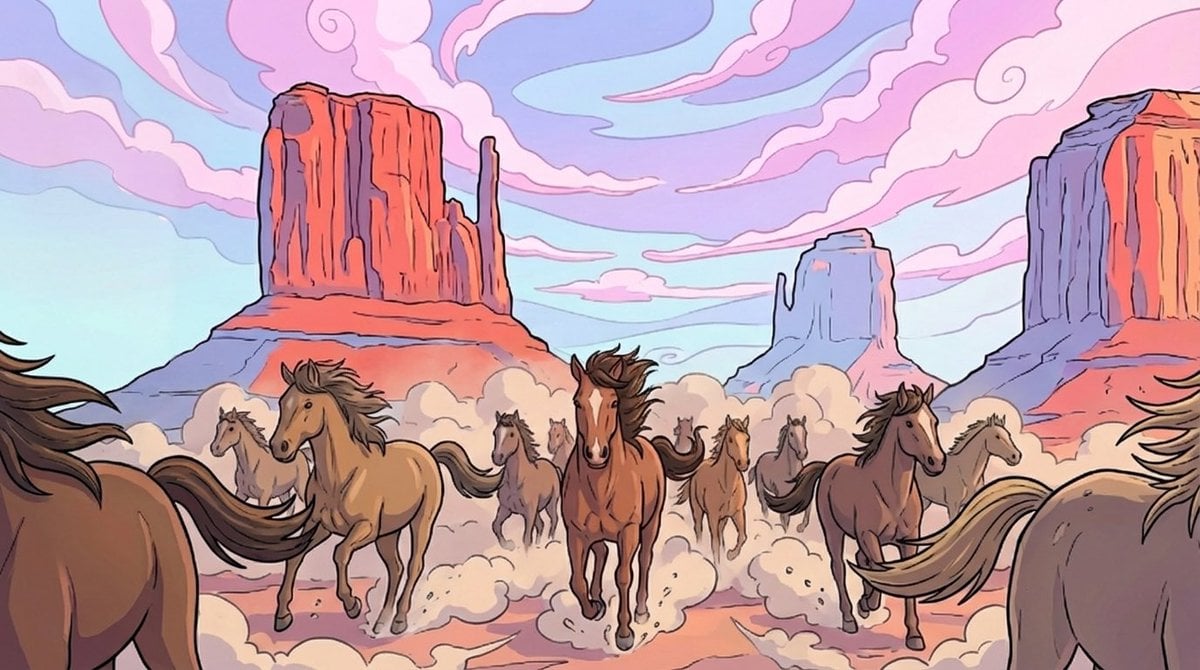
Storyboard-style action-following frame

Cinematic Lakeside Portrait
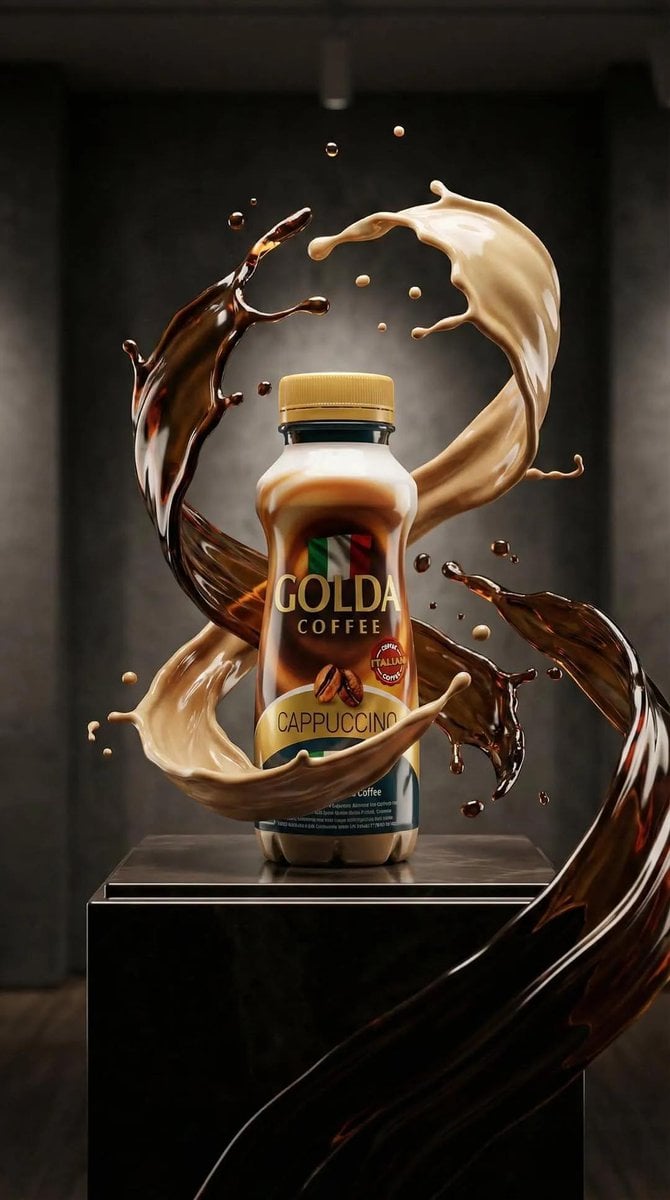
Ultra-Realistic Product Advertisement Prompt
Browse template categories
Pixar Cat Desk Storyboard questions
How do I use the Pixar Cat Desk Storyboard template?
Add your photo if the template asks for one, edit the prompt if you like — the template's model and format are already selected — and press Generate. Your version opens in PicX Studio.
Can I customize the Pixar Cat Desk Storyboard template?
Yes. You can change the subject, setting, lighting, mood, format, and available model controls before creating your image.
Is the Pixar Cat Desk Storyboard template free?
Opening and editing this template is free. Generating uses credits, shown on the Generate button when you are signed in.
Which AI model should I use?
Start with GPT Image 2, which is the model associated with this template. You can compare another compatible model for a different finish.
Looking for something else? Browse all templates.

Your photo, any look
Thousands of ready templates for every top image and video model, from one credit balance.