
Surreal Mixed-Media Fashion Portrait Collage
A highly detailed JSON prompt for creating a surreal mixed-media digital collage.
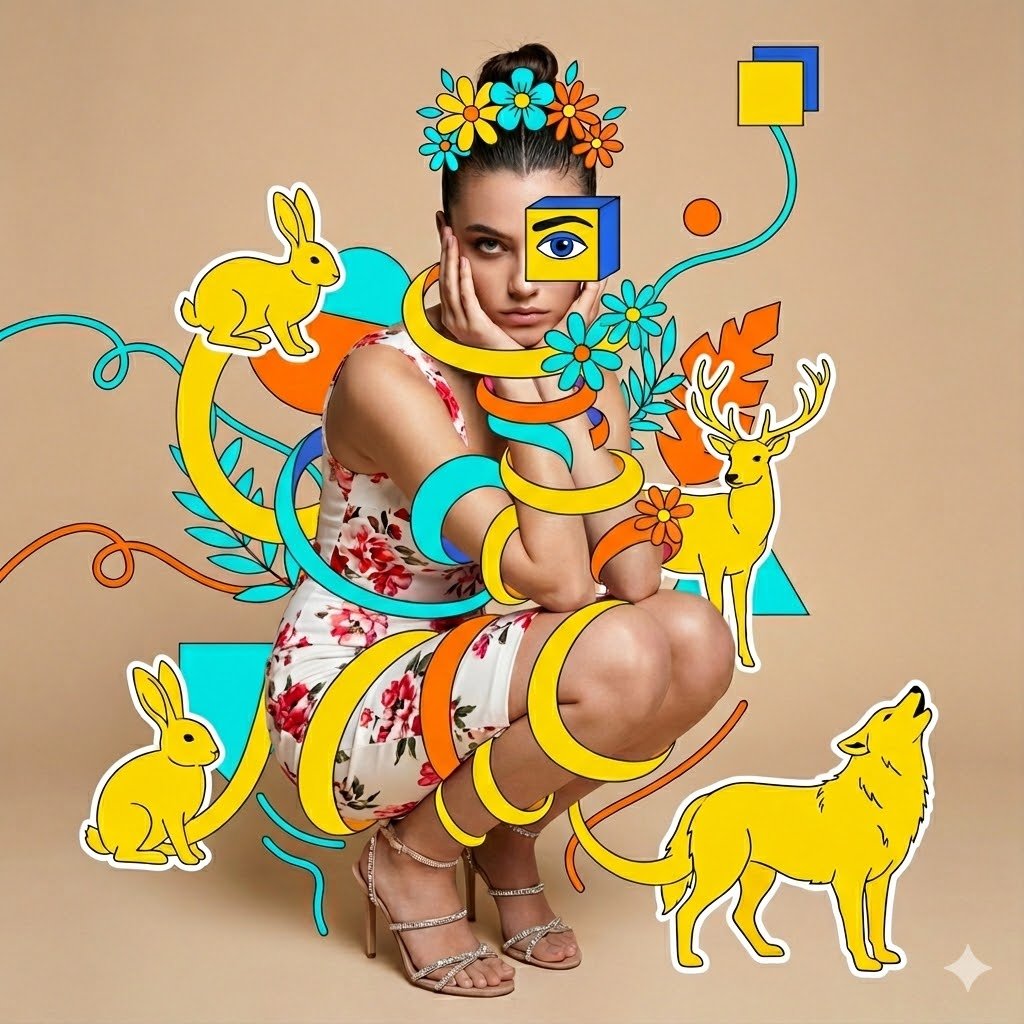
- Prompt included
- Model and format preset
- Free template
The prompt behind this image
Copy the exact prompt behind Surreal Mixed-Media Fashion Portrait Collage, or open it in the studio and make it yours.
{ "image_request": { "goal": "Create a surreal mixed-media fashion portrait with intertwining animal illustrations", "meta": { "image_type": "Mixed Media Art", "quality": "8K", "color_mode": "Full Color with Graphic Overlay", "style_mode": "mixed_media_illustration", "aspect_ratio": "1:1", "resolution": "1080x1080px" }, "creative_style": "Mixed Media Digital Collage combining high-fashion photography with vibrant, flat vector illustrations in a Memphis/Pop Art style. The composition blends a realistic crouching model with stylized vector animals that surrealistically wrap and coil around her body, creating a playful yet edgy editorial look.", "overall_theme": "artistic fashion collage", "mood_vibe": "playful surreal chic", "style_keywords": [ "mixed media", "digital collage", "vector art overlay", "Memphis design", "fashion editorial", "surrealism", "floral illustration", "wrapping animals", "pop art", "vibrant colors" ], "subject": { "count": "1", "type": "female", "identity": "elegant young woman with slicked-back dark hair", "identity_preservation": { "description": "Preserve the realistic fashion photography aspect of the model while allowing the graphic animals to wind around her", "notes": "Seamless integration of 2D art wrapping around 3D form" }, "age_appearance": "young adult", "skin": "natural tan, realistic texture", "makeup": { "lips": "natural matte", "eyes": "neutral (one eye obscured by art)", "general": "polished fashion makeup" }, "facial_features": { "expression": "intense serious gaze", "eyes": { "gaze": "direct at viewer", "intensity": "piercing" }, "lips": { "gesture": "closed, hands resting near chin" } }, "hair": { "length": "medium", "texture": "straight", "style": "slicked back into a neat bun, adorned with a drawn floral headband/crown", "lighting_interaction": { "light": "studio lighting", "shadow_play": "soft shadows" } }, "clothing": { "top": "floral print long-sleeve dress", "bottom": "matching skirt (dress)", "full_description": "fitted white dress with red and pink floral patterns", "accessories": "strappy high-heeled sandals with crystal embellishments, dark blue nail polish" }, "props": { "bouquet": "none", "wine_glass": "none", "other": "vector illustrations of animals (yellow rabbit, deer, wolf) stylized to elongate and wrap physically around the model's torso, arms, and legs" } }, "pose_action": { "description": "Crouching/squatting in a compact fashion pose, elbows resting on knees, hands framing the face and chin, interacting with the illustrated animals winding around her.", "overall_pose": "crouching fashion pose", "head_turn": "facing forward", "gaze": "direct", "body_position": "compact squat", "hands": "fingers gently touching cheeks/chin", "movement": "static pose, dynamic flow of wrapping art" }, "multiple_frames_expressions": [], "environment": { "setting": "Minimalist studio", "location": "indoor", "weather": "n/a", "time_of_day": "studio lighting", "}
How to use Surreal Mixed-Media Fashion Portrait Collage in 3 steps
- 1
Open
The prompt is already in the box next to the preview, with the template's model and format selected.
- 2…a portrait of your subject in softgolden-hour light, 85mm…
Personalize
Edit the subject and creative details for your destination.
- 3Generate
Generate
Press Generate — your image is created in PicX Studio, so you can compare it with the original and refine one variable at a time.
More like this
Templates with the same subject, style or setup. Open one to see its prompt.
Mixed-media collage portrait illustration

Nano Banana 2 High Fashion Sports Campai

Couture Fashion Editorial Woman and Drag

Ive Yujin Fashion Portrait in Blue

Nano Banana 2 Editorial Fashion Portrait

Caution Tape Fashion — Industrial Editorial
Split Portrait - Mixed Media
Mixed Media Fashion Film - Seedance 2.0

Miniature Self Portrait Collage
Mixed-media Chibi portrait
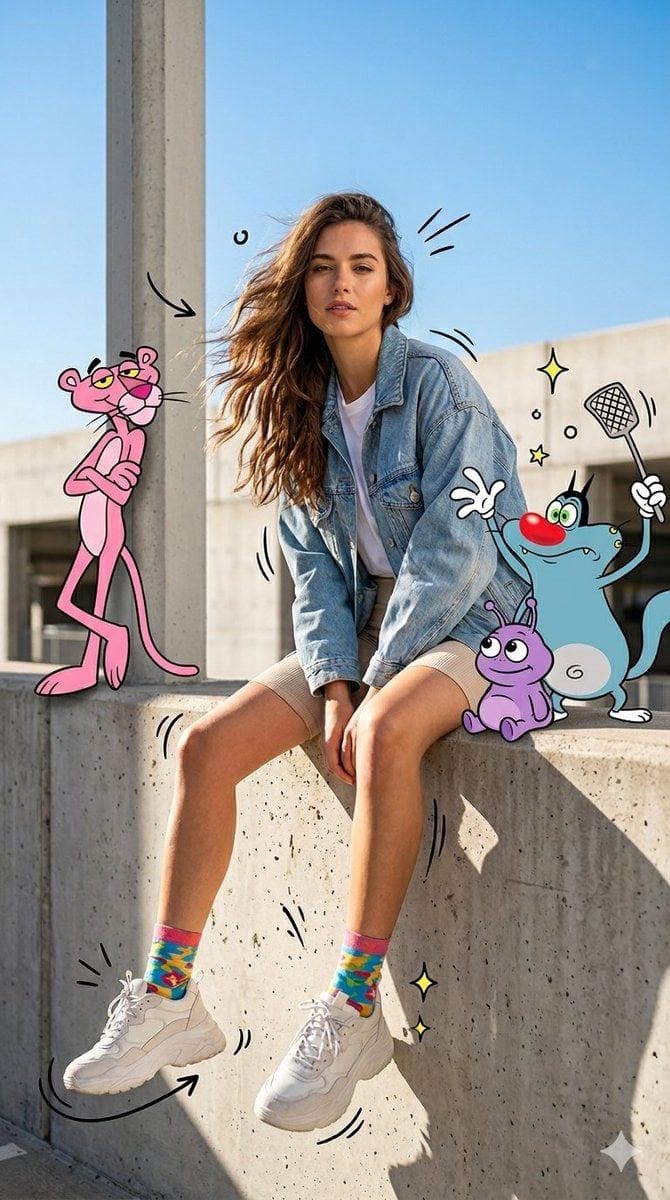
Mixed Media Urban Fashion Editorial
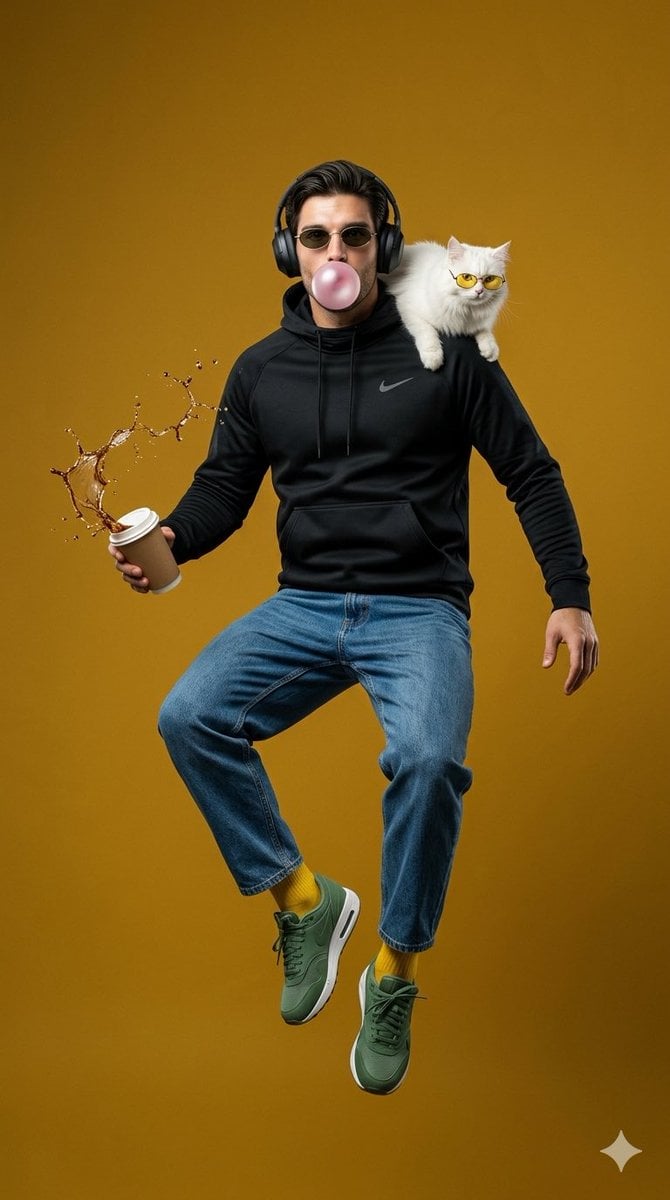
Surreal Jumping Fashion Portrait
Make it yours
Surreal Mixed-Media Fashion Portrait Collage works as-is. These are the safest ways to change it without losing the look.
Change one field
Copy a single group, rewrite it, and generate again so you can see what that field is doing.
Keep the frame, change the subject
Hold the composition and light of Surreal Mixed-Media Fashion Portrait Collage, then swap wardrobe, props or the person for a new take.
| If the result… | Why | Fix |
|---|---|---|
| The result drifts from the preview | Too many fields changed at once. | Reuse Surreal Mixed-Media Fashion Portrait Collage as-is first, then change one group — subject, light, or setting. |
| The model over-stylizes the scene | The prose prompt leaves finish and camera underspecified. | Add one camera or lighting sentence and stay on Nano Banana 2. |
More Nano Banana 2 templates
Other prompts made for Nano Banana 2.

Photorealistic Leaf Shaped Like a Dragon

K-Pop Idol Portrait Grid for Rapid Selection

Poetic Rain Forest Portrait During Golden Hour

Urban Street Portrait with Cartoon Inner Self Duo

Candid Nighttime Photo with Cat Prompt

High-Concept 3D Diorama Generation Prompt

Cinematic Futuristic Studio Portrait Template

Skincare Editorial Photography Collage Prompt

Hyper-Realistic Commercial Product Photography (Splash Effect)

Hyper-Realistic Nightclub Portrait Prompt
More image prompts
Fresh picks from across the catalog.

Saint and demon dual-character prompt for Nano Banana Pro
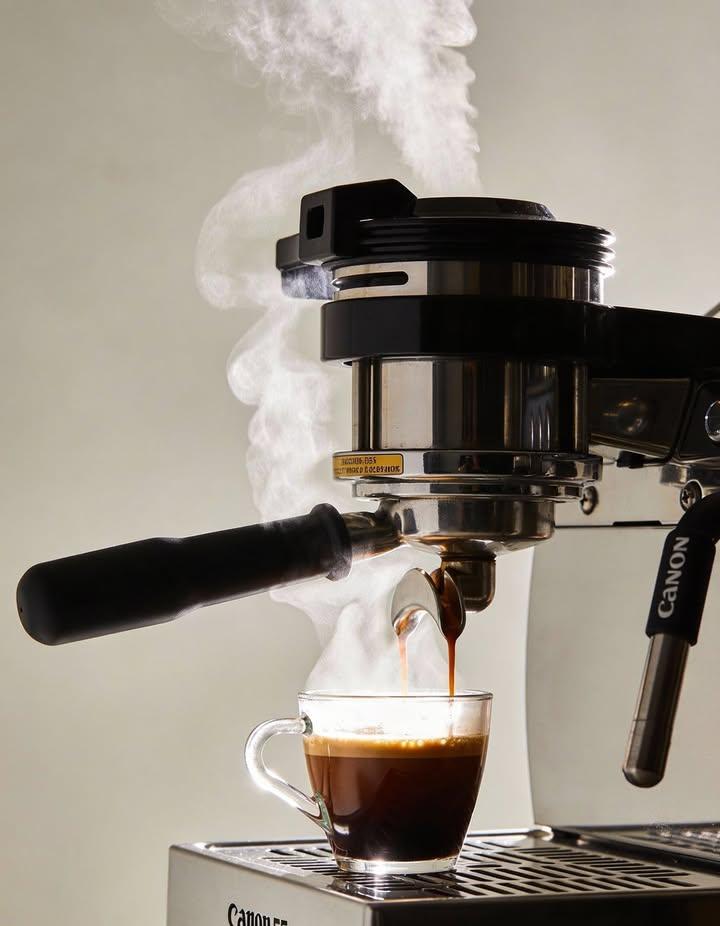
Ultra-realistic Commercial Espresso Photography
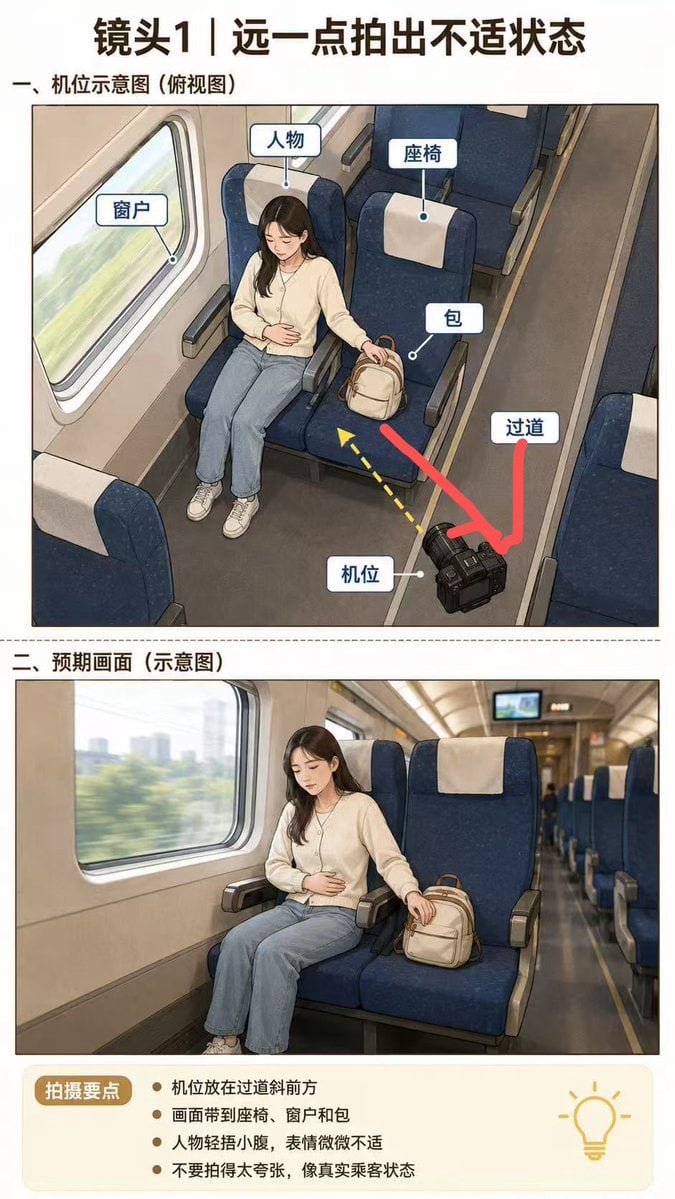
High-Speed Train Filming Storyboard
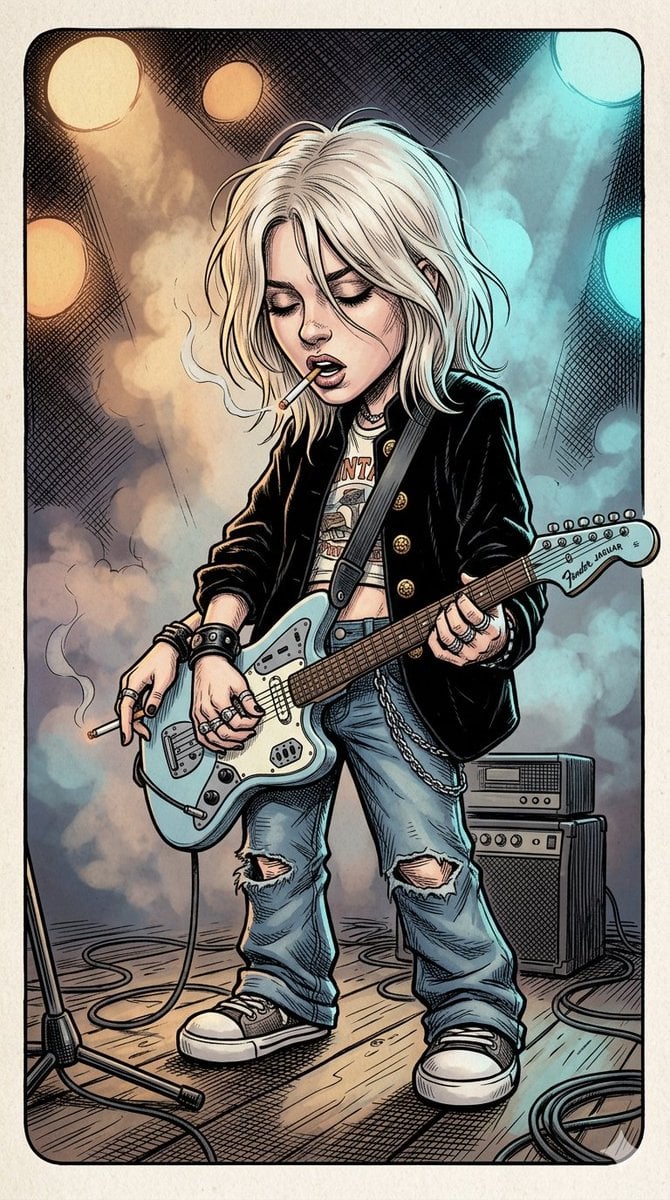
Comic Book Rockstar Portrait
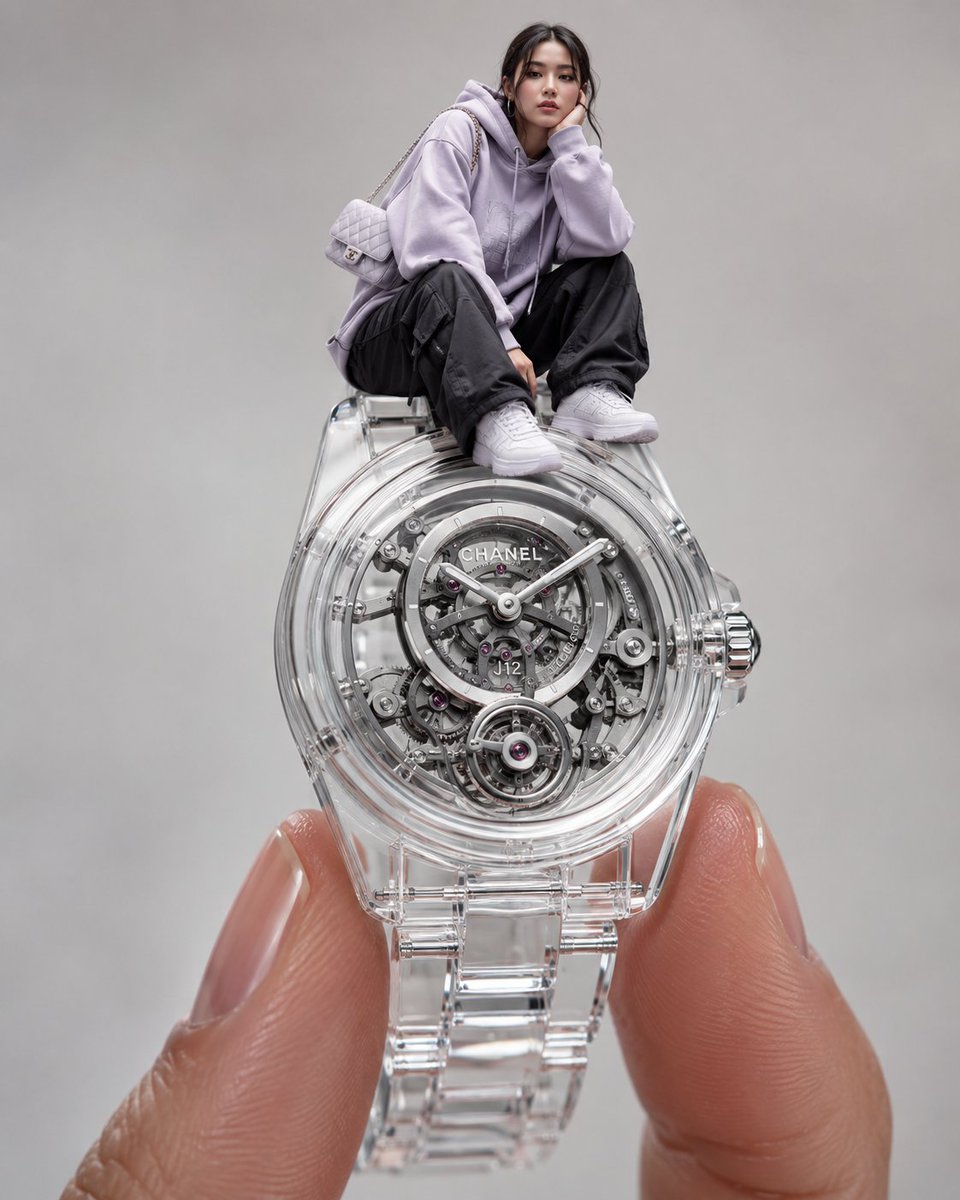
Surreal Luxury Wristwatch Fashion Campaign
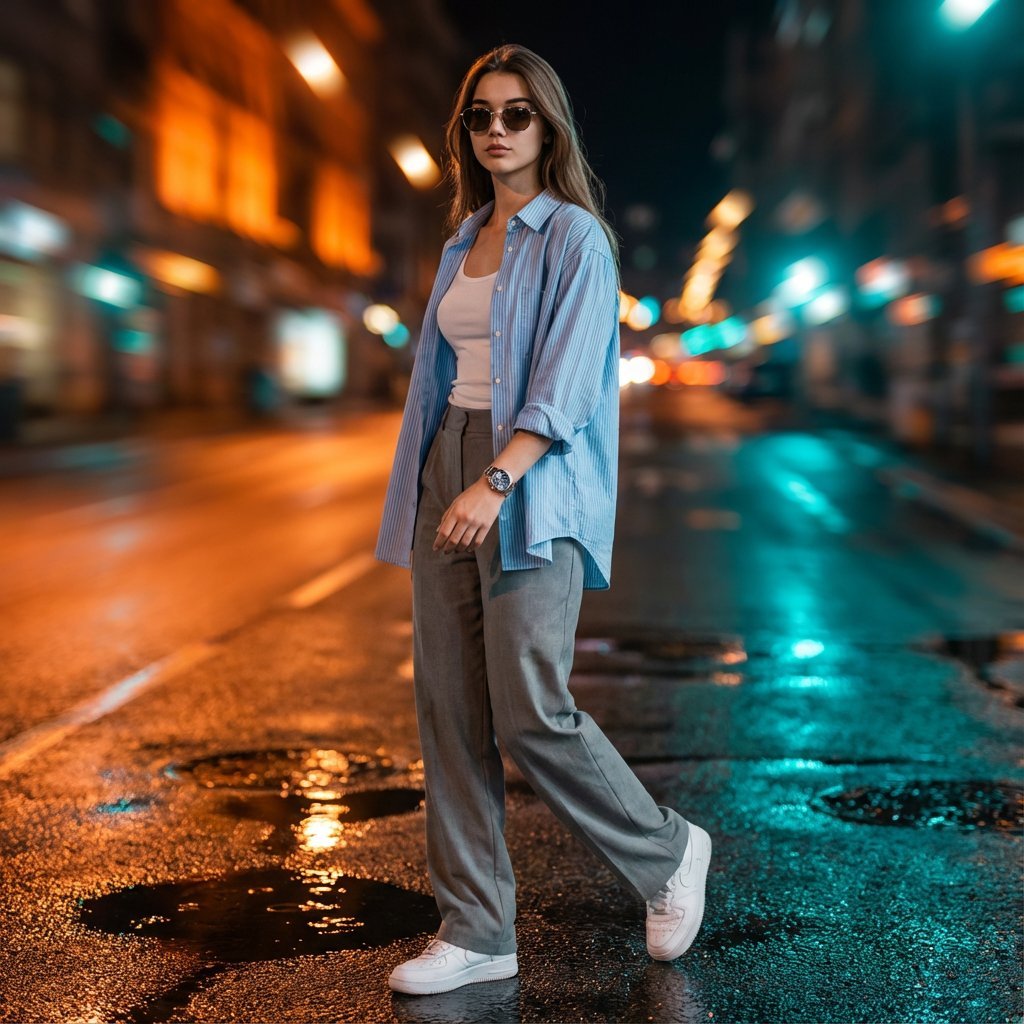
Cinematic Urban Night Portrait with Neon Reflections on Watch
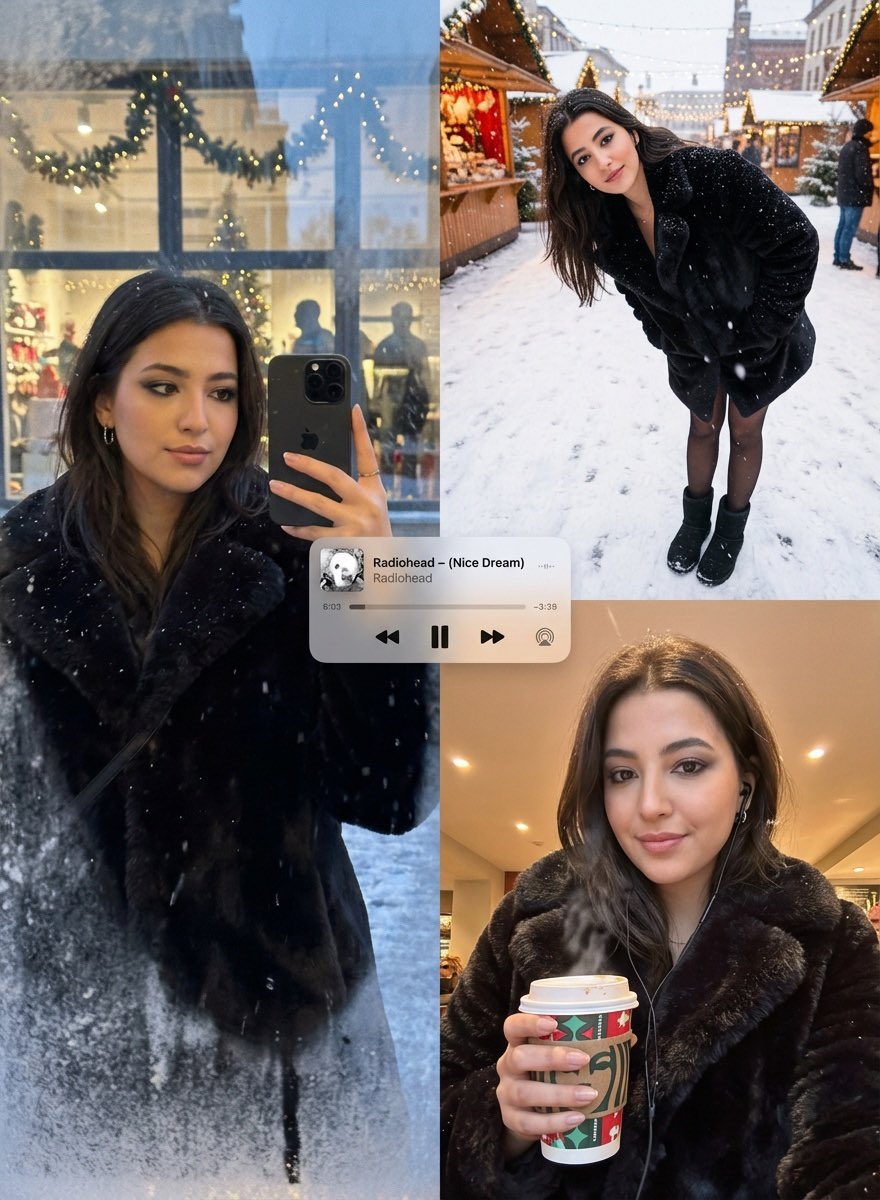
Editorial Winter Poster Collage with Strict Face Preservation
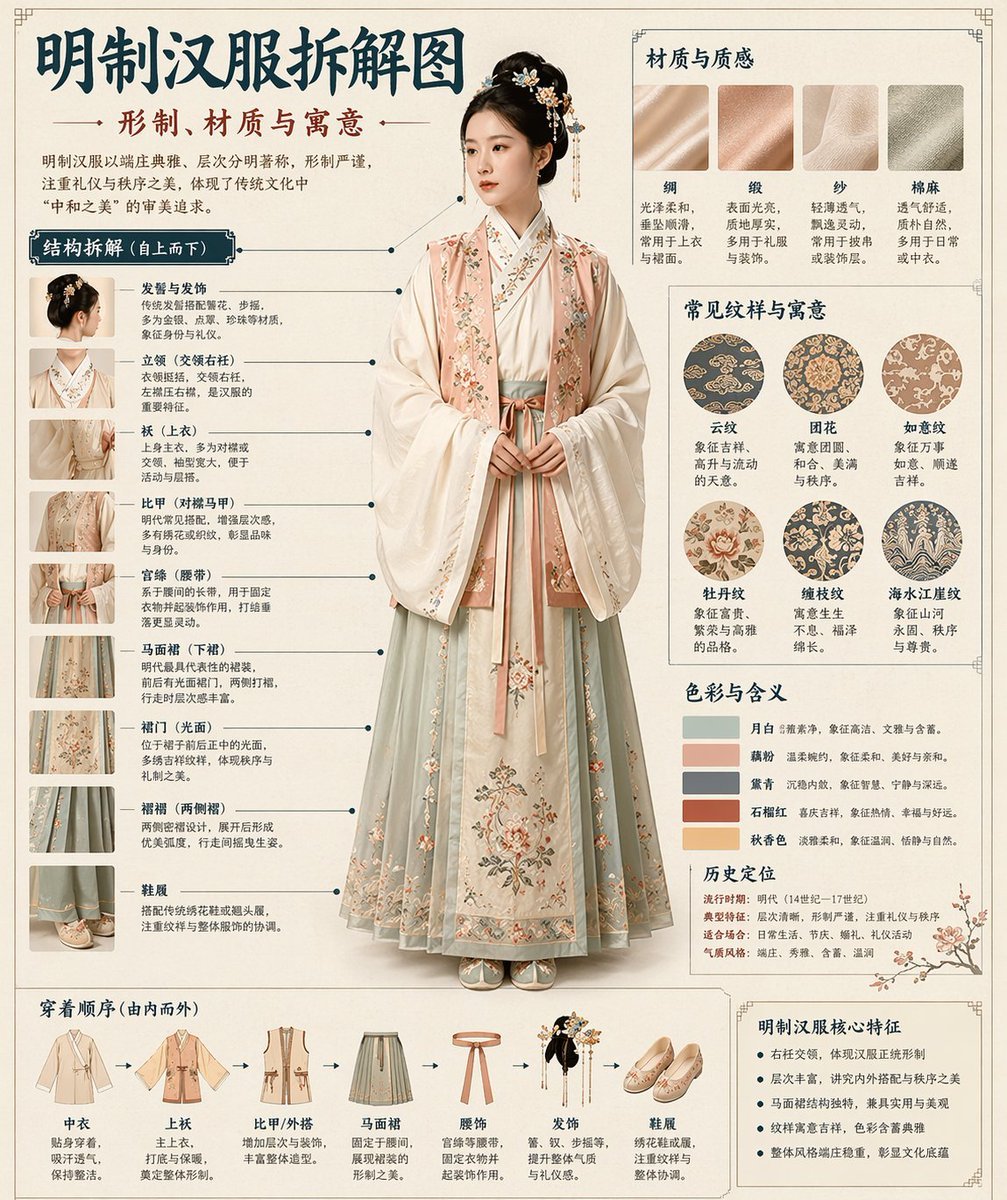
Chinese Museum Deconstruction Infographic

Burj Khalifa Epic Infographic Poster
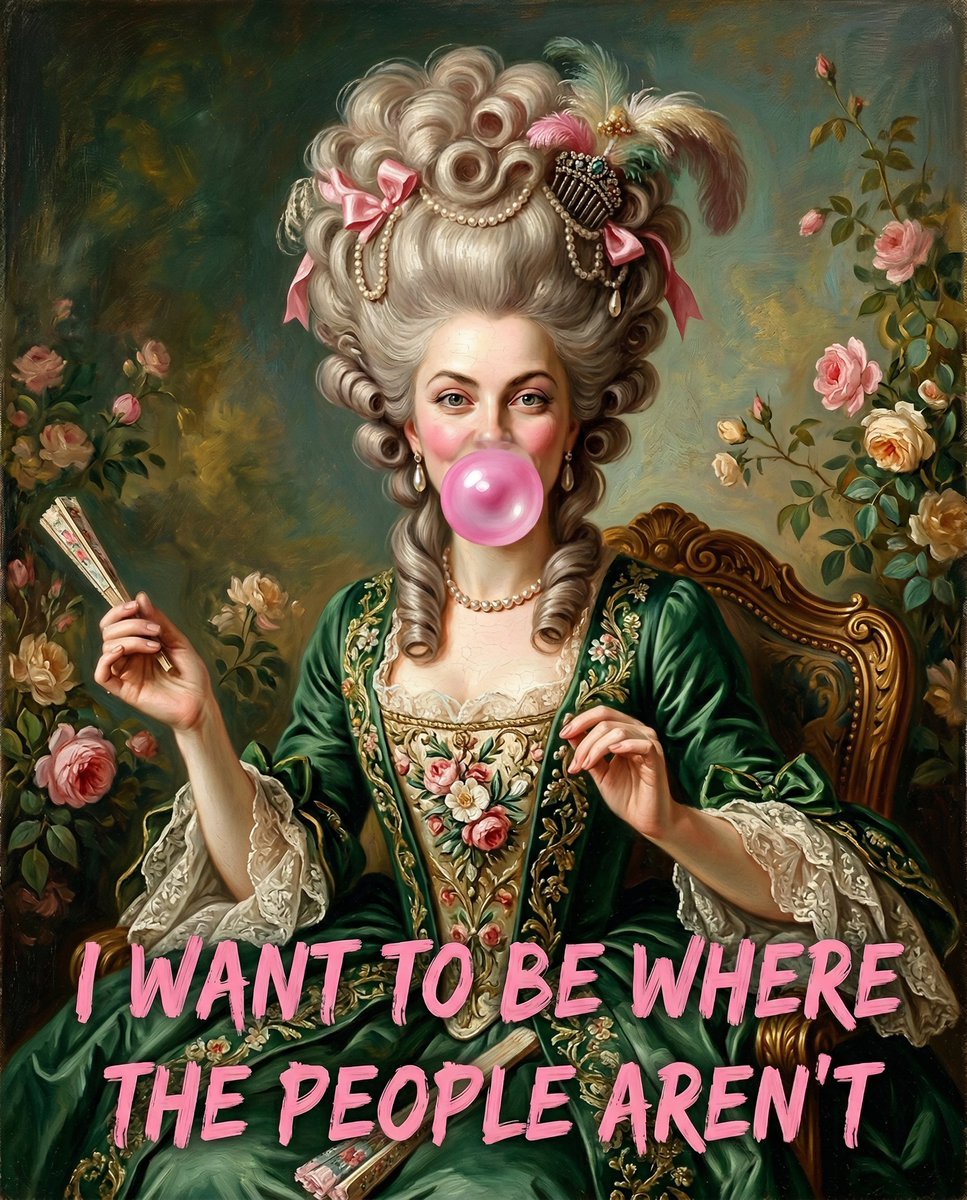
18th Century Woman Blowing Bubblegum
Browse template categories
Surreal Mixed-Media Fashion Portrait Collage questions
How do I use the Surreal Mixed-Media Fashion Portrait Collage template?
Add your photo if the template asks for one, edit the prompt if you like — the template's model and format are already selected — and press Generate. Your version opens in PicX Studio.
Can I customize the Surreal Mixed-Media Fashion Portrait Collage template?
Yes. You can change the subject, setting, lighting, mood, format, and available model controls before creating your image.
Is the Surreal Mixed-Media Fashion Portrait Collage template free?
Opening and editing this template is free. Generating uses credits, shown on the Generate button when you are signed in.
Which AI model should I use?
Start with Nano Banana 2, which is the model associated with this template. You can compare another compatible model for a different finish.
Looking for something else? Browse all templates.

Your photo, any look
Thousands of ready templates for every top image and video model, from one credit balance.