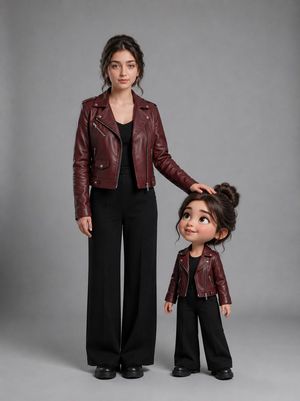
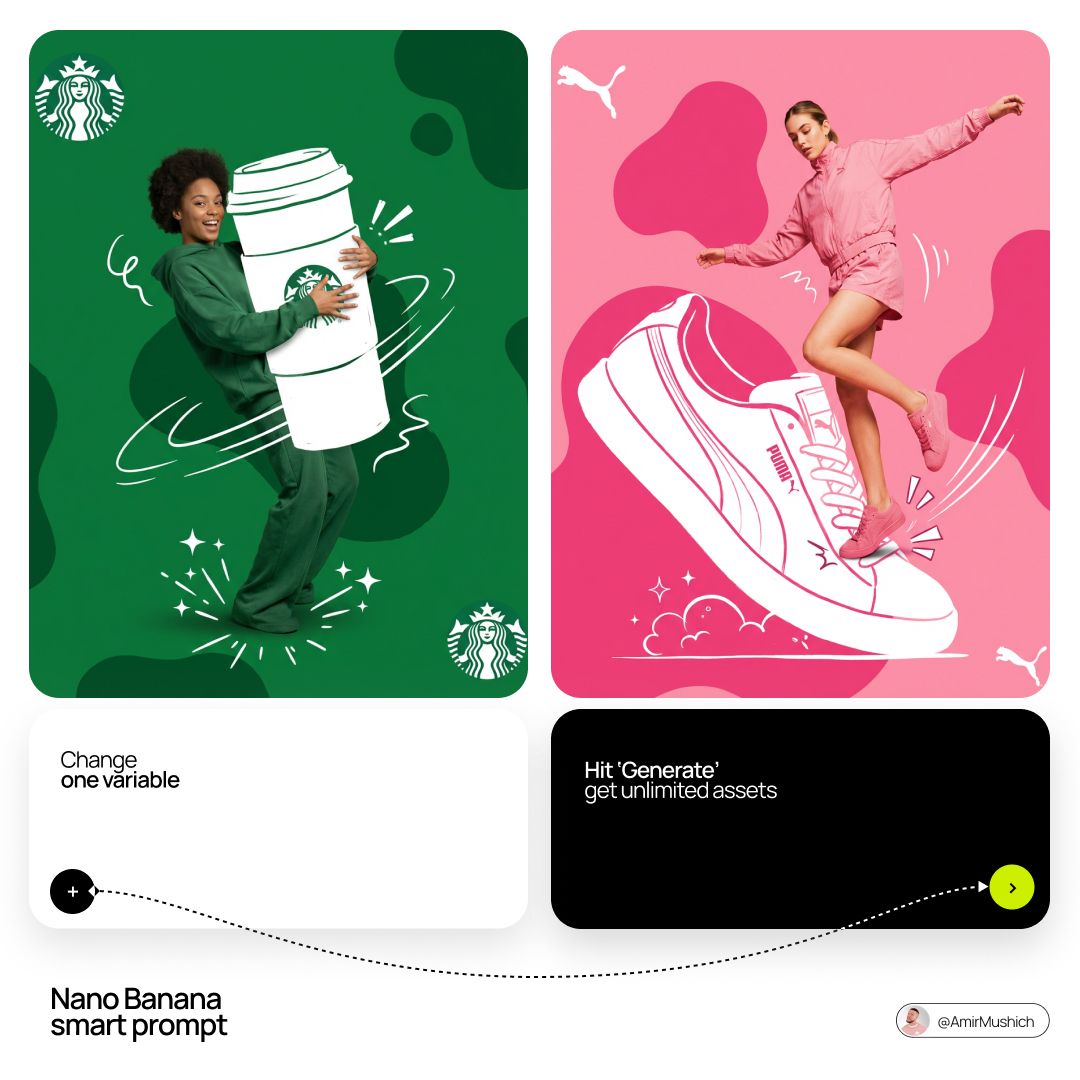
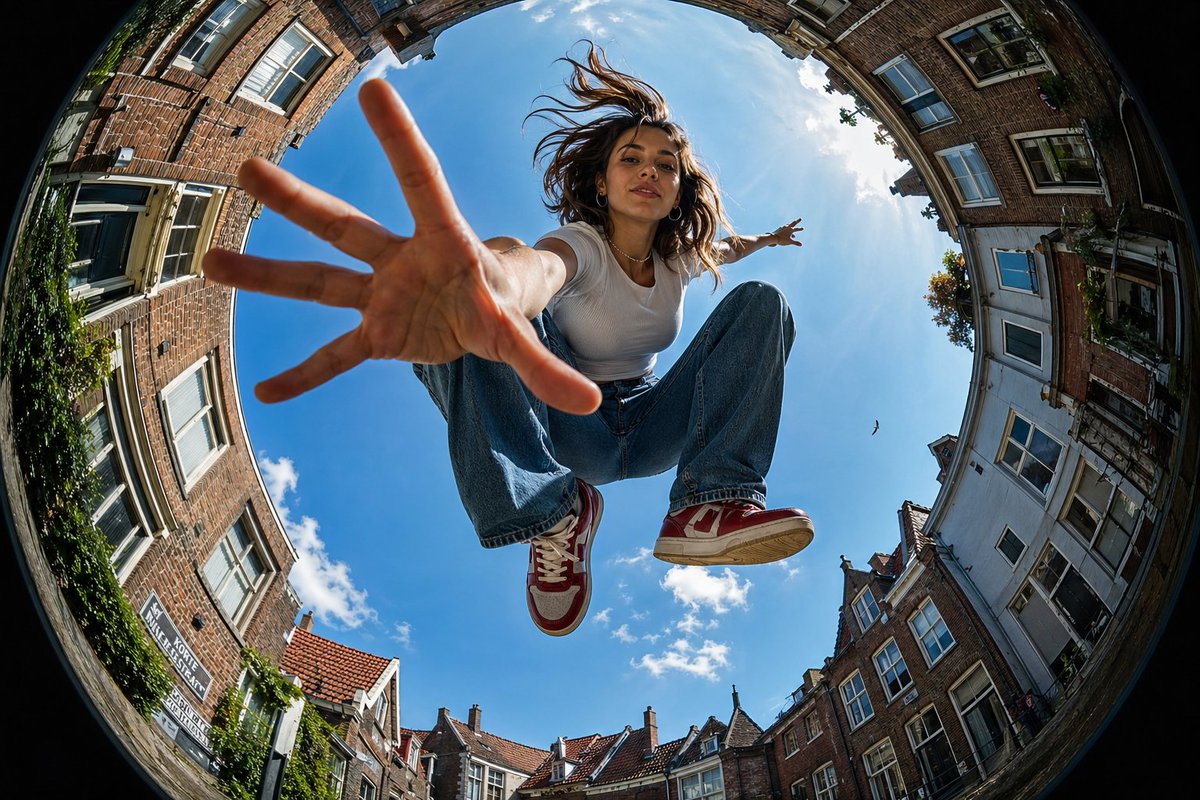
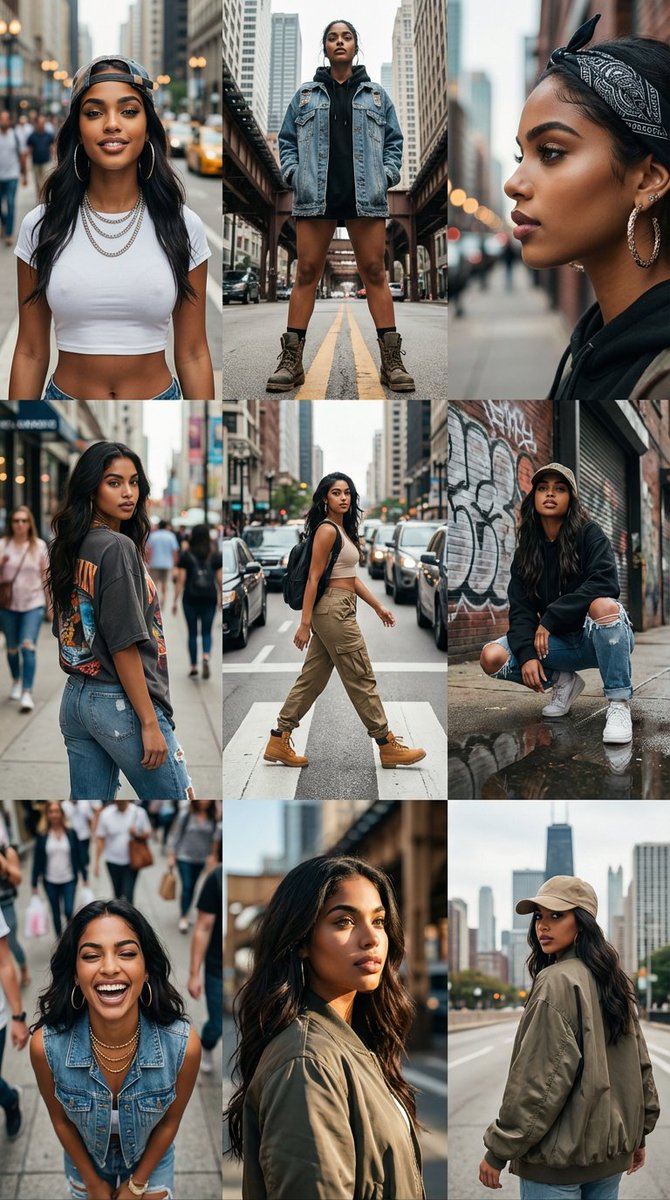
How do I use the Mixed-media Chibi portrait template?
Choose the primary action to open PicX Studio with the available template settings. Review the model and format, personalize the creative direction, and generate when ready.
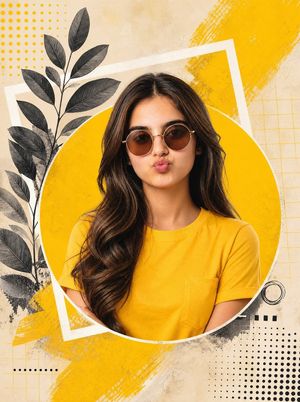
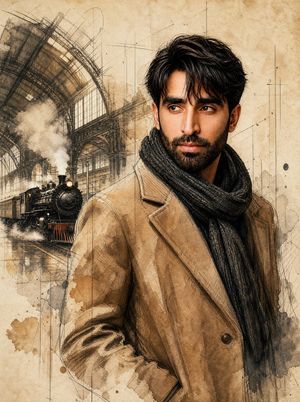
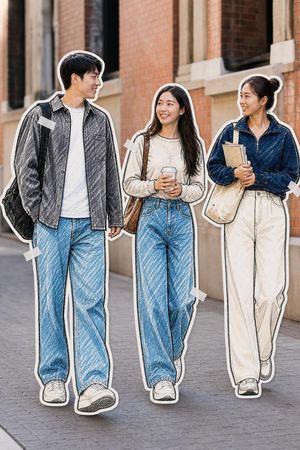
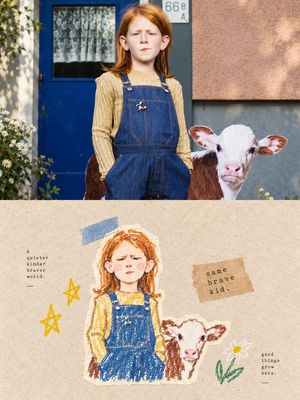
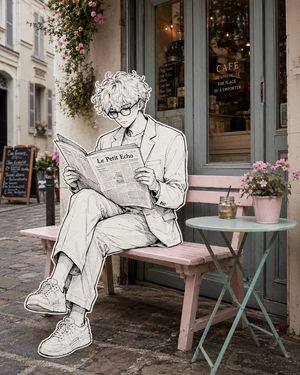
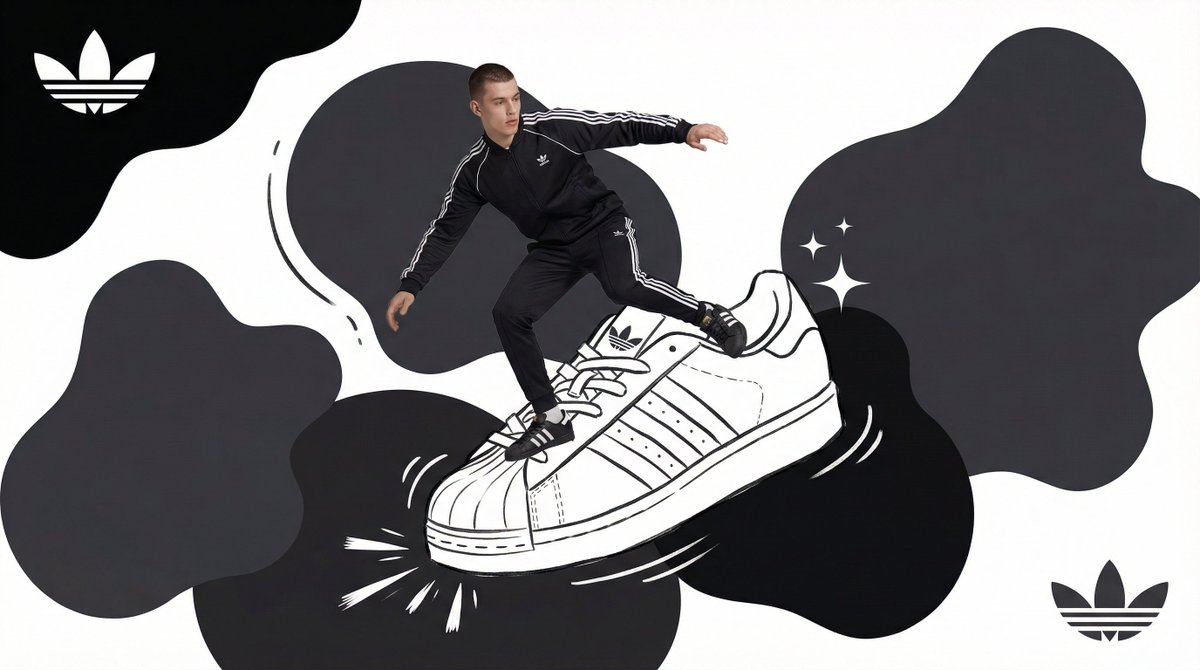
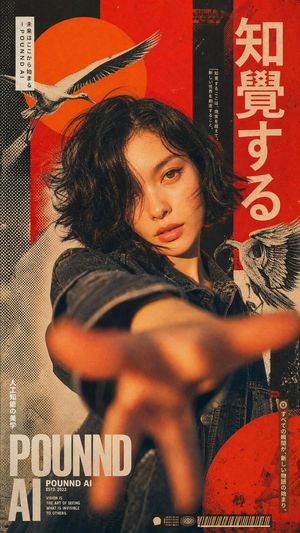
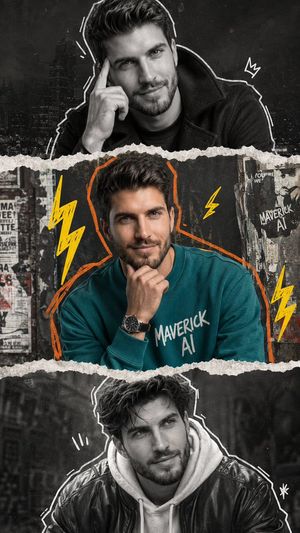
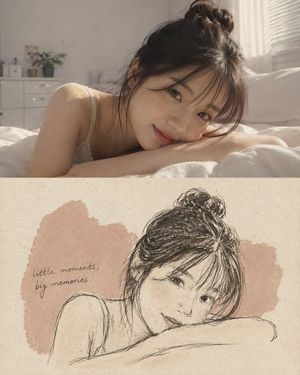
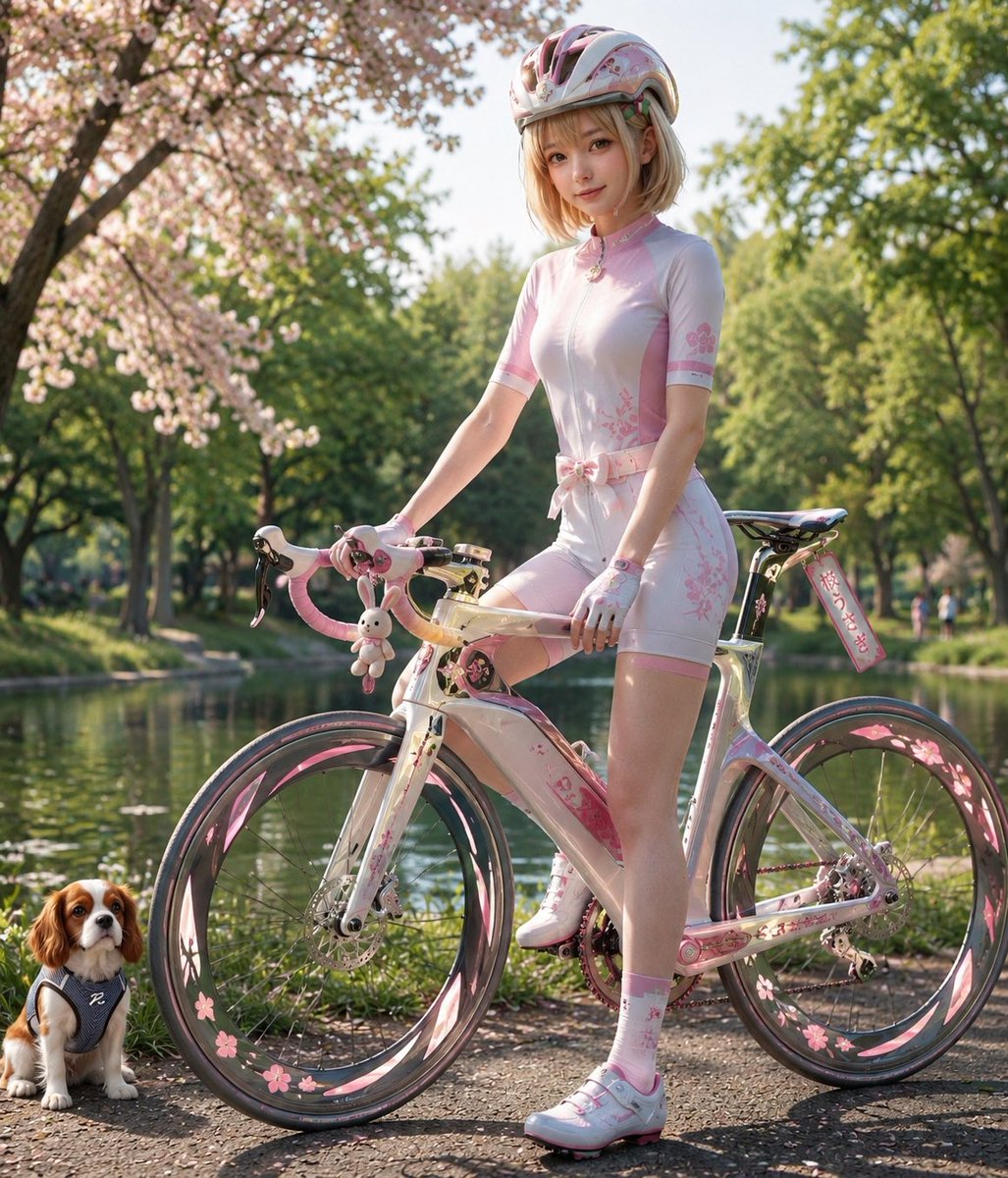
A creative mixed-media prompt blending realistic photography with a 3D-style Chibi version of the subject and hand-drawn doodle effects.
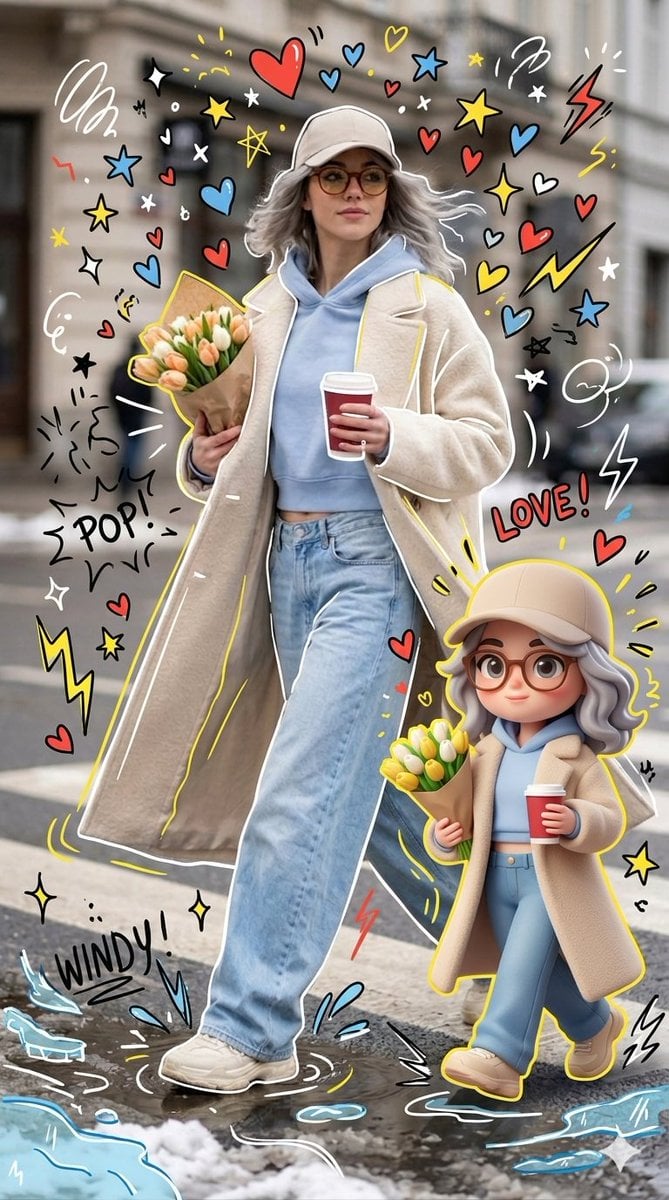
A high-quality, mixed-media portrait of a modern and stylish individual. Surrounding the photorealistic main subject will be a {argument name="companion" default="cute, 3D-style 'Chibi' version of themselves"}-featuring the exact same outfit and facial features as the main subject. This Chibi figure should stand to the right of the main subject, mirroring their pose exactly. Overlay the entire image with {argument name="artistic effects" default="vibrant, hand-drawn 'doodle' effects and designs"}: white and yellow outlines tracing the main subject, playful scribbles, stars, hearts, sparkles, electric sparks, and floating white, black, red, yellow and blue hearts, star's. The overall aesthetic should seamlessly blend hyper-realistic photography with colorful, flat-style cartoon illustrations-while ensuring that the main subject's facial features and physical proportions remain unaltered.
Choose the primary action to open PicX Studio with the available template settings. Review the model and format, personalize the creative direction, and generate when ready.
Yes. You can change the subject, setting, lighting, mood, format, and available model controls before creating your image.
This template is free to open and customize. Generation usage is shown in PicX Studio before you create.
Start with Nano Banana 2, which is the model associated with this template. You can compare another compatible model for a different finish.
Follow a topic to a crawlable collection of related PicX Studio templates.