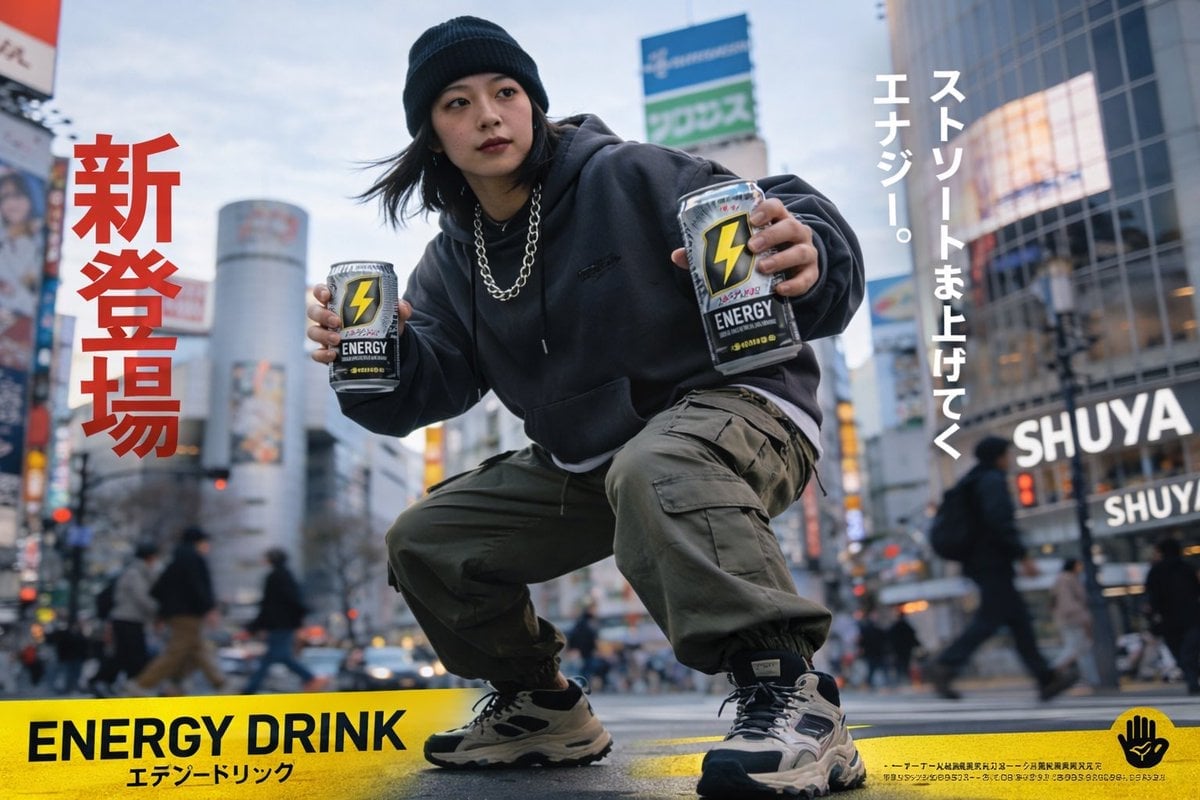
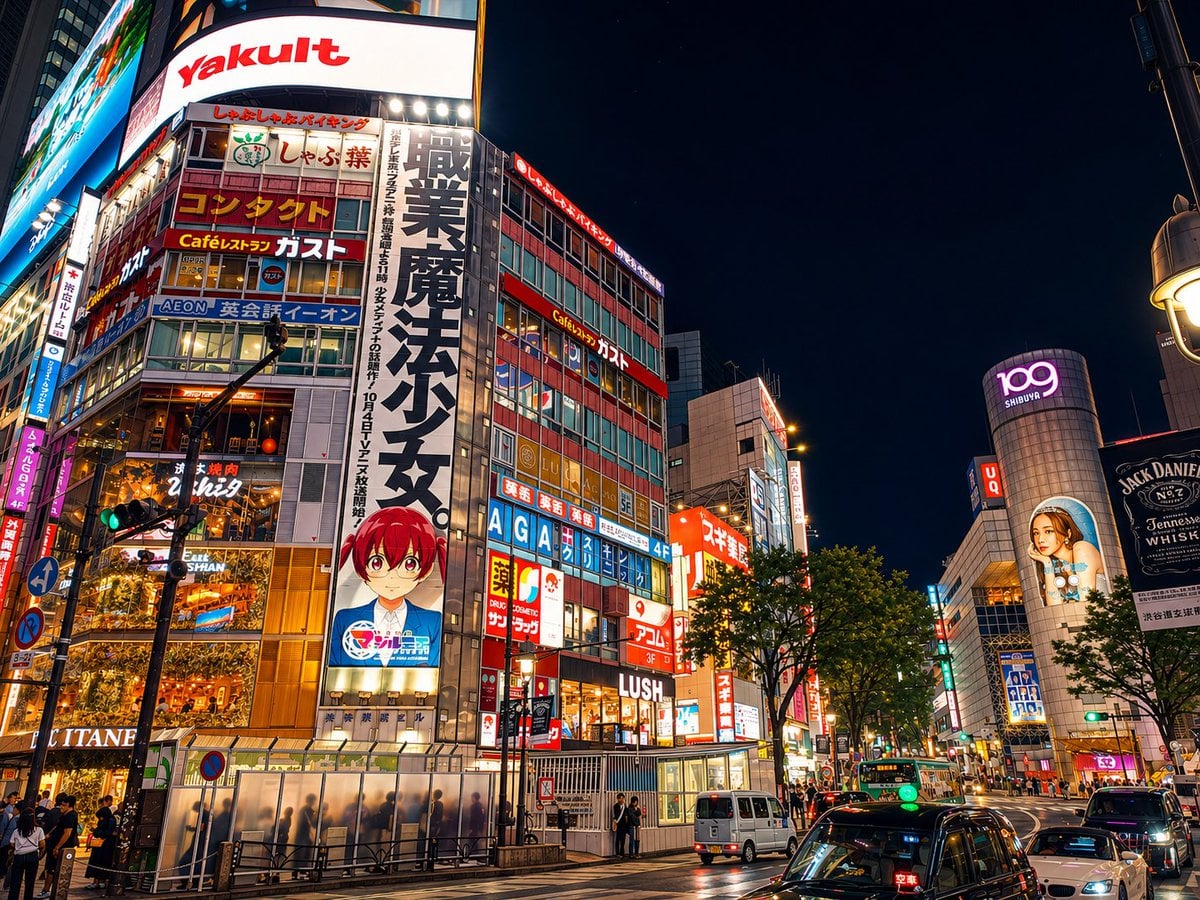
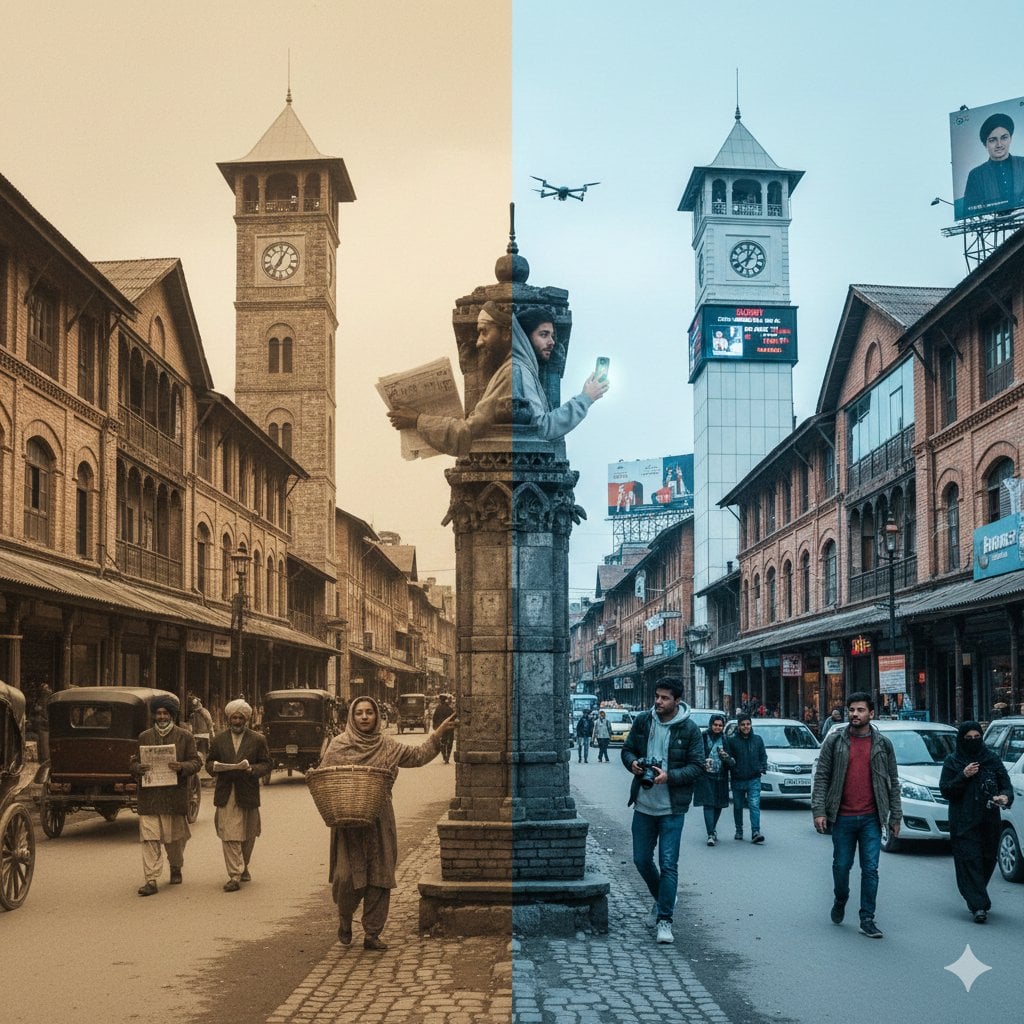
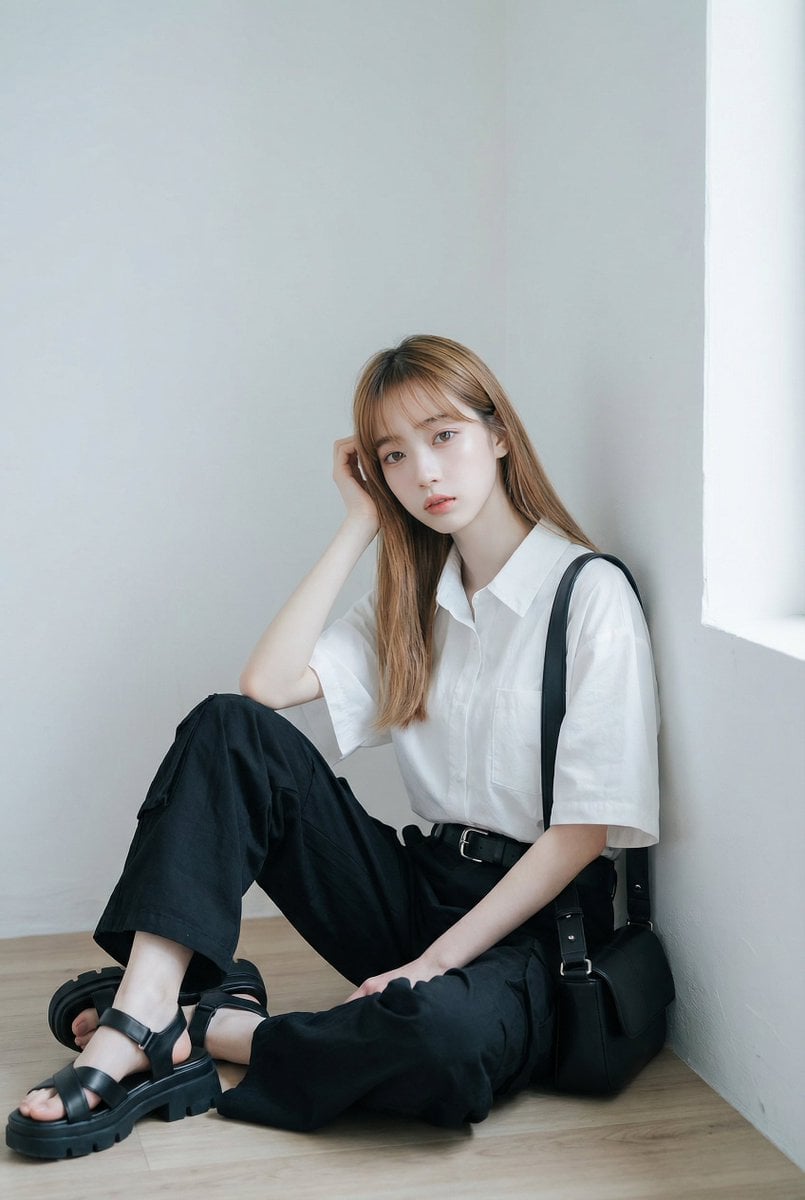
How do I use the Fine Art Mixed-Media Portrait Illustration template?
Edit the prompt in the box under the preview — the template's model and format are already selected — and press Generate. Your version appears right on this page.
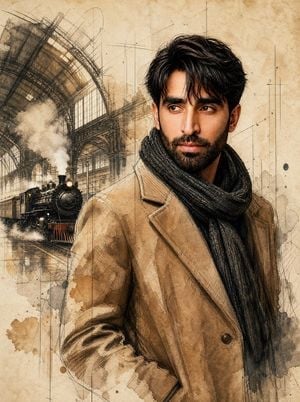
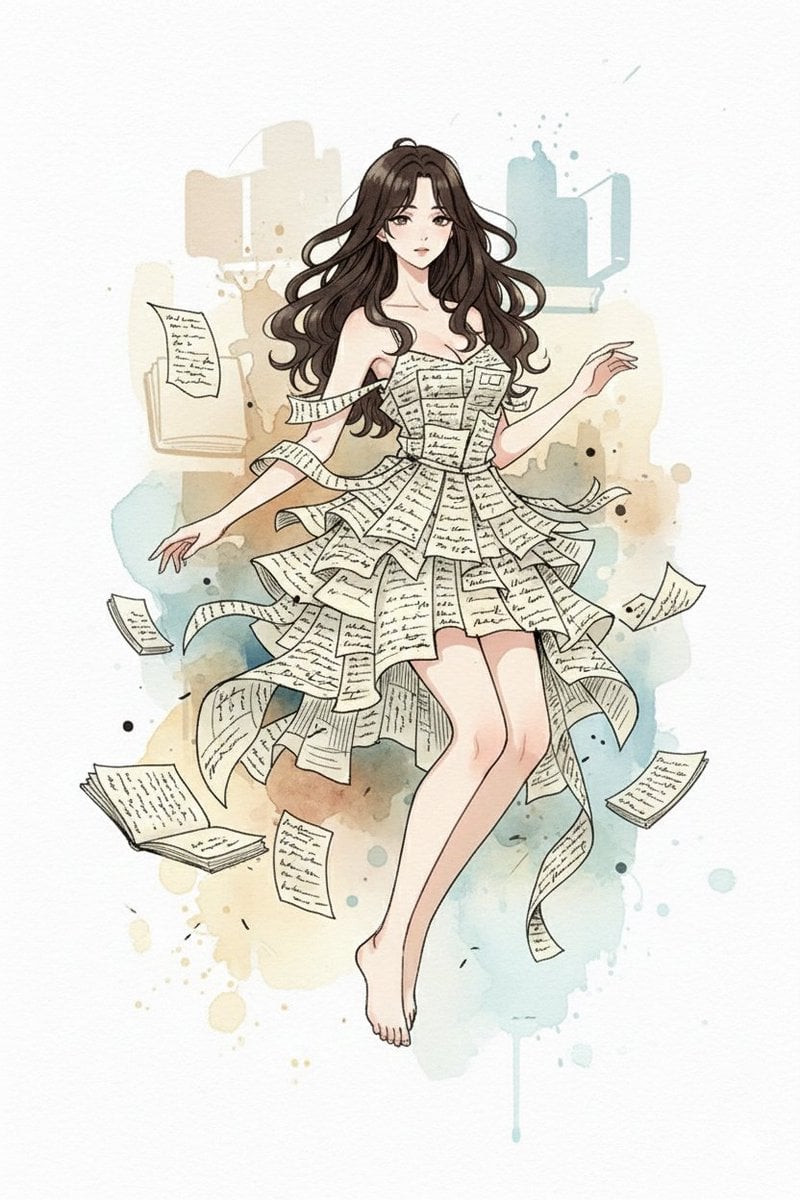
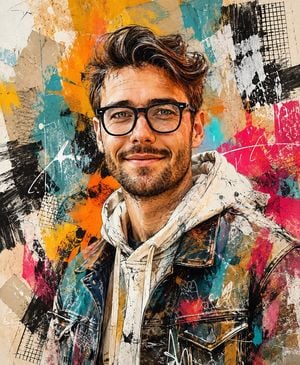
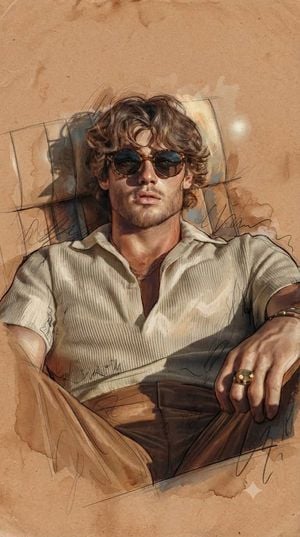
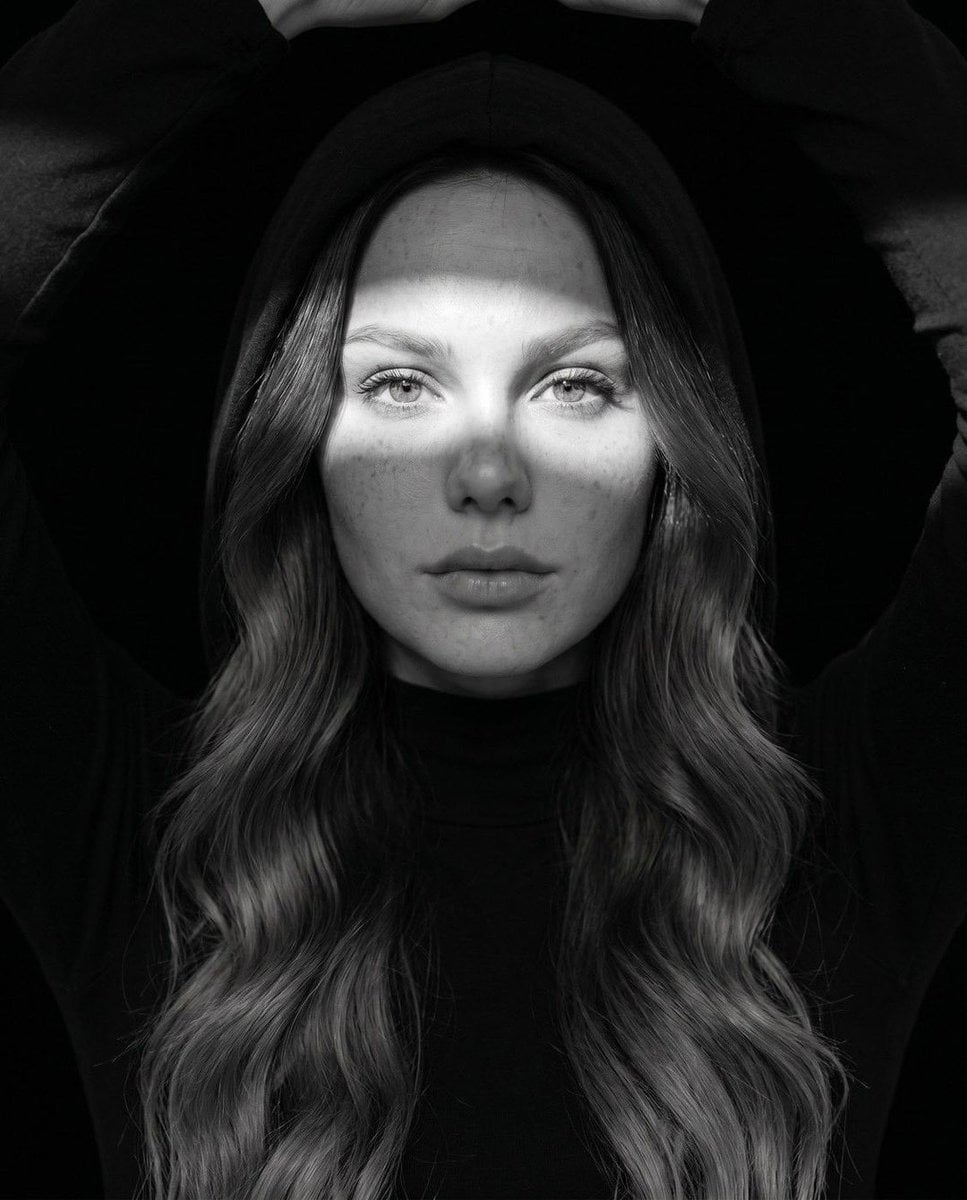
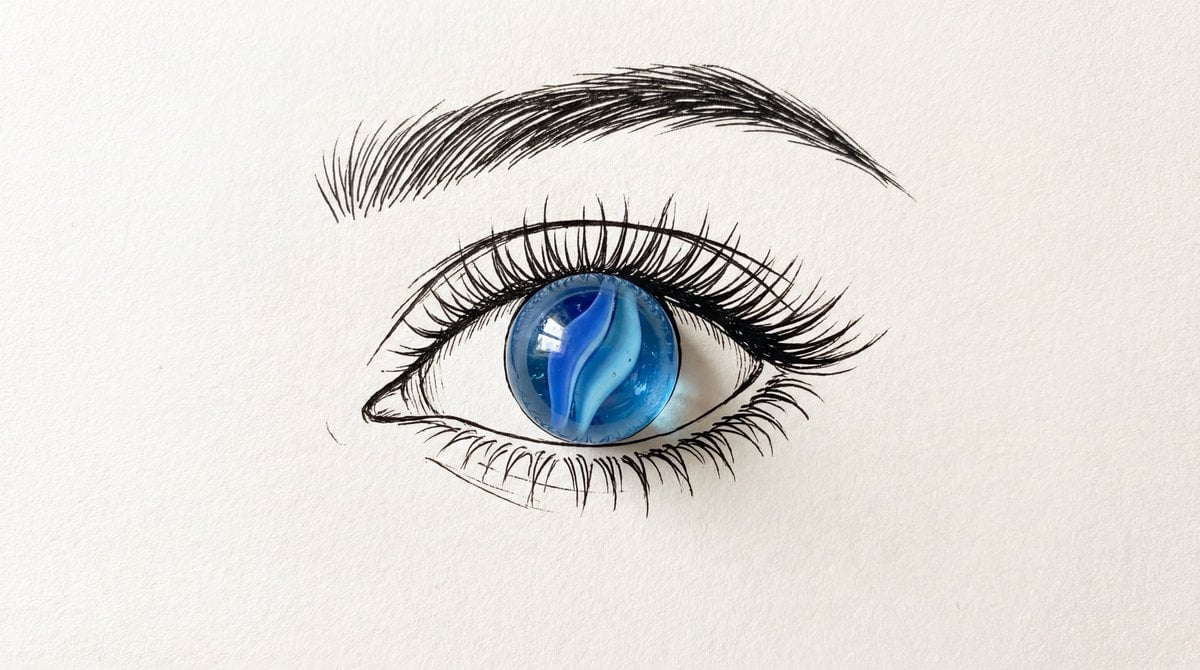
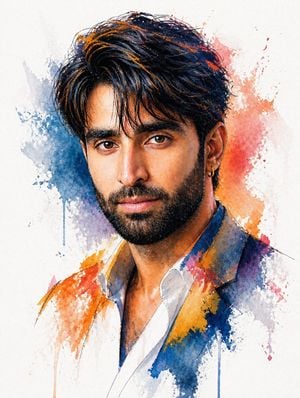
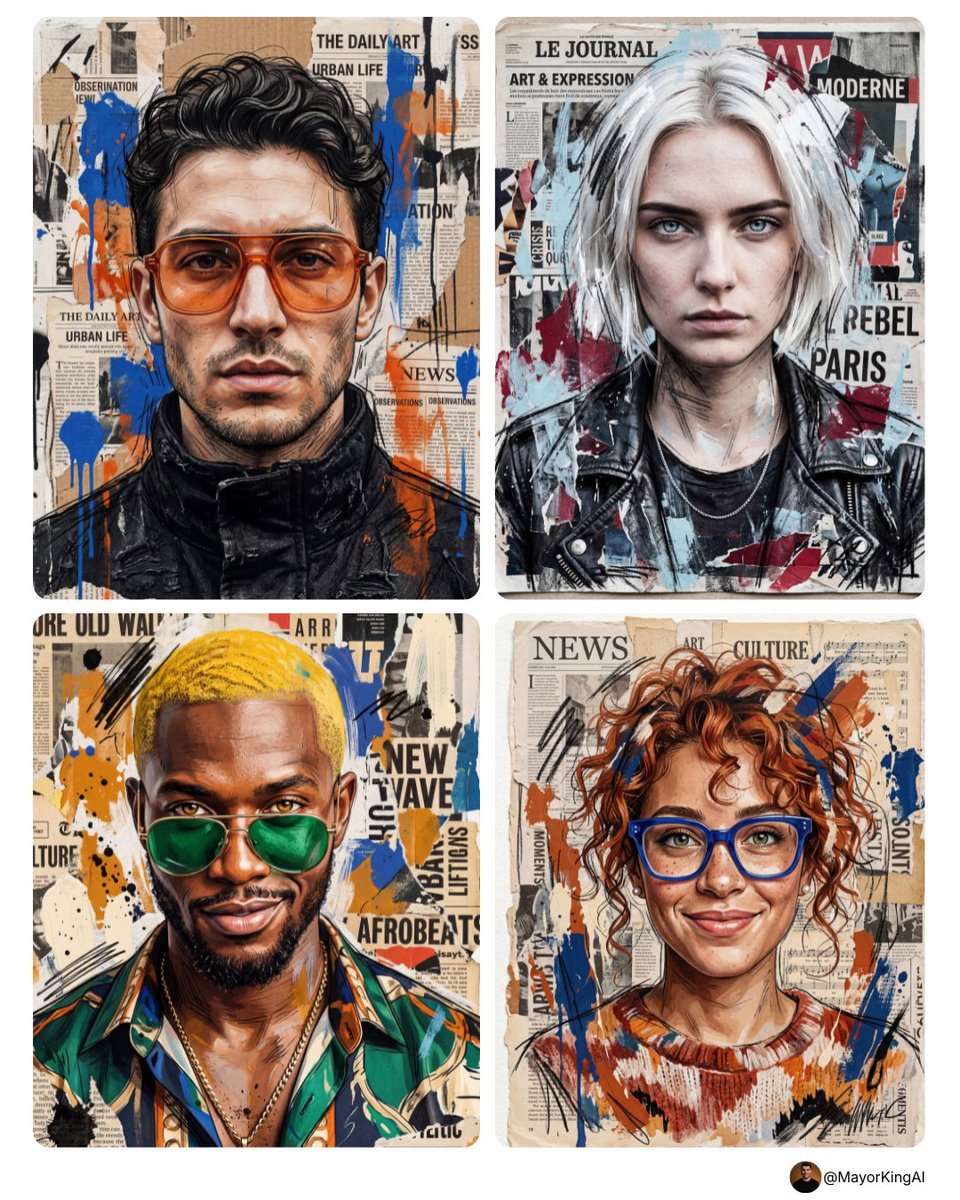
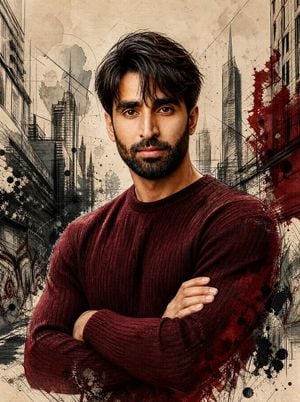
A sophisticated prompt for generating fine-art editorial portraits that combine pen-and-ink, watercolor, and detailed anatomical cross-hatching textures.

{argument name="style" default="Ultra-realistic fine art portrait illustration"} with accurate human anatomy and natural facial proportions. Realistic cranial structure, balanced forehead dimensions, anatomically correct neck length, natural shoulder width, and authentic facial construction. Facial features rendered with lifelike proportions, including naturally positioned eyes, realistic nose structure, balanced cheekbones, accurate jawline definition, and subtle facial asymmetry found in real human faces. Highly detailed mixed-media illustration combining refined pen-and-ink craftsmanship, observational drawing techniques, delicate watercolor rendering, and realistic painterly textures. Dense yet controlled cross-hatching, contour shading, and subtle linework enhance skin texture, pores, wrinkles, facial hair, and natural anatomical details without exaggeration. Hair rendered with thousands of individual strands, realistic volume, organic flow, and natural movement. Editorial portrait realism blended with contemporary fine-art illustration. Strong emphasis on believable anatomy, authentic facial expression, natural posture, and accurate light interaction across skin and hair. Rich observational detail, realistic depth, subtle imperfections, and sophisticated rendering quality. {argument name="palette" default="Warm earth-tone palette"}, aged sketchbook paper texture, restrained watercolor washes, delicate ink splatters, unfinished artistic edges, museum-quality portrait illustration, highly refined linework, and premium sketchbook presentation. Professional fine-art portraiture with realistic proportions, natural character presence, and lifelike visual authenticity. No TYPOGRAPHY, no initial, no brand and no watermark.
{argument name="style" default="Ultra-realistic fine art portrait illustration"} with accurate human anatomy and natural facial proportions. Realistic cranial structure, balanced forehead dimensions, anatomically correct neck length, natural shoulder width, and authentic facial construction. Facial features rendered with lifelike proportions, including naturally positioned eyes, realistic nose structure, balanced cheekbones, accurate jawline definition, and subtle facial asymmetry found in real human faces. Highly detailed mixed-media illustration combining refined pen-and-ink craftsmanship, observational drawing techniques, delicate watercolor rendering, and realistic painterly textures. Dense yet controlled cross-hatching, contour shading, and subtle linework enhance skin texture, pores, wrinkles, facial hair, and natural anatomical details without exaggeration. Hair rendered with thousands of individual strands, realistic volume, organic flow, and natural movement. Editorial portrait realism blended with contemporary fine-art illustration. Strong emphasis on believable anatomy, authentic facial expression, natural posture, and accurate light interaction across skin and hair. Rich observational detail, realistic depth, subtle imperfections, and sophisticated rendering quality. {argument name="palette" default="Warm earth-tone palette"}, aged sketchbook paper texture, restrained watercolor washes, delicate ink splatters, unfinished artistic edges, museum-quality portrait illustration, highly refined linework, and premium sketchbook presentation. Professional fine-art portraiture with realistic proportions, natural character presence, and lifelike visual authenticity. No TYPOGRAPHY, no initial, no brand and no watermark.
Edit the prompt in the box under the preview — the template's model and format are already selected — and press Generate. Your version appears right on this page.
Yes. You can change the subject, setting, lighting, mood, format, and available model controls before creating your image.
Opening and editing this template is free. Generating uses credits, shown on the Generate button when you are signed in.
Start with Nano Banana 2, which is the model associated with this template. You can compare another compatible model for a different finish.
Follow a topic to a crawlable collection of related PicX Studio templates.