
Creative Mixed Media Photo and Ink Illustration Fusion
A creative prompt for Nano Banana 2 that blends high-quality photography of real-world objects with minimalist hand-drawn ink sketches.
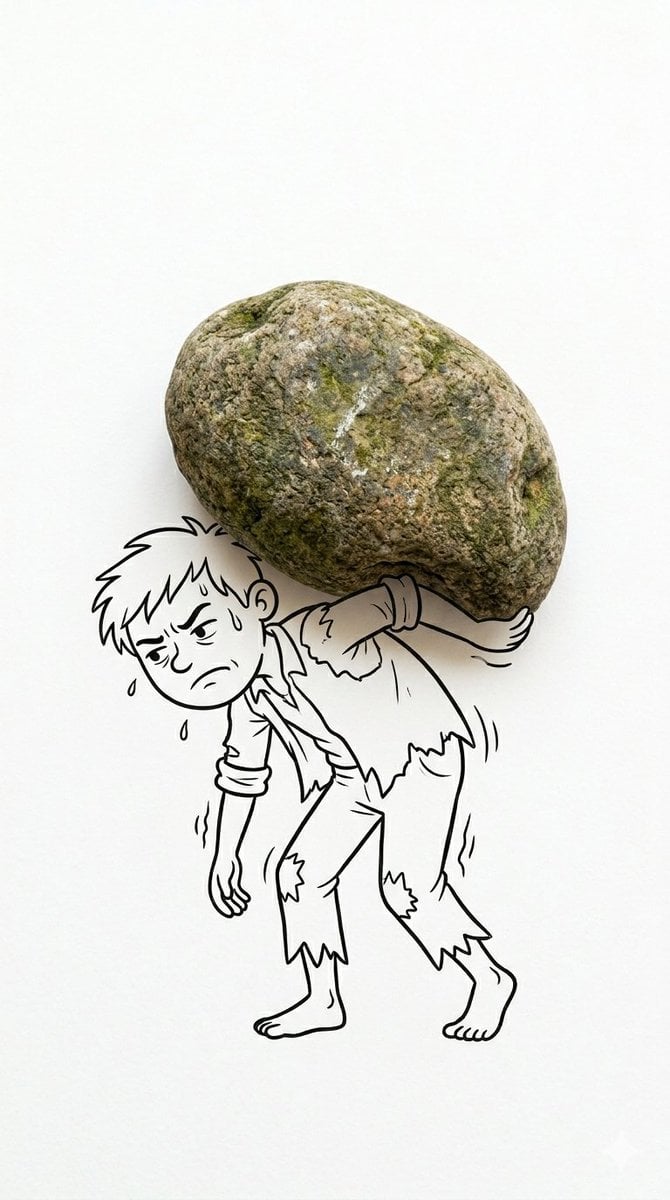
- Prompt included
- Model and format preset
- Free template
The prompt behind this image
Copy the exact prompt behind Creative Mixed Media Photo and Ink Illustration Fusion, or open it in the studio and make it yours.
创意合成照片,9:16 纵向宽高比,干净极简白色背景,工作室灯光,高细节,锐利焦点。 一个真实的{argument name="日常物体" default="西红柿"}被物理放置并完美融入手绘黑色墨水卡通插图的关键部分。绘图简单、富有表现力的线稿,极少阴影处理,就像纸上的一幅快速素描。 {argument name="物体用途" default="头发"}代表{argument name="场景巧思" default="头发"},巧妙地完成视觉双关语或概念。卡通人物以幽默、有意义或令人惊讶的方式与物体动态互动。 逼真物体 + 大胆黑色线条绘画风格,真实物体与插图完美无缝融合,干净的负空间,艺术性和诙谐概念,高品质产品摄影与涂鸦艺术混合。
How to use Creative Mixed Media Photo and Ink Illustration Fusion in 3 steps
- 1
Open
The prompt is already in the box next to the preview, with the template's model and format selected.
- 2…a portrait of your subject in softgolden-hour light, 85mm…
Personalize
Edit the subject and creative details for your destination.
- 3Generate
Generate
Press Generate — your image is created in PicX Studio, so you can compare it with the original and refine one variable at a time.
More like this
Templates with the same subject, style or setup. Open one to see its prompt.
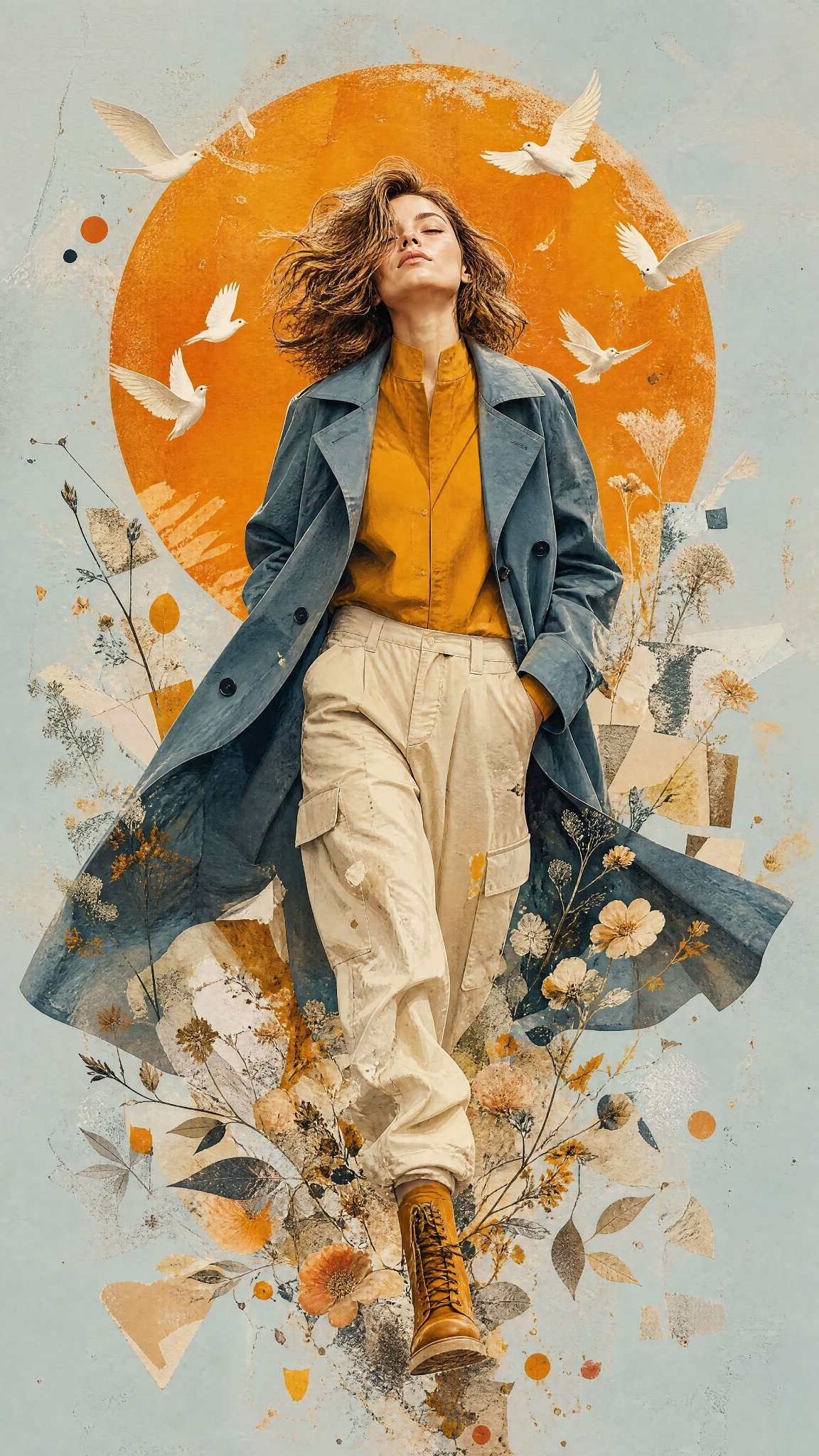
Mixed Media Editorial Woman Illustration
Mixed-Media Editorial Illustration
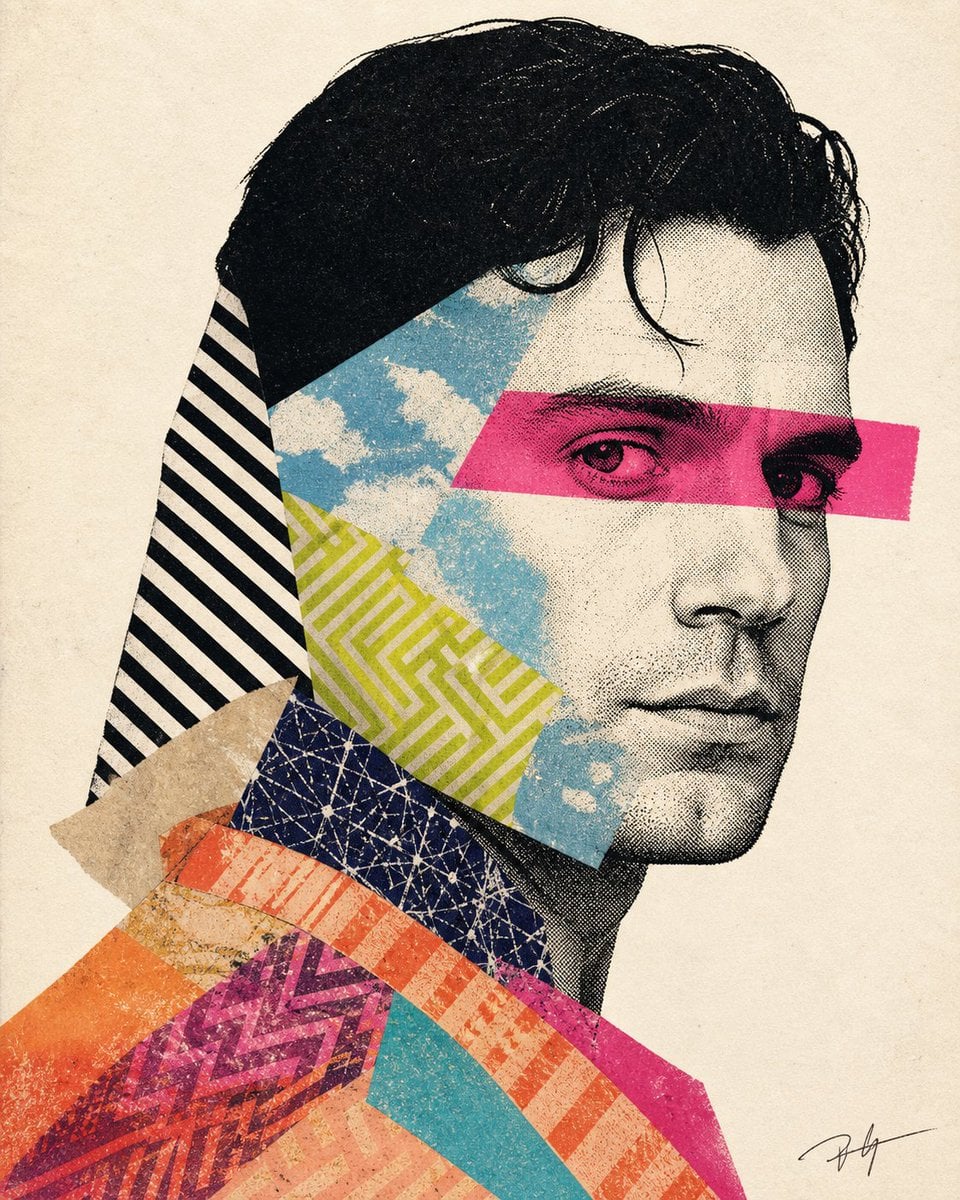
Mixed-media collage portrait illustration
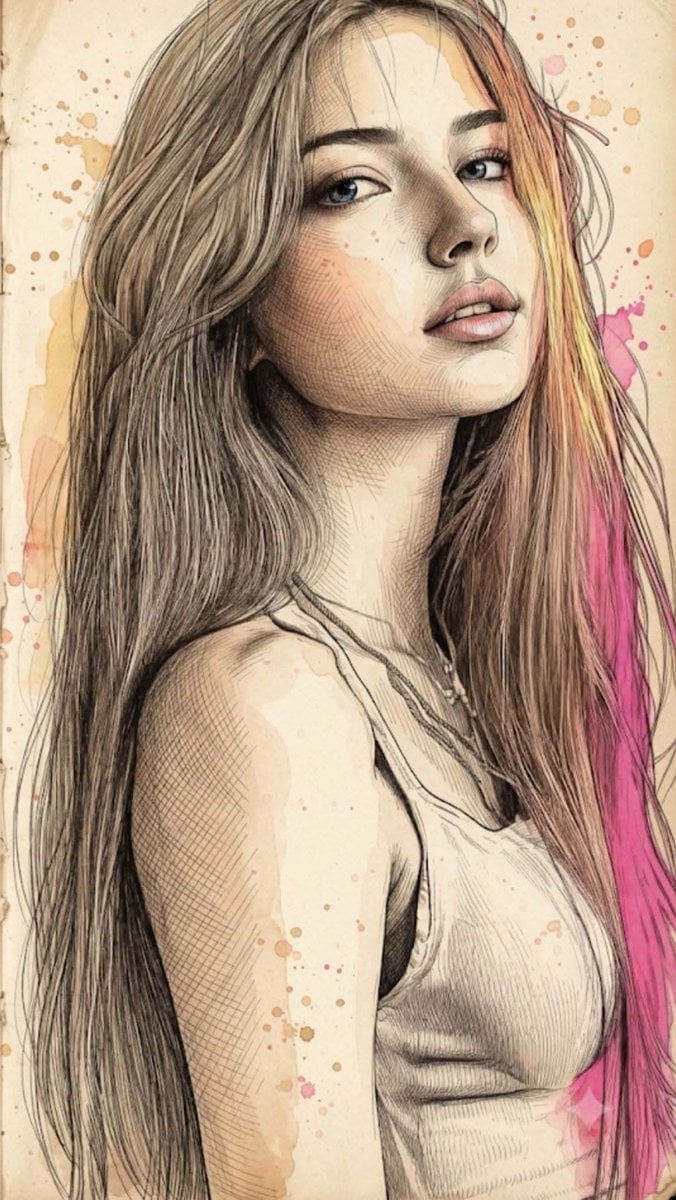
Fine Art Mixed-Media Portrait Illustration
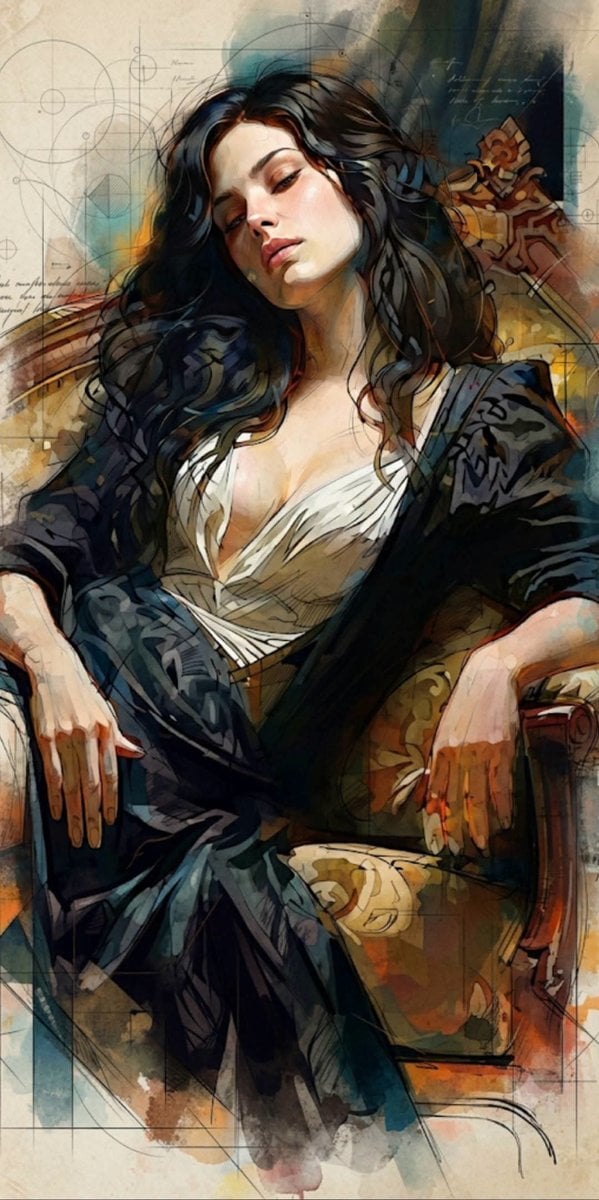
Mixed Media Cinematic Portrait Illustration
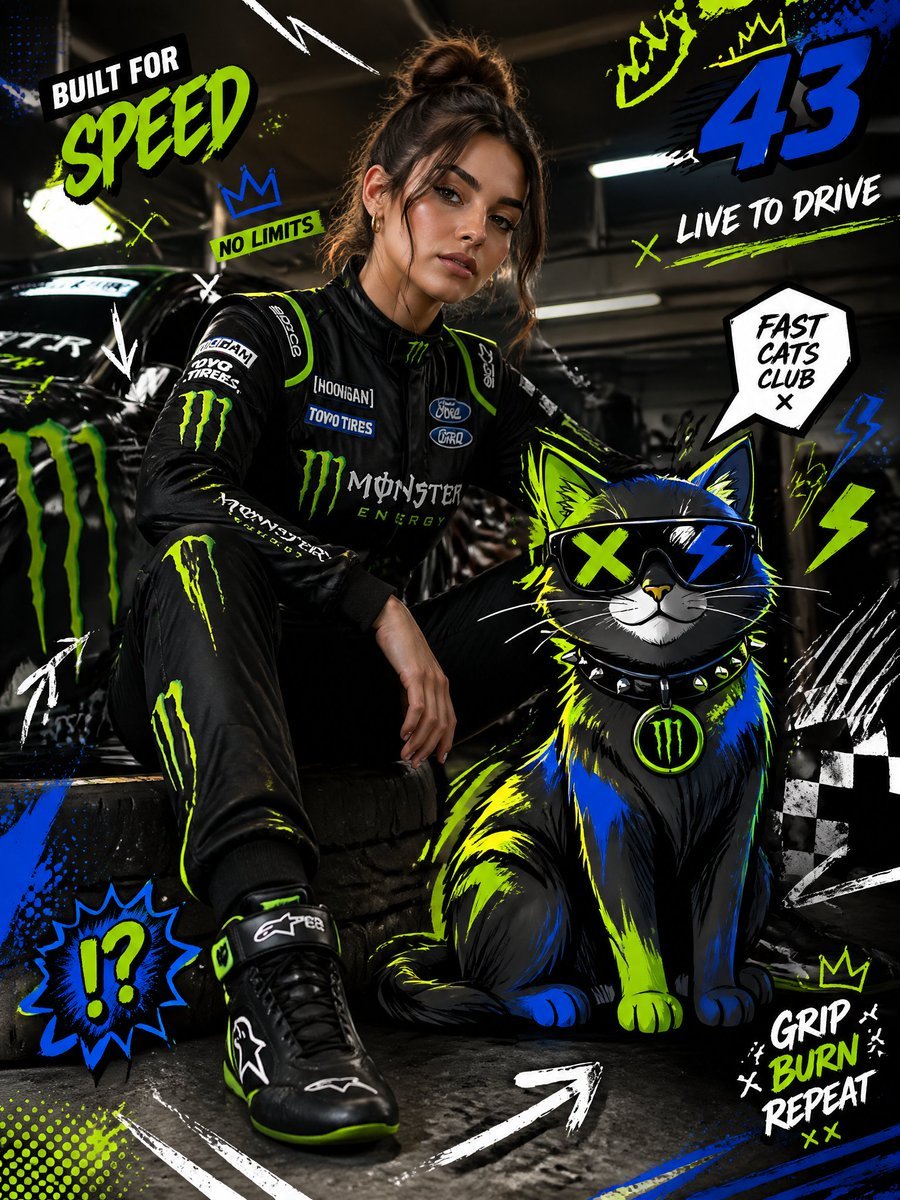
Mixed-Media Fashion Editorial and Cartoon Fusion
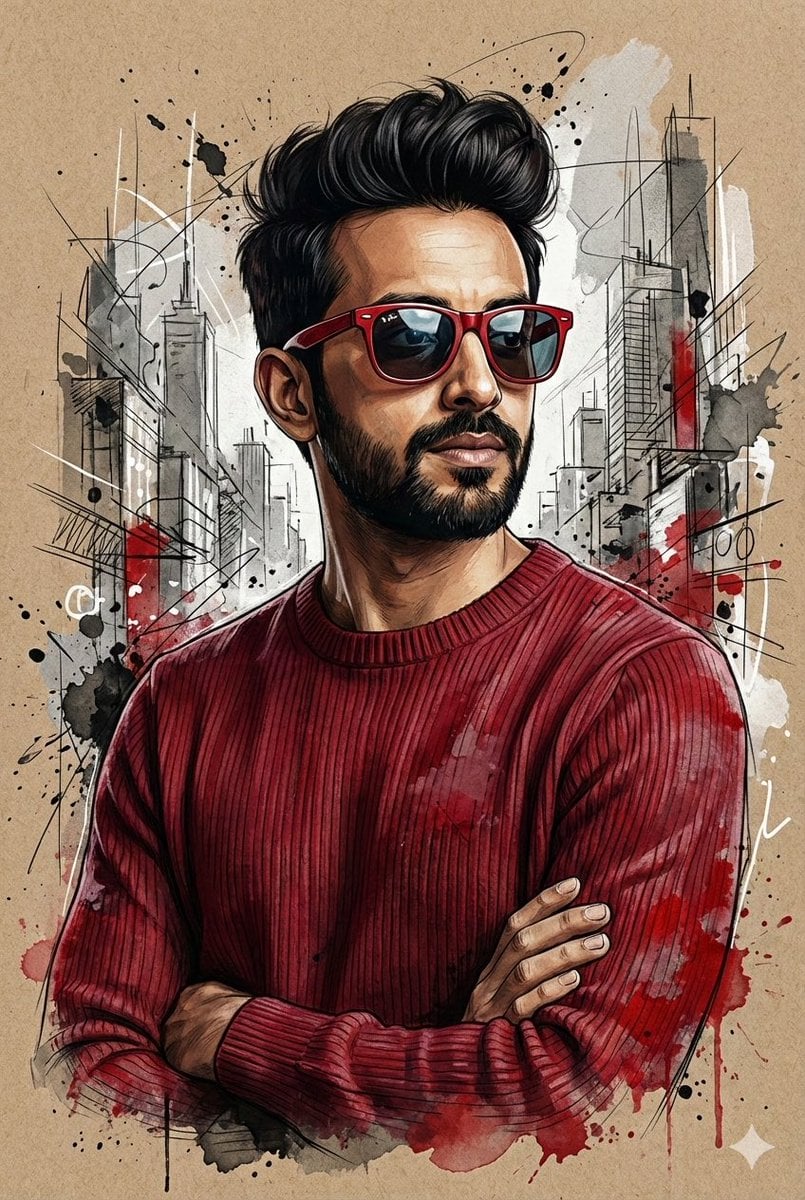
Hyper-Realistic Mixed-Media Illustration Prompt
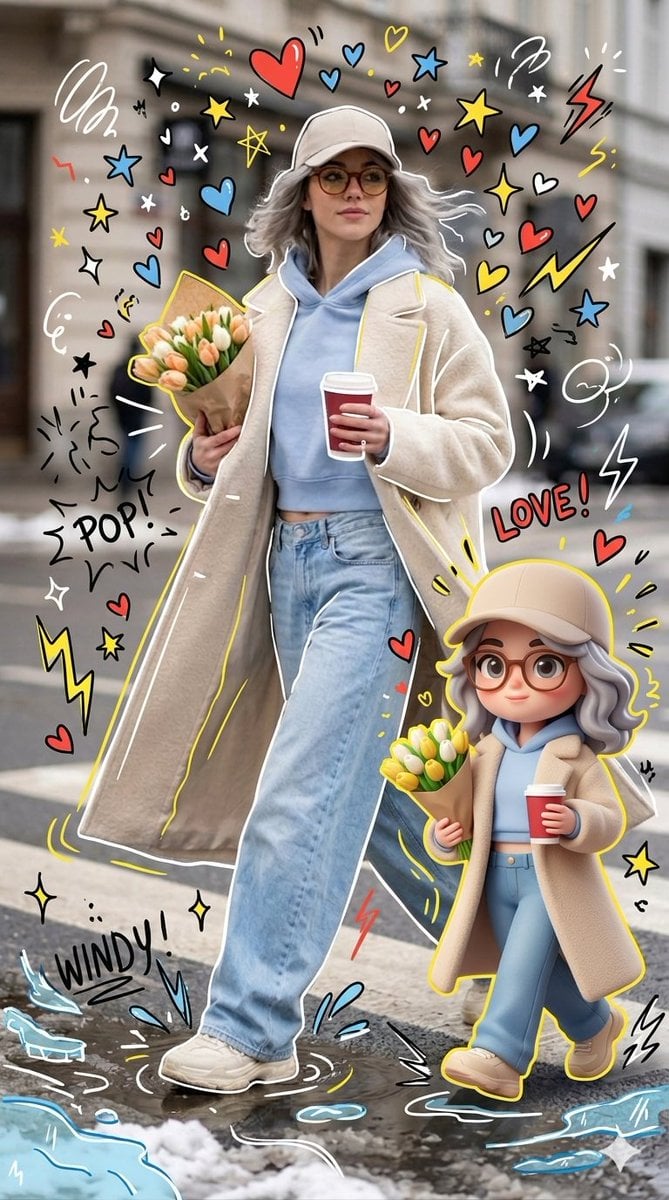
Mixed-media Chibi portrait
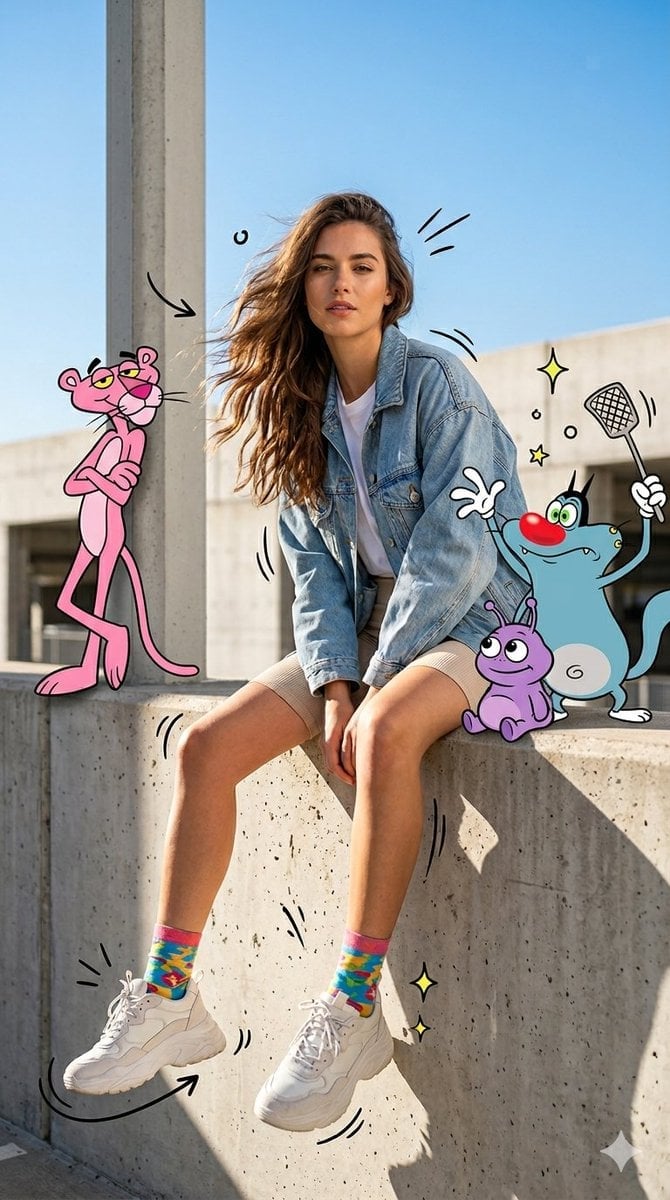
Mixed Media Urban Fashion Editorial
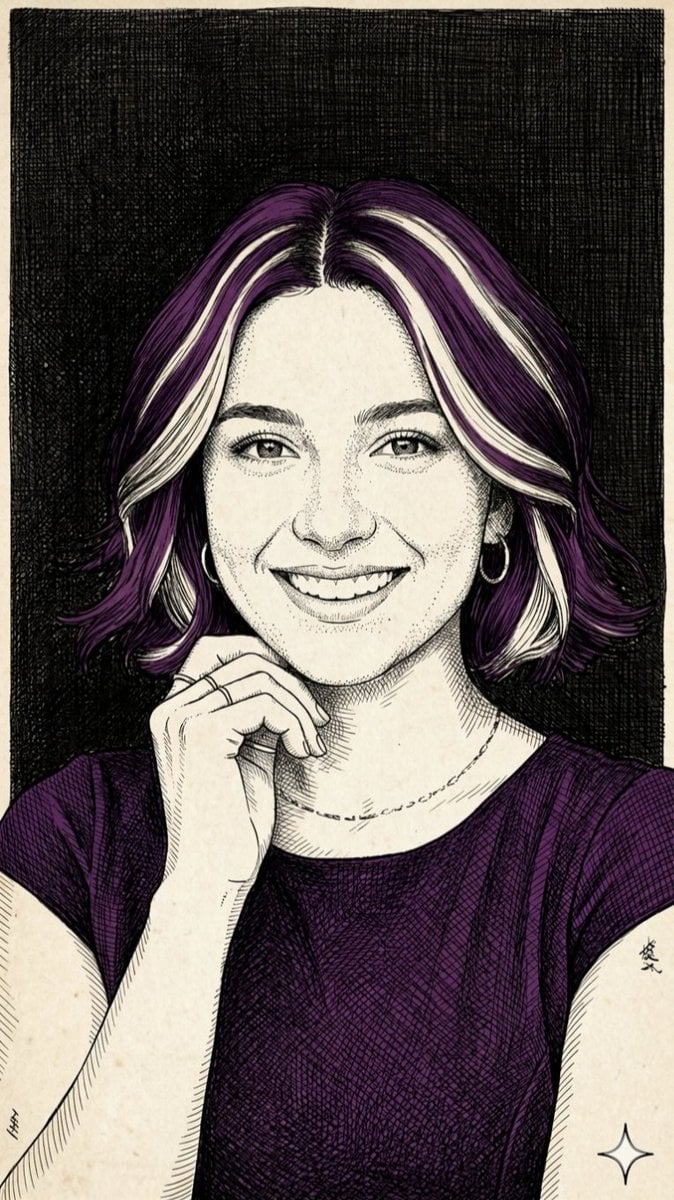
Pen-and-Ink Cross-Hatching Illustration
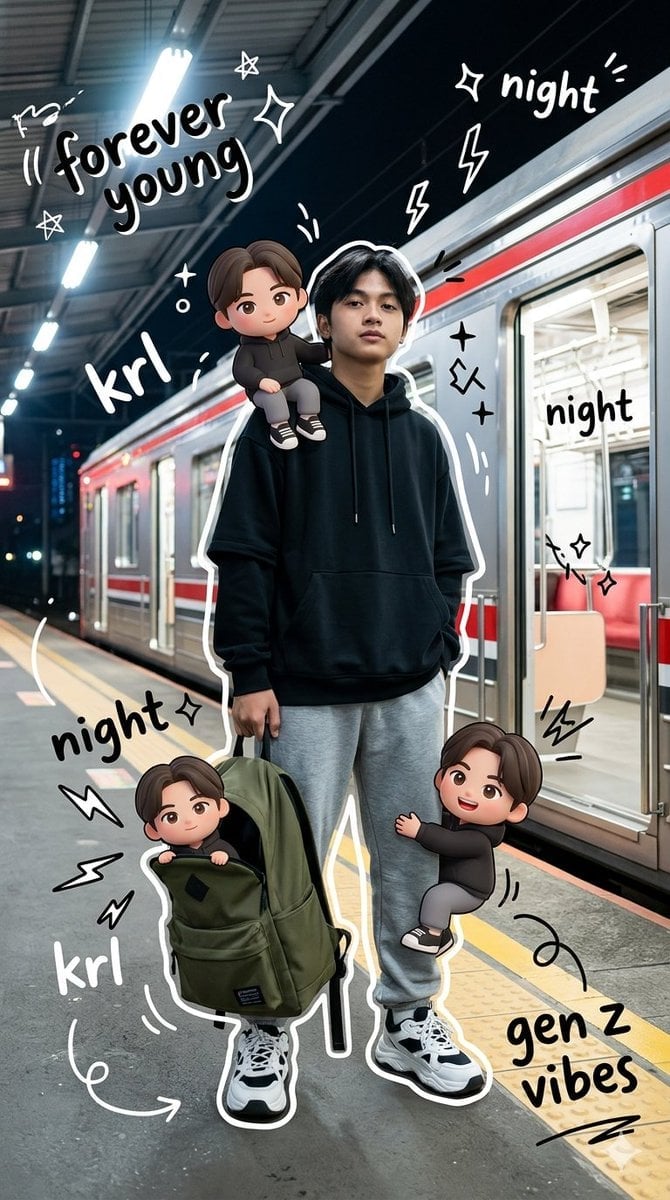
Gen Z Mixed-Media Portrait with Chibi Effects
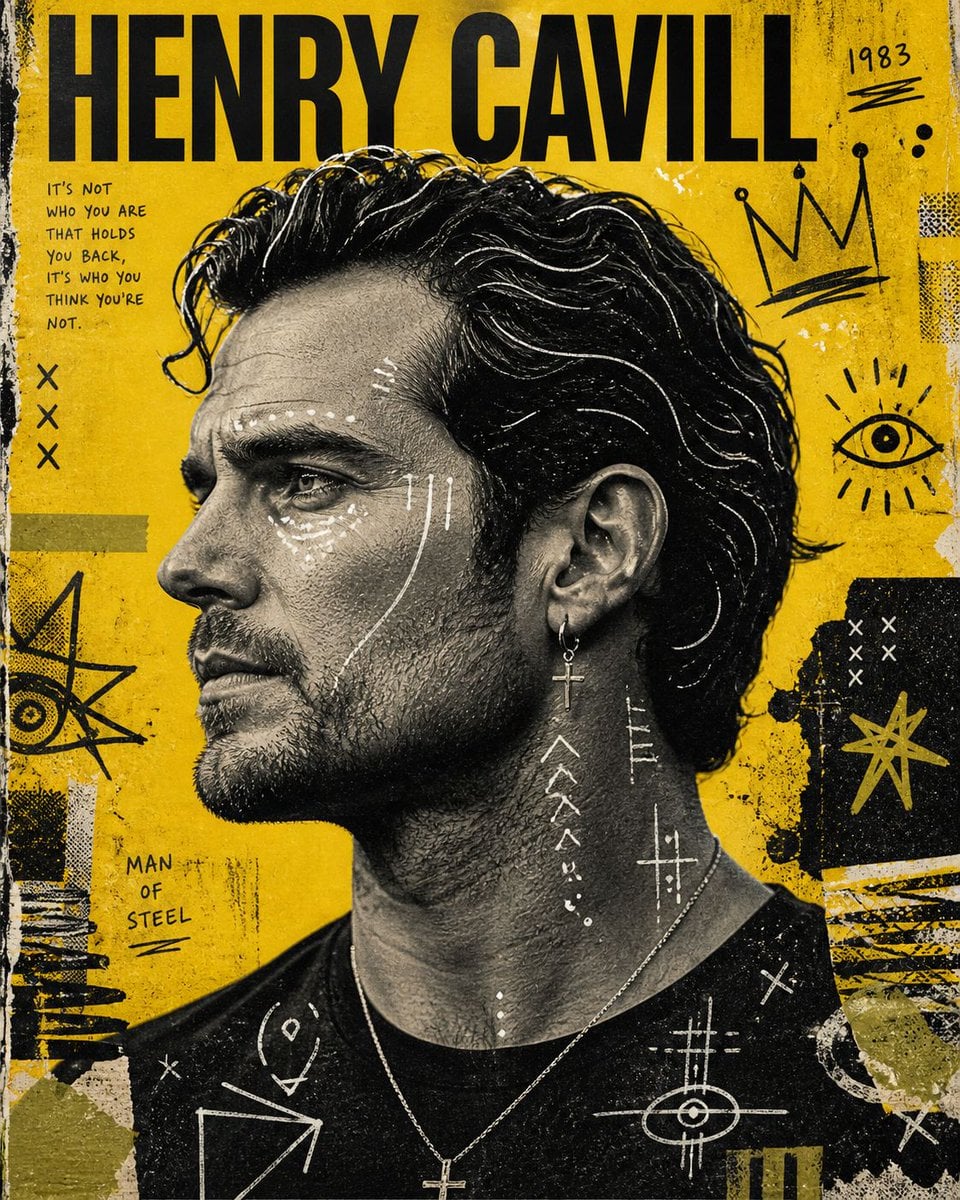
Raw Mixed-Media Street Art Poster
Make it yours
Creative Mixed Media Photo and Ink Illustration Fusion works as-is. These are the safest ways to change it without losing the look.
Change one field
Copy a single group, rewrite it, and generate again so you can see what that field is doing.
Keep the frame, change the subject
Hold the composition and light of Creative Mixed Media Photo and Ink Illustration Fusion, then swap wardrobe, props or the person for a new take.
| If the result… | Why | Fix |
|---|---|---|
| The result drifts from the preview | Too many fields changed at once. | Reuse Creative Mixed Media Photo and Ink Illustration Fusion as-is first, then change one group — subject, light, or setting. |
| The model over-stylizes the scene | The prose prompt leaves finish and camera underspecified. | Add one camera or lighting sentence and stay on Nano Banana 2. |
More Nano Banana 2 templates
Other prompts made for Nano Banana 2.

Photorealistic Leaf Shaped Like a Dragon

K-Pop Idol Portrait Grid for Rapid Selection

Poetic Rain Forest Portrait During Golden Hour

Urban Street Portrait with Cartoon Inner Self Duo

Candid Nighttime Photo with Cat Prompt

High-Concept 3D Diorama Generation Prompt

Cinematic Futuristic Studio Portrait Template

Skincare Editorial Photography Collage Prompt

Hyper-Realistic Commercial Product Photography (Splash Effect)

Hyper-Realistic Nightclub Portrait Prompt
More image prompts
Fresh picks from across the catalog.
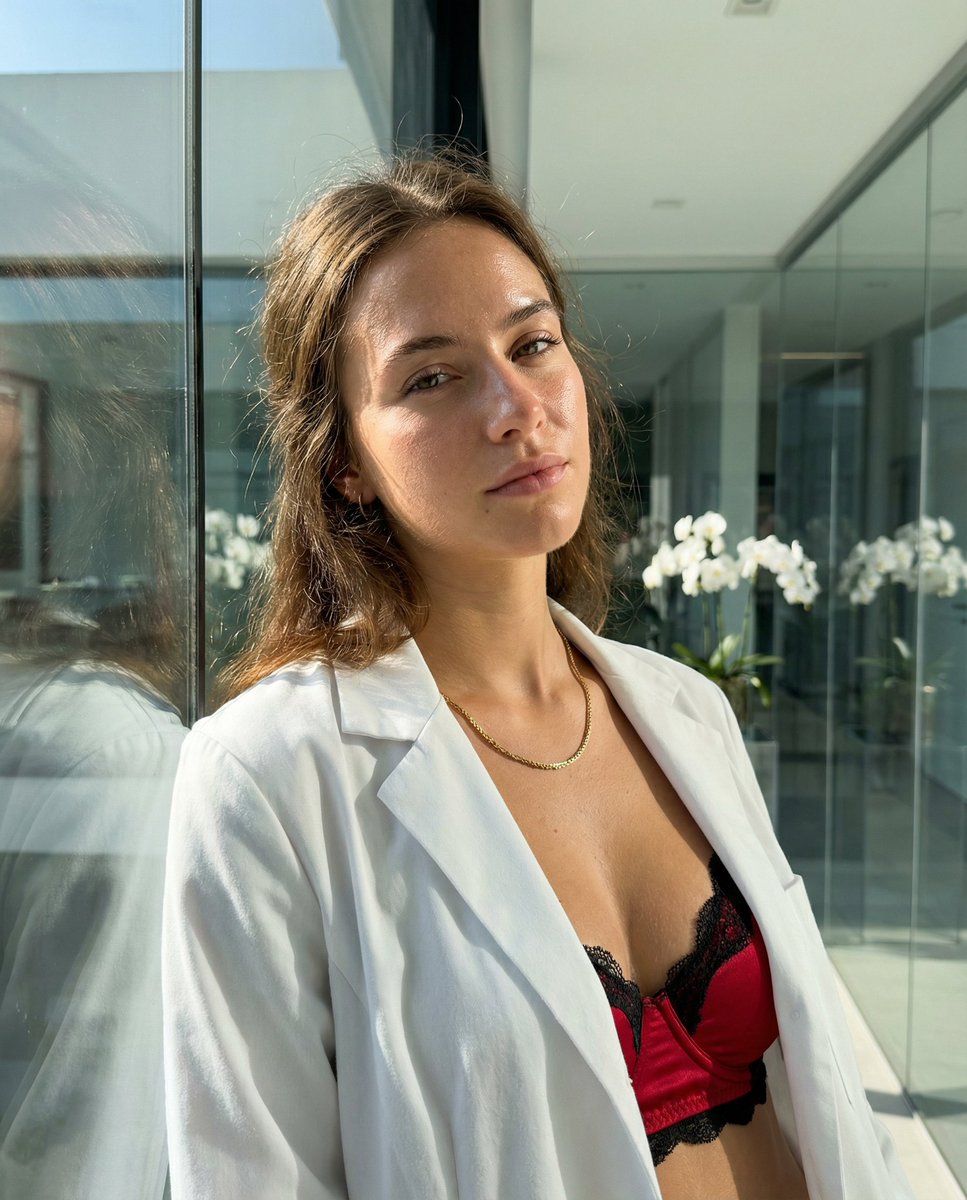
High-Fidelity Skin Texture Portrait of a Young Doctor
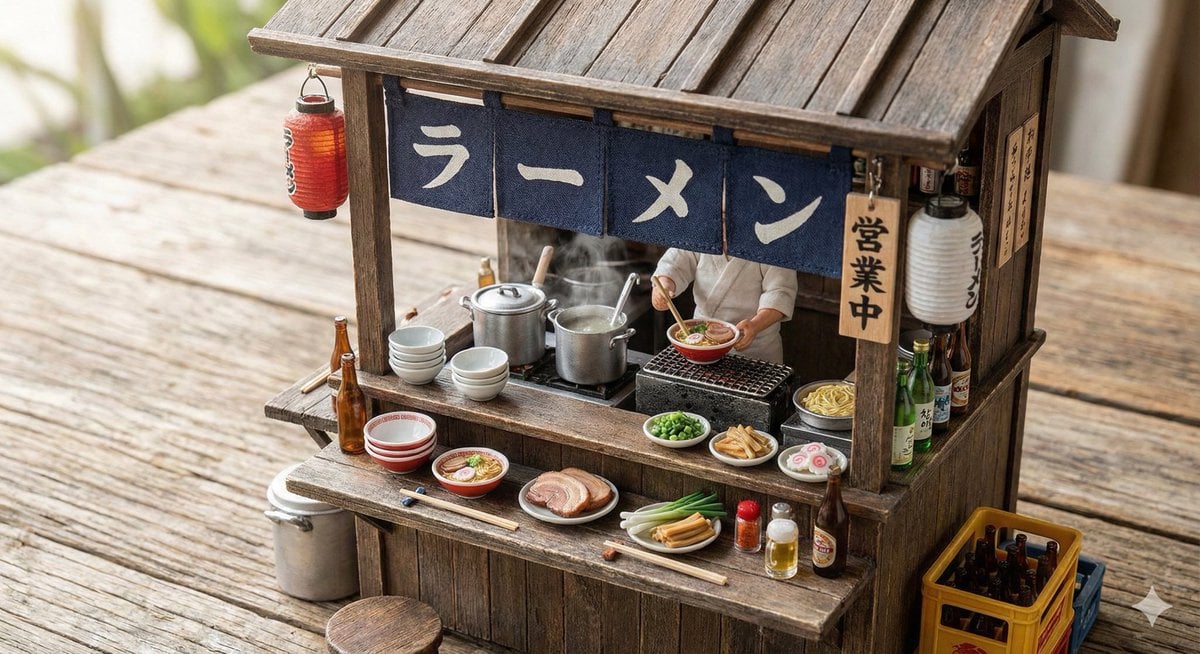
Generating Various Everyday Scenes
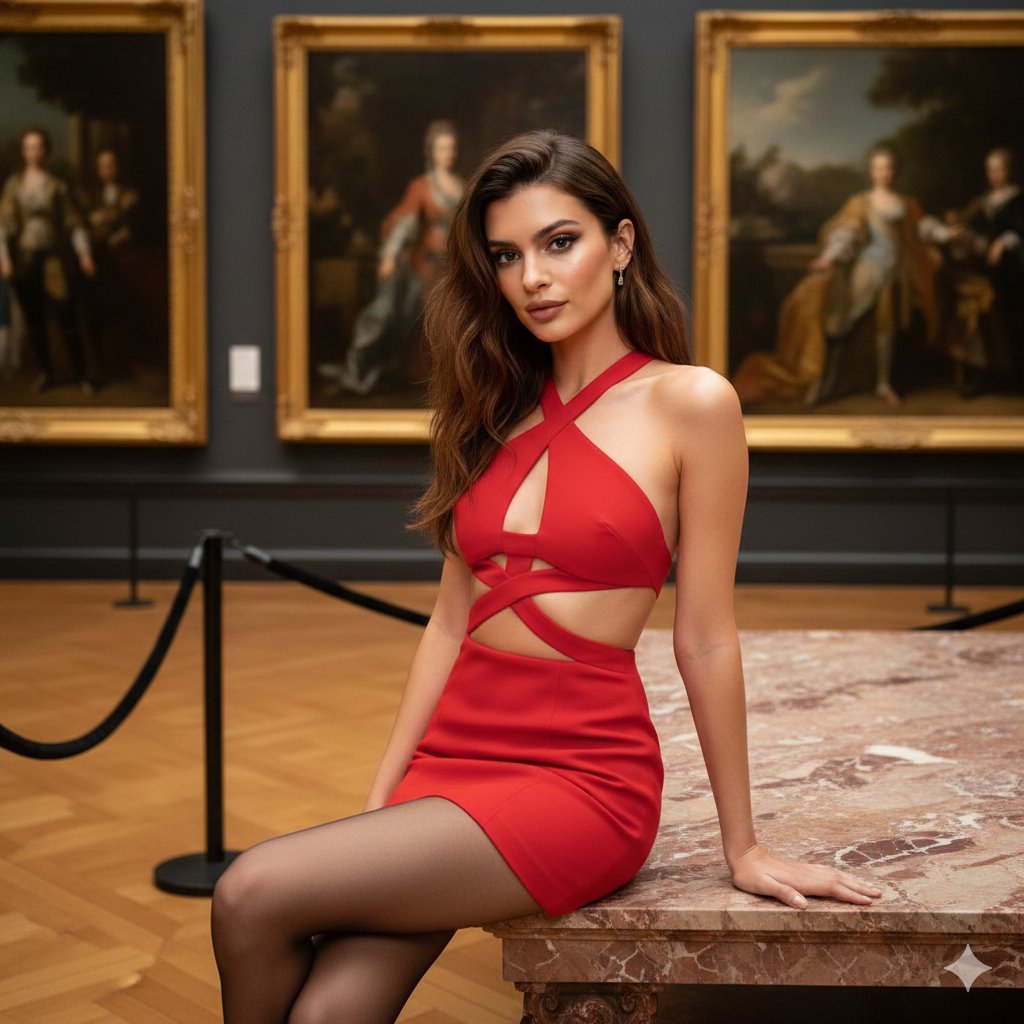
Fashion Portrait in Museum with Red Dress
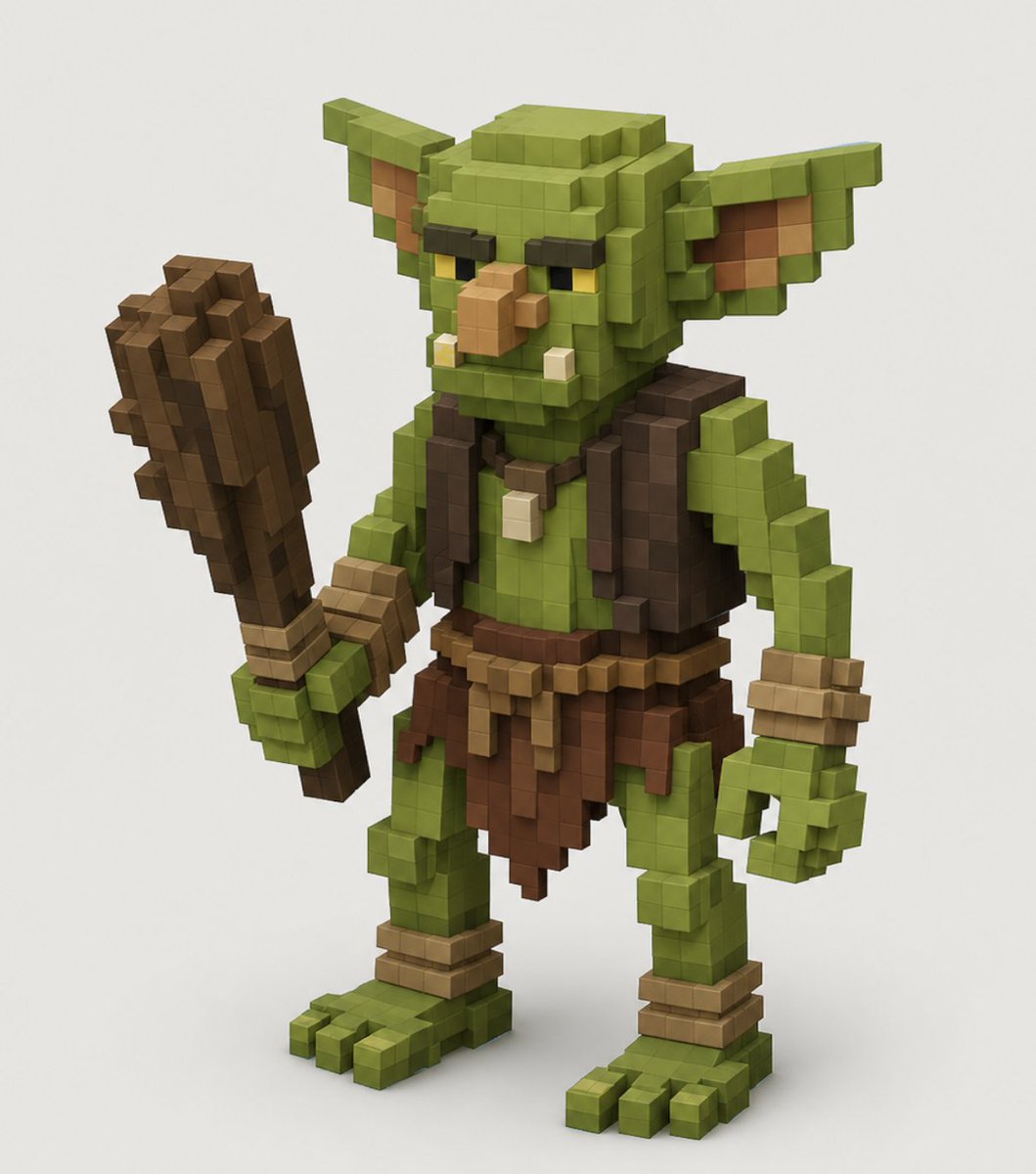
Voxel Goblin Warrior
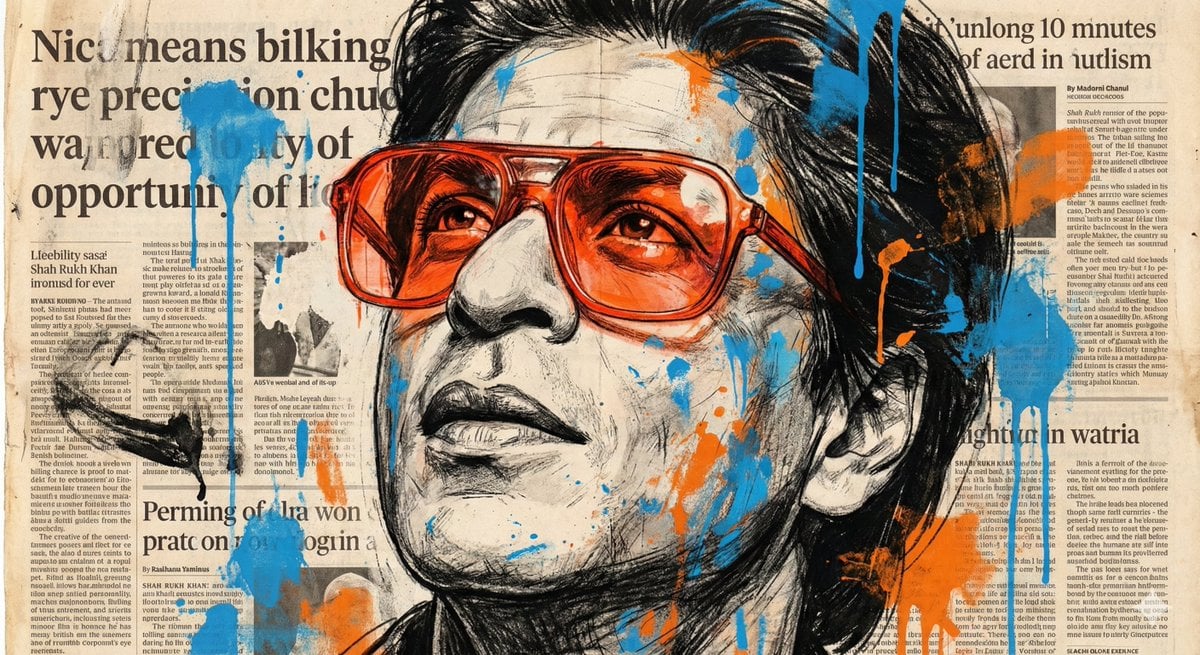
Expressive Portrait with Abstract Expressionism Style
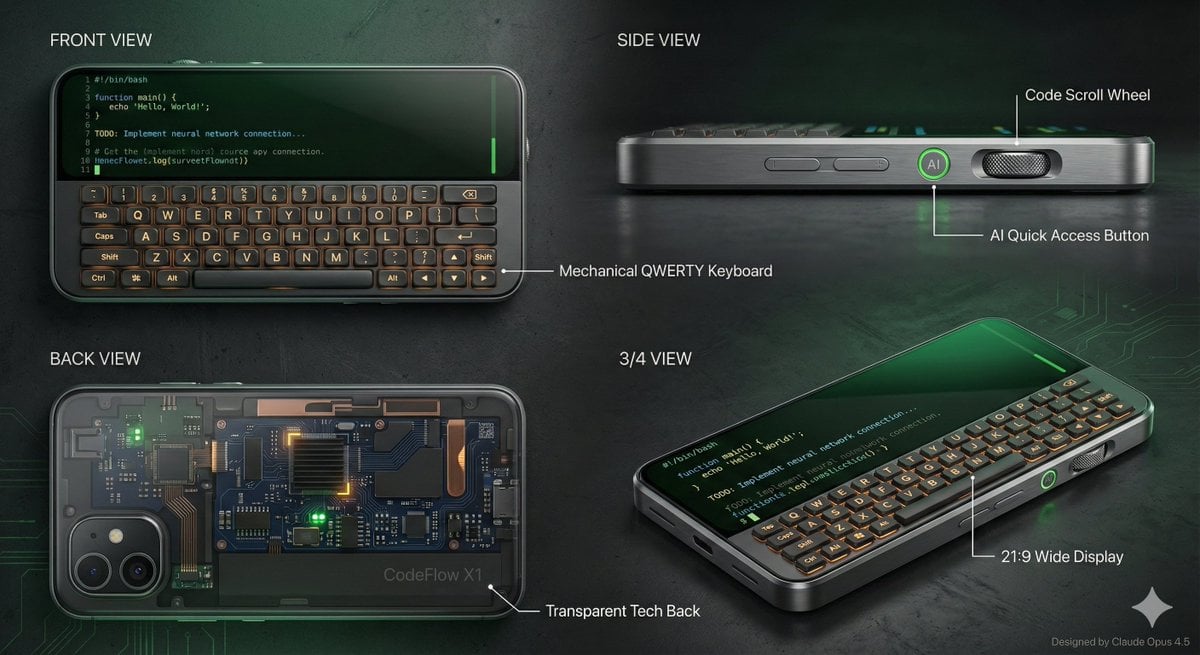
Vibe Coder Keyboard Phone Design Task
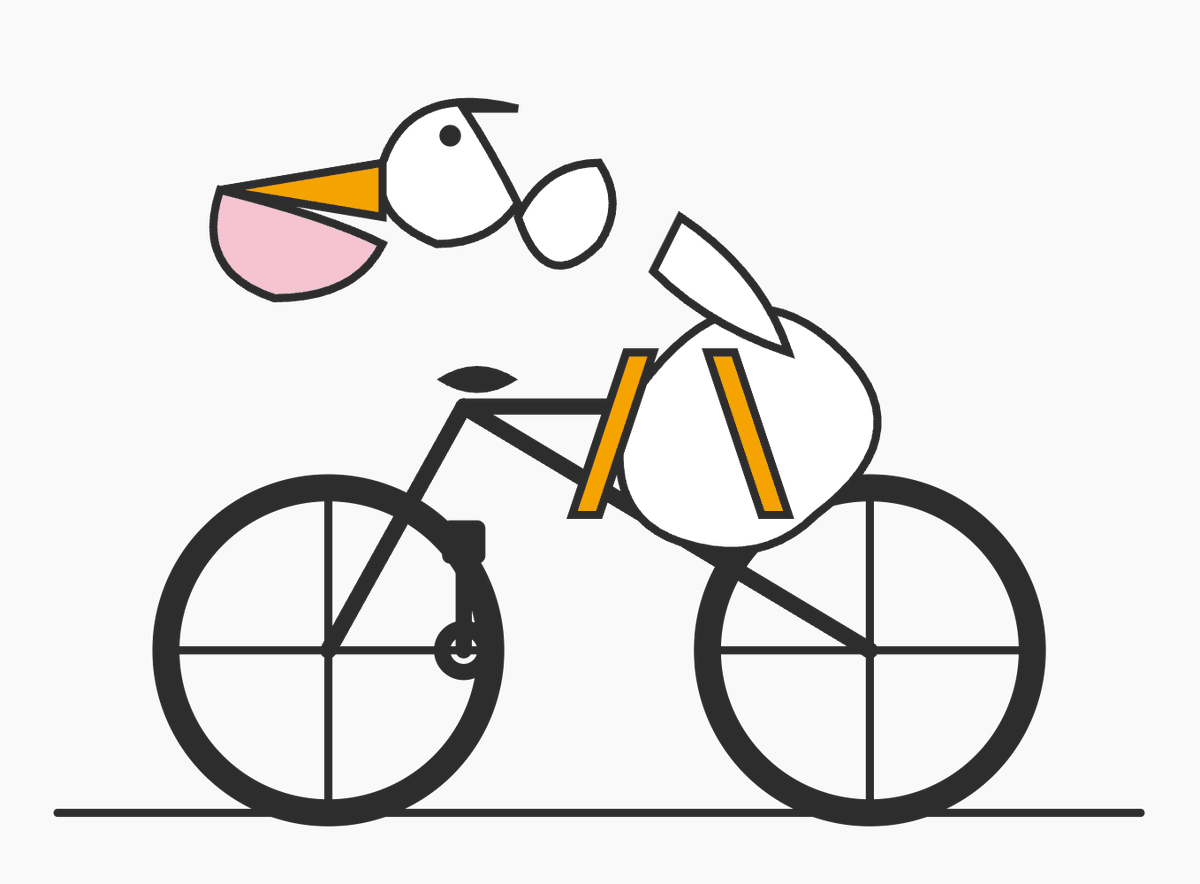
Minimal Pelican Riding Bicycle
Clean Studio Fashion Portrait
Character-Themed Custom Keyboard
Cinematic Neon Studio Portrait
Browse template categories
Creative Mixed Media Photo and Ink Illustration Fusion questions
How do I use the Creative Mixed Media Photo and Ink Illustration Fusion template?
Add your photo if the template asks for one, edit the prompt if you like — the template's model and format are already selected — and press Generate. Your version opens in PicX Studio.
Can I customize the Creative Mixed Media Photo and Ink Illustration Fusion template?
Yes. You can change the subject, setting, lighting, mood, format, and available model controls before creating your image.
Is the Creative Mixed Media Photo and Ink Illustration Fusion template free?
Opening and editing this template is free. Generating uses credits, shown on the Generate button when you are signed in.
Which AI model should I use?
Start with Nano Banana 2, which is the model associated with this template. You can compare another compatible model for a different finish.
Looking for something else? Browse all templates.

Your photo, any look
Thousands of ready templates for every top image and video model, from one credit balance.