How do I use the Mixed-media collage portrait illustration template?
Choose the primary action to open PicX Studio with the available template settings. Review the model and format, personalize the creative direction, and generate when ready.
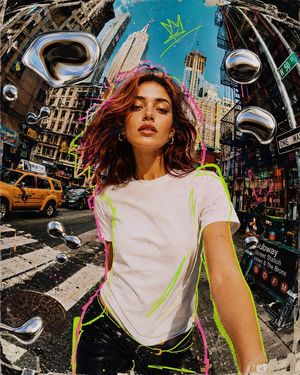
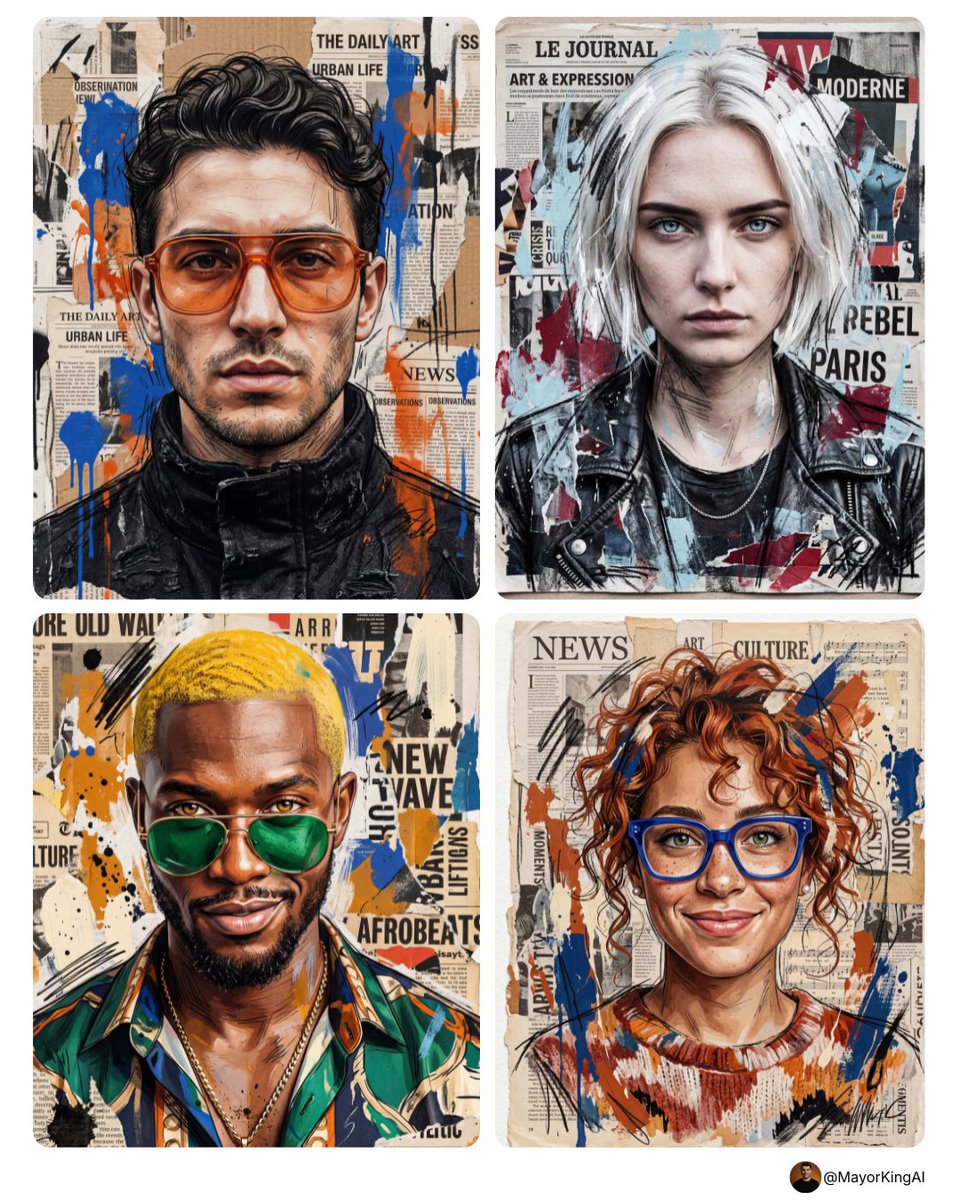
A sophisticated prompt for generating high-detail contemporary mixed-media portraits that look like handcrafted screenprint-collage artwork, designed to maintai
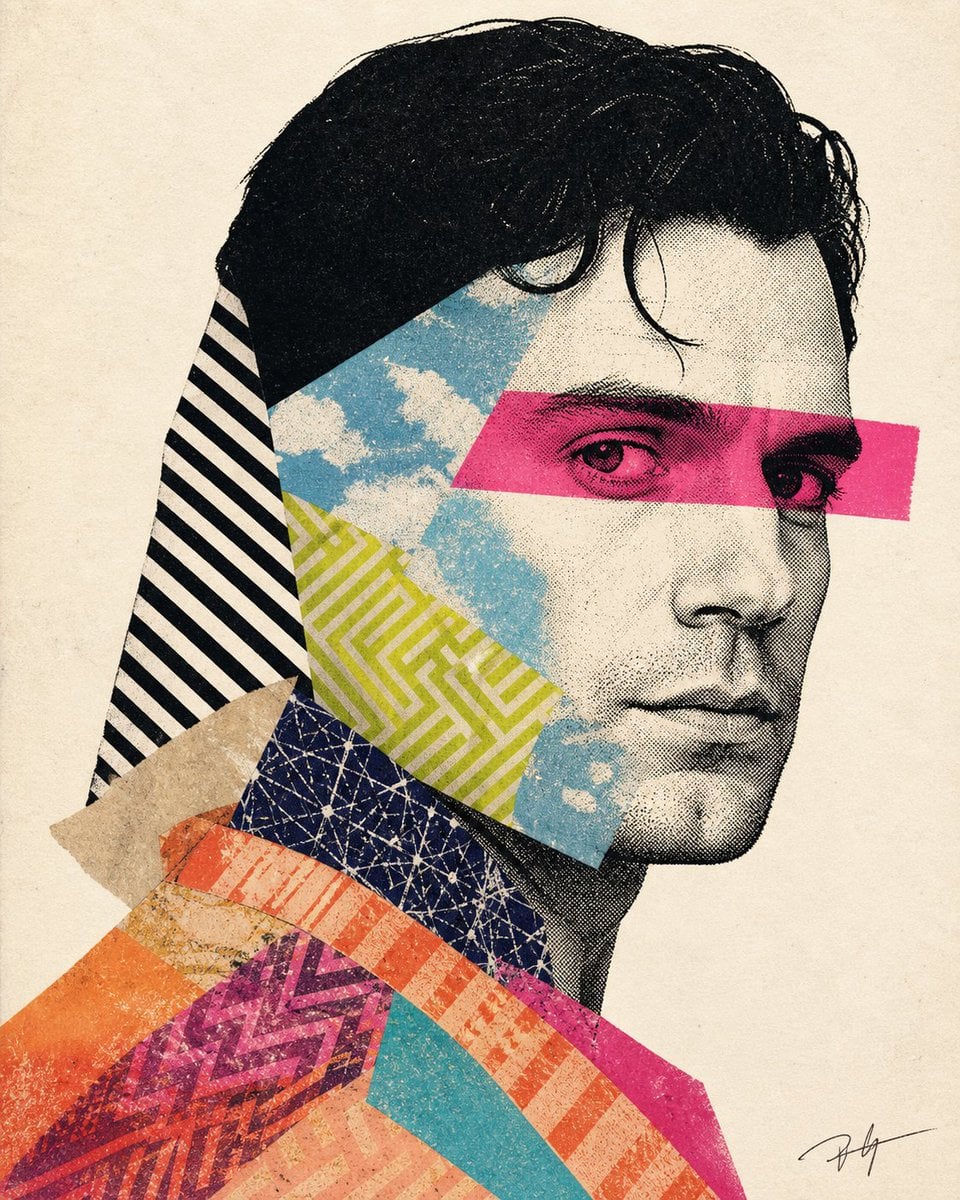
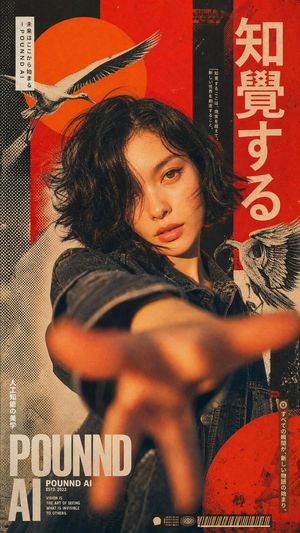
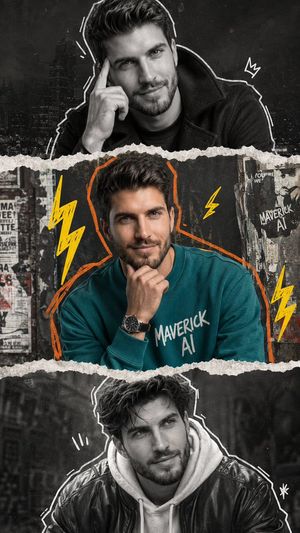
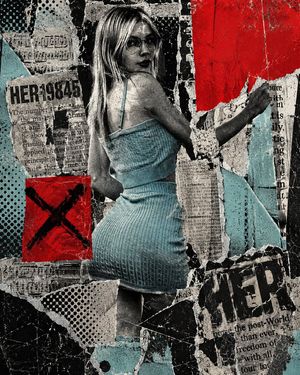
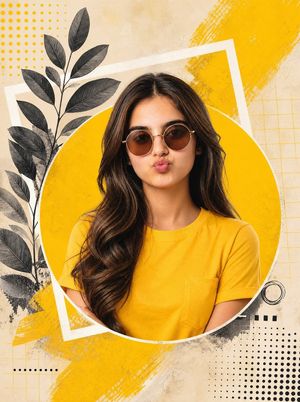
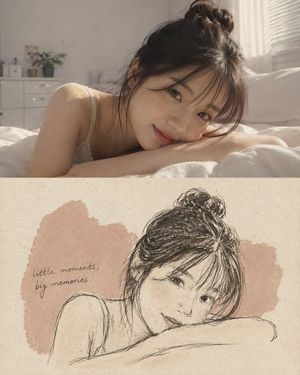
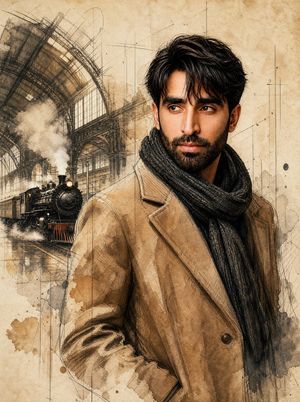
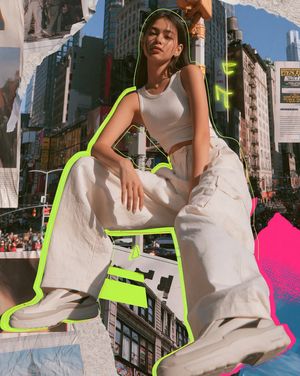
Create a high-detail {argument name="art style" default="contemporary mixed-media portrait illustration"} of a person attached in the uploaded reference image ( Do not change facial features of the person from the uploaded photo. Keep face of person 100% accurate from the reference image. Keep the original face of the attached person unchanged and realistic) in side-facing three-quarter profile, styled as a premium editorial art print / collage poster. Make it look like a real handcrafted screenprint–collage artwork scanned from paper — authentic print texture, halftone dots, paper grain, cut-paper layering, imperfect registration, and analog feel only. No AI-digital look. The face is high-contrast black-and-off-white halftone/stipple (like old newspaper/photo-transfer), slender and elegant, calm serious expression, direct gaze, short dark hair with one soft curl over the forehead. A bold {argument name="eye band color" default="hot-pink/magenta"} horizontal eye band crosses both eyes (semi-opaque, eyes still visible beneath). Hair is a solid black cutout shape. Layered collage fragments cut diagonally across the portrait: sky-blue cloud texture over forehead/cheek/jaw, lime-yellow geometric maze pattern on cheek/jaw, bold black-and-white diagonal stripes on the back silhouette, dark navy network scribble near the neck, beige torn-paper fragment, and lower neck/shoulder areas with overlapping warm orange, coral, peach, turquoise, and magenta textile patterns (zigzags, chevrons, diagonal stripes, mottled textures). Vertical portrait composition, head dominant and slightly right of center, clean negative space, plain warm off-white paper background with subtle grain. Tiny artist-signature scribble in lower-right corner only. Highly tactile, matte, scanned print aesthetic with visible paper tooth, ink absorption, and minor imperfections. Color palette: black, off-white/cream, hot pink/magenta, sky blue/cyan, lime yellow-green, dark navy, beige, orange/coral/peach, purple-magenta accents. Editorial screenprint/risograph collage style — bold, graphic, refined, and physically real. Avoid photorealism, glossy gradients, 3D shading, smooth vectors, watercolor, text, or extra elements. Aspect ratio {argument name="aspect ratio" default="4:5"}
Choose the primary action to open PicX Studio with the available template settings. Review the model and format, personalize the creative direction, and generate when ready.
Yes. You can change the subject, setting, lighting, mood, format, and available model controls before creating your image.
This template is free to open and customize. Generation usage is shown in PicX Studio before you create.
Start with Nano Banana 2, which is the model associated with this template. You can compare another compatible model for a different finish.
Follow a topic to a crawlable collection of related PicX Studio templates.