
Custom Anime Vending Machine Design
Generates a highly detailed, themed vending machine featuring a large character illustration, branded signage, and specific product labels.
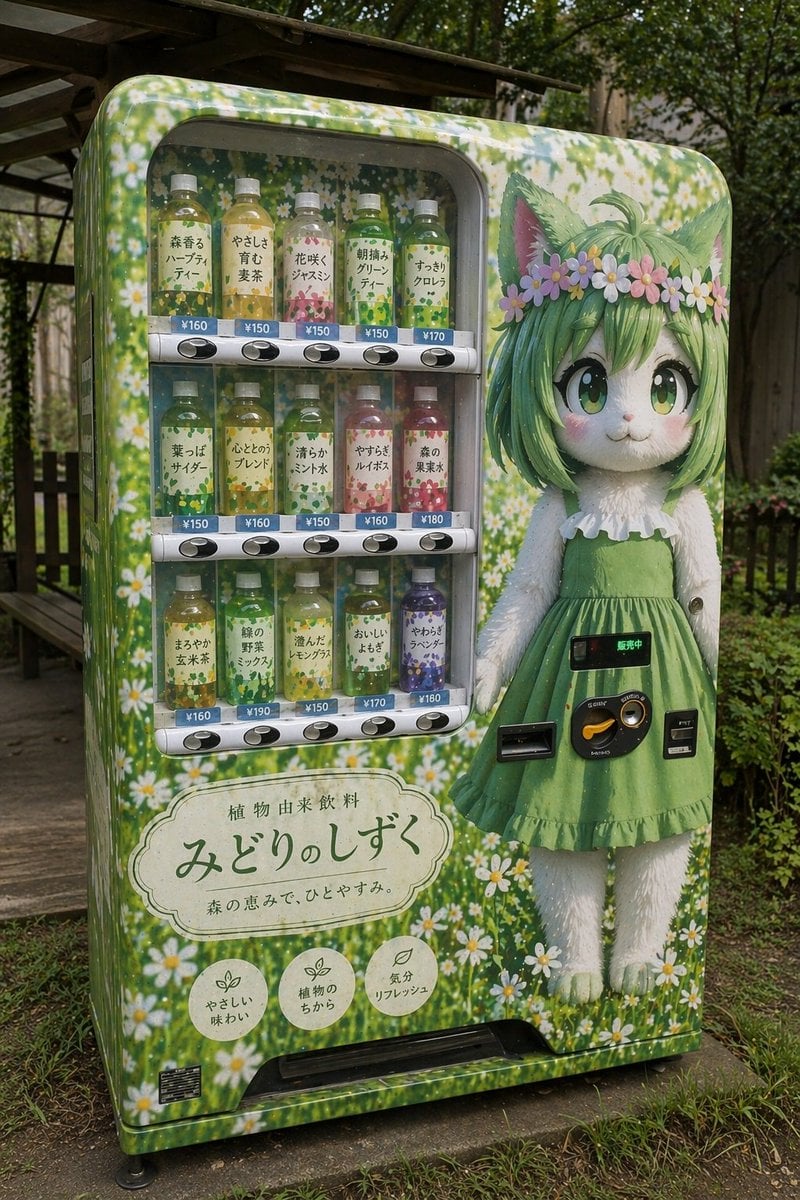
- Prompt included
- Model and format preset
- Free template
The prompt behind this image
Copy the exact prompt behind Custom Anime Vending Machine Design, or open it in the studio and make it yours.
- Type
- vending machine design
- Setting
- {argument name="setting" default="outdoor park with green grass and a wooden bench"}
- Machine Wrap
- {argument name="machine pattern" default="green background with white daisies"}
- Layout › Right Side › Element
- character illustration
- Layout › Right Side › Character › Species
- {argument name="character species" default="anthropomorphic white cat"}
- Layout › Right Side › Character › Hair
- green bob
- Layout › Right Side › Character › Eyes
- large green anime eyes
- Layout › Right Side › Character › Accessories
- flower crown with pink and white daisies
- Layout › Right Side › Character › Outfit
- {argument name="character outfit" default="green sleeveless dress with white ruffles"}
- Layout › Right Side › Hardware Overlay
- coin slot, bill acceptor, return lever, digital display showing '販売中' integrated into the character's skirt area
- Layout › Top Left › Element
- product display window
- Layout › Top Left › Rows
- 3
- Layout › Top Left › Bottles Per Row
- 5
- Layout › Top Left › Total Bottles
- 15
- Layout › Top Left › Bottle Details
- clear plastic bottles with colored liquids (greens, yellows, pink, purple), white labels, blue price tags (¥150 to ¥190)
- Layout › Top Left › Row 1 Labels
- 森香るハーブティー, やさしさ育む麦茶, 花咲くジャスミン, 朝摘みグリーンティー, すっきりクロレラ
- Layout › Top Left › Row 2 Labels
- 葉っぱサイダー, 心ととのうブレンド, 清らかミント水, やすらぎルイボス, 森の果実水
- Layout › Top Left › Row 3 Labels
- まろやか玄米茶, 緑の野菜ミックス, 澄んだレモングラス, おいしいよもぎ, やわらぎラベンダー
- Layout › Bottom Left › Element
- branding and badges
- Layout › Bottom Left › Main Signage › Shape
- scalloped oval plaque
- Layout › Bottom Left › Main Signage › Top Text
- 植物由来飲料
- Layout › Bottom Left › Main Signage › Main Text
- {argument name="main brand name" default="みどりのしずく"}
- Layout › Bottom Left › Main Signage › Sub Text
- 森の恵みで、ひとやすみ。
- Layout › Bottom Left › Badges › Count
- 3
Raw JSON
{
  "type": "vending machine design",
  "setting": "{argument name=\"setting\" default=\"outdoor park with green grass and a wooden bench\"}",
  "machine_wrap": "{argument name=\"machine pattern\" default=\"green background with white daisies\"}",
  "layout": {
    "right_side": {
      "element": "character illustration",
      "character": {
        "species": "{argument name=\"character species\" default=\"anthropomorphic white cat\"}",
        "hair": "green bob",
        "eyes": "large green anime eyes",
        "accessories": "flower crown with pink and white daisies",
        "outfit": "{argument name=\"character outfit\" default=\"green sleeveless dress with white ruffles\"}"
      },
      "hardware_overlay": "coin slot, bill acceptor, return lever, digital display showing '販売中' integrated into the character's skirt area"
    },
    "top_left": {
      "element": "product display window",
      "rows": 3,
      "bottles_per_row": 5,
      "total_bottles": 15,
      "bottle_details": "clear plastic bottles with colored liquids (greens, yellows, pink, purple), white labels, blue price tags (¥150 to ¥190)",
      "row_1_labels": ["森香るハーブティー", "やさしさ育む麦茶", "花咲くジャスミン", "朝摘みグリーンティー", "すっきりクロレラ"],
      "row_2_labels": ["葉っぱサイダー", "心ととのうブレンド", "清らかミント水", "やすらぎルイボス", "森の果実水"],
      "row_3_labels": ["まろやか玄米茶", "緑の野菜ミックス", "澄んだレモングラス", "おいしいよもぎ", "やわらぎラベンダー"]
    },
    "bottom_left": {
      "element": "branding and badges",
      "main_signage": {
        "shape": "scalloped oval plaque",
        "top_text": "植物由来飲料",
        "main_text": "{argument name=\"main brand name\" default=\"みどりのしずく\"}",
        "sub_text": "森の恵みで、ひとやすみ。"
      },
      "badges": {
        "count": 3,
        "shape": "circular with leaf icons",
        "labels": ["やさしい味わい", "植物のちから", "気分リフレッシュ"]
      }
    }
  }
}How to use Custom Anime Vending Machine Design in 3 steps
- 1Upload ImagePNG, JPG or paste
Add your photo
Upload the photo the template builds on. The prompt, model and format are already set.
- 2…a portrait of your subject in softgolden-hour light, 85mm…
Personalize
Edit the subject and creative details for your destination.
- 3Generate
Generate
Press Generate — your image is created in PicX Studio, so you can compare it with the original and refine one variable at a time.
More like this
Templates with the same subject, style or setup. Open one to see its prompt.
Anime Girl Leaning on Vending Machine
MiniAI Tech Vending Machine Collage
Pepsi Vending Machine Ad
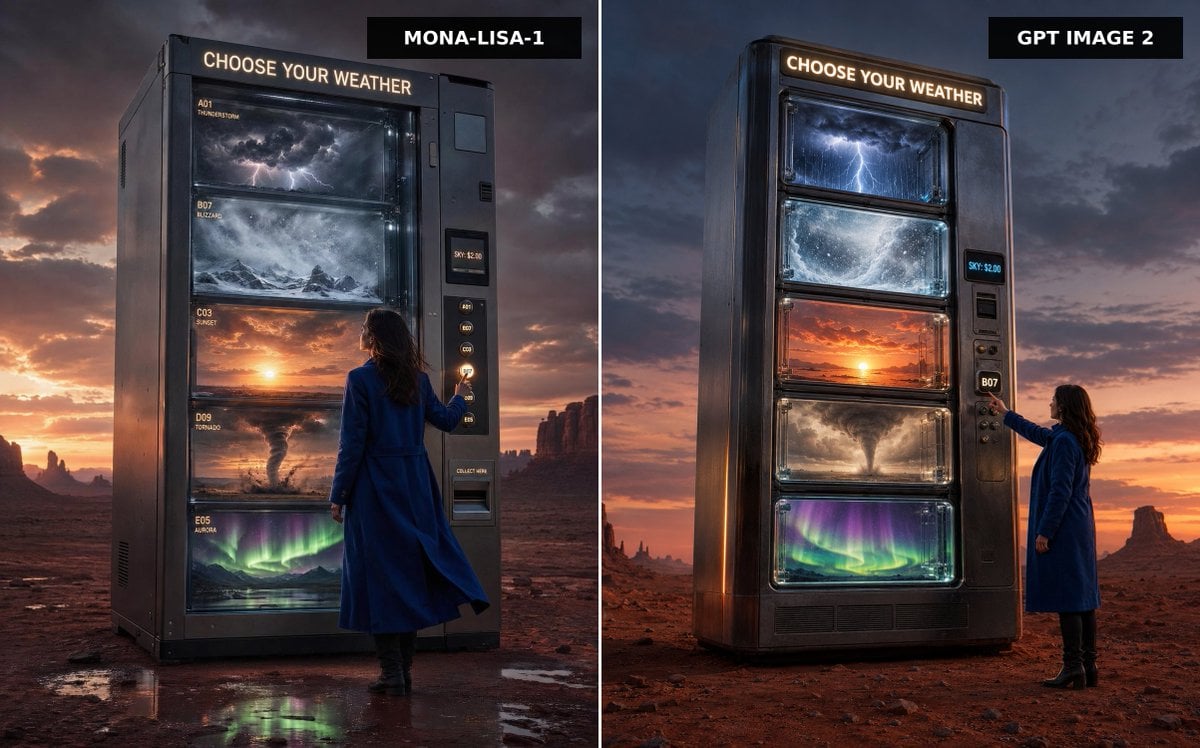
Weather Vending Machine Comparison
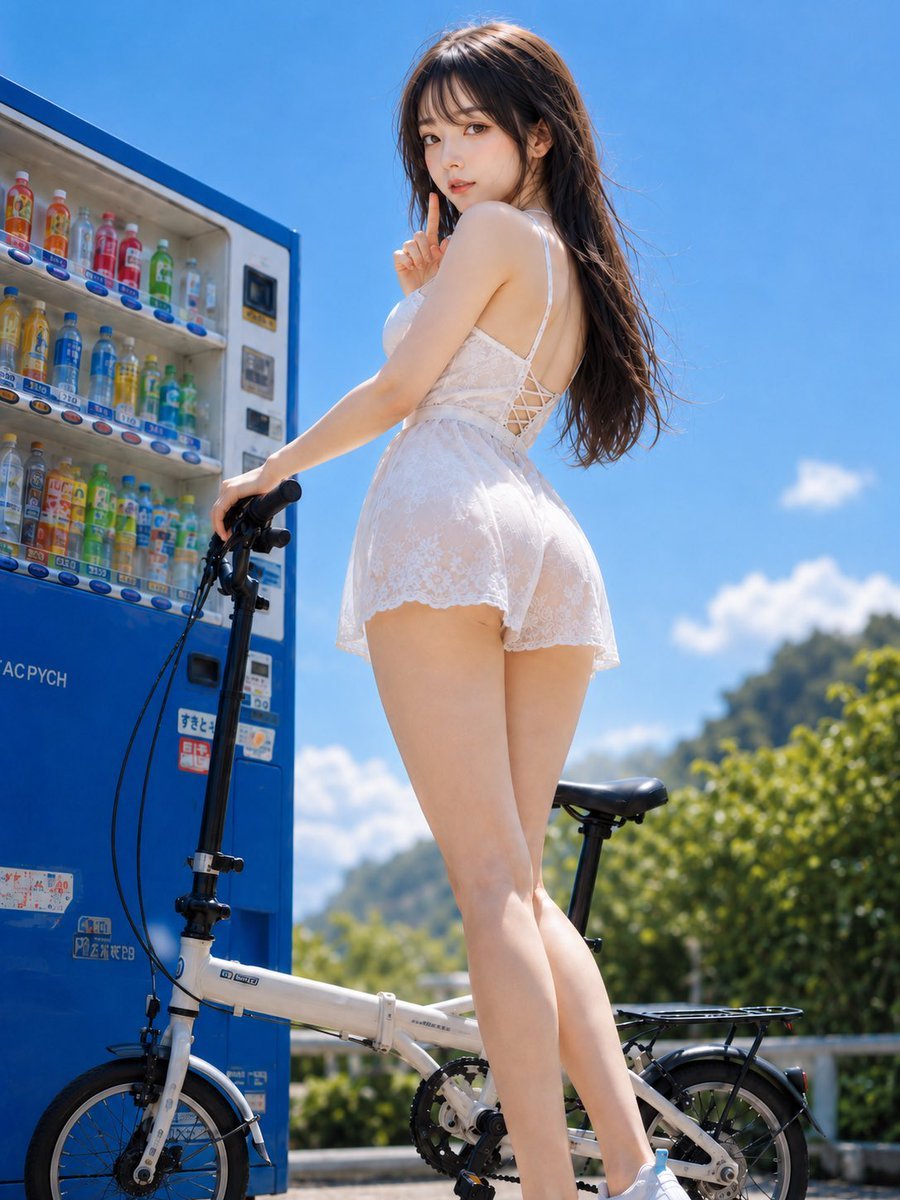
Summer Vending Machine Side Portrait
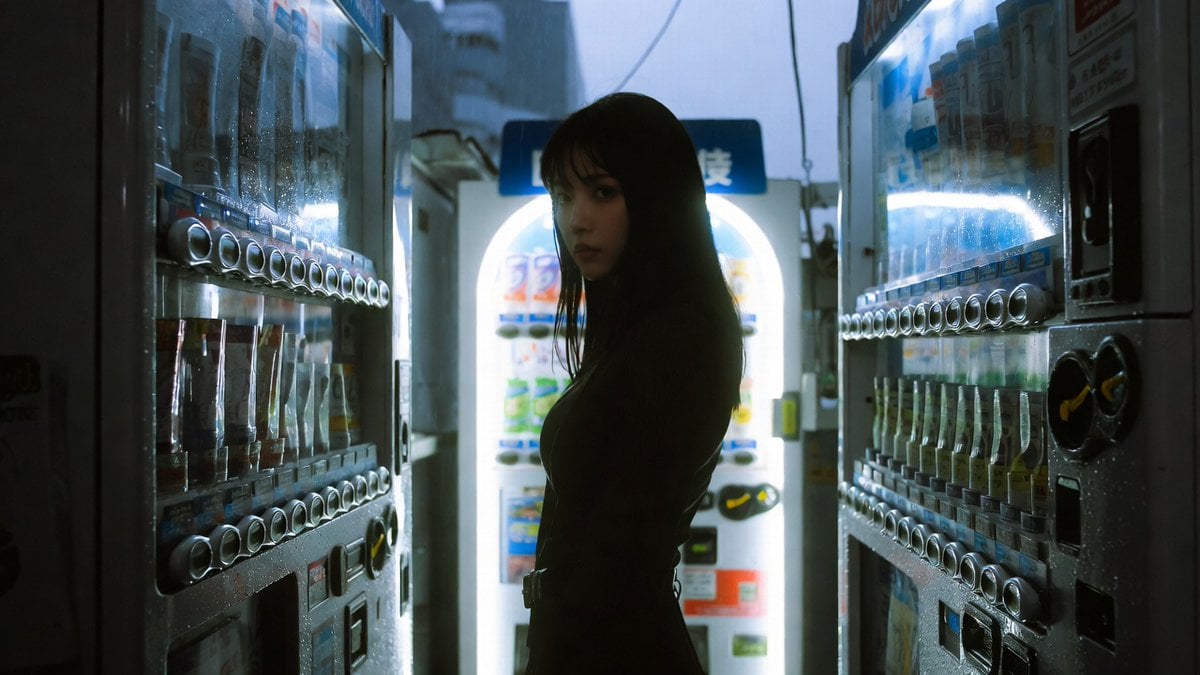
Cinematic Shinjuku Vending Machine Editorial
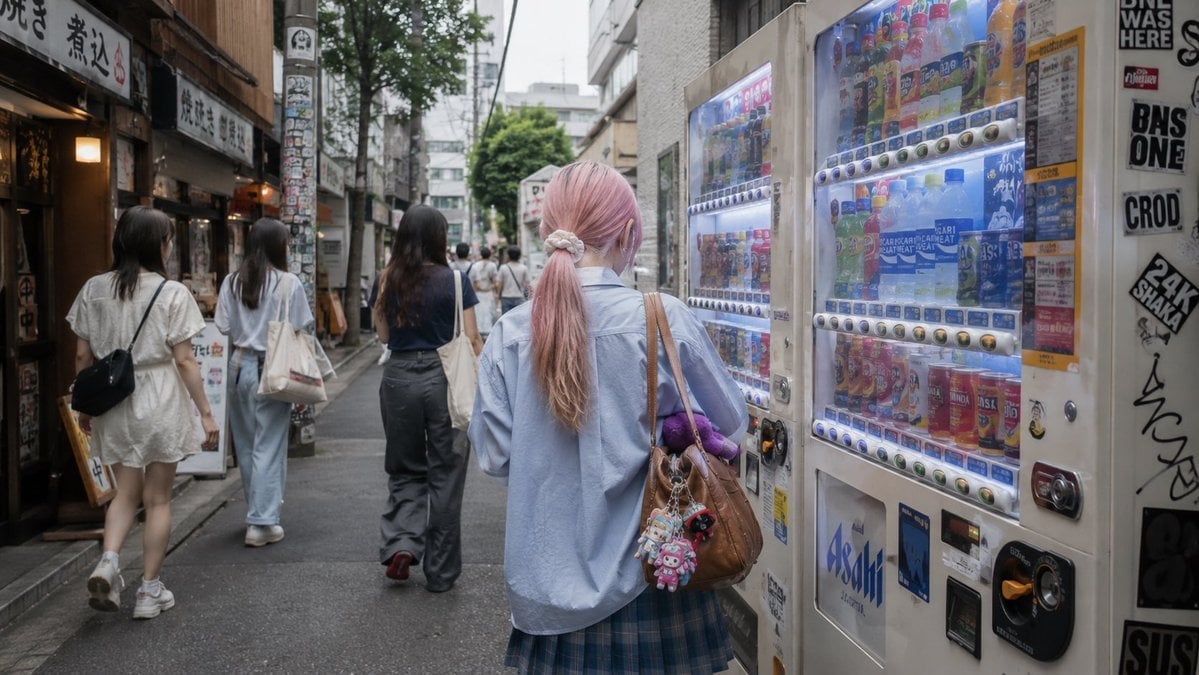
Tokyo Alley Vending Machine Snapshot
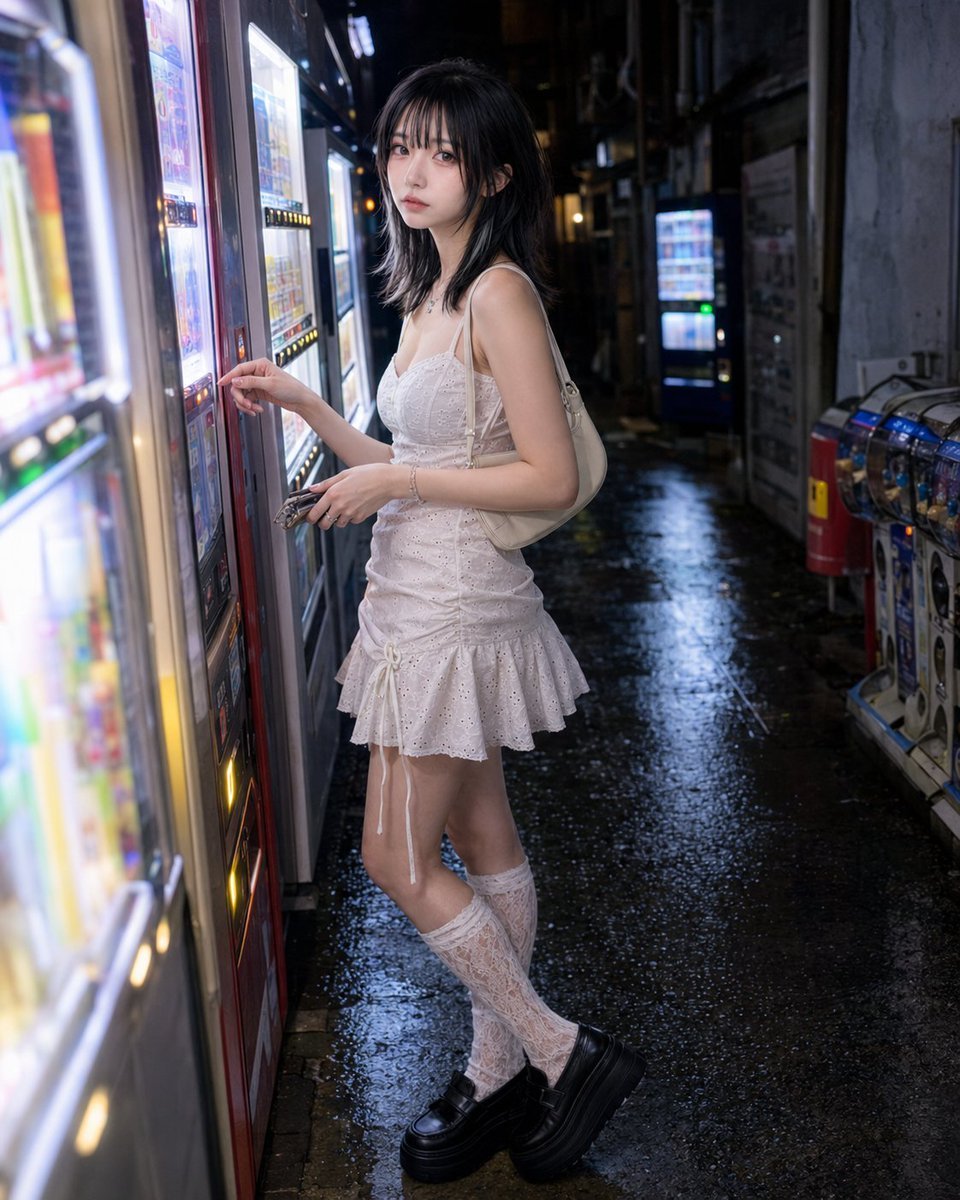
Vending Machine Alley at Night

Cel 2D Finale Fireworks

Cel 2D Garden Maze

Cel 2D Rooftop Concert

Cel 2D Bicycle Coast
Make it yours
Custom Anime Vending Machine Design works as-is. These are the safest ways to change it without losing the look.
Swap the setting
Keep the rest of the prompt and replace the location block. The current setting is “{argument name="setting" default="outdoor park with green grass and a wooden ben”.
Change one field
Copy a single group, rewrite it, and generate again so you can see what that field is doing.
Keep the frame, change the subject
Hold the composition and light of Custom Anime Vending Machine Design, then swap wardrobe, props or the person for a new take.
| If the result… | Why | Fix |
|---|---|---|
| The result drifts from the preview | Too many fields changed at once. | Reuse Custom Anime Vending Machine Design as-is first, then change one group — subject, light, or setting. |
| GPT Image 2 ignores part of the JSON | Some models flatten or skip nested keys. | Keep the same values and paste them as a short paragraph instead. |
More GPT Image 2 templates
Other prompts made for GPT Image 2.

Six VTuber Japanese Logo Sheet

Realistic Portrait of Woman and Deer

The Vista Modular Condo Poster

AI Model Routing Comparison Infographic

2.5D Anime Art Board

Isometric Productivity Desk Scene

New York Double Exposure Poster

Four-Panel AI Landscape Comparison

Japanese Tatami Lifestyle Magazine Cover

NESCAFÉ Coffee Map Poster
More image prompts
Fresh picks from across the catalog.
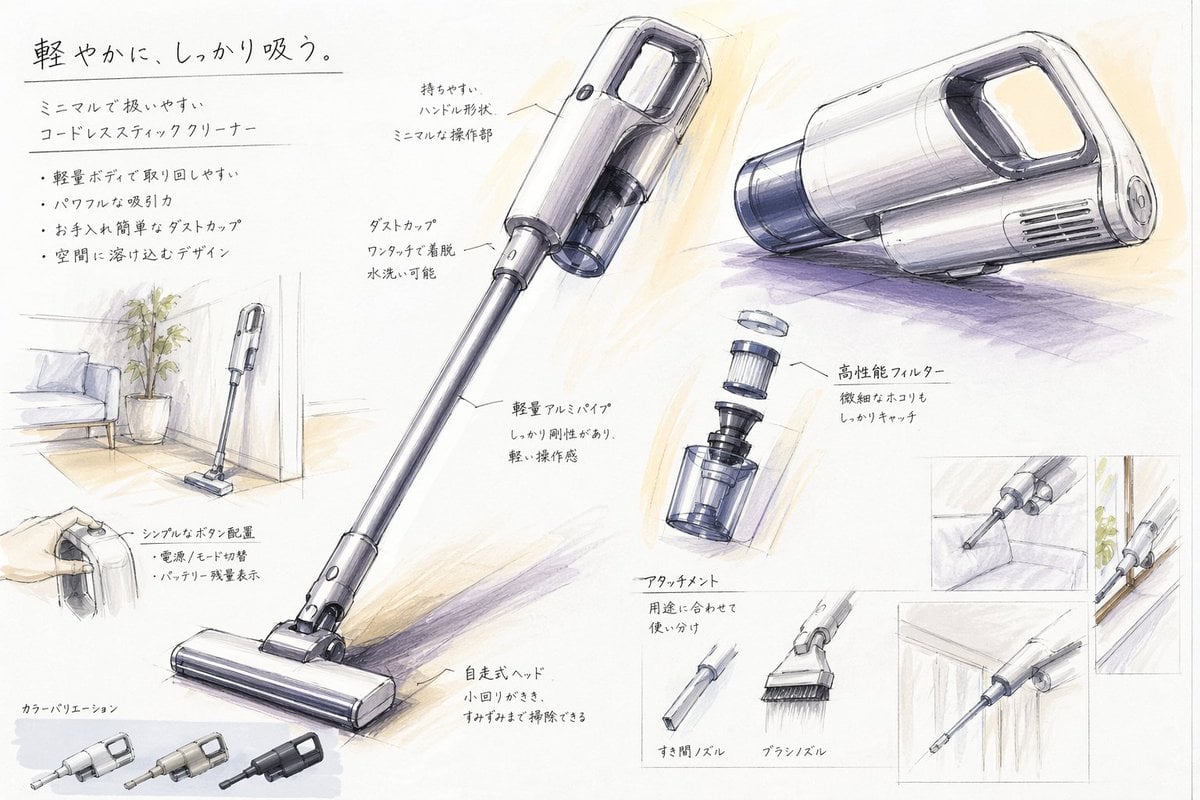
Japanese Vacuum Design Sketch Board
Neo-Noir Phone Booth Scene in the Rain
Abstract Iridescent Swirling Color Mixture

Travel Poster Graphic Collage
Four-Panel Manga: The Darkness of SNS (Part 1)
Nano Banana Pro Image Upscaler Prompt
Sunlit Lifestyle Fashion Photography on a Bicycle
Kid-Friendly Emotion Illustrations (Cartoon Dog)
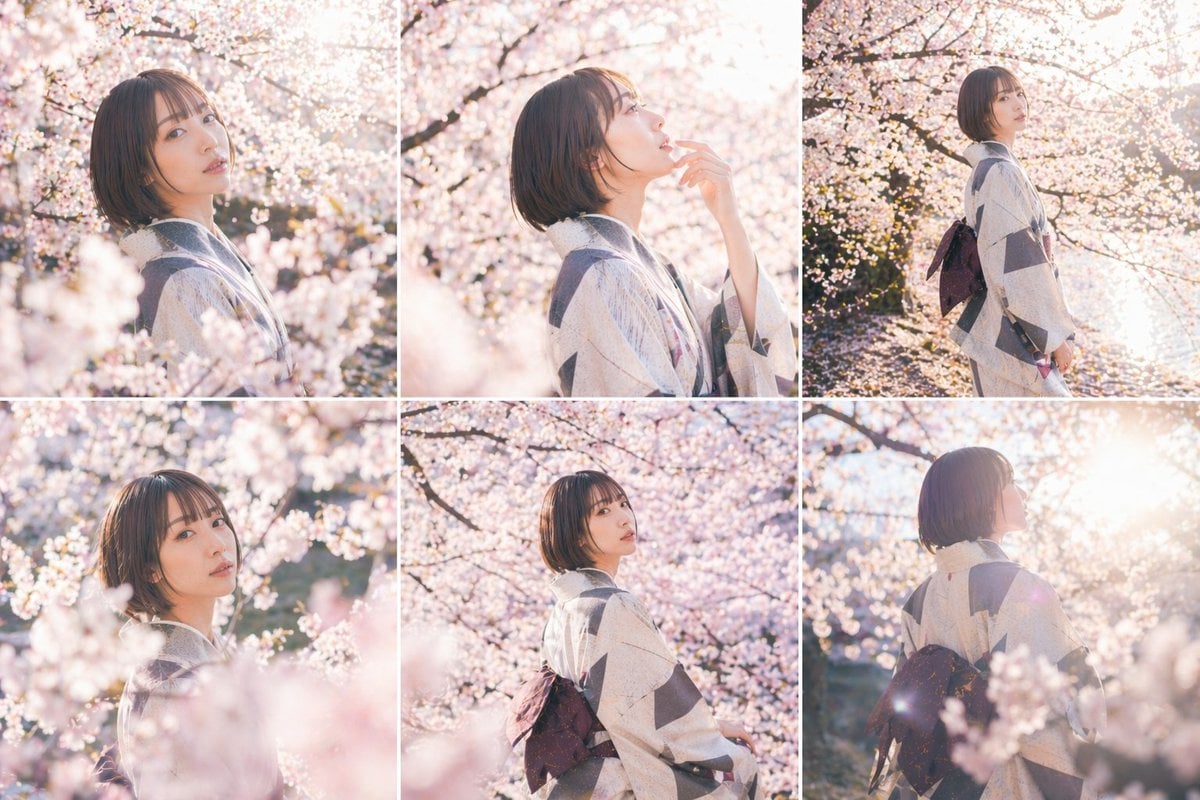
Cherry Blossom Kimono Portrait Grid
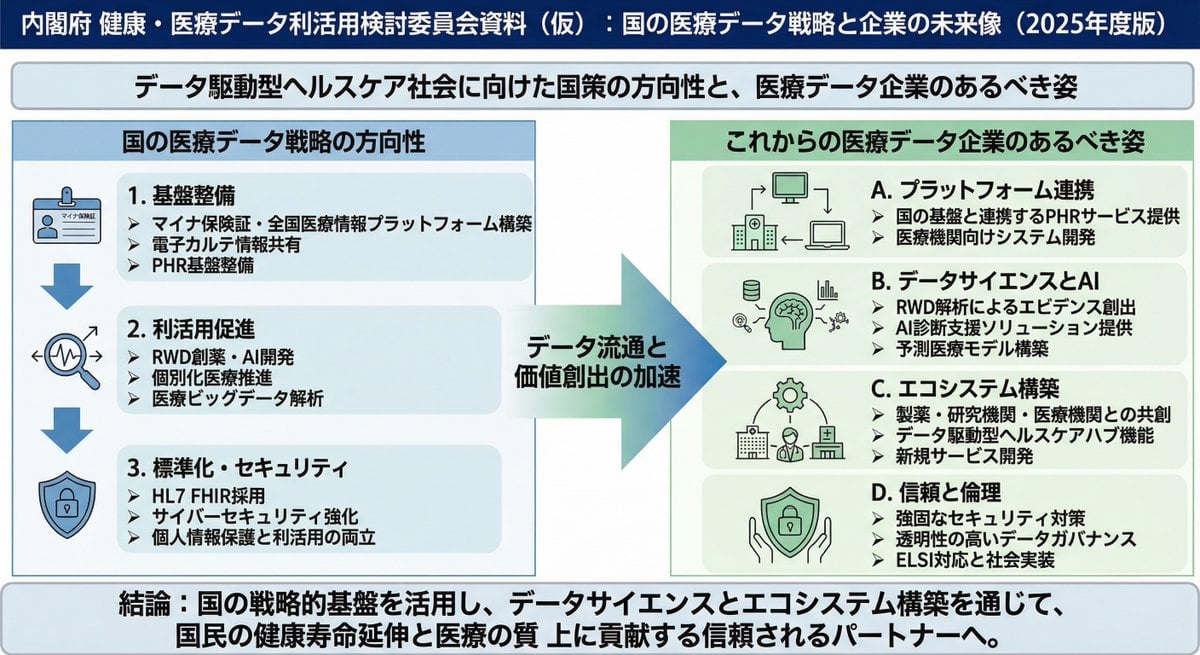
Policy-style slide about national medical data strategy
Browse template categories
Custom Anime Vending Machine Design questions
How do I use the Custom Anime Vending Machine Design template?
Add your photo if the template asks for one, edit the prompt if you like — the template's model and format are already selected — and press Generate. Your version opens in PicX Studio.
Can I customize the Custom Anime Vending Machine Design template?
Yes. You can change the subject, setting, lighting, mood, format, and available model controls before creating your image.
Is the Custom Anime Vending Machine Design template free?
Opening and editing this template is free. Generating uses credits, shown on the Generate button when you are signed in.
Which AI model should I use?
Start with GPT Image 2, which is the model associated with this template. You can compare another compatible model for a different finish.
Looking for something else? Browse all templates.

Your photo, any look
Thousands of ready templates for every top image and video model, from one credit balance.