
MiniAI Tech Vending Machine Collage
A photorealistic five-panel macro product collage showing a miniature baby-blue vending machine dispensing a tiny soda bottle.
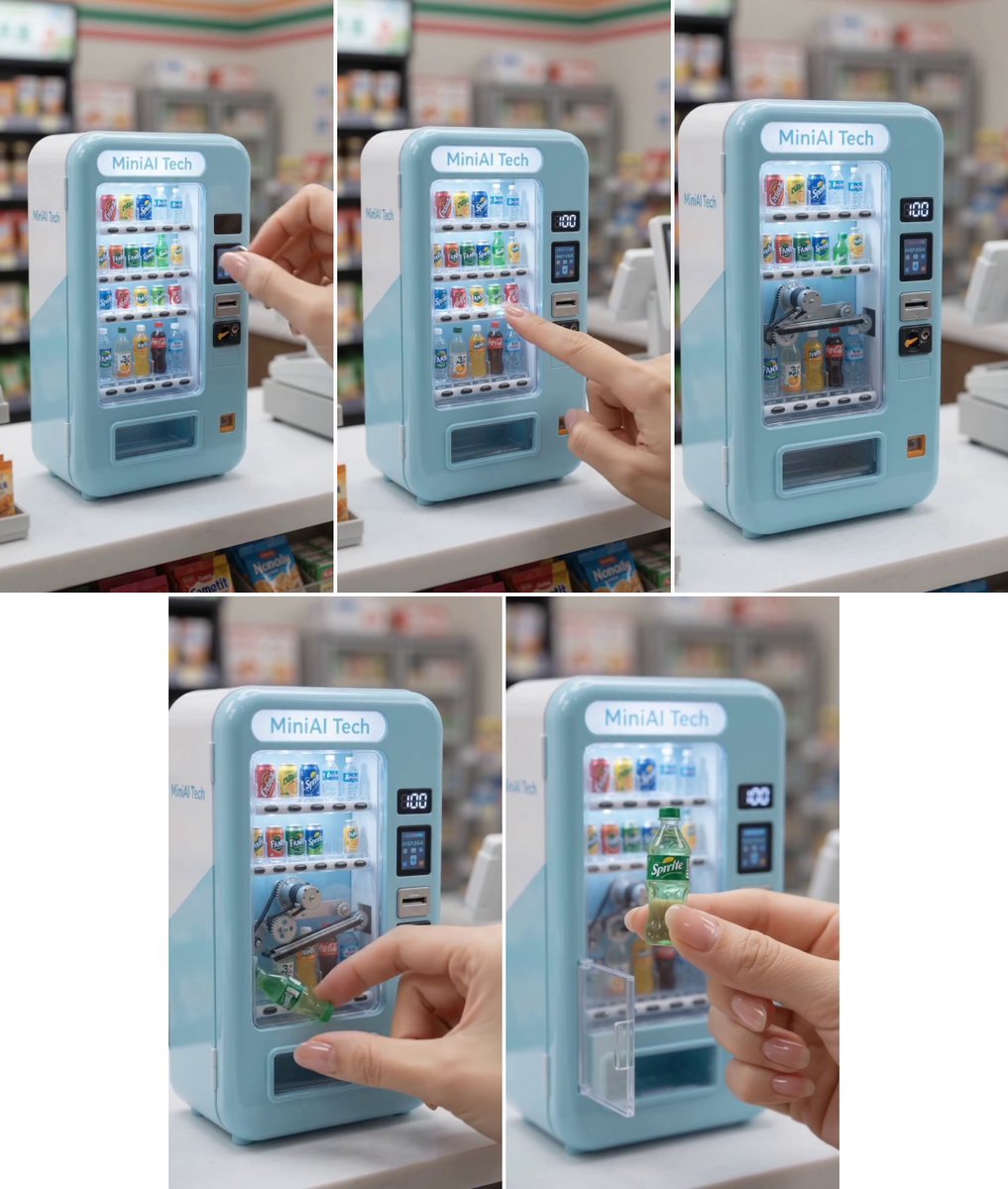
- Prompt included
- Model and format preset
- Free template
The prompt behind this image
Copy the exact prompt behind MiniAI Tech Vending Machine Collage, or open it in the studio and make it yours.
Create a highly realistic cinematic macro product-photo collage showing a tiny pastel baby-blue retro vending machine labeled {argument name="machine label" default="MiniAI Tech"} on a clean white convenience-store counter, with a softly blurred retail background of shelves, refrigerators, snacks, signage, and checkout equipment. Arrange exactly 5 vertical photo panels in a clean white collage: 3 panels across the top row and 2 larger panels centered on the bottom row, separated by thin white gutters. The vending machine is glossy, rounded-corner, toy-sized, with white side panels, a glowing rounded name sign at the top, a clear front display window full of miniature cans and bottles, tiny product selection buttons under each row, a black digital price display reading “100”, a small blue payment screen, a card slot, a coin slot, and a rectangular pickup tray near the bottom. Show a step-by-step interaction sequence across the 5 panels: panel 1 shows a human hand inserting a coin or pressing the payment area while the closed machine is fully stocked; panel 2 shows a finger pressing a drink-selection button on the front; panel 3 shows the transparent front revealing small internal robotic gears, belts, and dispensing mechanisms moving behind rows of colorful miniature drinks; panel 4 shows a hand reaching into the lower dispensing area and pulling out a tiny green soda bottle; panel 5 shows the hand holding the tiny bottle close to camera, labeled {argument name="drink label" default="Sprite"}, with the machine and open clear pickup door blurred behind it. Use shallow depth of field, soft store lighting, photorealistic reflections on plastic and glass, realistic skin texture and manicured nails, macro scale cues, crisp focus on the active hand/product in each panel, and a cute premium miniature product aesthetic. Keep all visible machine branding consistent, avoid extra logos except the drink label, no watermark, no cartoon styling.
How to use MiniAI Tech Vending Machine Collage in 3 steps
- 1Upload ImagePNG, JPG or paste
Add your photo
Upload the photo the template builds on. The prompt, model and format are already set.
- 2…a portrait of your subject in softgolden-hour light, 85mm…
Personalize
Edit the subject and creative details for your destination.
- 3Generate
Generate
Press Generate — your image is created in PicX Studio, so you can compare it with the original and refine one variable at a time.
More like this
Templates with the same subject, style or setup. Open one to see its prompt.
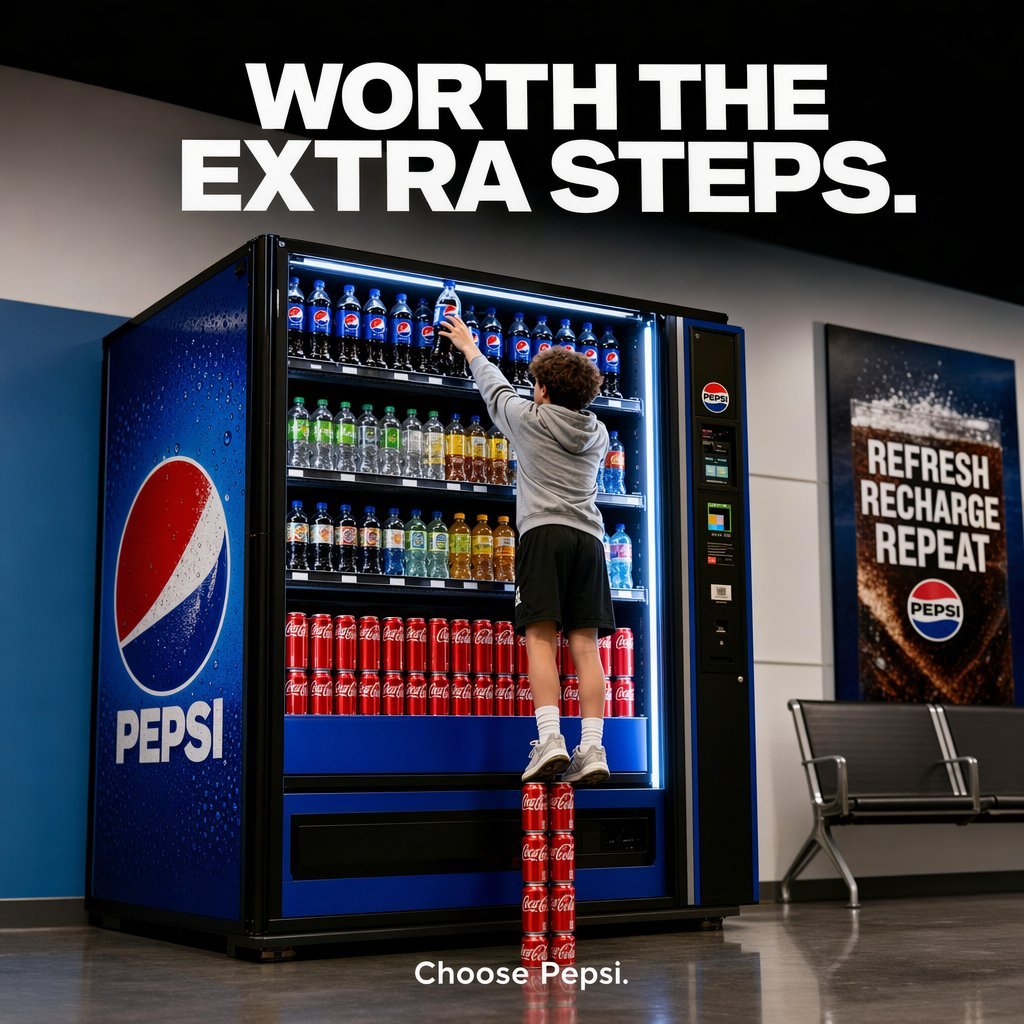
Pepsi Vending Machine Ad
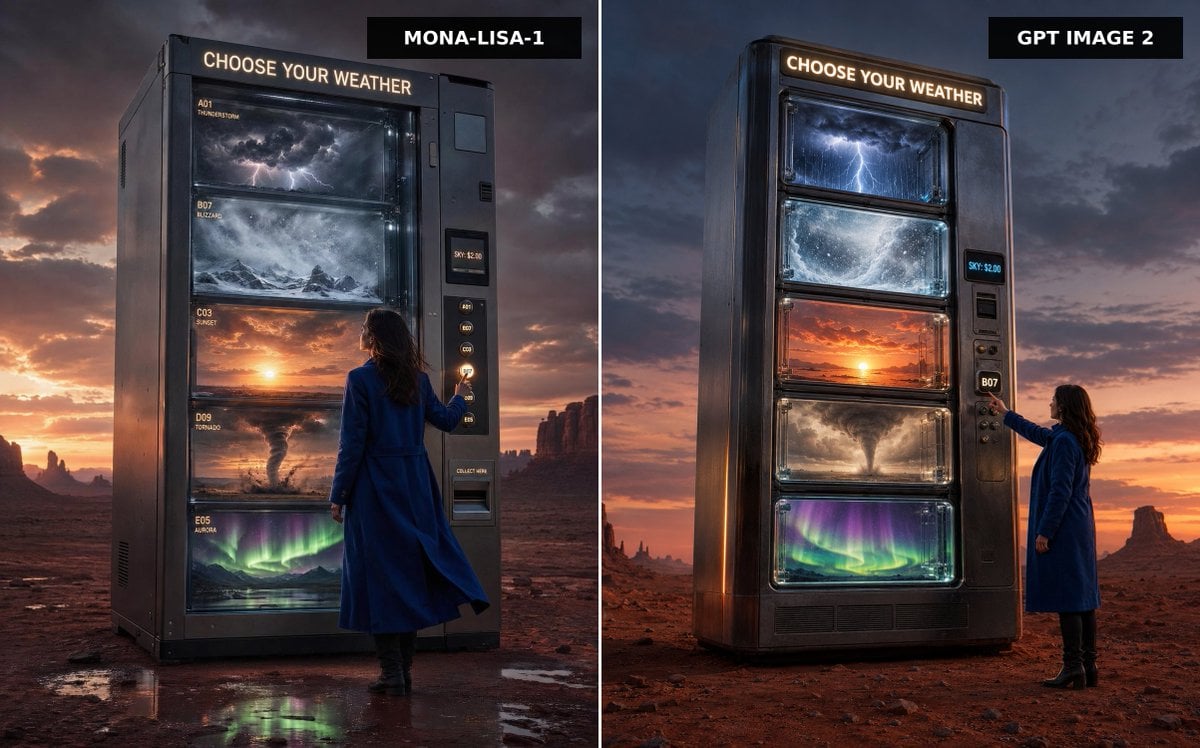
Weather Vending Machine Comparison
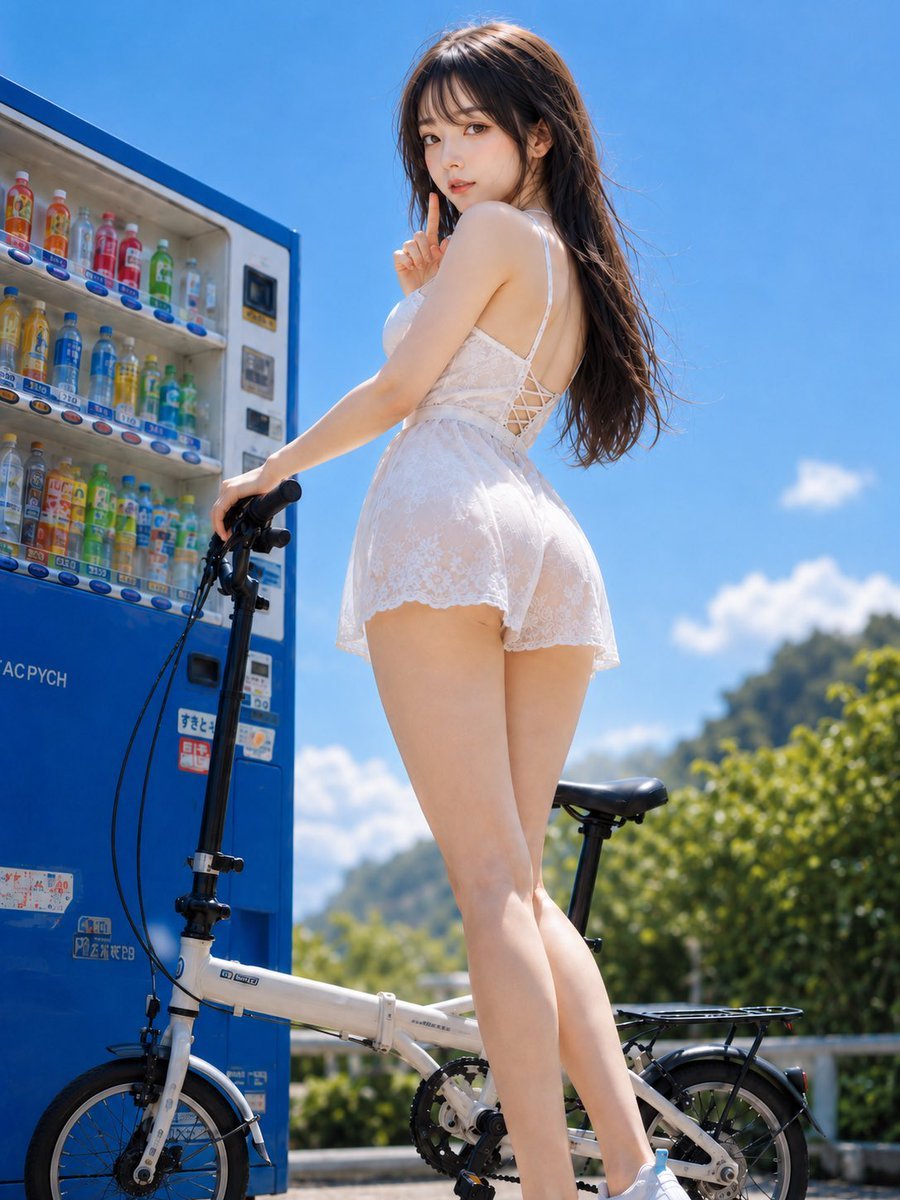
Summer Vending Machine Side Portrait
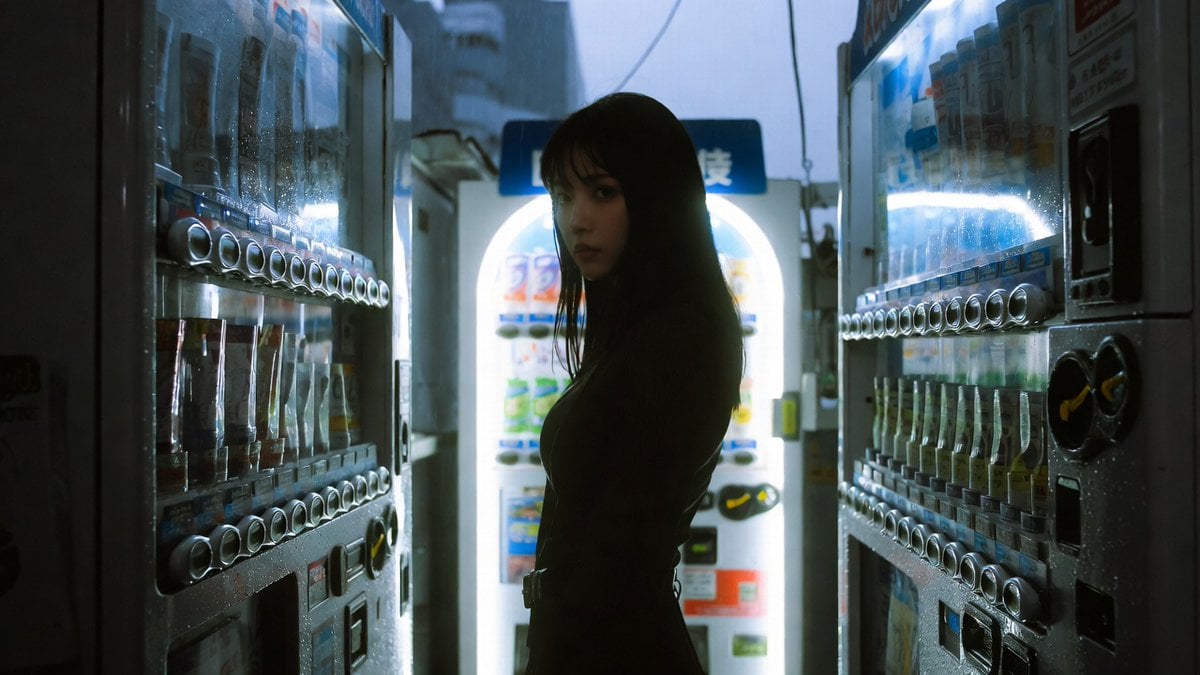
Cinematic Shinjuku Vending Machine Editorial
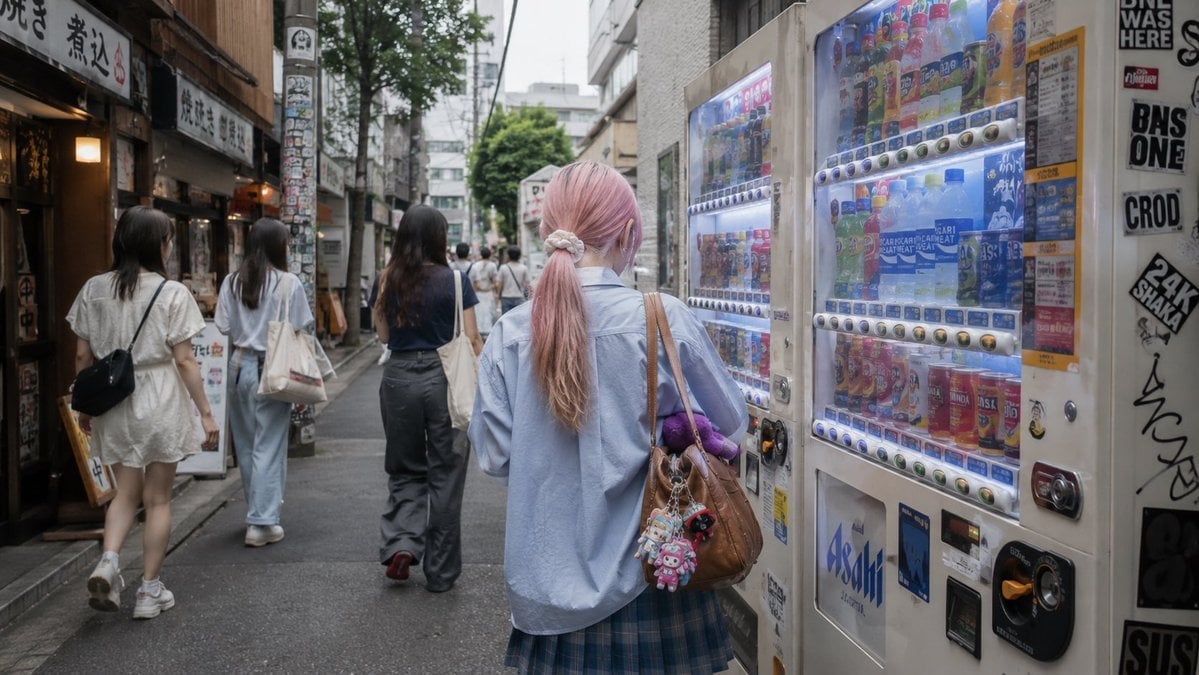
Tokyo Alley Vending Machine Snapshot
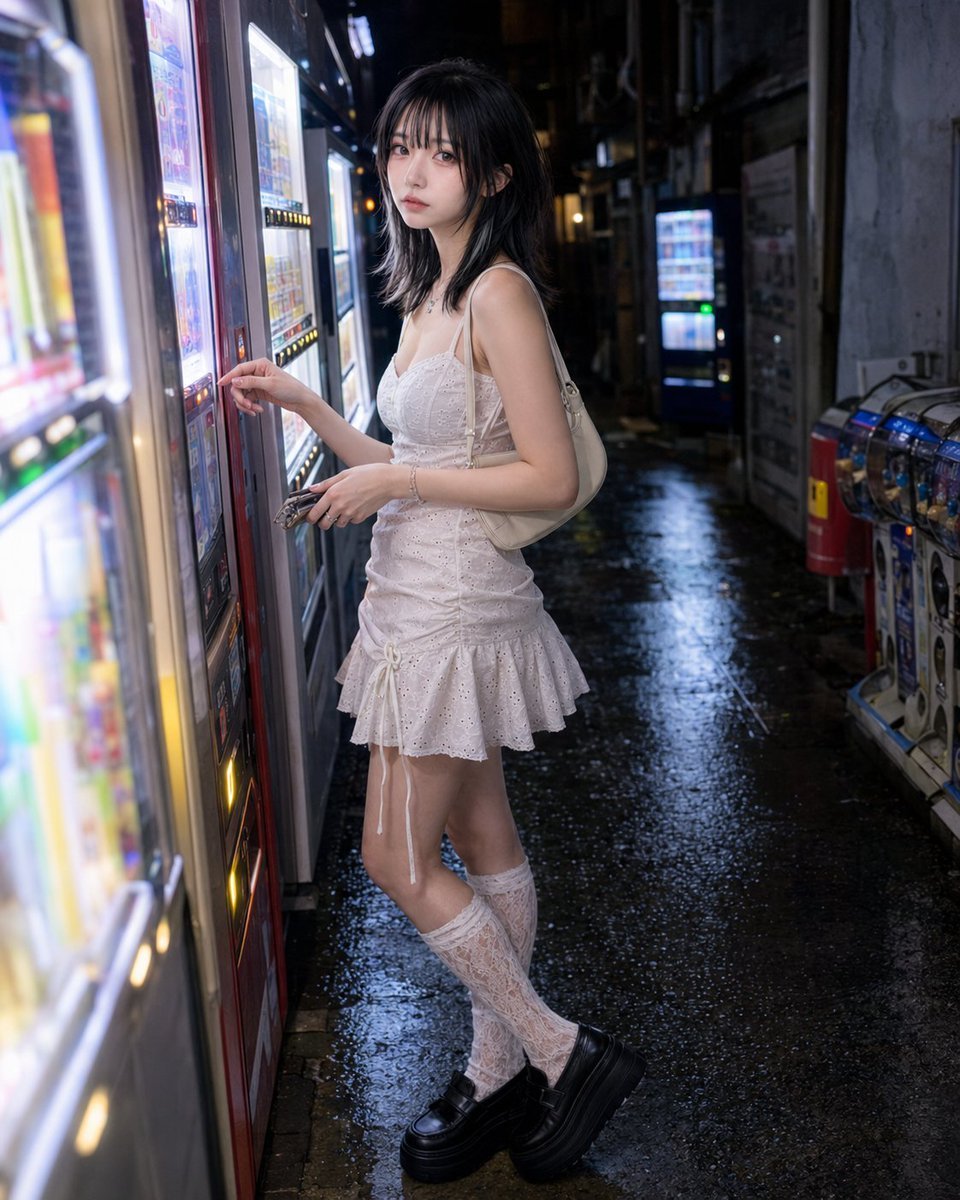
Vending Machine Alley at Night

Technical Vehicle with Machine Gun

Paper Cut Finale Fireworks

Paper Cut Garden Maze

Paper Cut Rooftop Concert

Paper Cut Bicycle Coast

Paper Cut Castle Gate
Make it yours
MiniAI Tech Vending Machine Collage works as-is. These are the safest ways to change it without losing the look.
Change one field
Copy a single group, rewrite it, and generate again so you can see what that field is doing.
Keep the frame, change the subject
Hold the composition and light of MiniAI Tech Vending Machine Collage, then swap wardrobe, props or the person for a new take.
| If the result… | Why | Fix |
|---|---|---|
| The result drifts from the preview | Too many fields changed at once. | Reuse MiniAI Tech Vending Machine Collage as-is first, then change one group — subject, light, or setting. |
| The model over-stylizes the scene | The prose prompt leaves finish and camera underspecified. | Add one camera or lighting sentence and stay on GPT Image 2. |
More GPT Image 2 templates
Other prompts made for GPT Image 2.

Six VTuber Japanese Logo Sheet

Realistic Portrait of Woman and Deer

The Vista Modular Condo Poster

AI Model Routing Comparison Infographic

2.5D Anime Art Board

Isometric Productivity Desk Scene

New York Double Exposure Poster

Four-Panel AI Landscape Comparison

Japanese Tatami Lifestyle Magazine Cover

NESCAFÉ Coffee Map Poster
More image prompts
Fresh picks from across the catalog.
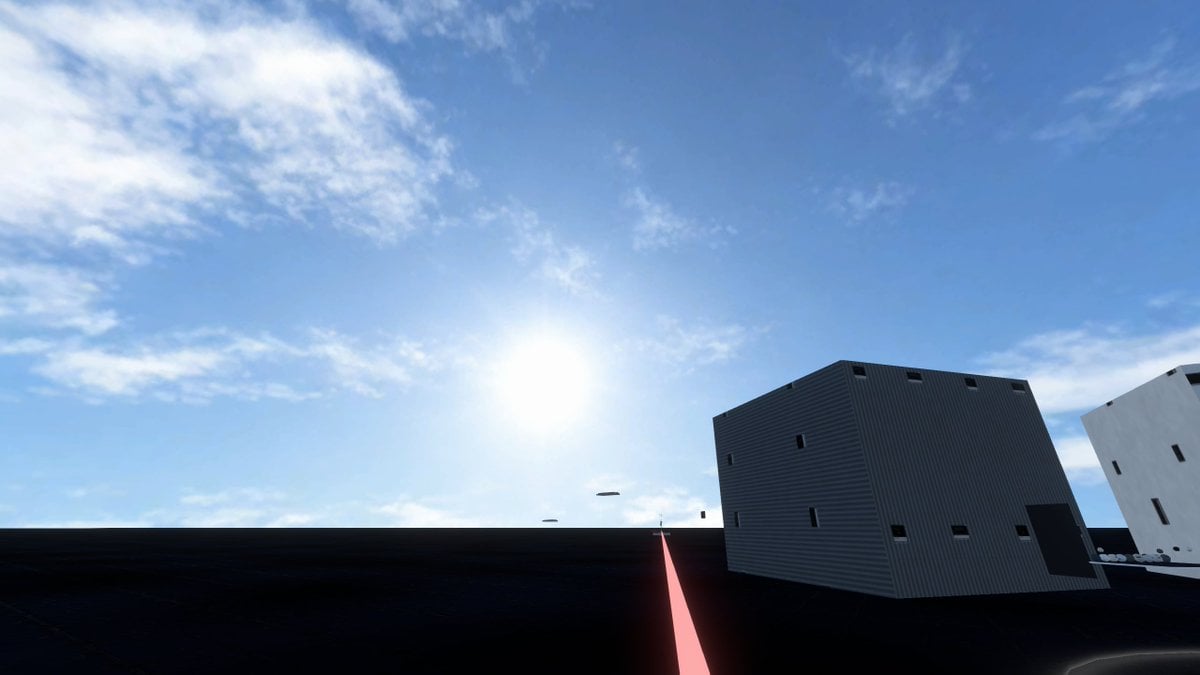
Minimal Game Engine Skybox Scene
2d to 3d Realistic Cgi Figurine Conversi
Panel Dance Editorial Grid Prompt
Sketchbook Character Study Board
Minimalist Mixed-Media Eye Illustration

Isometric Cozy Bathroom Diorama Prompt

Springtime Cherry Blossom Portrait Recreation Prompt
Mirror Selfie in Black Tube Dress Prompt
Video Game Magazine Cover
Minimalist Sigil Logo Design
Browse template categories
MiniAI Tech Vending Machine Collage questions
How do I use the MiniAI Tech Vending Machine Collage template?
Add your photo if the template asks for one, edit the prompt if you like — the template's model and format are already selected — and press Generate. Your version opens in PicX Studio.
Can I customize the MiniAI Tech Vending Machine Collage template?
Yes. You can change the subject, setting, lighting, mood, format, and available model controls before creating your image.
Is the MiniAI Tech Vending Machine Collage template free?
Opening and editing this template is free. Generating uses credits, shown on the Generate button when you are signed in.
Which AI model should I use?
Start with GPT Image 2, which is the model associated with this template. You can compare another compatible model for a different finish.
Looking for something else? Browse all templates.

Your photo, any look
Thousands of ready templates for every top image and video model, from one credit balance.