
Tokyo Alley Vending Machine Snapshot
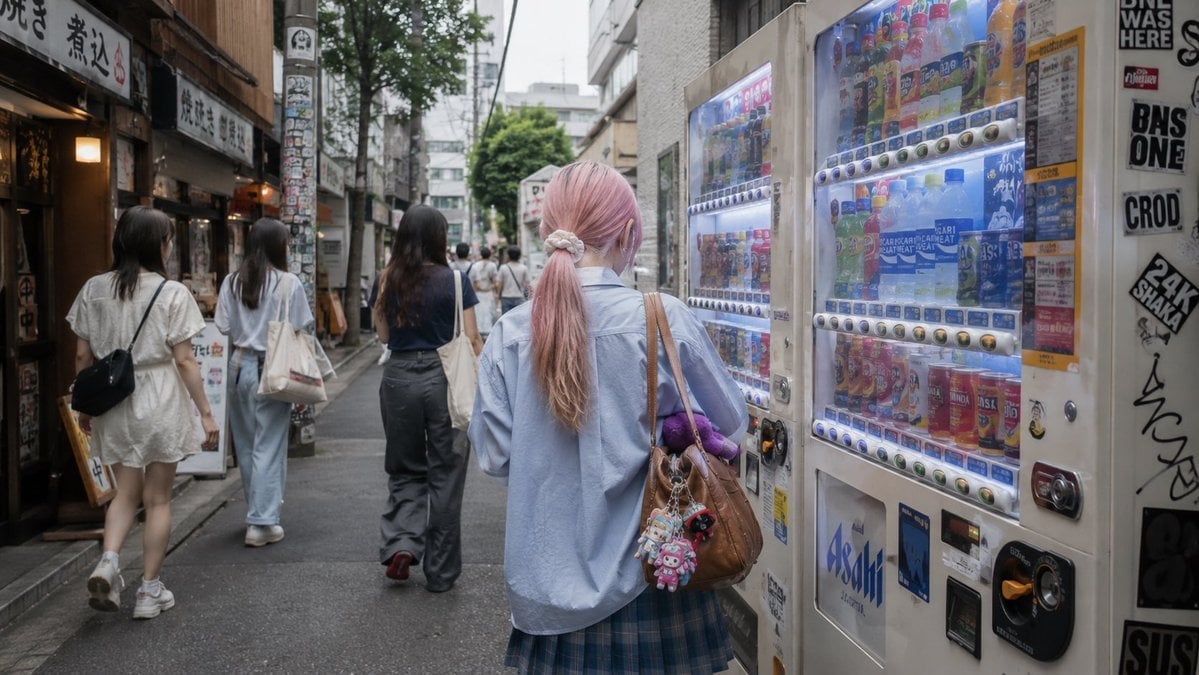
A photorealistic rear-view street scene of a pink-haired person choosing a drink at vending machines in a narrow Tokyo alley.
- Prompt included
- Model and format preset
- Free template
The prompt behind this image
Copy the exact prompt behind Tokyo Alley Vending Machine Snapshot, or open it in the studio and make it yours.
Create a photorealistic candid street snapshot in a narrow Tokyo entertainment-district back alley, viewed from behind. The central subject is {argument name="character name" default="a young woman"} standing slightly right of center in front of two bright Japanese drink vending machines, choosing a beverage. She has {argument name="hair color" default="pale pink hair"} tied in a low ponytail with a white scrunchie, seen from the back, wearing an oversized light blue button-up shirt, a blue plaid pleated skirt, and a brown leather shoulder bag decorated with small colorful plush keychains; include a small purple plush toy tucked near the bag strap. The vending machines fill the right side of the frame, glowing cool white and blue, with rows of colorful bottles and cans visible behind glass, coin slots, buttons, product labels, and payment panels; add urban stickers, posters, graffiti marks, and partial black-and-white street signage on the wall beside them. On the left side, show an old narrow restaurant storefront with Japanese signs, warm interior lights, menu boards, wood and concrete textures, and a utility pole covered in stickers. Include exactly 5 visible pedestrians besides the main subject: 2 young women walking away on the left, 1 woman in dark pants walking down the center of the alley, and 2 smaller distant pedestrians near the vanishing point. Use a natural everyday mood, overcast daylight, muted colors, soft depth of field, realistic lens perspective, street-level eye height, 16:9 horizontal composition, no posed expression because the main subject is facing away, no watermark, no extra readable headline text.
How to use Tokyo Alley Vending Machine Snapshot in 3 steps
- 1Upload ImagePNG, JPG or paste
Add your photo
Upload the photo the template builds on. The prompt, model and format are already set.
- 2…a portrait of your subject in softgolden-hour light, 85mm…
Personalize
Edit the subject and creative details for your destination.
- 3Generate
Generate
Press Generate — your image is created in PicX Studio, so you can compare it with the original and refine one variable at a time.
More like this
Templates with the same subject, style or setup. Open one to see its prompt.
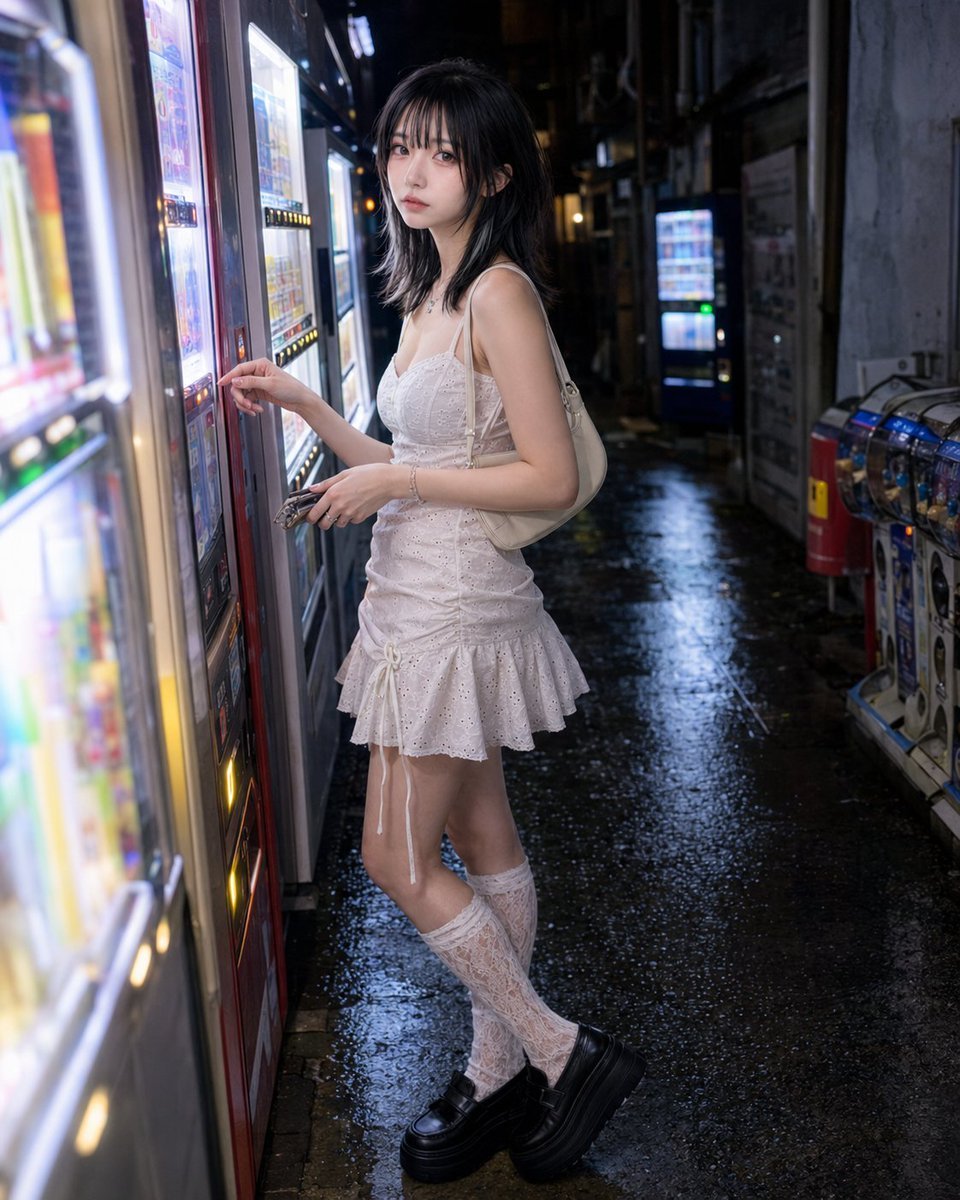
Vending Machine Alley at Night
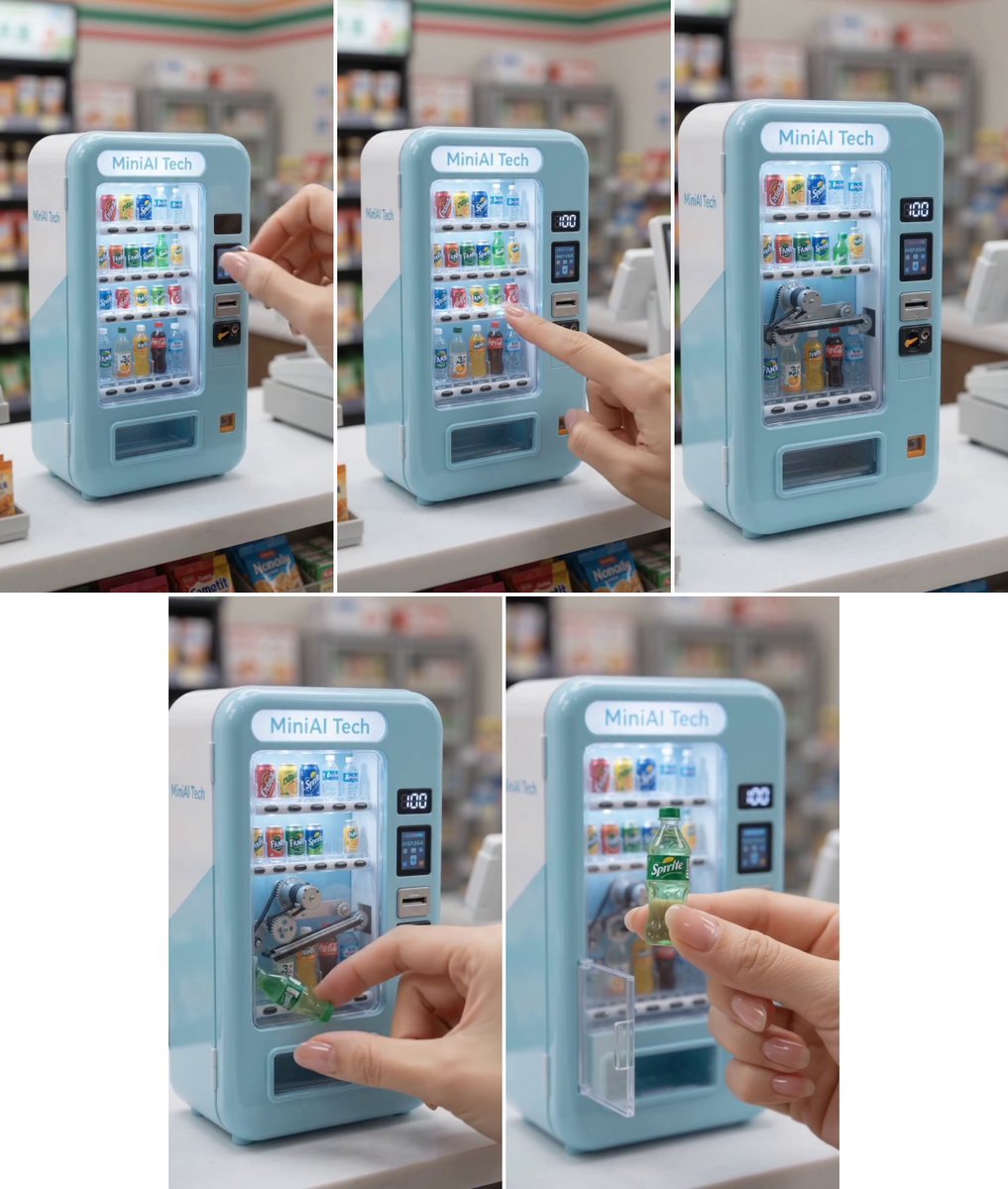
MiniAI Tech Vending Machine Collage
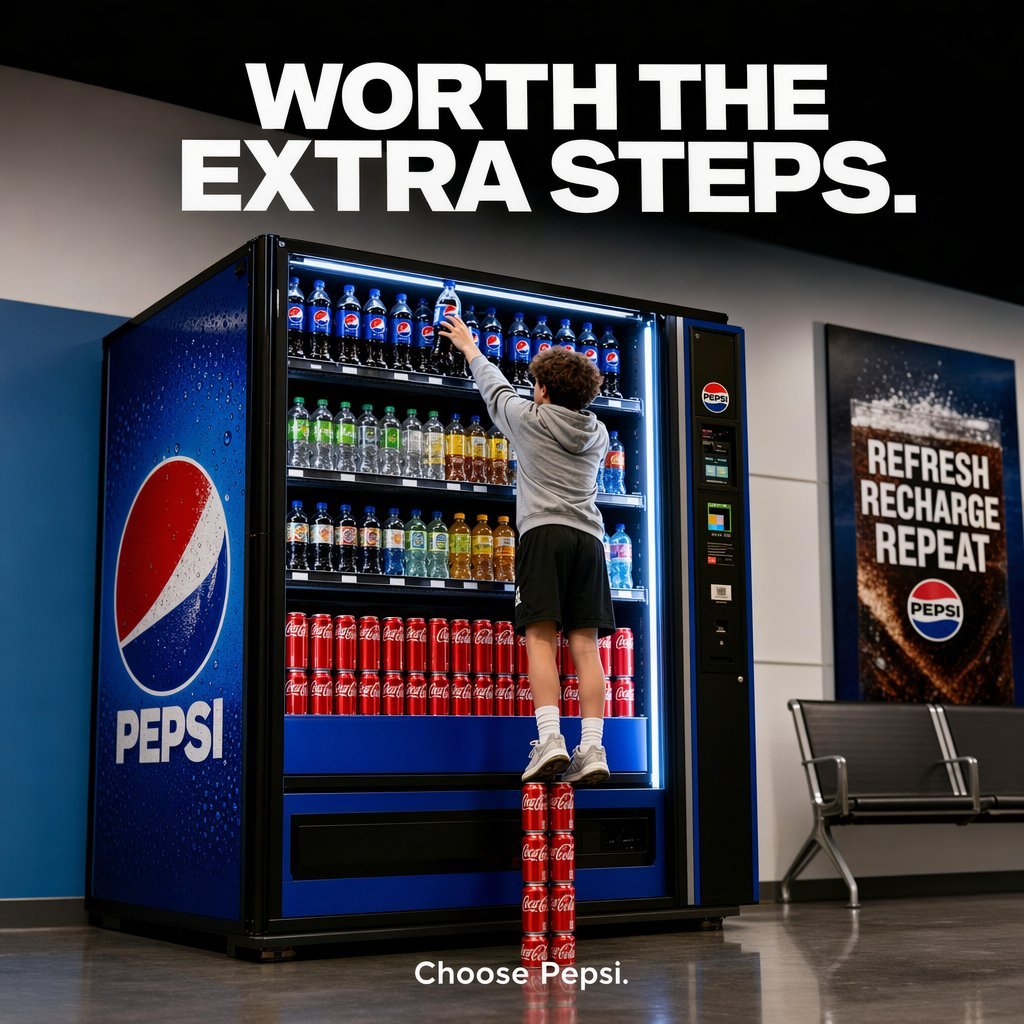
Pepsi Vending Machine Ad
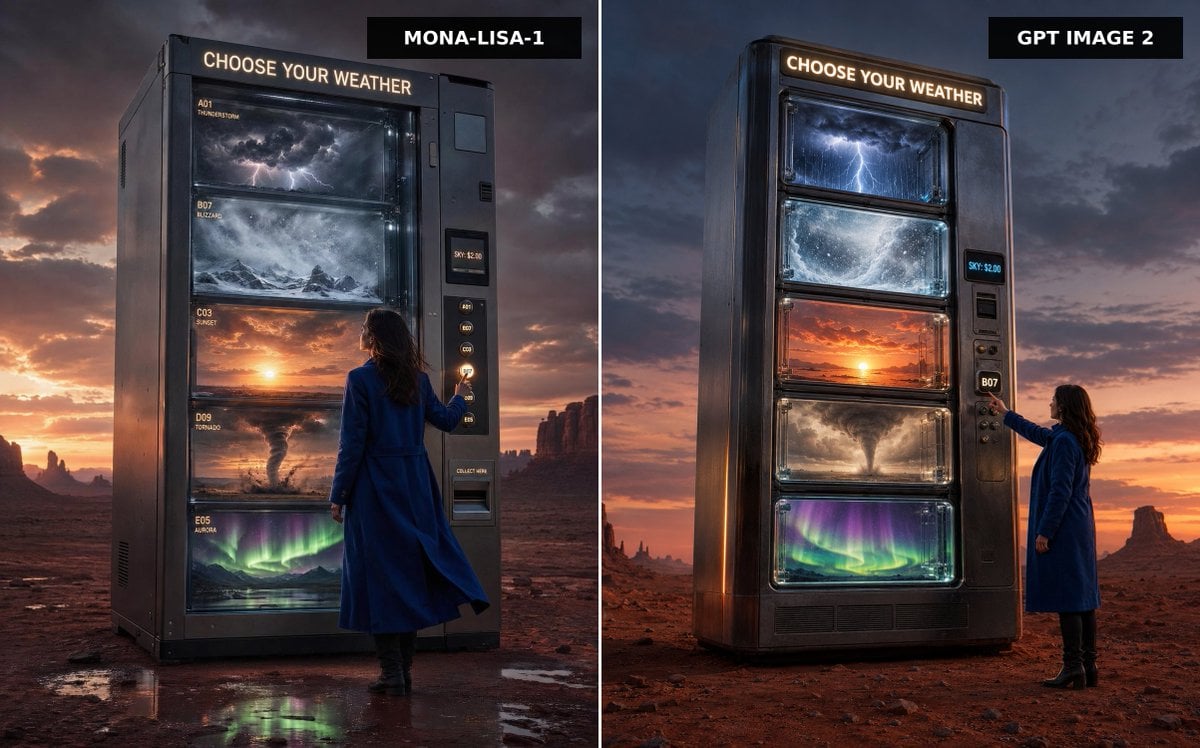
Weather Vending Machine Comparison
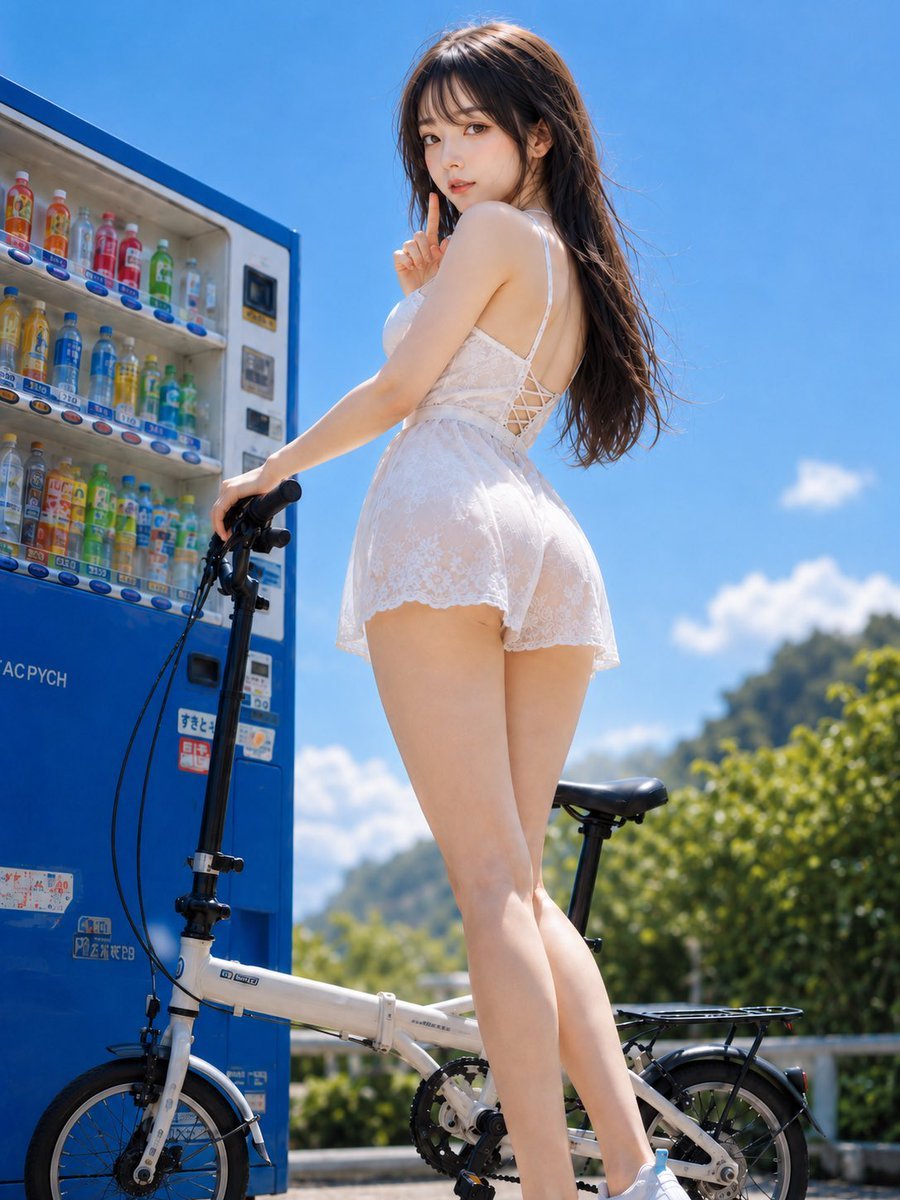
Summer Vending Machine Side Portrait
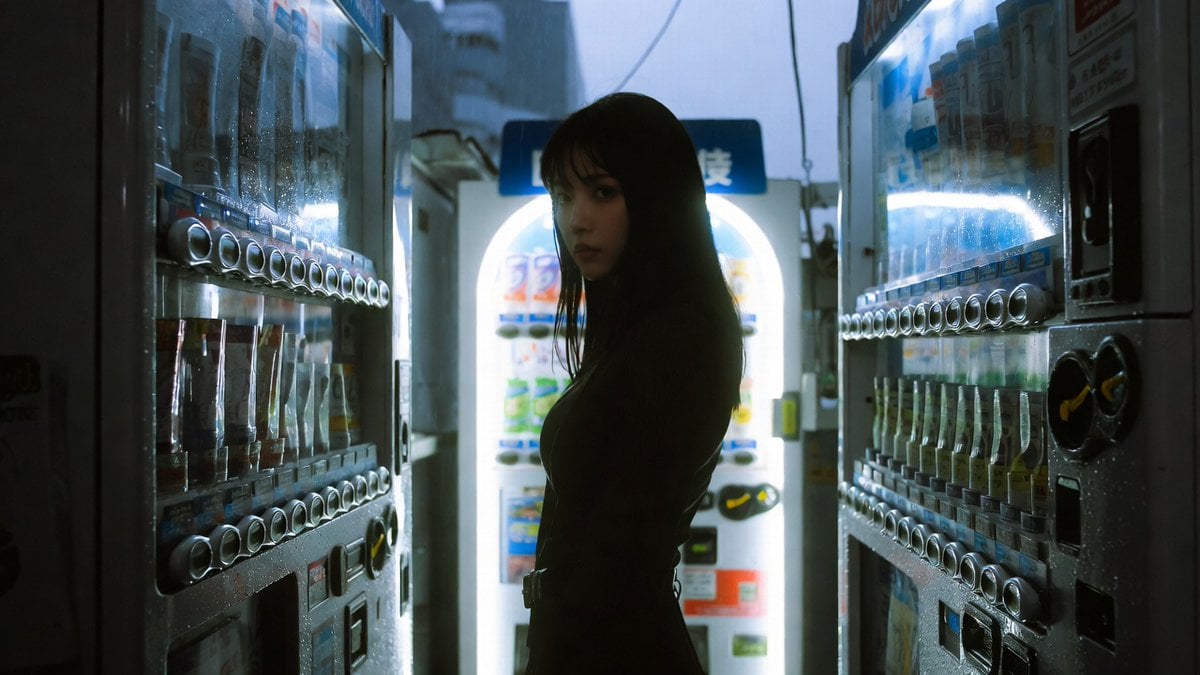
Cinematic Shinjuku Vending Machine Editorial
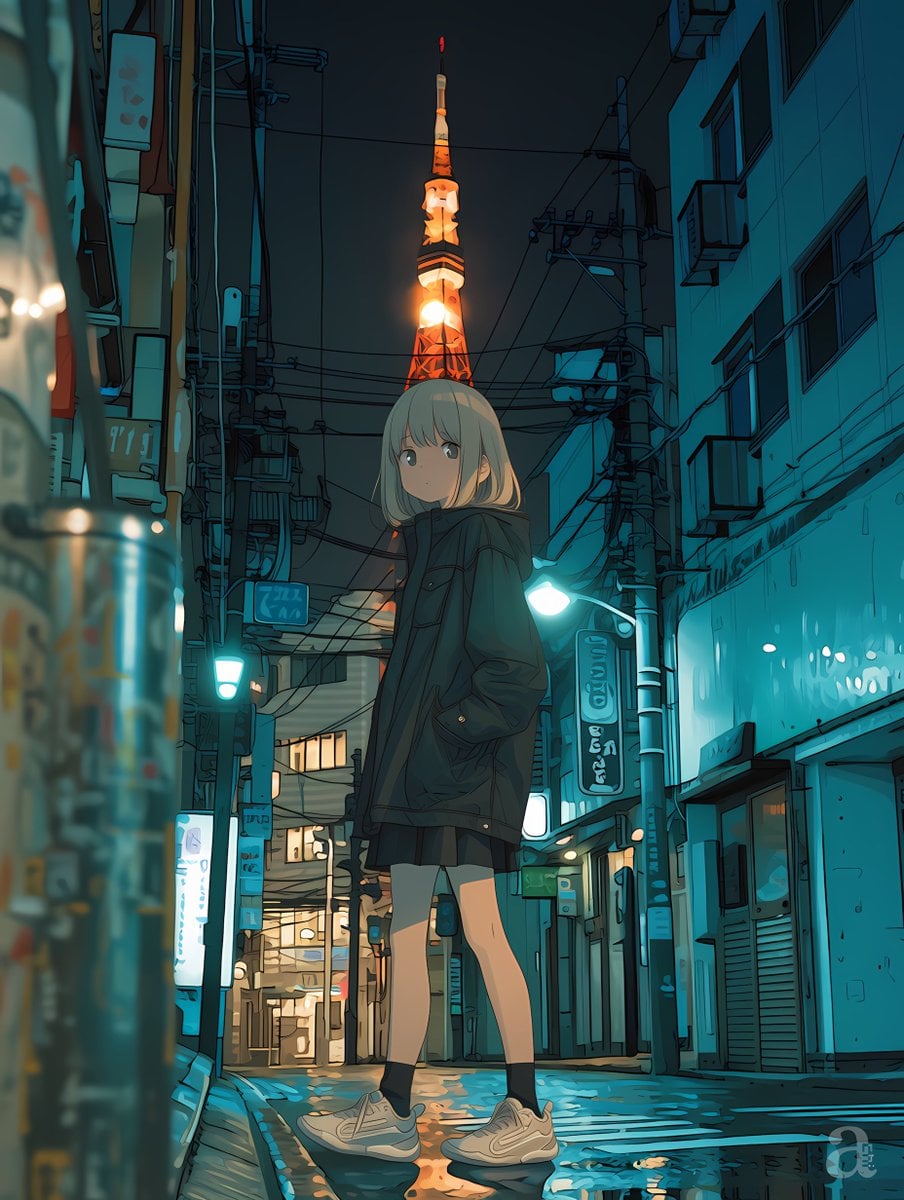
Anime Girl in Rainy Tokyo Alley
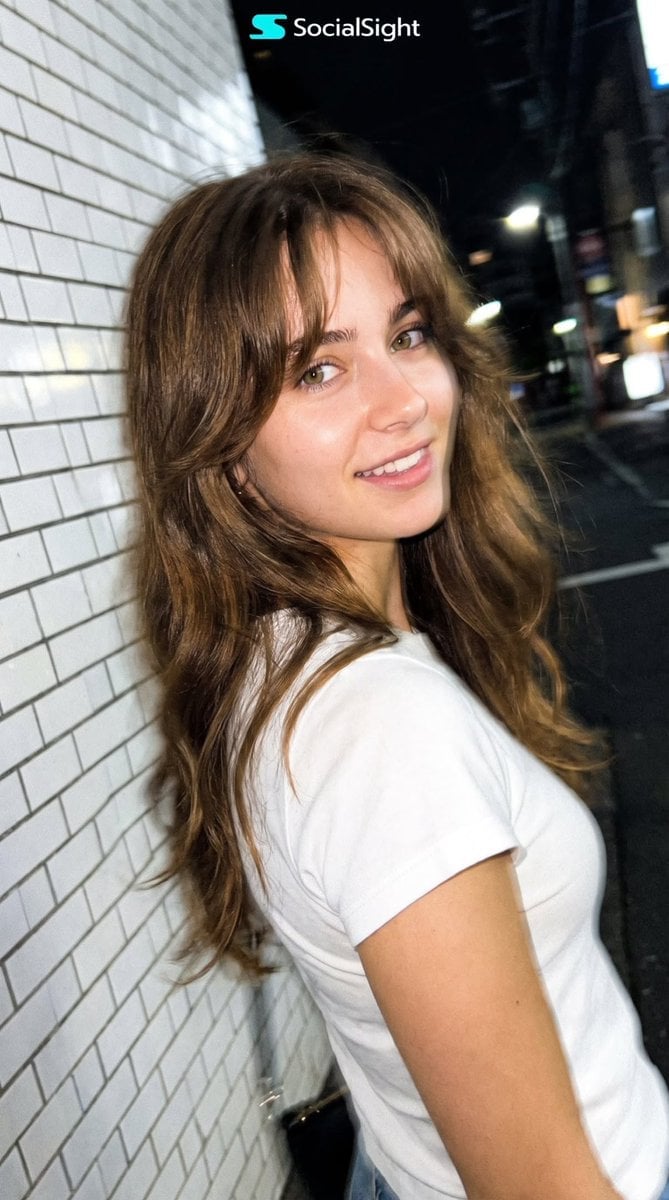
Candid Tokyo Night Smartphone Snapshot

Nostalgic Digicam Café Afternoon Portrait
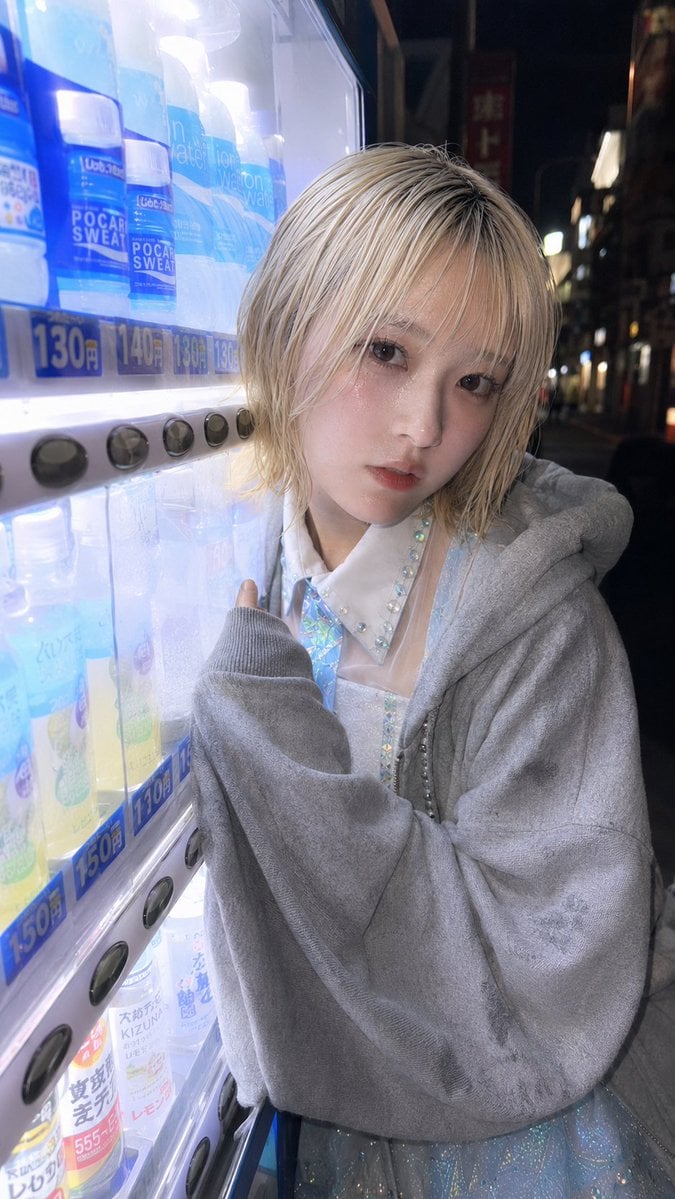
Ultra-Wide Vending Machine Portrait
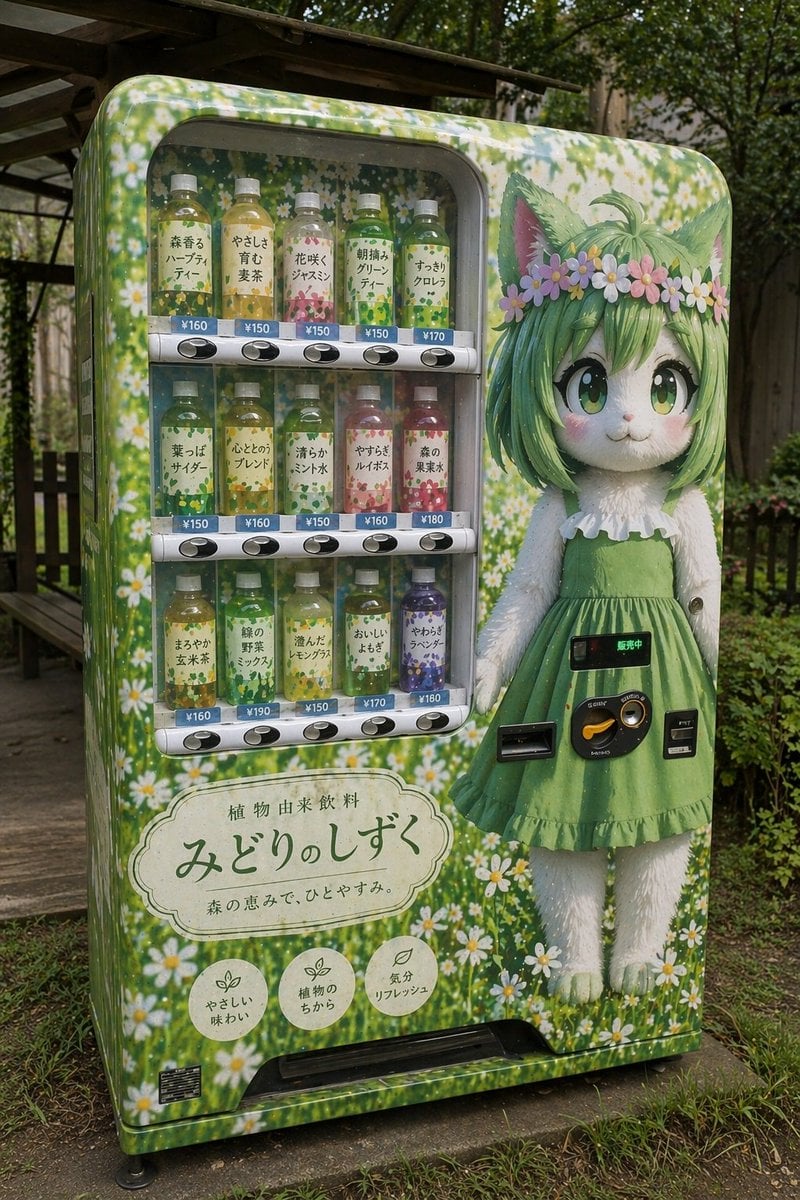
Custom Anime Vending Machine Design
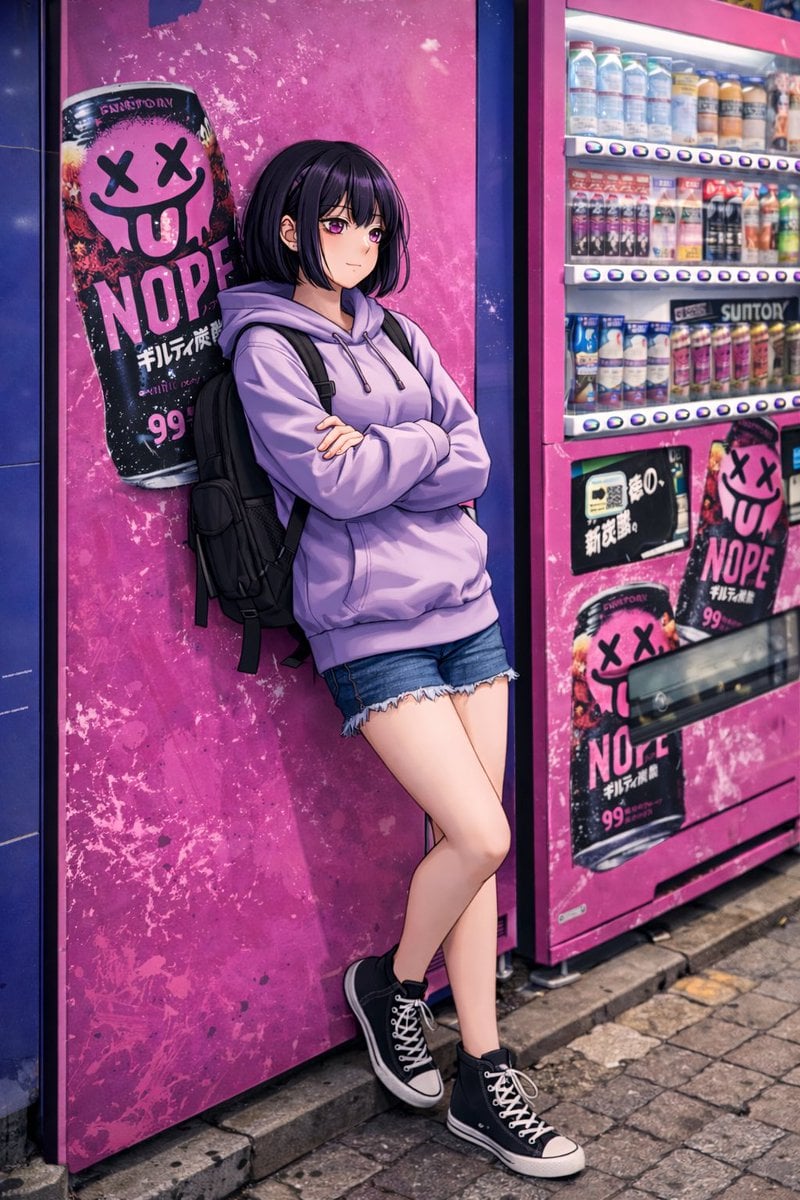
Anime Girl Leaning on Vending Machine
Make it yours
Tokyo Alley Vending Machine Snapshot works as-is. These are the safest ways to change it without losing the look.
Change one field
Copy a single group, rewrite it, and generate again so you can see what that field is doing.
Keep the frame, change the subject
Hold the composition and light of Tokyo Alley Vending Machine Snapshot, then swap wardrobe, props or the person for a new take.
| If the result… | Why | Fix |
|---|---|---|
| The result drifts from the preview | Too many fields changed at once. | Reuse Tokyo Alley Vending Machine Snapshot as-is first, then change one group — subject, light, or setting. |
| The model over-stylizes the scene | The prose prompt leaves finish and camera underspecified. | Add one camera or lighting sentence and stay on GPT Image 2. |
More GPT Image 2 templates
Other prompts made for GPT Image 2.

Six VTuber Japanese Logo Sheet

Realistic Portrait of Woman and Deer

The Vista Modular Condo Poster

AI Model Routing Comparison Infographic

2.5D Anime Art Board

Isometric Productivity Desk Scene

New York Double Exposure Poster

Four-Panel AI Landscape Comparison

Japanese Tatami Lifestyle Magazine Cover

NESCAFÉ Coffee Map Poster
More image prompts
Fresh picks from across the catalog.
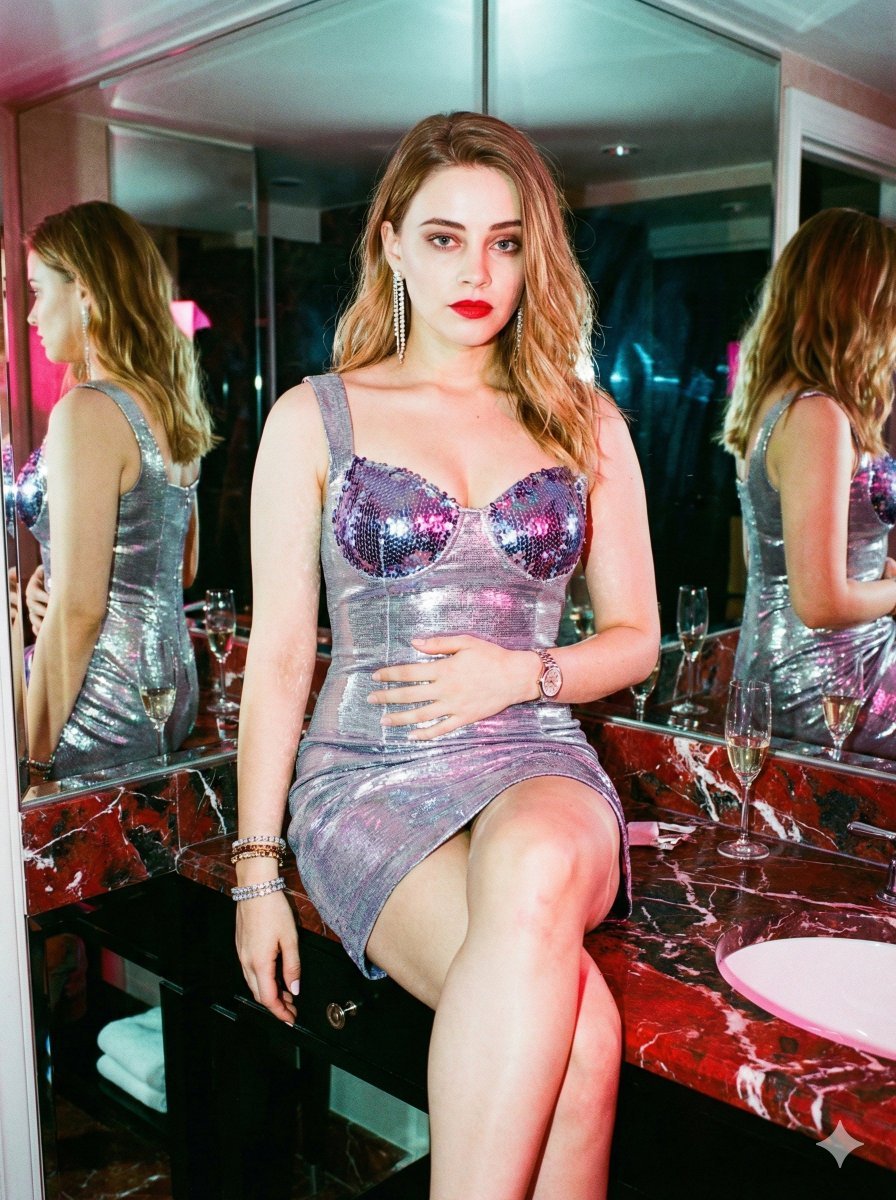
Y2K Surreal After-Party Glamour (Duplicate)
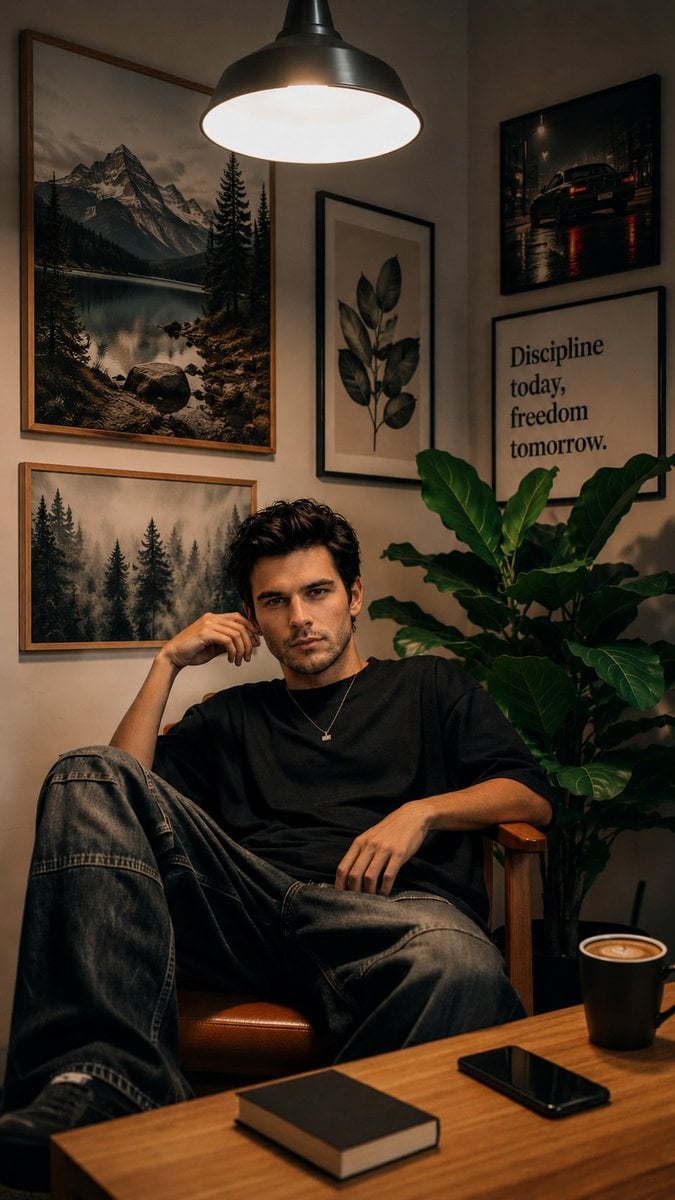
Cozy Workspace Café Portrait
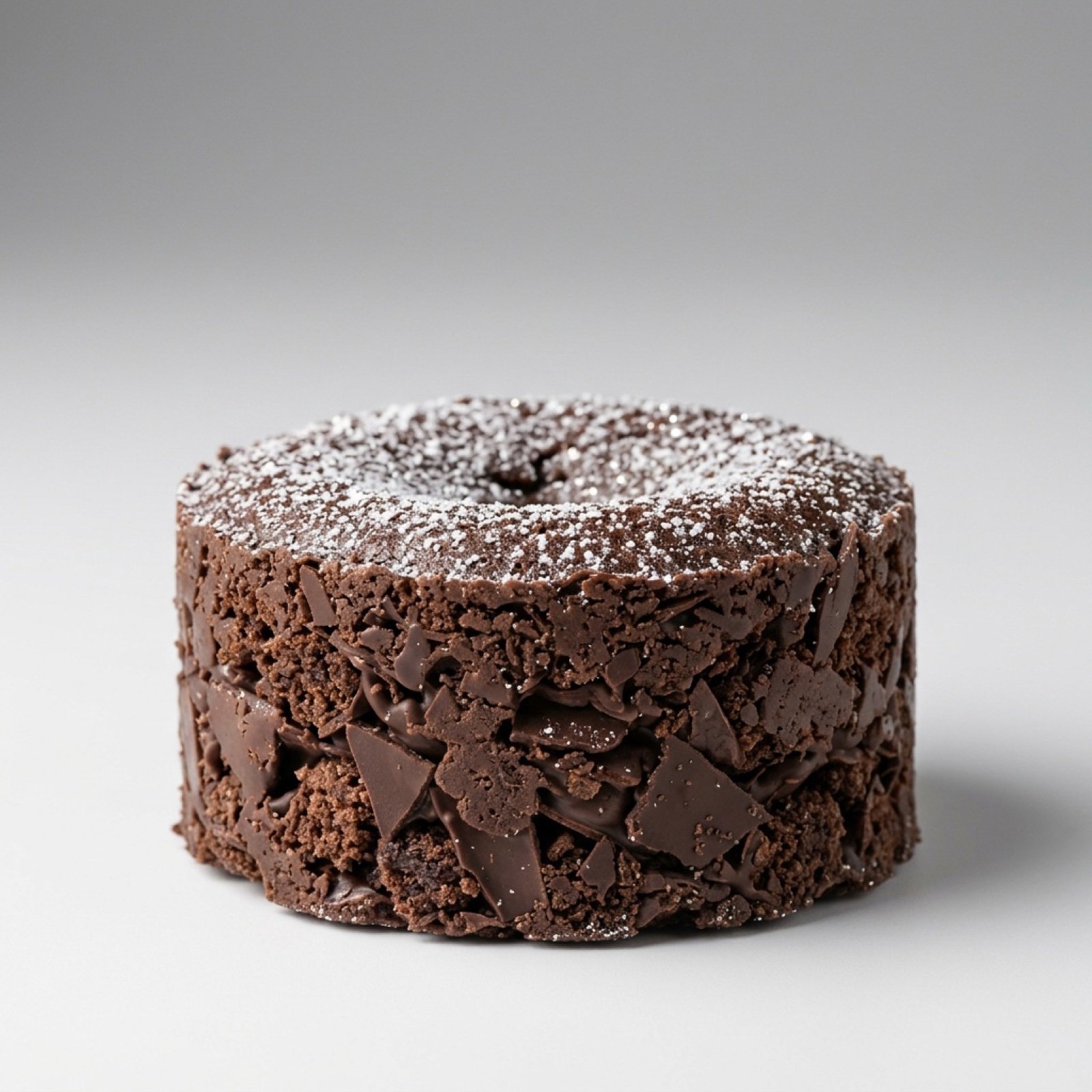
Exploding Chocolate Lava Cake Prompts (Motion and Still)
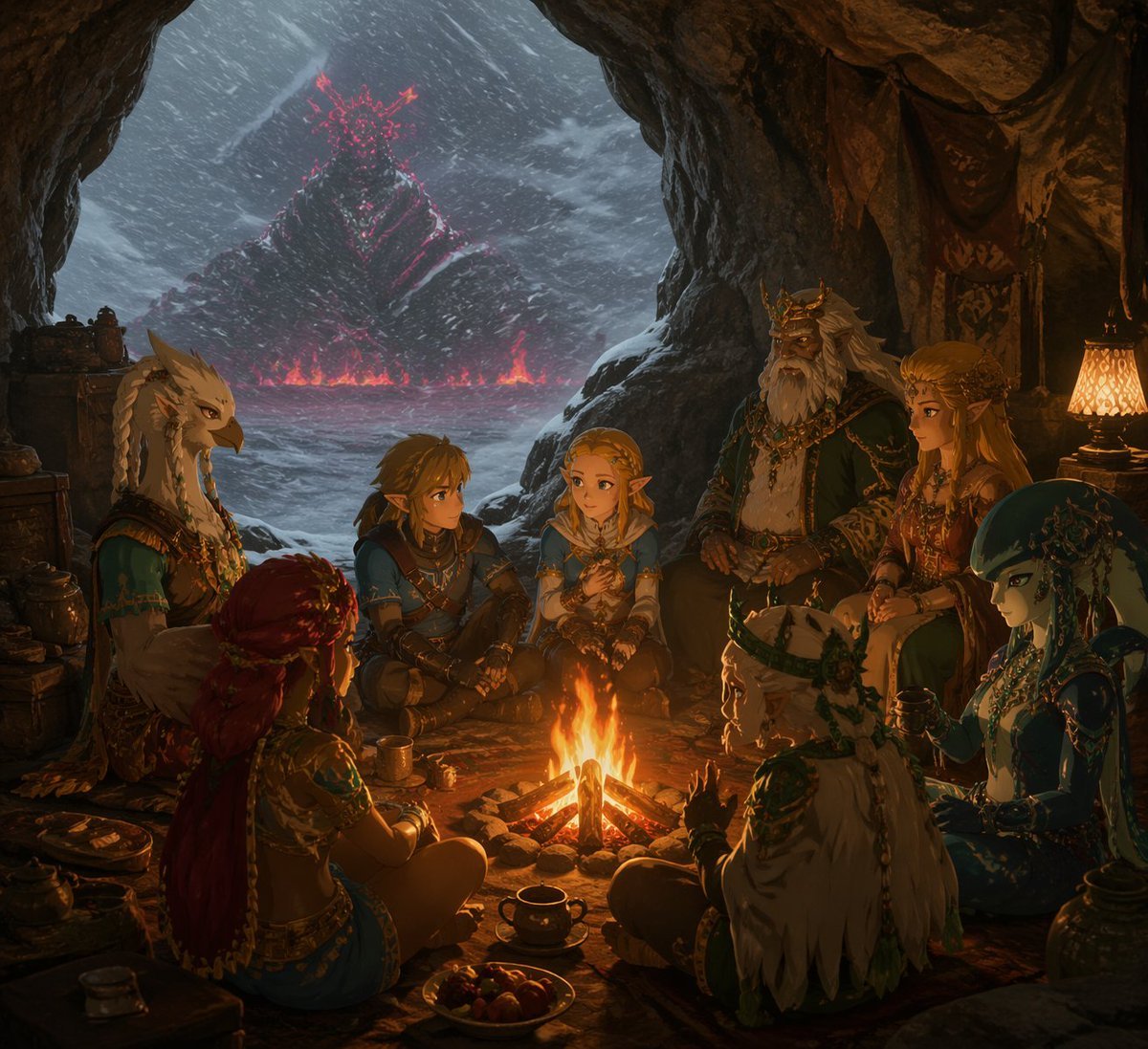
Fantasy Campfire Before a Crimson Mountain
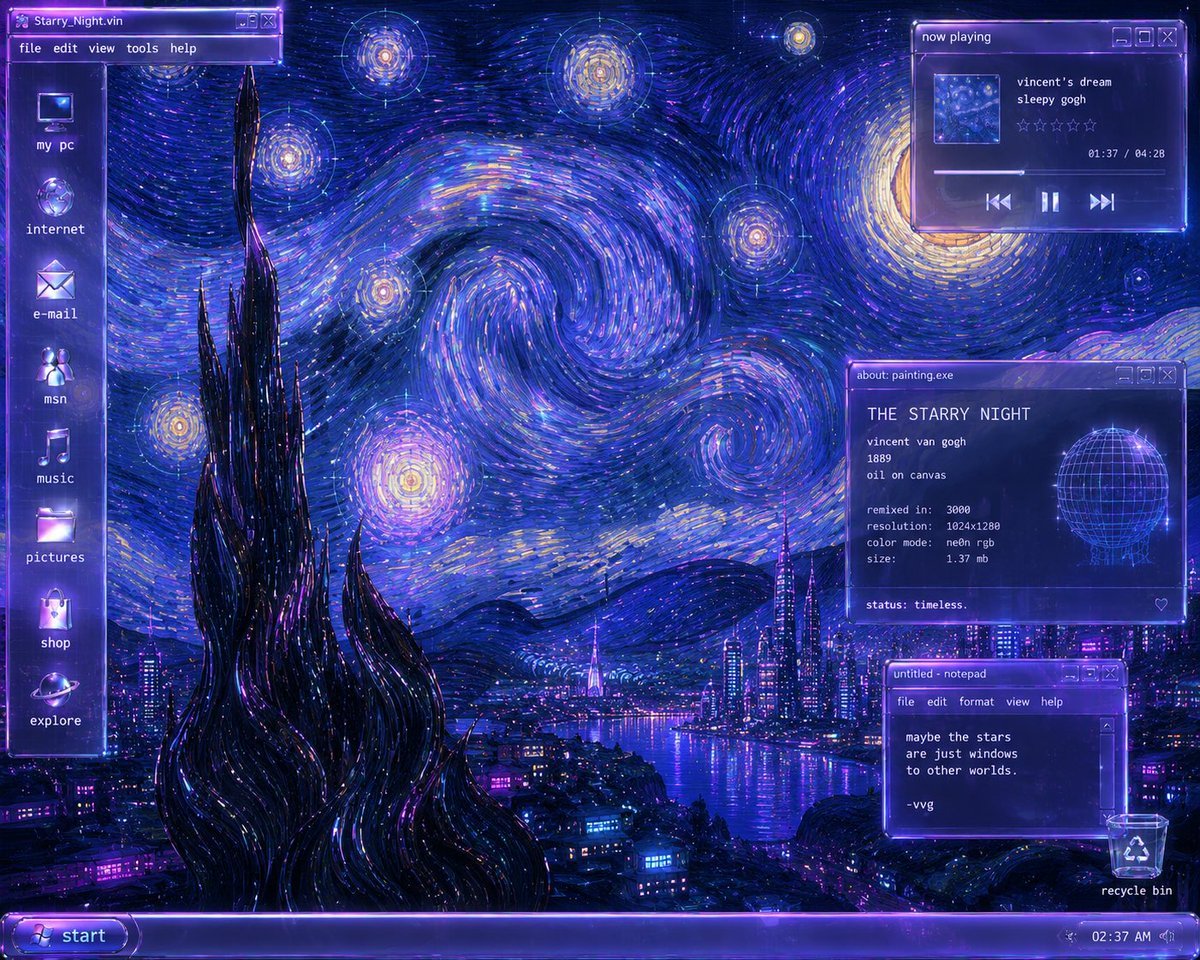
Y2K Starry Night Desktop
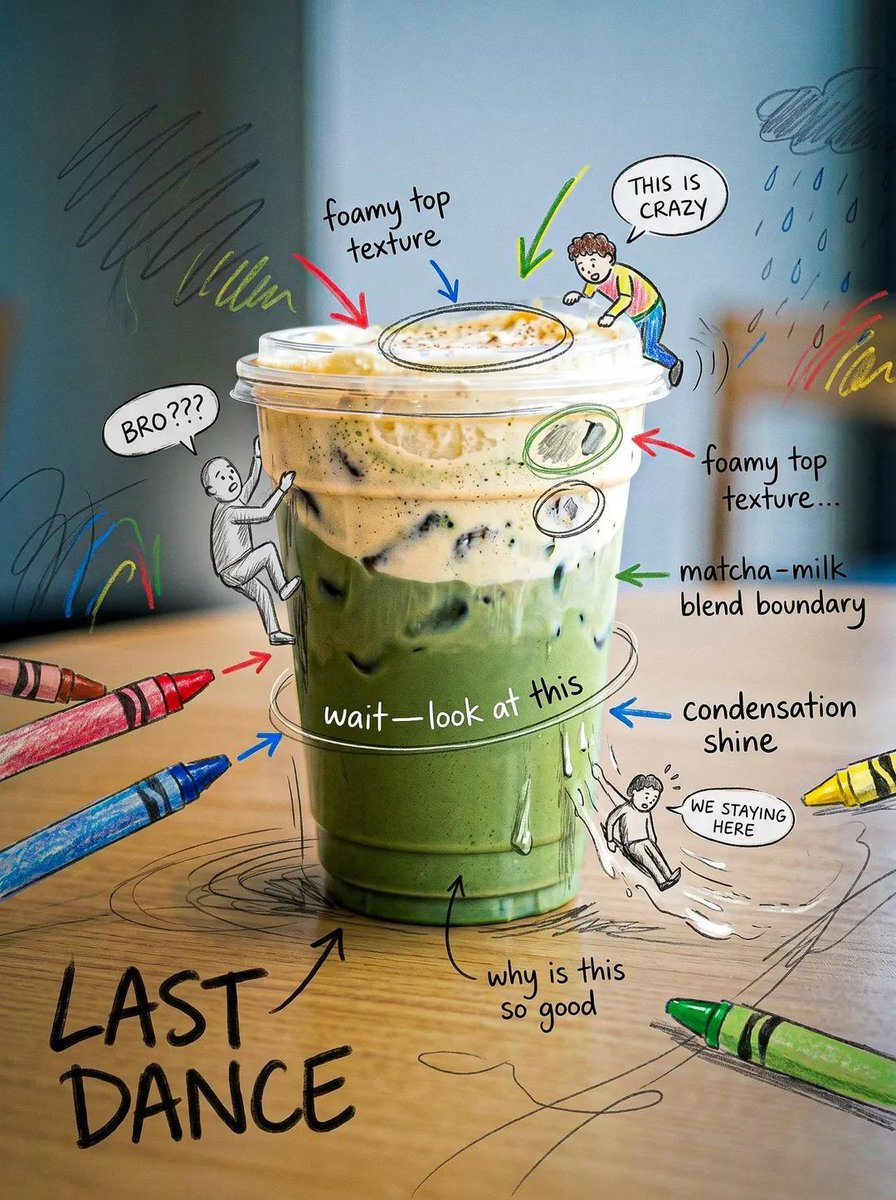
Creative Doodled Image Overlay
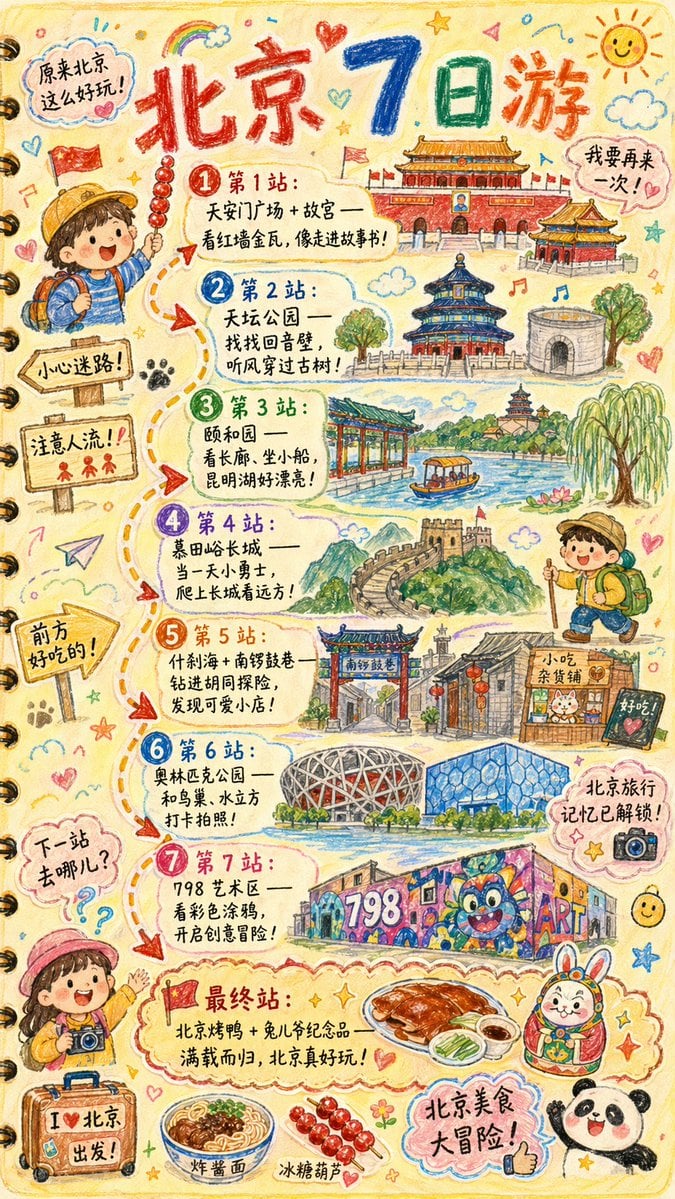
Hand-drawn Travel Journal Illustration

Maximalist 'Clean Girl' Aesthetic Portrait with Blep Expression
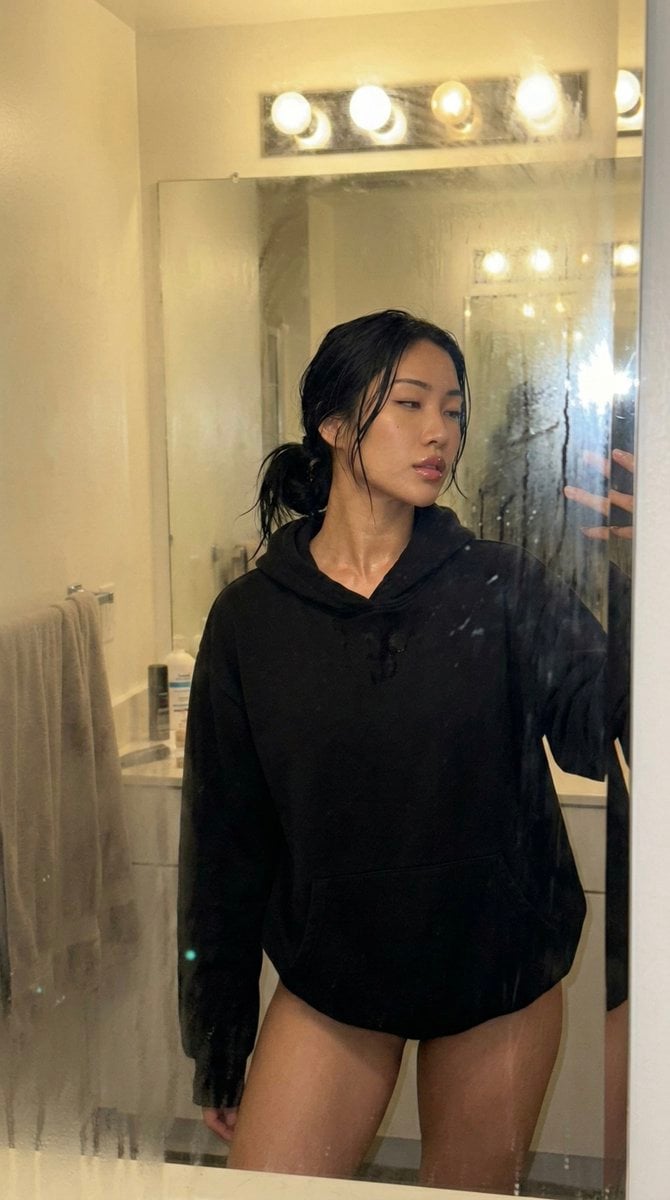
Steamy Mirror Selfie Prompt
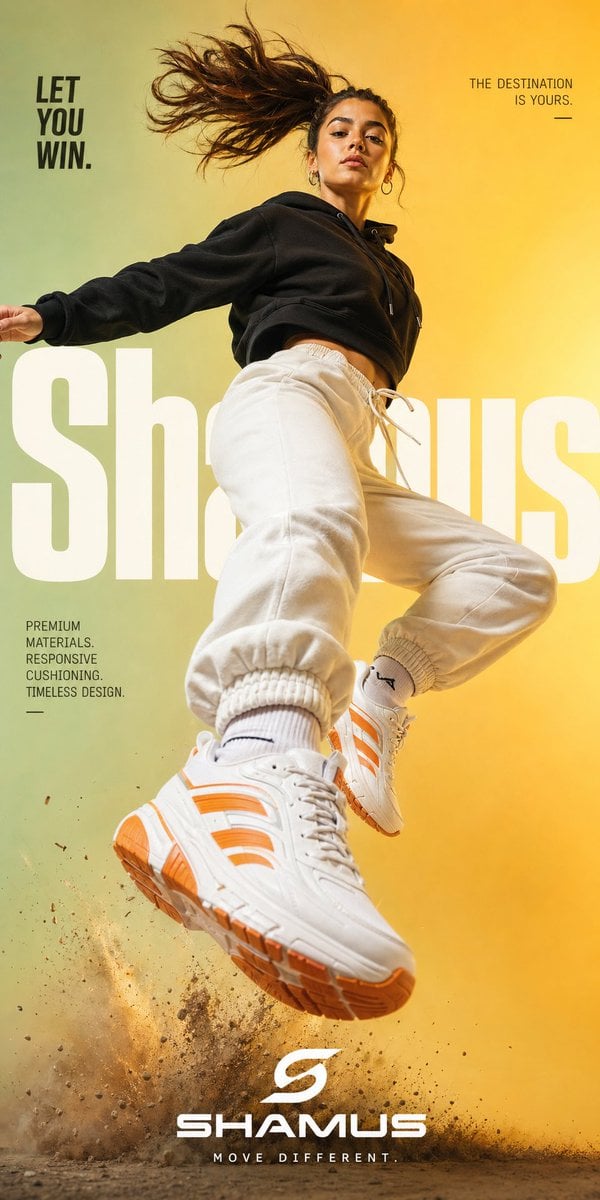
Premium Streetwear Sneaker Poster
Browse template categories
Tokyo Alley Vending Machine Snapshot questions
How do I use the Tokyo Alley Vending Machine Snapshot template?
Add your photo if the template asks for one, edit the prompt if you like — the template's model and format are already selected — and press Generate. Your version opens in PicX Studio.
Can I customize the Tokyo Alley Vending Machine Snapshot template?
Yes. You can change the subject, setting, lighting, mood, format, and available model controls before creating your image.
Is the Tokyo Alley Vending Machine Snapshot template free?
Opening and editing this template is free. Generating uses credits, shown on the Generate button when you are signed in.
Which AI model should I use?
Start with GPT Image 2, which is the model associated with this template. You can compare another compatible model for a different finish.
Looking for something else? Browse all templates.

Your photo, any look
Thousands of ready templates for every top image and video model, from one credit balance.