
Y2K Starry Night Desktop
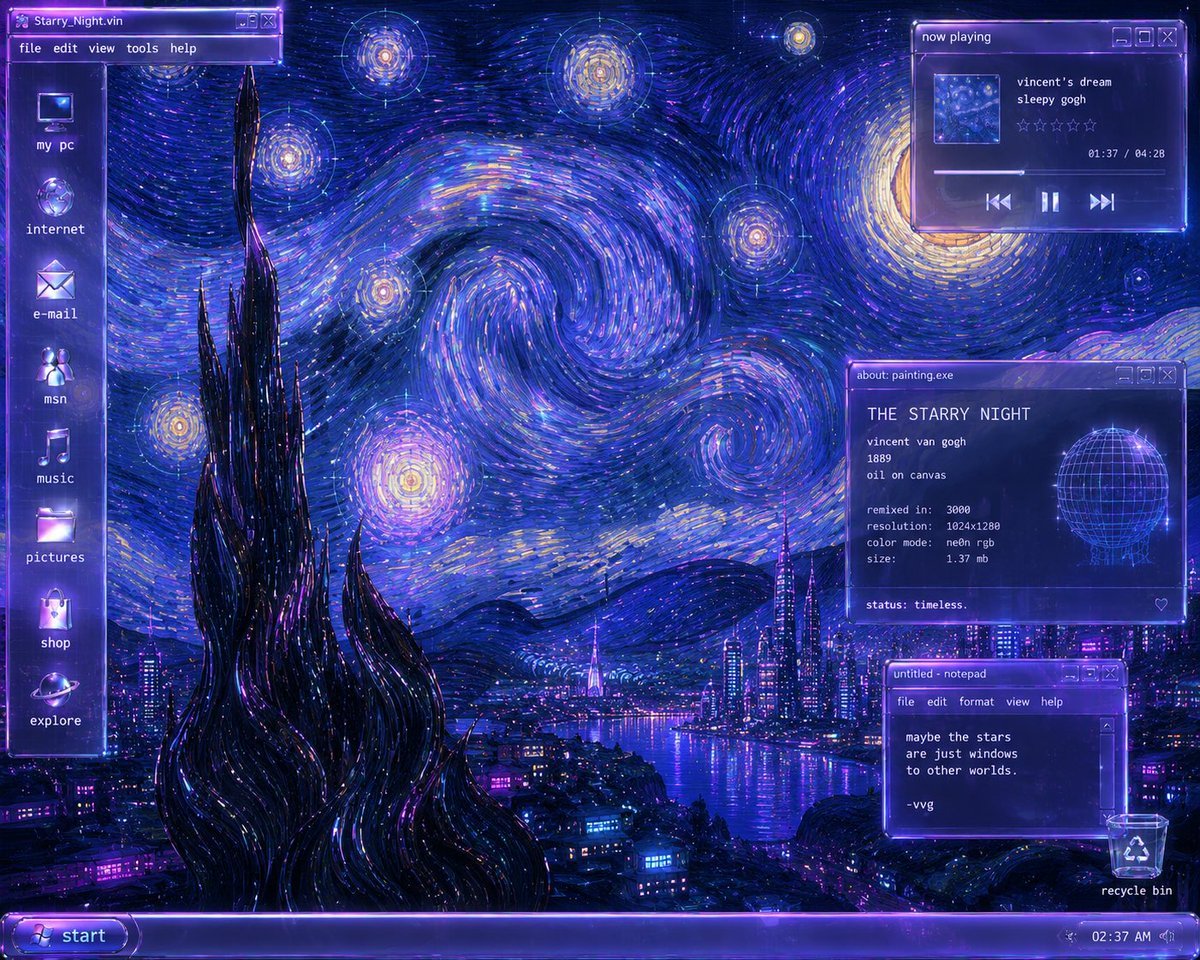
A detailed prompt for creating a neon Y2K Windows-style desktop remix of Van Gogh’s The Starry Night with cyberpunk UI panels.
- Prompt included
- Model and format preset
- Free template
The prompt behind this image
Copy the exact prompt behind Y2K Starry Night Desktop, or open it in the studio and make it yours.
Create a Y2K futurist Windows desktop remix of Van Gogh’s The Starry Night as a glowing cyberpunk operating-system screenshot. The canvas is a 4:3 desktop wallpaper in deep ultramarine, neon violet, electric blue, cyan, and gold, with painterly impasto brush strokes forming huge swirling star vortices across the sky. Preserve the Starry Night composition: a tall black cypress-like spire in the lower left foreground, rolling dark hills, a glowing village transformed into a futuristic city, and a river or bay reflecting purple-blue neon lights. Add transparent glassmorphism Windows-2000/XP style UI overlays with violet chrome, bloom, scanline shimmer, pixel fonts, and small title-bar buttons. Desktop layout: a vertical translucent sidebar on the far left with exactly 8 desktop icons, from top to bottom labeled: “my pc”, “internet”, “e-mail”, “msn”, “music”, “pictures”, “shop”, “explore”. At the very top left place a window title bar labeled “Starry_Night.vin” with menu items “file”, “edit”, “view”, “tools”, “help”. Along the bottom place a glowing purple taskbar with a rounded “start” button on the left and a system tray on the right showing “02:37 AM”; include a recycle bin icon and label “recycle bin” near the bottom right. Add exactly 3 floating windows on the right side. Window 1, top right: a music player titled “now playing”, with a small square album thumbnail, track text “vincent’s dream” and “sleepy gogh”, five empty star-rating outlines, timestamp “01:37 / 04:28”, a progress bar, and previous / pause / next controls. Window 2, mid-right: an info panel titled “about: painting.exe”, headed “THE STARRY NIGHT”, listing “vincent van gogh”, “1889”, “oil on canvas”, “remixed in: 3000”, “resolution: 1024x1280”, “color mode: neon rgb”, “size: 1.37 mb”, and bottom text “status: timeless.”; include a glowing wireframe globe graphic on the right side of this panel and a small heart outline in the lower right. Window 3, lower right: a notepad window titled “untitled - notepad” with menu items “file”, “edit”, “format”, “view”, “help”, containing the text “maybe the stars / are just windows / to other worlds. / / -vvg”. Style constraints: make the whole image look like a nostalgic early-2000s vaporwave desktop interface merged with expressive oil paint; use luminous edges, transparent purple panels, crisp readable white pixel text, soft CRT glow, and no modern flat design. Keep all visible text exactly as specified and avoid adding extra windows, characters, logos, or watermarks.
How to use Y2K Starry Night Desktop in 3 steps
- 1Upload ImagePNG, JPG or paste
Add your photo
Upload the photo the template builds on. The prompt, model and format are already set.
- 2…a portrait of your subject in softgolden-hour light, 85mm…
Personalize
Edit the subject and creative details for your destination.
- 3Generate
Generate
Press Generate — your image is created in PicX Studio, so you can compare it with the original and refine one variable at a time.
More like this
Templates with the same subject, style or setup. Open one to see its prompt.
Starry Night Mermaid on Rainbow Reef
Starry Night Maiden
Starry Night Overtime City
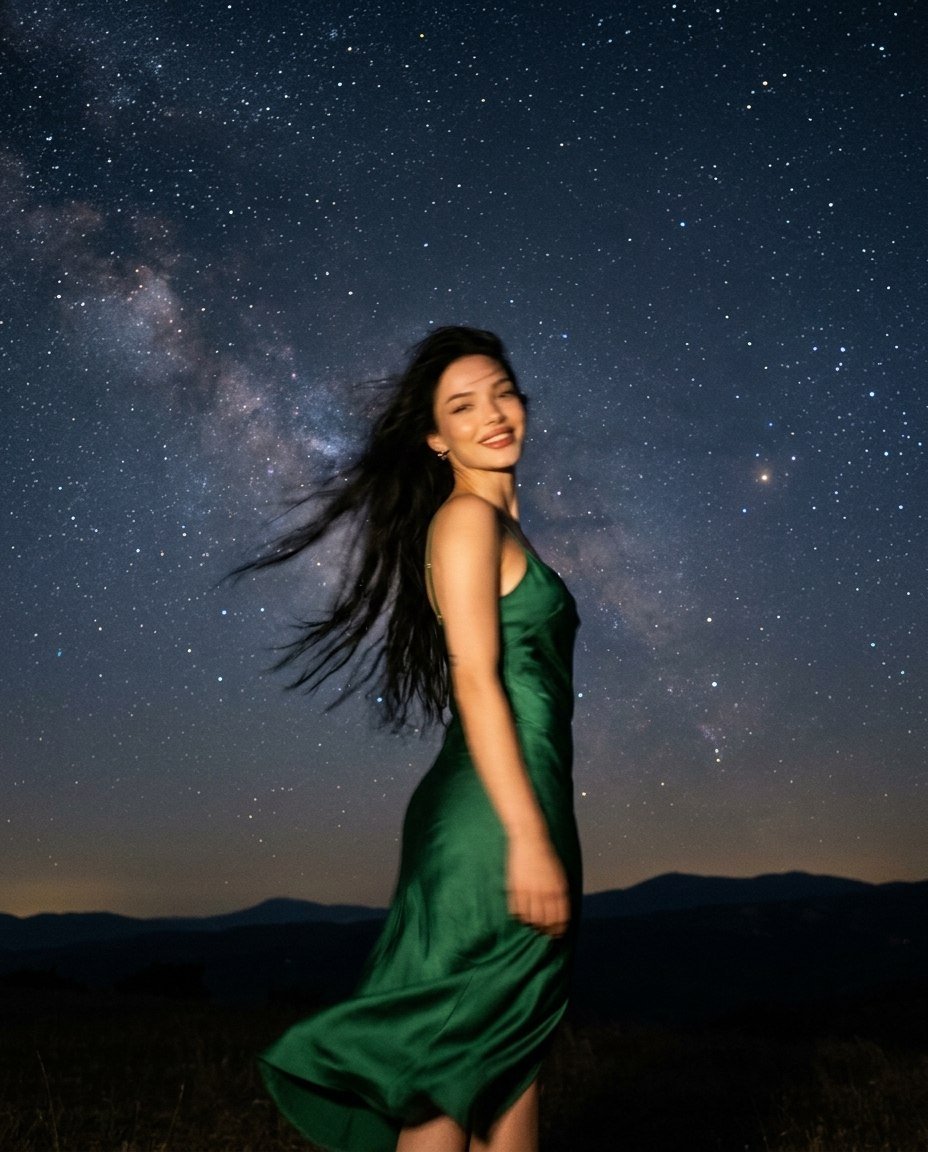
Starry Night Motion Blur Portrait

Gen Z Triple Selfie Collage — Y2K Flash Photography

Subway Platform Quiet Introspective Portrait
Subway Platform Quiet Introspective Portrait

Spider-Man Night Swing New York Cinematic
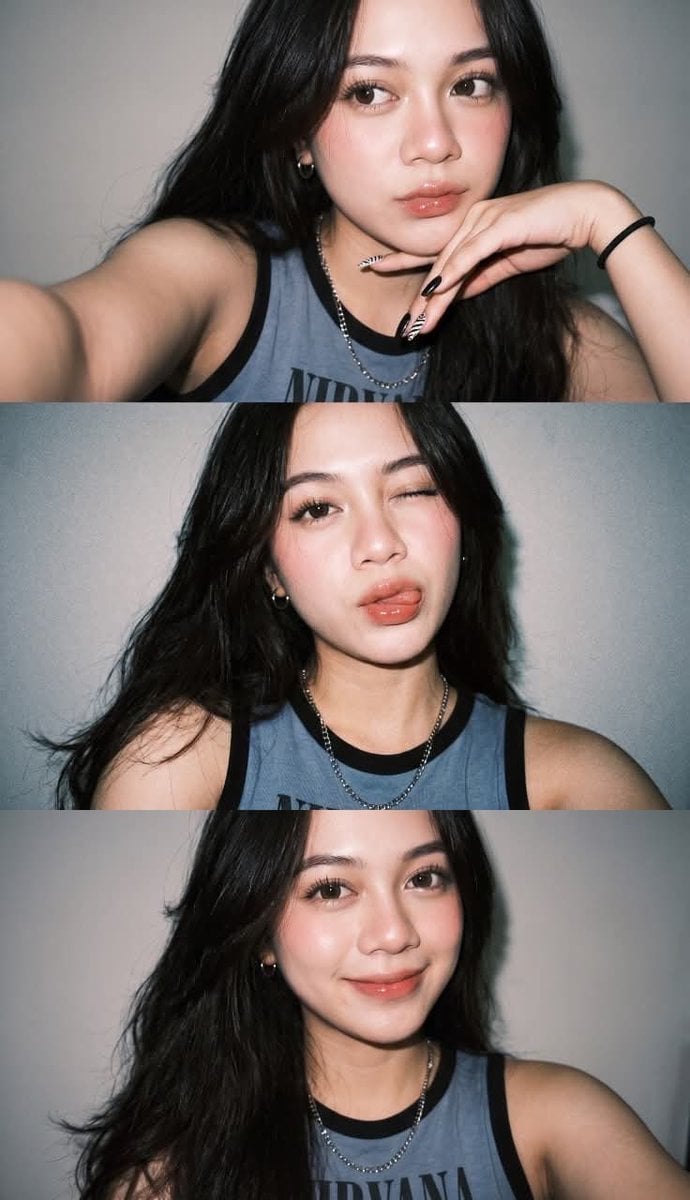
Gen Z Flash Selfie Triple Collage
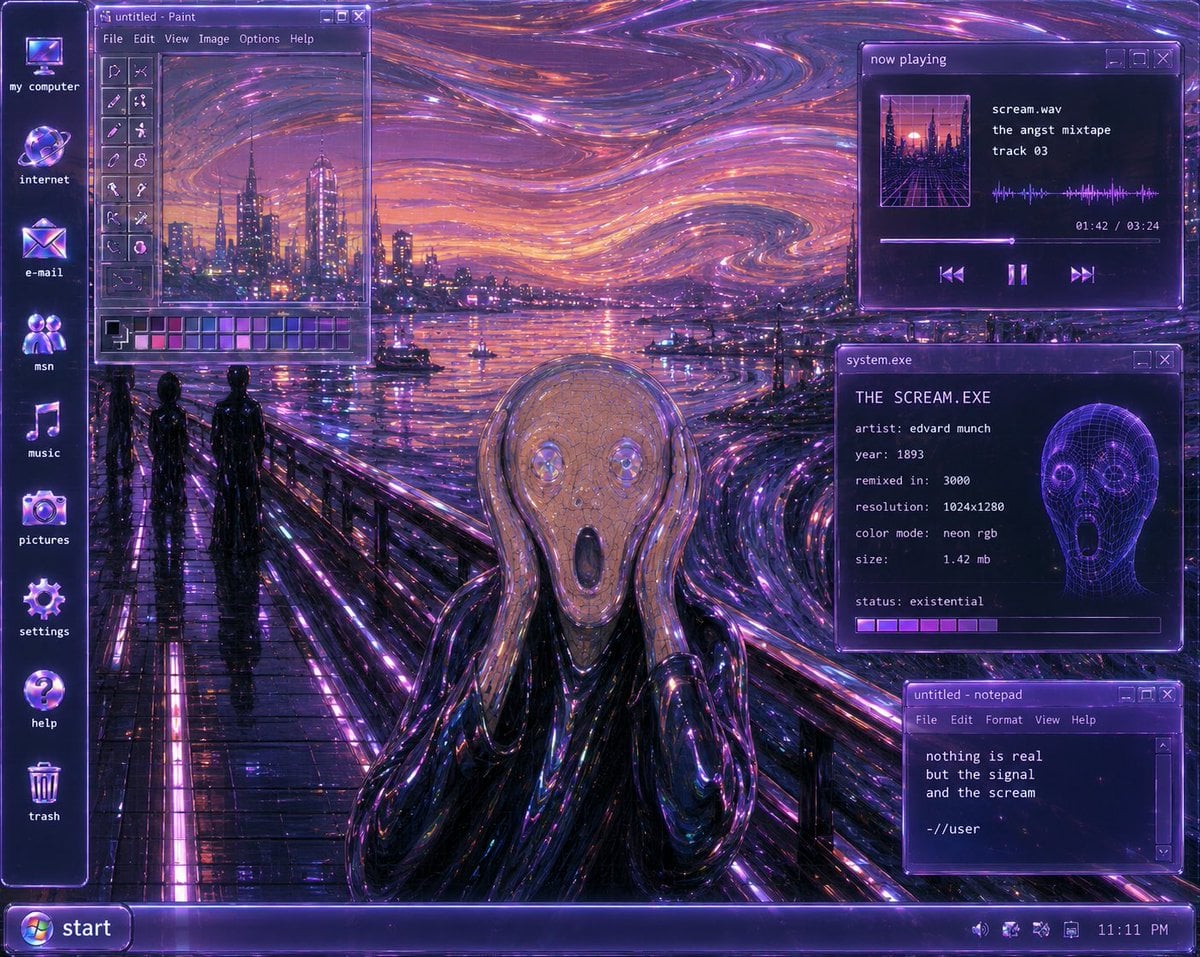
Y2K Futurist Scream Desktop
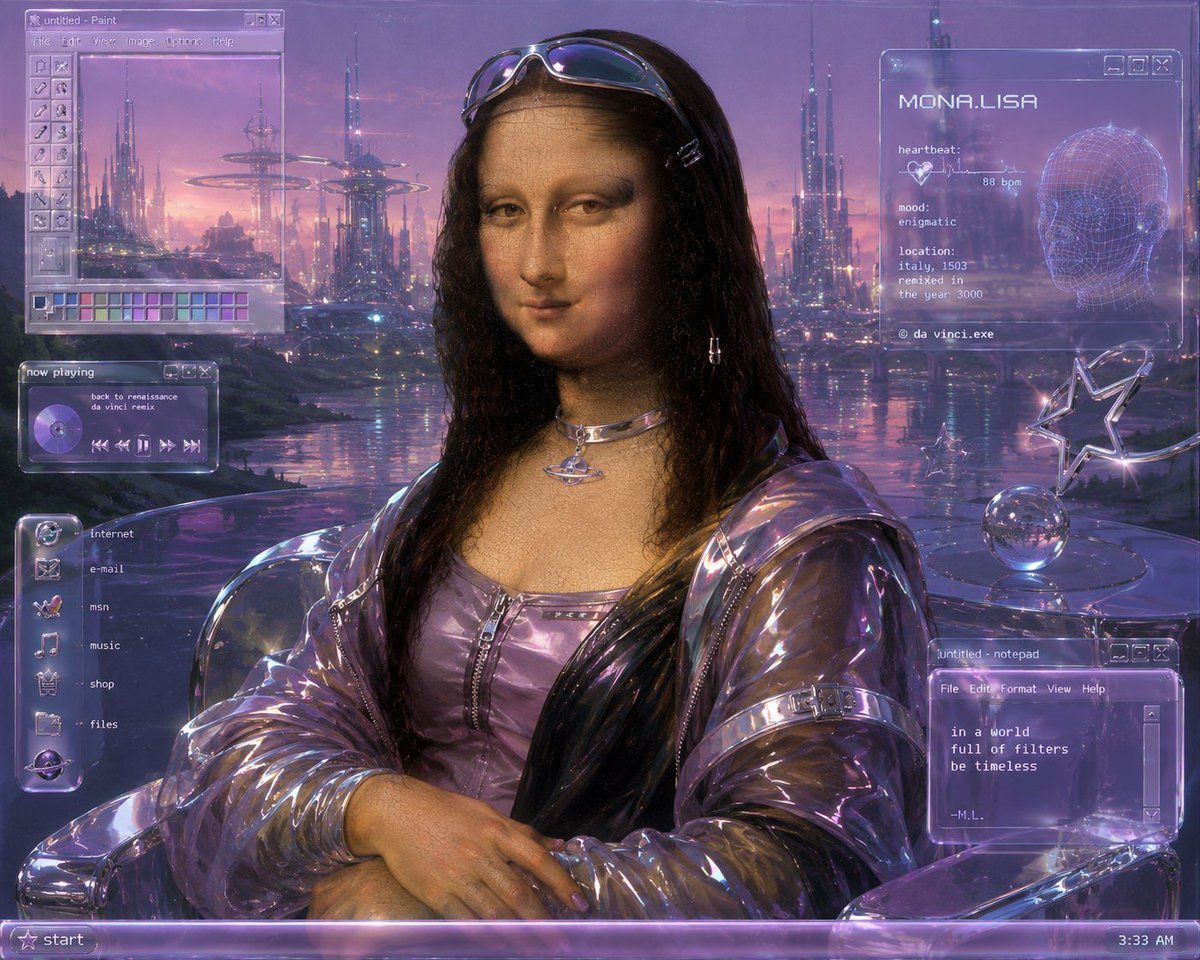
Y2K Futurist Mona Lisa Desktop
Anime Starry Night Sky with Custom Neon Text
Make it yours
Y2K Starry Night Desktop works as-is. These are the safest ways to change it without losing the look.
Change one field
Copy a single group, rewrite it, and generate again so you can see what that field is doing.
Keep the frame, change the subject
Hold the composition and light of Y2K Starry Night Desktop, then swap wardrobe, props or the person for a new take.
| If the result… | Why | Fix |
|---|---|---|
| The result drifts from the preview | Too many fields changed at once. | Reuse Y2K Starry Night Desktop as-is first, then change one group — subject, light, or setting. |
| The model over-stylizes the scene | The prose prompt leaves finish and camera underspecified. | Add one camera or lighting sentence and stay on GPT Image 2. |
More GPT Image 2 templates
Other prompts made for GPT Image 2.

Six VTuber Japanese Logo Sheet

Realistic Portrait of Woman and Deer

The Vista Modular Condo Poster

AI Model Routing Comparison Infographic

2.5D Anime Art Board

Isometric Productivity Desk Scene

New York Double Exposure Poster

Four-Panel AI Landscape Comparison

Japanese Tatami Lifestyle Magazine Cover

NESCAFÉ Coffee Map Poster
More image prompts
Fresh picks from across the catalog.
Showa Day Scrapbook Portrait
Moonlit Dancer Shadow Box
Unagi Kabayaki Motion Sheet
untitled

Cozy Night Living Room Candid
Surreal Hyperrealistic Salmon Fillet World Prompt
High-Resolution Realistic Lifestyle Photography with Face Lock
Photoreal Alien in Dark Ravine
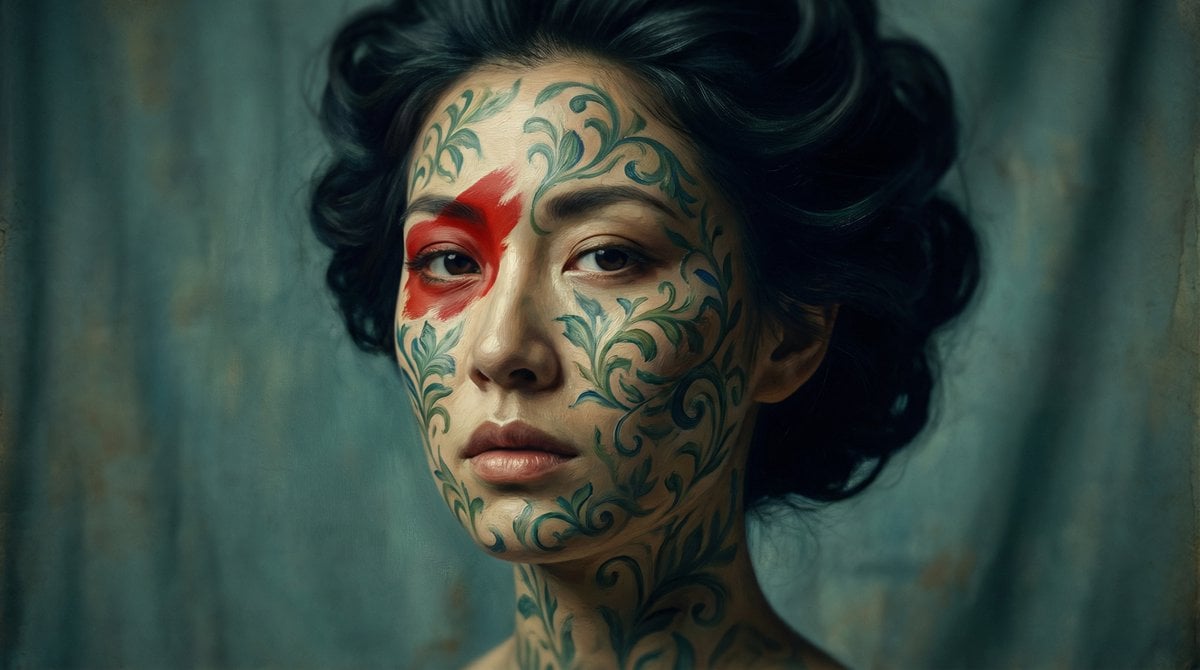
Cinematic Portrait with Botanical Skin Patterns
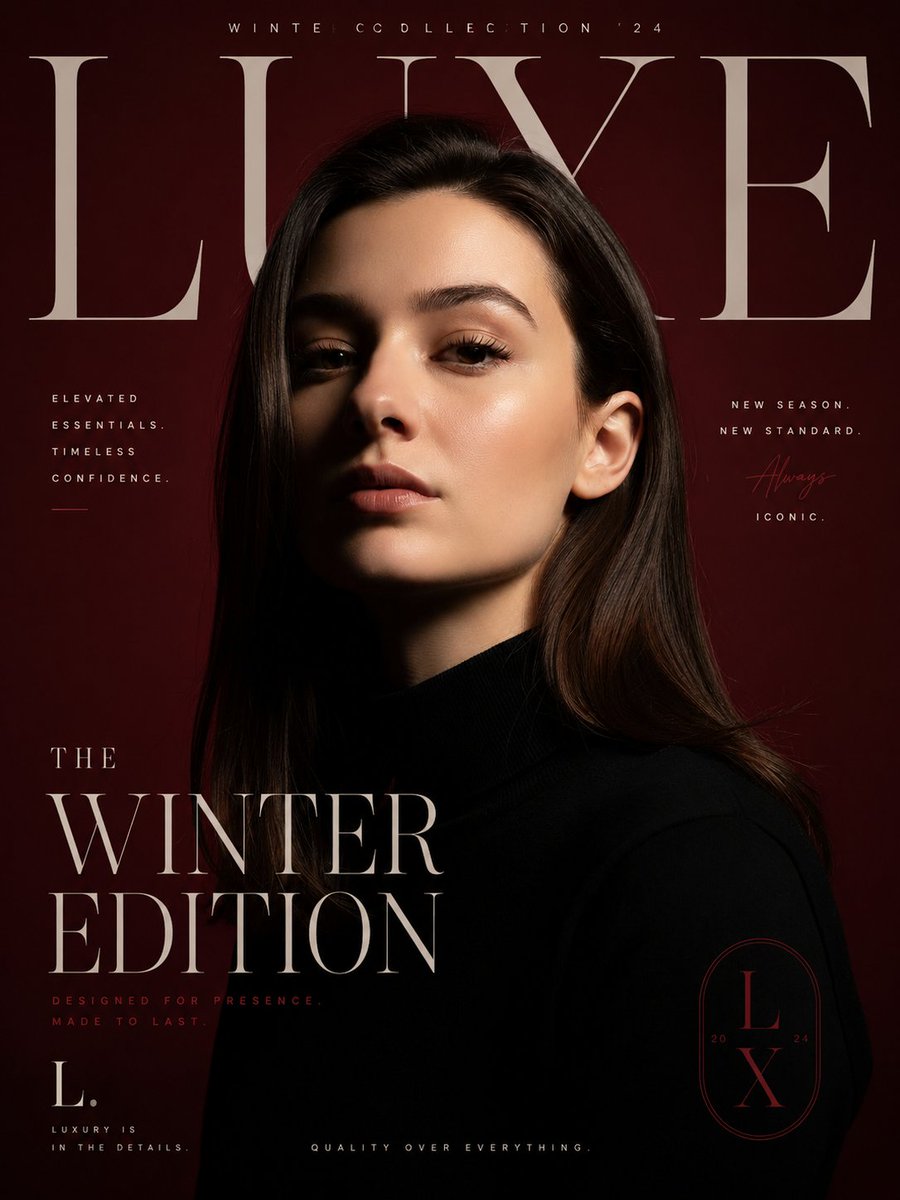
Luxury Fashion Editorial Poster
Browse template categories
Y2K Starry Night Desktop questions
How do I use the Y2K Starry Night Desktop template?
Add your photo if the template asks for one, edit the prompt if you like — the template's model and format are already selected — and press Generate. Your version opens in PicX Studio.
Can I customize the Y2K Starry Night Desktop template?
Yes. You can change the subject, setting, lighting, mood, format, and available model controls before creating your image.
Is the Y2K Starry Night Desktop template free?
Opening and editing this template is free. Generating uses credits, shown on the Generate button when you are signed in.
Which AI model should I use?
Start with GPT Image 2, which is the model associated with this template. You can compare another compatible model for a different finish.
Looking for something else? Browse all templates.

Your photo, any look
Thousands of ready templates for every top image and video model, from one credit balance.