
Cozy Night Living Room Candid
Generates a warm photorealistic candid apartment scene with a relaxed person lying on a sofa amid realistic nighttime clutter.

- Prompt included
- Model and format preset
- Free template
The prompt behind this image
Copy the exact prompt behind Cozy Night Living Room Candid, or open it in the studio and make it yours.
Create a warm, candid, photorealistic vertical 35mm-style indoor snapshot of a cozy, slightly messy apartment living room at night. The main subject is {argument name="subject description" default="a young East Asian woman with black messy hair and round glasses"} lying upside down across a dark gray fabric sofa, head near the front-right edge of the couch, one arm bent behind her head and the other relaxed outward, eyes closed or half-closed with a tired, peaceful expression. She wears {argument name="top color" default="a muted blue sleeveless tank top"} and {argument name="shorts color" default="light gray drawstring lounge shorts"}, bare legs stretched along the sofa, with a rumpled beige throw blanket around her waist and cushions nearby. The room should feel lived-in and intimate: stacks of magazines and papers on a chair and side surfaces, shelves full of books and records in the background, a low wooden coffee table on the right holding exactly three black remote controls and one ceramic mug, and a pile of blankets on an ottoman or floor cushion in the back. Include exactly three warm light sources: a large floor lamp on the left foreground, a small lamp on a cabinet in the rear center, and another glowing lamp near the right rear curtains. Use {argument name="lighting mood" default="warm tungsten evening light"}, shallow depth of field, soft film grain, natural skin tones, slight motion softness, realistic clutter, and an unposed documentary-photo composition shot from above the sofa looking diagonally through the room. Avoid glamour styling; make it feel like an ordinary quiet night at home.
How to use Cozy Night Living Room Candid in 3 steps
- 1Upload ImagePNG, JPG or paste
Add your photo
Upload the photo the template builds on. The prompt, model and format are already set.
- 2…a portrait of your subject in softgolden-hour light, 85mm…
Personalize
Edit the subject and creative details for your destination.
- 3Generate
Generate
Press Generate — your image is created in PicX Studio, so you can compare it with the original and refine one variable at a time.
More like this
Templates with the same subject, style or setup. Open one to see its prompt.

Nostalgic Digicam Café Afternoon Portrait
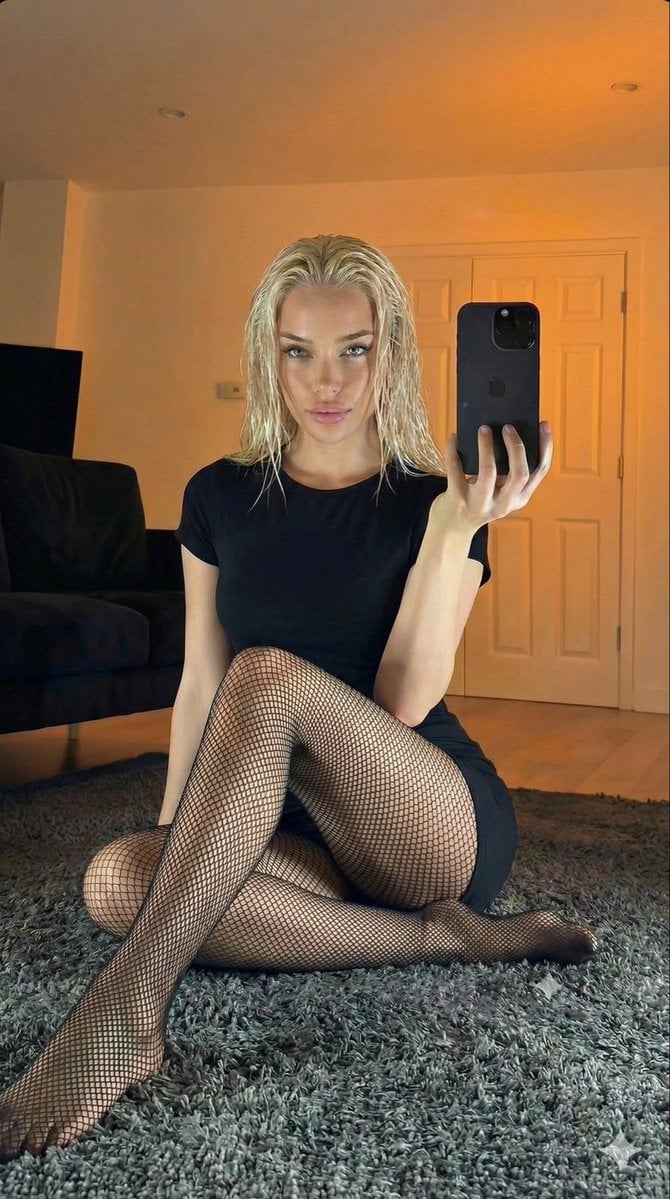
Living Room Rug Evening Mirror Selfie

Nano Banana - Cozy Cafe Night

Neon Night Crosswalk Candid Portrait
Neon Night Crosswalk Candid Portrait
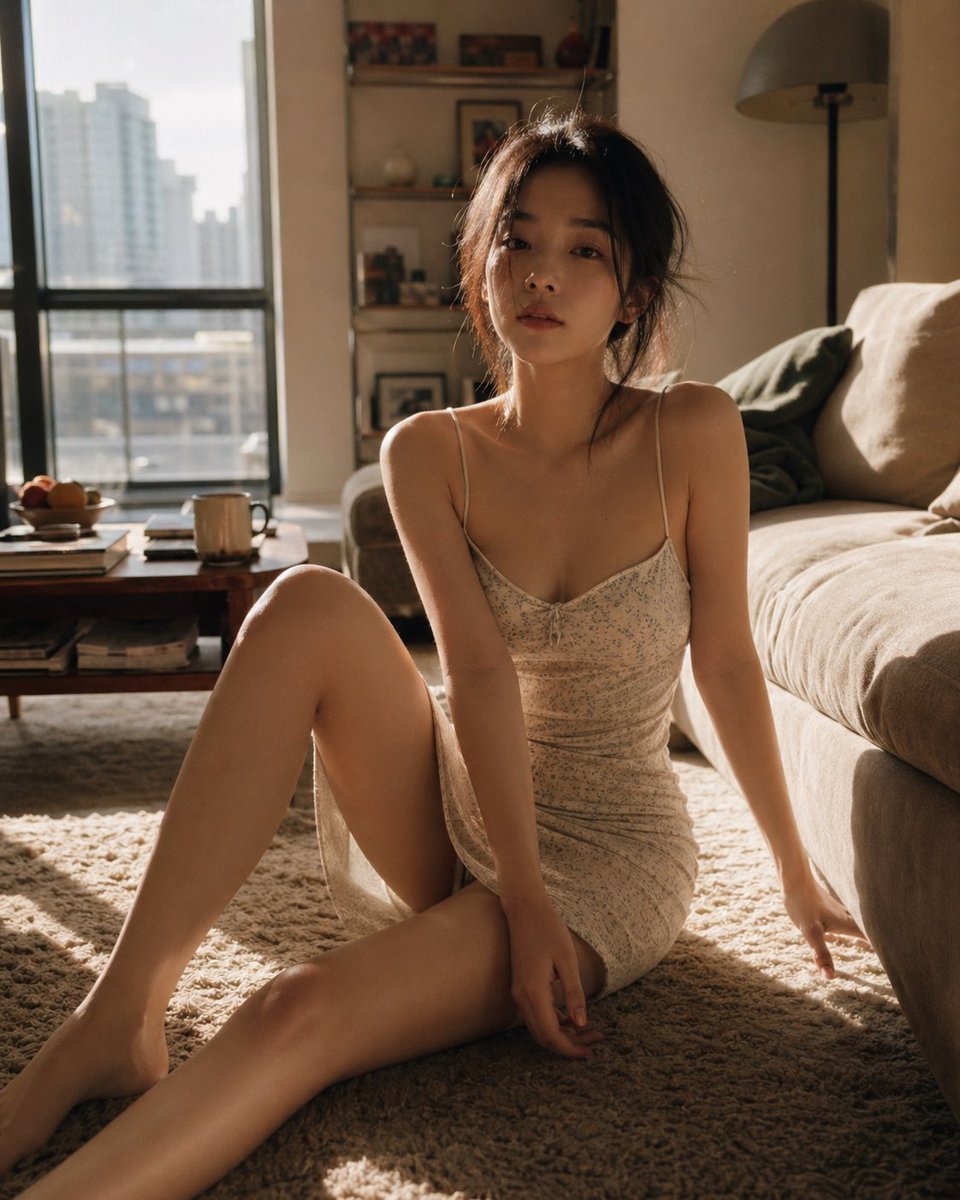
Cozy Living Room Afternoon Scene
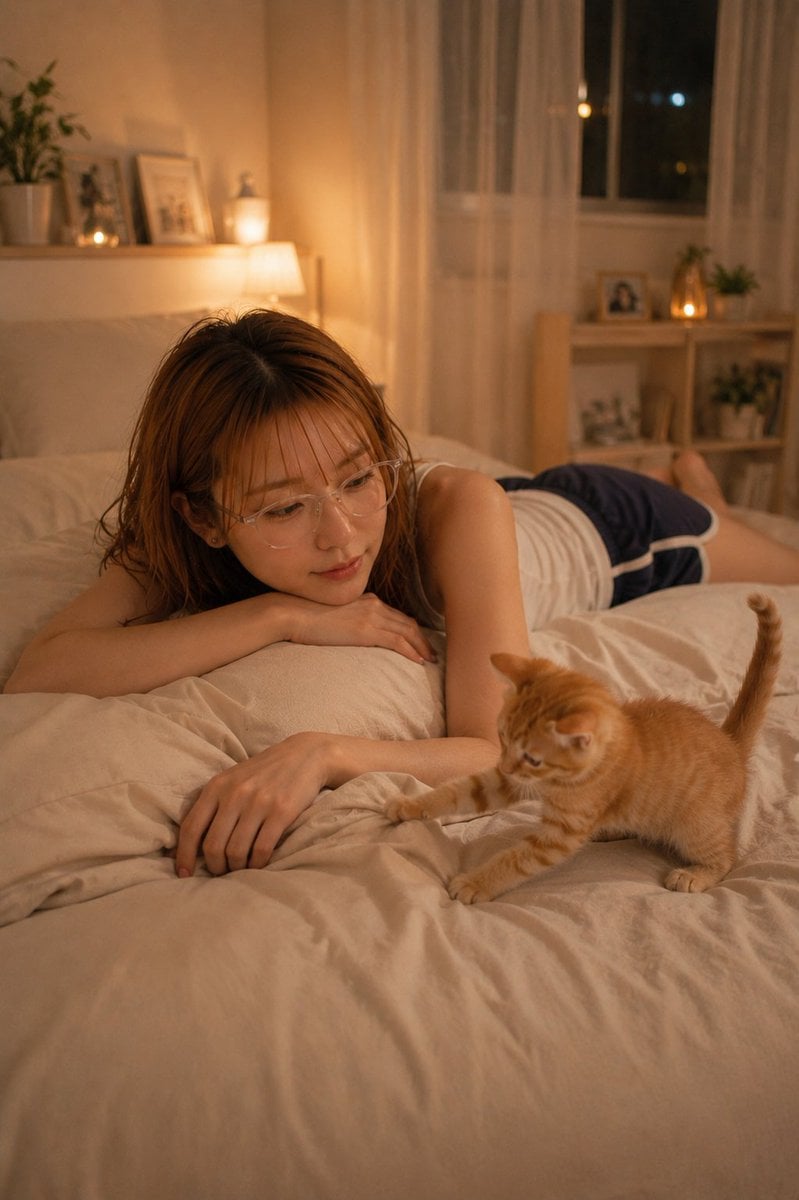
Cozy Night Bedroom With Kitten
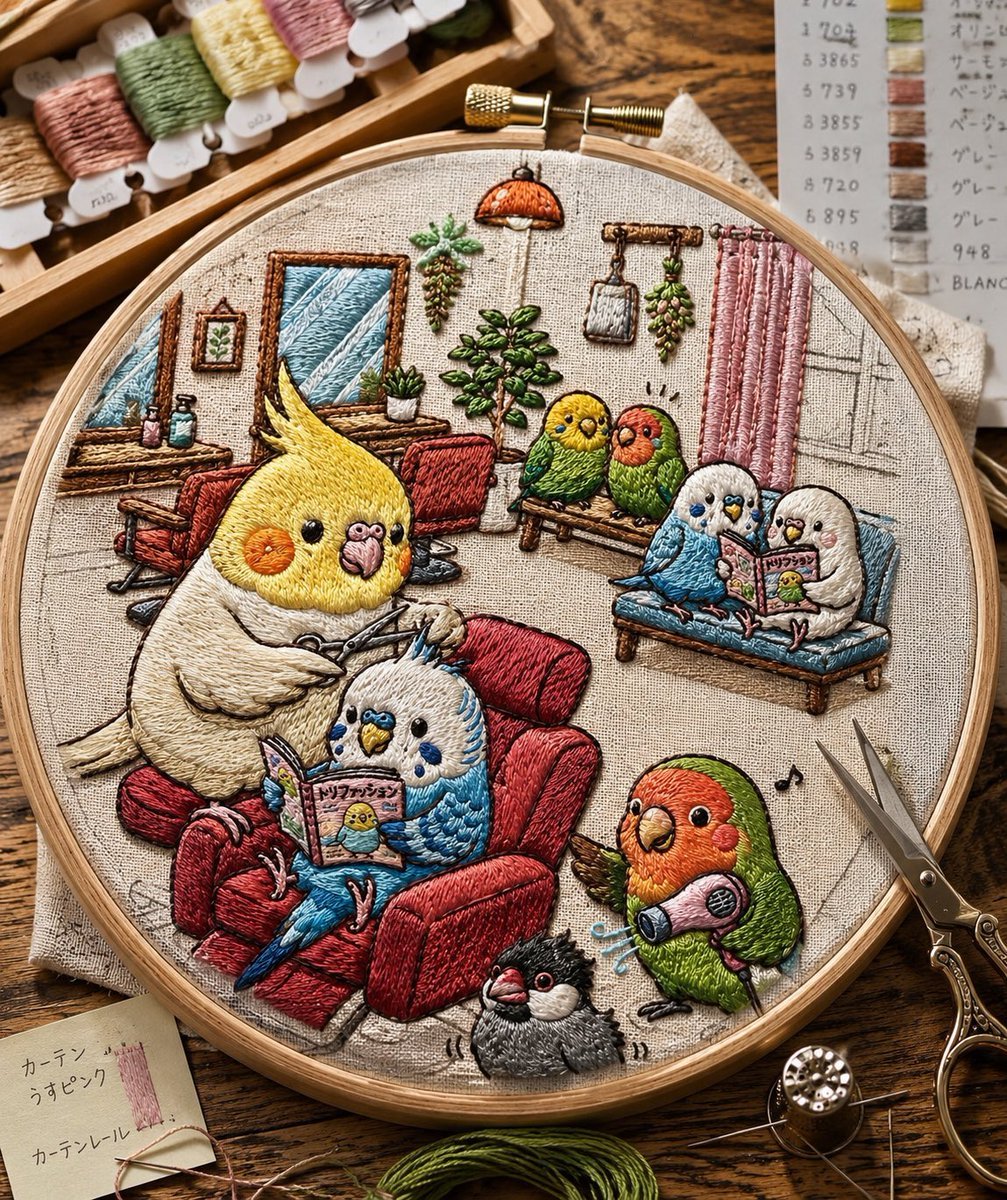
Embroidered Cozy Bird Living Room
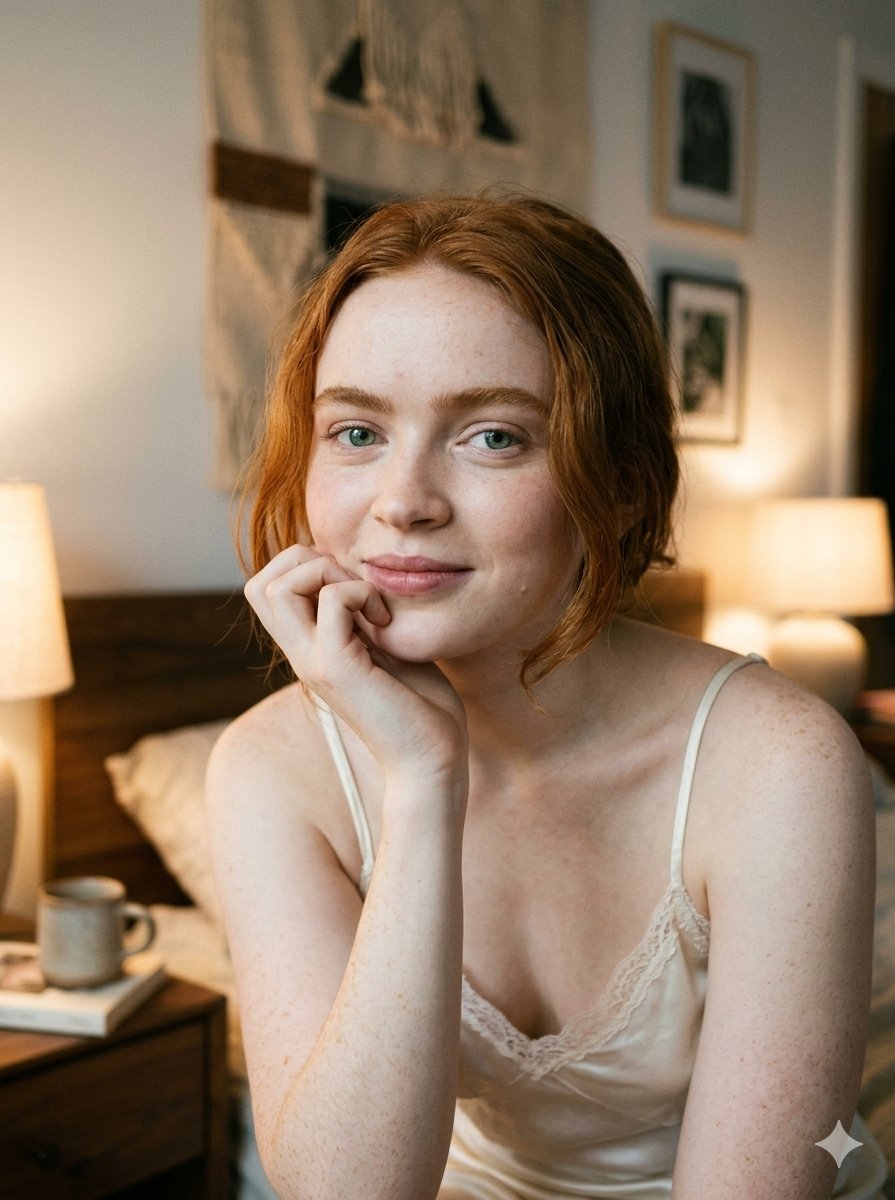
Google Nano Banana 2 — Cozy Bedroom Editorial

Sunday Afternoon, 1988

Our Song was on a Cassette

The Date After College
Make it yours
Cozy Night Living Room Candid works as-is. These are the safest ways to change it without losing the look.
Change one field
Copy a single group, rewrite it, and generate again so you can see what that field is doing.
Keep the frame, change the subject
Hold the composition and light of Cozy Night Living Room Candid, then swap wardrobe, props or the person for a new take.
| If the result… | Why | Fix |
|---|---|---|
| The result drifts from the preview | Too many fields changed at once. | Reuse Cozy Night Living Room Candid as-is first, then change one group — subject, light, or setting. |
| The model over-stylizes the scene | The prose prompt leaves finish and camera underspecified. | Add one camera or lighting sentence and stay on GPT Image 2. |
More GPT Image 2 templates
Other prompts made for GPT Image 2.

Six VTuber Japanese Logo Sheet

Realistic Portrait of Woman and Deer

The Vista Modular Condo Poster

AI Model Routing Comparison Infographic

2.5D Anime Art Board

Isometric Productivity Desk Scene

New York Double Exposure Poster

Four-Panel AI Landscape Comparison

Japanese Tatami Lifestyle Magazine Cover

NESCAFÉ Coffee Map Poster
More image prompts
Fresh picks from across the catalog.

Cinematic Saree Double Exposure Portrait
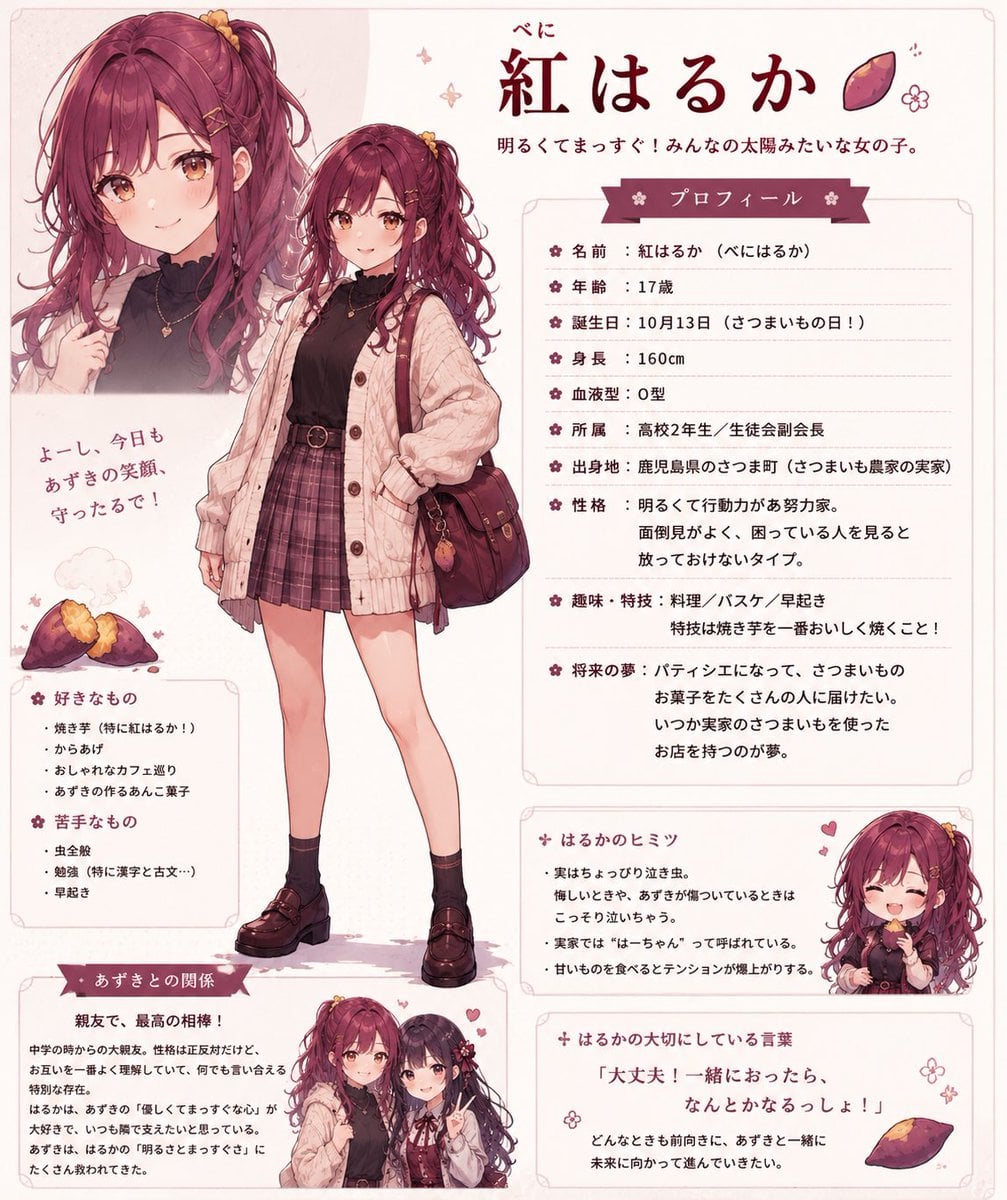
Beni Haruka Anime Character Sheet

Vintage 3D Miniature City Map

Zootopia Style Snowman Building Scene
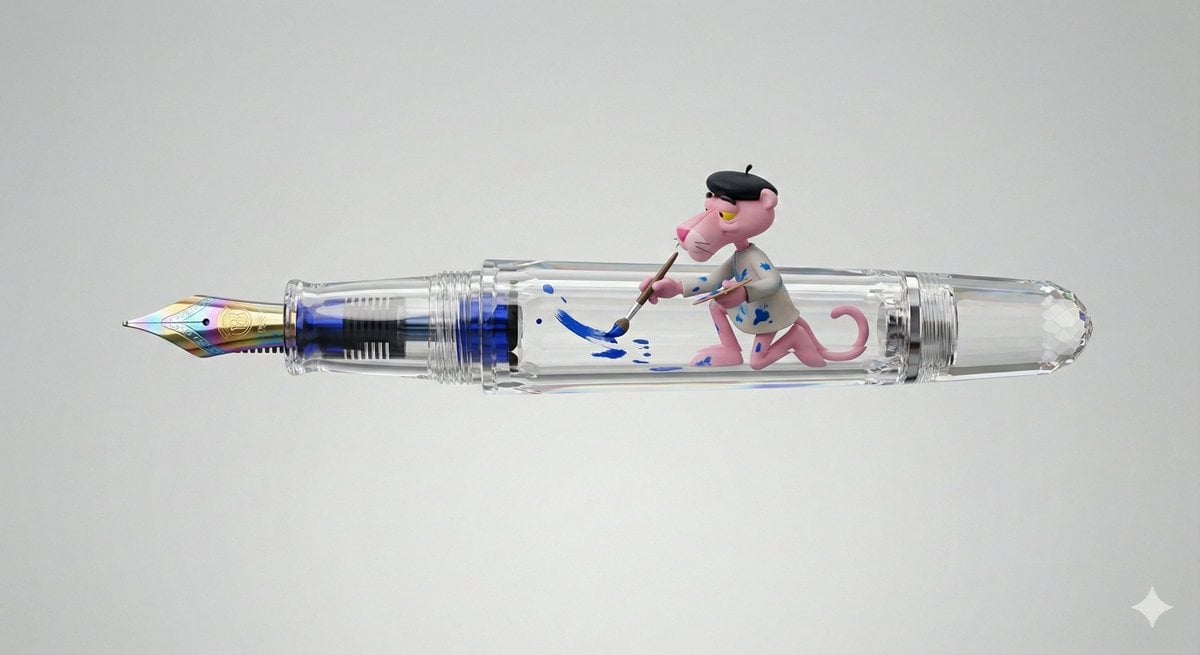
Pink Panther Fountain Pen 3D Render Prompt

Cinematic low-key urban portrait prompt
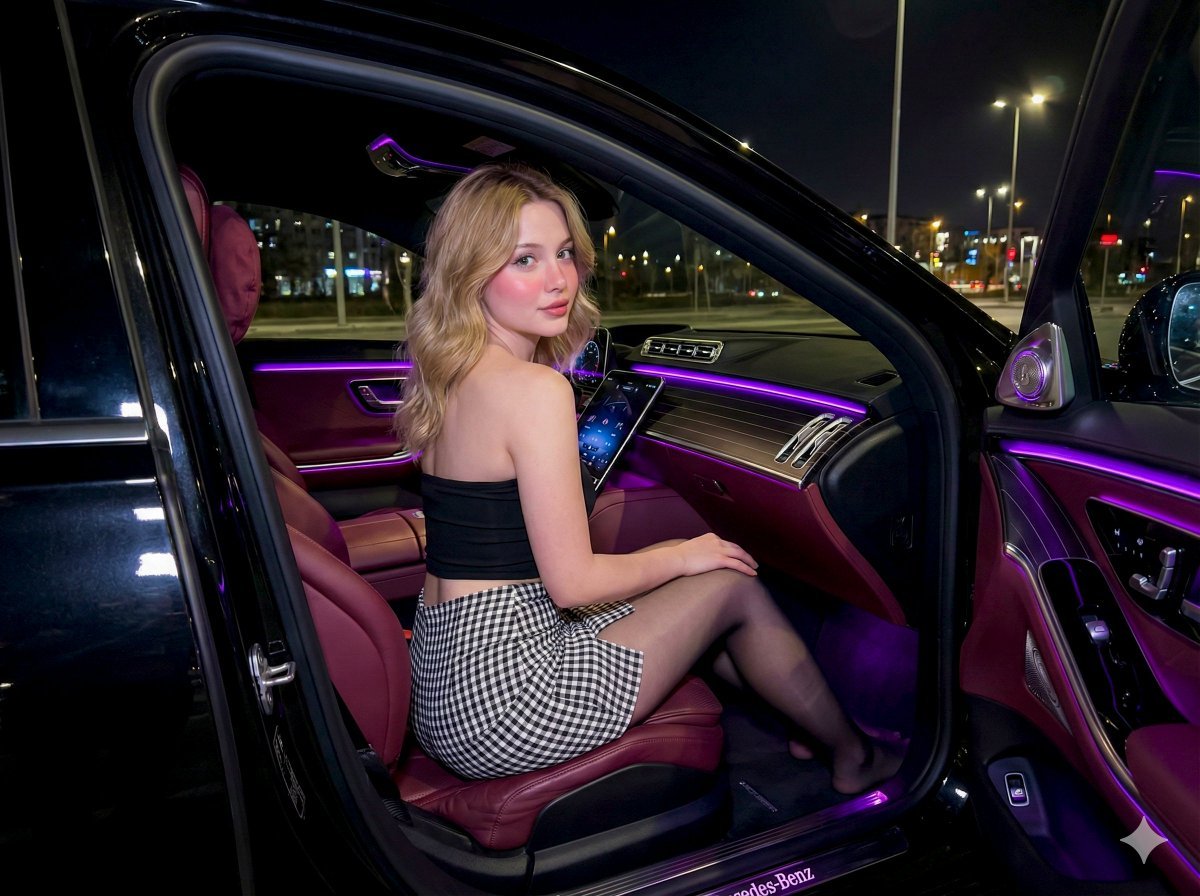
Nighttime Mercedes S-Class Interior Portrait with Purple Ambient Light

Micro-World Mathematical Symbols Grid Prompt
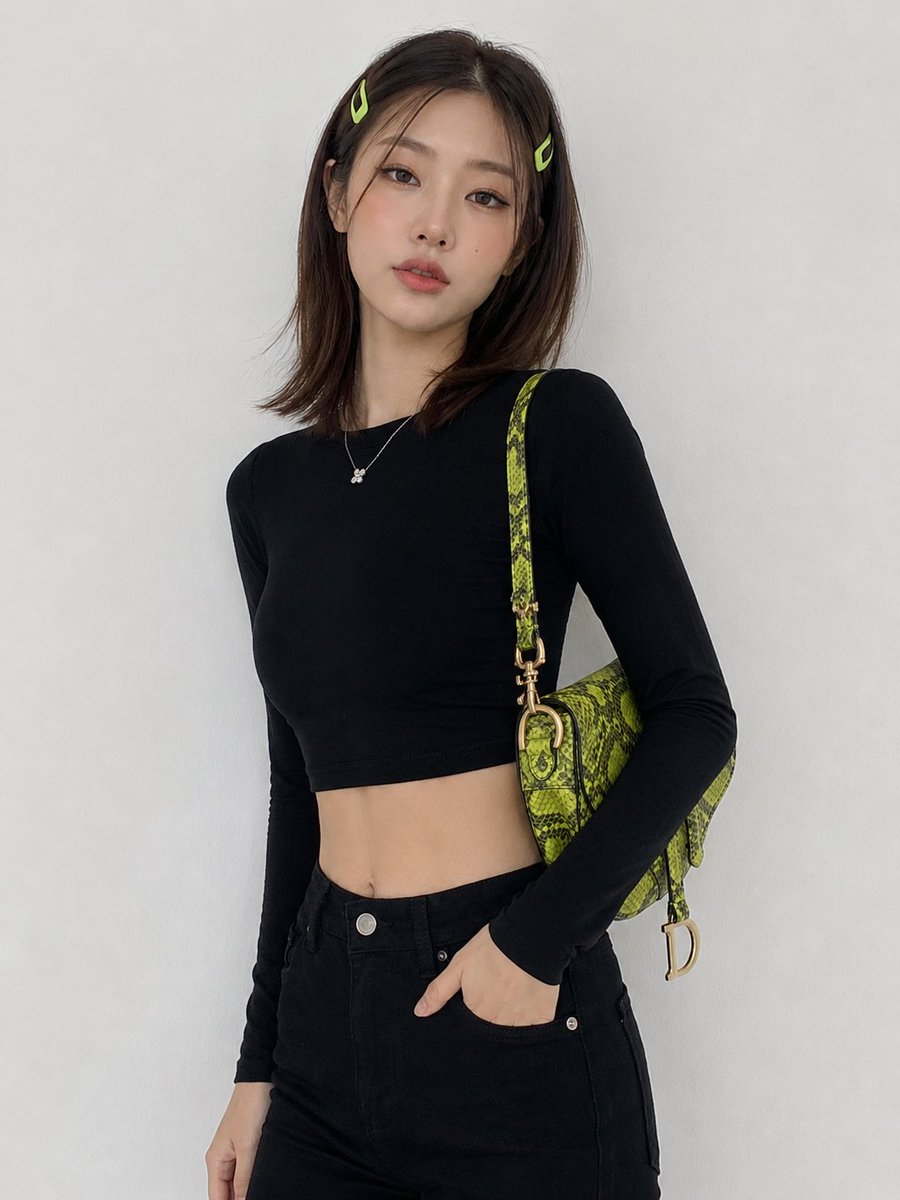
Korean Fashion Model Studio Portrait
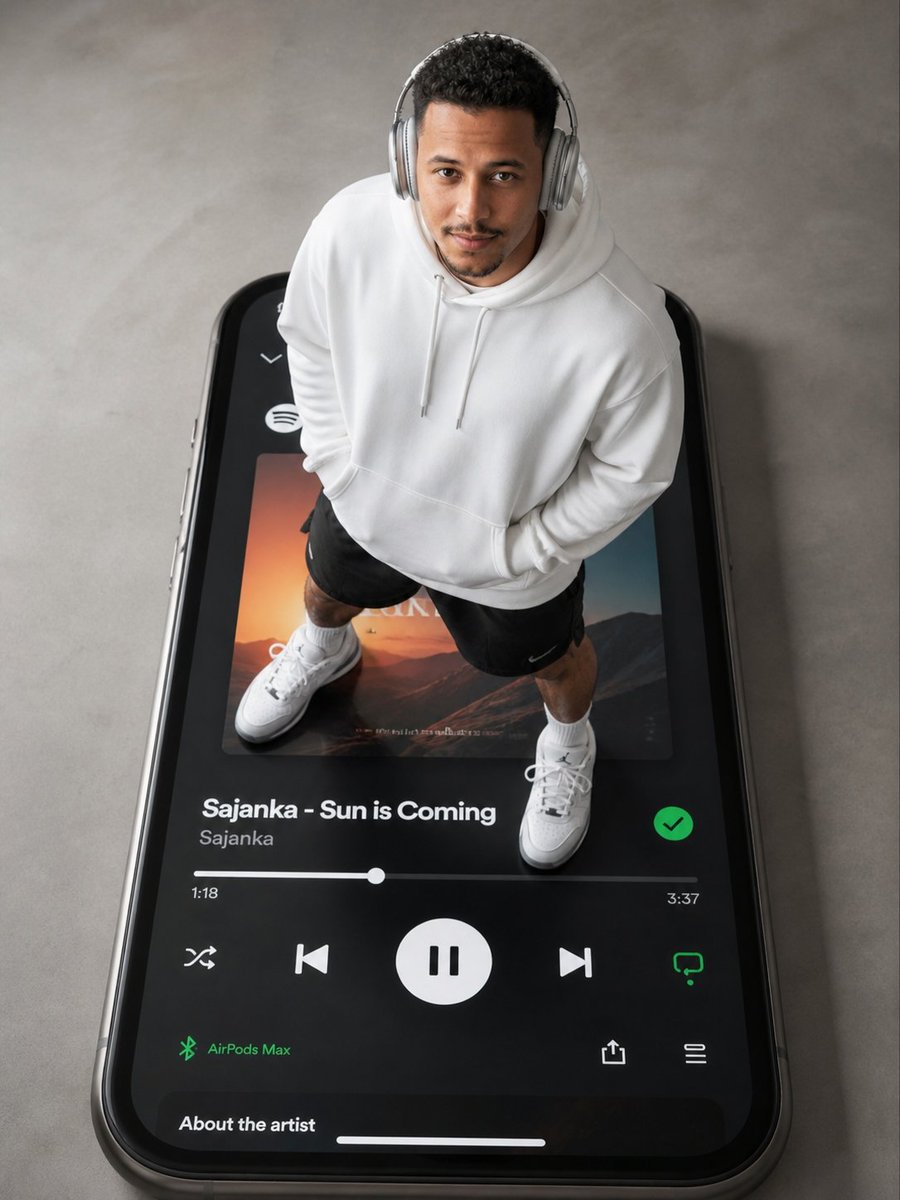
Surreal Top-Down iPhone Fashion
Browse template categories
Cozy Night Living Room Candid questions
How do I use the Cozy Night Living Room Candid template?
Add your photo if the template asks for one, edit the prompt if you like — the template's model and format are already selected — and press Generate. Your version opens in PicX Studio.
Can I customize the Cozy Night Living Room Candid template?
Yes. You can change the subject, setting, lighting, mood, format, and available model controls before creating your image.
Is the Cozy Night Living Room Candid template free?
Opening and editing this template is free. Generating uses credits, shown on the Generate button when you are signed in.
Which AI model should I use?
Start with GPT Image 2, which is the model associated with this template. You can compare another compatible model for a different finish.
Looking for something else? Browse all templates.

Your photo, any look
Thousands of ready templates for every top image and video model, from one credit balance.