How do I use the Vintage 3D Miniature City Map template?
Edit the prompt in the box under the preview — the template's model and format are already selected — and press Generate. Your version appears right on this page.
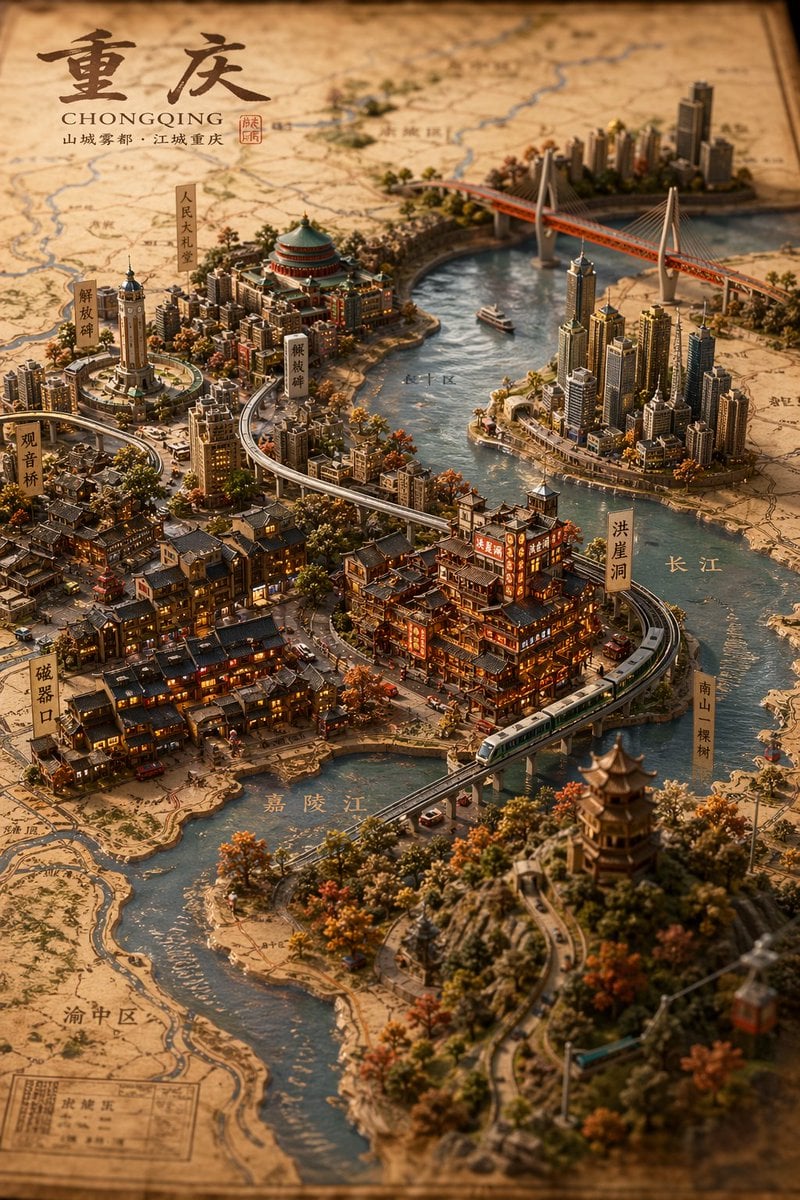
Generates a highly detailed, isometric 3D miniature map of a coastal city on a vintage parchment background, complete with labeled landmarks and traditional typography.

This template uses your photo — add one with the + button.
{ "type": "isometric 3D map illustration", "style": "vintage cartography mixed with highly detailed miniature diorama, warm lighting, tilt-shift effect", "background": "aged parchment paper with faint contour lines and map grids", "title_section": { "position": "top-left", "main_text": "{argument name=\"city name\" default=\"汕頭\"}", "subtitle_english": "{argument name=\"english city name\" default=\"SHANTOU\"}", "subtitle_chinese": "海滨邹鲁 · 鮀城通商", "seal": "red square stamp" }, "map_elements": { "terrain": "coastal city peninsula surrounded by blue water with small boats, rocky shores, and autumn-colored trees", "architecture": "dense mix of traditional Chinese pavilions, European-style historical buildings, and modern skyscrapers", "infrastructure": "elevated train line with a modern train, large suspension bridge in the background, winding coastal roads" }, "labels": { "style": "vertical rectangular wooden signs with black Chinese text", "count": 9, "locations": [ "汕头小公园", "中山公园", "礐石大桥", "汕头国际会展中心", "镇邦美食街", "南澳灯塔", "汕头老城", "西堤公园", "妈屿岛风景区" ] }, "water_labels": { "text": "南海", "position": "mid-left water area" }, "bottom_left_info": { "title": "汕頭地圖", "subtitle": "广东省汕头市", "coordinates": "116°40'E 23°22'N", "compass": "classic compass rose in the water above the info box" }, "bottom_right_poem": { "text": "百载商埠通四海\n潮汕文脉蕴千秋\n海天胜迹多俊秀\n岭东门户展宏图", "seal": "red square stamp" } }
Edit the prompt in the box under the preview — the template's model and format are already selected — and press Generate. Your version appears right on this page.
Yes. You can change the subject, setting, lighting, mood, format, and available model controls before creating your image.
Opening and editing this template is free. Generating uses credits, shown on the Generate button when you are signed in.
Start with GPT Image 2, which is the model associated with this template. You can compare another compatible model for a different finish.
Follow a topic to a crawlable collection of related PicX Studio templates.