
Embroidered Cozy Bird Living Room
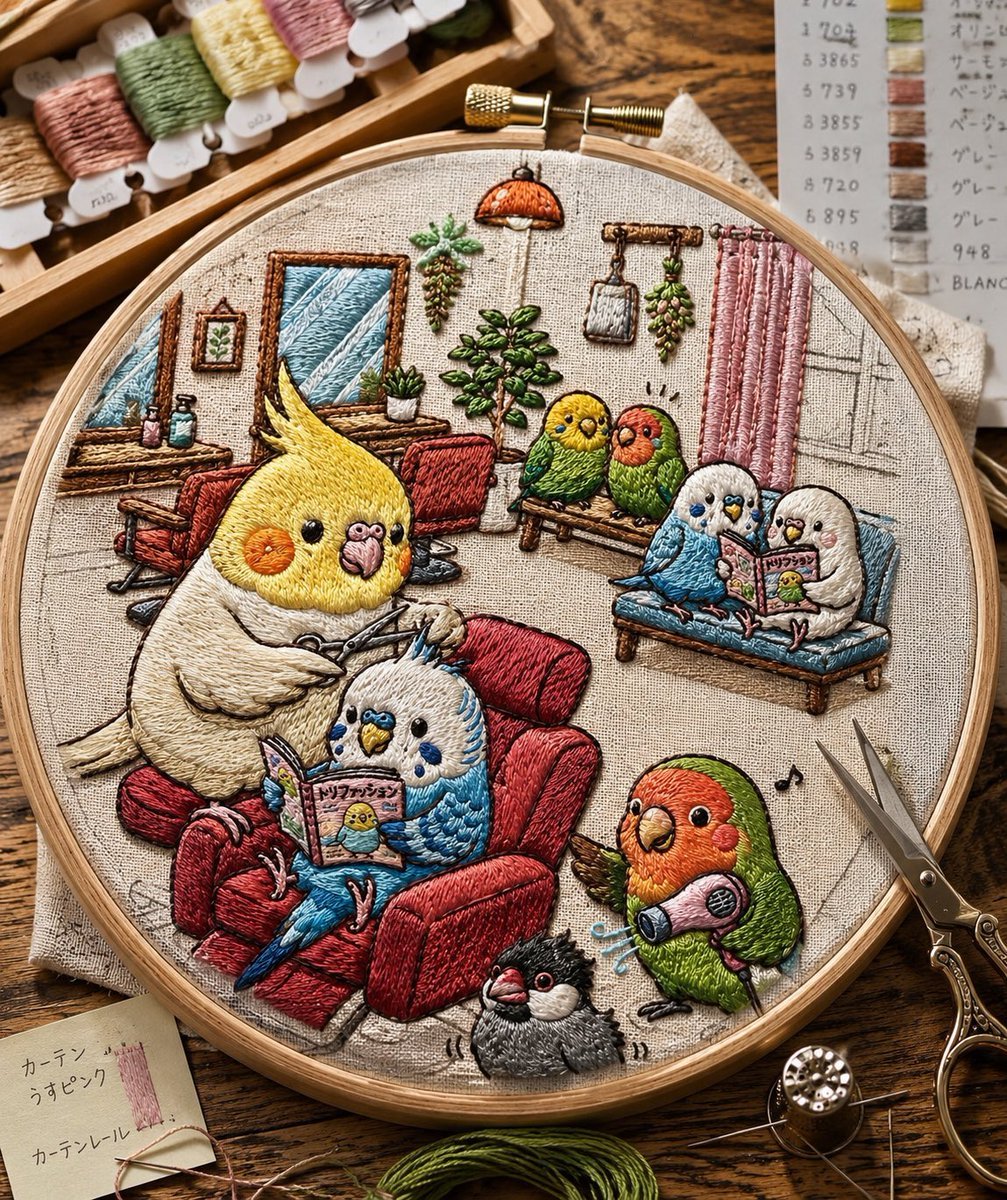
Generates a realistic embroidery-hoop craft scene featuring eight cute birds in a cozy miniature living room, ideal for whimsical textile art visuals.
- Prompt included
- Model and format preset
- Free template
The prompt behind this image
Copy the exact prompt behind Embroidered Cozy Bird Living Room, or open it in the studio and make it yours.
Create a highly realistic macro photograph of a finished hand-embroidery piece in a round wooden embroidery hoop on a rustic wooden craft table, showing a cozy living-room scene stitched on natural beige linen. The embroidery should look tactile and dimensional, with visible satin stitches, long-and-short stitches, French knots, raised thread texture, slight imperfections, and warm handmade charm. The scene contains exactly 8 embroidered pet birds: a large {argument name="main bird species" default="yellow cockatiel"} sitting in a plush red armchair holding knitting needles, a blue-and-white budgie nestled beside it reading a tiny illustrated magazine, two small birds perched on a wooden bench in the background, two small birds sitting together on a blue sofa reading, one green-and-orange lovebird standing at lower right holding a pink handheld vacuum with little blue motion lines, and one small black-and-gray crested bird at the bottom center. The miniature embroidered room includes a red armchair, a blue sofa, a wooden bench, a desk with tiny bottles, two framed wall pictures, a potted plant, hanging plants, a small orange pendant lamp, pink curtains, a sketched window, a few musical notes, and fine pencil-like construction lines visible on the fabric. Surround the hoop with realistic embroidery supplies: a wooden tray of pastel thread bobbins at the upper left, a paper thread color chart at the upper right, ornate embroidery scissors on the right, a needle and metal thimble at the lower right, green floss at the bottom, and a small note card at lower left with Japanese handwriting. Use warm natural daylight, shallow depth of field, crisp focus on the hoop, cozy craft-room atmosphere, earthy colors, and a charming whimsical style that makes the entire illustration appear as if it has been embroidered from a text prompt.
How to use Embroidered Cozy Bird Living Room in 3 steps
- 1Upload ImagePNG, JPG or paste
Add your photo
Upload the photo the template builds on. The prompt, model and format are already set.
- 2…a portrait of your subject in softgolden-hour light, 85mm…
Personalize
Edit the subject and creative details for your destination.
- 3Generate
Generate
Press Generate — your image is created in PicX Studio, so you can compare it with the original and refine one variable at a time.
More like this
Templates with the same subject, style or setup. Open one to see its prompt.
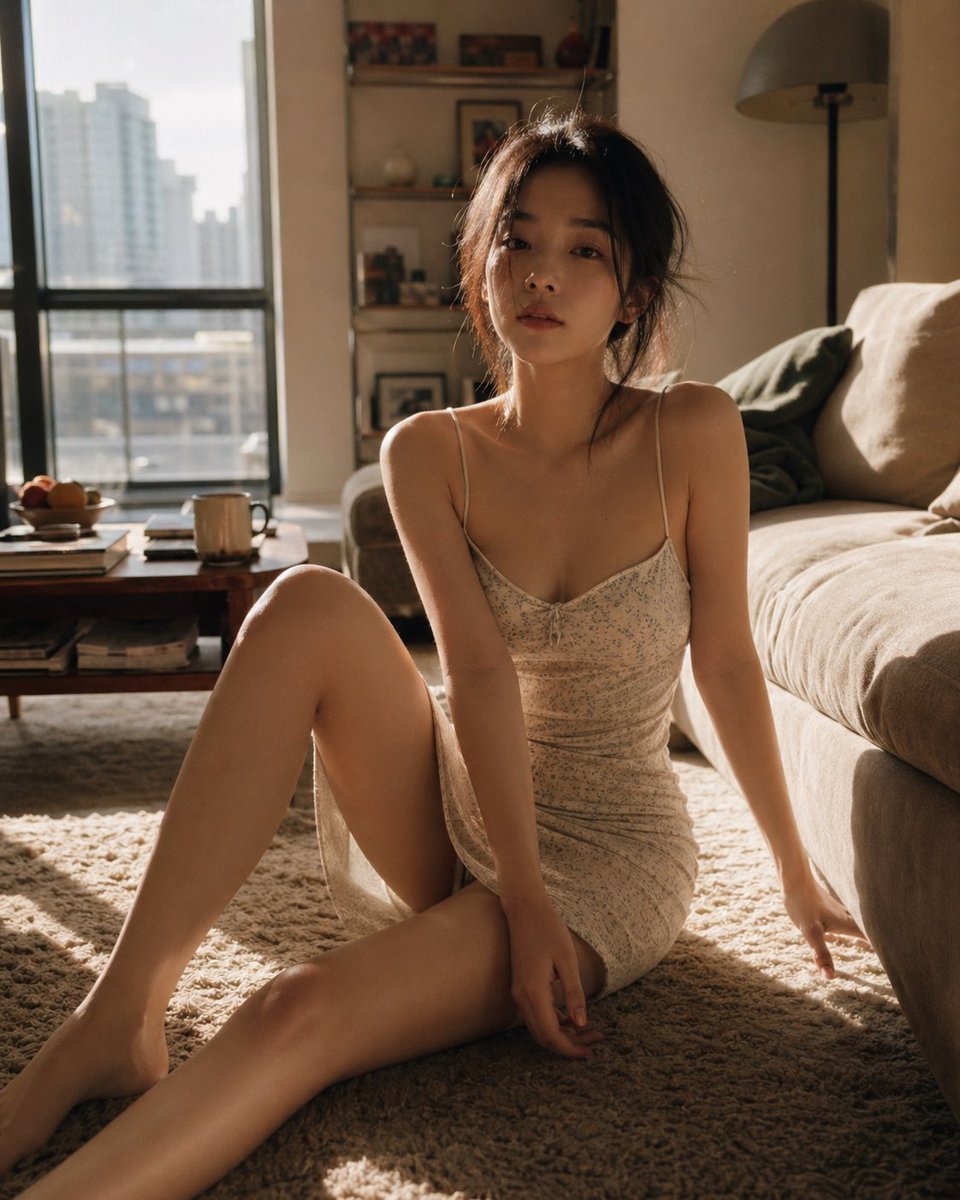
Cozy Living Room Afternoon Scene

Cozy Night Living Room Candid
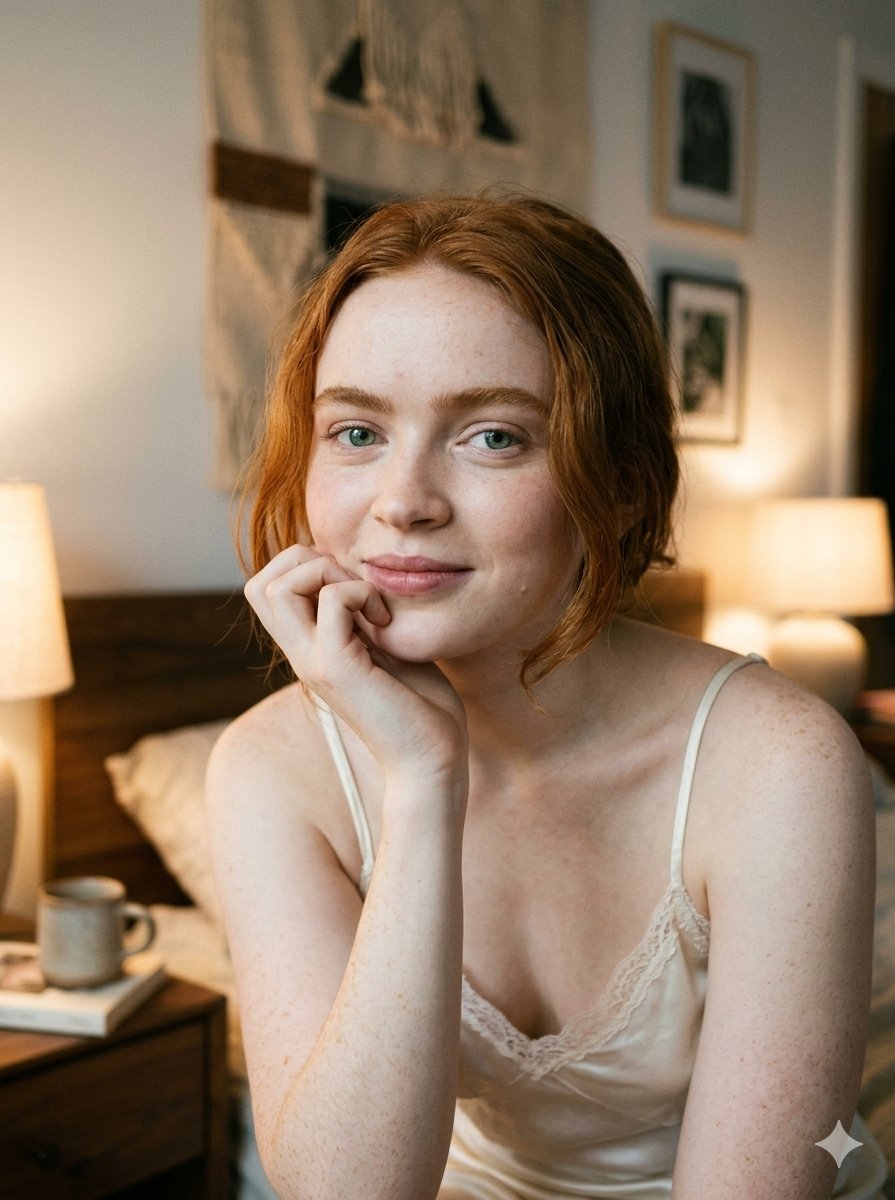
Google Nano Banana 2 — Cozy Bedroom Editorial
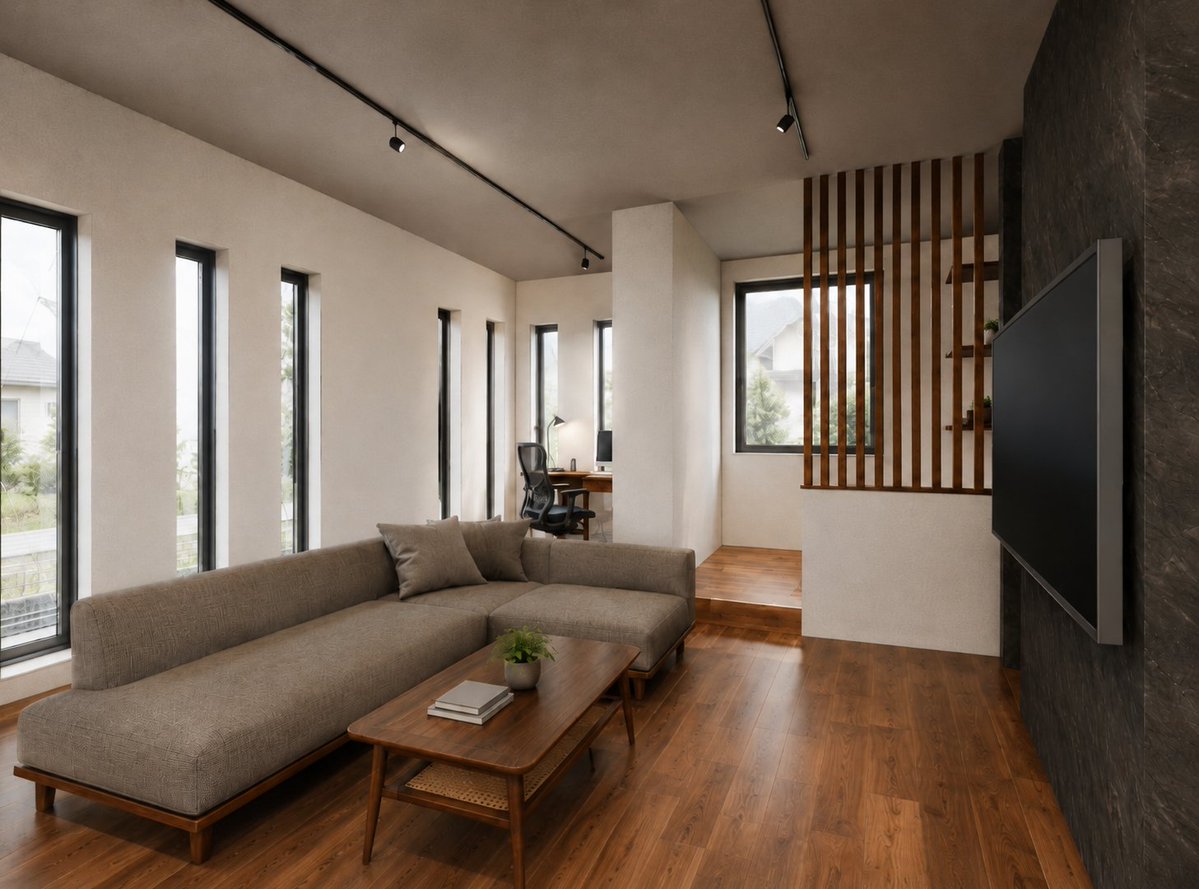
Warm Modern Japanese Living Room Render

Cozy Isometric Bathroom Miniature Diorama

Surreal Anime & Reality Living Room
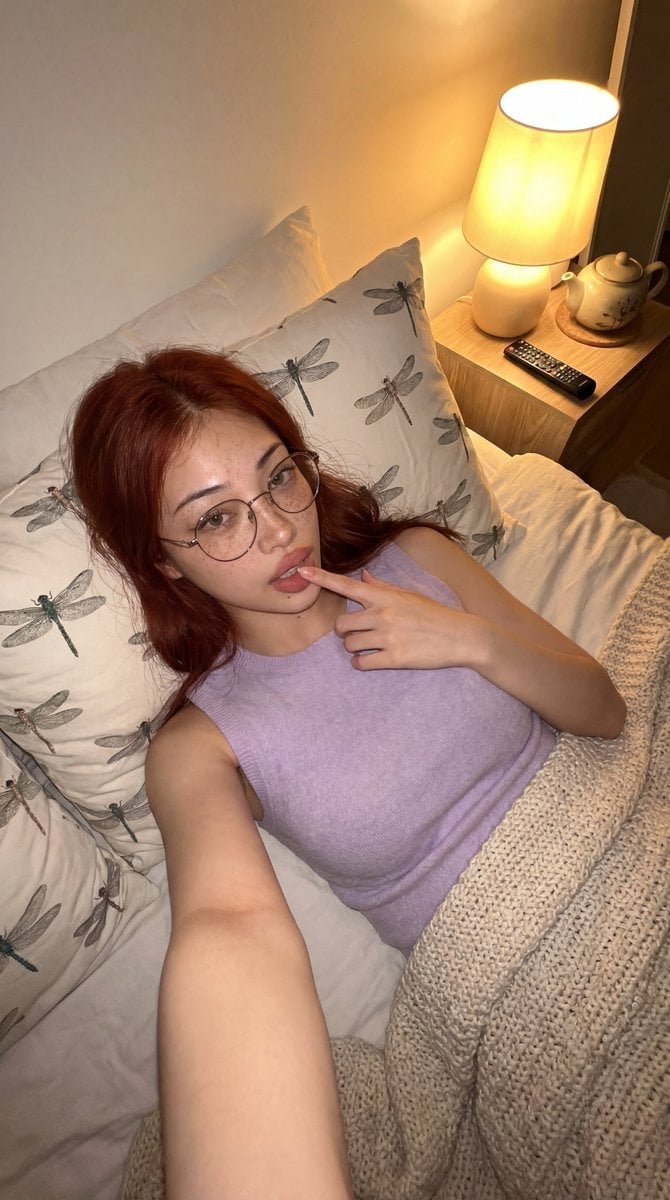
Cozy Bedroom Lifestyle Selfie
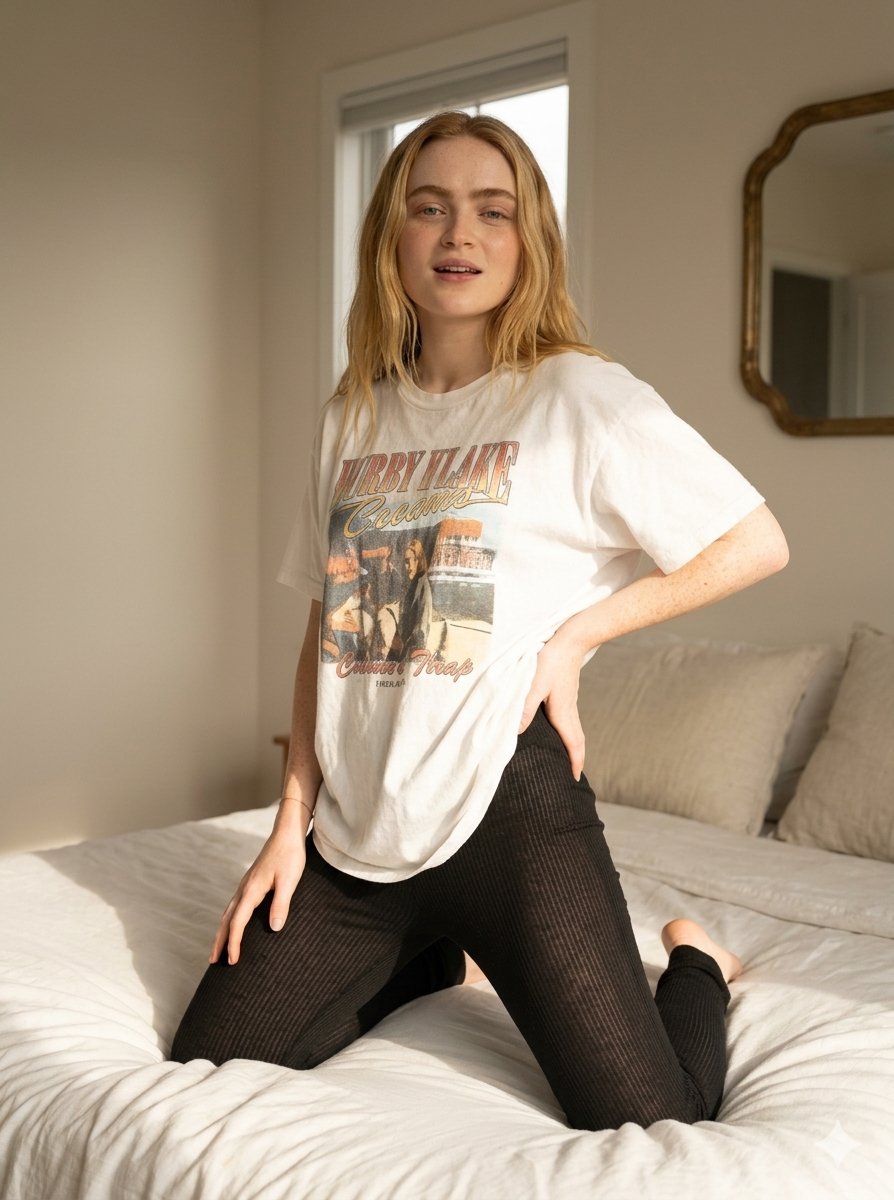
Cozy Indoor Bedroom Lifestyle Portrait

CRT TV Static Living Room

70s Living Room Shag Carpet

Nostalgic Digicam Café Afternoon Portrait

Pixar-Style Chibi Café Morning Scene
Make it yours
Embroidered Cozy Bird Living Room works as-is. These are the safest ways to change it without losing the look.
Change one field
Copy a single group, rewrite it, and generate again so you can see what that field is doing.
Keep the frame, change the subject
Hold the composition and light of Embroidered Cozy Bird Living Room, then swap wardrobe, props or the person for a new take.
| If the result… | Why | Fix |
|---|---|---|
| The result drifts from the preview | Too many fields changed at once. | Reuse Embroidered Cozy Bird Living Room as-is first, then change one group — subject, light, or setting. |
| The model over-stylizes the scene | The prose prompt leaves finish and camera underspecified. | Add one camera or lighting sentence and stay on GPT Image 2. |
More GPT Image 2 templates
Other prompts made for GPT Image 2.

Six VTuber Japanese Logo Sheet

Realistic Portrait of Woman and Deer

The Vista Modular Condo Poster

AI Model Routing Comparison Infographic

2.5D Anime Art Board

Isometric Productivity Desk Scene

New York Double Exposure Poster

Four-Panel AI Landscape Comparison

Japanese Tatami Lifestyle Magazine Cover

NESCAFÉ Coffee Map Poster
More image prompts
Fresh picks from across the catalog.

Snowy Himeji Castle in Kyouka Suigetsu Style

Blue AI Influencer 3D Poster
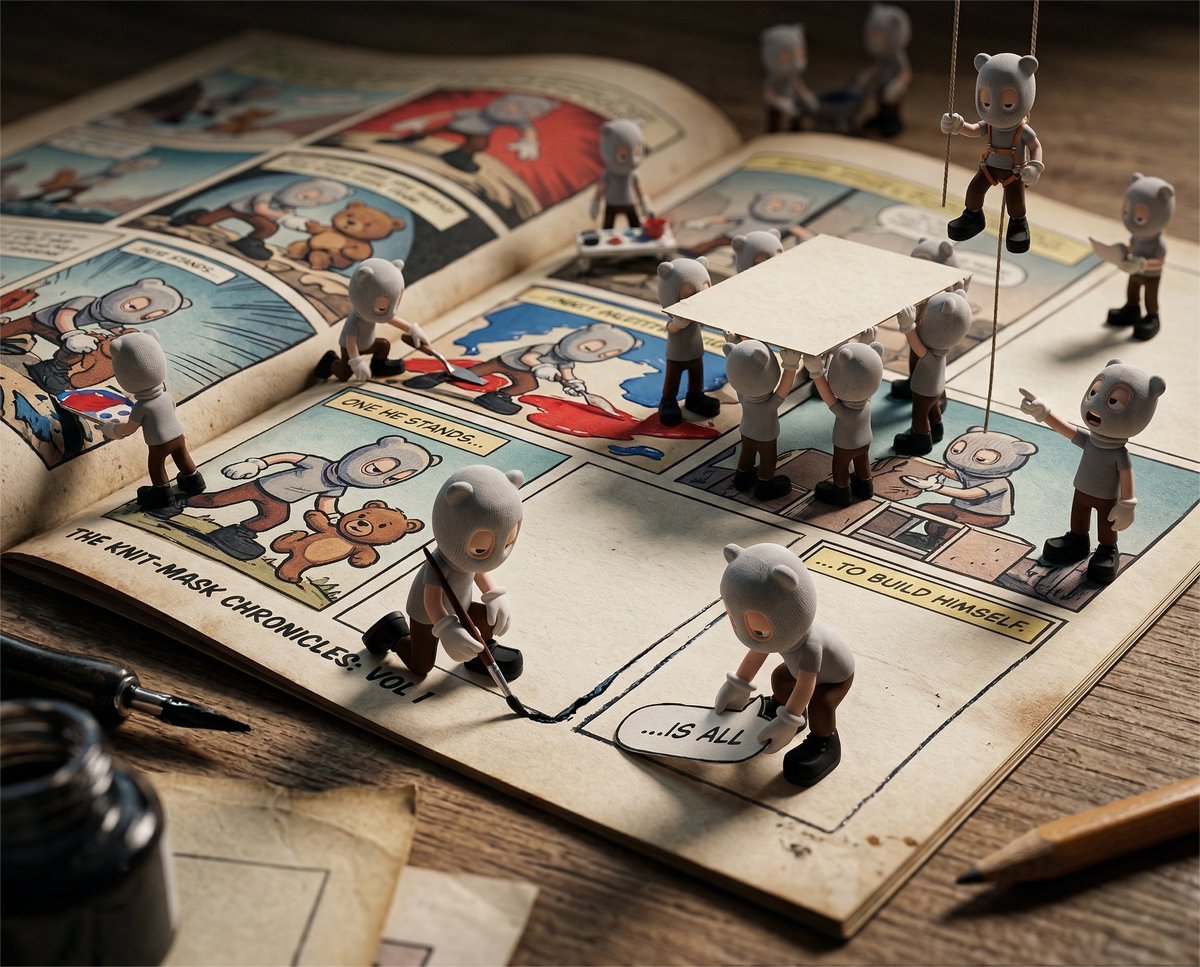
Cinematic Macro Toy-Photography of Mini Beasts

Char-Inspired Red Kakigori Café Photo
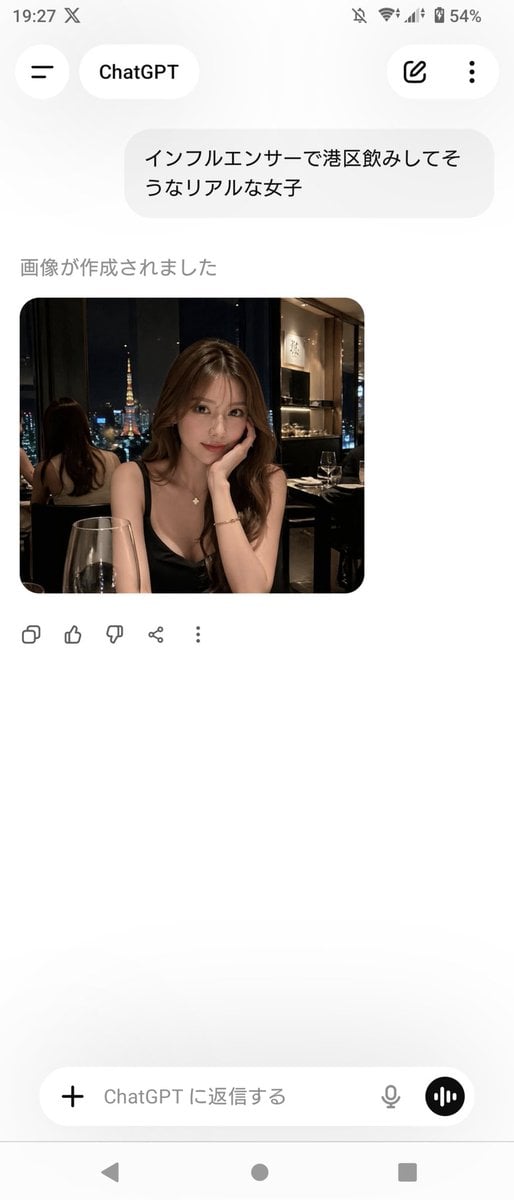
ChatGPT App Screenshot With Generated Portrait
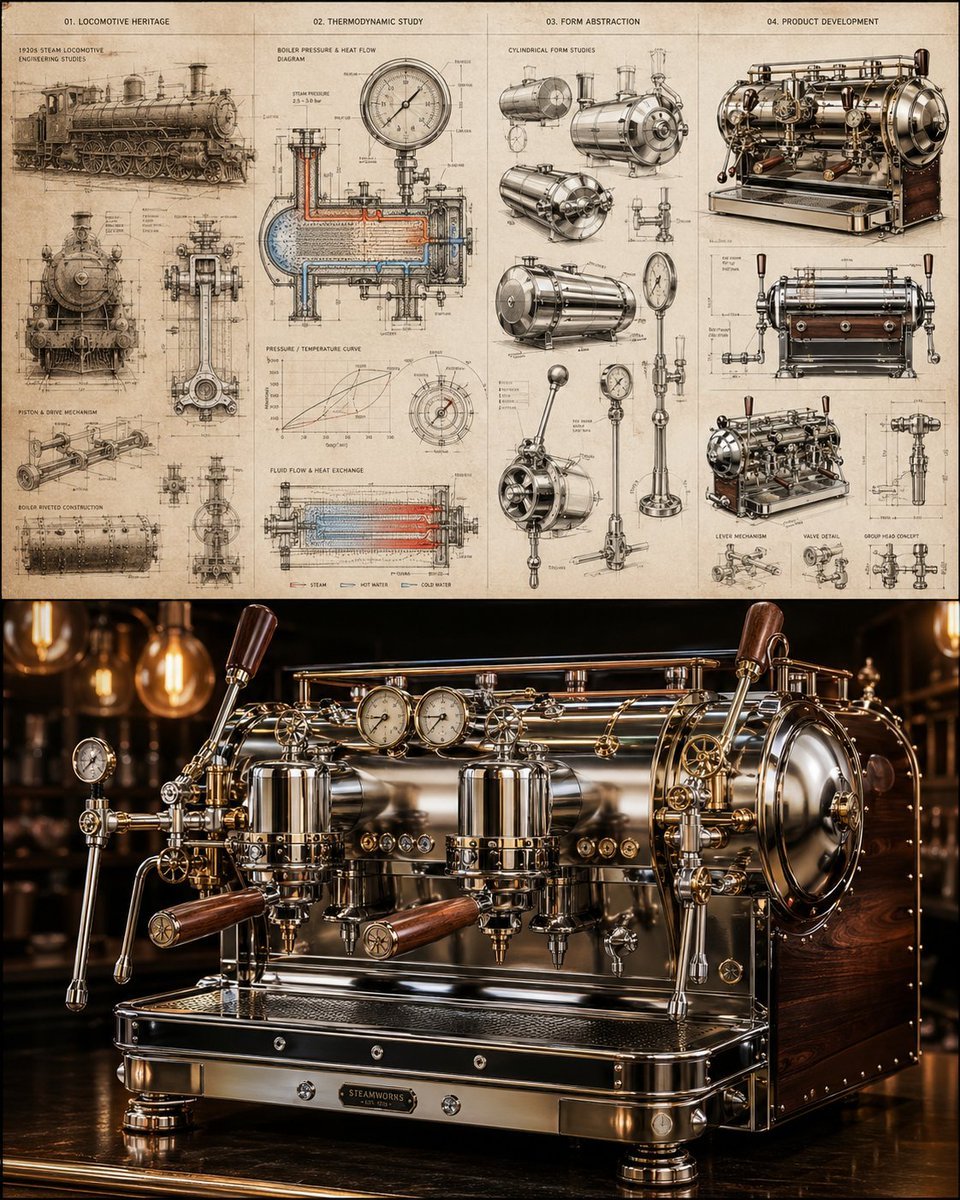
Locomotive-Inspired Espresso Machine Design

Detailed Biographical Infographic Poster
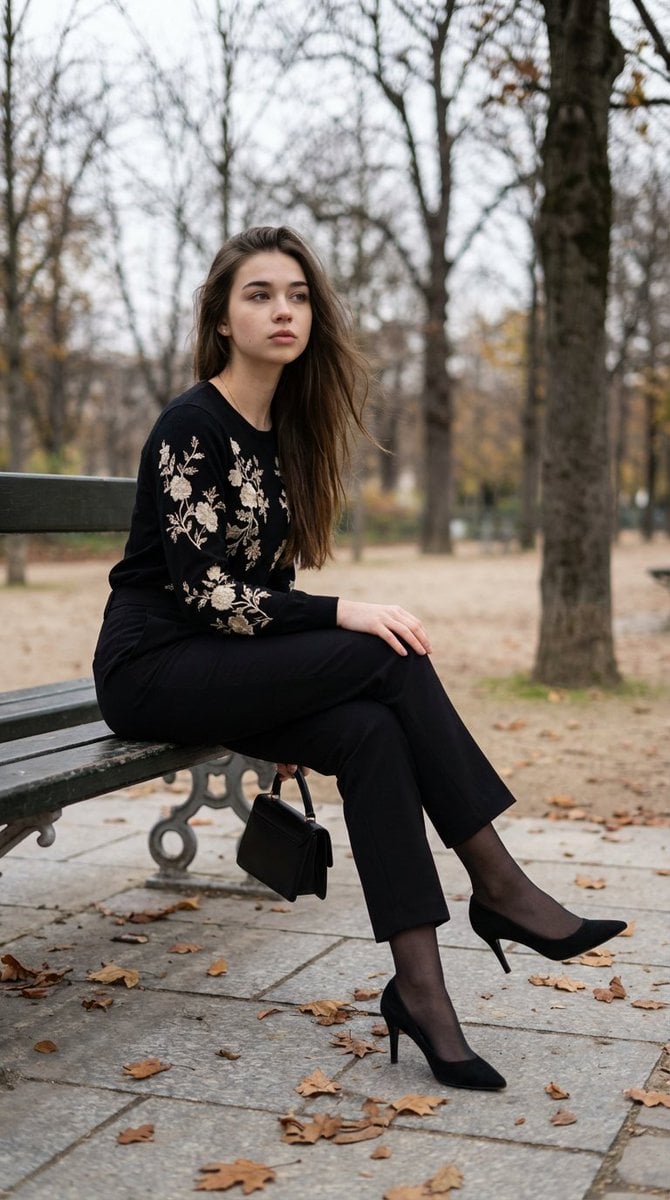
Editorial Parisian Elegance Park Scene Prompt

Moody Black Outfit Street Style

Extreme Ski Jump Action Shot (Cinestill Film Style)
Browse template categories
Embroidered Cozy Bird Living Room questions
How do I use the Embroidered Cozy Bird Living Room template?
Add your photo if the template asks for one, edit the prompt if you like — the template's model and format are already selected — and press Generate. Your version opens in PicX Studio.
Can I customize the Embroidered Cozy Bird Living Room template?
Yes. You can change the subject, setting, lighting, mood, format, and available model controls before creating your image.
Is the Embroidered Cozy Bird Living Room template free?
Opening and editing this template is free. Generating uses credits, shown on the Generate button when you are signed in.
Which AI model should I use?
Start with GPT Image 2, which is the model associated with this template. You can compare another compatible model for a different finish.
Looking for something else? Browse all templates.

Your photo, any look
Thousands of ready templates for every top image and video model, from one credit balance.