
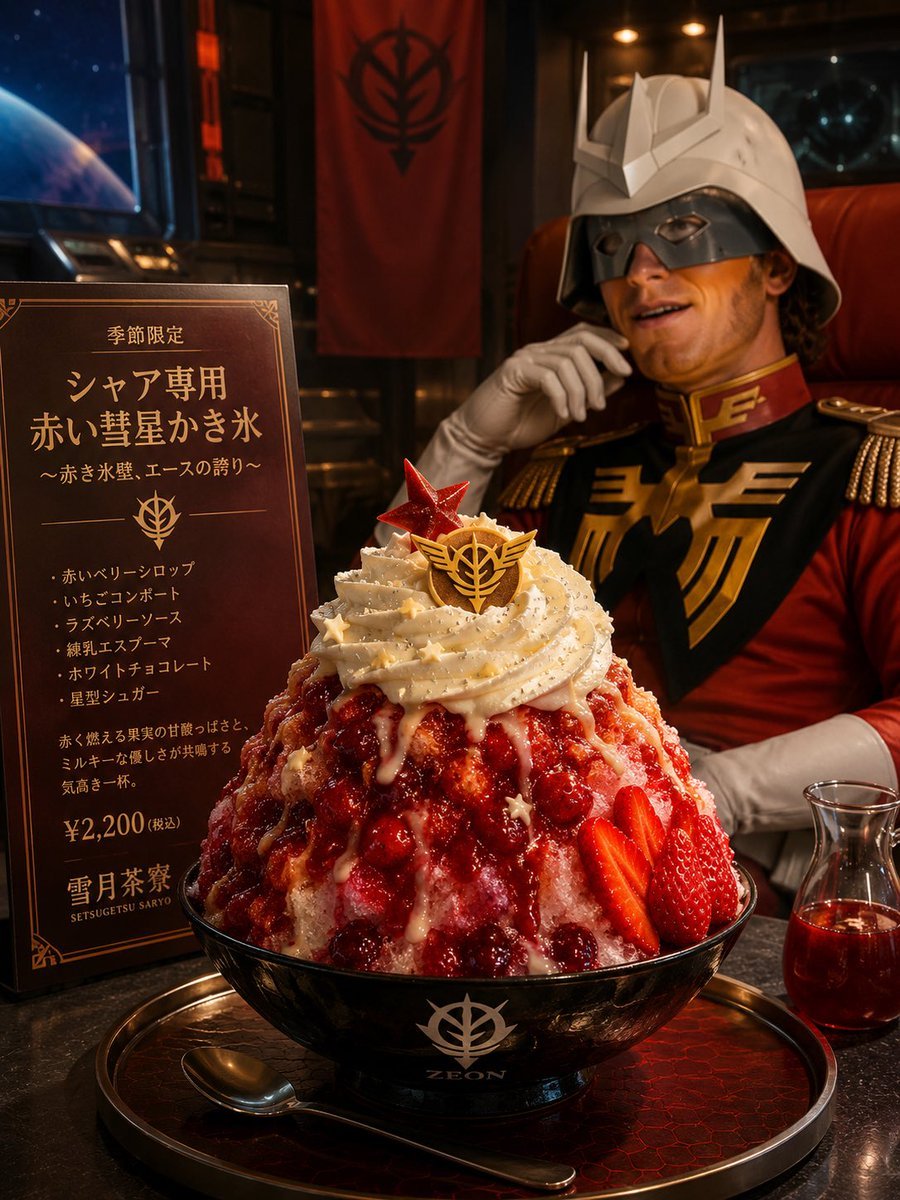
Char-Inspired Red Kakigori Café Photo
A cinematic premium food-ad prompt for creating a Gundam-inspired red berry kakigori dessert in a luxurious themed Japanese café.
- Prompt included
- Model and format preset
- Free template
The prompt behind this image
Copy the exact prompt behind Char-Inspired Red Kakigori Café Photo, or open it in the studio and make it yours.
Create a realistic premium Japanese café product photograph of an anime-themed kakigori dessert inspired by Char Aznable from Mobile Suit Gundam. Scene: a dark luxurious sci-fi themed café interior at night, with warm amber lighting, black lacquered tabletop, a window showing outer space and a blue planet on the left, a red vertical banner with a black Zeon-style emblem in the background, and a seated uniformed officer figure in the rear wearing a white horned helmet and red military jacket with gold trim; the face should be intentionally obscured by a soft rectangular blur. Center foreground: one oversized bowl of shaved ice kakigori in a glossy black bowl printed with a white Zeon emblem and the word “ZEON,” sitting on a round black-and-red tray with a spoon. Dessert details: a tall mound of crystalline shaved ice covered in vivid red berry syrup, whole raspberries and cranberries, sliced strawberries on the right side, glossy white condensed-milk drizzle, a generous spiral of pale whipped cream on top, fine edible glitter, small gold star sprinkles, a red translucent star ornament, and a gold chocolate crest ornament with a Zeon-like emblem. Include one small glass carafe of red syrup on the right. On the left, place one upright dark brown menu/explanation plate with ornate gold border and Japanese typography. The sign must contain these visible text sections: top line “季節限定,” main title “シャア専用 赤い彗星かき氷,” subtitle “〜赤き氷壁、エースの誇り〜,” an emblem divider, exactly five bullet ingredients “赤いベリーシロップ,” “いちごコンポート,” “ラズベリーソース,” “練乳エスプーマ,” “ホワイトチョコレート,” a short descriptive paragraph, price “¥2,200(税込),” and café name “雪月茶寮” with small roman text “SETSUGETSU SARYO.” Style: hyper-realistic commercial food photography, premium limited-edition dessert advertisement, shallow depth of field, crisp focus on the kakigori, rich reds and blacks, cinematic lighting, high detail in ice crystals and syrup reflections. Customizable subject slots: café name {argument name="café name" default="雪月茶寮"}, main dessert title {argument name="dessert title" default="シャア専用 赤い彗星かき氷"}, price {argument name="price" default="¥2,200(税込)"}, emblem word on bowl {argument name="bowl logo text" default="ZEON"}, background character style {argument name="background character style" default="white horned helmet and red military uniform"}. Constraints: include exactly one dessert bowl, one menu plate, one spoon, one syrup carafe, one red banner, and one blurred background character; no extra logos beyond the fictional Zeon-style marks; keep all Japanese sign text legible and placed on the left plate.
How to use Char-Inspired Red Kakigori Café Photo in 3 steps
- 1Upload ImagePNG, JPG or paste
Add your photo
Upload the photo the template builds on. The prompt, model and format are already set.
- 2…a portrait of your subject in softgolden-hour light, 85mm…
Personalize
Edit the subject and creative details for your destination.
- 3Generate
Generate
Press Generate — your image is created in PicX Studio, so you can compare it with the original and refine one variable at a time.
More like this
Templates with the same subject, style or setup. Open one to see its prompt.
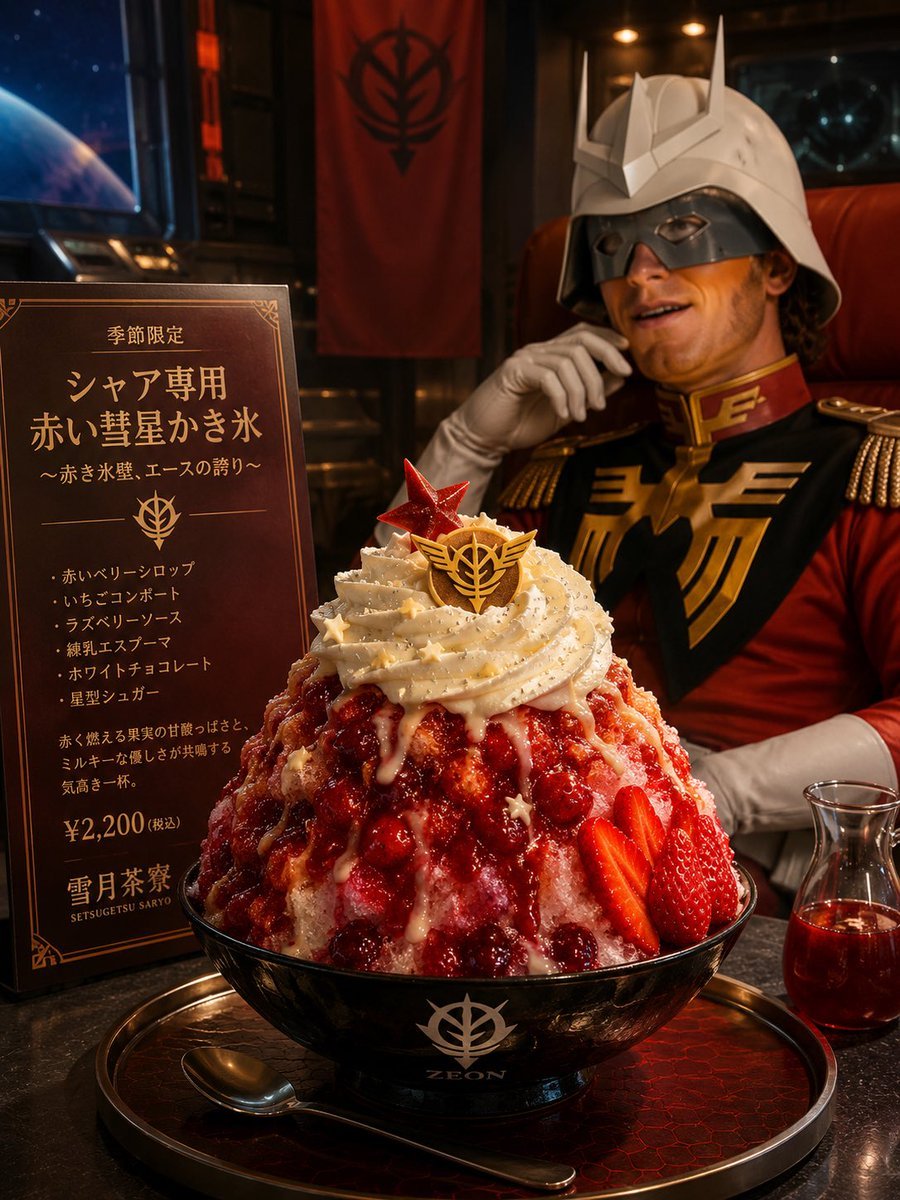
Char-Inspired Red Shaved Ice Café Ad

Dancer Character - Four View Reference Sheet
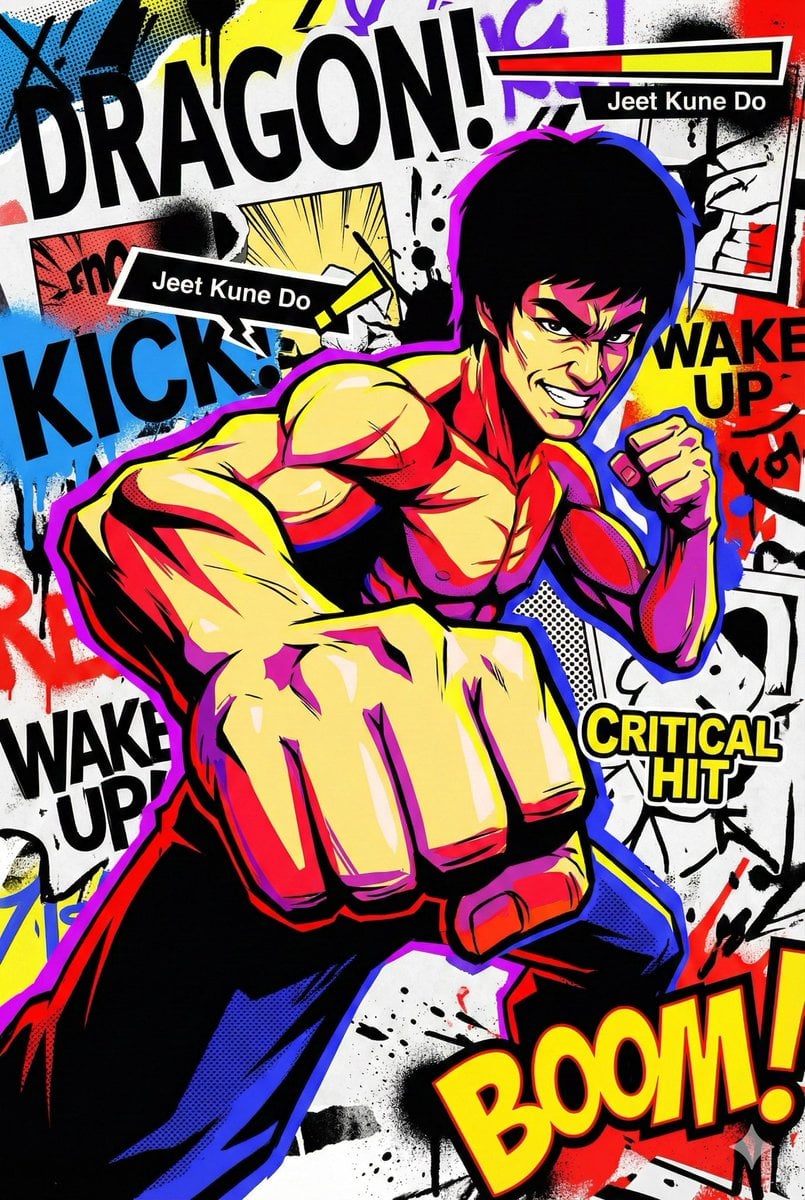
Persona 5-inspired pop-art anime poster for a custom chuunibyou character

Bold Red Contrast Fashion Editorial Newspaper Room

Panning Motion Soccer Kick Poster
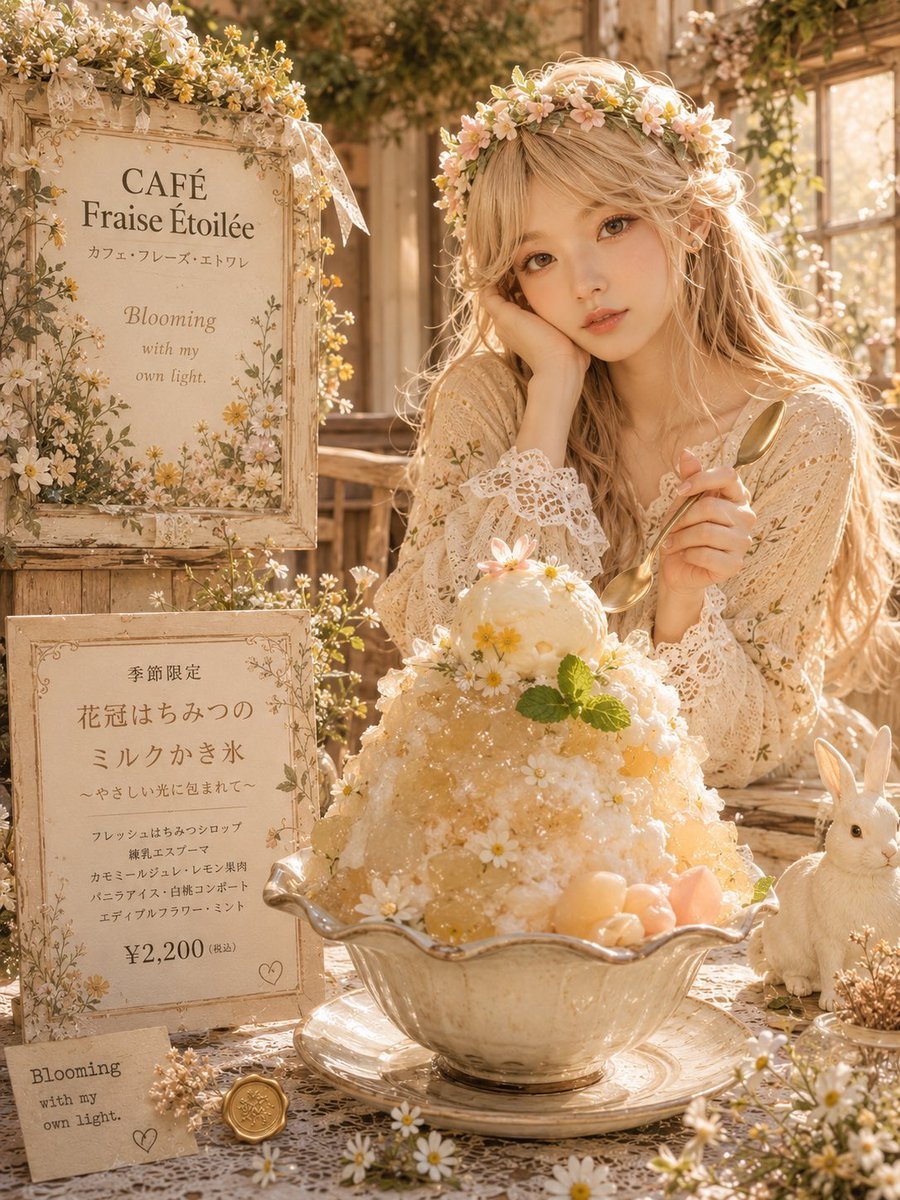
Floral Cottage Café Kakigori
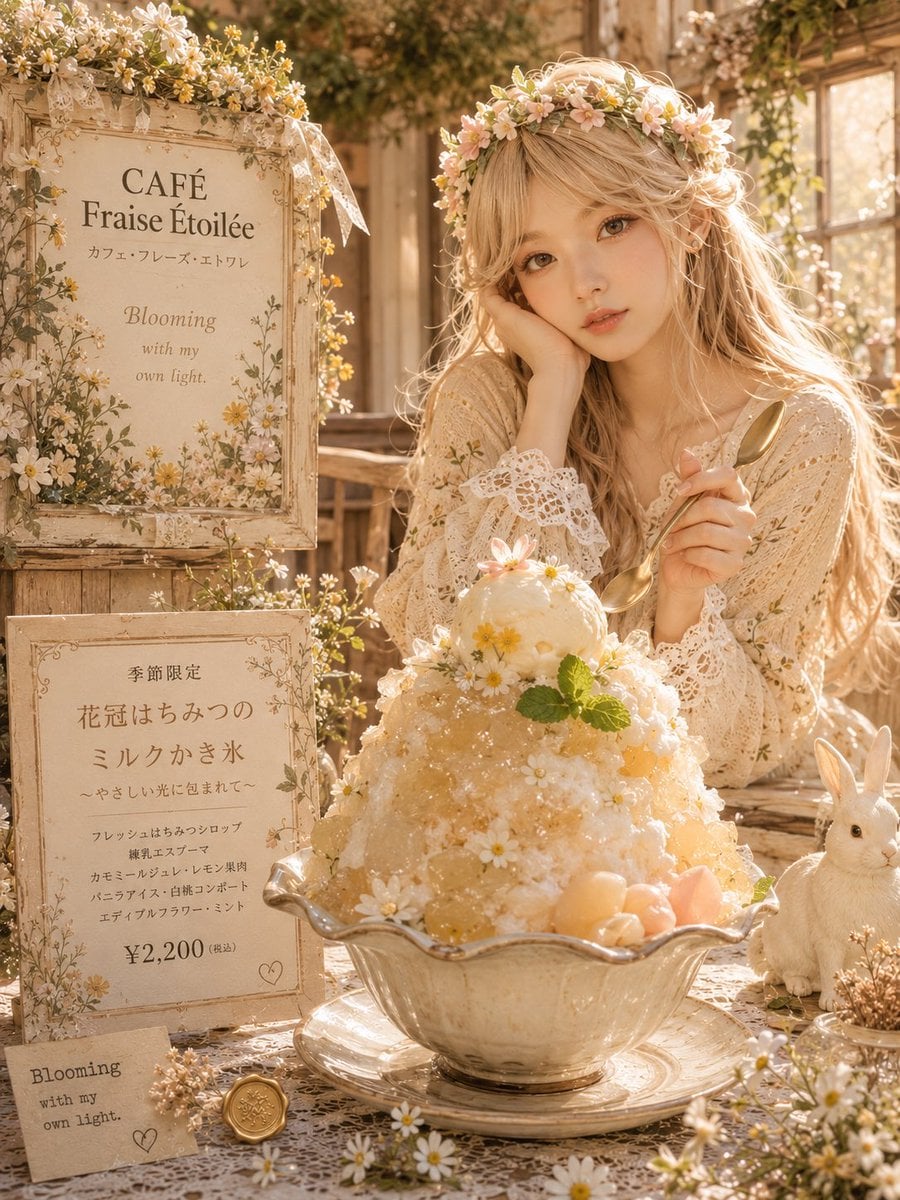
Floral Honey Milk Kakigori Café Scene
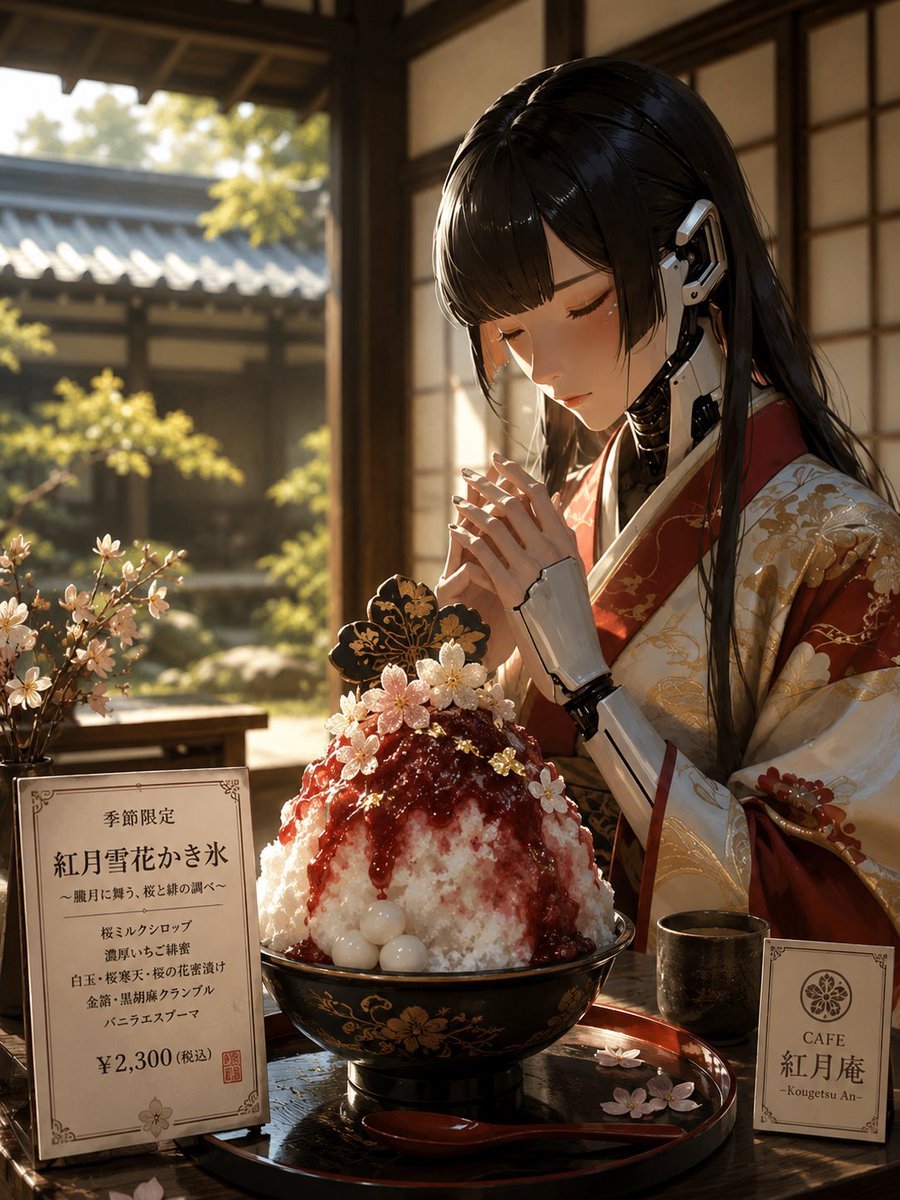
Luxury Cybernetic Kakigori Café Scene
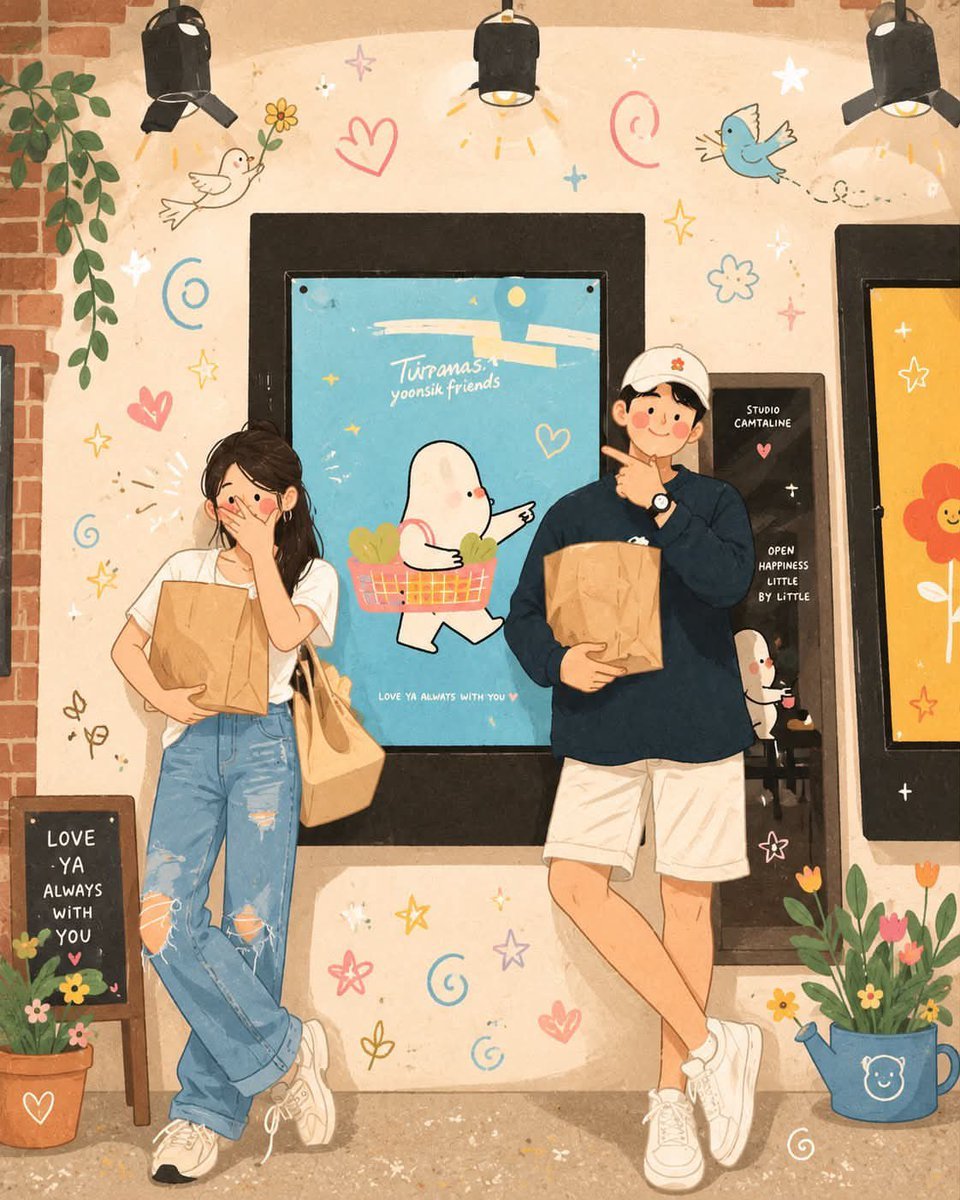
Korean-Inspired Whimsical Doodle Art

Street-Art Inspired Urban Portrait
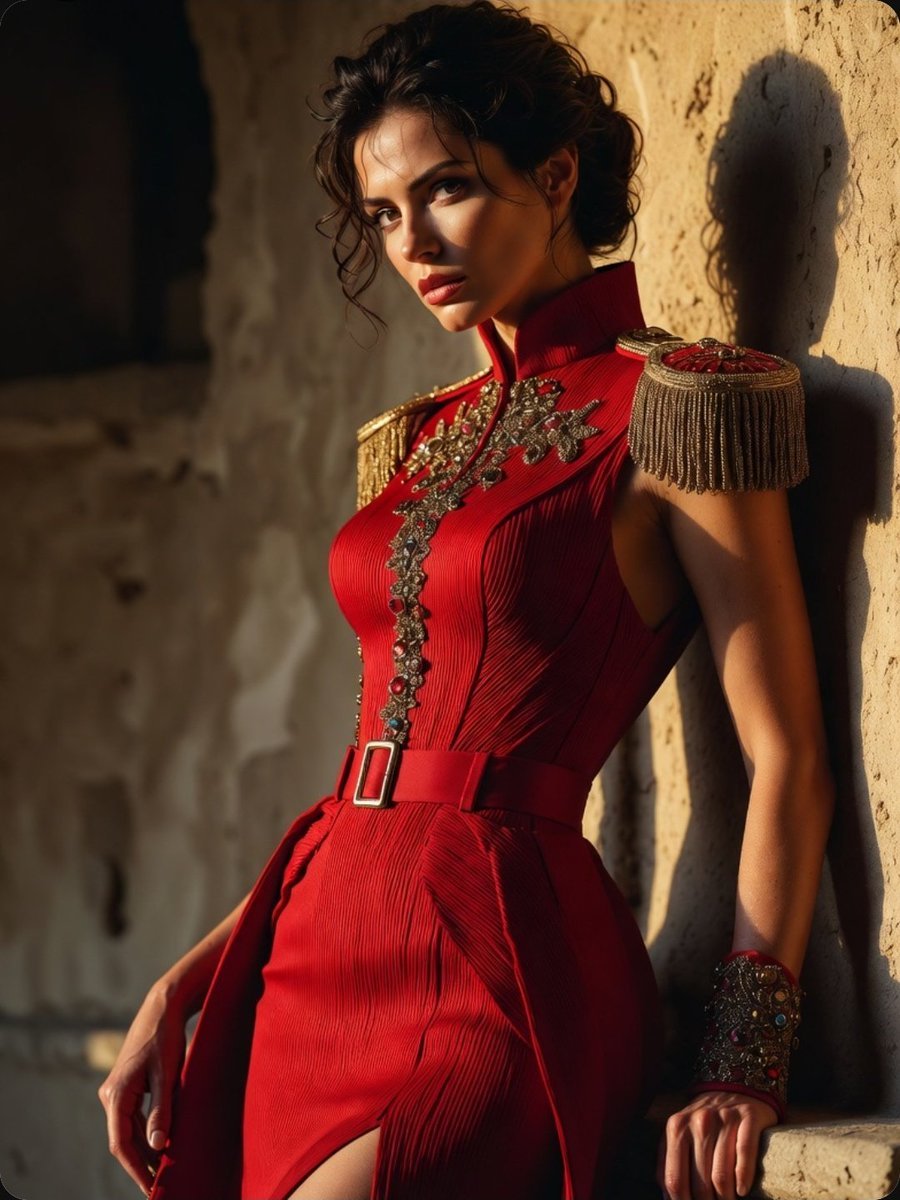
Regal Military-Inspired Fashion Model
Fox Inspired Couture Fashion Portrait
Make it yours
Char-Inspired Red Kakigori Café Photo works as-is. These are the safest ways to change it without losing the look.
Change one field
Copy a single group, rewrite it, and generate again so you can see what that field is doing.
Keep the frame, change the subject
Hold the composition and light of Char-Inspired Red Kakigori Café Photo, then swap wardrobe, props or the person for a new take.
| If the result… | Why | Fix |
|---|---|---|
| The result drifts from the preview | Too many fields changed at once. | Reuse Char-Inspired Red Kakigori Café Photo as-is first, then change one group — subject, light, or setting. |
| The model over-stylizes the scene | The prose prompt leaves finish and camera underspecified. | Add one camera or lighting sentence and stay on GPT Image 2. |
More GPT Image 2 templates
Other prompts made for GPT Image 2.

Six VTuber Japanese Logo Sheet

Realistic Portrait of Woman and Deer

The Vista Modular Condo Poster

AI Model Routing Comparison Infographic

2.5D Anime Art Board

Isometric Productivity Desk Scene

New York Double Exposure Poster

Four-Panel AI Landscape Comparison

Japanese Tatami Lifestyle Magazine Cover

NESCAFÉ Coffee Map Poster
More image prompts
Fresh picks from across the catalog.

CZ Biography Infographic Poster
Full-Body Mirror Selfie in a Modern Gym
Cute Doodle Train Bento Photo
Night Rooftop iPhone Portrait
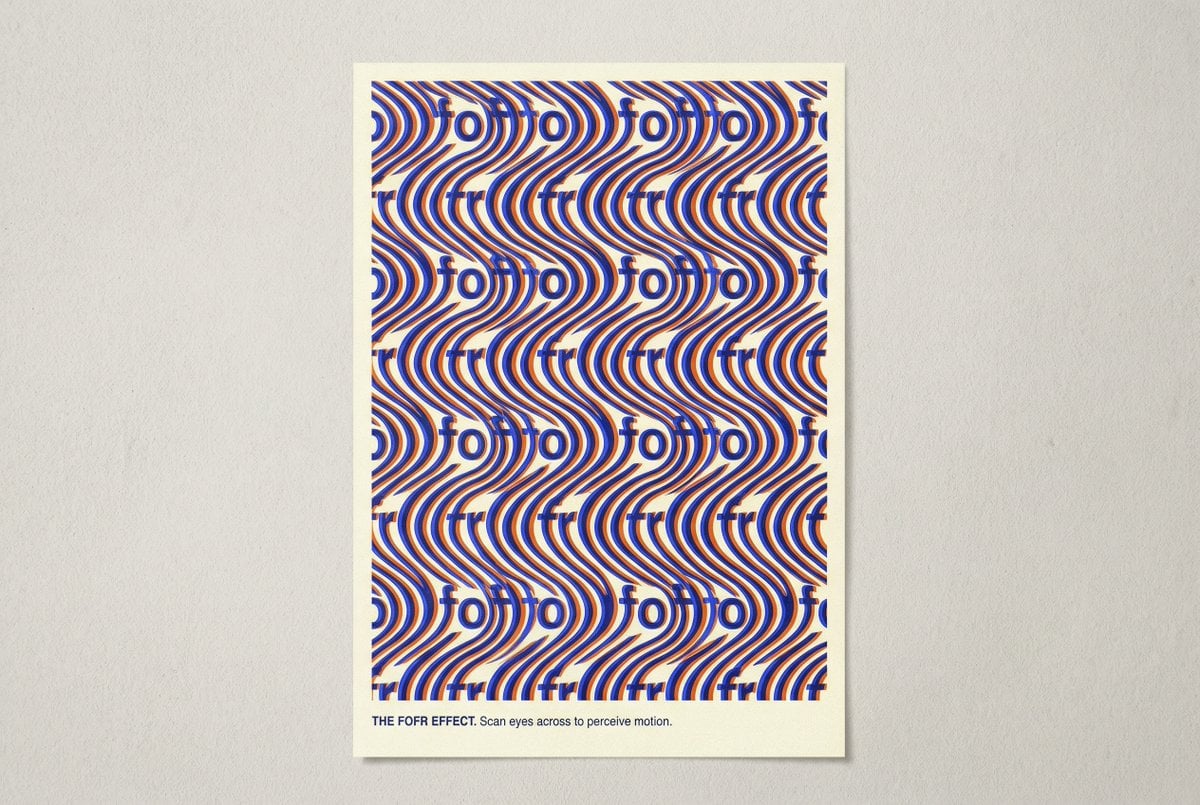
Novel Optical Illusion Generation
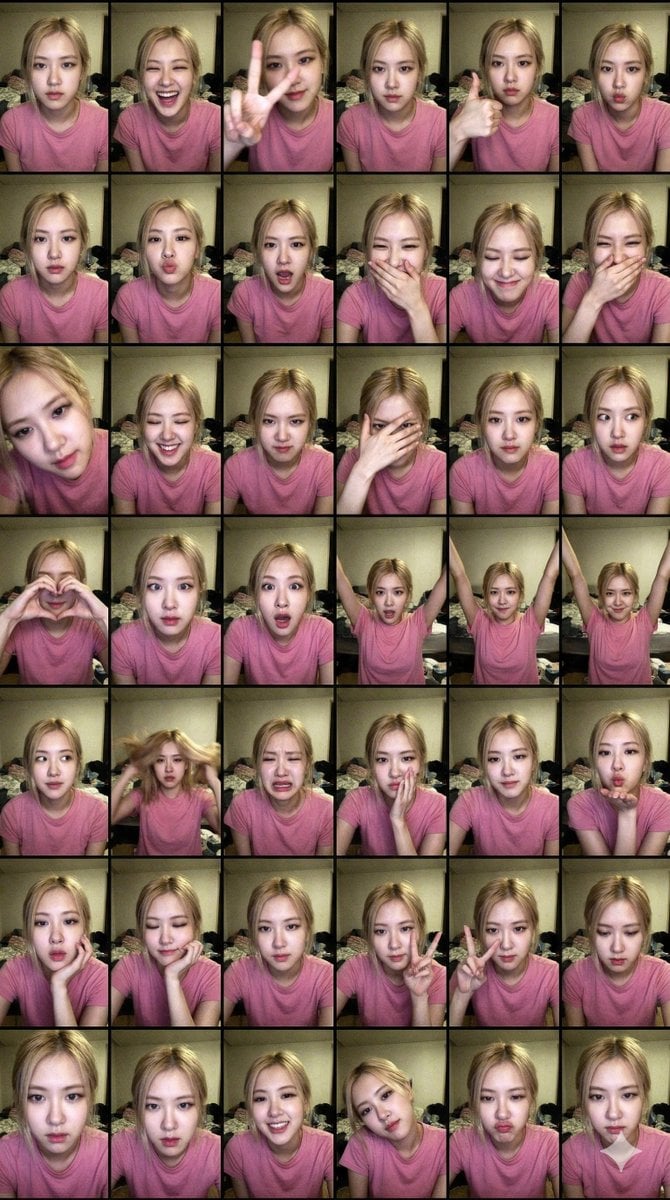
Extreme Lo-Fi Webcam Contact Sheet (Rosé Blackpink)
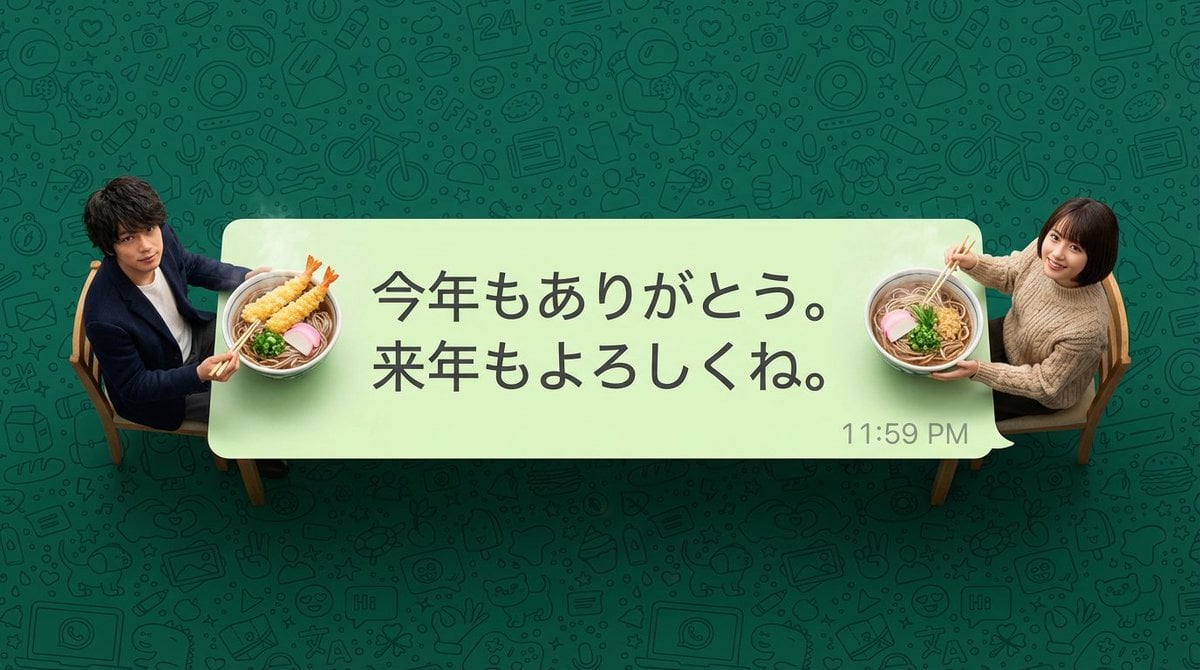
New Year's Soba Message Card Prompt
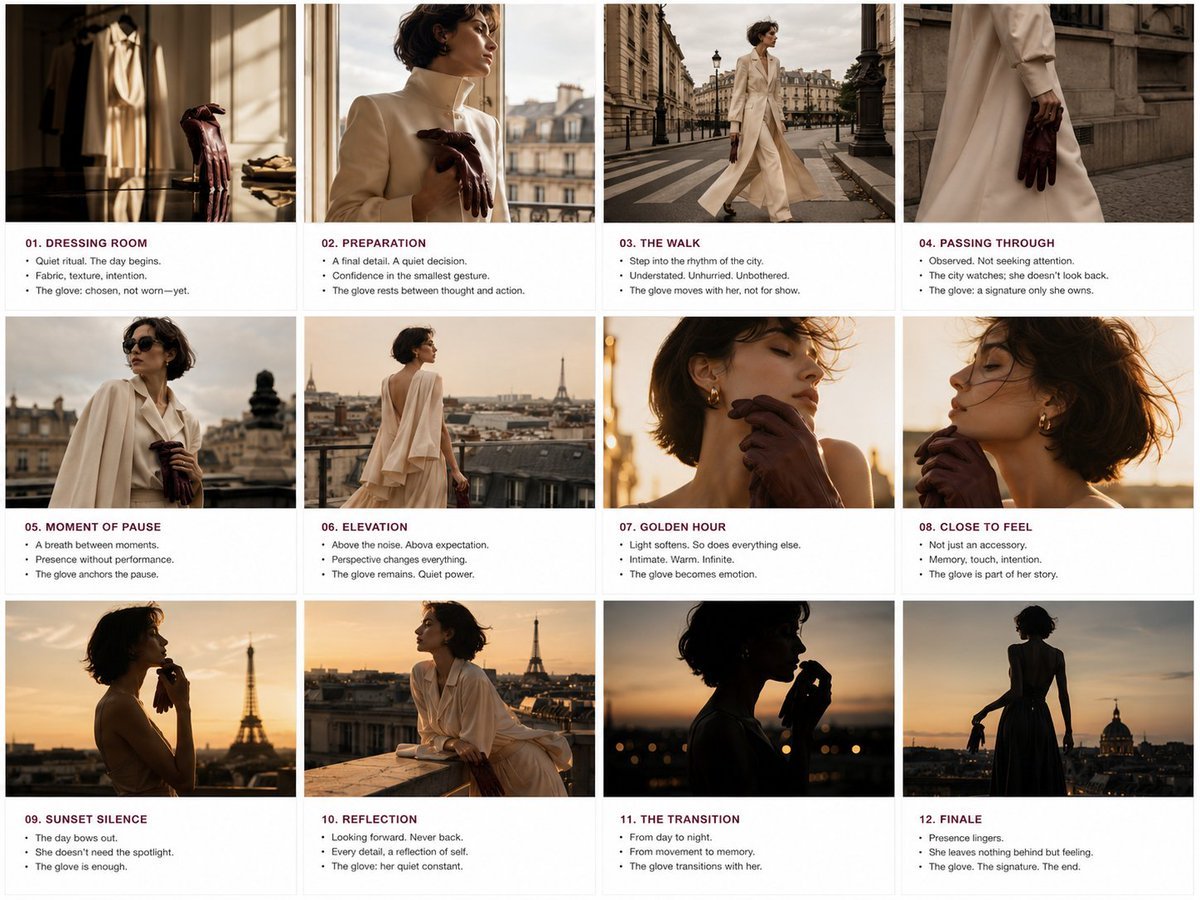
Luxury Fashion Editorial Storyboard
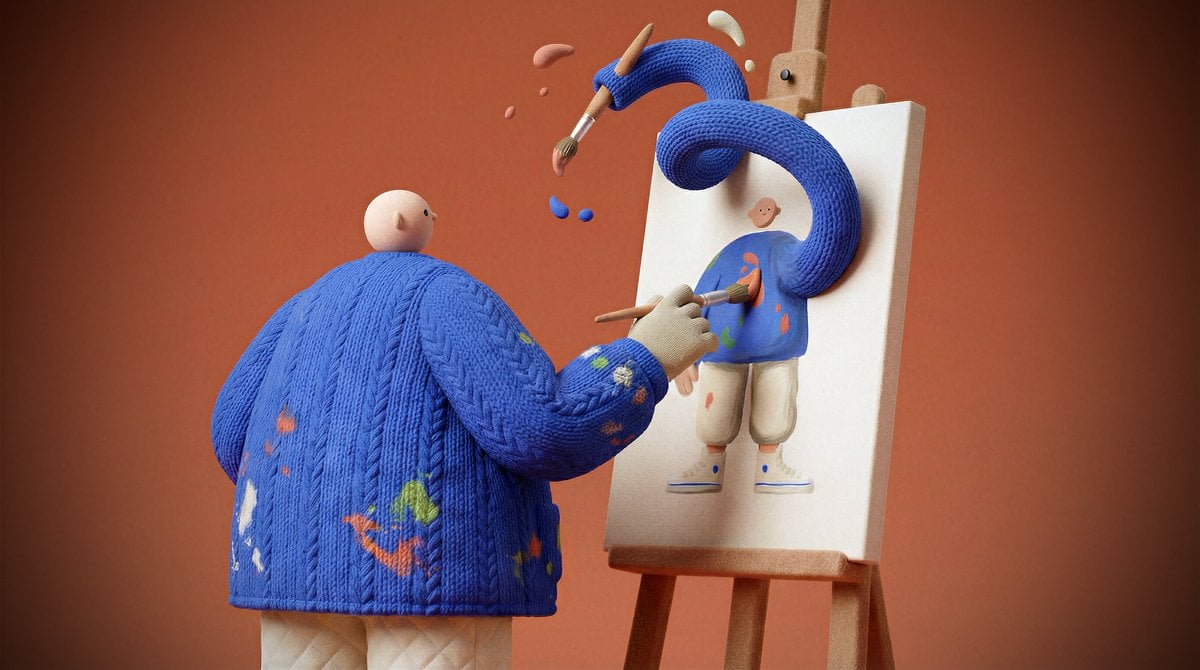
System Prompt for Generating Image Prompts
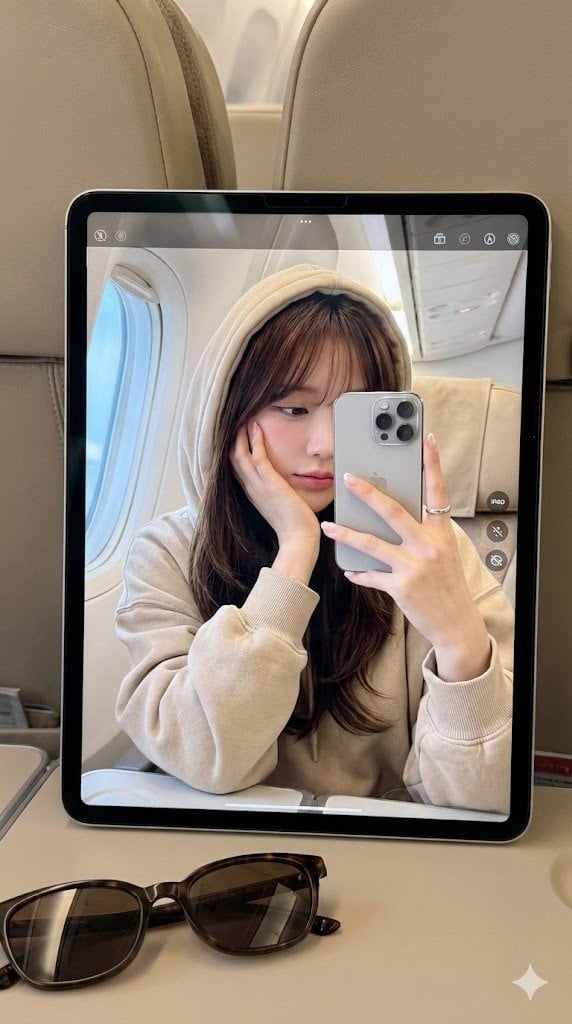
Hyper-Realistic Reflection Portrait Prompt
Browse template categories
Char-Inspired Red Kakigori Café Photo questions
How do I use the Char-Inspired Red Kakigori Café Photo template?
Add your photo if the template asks for one, edit the prompt if you like — the template's model and format are already selected — and press Generate. Your version opens in PicX Studio.
Can I customize the Char-Inspired Red Kakigori Café Photo template?
Yes. You can change the subject, setting, lighting, mood, format, and available model controls before creating your image.
Is the Char-Inspired Red Kakigori Café Photo template free?
Opening and editing this template is free. Generating uses credits, shown on the Generate button when you are signed in.
Which AI model should I use?
Start with GPT Image 2, which is the model associated with this template. You can compare another compatible model for a different finish.
Looking for something else? Browse all templates.

Your photo, any look
Thousands of ready templates for every top image and video model, from one credit balance.