
Cute Doodle Train Bento Photo
Generates a realistic train tray bento meal photo enhanced with playful handwritten Japanese-style doodles for social food and travel visuals.
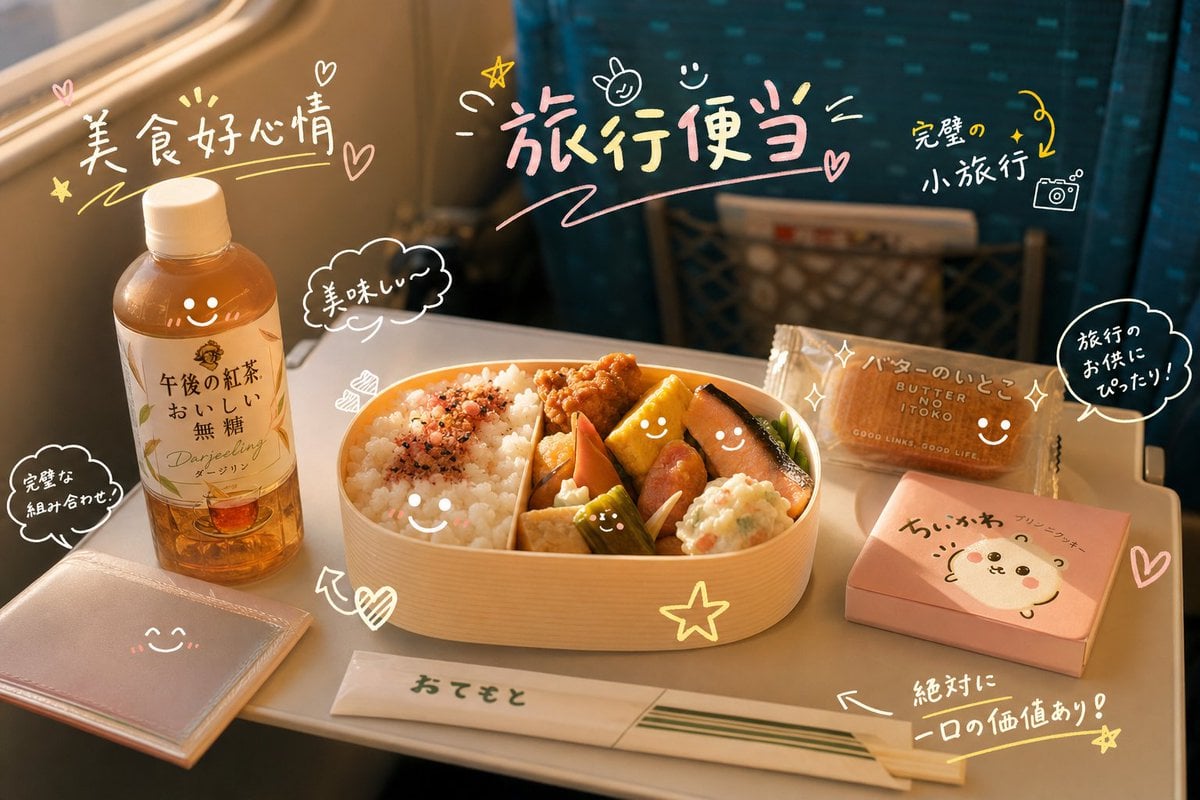
- Prompt included
- Model and format preset
- Free template
The prompt behind this image
Copy the exact prompt behind Cute Doodle Train Bento Photo, or open it in the studio and make it yours.
Create a warm photorealistic travel food snapshot inside a train, showing a fold-down tray table by a sunlit window with teal patterned seats softly blurred in the background. The central subject is a wooden oval bento box filled with white rice, furikake, fried chicken, tamagoyaki, salmon, simmered vegetables, sausage, pickles, and potato salad, with cute simple smiley faces drawn on several food items. Surround it with exactly 5 travel-meal items: a plastic bottle of bottled tea on the left with Japanese label text {argument name="tea label text" default="午後の紅茶 おいしい無糖 Darjeeling ダージリン"}, a pale pink square pouch or napkin packet at lower left, a wrapped wet chopstick packet at the bottom labeled {argument name="chopstick packet text" default="おてもと"}, a brown butter sandwich cookie package at upper right with the visible English/Japanese brand-like text "BUTTER SAND ITOKO" and Japanese handwriting above it, and a small pink snack box at lower right with a cute bear face and Japanese text. Overlay the photo with playful pastel hand-drawn doodles in white, pink, and yellow: exactly 9 handwritten text callouts, reading {argument name="left headline text" default="美食好心情"} near the bottle, {argument name="main headline text" default="旅行便当"} large across the top center, {argument name="right note text" default="完璧の小旅行"} near the top right, "美味しい〜" in a cloud near the bento, "完璧な組み合わせ" in a cloud at lower left, "バターのいとこ" over the cookie, "旅行のお供にぴったり!" in a speech bubble on the right, "絶対に一口の価値あり!" near the chopsticks, and small Japanese text on the pink bear snack box. Add exactly 14 decorative doodle motifs: 4 hearts, 3 stars, 3 smiley faces, 2 arrows, 1 tiny camera icon, and 1 small bunny-like face. The composition should feel like a candid lifestyle photo made charming by cute handwritten graffiti, with golden-hour lighting, shallow depth of field, realistic textures, soft shadows, and cheerful cozy travel mood.
How to use Cute Doodle Train Bento Photo in 3 steps
- 1Upload ImagePNG, JPG or paste
Add your photo
Upload the photo the template builds on. The prompt, model and format are already set.
- 2…a portrait of your subject in softgolden-hour light, 85mm…
Personalize
Edit the subject and creative details for your destination.
- 3Generate
Generate
Press Generate — your image is created in PicX Studio, so you can compare it with the original and refine one variable at a time.
More like this
Templates with the same subject, style or setup. Open one to see its prompt.

Minecraft Homage Illustrious Style

Real Illustration Split Portrait Transition
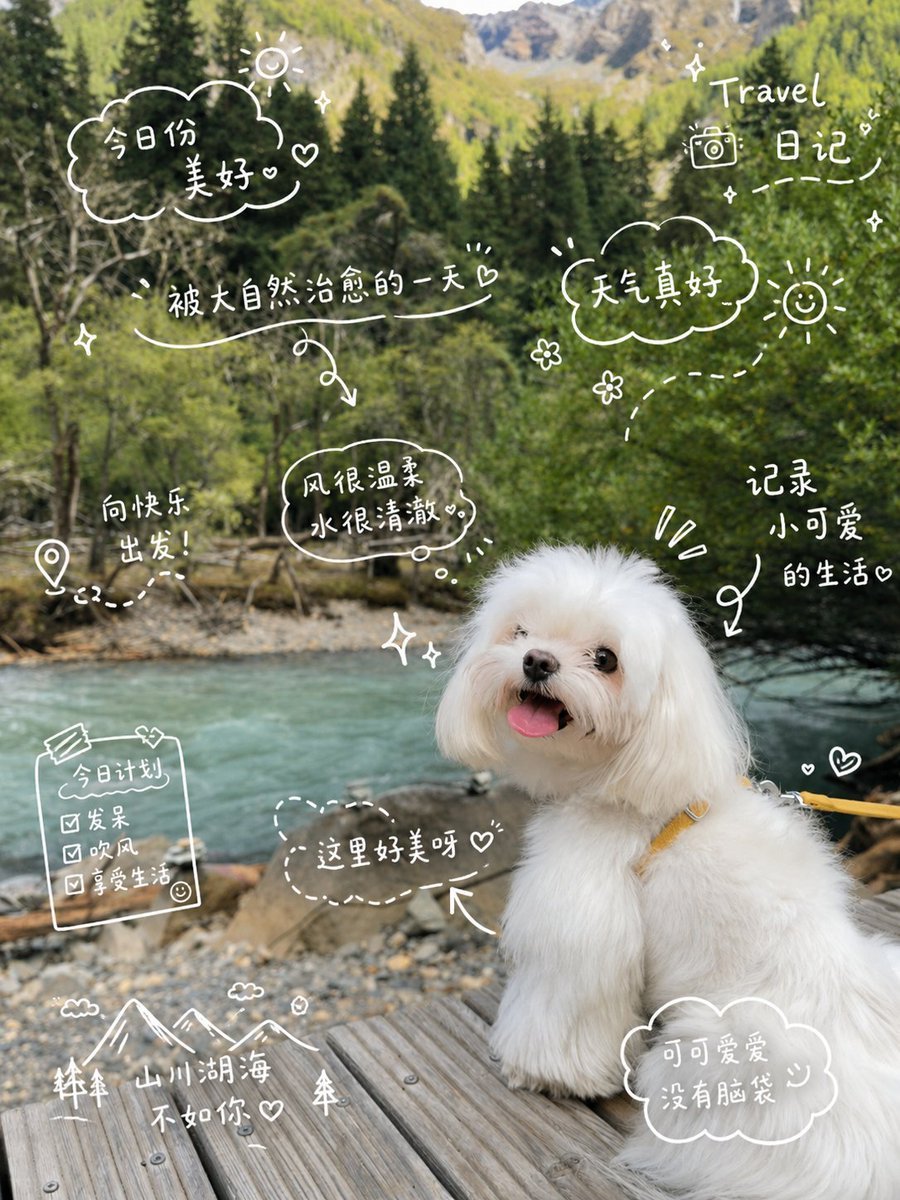
Cute Dog Travel Diary Doodles
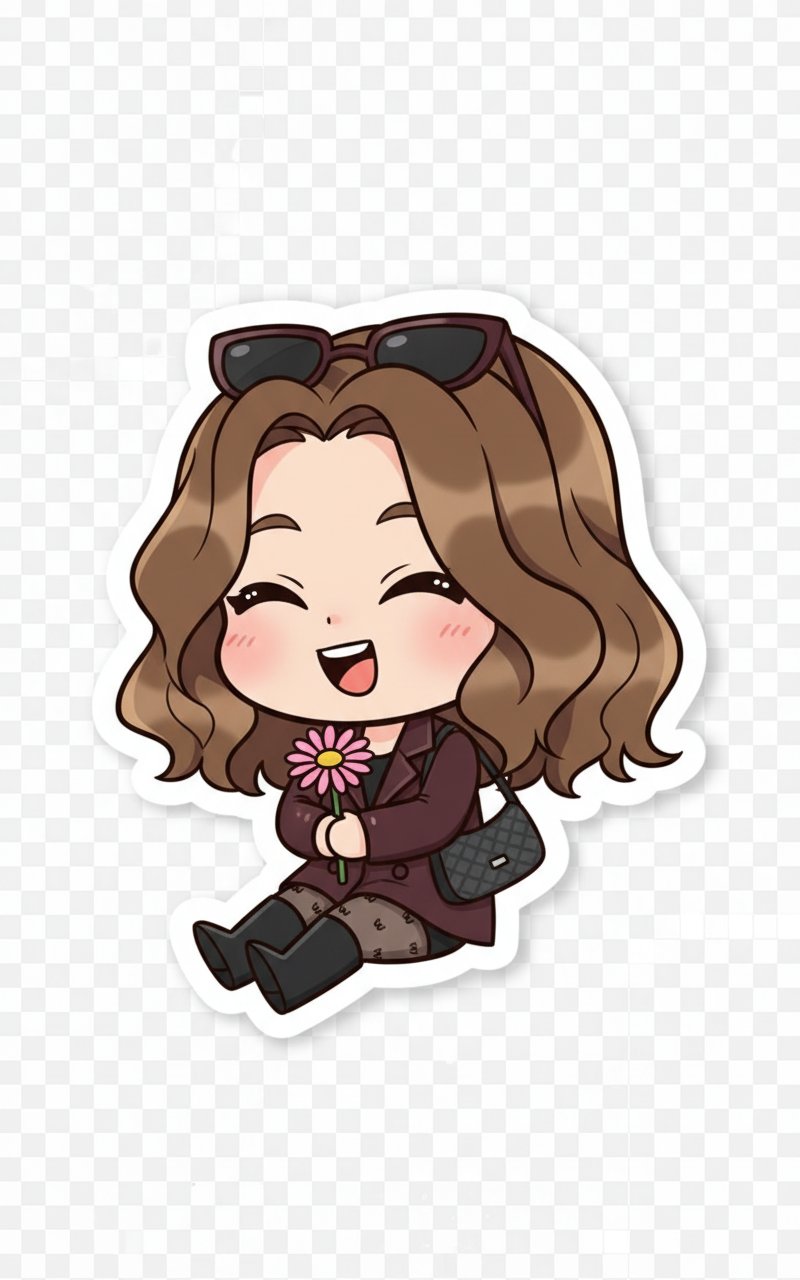
Cute Sticker
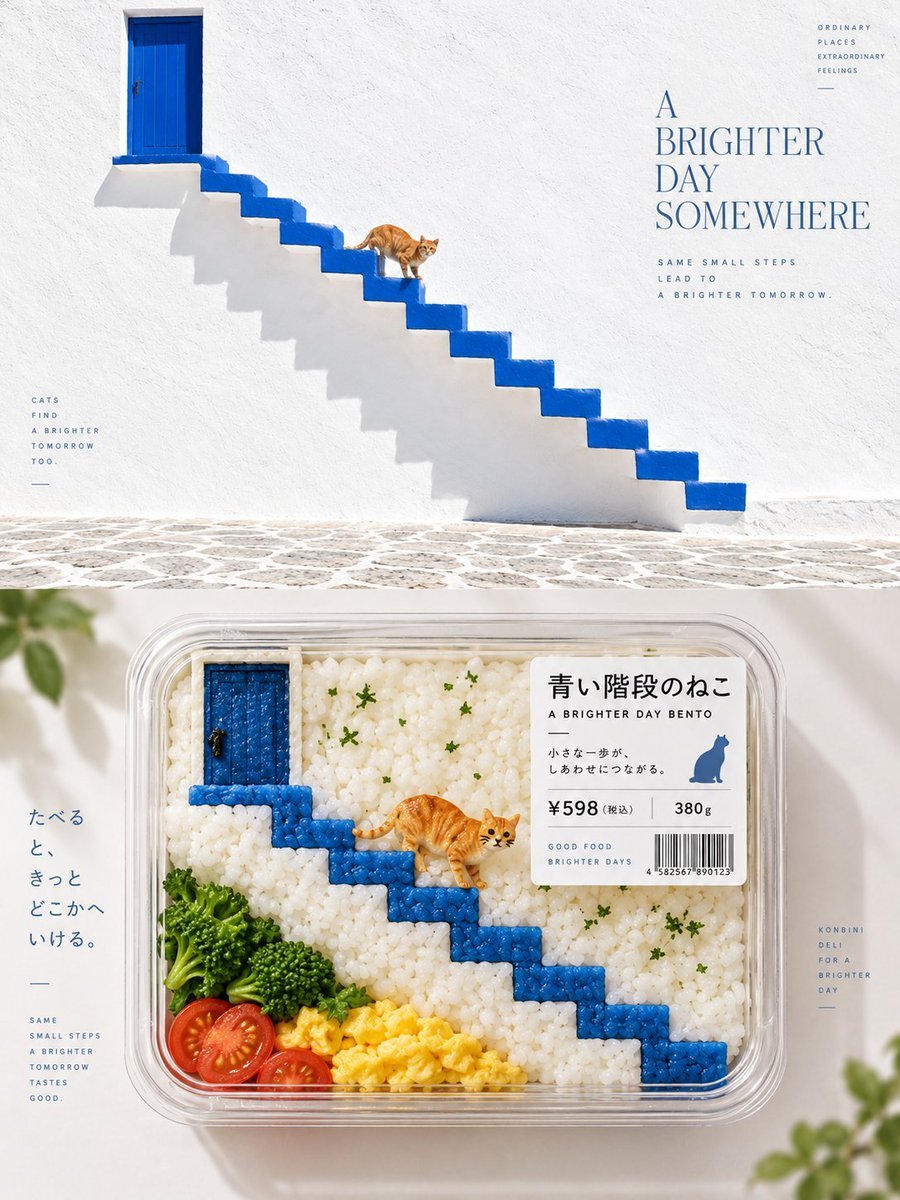
Bento-Style Food Packaging Transformation

Hand-Drawn Doodle Grid Poster
16 9 horizontal bento-grid brand collage for in a polished contemporary

16 9 horizontal bento-grid brand collage for in a polished contemporary
Ink-Twin Doodle Stylization
Korean-Inspired Whimsical Doodle Art
Japanese Train Selfie Girls
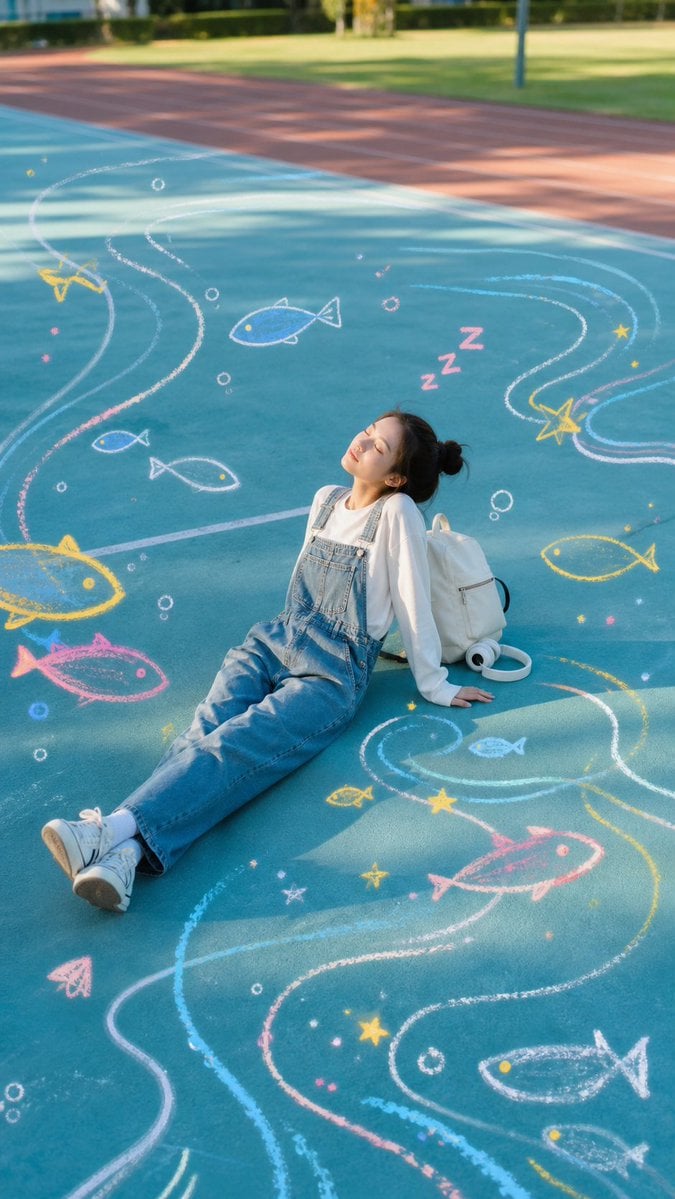
Sleeping Girl on Chalk Doodle Court
Make it yours
Cute Doodle Train Bento Photo works as-is. These are the safest ways to change it without losing the look.
Change one field
Copy a single group, rewrite it, and generate again so you can see what that field is doing.
Keep the frame, change the subject
Hold the composition and light of Cute Doodle Train Bento Photo, then swap wardrobe, props or the person for a new take.
| If the result… | Why | Fix |
|---|---|---|
| The result drifts from the preview | Too many fields changed at once. | Reuse Cute Doodle Train Bento Photo as-is first, then change one group — subject, light, or setting. |
| The model over-stylizes the scene | The prose prompt leaves finish and camera underspecified. | Add one camera or lighting sentence and stay on GPT Image 2. |
More GPT Image 2 templates
Other prompts made for GPT Image 2.

Six VTuber Japanese Logo Sheet

Realistic Portrait of Woman and Deer

The Vista Modular Condo Poster

AI Model Routing Comparison Infographic

2.5D Anime Art Board

Isometric Productivity Desk Scene

New York Double Exposure Poster

Four-Panel AI Landscape Comparison

Japanese Tatami Lifestyle Magazine Cover

NESCAFÉ Coffee Map Poster
More image prompts
Fresh picks from across the catalog.
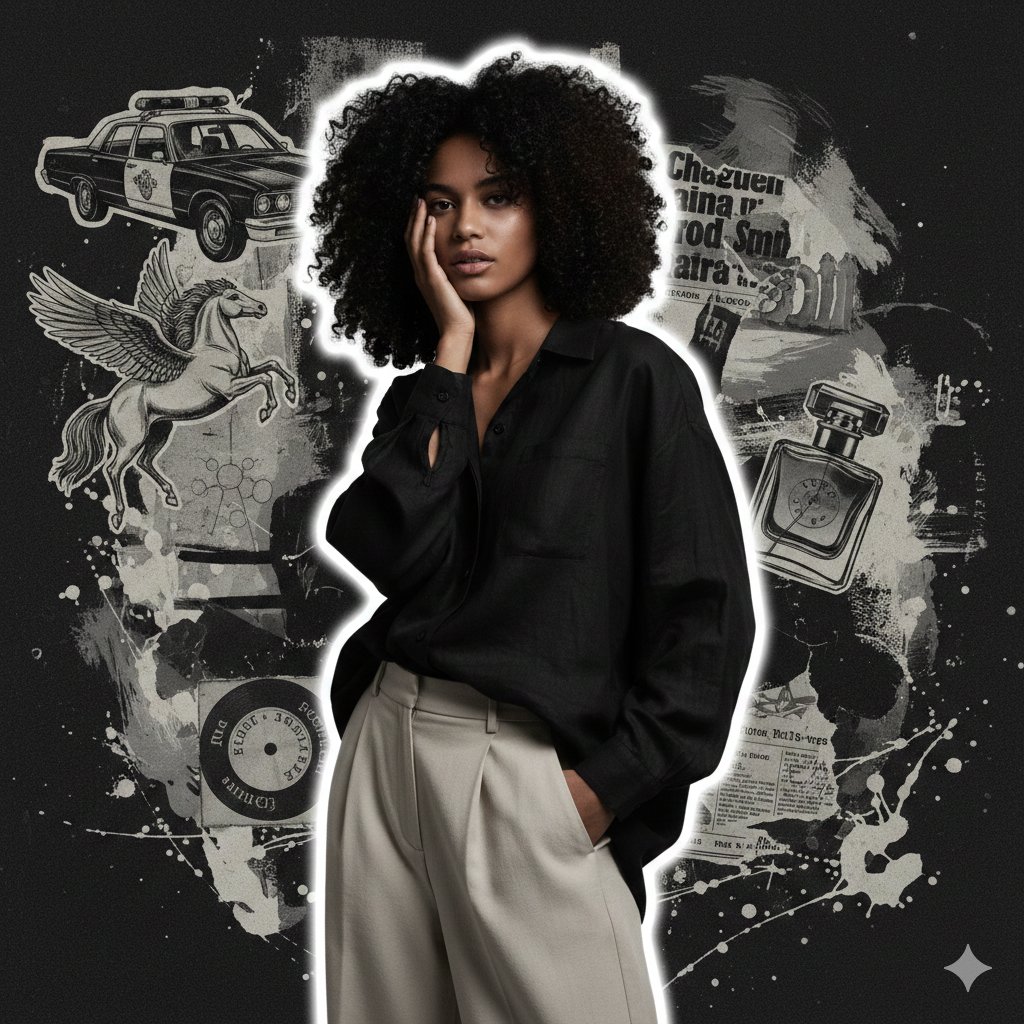
High-Fashion Grunge Portrait with Artistic Collage Background
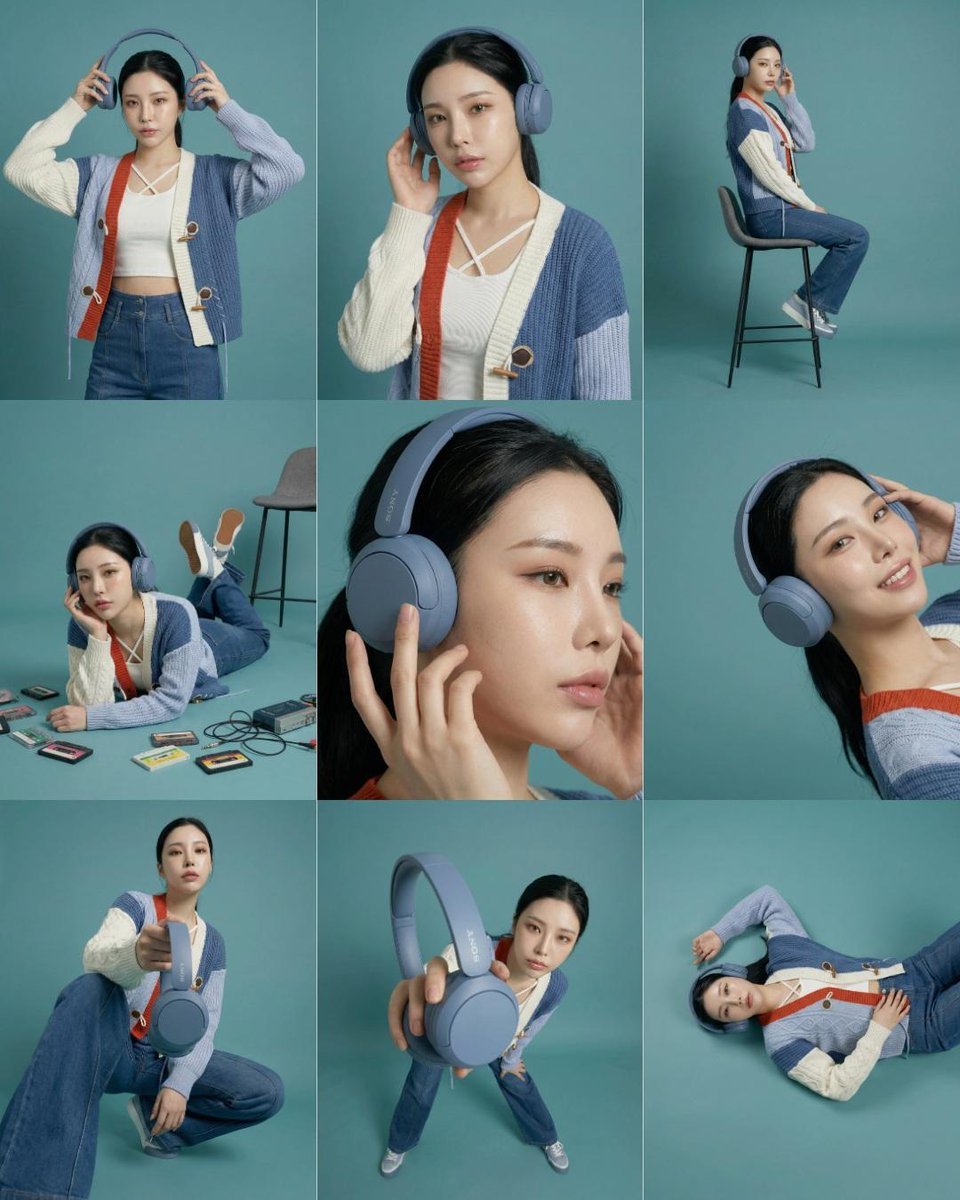
3x3 Storyboard Grid of a Young East Asian Woman
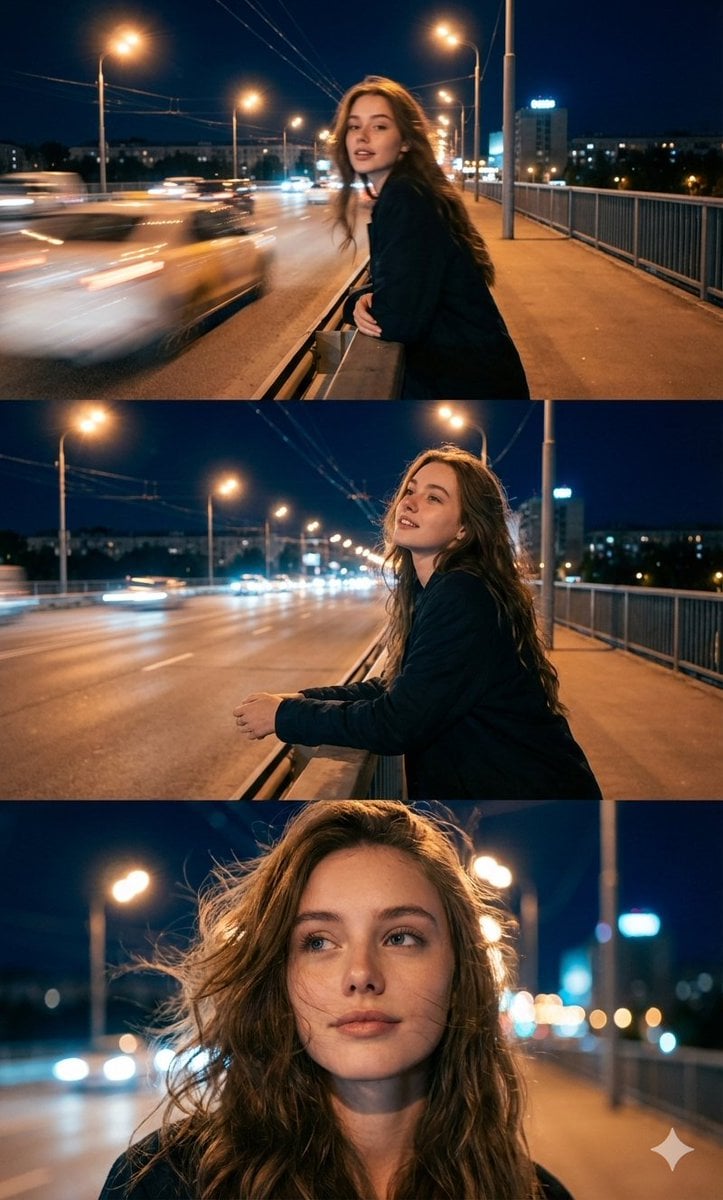
Cinematic Triptych Portrait in a Night City Setting
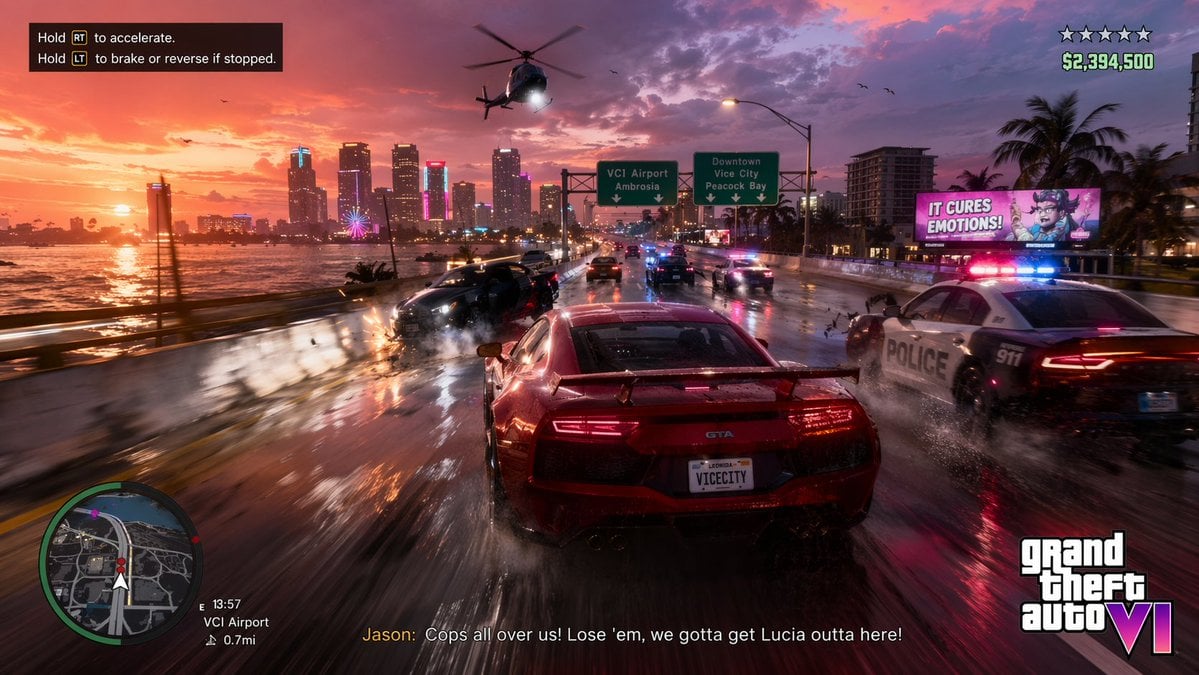
Open-World Action Game HUD Screenshot
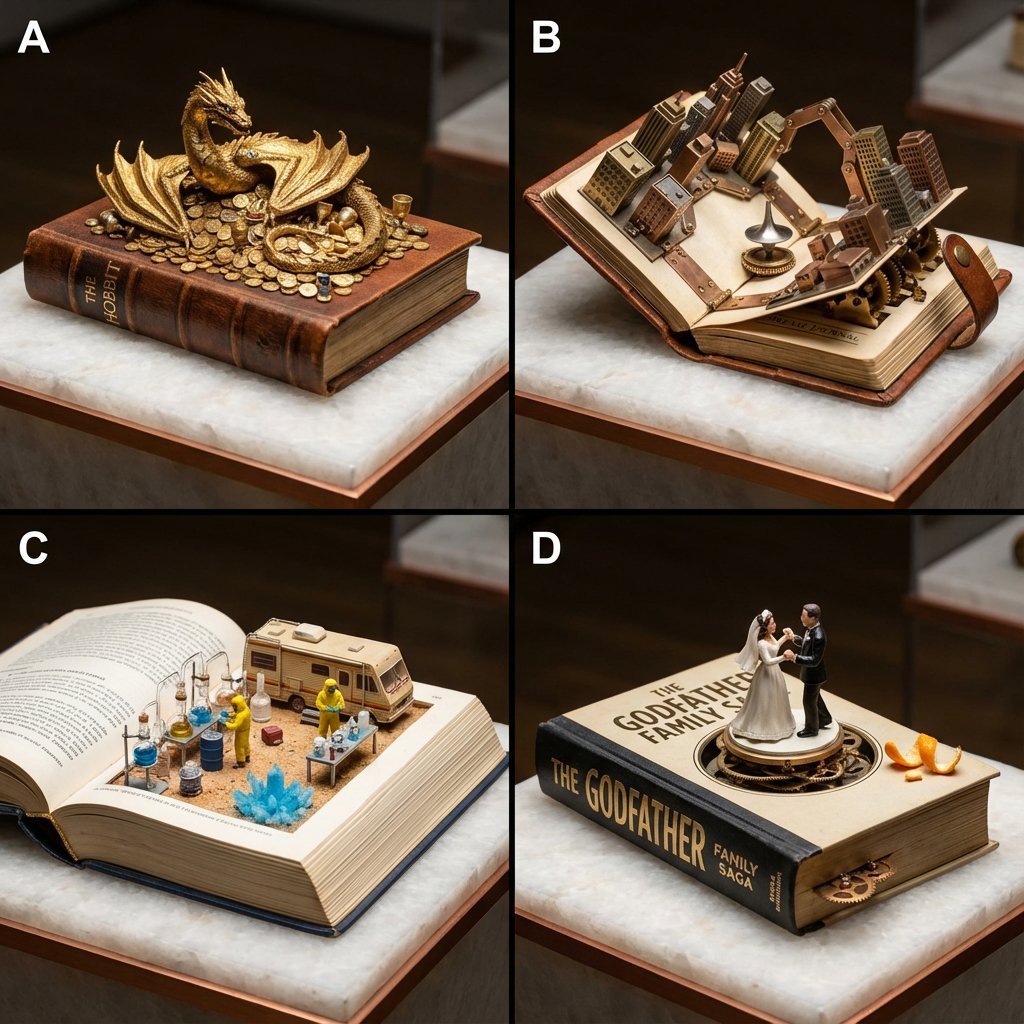
Book-Themed Diorama Grid Prompt
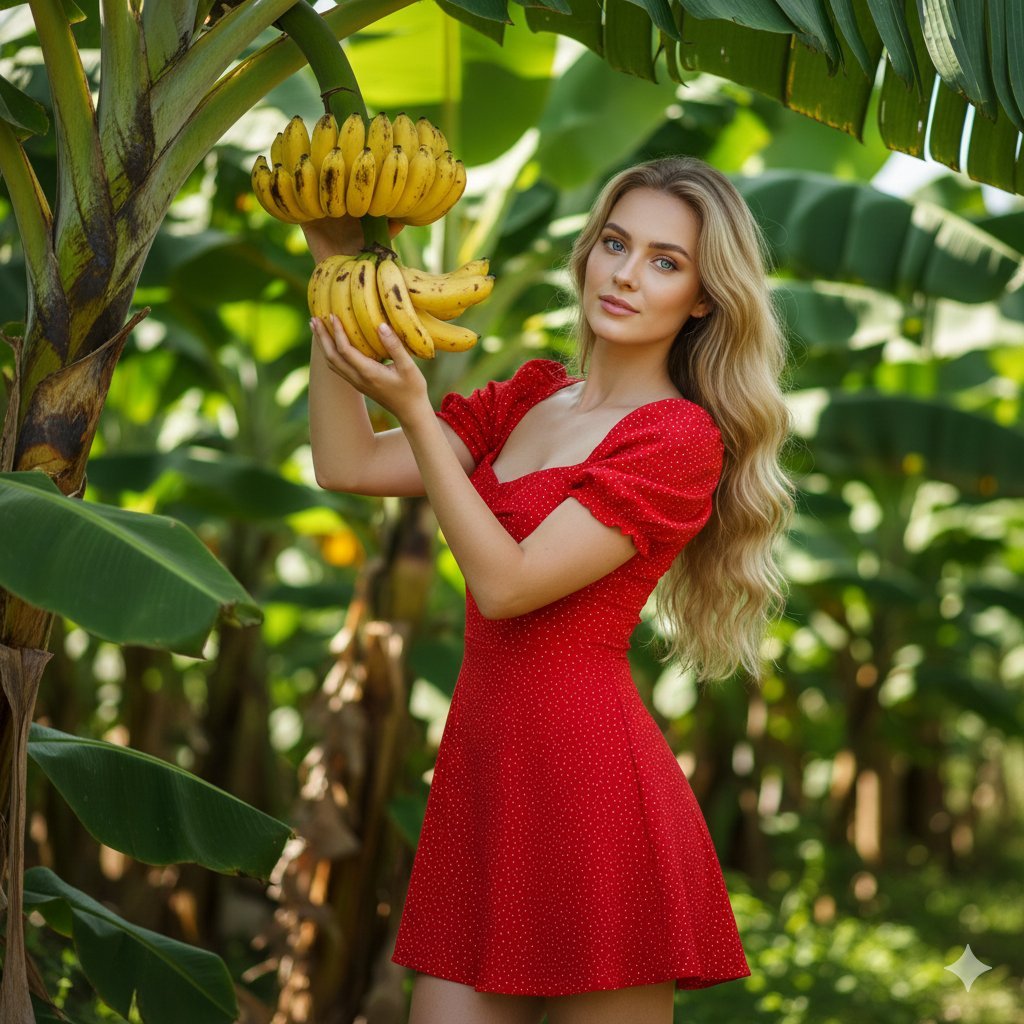
Banana Plantation Portrait in Red Mini Dress
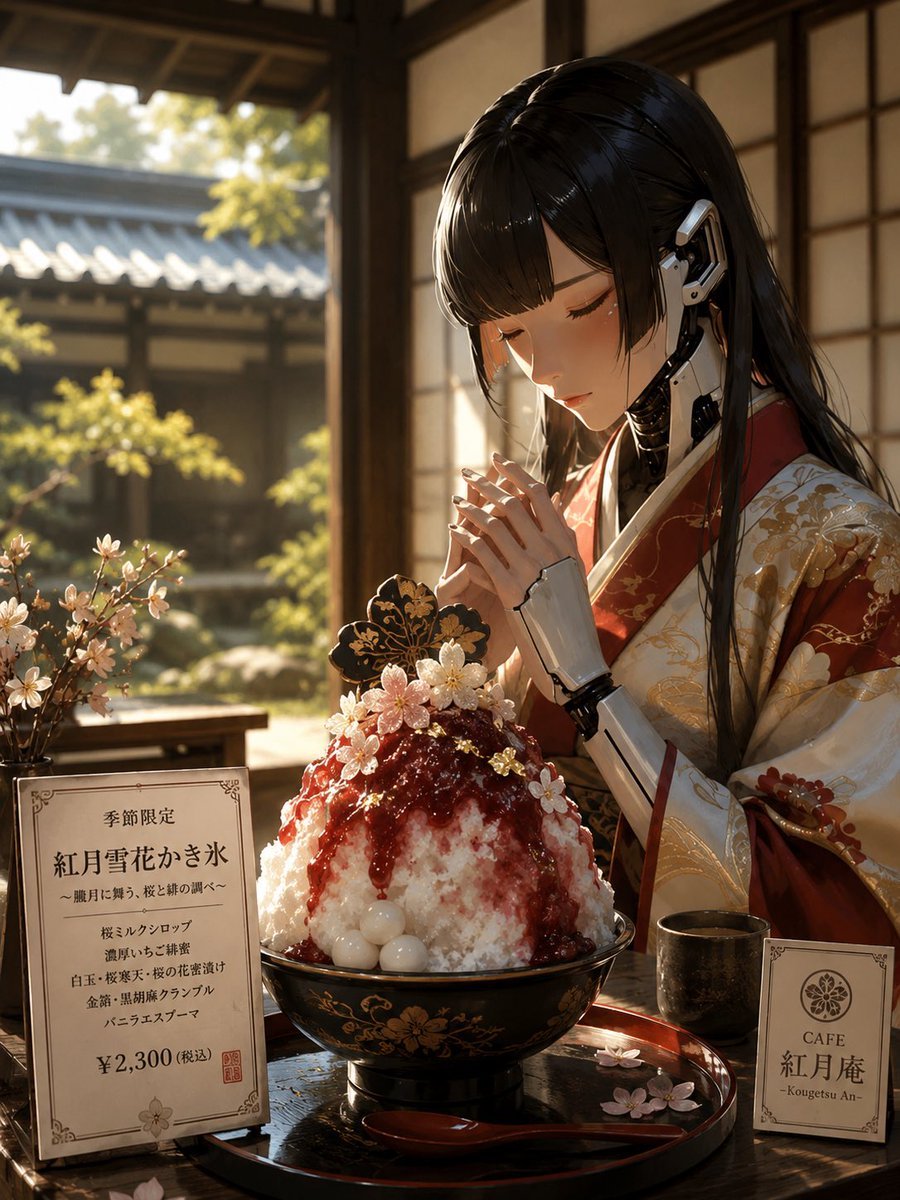
Cybernetic Kimono Shaved Ice Cafe
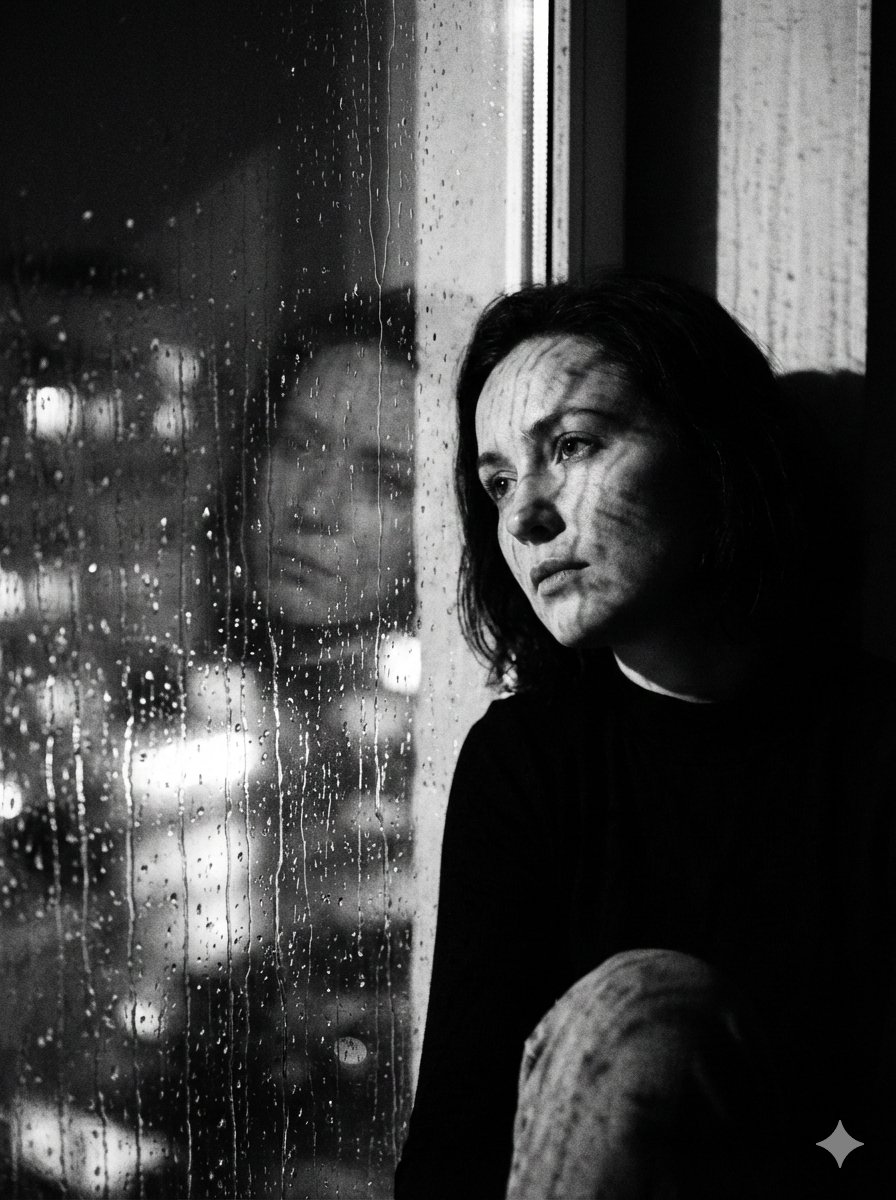
Black and White Rainy Window Portrait Prompt
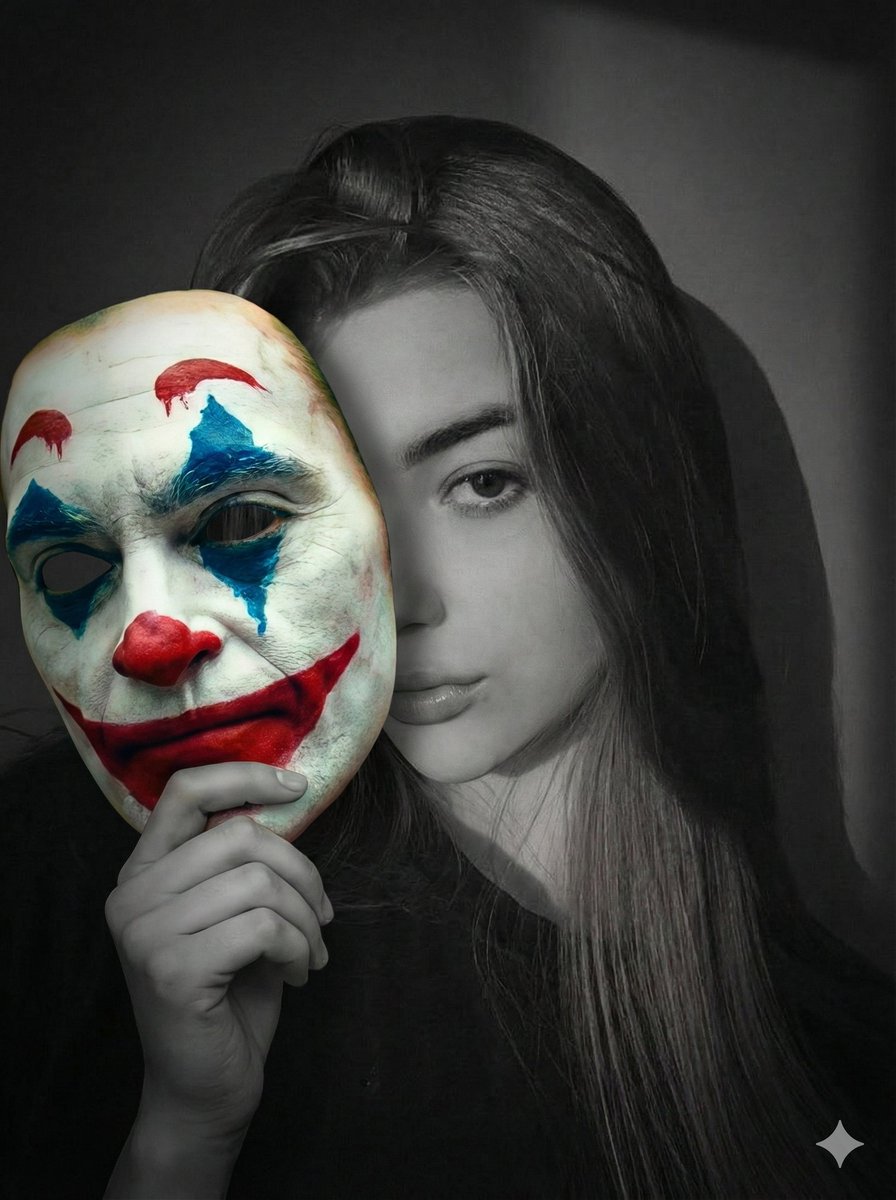
Cinematic Portrait Prompt: Grayscale Subject with Colorful Joker Mask
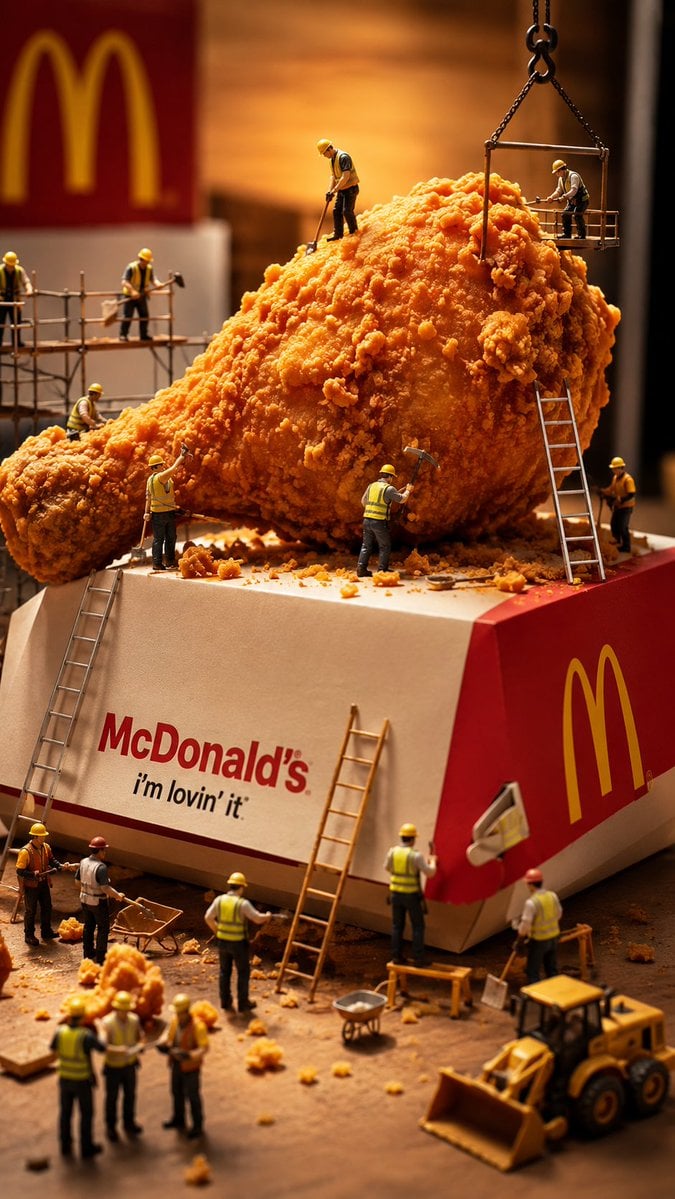
Miniature Workers Sculpt Giant McDonald's Drumstick
Browse template categories
Cute Doodle Train Bento Photo questions
How do I use the Cute Doodle Train Bento Photo template?
Add your photo if the template asks for one, edit the prompt if you like — the template's model and format are already selected — and press Generate. Your version opens in PicX Studio.
Can I customize the Cute Doodle Train Bento Photo template?
Yes. You can change the subject, setting, lighting, mood, format, and available model controls before creating your image.
Is the Cute Doodle Train Bento Photo template free?
Opening and editing this template is free. Generating uses credits, shown on the Generate button when you are signed in.
Which AI model should I use?
Start with GPT Image 2, which is the model associated with this template. You can compare another compatible model for a different finish.
Looking for something else? Browse all templates.

Your photo, any look
Thousands of ready templates for every top image and video model, from one credit balance.