
Bento-Style Food Packaging Transformation
A sophisticated prompt for GPT Image 2 that transforms any uploaded photo into a two-part poster: the top retains the original image while the bottom reimagines it as a Japanese-style convenience store bento box.
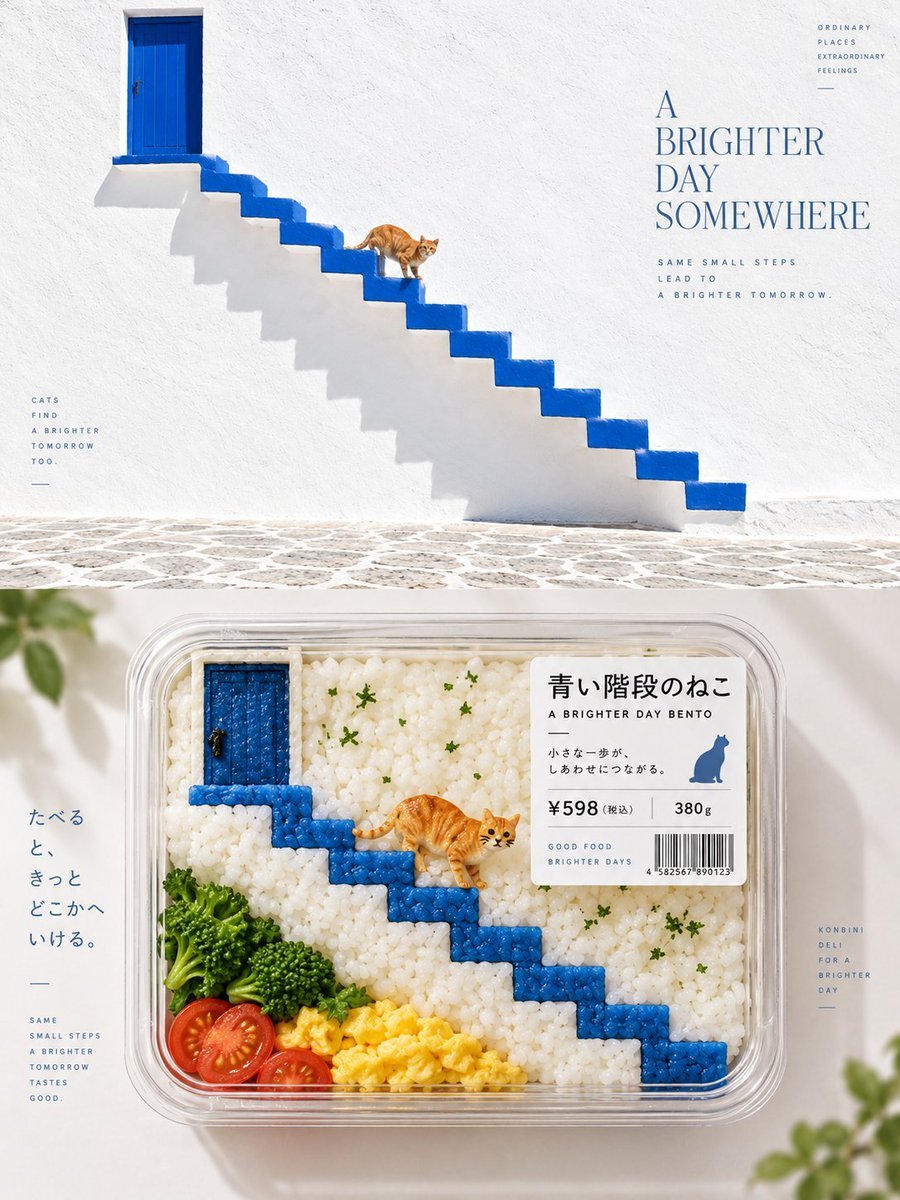
- Prompt included
- Model and format preset
- Free template
The prompt behind this image
Copy the exact prompt behind Bento-Style Food Packaging Transformation, or open it in the studio and make it yours.
请将我上传的每一张照片分别制作成一张独立的高级设计海报,不多图拼接,每张照片单独输出。整体采用 3:4 竖版构图,上下两个区域高度严格 1:1,各占画面 50%。 上半部分保留原始照片,保持主体身份、结构、姿态、真实质感、自然光影和原有色彩氛围,仅进行轻微高级调色,使其具有艺术杂志、独立出版物与展览图像质感。为适配画幅,可自然扩展环境背景,但不得拉伸、扭曲或改变主体。 下半部分提取照片中最具识别性的主体、轮廓、结构、姿态与叙事关系,重构为 {argument name="饭盒风格" default="Bento-fication / 饭盒化的便利店熟食包装视觉"}。不要逐物复制原图,而是理解原画面的核心视觉关系,将人物、建筑、植物、天空、水面、器物或其他元素进行食材语义映射与材质置换,用米饭、蔬菜、鸡蛋、水果、海苔、奶酪、酱汁、果冻、鱼籽、香草等食材重新组织,使人第一眼仍能认出原画面的灵魂,第二眼才发现所有内容其实都是食物。 所有视觉信息最终收纳进一个明确的透明便利店熟食盒、便当托盘或分格食品容器中。保留原图最重要的构图层级,但允许重新导演:删减无关背景,通过裁切、比例变化、位置重组、食材模块化和容器分区,让原本复杂或普通的画面重新变成一件成立的商品视觉。不要为了还原而塞满食材,只保留真正决定身份的元素。 下半部分以俯拍产品摄影 / top-view packaged-food photography 为主要视角,强调真实透明盒材质、食材颗粒、切面、湿润度、新鲜感和自然光感,使其像真正可以放在精品便利店货架上的商品。构图保持主体包装清晰、四周有充足留白,整体干净、精致、有呼吸感,不做拥挤的食物拼盘。 配色从上方照片中提取最有辨识度、最鲜活的颜色,再转换为自然食材色彩。颜色应明亮、清爽、诱人、有生活感,例如绿色可转化为蔬菜与香草,黄色转化为鸡蛋、玉米或水果,暖红转化为番茄、鱼籽或酱汁,冷色可通过果冻、包装、餐盒底纸或其他合理食材关系表达。避免灰暗、油腻、脏色和廉价食品广告感。 包装加入少量商品标签系统,可根据原图主题自由生成品名、短句、价格、重量、条码、保质信息或微型说明,不限制语种,也不要求固定字段。标签应像真实日系便利店或精品食品包装,层级清楚、尺寸克制,与透明盒和食材构图自然结合。 整体呈现 Japanese konbini deli packaging aesthetic / packaged-food reinterpretation / semantic food substitution / containerized composition / retail product visualization 的视觉语言。核心原则是:不是把照片画成食物,而是保留原画面的视觉灵魂,用食材、容器和商品包装重新导演一次。
How to use Bento-Style Food Packaging Transformation in 3 steps
- 1Upload ImagePNG, JPG or paste
Add your photo
Upload the photo the template builds on. The prompt, model and format are already set.
- 2…a portrait of your subject in softgolden-hour light, 85mm…
Personalize
Edit the subject and creative details for your destination.
- 3Generate
Generate
Press Generate — your image is created in PicX Studio, so you can compare it with the original and refine one variable at a time.
More like this
Templates with the same subject, style or setup. Open one to see its prompt.

Cozy Food Flat Lay Doodle Labels
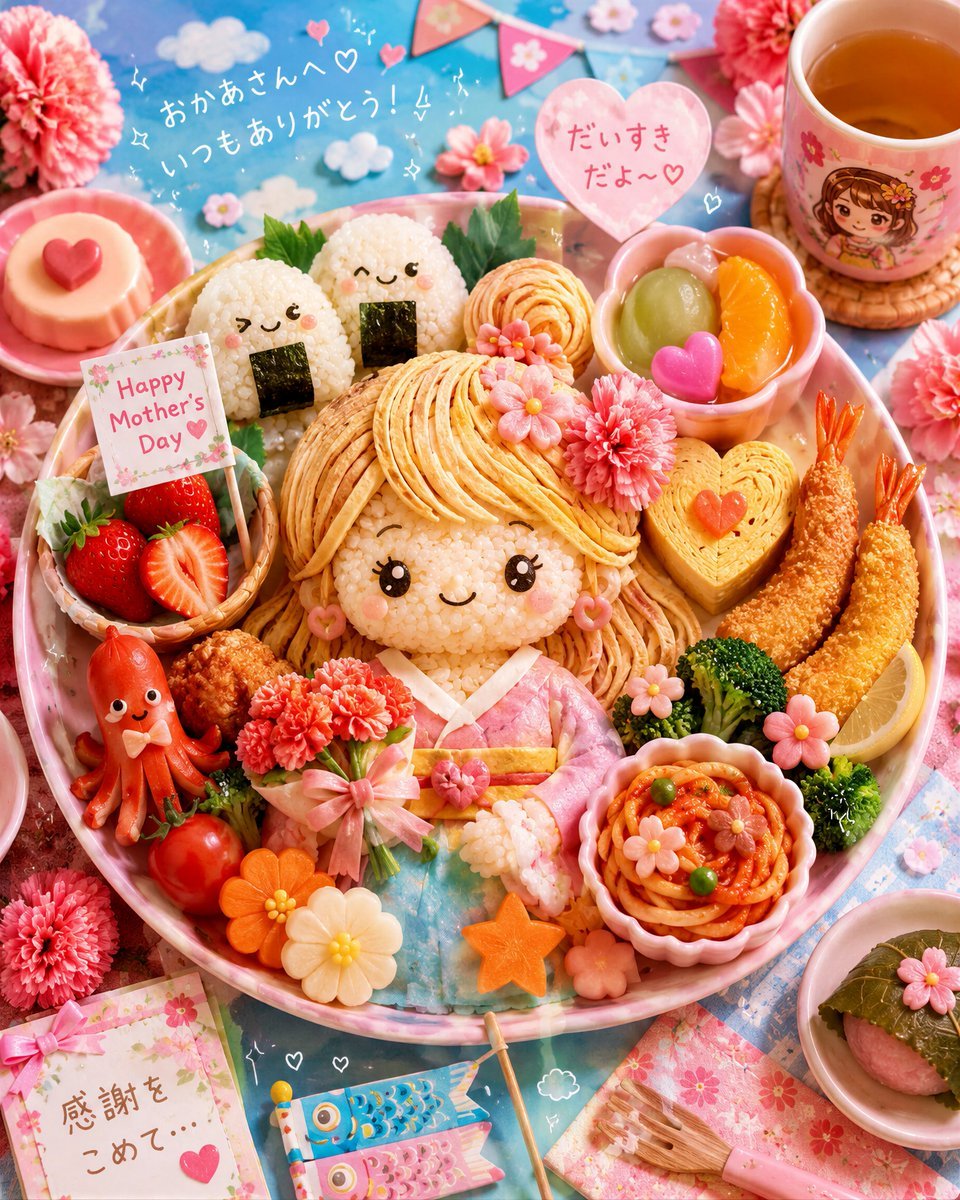
Kawaii Mother's Day Bento Food Art
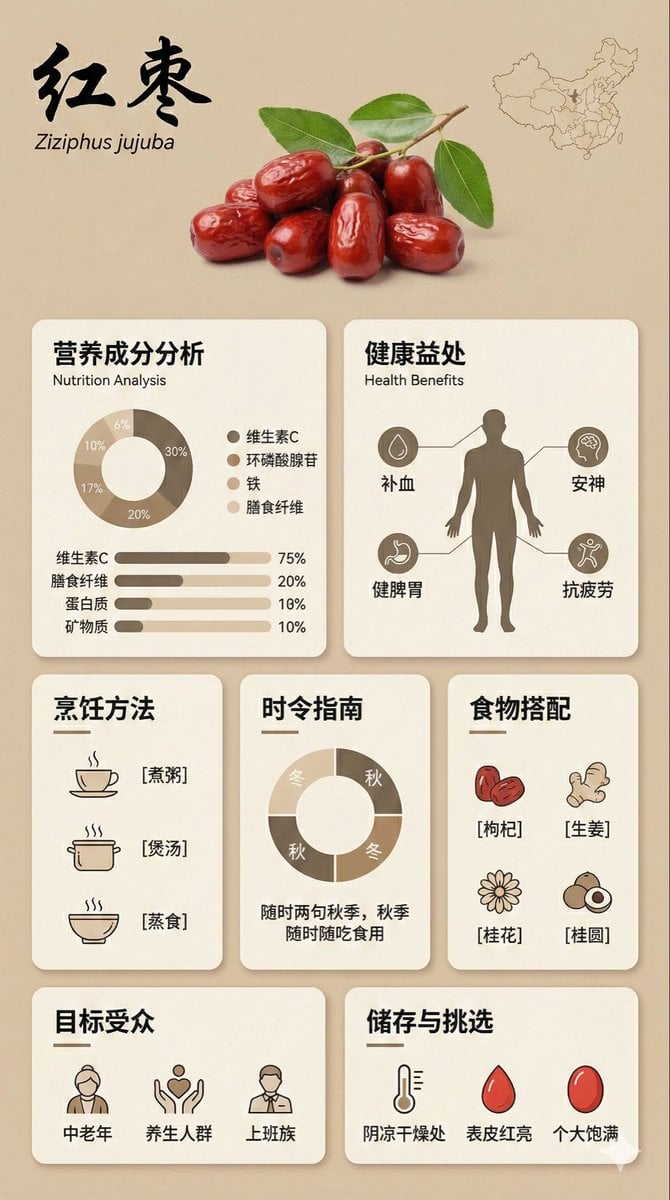
Bento Grid Infographic Prompt for Food Science
Seedance - Character Transition
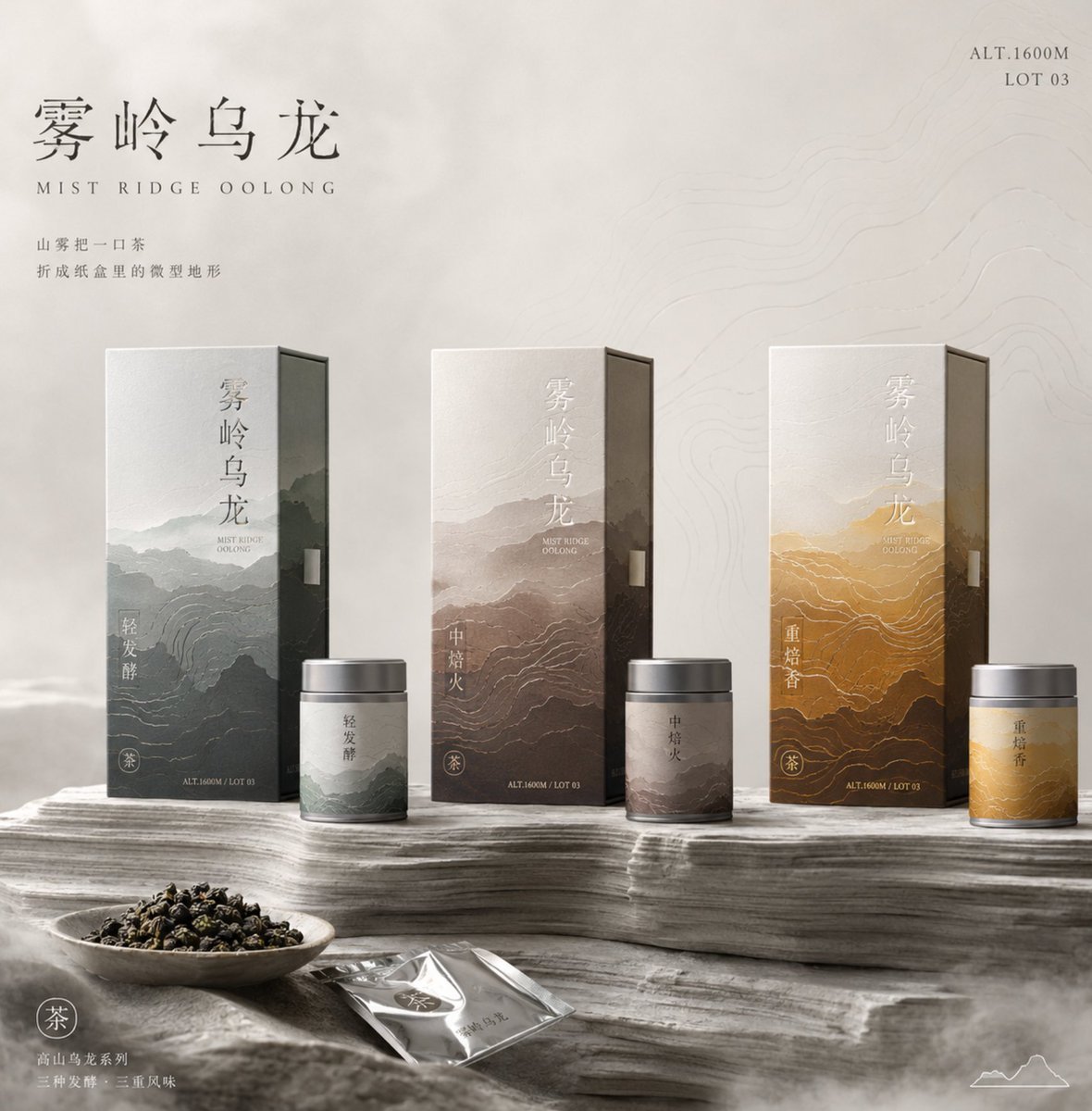
Tea Packaging Terrain Visual Concept
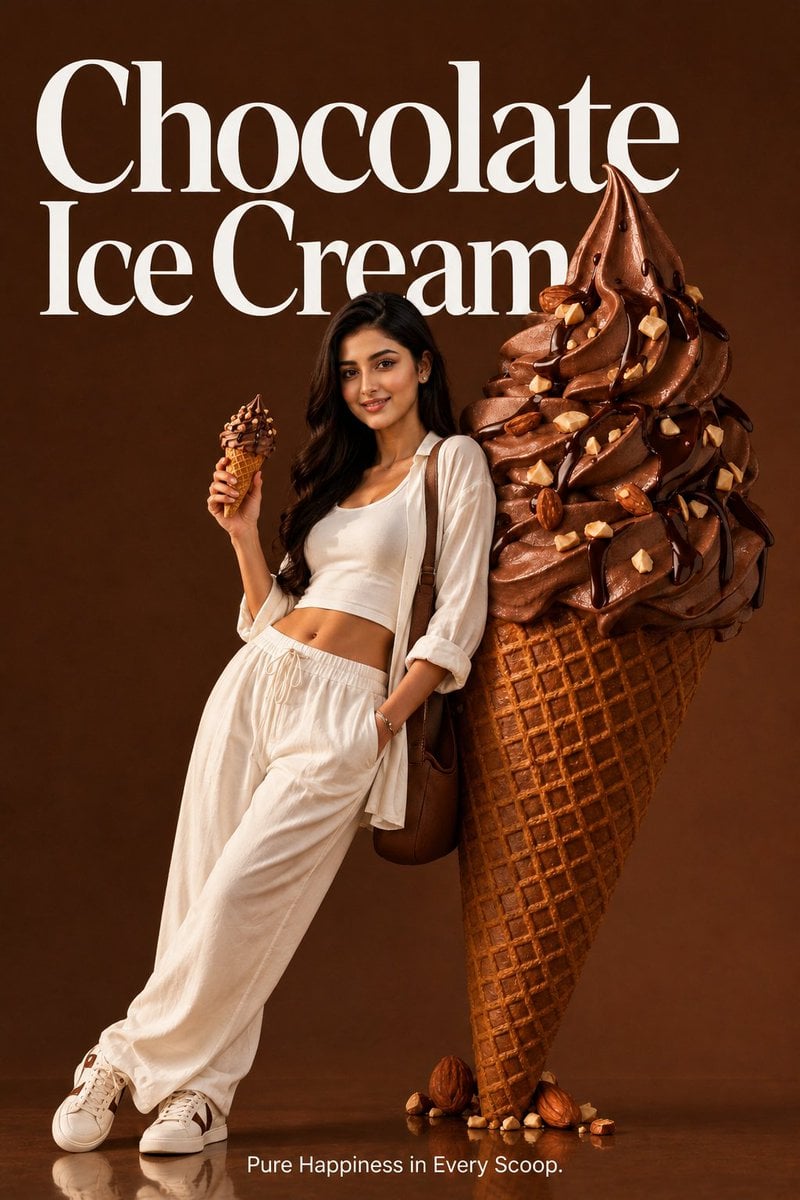
Premium Food Advertising Campaign Scenes
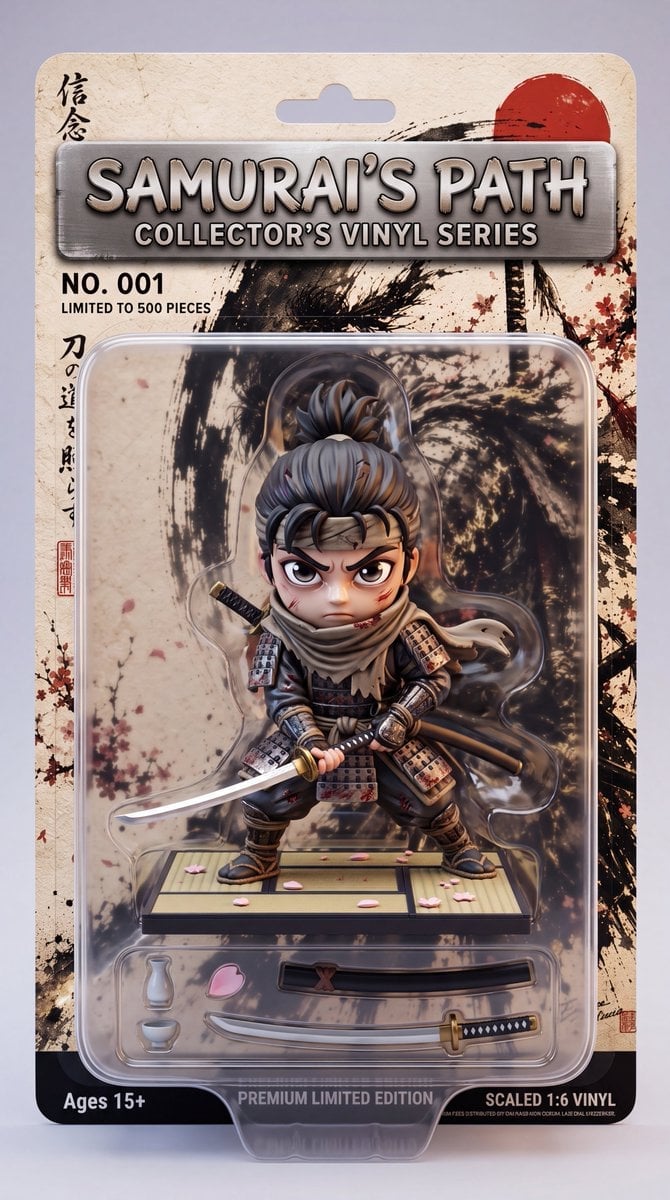
Stylized Collectible Toy Packaging
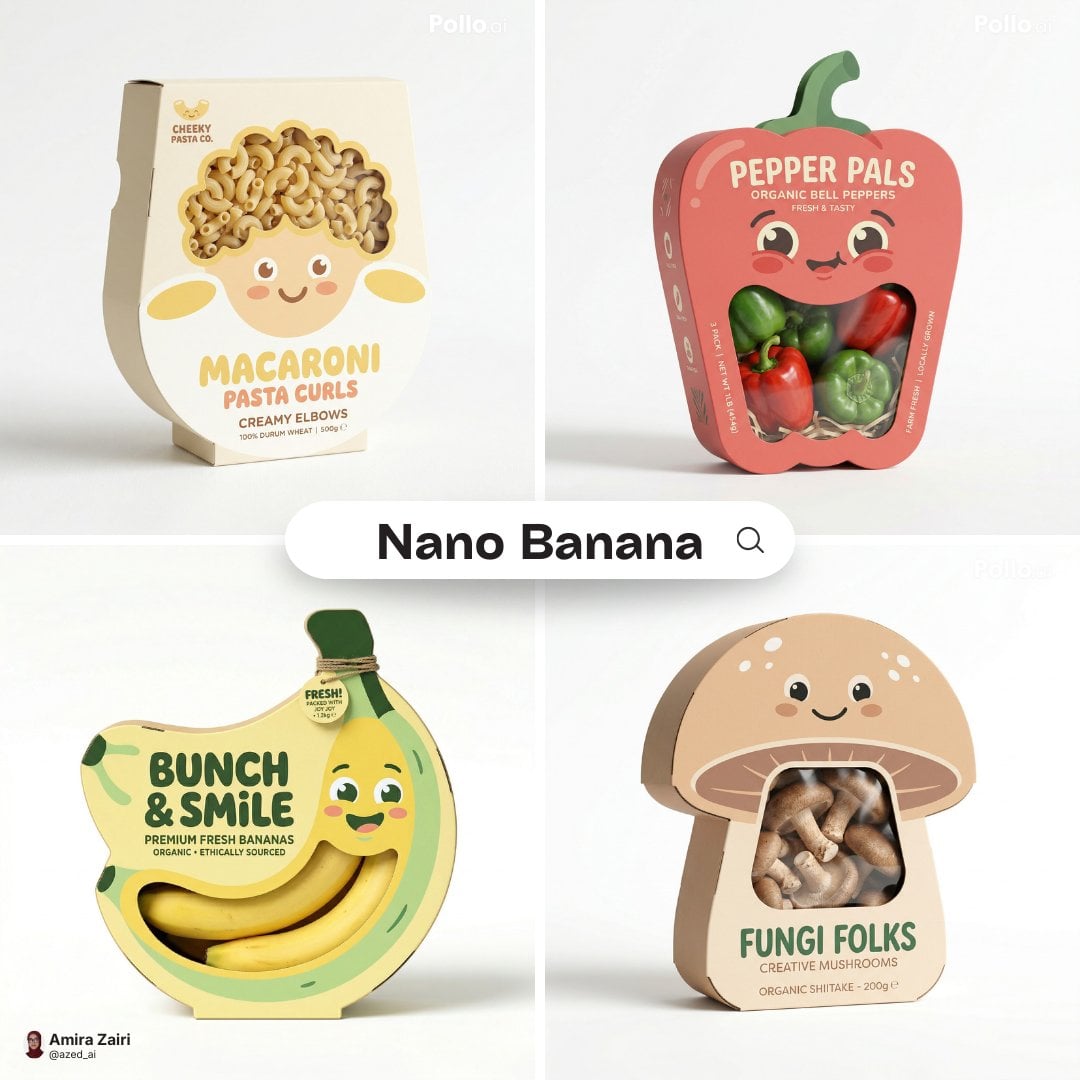
Playful designer packaging creative box shaped like the product
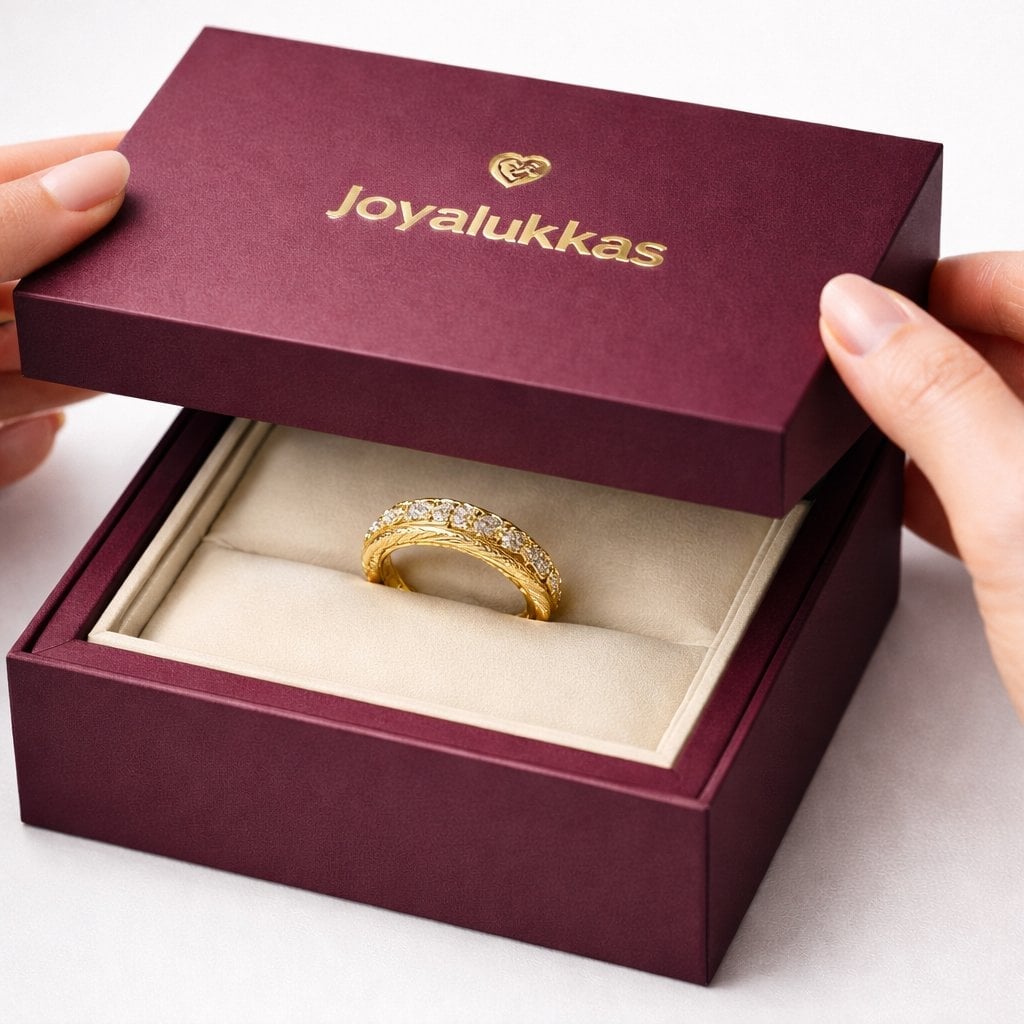
Luxury packaging reveal scene, premium unboxing moment, pristine hands
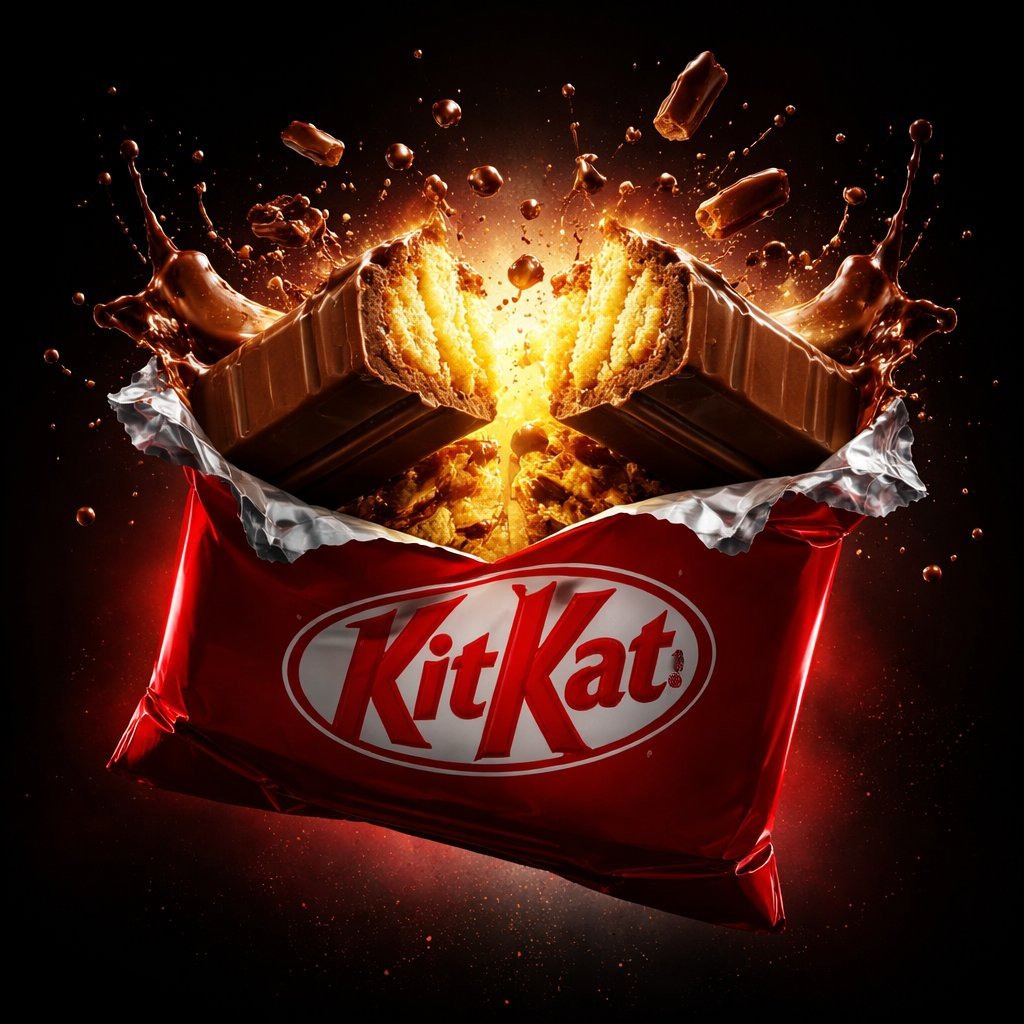
A premium centered in the frame, iconic packaging partially unwrapped
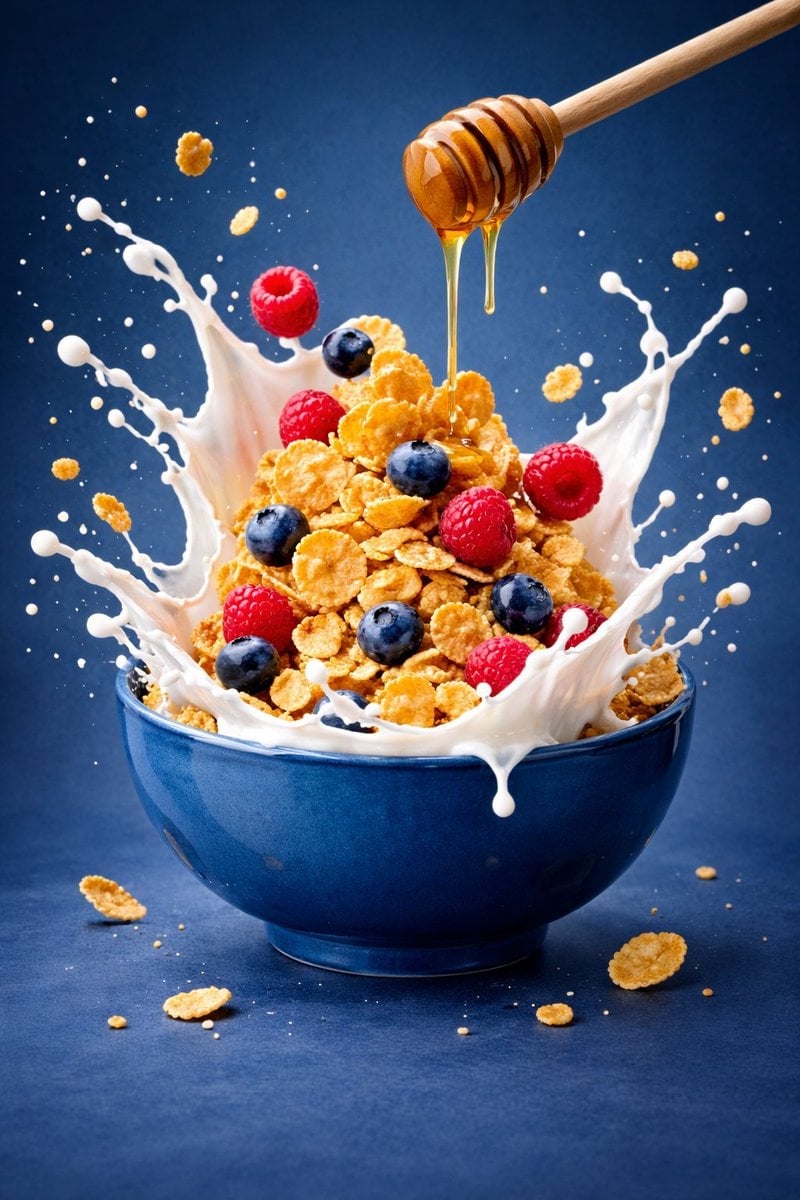
Ultra-premium cinematic food photography, 8K UHD, 3 4 aspect ratio

Bold, intense, premium, cinematic, high-impact food commercial aesthetic
Make it yours
Bento-Style Food Packaging Transformation works as-is. These are the safest ways to change it without losing the look.
Change one field
Copy a single group, rewrite it, and generate again so you can see what that field is doing.
Keep the frame, change the subject
Hold the composition and light of Bento-Style Food Packaging Transformation, then swap wardrobe, props or the person for a new take.
| If the result… | Why | Fix |
|---|---|---|
| The result drifts from the preview | Too many fields changed at once. | Reuse Bento-Style Food Packaging Transformation as-is first, then change one group — subject, light, or setting. |
| The model over-stylizes the scene | The prose prompt leaves finish and camera underspecified. | Add one camera or lighting sentence and stay on GPT Image 2. |
More GPT Image 2 templates
Other prompts made for GPT Image 2.

Six VTuber Japanese Logo Sheet

Realistic Portrait of Woman and Deer

The Vista Modular Condo Poster

AI Model Routing Comparison Infographic

2.5D Anime Art Board

Isometric Productivity Desk Scene

New York Double Exposure Poster

Four-Panel AI Landscape Comparison

Japanese Tatami Lifestyle Magazine Cover

NESCAFÉ Coffee Map Poster
More image prompts
Fresh picks from across the catalog.
Female Android on Spaceship
Generate a photo of myself achieving my dream
Minimalist Children's Illustration Style
Japanese Summer Cafe Portrait
Gorpcore Editorial: Extreme Worm's-Eye View of Hiking Boot
Candlelit Darkwave Chiaroscuro Portrait
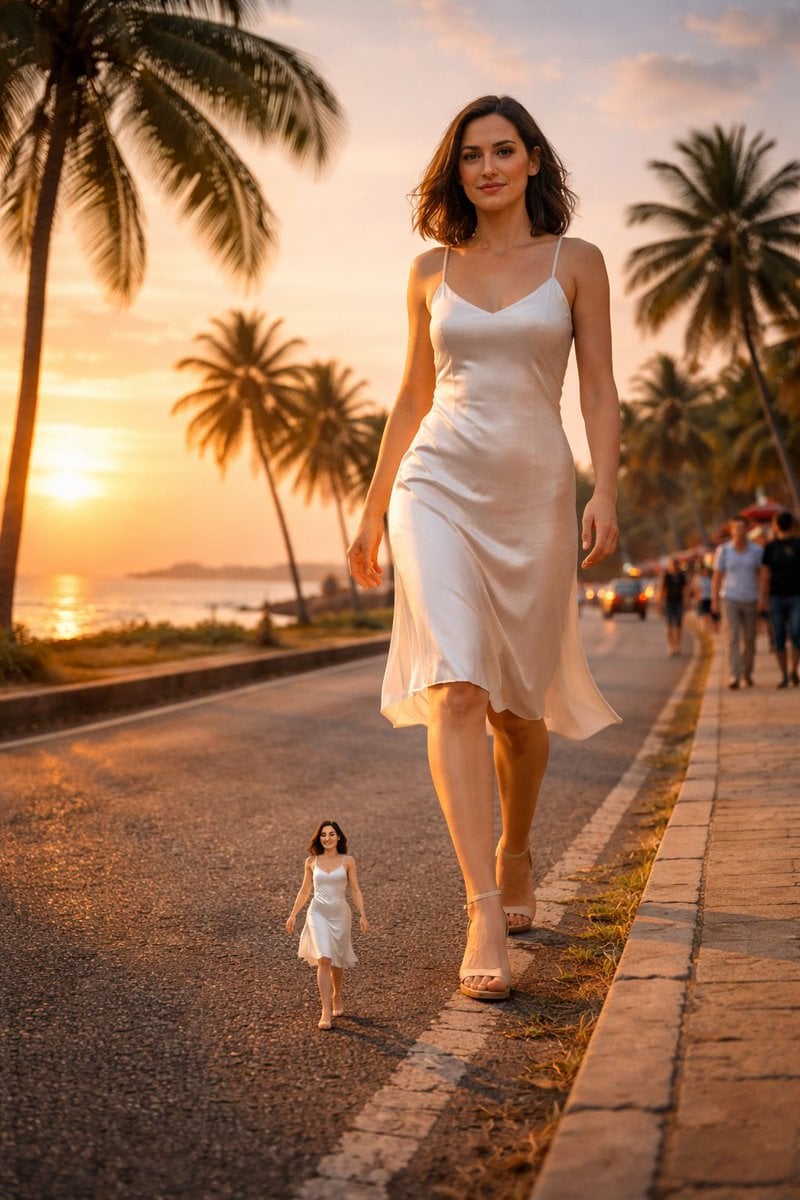
Surreal cinematic street photography with scale contrast
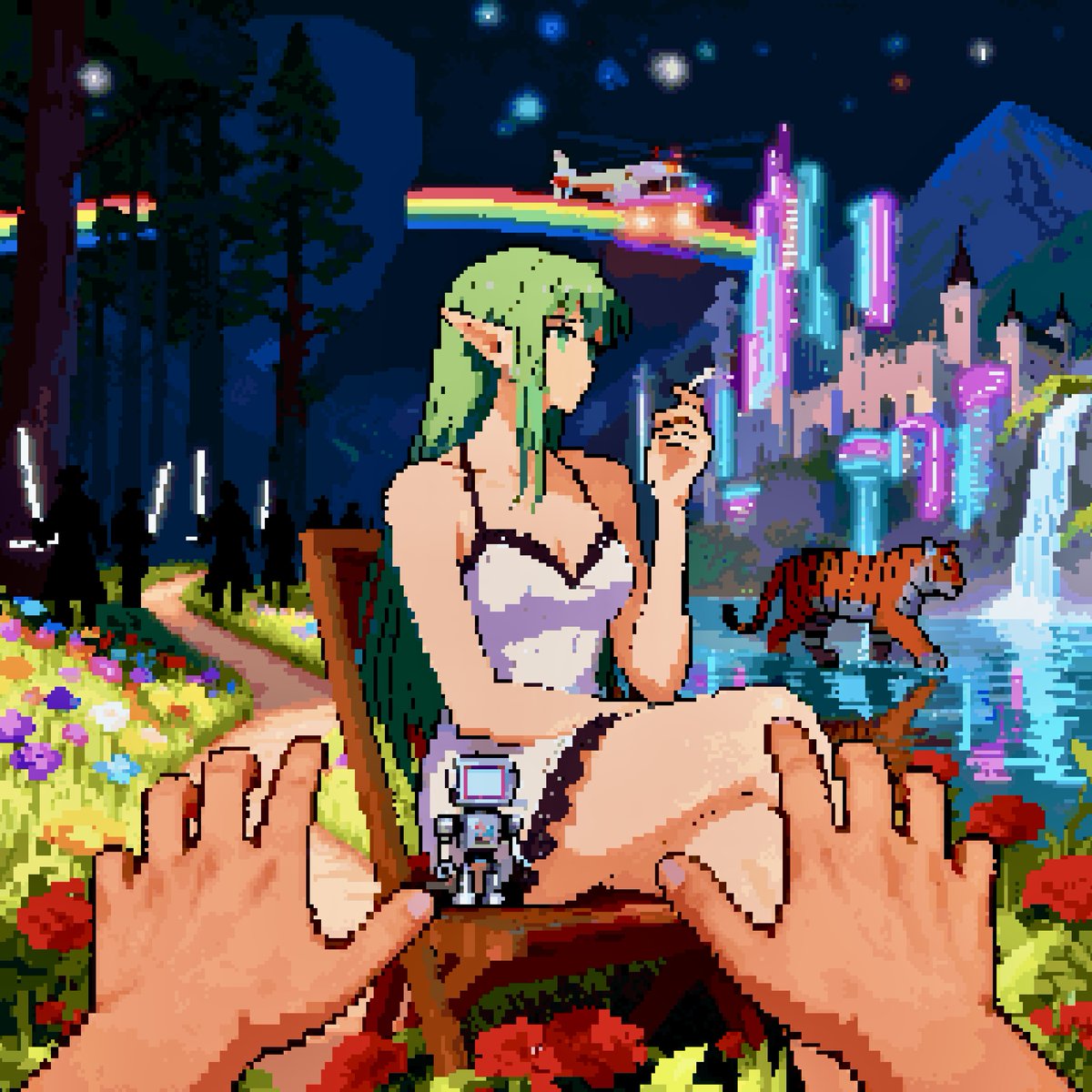
Convert image into YouTube thumbnail with OMW text
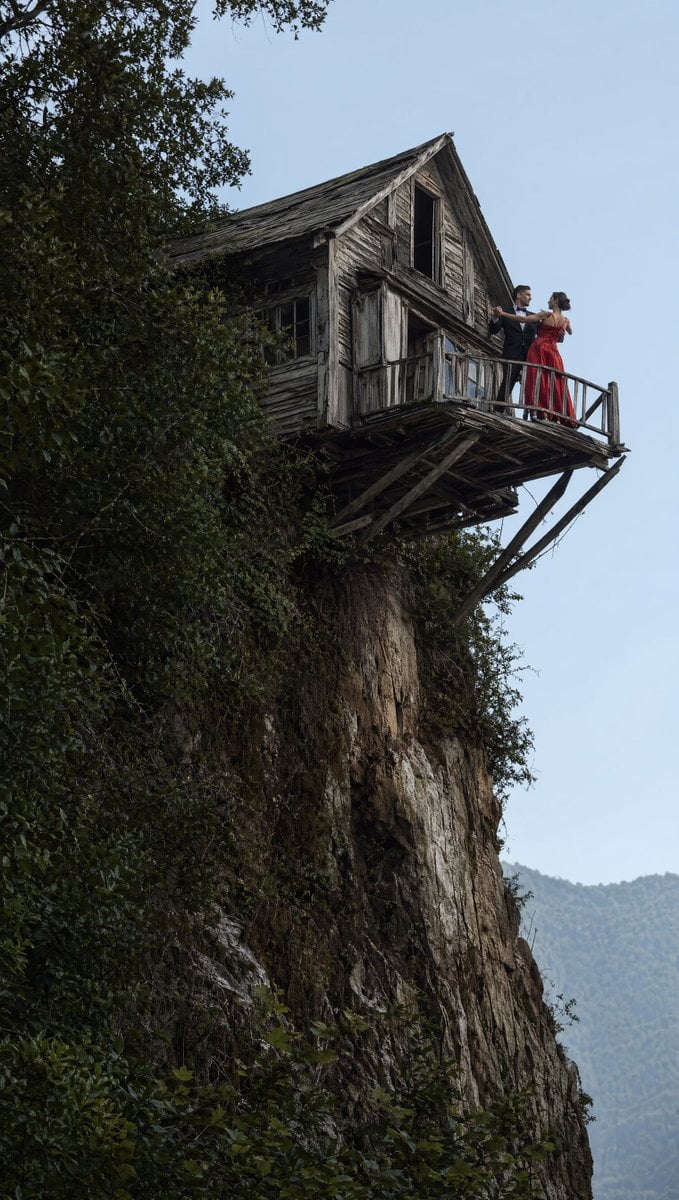
Dancing Couple on Cliffside House
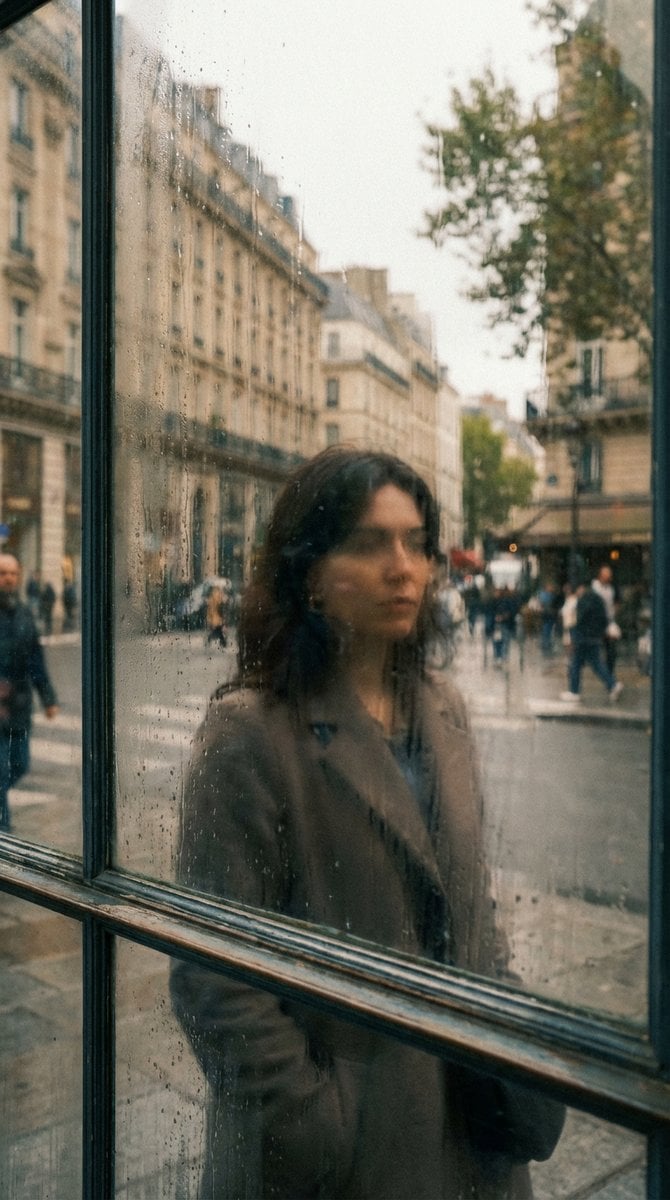
Layered Reflection in Glass Window
Browse template categories
Bento-Style Food Packaging Transformation questions
How do I use the Bento-Style Food Packaging Transformation template?
Add your photo if the template asks for one, edit the prompt if you like — the template's model and format are already selected — and press Generate. Your version opens in PicX Studio.
Can I customize the Bento-Style Food Packaging Transformation template?
Yes. You can change the subject, setting, lighting, mood, format, and available model controls before creating your image.
Is the Bento-Style Food Packaging Transformation template free?
Opening and editing this template is free. Generating uses credits, shown on the Generate button when you are signed in.
Which AI model should I use?
Start with GPT Image 2, which is the model associated with this template. You can compare another compatible model for a different finish.
Looking for something else? Browse all templates.

Your photo, any look
Thousands of ready templates for every top image and video model, from one credit balance.