
Dancing Couple on Cliffside House
A moody cinematic photo prompt of an elegant couple dancing on the balcony of a decaying house perched dangerously on a sheer cliff, ideal for surreal editorial or dramatic concept imagery.
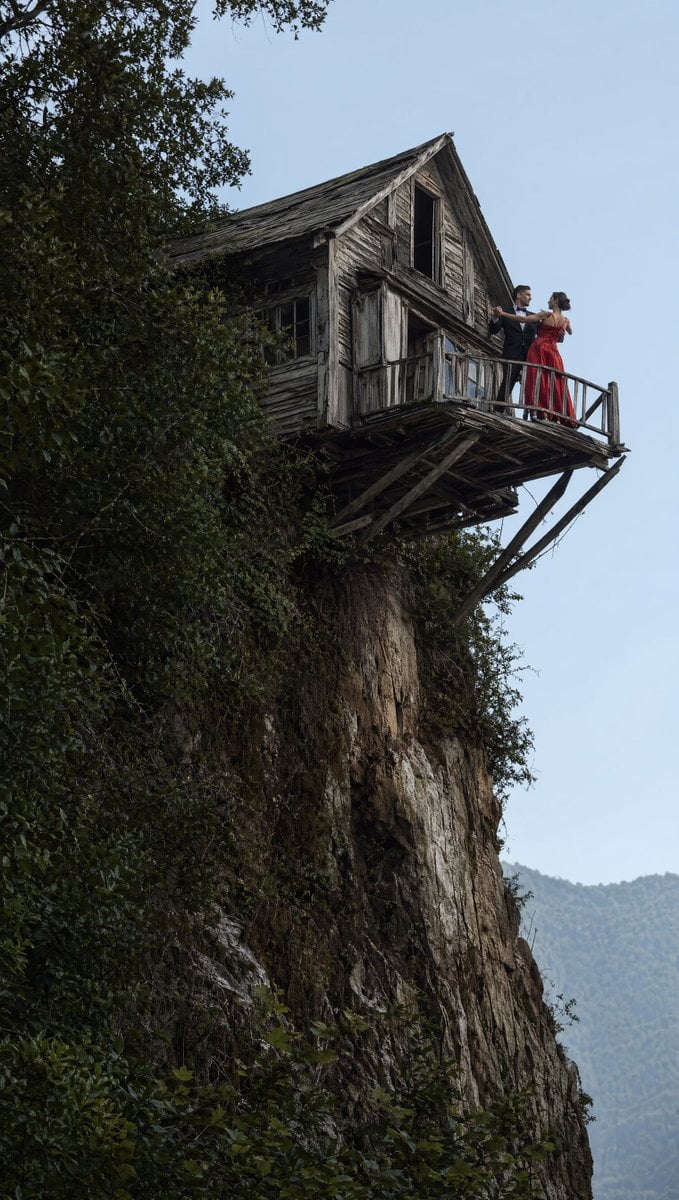
- Prompt included
- Model and format preset
- Free template
The prompt behind this image
Copy the exact prompt behind Dancing Couple on Cliffside House, or open it in the studio and make it yours.
A dramatic vertical cinematic photograph of a weathered wooden house jutting out from the edge of a steep cliff, with a small balcony suspended over empty space. The house is old and dilapidated, made of gray, sun-bleached planks with warped boards, broken or dark window openings, and fragile angled wooden supports underneath the balcony. Dense green vines and foliage climb the cliff and partially frame the upper left side of the image, while the rock face drops sharply downward through most of the composition. On the balcony stand exactly 2 people: a formally dressed couple posed as if ballroom dancing. The man wears a dark suit or tuxedo and faces the woman with one arm raised in dance position; the woman wears a flowing {argument name="dress color" default="deep red"} evening gown, her hair styled up, and she mirrors his pose. The balcony railing is thin and rustic, emphasizing the dangerous height and precarious setting. The sky is pale blue-gray and overcast, with faint hazy mountains visible in the far lower right background. Use a realistic photographic style, moody natural light, high detail in the aged wood and cliff textures, a sense of vertigo and surreal elegance, and a composition that places the house in the upper left and the couple near the upper right edge of the structure.
How to use Dancing Couple on Cliffside House in 3 steps
- 1Upload ImagePNG, JPG or paste
Add your photo
Upload the photo the template builds on. The prompt, model and format are already set.
- 2…a portrait of your subject in softgolden-hour light, 85mm…
Personalize
Edit the subject and creative details for your destination.
- 3Generate
Generate
Press Generate — your image is created in PicX Studio, so you can compare it with the original and refine one variable at a time.
More like this
Templates with the same subject, style or setup. Open one to see its prompt.












Make it yours
Dancing Couple on Cliffside House works as-is. These are the safest ways to change it without losing the look.
Change one field
Copy a single group, rewrite it, and generate again so you can see what that field is doing.
Keep the frame, change the subject
Hold the composition and light of Dancing Couple on Cliffside House, then swap wardrobe, props or the person for a new take.
| If the result… | Why | Fix |
|---|---|---|
| The result drifts from the preview | Too many fields changed at once. | Reuse Dancing Couple on Cliffside House as-is first, then change one group — subject, light, or setting. |
| The model over-stylizes the scene | The prose prompt leaves finish and camera underspecified. | Add one camera or lighting sentence and stay on GPT Image 2. |
More GPT Image 2 templates
Other prompts made for GPT Image 2.

Six VTuber Japanese Logo Sheet

Realistic Portrait of Woman and Deer

The Vista Modular Condo Poster

AI Model Routing Comparison Infographic

2.5D Anime Art Board

Isometric Productivity Desk Scene

New York Double Exposure Poster

Four-Panel AI Landscape Comparison

Japanese Tatami Lifestyle Magazine Cover

NESCAFÉ Coffee Map Poster
More image prompts
Fresh picks from across the catalog.
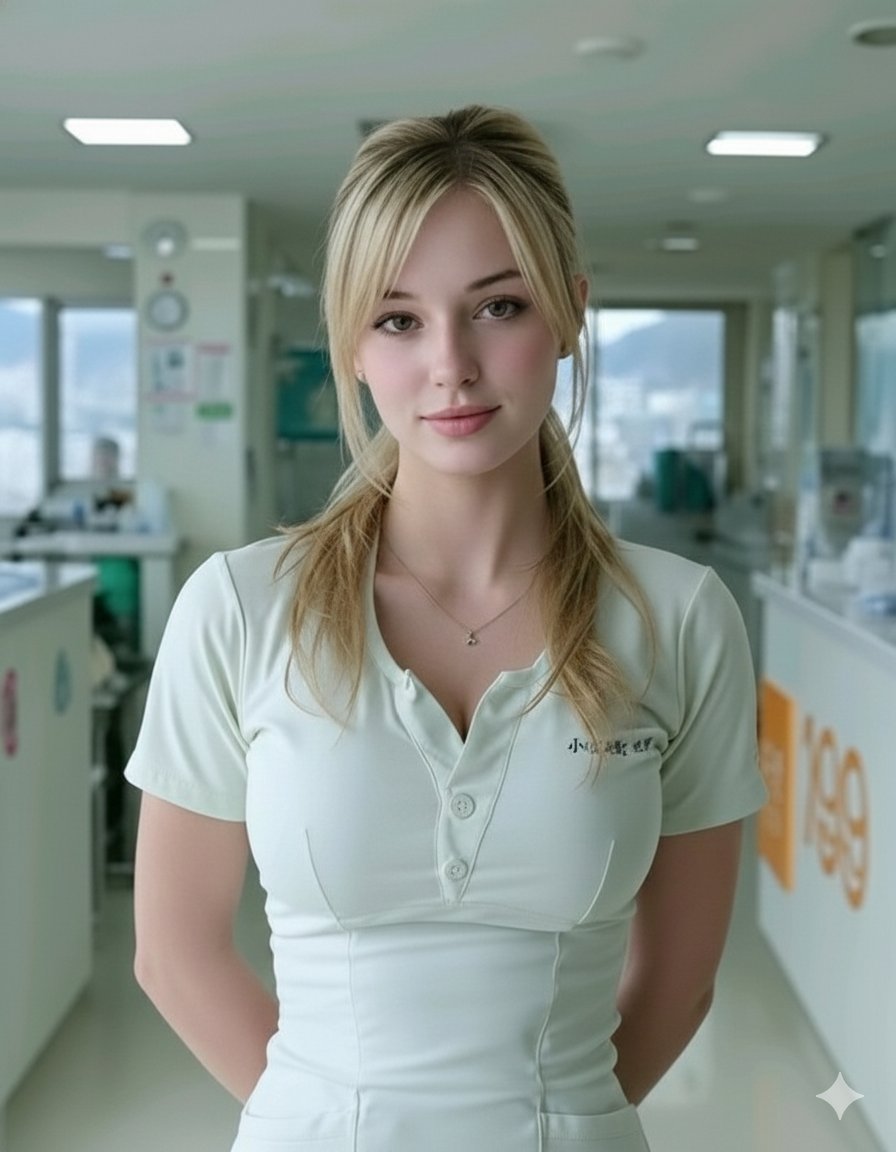
Photorealistic Portrait of a Nurse in a Modern Hospital

Layered Papercraft Chibi World
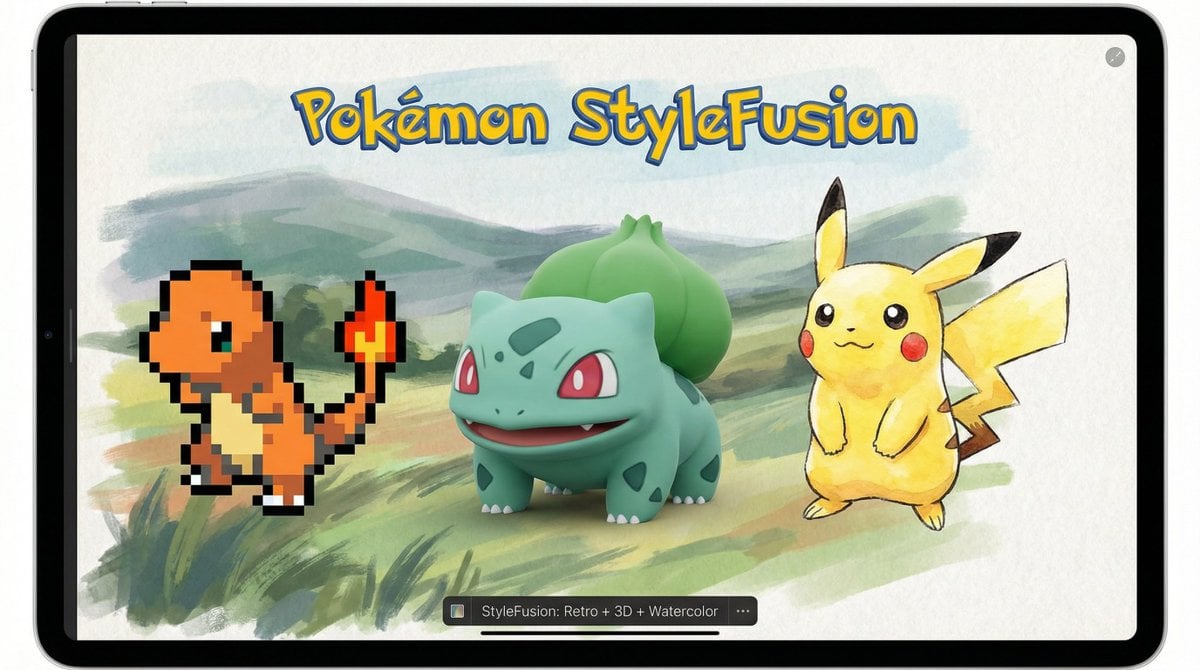
Pokémon Style Fusion Promo
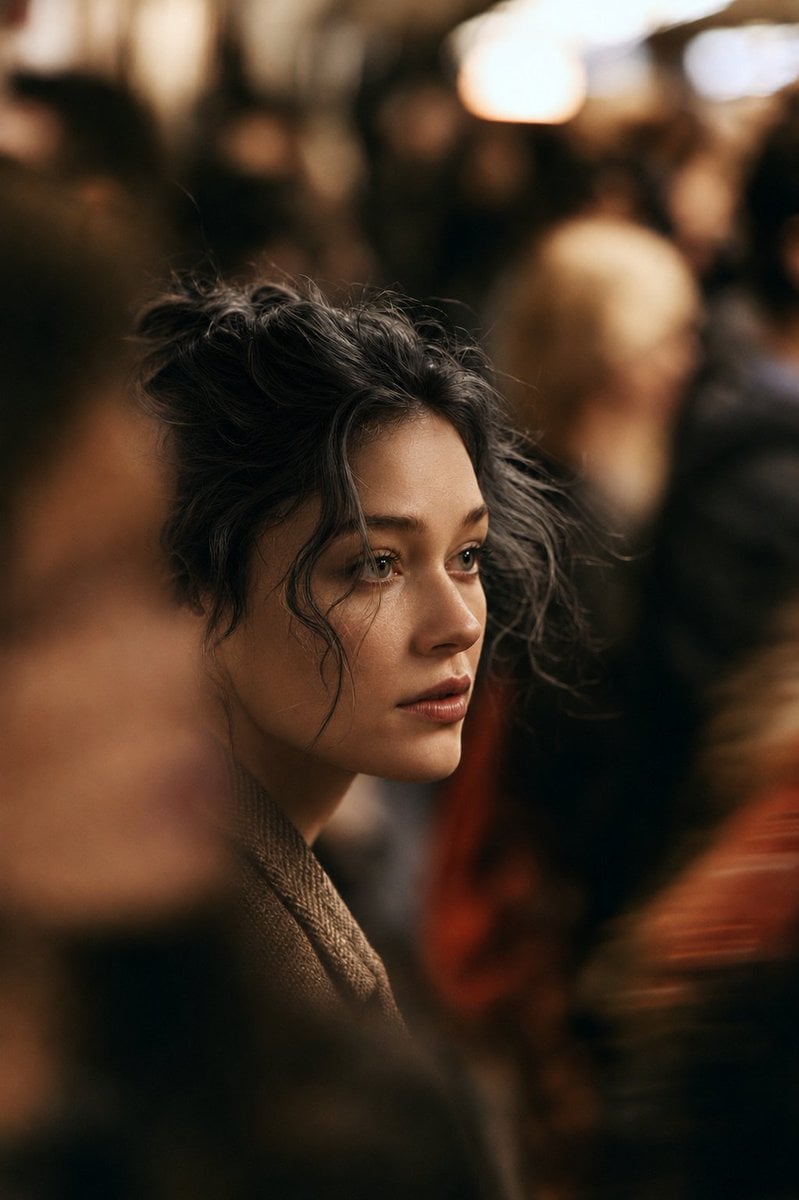
Cinematic Night City Street Portrait
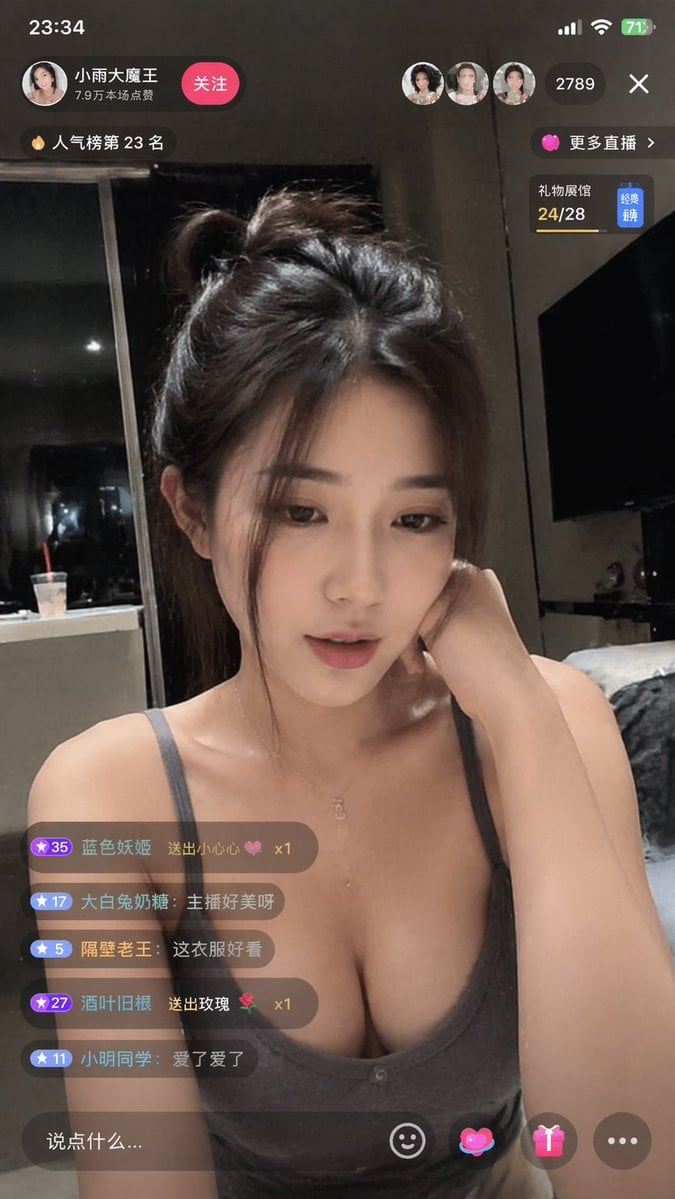
Douyin Live Stream Interface

Creating LINE Stickers with Nano Banana 2
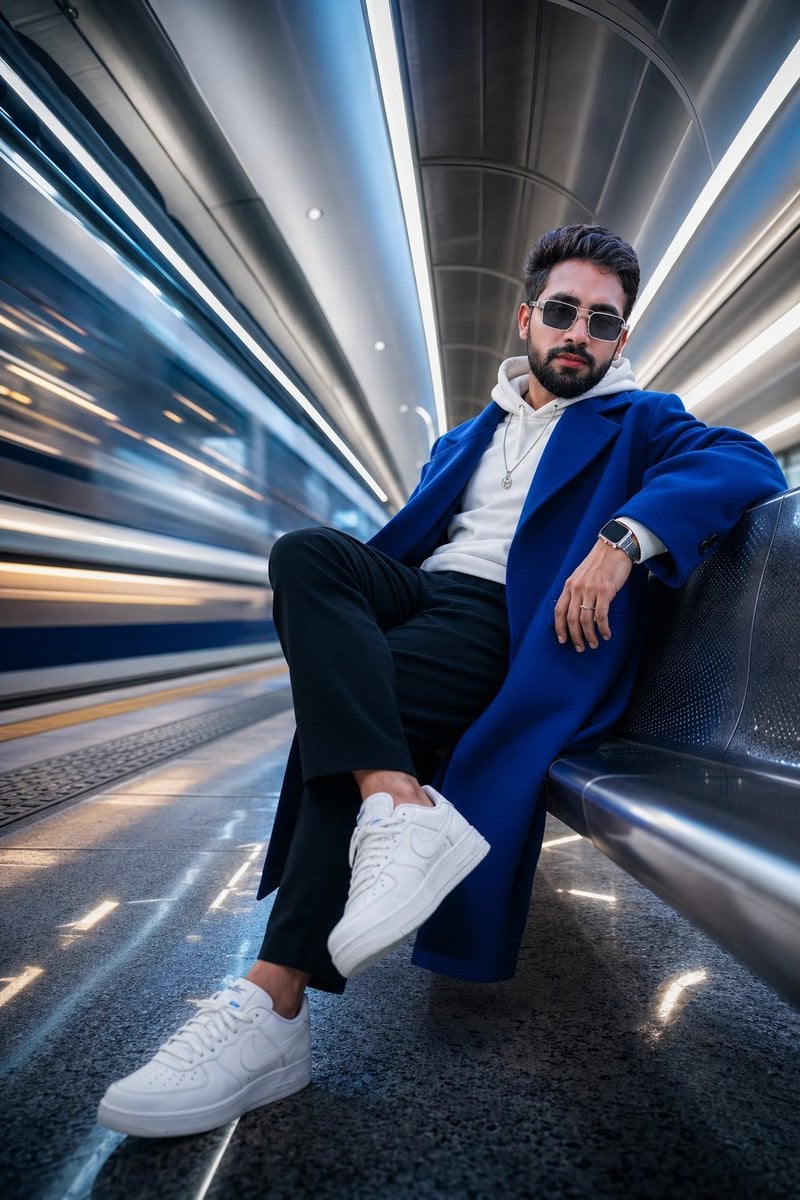
Futuristic Metro Station Fashion Shoot
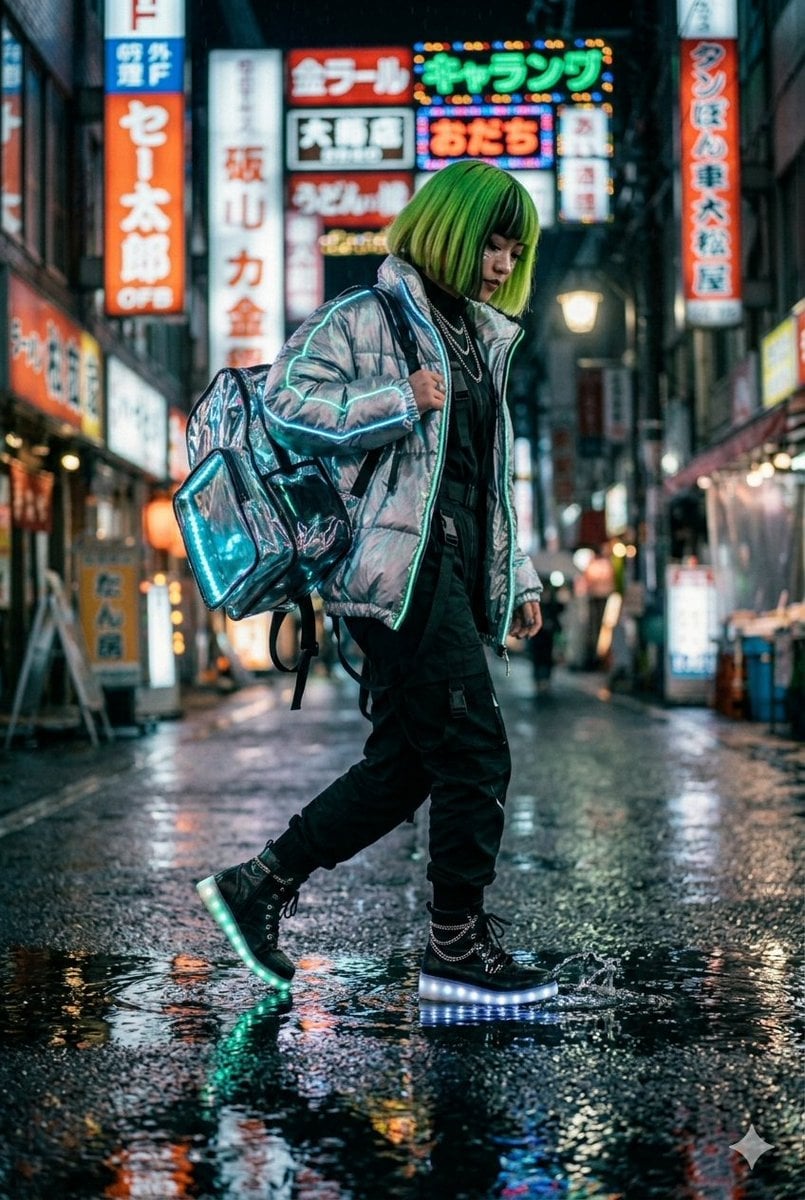
Cyberpunk Techwear Street Shot
Watercolor Map Generation Prompt
Scandinavian Folk-Art Depiction
Browse template categories
Dancing Couple on Cliffside House questions
How do I use the Dancing Couple on Cliffside House template?
Add your photo if the template asks for one, edit the prompt if you like — the template's model and format are already selected — and press Generate. Your version opens in PicX Studio.
Can I customize the Dancing Couple on Cliffside House template?
Yes. You can change the subject, setting, lighting, mood, format, and available model controls before creating your image.
Is the Dancing Couple on Cliffside House template free?
Opening and editing this template is free. Generating uses credits, shown on the Generate button when you are signed in.
Which AI model should I use?
Start with GPT Image 2, which is the model associated with this template. You can compare another compatible model for a different finish.
Looking for something else? Browse all templates.

Your photo, any look
Thousands of ready templates for every top image and video model, from one credit balance.