
Gorpcore Editorial: Extreme Worm's-Eye View of Hiking Boot
A highly detailed prompt for generating an ultra-photorealistic, high-end gorpcore editorial image.
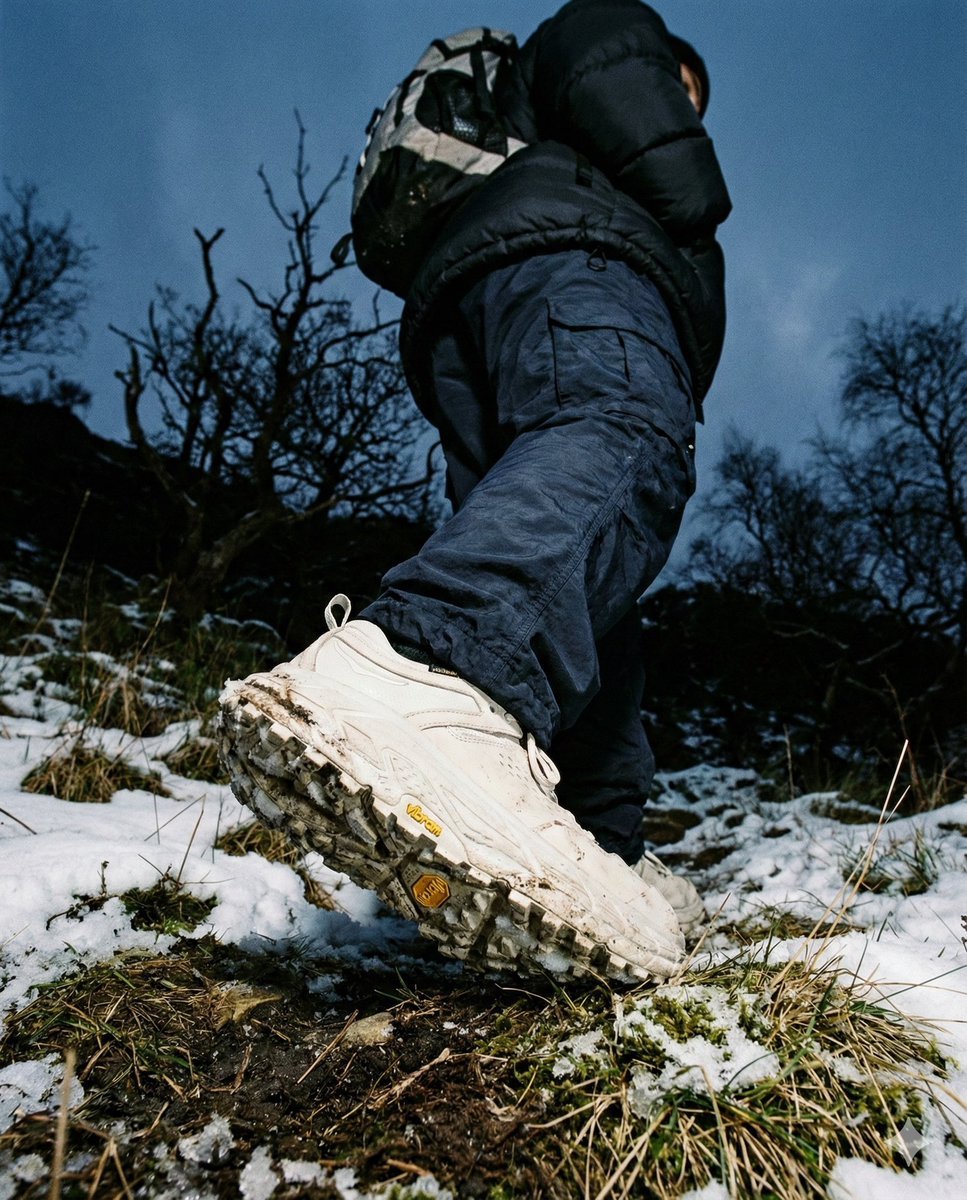
- Prompt included
- Model and format preset
- Premium template
The prompt behind this image
Copy the exact prompt behind Gorpcore Editorial: Extreme Worm's-Eye View of Hiking Boot, or open it in the studio and make it yours.
- Meta › Aspect Ratio
- 4:5
- Meta › Quality
- ultra_photorealistic
- Meta › Resolution
- 8k
- Meta › Camera
- Sony A7R IV
- Meta › Lens
- 16mm ultra-wide angle macro
- Meta › Style
- high-end gorpcore editorial, flash photography in nature, dark moody aesthetic, tactile realism
- Scene › Location
- rugged mountain terrain at twilight
- Scene › Environment
- dark snowy landscape, patches of moss and dry grass in extreme foreground, gnarled bare tree branches in silhouette, overcast dark blue sky
- Scene › Time
- blue hour / dusk
- Scene › Atmosphere
- cold, adventurous, cinematic gloom, heavy atmosphere
- Lighting › Type
- direct flash photography
- Lighting › Key Light
- strong camera-mounted flash illuminating the sole and pants
- Lighting › Ambient Light
- very low natural blue skylight
- Lighting › Contrast
- high contrast between the illuminated shoe/legs and the dark background
- Lighting › Shadows
- deep, crushing shadows in the upper frame
- Lighting › Reflection
- subtle wet highlights on the rubber sole and synthetic fabric
- Camera Perspective › Pov
- extreme worm's-eye view (ground level)
- Camera Perspective › Angle
- looking straight up at the heel
- Camera Perspective › Framing
- macro focus on the shoe sole, legs towering above
- Camera Perspective › Distance
- immediate foreground (<10cm from the sole)
- Camera Perspective › Motion
- frozen mid-step action, dynamic walking pose
- Subject › Type
- hiker / outdoor explorer
- Subject › Orientation
- walking away from camera
- Subject › Focus Point
- right foot shoe sole
Raw JSON
{
  "meta": {
    "aspect_ratio": "4:5",
    "quality": "ultra_photorealistic",
    "resolution": "8k",
    "camera": "Sony A7R IV",
    "lens": "16mm ultra-wide angle macro",
    "style": "high-end gorpcore editorial, flash photography in nature, dark moody aesthetic, tactile realism"
  },

  "scene": {
    "location": "rugged mountain terrain at twilight",
    "environment": [
      "dark snowy landscape",
      "patches of moss and dry grass in extreme foreground",
      "gnarled bare tree branches in silhouette",
      "overcast dark blue sky"
    ],
    "time": "blue hour / dusk",
    "atmosphere": "cold, adventurous, cinematic gloom, heavy atmosphere"
  },

  "lighting": {
    "type": "direct flash photography",
    "key_light": "strong camera-mounted flash illuminating the sole and pants",
    "ambient_light": "very low natural blue skylight",
    "contrast": "high contrast between the illuminated shoe/legs and the dark background",
    "shadows": "deep, crushing shadows in the upper frame",
    "reflection": "subtle wet highlights on the rubber sole and synthetic fabric"
  },

  "camera_perspective": {
    "pov": "extreme worm's-eye view (ground level)",
    "angle": "looking straight up at the heel",
    "framing": "macro focus on the shoe sole, legs towering above",
    "distance": "immediate foreground (<10cm from the sole)",
    "motion": "frozen mid-step action, dynamic walking pose"
  },

  "subject": {
    "type": "hiker / outdoor explorer",
    "orientation": "walking away from camera",
    "focus_point": "right foot shoe sole",

    "outfit": {
      "pants": {
        "type": "technical oversized cargo trousers",
        "material": "waterproof GORE-TEX or nylon",
        "color": "dark navy or black",
        "texture": "crinkled, baggy fit, gathering around the ankles",
        "details": "visible fabric tension and folds"
      },
      "jacket": {
        "type": "heavy down puffer jacket",
        "color": "black",
        "fit": "oversized, bulky silhouette"
      },
      "backpack": {
        "type": "technical hiking pack",
        "visibility": "partial, black, sitting high on back"
      }
    },

    "footwear_details": {
      "type": "chunky technical hiking sneaker / boot",
      "color": "off-white / cream outsole",
      "sole_design": "aggressive traction lugs, deep grooves",
      "branding": "distinct yellow octagonal Vibram logo embedded in the mid-sole",
      "condition": "slightly used, traces of wet mud and snow in the treads",
      "texture": "matte rubber with granular detail"
    }
  },

  "details": {
    "foreground_textures": {
      "ground": "mixture of melting snow, dark soil, and reddish-brown moss",
      "plants": "sharp focus on small twigs and moss directly under the shoe"
    },
    "imperfections": [
      "mud specs on the white sole",
      "uneven stitching on the pants",
      "natural fabric bunching",
      "film grai"
    ]
  }
}How to use Gorpcore Editorial: Extreme Worm's-Eye View of Hiking Boot in 3 steps
- 1
Open
The prompt is already in the box next to the preview, with the template's model and format selected.
- 2…a portrait of your subject in softgolden-hour light, 85mm…
Personalize
Edit the subject and creative details for your destination.
- 3Generate
Generate
Press Generate — your image is created in PicX Studio, so you can compare it with the original and refine one variable at a time.
More like this
Templates with the same subject, style or setup. Open one to see its prompt.
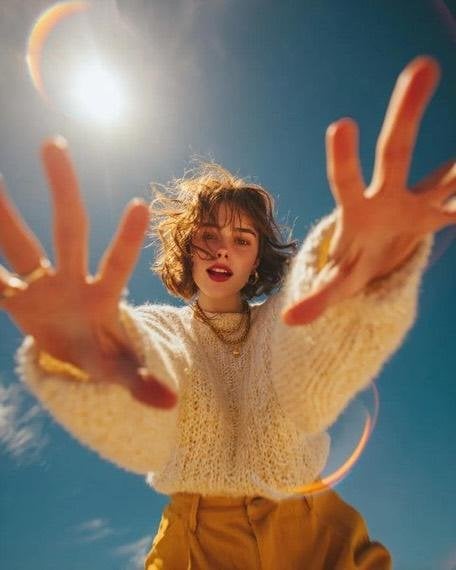
Worm's-Eye View Editorial Fashion Portrait
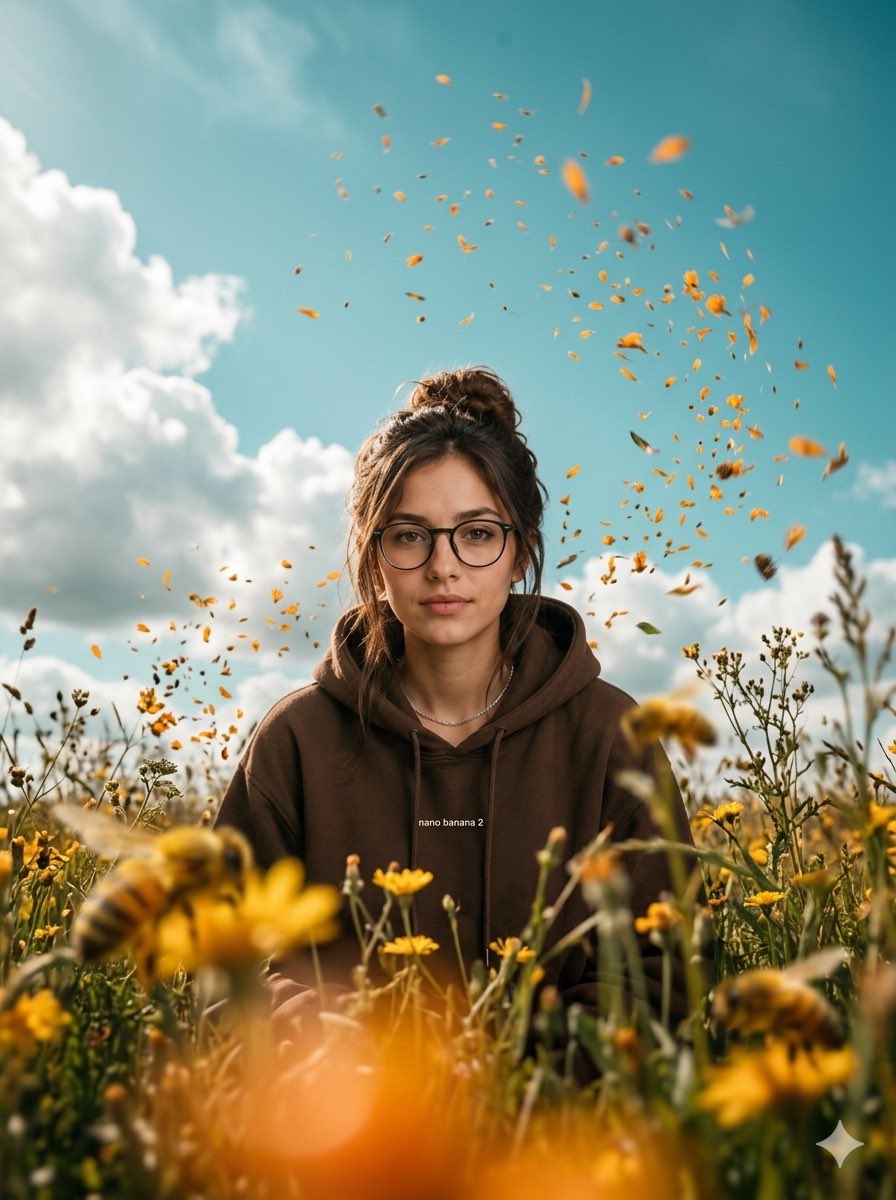
Cinematic Worm's-Eye View Field Portrait
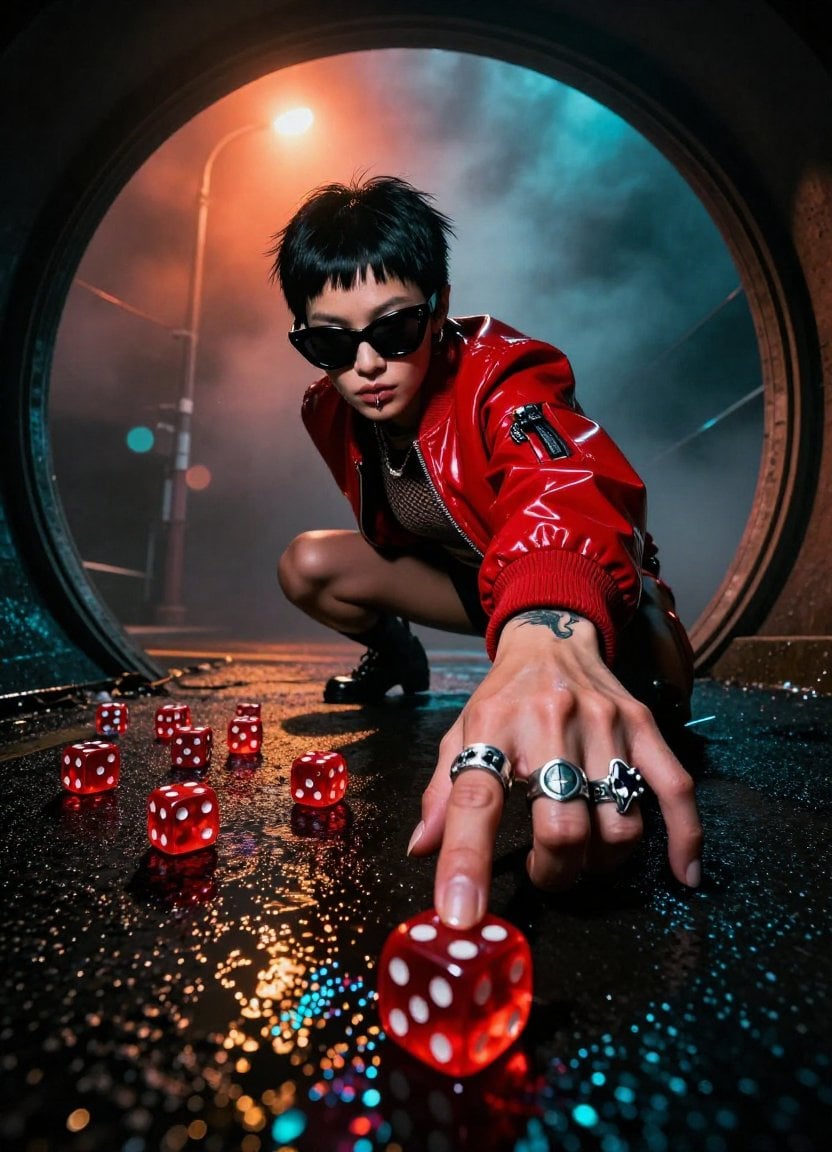
Enhanced Cinematic Noir Worm's-Eye View
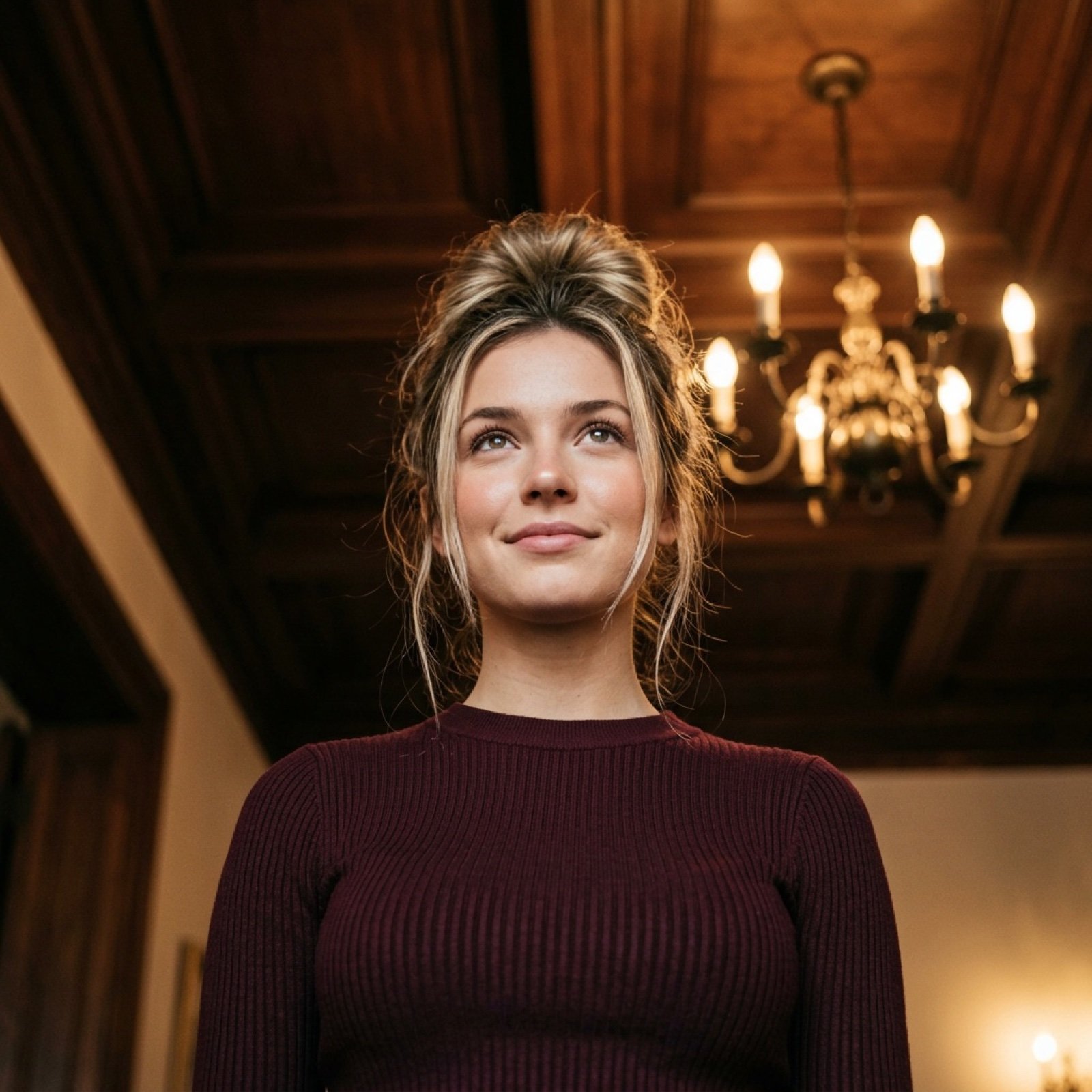
Worm's-Eye View Cinematic Portrait Prompt with Identity Lock
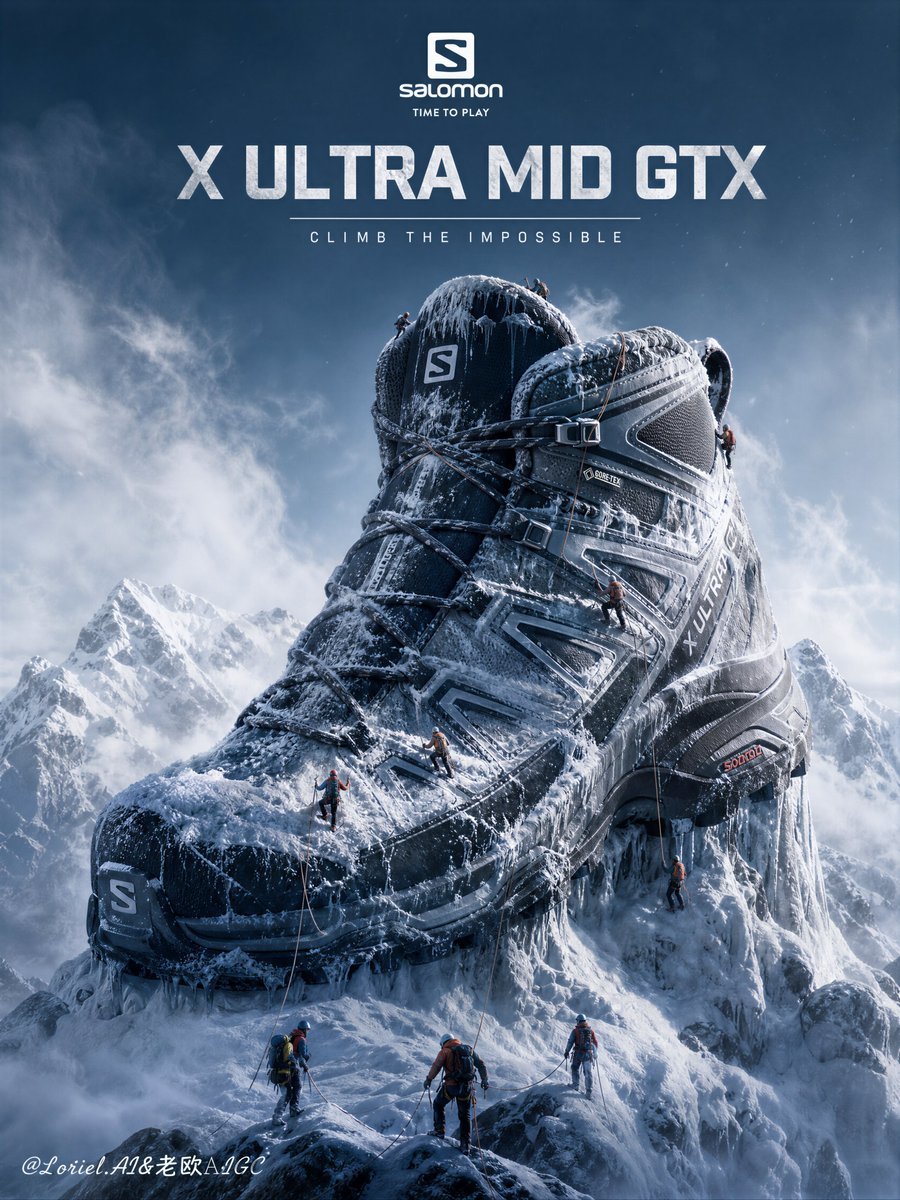
Hiking Boot Mountain Landscape Poster
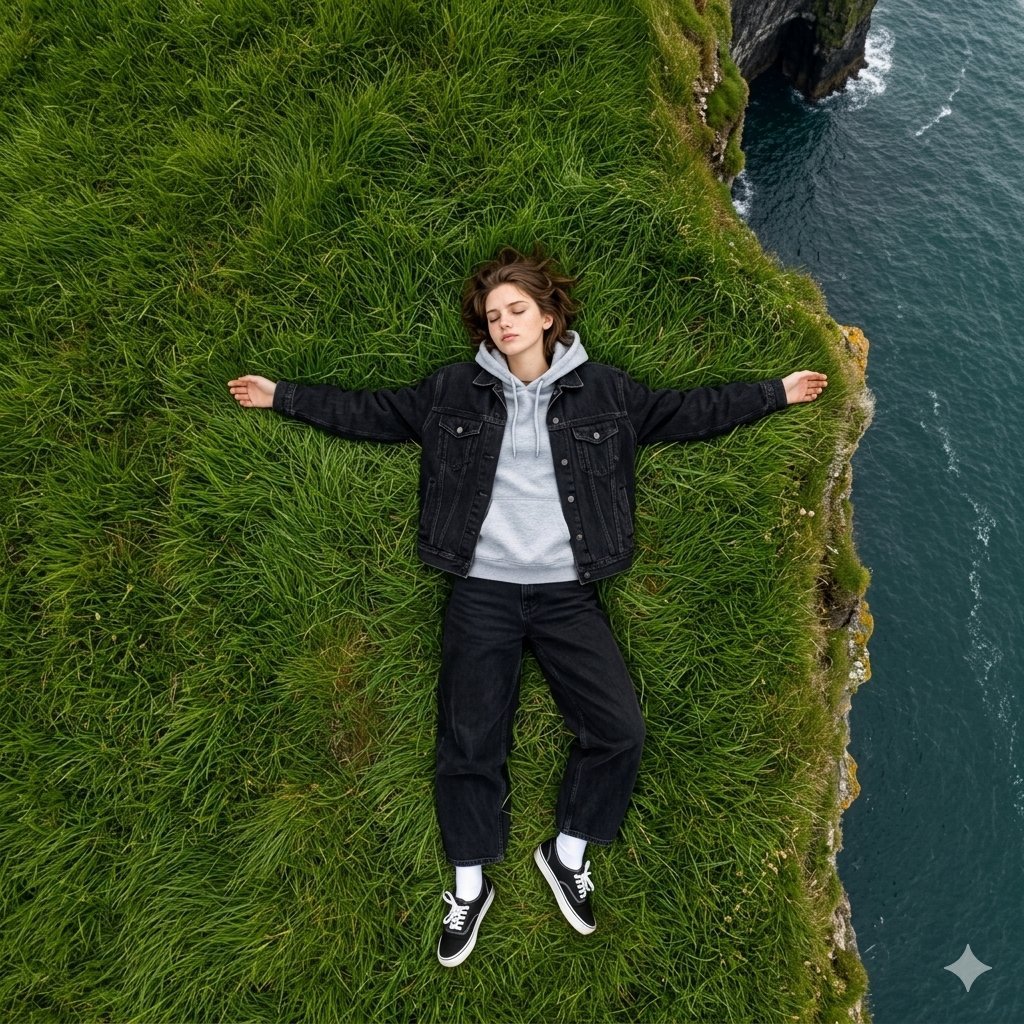
Bird's Eye View Coastal Portrait
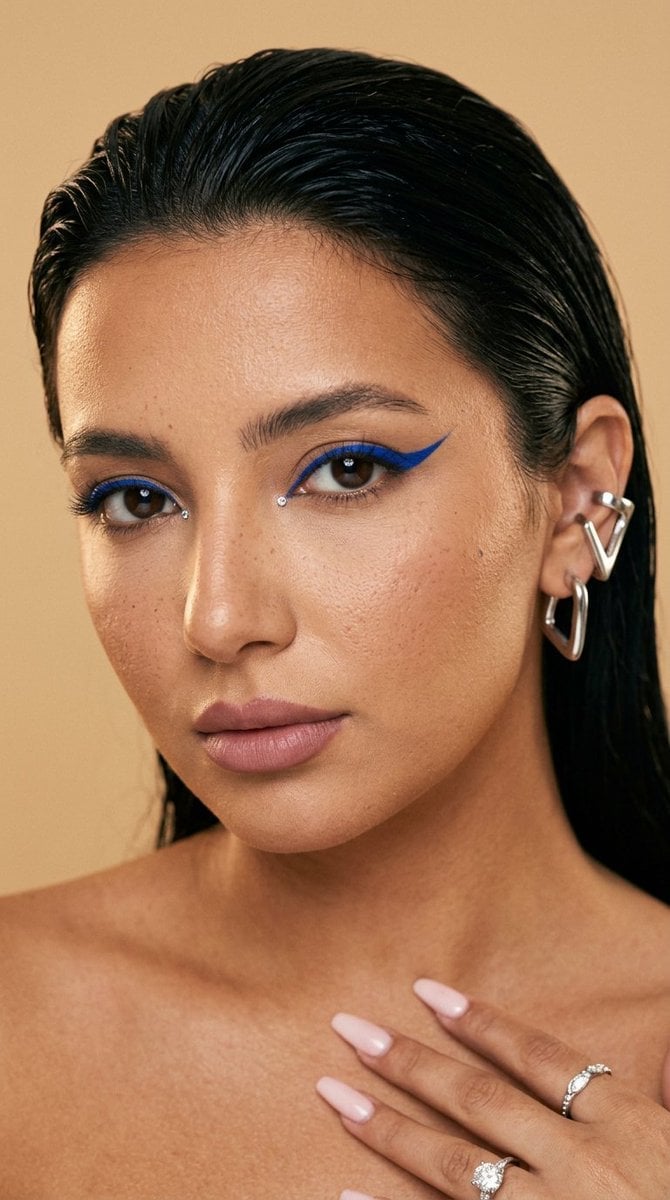
Editorial Beauty Cobalt Eyeliner Shot

Urban Fashion Editorial Collage Streetwear Poster

Monochrome Hypebeast Street Fashion Editorial Motion

Elegant Green Evening Gown Studio Fashion Portrait

Artistic Patchwork Fashion Portrait Spring Festival

Japanese Architectural Concrete Studio Fashion Campaign
Make it yours
Gorpcore Editorial: Extreme Worm's-Eye View of Hiking Boot works as-is. These are the safest ways to change it without losing the look.
Swap the setting
Keep the rest of the prompt and replace the location block. The current setting is “rugged mountain terrain at twilight”.
Swap the light
One lighting change is enough to compare takes. Current light: “direct flash photography”.
Change one field
Copy a single group, rewrite it, and generate again so you can see what that field is doing.
| If the result… | Why | Fix |
|---|---|---|
| The result drifts from the preview | Too many fields changed at once. | Reuse Gorpcore Editorial: Extreme Worm's-Eye View of Hiking Boot as-is first, then change one group — subject, light, or setting. |
| Nano Banana 2 ignores part of the JSON | Some models flatten or skip nested keys. | Keep the same values and paste them as a short paragraph instead. |
More Nano Banana 2 templates
Other prompts made for Nano Banana 2.

Photorealistic Leaf Shaped Like a Dragon

K-Pop Idol Portrait Grid for Rapid Selection

Poetic Rain Forest Portrait During Golden Hour

Urban Street Portrait with Cartoon Inner Self Duo

Candid Nighttime Photo with Cat Prompt

High-Concept 3D Diorama Generation Prompt

Cinematic Futuristic Studio Portrait Template

Skincare Editorial Photography Collage Prompt

Hyper-Realistic Commercial Product Photography (Splash Effect)

Hyper-Realistic Nightclub Portrait Prompt
More image prompts
Fresh picks from across the catalog.

Add Santa Hat to Profile Picture (Image-to-Image)
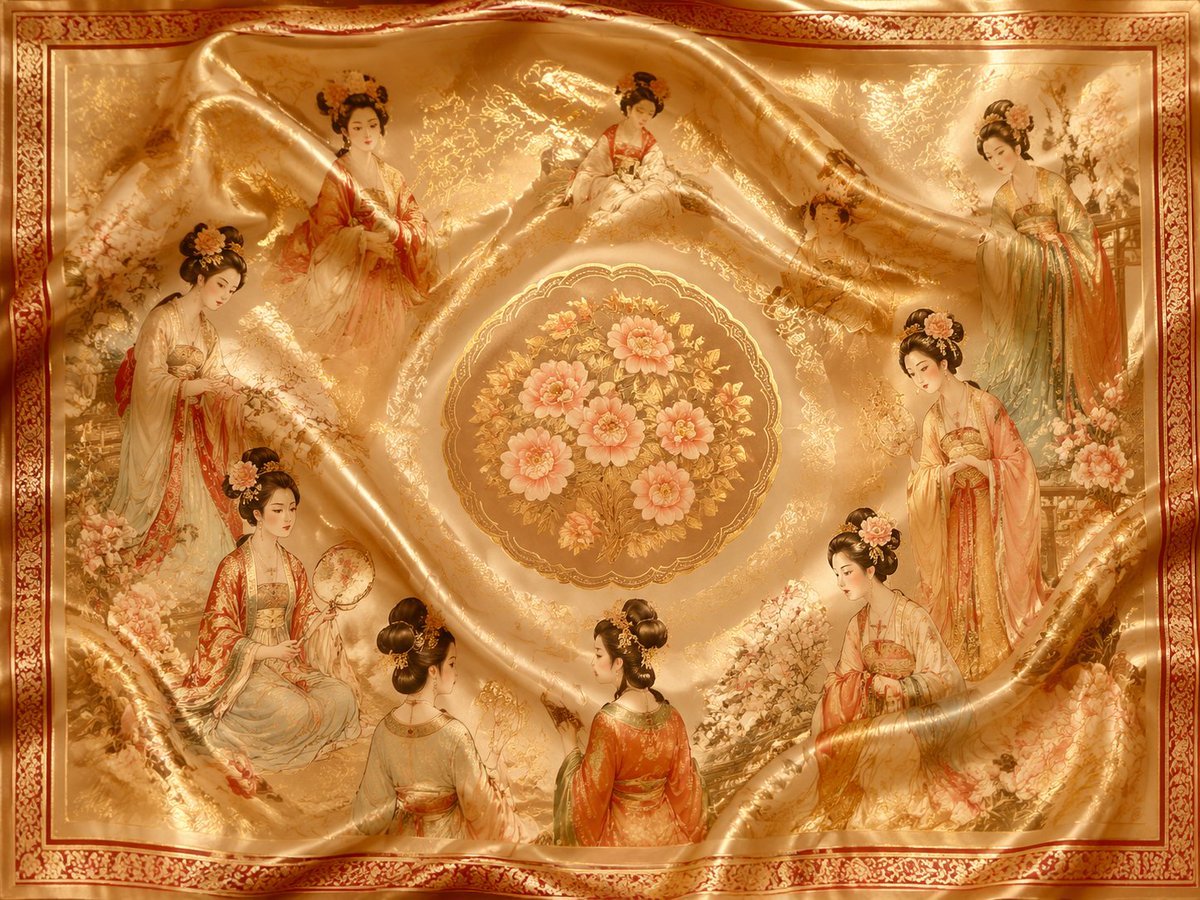
Chinese Traditional Luxury Product Design
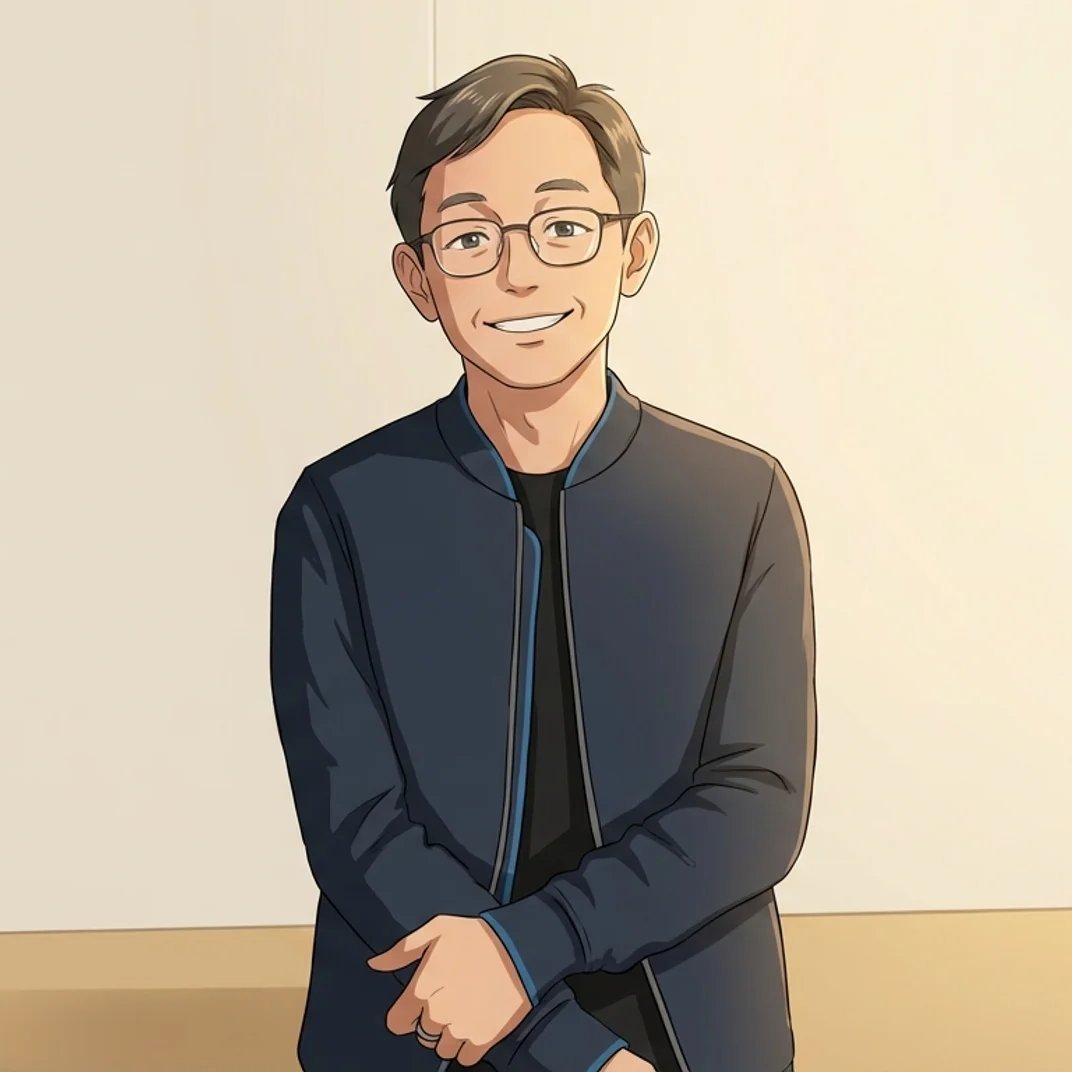
Anime Character Creation Prompt
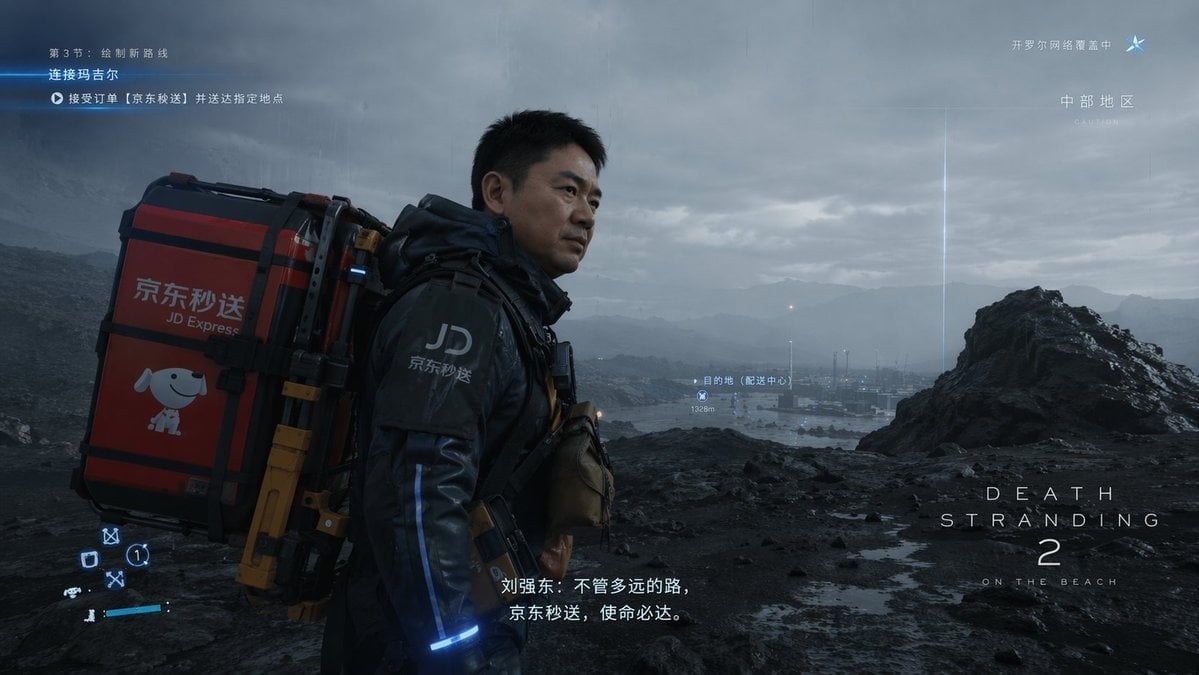
Cinematic Sci-Fi Delivery Game Screenshot
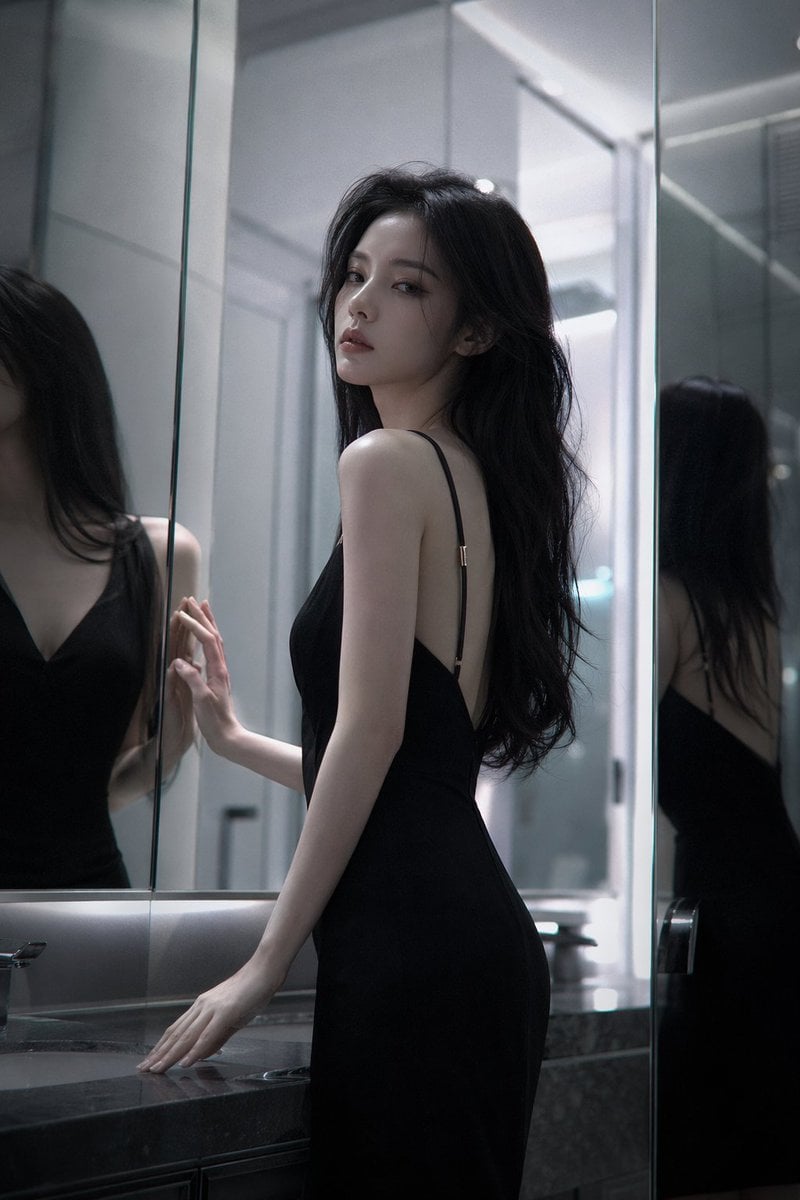
Atmospheric cold glamor mirror portrait
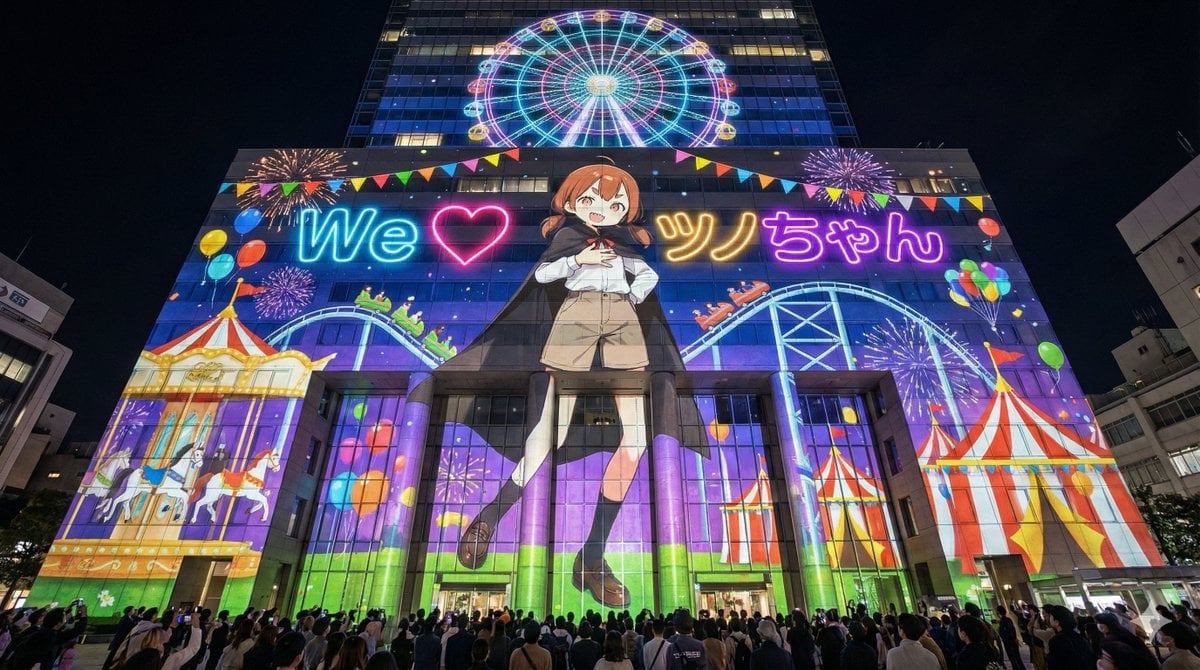
Projection Mapping Prompt for Nano Banana Pro (Amusement Park Theme)
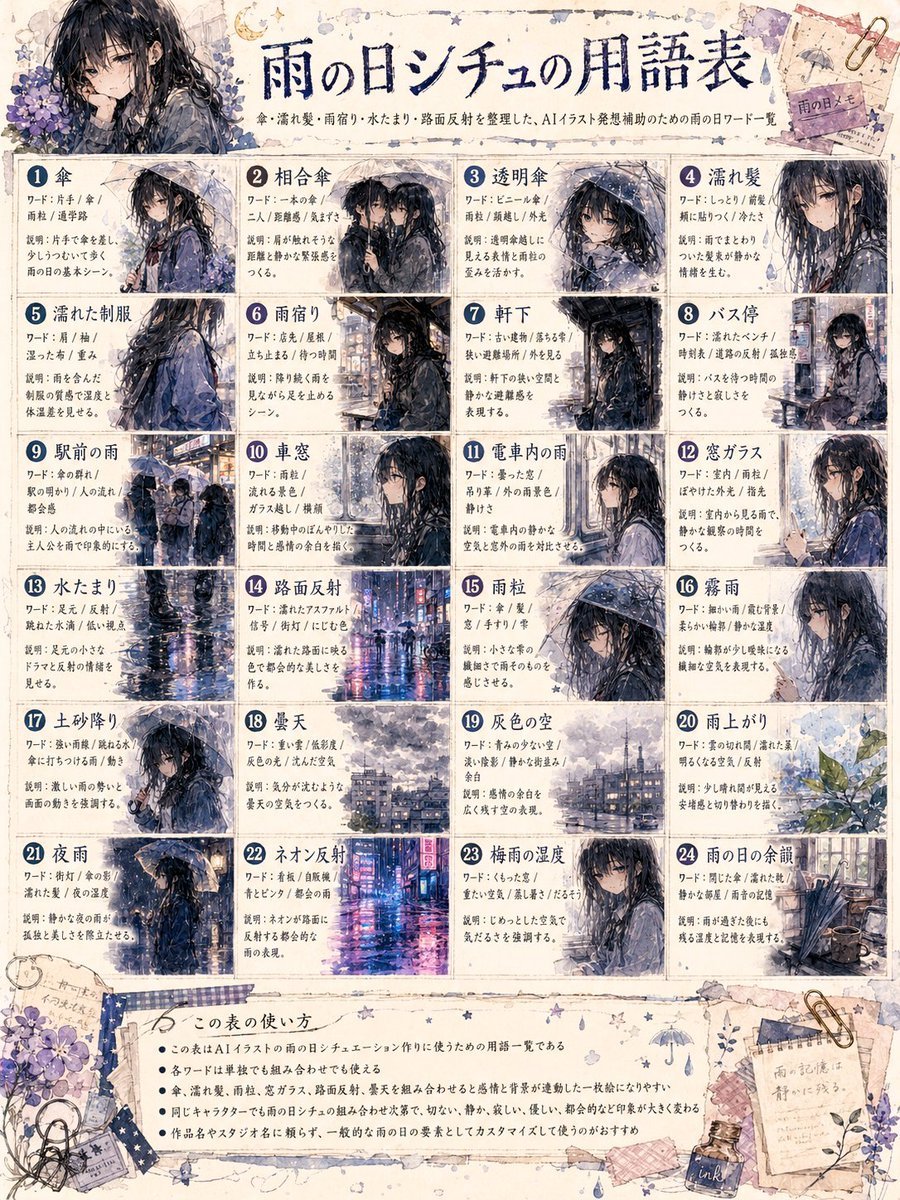
Rainy Day Anime Vocabulary Sheet
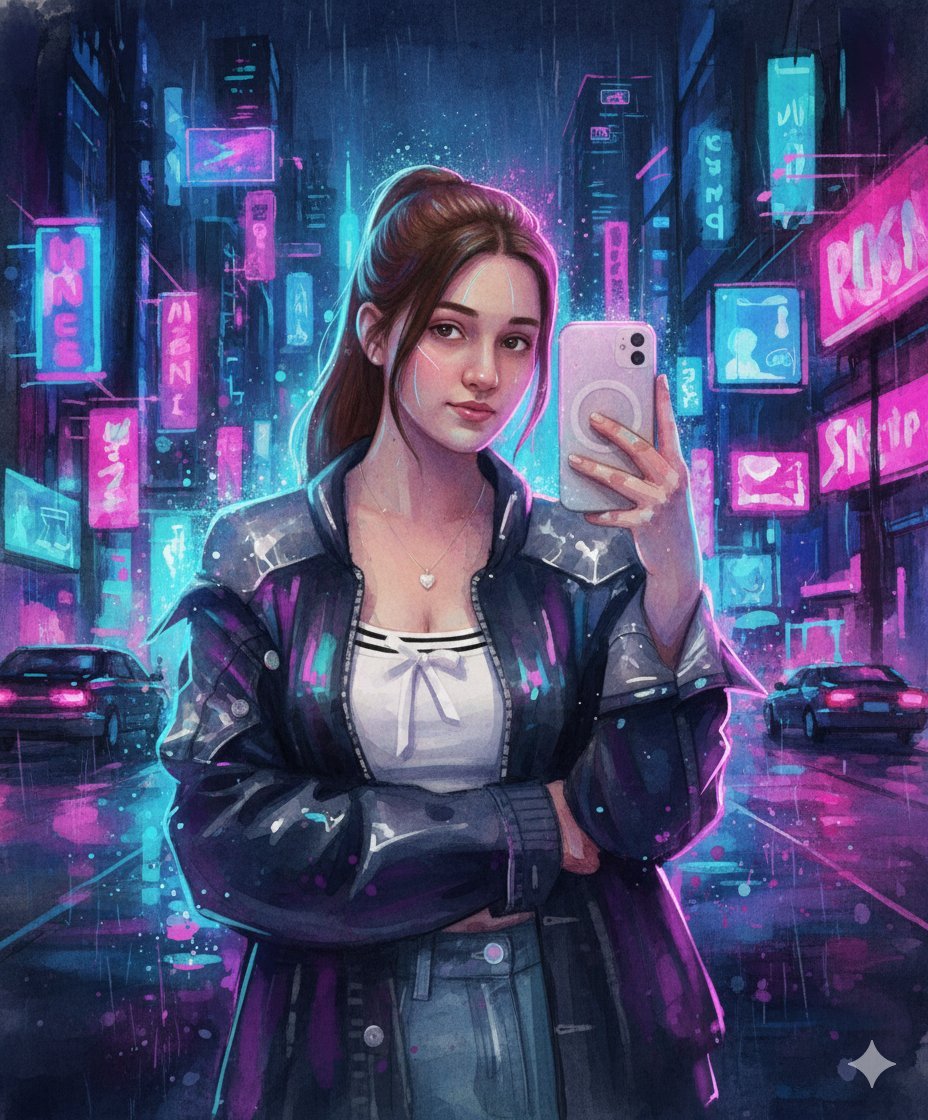
Neon Cyberpunk Watercolor Fusion Illustration Prompt
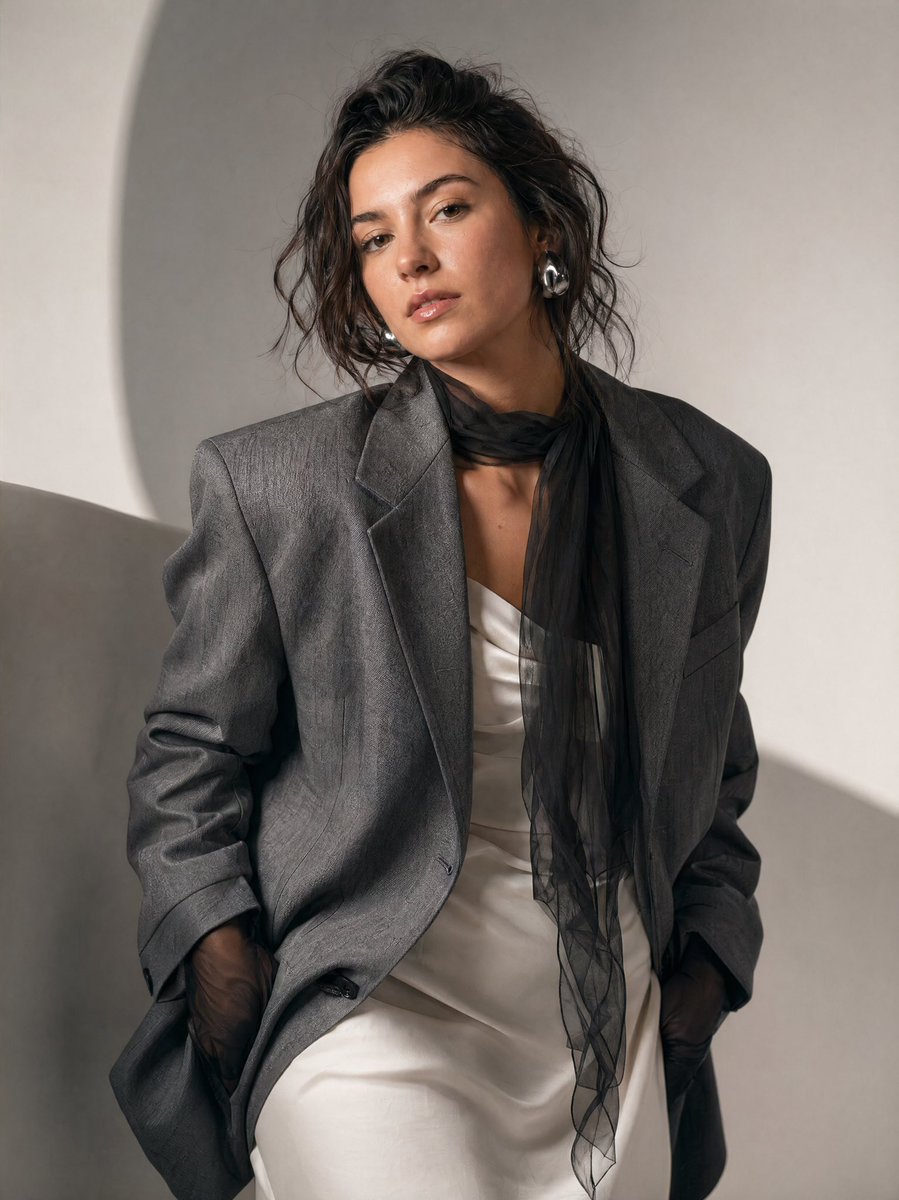
High-Fashion Editorial Portrait Prompt

Explosive Japanese X Monetization Thumbnail
Browse template categories
Gorpcore Editorial: Extreme Worm's-Eye View of Hiking Boot questions
How do I use the Gorpcore Editorial: Extreme Worm's-Eye View of Hiking Boot template?
Add your photo if the template asks for one, edit the prompt if you like — the template's model and format are already selected — and press Generate. Your version opens in PicX Studio.
Can I customize the Gorpcore Editorial: Extreme Worm's-Eye View of Hiking Boot template?
Yes. You can change the subject, setting, lighting, mood, format, and available model controls before creating your image.
Is the Gorpcore Editorial: Extreme Worm's-Eye View of Hiking Boot template free?
Opening and editing this template is free. Generating uses credits, shown on the Generate button when you are signed in.
Which AI model should I use?
Start with Nano Banana 2, which is the model associated with this template. You can compare another compatible model for a different finish.
Looking for something else? Browse all templates.

Your photo, any look
Thousands of ready templates for every top image and video model, from one credit balance.