
Enhanced Cinematic Noir Worm's-Eye View
An extremely detailed, technical prompt for generating a cinematic neo-noir image using an extreme worm's-eye view from inside a drainage pipe.
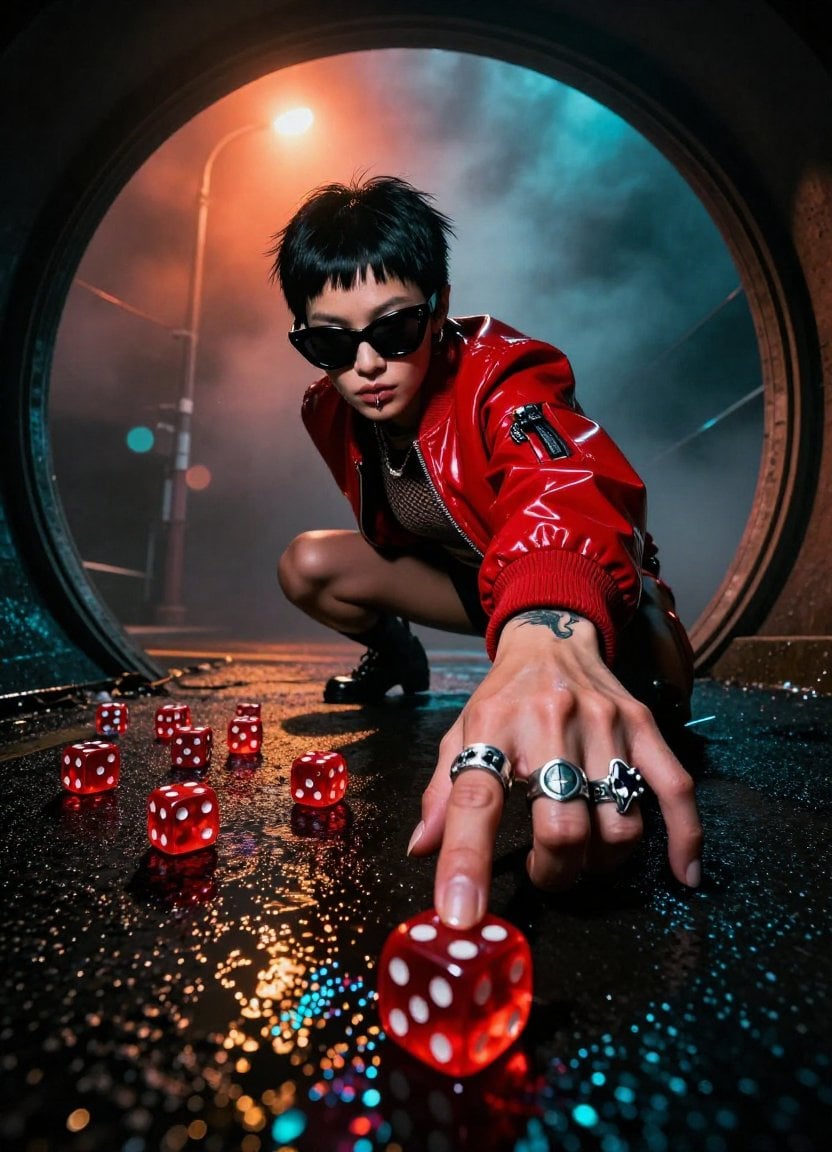
- Prompt included
- Model and format preset
- Free template
The prompt behind this image
Copy the exact prompt behind Enhanced Cinematic Noir Worm's-Eye View, or open it in the studio and make it yours.
Subject & Wardrobe: A striking Asian female with a razor-sharp jet-black pixie cut (textured with pomade, asymmetrical fringe grazing her right brow), sporting matte-black oversized cat-eye sunglasses (acetate frames with micro-scratches). Her fingers are adorned with 5 silver rings: a skull signet, a serpent coil, a geometric cube, a band with etched runes, and a cracked obsidian stone. She wears a crimson vinyl bomber jacket (high-gloss, ribbed cuffs), collar popped, catching the backlight like liquid fire. Beneath, a sleeveless mesh top reveals a dragon tattoo creeping up her forearm. Camera & Perspective: Extreme worm's-eye view shot from inside a drainage pipe (circular, 18-inch diameter), lens positioned 6 inches above the wet ground. Forced perspective distortion makes her hand a monumental, terrifying presence—fingers elongated, knuckles massive, veins bulging. The circular frame vignettes the image, creating a keyhole peep-show effect. Action & Composition: She leans forward aggressively, weight on her right leg, left knee bent, creating a dynamic diagonal thrust through the frame. Her right hand lunges toward camera, fingers splayed, index finger extended, casting a shadow that eclipses the dice. Her face is 3/4 obscured by the sunglasses and hair; only her pierced lower lip (silver hoop) and clenched jaw are visible, exuding predatory focus. Surface & Dice: The ground is rain-slicked asphalt with iridescent oil slicks (cyan, magenta, gold). 12 translucent red casino dice (precision-edged, pips glowing like embers) are scattered in chaotic abandon—some stacked, some mid-roll. Water beads cling to them, refracting light. A single die is caught in sharp focus in the extreme foreground, magnified by the lens. Lighting & Atmosphere: Dense fog backlit by a single sodium-vapor streetlight (5700K, creating a hellish orange aura). Volumetric light rays pierce the fog, haloing her jacket. Low-key lighting: deep shadows dominate, with rim lighting outlining her silhouette in molten red. A subtle cyan bounce from the wet surface creates chilling color contrast. Lens flare: anamorphic horizontal streaks and circular bokeh orbs. Technical Specs: Shot on ARRI Alexa 65, 12mm Laowa Probe Lens (f/2. 8, 1/1000s shutter), 8K resolution, ISO 6400 for grit. Deep focus from foreground die to her face. Cinematic aspect ratio: 2. 39:1 (though can be cropped to 4:5). Shot in Log-C, graded with Teal & Orange + Neon Noir LUT. Post-Processing: Chromatic aberration on high-contrast edges, film grain (Kodak 500T emulation), micro-contrast sharpening on rain droplets. Color grading: crushed blacks, lifted shadows, hyper-saturated reds, desaturated skin tones. Subtle vignette from the pipe's darkness. Mood & Narrative: Neo-noir tension — a high-stakes underground gamb
How to use Enhanced Cinematic Noir Worm's-Eye View in 3 steps
- 1
Open
The prompt is already in the box next to the preview, with the template's model and format selected.
- 2…a portrait of your subject in softgolden-hour light, 85mm…
Personalize
Edit the subject and creative details for your destination.
- 3Generate
Generate
Press Generate — your image is created in PicX Studio, so you can compare it with the original and refine one variable at a time.
More like this
Templates with the same subject, style or setup. Open one to see its prompt.
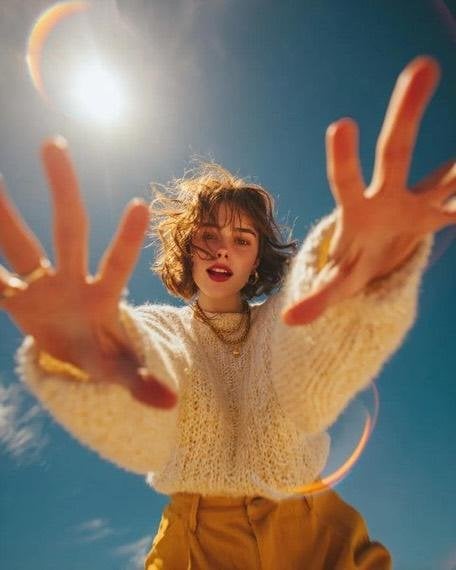
Worm's-Eye View Editorial Fashion Portrait
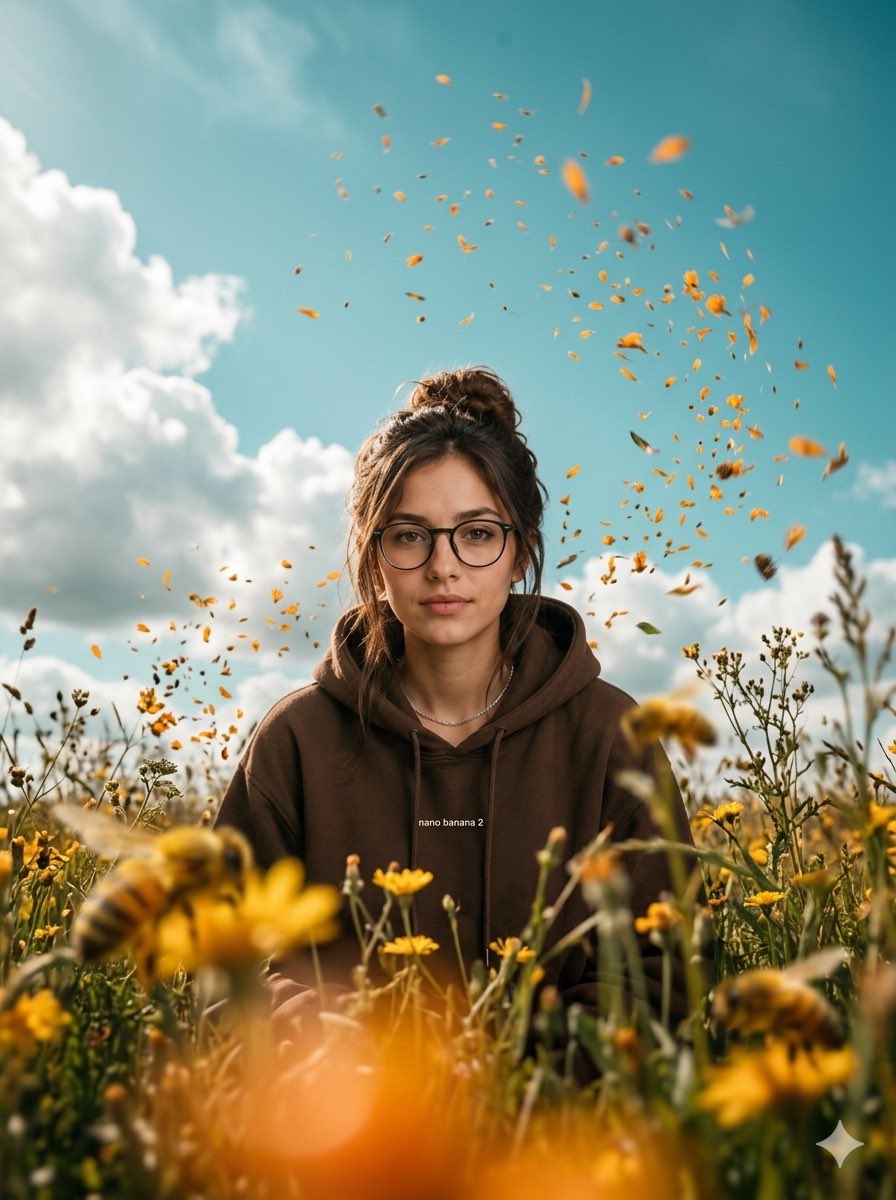
Cinematic Worm's-Eye View Field Portrait
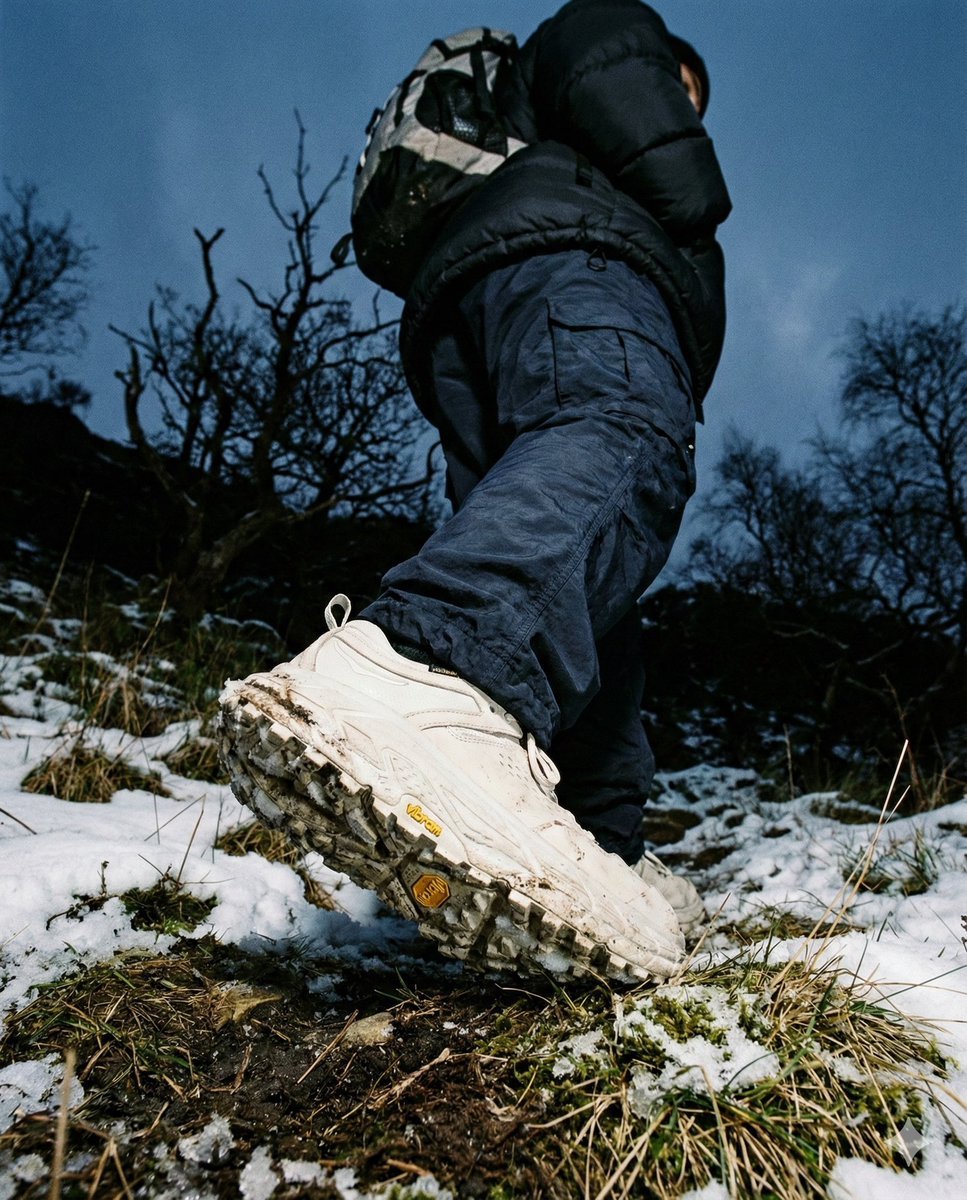
Gorpcore Editorial: Extreme Worm's-Eye View of Hiking Boot
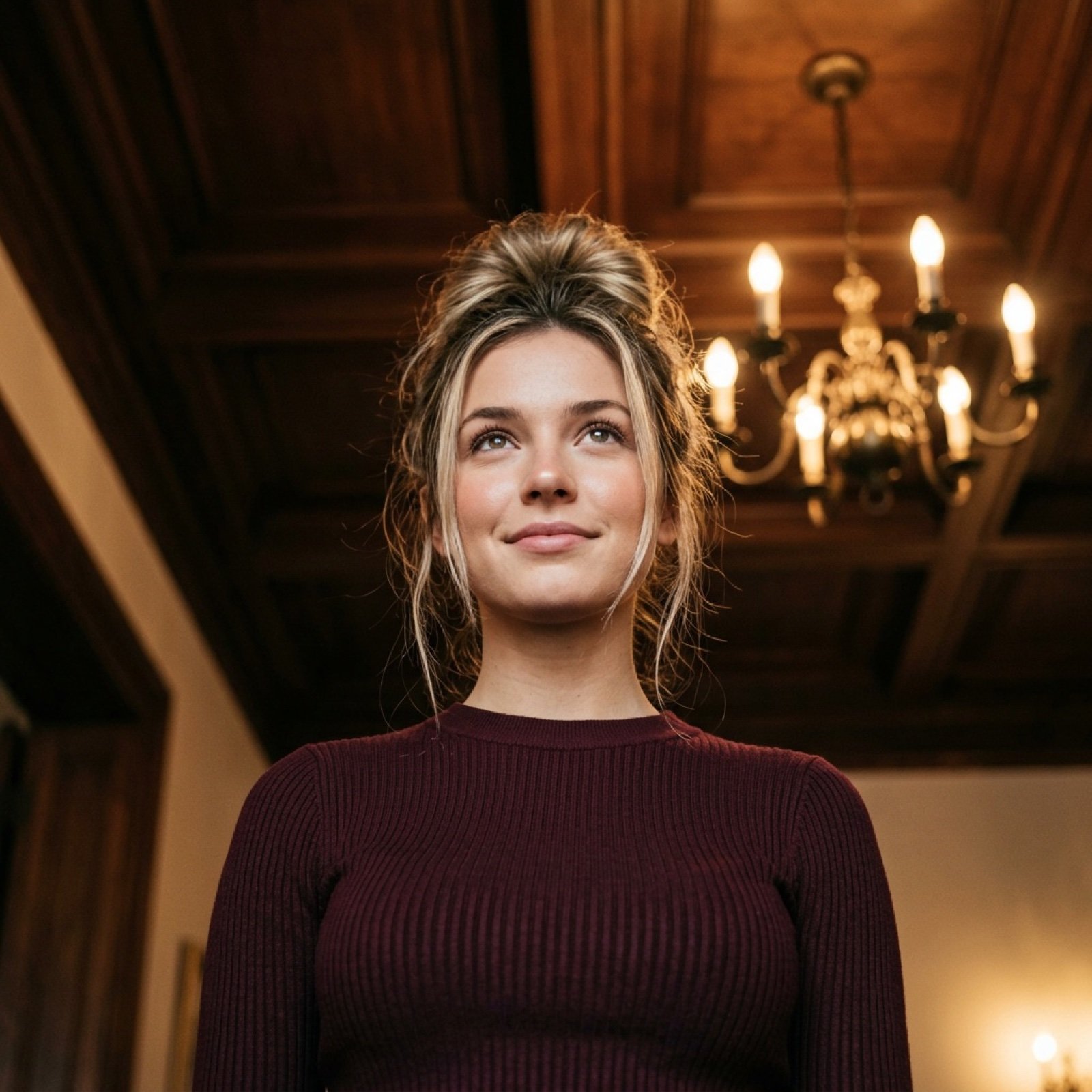
Worm's-Eye View Cinematic Portrait Prompt with Identity Lock
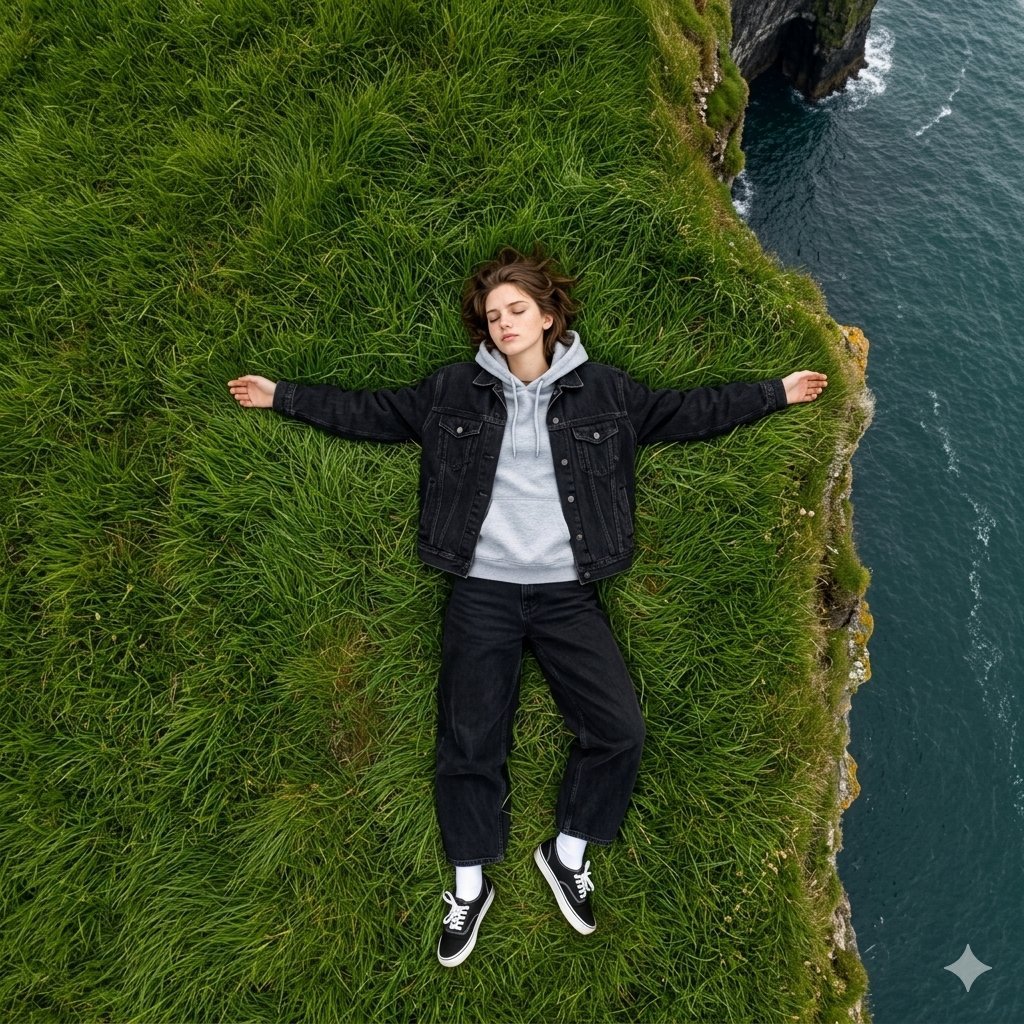
Bird's Eye View Coastal Portrait
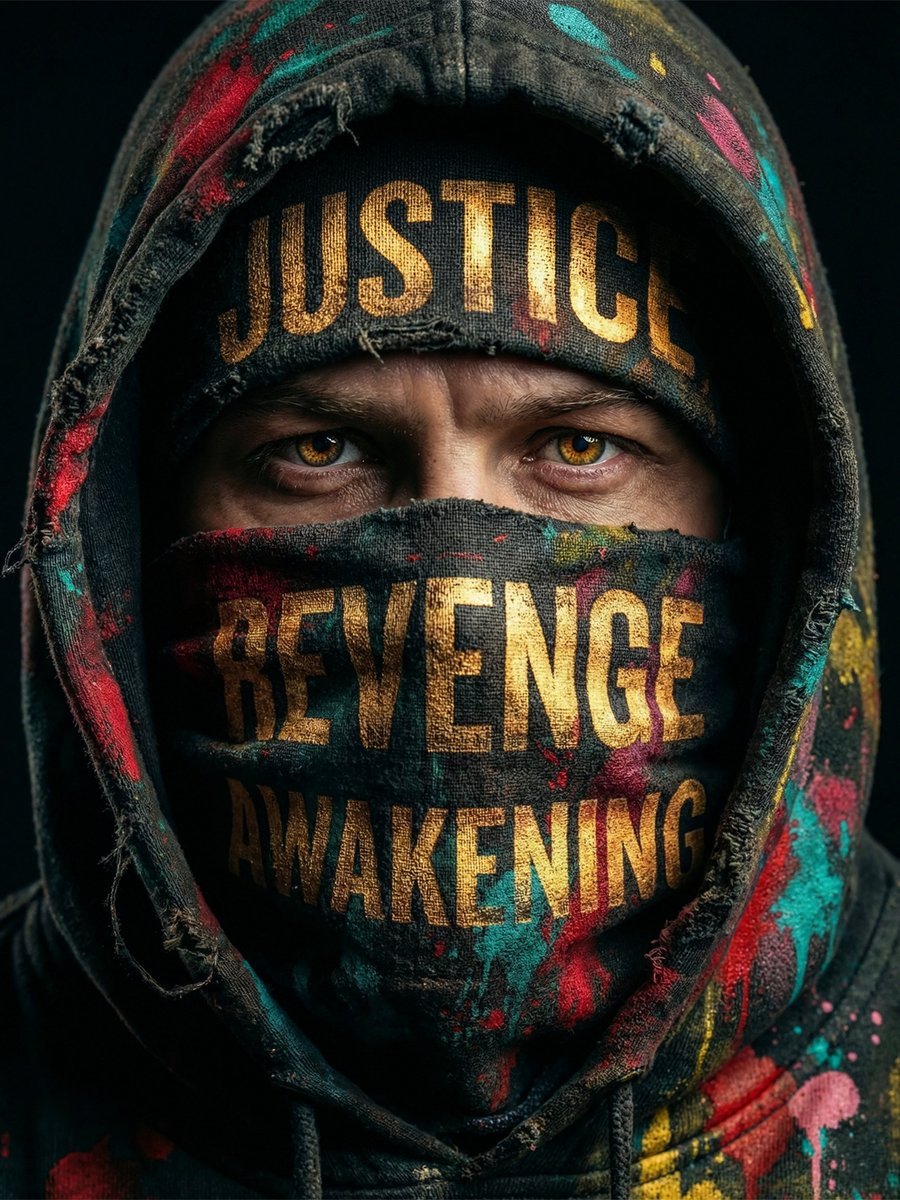
Noir Justice Revenge Awakening Portrait
Masked Vigilante Noir Poster

Spider-Man Noir Detective Rain Alley
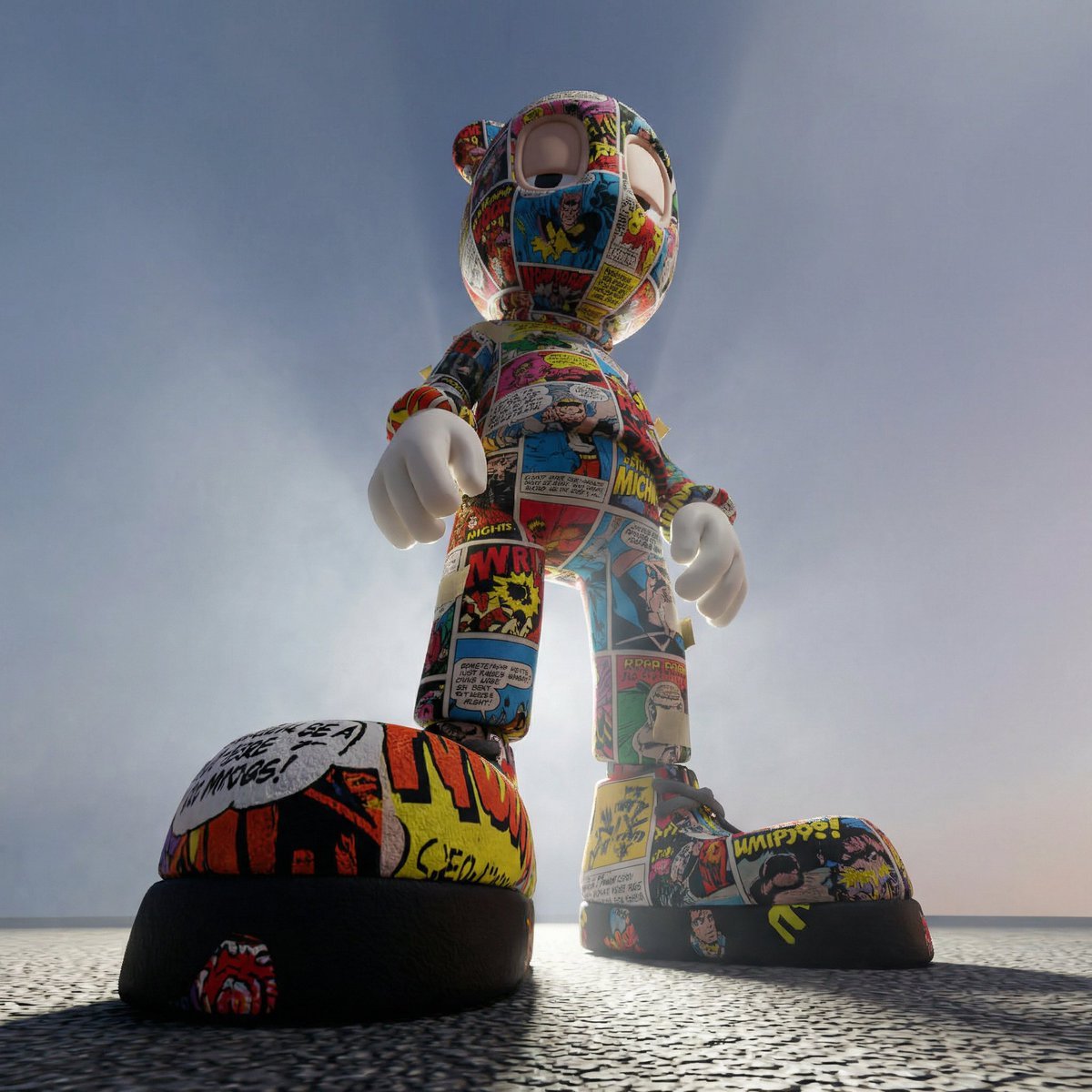
Worm's-Eye Perspective Character Shot (Likeness Preservation)
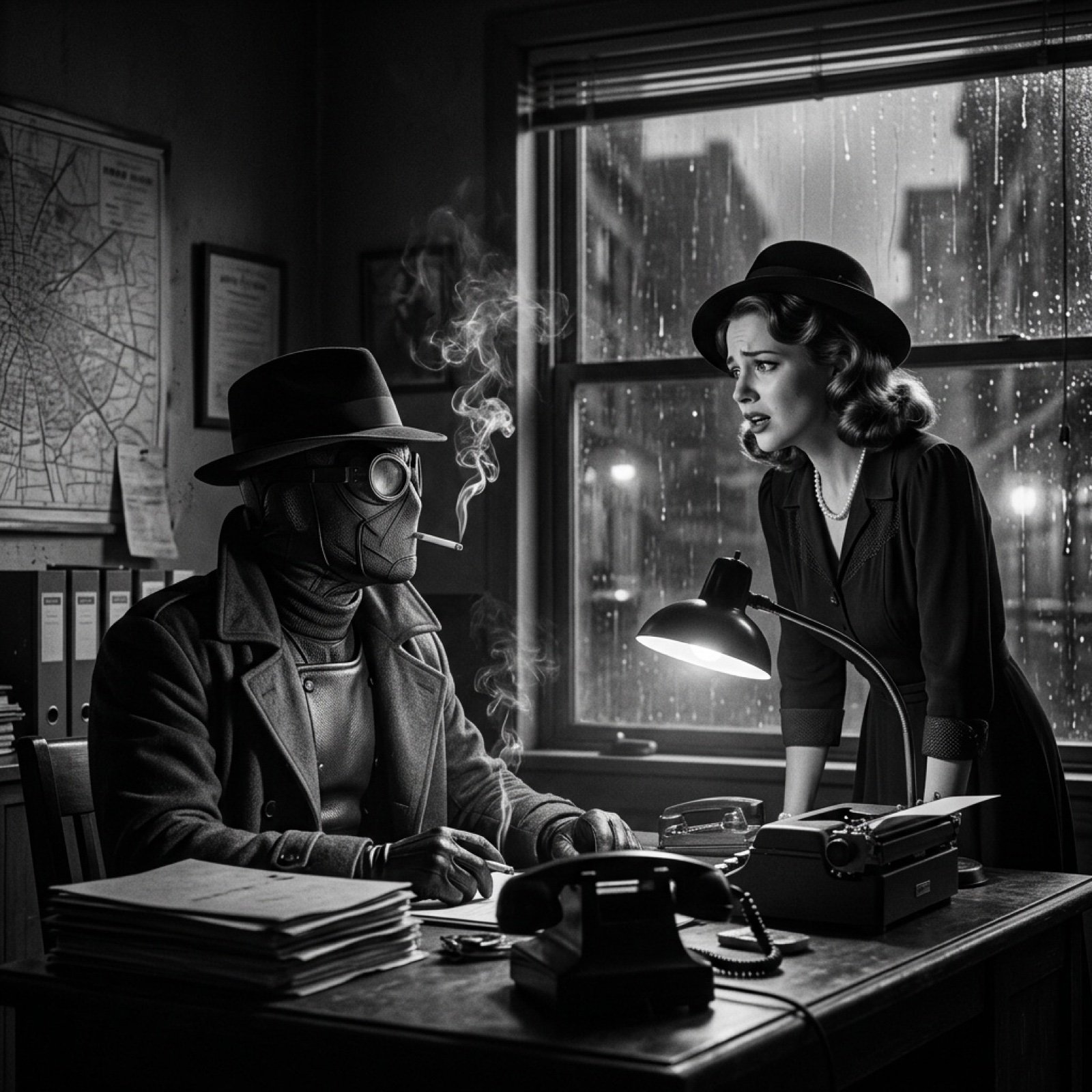
Seedance 2.0 - Spider-Man Noir

Noir Punk Street Portrait
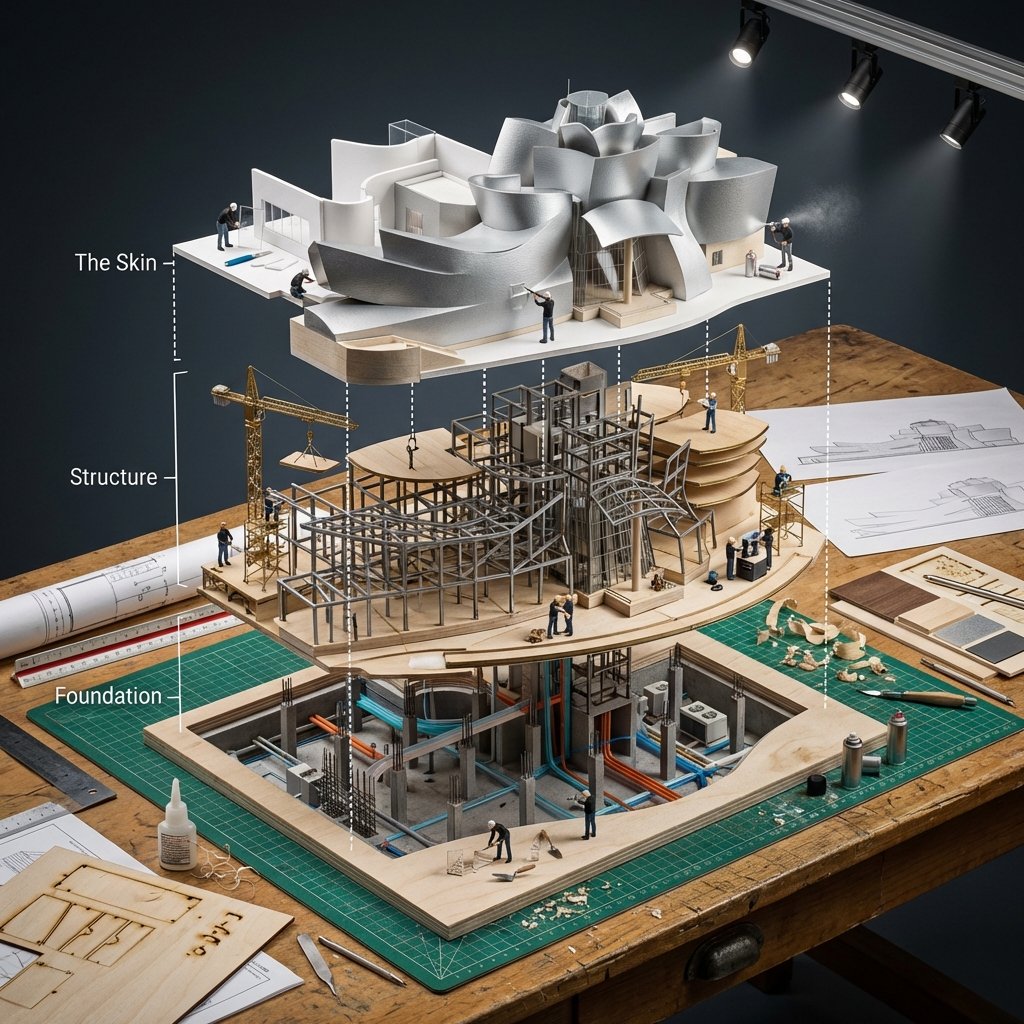
Building Exploded View Architectural Diorama
Make it yours
Enhanced Cinematic Noir Worm's-Eye View works as-is. These are the safest ways to change it without losing the look.
Change one field
Copy a single group, rewrite it, and generate again so you can see what that field is doing.
Keep the frame, change the subject
Hold the composition and light of Enhanced Cinematic Noir Worm's-Eye View, then swap wardrobe, props or the person for a new take.
| If the result… | Why | Fix |
|---|---|---|
| The result drifts from the preview | Too many fields changed at once. | Reuse Enhanced Cinematic Noir Worm's-Eye View as-is first, then change one group — subject, light, or setting. |
| The model over-stylizes the scene | The prose prompt leaves finish and camera underspecified. | Add one camera or lighting sentence and stay on Nano Banana 2. |
More Nano Banana 2 templates
Other prompts made for Nano Banana 2.

Photorealistic Leaf Shaped Like a Dragon

K-Pop Idol Portrait Grid for Rapid Selection

Poetic Rain Forest Portrait During Golden Hour

Urban Street Portrait with Cartoon Inner Self Duo

Candid Nighttime Photo with Cat Prompt

High-Concept 3D Diorama Generation Prompt

Cinematic Futuristic Studio Portrait Template

Skincare Editorial Photography Collage Prompt

Hyper-Realistic Commercial Product Photography (Splash Effect)

Hyper-Realistic Nightclub Portrait Prompt
More image prompts
Fresh picks from across the catalog.

AI Code Explanation English Poster
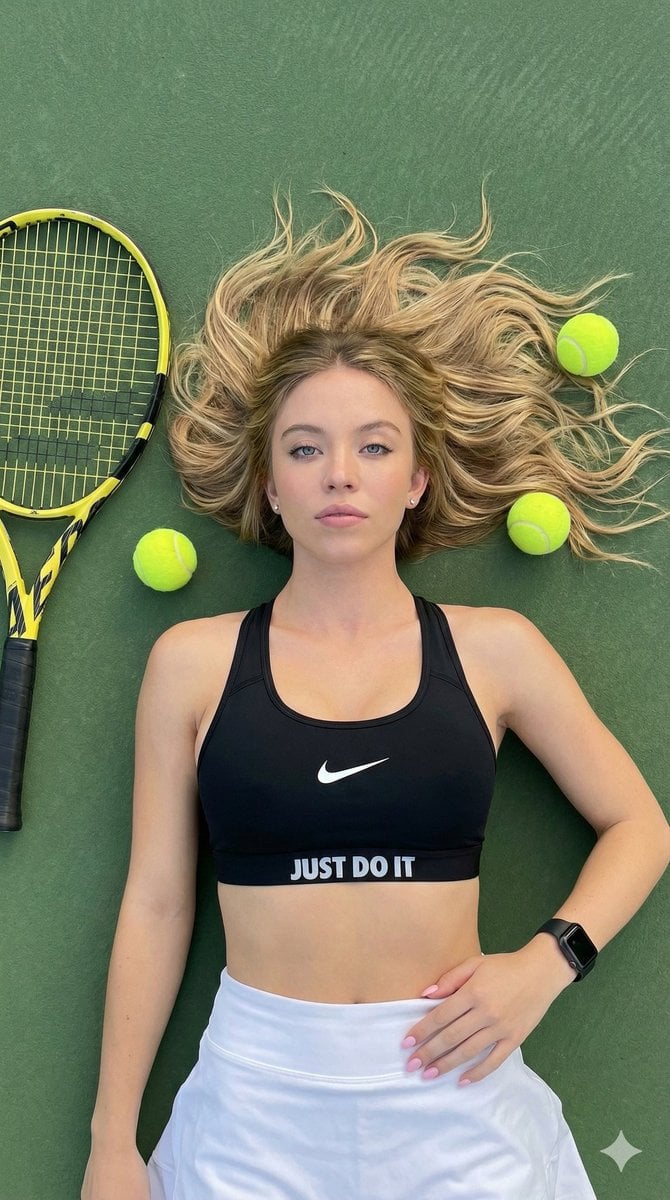
Top-Down Tennis Court Editorial Portrait
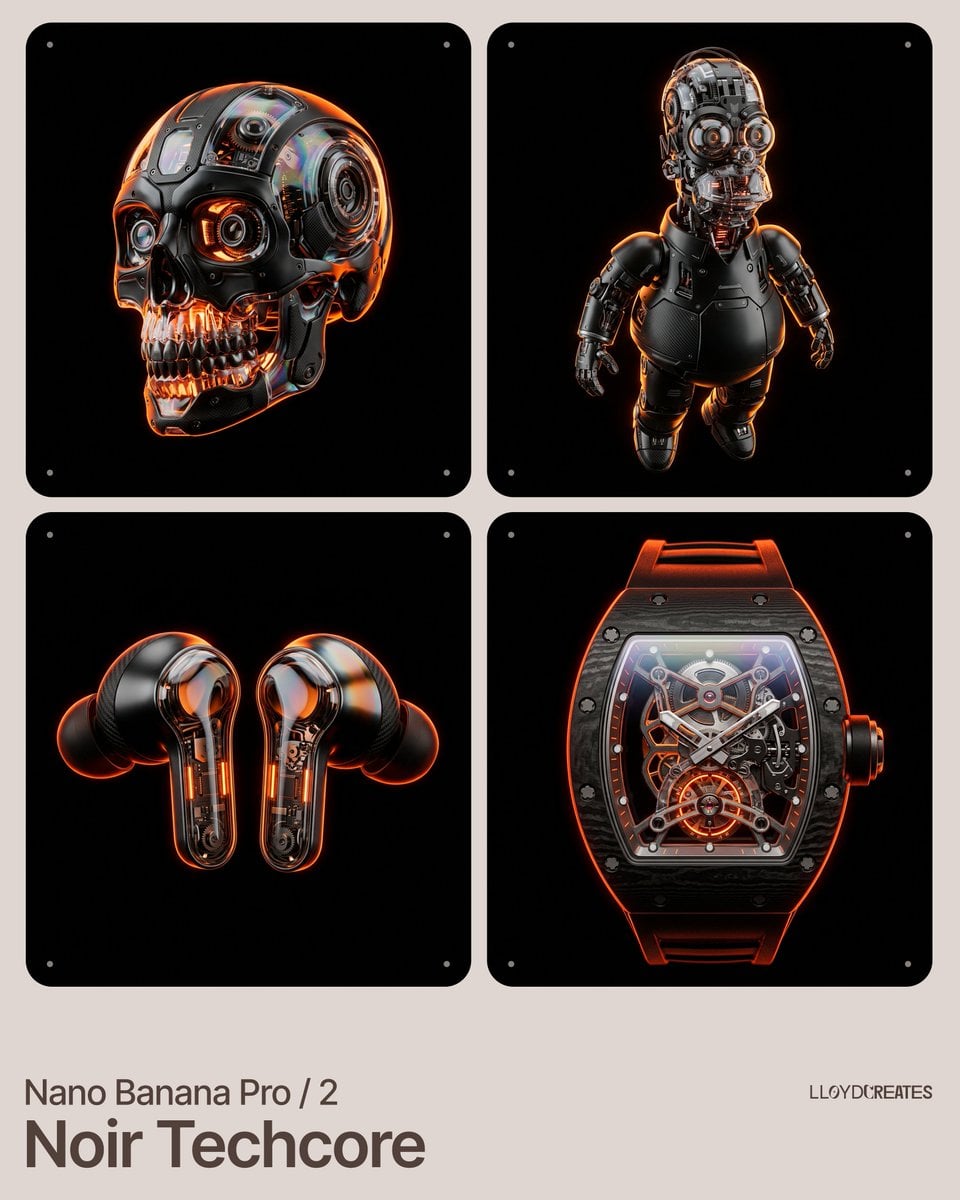
Noir Techcore Product Photography Prompt for Nano Banana Pro
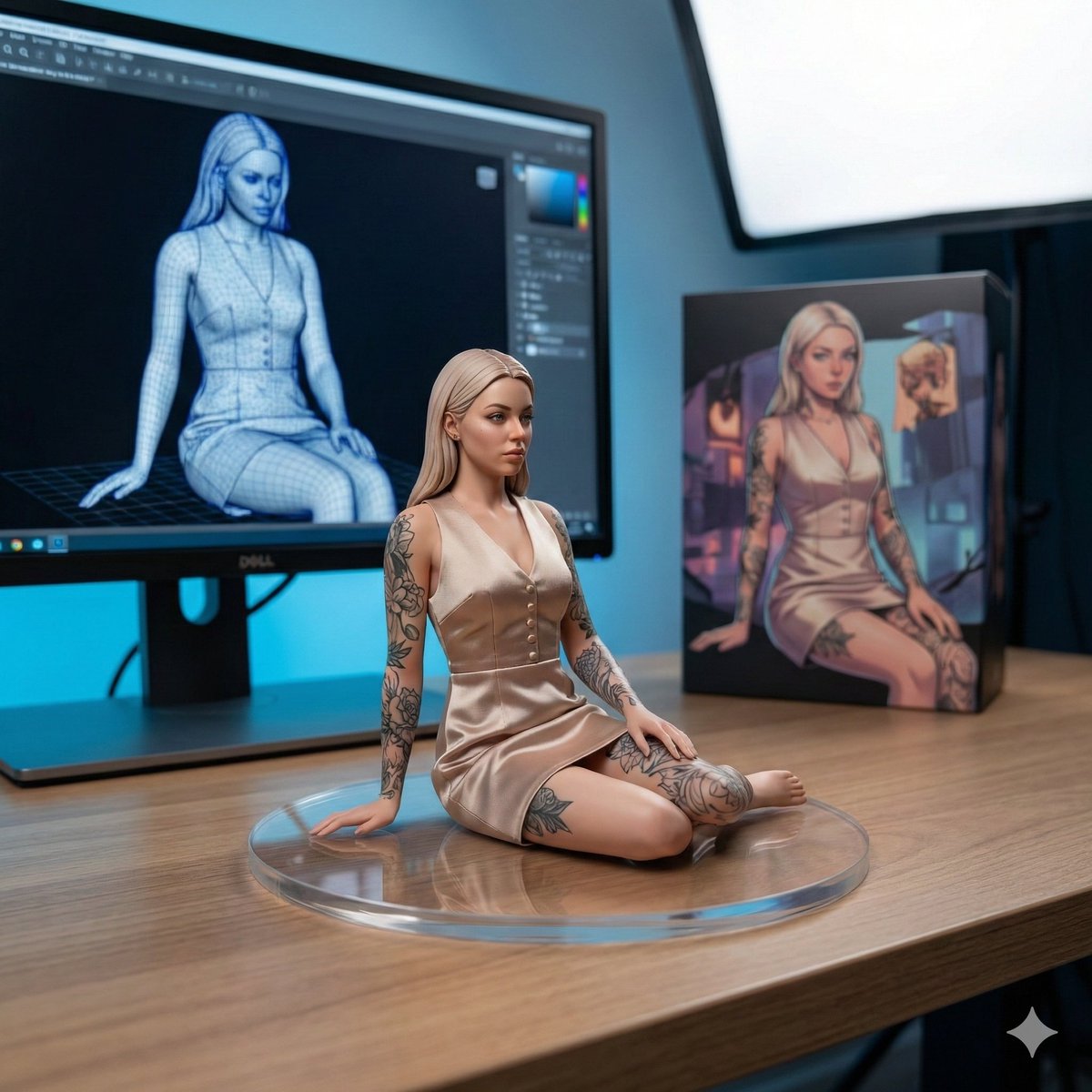
1/7 Scale Collectible Figure Product Shot

Blue Rain Mage Character Design

Golden Morning Kitchen Portrait
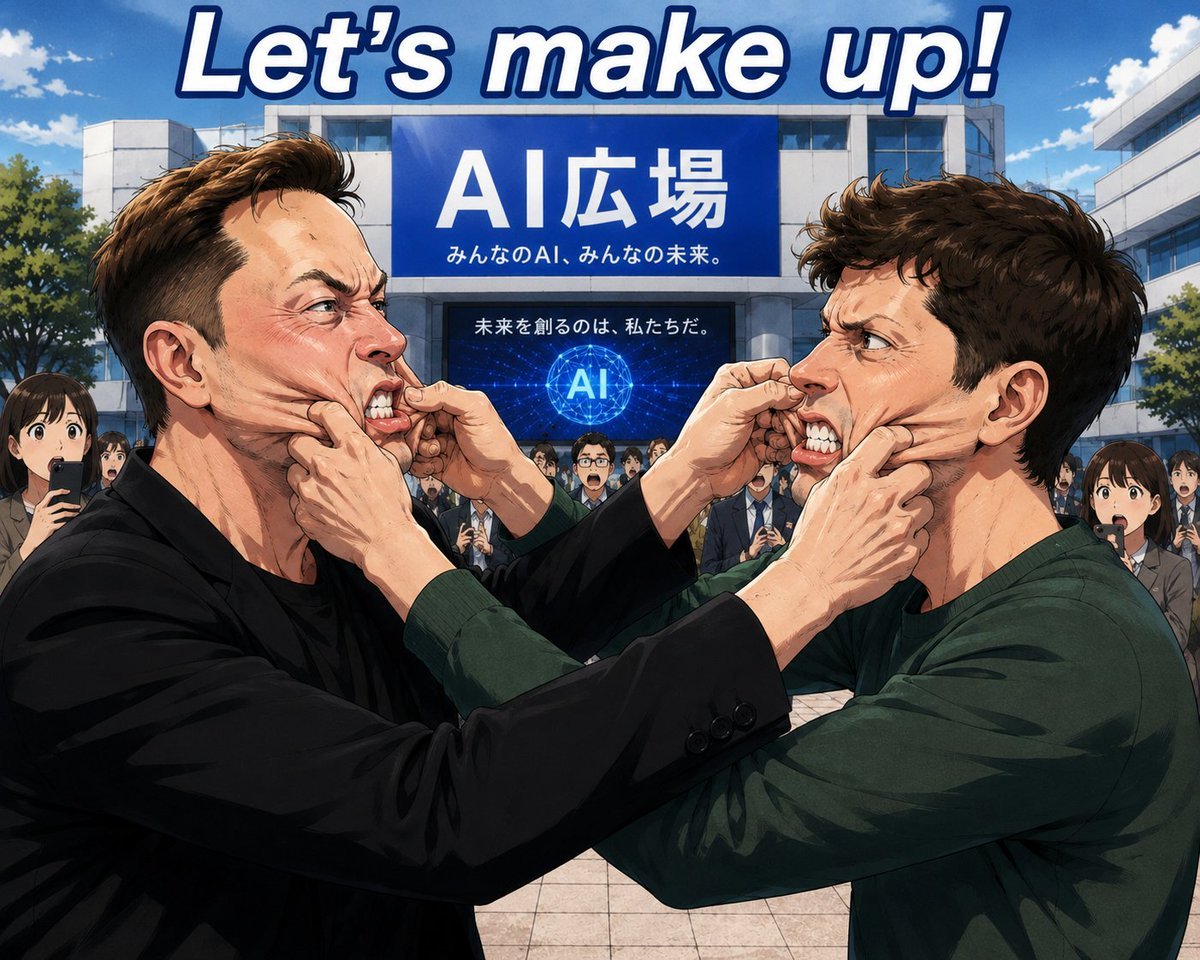
Anime AI Plaza Make-Up Scene
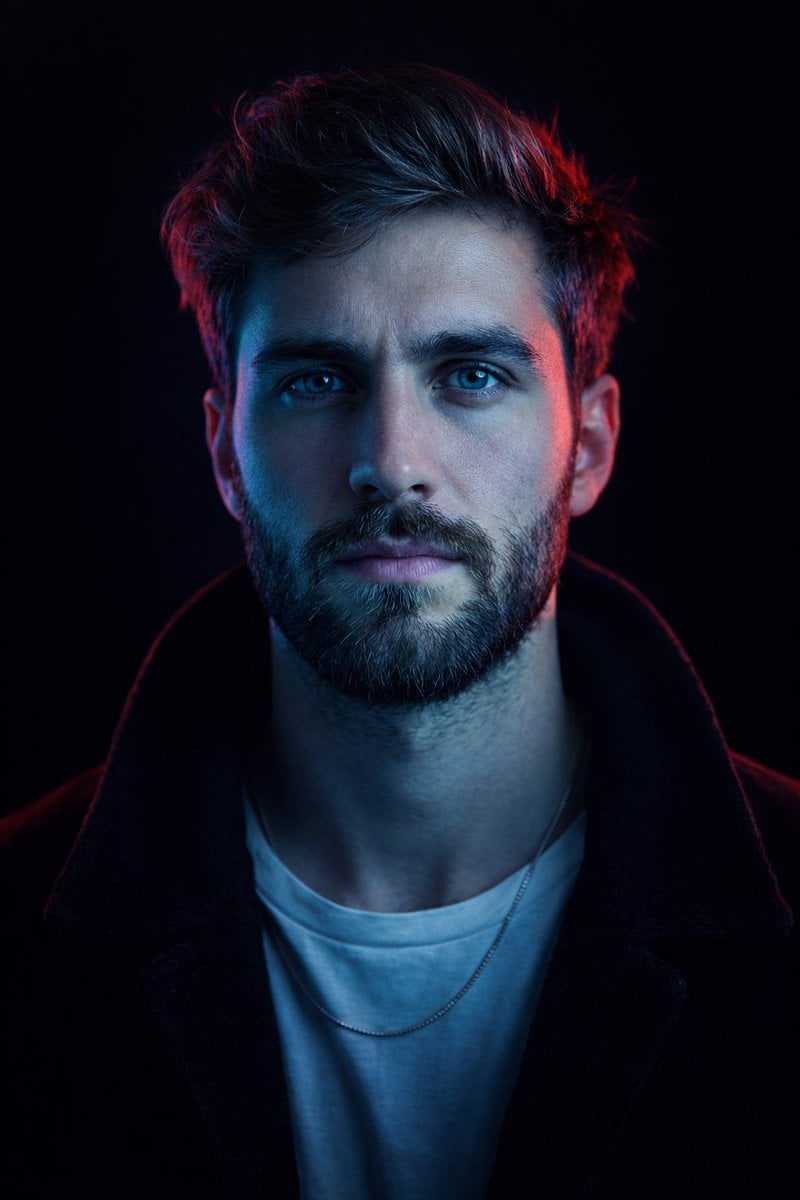
Cyberpunk Neon Split Lighting Portrait

Cat to Human Portrait Transformation
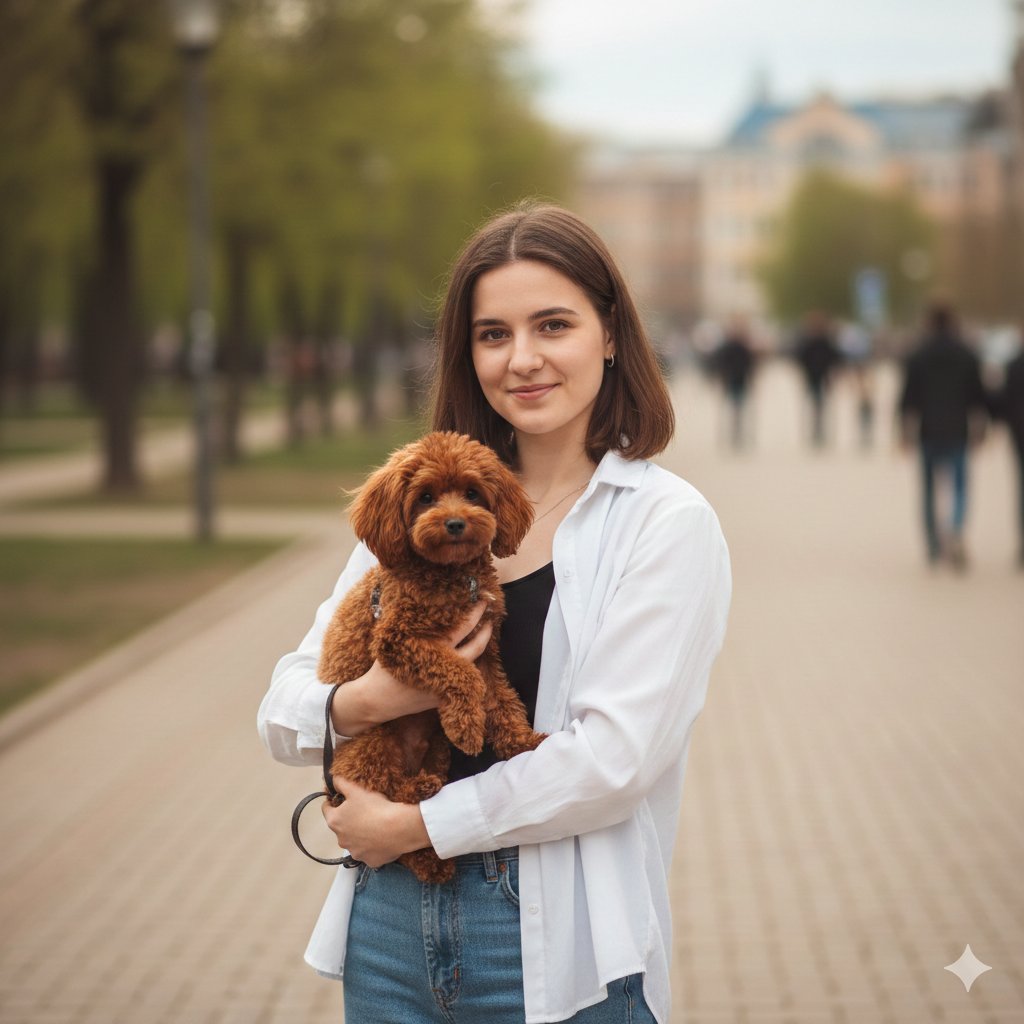
Urban Lifestyle Portrait with Dog Prompt
Browse template categories
Enhanced Cinematic Noir Worm's-Eye View questions
How do I use the Enhanced Cinematic Noir Worm's-Eye View template?
Add your photo if the template asks for one, edit the prompt if you like — the template's model and format are already selected — and press Generate. Your version opens in PicX Studio.
Can I customize the Enhanced Cinematic Noir Worm's-Eye View template?
Yes. You can change the subject, setting, lighting, mood, format, and available model controls before creating your image.
Is the Enhanced Cinematic Noir Worm's-Eye View template free?
Opening and editing this template is free. Generating uses credits, shown on the Generate button when you are signed in.
Which AI model should I use?
Start with Nano Banana 2, which is the model associated with this template. You can compare another compatible model for a different finish.
Looking for something else? Browse all templates.

Your photo, any look
Thousands of ready templates for every top image and video model, from one credit balance.