
Blue Rain Mage Character Design
Generates a polished anime fantasy character concept of a blue-haired rain-themed mage for character design or contest artwork.
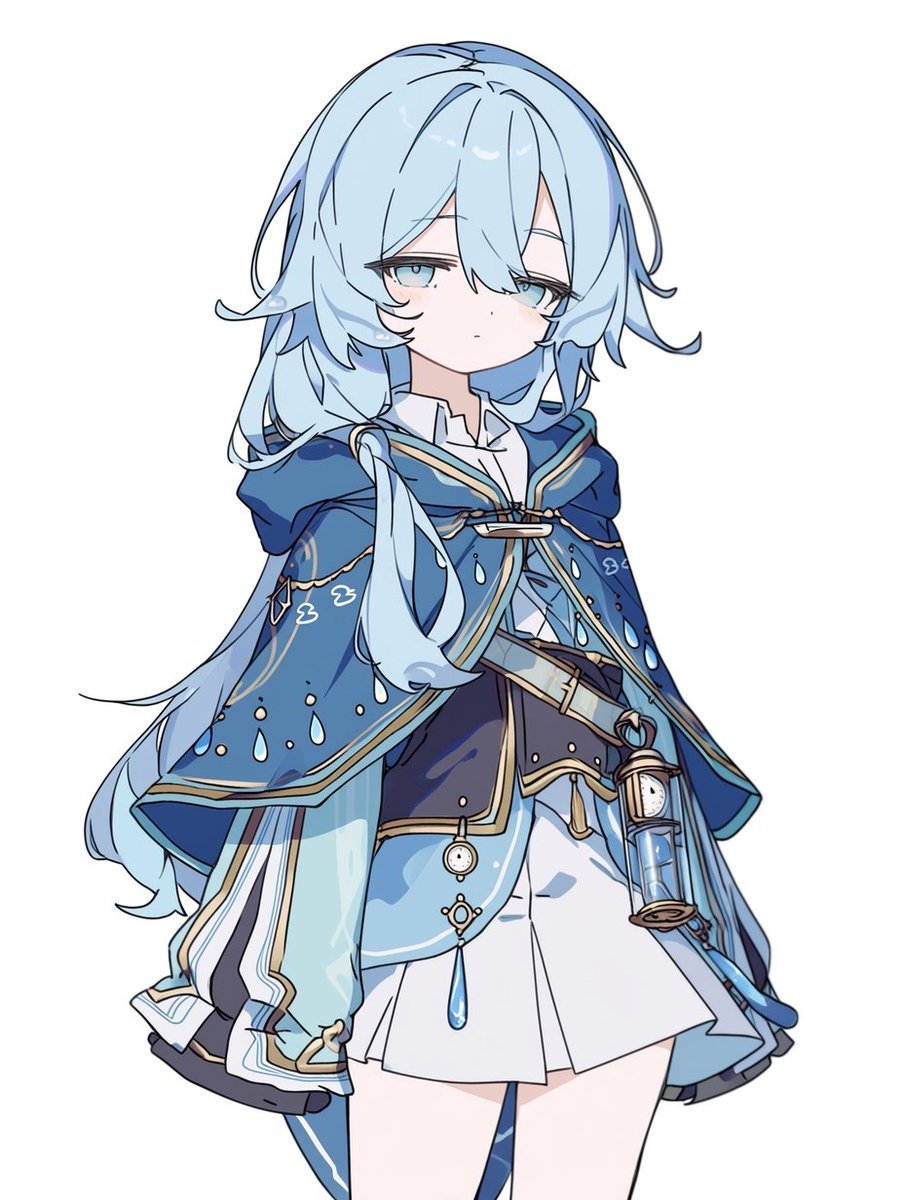
- Prompt included
- Model and format preset
- Free template
The prompt behind this image
Copy the exact prompt behind Blue Rain Mage Character Design, or open it in the studio and make it yours.
Create a clean full-body anime character design on a plain white background, centered with no scenery. The subject is a petite young fantasy girl named {argument name="character name" default="unnamed blue-haired mage"}, drawn in a polished Japanese gacha-game concept-art style with crisp dark linework, soft cel shading, pale skin, and a calm slightly sleepy expression. She has {argument name="hair color" default="very light icy blue"} long layered hair: messy bangs covering part of the forehead and one eye edge, shoulder-length side locks, a long flowing back section trailing to the left, and small curled flyaway strands; her eyes are pale blue and half-lidded. Dress her in an elaborate blue-and-white traveler mage outfit: a deep navy hooded capelet with a wide collar, turquoise-blue outer panels, cream and gold trim, white cloud motifs, and many small raindrop decorations; beneath it, a white high-collar blouse, dark fitted bodice, layered short white skirt, pale blue overskirt panels, and a diagonal belt. Add exactly 3 prominent hanging accessories: 1 small brass-and-blue lantern attached at the right hip, 1 round pocket-watch charm hanging near the waist, and 1 large blue teardrop crystal pendant hanging at the center front. The costume theme should feel like rain, water, and clouds, with elegant fantasy details but not overly shiny. Use a soft color palette of {argument name="main outfit palette" default="navy blue, sky blue, white, cream, and muted gold"}. Pose her standing upright in a relaxed front-facing three-quarter view, arms mostly hidden under the cape, knees visible below the skirt, gaze directed forward with a quiet melancholic mood. Keep the illustration uncluttered, high resolution, character sheet quality, no text, no watermark, no background objects.
How to use Blue Rain Mage Character Design in 3 steps
- 1Upload ImagePNG, JPG or paste
Add your photo
Upload the photo the template builds on. The prompt, model and format are already set.
- 2…a portrait of your subject in softgolden-hour light, 85mm…
Personalize
Edit the subject and creative details for your destination.
- 3Generate
Generate
Press Generate — your image is created in PicX Studio, so you can compare it with the original and refine one variable at a time.
More like this
Templates with the same subject, style or setup. Open one to see its prompt.

Meet Me When It Rains
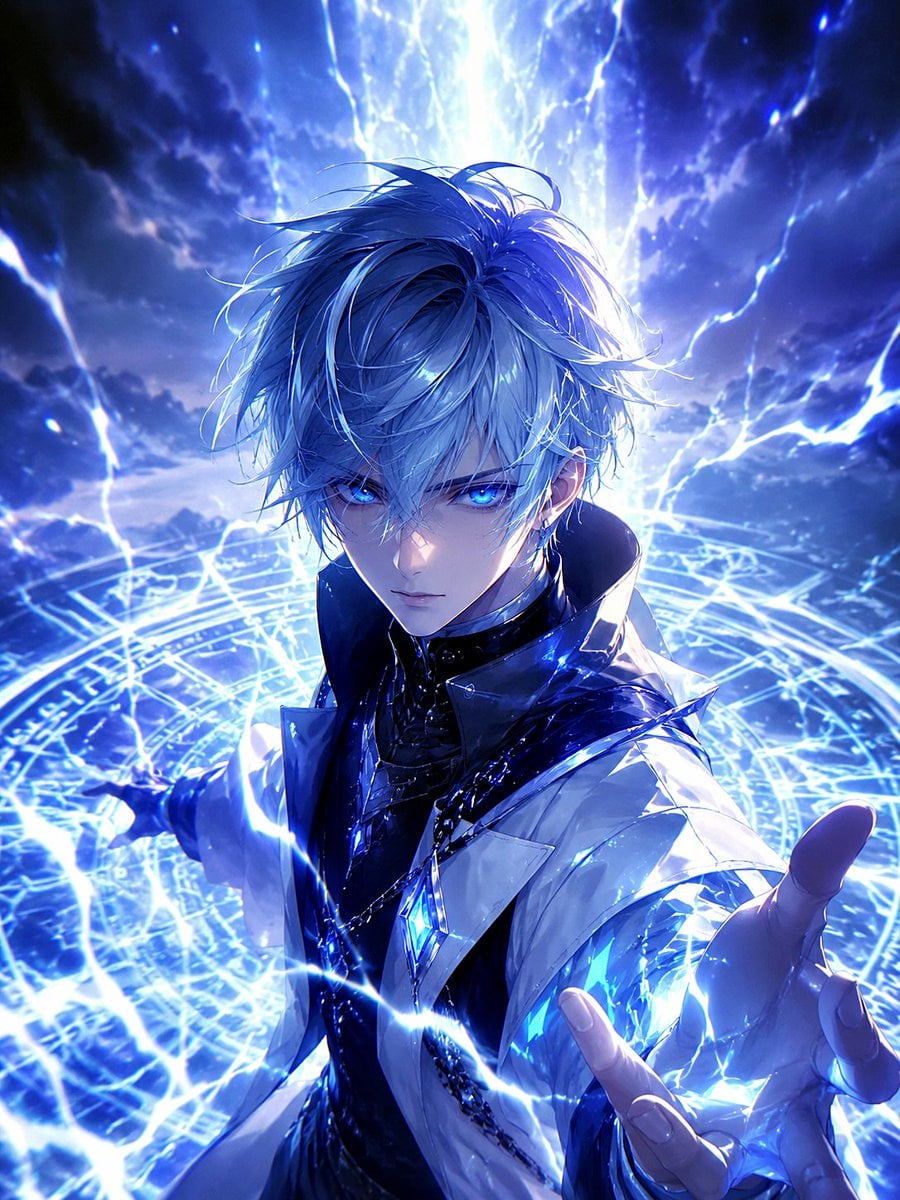
Blue Lightning Anime Mage

Rainy Night Android Cyberpunk Portrait

Spider-Man Noir Detective Rain Alley

Monochrome Portrait Jersey Accent Poster
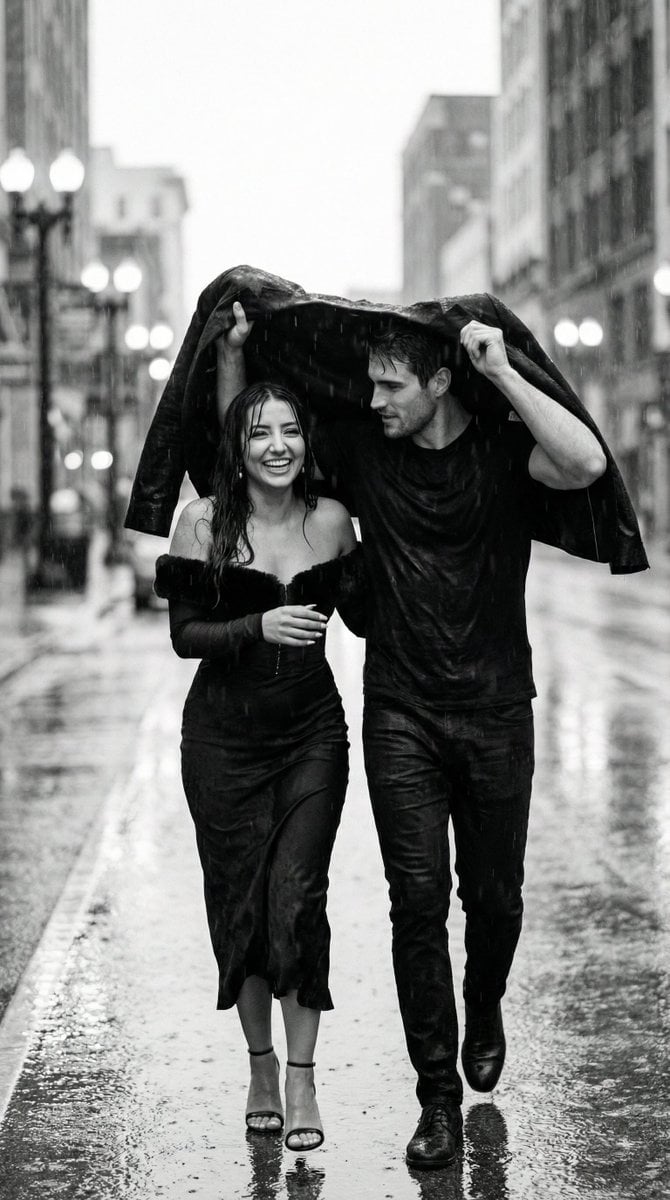
Black and White Documentary Couple in Rain (Image-to-Image)

Cosmetic Tube Product — Nano Banana 2
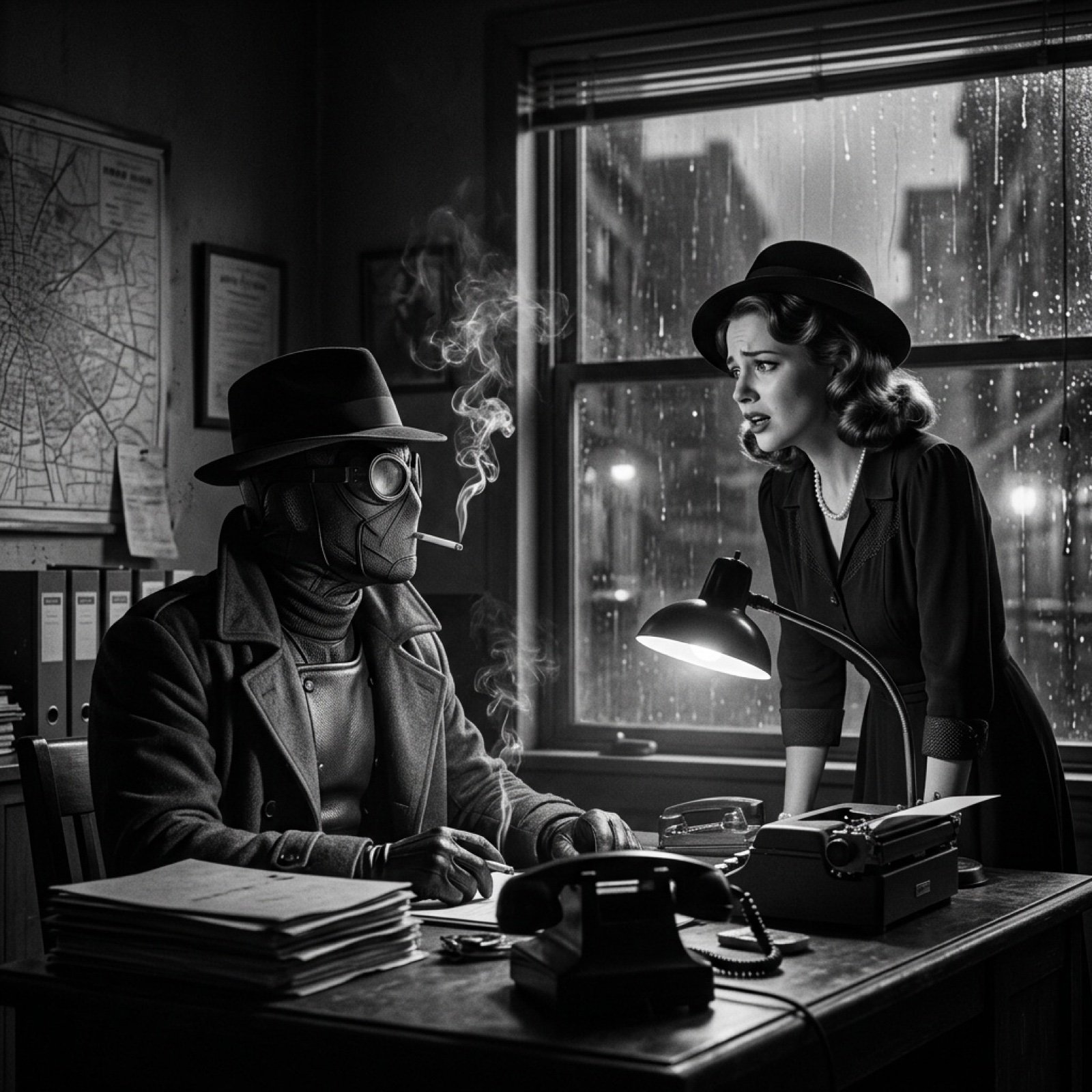
Seedance 2.0 - Spider-Man Noir
cinematography style warm amber and cool blue colo... (IMAGE-NANO_BANANA)

Nano Banana - Evening Champagne Blue
Former Tank Mage Adventurer
Elf Mage-Knight Character Design
Make it yours
Blue Rain Mage Character Design works as-is. These are the safest ways to change it without losing the look.
Change one field
Copy a single group, rewrite it, and generate again so you can see what that field is doing.
Keep the frame, change the subject
Hold the composition and light of Blue Rain Mage Character Design, then swap wardrobe, props or the person for a new take.
| If the result… | Why | Fix |
|---|---|---|
| The result drifts from the preview | Too many fields changed at once. | Reuse Blue Rain Mage Character Design as-is first, then change one group — subject, light, or setting. |
| The model over-stylizes the scene | The prose prompt leaves finish and camera underspecified. | Add one camera or lighting sentence and stay on GPT Image 2. |
More GPT Image 2 templates
Other prompts made for GPT Image 2.

Six VTuber Japanese Logo Sheet

Realistic Portrait of Woman and Deer

The Vista Modular Condo Poster

AI Model Routing Comparison Infographic

2.5D Anime Art Board

Isometric Productivity Desk Scene

New York Double Exposure Poster

Four-Panel AI Landscape Comparison

Japanese Tatami Lifestyle Magazine Cover

NESCAFÉ Coffee Map Poster
More image prompts
Fresh picks from across the catalog.
Low-Angle Urban Street Photography
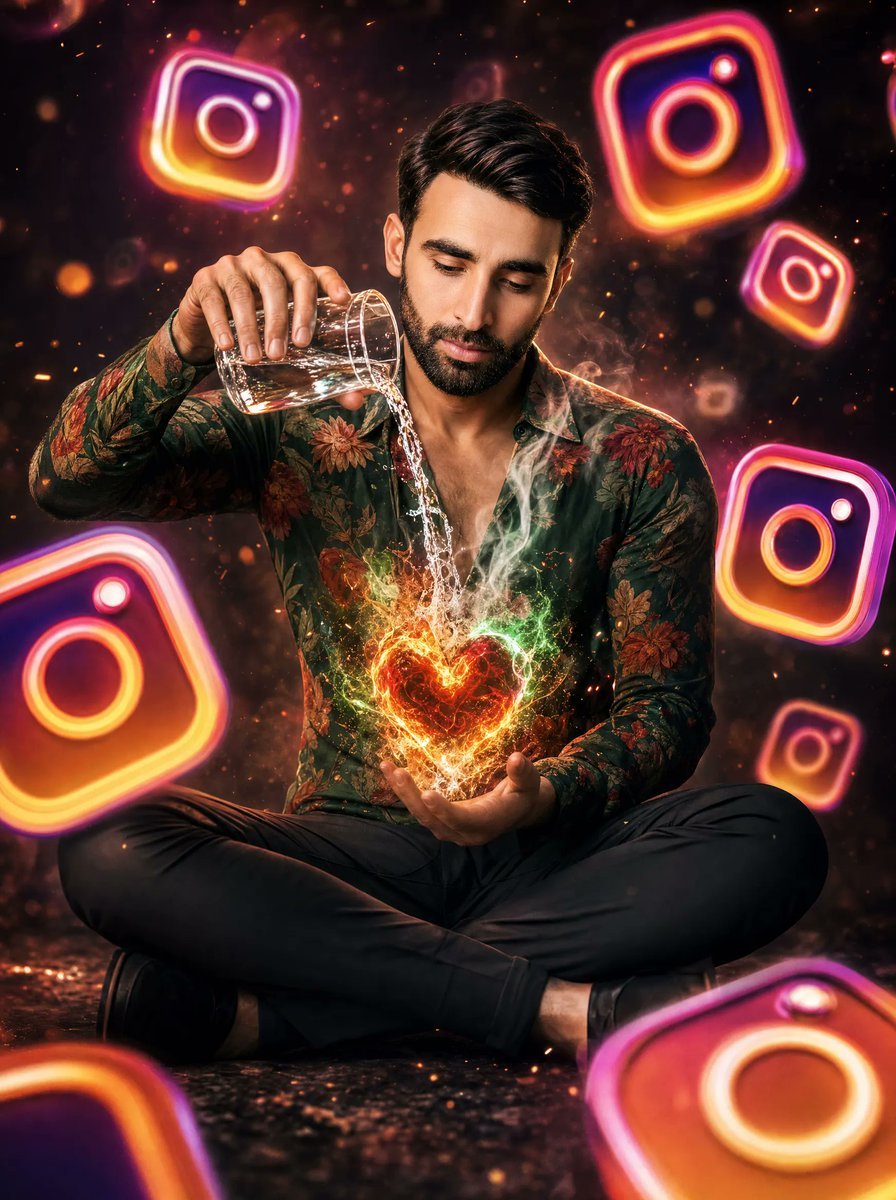
Neon Instagram Magic Heart Portrait
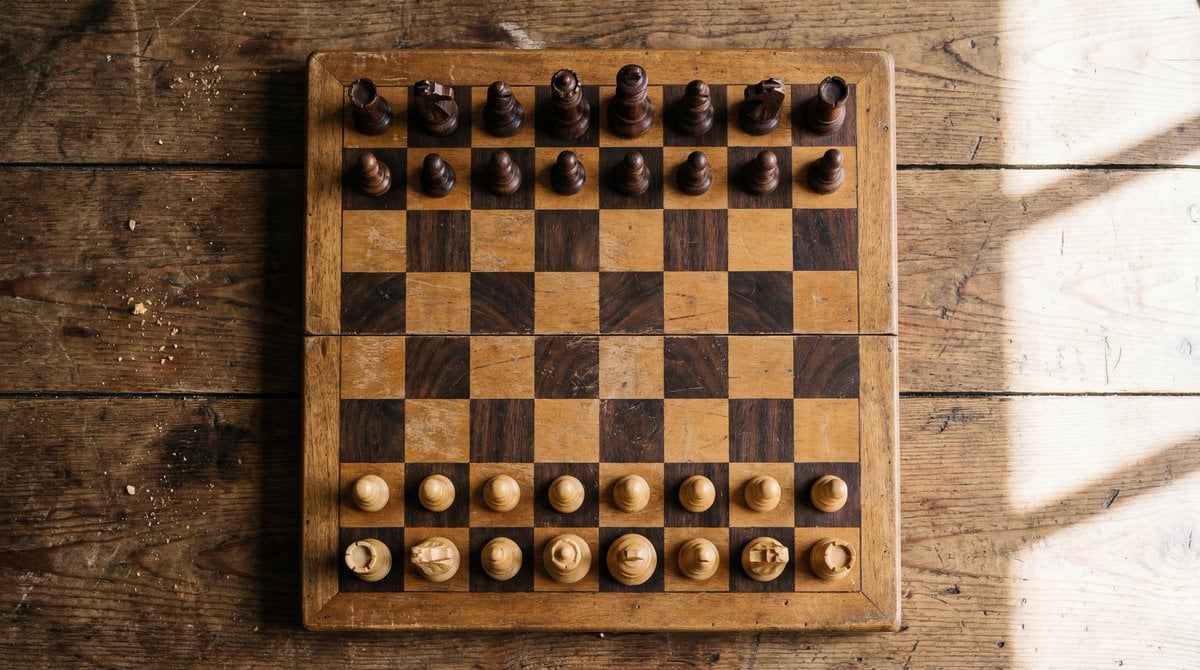
Top View of Chess Board in Starting Position
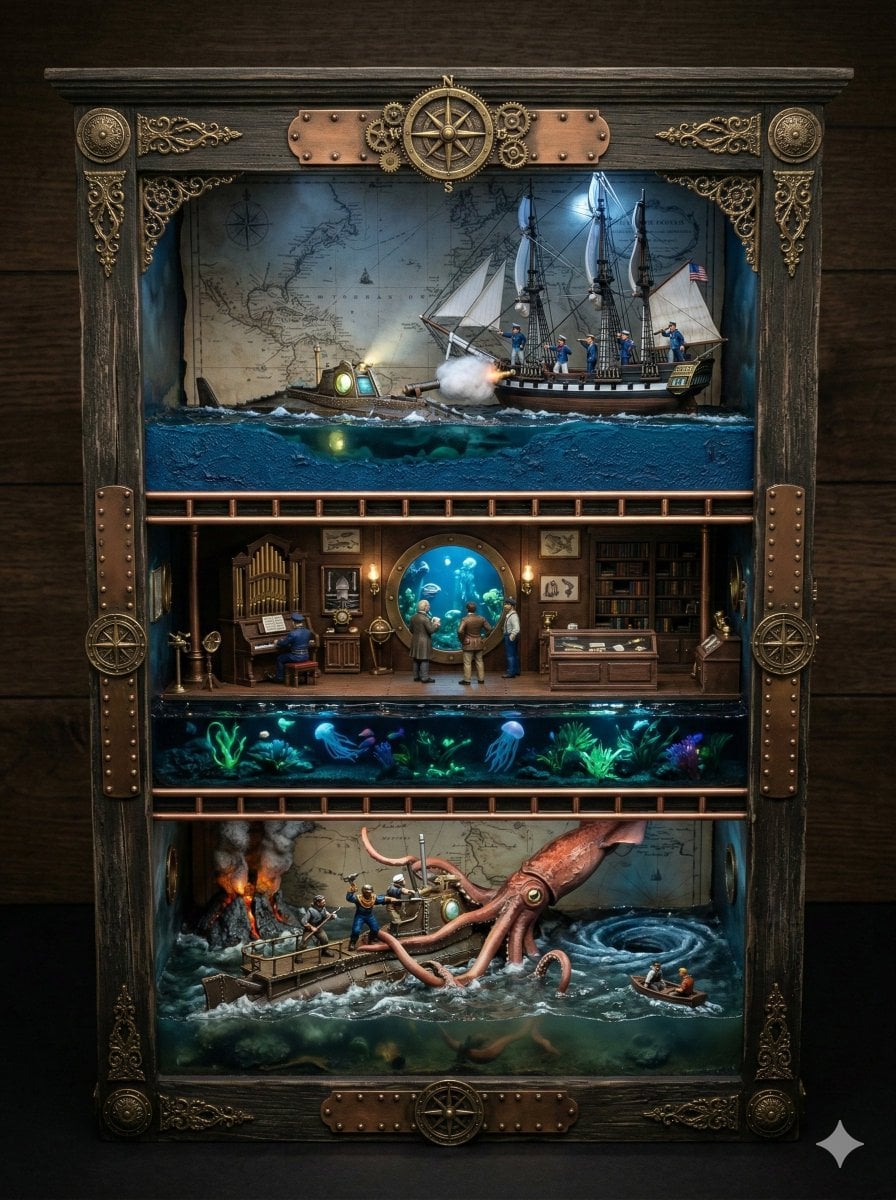
Ornate Box Diorama Prompt for Twenty Thousand Leagues Under the Sea
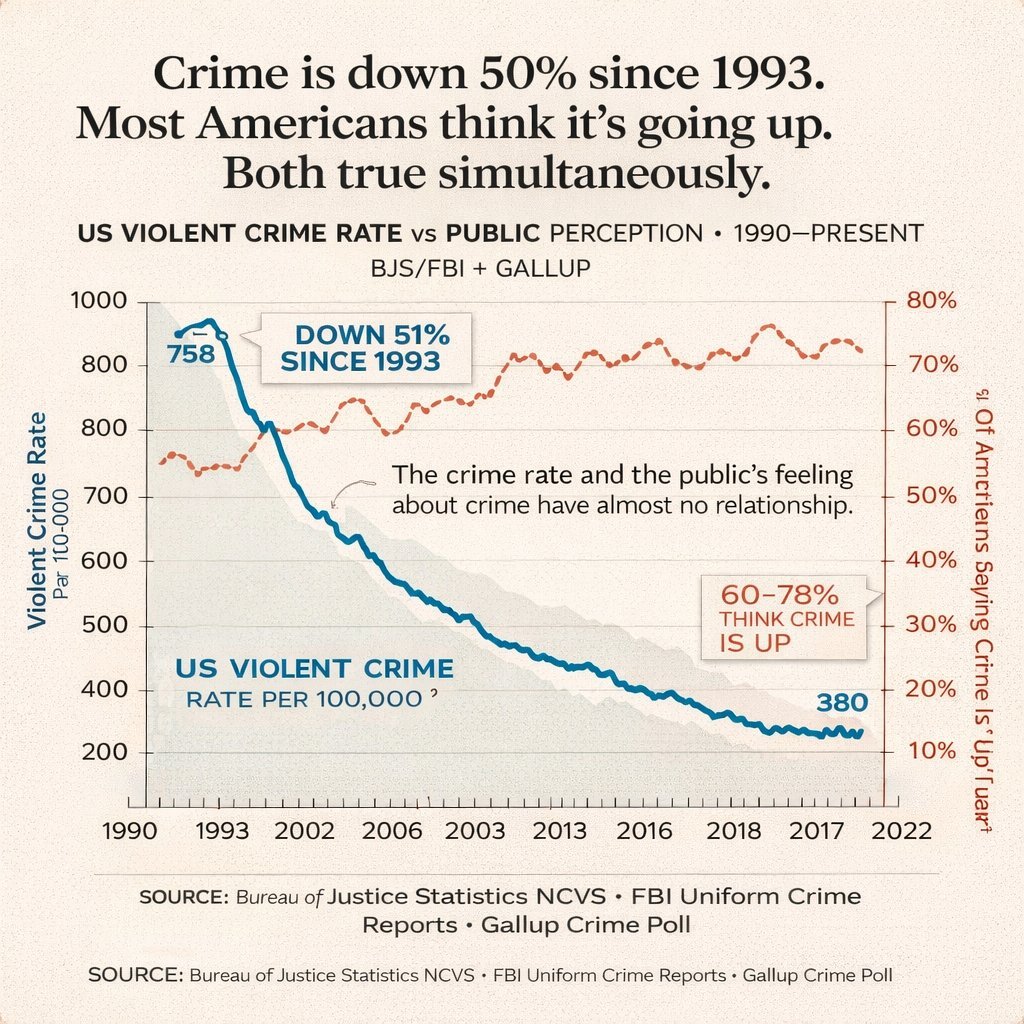
Editorial Dual-Axis Line Chart
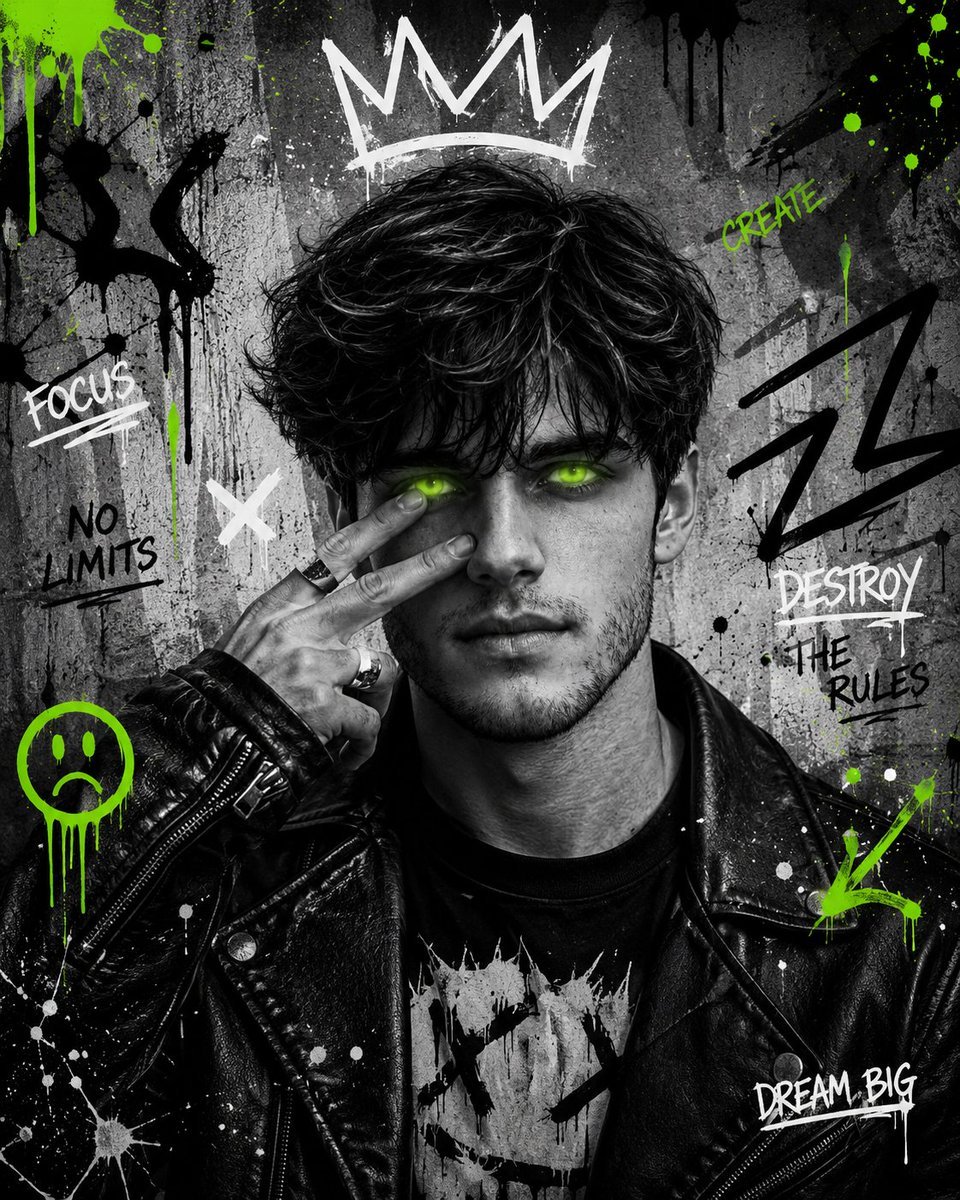
Urban Grunge Street Art Portrait
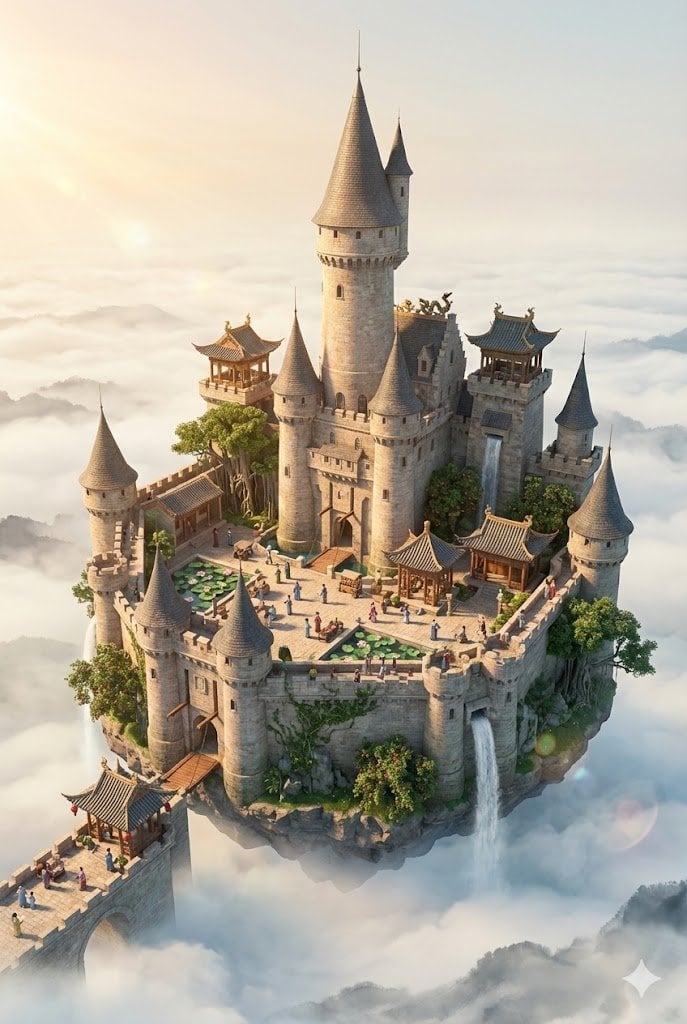
Floating Sky Castle Digital Art Poster Prompt
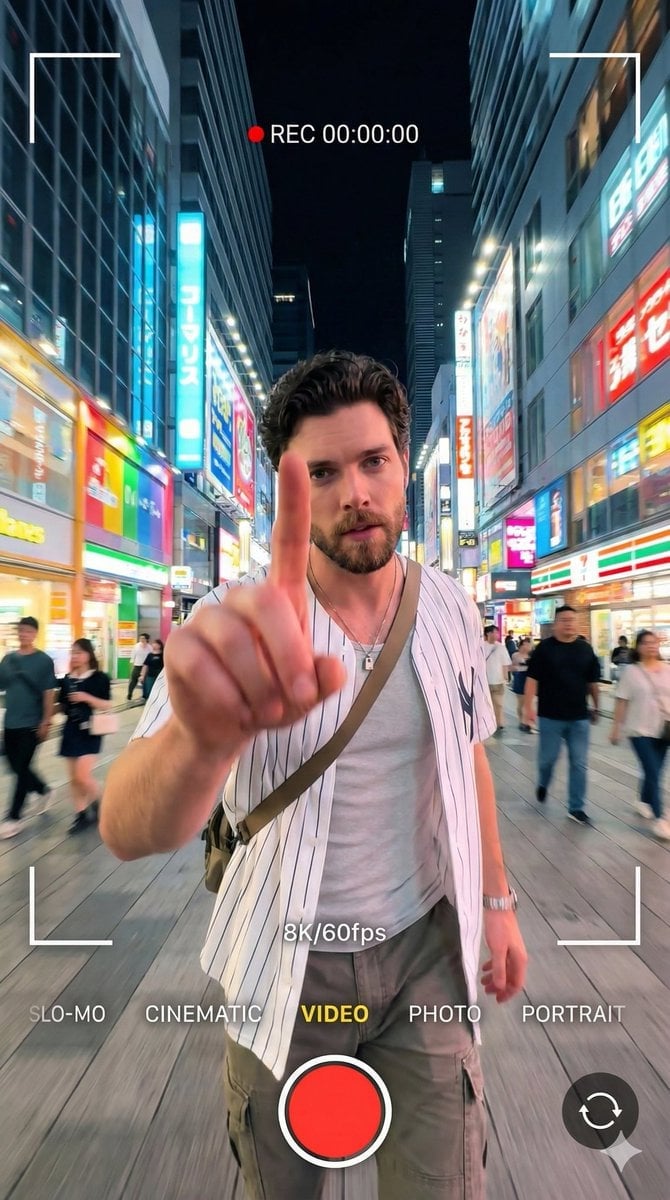
8K Cinematic Portrait with Video UI Overlays
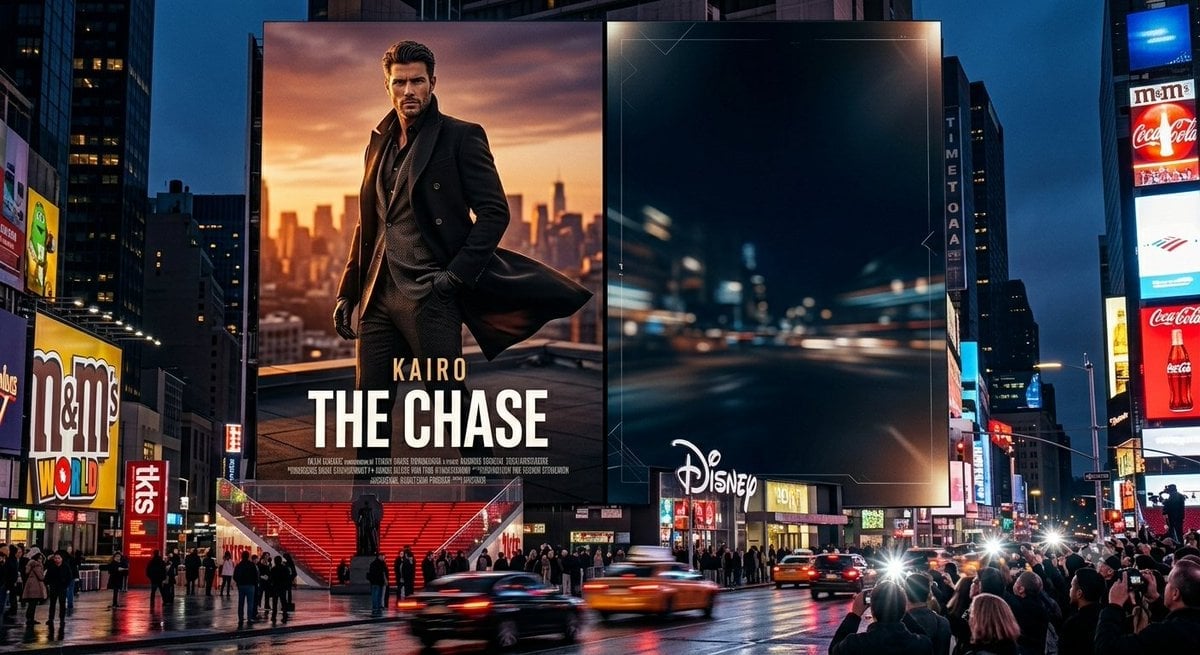
Times Square Movie Billboard Scene
Futuristic Cyberpunk Twitter X Portrait
Browse template categories
Blue Rain Mage Character Design questions
How do I use the Blue Rain Mage Character Design template?
Add your photo if the template asks for one, edit the prompt if you like — the template's model and format are already selected — and press Generate. Your version opens in PicX Studio.
Can I customize the Blue Rain Mage Character Design template?
Yes. You can change the subject, setting, lighting, mood, format, and available model controls before creating your image.
Is the Blue Rain Mage Character Design template free?
Opening and editing this template is free. Generating uses credits, shown on the Generate button when you are signed in.
Which AI model should I use?
Start with GPT Image 2, which is the model associated with this template. You can compare another compatible model for a different finish.
Looking for something else? Browse all templates.

Your photo, any look
Thousands of ready templates for every top image and video model, from one credit balance.