
Elf Mage-Knight Character Design
A detailed prompt for generating a full-body anime fantasy elf mage-knight with ornate celestial armor, spellbook, and glowing magic sigil.
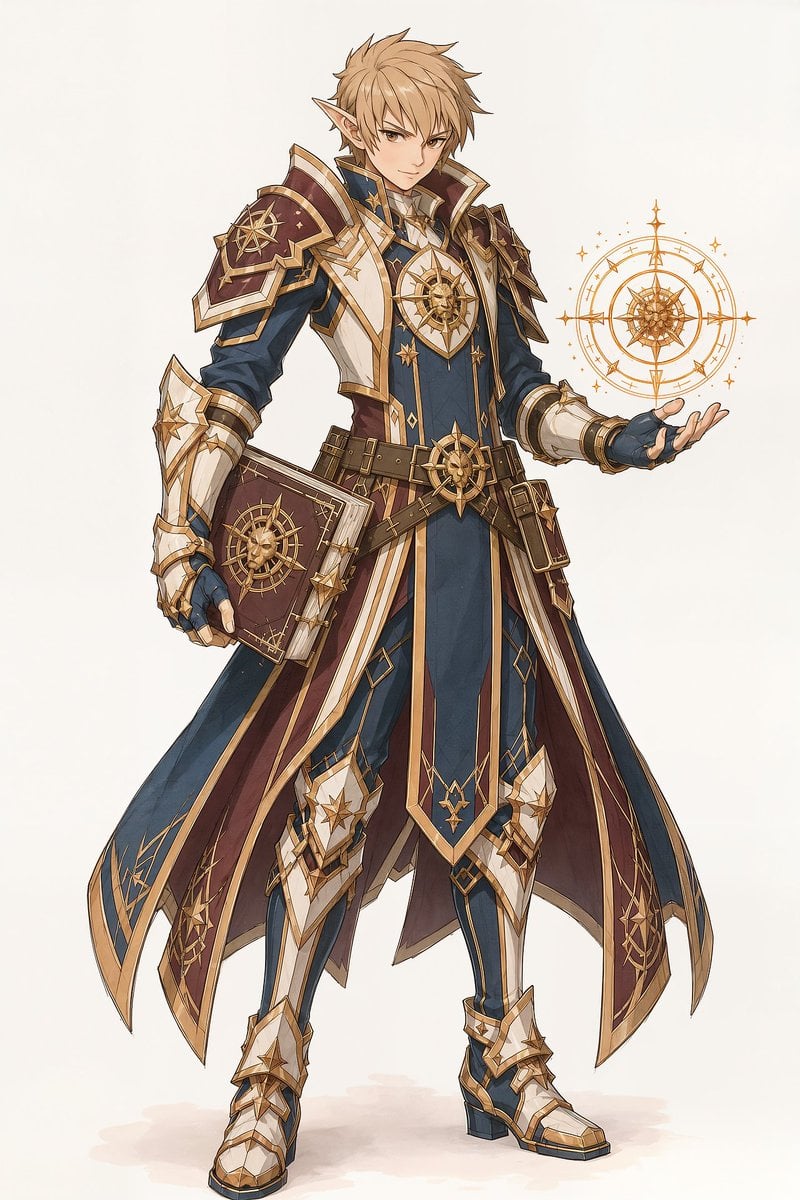
- Prompt included
- Model and format preset
- Free template
The prompt behind this image
Copy the exact prompt behind Elf Mage-Knight Character Design, or open it in the studio and make it yours.
Create a full-body high-fantasy anime character concept illustration on a clean off-white background: one young male elf mage-knight with pointed ears, {argument name="hair color" default="sandy blond"} tousled layered hair, sharp amber eyes, and a confident slight smile. He stands in a relaxed heroic pose, body angled slightly left, head facing forward; his left hand is raised palm-up conjuring one glowing golden astrolabe-like magic sigil, while his right arm holds one large ornate spellbook at his hip. Outfit: an elaborate royal mage armor ensemble in {argument name="main outfit colors" default="deep navy blue, burgundy, white, and metallic gold"}, with one high-collared long coat, one flowing split cape with burgundy lining, layered shoulder armor on both shoulders, one prominent sun-compass chest emblem, one wide belt with pouches, fitted trousers, armored gauntlets, knee guards, and white-and-gold armored boots. Include exactly three main celestial motifs: a golden compass/sun emblem on the chest, a matching emblem on the spellbook cover, and a floating circular magic diagram beside the raised hand. The spellbook is burgundy leather with gold corners, geometric trim, and a raised compass symbol. The magic sigil is made of concentric rings, compass points, tiny stars, and fine radial linework, glowing softly in warm gold. Use elegant Japanese RPG character design aesthetics, crisp ink-like line art, refined cel shading, delicate watercolor texture, intricate gold filigree, slim heroic proportions, and no text, logo, watermark, or background scenery.
How to use Elf Mage-Knight Character Design in 3 steps
- 1Upload ImagePNG, JPG or paste
Add your photo
Upload the photo the template builds on. The prompt, model and format are already set.
- 2…a portrait of your subject in softgolden-hour light, 85mm…
Personalize
Edit the subject and creative details for your destination.
- 3Generate
Generate
Press Generate — your image is created in PicX Studio, so you can compare it with the original and refine one variable at a time.
More like this
Templates with the same subject, style or setup. Open one to see its prompt.
Knight-Mage Battles Stone Golem
Heroic Elf Knight Victory March
Elf Knight Victory Parade
Former Tank Mage Adventurer
Surreal Elf Couture Portrait
Chibi Pixel Art Fantasy Mage

Anime Elf Maid Turnaround Sheet
Sci-Fi Knight of the Order
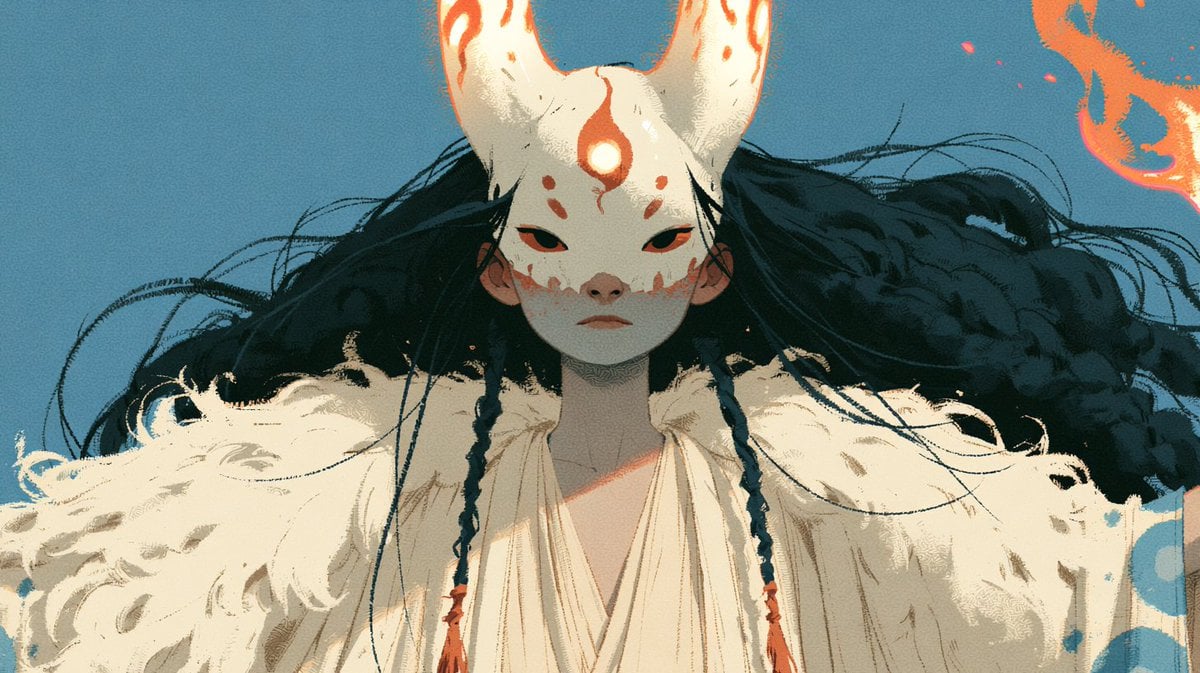
Neon Fox Mask Mage Portrait
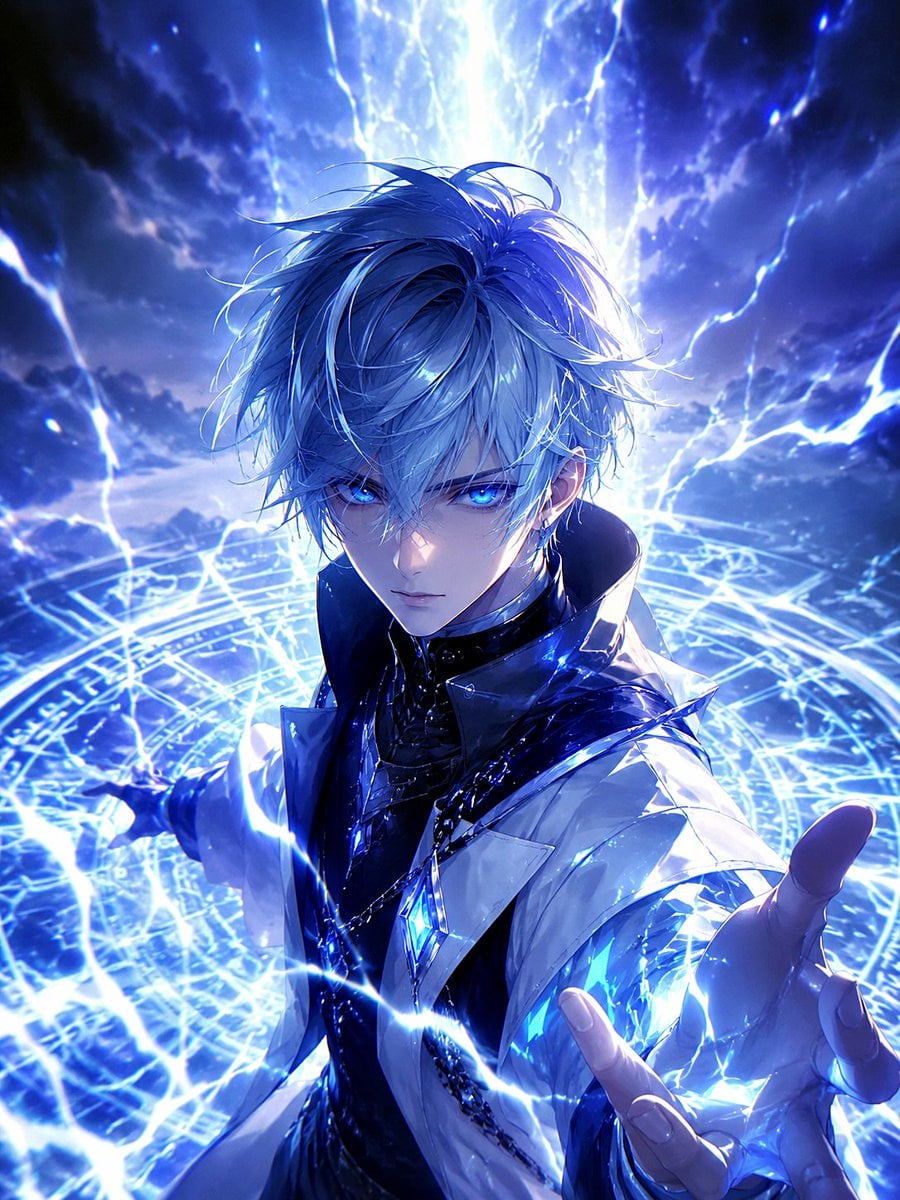
Blue Lightning Anime Mage

Knight Facing Cathedral Giant
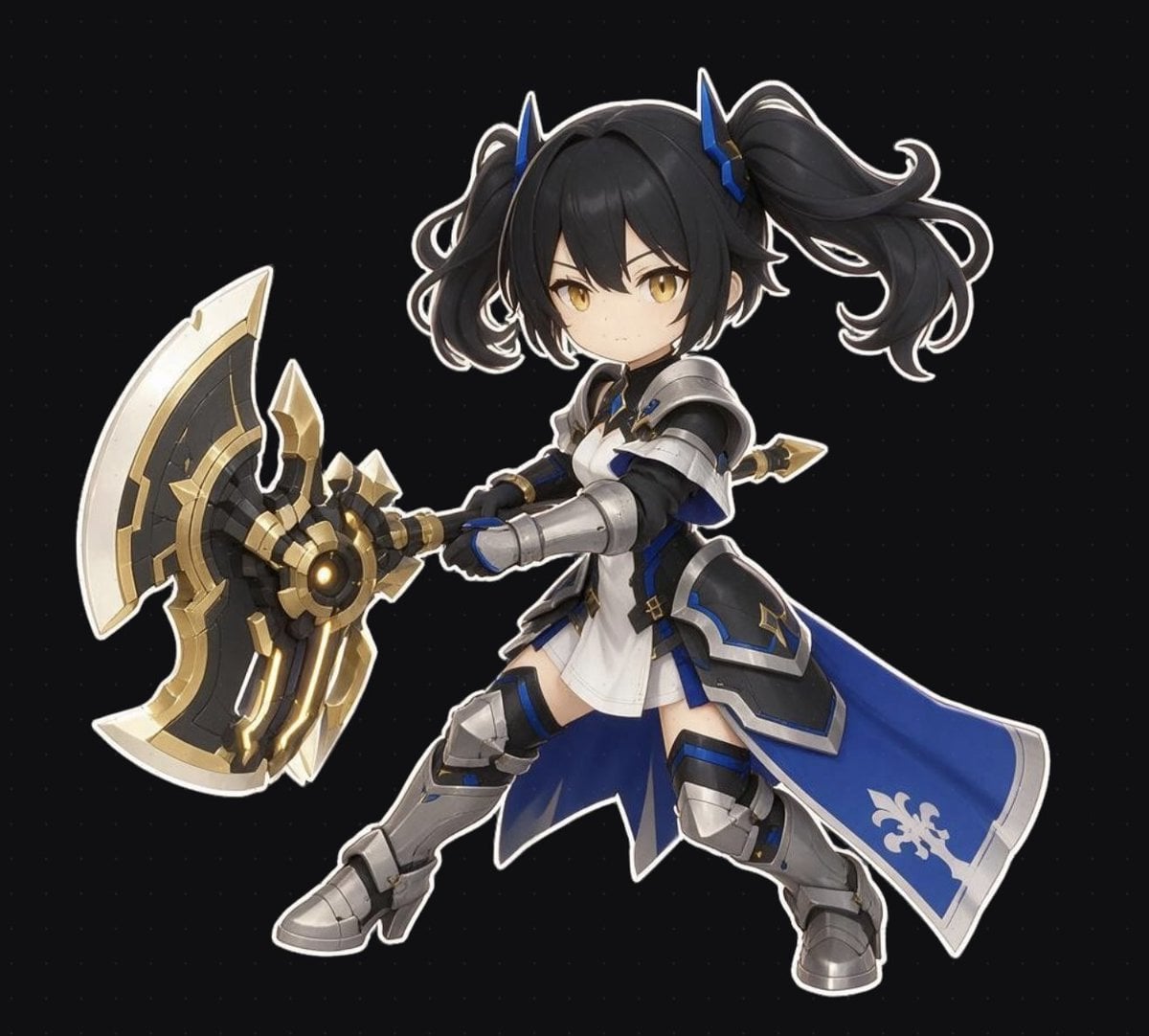
Chibi Fantasy Axe Knight
Make it yours
Elf Mage-Knight Character Design works as-is. These are the safest ways to change it without losing the look.
Change one field
Copy a single group, rewrite it, and generate again so you can see what that field is doing.
Keep the frame, change the subject
Hold the composition and light of Elf Mage-Knight Character Design, then swap wardrobe, props or the person for a new take.
| If the result… | Why | Fix |
|---|---|---|
| The result drifts from the preview | Too many fields changed at once. | Reuse Elf Mage-Knight Character Design as-is first, then change one group — subject, light, or setting. |
| The model over-stylizes the scene | The prose prompt leaves finish and camera underspecified. | Add one camera or lighting sentence and stay on GPT Image 2. |
More GPT Image 2 templates
Other prompts made for GPT Image 2.

Six VTuber Japanese Logo Sheet

Realistic Portrait of Woman and Deer

The Vista Modular Condo Poster

AI Model Routing Comparison Infographic

2.5D Anime Art Board

Isometric Productivity Desk Scene

New York Double Exposure Poster

Four-Panel AI Landscape Comparison

Japanese Tatami Lifestyle Magazine Cover

NESCAFÉ Coffee Map Poster
More image prompts
Fresh picks from across the catalog.
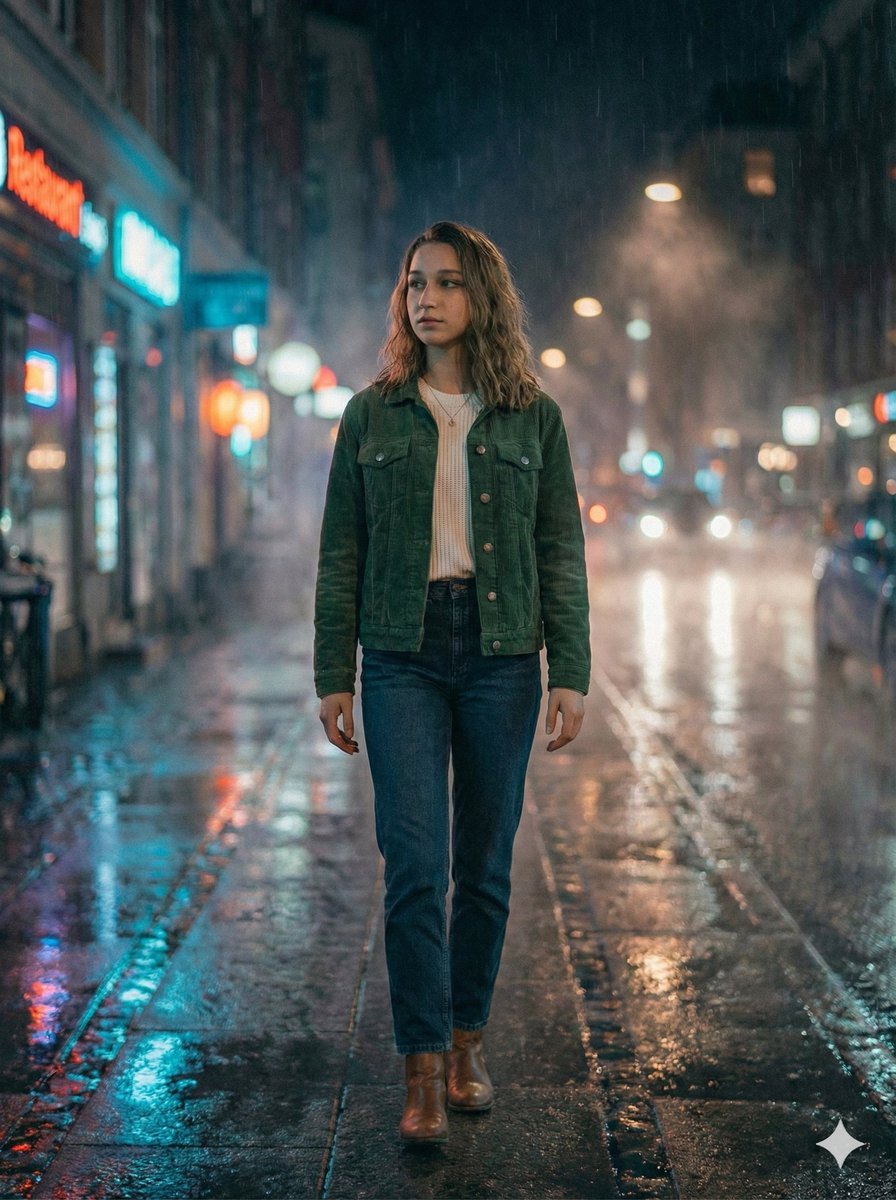
Moody Cinematic Night Rain Portrait (JSON)
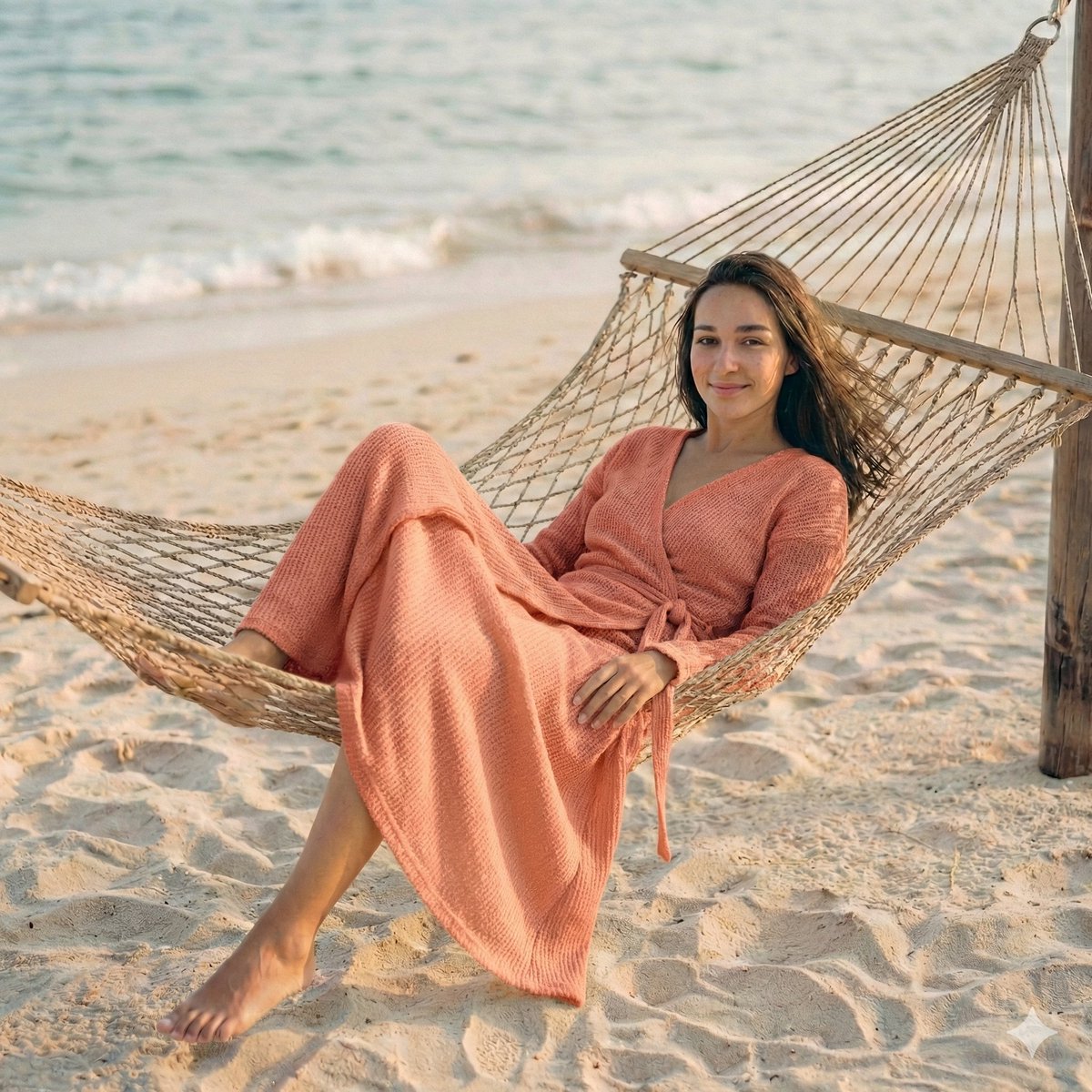
Cinematic Beach Portrait at Golden Hour
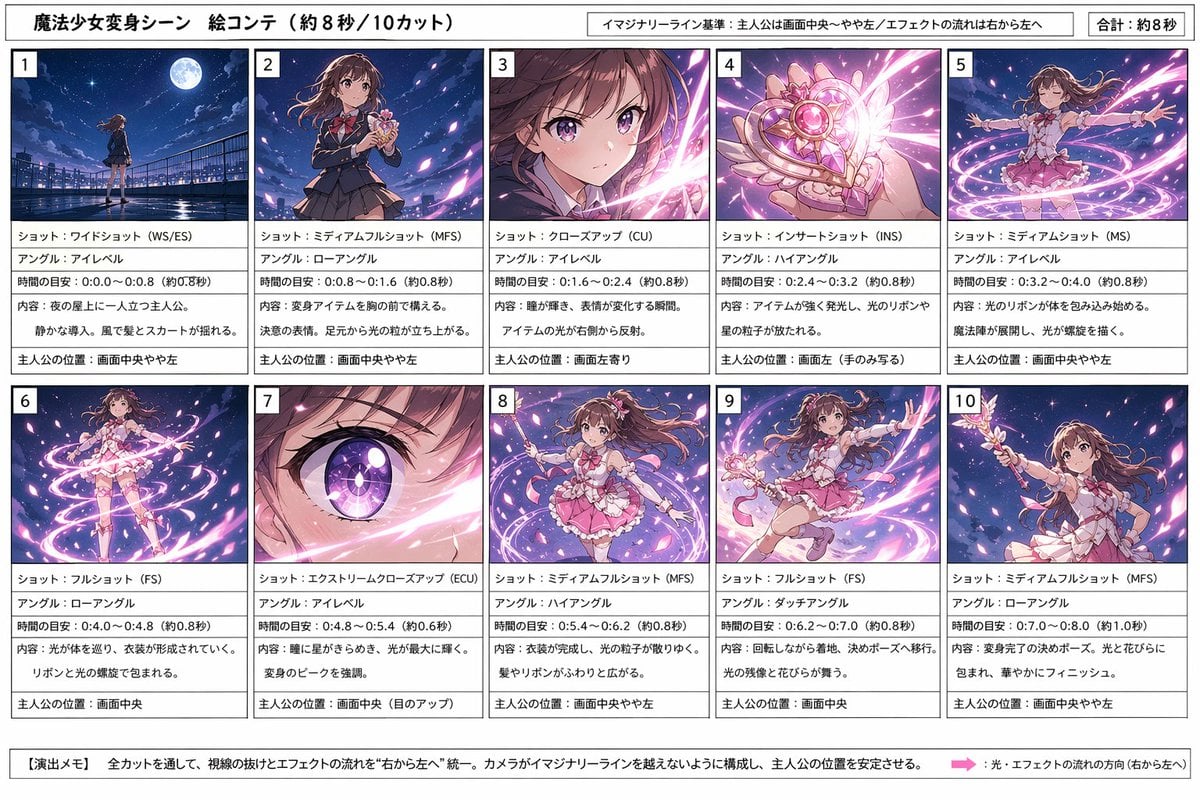
Magical Girl Transformation Storyboard
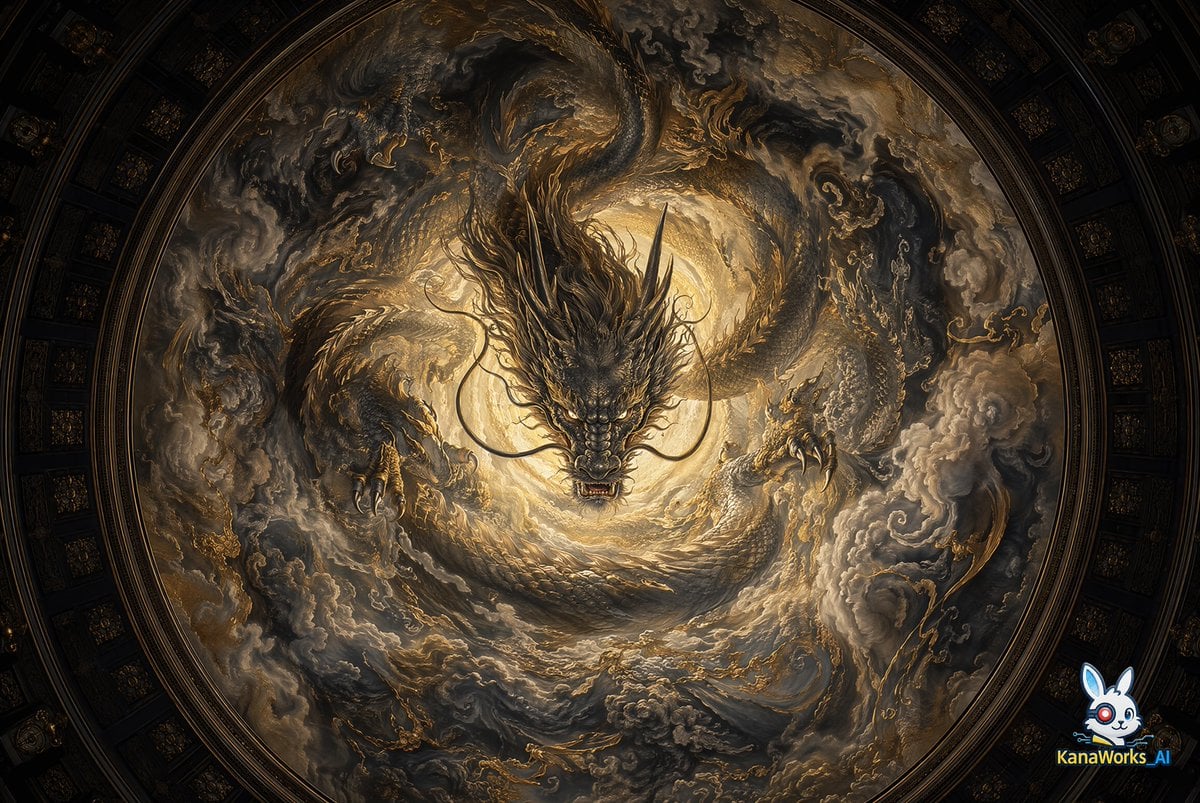
Museum-grade Crying Dragon Dome Mural
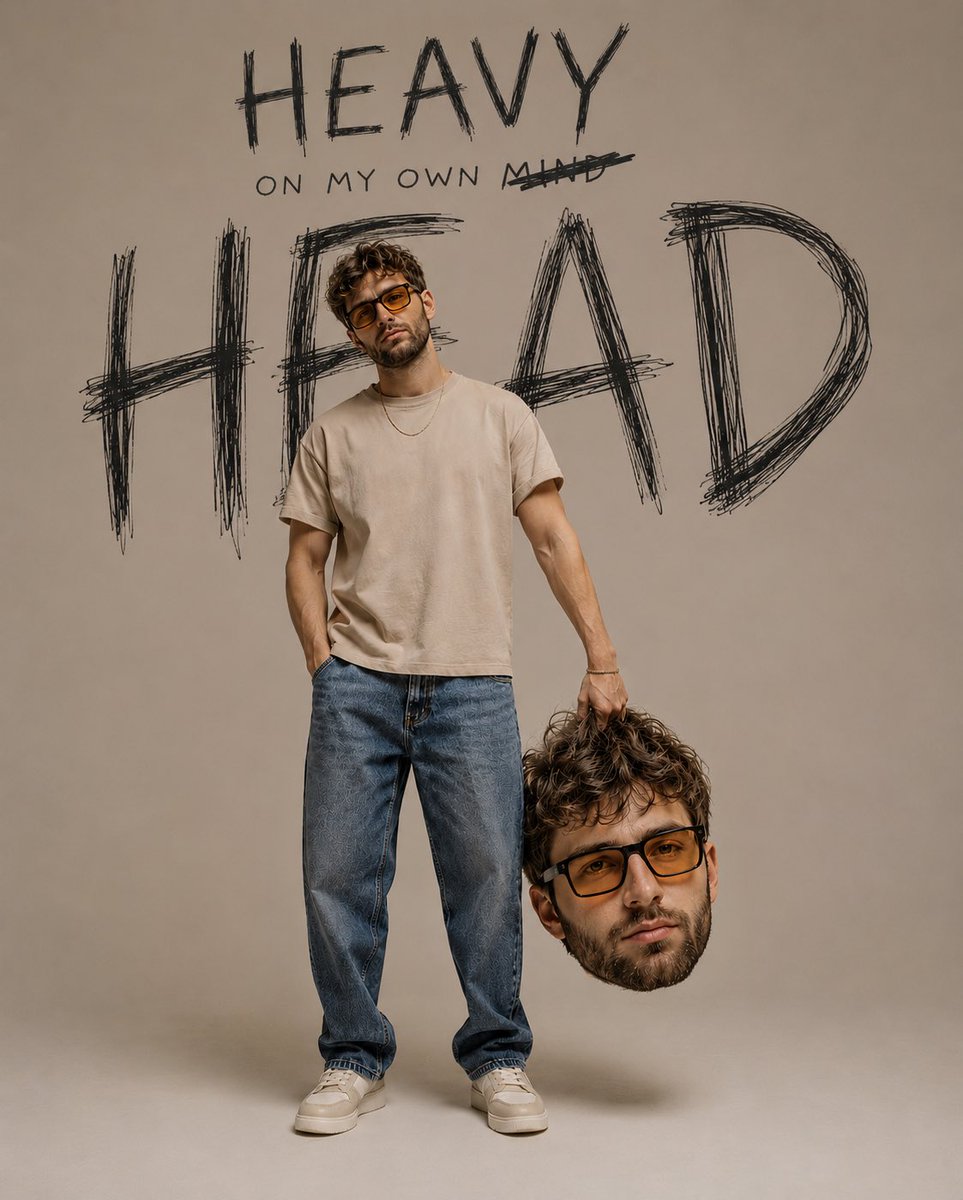
Psychological Surrealism Fashion Portrait
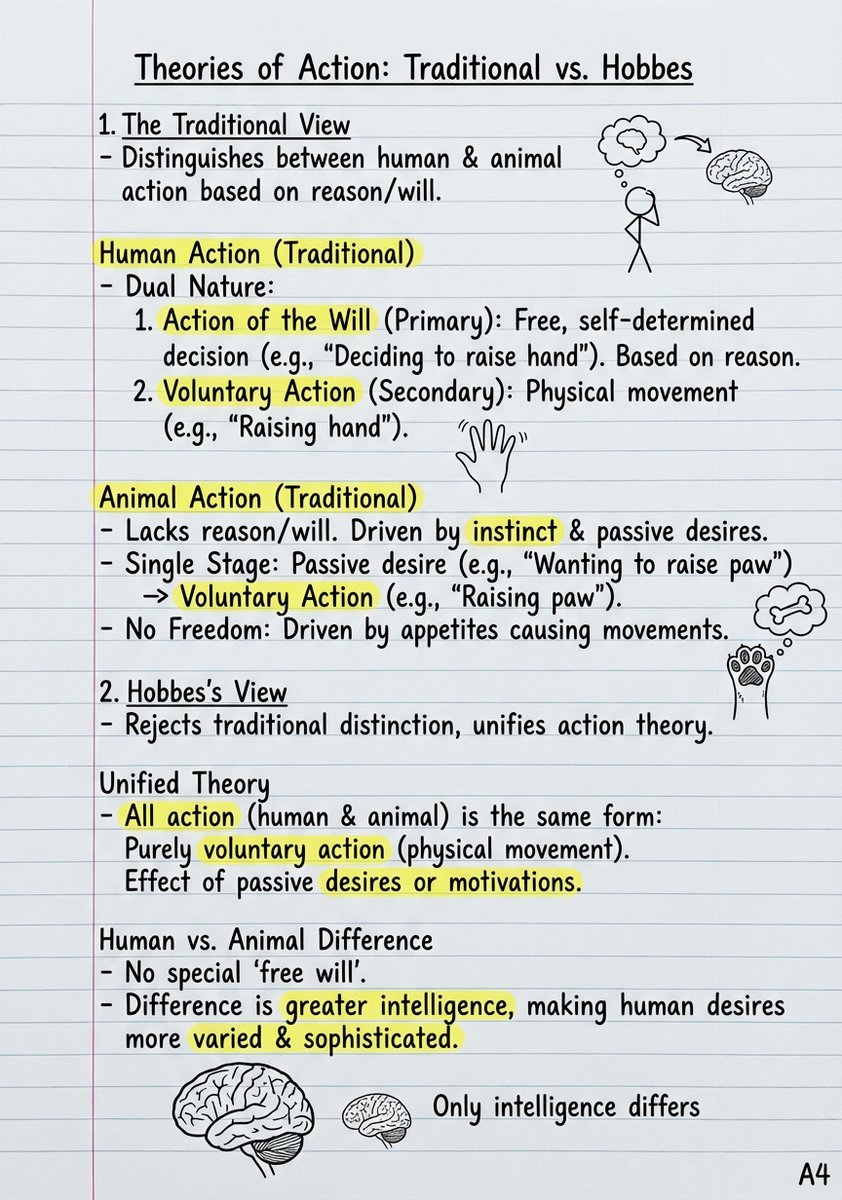
Handwritten Study Notes Generation
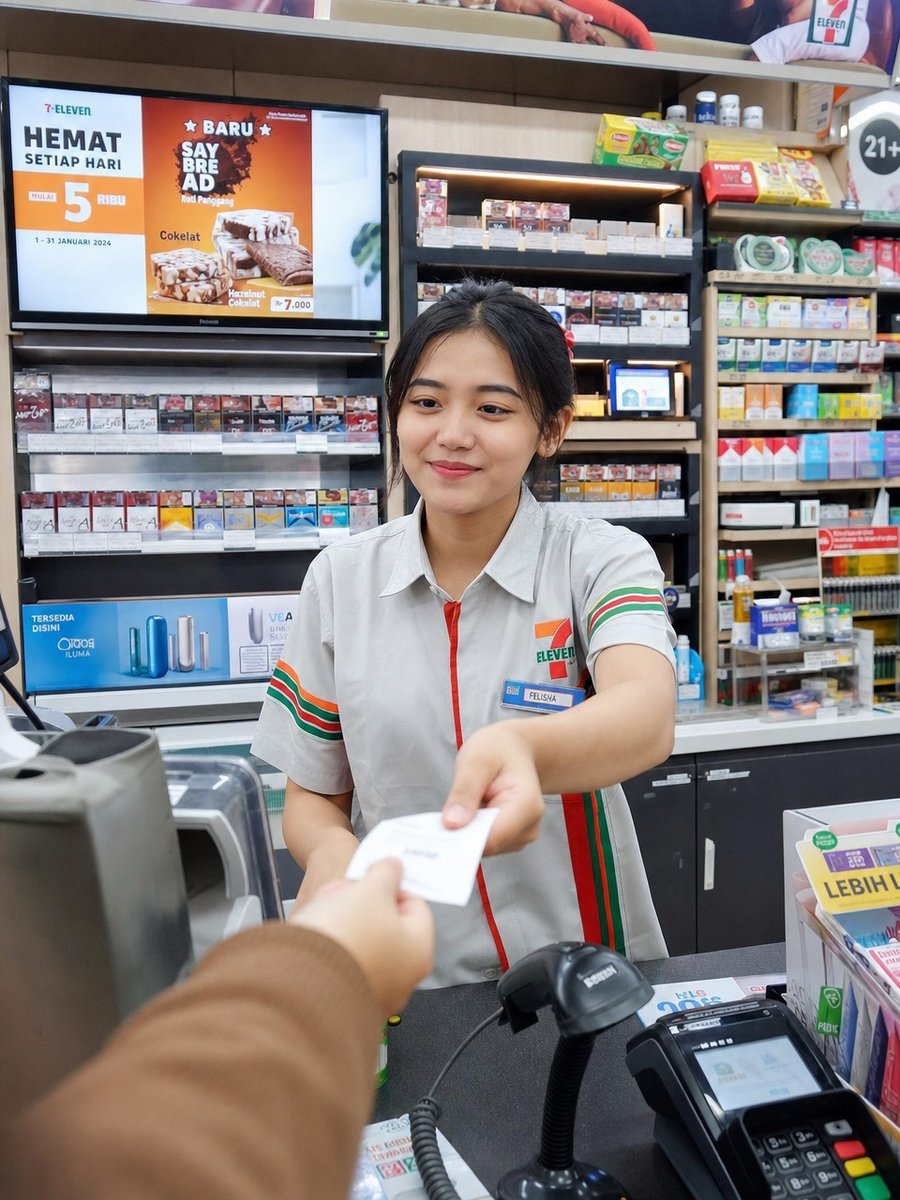
Photorealistic Convenience Store Cashier
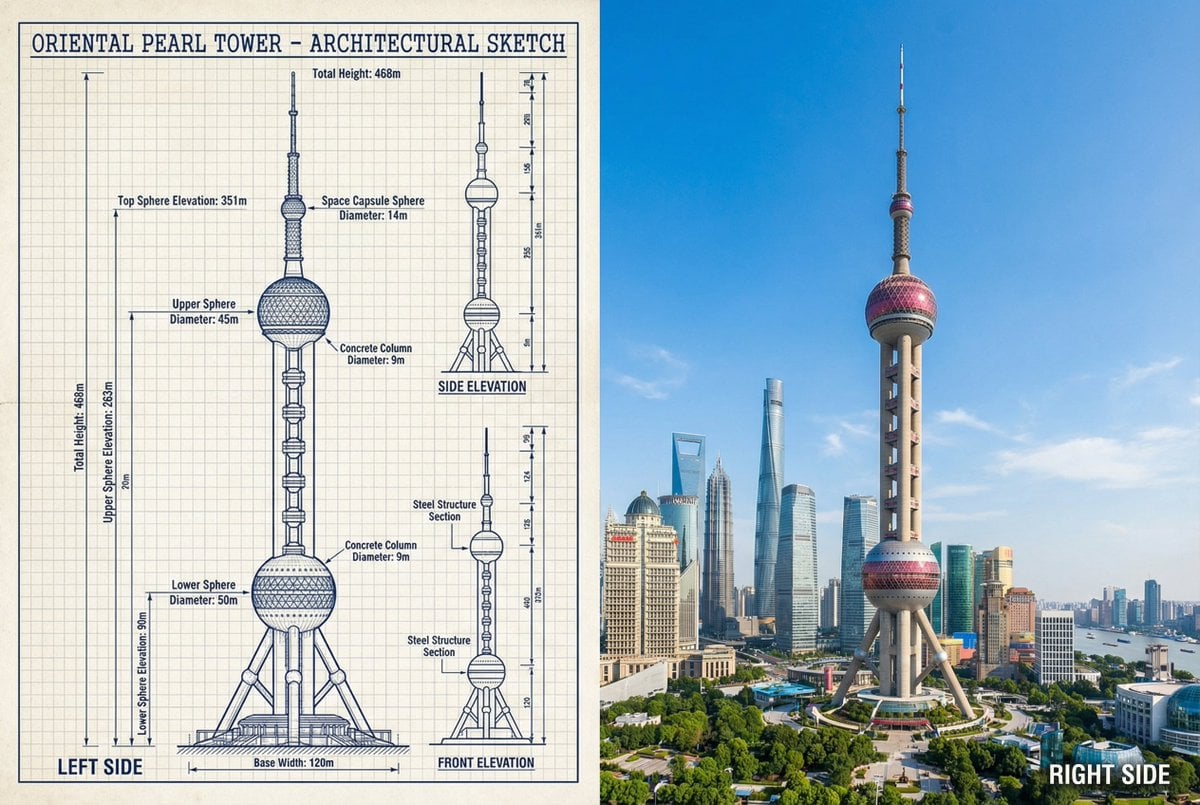
JSON Prompt for Side-by-Side Architectural Comparison of Oriental Pearl Tower
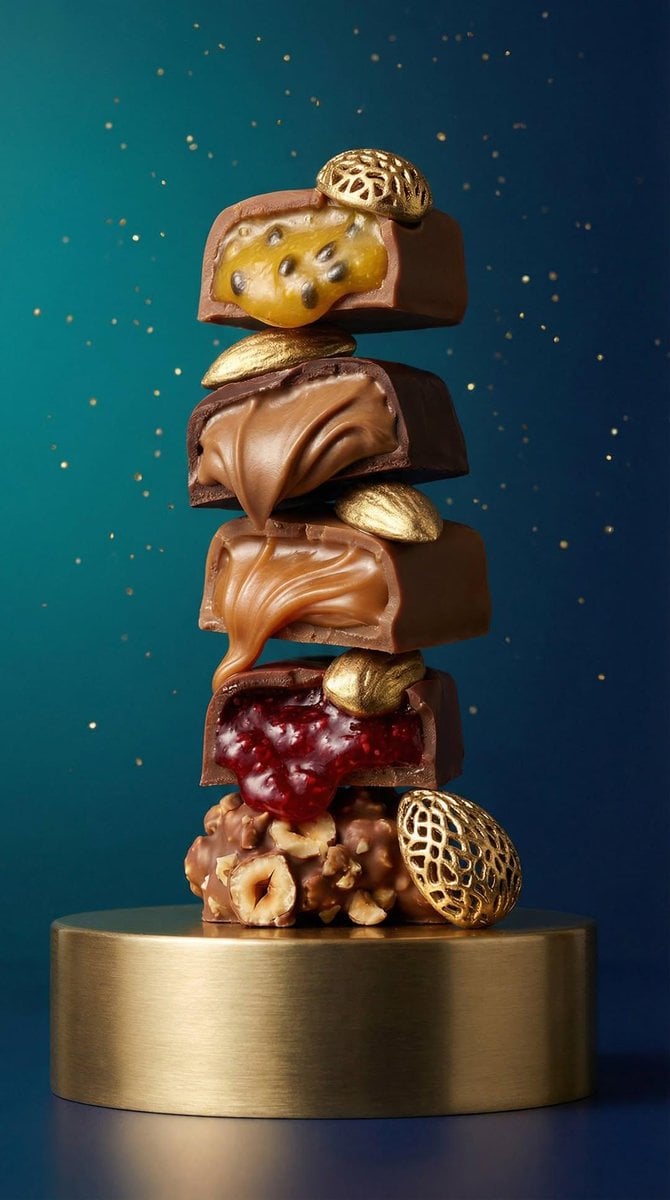
High-Detail Praline Food Photography
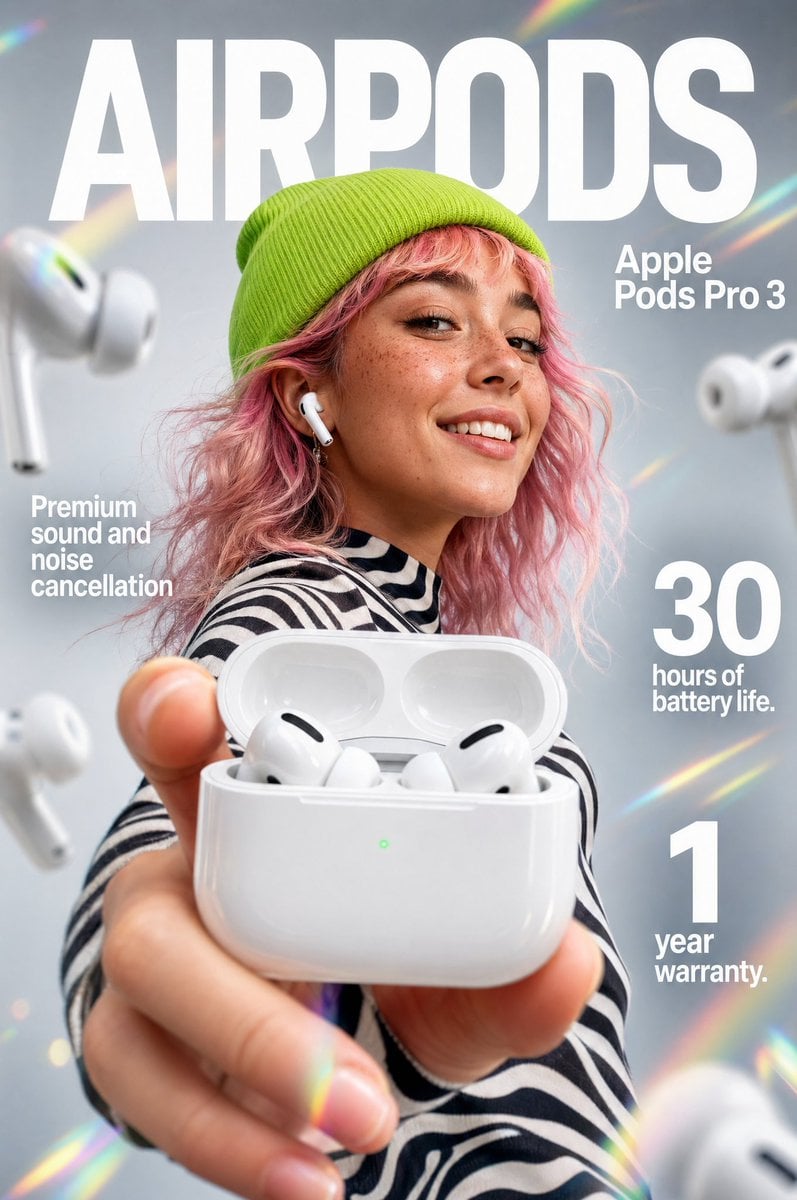
Premium Earbuds Ad Poster
Browse template categories
Elf Mage-Knight Character Design questions
How do I use the Elf Mage-Knight Character Design template?
Add your photo if the template asks for one, edit the prompt if you like — the template's model and format are already selected — and press Generate. Your version opens in PicX Studio.
Can I customize the Elf Mage-Knight Character Design template?
Yes. You can change the subject, setting, lighting, mood, format, and available model controls before creating your image.
Is the Elf Mage-Knight Character Design template free?
Opening and editing this template is free. Generating uses credits, shown on the Generate button when you are signed in.
Which AI model should I use?
Start with GPT Image 2, which is the model associated with this template. You can compare another compatible model for a different finish.
Looking for something else? Browse all templates.

Your photo, any look
Thousands of ready templates for every top image and video model, from one credit balance.