
Chibi Fantasy Axe Knight
Generates a cute heroic chibi anime knight girl with ornate armor and an oversized battle axe for game character concept art.
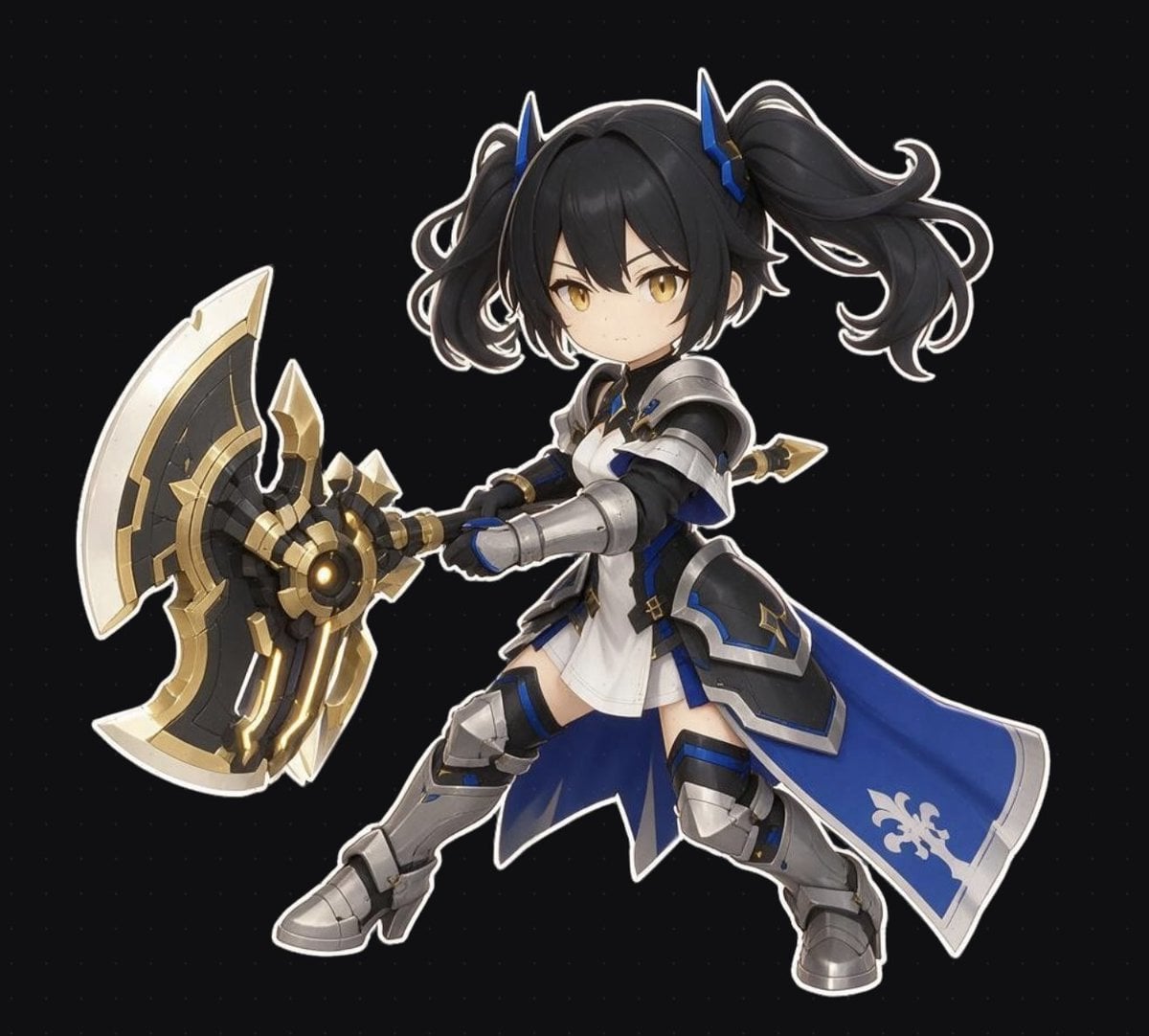
- Prompt included
- Model and format preset
- Free template
The prompt behind this image
Copy the exact prompt behind Chibi Fantasy Axe Knight, or open it in the studio and make it yours.
Create a single full-body chibi anime fantasy warrior girl on a dark nearly black background with a faint dotted grid, rendered as a polished 3D/anime game character concept with clean white sticker-like outline around the silhouette. The character is {argument name="character name" default="an original chibi knight girl"}, standing in a dynamic combat-ready three-quarter pose facing slightly left, knees bent, both hands gripping an oversized ornate battle axe held diagonally across the body toward the left side of the canvas. She has {argument name="hair color" default="black"} twin-tail hair with voluminous curled pigtails, short bangs framing the face, small blue horn-like hair ornaments, golden amber eyes, a small serious expression, and youthful chibi proportions with a large head and compact body. Outfit: white tunic dress under silver plate armor, black undersuit sleeves, blue and black accent panels, gold trim, armored shoulder pauldrons, gauntlets, thigh and knee guards, chunky silver boots, and a long royal-blue side cape or skirt panel flowing to the right with a white fleur-de-lis emblem near the bottom. Weapon: exactly 1 huge double-headed fantasy axe, black and dark metal core with bright gold mechanical details, ivory-white outer blades, glowing warm amber circular center, angular decorative spikes, and a heavy game-ready silhouette. Use high-quality cel-shaded 3D illustration, crisp edges, soft studio lighting, subtle metallic reflections, detailed armor bevels, cute but heroic proportions, centered composition, no text, no watermark, no extra characters, no environment props.
How to use Chibi Fantasy Axe Knight in 3 steps
- 1Upload ImagePNG, JPG or paste
Add your photo
Upload the photo the template builds on. The prompt, model and format are already set.
- 2…a portrait of your subject in softgolden-hour light, 85mm…
Personalize
Edit the subject and creative details for your destination.
- 3Generate
Generate
Press Generate — your image is created in PicX Studio, so you can compare it with the original and refine one variable at a time.
More like this
Templates with the same subject, style or setup. Open one to see its prompt.
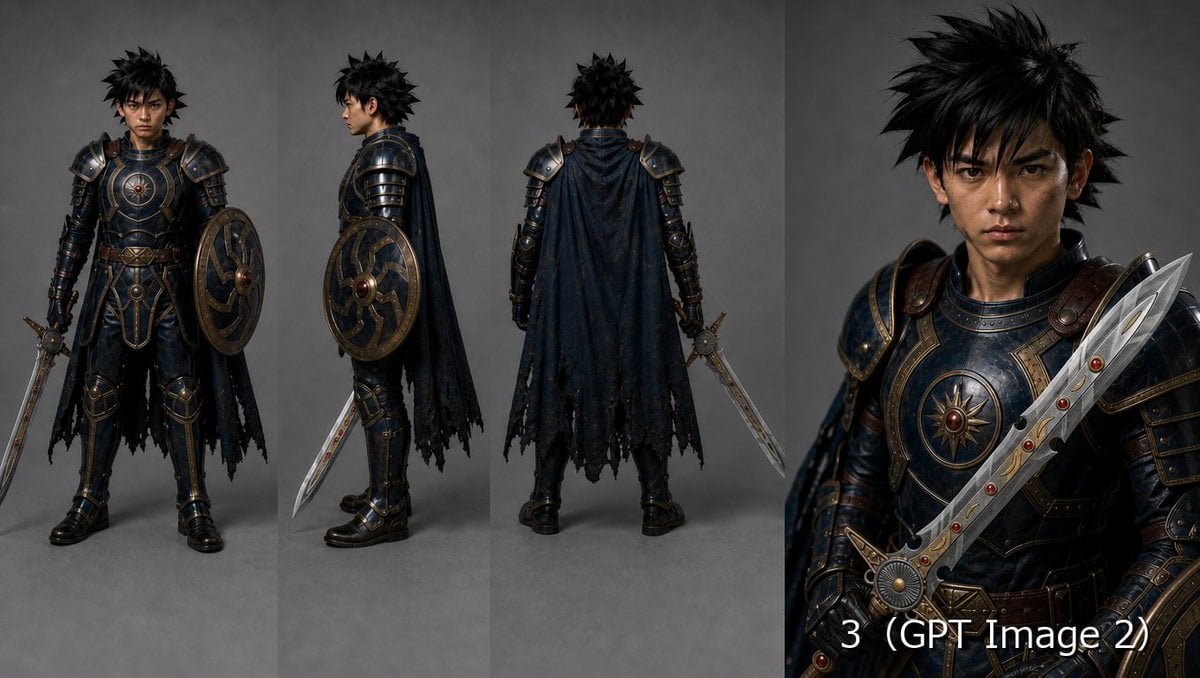
Fantasy Knight Character Turnaround Sheet

Cute Layered Paper Cut Chibi Girl

Pixar-Style Chibi Café Morning Scene

Anime Fantasy Celestial Movie Poster
Anime Fantasy Celestial Movie Poster

Minecraft Fantasy Kingdom Voxel Landscape

Unfinished Sketch Comes Alive Portrait

Open Travel Journal Overhead Still Life

Tiny Woman Miniature Fantasy Macro Scene
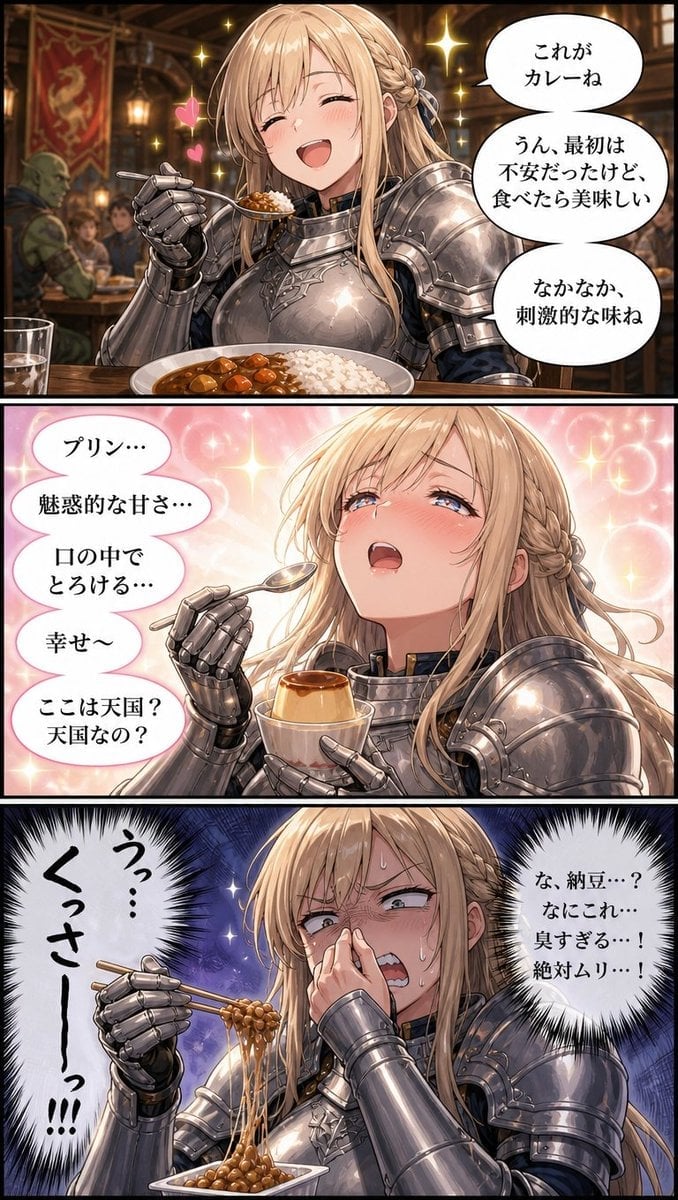
Fantasy Knight Food Reaction Manga
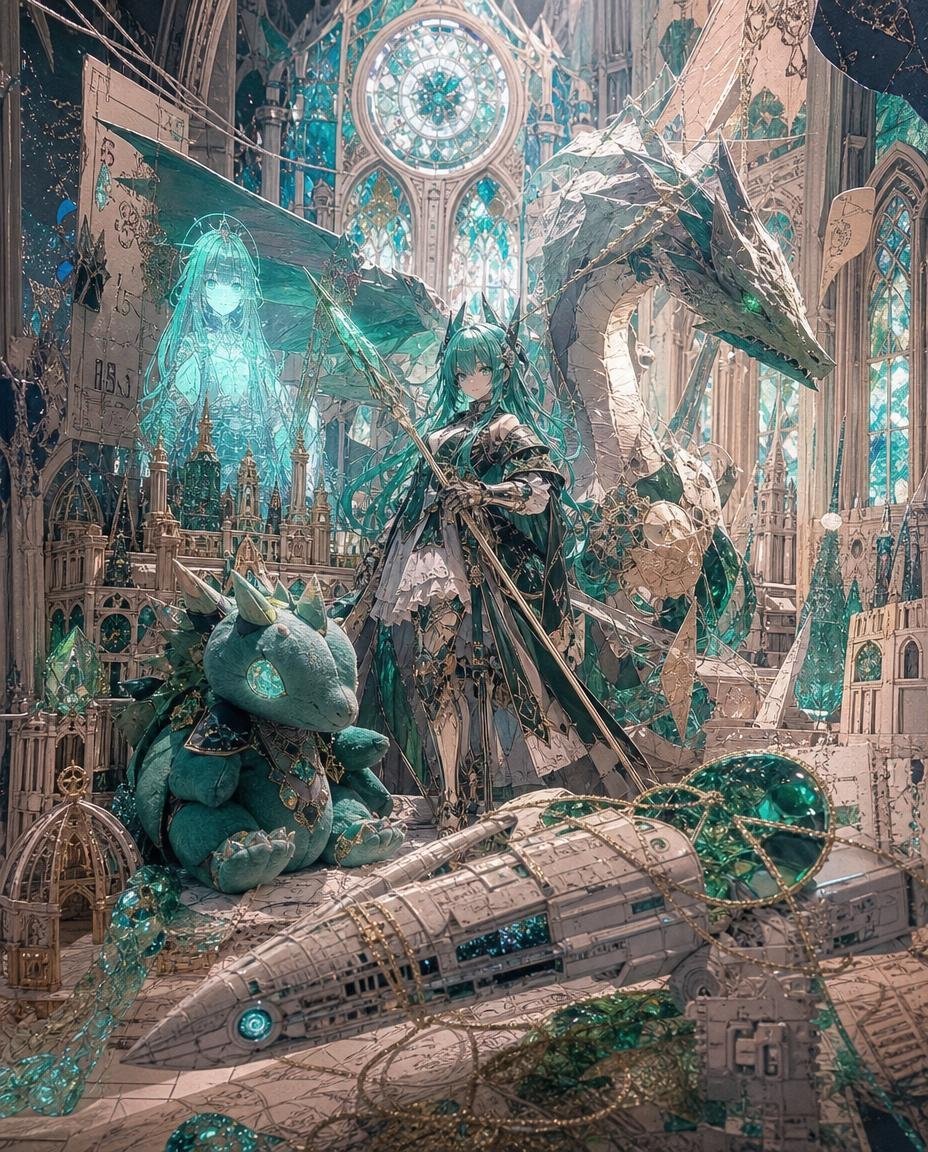
Teal Dragon Knight Cathedral Fantasy
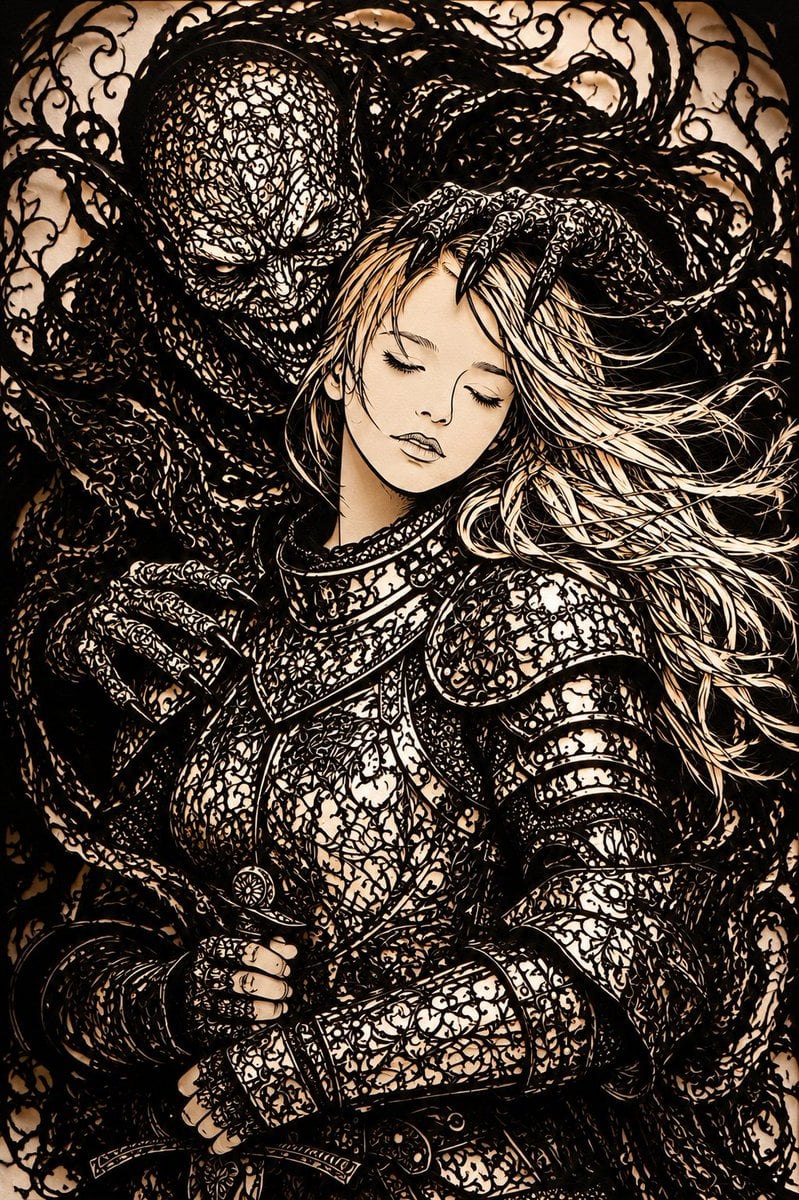
Dark Fantasy Kirie Knight and Demon
Make it yours
Chibi Fantasy Axe Knight works as-is. These are the safest ways to change it without losing the look.
Change one field
Copy a single group, rewrite it, and generate again so you can see what that field is doing.
Keep the frame, change the subject
Hold the composition and light of Chibi Fantasy Axe Knight, then swap wardrobe, props or the person for a new take.
| If the result… | Why | Fix |
|---|---|---|
| The result drifts from the preview | Too many fields changed at once. | Reuse Chibi Fantasy Axe Knight as-is first, then change one group — subject, light, or setting. |
| The model over-stylizes the scene | The prose prompt leaves finish and camera underspecified. | Add one camera or lighting sentence and stay on GPT Image 2. |
More GPT Image 2 templates
Other prompts made for GPT Image 2.

Six VTuber Japanese Logo Sheet

Realistic Portrait of Woman and Deer

The Vista Modular Condo Poster

AI Model Routing Comparison Infographic

2.5D Anime Art Board

Isometric Productivity Desk Scene

New York Double Exposure Poster

Four-Panel AI Landscape Comparison

Japanese Tatami Lifestyle Magazine Cover

NESCAFÉ Coffee Map Poster
More image prompts
Fresh picks from across the catalog.
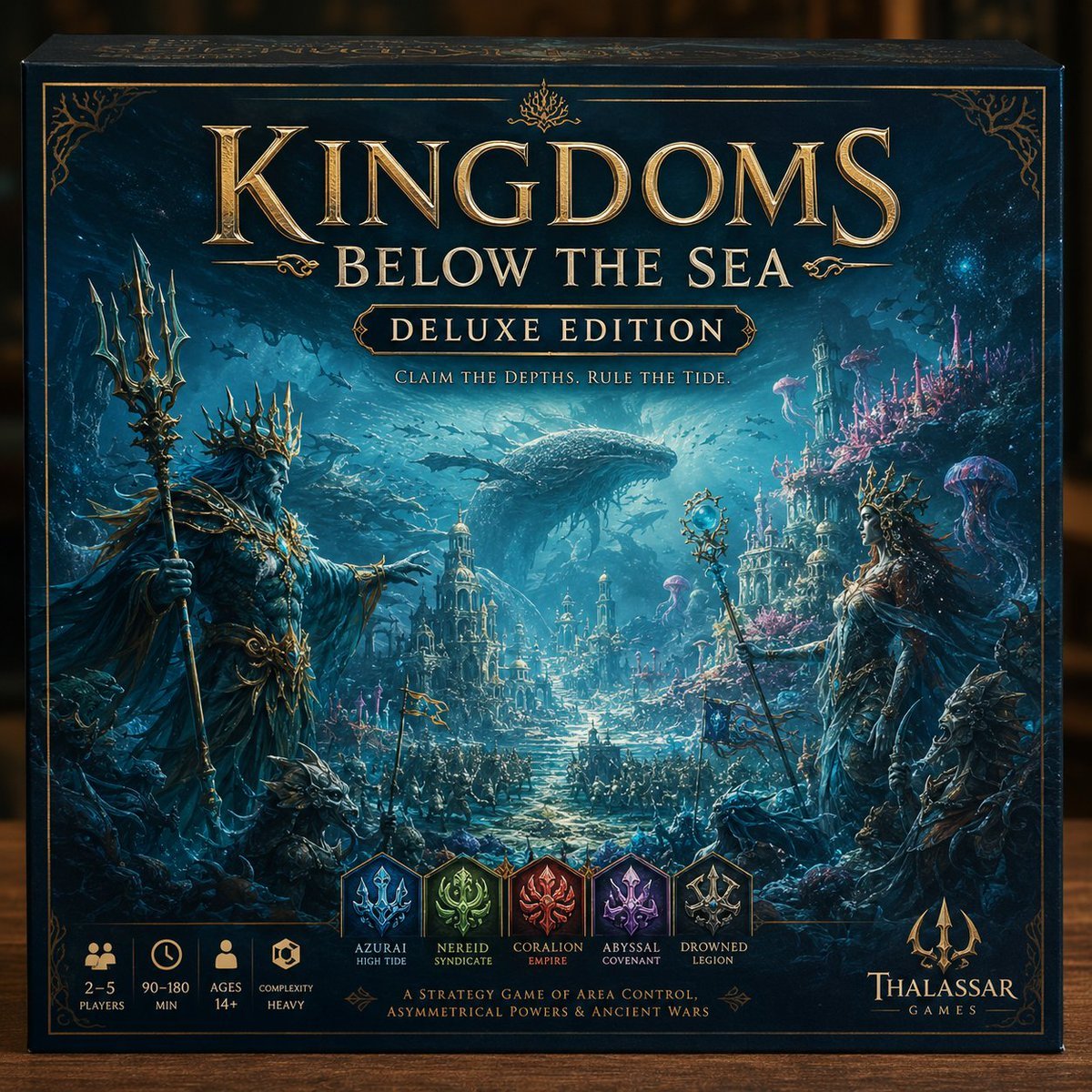
Deluxe Underwater Kingdom Board Game Box
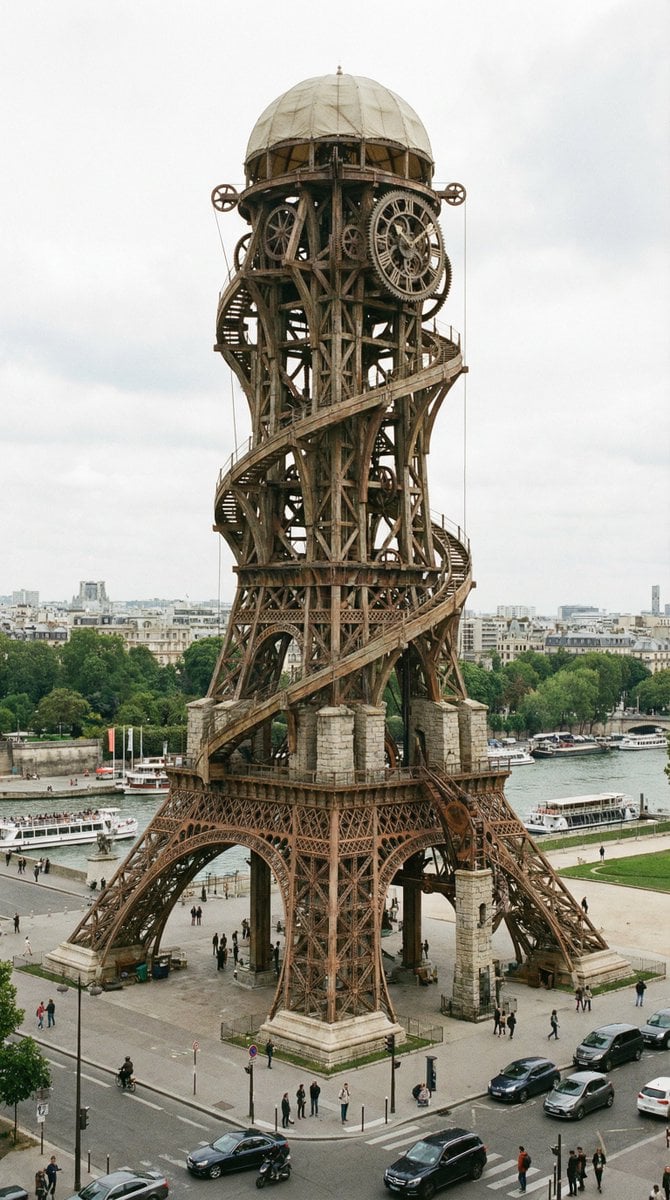
Hyper-Realistic Landmark Redesign by Famous Designer
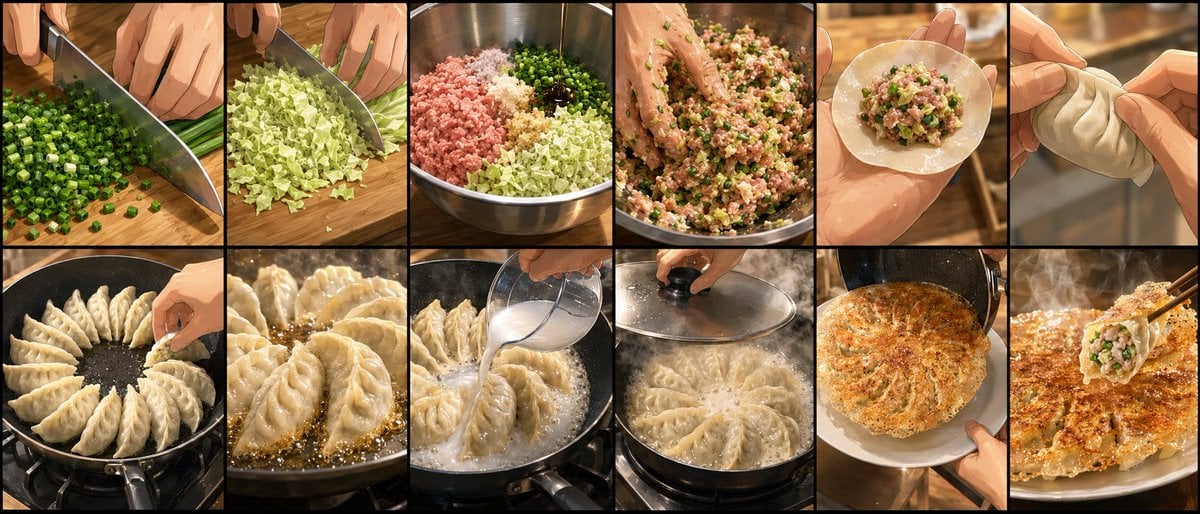
Gyoza Cooking Storyboard
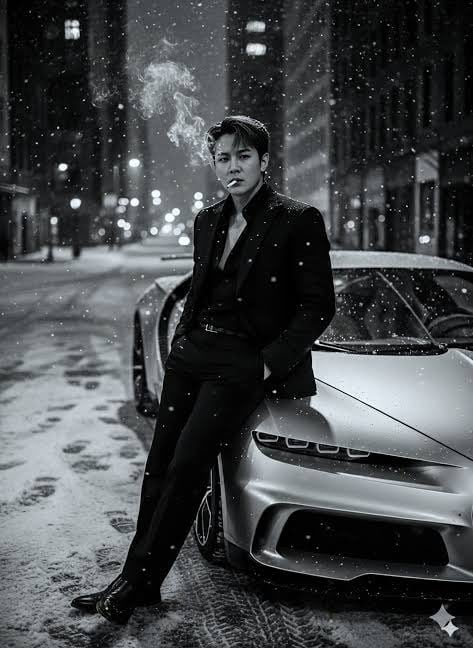
Cinematic Noir Prompt for a Man and a Sports Car
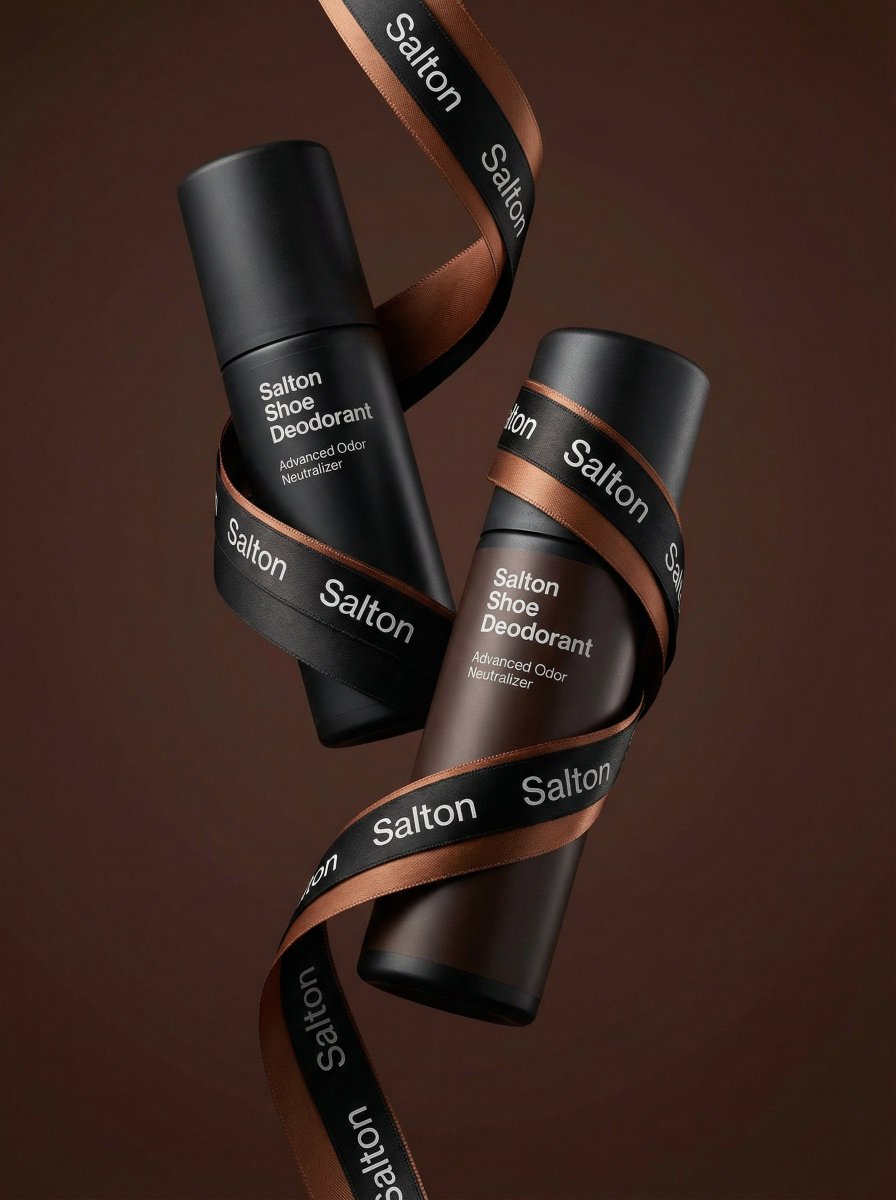
Premium Advertising Photo of Levitation Bottles
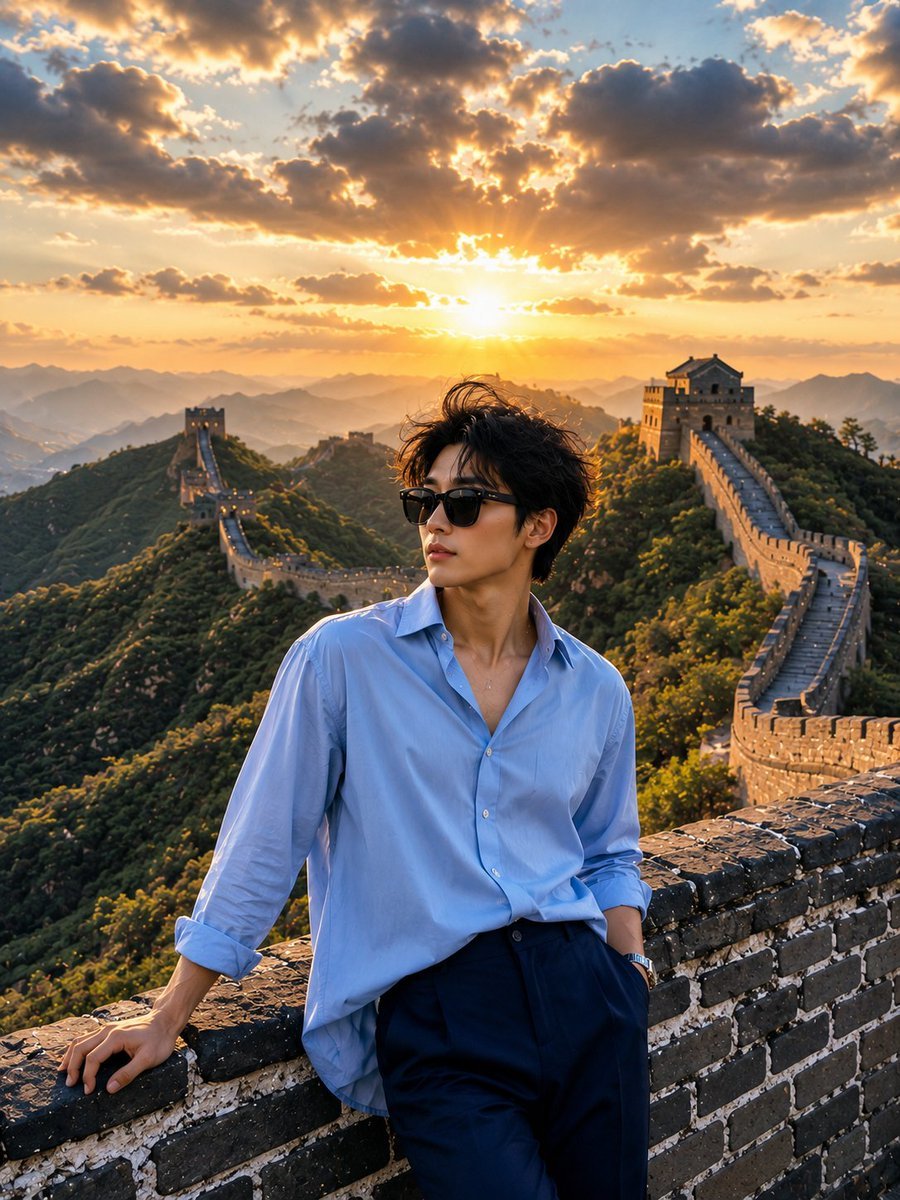
Great Wall Travel Photography
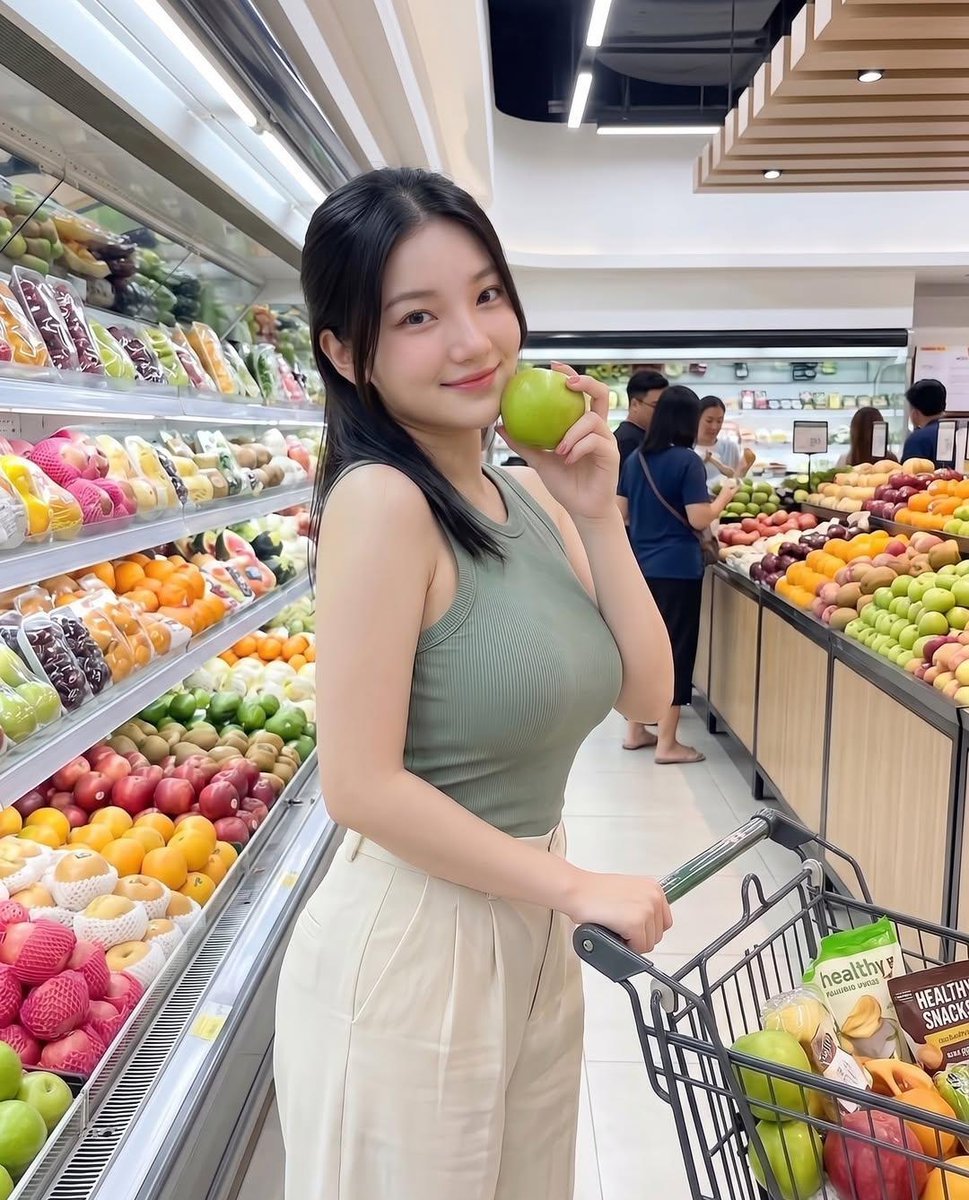
Modern Grocery Store Lifestyle Portrait
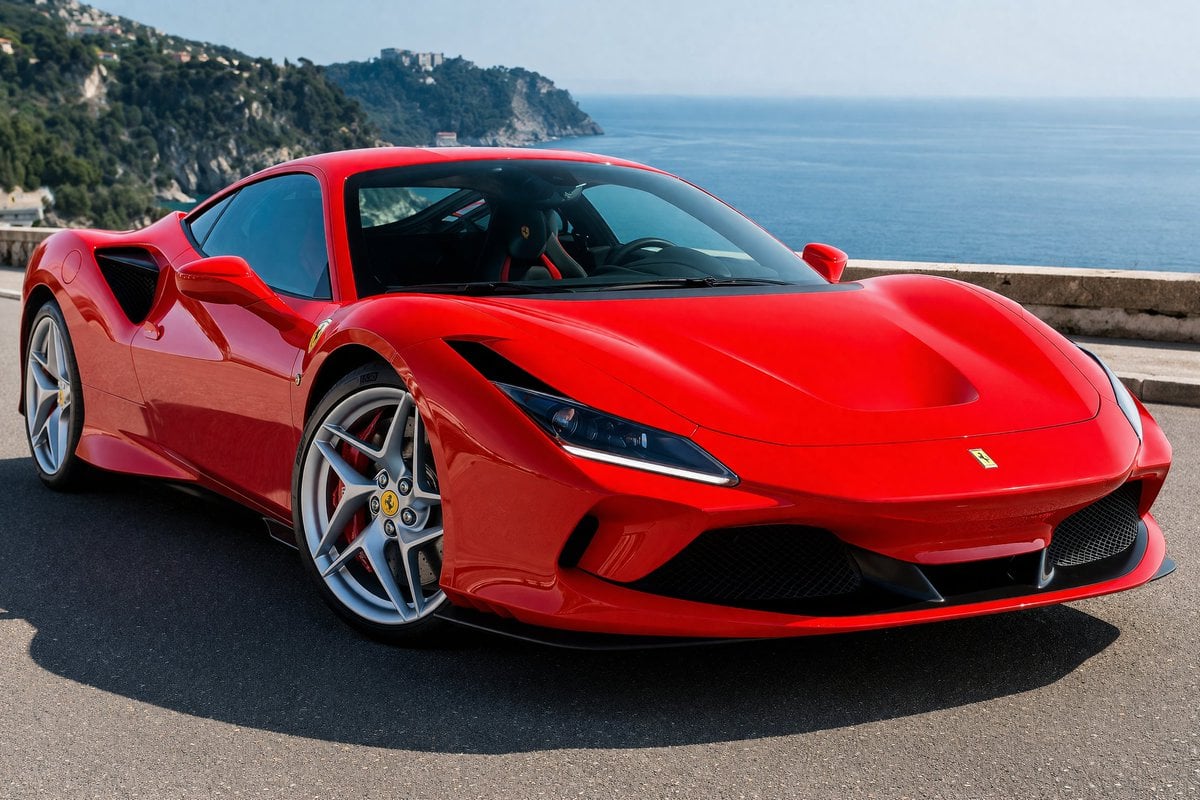
Photorealistic Coastal Sports Car
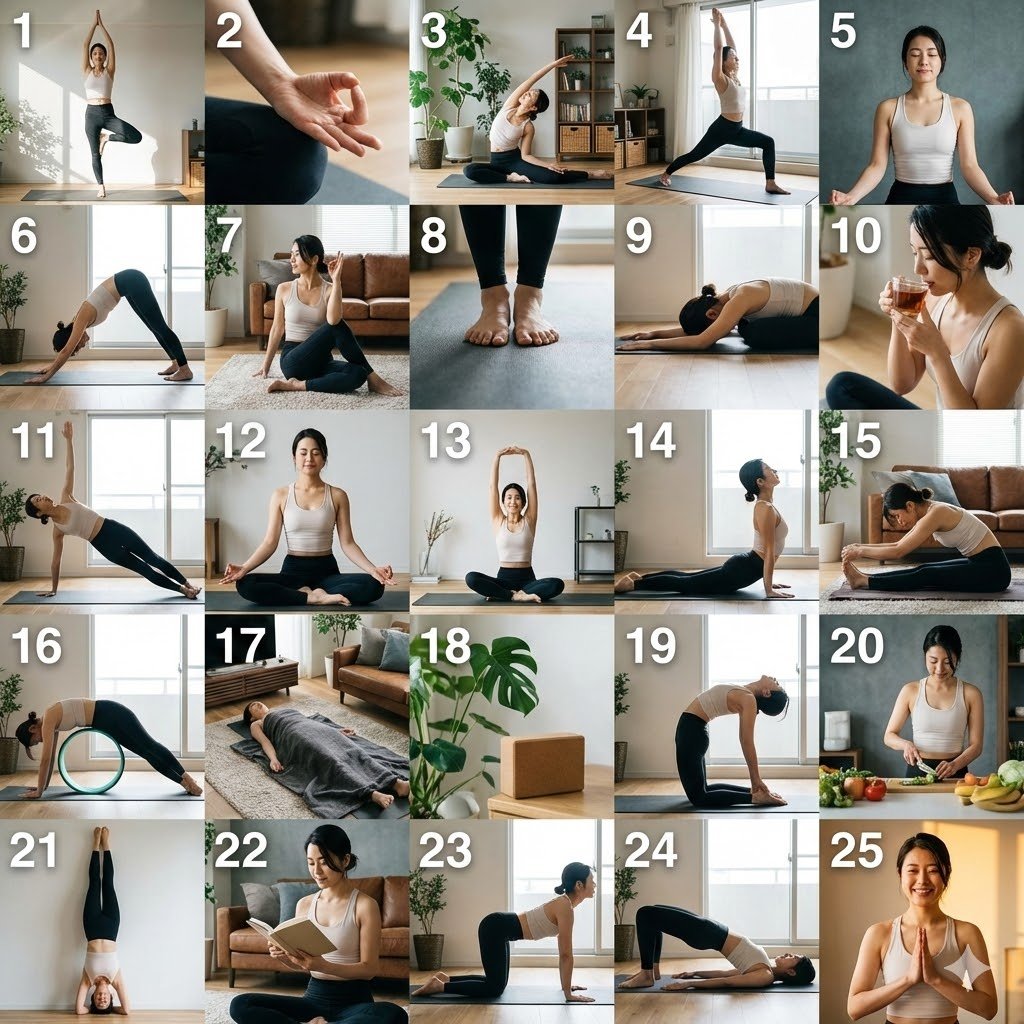
Multi-Cut Scene Generation and Extraction Prompt
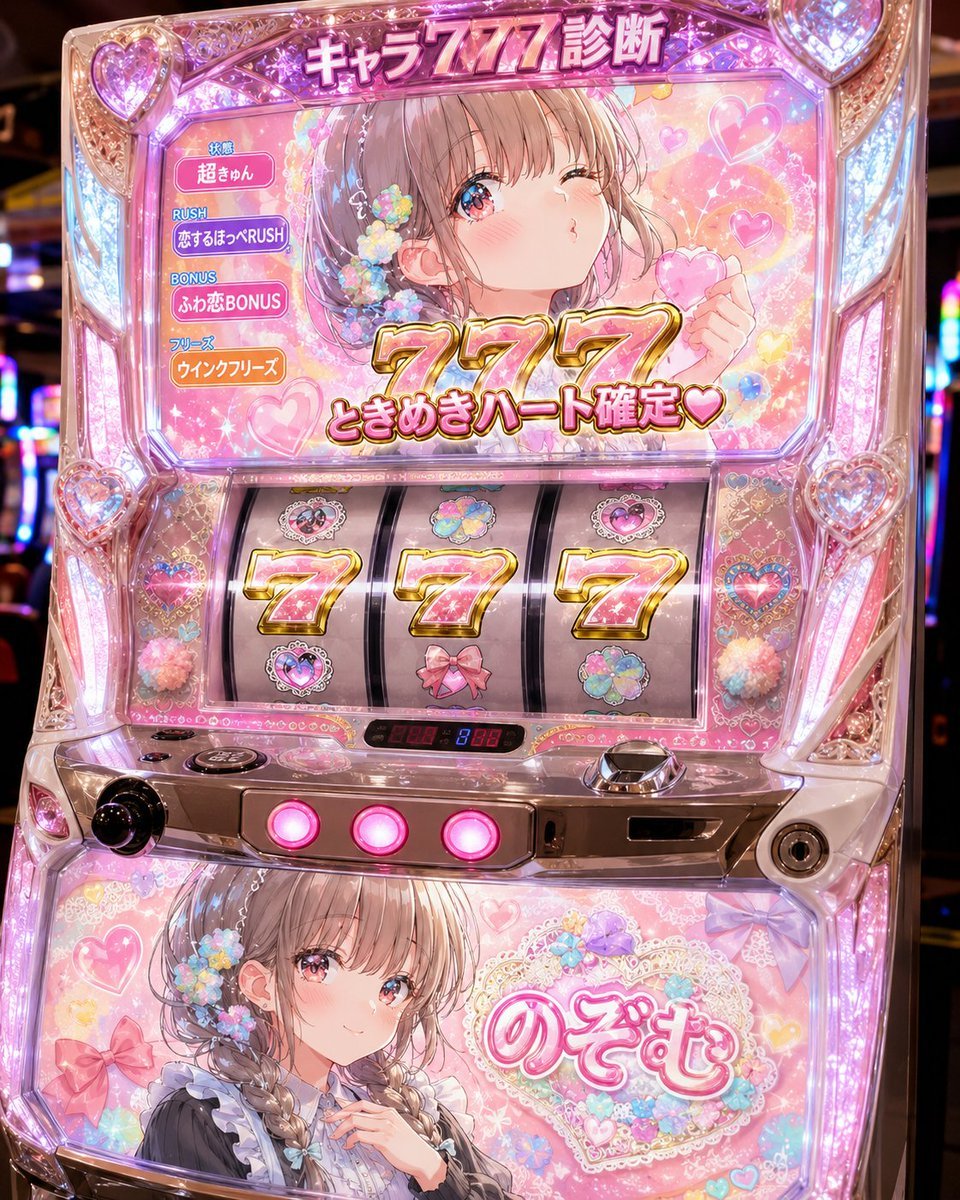
Kawaii Character 777 Slot Machine
Browse template categories
Chibi Fantasy Axe Knight questions
How do I use the Chibi Fantasy Axe Knight template?
Add your photo if the template asks for one, edit the prompt if you like — the template's model and format are already selected — and press Generate. Your version opens in PicX Studio.
Can I customize the Chibi Fantasy Axe Knight template?
Yes. You can change the subject, setting, lighting, mood, format, and available model controls before creating your image.
Is the Chibi Fantasy Axe Knight template free?
Opening and editing this template is free. Generating uses credits, shown on the Generate button when you are signed in.
Which AI model should I use?
Start with GPT Image 2, which is the model associated with this template. You can compare another compatible model for a different finish.
Looking for something else? Browse all templates.

Your photo, any look
Thousands of ready templates for every top image and video model, from one credit balance.