
Dark Fantasy Kirie Knight and Demon
Generates a gothic paper-cut style fantasy portrait of an armored knight threatened by a swirling shadow demon.
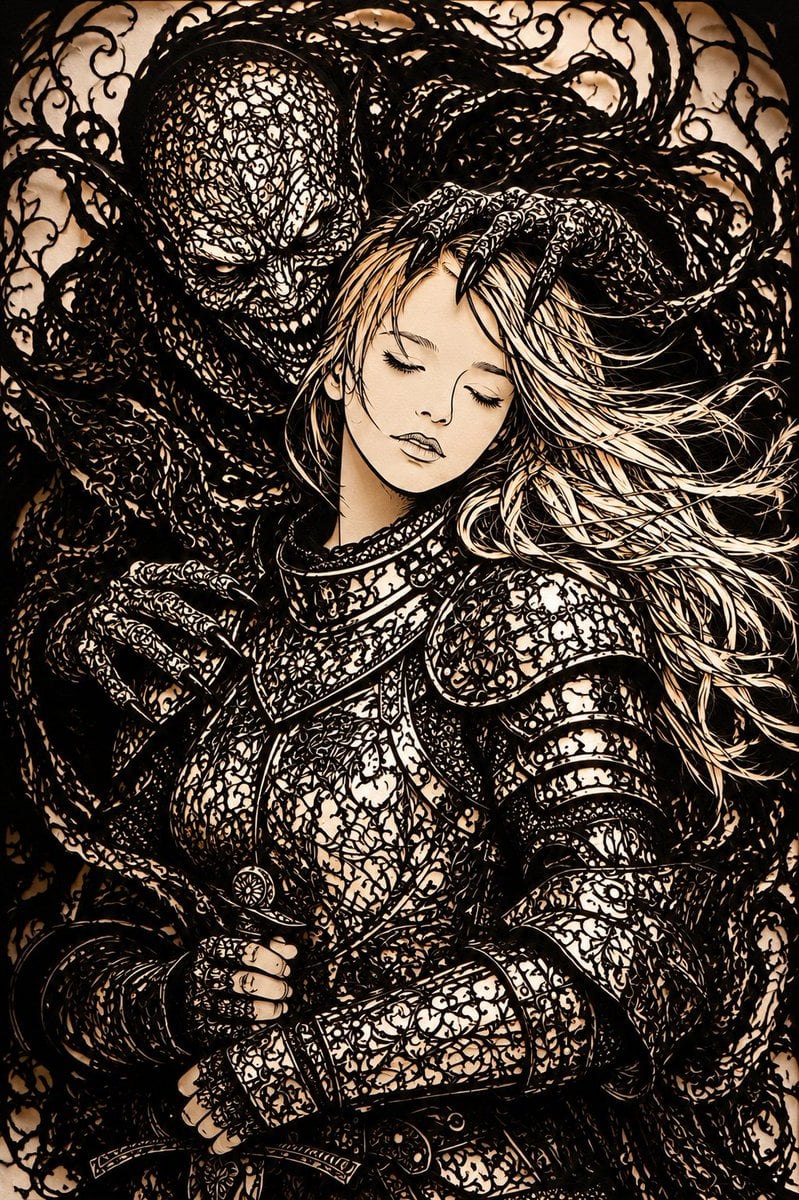
- Prompt included
- Model and format preset
- Premium template
The prompt behind this image
Copy the exact prompt behind Dark Fantasy Kirie Knight and Demon, or open it in the studio and make it yours.
Create a dramatic vertical dark fantasy illustration in an extremely intricate Japanese paper-cut silhouette style, like black kirie lace cut from paper over a warm parchment background. The scene shows a {argument name="character type" default="blonde armored female knight"} in the foreground from thighs up, facing slightly left, wearing ornate engraved plate armor covered in dense curling filigree, floral arabesques, tiny cutout patterns, layered pauldrons, gauntlets, breastplate, belt plates, and a sword hilt near the waist. Her long {argument name="hair color" default="pale blonde"} hair streams wildly to the right in many thin ribbon-like strands, rendered as pale negative space with black ink outlines. Behind and around her looms a huge {argument name="monster type" default="shadow demon"}, with a skull-like eyeless head, sinister grin, elongated clawed hands, and a body made entirely of tangled black vines, smoke tendrils, thorny curls, and lace-like voids, embracing or threatening her from behind. The entire composition is packed edge to edge with swirling black ornamental tendrils and delicate cut-paper holes, high contrast black ink against sepia cream paper, gothic horror atmosphere, baroque detail, handmade papercut texture, sharp silhouettes, dense linework, no color except black and warm beige. Place a flat opaque {argument name="censor square color" default="beige"} square over the center of the knight's face, hiding her facial features while leaving hair and armor visible. Use a tight portrait composition, cinematic lighting through paper, ultra-detailed, beautiful yet ominous, no text.
How to use Dark Fantasy Kirie Knight and Demon in 3 steps
- 1Upload ImagePNG, JPG or paste
Add your photo
Upload the photo the template builds on. The prompt, model and format are already set.
- 2…a portrait of your subject in softgolden-hour light, 85mm…
Personalize
Edit the subject and creative details for your destination.
- 3Generate
Generate
Press Generate — your image is created in PicX Studio, so you can compare it with the original and refine one variable at a time.
More like this
Templates with the same subject, style or setup. Open one to see its prompt.
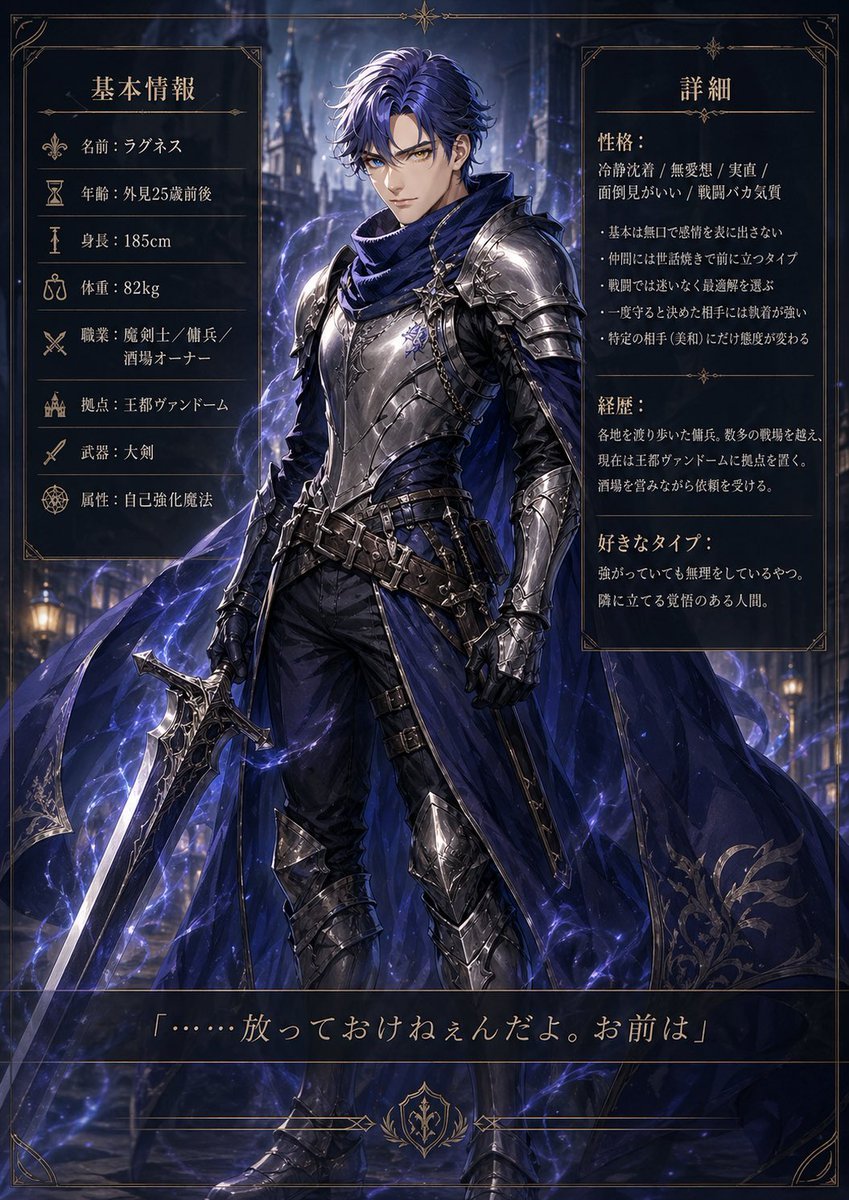
Dark Fantasy Knight Character Sheet
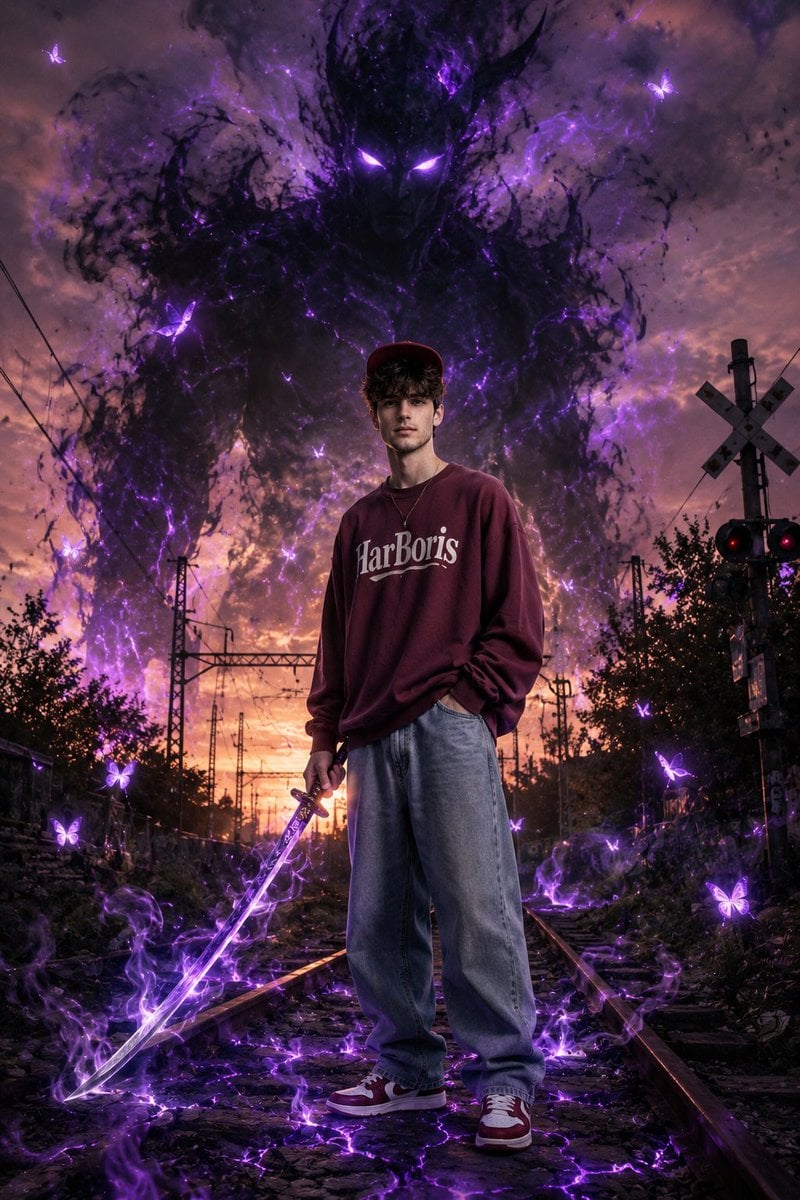
Dark Fantasy Portrait with Shadow Demon
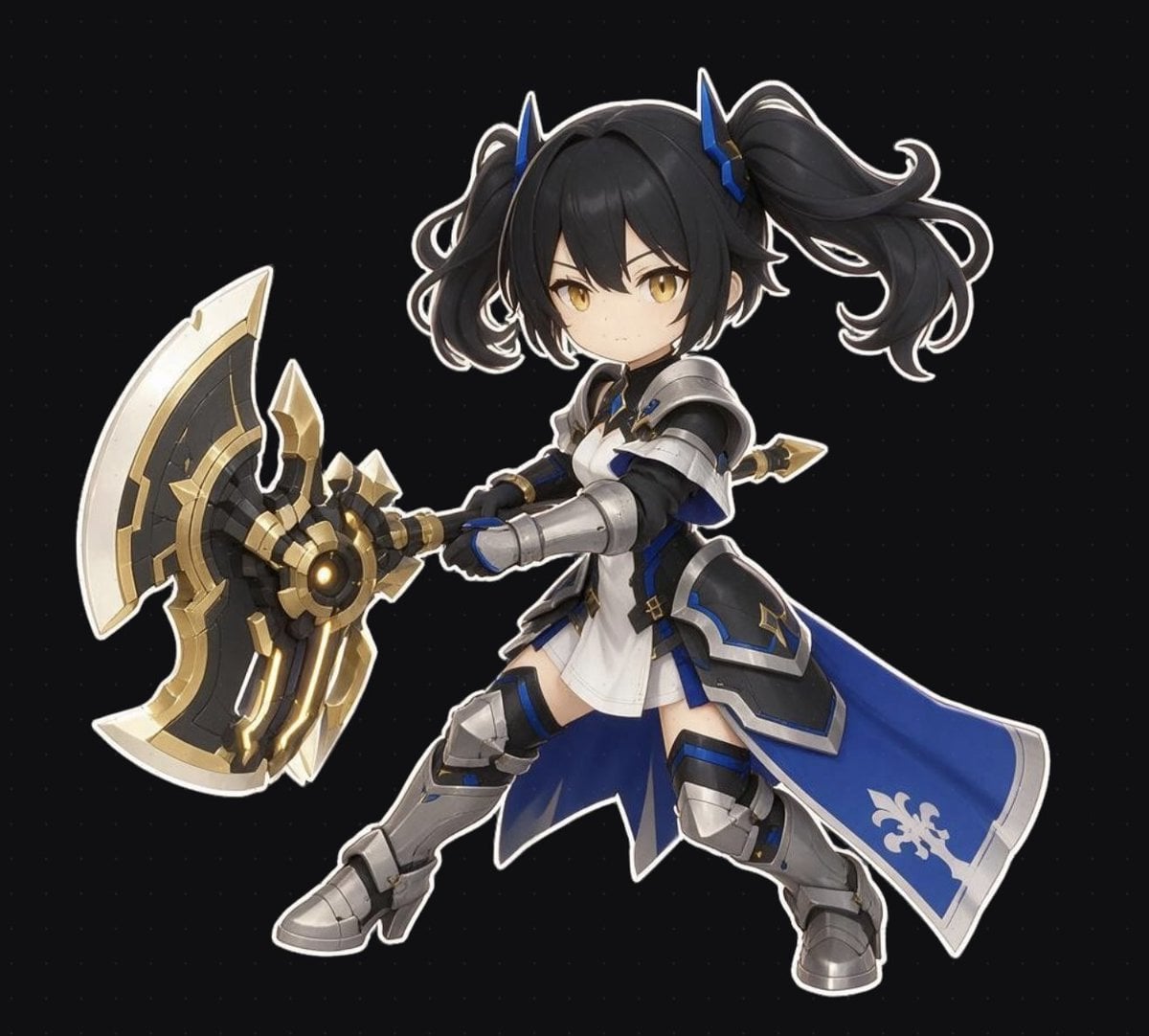
Chibi Fantasy Axe Knight
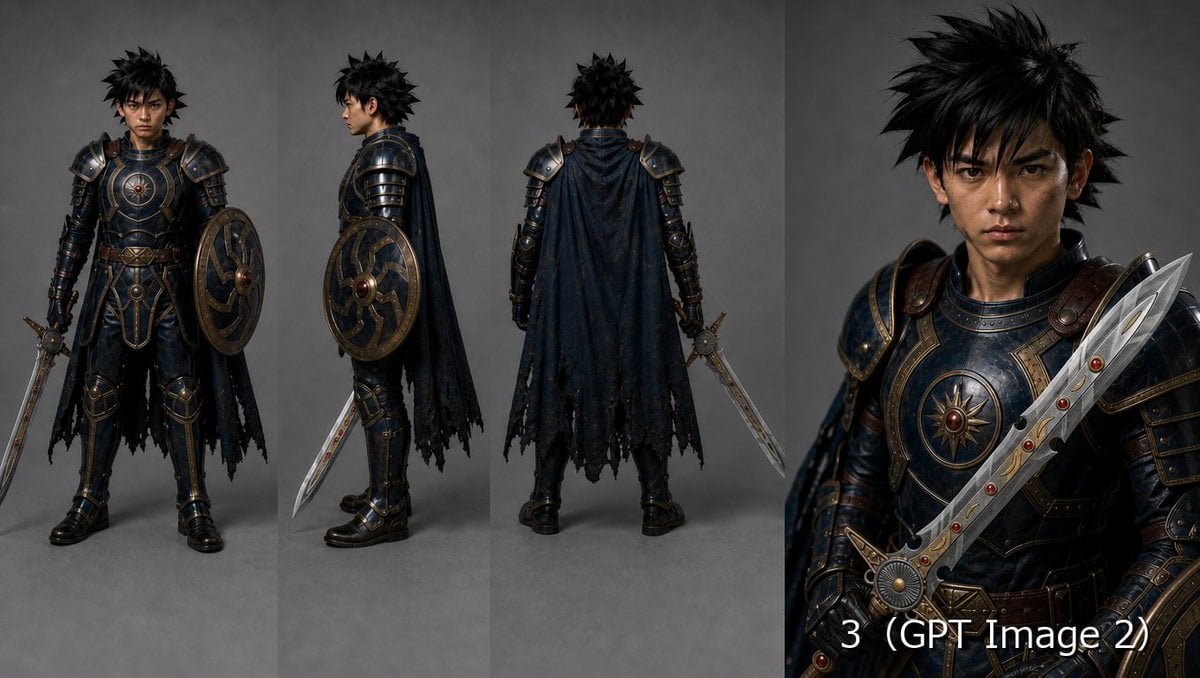
Fantasy Knight Character Turnaround Sheet

Dark Fantasy Sorceress Storyboard
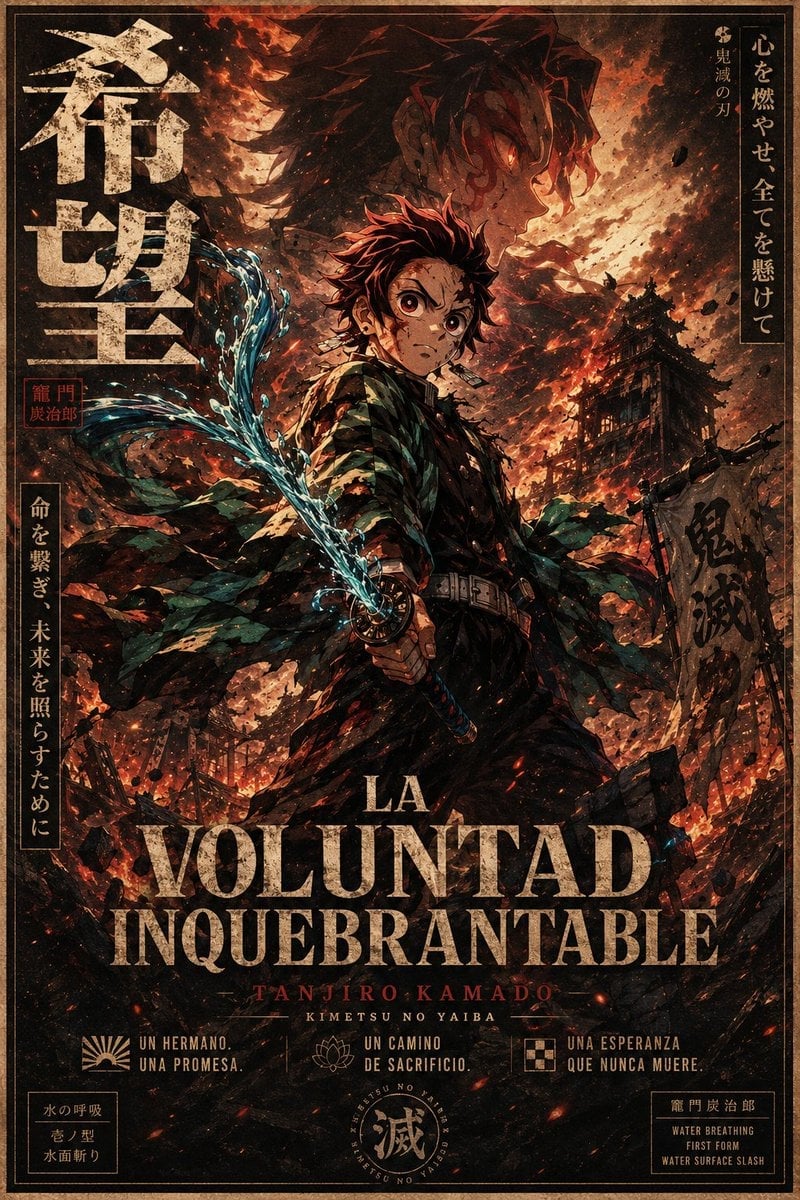
Dark Anime Demon Slayer Poster

Dark Fantasy Smoke Monster Transformation

Anime Fantasy Celestial Movie Poster
Anime Fantasy Celestial Movie Poster

Selective Color Monochrome Football Poster

Minecraft Fantasy Kingdom Voxel Landscape

Unfinished Sketch Comes Alive Portrait
Make it yours
Dark Fantasy Kirie Knight and Demon works as-is. These are the safest ways to change it without losing the look.
Change one field
Copy a single group, rewrite it, and generate again so you can see what that field is doing.
Keep the frame, change the subject
Hold the composition and light of Dark Fantasy Kirie Knight and Demon, then swap wardrobe, props or the person for a new take.
| If the result… | Why | Fix |
|---|---|---|
| The result drifts from the preview | Too many fields changed at once. | Reuse Dark Fantasy Kirie Knight and Demon as-is first, then change one group — subject, light, or setting. |
| The model over-stylizes the scene | The prose prompt leaves finish and camera underspecified. | Add one camera or lighting sentence and stay on GPT Image 2. |
More GPT Image 2 templates
Other prompts made for GPT Image 2.

Six VTuber Japanese Logo Sheet

Realistic Portrait of Woman and Deer

The Vista Modular Condo Poster

AI Model Routing Comparison Infographic

2.5D Anime Art Board

Isometric Productivity Desk Scene

New York Double Exposure Poster

Four-Panel AI Landscape Comparison

Japanese Tatami Lifestyle Magazine Cover

NESCAFÉ Coffee Map Poster
More image prompts
Fresh picks from across the catalog.
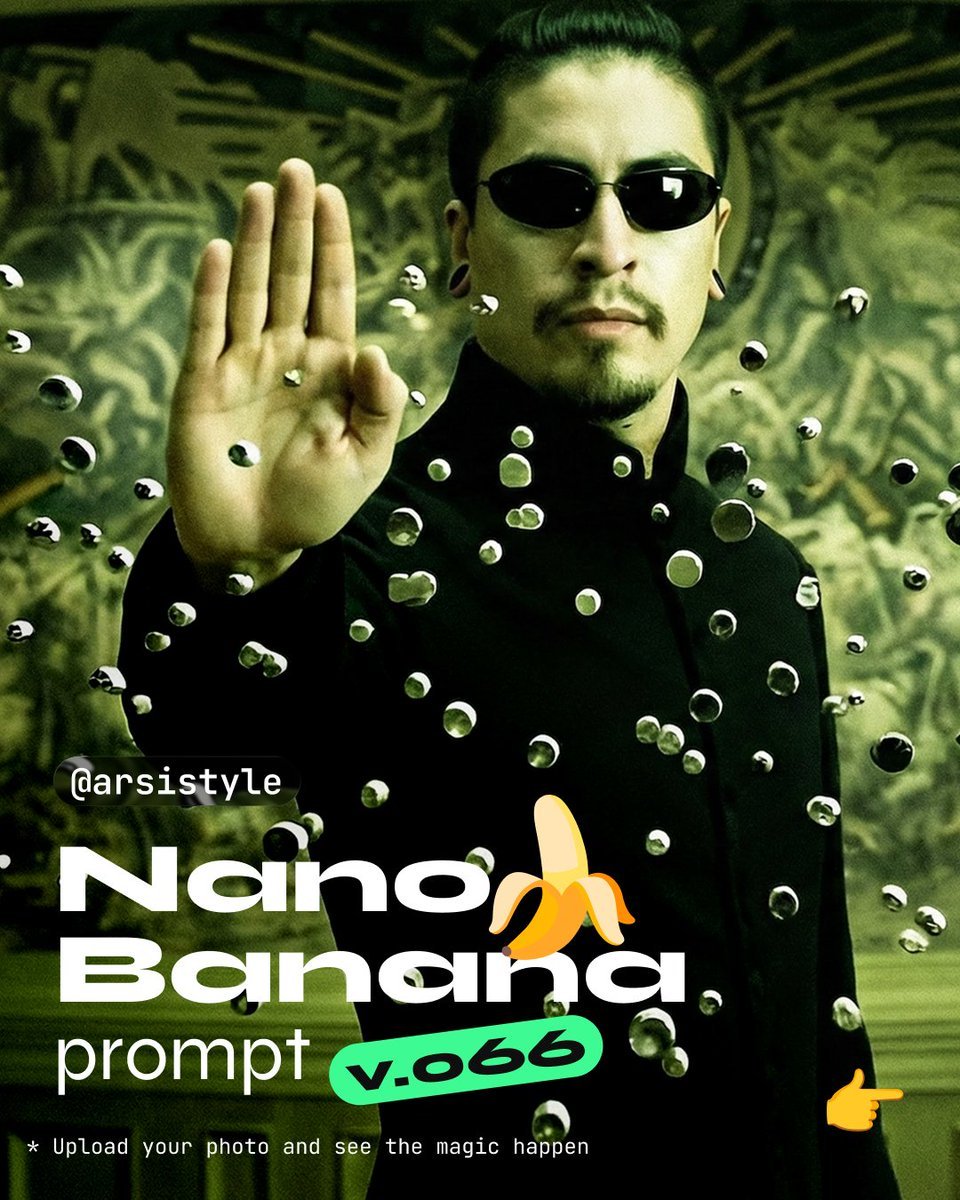
Cinematic Action Shot with Suspended Projectiles
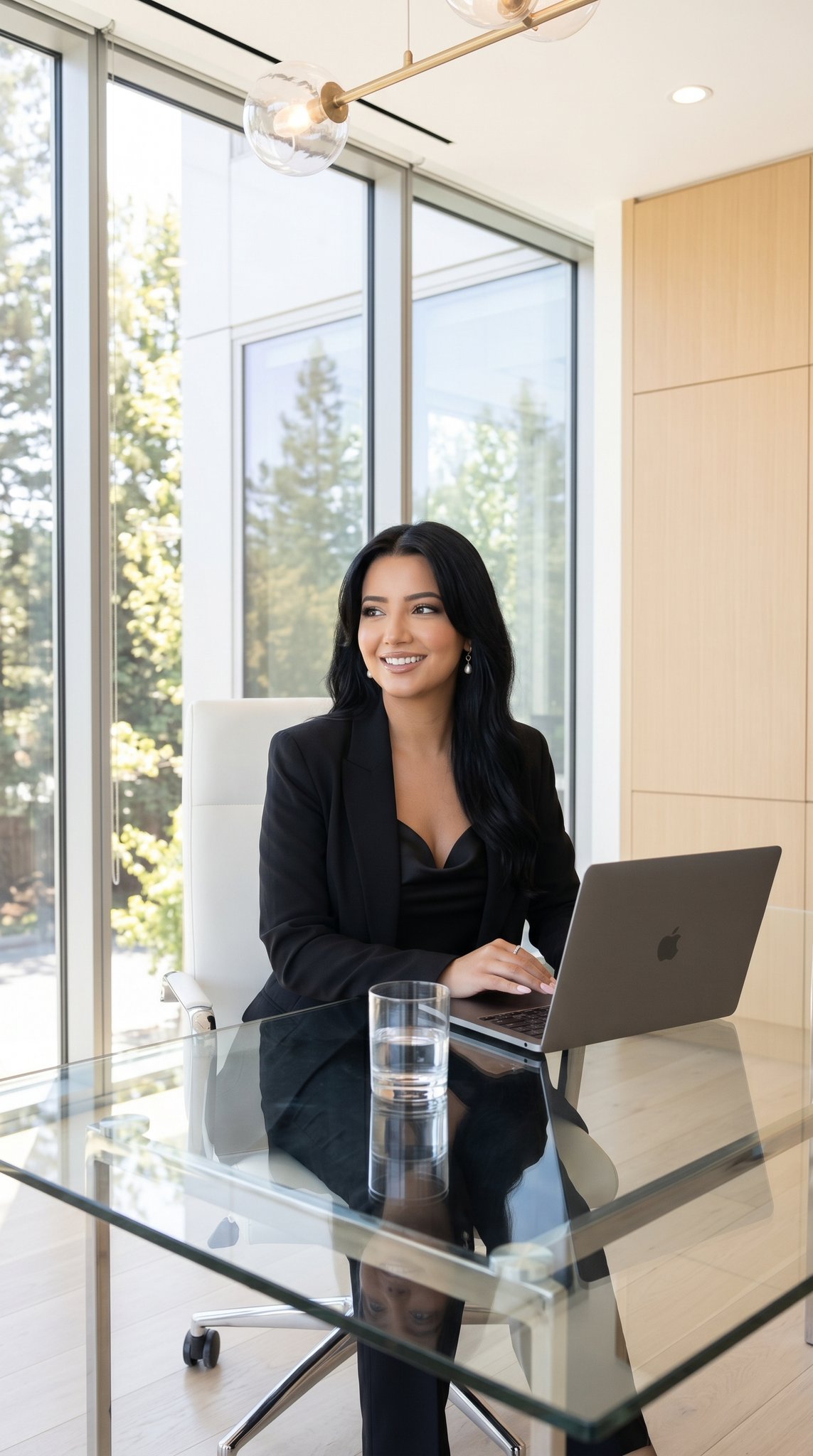
09 Silicon Valley Startup — California Series
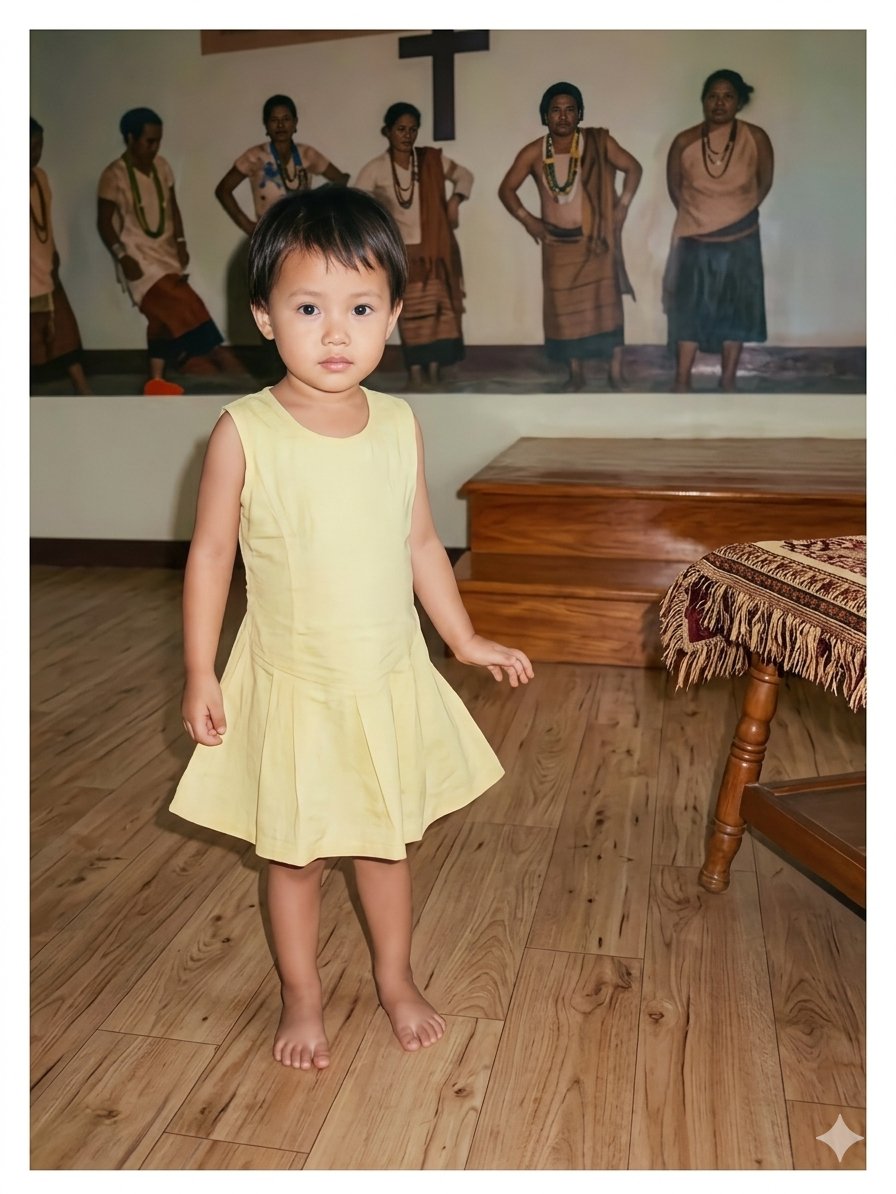
Vintage Photo Restoration of East Asian Girl
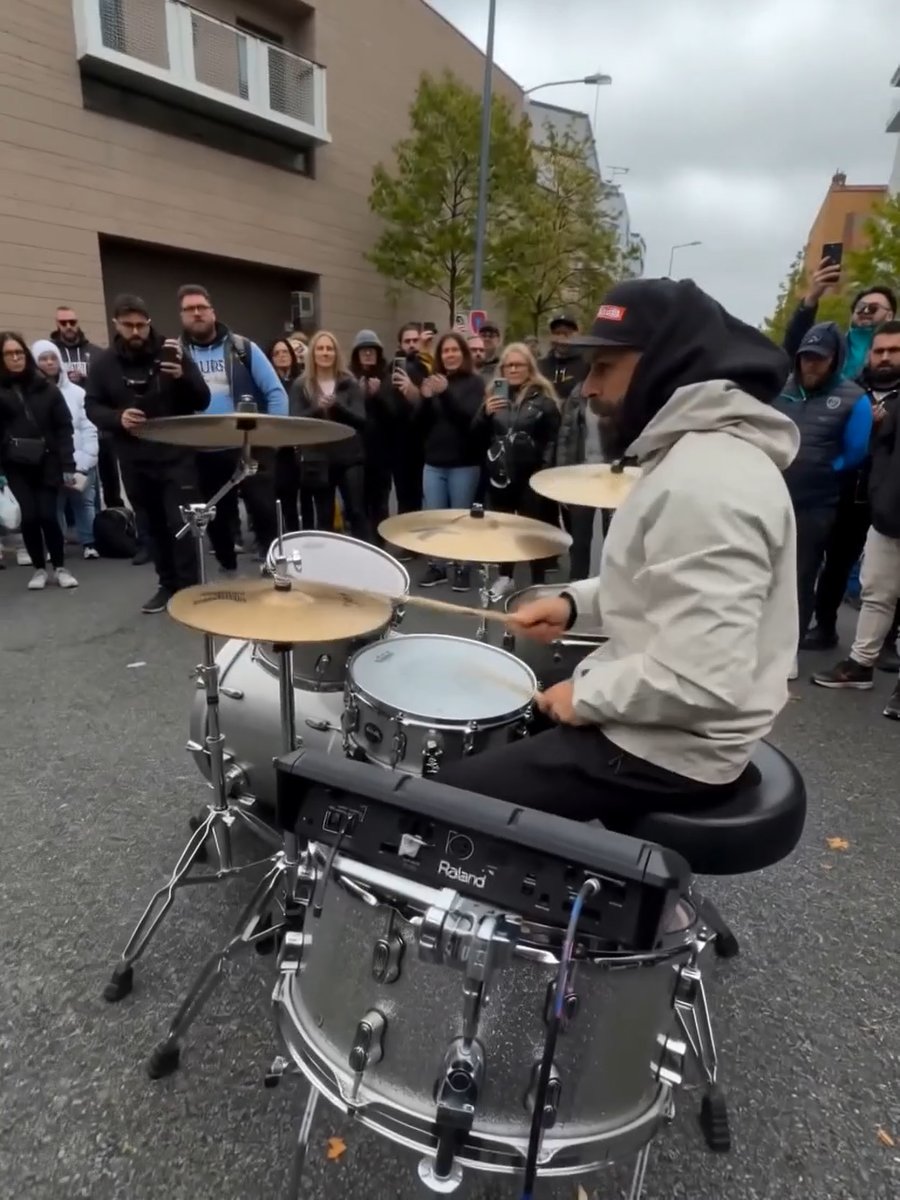
Image Editing Prompt for Nano Banana 2
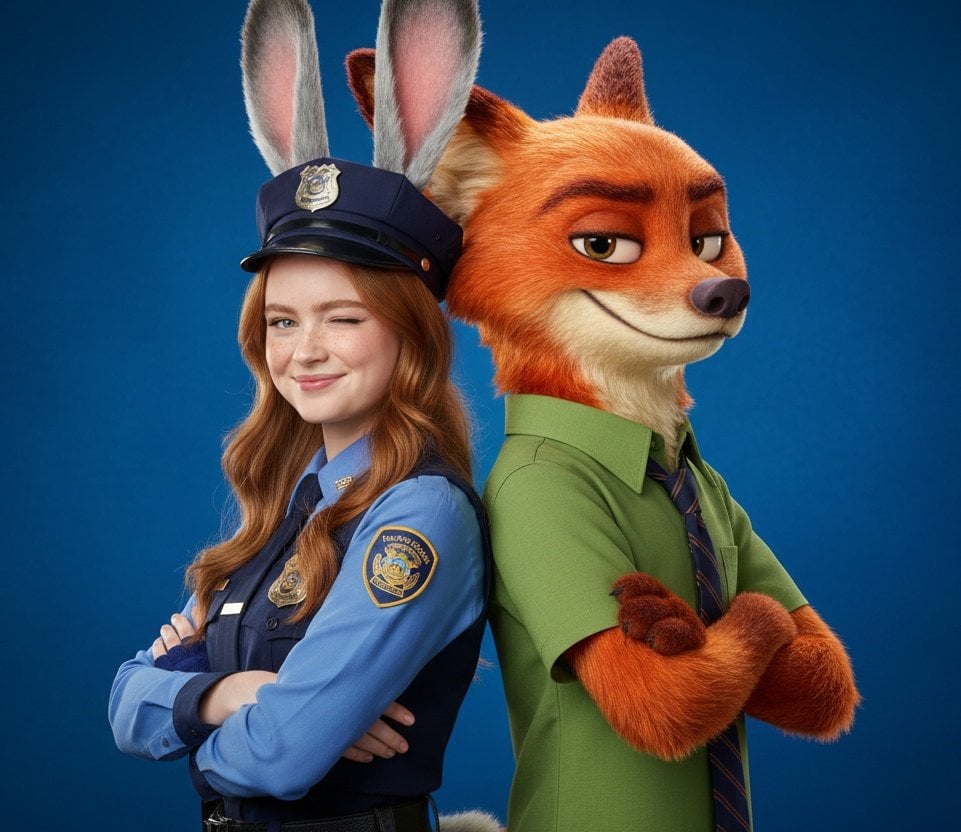
Hyper-Realistic Zootopia Cosplay Portrait with Identity Lock
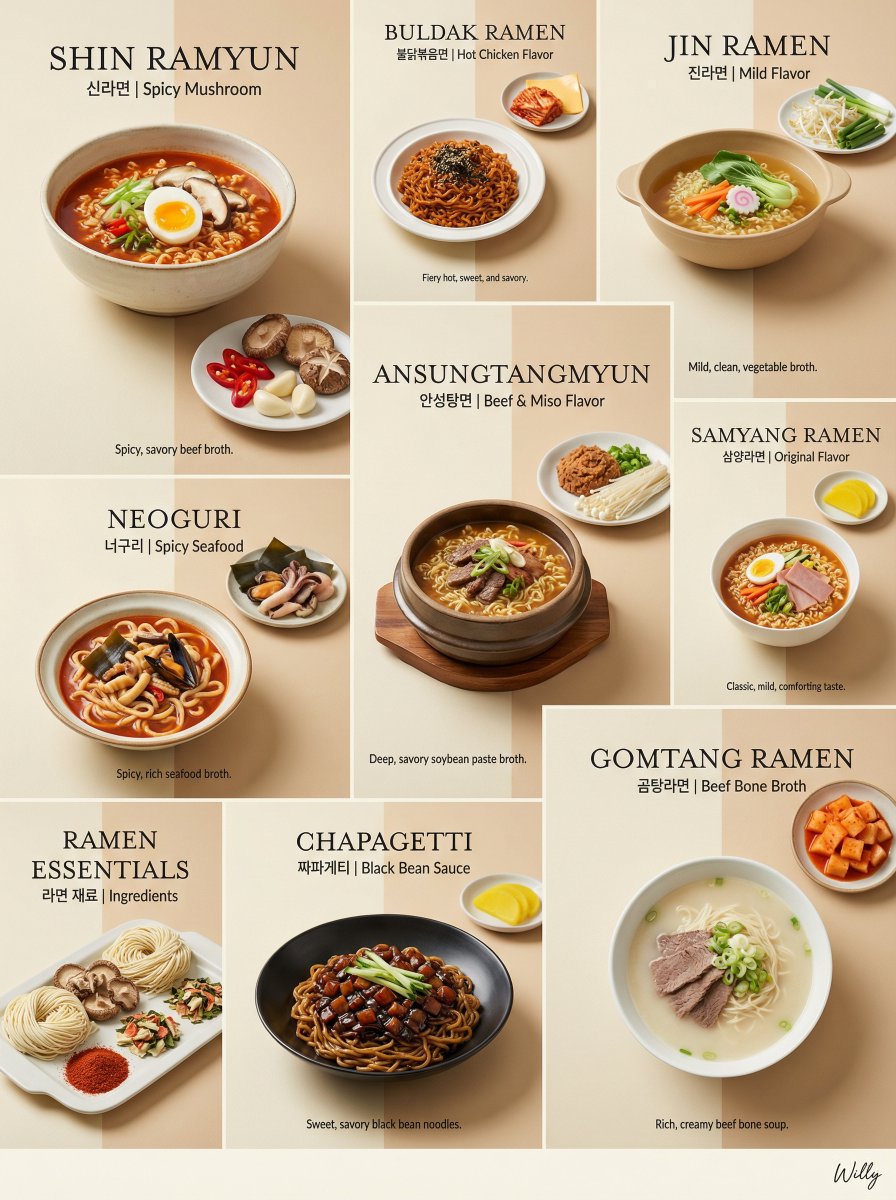
Luxury Minimalist Bento Grid of Korean Ramen Collection
Prompt for Converting Subject into an Archangel
Painted Chibi Snail Macro View
Cinematic Seed Life Storyboard
Cinematic Street-Style Portrait Prompt
Browse template categories
Dark Fantasy Kirie Knight and Demon questions
How do I use the Dark Fantasy Kirie Knight and Demon template?
Add your photo if the template asks for one, edit the prompt if you like — the template's model and format are already selected — and press Generate. Your version opens in PicX Studio.
Can I customize the Dark Fantasy Kirie Knight and Demon template?
Yes. You can change the subject, setting, lighting, mood, format, and available model controls before creating your image.
Is the Dark Fantasy Kirie Knight and Demon template free?
Opening and editing this template is free. Generating uses credits, shown on the Generate button when you are signed in.
Which AI model should I use?
Start with GPT Image 2, which is the model associated with this template. You can compare another compatible model for a different finish.
Looking for something else? Browse all templates.

Your photo, any look
Thousands of ready templates for every top image and video model, from one credit balance.