
Fantasy Knight Character Turnaround Sheet
Generates a realistic four-view fantasy warrior character sheet suitable for game, film, or AI drama production design.
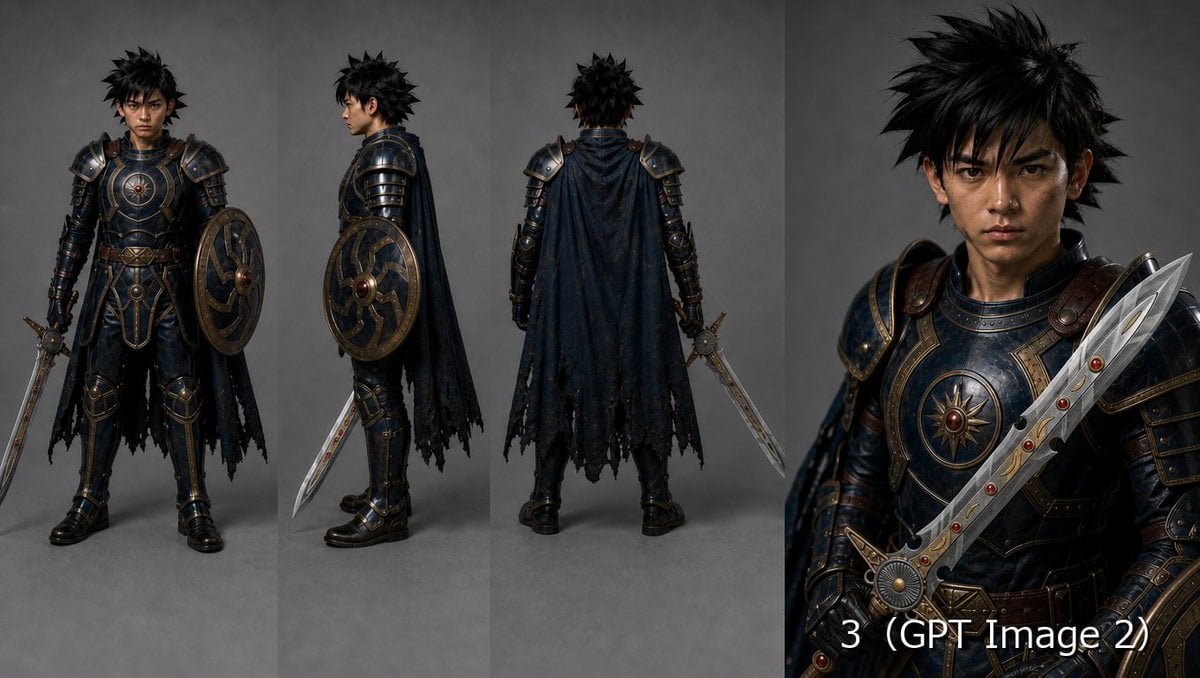
- Prompt included
- Model and format preset
- Premium template
The prompt behind this image
Copy the exact prompt behind Fantasy Knight Character Turnaround Sheet, or open it in the studio and make it yours.
Goal: Create a high-end fantasy warrior character sheet for {argument name="character name" default="a young Japanese male knight"}, designed for AI drama or game production. Canvas: Wide horizontal 16:9 composition, dark neutral gray studio background, realistic cinematic lighting, no decorative border. Divide the image into 4 vertical panels: 3 full-body turnaround views on the left and center, and 1 close-up portrait panel on the right. Layout: Show exactly 4 character views. View 1: full-body front view, standing upright and facing camera, shield on the left arm and sword held downward in the right hand. View 2: full-body left side profile, sword angled downward and round shield visible on the arm. View 3: full-body back view, showing the cape and rear armor silhouette, sword held downward at the right side. View 4: close-up three-quarter bust portrait on the right, intense eye contact, sword raised diagonally across the chest in the foreground. Add a small white label near the bottom of the portrait panel reading exactly: {argument name="bottom label text" default="3 (GPT Image 2)"}. Subject details: The warrior is a serious young adult man with {argument name="hair style" default="messy spiky black hair"}, sharp dark eyes, lightly weathered skin, and a stern focused expression. He wears ornate dark navy-black plate armor with bronze/gold trim, layered shoulder pauldrons, leather straps, metal gauntlets, greaves, black boots, and a tattered dark cloak. The chest armor has a circular sunburst emblem with a red jewel at the center. The round shield is dark blue and bronze with radial metal segments and a central red gem. The sword is an ornate silver fantasy blade with angular cutouts, gold accents, and several small red gem inlays. Visual style: Hyper-realistic fantasy concept art, premium character turnaround sheet, detailed metal scratches, worn leather, subtle dirt and battle wear, realistic fabric folds, dramatic but controlled studio light, crisp focus, high resolution, cinematic realism similar to a AAA RPG character design. Constraints: Keep the same character, armor, shield, cloak, and sword consistent across all 4 views. Use exactly 4 views and exactly 1 visible text label. Do not add extra characters, extra weapons, logos, watermarks, UI elements, or background scenery.
How to use Fantasy Knight Character Turnaround Sheet in 3 steps
- 1Upload ImagePNG, JPG or paste
Add your photo
Upload the photo the template builds on. The prompt, model and format are already set.
- 2…a portrait of your subject in softgolden-hour light, 85mm…
Personalize
Edit the subject and creative details for your destination.
- 3Generate
Generate
Press Generate — your image is created in PicX Studio, so you can compare it with the original and refine one variable at a time.
More like this
Templates with the same subject, style or setup. Open one to see its prompt.
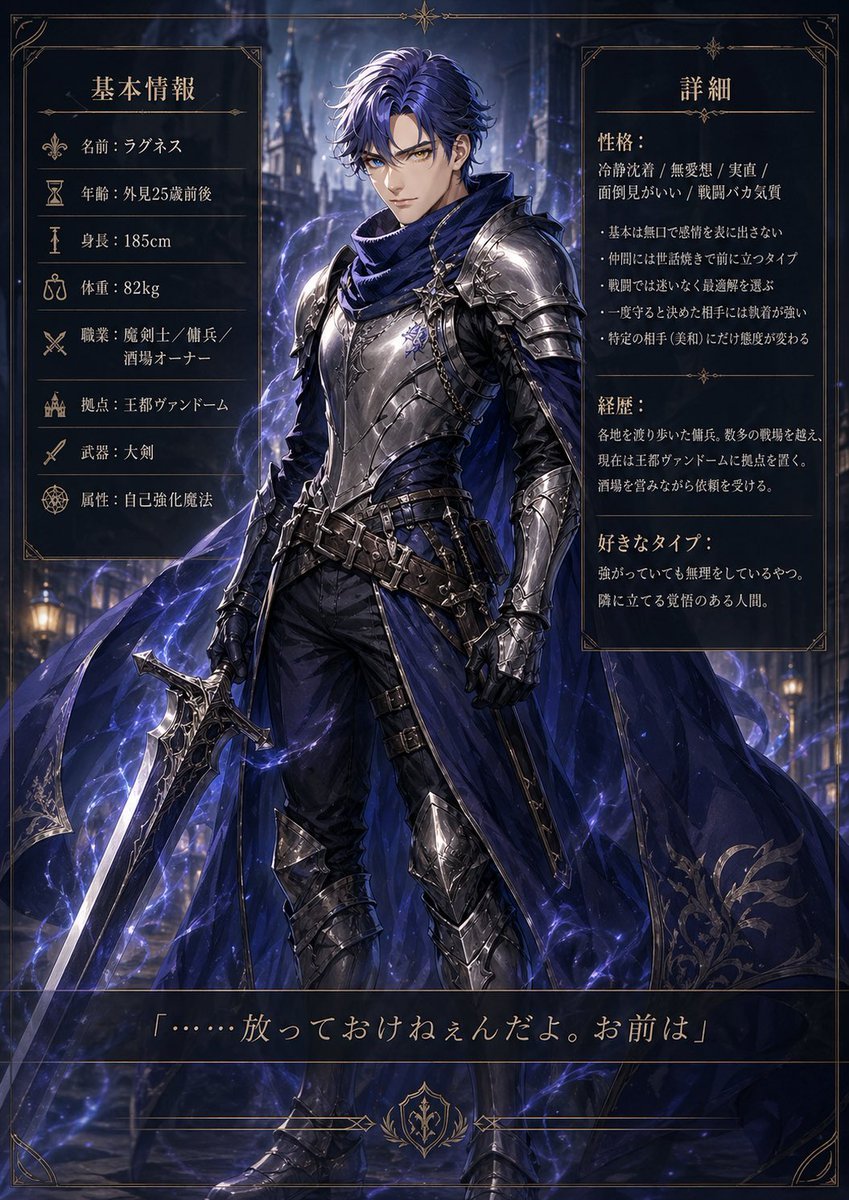
Dark Fantasy Knight Character Sheet
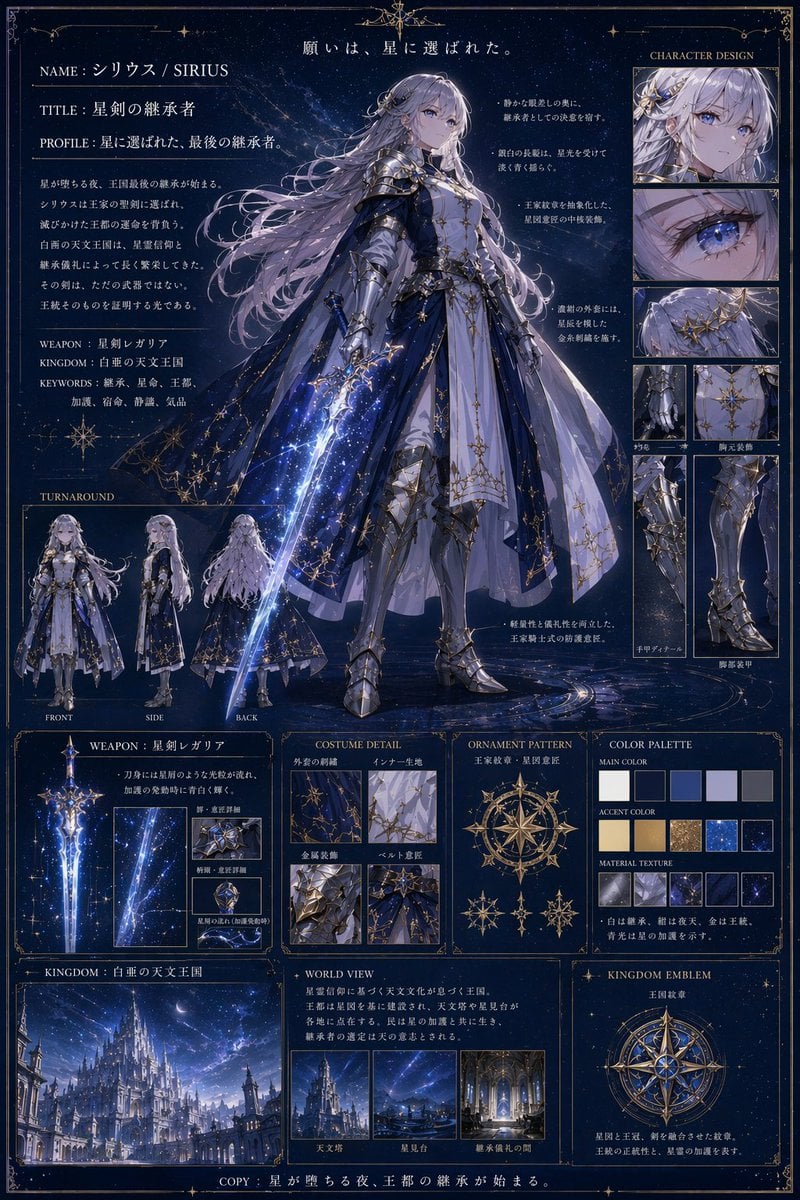
Fantasy Knight Concept Art Sheet
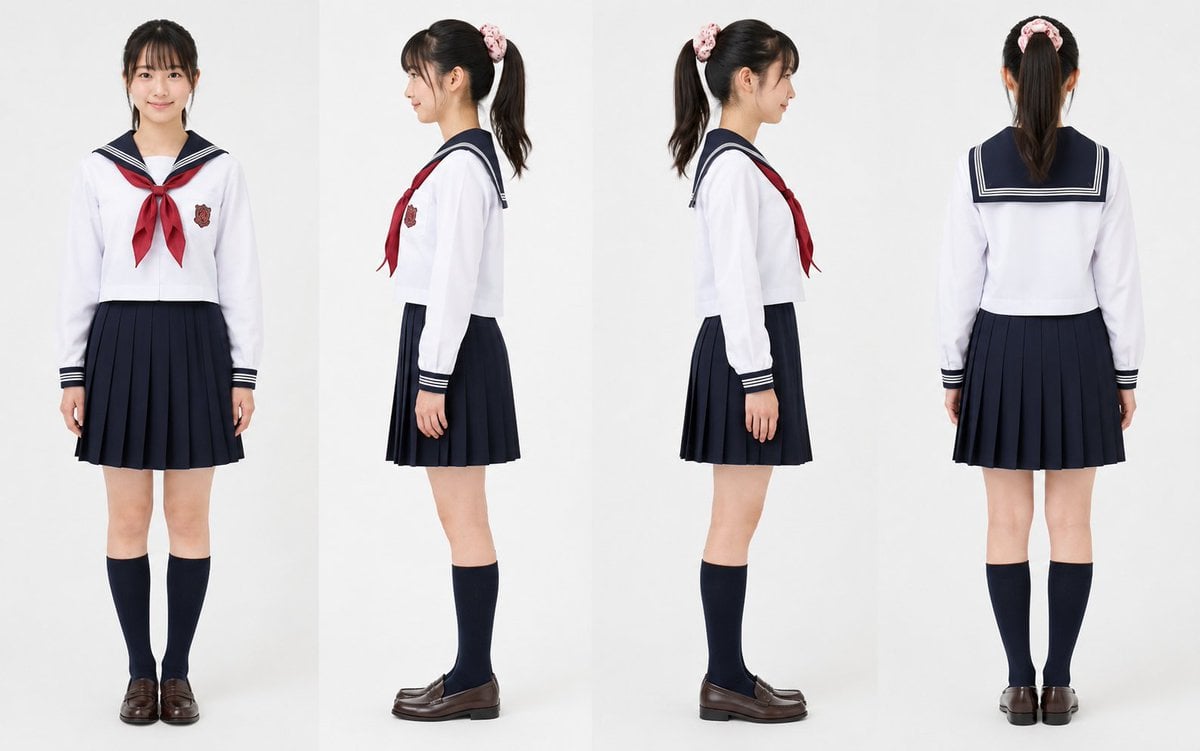
Realistic Schoolgirl Turnaround Sheet
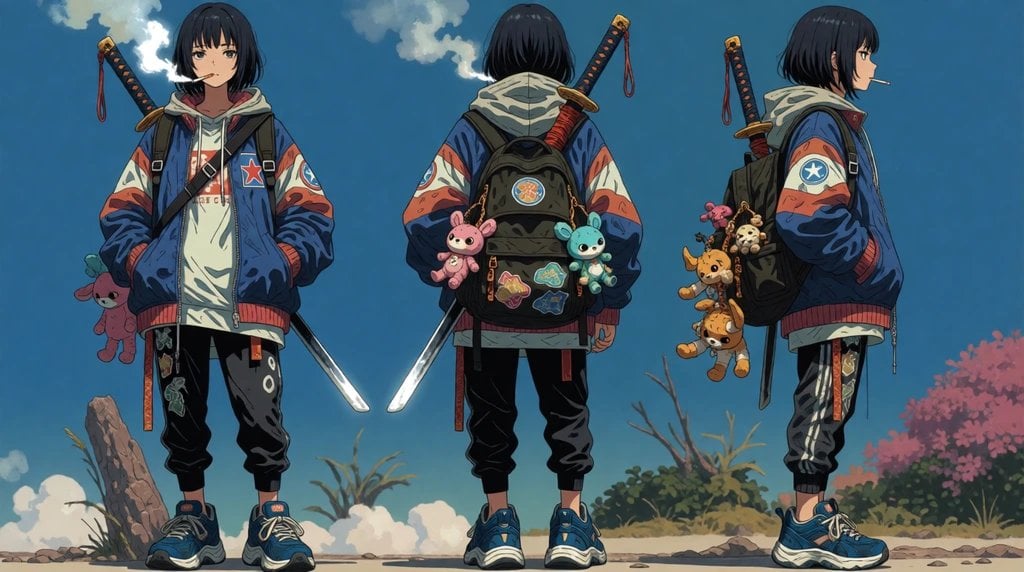
Urban Samurai Girl Turnaround Sheet

Anime Elf Maid Turnaround Sheet
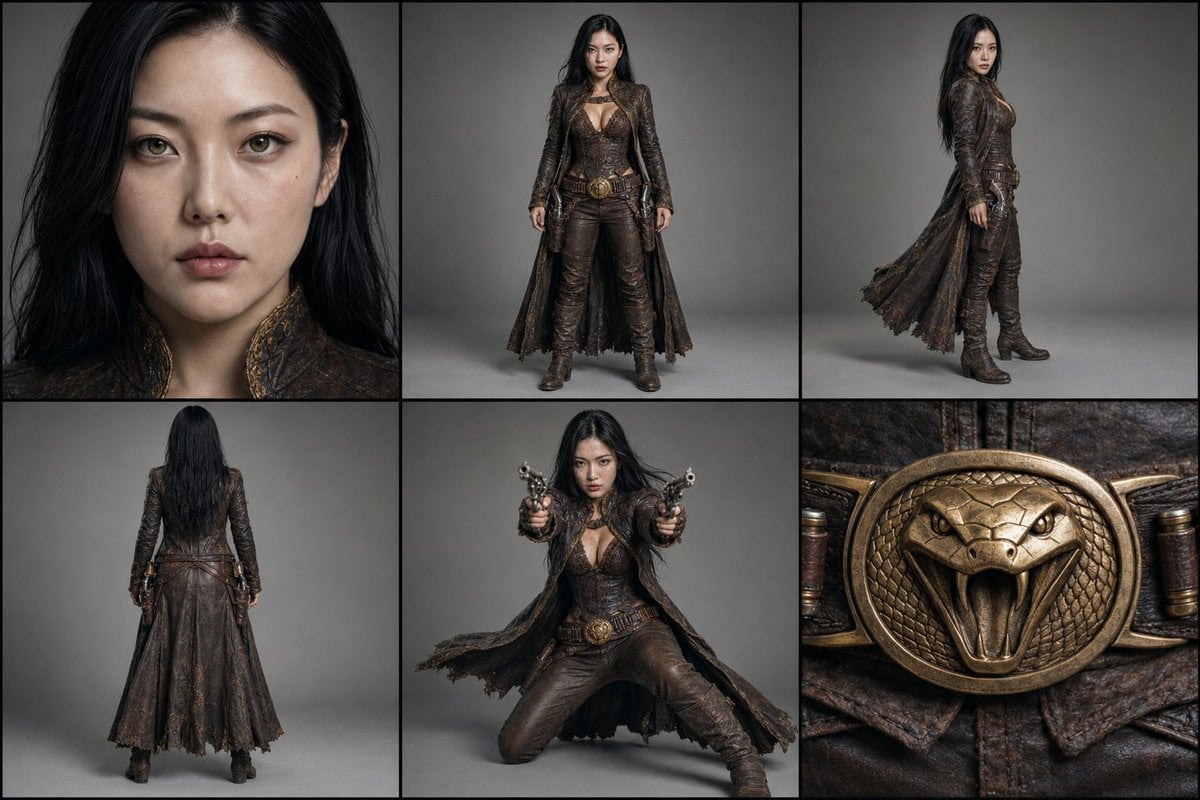
Character Reference Turnaround Sheet
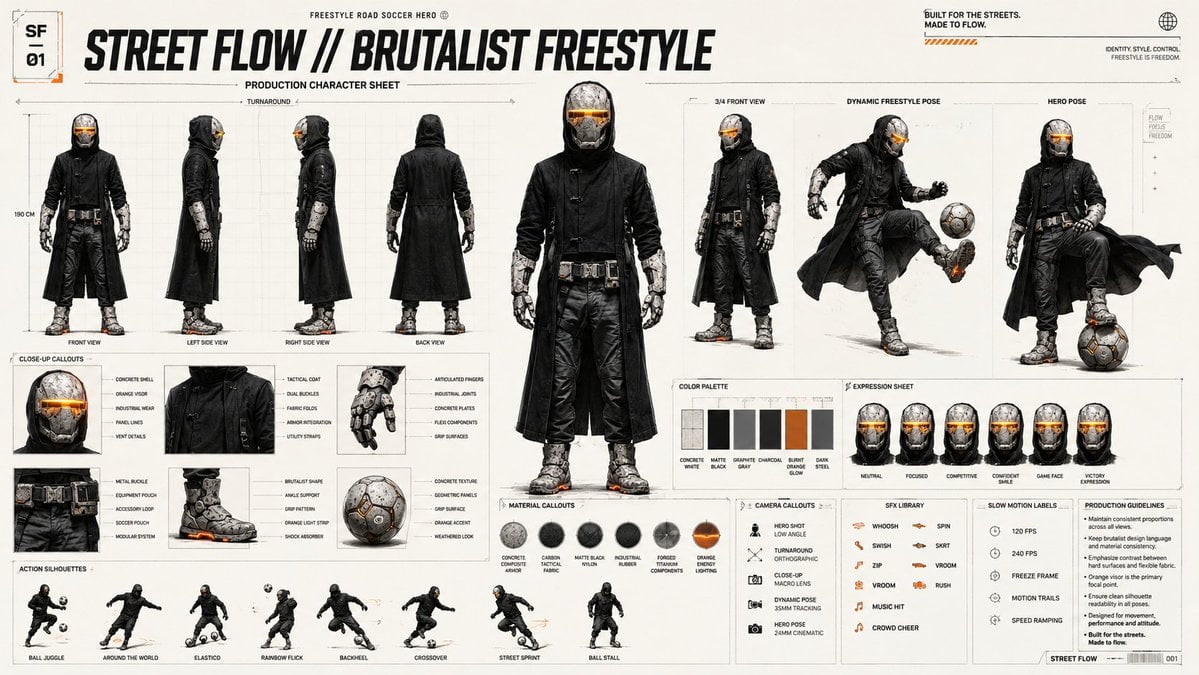
Futuristic Scout Turnaround Sheet
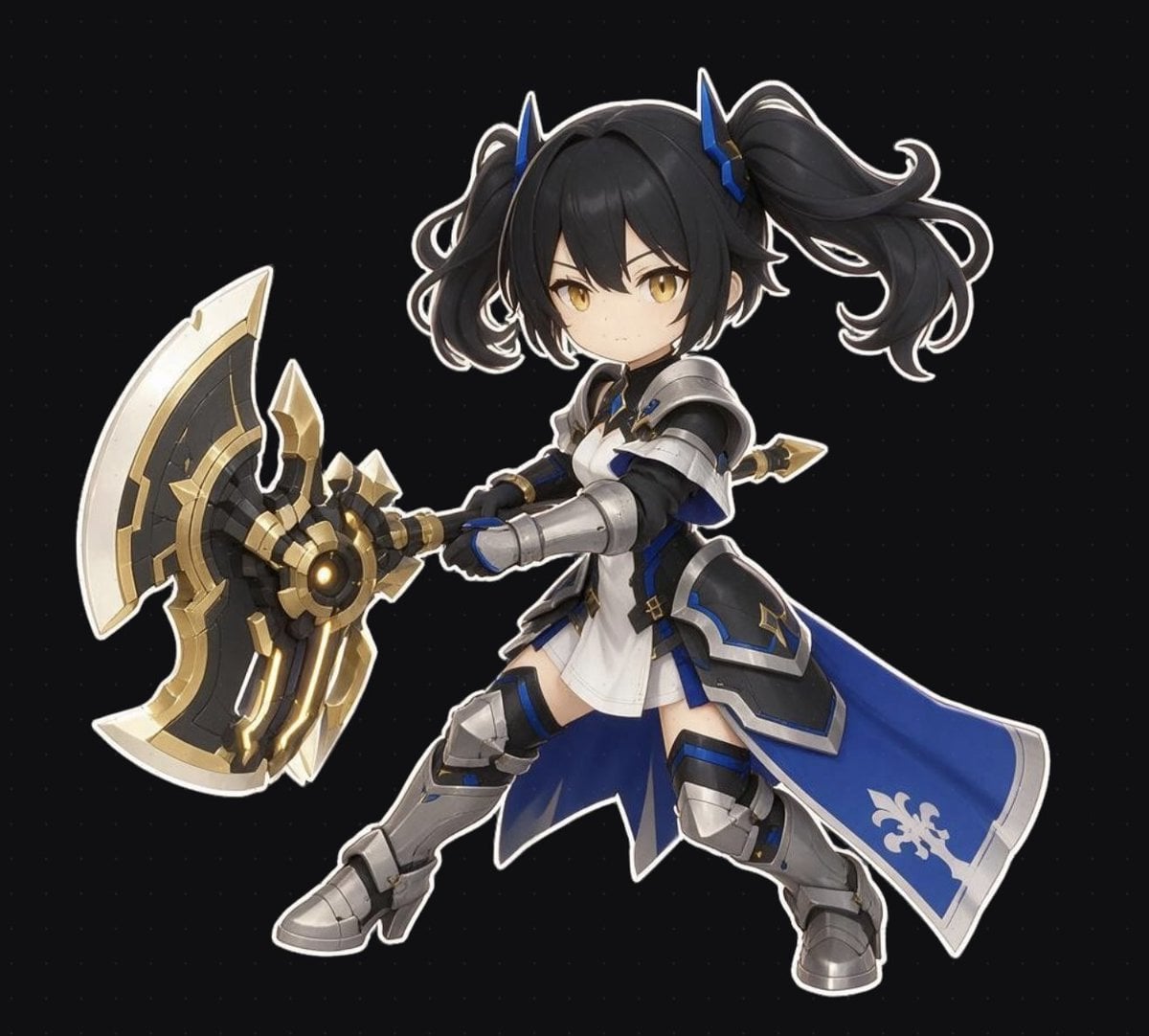
Chibi Fantasy Axe Knight
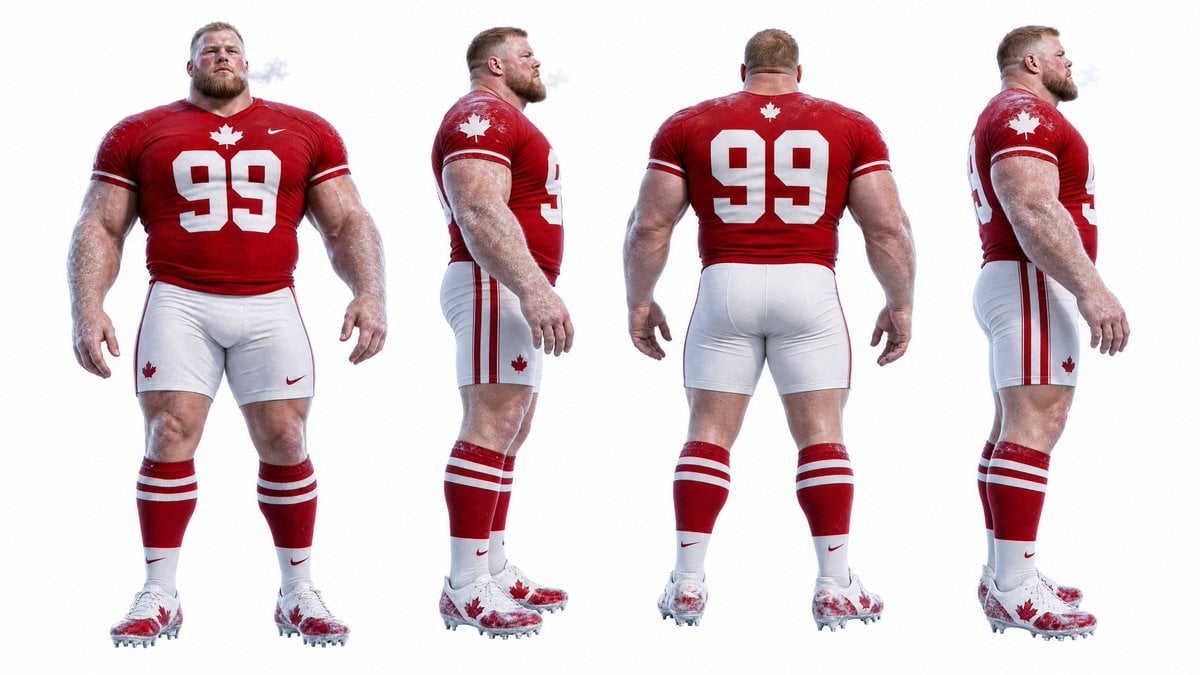
Football Player Turnaround Sheet

Gothic Girl Character Turnaround Sheet
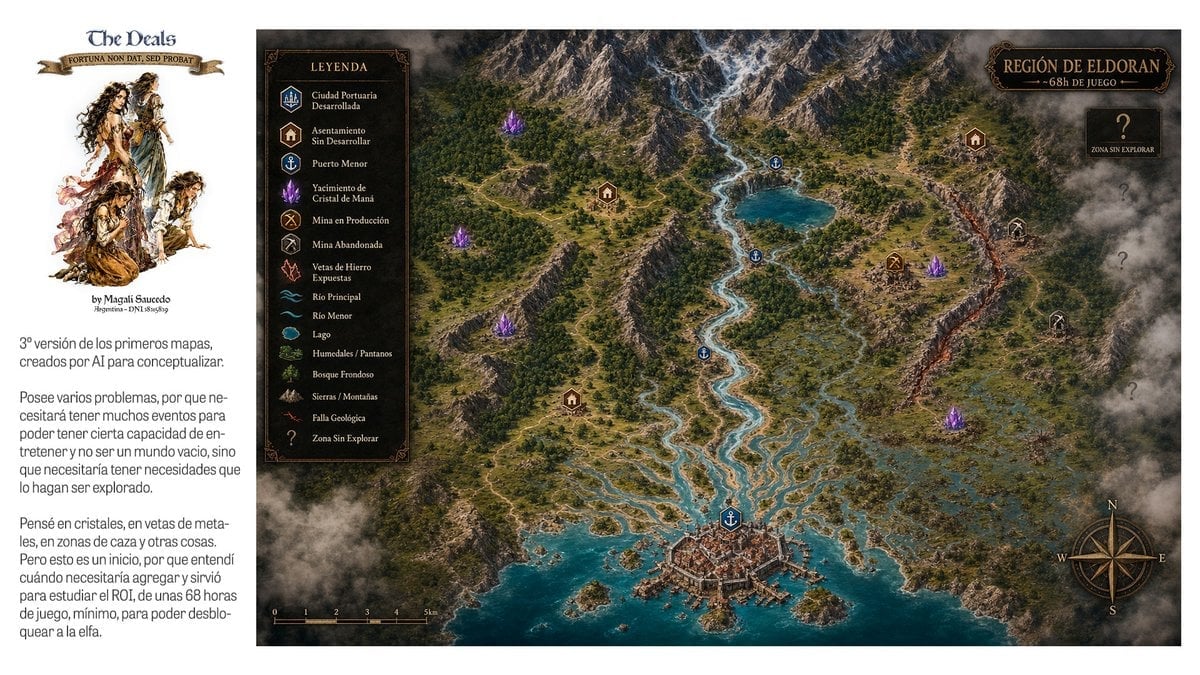
Fantasy RPG Region Map Sheet
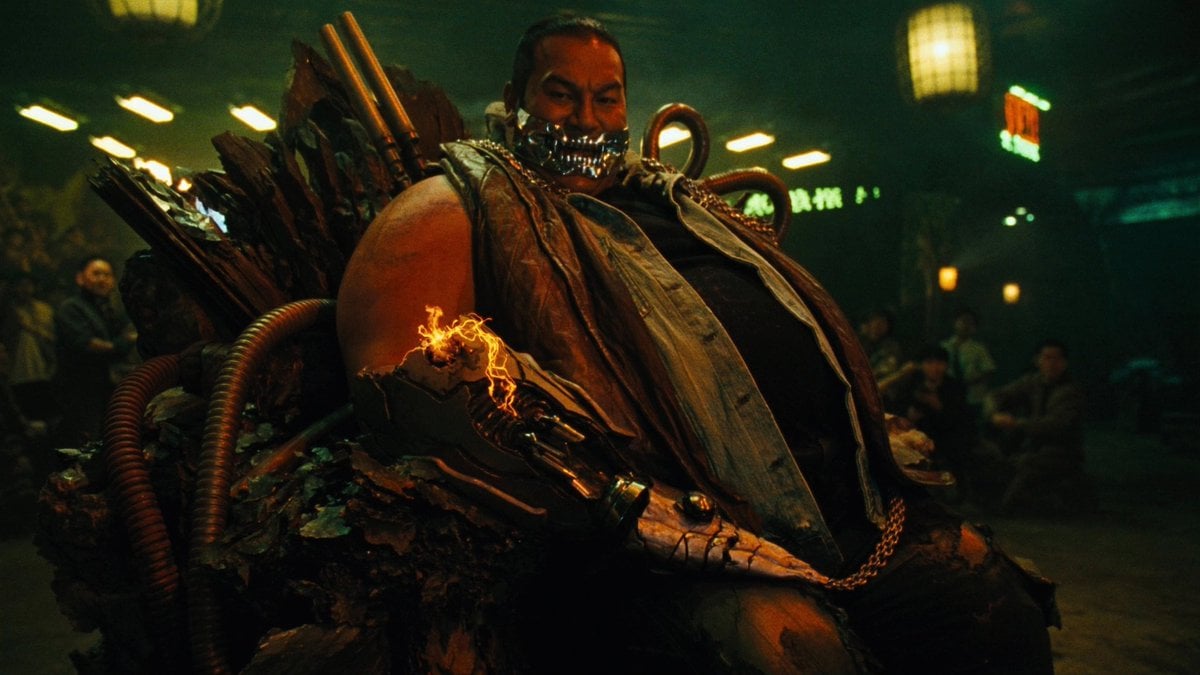
Cyber Vampire Character Turnaround Sheet
Make it yours
Fantasy Knight Character Turnaround Sheet works as-is. These are the safest ways to change it without losing the look.
Change one field
Copy a single group, rewrite it, and generate again so you can see what that field is doing.
Keep the frame, change the subject
Hold the composition and light of Fantasy Knight Character Turnaround Sheet, then swap wardrobe, props or the person for a new take.
| If the result… | Why | Fix |
|---|---|---|
| The result drifts from the preview | Too many fields changed at once. | Reuse Fantasy Knight Character Turnaround Sheet as-is first, then change one group — subject, light, or setting. |
| The model over-stylizes the scene | The prose prompt leaves finish and camera underspecified. | Add one camera or lighting sentence and stay on GPT Image 2. |
More GPT Image 2 templates
Other prompts made for GPT Image 2.

Six VTuber Japanese Logo Sheet

Realistic Portrait of Woman and Deer

The Vista Modular Condo Poster

AI Model Routing Comparison Infographic

2.5D Anime Art Board

Isometric Productivity Desk Scene

New York Double Exposure Poster

Four-Panel AI Landscape Comparison

Japanese Tatami Lifestyle Magazine Cover

NESCAFÉ Coffee Map Poster
More image prompts
Fresh picks from across the catalog.
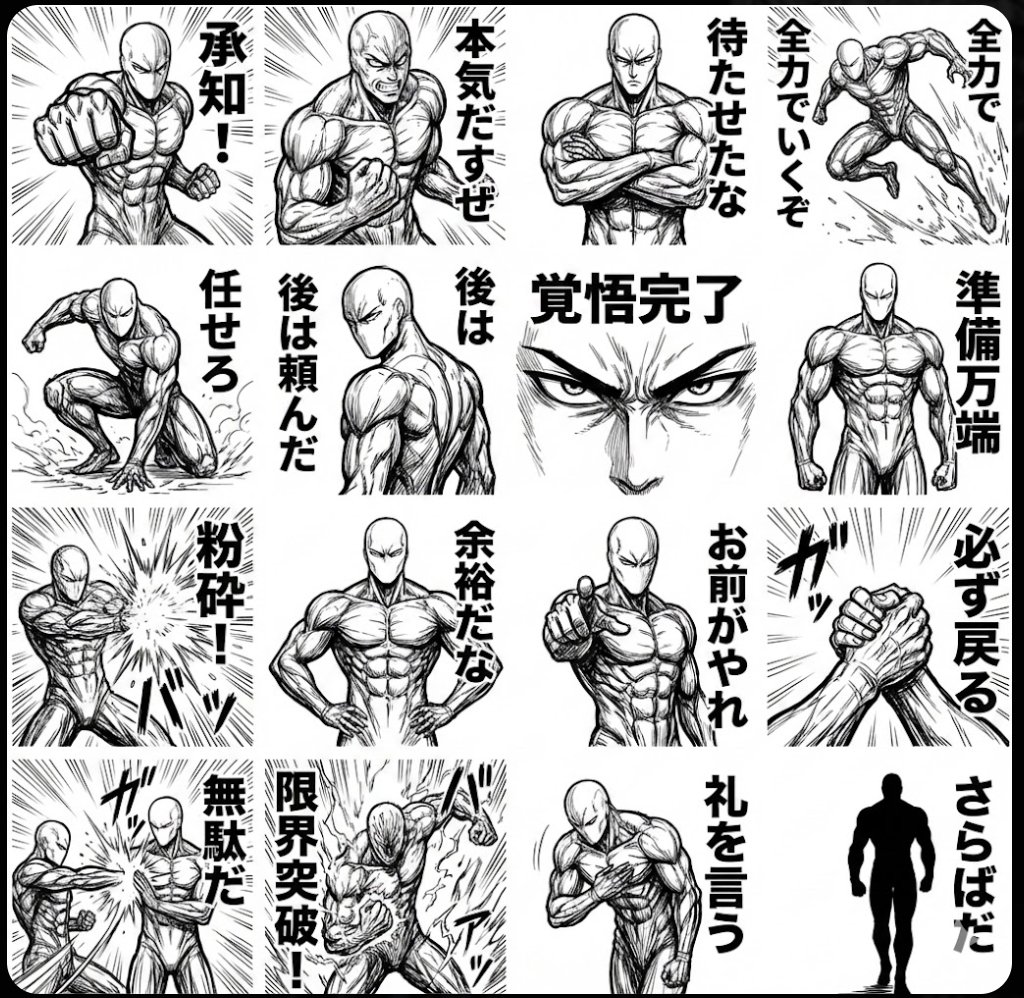
Monochrome tough-guy LINE stickers
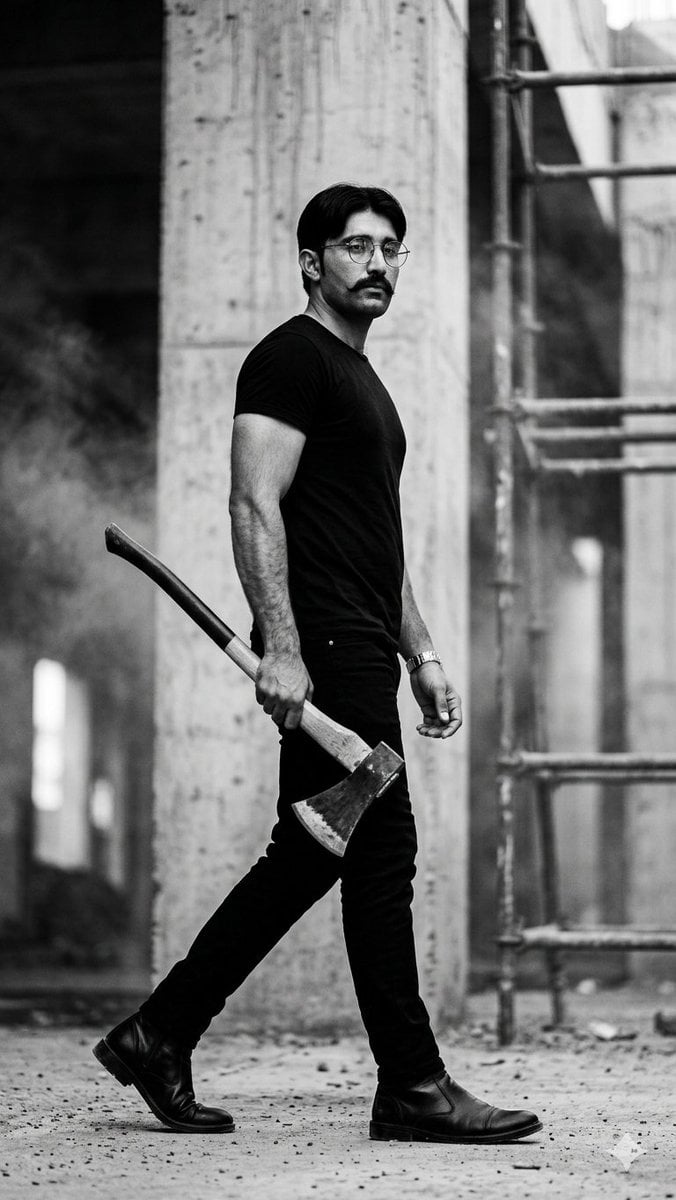
Monochrome Industrial Axe Walker
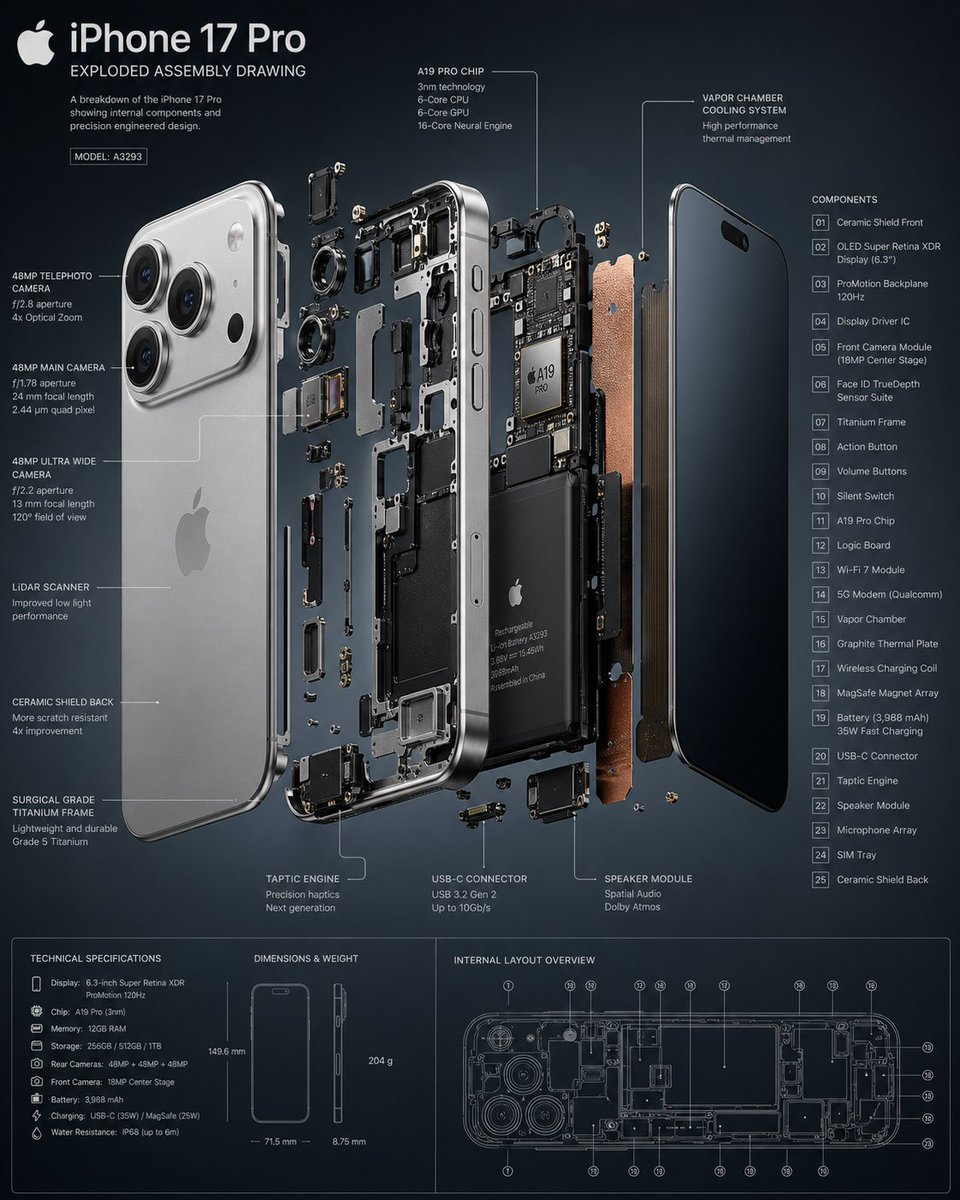
3D Exploded Assembly Drawing
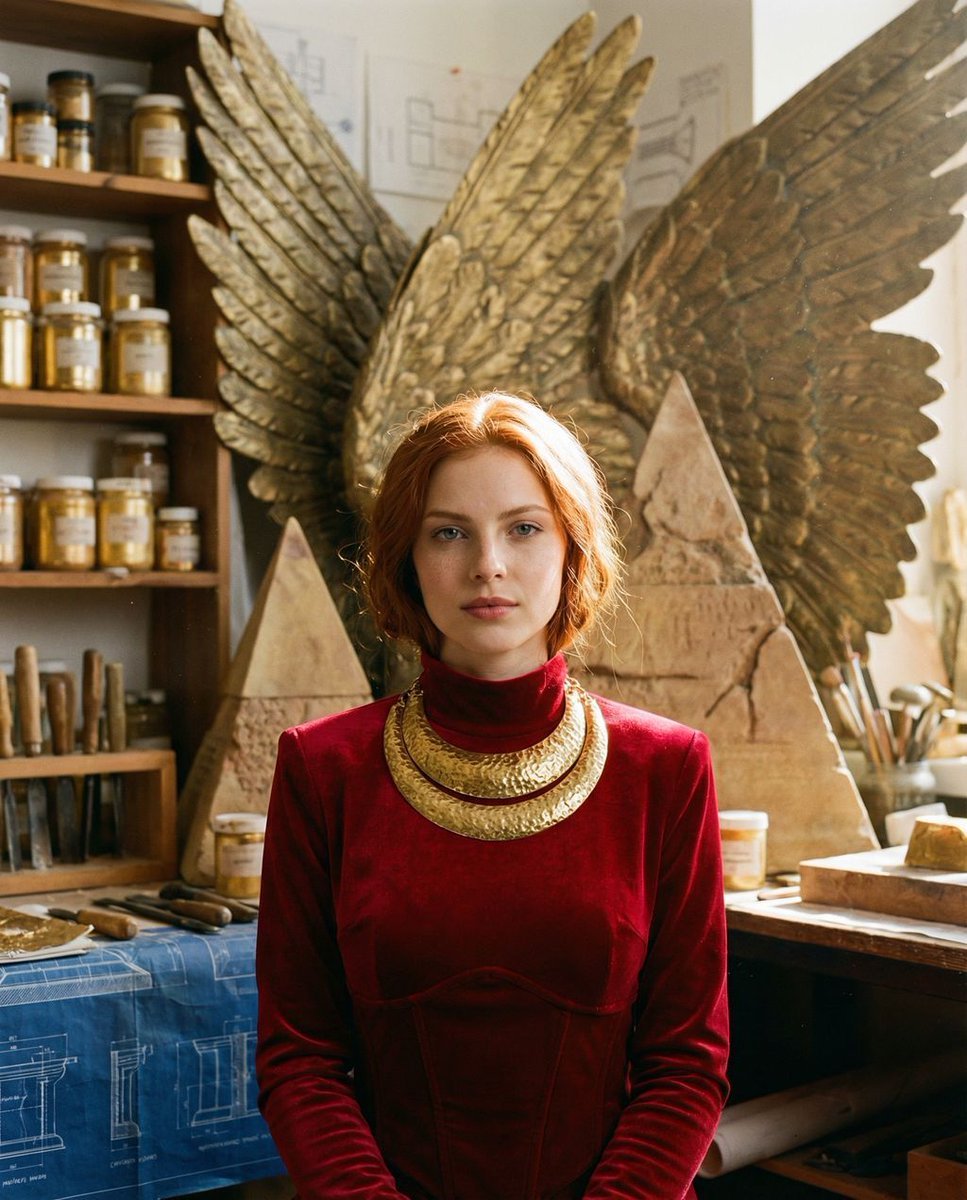
Ancient Restoration Atelier Editorial Portrait
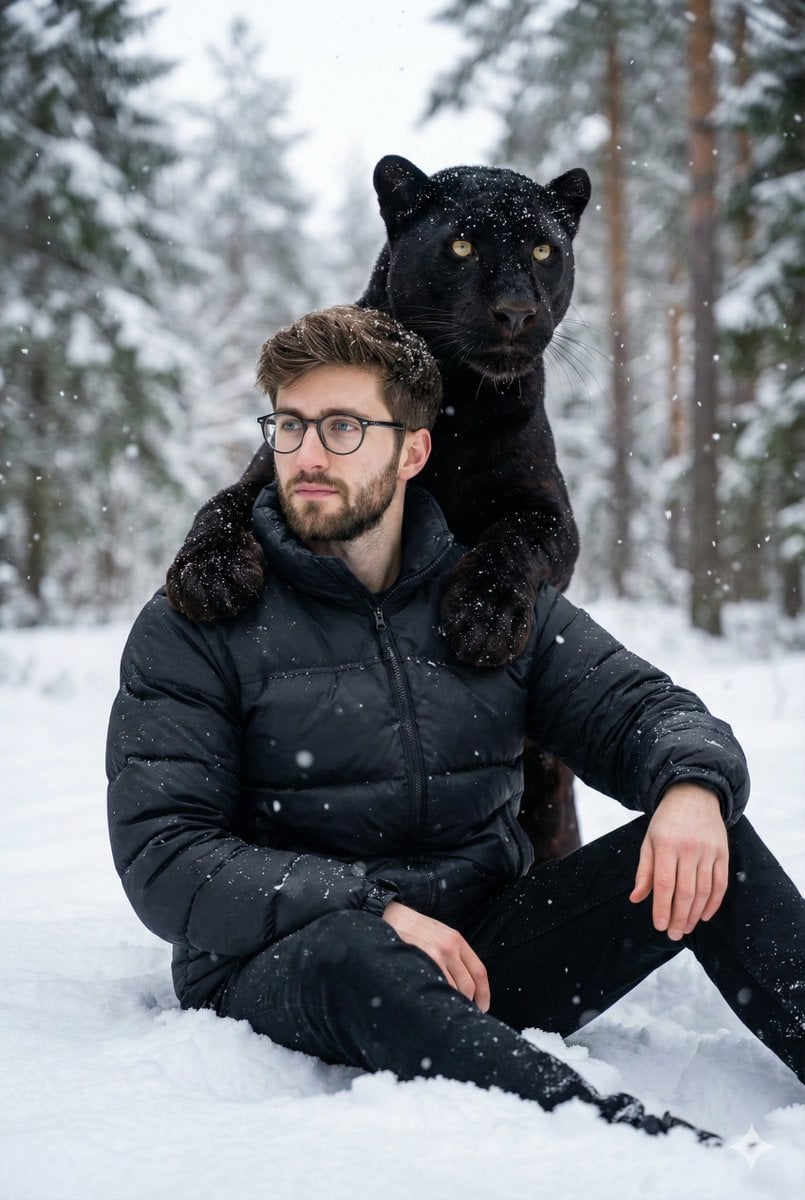
Hyper-realistic 8K image of a man and a black panther in a snowy forest
Cinematic Arabic Calligraphy Image Generation Prompt

Technical Annotation Infographic Style
Hyper-Detailed Crocheted Portrait of a Legend
Schoolgirl and Toilet Paper Creature
Origami Kitchen Cutaway
Browse template categories
Fantasy Knight Character Turnaround Sheet questions
How do I use the Fantasy Knight Character Turnaround Sheet template?
Add your photo if the template asks for one, edit the prompt if you like — the template's model and format are already selected — and press Generate. Your version opens in PicX Studio.
Can I customize the Fantasy Knight Character Turnaround Sheet template?
Yes. You can change the subject, setting, lighting, mood, format, and available model controls before creating your image.
Is the Fantasy Knight Character Turnaround Sheet template free?
Opening and editing this template is free. Generating uses credits, shown on the Generate button when you are signed in.
Which AI model should I use?
Start with GPT Image 2, which is the model associated with this template. You can compare another compatible model for a different finish.
Looking for something else? Browse all templates.

Your photo, any look
Thousands of ready templates for every top image and video model, from one credit balance.