
Ancient Restoration Atelier Editorial Portrait
A highly structured prompt for generating a hyper-realistic, medium-format editorial portrait of a subject (The Protagonist) in a chaotic, sun-drenched gold leaf restoration atelier.
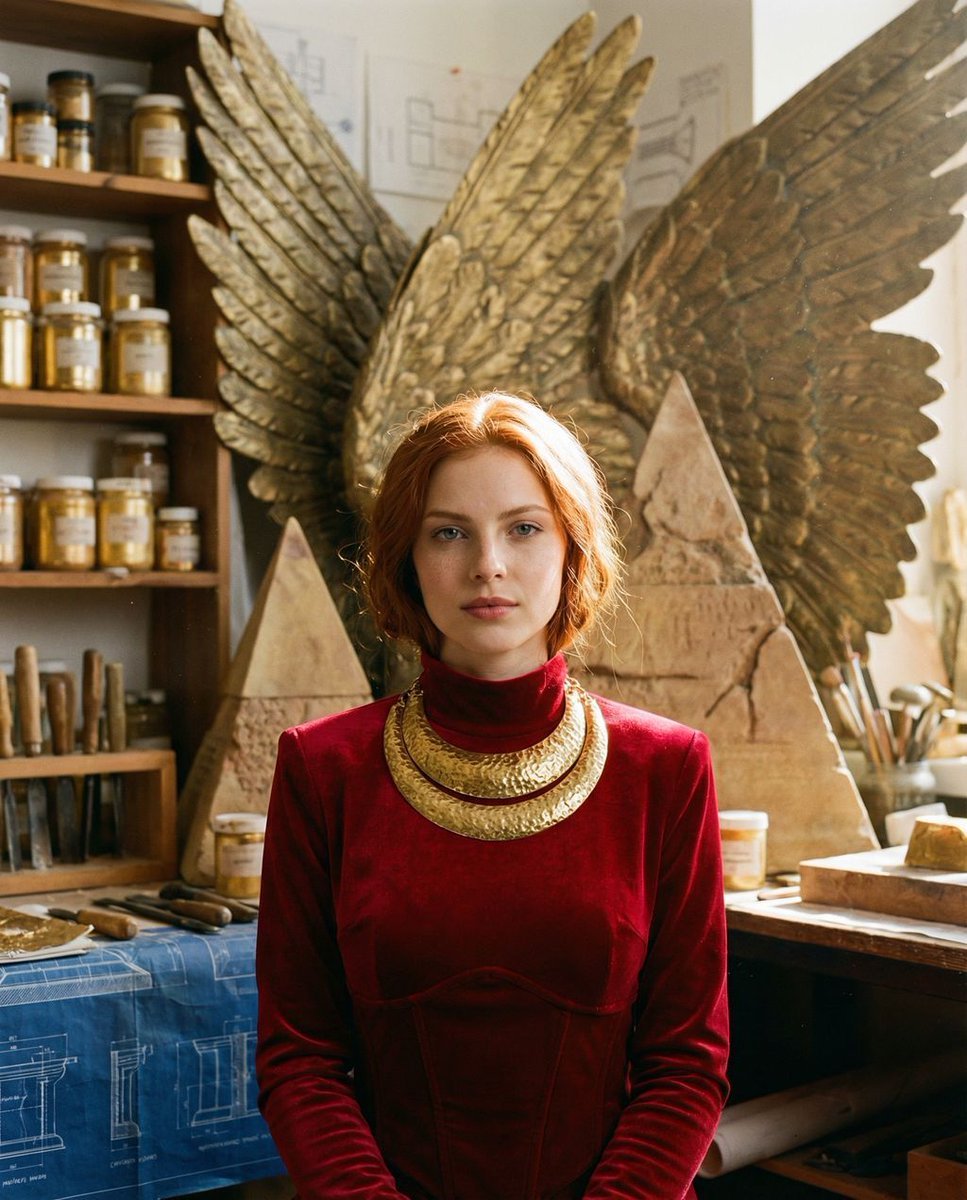
- Prompt included
- Model and format preset
- Free template
The prompt behind this image
Copy the exact prompt behind Ancient Restoration Atelier Editorial Portrait, or open it in the studio and make it yours.
{ "vibe_title_en": "Ancient Restoration Atelier", "master_prompt": "A hyper-realistic, medium-format portrait of The Protagonist centered in a chaotic, sun-drenched Gold Leaf Restoration Atelier. The subject stands with perfect symmetry, wearing a structured high-neck {argument name="garment color" default="crimson"} garment and heavy, archaic gold neck ornamentation that gleams under studio lights. Behind the subject is an elaborate physical set design: massive, textured wings made of hammered brass and weathered sandstone pyramids, appearing as a high-budget practical effect rather than a drawing. The foreground and background are densely packed with the tools of creation: shelves overflowing with jars of gold pigment, chisels, scattered architectural blueprints, and clay fragments. The atmosphere is thick with volumetric haze and floating dust motes caught in a beam of warm, directional light. Shot on a Hasselblad H6D-100c with an 80mm f/2.8 lens to capture the microscopic texture of skin pores and the tactile roughness of the sandstone props. Film stock emulation: Kodak Portra 400 for rich ochres and burnt siennas.", "meta": { "intent": "Editorial Portrait", "priorities": "Texture, Lighting, Set Design", "device_profile": "High-End Desktop / Retina Display" }, "frame": { "aspect": "4:5", "composition": "Central Symmetrical", "layout": "Portrait Close-Up", "camera_angle": "Eye Level", "tilt_roll_degrees": "0" }, "subject": { "gender": "Female", "identity": "The Modern Deity", "demographics": "Universal Adult", "face": "Neutral, intense gaze, hyper-detailed skin texture", "hair": "Styled to match the symmetry of the environment", "body": "Shoulders squared to camera", "expression": "Regal, piercing, calm authority", "pose": "Static, commanding, front-facing" }, "wardrobe_accessories": { "garments": [ { "item": "High-neck tunic", "material": "Crimson Velvet or Raw Silk", "color": "Deep Red / Burnt Orange", "fit": "Structured / Tailored" } ], "accessories": [ { "item": "Choker / Collar", "color": "Aged Gold", "material": "Hammered Metal", "brand_style": "Archaic / Museum Grade" }, { "item": "Earrings", "color": "Gold", "material": "Brass", "brand_style": "Sculptural" } ] }, "environment": { "setting": "Gold Leaf Restoration Atelier / Prop Workshop", "surfaces": "Hammered brass, sandstone, rough wood tables, paper blueprints", "depth": "Shallow depth of field but cluttered background visible", "atmosphere": "Dusty, warm, golden hour haze, smelling of turpentine and clay", "lens_interaction": "Sharp focus on eyes, creamy bokeh on background props" }, "lighting": { "key": "Rembrandt style directional sunlight", "fill": "Warm gold reflector bounce", "rim": "Subtle highlight on hair and brass win" }
How to use Ancient Restoration Atelier Editorial Portrait in 3 steps
- 1
Open
The prompt is already in the box next to the preview, with the template's model and format selected.
- 2…a portrait of your subject in softgolden-hour light, 85mm…
Personalize
Edit the subject and creative details for your destination.
- 3Generate
Generate
Press Generate — your image is created in PicX Studio, so you can compare it with the original and refine one variable at a time.
More like this
Templates with the same subject, style or setup. Open one to see its prompt.

untitled

Gpt Image 2 Fashion Portrait

Caution Tape Fashion — Industrial Editorial

Couture Fashion Editorial Woman and Drag

Nano Banana 2 Editorial Fashion Portrait

Found Photograph: Us, 1970

80s Couple Studio Portrait

80s Bollywood Star

80s Golden Hour Cinema

Me in 1985

1985 Studio Portrait

Hyper-Realistic Minecraft POV Portrait
Make it yours
Ancient Restoration Atelier Editorial Portrait works as-is. These are the safest ways to change it without losing the look.
Change one field
Copy a single group, rewrite it, and generate again so you can see what that field is doing.
Keep the frame, change the subject
Hold the composition and light of Ancient Restoration Atelier Editorial Portrait, then swap wardrobe, props or the person for a new take.
| If the result… | Why | Fix |
|---|---|---|
| The result drifts from the preview | Too many fields changed at once. | Reuse Ancient Restoration Atelier Editorial Portrait as-is first, then change one group — subject, light, or setting. |
| The model over-stylizes the scene | The prose prompt leaves finish and camera underspecified. | Add one camera or lighting sentence and stay on Nano Banana 2. |
More Nano Banana 2 templates
Other prompts made for Nano Banana 2.

Photorealistic Leaf Shaped Like a Dragon

K-Pop Idol Portrait Grid for Rapid Selection

Poetic Rain Forest Portrait During Golden Hour

Urban Street Portrait with Cartoon Inner Self Duo

Candid Nighttime Photo with Cat Prompt

High-Concept 3D Diorama Generation Prompt

Cinematic Futuristic Studio Portrait Template

Skincare Editorial Photography Collage Prompt

Hyper-Realistic Commercial Product Photography (Splash Effect)

Hyper-Realistic Nightclub Portrait Prompt
More image prompts
Fresh picks from across the catalog.
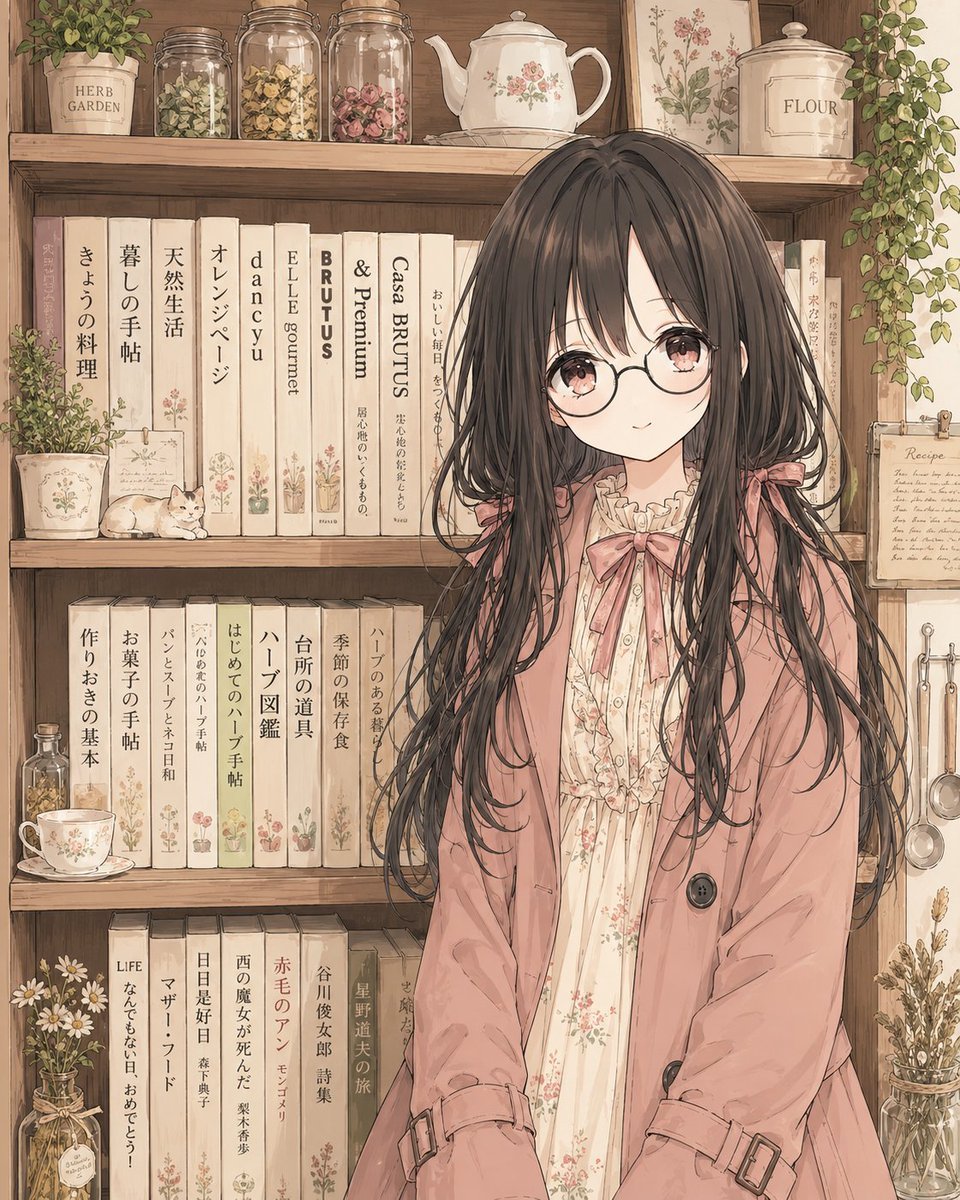
Faceless Cottagecore Anime Girl
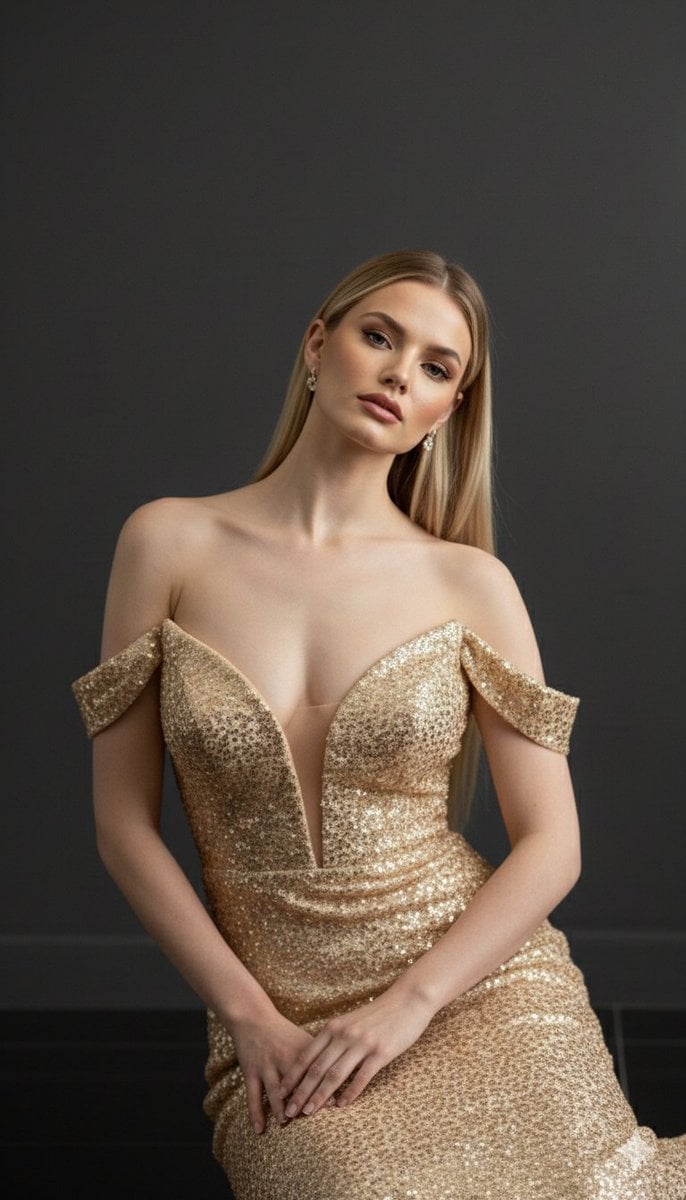
Luxurious 8K Portrait of Polina Gagarina in a Gold Gown
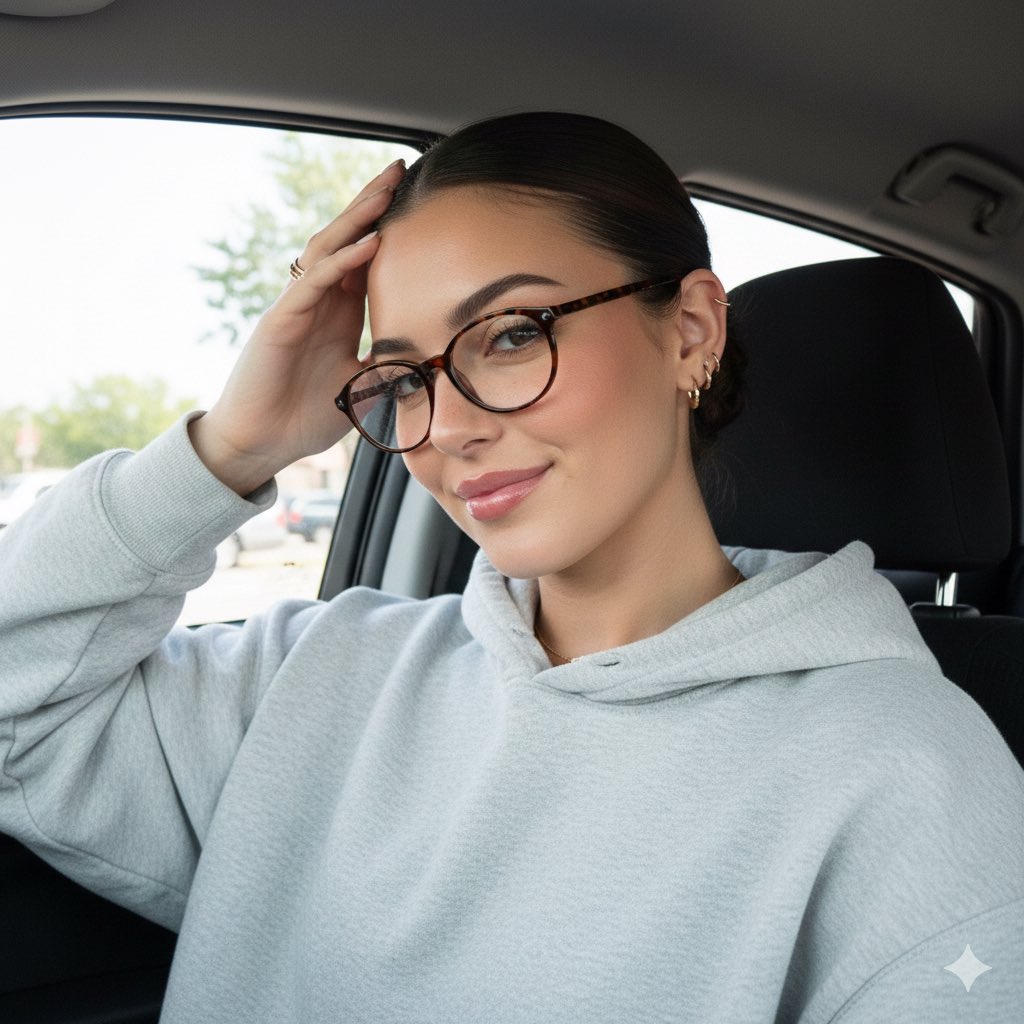
Detailed JSON Prompt for Car Selfie Portrait
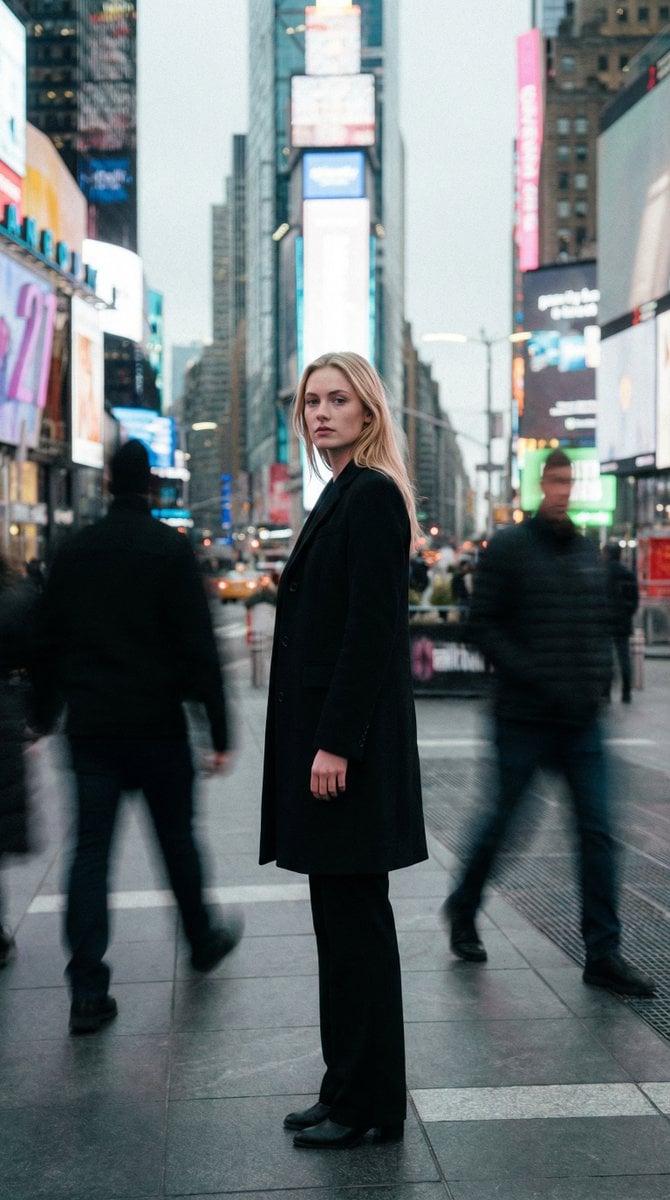
High Fashion Magazine Pictorial in Times Square
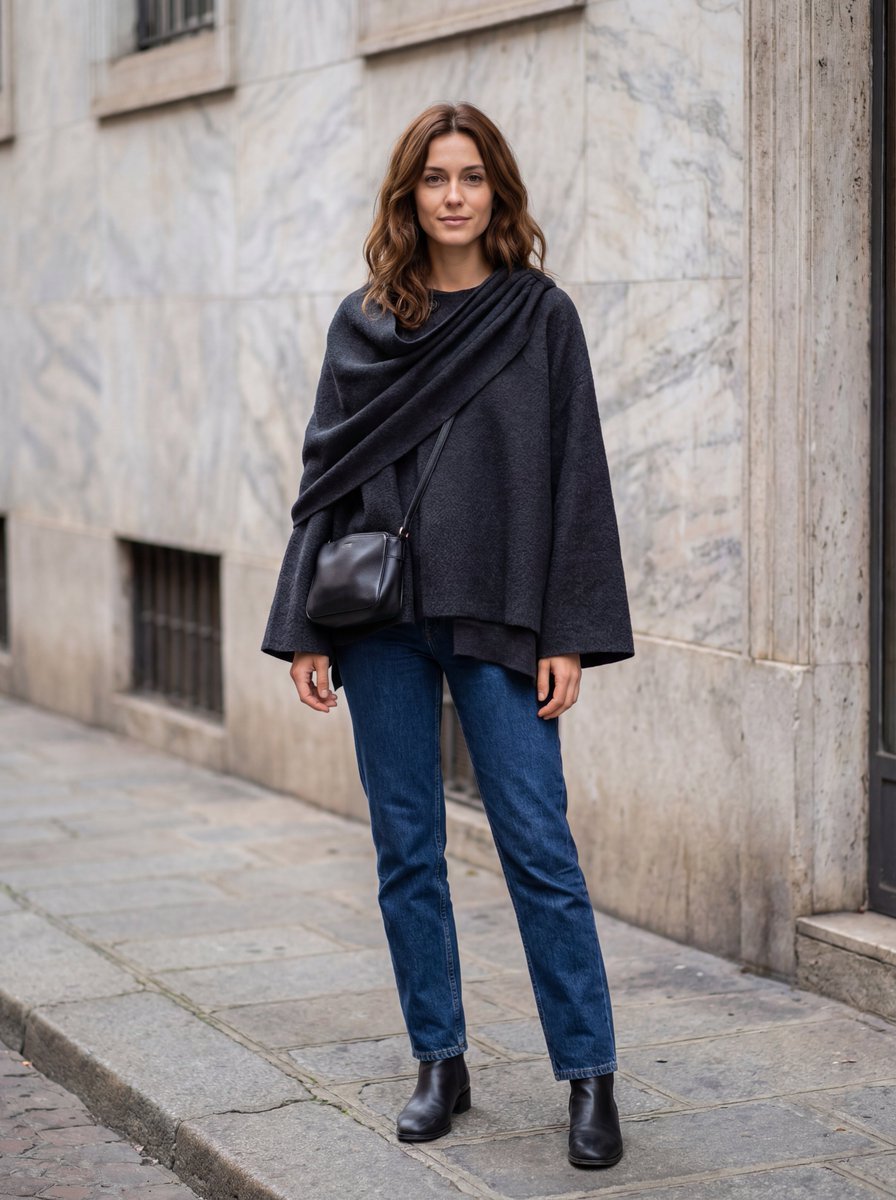
Hyper-Realistic Lifestyle Fashion Photo (Wool Poncho)
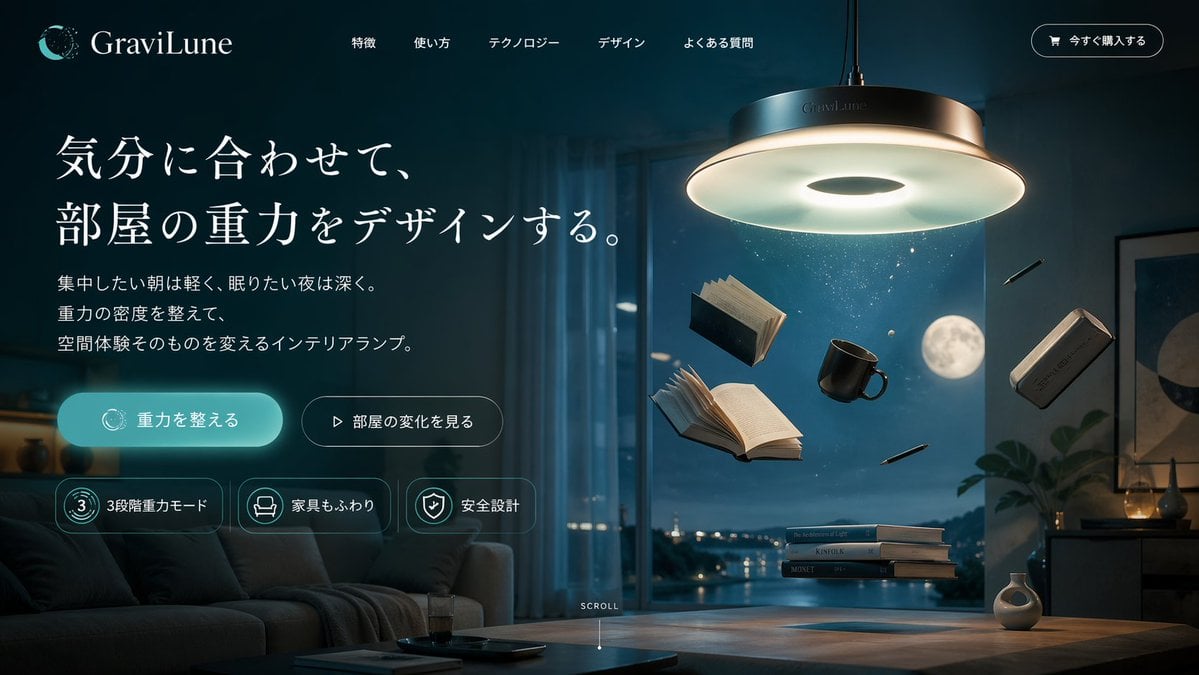
Anti-Gravity Lamp Landing Page Mockup
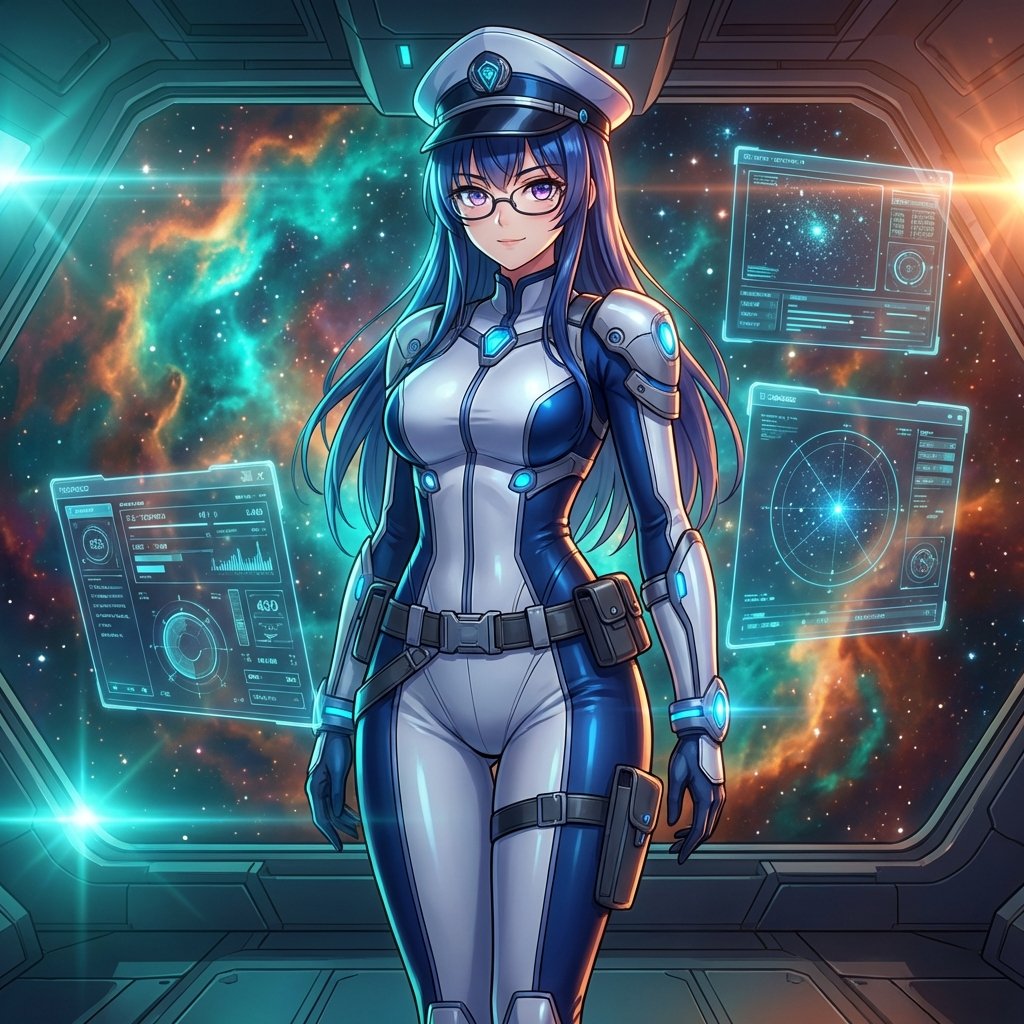
Sci-Fi Space Commander Portrait Prompt
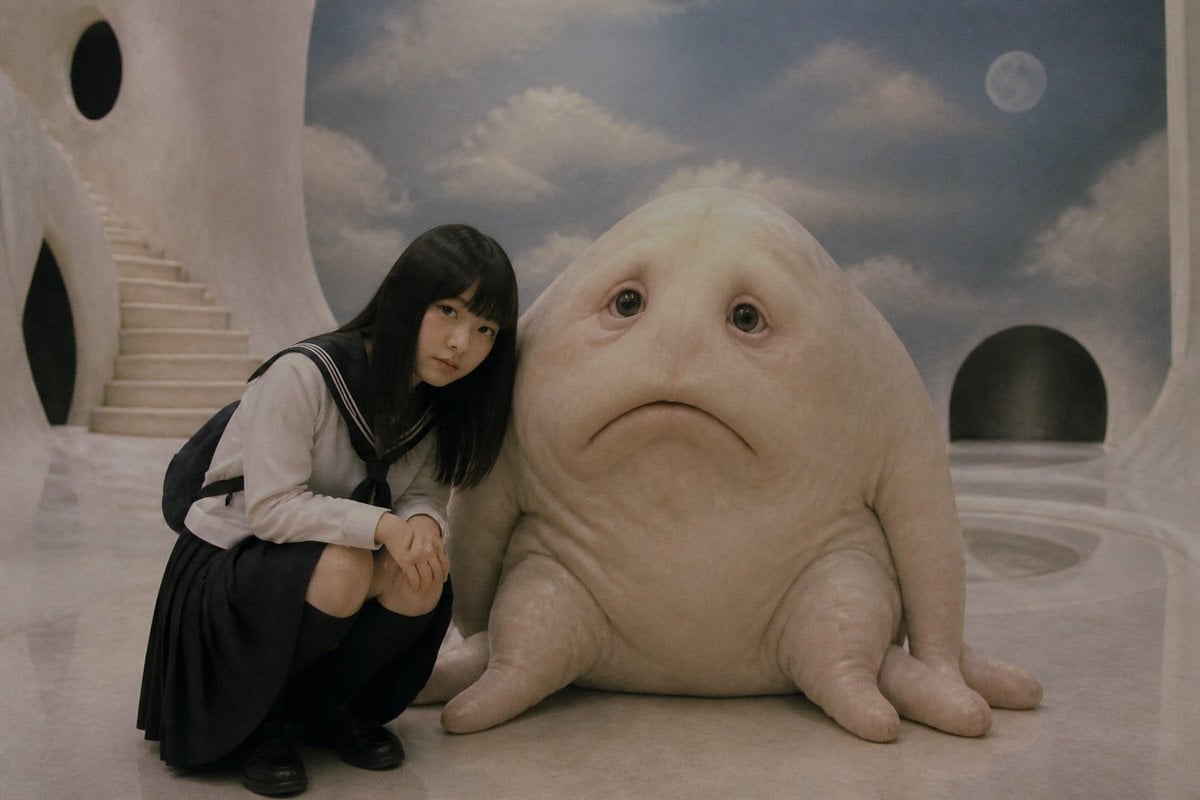
Surreal Schoolgirl and Blob Creature
Conspiracy Scribbles Overlay

Nan Goldin Style Morning Café Portrait
Browse template categories
Ancient Restoration Atelier Editorial Portrait questions
How do I use the Ancient Restoration Atelier Editorial Portrait template?
Add your photo if the template asks for one, edit the prompt if you like — the template's model and format are already selected — and press Generate. Your version opens in PicX Studio.
Can I customize the Ancient Restoration Atelier Editorial Portrait template?
Yes. You can change the subject, setting, lighting, mood, format, and available model controls before creating your image.
Is the Ancient Restoration Atelier Editorial Portrait template free?
Opening and editing this template is free. Generating uses credits, shown on the Generate button when you are signed in.
Which AI model should I use?
Start with Nano Banana 2, which is the model associated with this template. You can compare another compatible model for a different finish.
Looking for something else? Browse all templates.

Your photo, any look
Thousands of ready templates for every top image and video model, from one credit balance.