
Hyper-Realistic Lifestyle Fashion Photo (Wool Poncho)
A prompt for generating an ultra-photorealistic, full-body lifestyle fashion photograph of a natural female model wearing a charcoal gray asymmetric wool poncho.
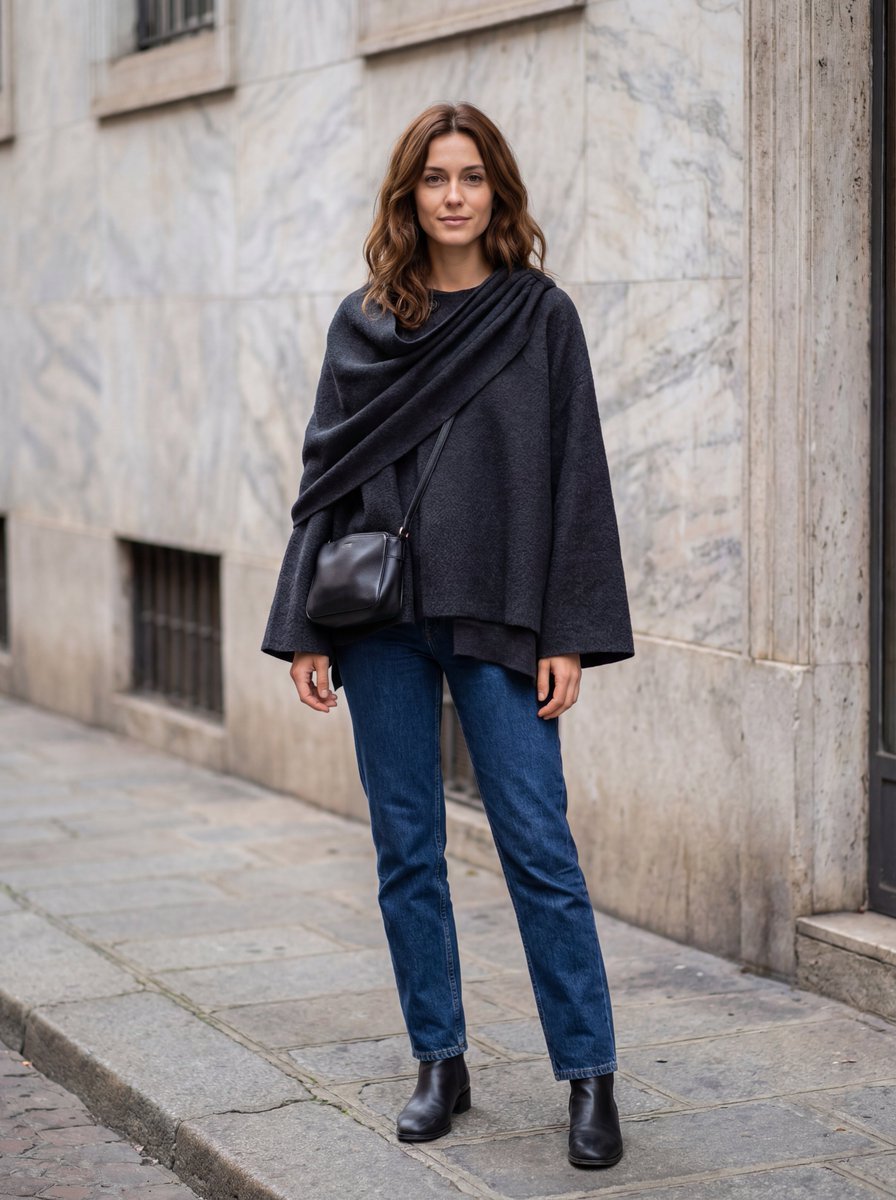
- Prompt included
- Model and format preset
- Premium template
The prompt behind this image
Copy the exact prompt behind Hyper-Realistic Lifestyle Fashion Photo (Wool Poncho), or open it in the studio and make it yours.
{ "prompt": "Ultra photo-realistic full-body street-style photograph of a natural female model in her late 20s wearing a {argument name="garment color" default="charcoal gray"} asymmetric wool poncho identical to the reference, with elegant draped folds on one shoulder. The model is different from all previous references — she has shoulder-length wavy chestnut-brown hair, warm beige skin tone, and a relaxed, confident look. She is photographed outdoors in soft daylight, standing casually on a European street with a stone or marble wall background, giving a modern yet natural vibe. The outfit includes straight dark jeans, ankle boots, and a small leather crossbody bag. Lighting is soft natural daylight (around 5200 K), evenly diffused to highlight the wool texture and subtle shadows. Skin should look realistic with visible texture, eyes clear, and proportions humanly accurate. Captured with a DSLR 50 mm lens, f/4, ISO 200 for authentic focus depth. The result must look indistinguishable from a real photo — true fabric details, lifelike model expression, balanced exposure, and photographic realism.", "negative_prompt": "no stylized AI faces, no over-smooth skin, no symmetry artifacts, no HDR glow, no plastic look, no fantasy background, no motion blur, no duplicated limbs, no flat lighting, no cropped frame, no uncanny valley aesthetics.", "aspect_ratio": "4:5", "number_of_images": 1, "style": "hyper-realistic lifestyle fashion", "quality": "ultra", "safety_filter_level": "strict", "image_config": { "output_format": "png", "color_space": "sRGB", "resolution": "4k" } }
How to use Hyper-Realistic Lifestyle Fashion Photo (Wool Poncho) in 3 steps
- 1
Open
The prompt is already in the box next to the preview, with the template's model and format selected.
- 2…a portrait of your subject in softgolden-hour light, 85mm…
Personalize
Edit the subject and creative details for your destination.
- 3Generate
Generate
Press Generate — your image is created in PicX Studio, so you can compare it with the original and refine one variable at a time.
More like this
Templates with the same subject, style or setup. Open one to see its prompt.

Nano Banana - Paris Cafe Editorial

Miniature Self Portrait Collage

Social Media Manager Desktop Case Study

80s College Gate

1988 Mall Style

80s Polka Dot Saree

A k.pop idol on the stage with mic

Blue Backdrop Luxury Fashion Portrait Campaign

Typography Mask Editorial Fashion Poster

Luxury Black-and-White Fashion Contact Sheet

Futuristic Studio Neon Ring Minimalist Portrait

Neon Night Crosswalk Candid Portrait
Make it yours
Hyper-Realistic Lifestyle Fashion Photo (Wool Poncho) works as-is. These are the safest ways to change it without losing the look.
Change one field
Copy a single group, rewrite it, and generate again so you can see what that field is doing.
Keep the frame, change the subject
Hold the composition and light of Hyper-Realistic Lifestyle Fashion Photo (Wool Poncho), then swap wardrobe, props or the person for a new take.
| If the result… | Why | Fix |
|---|---|---|
| The result drifts from the preview | Too many fields changed at once. | Reuse Hyper-Realistic Lifestyle Fashion Photo (Wool Poncho) as-is first, then change one group — subject, light, or setting. |
| The model over-stylizes the scene | The prose prompt leaves finish and camera underspecified. | Add one camera or lighting sentence and stay on Nano Banana 2. |
More Nano Banana 2 templates
Other prompts made for Nano Banana 2.

Photorealistic Leaf Shaped Like a Dragon

K-Pop Idol Portrait Grid for Rapid Selection

Poetic Rain Forest Portrait During Golden Hour

Urban Street Portrait with Cartoon Inner Self Duo

Candid Nighttime Photo with Cat Prompt

High-Concept 3D Diorama Generation Prompt

Cinematic Futuristic Studio Portrait Template

Skincare Editorial Photography Collage Prompt

Hyper-Realistic Commercial Product Photography (Splash Effect)

Hyper-Realistic Nightclub Portrait Prompt
More image prompts
Fresh picks from across the catalog.
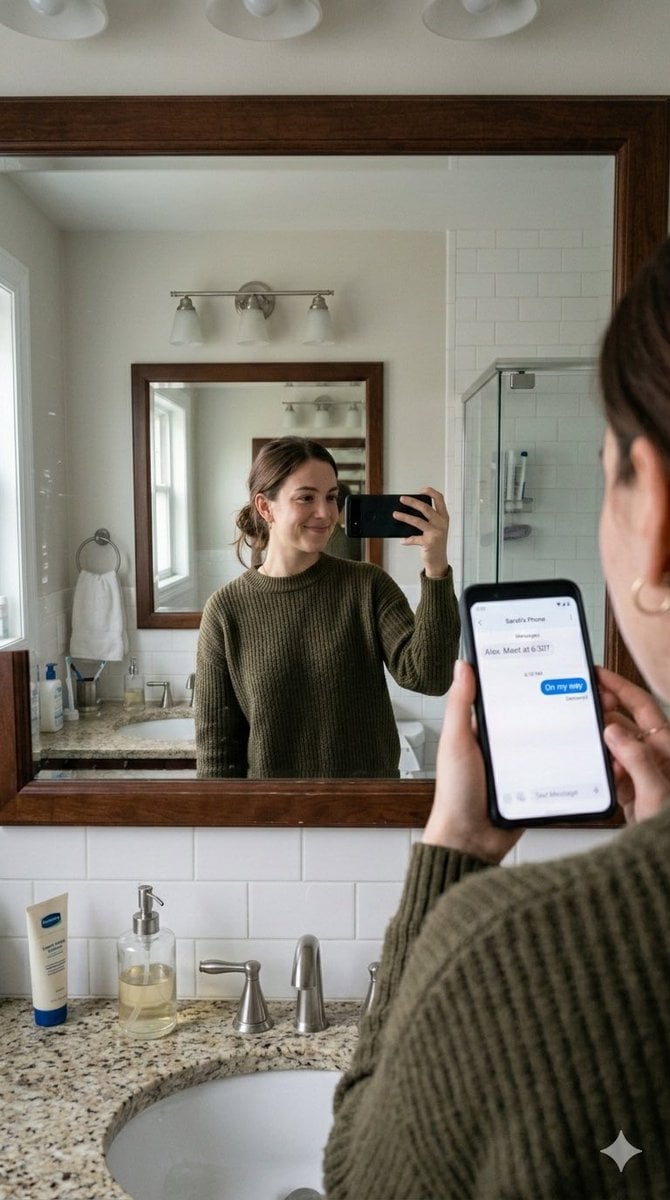
Realistic Bathroom Mirror Selfie with Correct Reflection

Black and White Fine-Art Portrait Prompt with Cinematic Contrast
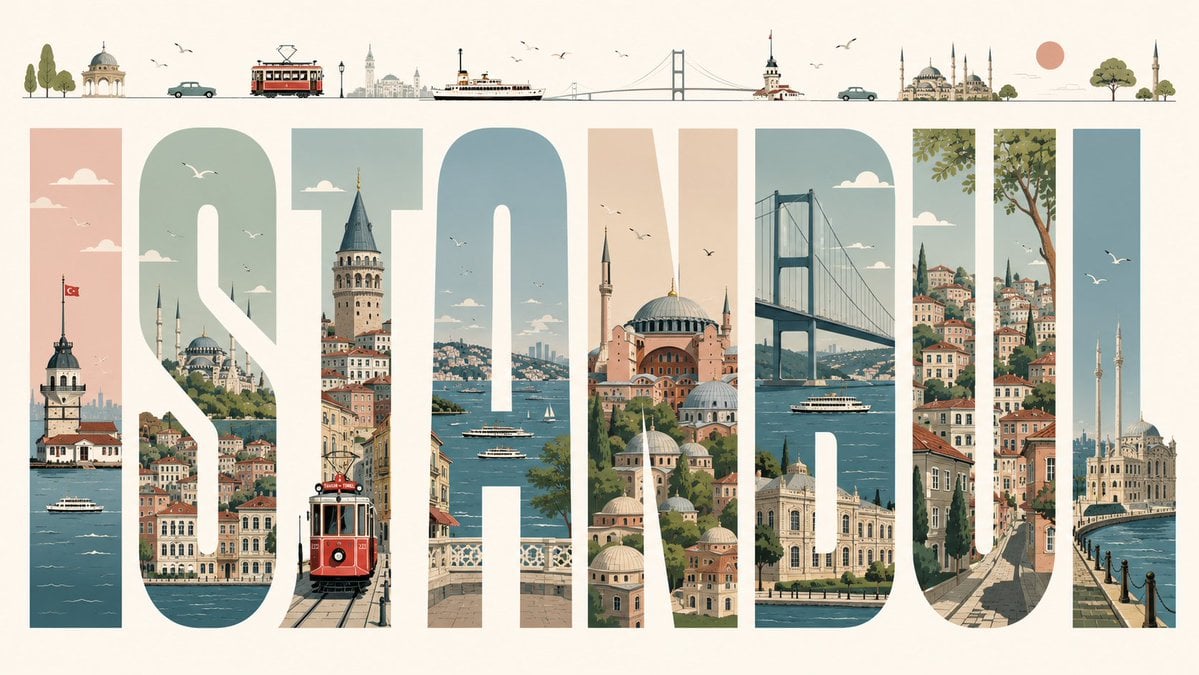
Istanbul Typographic Travel Poster
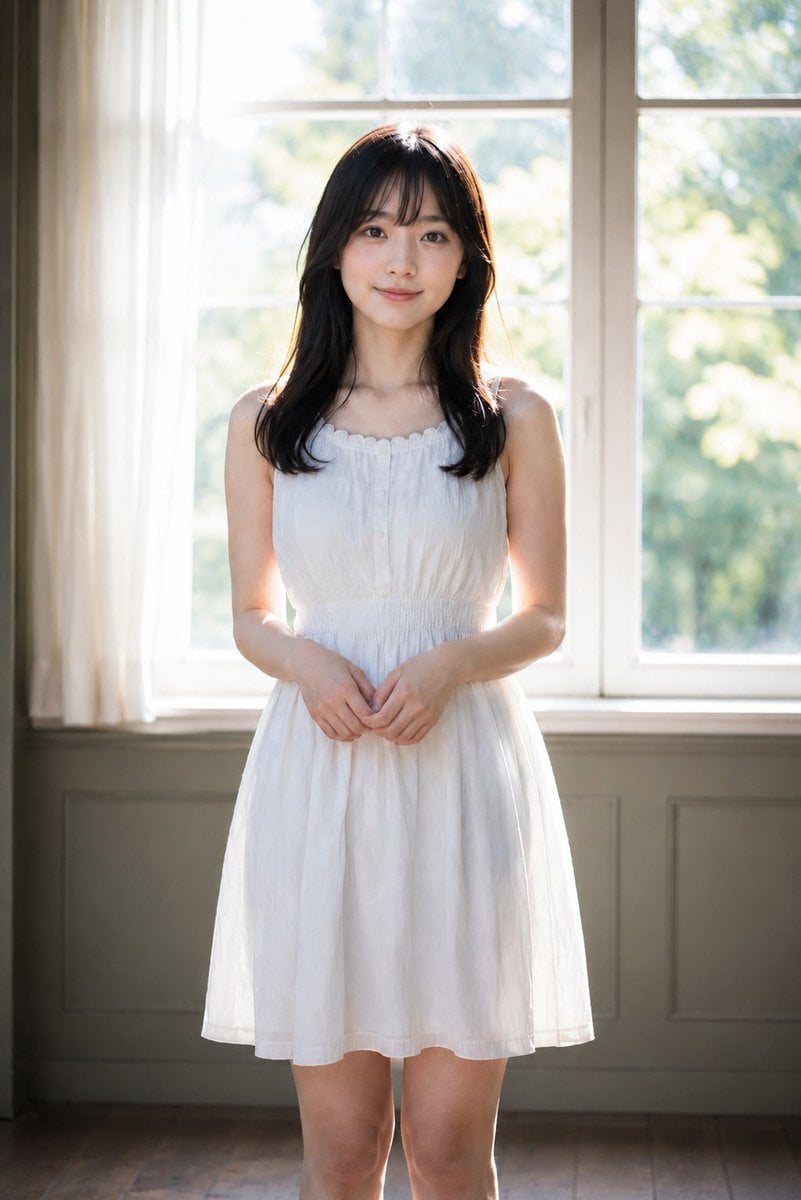
Backlit Indoor Window Portrait

Weighted Prompt for 3D Pop-Up Comic Diorama
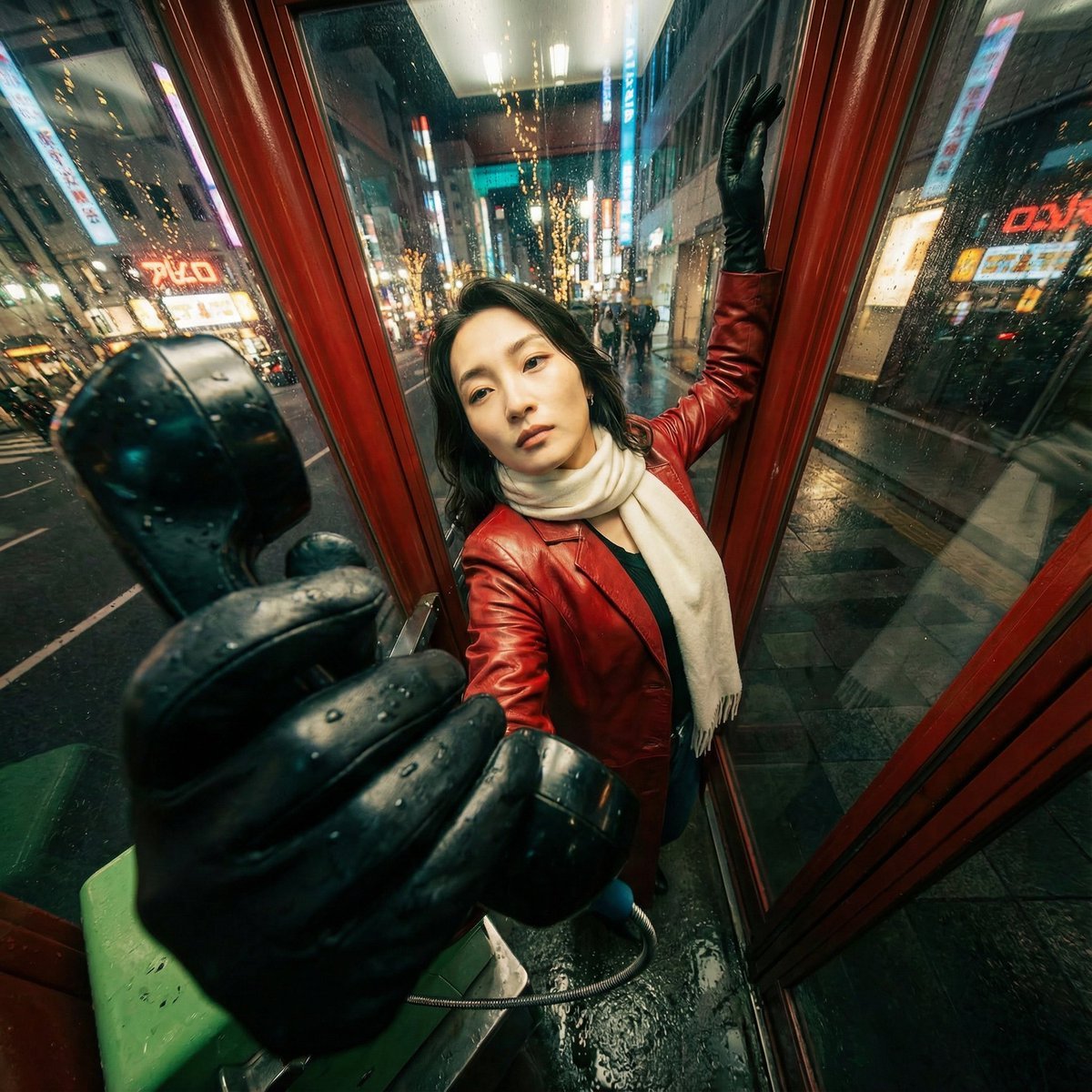
Extreme Wide-Angle Perspective Transformation
Seedance - Epic Fight Scene
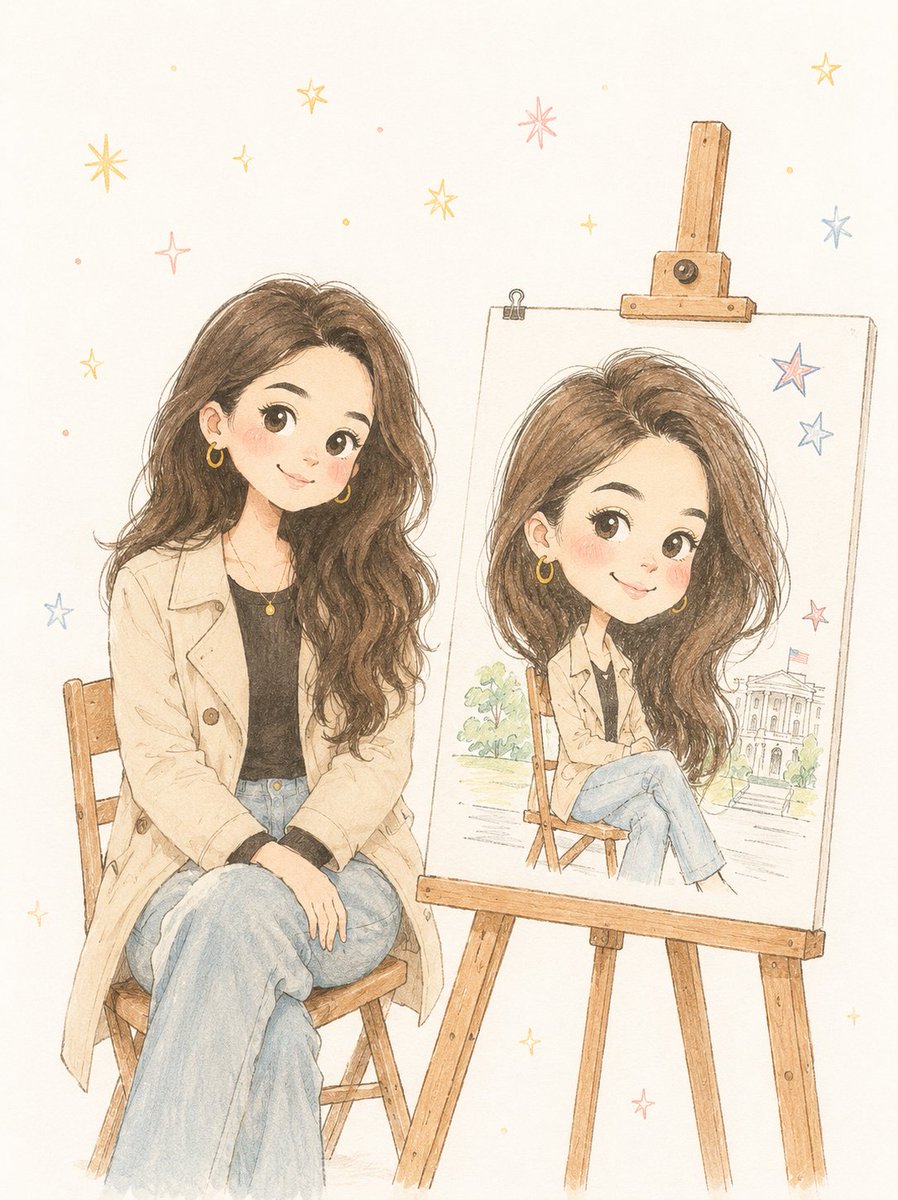
Minimalist Hand-Drawn Children Illustration

Corporate AI Product Line Infographic
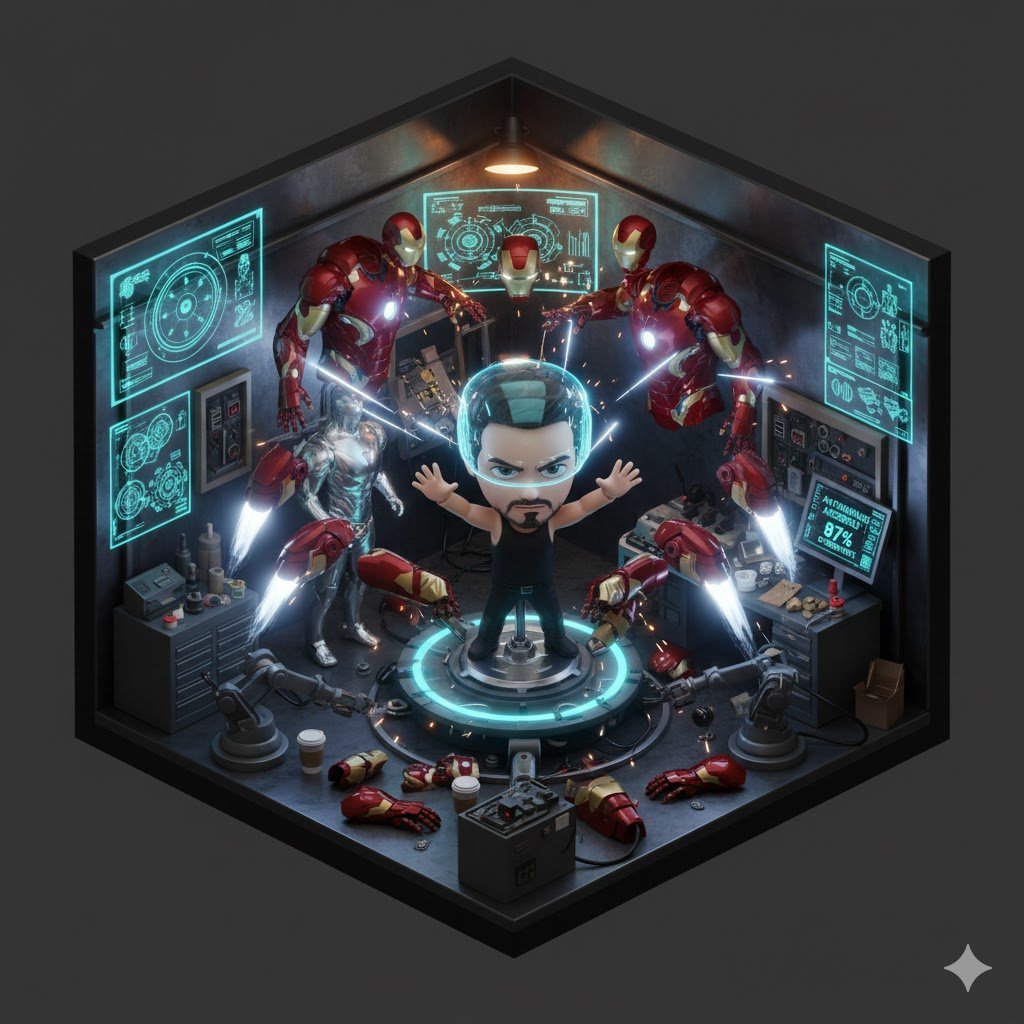
Isometric 3D Tony Stark Workshop Cube
Browse template categories
Hyper-Realistic Lifestyle Fashion Photo (Wool Poncho) questions
How do I use the Hyper-Realistic Lifestyle Fashion Photo (Wool Poncho) template?
Add your photo if the template asks for one, edit the prompt if you like — the template's model and format are already selected — and press Generate. Your version opens in PicX Studio.
Can I customize the Hyper-Realistic Lifestyle Fashion Photo (Wool Poncho) template?
Yes. You can change the subject, setting, lighting, mood, format, and available model controls before creating your image.
Is the Hyper-Realistic Lifestyle Fashion Photo (Wool Poncho) template free?
Opening and editing this template is free. Generating uses credits, shown on the Generate button when you are signed in.
Which AI model should I use?
Start with Nano Banana 2, which is the model associated with this template. You can compare another compatible model for a different finish.
Looking for something else? Browse all templates.

Your photo, any look
Thousands of ready templates for every top image and video model, from one credit balance.