
Fantasy Knight Concept Art Sheet
Generates a highly detailed anime character reference sheet with lore, turnarounds, and material callouts.
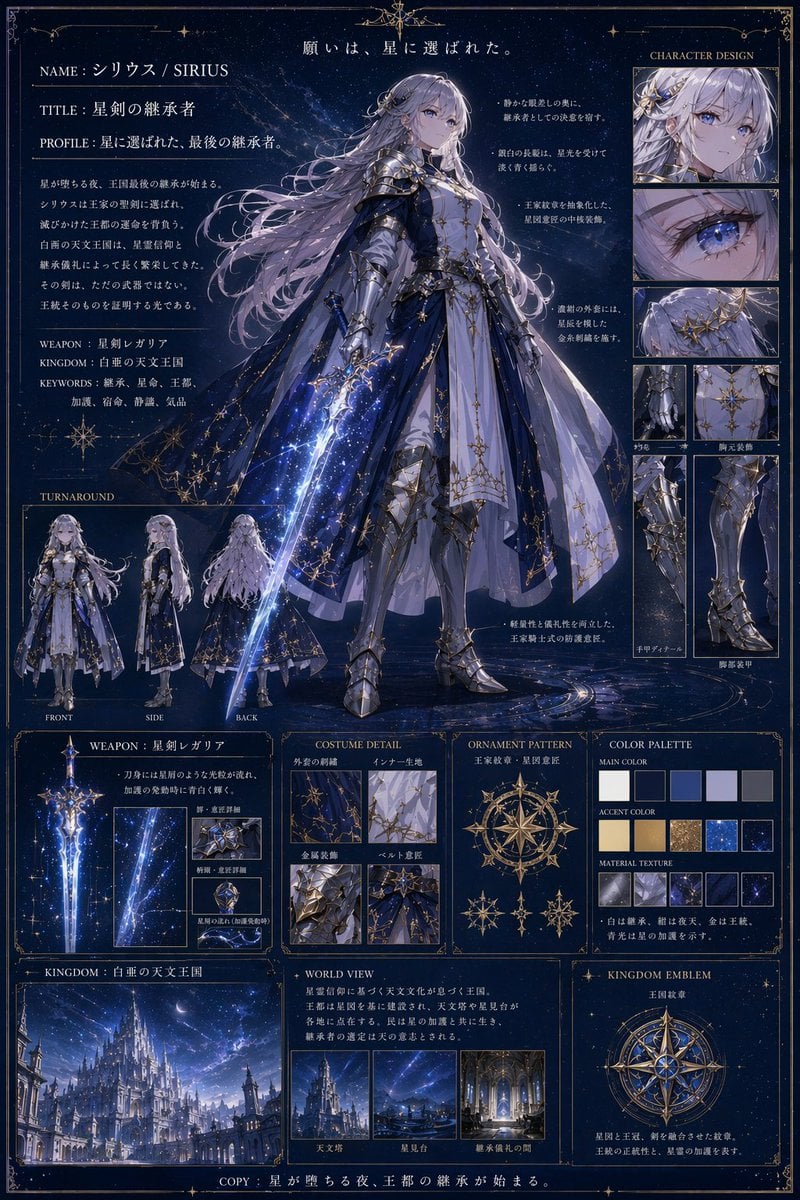
- Prompt included
- Model and format preset
- Free template
The prompt behind this image
Copy the exact prompt behind Fantasy Knight Concept Art Sheet, or open it in the studio and make it yours.
- Type
- anime character reference sheet
- Theme
- fantasy star knight, dark blue background, gold borders
- Character › Name
- {argument name="character name" default="シリウス / SIRIUS"}
- Character › Title
- {argument name="character title" default="星剣の継承者"}
- Character › Appearance
- female knight, silver hair, blue eyes with star pupils
- Character › Attire
- white dress, dark blue starry cape, silver armor
- Character › Pose
- standing, holding glowing blue starry sword
- Layout › Centerpiece
- full-body portrait
- Layout › Sections › 0 › Title
- Profile
- Layout › Sections › 0 › Position
- top-left
- Layout › Sections › 0 › Elements
- NAME: {argument name="character name" default="シリウス / SIRIUS"}, TITLE: {argument name="character title" default="星剣の継承者"}, PROFILE: 星に選ばれた、最後の継承者。, WEAPON: {argument name="weapon name" default="星剣レガリア"}, KINGDOM: {argument name="kingdom name" default="白亜の天文王国"}, KEYWORDS: 継承、星命、王都、加護、宿命、静謐、気品
- Layout › Sections › 1 › Title
- CHARACTER DESIGN
- Layout › Sections › 1 › Position
- top-right
- Layout › Sections › 1 › Count
- 6
- Layout › Sections › 1 › Labels
- face, eye, hair, 胸元装飾, 手甲ディテール, 脚部装甲
- Layout › Sections › 2 › Title
- TURNAROUND
- Layout › Sections › 2 › Position
- mid-left
- Layout › Sections › 2 › Count
- 3
- Layout › Sections › 2 › Labels
- FRONT, SIDE, BACK
- Layout › Sections › 3 › Title
- WEAPON: {argument name="weapon name" default="星剣レガリア"}
- Layout › Sections › 3 › Position
- bottom-left
- Layout › Sections › 3 › Count
- 4
- Layout › Sections › 3 › Description
- 1 main sword, 3 close-ups
- Layout › Sections › 4 › Title
- COSTUME DETAIL
Raw JSON
{
  "type": "anime character reference sheet",
  "theme": "fantasy star knight, dark blue background, gold borders",
  "character": {
    "name": "{argument name=\"character name\" default=\"シリウス / SIRIUS\"}",
    "title": "{argument name=\"character title\" default=\"星剣の継承者\"}",
    "appearance": "female knight, silver hair, blue eyes with star pupils",
    "attire": "white dress, dark blue starry cape, silver armor",
    "pose": "standing, holding glowing blue starry sword"
  },
  "layout": {
    "centerpiece": "full-body portrait",
    "sections": [
      {
        "title": "Profile",
        "position": "top-left",
        "elements": [
          "NAME: {argument name=\"character name\" default=\"シリウス / SIRIUS\"}",
          "TITLE: {argument name=\"character title\" default=\"星剣の継承者\"}",
          "PROFILE: 星に選ばれた、最後の継承者。",
          "WEAPON: {argument name=\"weapon name\" default=\"星剣レガリア\"}",
          "KINGDOM: {argument name=\"kingdom name\" default=\"白亜の天文王国\"}",
          "KEYWORDS: 継承、星命、王都、加護、宿命、静謐、気品"
        ]
      },
      {
        "title": "CHARACTER DESIGN",
        "position": "top-right",
        "count": 6,
        "labels": ["face", "eye", "hair", "胸元装飾", "手甲ディテール", "脚部装甲"]
      },
      {
        "title": "TURNAROUND",
        "position": "mid-left",
        "count": 3,
        "labels": ["FRONT", "SIDE", "BACK"]
      },
      {
        "title": "WEAPON: {argument name=\"weapon name\" default=\"星剣レガリア\"}",
        "position": "bottom-left",
        "count": 4,
        "description": "1 main sword, 3 close-ups"
      },
      {
        "title": "COSTUME DETAIL",
        "position": "bottom-mid-left",
        "count": 4,
        "labels": ["外套の刺繍", "インナー生地", "金属装飾", "ベルト意匠"]
      },
      {
        "title": "ORNAMENT PATTERN",
        "position": "bottom-center",
        "count": 4,
        "labels": ["王家紋章・星図意匠"]
      },
      {
        "title": "COLOR PALETTE",
        "position": "mid-right",
        "count": 12,
        "labels": ["MAIN COLOR", "ACCENT COLOR", "MATERIAL TEXTURE"]
      },
      {
        "title": "KINGDOM: {argument name=\"kingdom name\" default=\"白亜の天文王国\"}",
        "position": "bottom-left",
        "count": 1,
        "description": "castle landscape"
      },
      {
        "title": "WORLD VIEW",
        "position": "bottom-mid-right",
        "count": 3,
        "labels": ["天文塔", "星見台", "継承儀礼の間"]
      },
      {
        "title": "KINGDOM EMBLEM",
        "position": "bottom-right",
        "count": 1,
        "labels": ["王国紋章"]
      }
    ],
    "header": "願いは、星に選ばれた。",
    "footer": "COPY: 星が堕ちる夜、王都の継承が始まる。"
  }
}How to use Fantasy Knight Concept Art Sheet in 3 steps
- 1Upload ImagePNG, JPG or paste
Add your photo
Upload the photo the template builds on. The prompt, model and format are already set.
- 2…a portrait of your subject in softgolden-hour light, 85mm…
Personalize
Edit the subject and creative details for your destination.
- 3Generate
Generate
Press Generate — your image is created in PicX Studio, so you can compare it with the original and refine one variable at a time.
More like this
Templates with the same subject, style or setup. Open one to see its prompt.
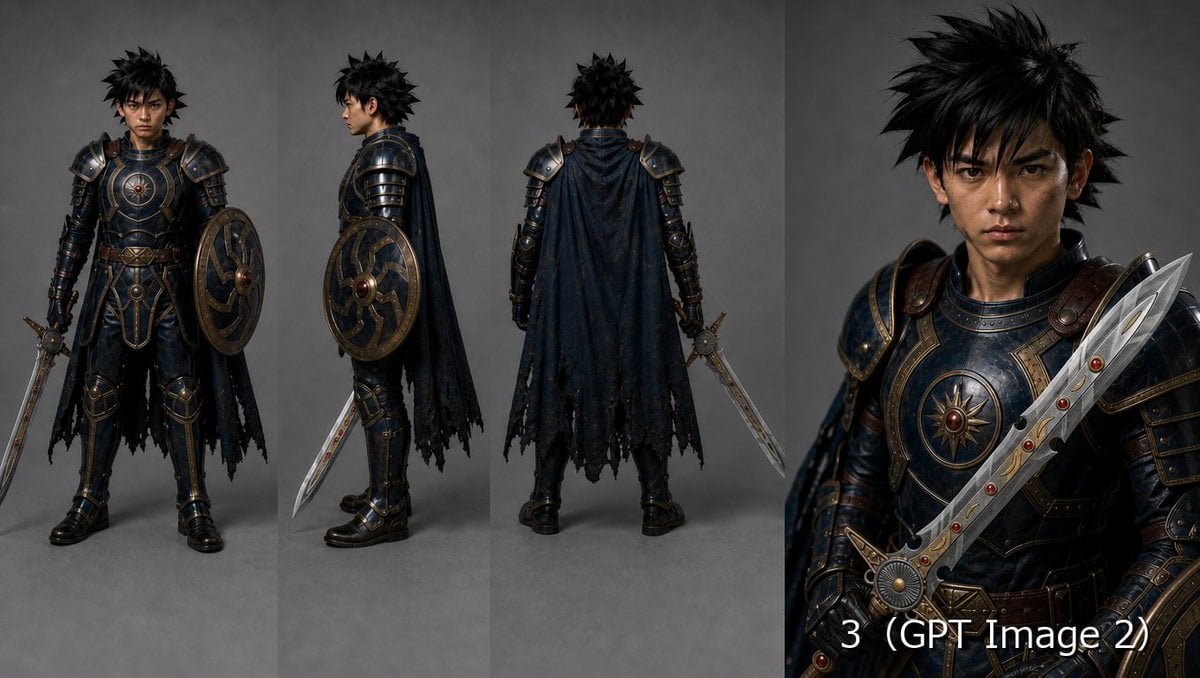
Fantasy Knight Character Turnaround Sheet
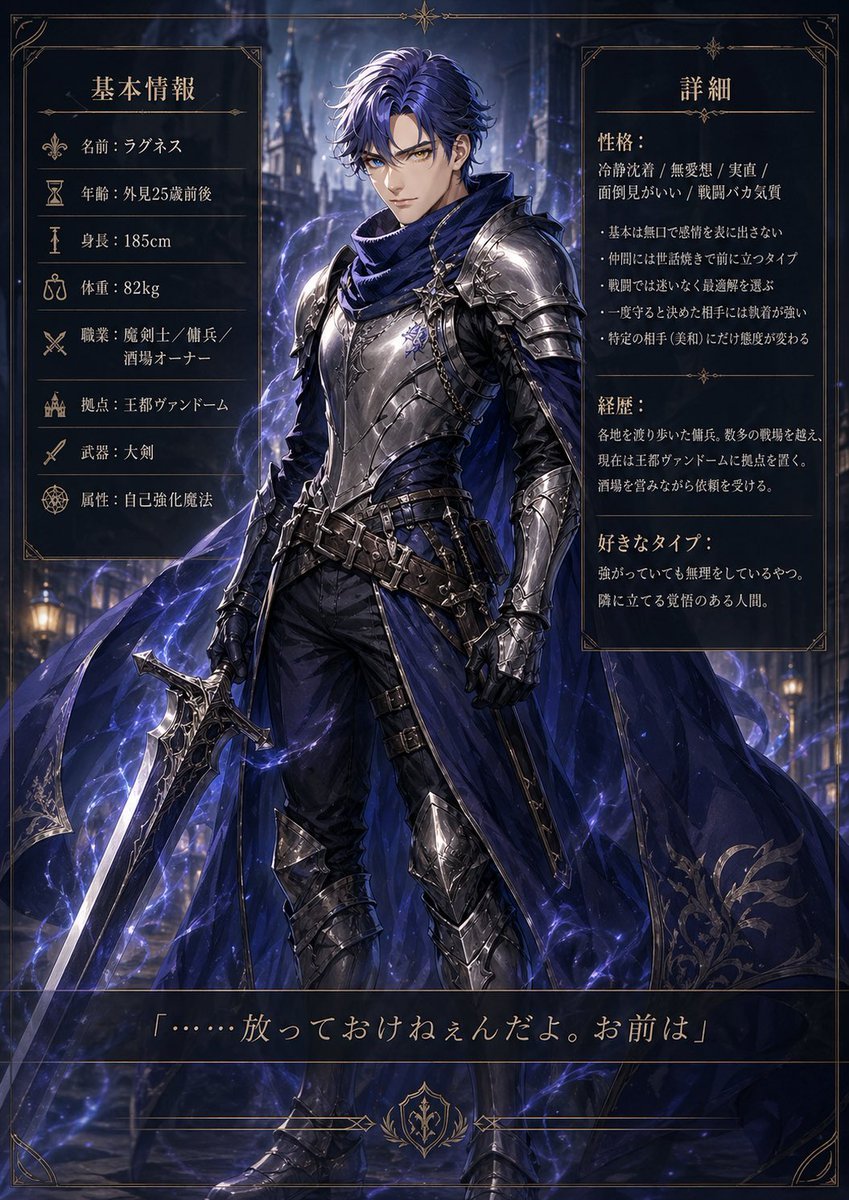
Dark Fantasy Knight Character Sheet
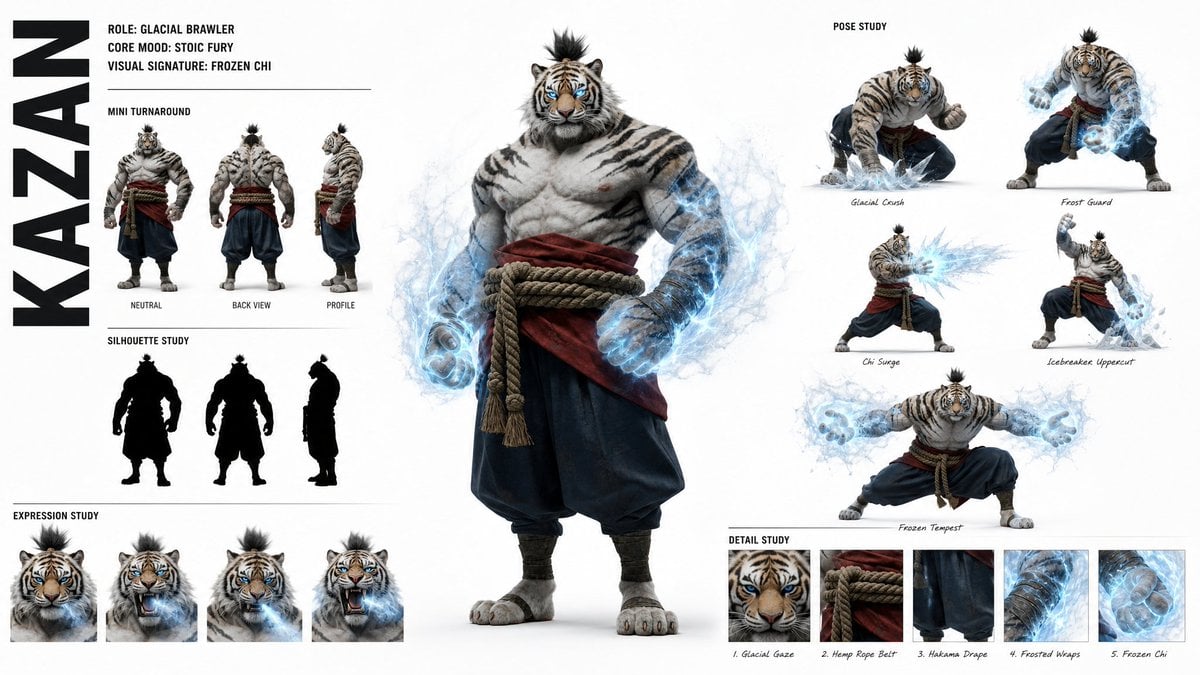
High-Fashion Character Concept Art Sheet
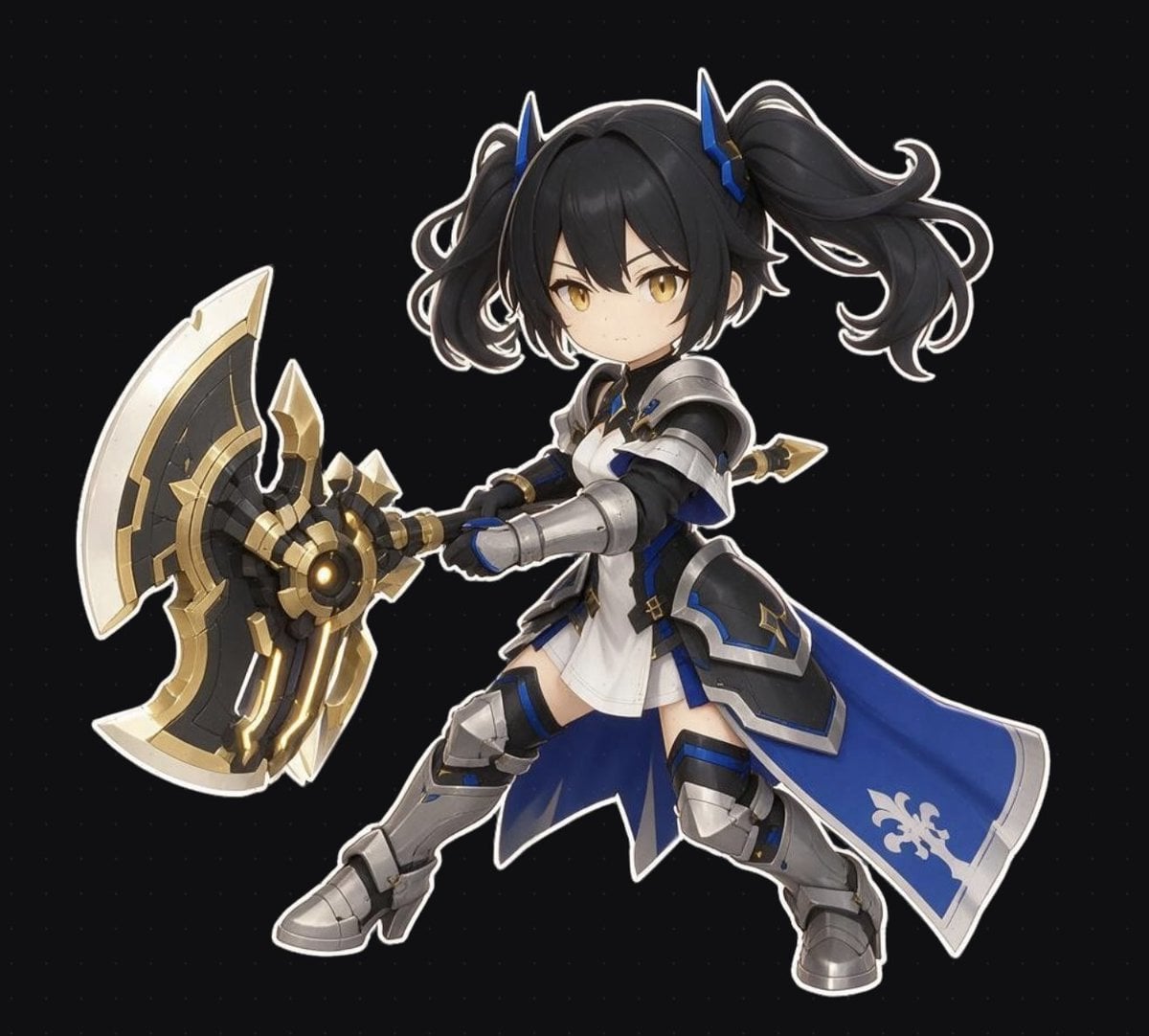
Chibi Fantasy Axe Knight

Futuristic Anime Tactical Concept Sheet

Retro Manga StackChan Concept Sheet
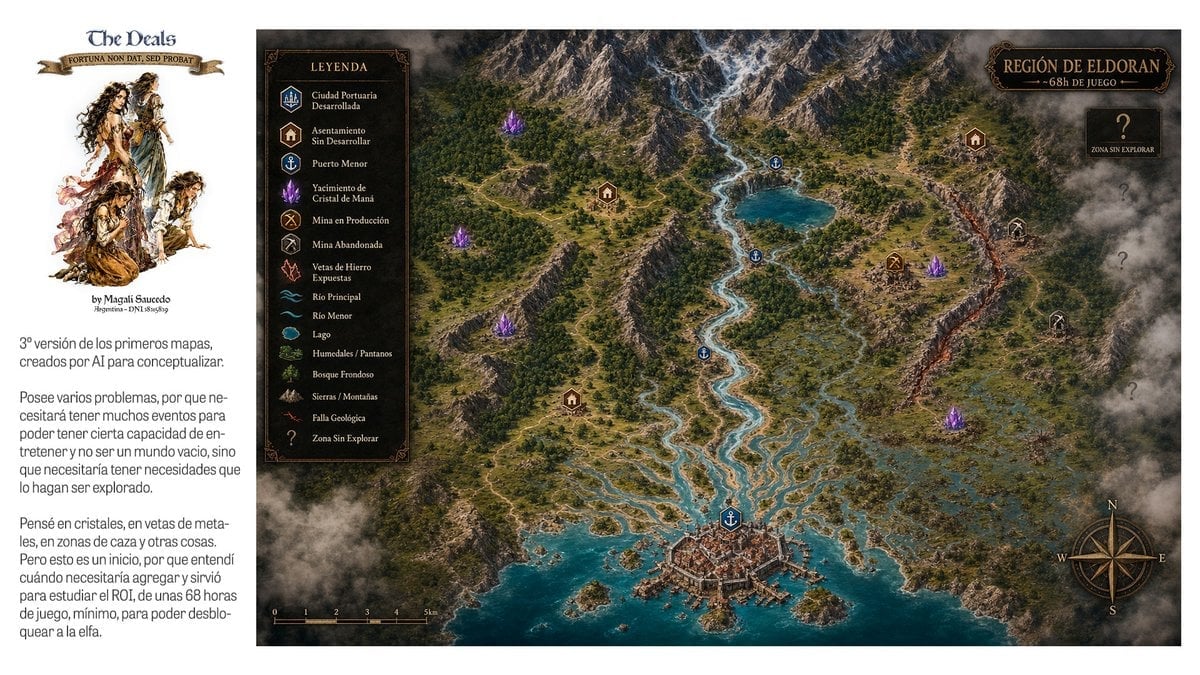
Fantasy RPG Region Map Sheet

Anime Fantasy Celestial Movie Poster

Glass Brand Logo Volcanic Landscape

Blueprint Split Reality Archetype Prompt
Anime Fantasy Celestial Movie Poster

Real Illustration Split Portrait Transition
Make it yours
Fantasy Knight Concept Art Sheet works as-is. These are the safest ways to change it without losing the look.
Change one field
Copy a single group, rewrite it, and generate again so you can see what that field is doing.
Keep the frame, change the subject
Hold the composition and light of Fantasy Knight Concept Art Sheet, then swap wardrobe, props or the person for a new take.
| If the result… | Why | Fix |
|---|---|---|
| The result drifts from the preview | Too many fields changed at once. | Reuse Fantasy Knight Concept Art Sheet as-is first, then change one group — subject, light, or setting. |
| GPT Image 2 ignores part of the JSON | Some models flatten or skip nested keys. | Keep the same values and paste them as a short paragraph instead. |
More GPT Image 2 templates
Other prompts made for GPT Image 2.

Six VTuber Japanese Logo Sheet

Realistic Portrait of Woman and Deer

The Vista Modular Condo Poster

AI Model Routing Comparison Infographic

2.5D Anime Art Board

Isometric Productivity Desk Scene

New York Double Exposure Poster

Four-Panel AI Landscape Comparison

Japanese Tatami Lifestyle Magazine Cover

NESCAFÉ Coffee Map Poster
More image prompts
Fresh picks from across the catalog.
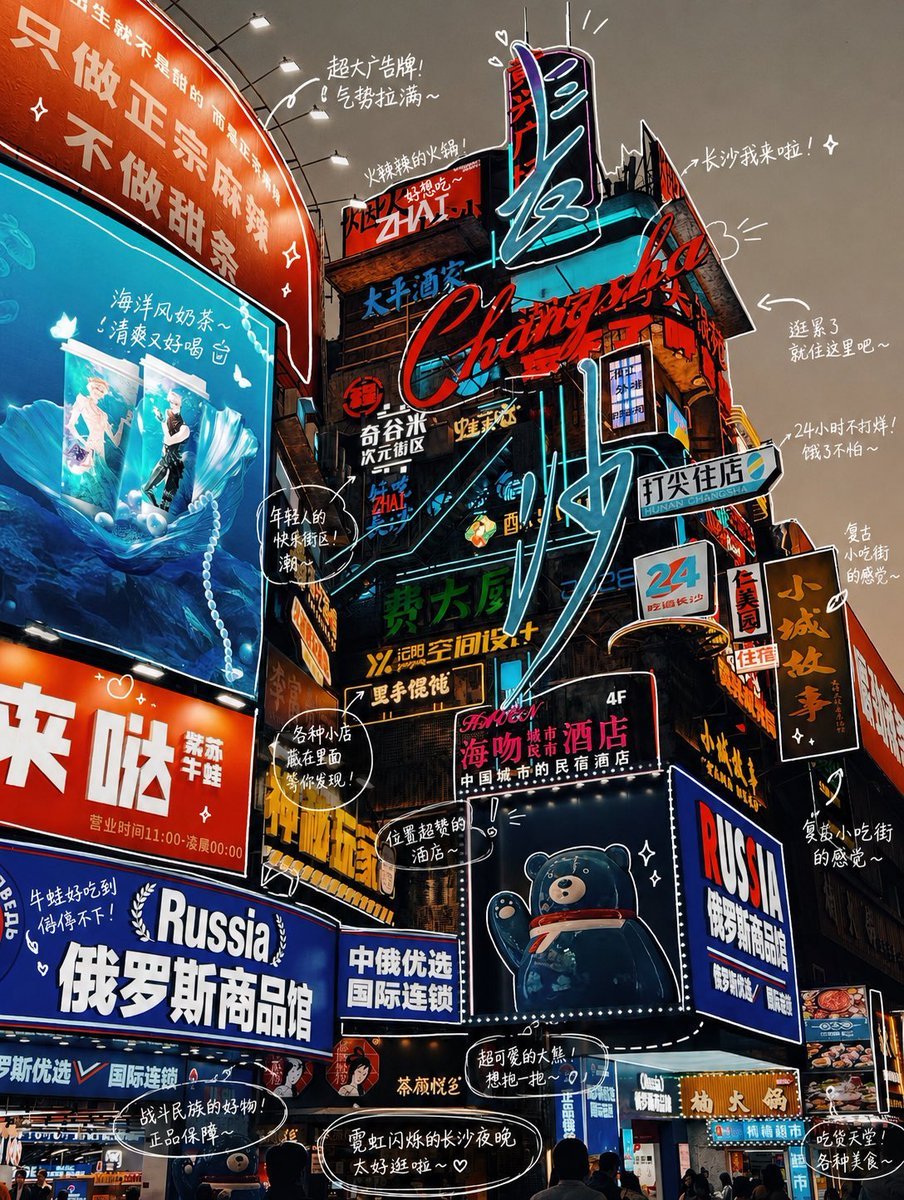
Hand-drawn Photo Annotation
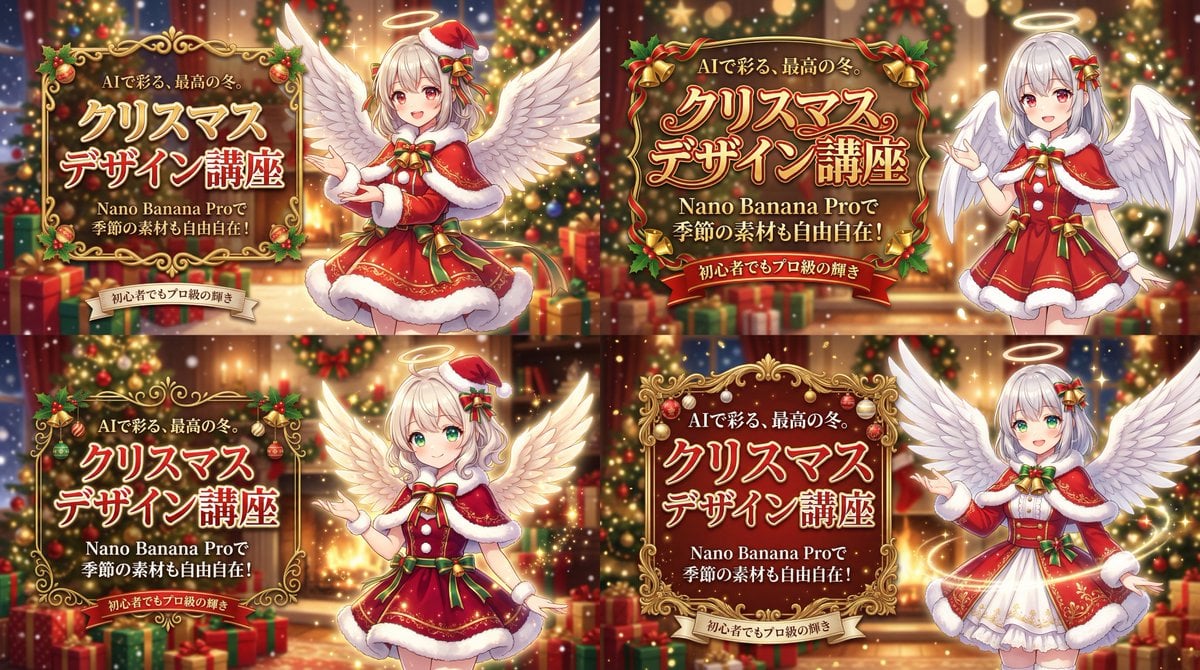
Christmas Angel Design Course Eyecatch Prompt (YAML Structure)
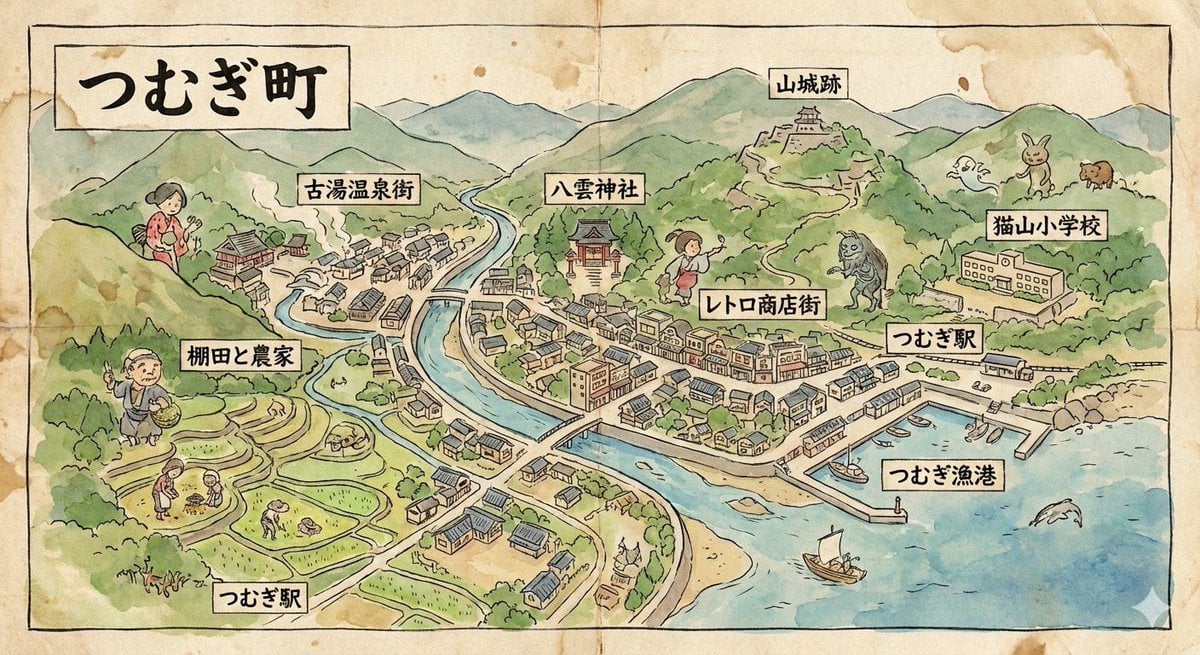
Hand-drawn map of a fictional Japanese town
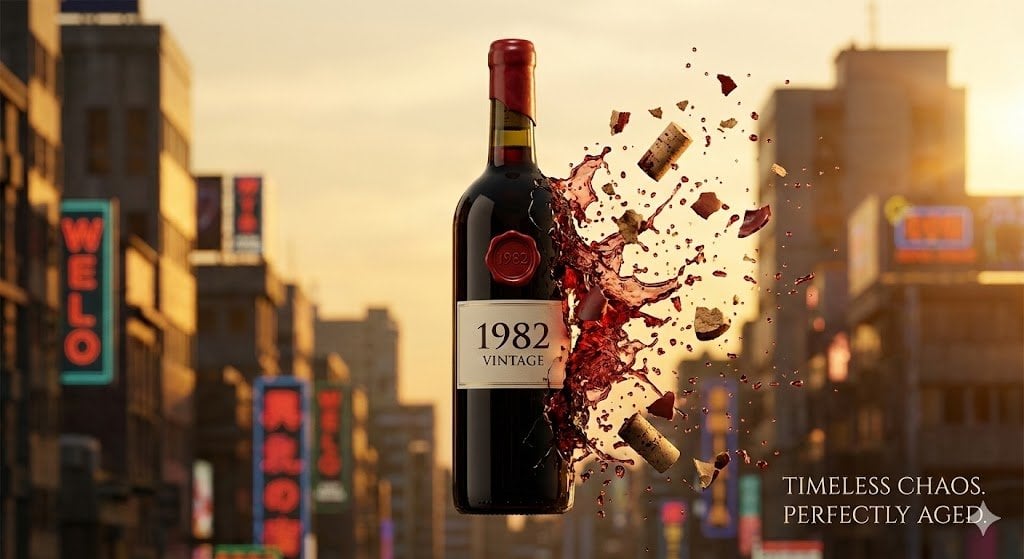
Advertising Visual Prompt: Wine Bottle Product Shot
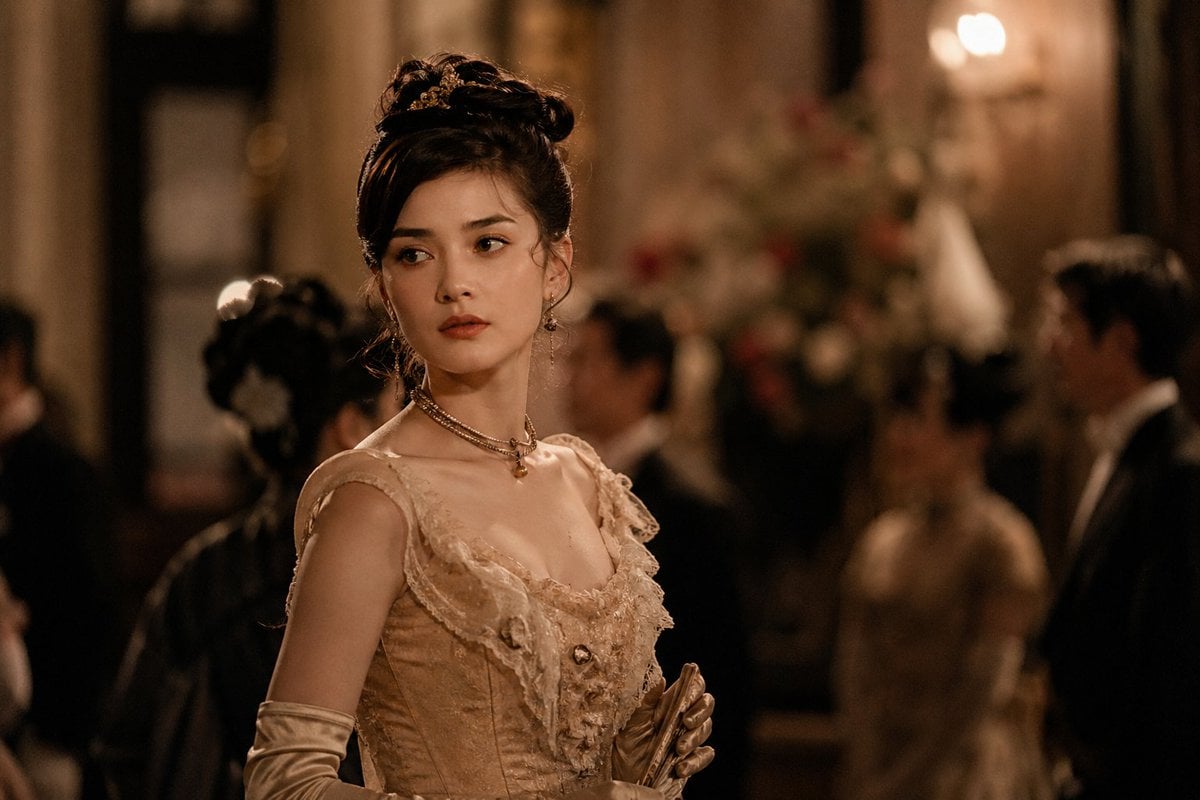
Rokumeikan Ballroom Portrait
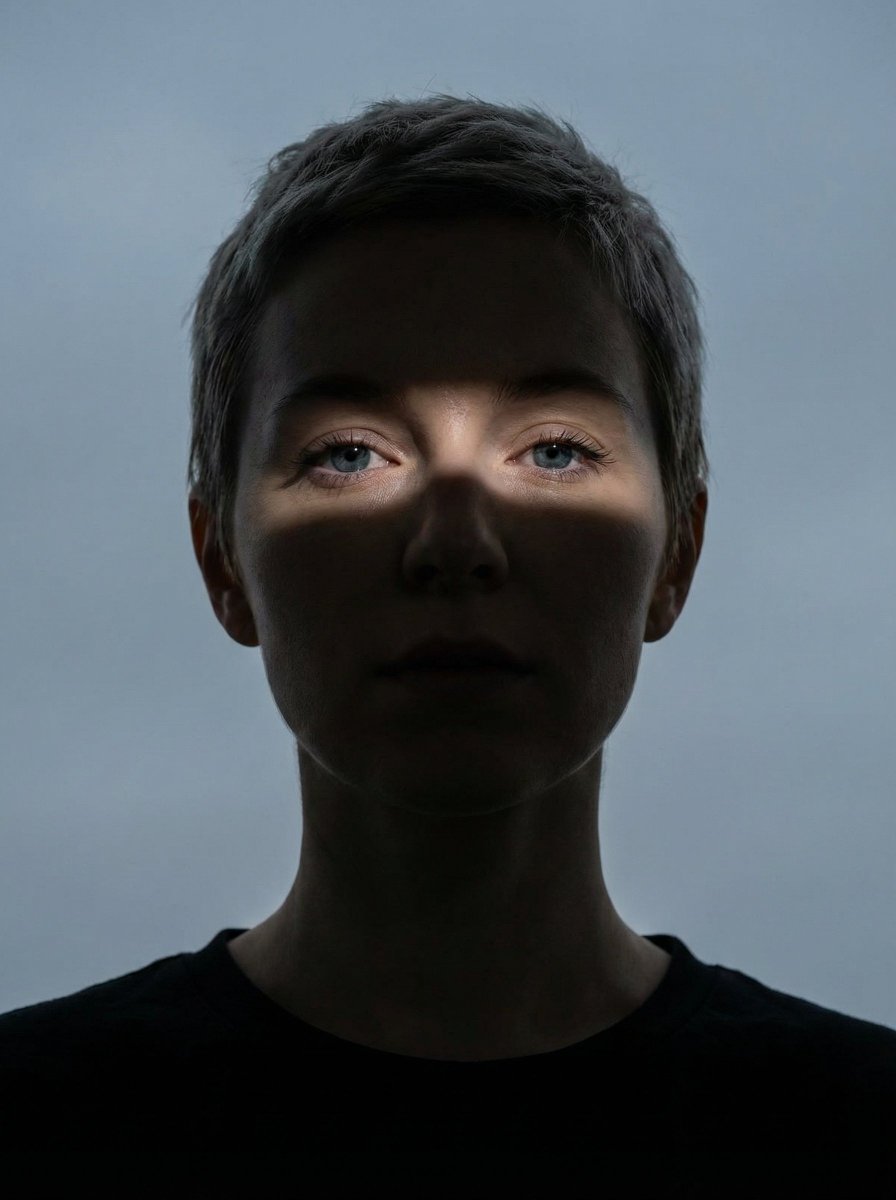
High Contrast Shadow Band Portrait
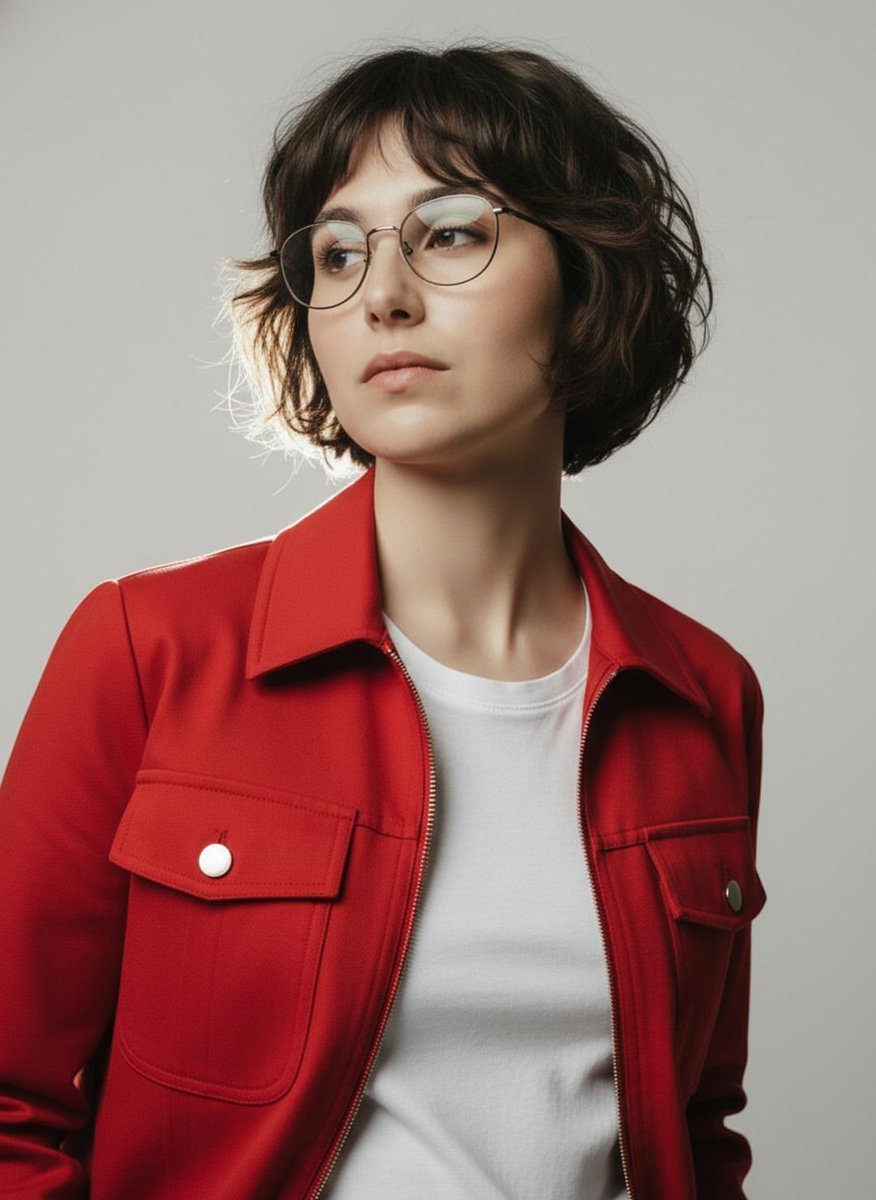
Minimalist Studio Fashion Portrait Prompt
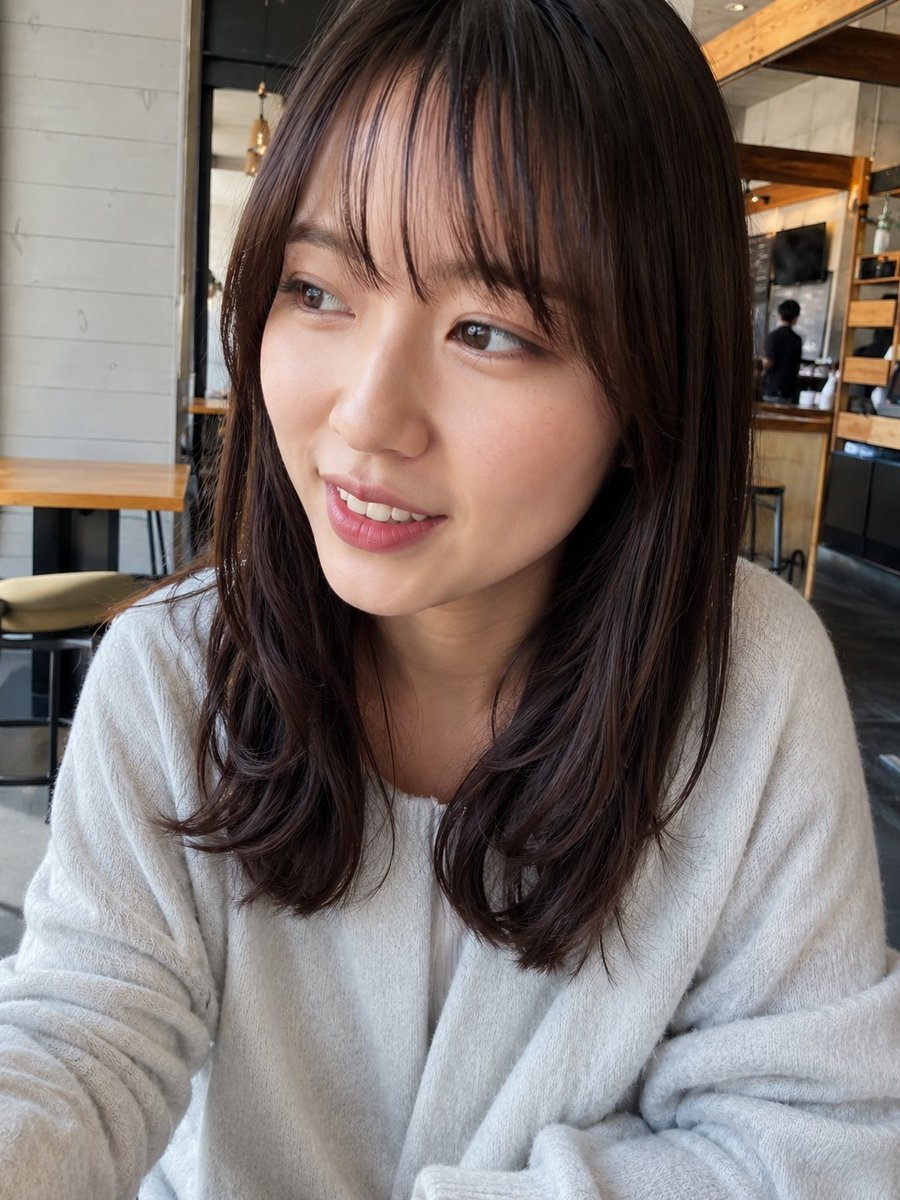
Obscured Cafe Portrait
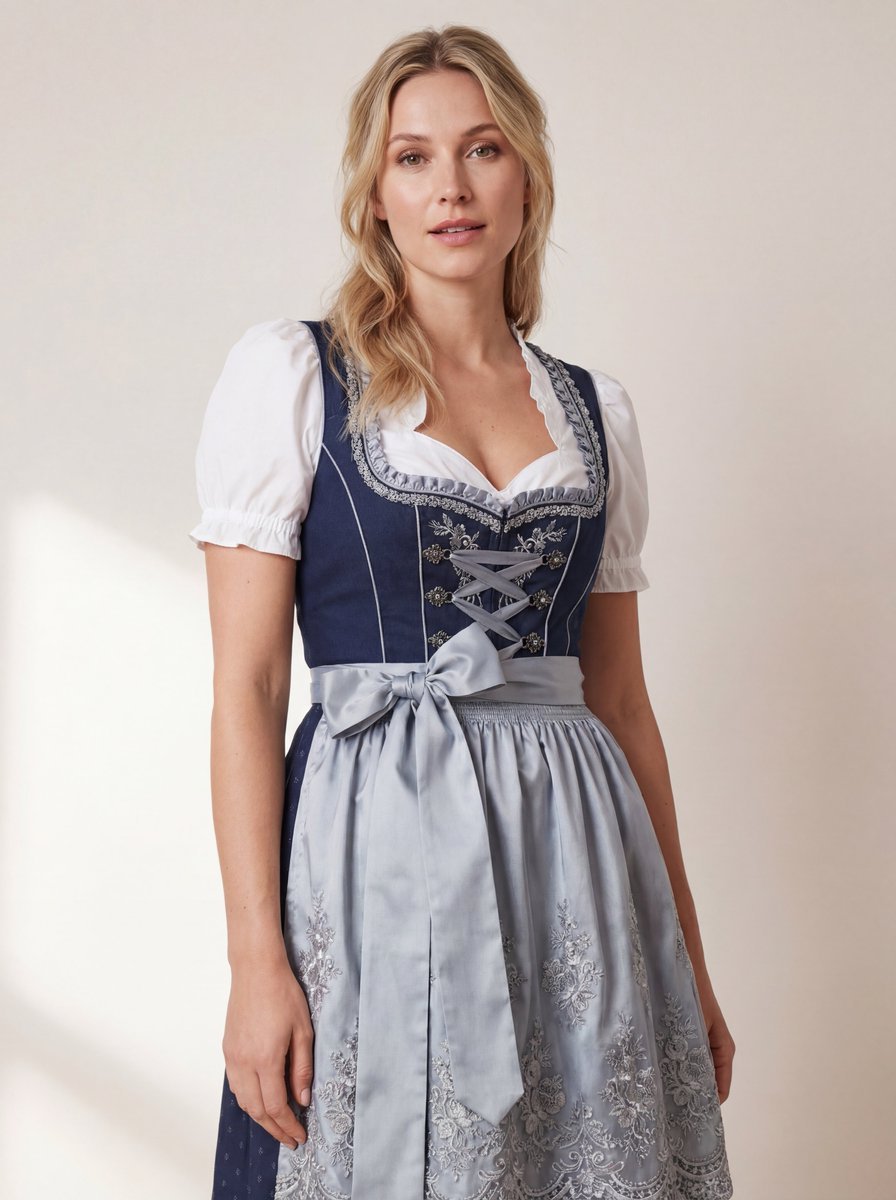
Hyper-Realistic Studio Photo of a Woman in Bavarian Dirndl
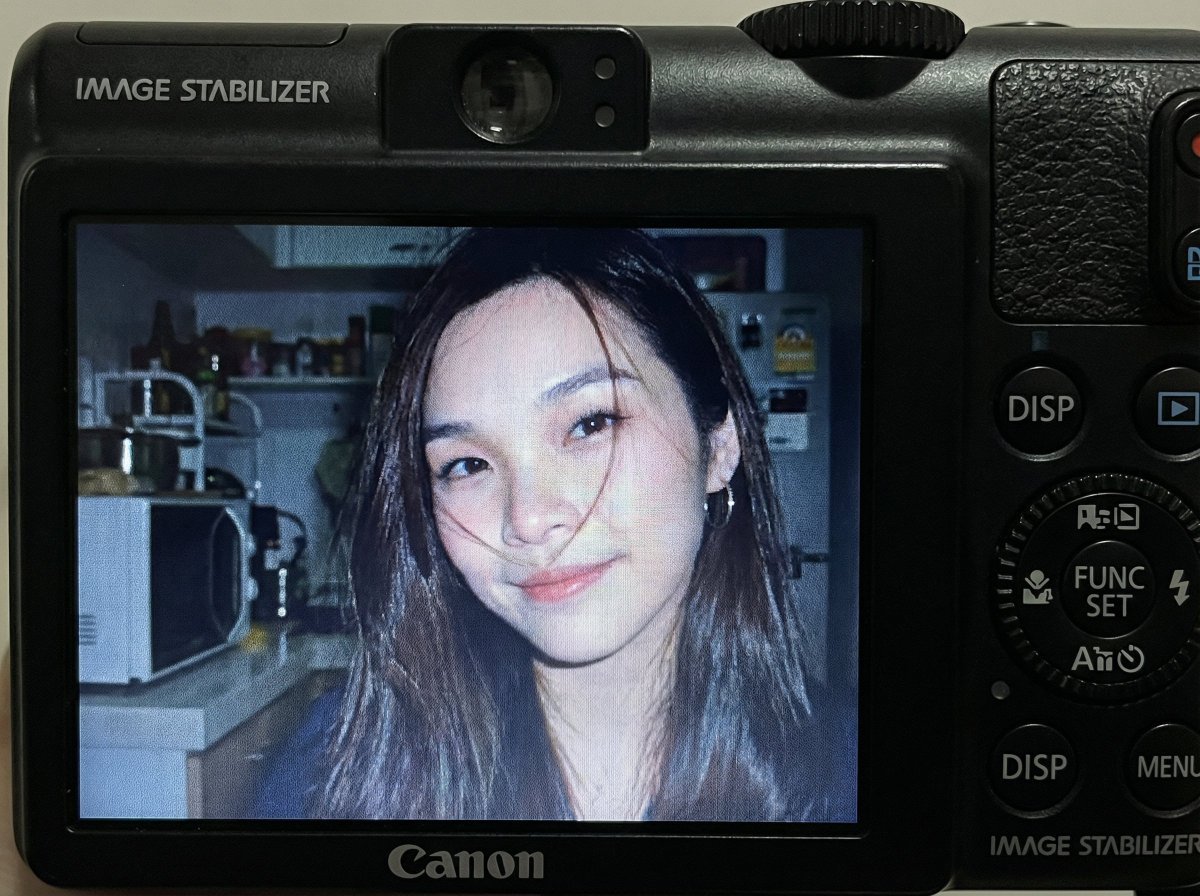
Compact Digital Camera Screen Snapshot of a Young Woman
Browse template categories
Fantasy Knight Concept Art Sheet questions
How do I use the Fantasy Knight Concept Art Sheet template?
Add your photo if the template asks for one, edit the prompt if you like — the template's model and format are already selected — and press Generate. Your version opens in PicX Studio.
Can I customize the Fantasy Knight Concept Art Sheet template?
Yes. You can change the subject, setting, lighting, mood, format, and available model controls before creating your image.
Is the Fantasy Knight Concept Art Sheet template free?
Opening and editing this template is free. Generating uses credits, shown on the Generate button when you are signed in.
Which AI model should I use?
Start with GPT Image 2, which is the model associated with this template. You can compare another compatible model for a different finish.
Looking for something else? Browse all templates.

Your photo, any look
Thousands of ready templates for every top image and video model, from one credit balance.