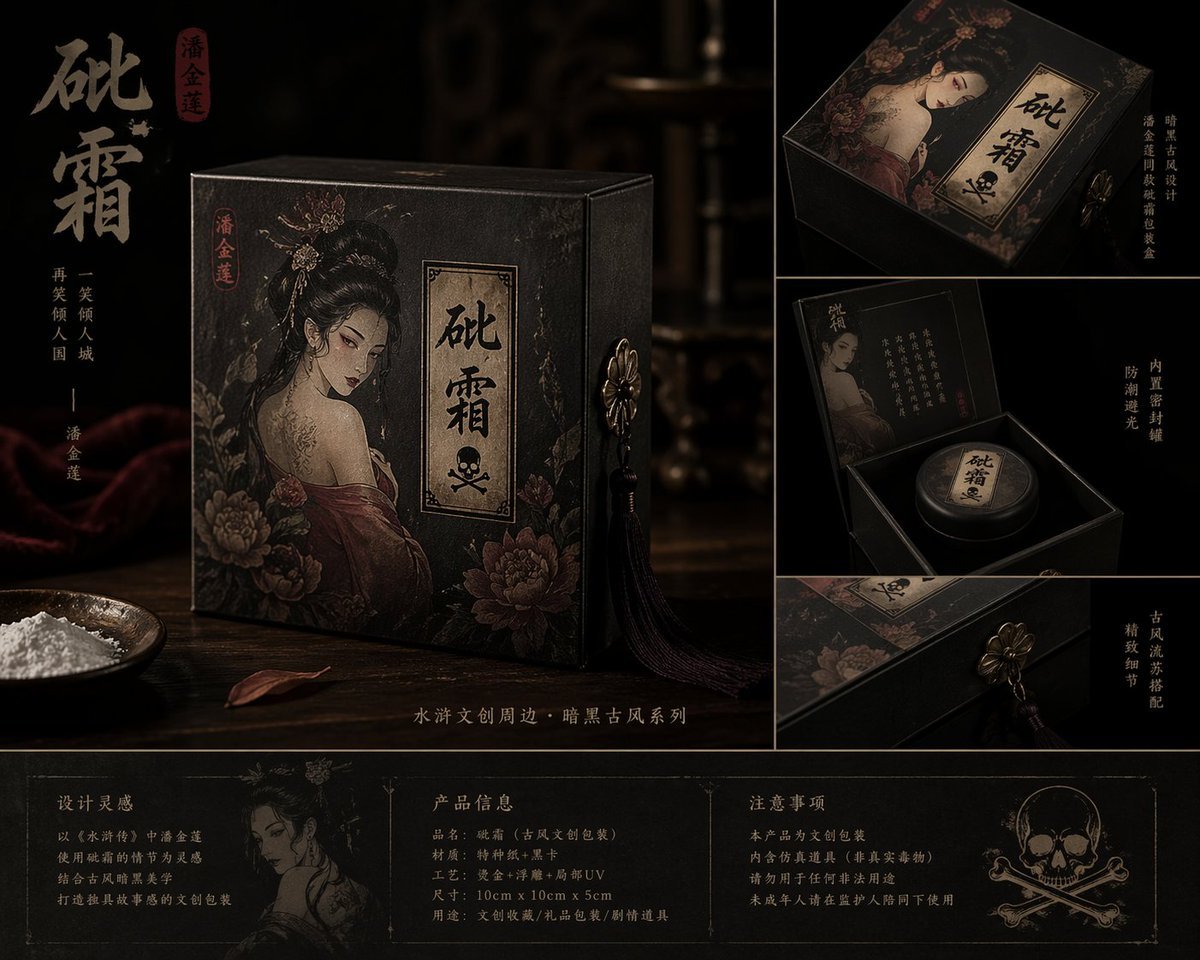
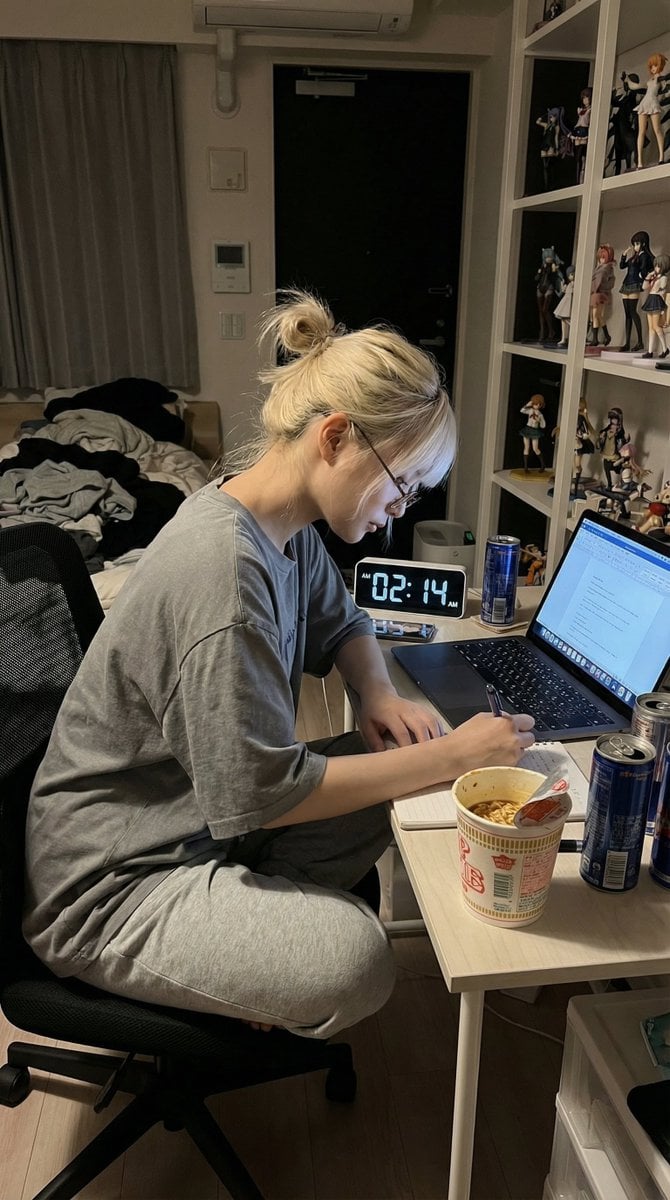
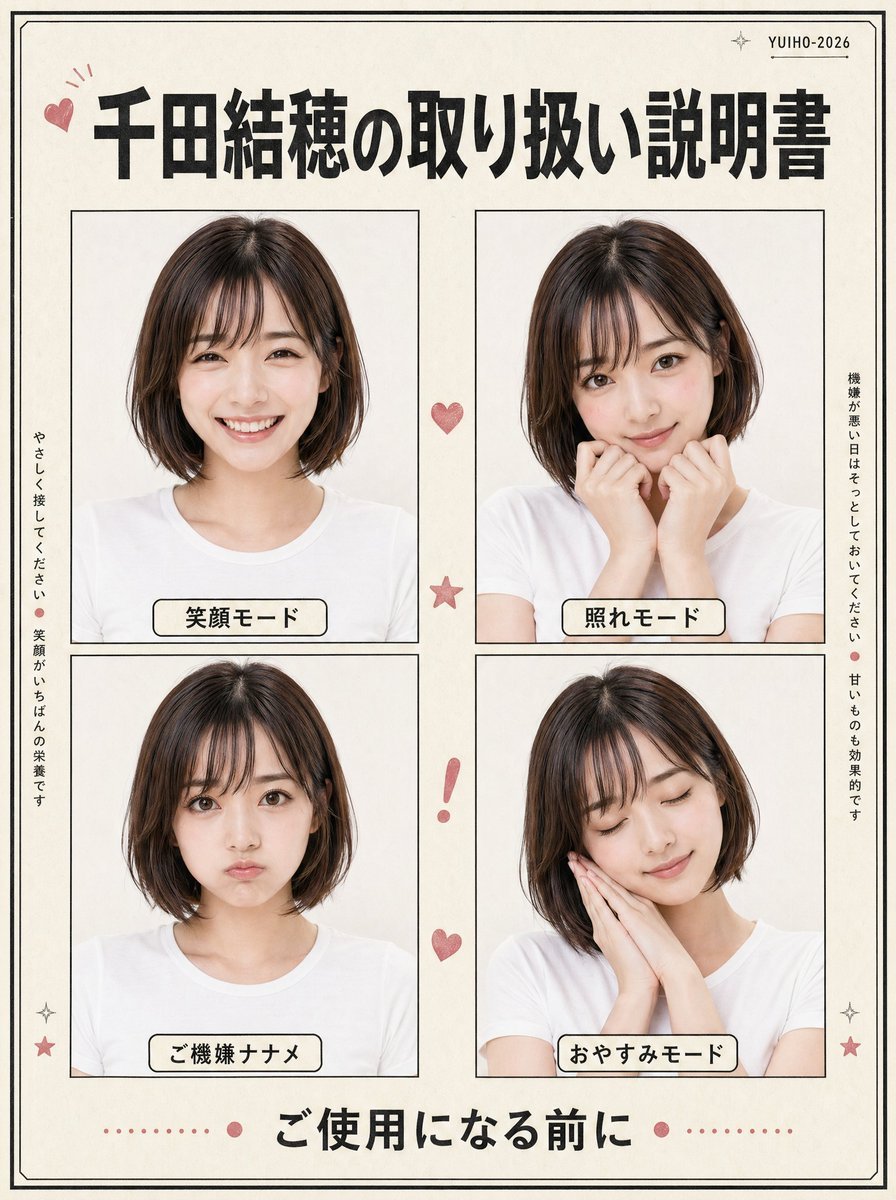
How do I use the High Contrast Shadow Band Portrait template?
Edit the prompt in the box under the preview — the template's model and format are already selected — and press Generate. Your version appears right on this page.
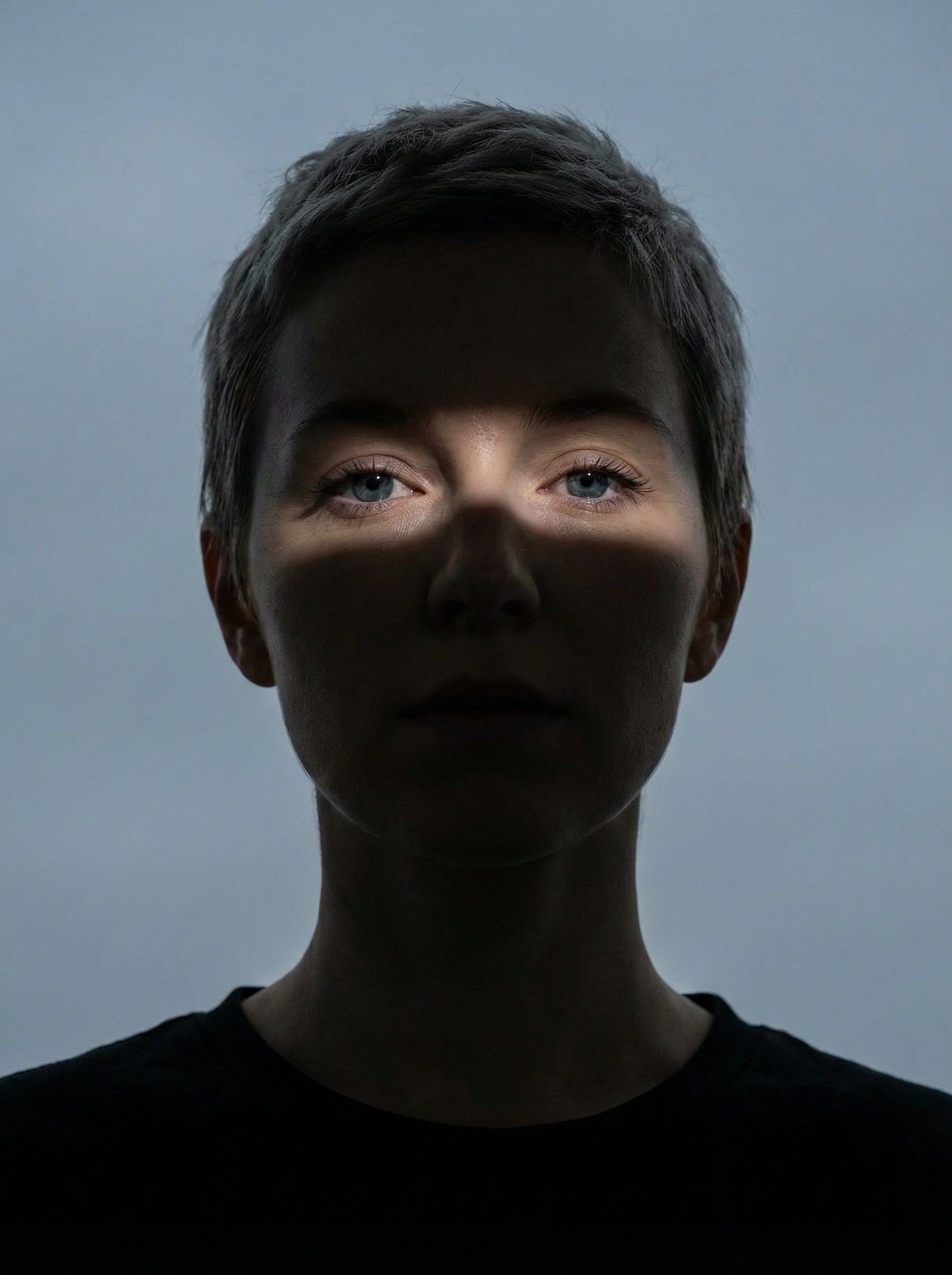
A cinematic prompt that creates a tense atmosphere by placing a subject in deep shadow, revealed only by a single horizontal band of light.

Close-up portrait of a {argument name="subject" default="woman"} gazing directly into the camera. Most of her face and neck are swallowed in deep shadow. A {argument name="light band" default="single thin horizontal band of light"} cuts across her features, revealing only her eyes and the bridge of her nose. She has a sharp, defined jawline and {argument name="hair style" default="short textured hair"}, wearing a plain black shirt. The background is a flat, overcast gray-blue sky. High-contrast shadow-heavy lighting gives the frame a tense, cinematic atmosphere.
Close-up portrait of a {argument name="subject" default="woman"} gazing directly into the camera. Most of her face and neck are swallowed in deep shadow. A {argument name="light band" default="single thin horizontal band of light"} cuts across her features, revealing only her eyes and the bridge of her nose. She has a sharp, defined jawline and {argument name="hair style" default="short textured hair"}, wearing a plain black shirt. The background is a flat, overcast gray-blue sky. High-contrast shadow-heavy lighting gives the frame a tense, cinematic atmosphere.
Edit the prompt in the box under the preview — the template's model and format are already selected — and press Generate. Your version appears right on this page.
Yes. You can change the subject, setting, lighting, mood, format, and available model controls before creating your image.
Opening and editing this template is free. Generating uses credits, shown on the Generate button when you are signed in.
Start with GPT Image 2, which is the model associated with this template. You can compare another compatible model for a different finish.
Follow a topic to a crawlable collection of related PicX Studio templates.