
2010s Akihabara Otaku Snapshot Storyboard
A complex prompt for generating a grid of nostalgic, lo-fi digital snapshots capturing the life of an Akihabara otaku in the early 2010s, featuring specific atmospheric lighting and JPEG artifact effects.
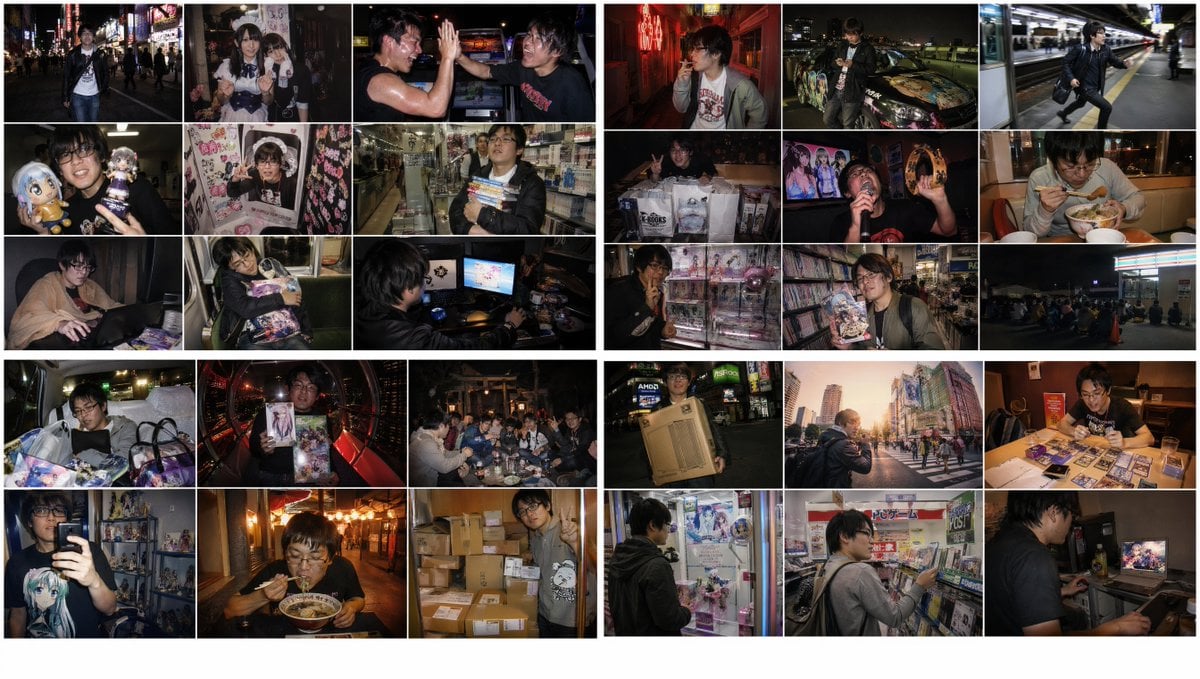
- Prompt included
- Model and format preset
- Free template
The prompt behind this image
Copy the exact prompt behind 2010s Akihabara Otaku Snapshot Storyboard, or open it in the studio and make it yours.
Create four 3×3 grid images in 16:9 2K resolution based on the following prompt.\nAn emotional image themed around a late-night-to-early-morning 2010s Akiba-style otaku guy (a typical Akiba-style otaku from the late Heisei to early Reiwa era). However, please randomly choose the photo situation from <THEME> without repeating any.\nA snapshot style using a 2010s compact digital camera or a direct flash like the iPhone 4–X era.\nCharacterized by digital noise, slight JPEG artifacts, vignetting, warm faded tones, and slight oversaturation.\nA nostalgic, raw texture unique to digital photos from the 2010s to early 2020s.\nEphemeral, with a slightly digital-feeling 2010s snapshot photo style.\n<THEME>\n・Late-night Akiba Chuo-dori — walking lit up by neon and signboards\n・Exit of a maid café — taking a commemorative photo with a maid wearing moe sleeves\n・In front of a fighting-game cabinet at an arcade (Akihabara) — a sweaty high-five after a match\n・In front of a UFO catcher (claw machine) — proudly showing off a won figure or plush toy\n・Inside a purikura (photo sticker) booth — decorating the frame with itasha stickers\n・Animate store late at night — waiting in the checkout line holding new light novels or doujinshi\n・A private room at a manga café — wrapped in a blanket, playing an eroge on a laptop\n・The last Yamanote Line train — dozing off holding an ita-bag and a bag of figures\n・An internet café while waiting for the first train — only the monitor's light illuminating the face\n・An alley in a love-hotel district — smoking a cigarette in a neon-lit Akihabara back alley\n・A rooftop parking lot — checking a smartphone while showing off an itasha with the night view behind\n・Akihabara station platform — running in platform sneakers or dress shoes\n・In front of a used game store — laying out a bag full of hauls for a photo after closing late at night\n・A karaoke box — passionately singing anime songs and playing tambourine (or in cosplay)\n・A beef bowl restaurant (Sukiya) late at night — wolfing down a large beef bowl before dawn\n・A family restaurant (Gusto) — laying out trading cards and sleeves to build a deck\n・In front of a crane game machine — scoring a huge haul of eroge or figure prizes\n・TSUTAYA Akihabara store late at night — browsing for anime Blu-rays with bonus features\n・A convenience store parking lot — lining up late at night waiting for a new game's release day\n・The back seat of a taxi — together with luggage covered in ita-bags\n・Inside a Ferris wheel gondola — showing off moe merchandise with the night view behind\n・The grounds of a shrine — a late-night after-party for a doujinshi convention\n・A smartphone selfie (front camera) — a figure shelf reflected in the room behind\n・Adjusting cosplay on the street — fixing a wig in an alley near the station\n・The first train home in the morning — exhausted after staying up all night and dozing off\n・Inside an elevator — together with a girl in a maid outfit (keeping an awkward distance)\n・A ramen stall in Akihabara — slurping a rich ramen as a late-night finisher\n・The stairwell of a home apartment building — together with cardboard boxes full of online shopping deliveries\n・In front of a PC parts shop — carrying a huge PC case after a late-night sale\n・Akiba Chuo-dori in the morning sun — standing still in a crowd like at a scramble crossing
How to use 2010s Akihabara Otaku Snapshot Storyboard in 3 steps
- 1Upload ImagePNG, JPG or paste
Add your photo
Upload the photo the template builds on. The prompt, model and format are already set.
- 2…a portrait of your subject in softgolden-hour light, 85mm…
Personalize
Edit the subject and creative details for your destination.
- 3Generate
Generate
Press Generate — your image is created in PicX Studio, so you can compare it with the original and refine one variable at a time.
More like this
Templates with the same subject, style or setup. Open one to see its prompt.

Nostalgic Digicam Café Afternoon Portrait

Headphones Lifestyle Nine Panel Grid
Seedance - Storyboard to Movie

Consistent Series Character Street Snapshot
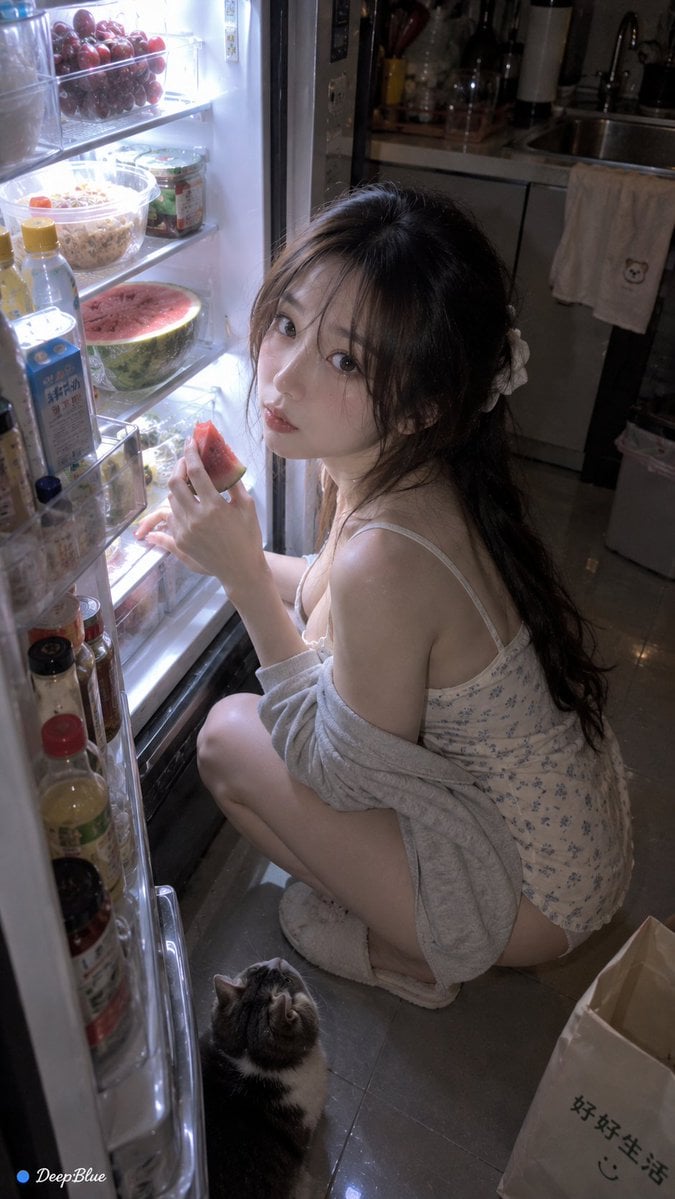
Late Night Fridge Candid Snapshot

Pencil Sketch Coffee Storyboard
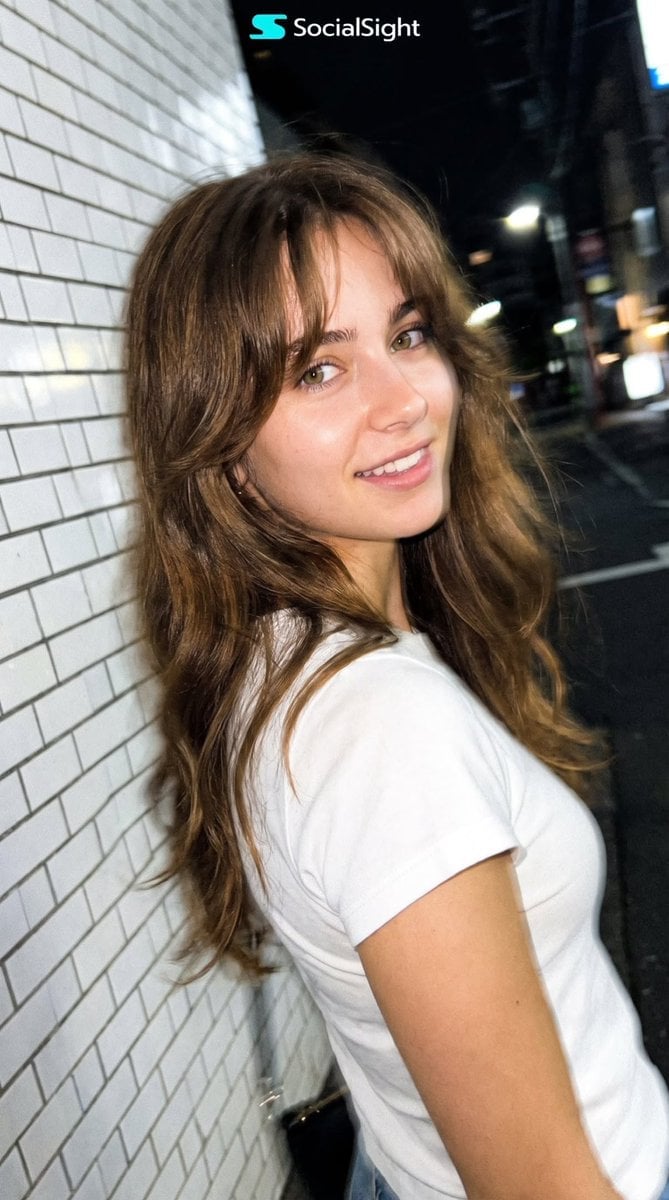
Candid Tokyo Night Smartphone Snapshot
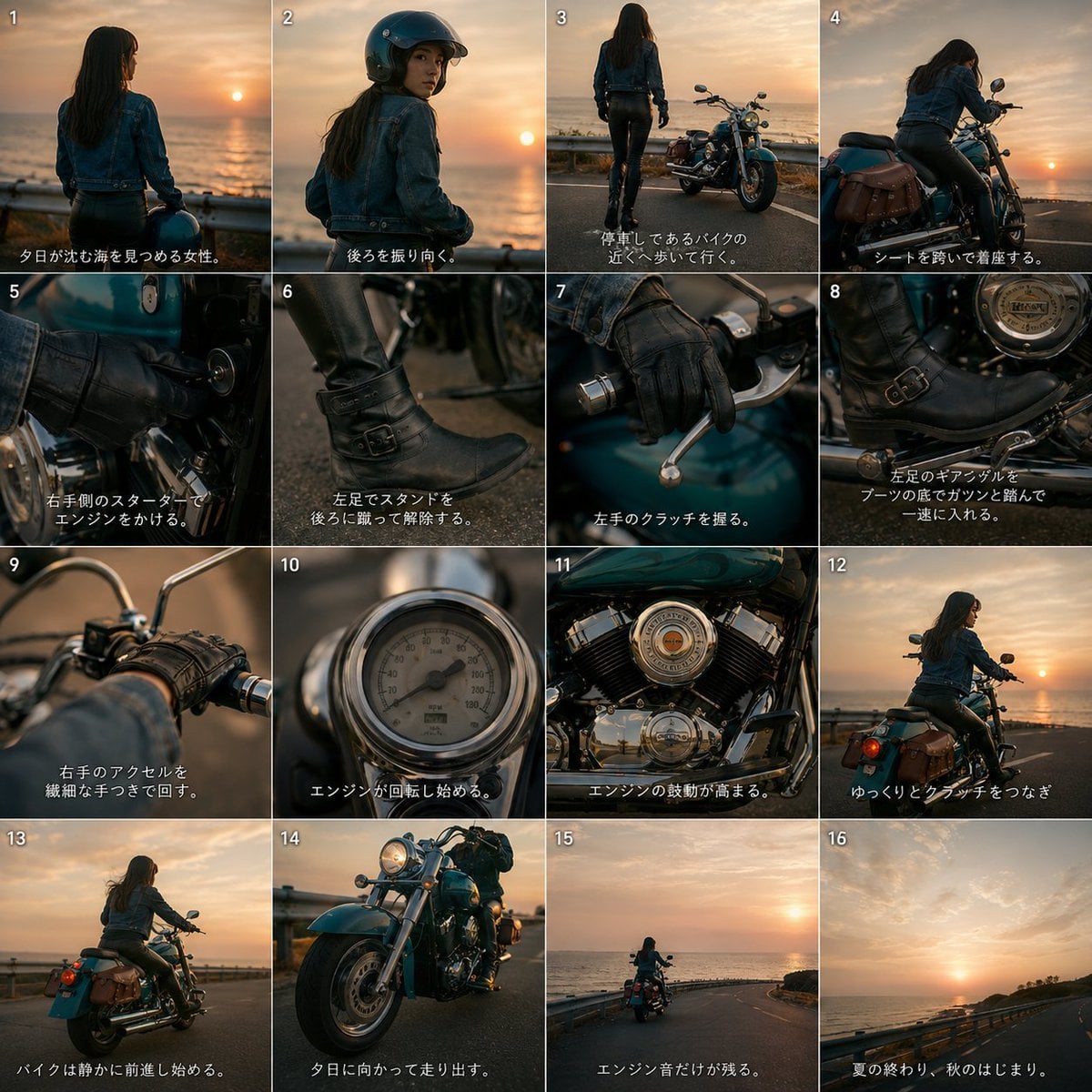
Cinematic Motorcycle Storyboard
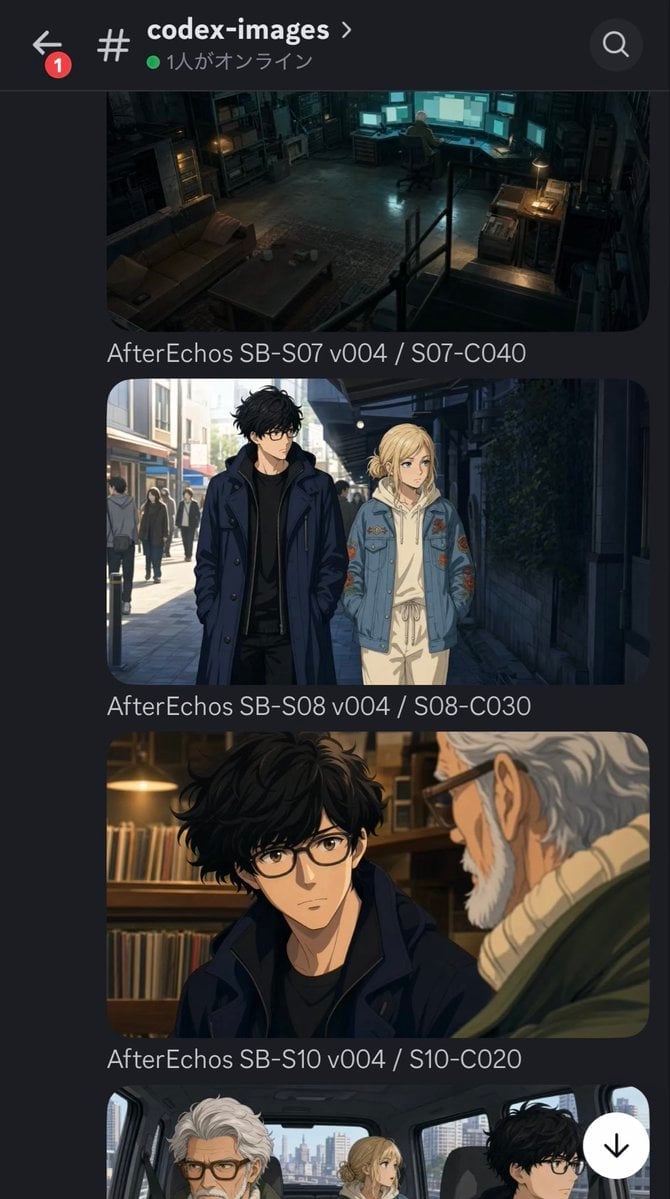
Discord Anime Storyboard Feed
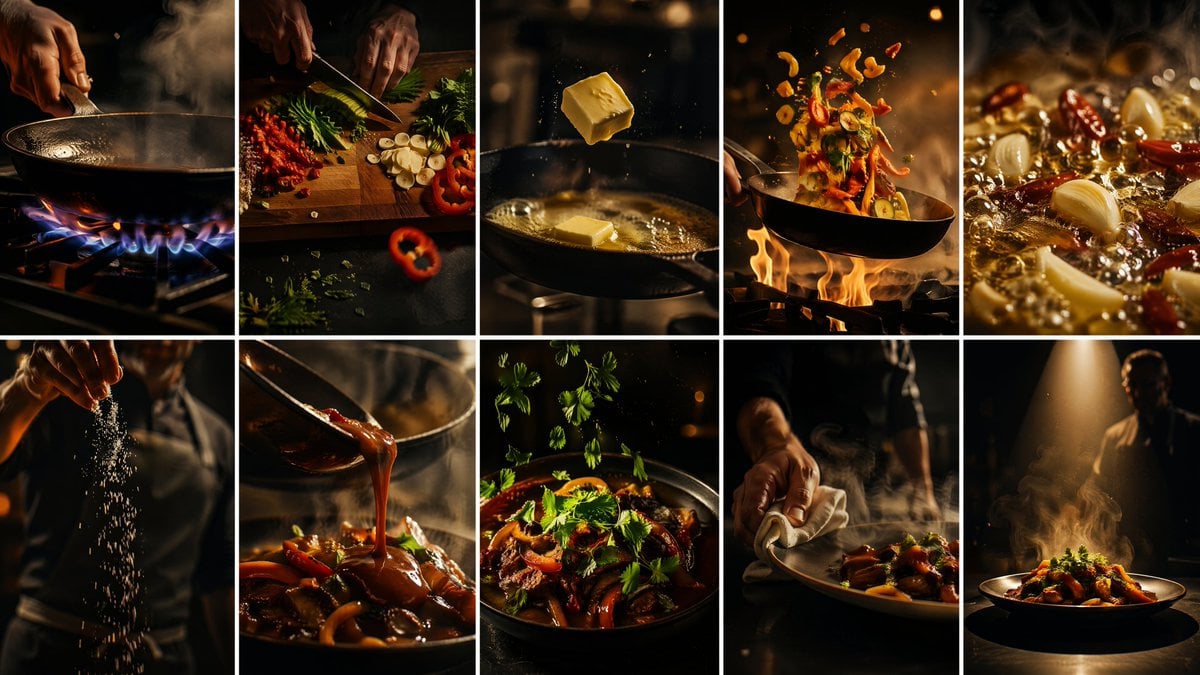
Cinematic Flame Chef Storyboard
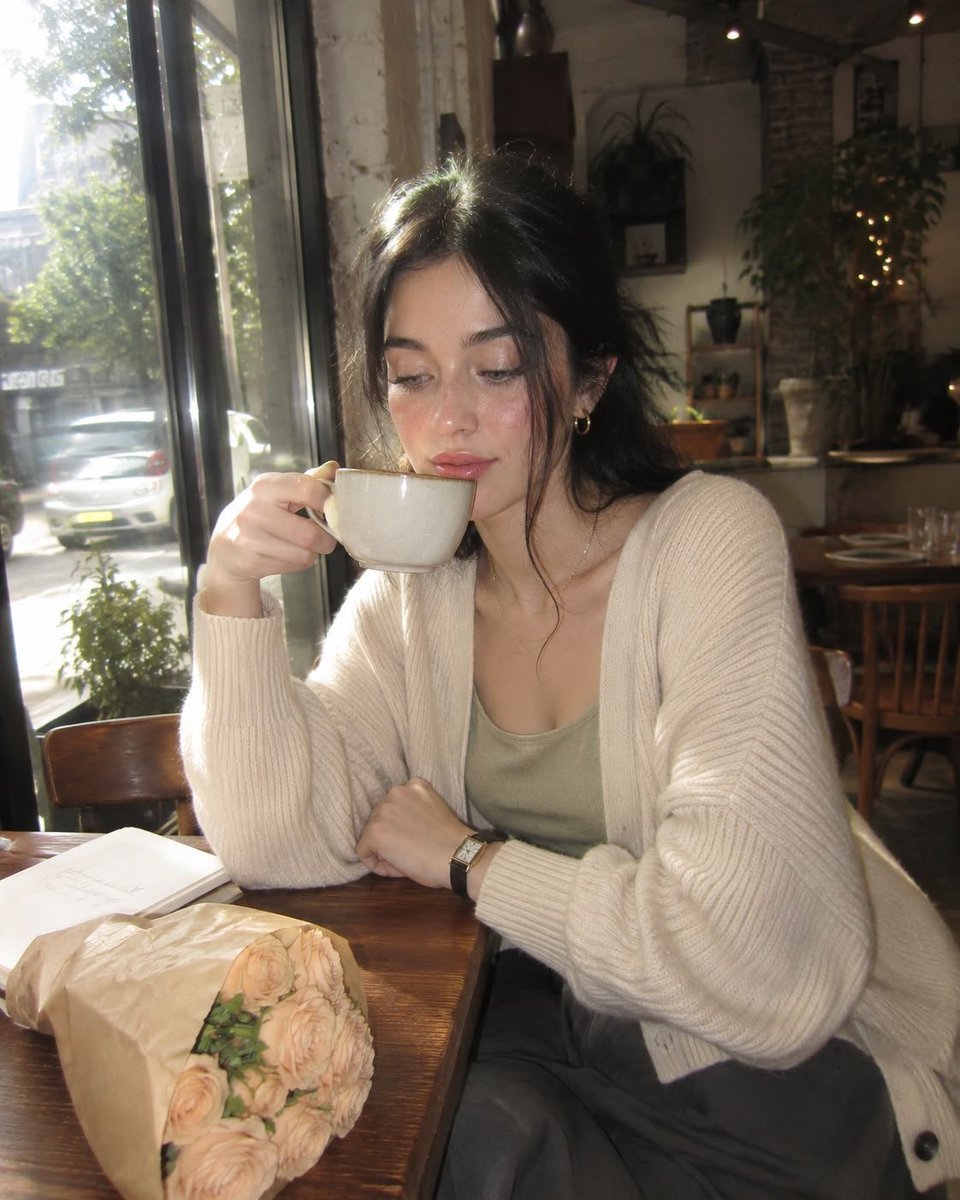
Nostalgic Early-2000s Cafe Snapshot
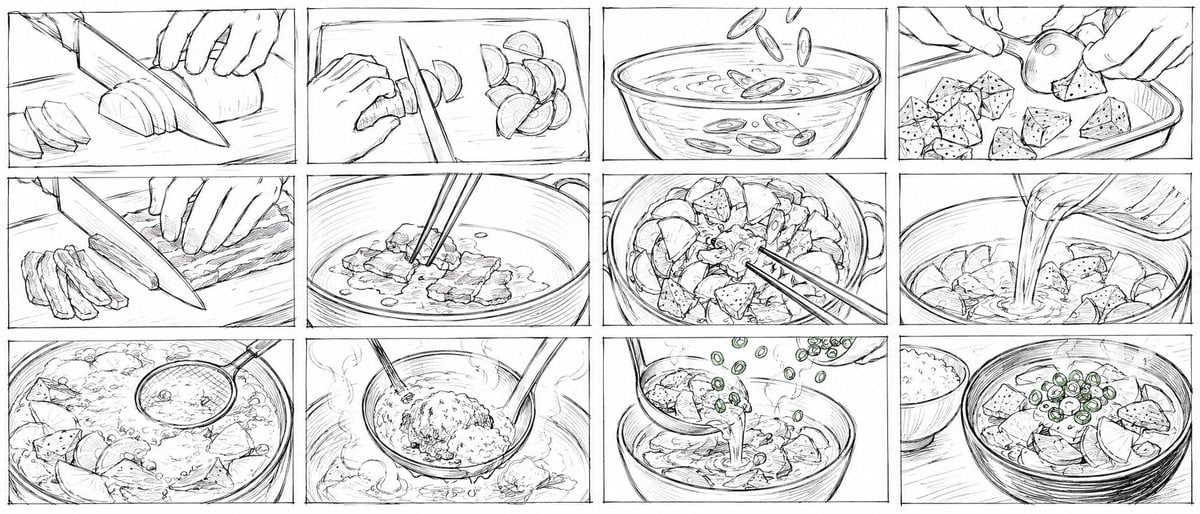
Rough Tonjiru Cooking Storyboard
Make it yours
2010s Akihabara Otaku Snapshot Storyboard works as-is. These are the safest ways to change it without losing the look.
Change one field
Copy a single group, rewrite it, and generate again so you can see what that field is doing.
Keep the frame, change the subject
Hold the composition and light of 2010s Akihabara Otaku Snapshot Storyboard, then swap wardrobe, props or the person for a new take.
| If the result… | Why | Fix |
|---|---|---|
| The result drifts from the preview | Too many fields changed at once. | Reuse 2010s Akihabara Otaku Snapshot Storyboard as-is first, then change one group — subject, light, or setting. |
| The model over-stylizes the scene | The prose prompt leaves finish and camera underspecified. | Add one camera or lighting sentence and stay on GPT Image 2. |
More GPT Image 2 templates
Other prompts made for GPT Image 2.

Six VTuber Japanese Logo Sheet

Realistic Portrait of Woman and Deer

The Vista Modular Condo Poster

AI Model Routing Comparison Infographic

2.5D Anime Art Board

Isometric Productivity Desk Scene

New York Double Exposure Poster

Four-Panel AI Landscape Comparison

Japanese Tatami Lifestyle Magazine Cover

NESCAFÉ Coffee Map Poster
More image prompts
Fresh picks from across the catalog.
Abstract Motion Illusion Prompt
Anime Pokemon Trainer Card
Fashion Editorial Portrait on Modern Sofa Prompt
Golden Magical Girl Action Key Visual
Ultra-Realistic Cinematic Portrait Prompt

Detailed JSON Prompt for Cinematic Winter Selfie Portrait
Perfume promo with niche Le Labo-like feel
Cozy Storybook Illustration Style Prompt
Ultra-Realistic 3D Cinematic Portrait of Boy with Tom and Jerry
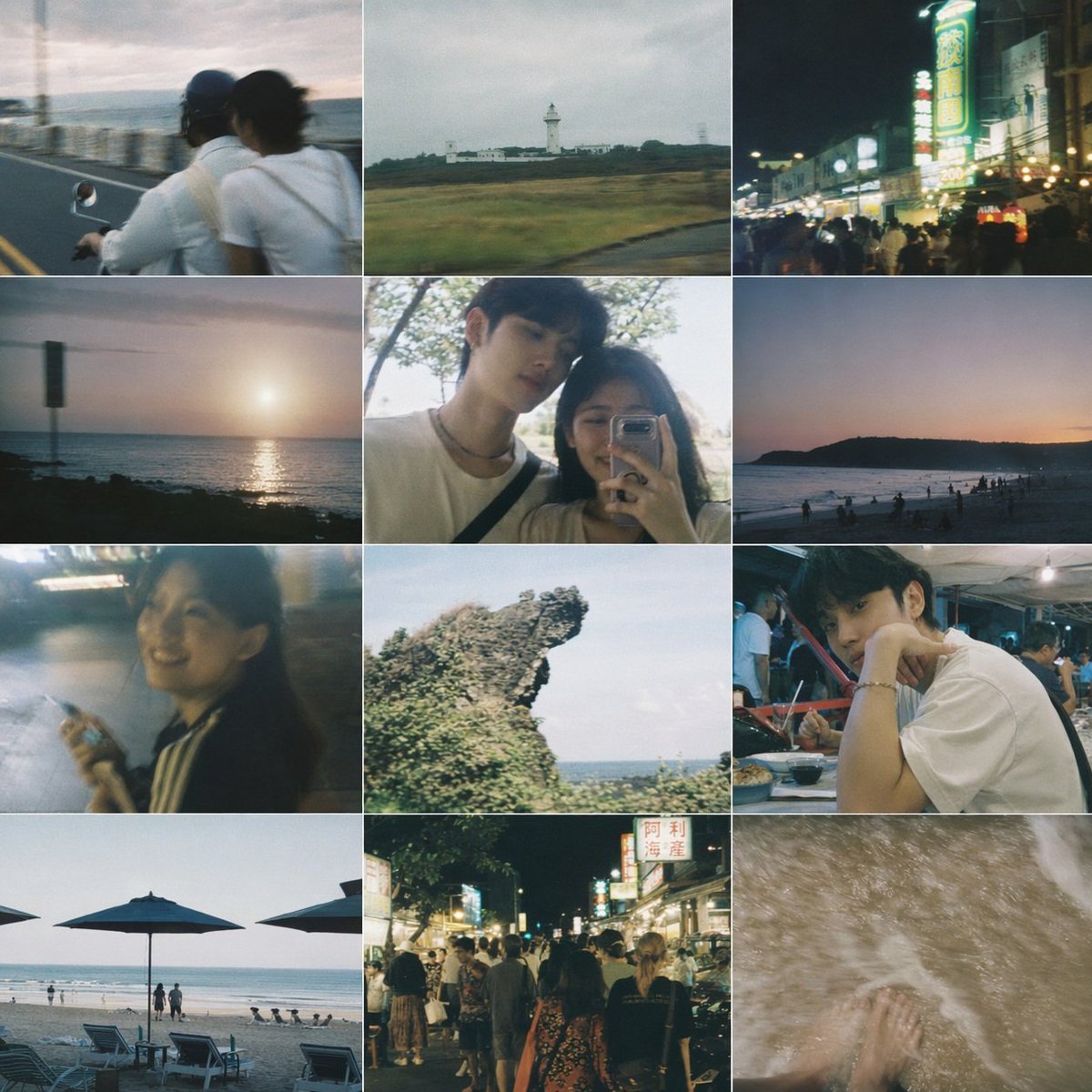
Taiwanese Nostalgic Travel Collage
Browse template categories
2010s Akihabara Otaku Snapshot Storyboard questions
How do I use the 2010s Akihabara Otaku Snapshot Storyboard template?
Add your photo if the template asks for one, edit the prompt if you like — the template's model and format are already selected — and press Generate. Your version opens in PicX Studio.
Can I customize the 2010s Akihabara Otaku Snapshot Storyboard template?
Yes. You can change the subject, setting, lighting, mood, format, and available model controls before creating your image.
Is the 2010s Akihabara Otaku Snapshot Storyboard template free?
Opening and editing this template is free. Generating uses credits, shown on the Generate button when you are signed in.
Which AI model should I use?
Start with GPT Image 2, which is the model associated with this template. You can compare another compatible model for a different finish.
Looking for something else? Browse all templates.

Your photo, any look
Thousands of ready templates for every top image and video model, from one credit balance.