
Golden Magical Girl Action Key Visual
A detailed prompt for generating a cinematic anime magical girl rendered as reflective gold metal with an inset normal-color portrait.
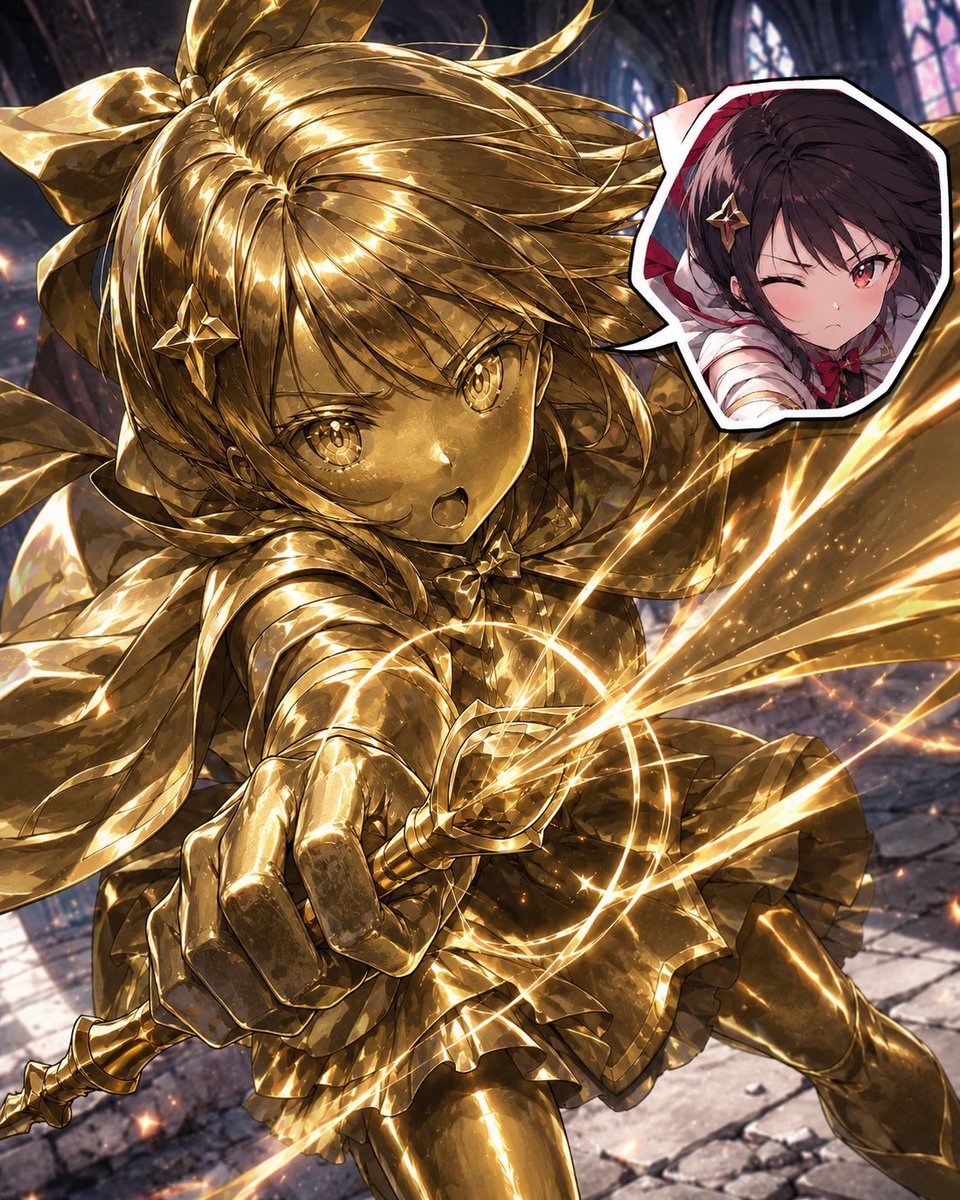
- Prompt included
- Model and format preset
- Premium template
The prompt behind this image
Copy the exact prompt behind Golden Magical Girl Action Key Visual, or open it in the studio and make it yours.
Create a dramatic square anime fantasy action illustration of {argument name="character name" default="a magical girl heroine"} rendered as a living polished gold statue, lunging forward in a ruined gothic cathedral. The main subject is one full-body character: a young anime girl with huge expressive golden eyes, open shouting mouth, long wind-swept twin-tail hair tied with an oversized bow, star-shaped hair ornaments, frilled magical-girl dress, cape-like ribbons, gloves, thigh-high boots, and ornate armor-like details, all made from highly reflective molten gold metal with engraved linework and mirror highlights. She thrusts one ornate wand or short scepter directly toward the viewer in extreme foreshortening, creating a dynamic low-angle close-up; bright golden energy rings, sparks, and diagonal light streaks explode from the wand and wrap around her body. Include exactly one inset portrait in the upper right: a white-bordered, irregular sticker-like cutout showing the same girl in normal colors, with {argument name="hair color" default="dark brown"} hair, red eyes, a red-and-white outfit, and a winking determined expression, placed over a small red background. The background is a dark, blurred medieval cathedral interior with tall arched stained-glass windows, stone floor tiles, rubble, and cool blue-purple shadows, contrasting with the warm gold character. Use highly detailed Japanese anime key visual style, sharp line art, glossy metallic texture, cinematic lighting, intense motion, sparkling particles, shallow depth of field, high contrast, and ultra-detailed rendering. Composition should be crowded and energetic with the gold wand and hand dominating the lower center foreground, hair sweeping across the top, one leg extended to the right, and no readable text or watermark.
How to use Golden Magical Girl Action Key Visual in 3 steps
- 1Upload ImagePNG, JPG or paste
Add your photo
Upload the photo the template builds on. The prompt, model and format are already set.
- 2…a portrait of your subject in softgolden-hour light, 85mm…
Personalize
Edit the subject and creative details for your destination.
- 3Generate
Generate
Press Generate — your image is created in PicX Studio, so you can compare it with the original and refine one variable at a time.
More like this
Templates with the same subject, style or setup. Open one to see its prompt.

Seedance 2.0 - Anime Girl Fight

Beverage Campaign Key Visual

Anime Classroom Losing Heroines Key Visual

Anime Losing Heroines Classroom Key Visual

Anime School Rom-Com Key Visual

Teen Girl Alpine Lake Mountain View
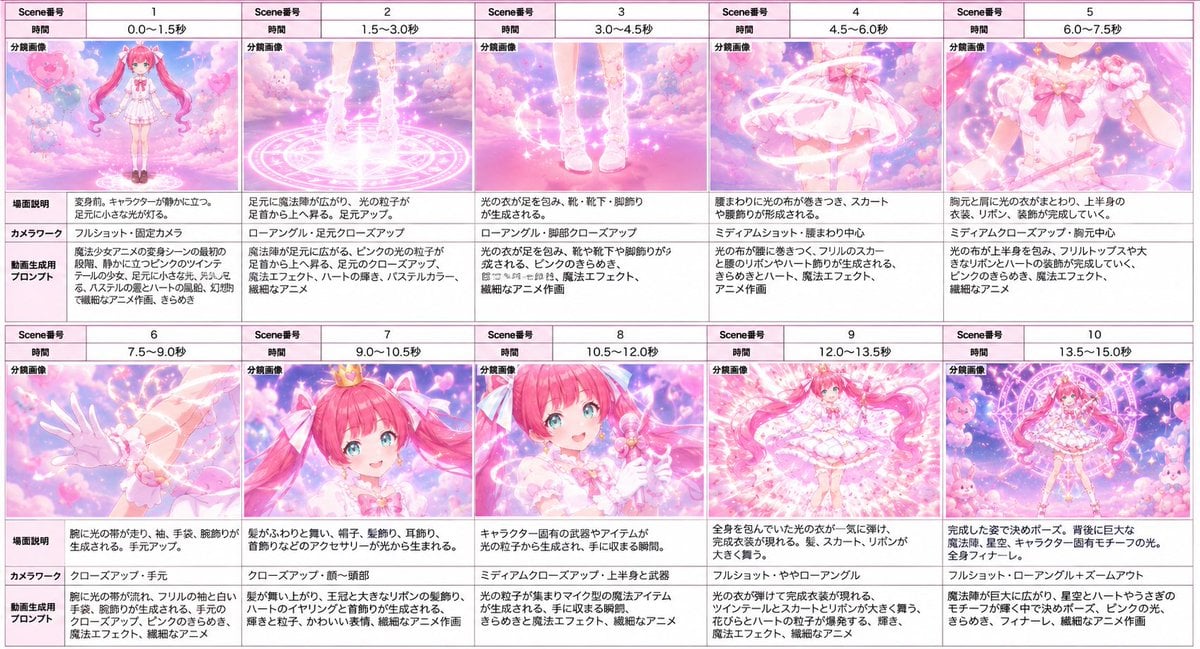
Magical Girl Transformation Storyboard
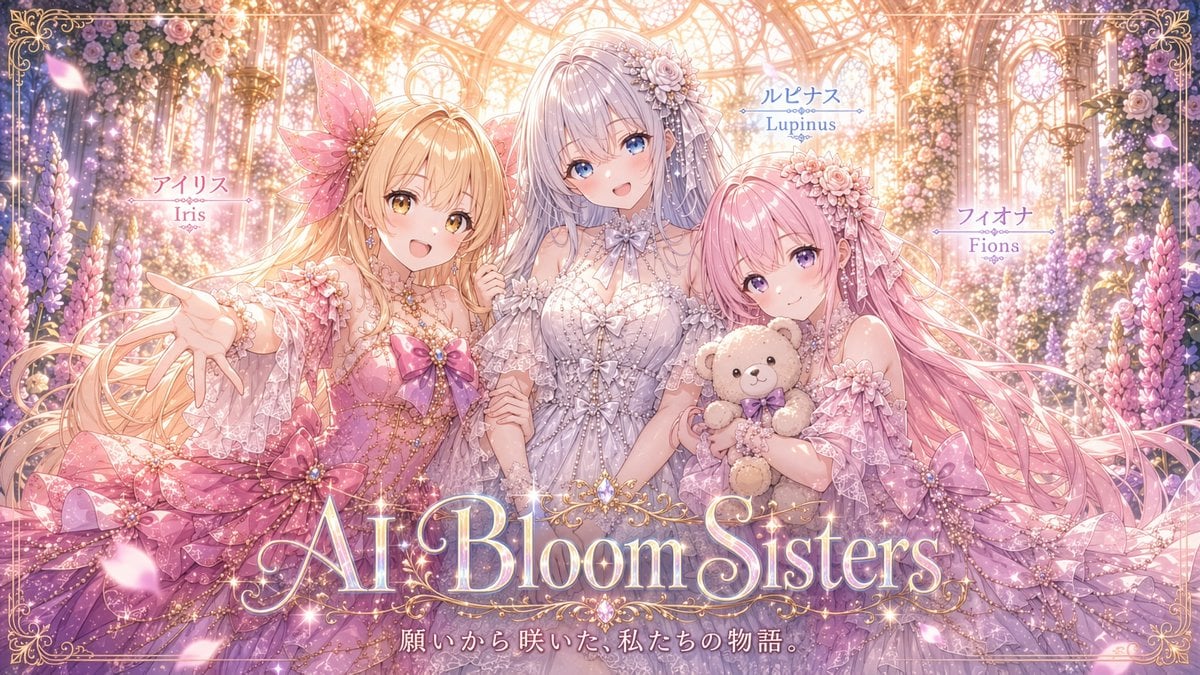
AI Bloom Sisters Anime Key Visual
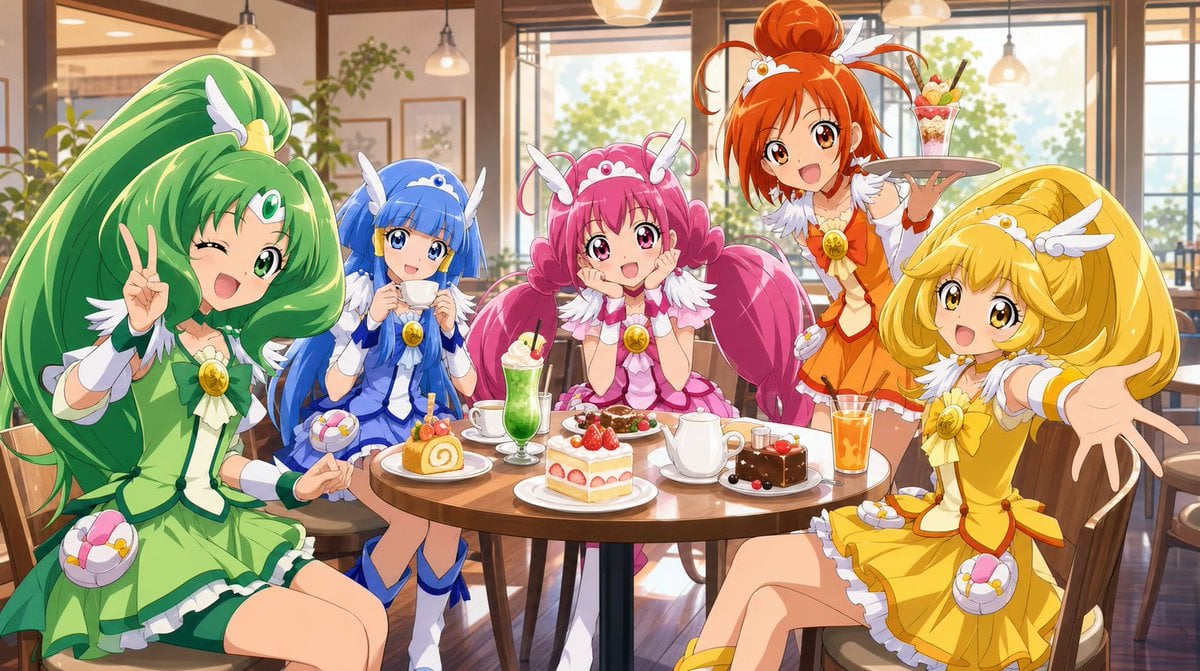
Magical Girls Dessert Café Scene

Action Shot of a Young Girl
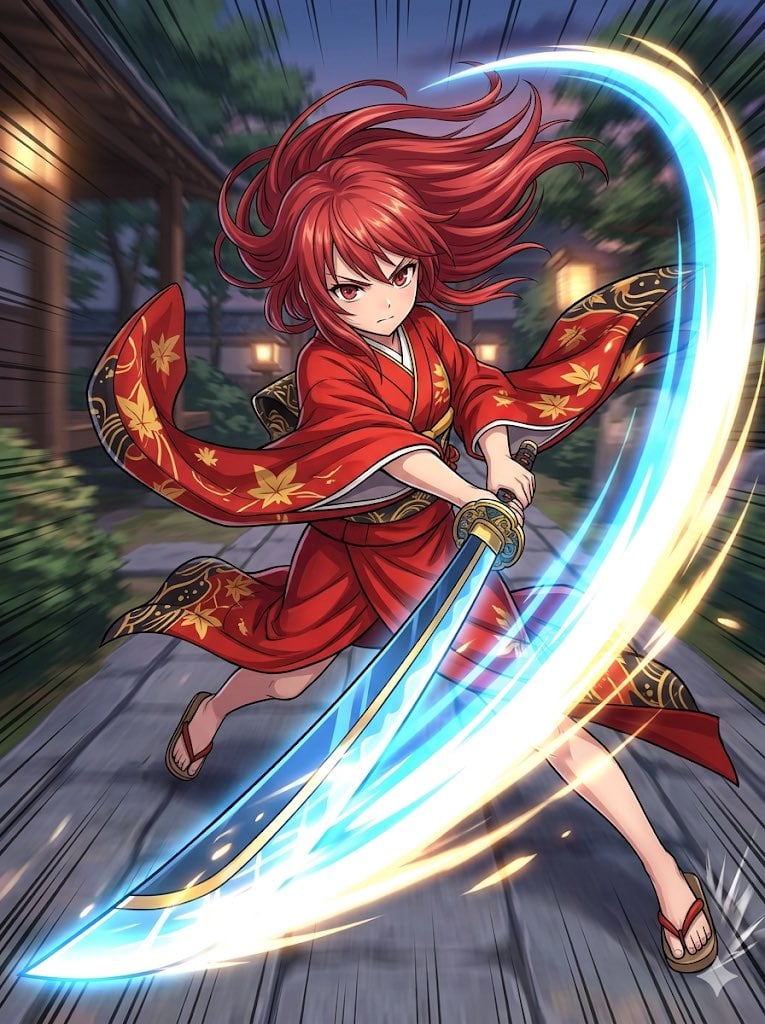
Anime Action Girl in Kimono

Pixar-Style Chibi Café Morning Scene
Make it yours
Golden Magical Girl Action Key Visual works as-is. These are the safest ways to change it without losing the look.
Change one field
Copy a single group, rewrite it, and generate again so you can see what that field is doing.
Keep the frame, change the subject
Hold the composition and light of Golden Magical Girl Action Key Visual, then swap wardrobe, props or the person for a new take.
| If the result… | Why | Fix |
|---|---|---|
| The result drifts from the preview | Too many fields changed at once. | Reuse Golden Magical Girl Action Key Visual as-is first, then change one group — subject, light, or setting. |
| The model over-stylizes the scene | The prose prompt leaves finish and camera underspecified. | Add one camera or lighting sentence and stay on GPT Image 2. |
More GPT Image 2 templates
Other prompts made for GPT Image 2.

Six VTuber Japanese Logo Sheet

Realistic Portrait of Woman and Deer

The Vista Modular Condo Poster

AI Model Routing Comparison Infographic

2.5D Anime Art Board

Isometric Productivity Desk Scene

New York Double Exposure Poster

Four-Panel AI Landscape Comparison

Japanese Tatami Lifestyle Magazine Cover

NESCAFÉ Coffee Map Poster
More image prompts
Fresh picks from across the catalog.
Hopelessly Cluttered Desktop Screen

3D Diorama of Ahmedabad Landmark
Gym Fitness Editorial Portrait

Anachronistic Beauty Tutorial
Cloud Pareidolia Smartphone Snapshot

Fantasy Sports Legend Poster
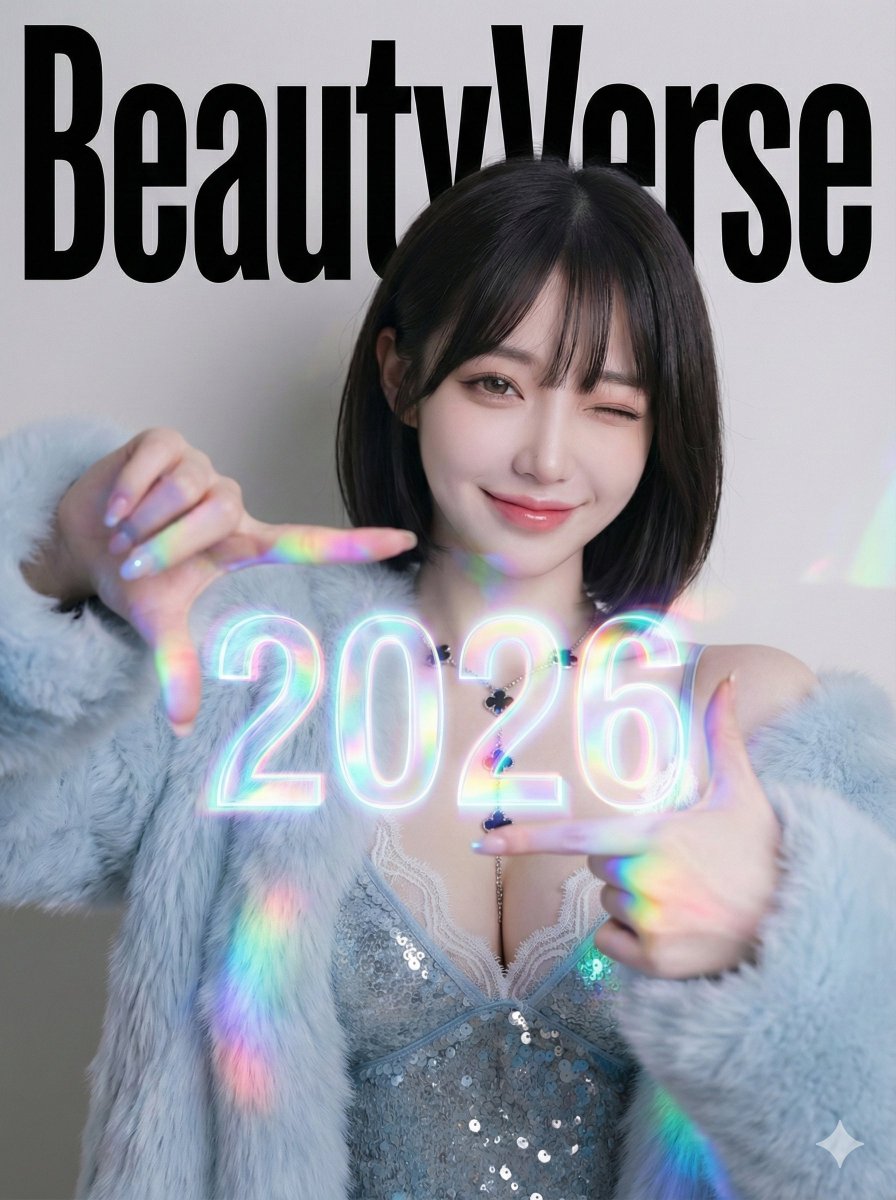
Holographic 2026 Viewfinder Fashion Portrait Prompt (JSON format)
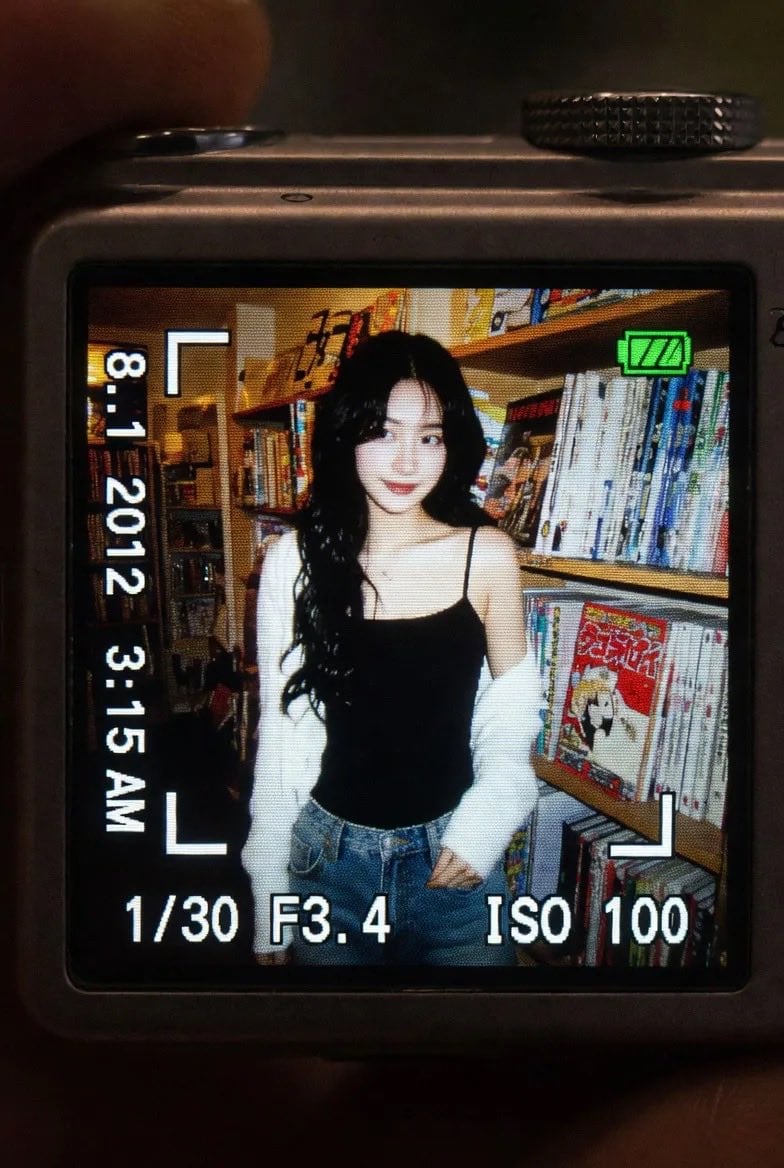
Vintage Digicam LCD Screen

High-End Commercial Food Levitation Photography Prompt
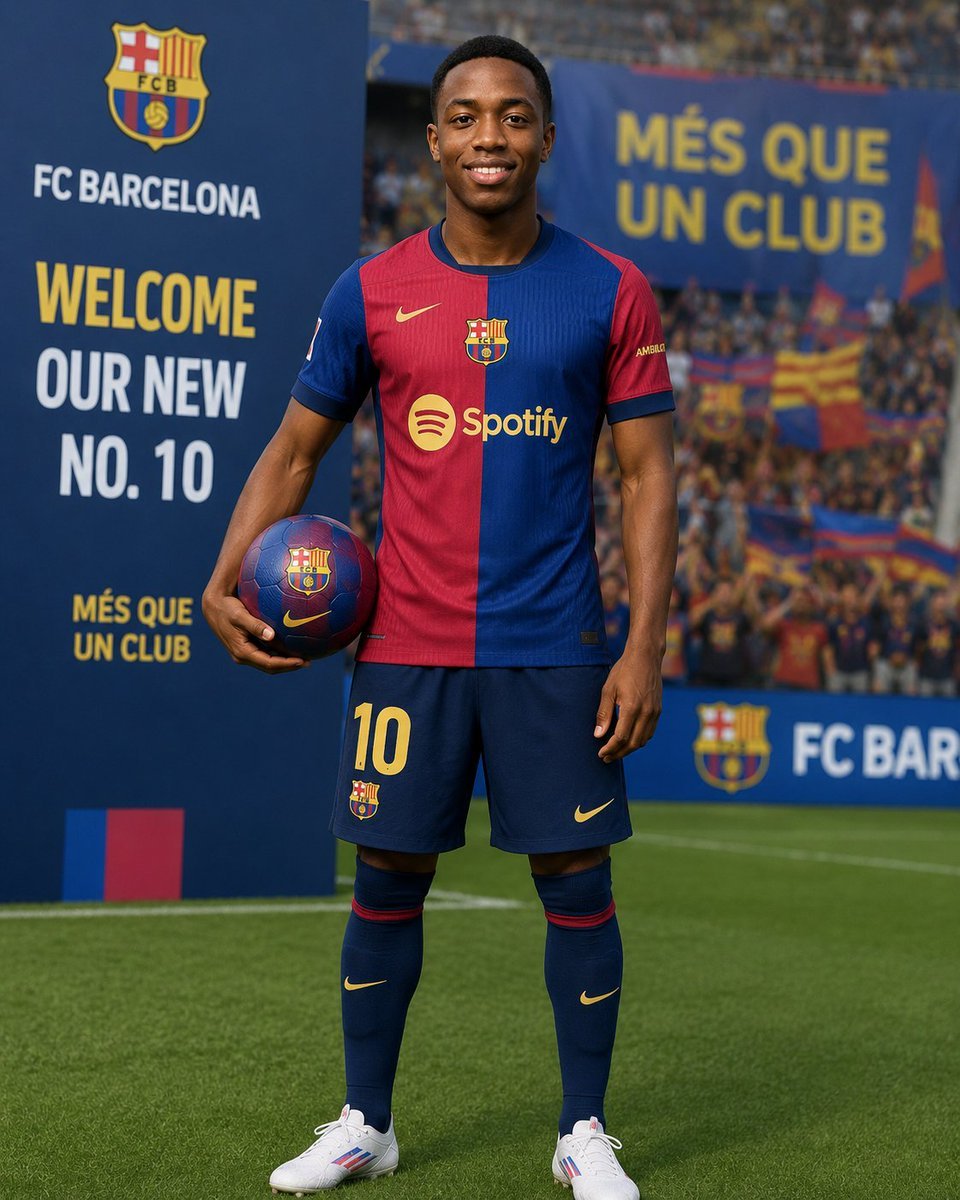
Football Player Signing Presentation
Browse template categories
Golden Magical Girl Action Key Visual questions
How do I use the Golden Magical Girl Action Key Visual template?
Add your photo if the template asks for one, edit the prompt if you like — the template's model and format are already selected — and press Generate. Your version opens in PicX Studio.
Can I customize the Golden Magical Girl Action Key Visual template?
Yes. You can change the subject, setting, lighting, mood, format, and available model controls before creating your image.
Is the Golden Magical Girl Action Key Visual template free?
Opening and editing this template is free. Generating uses credits, shown on the Generate button when you are signed in.
Which AI model should I use?
Start with GPT Image 2, which is the model associated with this template. You can compare another compatible model for a different finish.
Looking for something else? Browse all templates.

Your photo, any look
Thousands of ready templates for every top image and video model, from one credit balance.