
Vintage Digicam LCD Screen
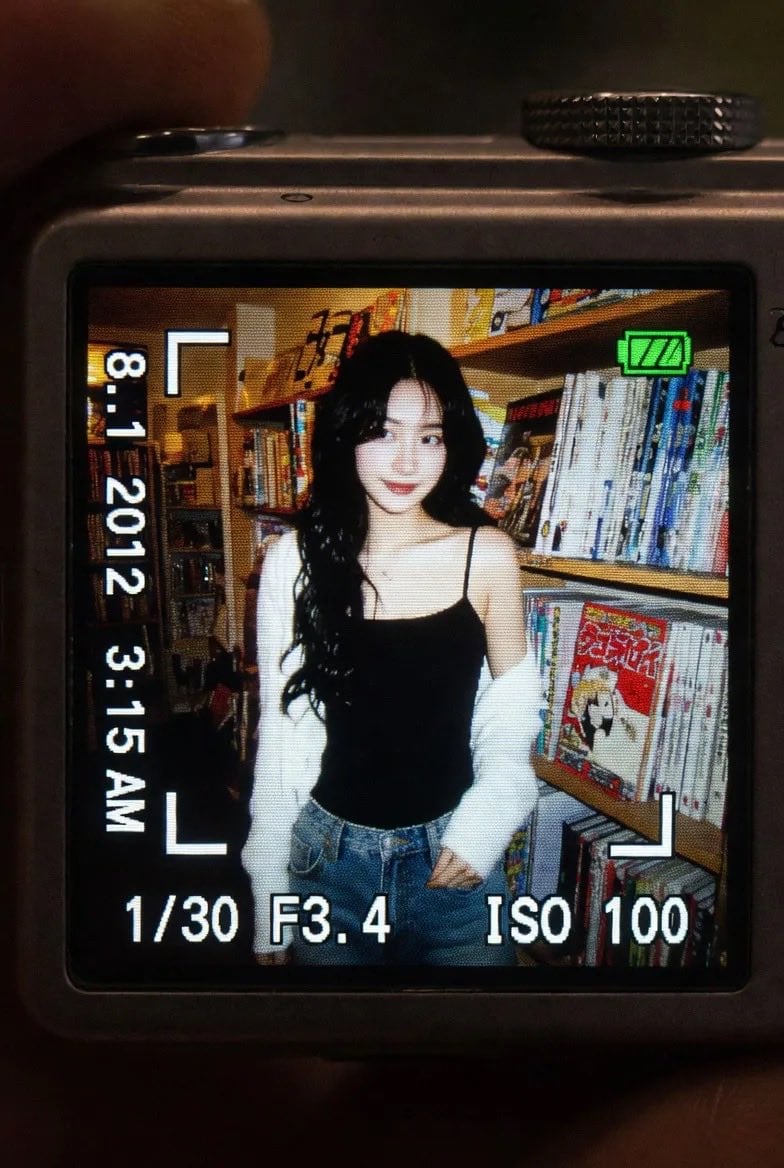
A nostalgia-focused prompt creating the look of a 2010s-era digital camera screen with realistic UI overlays and flash-photography artifacts.
- Prompt included
- Model and format preset
- Free template
The prompt behind this image
Copy the exact prompt behind Vintage Digicam LCD Screen, or open it in the studio and make it yours.
realistic close-up shot of a small digital camera screen glowing brightly in a dark indoor environment. Displayed on the LCD is a candid early-2010s style photograph of a {argument name="subject description" default="young East Asian woman with long dark wavy hair"} standing beside a wooden shelf packed tightly with colorful comic books and magazines. She wears a black spaghetti-strap top with a loose white cardigan hanging casually from both shoulders and faded blue jeans. Captured mid-laugh while turning her face slightly sideways, her expression feels spontaneous and natural, with hair falling softly across part of her cheek. The harsh direct flash from the compact camera creates strong highlights on her face and cardigan while flattening shadows in the background, producing an authentic nostalgic digicam aesthetic. Slight motion blur and digital grain enhance the candid realism. Camera UI overlays are visible across the LCD screen, including the {argument name="timestamp" default="8. 1. 2012 3:15 AM"}, exposure data “1/30 F3.4 ISO 100,” focus indicators, and a small green battery symbol in the corner. The image preserves visible screen pixel structure, slight glare reflections, chromatic softness, and compressed digital texture. Outside the LCD, the surrounding darkness fades smoothly into blur, emphasizing the glowing nostalgic screen. Shot to resemble an authentic Sony Cyber-shot point-and-shoot camera from the early 2010s using a CCD sensor with vintage digital rendering and imperfect flash exposure.
How to use Vintage Digicam LCD Screen in 3 steps
- 1
Open
The prompt is already in the box next to the preview, with the template's model and format selected.
- 2…a portrait of your subject in softgolden-hour light, 85mm…
Personalize
Edit the subject and creative details for your destination.
- 3Generate
Generate
Press Generate — your image is created in PicX Studio, so you can compare it with the original and refine one variable at a time.
More like this
Templates with the same subject, style or setup. Open one to see its prompt.












Make it yours
Vintage Digicam LCD Screen works as-is. These are the safest ways to change it without losing the look.
Change one field
Copy a single group, rewrite it, and generate again so you can see what that field is doing.
Keep the frame, change the subject
Hold the composition and light of Vintage Digicam LCD Screen, then swap wardrobe, props or the person for a new take.
| If the result… | Why | Fix |
|---|---|---|
| The result drifts from the preview | Too many fields changed at once. | Reuse Vintage Digicam LCD Screen as-is first, then change one group — subject, light, or setting. |
| The model over-stylizes the scene | The prose prompt leaves finish and camera underspecified. | Add one camera or lighting sentence and stay on GPT Image 2. |
More GPT Image 2 templates
Other prompts made for GPT Image 2.

Six VTuber Japanese Logo Sheet

Realistic Portrait of Woman and Deer

The Vista Modular Condo Poster

AI Model Routing Comparison Infographic

2.5D Anime Art Board

Isometric Productivity Desk Scene

New York Double Exposure Poster

Four-Panel AI Landscape Comparison

Japanese Tatami Lifestyle Magazine Cover

NESCAFÉ Coffee Map Poster
More image prompts
Fresh picks from across the catalog.
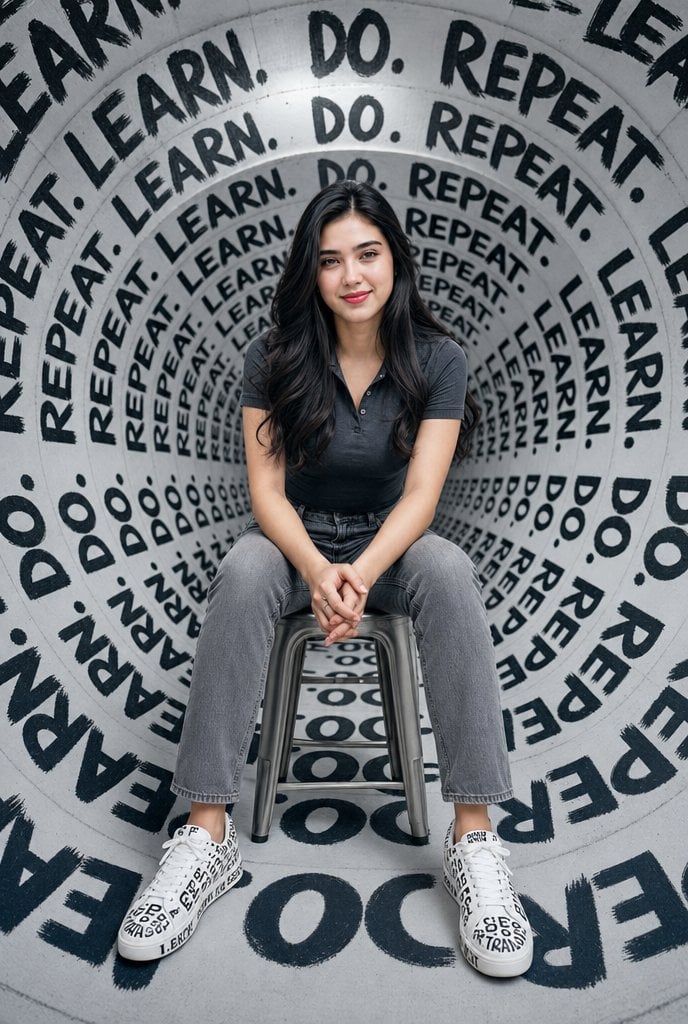
Typography Tunnel Fashion Portrait
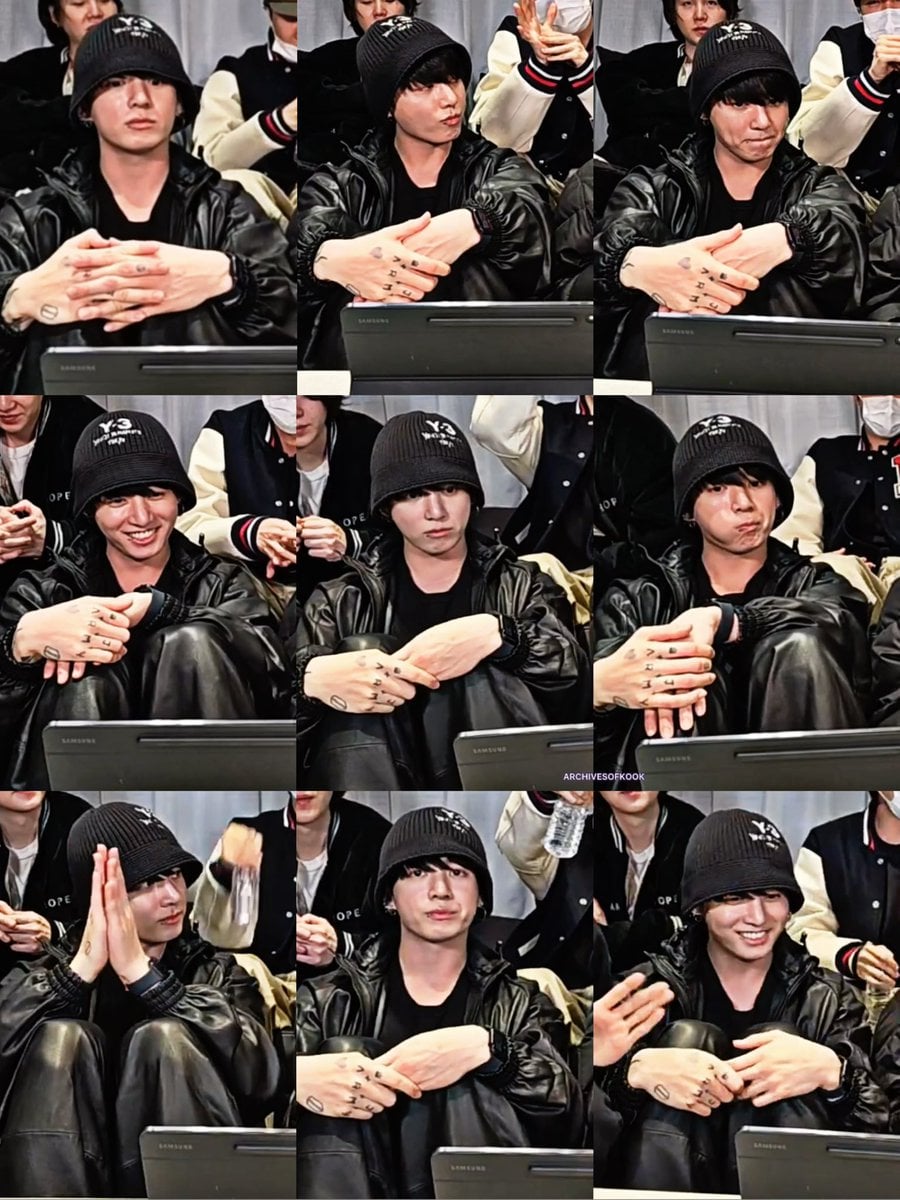
Black and White Aesthetic Image Generation
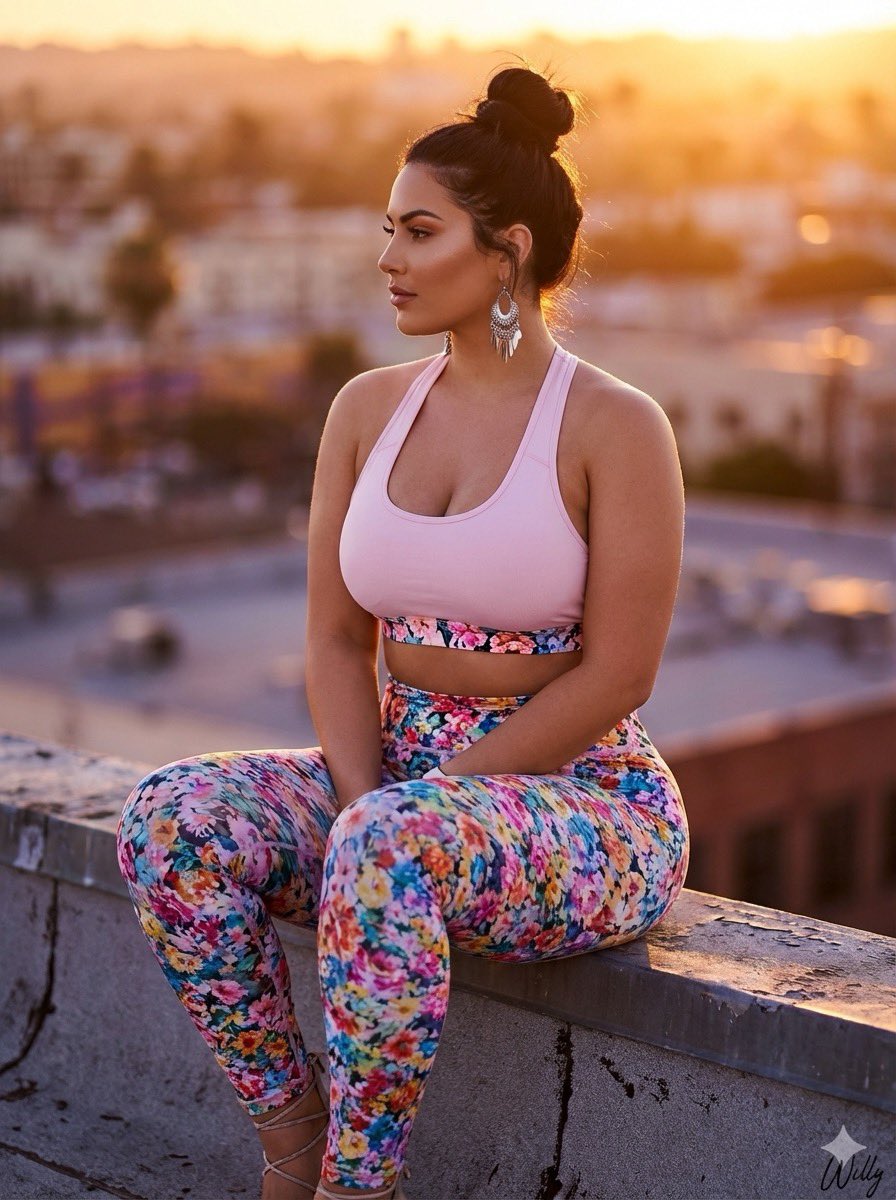
Golden Hour Rooftop Sunset Rest
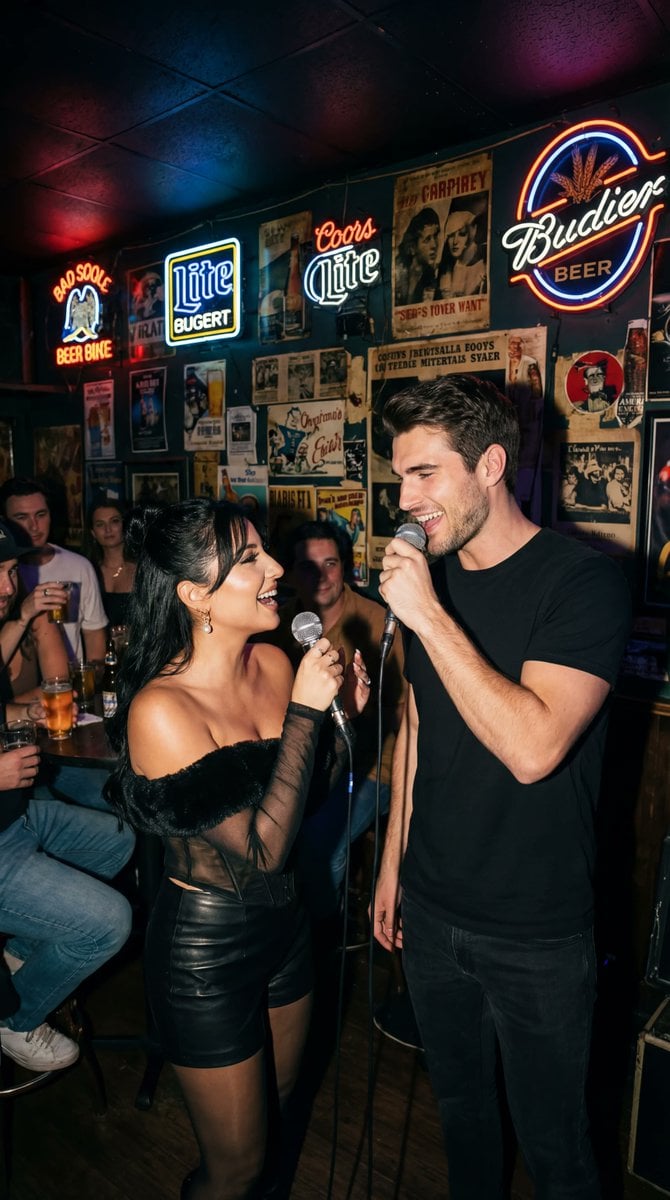
Photorealistic Flash Karaoke Duet Prompt

Hyper-Realistic Product Photography with Liquid Splash
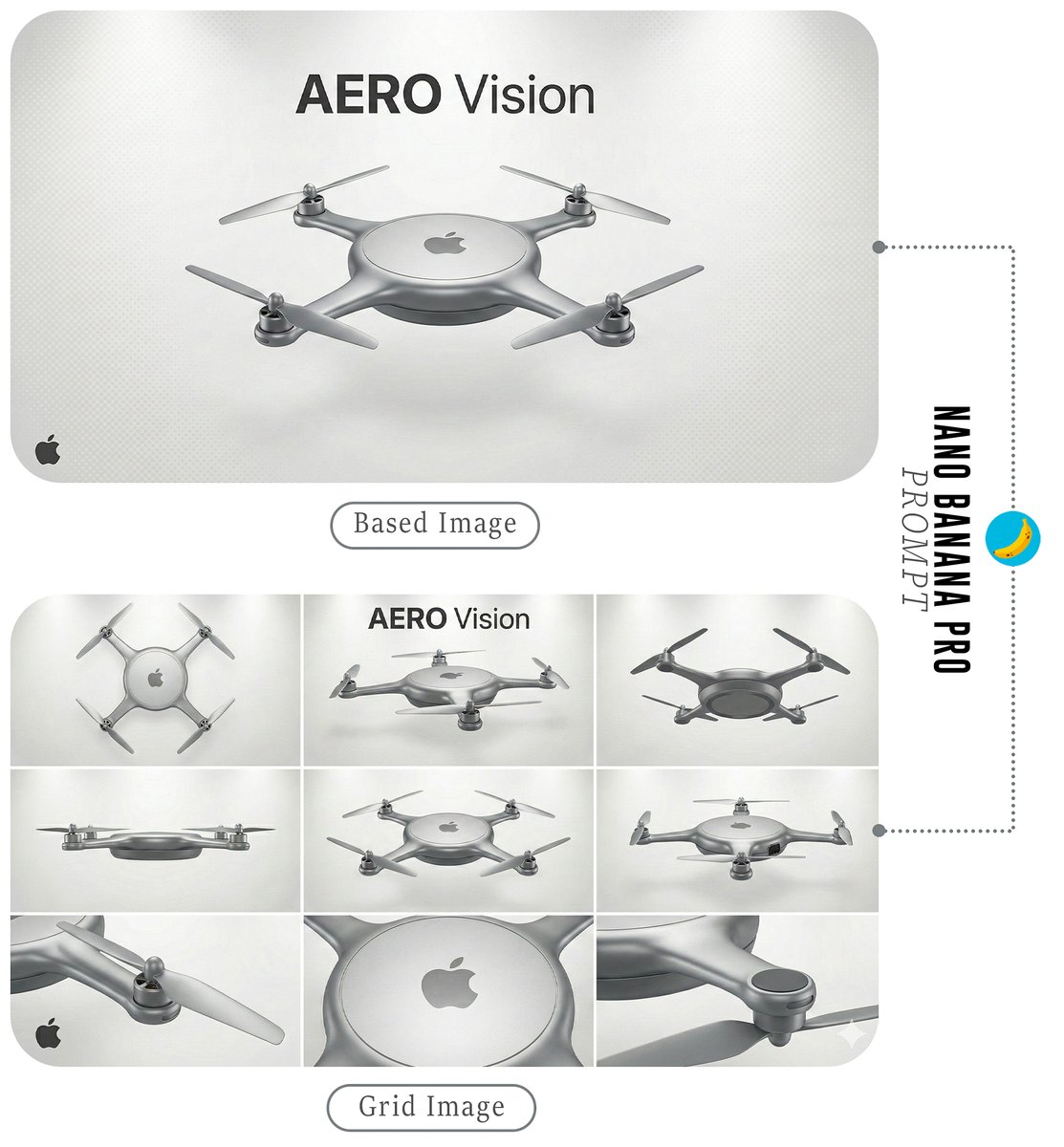
Futuristic Branded Drone Product Poster
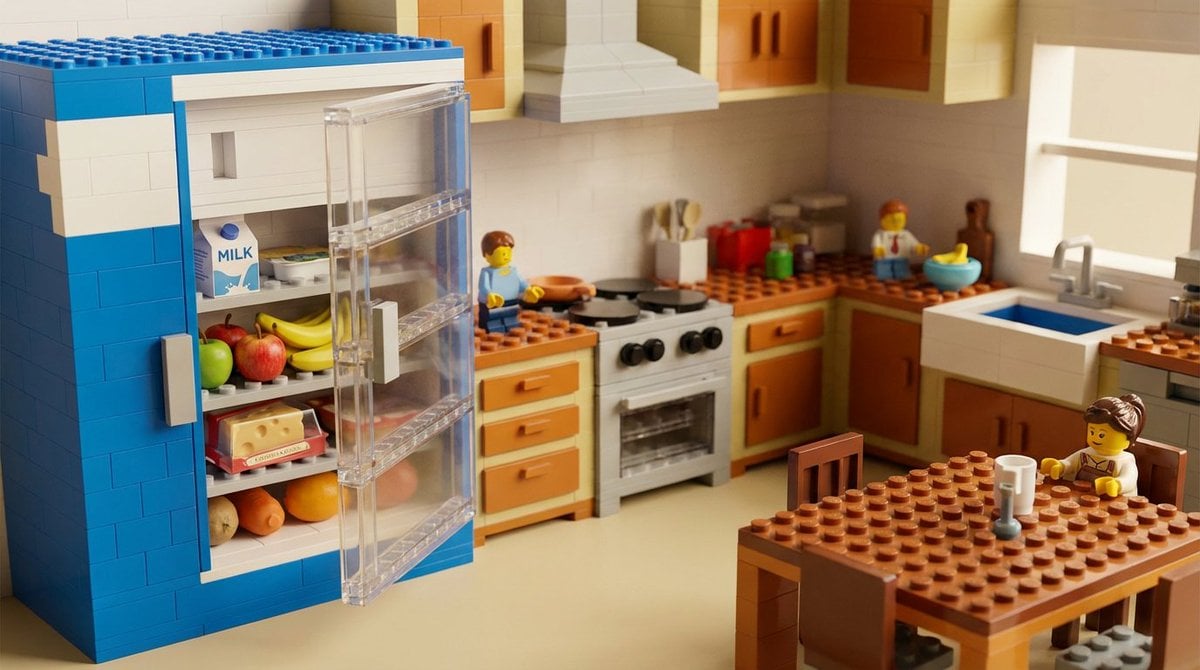
Nano Banana 2 vs. Pro Surreal Kitchen Scene Prompt

Water Mirror Fantasy Maiden
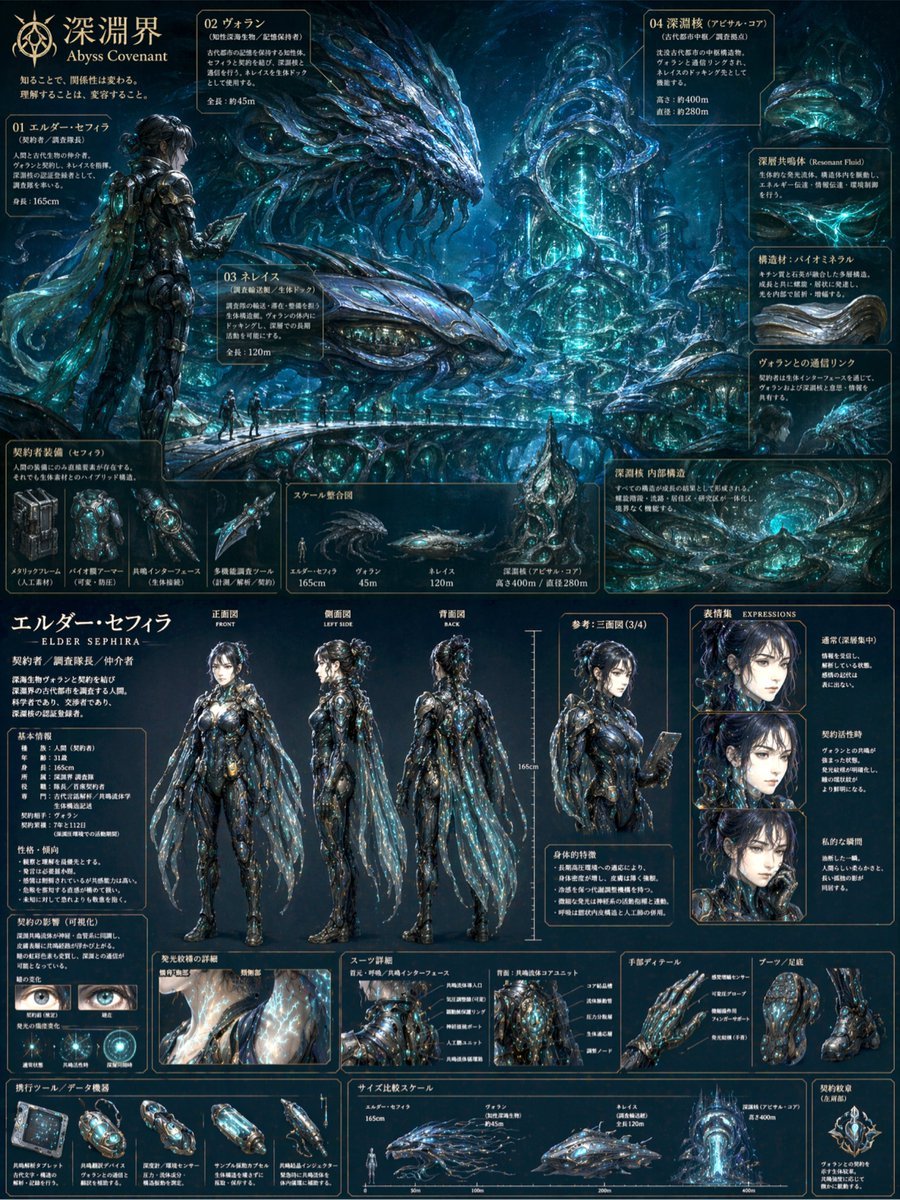
Sci-Fi Concept Art & Character Sheet

Autumn Leaves with Handwritten Japanese Text
Browse template categories
Vintage Digicam LCD Screen questions
How do I use the Vintage Digicam LCD Screen template?
Add your photo if the template asks for one, edit the prompt if you like — the template's model and format are already selected — and press Generate. Your version opens in PicX Studio.
Can I customize the Vintage Digicam LCD Screen template?
Yes. You can change the subject, setting, lighting, mood, format, and available model controls before creating your image.
Is the Vintage Digicam LCD Screen template free?
Opening and editing this template is free. Generating uses credits, shown on the Generate button when you are signed in.
Which AI model should I use?
Start with GPT Image 2, which is the model associated with this template. You can compare another compatible model for a different finish.
Looking for something else? Browse all templates.

Your photo, any look
Thousands of ready templates for every top image and video model, from one credit balance.