
Sci-Fi Concept Art & Character Sheet
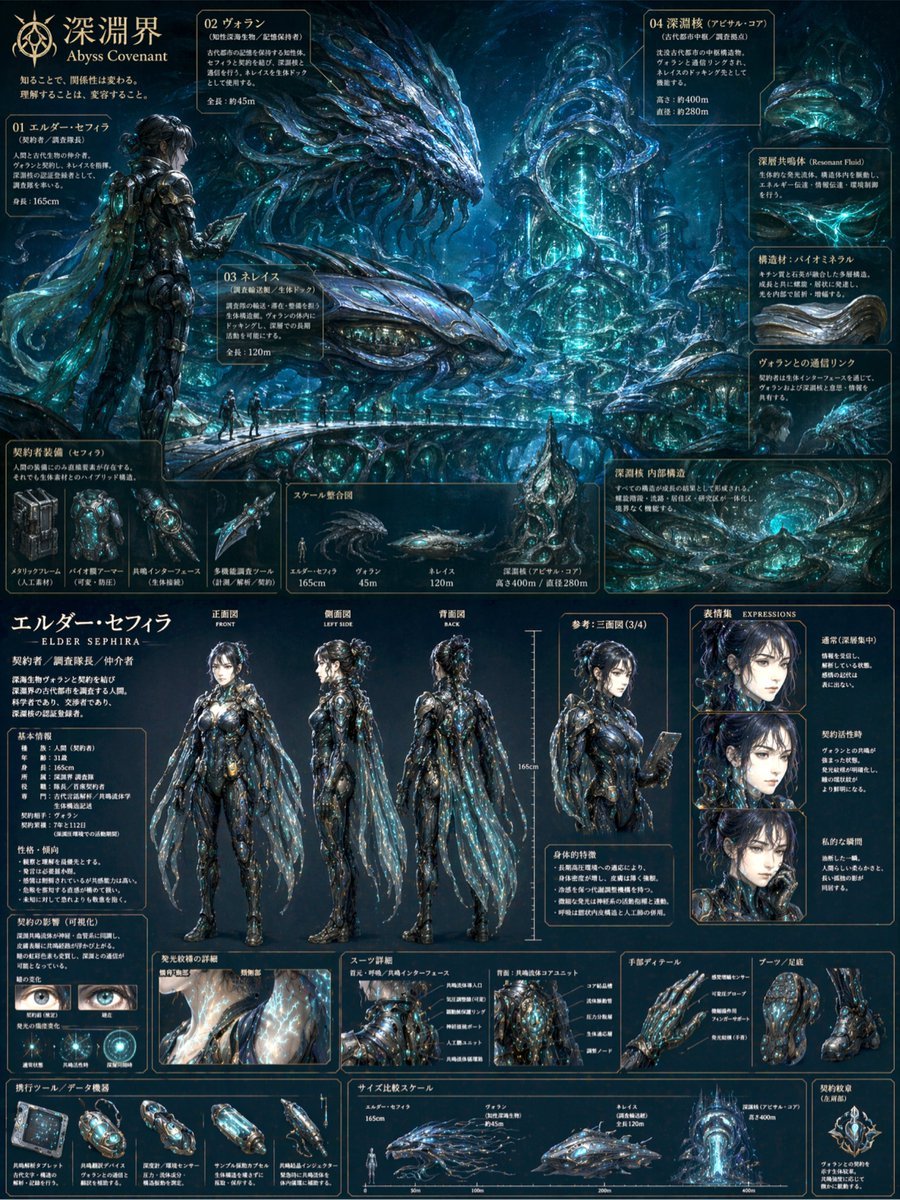
Generates a massive, highly detailed concept art board featuring environmental creature designs and a comprehensive character reference sheet with turnarounds, expressions, and equipment breakdowns.
- Prompt included
- Model and format preset
- Free template
The prompt behind this image
Copy the exact prompt behind Sci-Fi Concept Art & Character Sheet, or open it in the studio and make it yours.
- Type
- comprehensive concept art and character reference sheet
- Overall Aesthetic
- dark abyssal, highly detailed, {argument name="theme color" default="bioluminescent blue"} accents, biomechanical
- Header › Title
- {argument name="main title" default="深淵界 Abyss Covenant"}
- Header › Subtitle
- 知ることで、関係性は変わる。理解することは、変容すること。
- Layout › Top Section › Type
- environmental and creature concept art
- Layout › Top Section › Description
- underwater abyssal landscape featuring {argument name="creature type" default="giant serpentine leviathans"} and towering organic structures
- Layout › Top Section › Labeled Entities › Count
- 4
- Layout › Top Section › Labeled Entities › Labels
- 01 エルダー・セフィラ, 02 ヴォラン, 03 ネレイス, 04 深淵核 (アビサル・コア)
- Layout › Top Section › Sub Panels › 0 › Title
- 契約者装備
- Layout › Top Section › Sub Panels › 0 › Count
- 4
- Layout › Top Section › Sub Panels › 0 › Description
- biomechanical weapons and tools
- Layout › Top Section › Sub Panels › 1 › Title
- スケール整合図
- Layout › Top Section › Sub Panels › 1 › Count
- 4
- Layout › Top Section › Sub Panels › 1 › Description
- silhouette size comparison of human, creatures, and structure
- Layout › Bottom Section › Type
- character design sheet
- Layout › Bottom Section › Character › Name
- {argument name="character name" default="エルダー・セフィラ - ELDER SEPHIRA -"}
- Layout › Bottom Section › Character › Design
- female, dark hair in a messy bun, wearing {argument name="suit style" default="intricate dark biomechanical armor with translucent cape"}
- Layout › Bottom Section › Turnaround Poses › Count
- 4
- Layout › Bottom Section › Turnaround Poses › Labels
- 正面図 FRONT, 側面図 LEFT SIDE, 背面図 BACK, 参考: 三面図 (3/4)
- Layout › Bottom Section › Expressions › Title
- 表情集 EXPRESSIONS
- Layout › Bottom Section › Expressions › Count
- 3
- Layout › Bottom Section › Expressions › Labels
- 通常(深層集中), 契約活性時, 私的な瞬間
- Layout › Bottom Section › Detail Panels › 0 › Title
- 瞳の変化
- Layout › Bottom Section › Detail Panels › 0 › Count
- 2
Raw JSON
{
  "type": "comprehensive concept art and character reference sheet",
  "overall_aesthetic": "dark abyssal, highly detailed, {argument name=\"theme color\" default=\"bioluminescent blue\"} accents, biomechanical",
  "header": {
    "title": "{argument name=\"main title\" default=\"深淵界 Abyss Covenant\"}",
    "subtitle": "知ることで、関係性は変わる。理解することは、変容すること。"
  },
  "layout": {
    "top_section": {
      "type": "environmental and creature concept art",
      "description": "underwater abyssal landscape featuring {argument name=\"creature type\" default=\"giant serpentine leviathans\"} and towering organic structures",
      "labeled_entities": {
        "count": 4,
        "labels": ["01 エルダー・セフィラ", "02 ヴォラン", "03 ネレイス", "04 深淵核 (アビサル・コア)"]
      },
      "sub_panels": [
        {
          "title": "契約者装備",
          "count": 4,
          "description": "biomechanical weapons and tools"
        },
        {
          "title": "スケール整合図",
          "count": 4,
          "description": "silhouette size comparison of human, creatures, and structure"
        }
      ]
    },
    "bottom_section": {
      "type": "character design sheet",
      "character": {
        "name": "{argument name=\"character name\" default=\"エルダー・セフィラ - ELDER SEPHIRA -\"}",
        "design": "female, dark hair in a messy bun, wearing {argument name=\"suit style\" default=\"intricate dark biomechanical armor with translucent cape\"}"
      },
      "turnaround_poses": {
        "count": 4,
        "labels": ["正面図 FRONT", "側面図 LEFT SIDE", "背面図 BACK", "参考: 三面図 (3/4)"]
      },
      "expressions": {
        "title": "表情集 EXPRESSIONS",
        "count": 3,
        "labels": ["通常(深層集中)", "契約活性時", "私的な瞬間"]
      },
      "detail_panels": [
        {
          "title": "瞳の変化",
          "count": 2,
          "description": "eye close-ups showing pupil changes"
        },
        {
          "title": "スーツ詳細",
          "count": 2,
          "description": "chest and back armor core diagrams"
        },
        {
          "title": "手部ディテール / ブーツ・足底",
          "count": 2,
          "description": "glove and boot close-ups"
        }
      ],
      "bottom_row": [
        {
          "title": "携行ツール / データ機器",
          "count": 5,
          "description": "handheld devices and capsules"
        },
        {
          "title": "サイズ比較スケール",
          "count": 4,
          "description": "secondary size comparison chart"
        },
        {
          "title": "契約紋章",
          "count": 1,
          "description": "glowing circular emblem"
        }
      ]
    }
  }
}How to use Sci-Fi Concept Art & Character Sheet in 3 steps
- 1Upload ImagePNG, JPG or paste
Add your photo
Upload the photo the template builds on. The prompt, model and format are already set.
- 2…a portrait of your subject in softgolden-hour light, 85mm…
Personalize
Edit the subject and creative details for your destination.
- 3Generate
Generate
Press Generate — your image is created in PicX Studio, so you can compare it with the original and refine one variable at a time.
More like this
Templates with the same subject, style or setup. Open one to see its prompt.
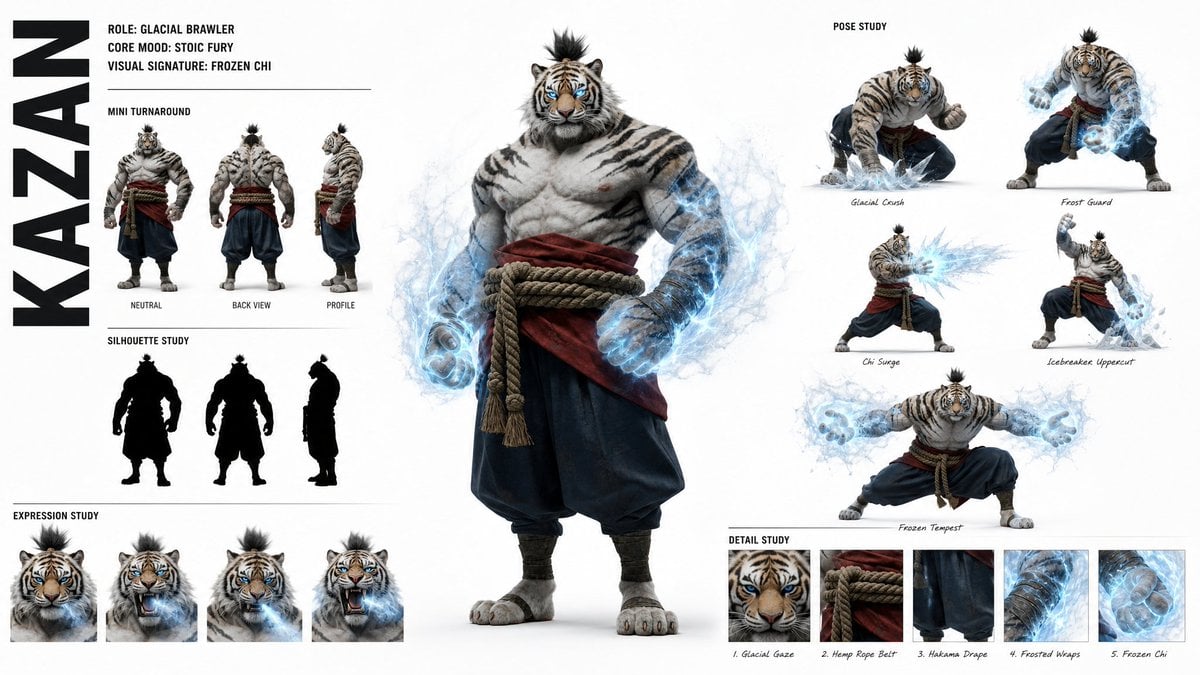
High-Fashion Character Concept Art Sheet

Futuristic Anime Tactical Concept Sheet

Retro Manga StackChan Concept Sheet
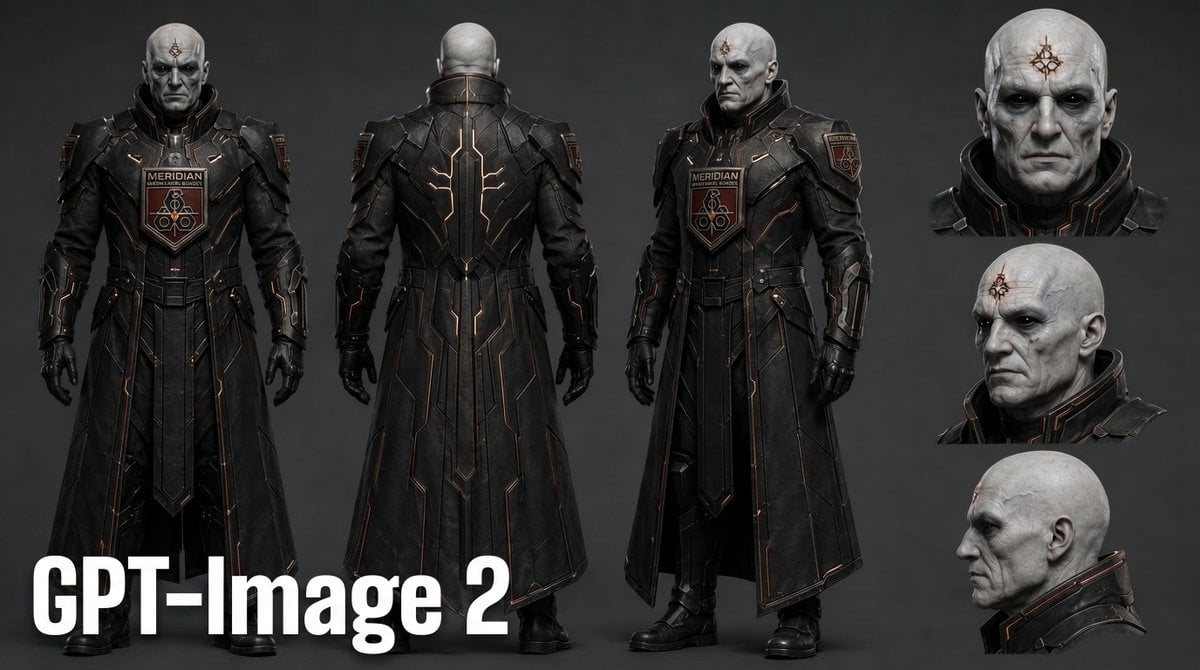
Dark Sci-Fi Commander Character Sheet

Glass Brand Logo Volcanic Landscape

Blueprint Split Reality Archetype Prompt

Real Illustration Split Portrait Transition
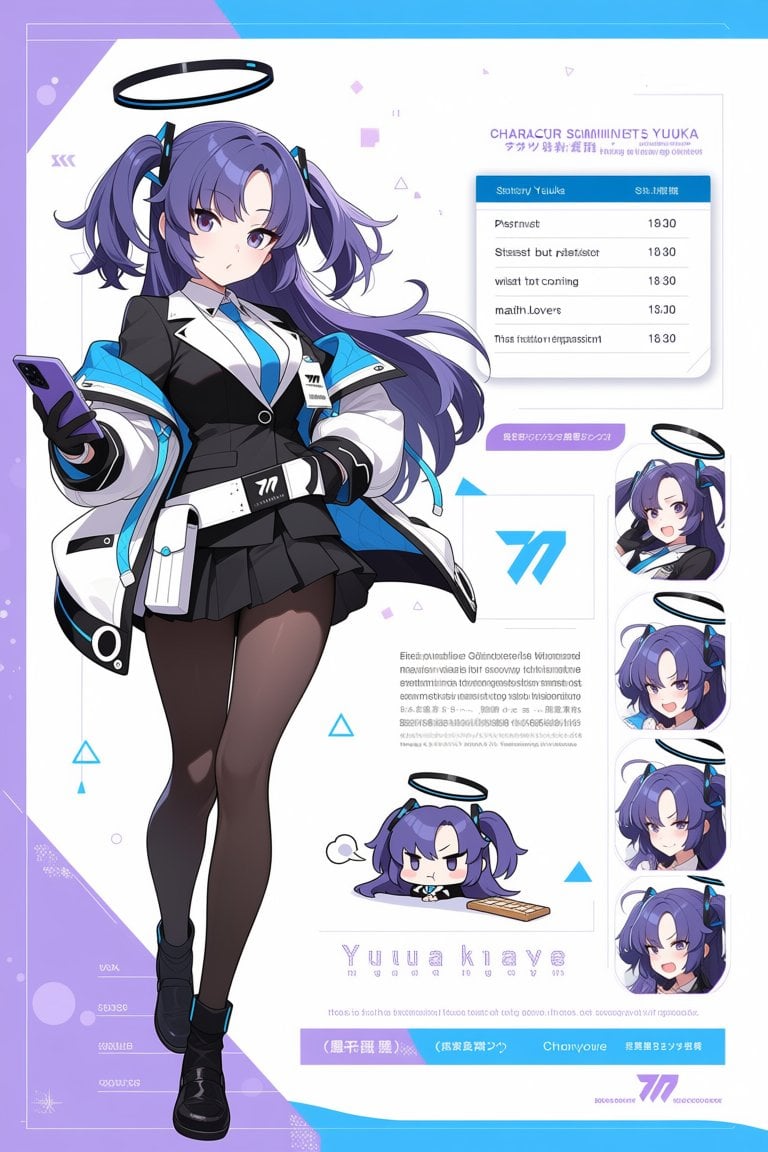
Anime Sci-Fi Character Sheet
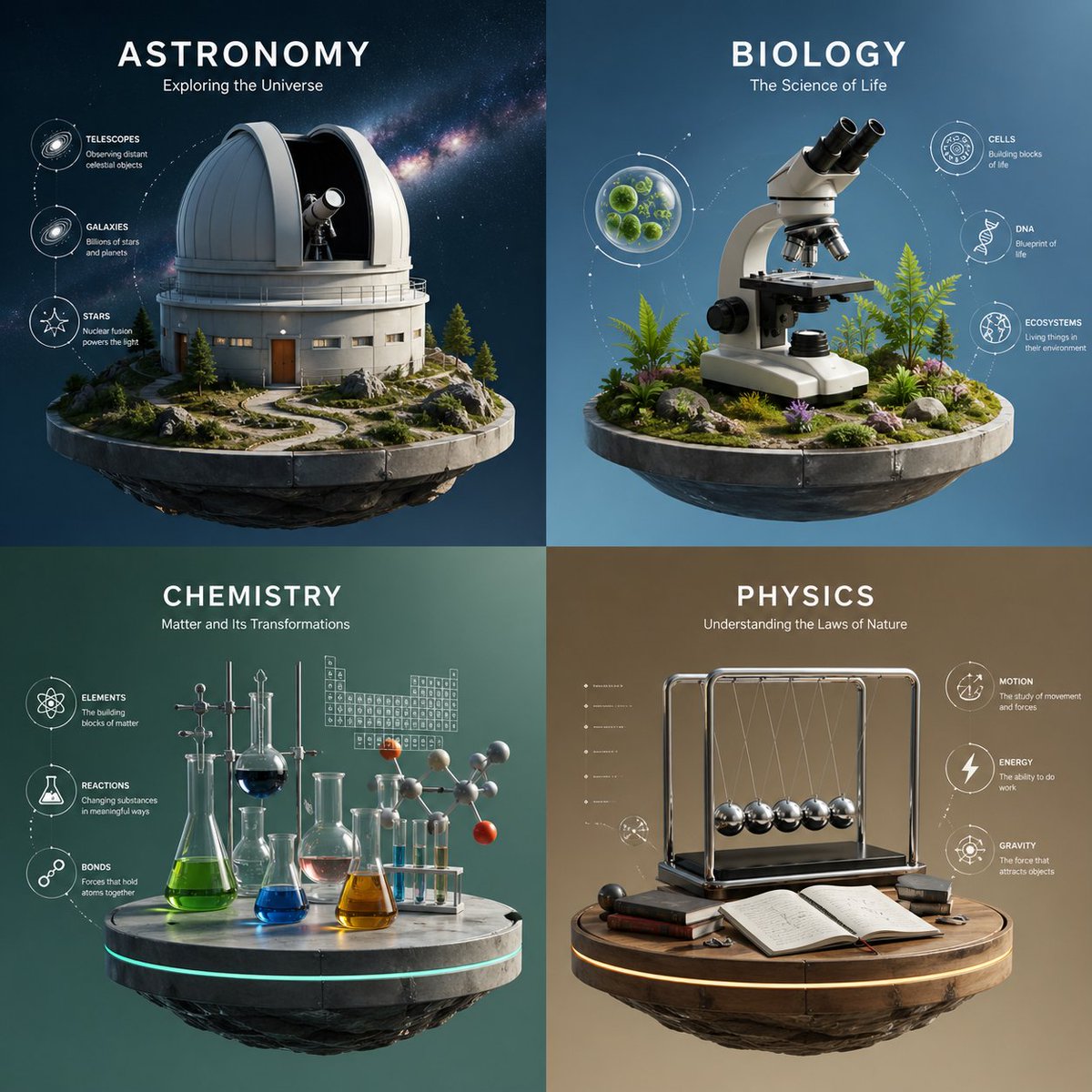
Four-Panel Science Concept Poster
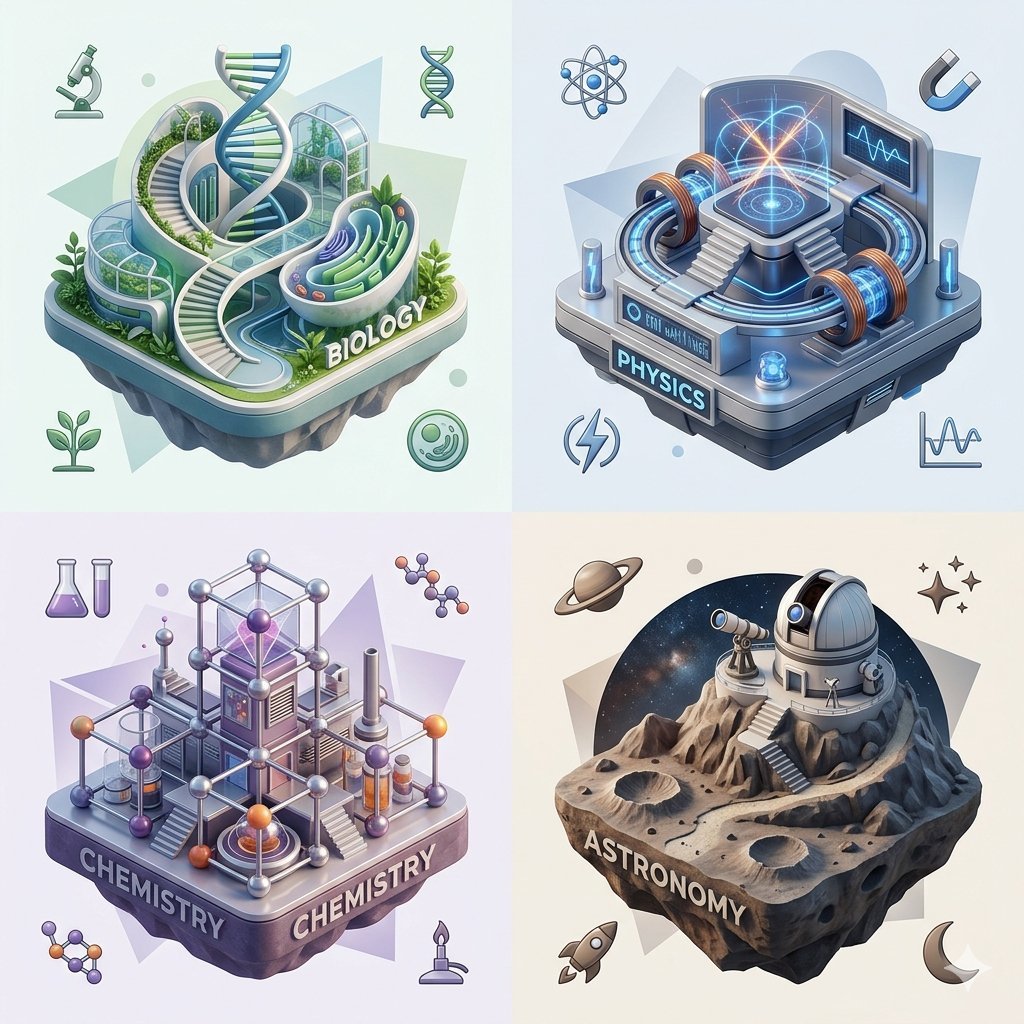
Isometric Science Concept Diorama Grid
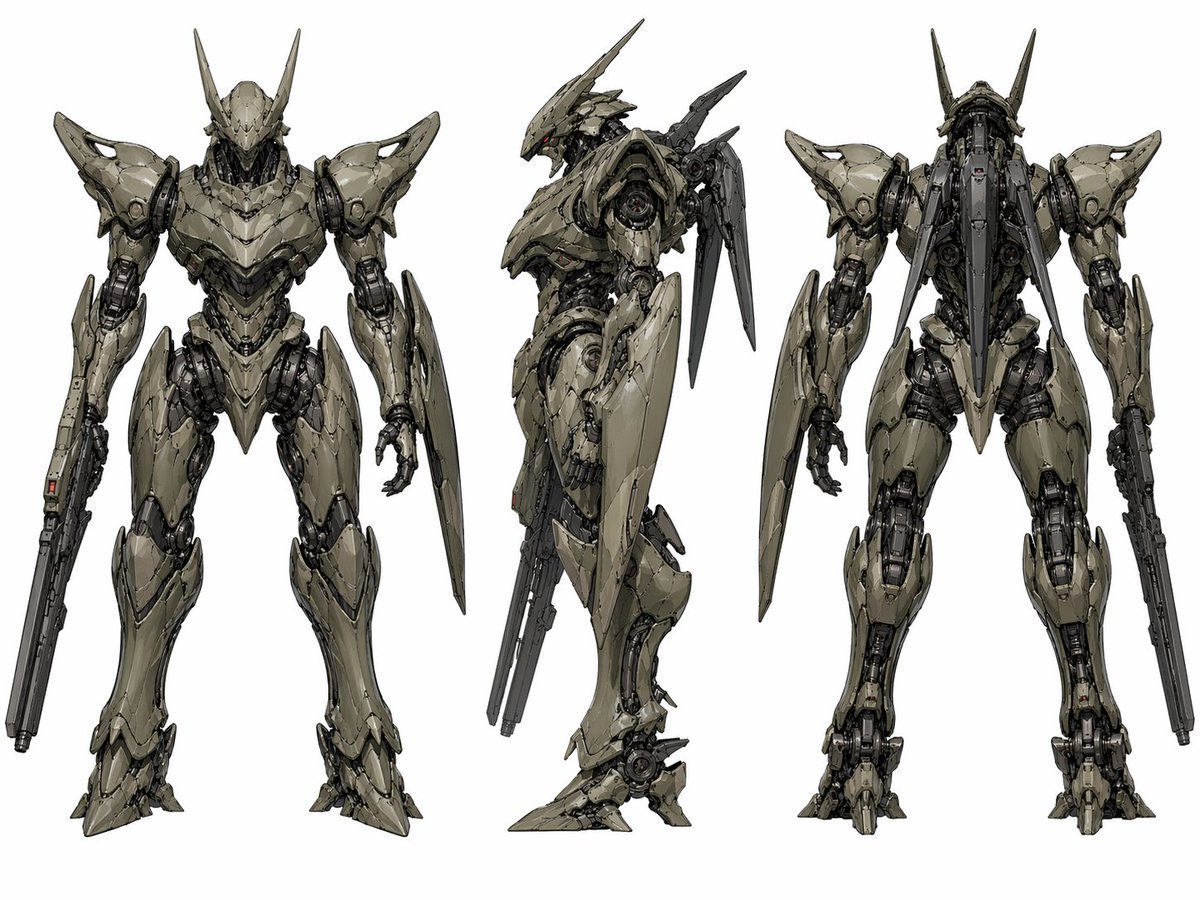
Sci-Fi Mecha Turnaround Sheet
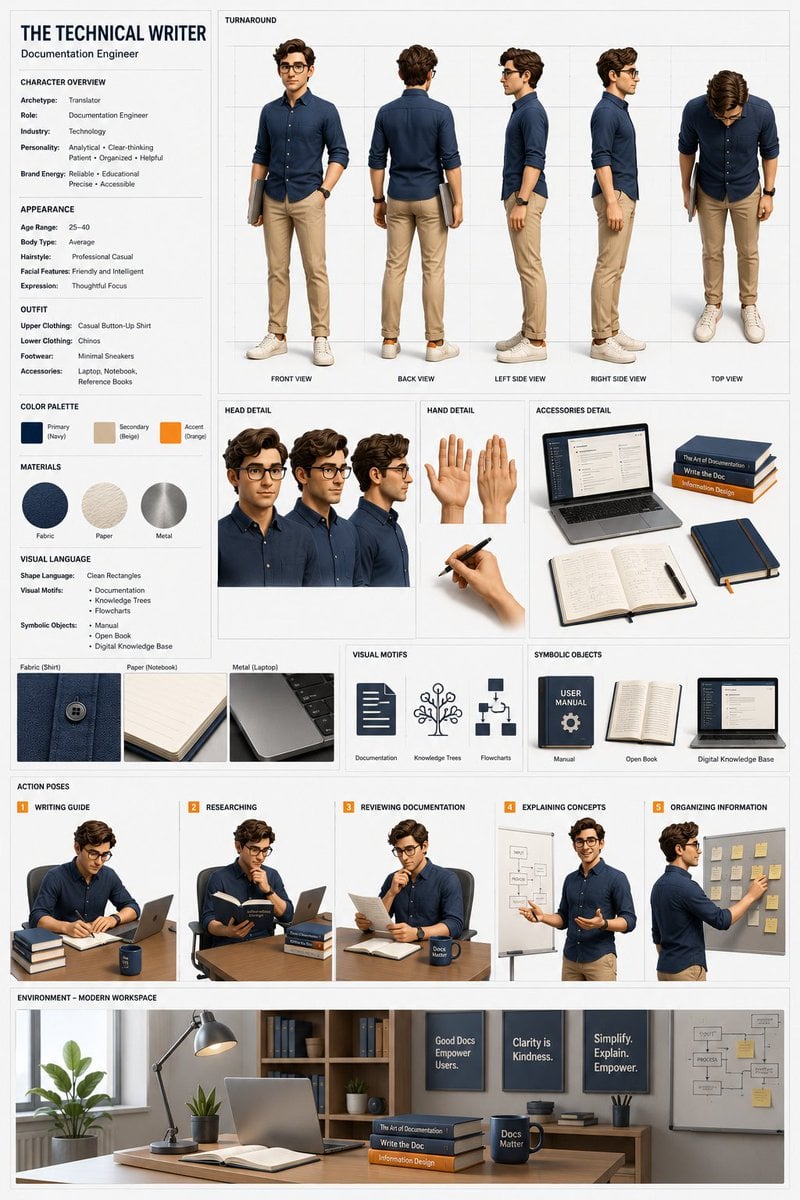
Professional 3D Character Concept Sheet
Make it yours
Sci-Fi Concept Art & Character Sheet works as-is. These are the safest ways to change it without losing the look.
Change one field
Copy a single group, rewrite it, and generate again so you can see what that field is doing.
Keep the frame, change the subject
Hold the composition and light of Sci-Fi Concept Art & Character Sheet, then swap wardrobe, props or the person for a new take.
| If the result… | Why | Fix |
|---|---|---|
| The result drifts from the preview | Too many fields changed at once. | Reuse Sci-Fi Concept Art & Character Sheet as-is first, then change one group — subject, light, or setting. |
| GPT Image 2 ignores part of the JSON | Some models flatten or skip nested keys. | Keep the same values and paste them as a short paragraph instead. |
More GPT Image 2 templates
Other prompts made for GPT Image 2.

Realistic Portrait of Woman and Deer

The Vista Modular Condo Poster

AI Model Routing Comparison Infographic

2.5D Anime Art Board

Isometric Productivity Desk Scene

New York Double Exposure Poster

Four-Panel AI Landscape Comparison

Japanese Tatami Lifestyle Magazine Cover

NESCAFÉ Coffee Map Poster

Brutalist Cogito Chinese Typography Poster
More image prompts
Fresh picks from across the catalog.
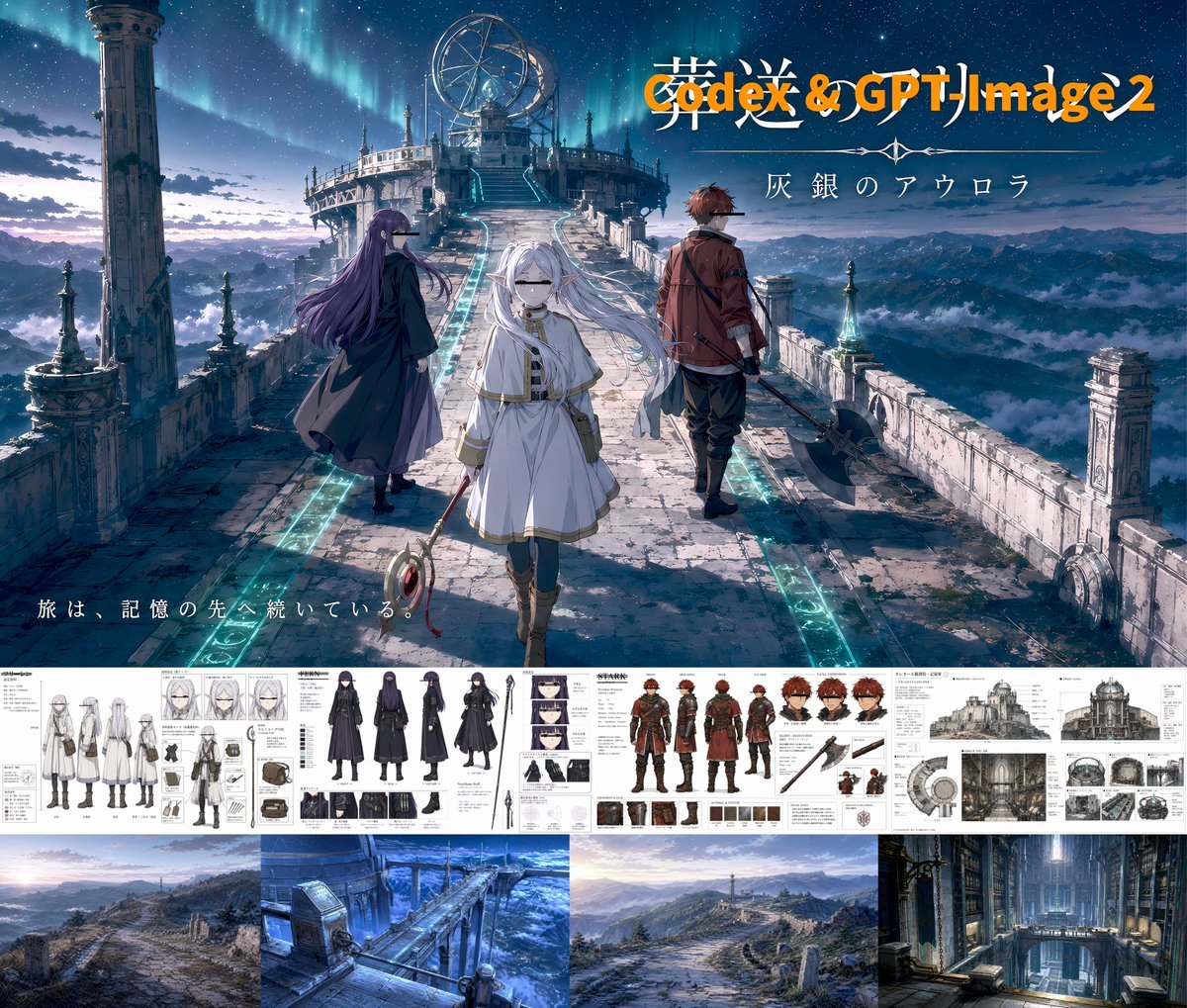
Anime Fantasy Key Visual Board
Cinematic Rim Lighting Portrait
Iridescent Faceted Jewel Arrangement Product Shot
Moody Luxury Lifestyle Portrait of a Man in a Navy Suit
Ultra-Realistic Asian Male Editorial Portrait

Felt Cat Character Reference Sheet
Ultra Realistic Juicy Cheeseburger
Pastel Illustration Style Transfer (Reference Required)
Ultra Detailed Shonen Anime Warrior
Crimson Dark Sorceress Ritual
Browse template categories
Sci-Fi Concept Art & Character Sheet questions
How do I use the Sci-Fi Concept Art & Character Sheet template?
Add your photo if the template asks for one, edit the prompt if you like — the template's model and format are already selected — and press Generate. Your version opens in PicX Studio.
Can I customize the Sci-Fi Concept Art & Character Sheet template?
Yes. You can change the subject, setting, lighting, mood, format, and available model controls before creating your image.
Is the Sci-Fi Concept Art & Character Sheet template free?
Opening and editing this template is free. Generating uses credits, shown on the Generate button when you are signed in.
Which AI model should I use?
Start with GPT Image 2, which is the model associated with this template. You can compare another compatible model for a different finish.
Looking for something else? Browse all templates.

Your photo, any look
Thousands of ready templates for every top image and video model, from one credit balance.